Crimson Desert, the sprawling, ambitious open-world action-adventure from Pearl Abyss, has finally arrived. Evolving from a planned Black Desert Online prequel into a massive standalone experience, the game received high praise and smashed past 2 million units sold in just 24 hours. But with a world this breathtakingly dense and combat this kinetic, the burning question remains: what kind of hardware do you need to actually run it? I decided to put Pearl Abyss’ proprietary BlackSpace Engine to the test. After the massive patches that it has recently received, which added cutting-edge upscaling features, here is a detailed breakdown of how Crimson Desert performs across the PC landscape.
Table of Contents
Game Settings and Features
On PC, Crimson Desert is an absolute feature-fest, offering a comprehensive suite of options that cater to both plug-and-play gamers and hardcore tweakers. Pearl Abyss’ proprietary BlackSpace Engine exposes a deep level of customization, ensuring you can tailor the visual experience exactly to your liking.
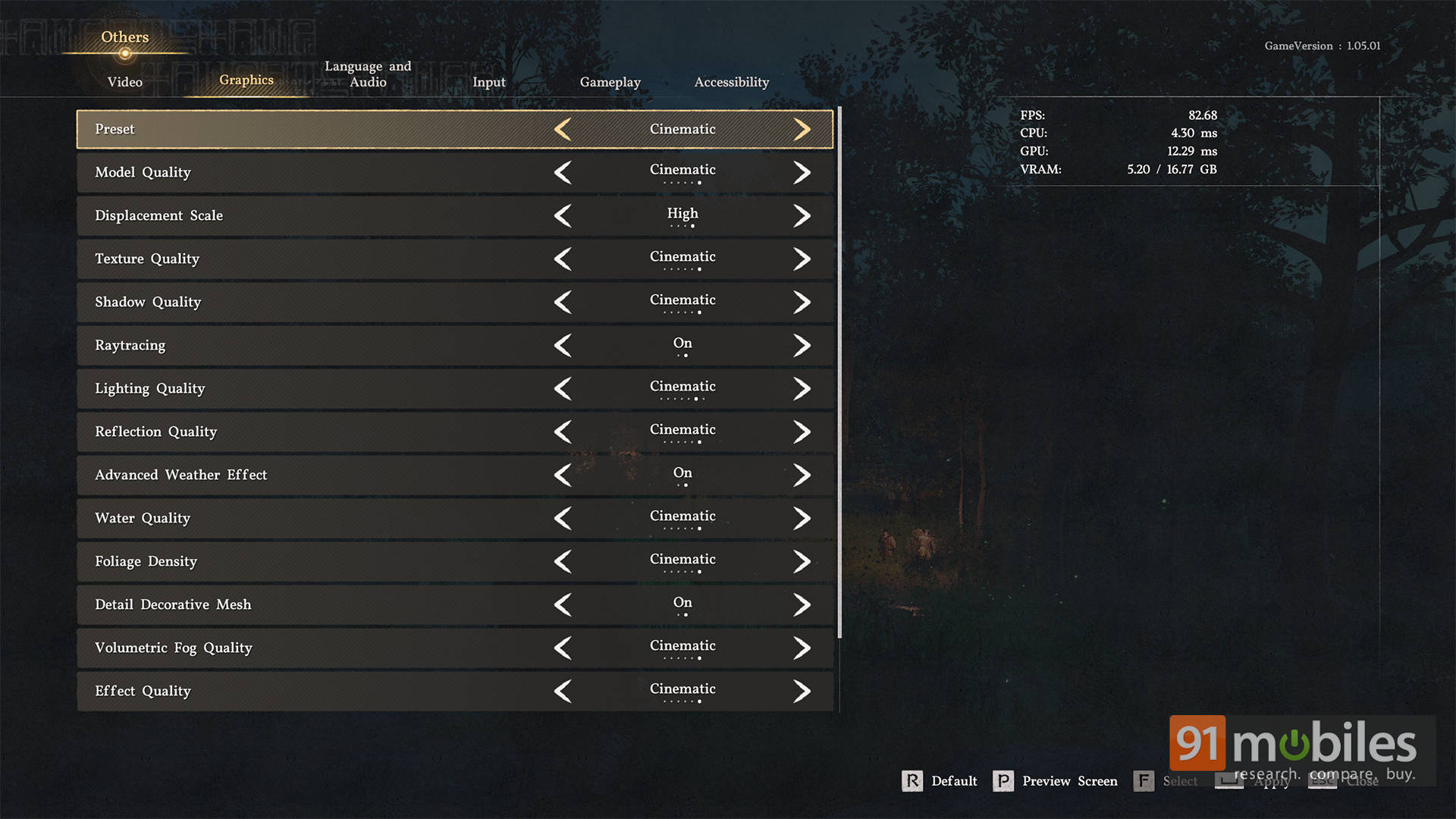
Starting with display and rendering tech, the game supports an impressive array of upscalers out of the box, including FSR 3.1, FSR 4, XeSS, and DLSS 4.0. The recent update also brought native support for DLSS 4.5 Dynamic Frame Generation for RTX 50-series GPUs, alongside standard frame generation toggles for both NVIDIA and AMD users. Furthermore, the game fully supports HDR10 and offers extensive ultrawide and super-ultrawide monitor scaling right from launch.
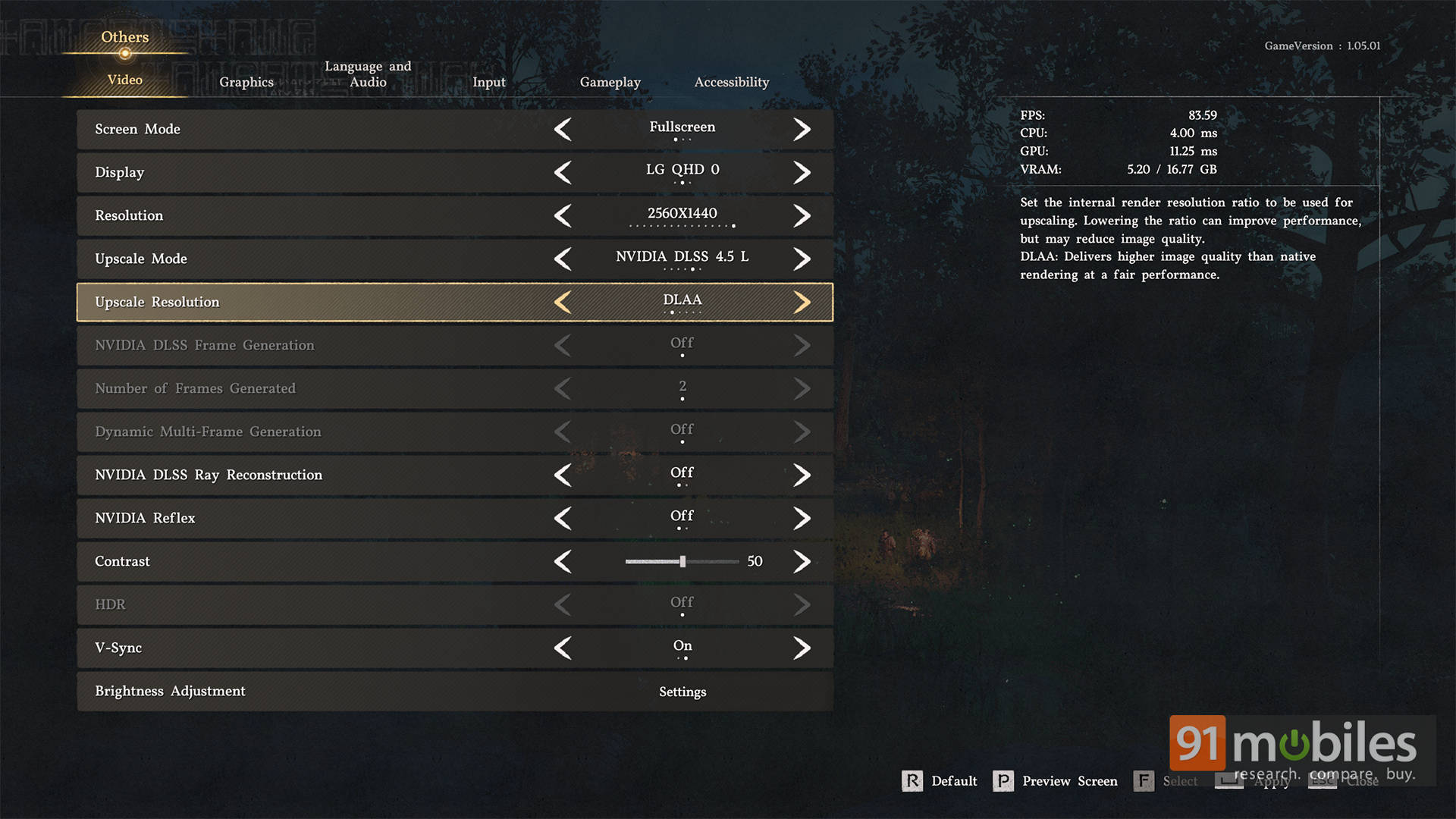
For those looking to dial in their visual experience quickly, the graphics menu offers standard global presets: Low, Medium, High, and Cinematic. However, digging into the advanced settings reveals where players can manually customize almost every aspect of the game’s presentation. You can extensively adjust the Lighting Quality, which fundamentally controls the engine’s ray-traced global illumination and ML-based ray reconstruction. Beyond lighting, the menu features granular sliders and drop-downs for:
- Texture Quality & Filtering: Allows users to scale the high-resolution assets to match their GPU’s VRAM capacity.
- Environmental Details: Includes separate settings for Volumetric Fog Quality, Water Quality, Foliage Density, and Geometry Level of Detail (LOD) to control how dense the open world looks.
- Shadows & Physics: Customizable Shadow Resolution, Ambient Occlusion, and specific physics toggles governing wind simulation, cloth physics, and destruction particles during combat.
- Post-Processing: Full control to adjust, minimize, or completely disable cinematic effects like Motion Blur, Depth of Field, Chromatic Aberration, and Film Grain.
- Camera & UI: A generous Field of View (FOV) slider for both on-foot and mounted traversal, alongside fully customizable UI scaling.
Performance Analysis
Alright, let’s talk hard numbers. Crimson Desert is incredibly scalable, but it heavily leverages your GPU.
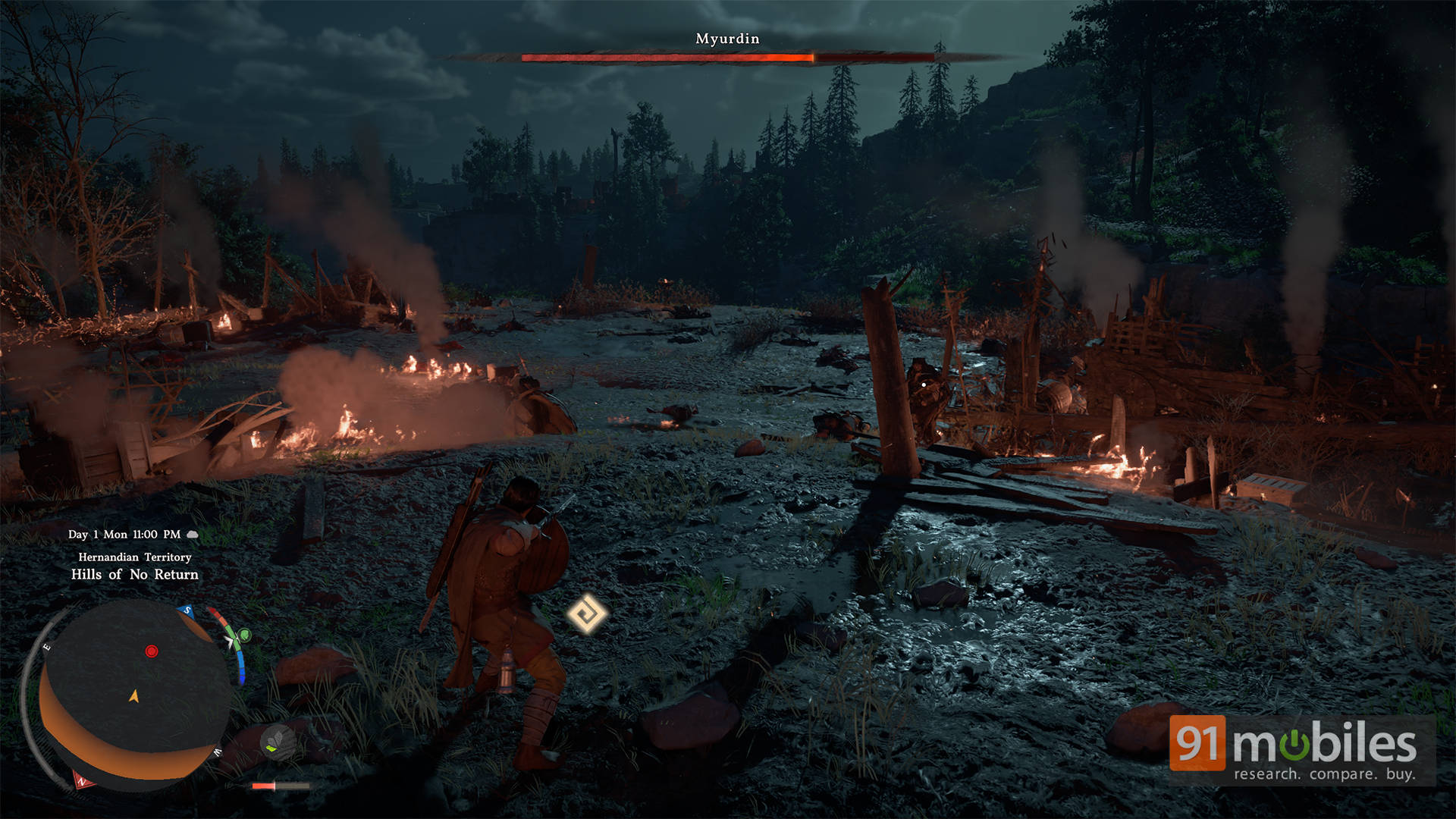
To see what the game looks like at its absolute best, I fired it up on a rig equipped with an NVIDIA GeForce RTX 5070 Ti. Targeting 4K resolution with the Cinematic preset (Lighting Quality set to Ultra), the game averaged a flawless 60 FPS with native rendering. However, once I enabled DLSS Performance mode and utilized the new Dynamic Multi-Frame Generation, the game soared between 110-120 FPS, making the frantic, physics-heavy swordplay feel exceptionally snappy.
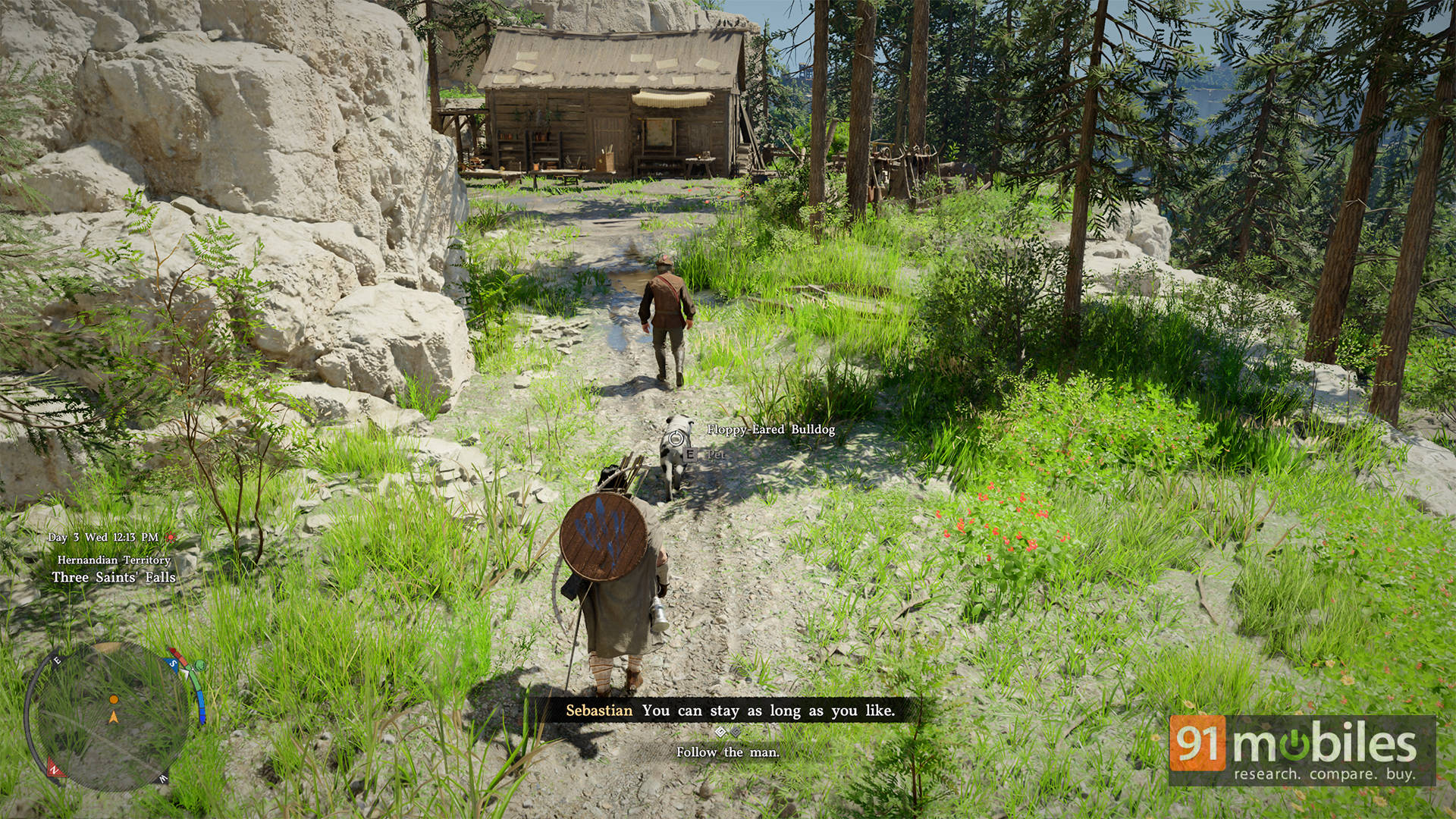
But you don’t need a 50-series card to enjoy the view. I tested the game on the Dell Alienware 16 Aurora with an RTX 5060 Laptop GPU, and the game maintains around 70 FPS on average at High settings, that too on 1440p resolution. I also tested the game on a much older setup with an RTX 3050 Laptop GPU. At 1080p using the Medium preset and DLSS Balanced mode, the system comfortably sustained a 50–60 FPS window.
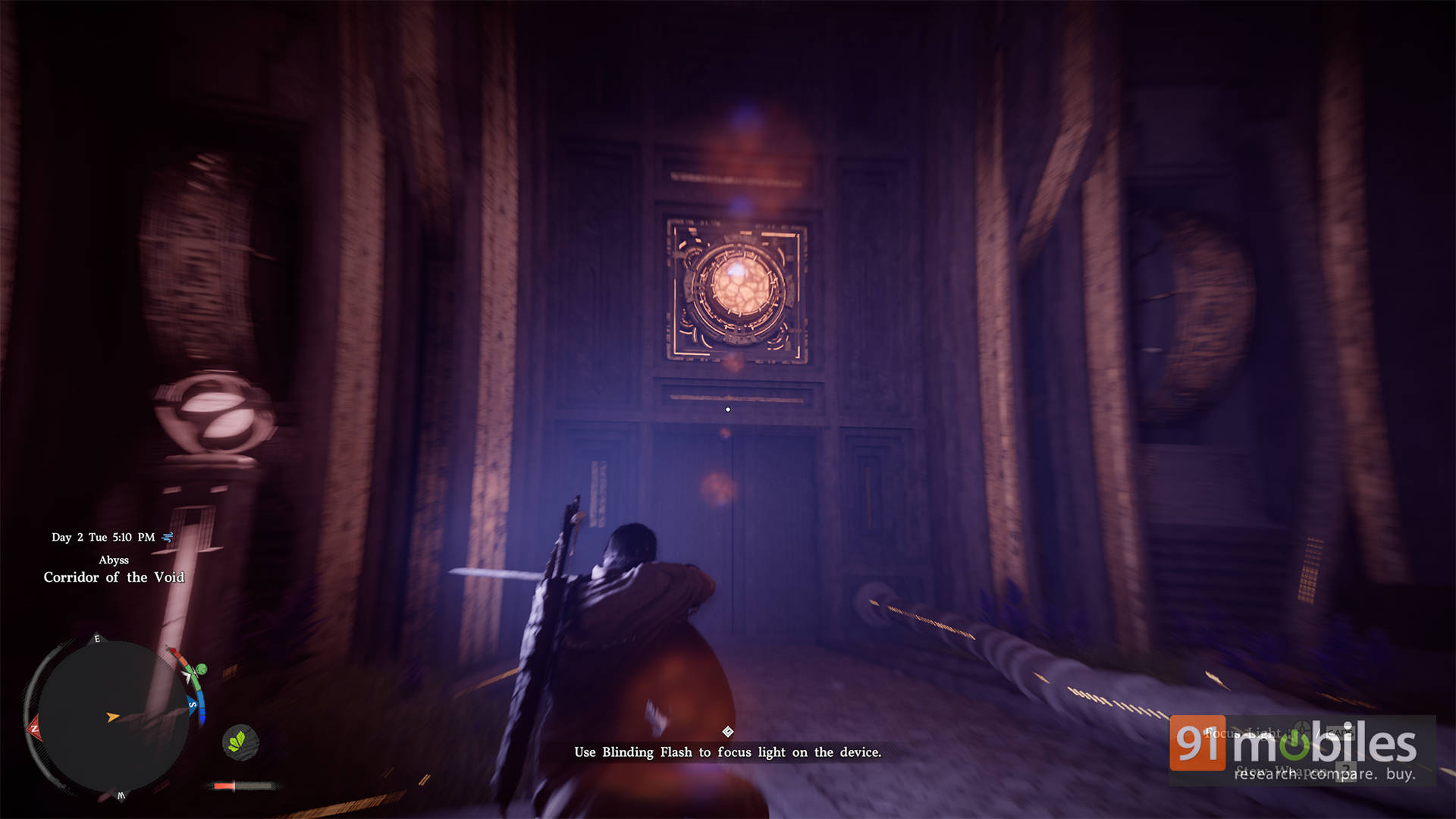
Finally, I wanted to see how the game runs on a handheld like the ASUS ROG Ally. With the handheld plugged in and the fan profile set to Turbo, I was able to squeeze around 37-40 FPS at 900p resolution with FSR enabled. While it’s possible to bump up the resolution to 1080p, the difference in quality is negligible on a screen that small, but the FPS frequently keeps dropping to 25, which isn’t an ideal experience.
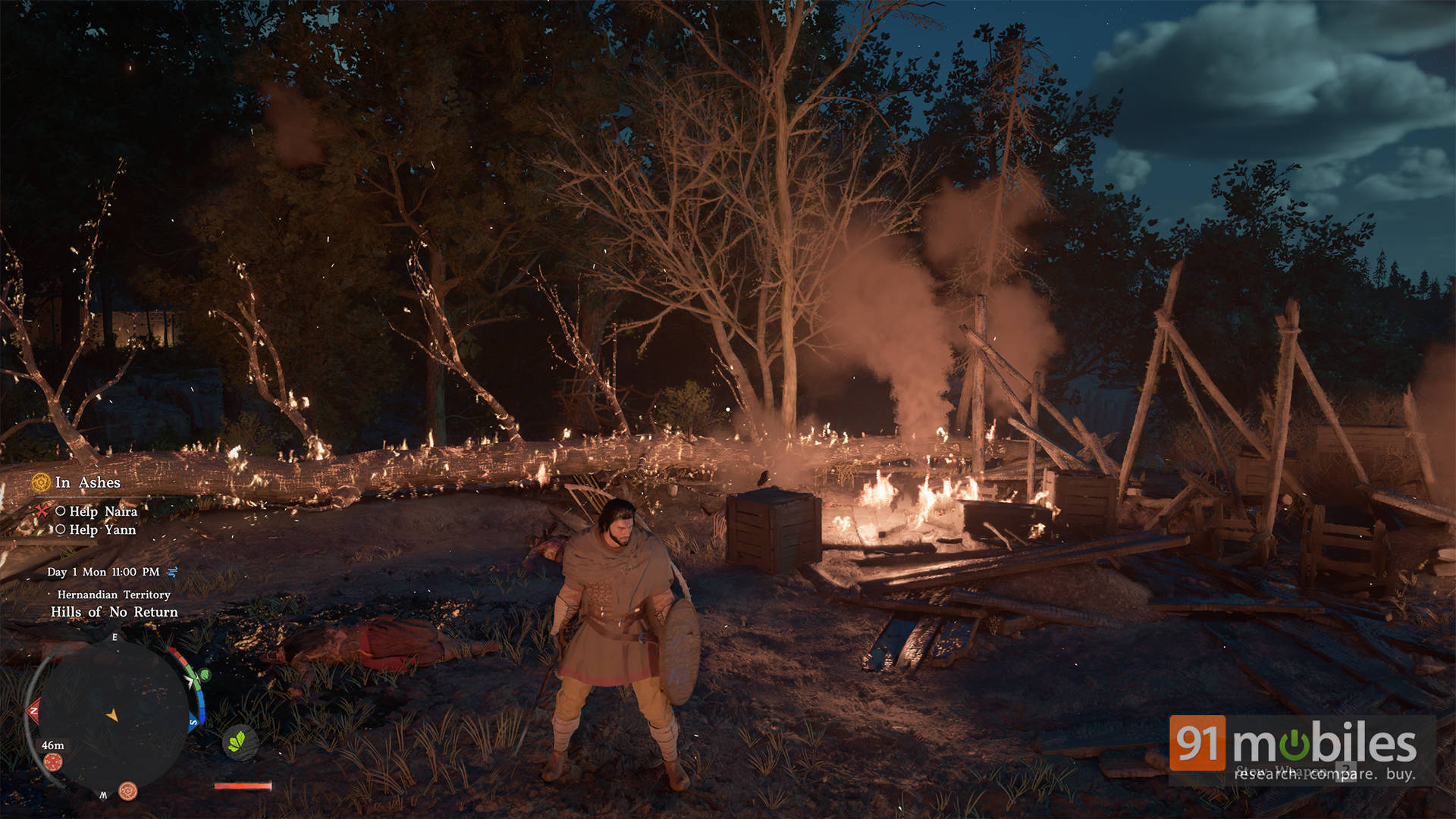
Nonetheless, it’s a stellar option for exploring the world and tackling side content away from your main rig. The only major technical gripe currently plaguing the engine is asset pop-in. Regardless of your hardware or settings, you will notice geometry, shadows, and foliage popping into existence when galloping on horseback. It’s a minor annoyance in an otherwise beautifully rendered game.
Verdict: A Technical Marvel with Quirks
Crimson Desert is a staggering achievement. It’s a game packed with minigames, dynamic combat, and massive environments, yet it runs beautifully on a surprisingly wide variety of hardware. If you are smart about lowering the Lighting Quality and utilizing the game’s excellent suite of upscalers, the BlackSpace Engine delivers a stunning next-generation experience. The recent addition of DLSS 4.5 Dynamic Frame Gen only sweetens the pot for high-end NVIDIA users, while mid-range gamers are still treated to a buttery smooth adventure.
Long story short, the BlackSpace Engine scales brilliantly. Mainstream players can jump in without a hitch, while power users have all the tools they need to max out the breathtaking visuals without tanking their performance.
Editor’s Rating: 9 / 10
Pros:
- Incredible scalability across GPUs
- Natively supports the new DLSS 4.5 Dynamic Frame Generation
- Breathtaking ray-traced lighting and environmental scale
Cons:
- Asset pop-in is very noticeable at high speeds
- Frame generation adds noticeable input latency if your base FPS is too low