When it comes to home office and entertainment solutions, ViewSonic has established a strong presence in India with its wide range of monitors and projectors. I’ve had the chance to review a couple of their portable projectors before, and I was genuinely impressed by their features and competitive pricing. However, I haven’t had the opportunity to review their monitors yet.
Recently, I came across the ViewSonic VX3219 2K PRO 2 monitor and felt a mix of excitement and curiosity. The latter because this 32-inch monitor offering 2K resolution and 165Hz refresh rate is selling for just Rs 23,599 on Amazon, which is quite enticing. It also provides nifty features, including a built-in headphone hanger and RGB lights on the back panel. So, is the ViewSonic VX3219 2K PRO 2 monitor too good to be true at this price? Let’s explore and find out.
Table of Contents
Design
Setting up the ViewSonic VX3219 2K PRO 2 is quite straightforward, even if you have no experience with a monitor before. The 32-inch monitor may initially appear overwhelming due to its large size, which is the same size as most common smart TVs in India. However, it can be lifted and attached to the stand by yourself.
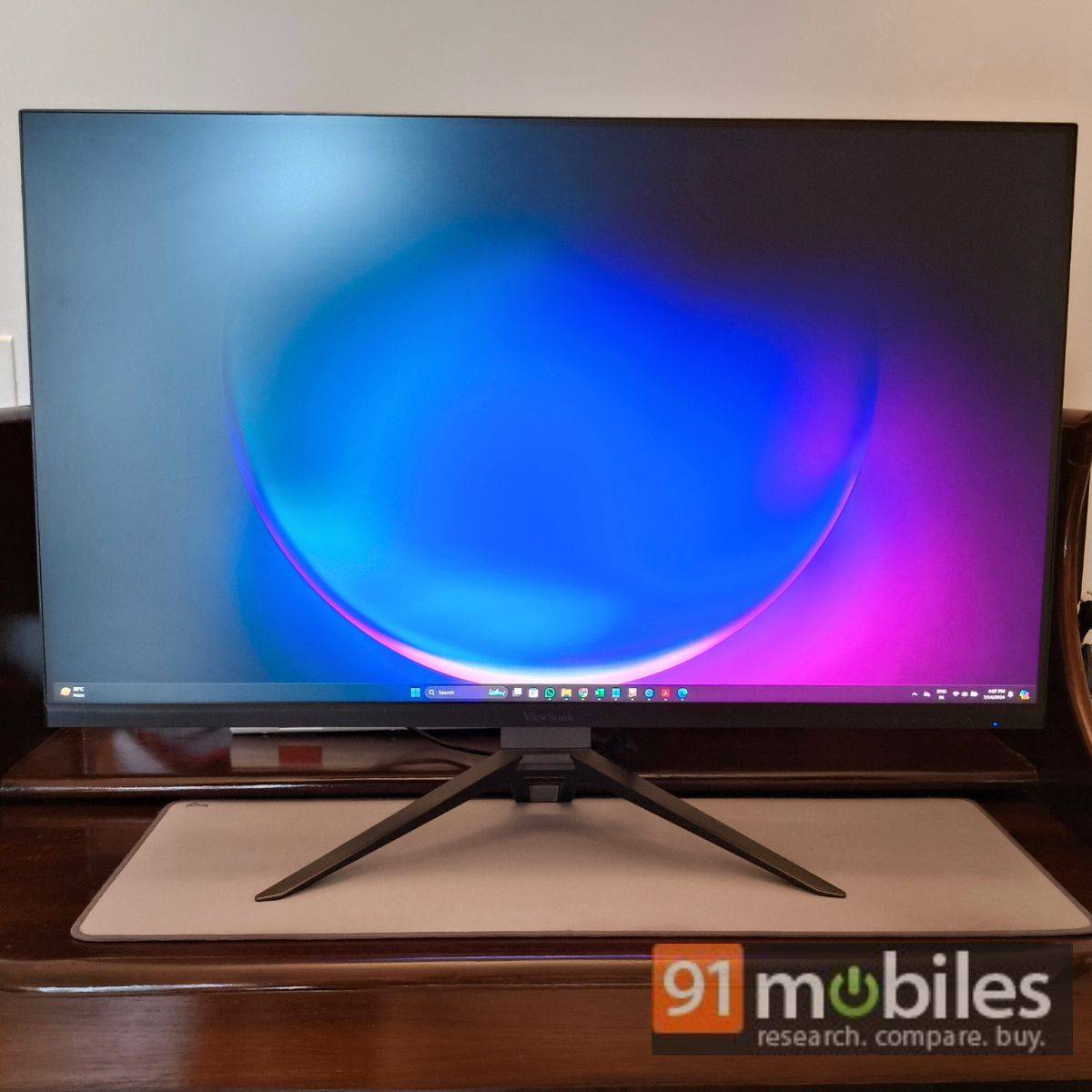
The build is mostly plastic, which helps minimise the overall weight. The V-shaped stand (VESA compatible), on the other hand, features a metal finish for a sturdy base. The monitor easily attaches to the stand through flat metal slots. You will also notice a physical button next to the mounting bracket to de-attach the monitor from the stand. The good thing is that you don’t need additional tools, not even a screwdriver, to set up the monitor.
The ViewSonic VX3219 2K PRO 2 weight with the stand is roughly 10.5kg, making it heavier than the 24-inch iMac with M3 SoC (4.48kg). Of course, the screen size matters here, but the latter packs a host of hardware inside to function as an all-in-one PC. Otherwise, the ViewSonic VX3219 2K PRO 2 looks pretty standard (in a good way) based on the build and appearance. I like the V-shaped stand that looks modern and gamer-oriented, which the brand is mostly targeting.
Placing the monitor and the V-shaped stand on a flat table shouldn’t be a problem, but if you have a separate slab, as I do, you need to ensure a width of roughly 24cm for it to fit properly. This width also applies to the monitor table that you might be planning to purchase.
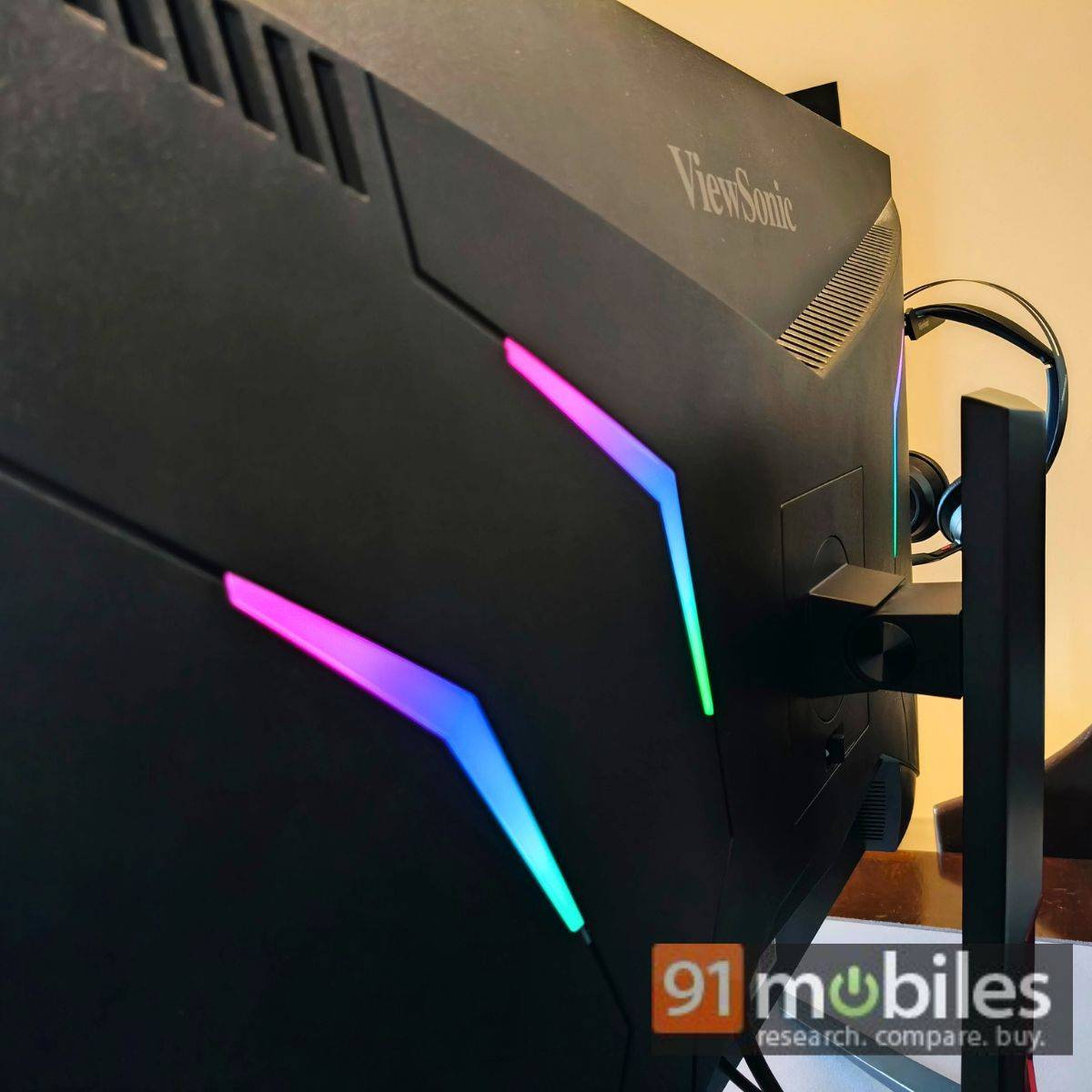
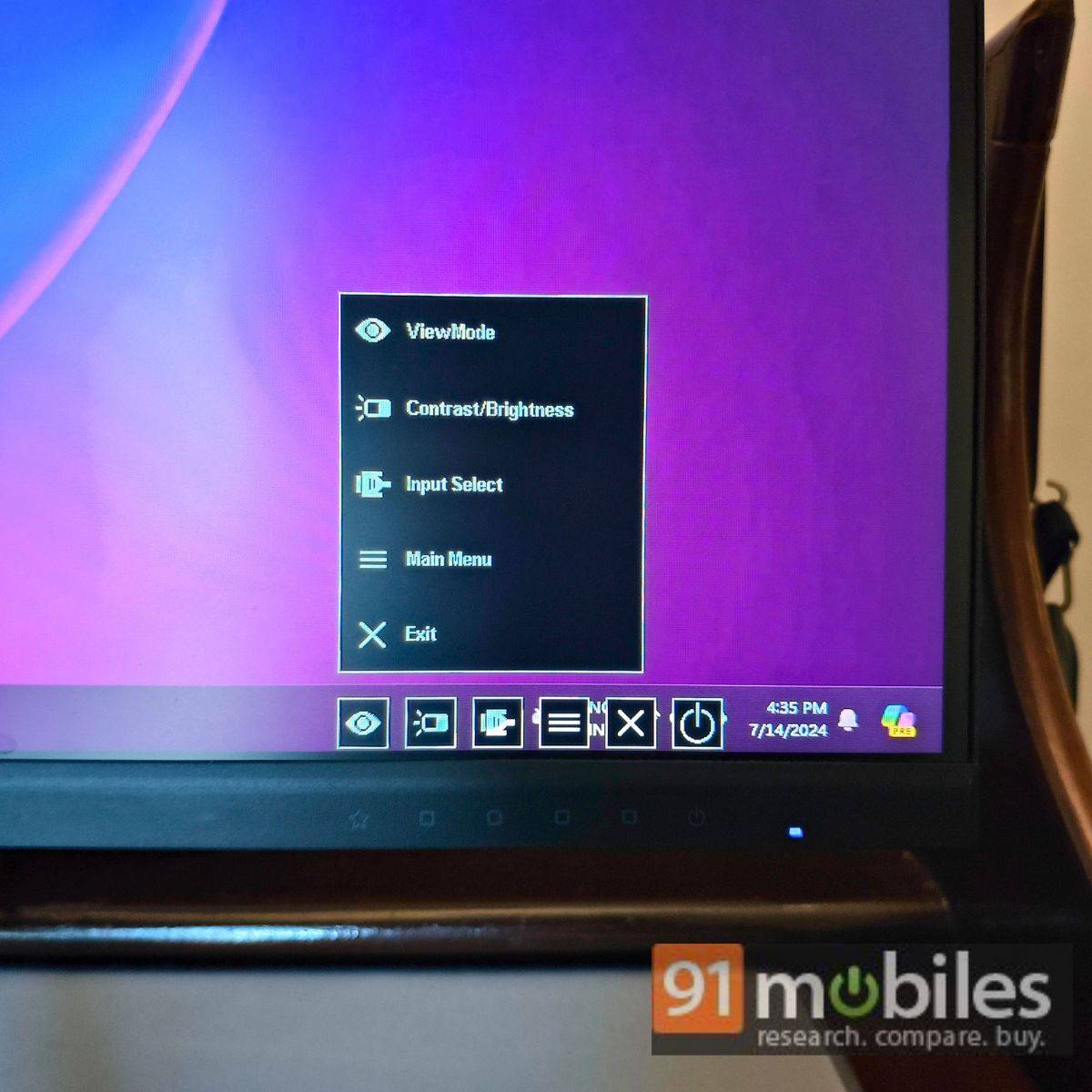
Overall, I would’ve preferred the ViewSonic VX3219 2K PRO 2 less thicker – both for aesthetics and functional purposes. ViewSonic can argue about the current thickness due to the inbuilt RGB LED lights and variety of I/O port options on the back. There are also six keys on the bottom right to control the monitor’s viewing experience. However, the ViewSonic VX3219 2K PRO 2 lacks a built-in audio system, which I would’ve preferred to see in a “PRO” model. Perhaps its absence helps reduce the total price.
The port selection is pretty standard, which includes a 3.5mm audio jack, two HDMI 2.0 (with HDCP 2.2), a DisplayPort, and a DC Socket (Center Positive). The built-in RGB light enhances the gaming aesthetics but is hardly visible from the front. ViewSonic could have added the option to increase the brightness of the RGB lights and done much more to fill the ambient space with colourful lighting. Additionally, there’s no native option to adjust the height, though you can tilt the monitor. You can argue that the height adjustment of a large screen will barely make a difference, though having the option won’t harm anyone.
Maybe the next iteration could have these improvements.
Display and performance
Before we dive into the performance, let’s take a quick look at the specifications and features. The ViewSonic VX3219 2K PRO 2 comes with:
- A 32-inch flat IPS LED display with 2K resolution (2,560 x 1,440 pixels).
- The display supports HDR10 playback and AMD FreeSync technology. It even offers up to 165Hz refresh rate (via DisplayPort) or 144Hz refresh rate (via HDMI).
- The display offers a 0.43ms response time (MPRT), DCI-P3 colour gamut (95 percent), and 250 nits brightness. There’s anti-glare protection as well.
Honestly, these are terrific features for a 32-inch monitor priced at Rs 23,599. While the monitor is primarily targeted at gamers, I feel it can be suitable for productivity-focused and upcoming content creators. In my test, I primarily used it for daily office work and minor editing tasks, with some occasional gaming involved. Let’s see how it performed in these areas.
Gaming
As mentioned, the ViewSonic monitor is primarily aimed at gamers, which is testified by the high refresh rate and RGB LED lights on the back. It also has a nifty headphone hanger on the left – a thoughtful addition for your gaming headphones.
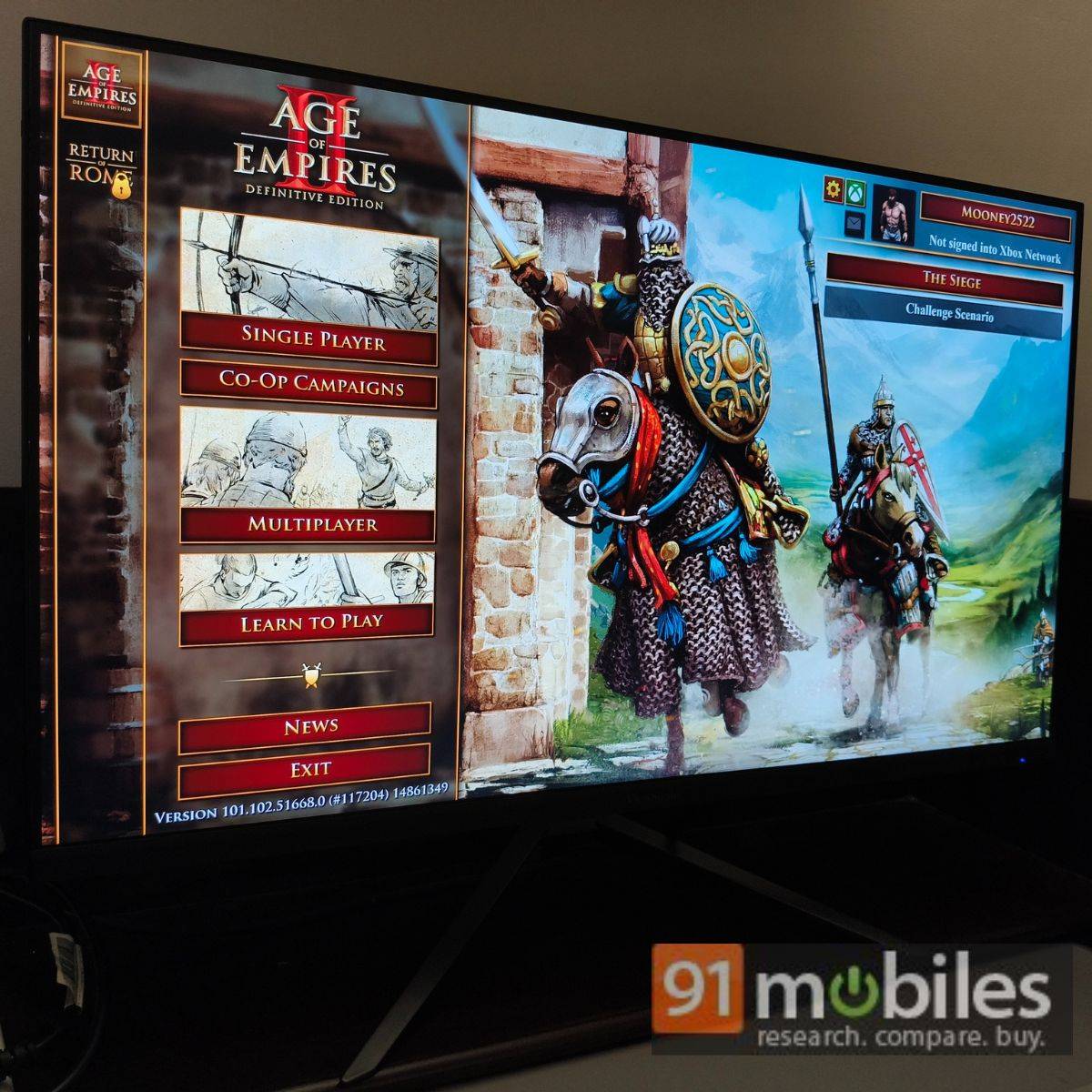
Generally, my go-to titles include APEX Legends and Age of Empires II, as I enjoy a mix of classic action and strategy games. Needless to say, these also served as my titles for the gaming performance test. While the latter isn’t a demanding title for most modern-day PCs, running APEX Legends can be slightly tricky with integrated GPUs. I used an OMEN Transcend 14 to run both titles and when connected with the ViewSonic VX3219 2K PRO 2 via HDMI, the gaming experience was much better than I expected.
The low MPRT ensures a smooth pixel response time, although it may cause headaches for users with light sensitivity. I primarily used the monitor with a 144Hz refresh rate and AMD FreeSync for a lag-free viewing experience. I didn’t notice any screen tearing while playing APEX at moderate settings, leading to a mostly positive experience. Its 16:9 aspect ratio also helped stretch the visuals across edges, providing an immersive experience.
The overall viewing experience was also quite enjoyable, as the LED display offers a punchy experience. The reds may appear sharper, similar to that of QLED panels, but not in a bad way. The black spots may not appear fully deep either but that’s a limitation of average LED panels.
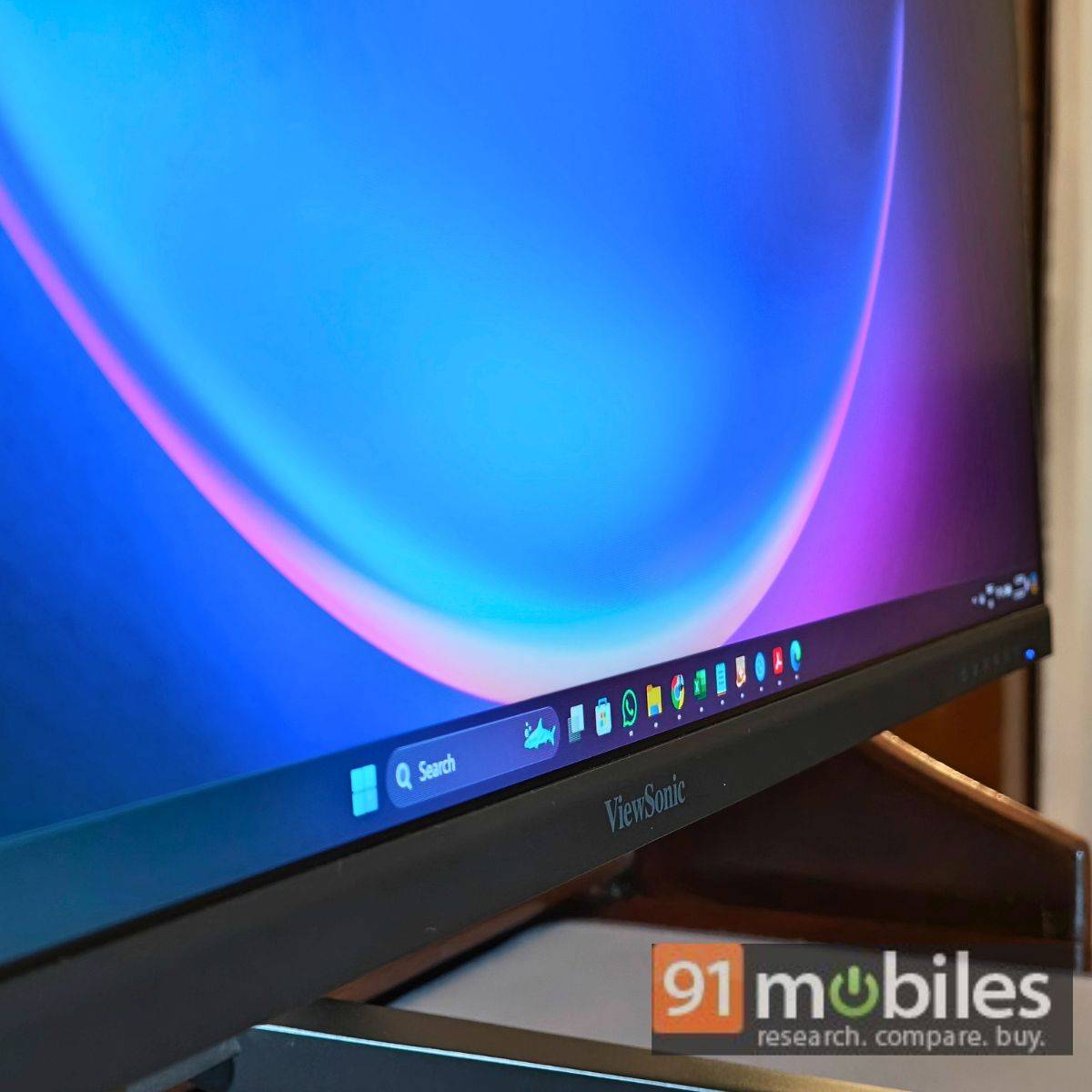
You can always adjust the viewing mode from the six keys at the bottom right, and I mostly used FPS as the setting. There are also options such as Movie, RTS Game, Web, and Text.
Do note that the display’s default settings restrict response time to 60Hz. Additionally, the 165Hz refresh rate only works with the DisplayPort. The packaging does not include HDMI or DisplayPort connectors.
Productivity
Similarly, using a large screen for daily work can be bliss. I usually prefer having multiple screens for work, but the ViewSonic VX3219 2K PRO 2’s 32-inch was more than enough for multi-tab management. Even Window’s Snap layout works wonderfully on this screen as you can evenly space out different tabs while ensuring good readability. I particularly enjoyed using spreadsheet apps while running Chrome simultaneously with Windows Snap layout. The ViewSonic VX3219 2K PRO 2 can also be used with the MacBook (with Mac Viewing Mode), though I only used it with a Windows laptop.
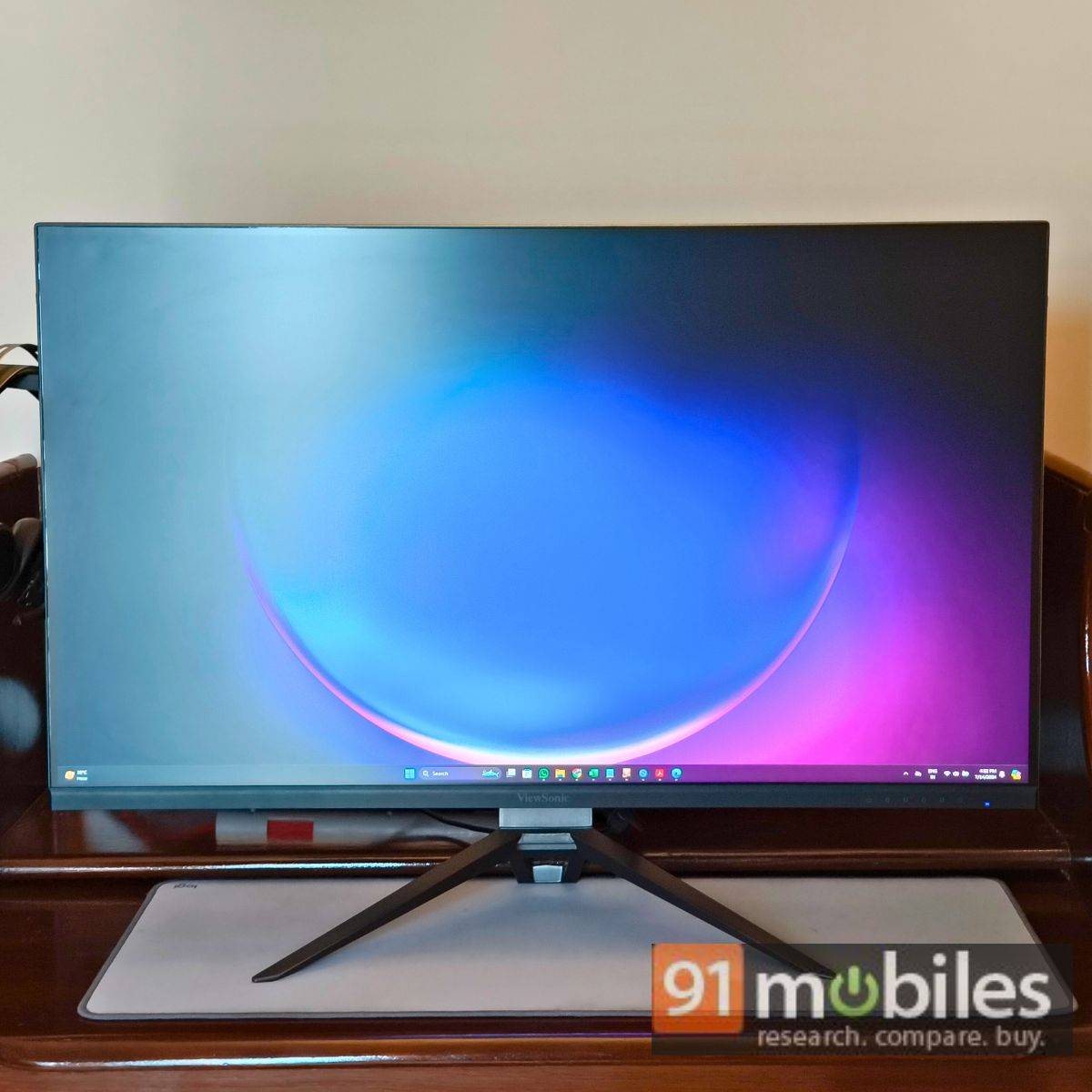
For editing, things can get a little tricky. While the large screen offers a good amount of viewing space, the monitor can make red spots look punchier, further leading to inaccurate colour productions. Adjusting the colour balance may offer some respite, but don’t get your hopes high. For upcoming creators on a tight budget, the display will be adequate.
Verdict
Overall, the ViewSonic VX3219 2K PRO 2 is a highly reliable monitor given its price. Whether for gaming, daily office work, or minor editing, it meets the needs of most users. However, some colours may appear overly vibrant, potentially leading to inaccurate reproduction. In such cases, you can consider exploring ViewSonic’s ColorPro VP2756-4K, which has received numerous certifications for accurate colour reproduction.
But for a price of Rs 23,599, and if you seek a large display for daily work and gaming, ViewSonic VX3219 2K PRO 2 is highly recommendable.
Editor’s rating: 8 / 10
Pros
- Large 32-inch 2K display
- Decent port selection
- Various screen modes
- Gaming aesthetics
Cons
- Non-functional RGB lights
- No height adjustment