Video calls are the order of the day, and thanks to the pandemic, services like Zoom, Google Meet, and others have taken off in a big way. The usual set of devices we have at our disposal – smartphones, laptops, tablets, etc, all help us get face-to-face virtually with our friends, family, and colleagues, but why should televisions miss out on all the fun? Xiaomi’s aptly-named TV Webcam is a device that’s exactly that – a webcam for your smart TV. It basically works with any smart TV that runs the Android TV platform. Handily, it can work with your Windows or Mac laptop / PC too. Let’s take a closer look at the device.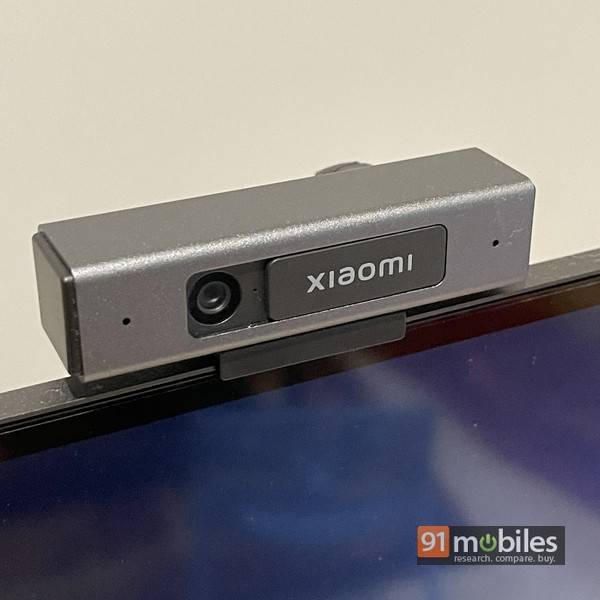
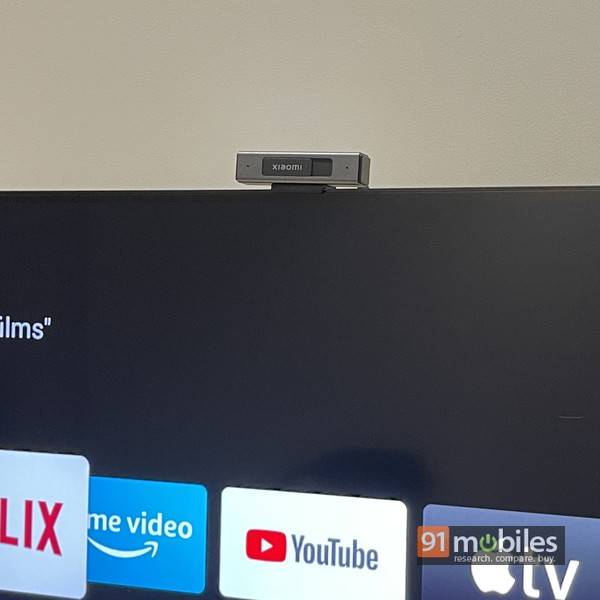
In terms of specs, the Xiaomi TV Webcam has a 2MP fixed-focus camera that can shoot 1080p video at 25fps, and features 3D image noise reduction. The field of view is rated at 71 degrees. As far as the dual stereo mics are concerned, the far-field distance is rated at 4m. The device is plug-and-play and doesn’t need drivers or any other software to work. If you’re using it with your Android TV, you can download the Google Duo app from the Play Store and use that to make or receive video calls directly on your TV.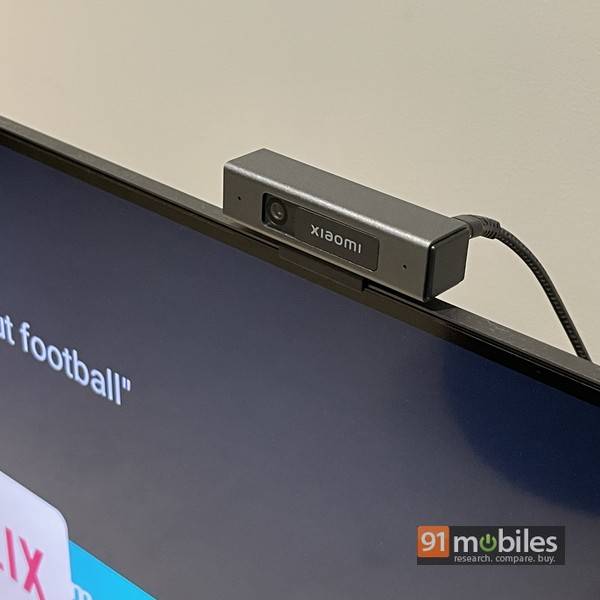
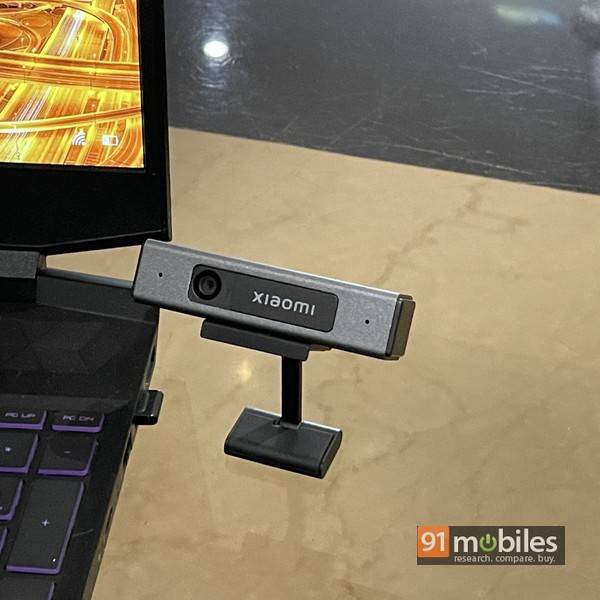
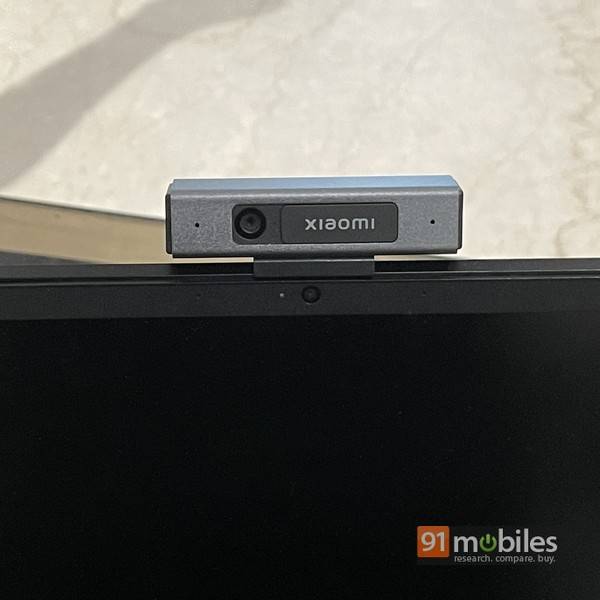
However, the same thing doesn’t really work too well while using the webcam with a laptop, and I found it easier to just set the camera on the table next to the laptop. This, however, isn’t the best setup for video calls, since you won’t be able to maintain proper eye contact with people on the other side of the video call. On the positive side, image quality is pretty good and appears sharp even on a TV’s large screen. The mics work well too and can pick up your voice as long as you’re seated about 3-4m from the TV. You can hold conversations and don’t really need to raise your voice to make yourself heard. In my case, I found it especially useful to make video calls with the family, since multiple people can easily sit in front of the TV and be in the call together.
Editor’s rating: 4 / 5
Pros:
- Plug and play usage
- Compatible with both TVs and laptops
- Physical privacy shutter
- Decent video quality
Cons:
- Limited field of view
- Far-field mics have a limited range
- Fiddly mounting stand