There’s a certain category of monitors that doesn’t scream for attention. And yet, after a few days on your desk, you realise they’ve taken over your workflow completely. The Lenovo L24D-4C falls squarely into that category.
On paper, it looks like a sensible 24-inch IPS monitor with a 144Hz refresh rate and USB-C connectivity. In real life, after actually working, gaming, watching videos, and living with it day after day, it feels more like a productivity-first display that secretly enjoys gaming on the weekends. It’s designed for people who split their time between spreadsheets, emails, video calls, and the occasional late-night Valorant session. But is it the right monitor for you? Let’s find out.
Table of Contents
Design and Build Quality: Understated, but Confident
Lenovo has clearly played it safe with the design, and honestly, that works in its favour. The L24D-4C looks clean, minimal, and professional. It won’t clash with an office desk, and it won’t look out of place in a home setup either. The three-sided slim bezels give it a modern feel, especially if you’re planning a dual-monitor setup.
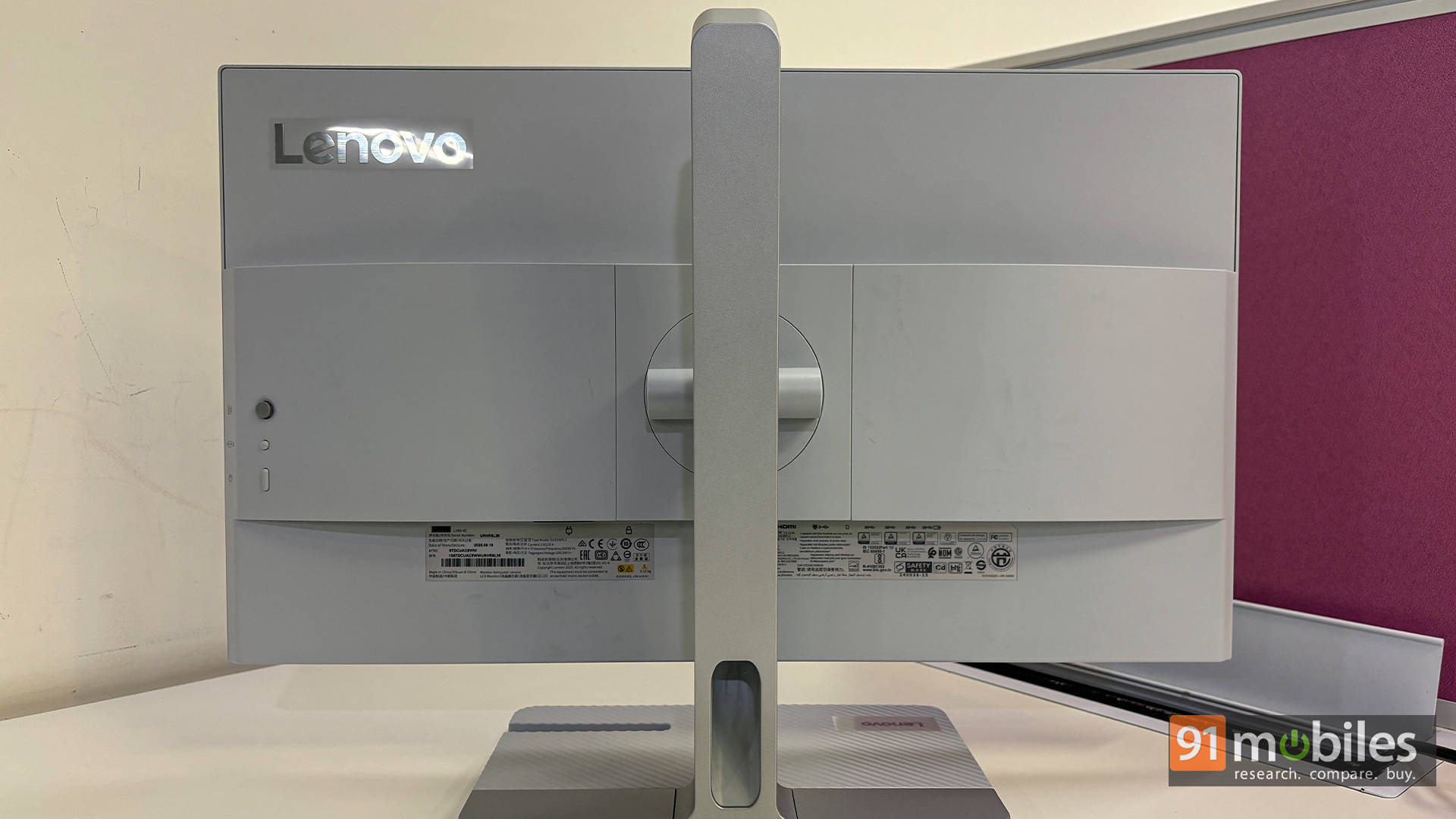
The stand deserves some credit here. It’s not flashy, but it’s sturdy and practical. Height adjustment and tilt are smooth enough, and once you set the monitor where you want it, it stays there. There’s no annoying wobble when typing aggressively or nudging the desk. The base doesn’t eat up too much desk space either, which is always appreciated on smaller tables.
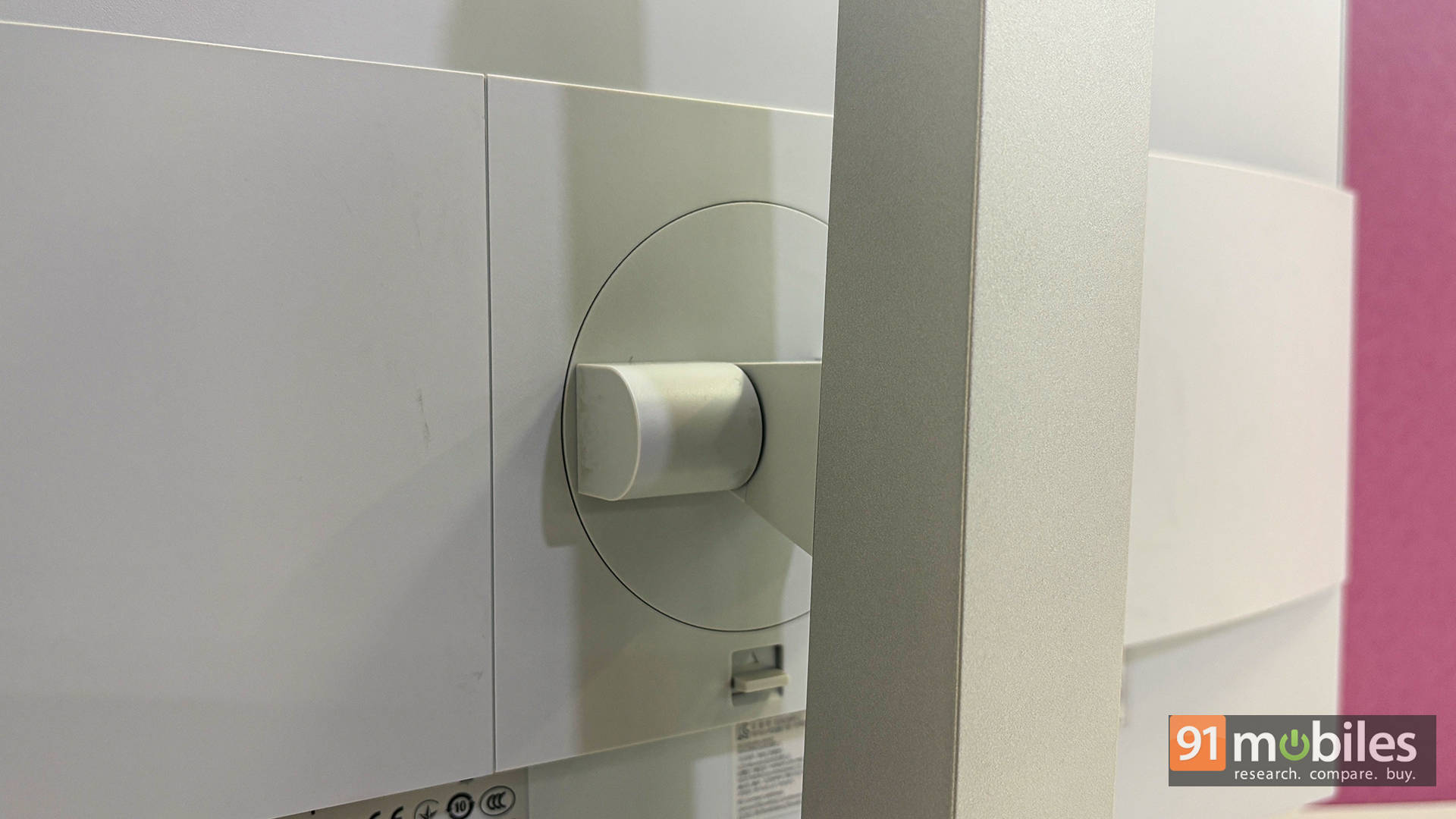
Honestly, the overall build quality feels reassuringly Lenovo. The plastics don’t creak, the finish resists fingerprints well, and nothing feels cheap or rushed. If desk aesthetics matter, and let’s be honest, they do, the L24D-4C fits in quietly without trying too hard to impress.
Ports and Connectivity: Where This Monitor Really Flexes
This is the section where the Lenovo L24D-4C stops being “just another 24-inch monitor” and starts feeling genuinely useful.
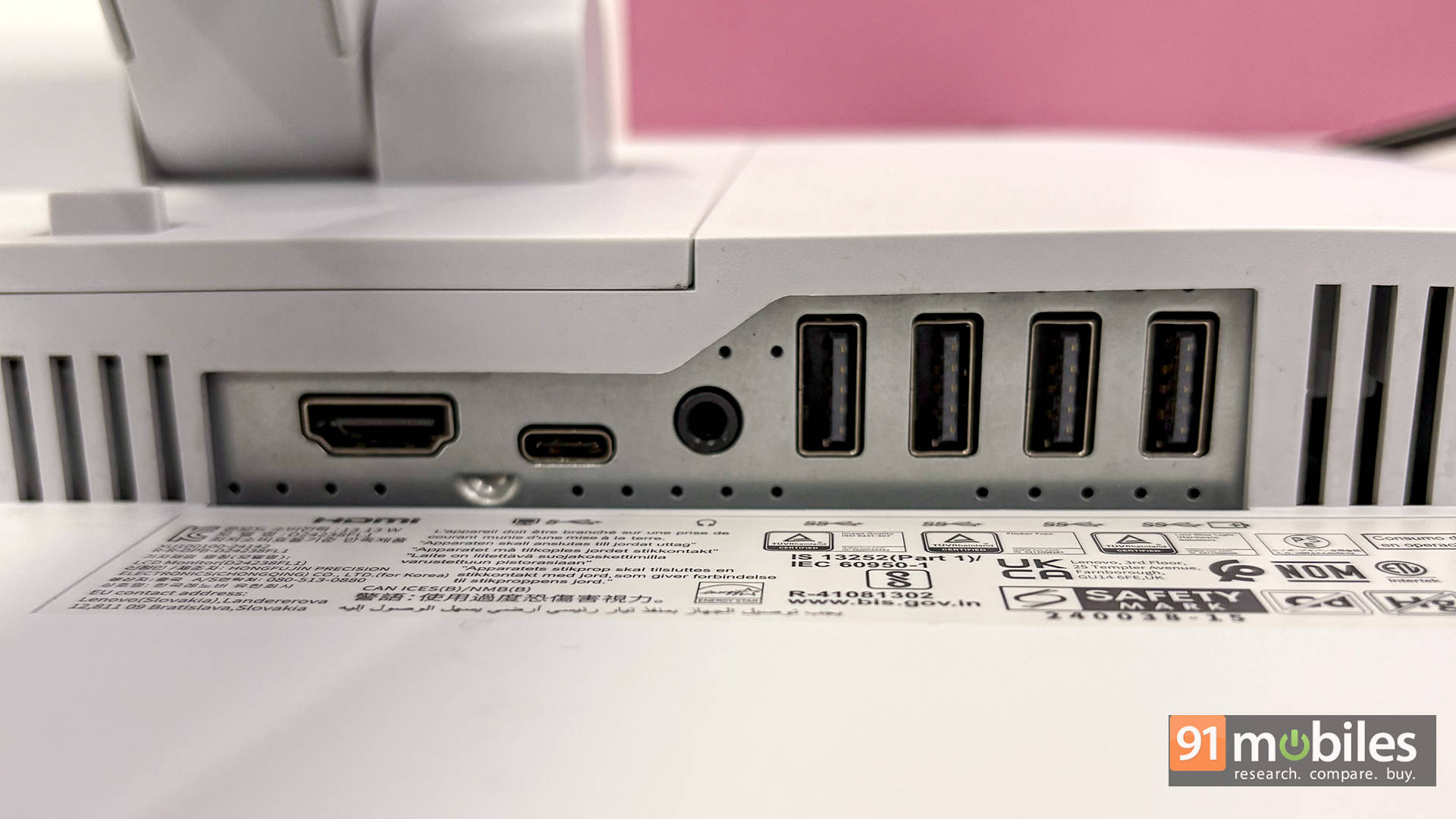
The star of the show is the USB-C port, which supports DisplayPort Alt Mode and delivers up to 75W of power. In day-to-day use, this completely changes how the monitor fits into your setup. Plugging in a laptop with a single cable instantly powers it, sends the display signal, and activates the USB hub. Additionally, it works seamlessly with my MacBook Pro, which can’t be said for many budget monitors out there, so that’s a plus.
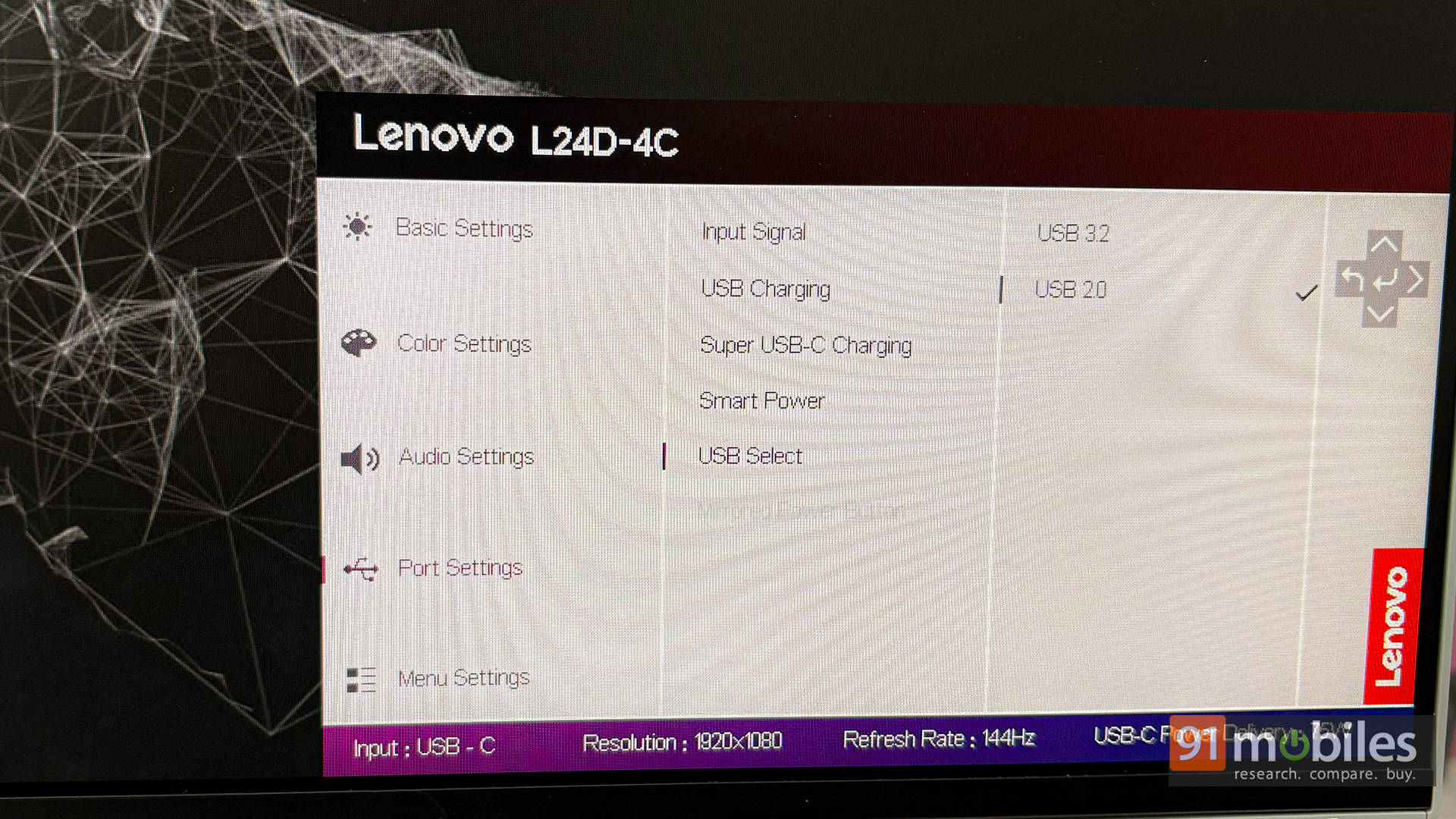
There are a couple of small trade-offs worth knowing about. First off, to get the full 144Hz experience, the USB-C (DisplayPort) connection is the way to go. The HDMI port here is the older 1.4 standard, which tops out at 120Hz, so it’s not ideal if smoothness is the priority. There’s also a bandwidth balancing act happening behind the scenes. When the monitor is running at 144Hz, the USB-A ports drop down to USB 2.0 speeds. Switch the display back to 60Hz, and those same ports jump up to faster USB 3.2 bandwidth.
In practical terms, it’s a sensible compromise. For everyday productivity, 60Hz is perfectly fine, and you get quicker USB speeds for drives and accessories. When it’s gaming time, bump the refresh rate up to 144Hz, and since the USB ports are mostly handling a keyboard and mouse anyway, you’re not really losing out.
Where Everyday Usage Matters More Than Numbers
The 23.8-inch Full HD IPS panel feels like a comfortable sweet spot for productivity. Text is clear, icons are well-sized, and you don’t need to scale everything up just to avoid squinting. After long workdays filled with documents, browser tabs, and editing timelines, the screen never felt fatiguing.
Colours that look right, not exaggerated
Lenovo claims near-complete sRGB coverage, and while I didn’t break out a colourimeter, the visual experience backs that up. Colours look natural, balanced, and pleasing. Photos have good depth, skin tones look believable, and UI elements pop without looking cartoonish.
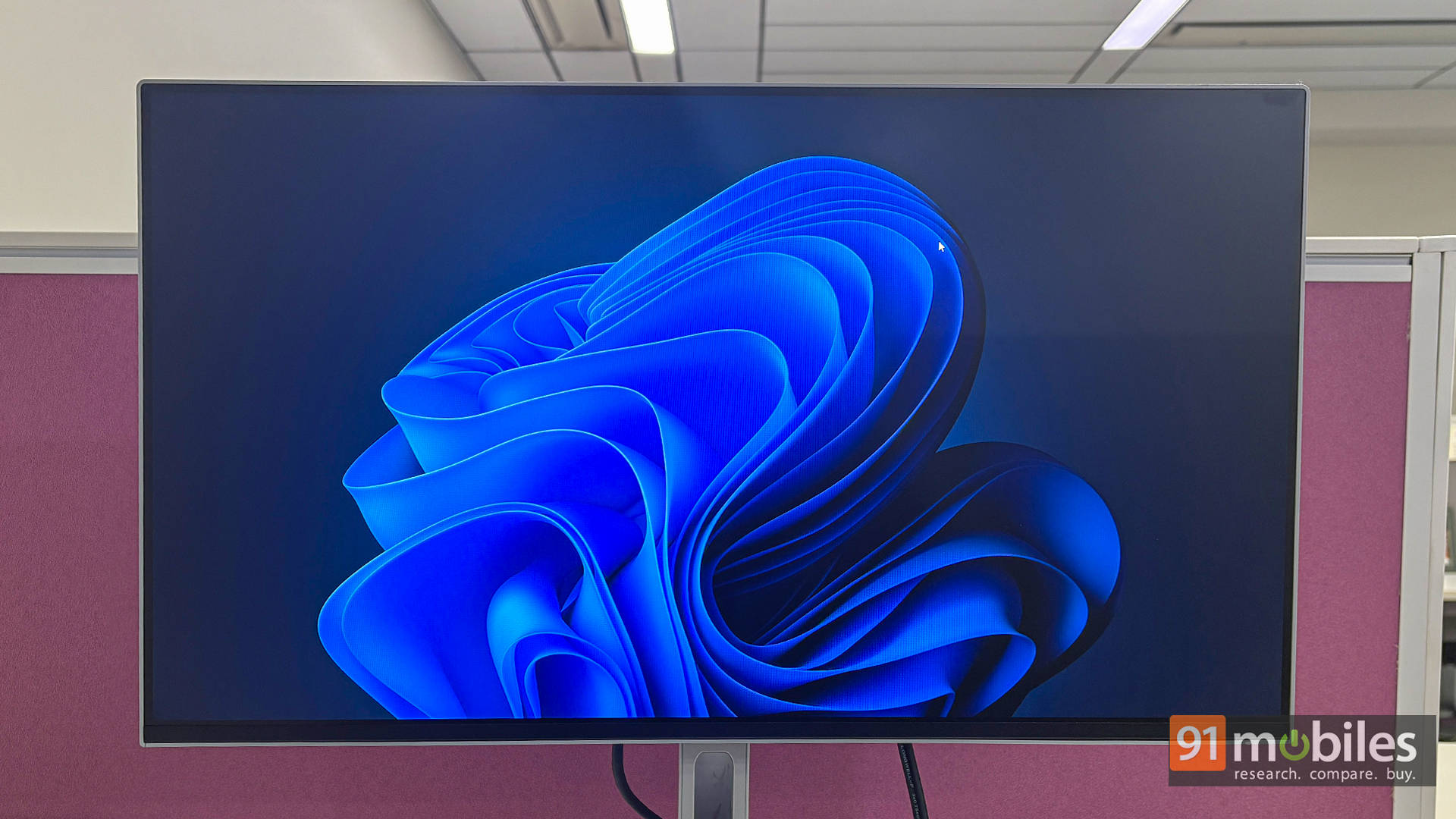
For everyday creative work like editing photos for social media, preparing presentations, and light video edits, the panel holds its own very well. This is not a monitor aimed at professional colour graders, and it doesn’t pretend to be. But for most users who want things to look accurate and consistent across devices, it delivers.
Brightness and contrast in real rooms
In a typical Indian home or office environment, brightness levels are more than adequate. Whether working during the day with ambient light or late at night with lights dimmed, the screen remained comfortable.
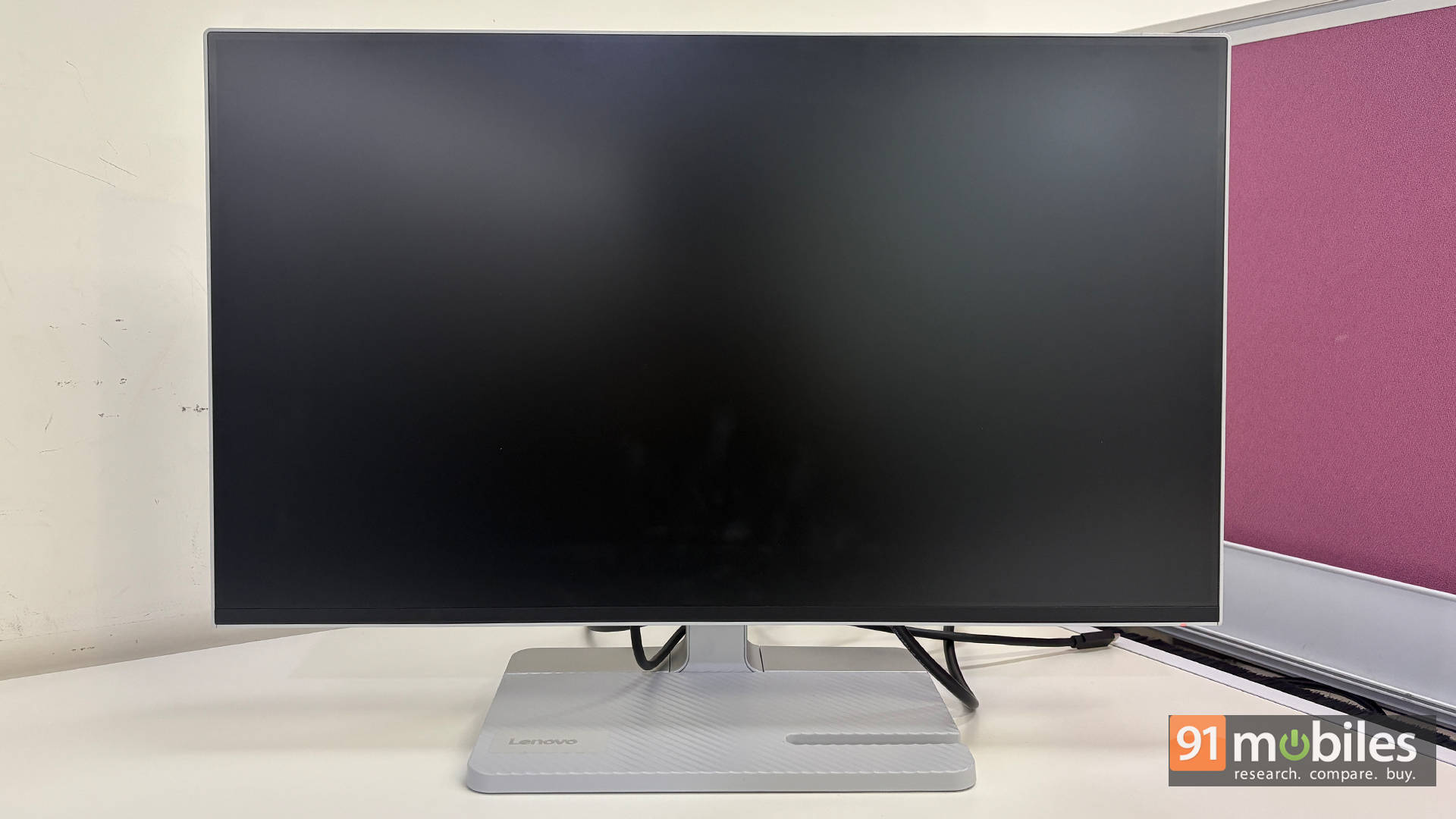
The matte coating helps keep reflections under control without making the image look dull. Add to that, the black levels are decent for an IPS panel. Watching movies or dark scenes in shows didn’t feel washed out, and dark mode interfaces looked clean. It’s not OLED-deep, of course, but it’s better than what many budget IPS monitors manage.
Smoothness that you notice immediately
The jump to 144Hz is something you feel within minutes. Scrolling through long documents, switching between windows, or just moving the cursor around feels noticeably smoother compared to standard 60Hz office monitors.
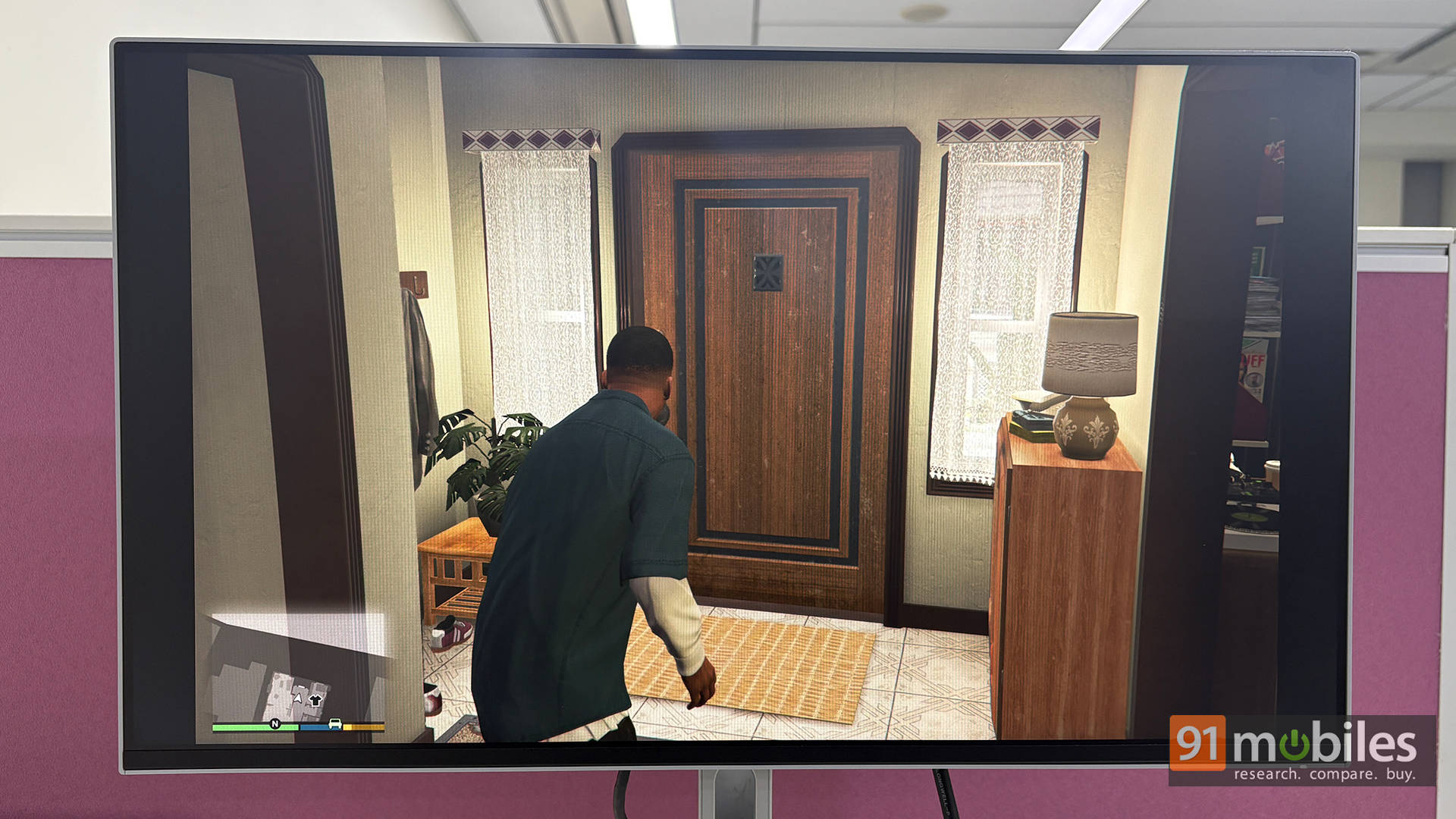
Gaming is where that smoothness really shines. Casual sessions of shooters and racing games felt responsive and fluid, with no distracting stutter or tearing when FreeSync was enabled. This isn’t an esports tournament monitor, nor something as gamer-oriented as the LG UltraGear 32GS60QC, but for gamers who play to unwind after work, it strikes a great balance.
Speakers: Present, Usable, and Nothing More
The built-in speakers are serviceable, and that’s the best way to describe them. The dual 3W speakers are clear enough for video calls, YouTube videos, and the occasional background music.
That said, don’t expect any bass or cinematic immersion. If audio matters to you, external speakers or headphones are still the way to go. The speakers here are more of a convenience feature than a selling point. In fact, the way I see it, get the monitor now to rely on the built-in speakers while you save up for better headphones to buy later on.
The Big Question: Worth It?
At about Rs. 14.5K, the Lenovo L24D-4C sits in a competitive mid-range bracket, especially considering the USB-C power delivery and high refresh rate. The Lenovo L24D-4C doesn’t try to win spec-sheet battles; instead, it focuses on being genuinely easy to live with. And if you ask me if it’s worth it, my answer is a confident yes, provided you understand what it’s meant to be.
The single-cable USB-C setup keeps desks clean, the 144Hz refresh rate adds a noticeable layer of smoothness to both work and casual gaming, and the IPS panel delivers consistent, pleasing visuals without any drama. For work-from-home professionals, students, and laid-back gamers who want a clean, no-nonsense setup that simply works day after day, this is a monitor that quietly proves its value and sticks around.
Editor’s Rating: 8.5 / 10
Pros:
- USB-C single-cable desk setup
- Smooth 144Hz everyday performance
- Reliable IPS colours for work
- Clean, office-friendly design
Cons:
- Average speakers
- Trade-off between USB speed and refresh rate