Over the past decade, LG has become more than a household name with its B, C and G series OLEDs, which are considered not only the pinnacle of picture performance but also the ideal TVs for gamers! Over the past few years, however, LG has worked to ensure its QNED TVs offer great value, performance, and features for those on a budget or not entirely interested in jumping on the OLED bandwagon just yet. Today, we have with us the LG QNED8GA6A – a Mini LED TV featuring a 144Hz refresh rate and all four HDMI 2.1 ports, ensuring there is something here for gamers and cinephiles alike. Is it too good to be true, or is this the perfect TV for those of you looking for a 65-inch TV under Rs 1,00,000?
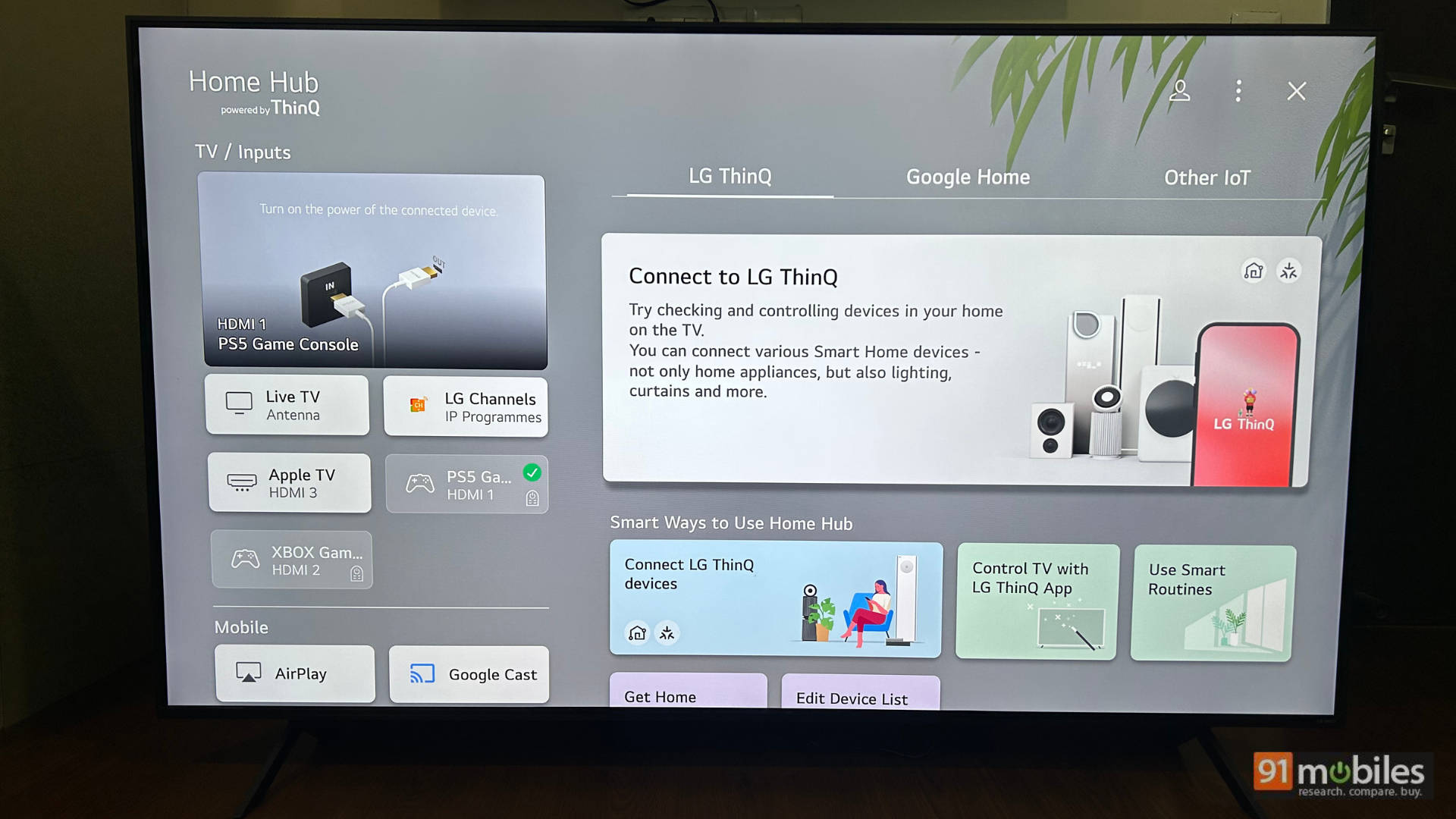
Table of Contents
Key specifications at a glance
- Panel Size: 65-inch (Available in 55, 75, and 86-inch as well)
- Panel Type: IPS
- Backlighting – MiniLED
- Dimming Zones – Yes
- Panel Resolution: 3840x2160p – 4K
- Panel Refresh Rate: 120Hz Native (144Hz VRR)
- HDR 10 Support: Yes
- HDR 10+ Support: No
- HLG Support: Yes
- Dolby Vision Support: Yes
- Dolby Atmos Support: Yes
- HDMI Ports: 4 (HDMI 3 is eARC, and all four ports support HDMI 2.1)
- USB Ports: 2
- Bluetooth: Yes, 5.3
- Wi-Fi: Yes, WI-Fi 6
- Ethernet: Yes
- Number of speakers: 2
- Sound Output: 20W
- Price: Rs 1,03,199 for the 65-inch variant
LG 65QNED8GA6A – HDR and SDR performance
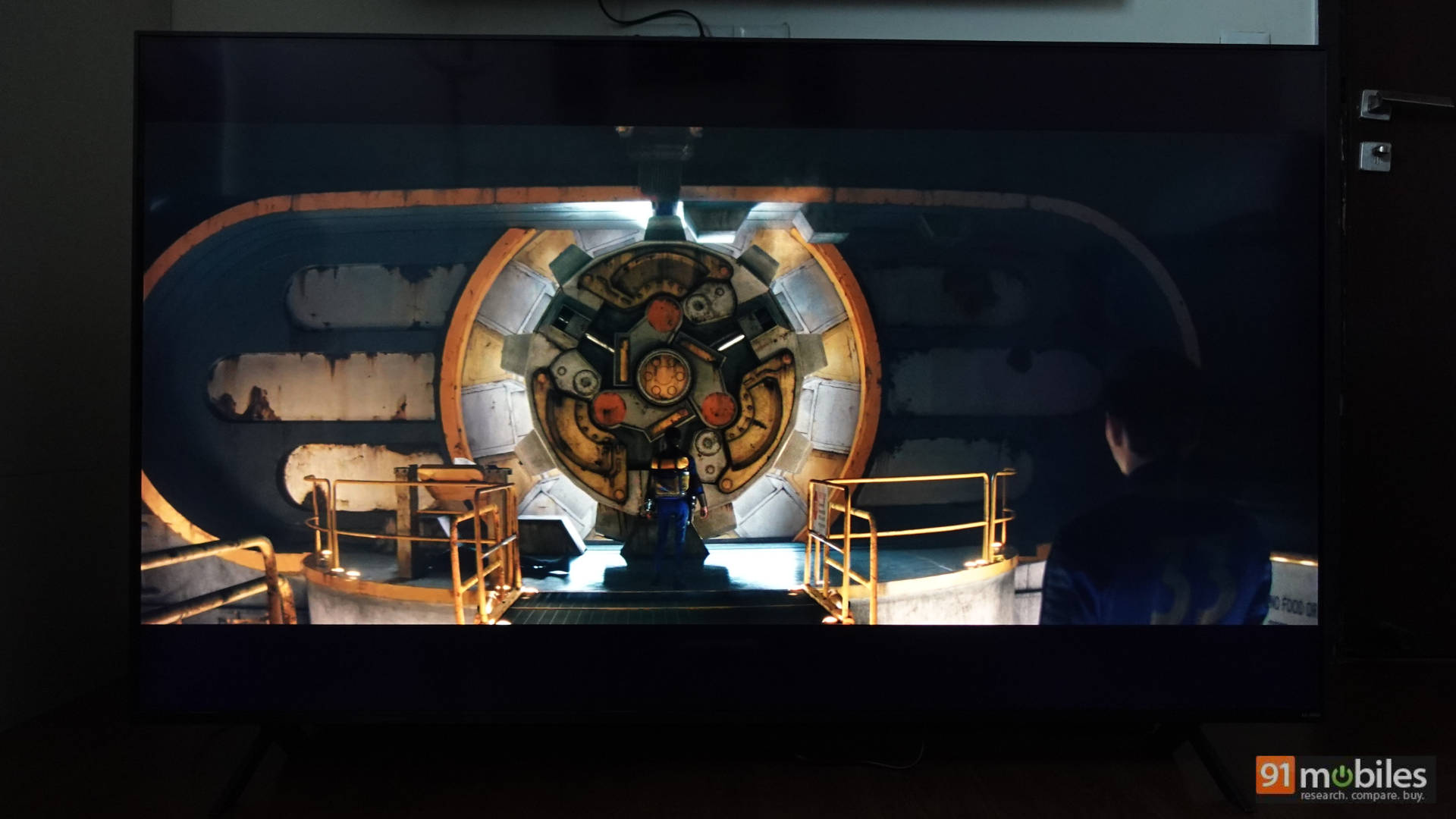
As stated above, the LG 65QNED8GA6A supports all popular HDR formats, including HDR 10, HLG and Dolby Vision. It features mini-LED backlighting and supports dimming zones, providing deep blacks when consuming content at night without the issue of black crushing, a problem that has become more noticeable on my ageing 2019 OLED TV.
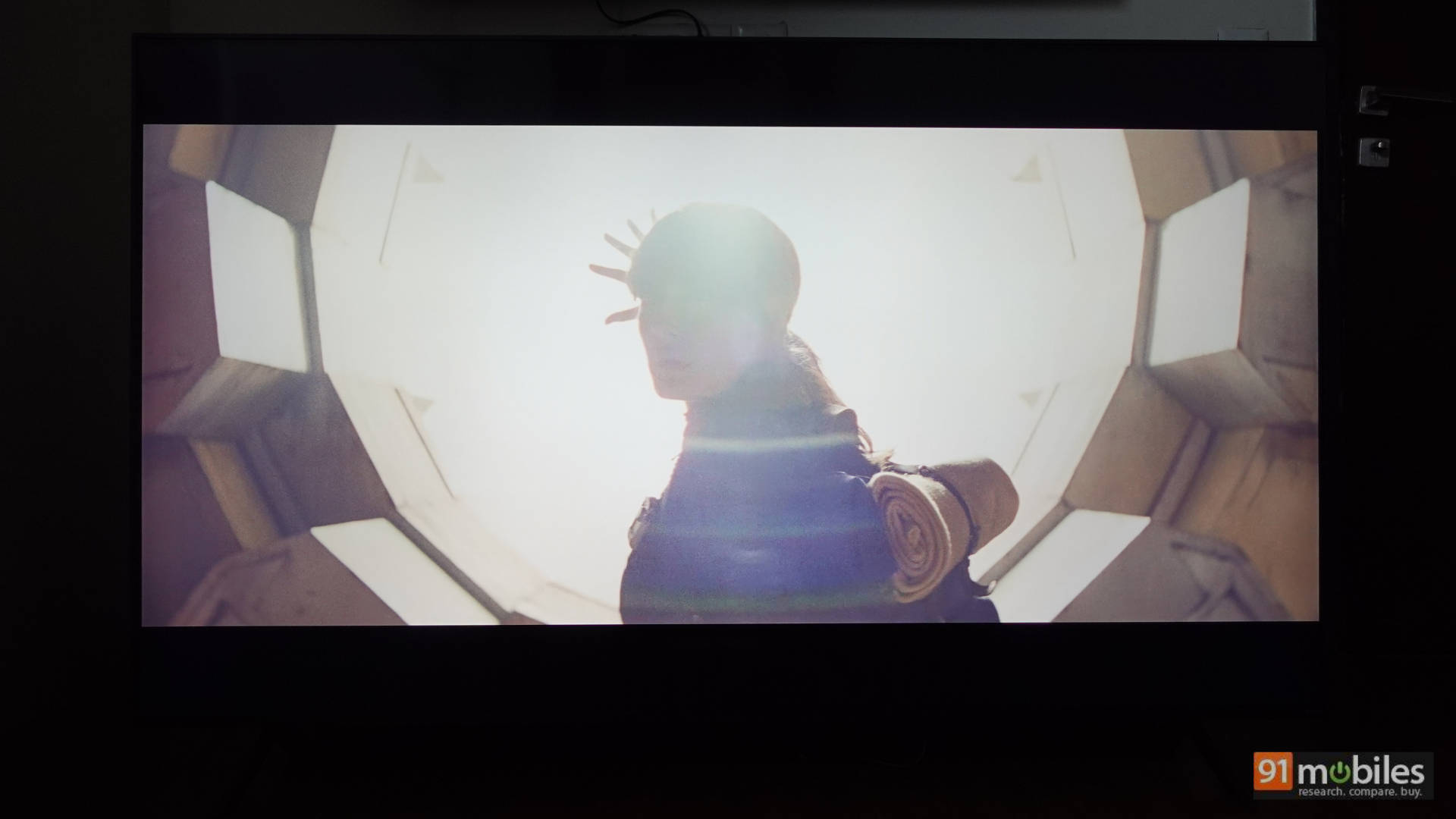
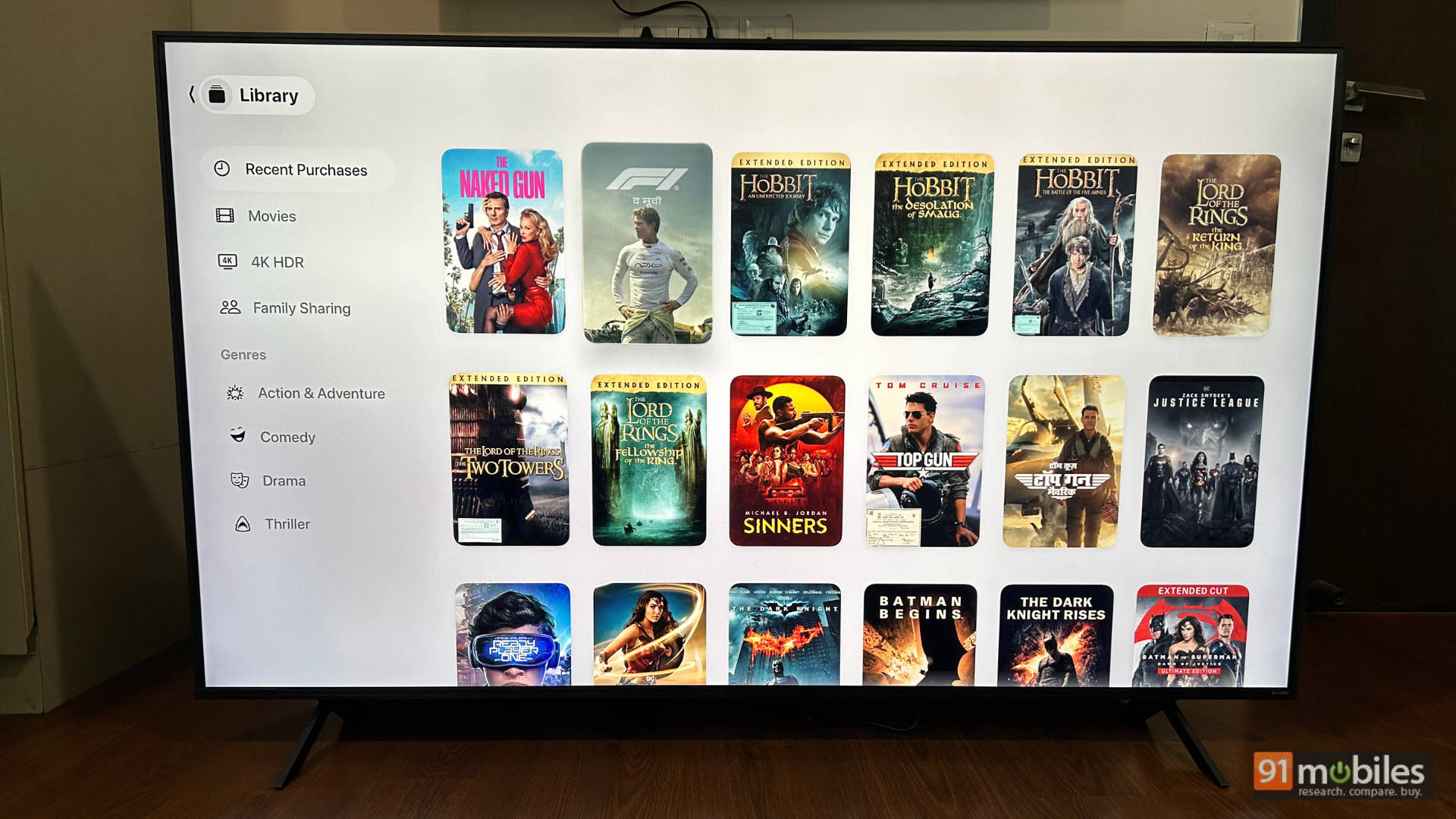
The TV’s performance is very good in both HDR and SDR. Watching content like Top Gun Maverick, Ready Player One, The Dark Knight trilogy, and more on this TV was a treat with good specular highlights, excellent clarity and detail, and an immersive experience. The TV can get brighter than most TVs I’ve tested in this price range, which is good. Another thing to note is that the colours pack a slightly more vibrant touch in the cinema preset, which is not a bad thing. They look just that much punchier than Sony, for example, but not as saturated as Samsung, hitting the good sweet spot where colours like red, blues and yellows look sharp and vibrant. Watching movies on this TV was an absolute treat, and while I have seen some people complain about backlight bleeding on this TV, I did not face it, possibly because of the settings I used (detailed below).
I consumed a lot of content by connecting my Apple TV box to the TV, and there are a bunch of settings I feel users should change to get the best experience, especially if you will use an external device like a Fire TV stick, gaming console or Apple TV box as your media consumption device. The picture settings are valid for the built-in streaming apps as well.
When consuming HDR content
- Picture Preset – Cinema Home
- Panel brightness – 100%
- Auto Dynamic Contrast – off
- LED Local Dimming – High
- Motion Eye Care – Off
- In the clarity settings
- TruMotion – Off
- Real Cinema – On
I personally keep the Filmmaker Mode off and prefer my own settings, but you can give it a shot.
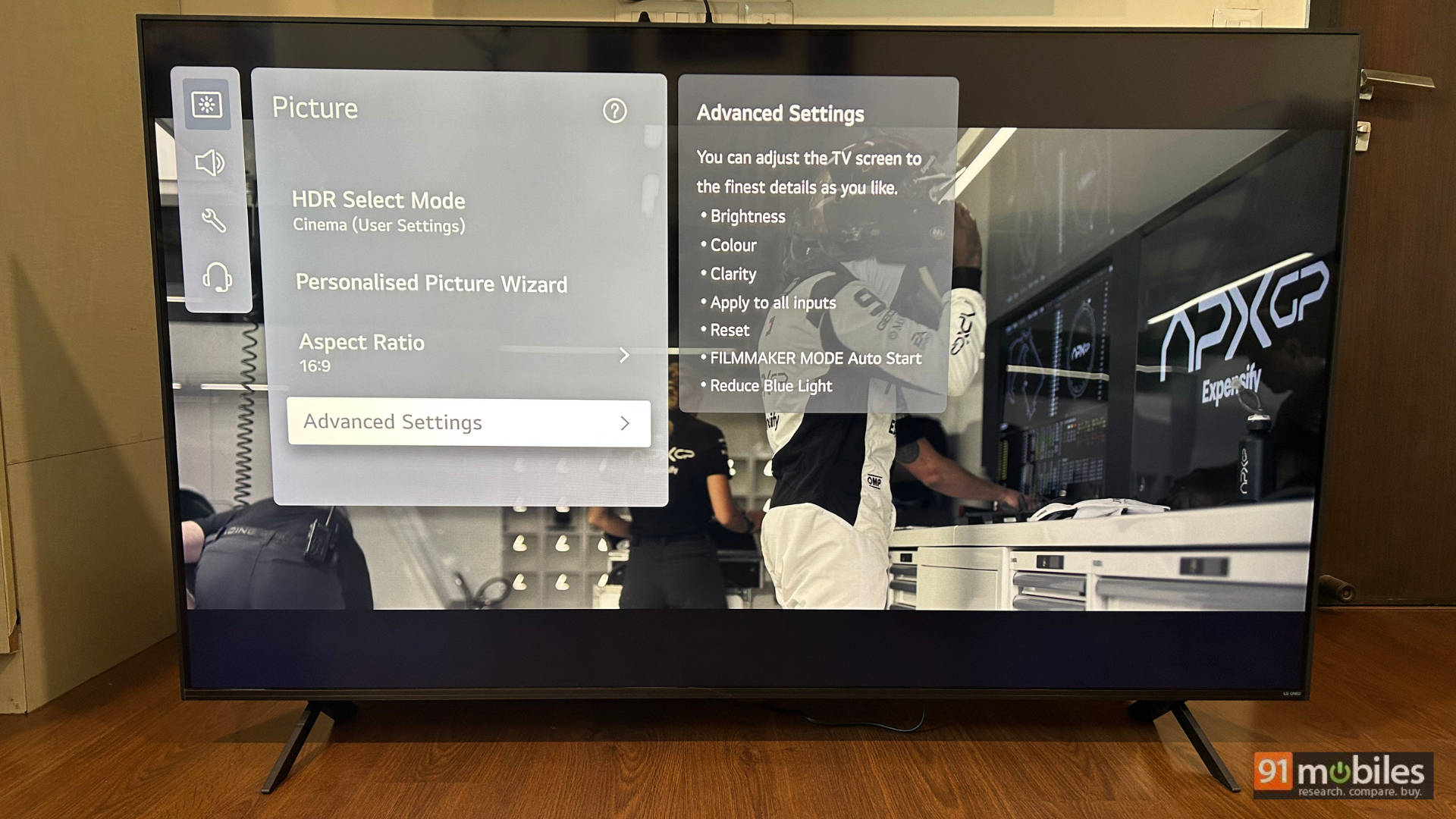
When consuming SDR content, the settings are the same as above, with the biggest difference being that I switch between the Standard and Cinema preset based on the content. Standard works better for everyday TV viewing, and for movie trailers or movies in SDR, the Cinema preset is the way to go.
When connecting an external device like a Fire TV Stick or Apple TV box, I suggest you change the following settings for the best experience
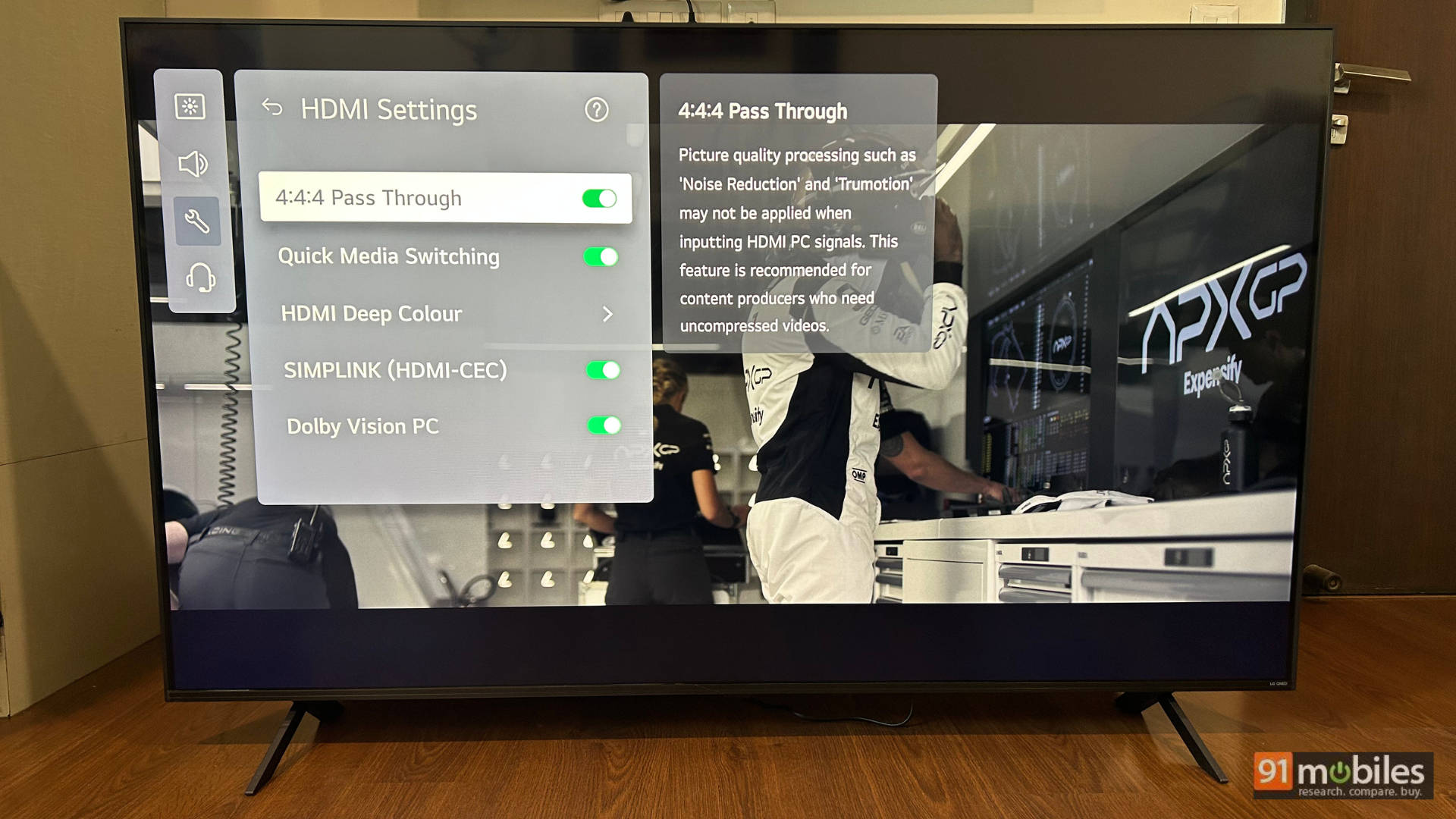
Go to General – the External Devices – HDMI Settings and switch on the following
- Allow 4:4:4 Pass Through
- Switch on Dolby Vision PC
- Keep HDMI Deep colour to 4K.
With the above, you will be able to take advantage of all the features on offer with your connected device.
Moving to the performance of SDR content, shows like Young Sheldon looked really bright, crisp and vibrant in the cinema preset. While you can enjoy the content on the Standard preset, the Standard preset has a cooler tone, whereas the Cinema preset has a warmer tone, making things like skintones look more natural.
LG 65QNED8GA6A – Gaming Performance
LG knows what gamers want, and LG delivers what gamers want!! This is fantastic for both PS5 and Xbox Series X gaming. The TV features all four HDMI 2.1 ports, supporting 4K 120Hz, ALLM, and VRR. It also comes with LG’s own UI for gamers, highlighting key information like frame rates, black levels, VRR information, etc. There is also a dark room mode, which has two levels to reduce brightness, thereby minimising eye strain.
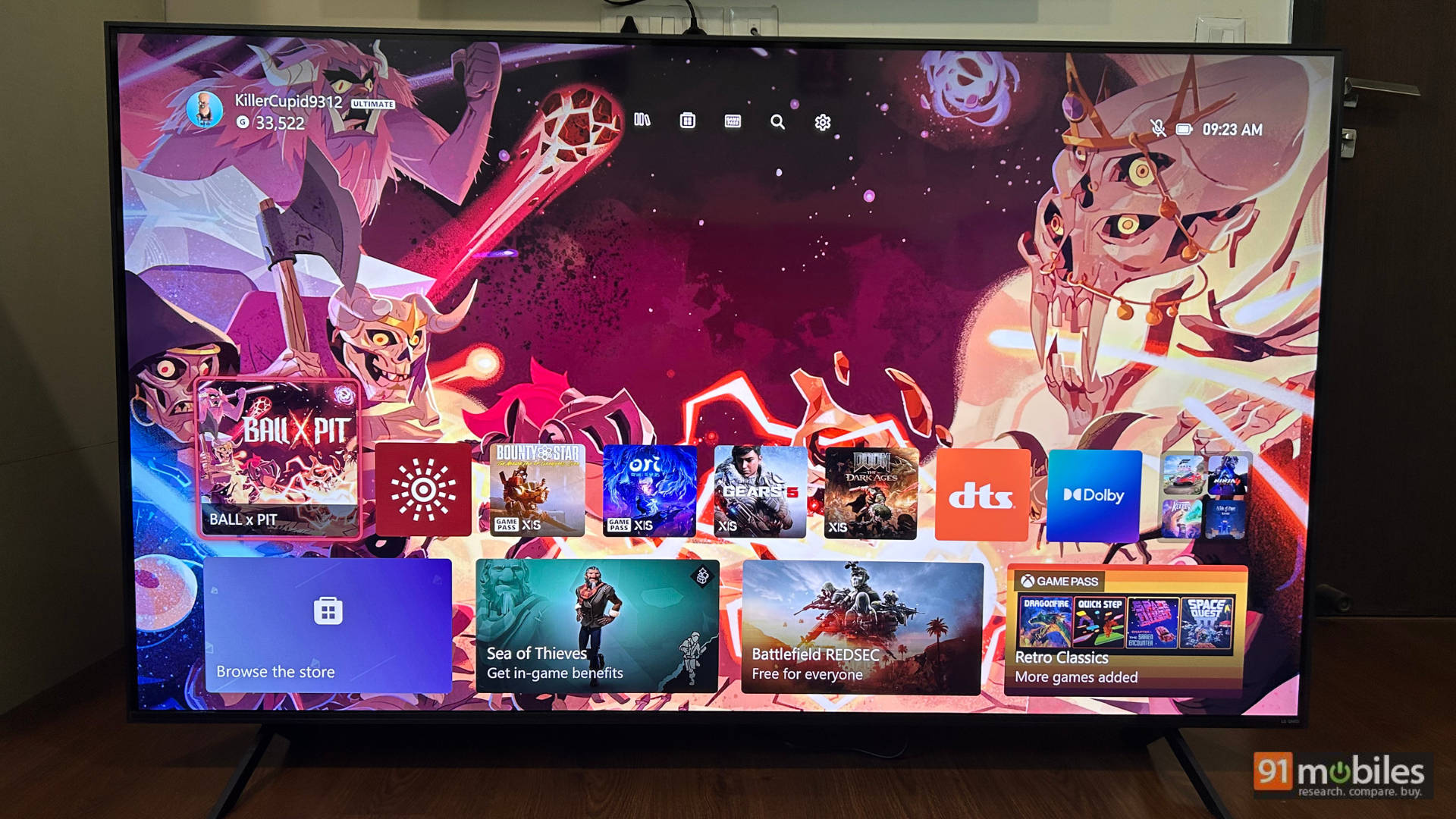
As for the settings, once you have connected them to the console, you can use the same settings mentioned above for an external device. Reiterating them below for your reading convenience
Go to General – the External Devices – HDMI Settings and switch on the following:
- Allow 4:4:4 Pass Through
- Switch on Dolby Vision PC
- Keep HDMI Deep colour to 4K.
You can also keep the HGiG toggle off, as I found this to give the best overall gaming experience.
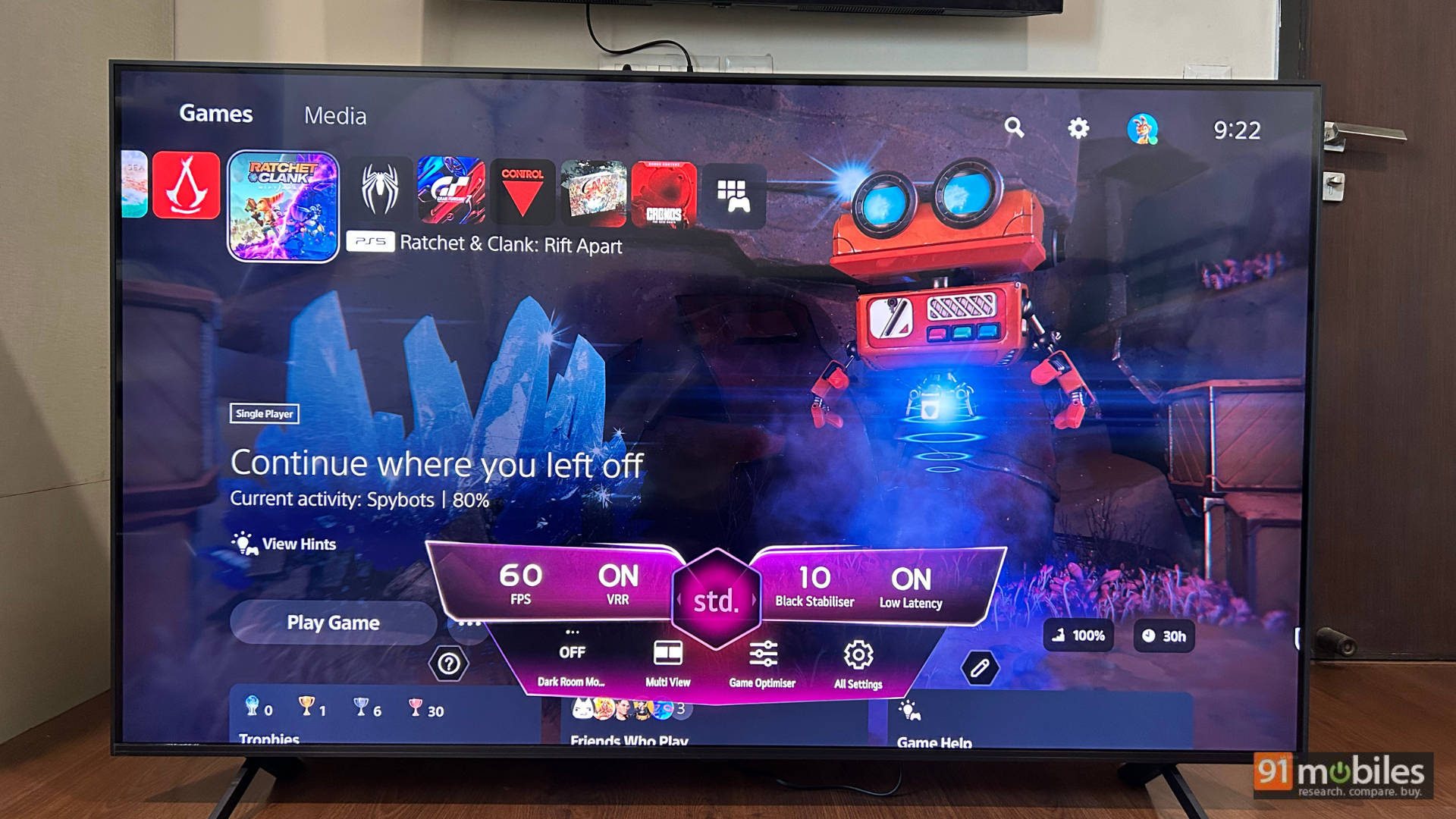
Moving to the games, I played a bunch of games from my PS5 and Xbox Series X on this TV, and boy oh boy are the results fun! I played the following games:
- Marvel’s Spider-Man 2
- Dirt 5
- Astro Bot
- GT7
- Ghost of Yotie
- Mafia: The Old Country
- Gears 5
- Ori and the Will of the Wisps
- Doom: The Dark Ages
Once you connect the PS5 to the TV, you have to calibrate it for HDR brightness. Once calibrated, I fired up Dirt 5 as it is a game mastered in HGiG, and it looks fantastic, with the white of the car looking crisp, the specular highlights easily visible, and the game runs butter smooth. Another game, that is an HDR delight, is Mafia: The Old Country. It has a built-in setting for HDR, and when you slide the toggles, you can make out the details and at what point your TV will start to clip the specular highlights. It’s not only a game that looks beautiful, but it also features some of the best HDR presentation I’ve seen in a game.
Even in Ghost of Yotie, the colour palette of the game, along with diverse environments, looks sublime. The same goes for Marvel’s Spider-Man 2, which features Spider-Man’s red and blue suit looking punchy.
Jumping over to the Xbox side of things, I played Gears 5, Ori and the Will of the Wisps and Doom: The Dark Ages. Trigger finger gamers will enjoy Doom, and the ALLM mode on this TV makes the response time very good, and Ori looks nothing short of stunning on this TV, glowing super bright and shining in otherwise dark environments, giving you almost OLED-like performance. If you are looking for a 65-inch gaming TV for 1L, you can definitely consider the LG 65QNED8GA6A.
LG 65QNED8GA6A – Audio performance
If the picture quality of the TV is fantastic, the sound output left me wanting more. It sounds decent, but I expected a bit more punch. You get 20W of sound output, and for everyday content consumption, it is fine. You can hear the dialogues clearly, there is enough definition in the sound, and like all other TVs, it lacks bass. But considering how good the panel’s performance is, I expected the sound output to be better. There is an AI Sound Pro mode (more on AI in a bit), but I found it to be the weakest of all the sound modes. For everyday content, Standard worked best. The Cinema sound preset added a bit more depth to the sound. The Game Optimiser tried to emphasise the lows for gaming, but Standard was the best for overall content consumption.
You can consider picking up the LG SQ70TY soundbar with the TV if you like, as the bar comes with mounting brackets in the box that fit with the QNED8GA6A, ensuring a seamless design and very good sound output.
LG 65QNED8GA6A – AI, UI and remote control
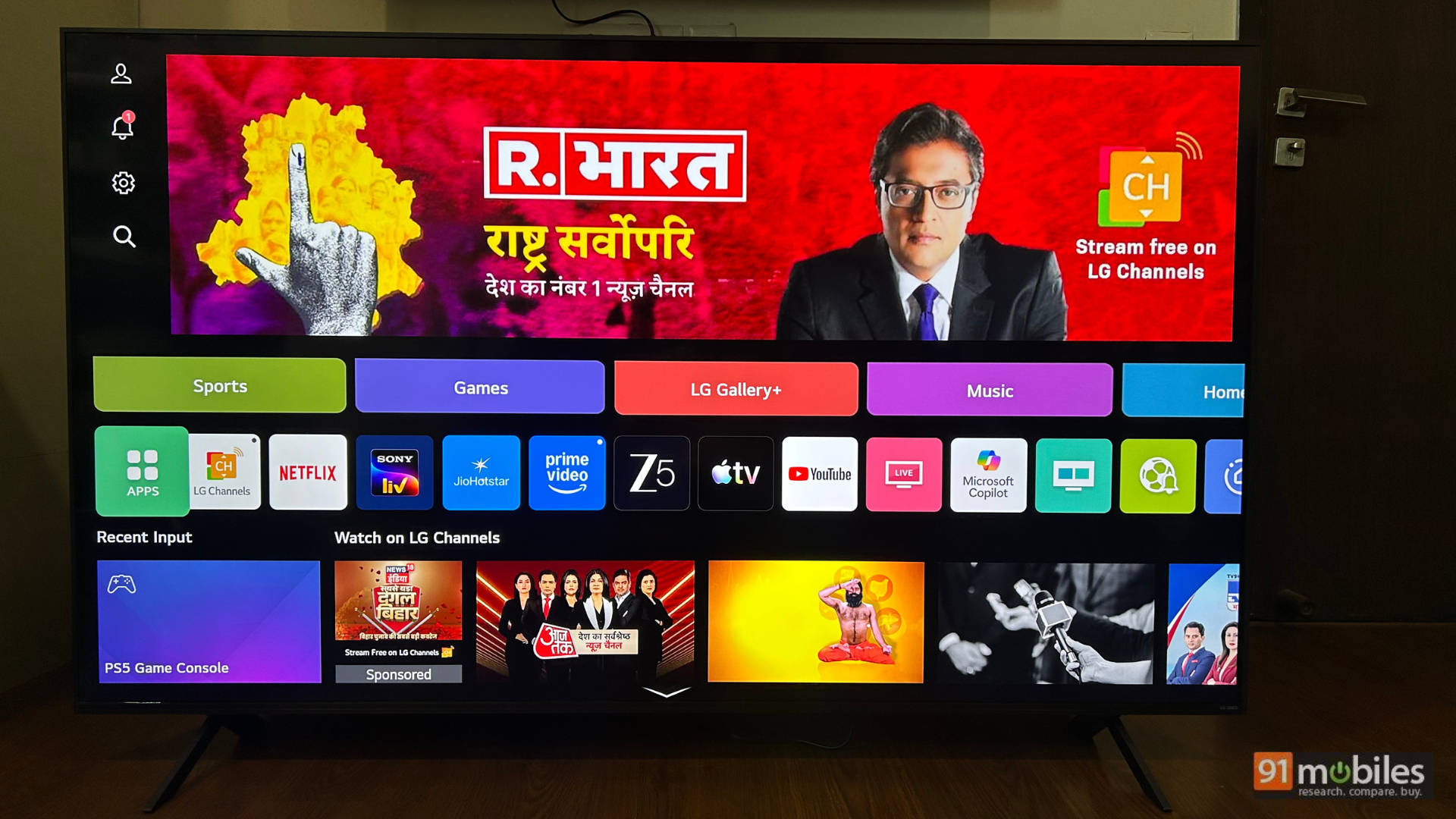
The TV runs on LG’s WebOS, and as of me writing this review, the TV was on WebOS 25 version 10.2.1-55. The UI works well with a carousel of apps, recommended content and more, no complaints here. However, there is a big push from LG for AI and that’s what we are going to dive into here.
AI Picture Preset
In the picture preset, there is a Personalised Picture Wizard. Here, LG AI helps you choose what looks best to your eyes by giving you 8 different scenarios, 6 pictures in each scenario, to adjust the picture preset as per your liking. I found this to be very intriguing, and once I went through the setup, I stuck to this preset when consuming some content, especially movies like Dark Knight, where there are a lot of dark scenes, and I like my blacks ever so slightly elevated, so I don’t miss out on the details. This Personalised Picture Wizard is great for those who want to customise the picture for their preference but are afraid to tinker with the settings, and is a welcome addition. Especially since you can go back to any of the other picture presets with the simple click of a button.
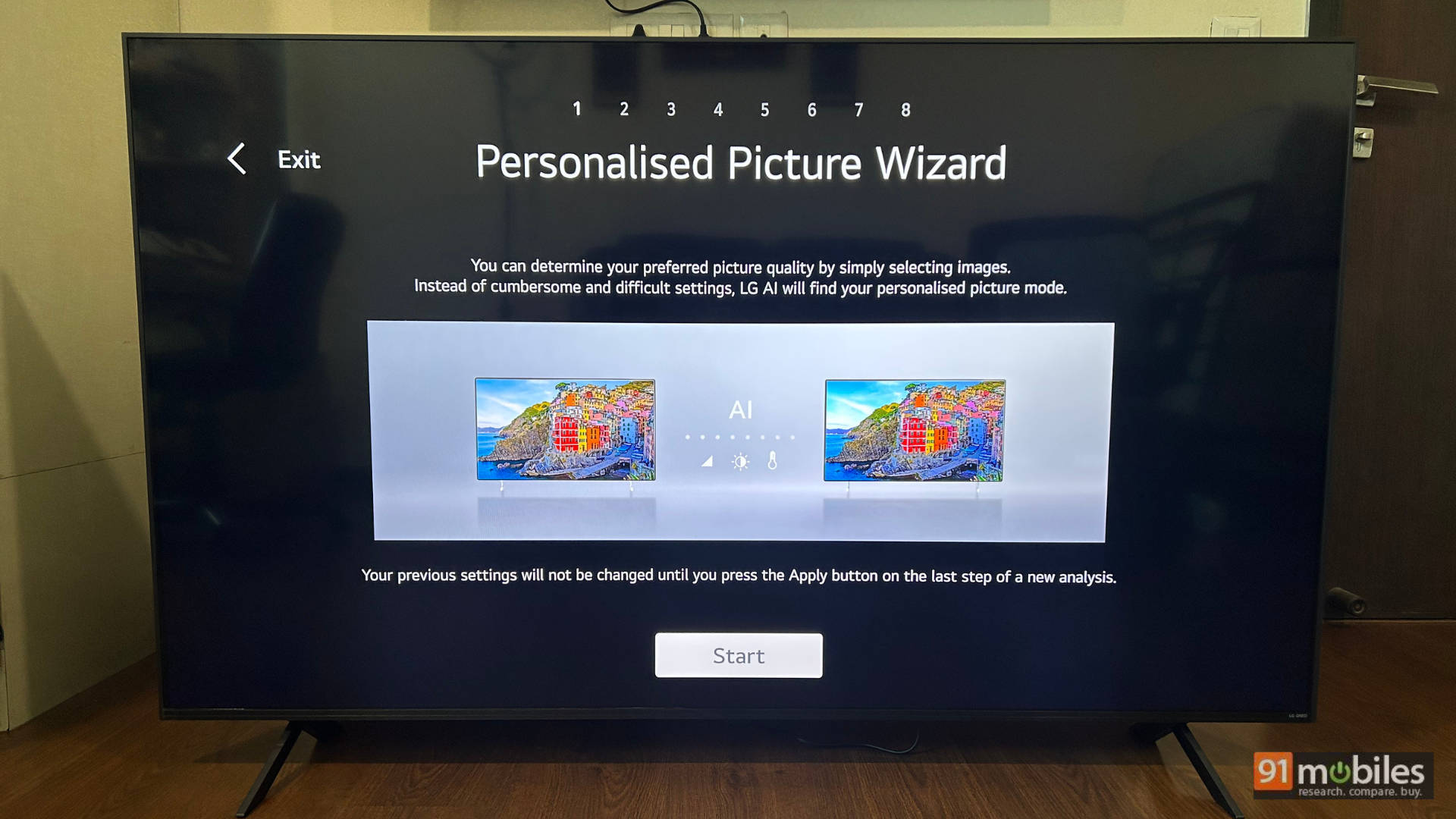
There is an AI button in the remote control front and centre. It is basically a replacement for the mic button on previous-generation LG remotes. It does everything you’d expect it to. From changing the brightness and picture presets, to changing the input source, to even playing specific content from a specific streaming platform, it works quite well and seamlessly.
Moving to the remote control, the design has changed from what we had last year. While it still works like a “mouse”, letting you point at things on screen. The biggest shift is towards a more candybar-like form factor. This makes it more intuitive and easier to use as a traditional remote. The wheel is easier to use as it isn’t indented like the previous generation. I like the new clicker volume and channel toggles, but miss the dedicated playback buttons that haven’t been on LG remotes for some time.
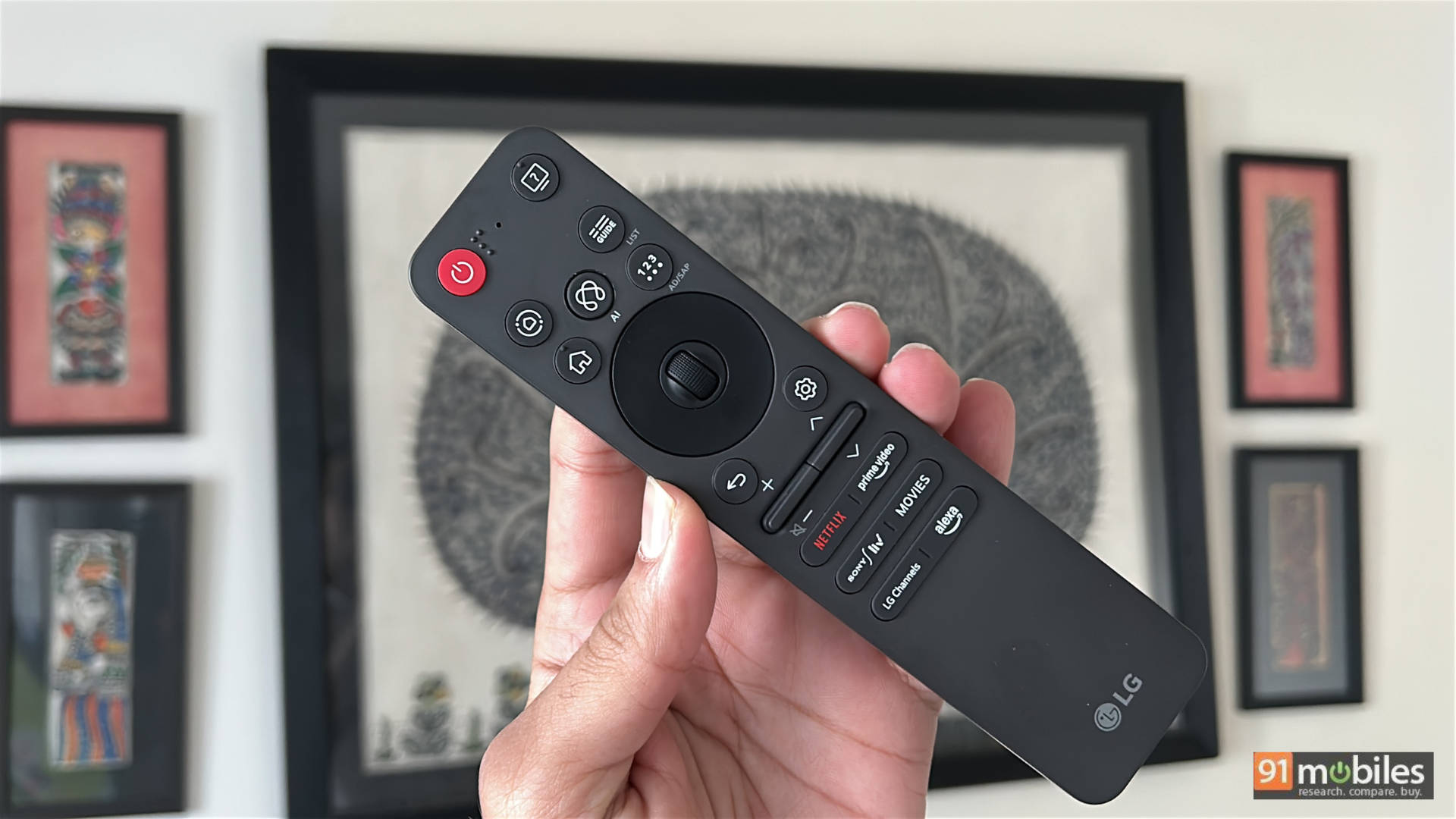
There are also no dedicated buttons for changing the source. This was a bit of a challenge for me when I started using the TV, but I quickly got used to it. You have the “Home Hub” button that has all the input sources neatly laid out on the side, along with your other IoT connectivity and wireless streaming options.
Overall, I like the change to the remote control and the convenient features that fall under the LG AI umbrella for this TV.
LG 65QNED8GA6A – Build and design
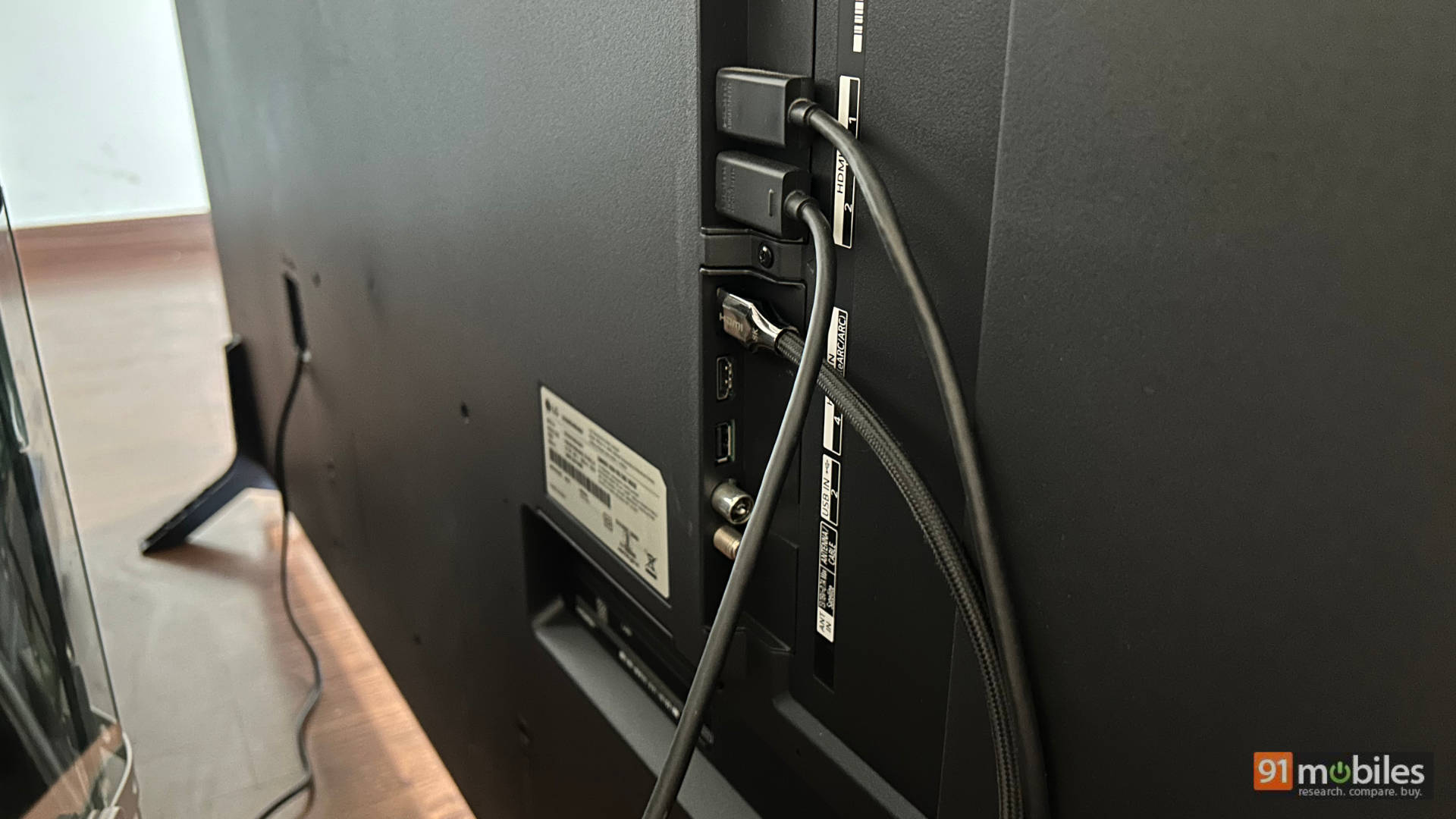
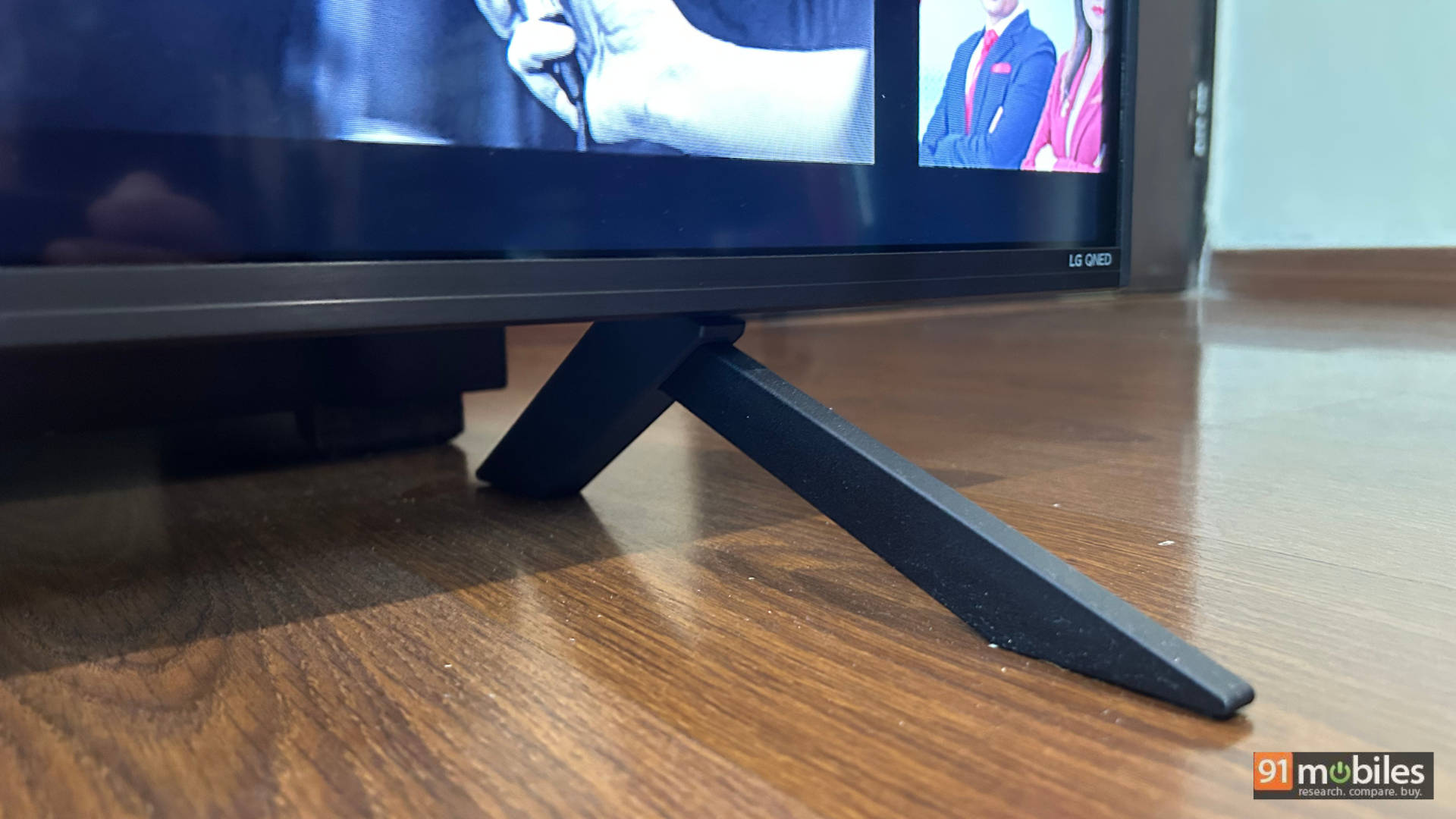
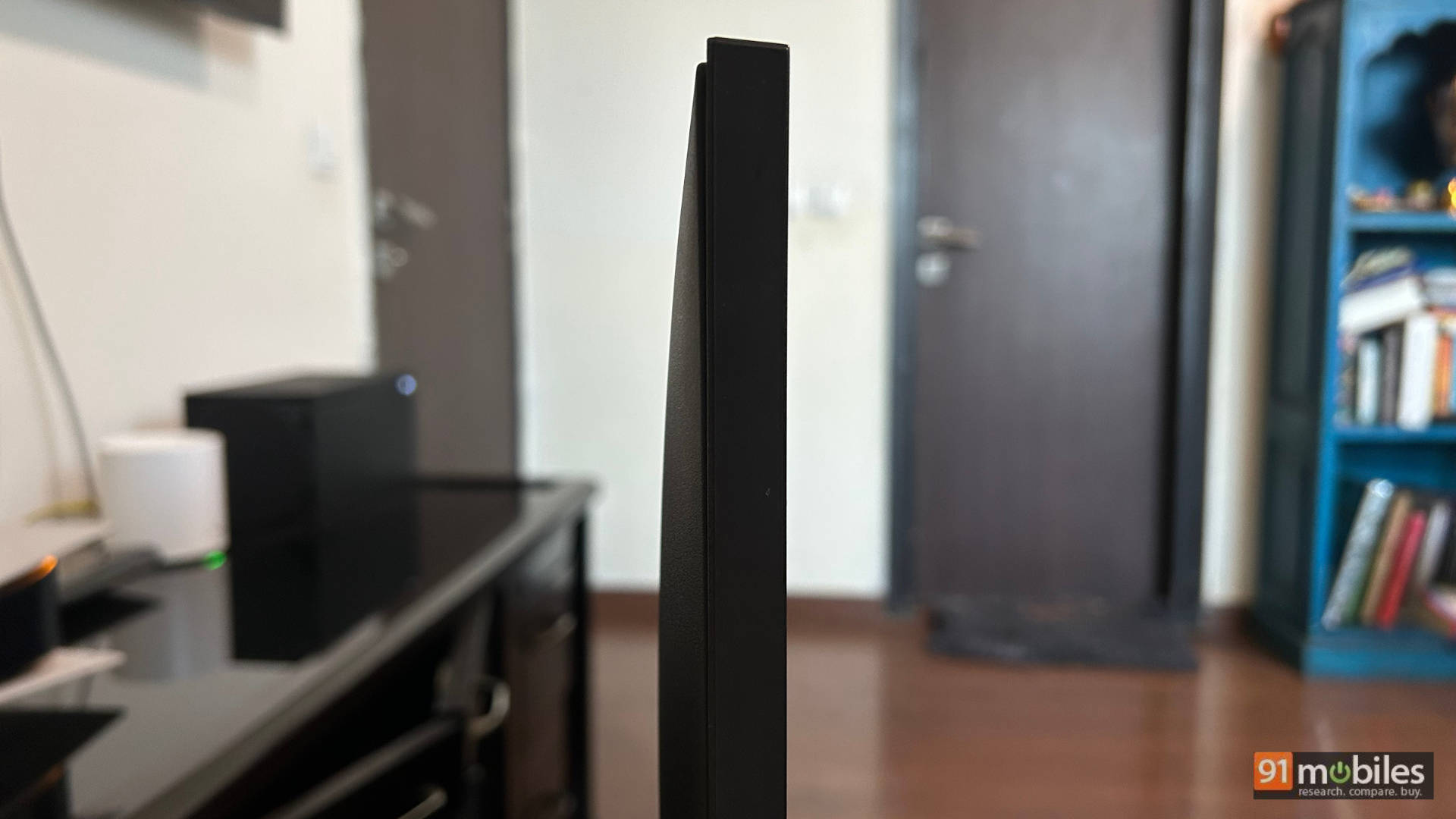
The TV has very slim bezels on all sides, with very subtle LG branding in the bottom right corner of the bezel. No complaints here. The TV is quite slim too. Not as slim as OLEDs, but considering the tech that’s packed into it, it is slim enough. It has a plain back with all the connectivity options neatly housed on the side. It’s good that the HDMI ports are outward-facing so they are easy to reach even if the TV is wall-mounted. I used the TV on a tabletop stand. It has 2 feet and those can be adjusted in 2 positions based on your entertainment setup – wide or closer to the centre of the TV.
LG 65QNED8GA6A – Verdict
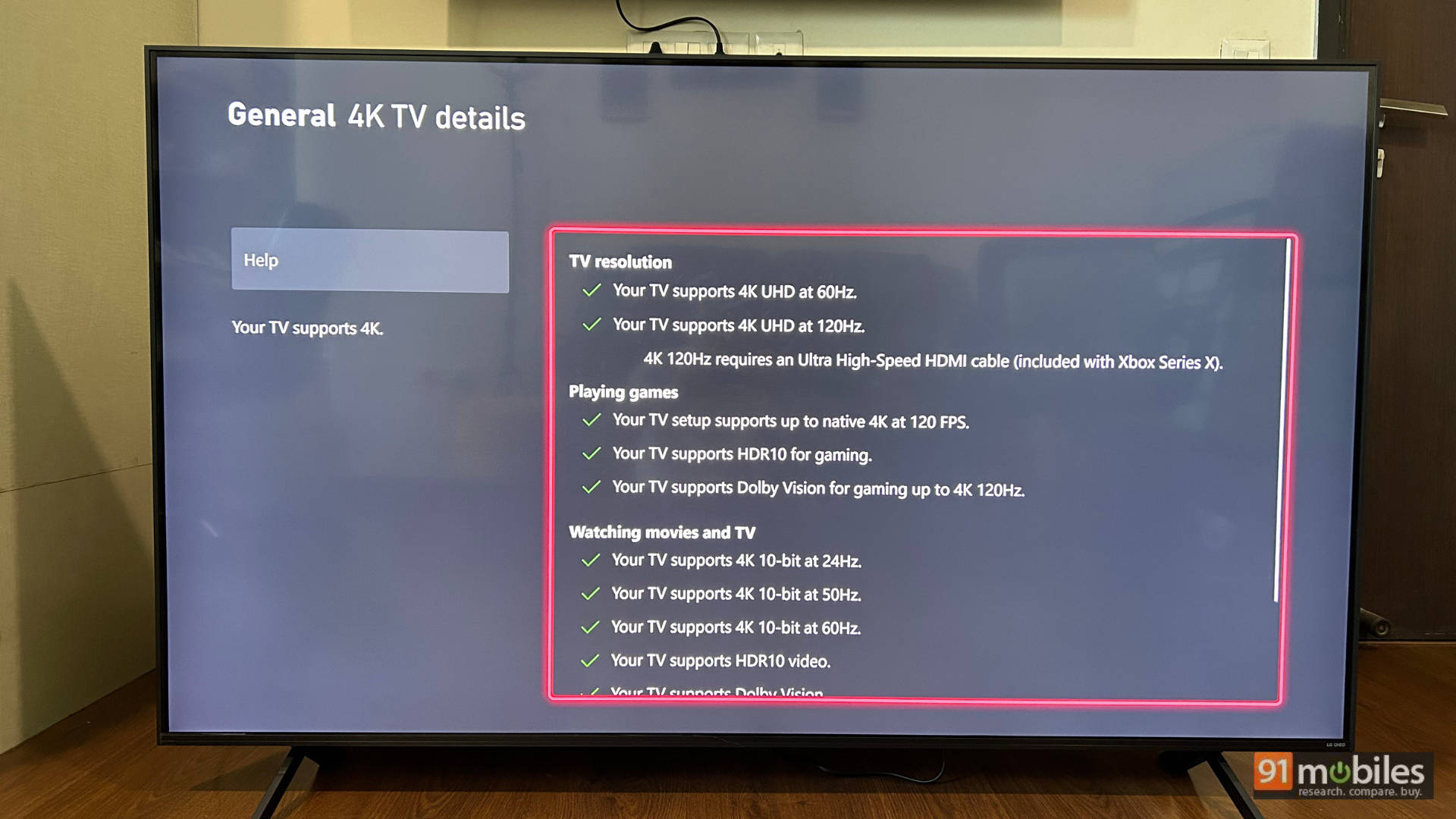
LG has hit a great sweet spot of price to features with the LG 65QNED8GA6A. You are getting a vibrant 65-inch panel with mini-LED backlighting and dimming zones with gaming features like all 4 HDMI ports supporting 2.1, 144Hz VRR and a host of new-age smart features. The content consumption experience on this TV is great, and the picture presets do a good job of giving you rich colours out of the box. For the prince, the TV is easy to recommend, especially if you are looking for a 65-inch TV at the 1 lakh price point. The only con with the TV is that the audio output could have been better for the built-in speakers, but this is one of those TVs that you will definitely pair with a soundbar for a more immersive content consumption experience.
Editor’s rating – 9/10
Pros
- Great HDR and SDR performance
- Great TV for gaming
- Good design
- New age AI features
- Compact remote control
- WebOS is a smooth UI
Cons
- The audio output could have been better