In the PC gaming world, Razer is practically royalty when it comes to peripherals and accessories. But the brand also builds some of the sleekest yet most absurdly powerful gaming laptops you can buy. Just not officially in India. Still, when has that ever stopped anyone from chasing peak performance?
Thanks to Intel India, we got our hands on the latest Razer Blade 18 (2025). And trust me, this thing doesn’t just arrive at the big-laptop party. Instead, it strolls in wearing a tailored suit, drops an Ultra 9 275HX + RTX 5090 on the table, and casually asks if anyone else brought something worth discussing. Throw in the dual-mode display and Intel’s new Thunderbolt 5, and the Blade 18 suddenly looks like a portable flex machine. But does all that swagger justify the seriously premium price tag? Time to find out.
Table of Contents
Punching in the Heavyweight Class
If you’re reading this section, you already know the deal: no compromises, no apologies. And out in the real world, the Blade 18 behaves exactly like the silicon royalty living inside it. The Intel Core Ultra 9 275HX and that monstrous 24GB RTX 5090 Laptop GPU basically looked at our benchmark suite of Cinebench, PCMark, Geekbench, 3DMark, and said, “cute.”
Sure, the Gen 4 SSD is a bit of a head-tilter in a machine this pricey. Gen 5 would’ve been nice bragging rights. But in day-to-day use, it refuses to slow you down. Add the 64GB of DDR5 RAM to the mix, and you get enough multitasking muscle to run a full game in the background while hopping over to Chrome with 20+ tabs, Discord, and Spotify all open. I did exactly that. Not even a stutter.
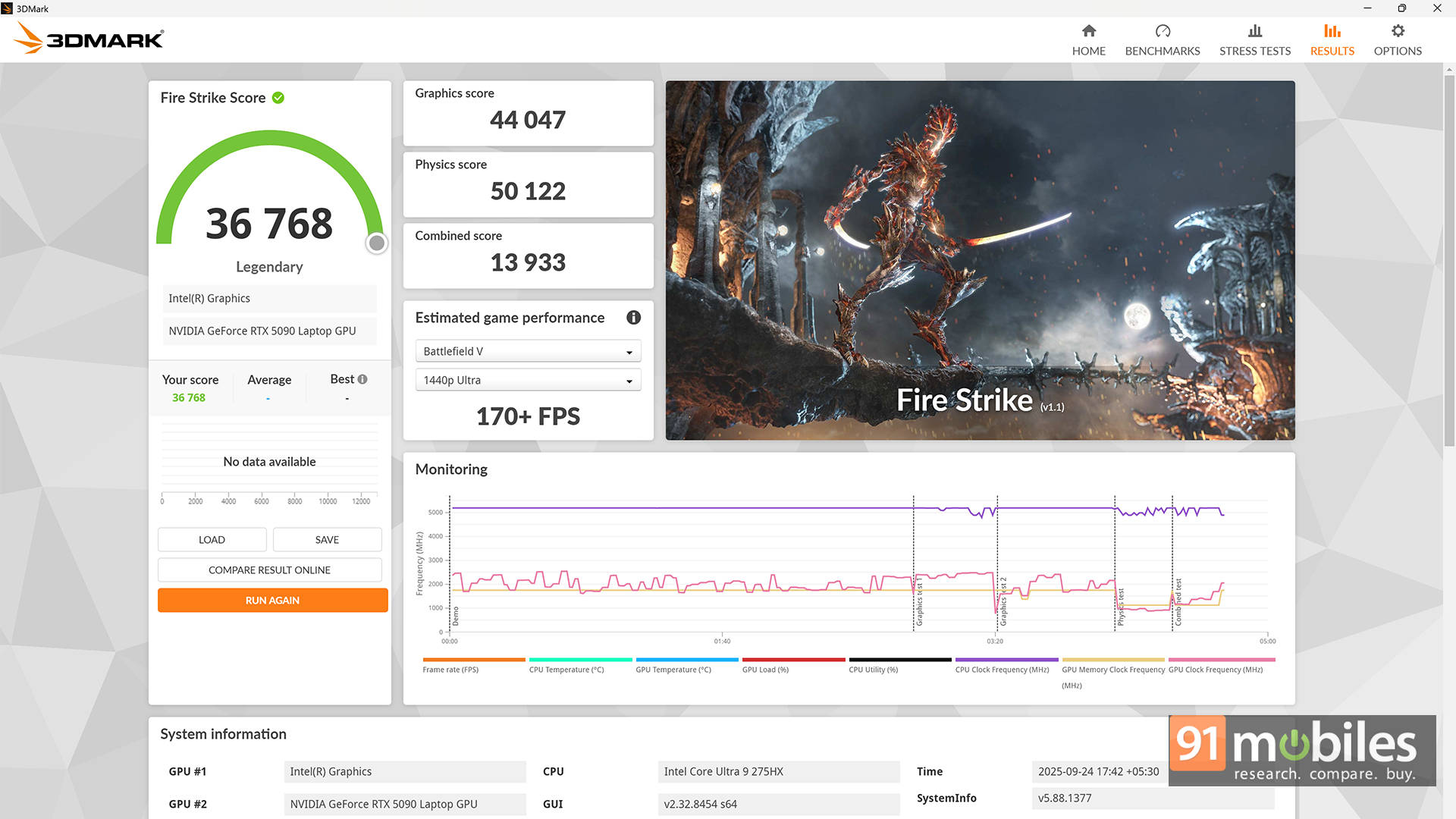
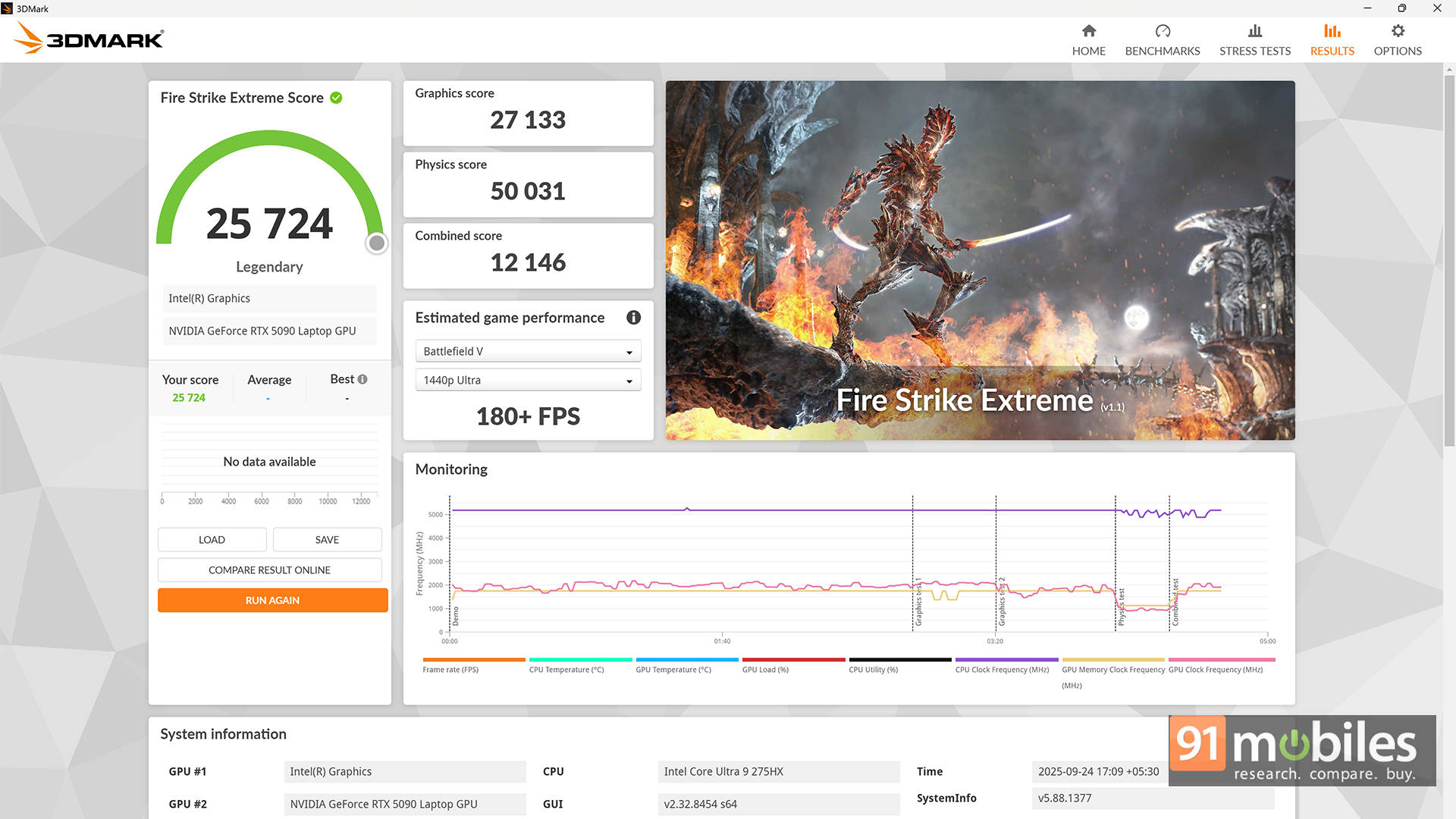
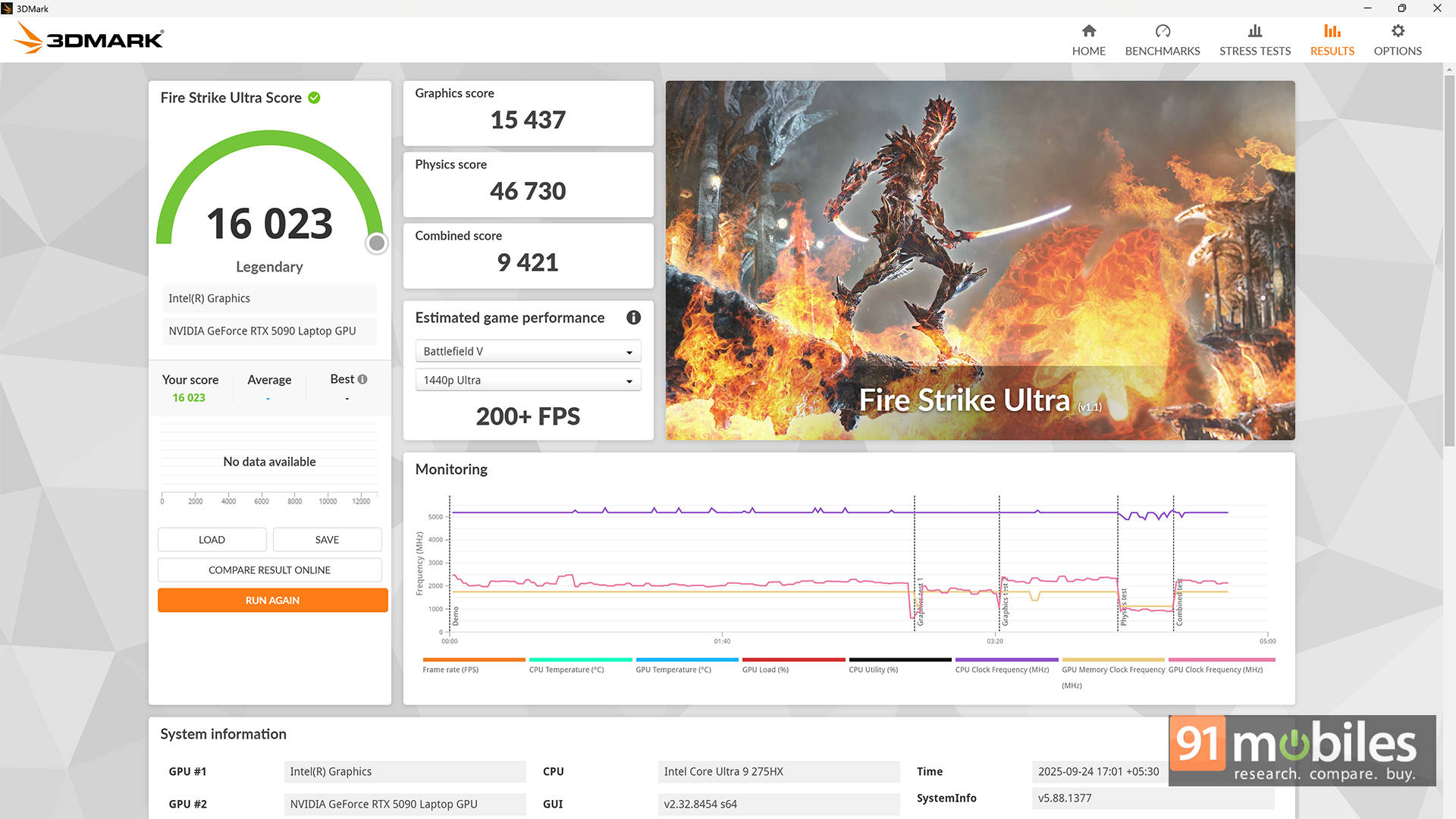
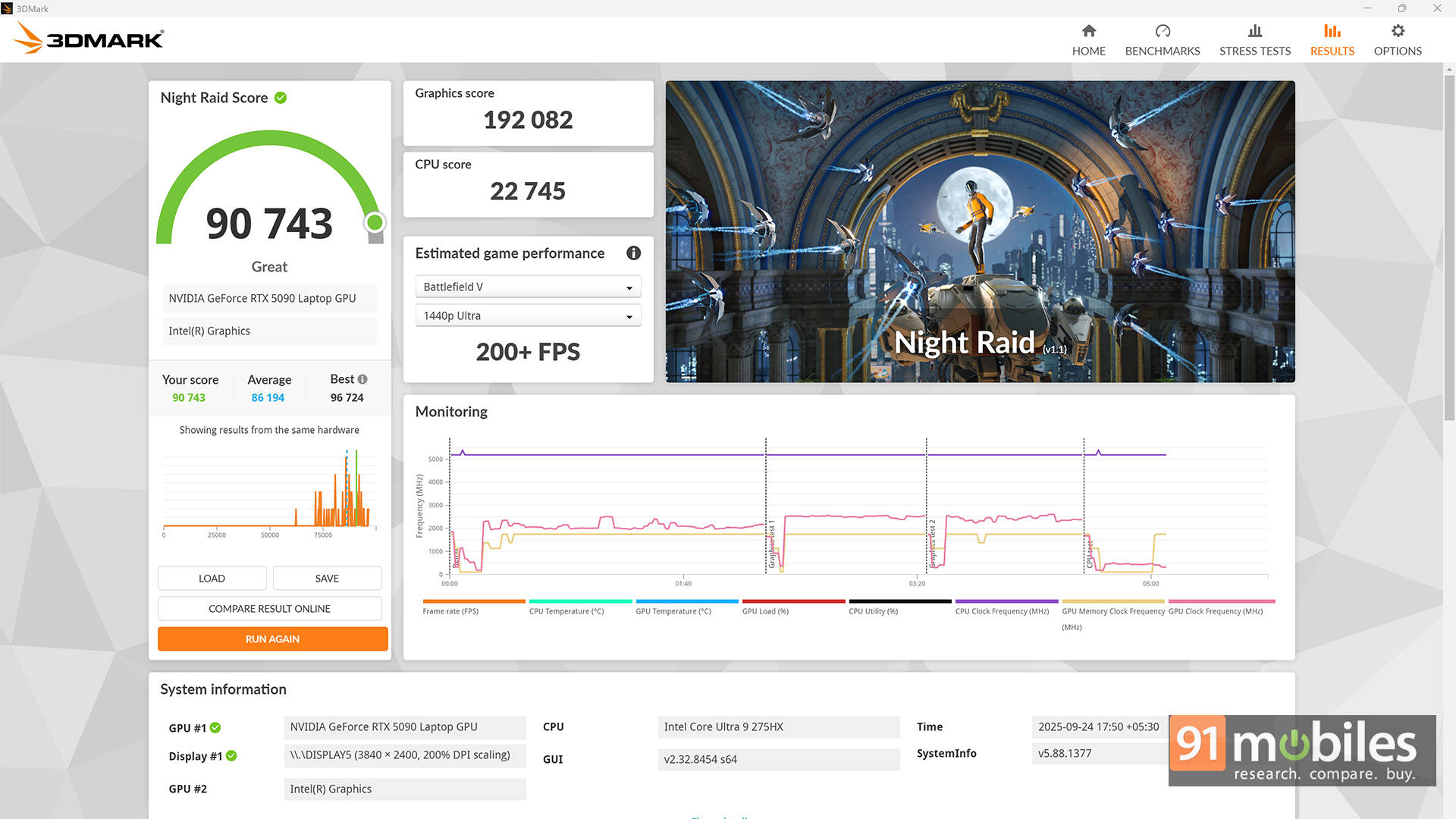
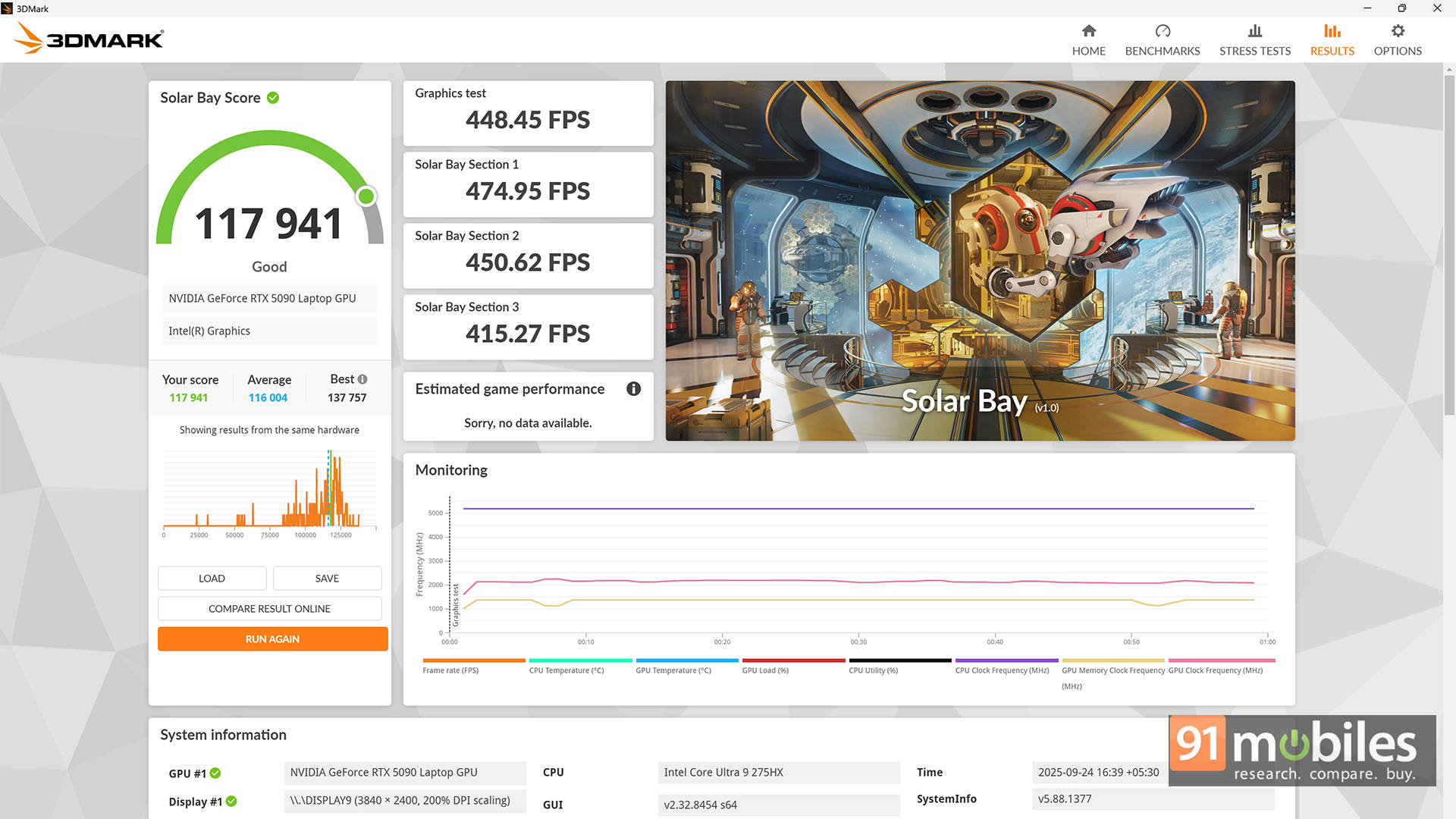
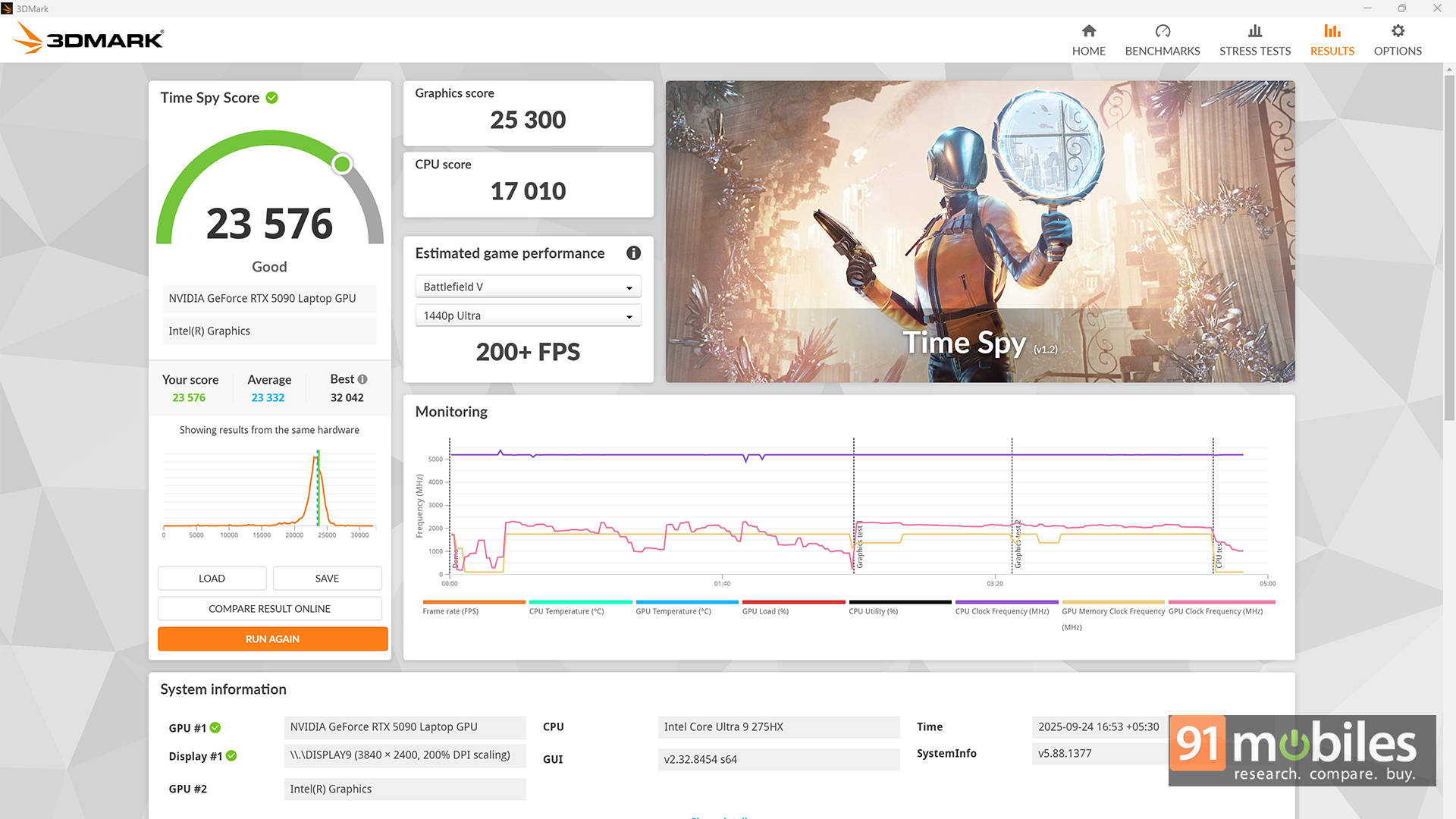
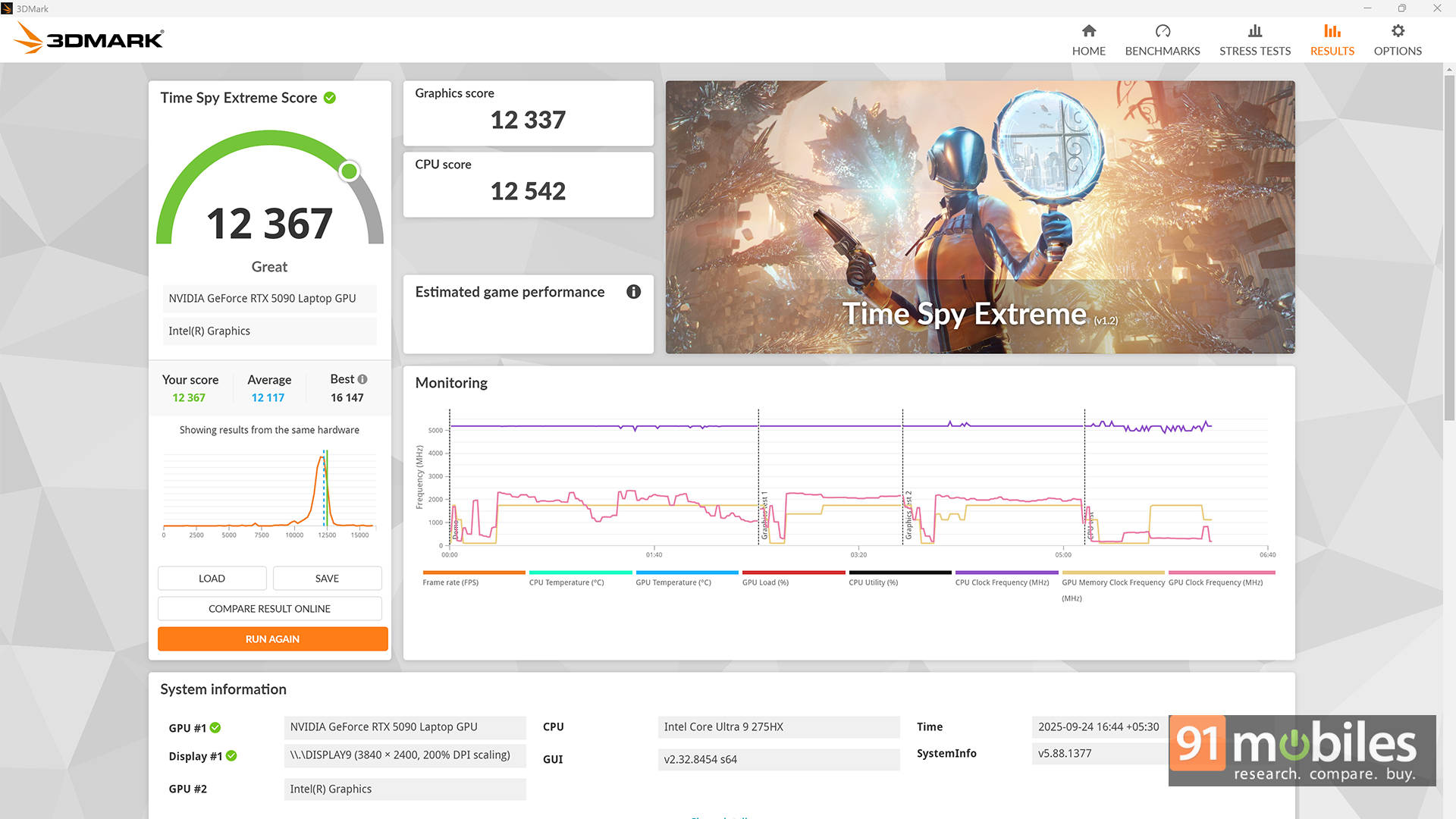
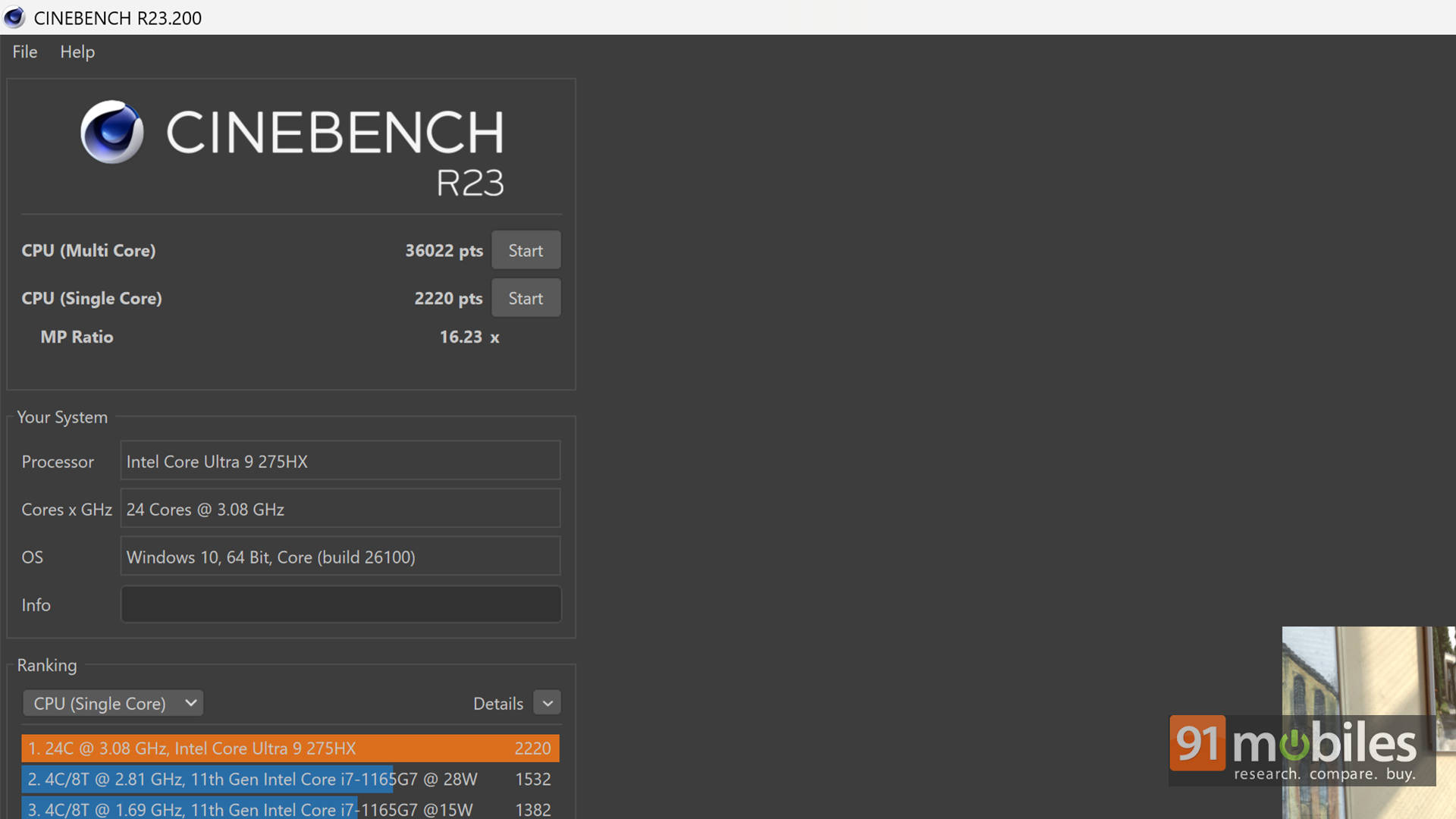
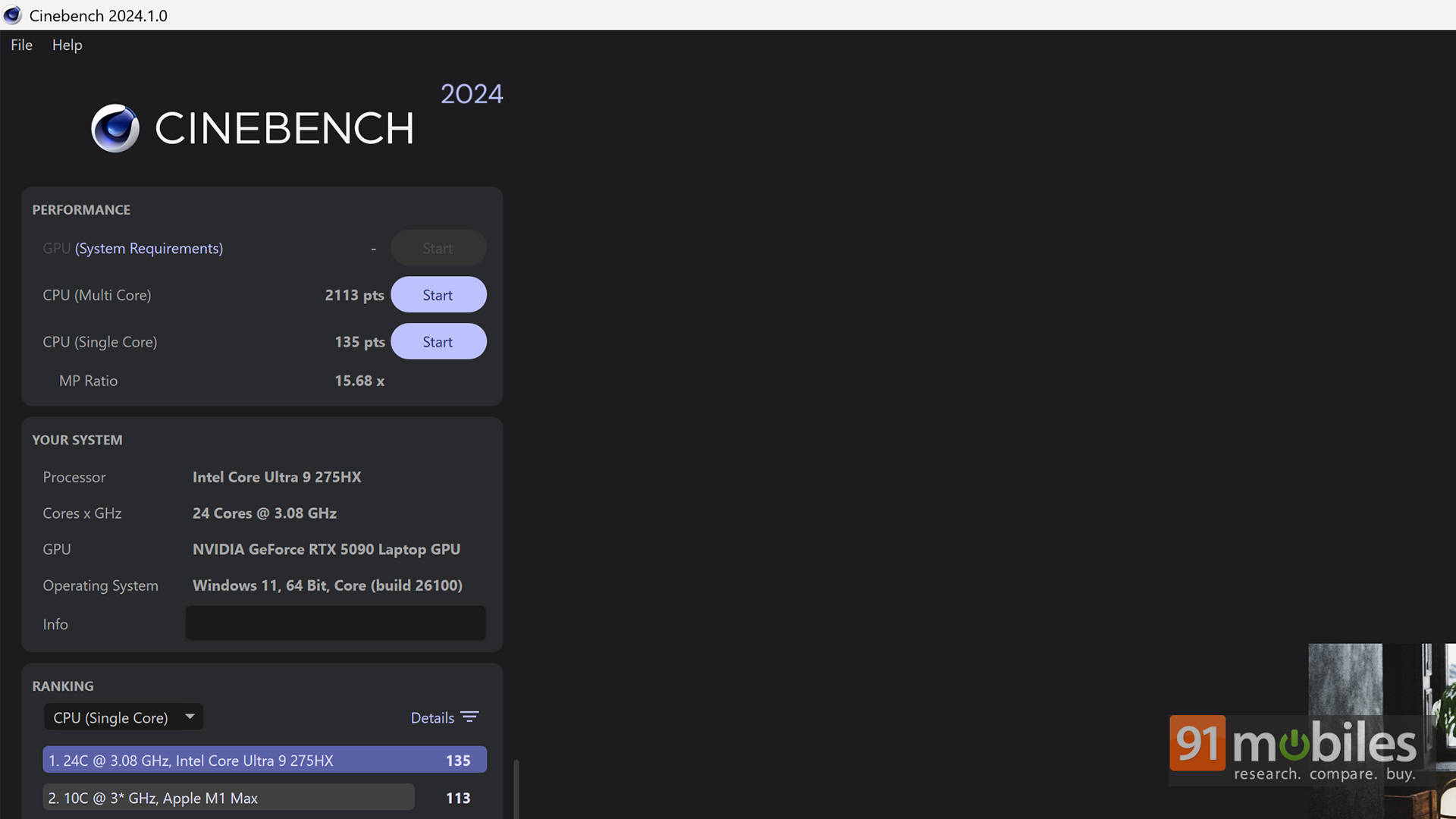
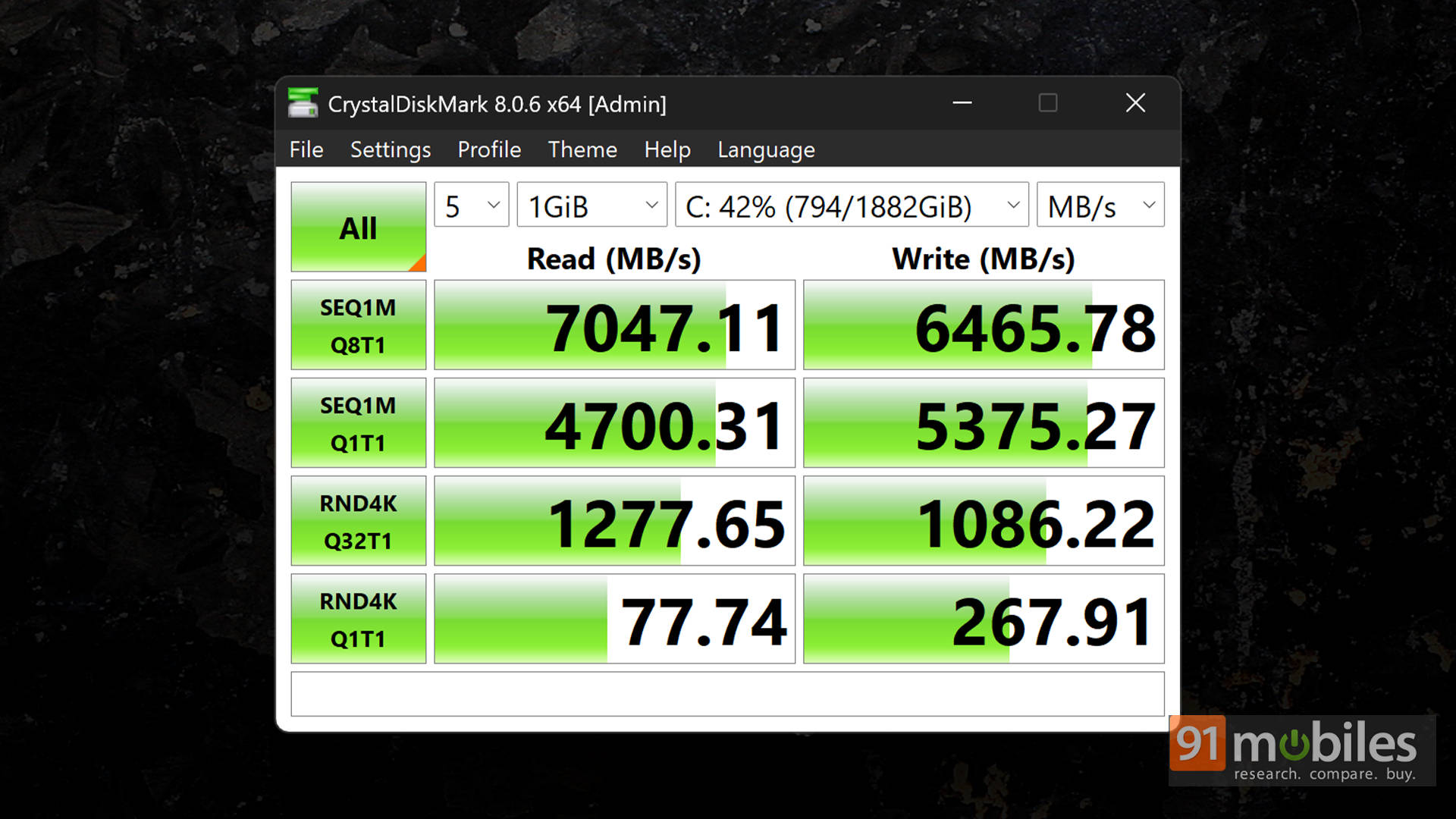
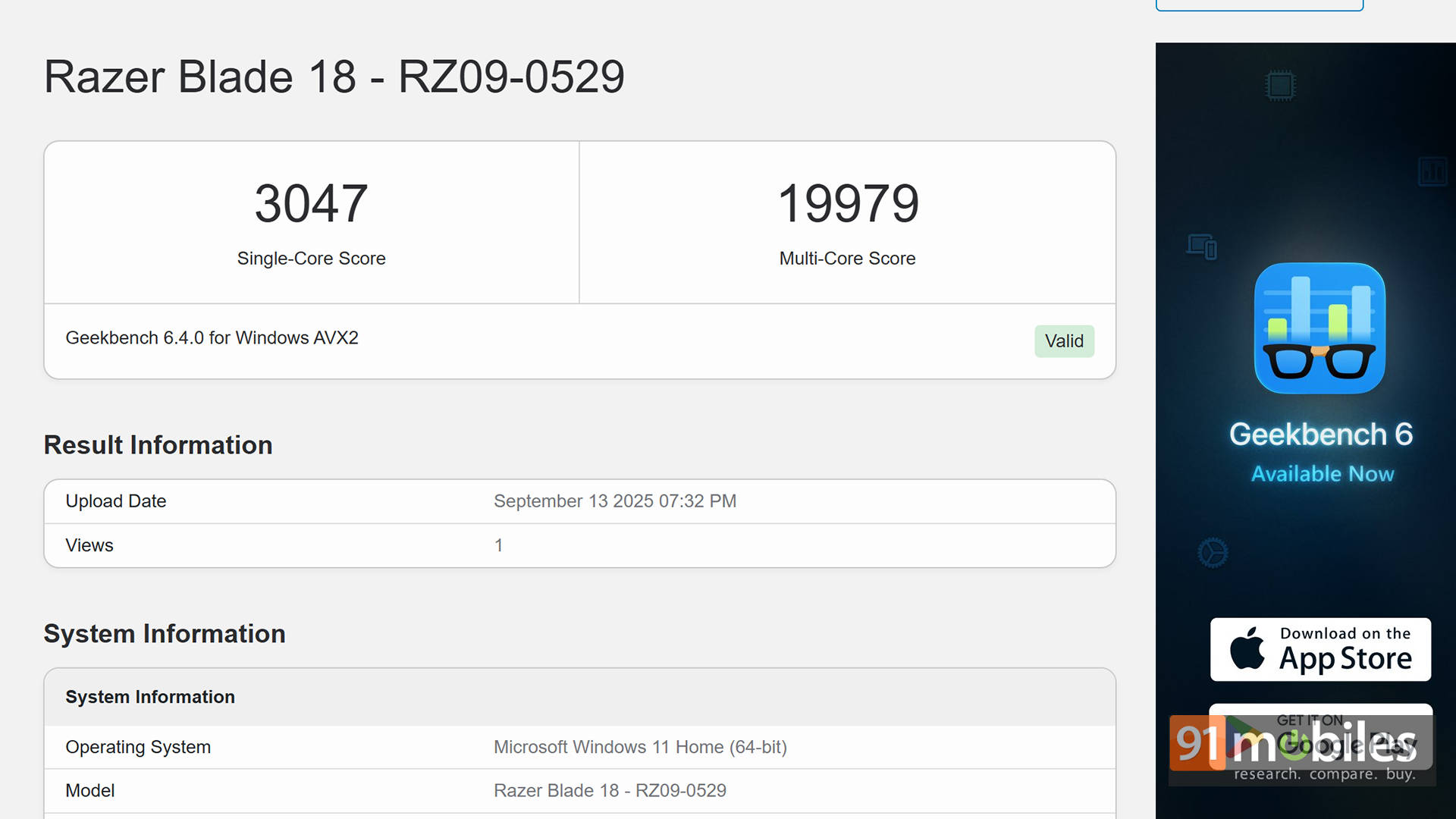
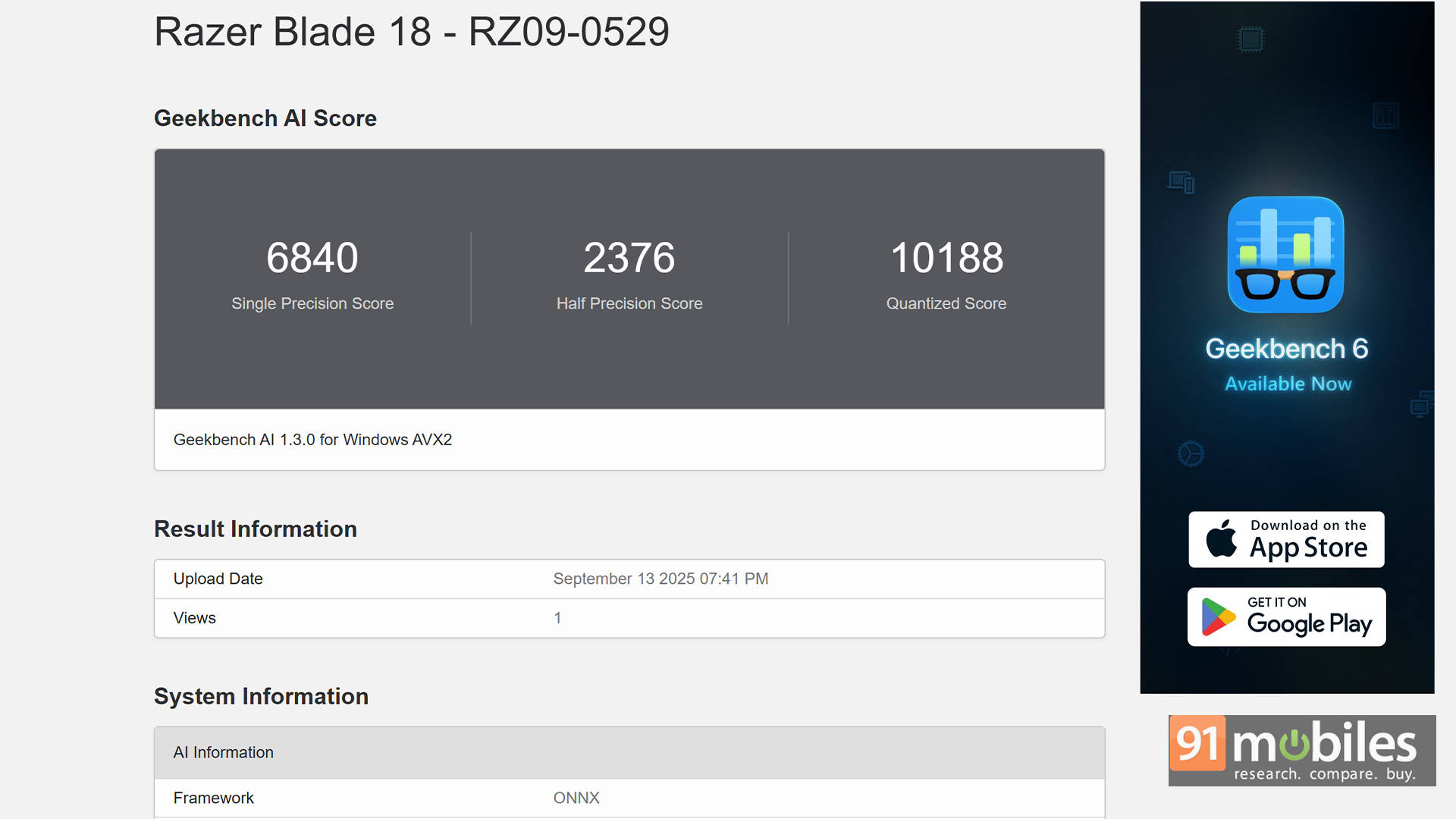
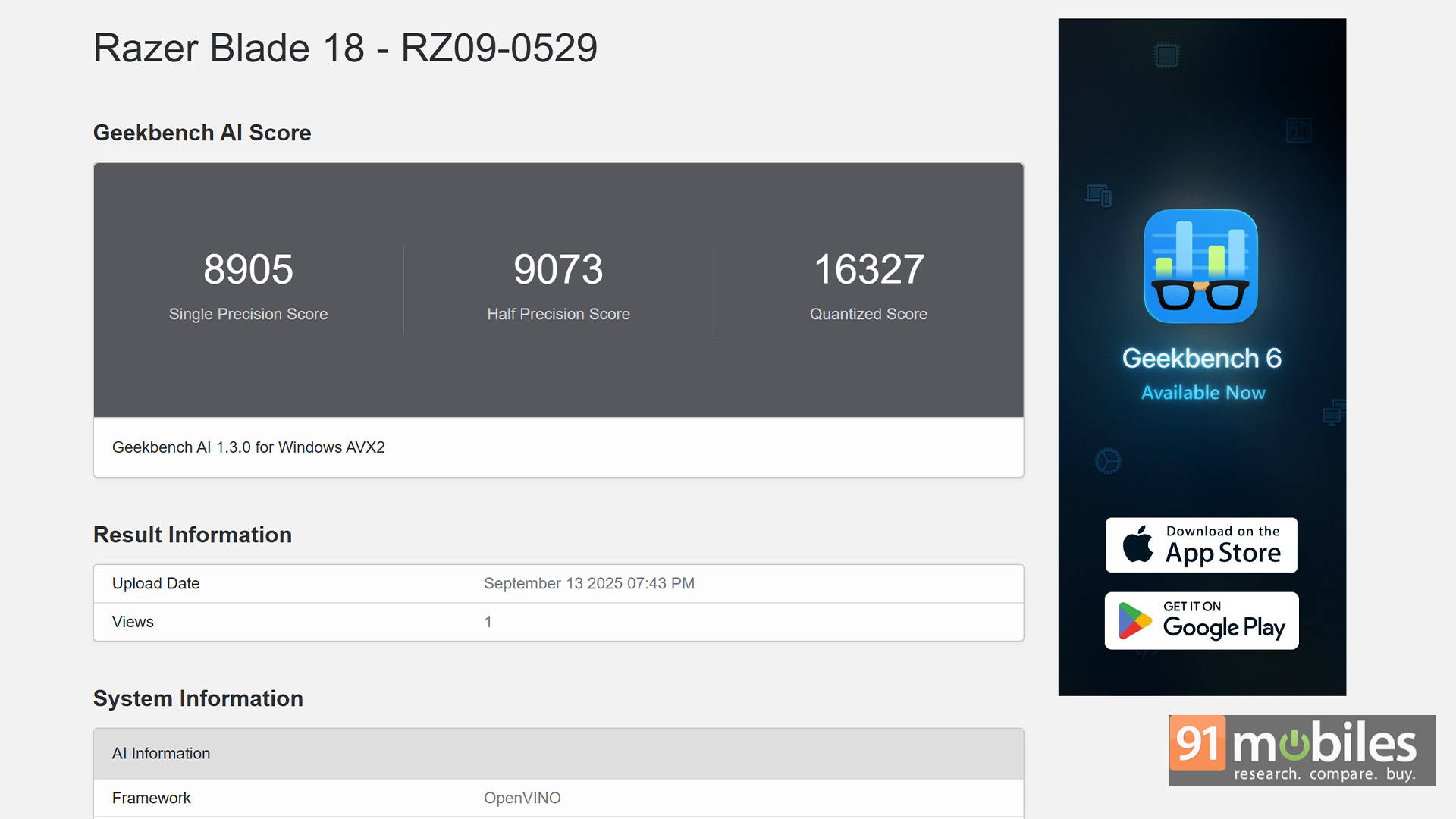
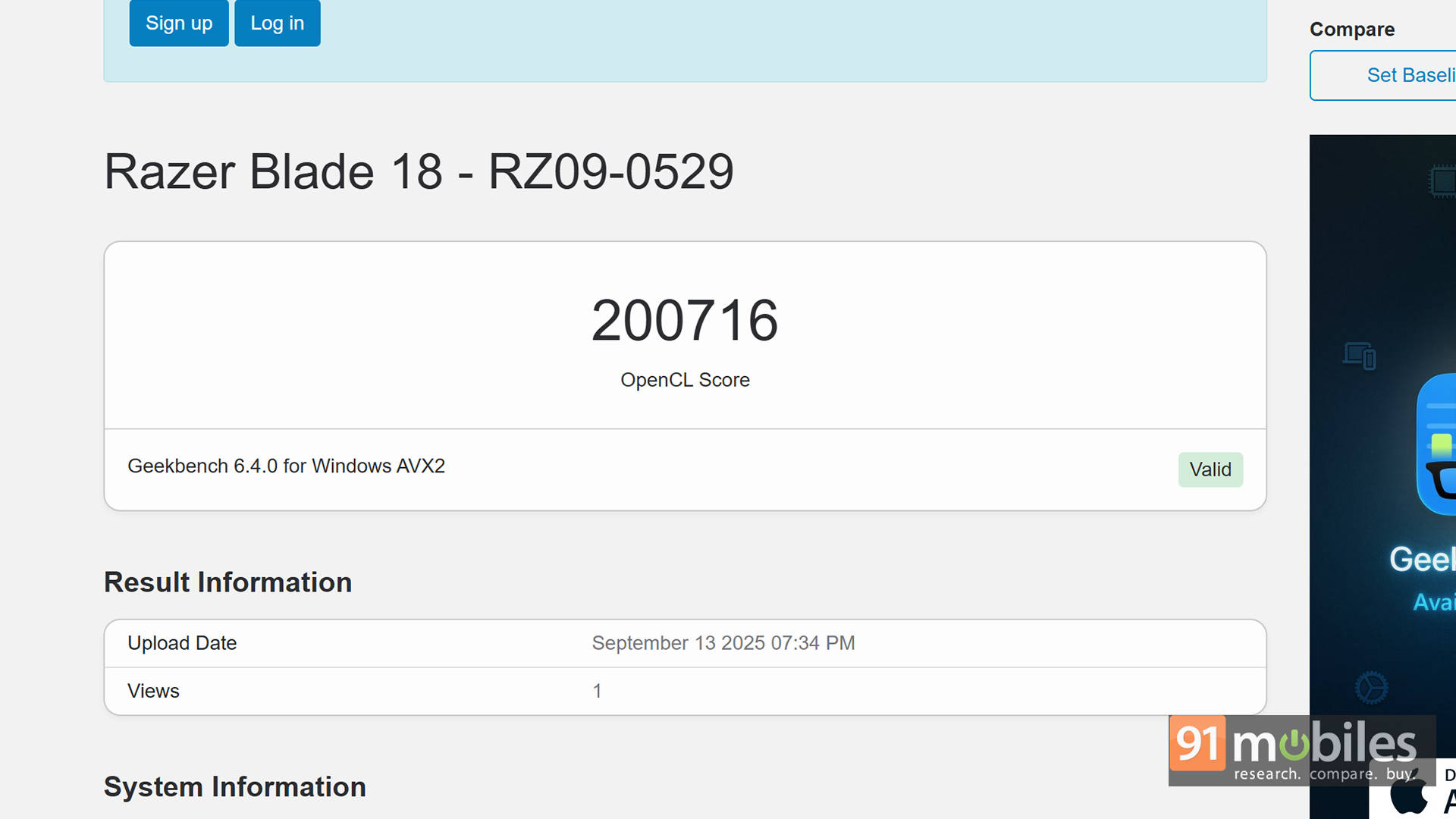
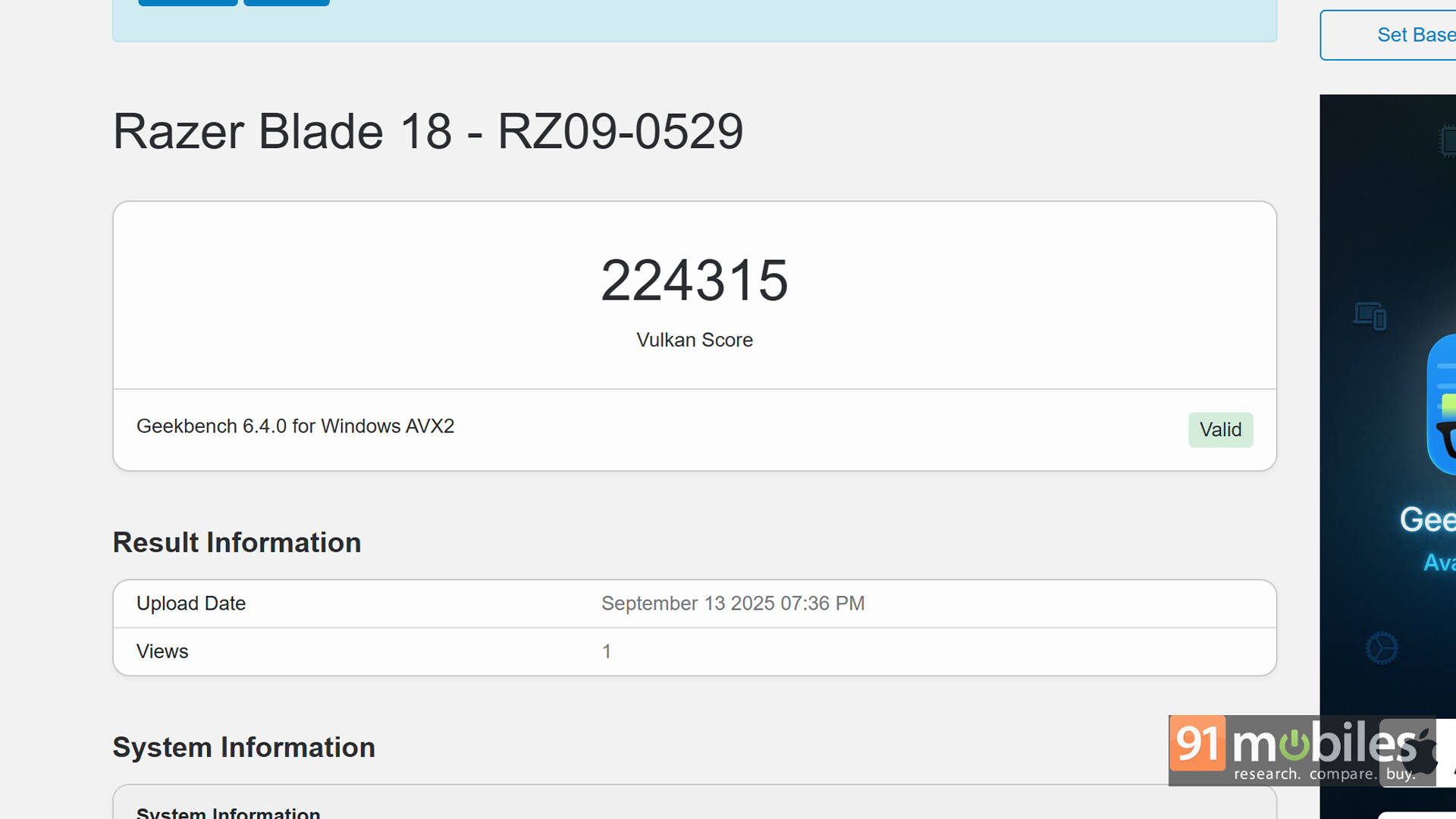

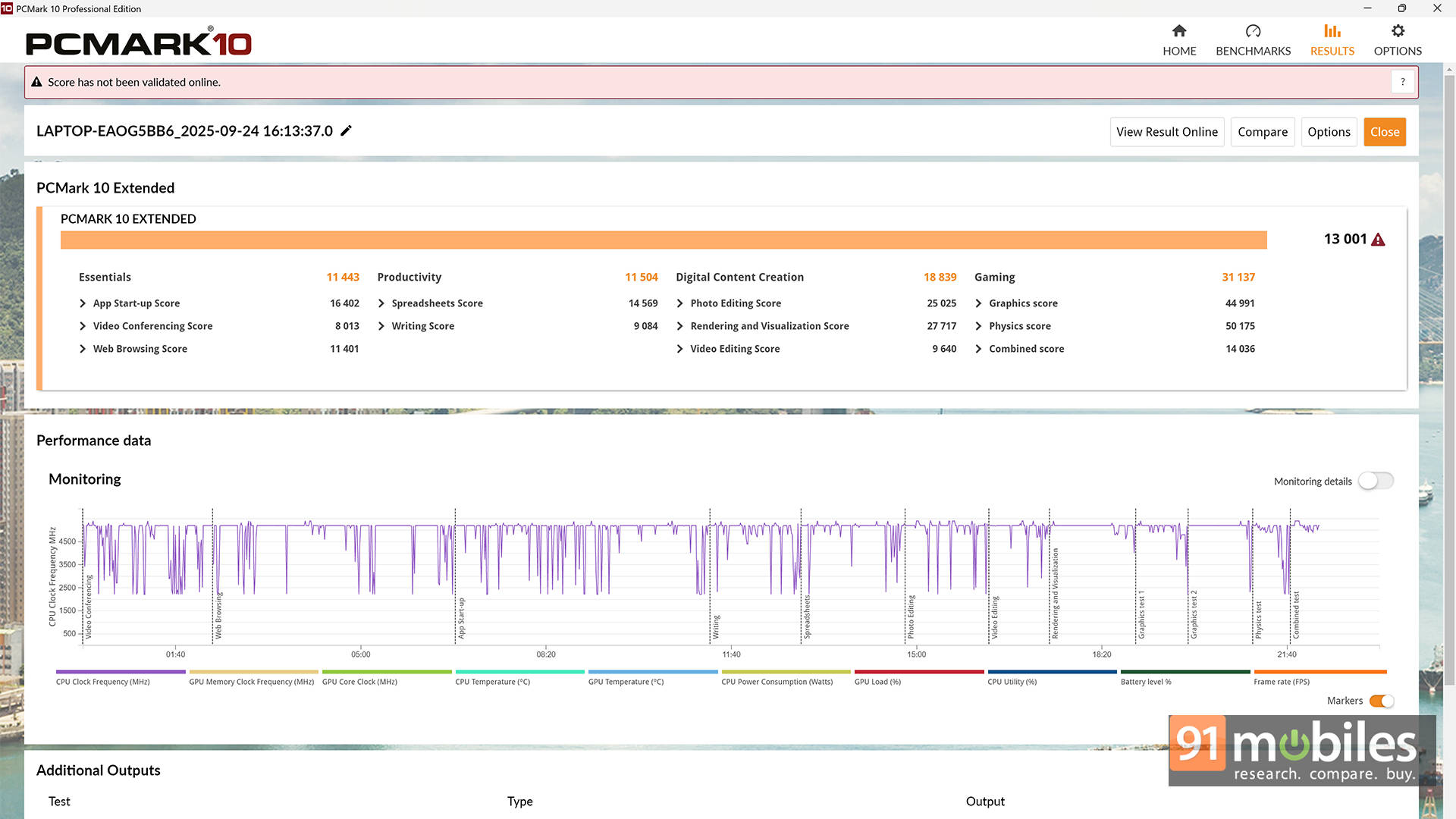
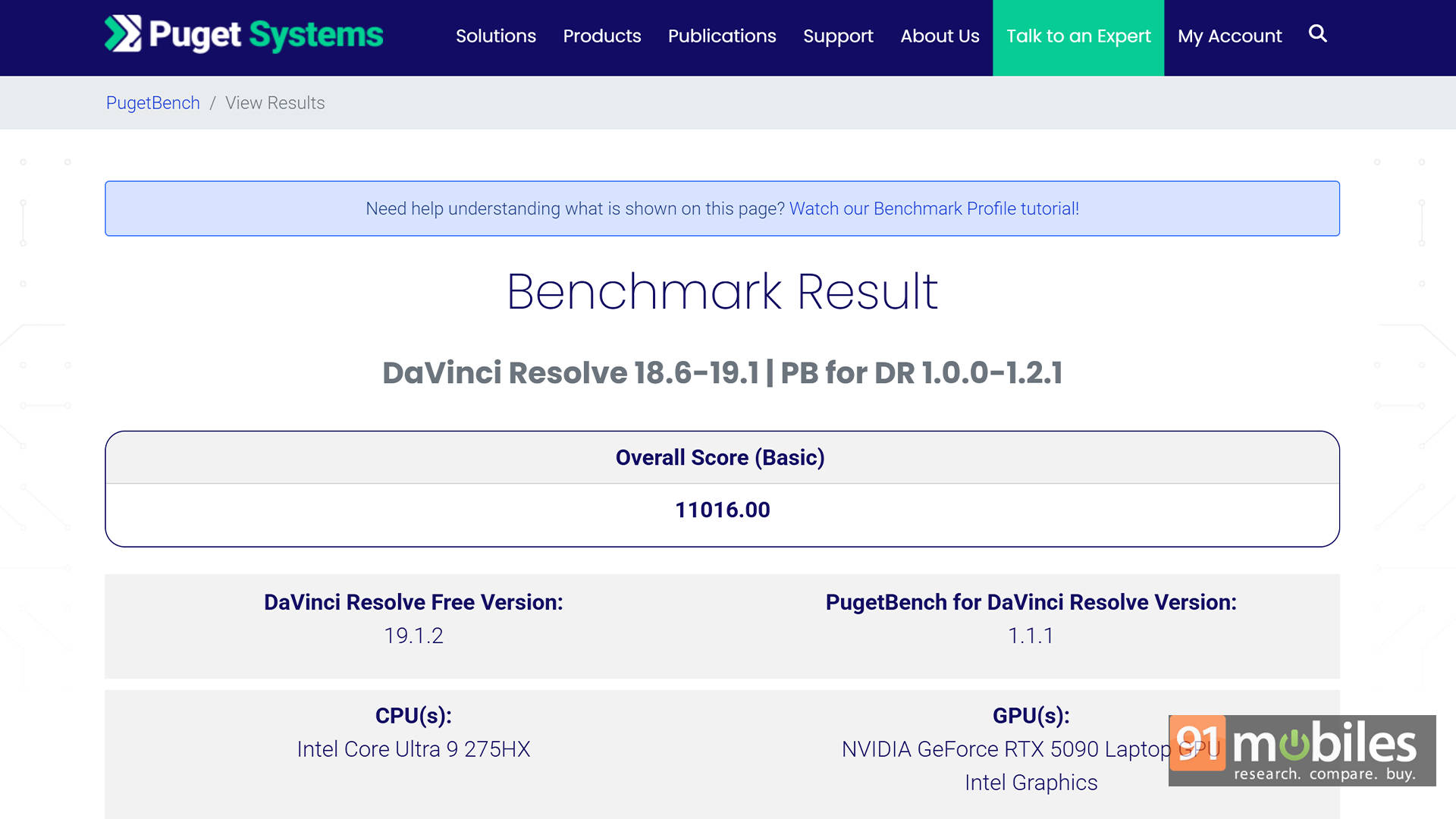


To put things in perspective, I stacked the Blade 18 (2025) directly against the MSI Titan 18 HX AI, which is basically the final boss of desktop replacements. The wild part? The Blade not only goes toe-to-toe in almost every benchmark but even manages to outperform the Titan, despite packing a slightly less aggressive CPU.
| Benchmark / Laptop | MSI Titan 18 HX | Razer Blade 18 |
| Cinebench R24 MT | 2140 | 2113 |
| Cinebench R24 ST | 133 | 135 |
| Cinebench R23 MT | 35617 | 36022 |
| Cinebench R23 ST | 2191 | 2220 |
| PCMark 10 | 8853 | 9536 |
| PCMark 10 Extended | 12707 | 13001 |
| Geek Bench 6 ST | 3045 | 3047 |
| Geek Bench 6 MT | 21840 | 19979 |
| Geek Bench OpenCL | 241274 | 200716 |
| Geek Bench Vulcan | 188921 | 224315 |
Even in gaming, the difference sits around a 1-2% margin. That's a win in my book, especially considering the Blade pulls this off while being noticeably sleeker. The Titan maxes out at around 32.05 mm; the Blade? Just 27.94 mm.
| Game + Settings / Laptop | MSI Titan 18 HX | Razer Blade 18 |
| GTA V - 1080P | 187 | 187 |
| Valorant - 1080P | 506 | 511 |
| Cyberpunk 2077 - FHD - Native | 162 | 162 |
| Cyberpunk 2077 - FHD - DLSS | 162 | 162 |
| Cyberpunk 2077 - FHD - DLSS+RT | 112 | 112 |
| Cyberpunk 2077 - FHD - DLSS+RT+FG | 354 | 353 |
| Cyberpunk 2077 - QHD - Native | 117 | 119 |
| Cyberpunk 2077 - QHD - DLSS | 151 | 153 |
| Cyberpunk 2077 - QHD - DLSS+RT | 96 | 94 |
| Cyberpunk 2077 - QHD - DLSS+RT+FG | 275 | 272 |
| Forza Horizon 5 - FHD - Native | 206 | 200 |
| Forza Horizon 5 - FHD - DLSS+RT | 186 | 189 |
| Forza Horizon 5 - FHD - DLSS+RT+FG | 301 | 306 |
| Forza Horizon 5 - QHD - Native | 176 | 175 |
| Forza Horizon 5 - QHD - DLSS+RT | 170 | 169 |
| Forza Horizon 5 - QHD - DLSS+RT+FG | 249 | 249 |
| Black Myth Wukong - FHD - Native | 83 | 81 |
| Black Myth Wukong - FHD - DLSS | 85 | 83 |
| Black Myth Wukong - FHD - DLSS+RT | 93 | 93 |
| Black Myth Wukong - QHD - Native | 73 | 71 |
| Black Myth Wukong - QHD - DLSS | 77 | 75 |
| Black Myth Wukong - QHD - DLSS+RT | 68 | 70 |
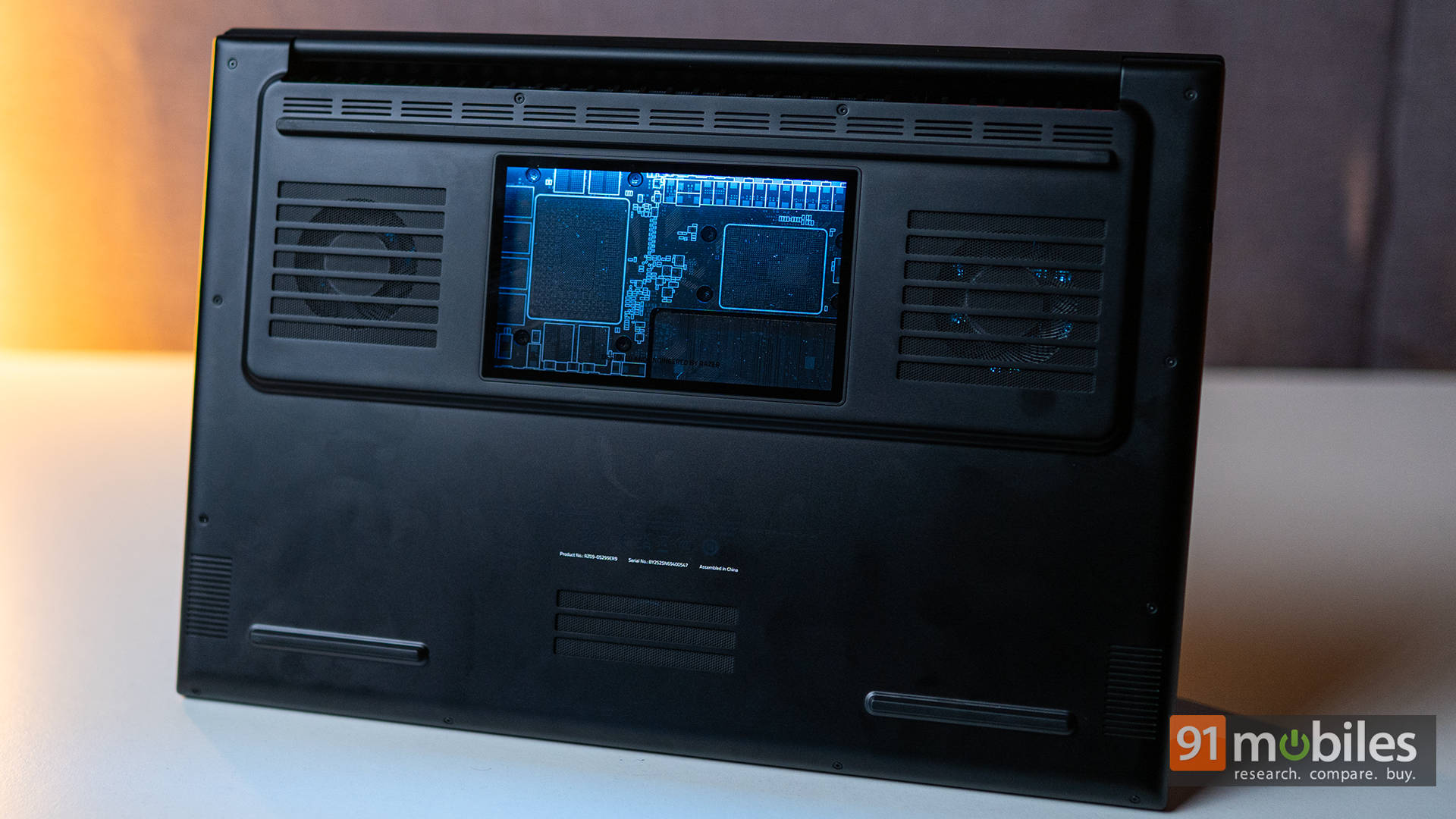
And here's the kicker: despite its comparatively slim frame, sustained loads don't send it into thermal panic. Razer's vapour-chamber + triple-fan setup keeps things surprisingly civil. During long gaming or rendering sessions, the fans absolutely make themselves known, but clocks stay stable, and the deck never turns into a pizza stone.
That consistency is rare in gaming laptops. This isn't a machine that performs for five minutes and then taps out. This is genuine, all-day endurance performance.
Big, Bold, While Barely Trying
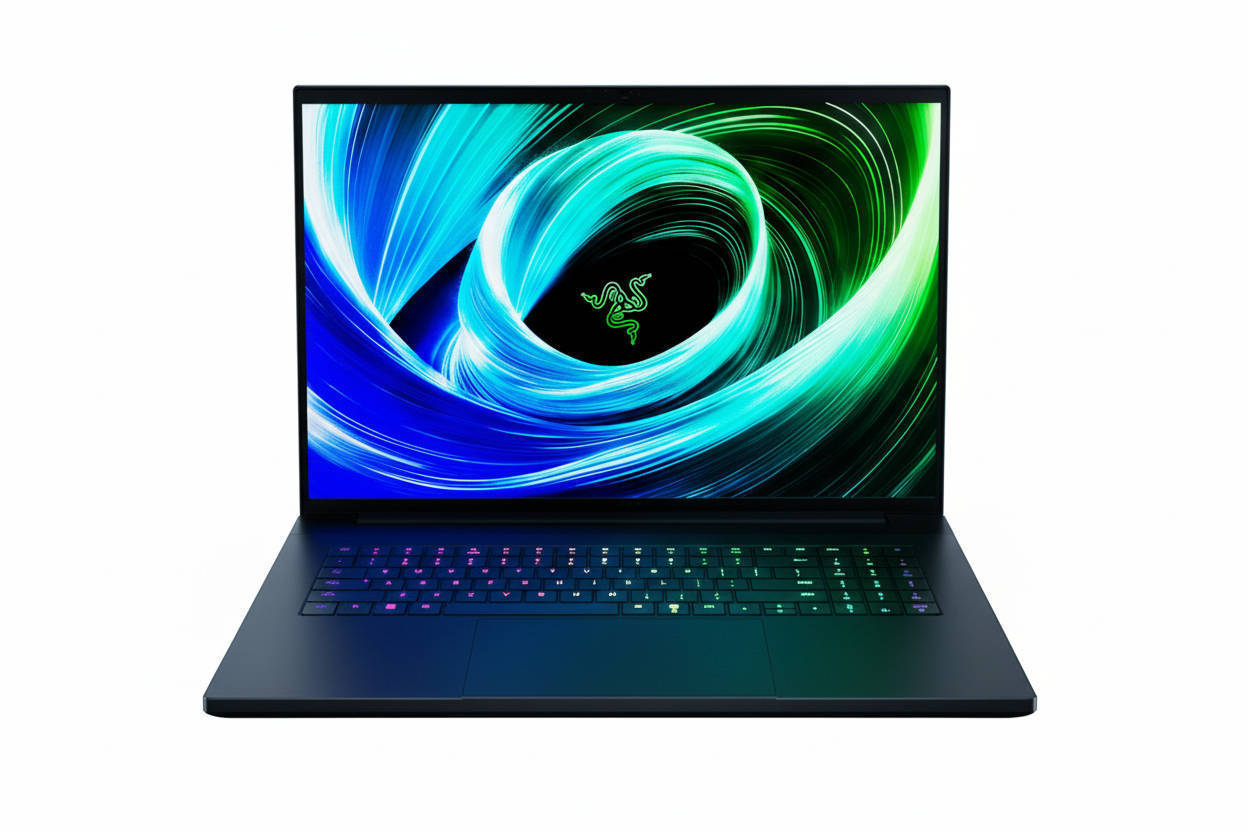
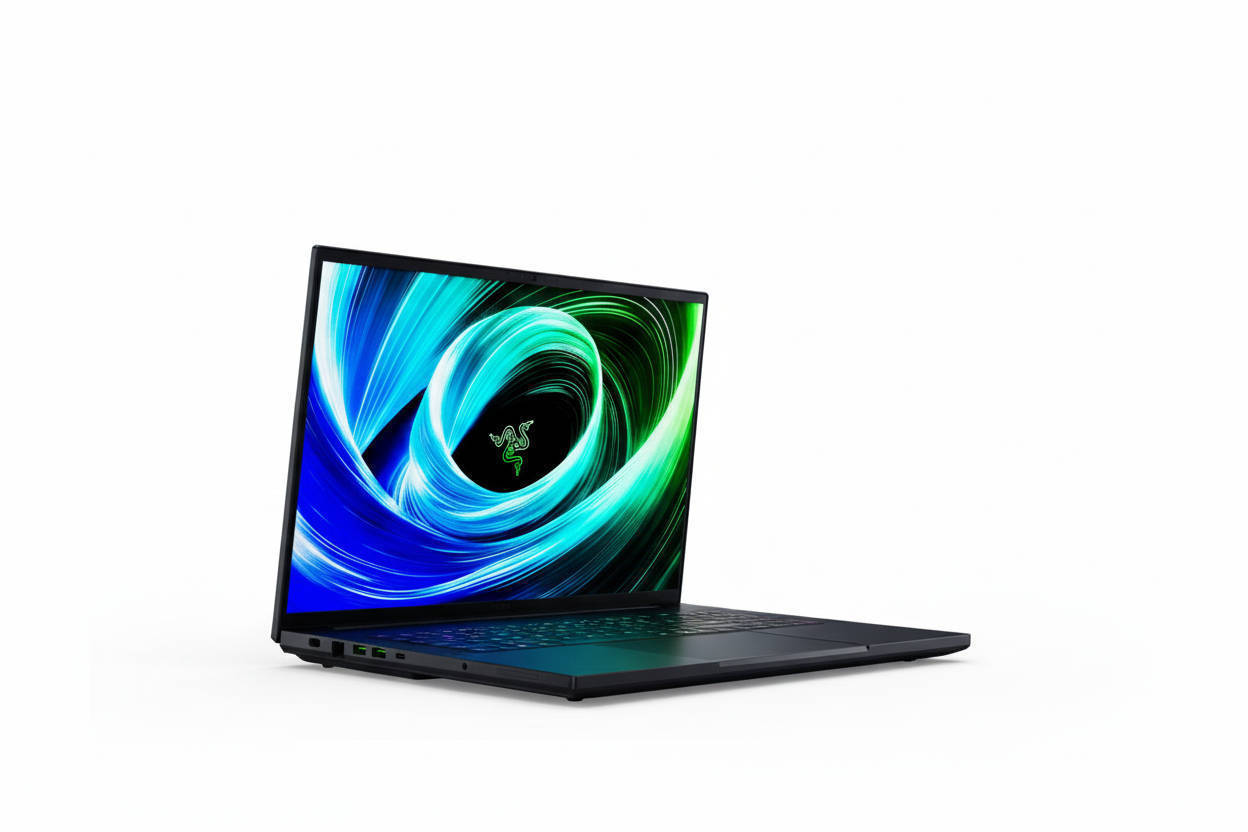
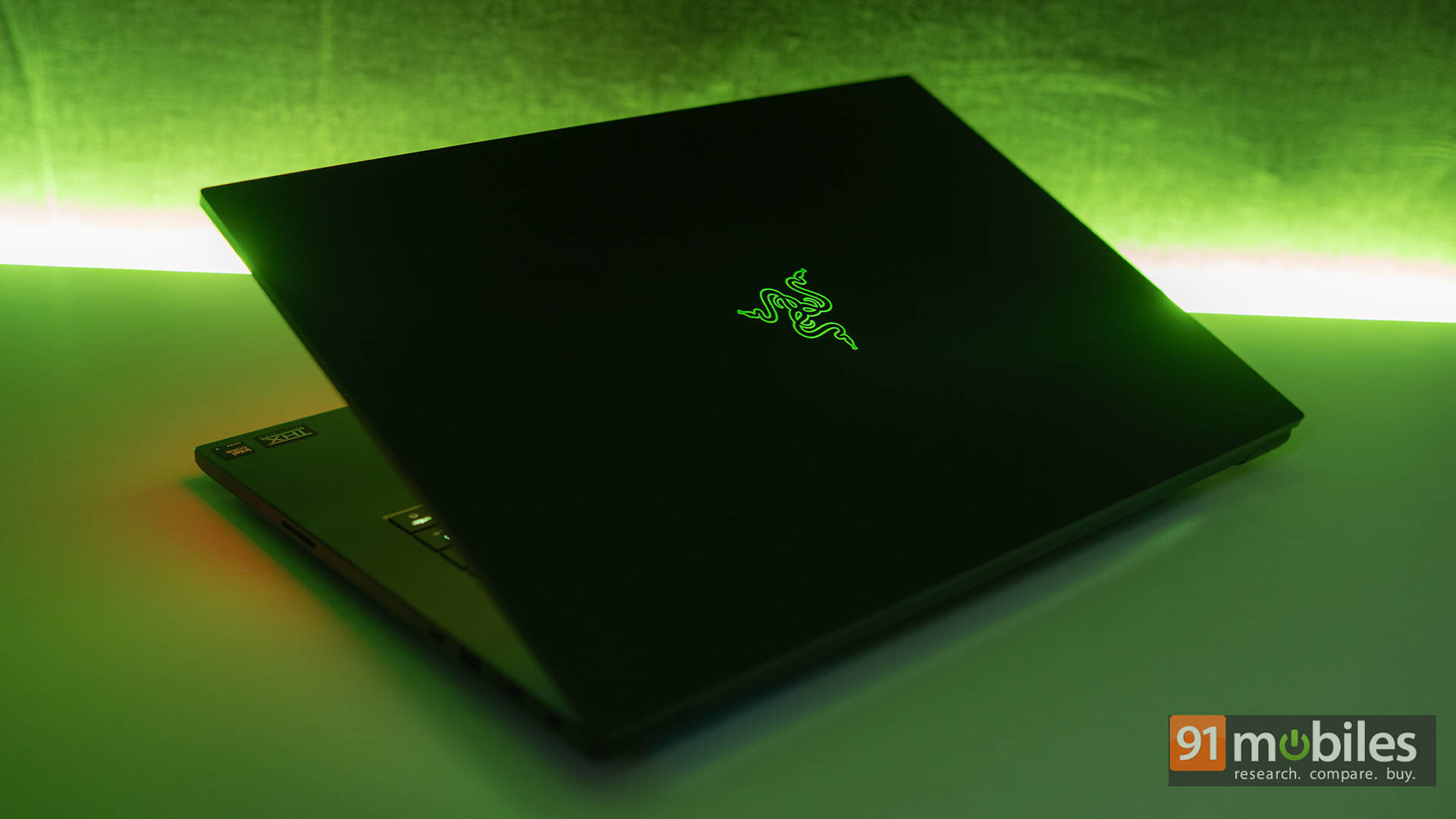
From across the room, the Blade 18 looks… calm. Muted. Tasteful. It's got that signature Razer vibe: minimal effort, maximum statement. CNC-milled aluminium everywhere, sharp lines, clean edges, and a hinge so smooth it could moonlight as a fidget toy.
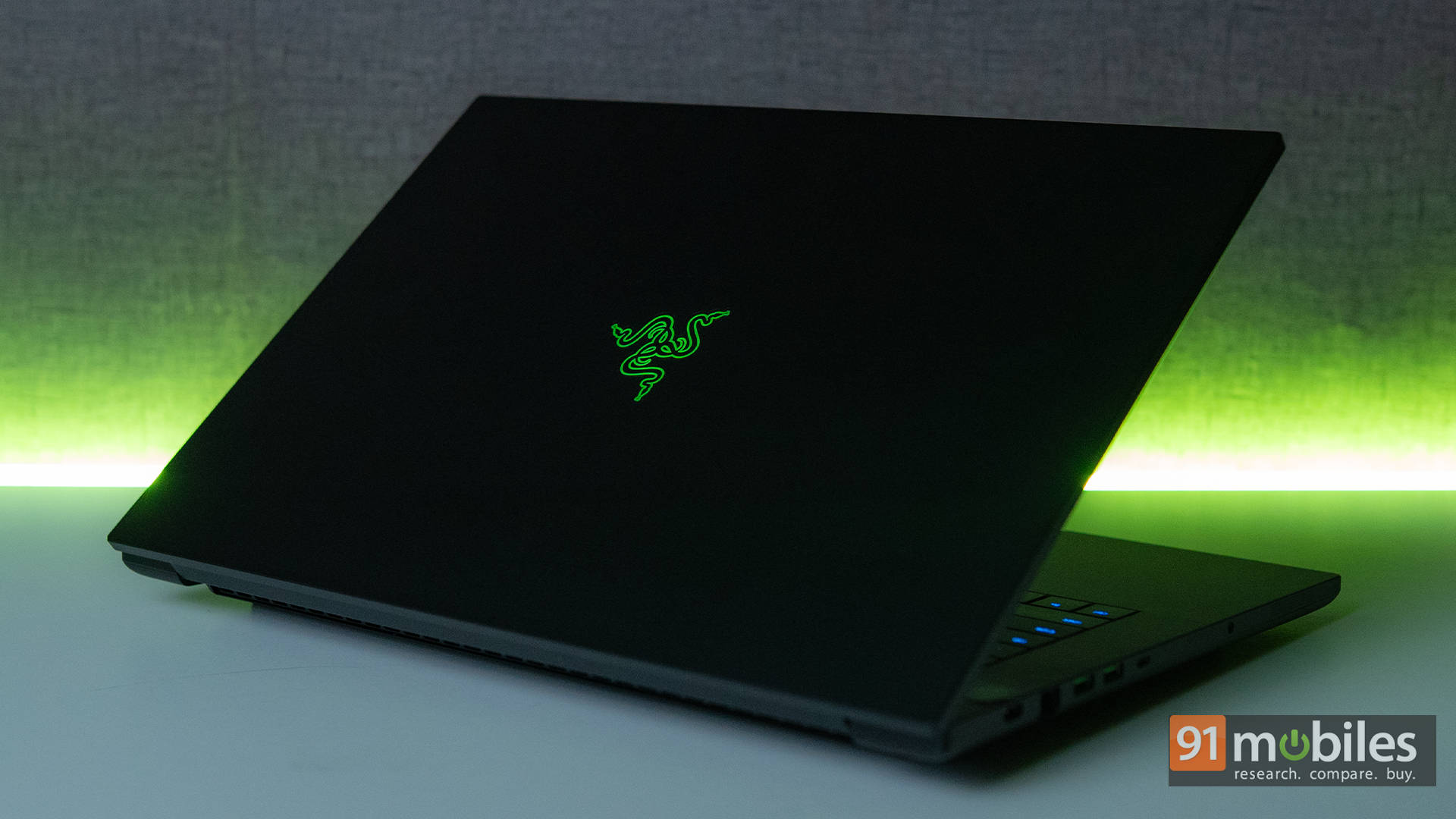
Yes, it's big (that's the entry fee for an 18-inch laptop), but it's surprisingly restrained for its category. While rival machines are out here doing full "Transformer cosplay" with aggressive vents and RGB gills, the Blade 18 looks ready to stroll into a business lounge, drop a 4K highlight reel, and sip an espresso without breaking character.
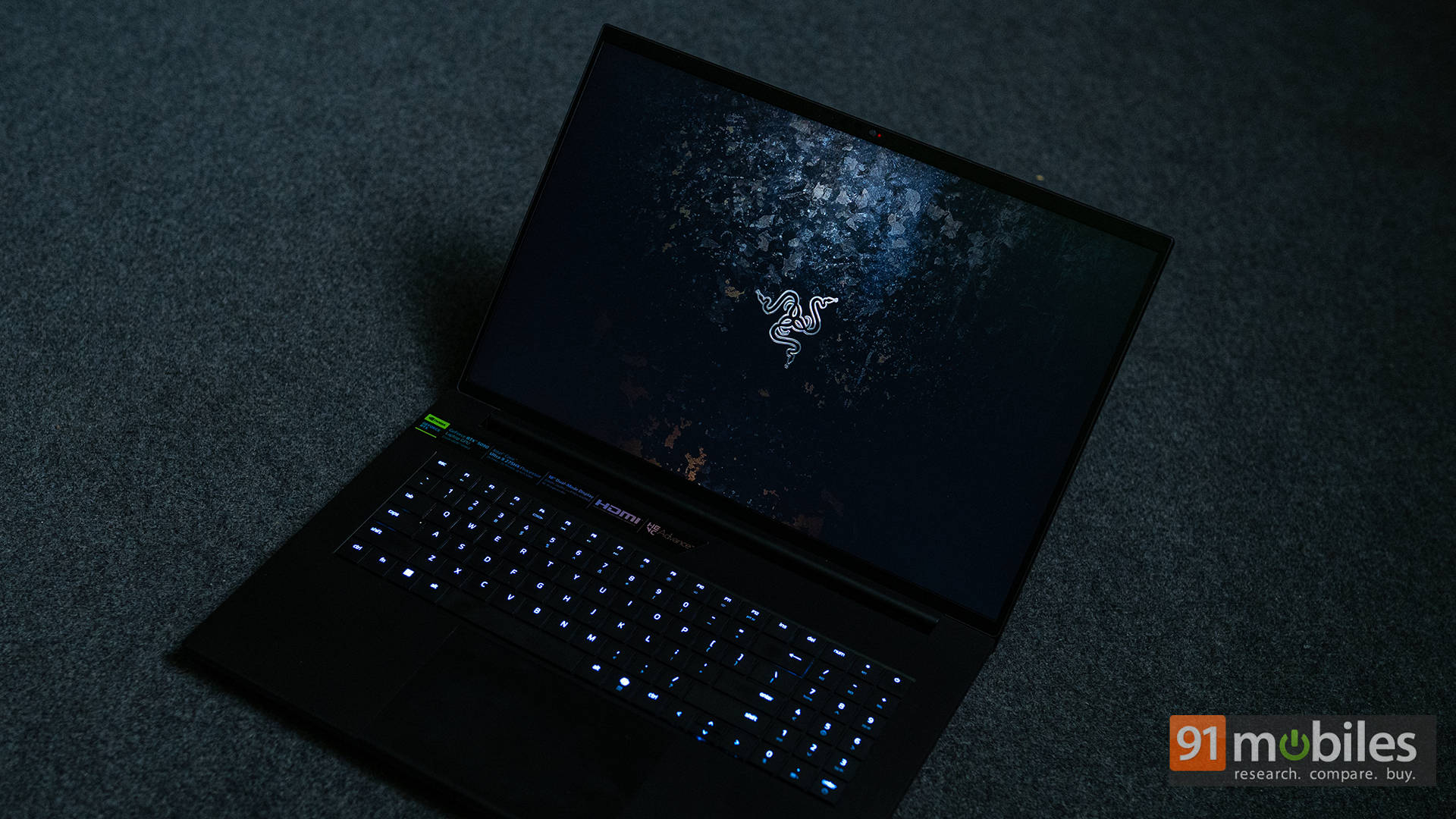
And sure, I said "minimal effort," but the actual effort clearly went into the build quality. The rigidity here is top-tier: no deck flex, no hinge wobble, no weak points anywhere.
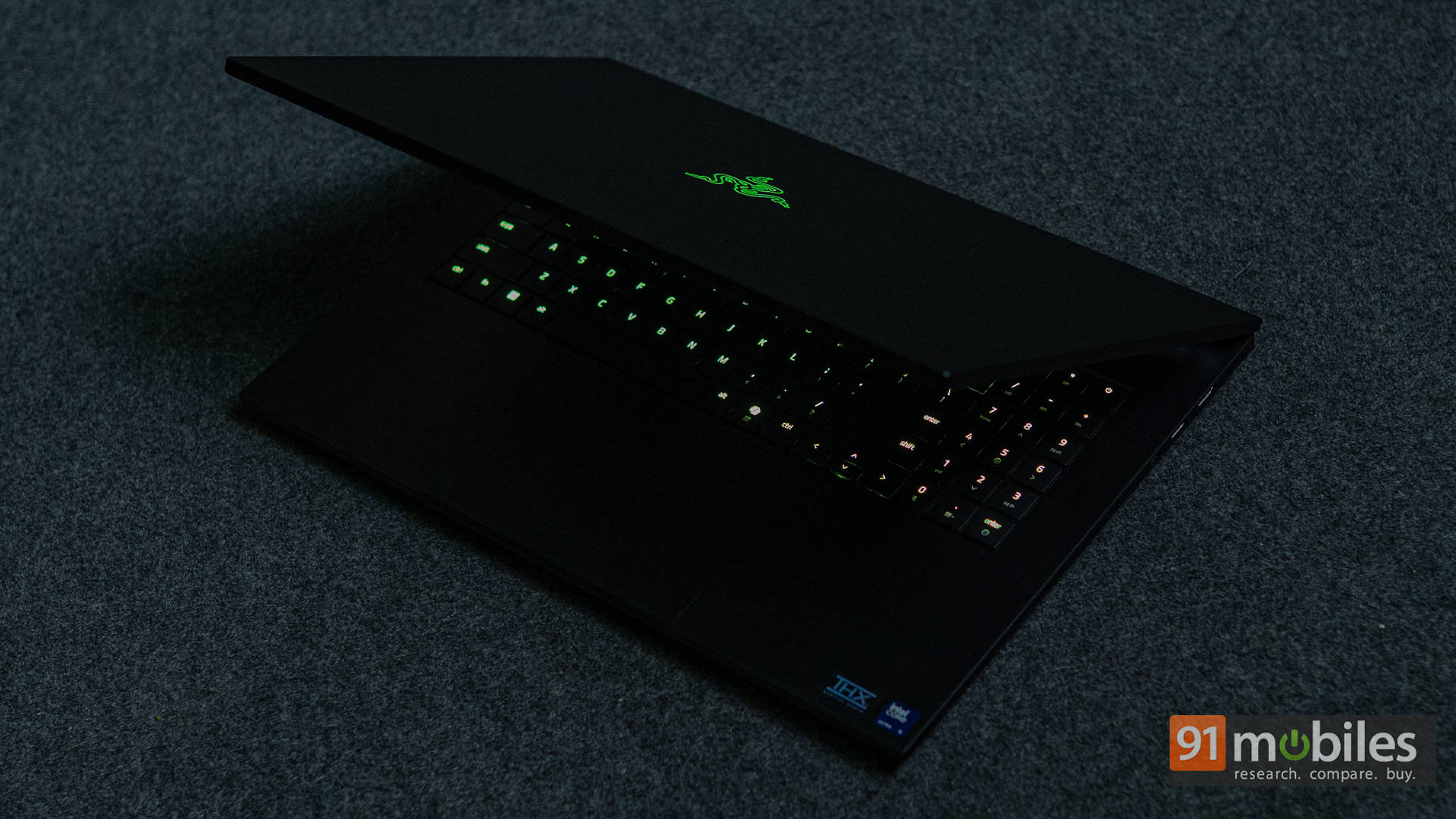
Even the venting underneath is neat and intentional, not like they just carved out half the chassis and prayed. It's still more "move it between desks or cities" than "balance it on public transport," but for an 18-inch desktop replacement, Razer has kept things remarkably slim and purposeful.
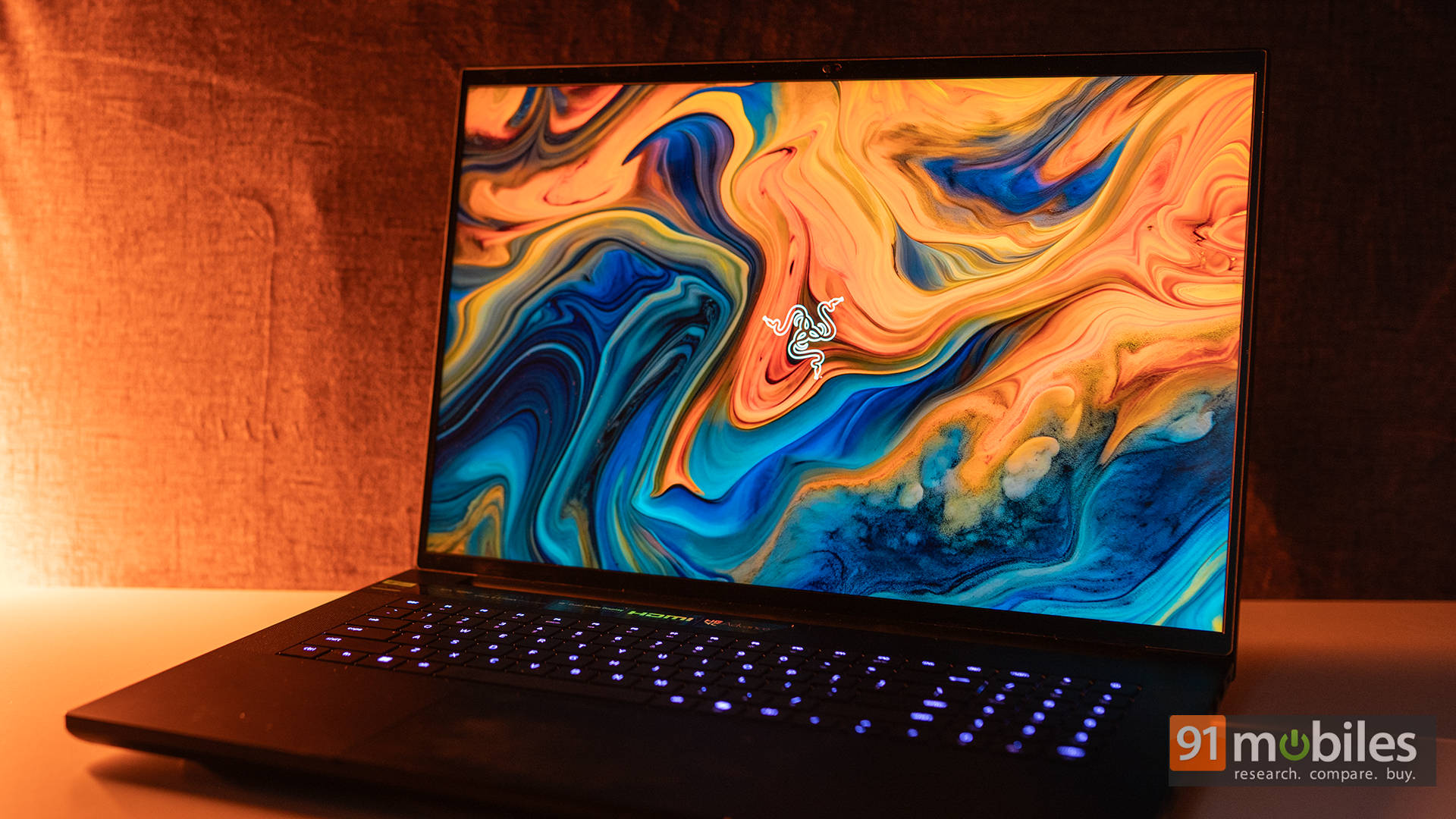
To be fair, that's really the whole theme here: premium without peacocking. This is the giant laptop for people who want absurd power without looking like they dragged a nightclub into the room with them.
A Blade With a Double-Edged Display
Now let's talk about the Blade 18's party trick: the Dual-Mode Display. This panel basically wakes up every morning and lets you decide what mood it should be in. Want razor-sharp detail? Switch to UHD+ at 3840×2400 with a silky 240Hz refresh. Feeling sweaty and competitive? Flick it down to FHD+ at 1920×1200 and let that ridiculous 440Hz refresh rate carry you to glory.
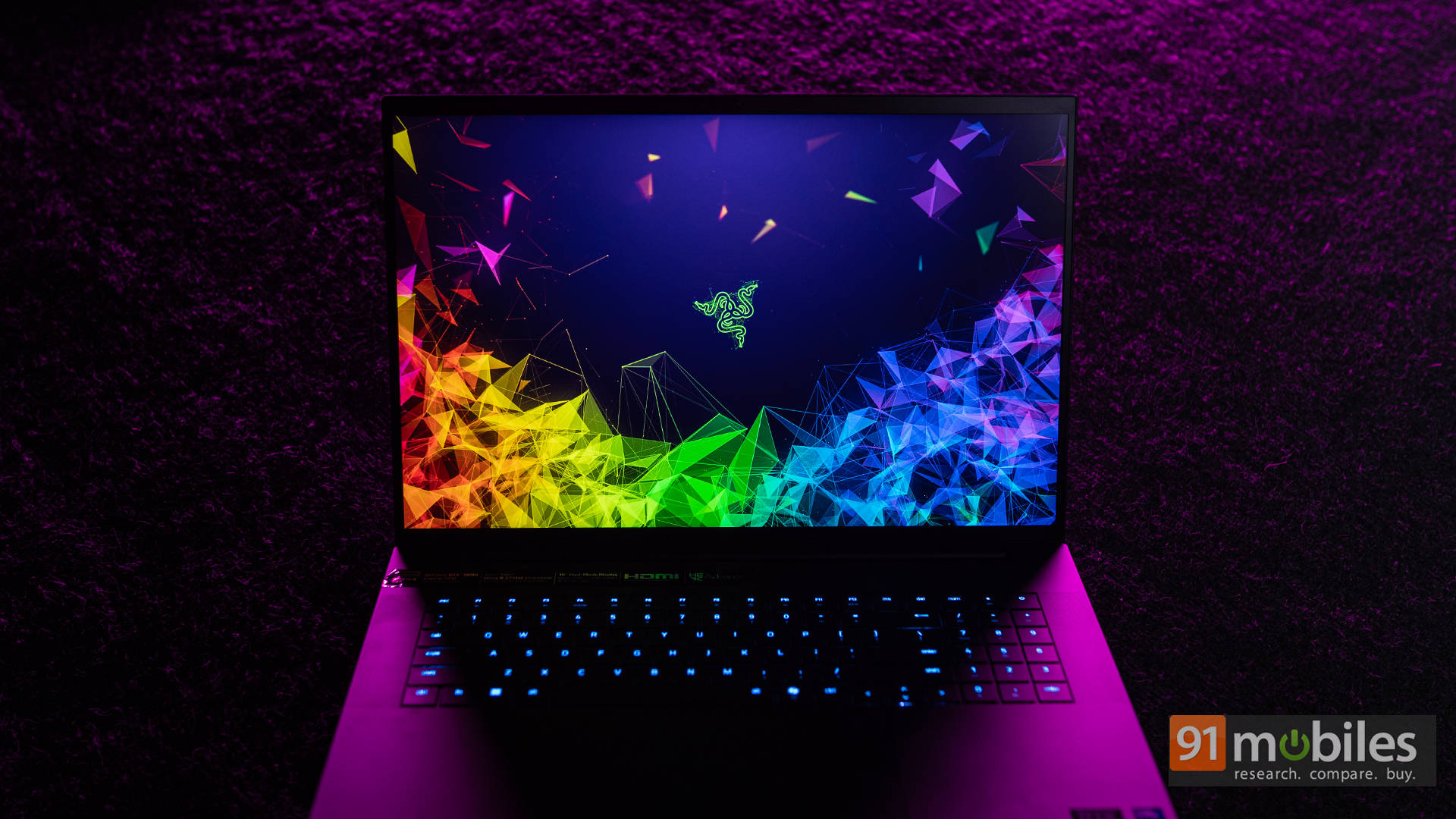
Some days it's all pixel-perfect sharpness for edits, spreadsheets the size of small nations, or Netflix marathons. Other days, it flips into high-refresh chaos mode, practically begging you to fire up Valorant, Apex, or whatever competitive title currently has custody of your free time. Being able to hop between creator-friendly resolution and esports-grade speed genuinely feels like you smuggled two displays into one lid.
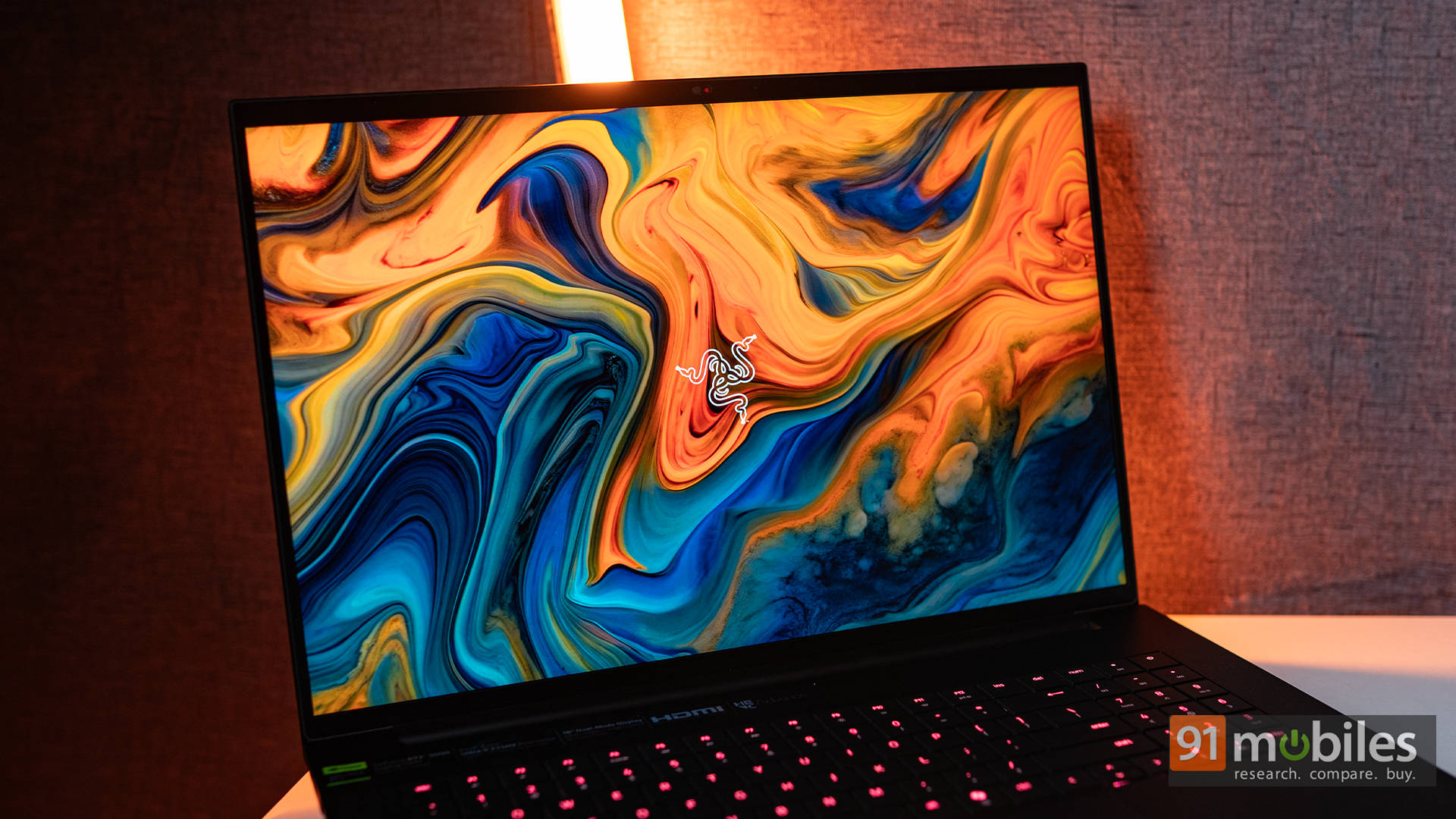
Quality-wise, it's plenty bright for sunlit rooms, colour-accurate enough for creators who actually care, and fast enough that motion blur packs up and moves out. No, it's not Mini-LED or OLED — instead, Razer went with an IPS panel. However, it's easily one of the best IPS panels you can get on a gaming laptop right now. You'll only miss those deep OLED blacks if you go hunting for them; otherwise, this thing handles everything from dense spreadsheets to dramatic spell effects with impressive clarity.
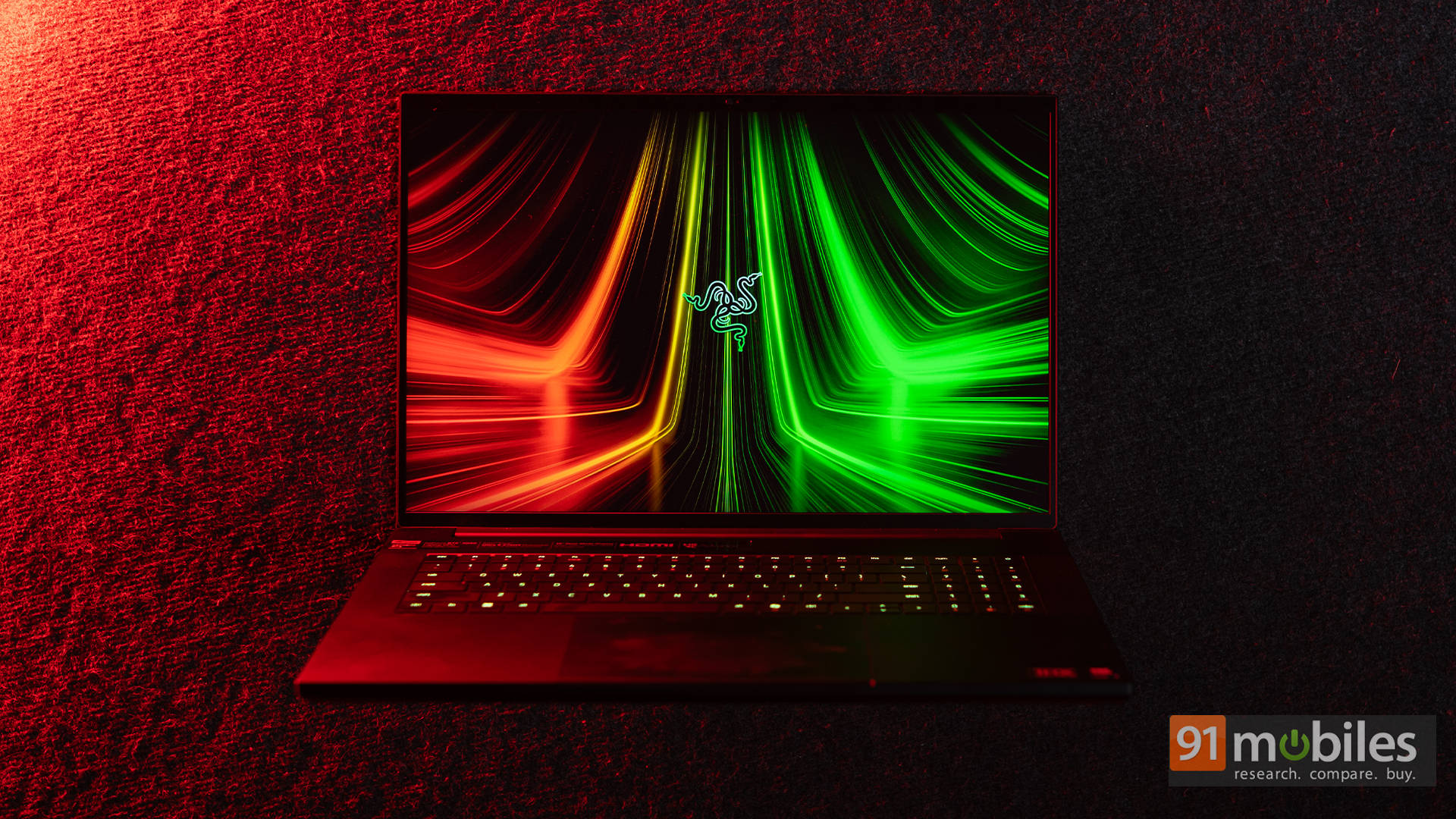
Audio also deserves its moment in the spotlight. The roomy chassis gives them space to breathe, resulting in fuller voices, punchier explosions, and media playback that doesn't sound like it's coming from a cereal box with ambitions. Are they replacing your gaming headset? Absolutely not. And yes, when the fans spin up like jet turbines during extended sessions, the speakers do get drowned out. But for YouTube, Discord calls, casual Netflix hours, or late-night gaming when you don't want to wake the entire neighbourhood, they're surprisingly competent.
Ports for Days (and Then a Few More)
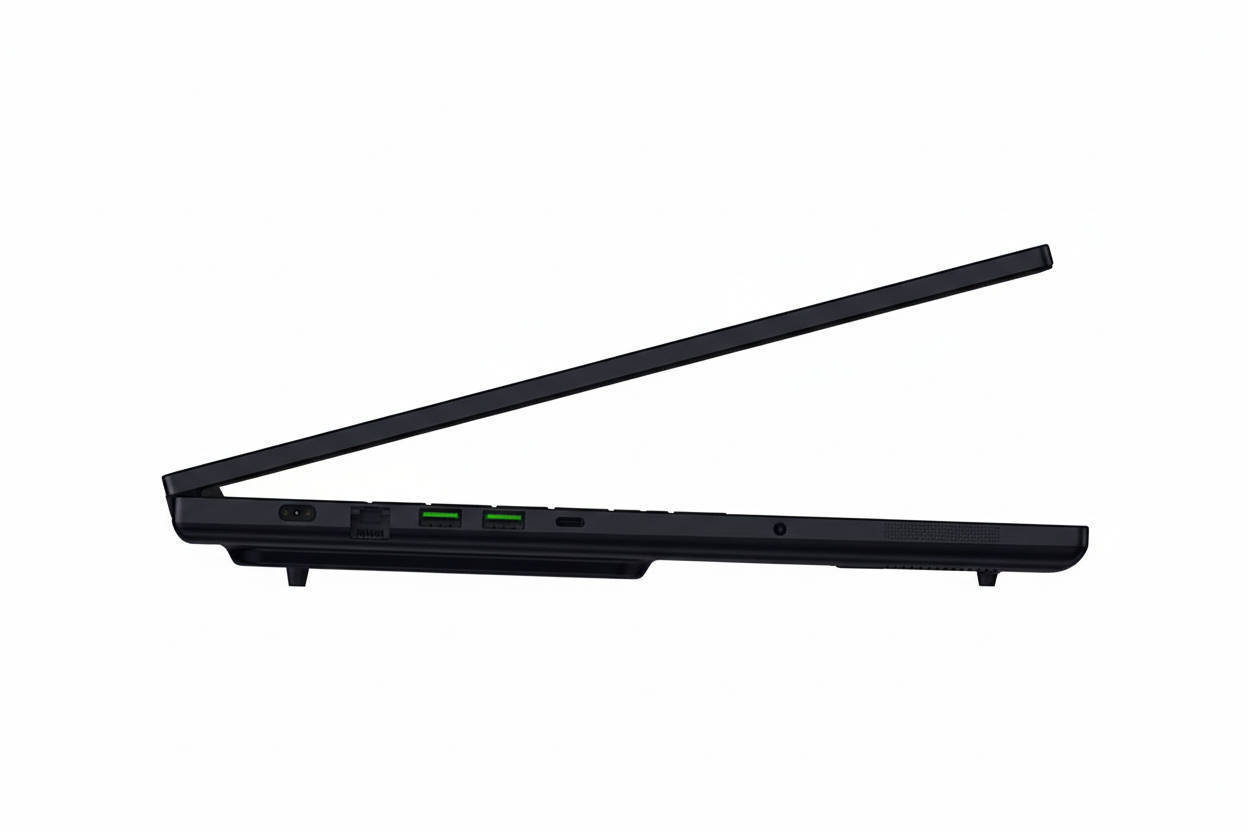
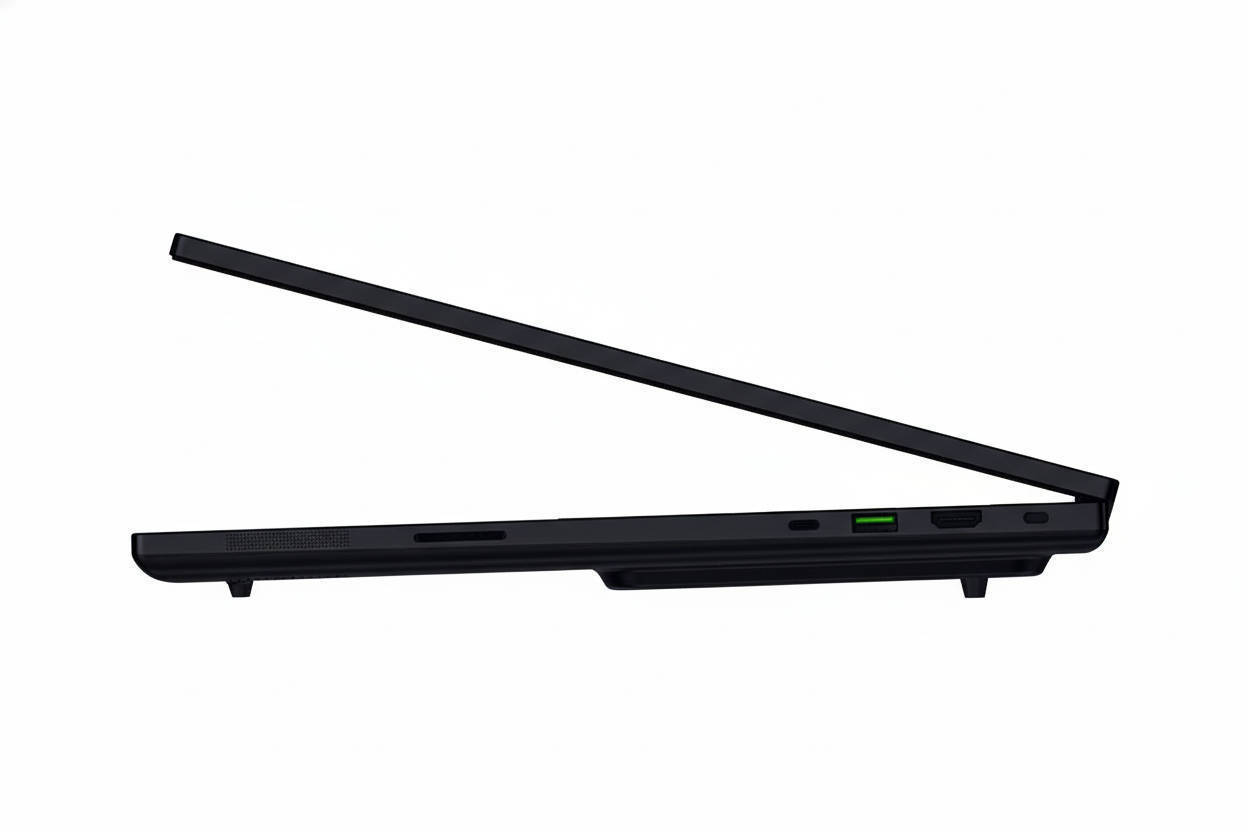
As expected from a true desktop replacement, the Razer Blade 18 serves up a full buffet of ports and then walks around offering seconds. On the left, you get the proprietary DC charging port, a 2.5Gb RJ45 Ethernet jack, dual USB-A 3.2 Gen 2 ports, a shiny new Thunderbolt 5 USB-C port, and a 3.5mm combo jack for your trusty headset.
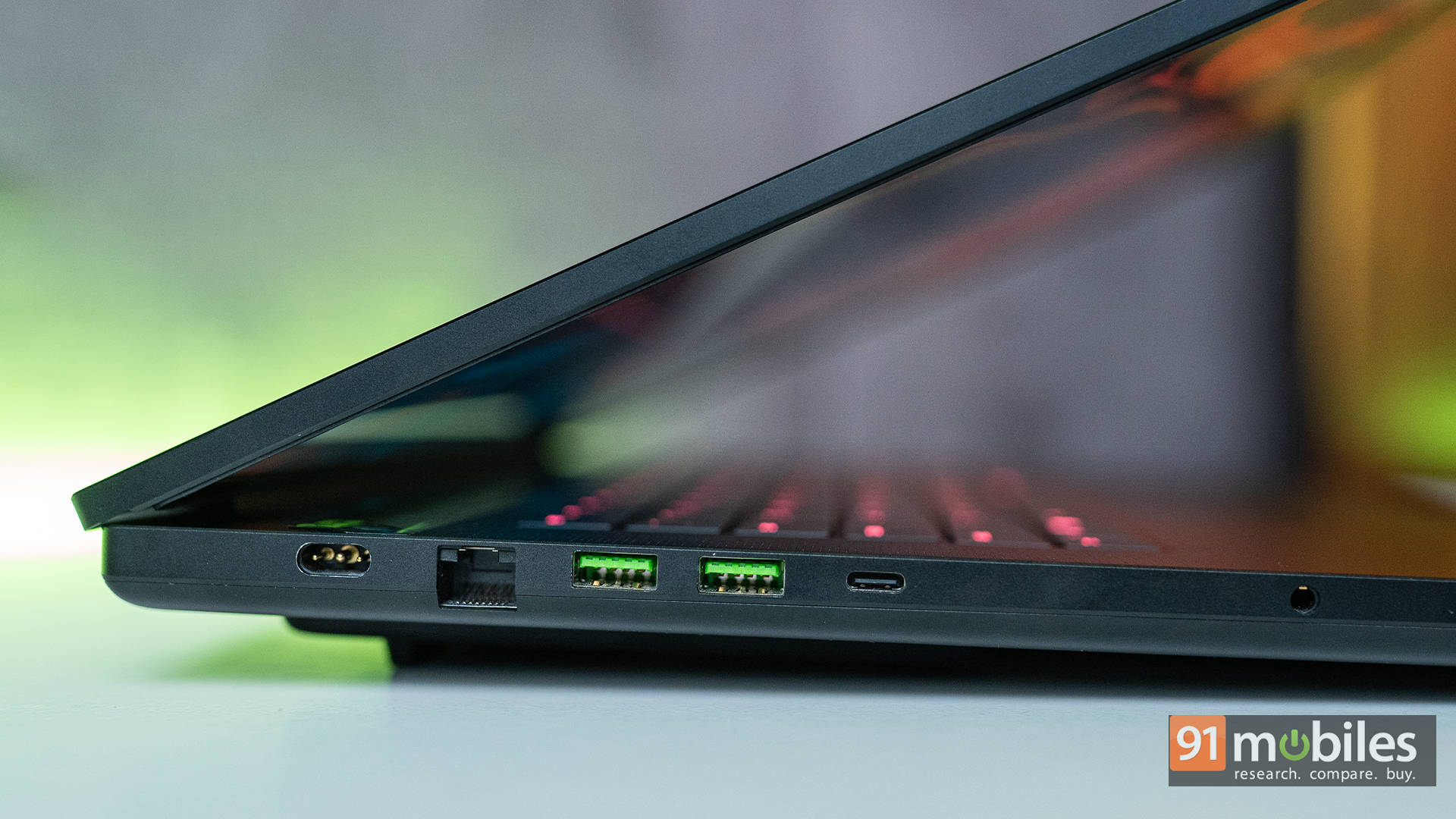
Swing over to the right, and the feast continues: a full-sized HDMI 2.1 port, another USB-A 3.2 Gen 2 port, a Thunderbolt 4 USB-C port, and a UHS-II SD card reader slot. Whether you're a gamer running multiple peripherals or a creator juggling cameras, drives, and capture gear, the Blade 18 makes sure nobody feels left out.
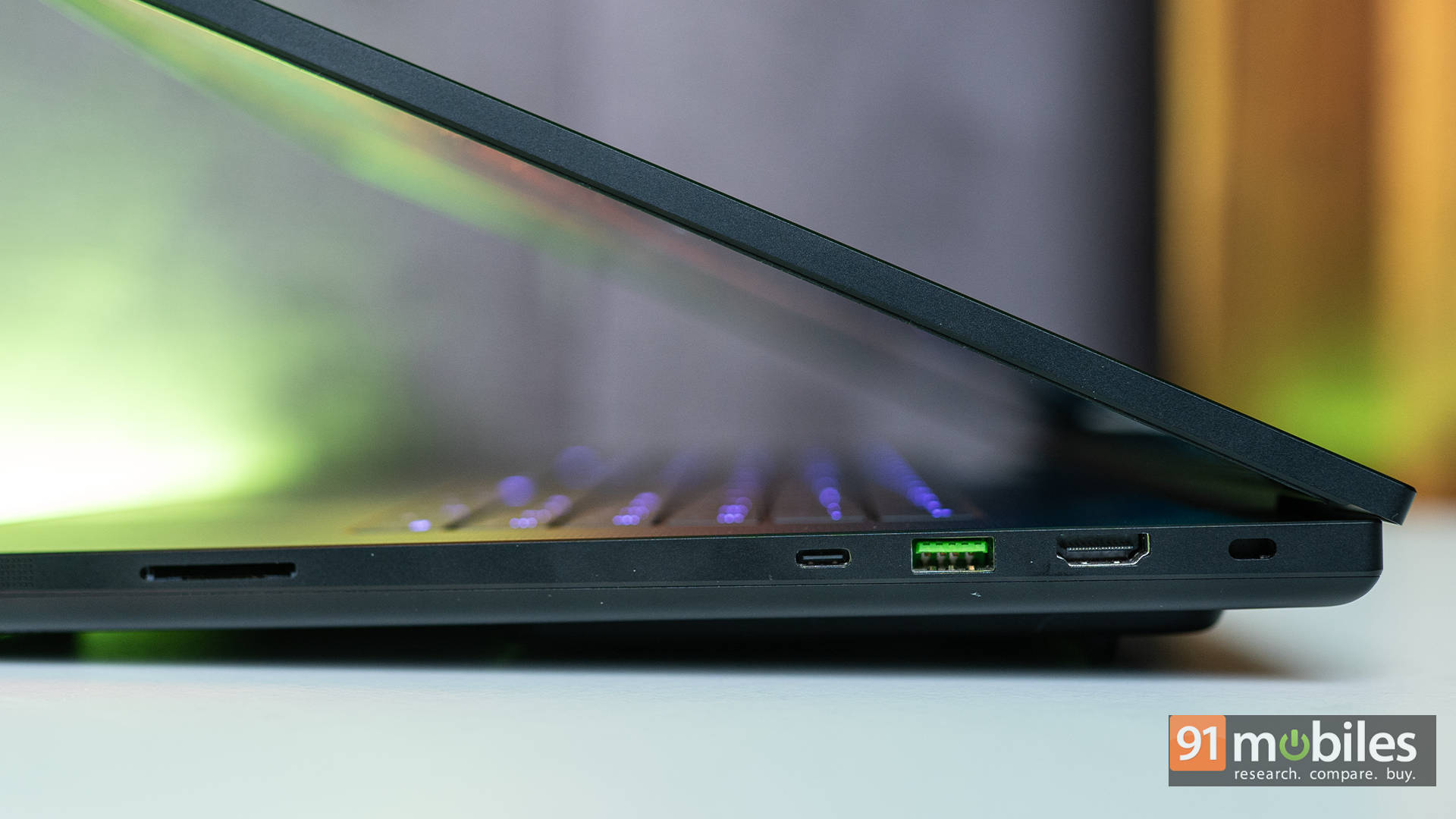
But the real fun is that Thunderbolt 5 port. It's basically the connectivity equivalent of a cheat code. This tiny connector is now a full-speed highway, pushing 80Gbps baseline bandwidth and boosting up to 120Gbps for display traffic. Translation? You can legitimately run multi-4K or even 8K displays alongside high-speed external NVMe setups off a single cable, and the laptop won't even break a sweat.
Thunderbolt Dominance
To put it to the test, Intel sent over a Thunderbolt 5 demo kit, and once everything was hooked up, the Blade 18 transformed into a full-blown command centre. One cable handled monitors, powered a dock, transferred footage to a screaming-fast NVMe enclosure, and kept capture/stream gear running without choking the bandwidth. Creators get to treat external drives like they're built-in, and streamers can run camera, capture, and audio interfaces through the dock while keeping the laptop's own ports free for controllers, VR kits, or whatever else you fancy plugging in.
In short, the port selection is stacked, but Thunderbolt 5 is the real show-off here. It elevates the Blade 18 from "high-end laptop" to "production-grade workstation with RGB ambitions."
Where Your Fingers Meet the Flex
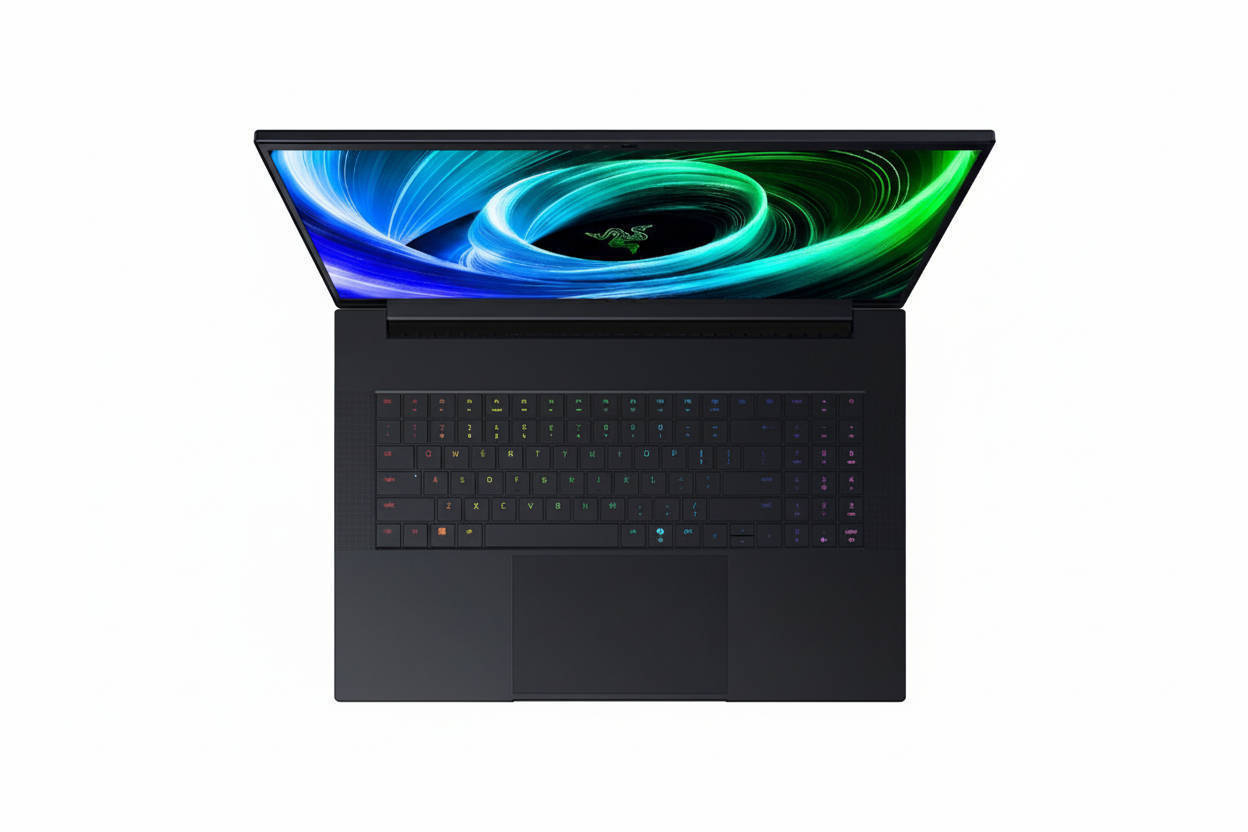
For a company that already makes some of the best keyboards in the PC gaming world, you'd expect nothing less from their flagship laptop. Thankfully, the Blade 18 doesn't disappoint.
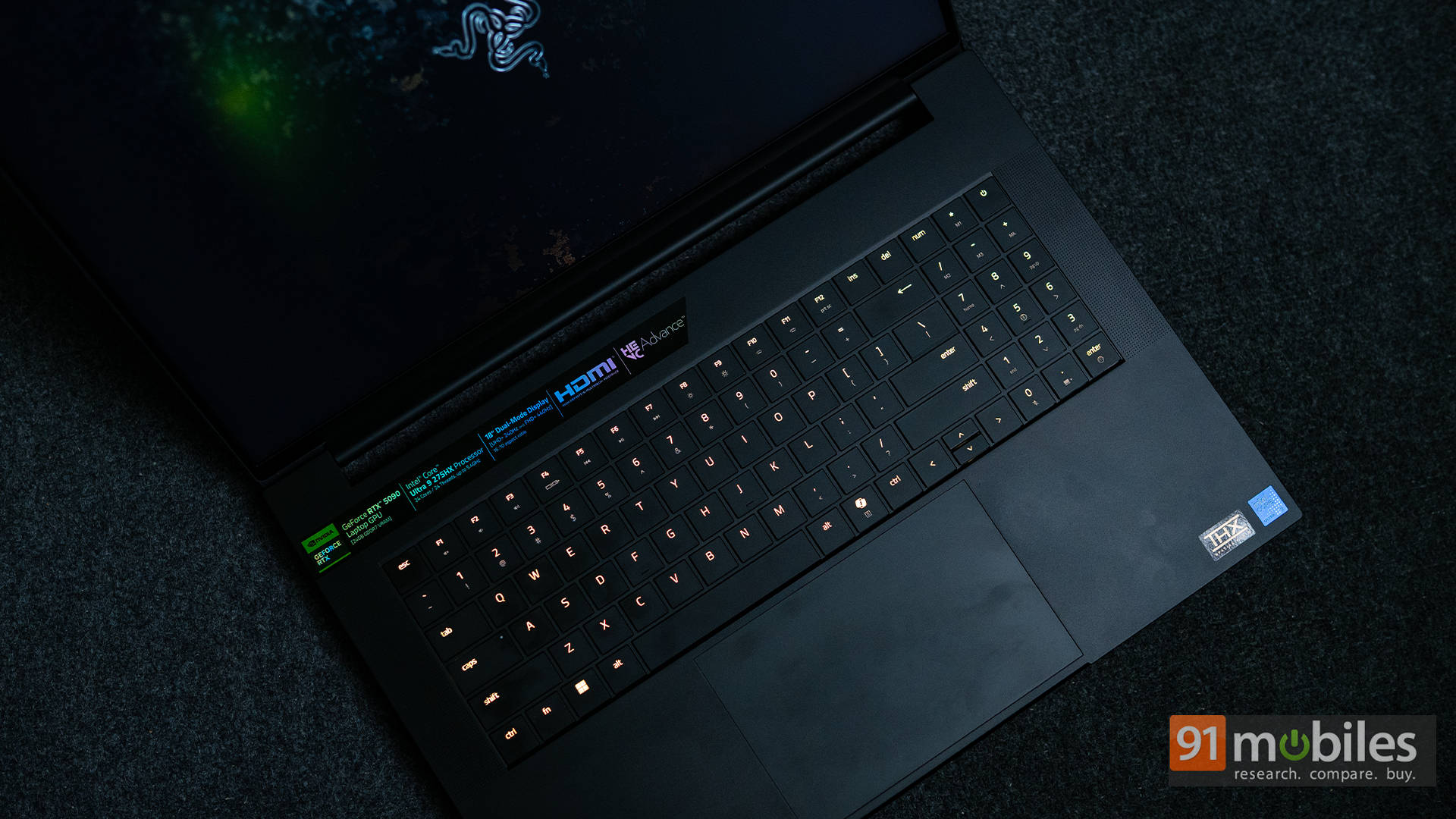
The keyboard feels tuned for people who type fast, play faster, and occasionally rage-tap without turning the keycaps into shrapnel. Key travel is modest but crisp, almost like a mechanical keyboard's quieter, more well-behaved sibling.

The deck itself is rock solid, too. No mushiness, no trampoline bounce, just clean, consistent feedback that keeps your fingers happy during late-night grind sessions or marathon editing sprints. And of course, because this is a Razer laptop, Chroma RGB lighting is here to sprinkle a bit of personality onto every keystroke.
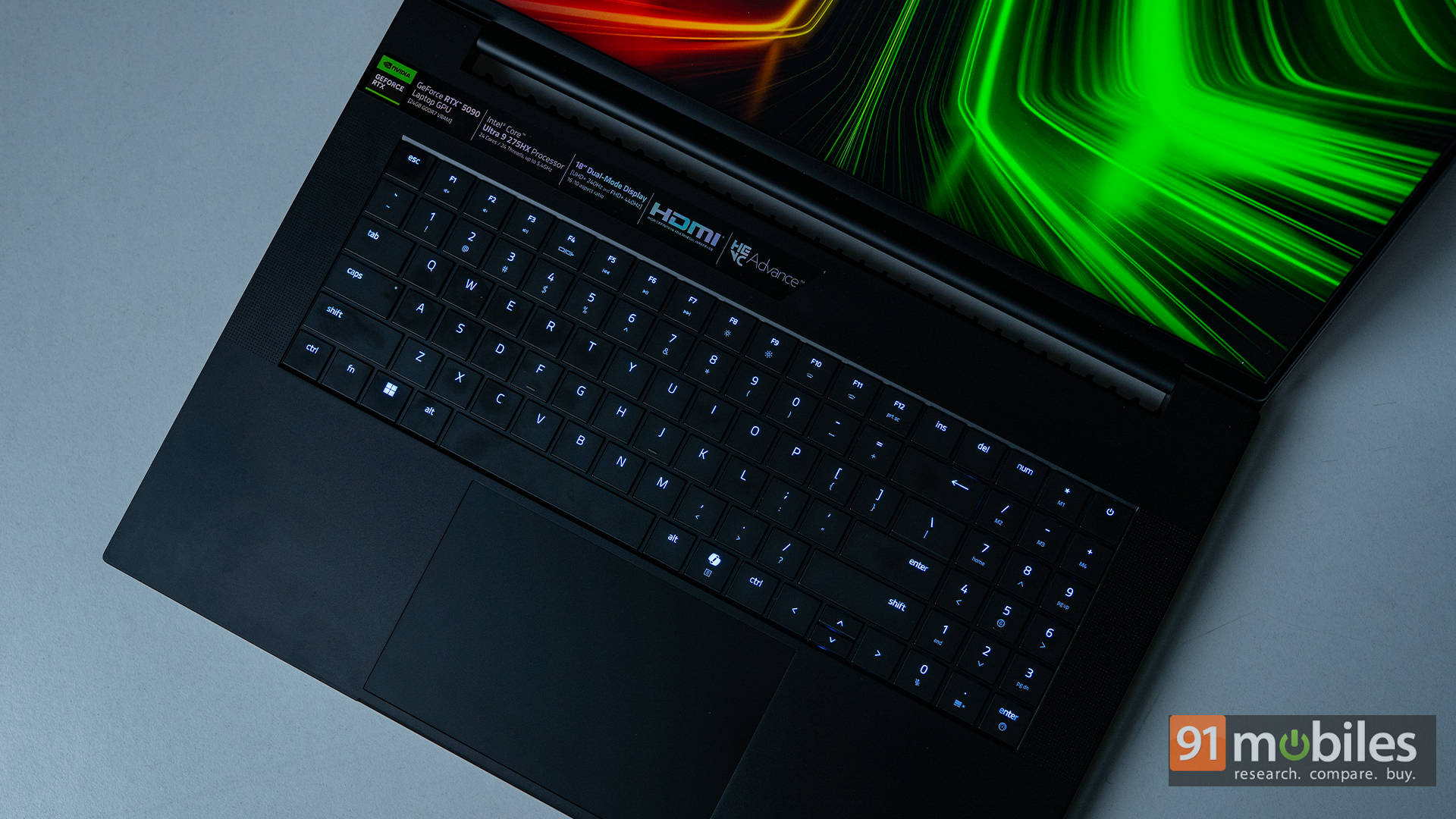
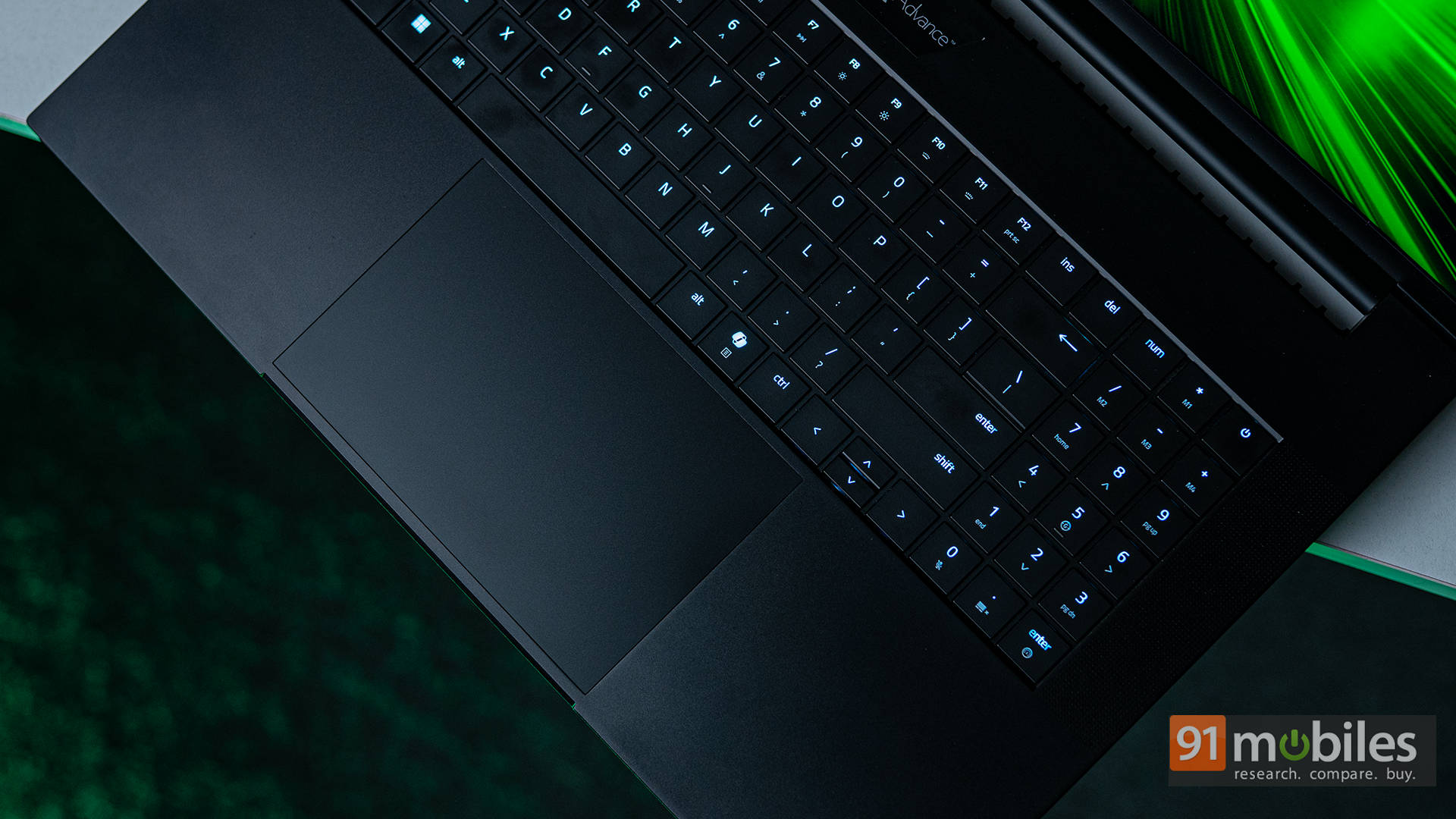
The touchpad is another win. It's massive, glassy, smooth, and tracks with the confidence of someone who's never lost a ranked match. Palm rejection is excellent, gestures feel natural, and while you're obviously going to game with a mouse, this touchpad makes everything outside of gaming feel effortlessly premium.
As for the webcam and mics, Razer's marketing makes bold promises, but in practice, they're… fine. Perfectly okay for meetings, Discord calls, and the occasional low-stakes stream, but nothing that'll replace proper creator gear.
If you're planning to build a serious streaming setup, you'll still want a good USB mic and an external webcam to round things out.
Built for Excelling (Not Excel)
Let's be real: this is not a laptop that wakes up in the morning thinking about battery life records. The Blade 18 has zero interest in playing the efficiency game. You buy it to plug in, turn up the settings, and chase an entirely different kind of leaderboard. Still, if you're gentle with it and use it for the usual day-to-day fluff, it'll give you a few hours before quietly nudging you toward an outlet.
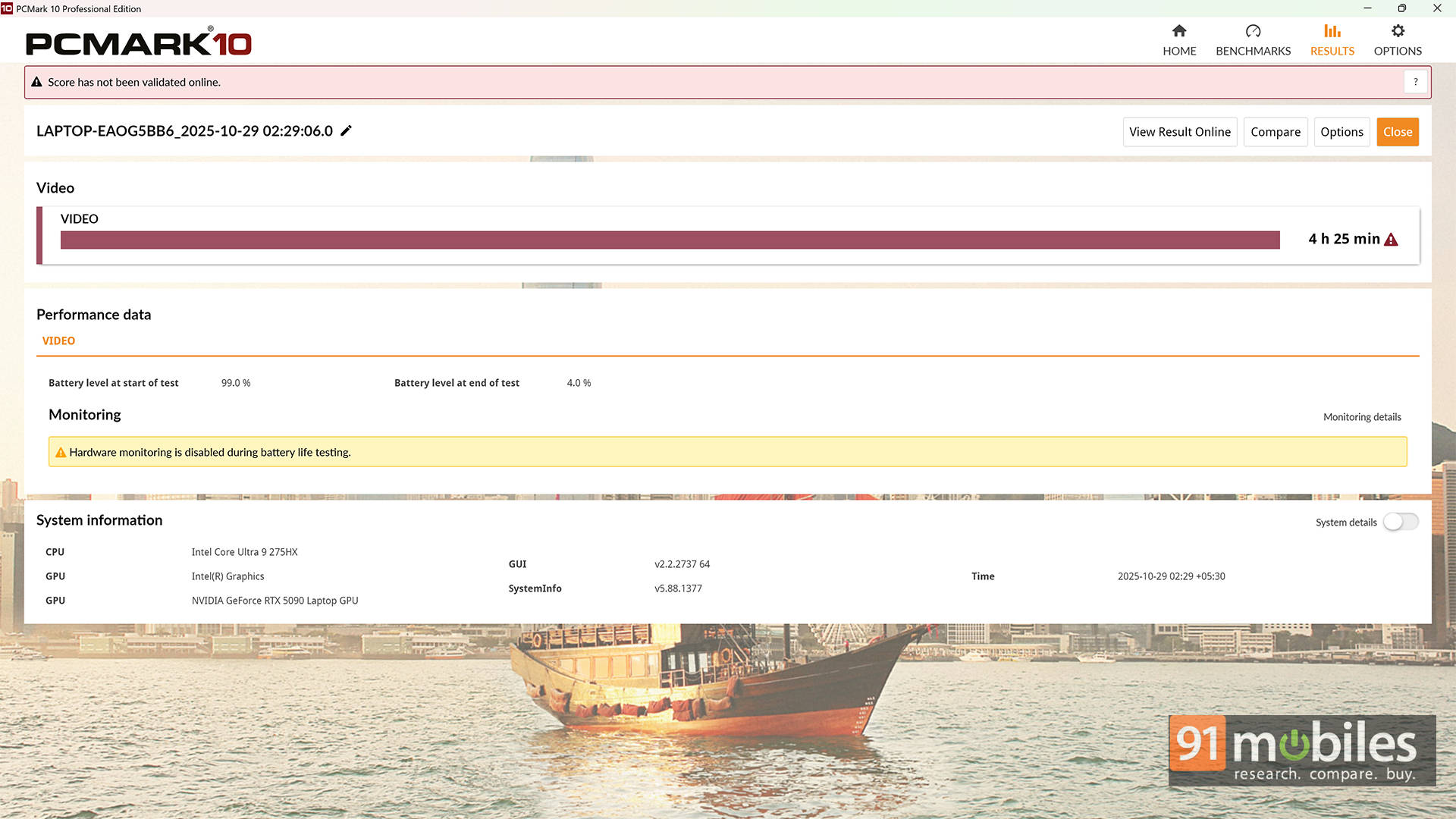
In the PCMark 10 Battery Video Loop test, the Blade 18 clocked 4 hours and 25 minutes, which is… honestly not bad for a machine this powerful. In fact, it's almost an hour more than the MSI Titan 18, which taps out around the 3.5-hour mark. That's one more area where Razer's dual-mode display earns its keep. Switching down to the lower-power mode genuinely helps squeeze out a little extra juice.
Charging, thankfully, is quick enough that you're not tethered for long. The massive power brick may look intimidating, but it tops up the battery fast and keeps performance unlocked. Realistically, though, this is a laptop meant to live near wall sockets. And honestly? That's perfectly fine. You don't buy a Ferrari and ask about its fuel efficiency. You buy it because it's fast. Same energy here.
Razer Blade 18: The Final Cut?
The Razer Blade 18 (2025) is the kind of machine that doesn't just meet expectations but casually steps over them. It handles nearly everything you'd want from a portable workstation–gaming hybrid, and then does a bit more simply because it can.
If you're editing timelines by day and deleting lobbies by night, this is the ultimate treat-yourself laptop. With its monster CPU–GPU combo, that wonderfully versatile Dual-Mode Display, and Thunderbolt 5 turning your desk into a command centre, the Blade 18 stops being "just a luxury gaming laptop" and starts feeling like an entire lifestyle upgrade.
As for competitors, the MSI Titan 18 HX AI is a fantastic alternative and will squeeze out a few extra frames, plus the Gen 5 SSD does give it a tiny speed edge. But design matters, too. And while the Titan looks like it wants to transform into a mech, the Blade 18 brings sleek, minimalist confidence to the table. If that appeals to you, I won't argue.
And sure, a full desktop will always make more sense from a price-to-performance standpoint. But if you want a desktop replacement, something powerful, portable-ish, premium, and unapologetically over-the-top, the Blade 18 is absolutely the machine to beat.
Editor's Rating: 9.3 / 10
Pros:
- Premium, minimalist build quality
- Desktop-level performance
- Dual-Mode display versatility
- Thunderbolt 5 supercharged connectivity
Cons:
- Extremely expensive
- The IPS panel lacks deep blacks
Razer RZ09-0529 Ultrabook (Intel Core Ultra 9 Series 2 /64 GB/4 TB SSD/Windows 11/24 GB) Laptop Images