

Acer Chromebook CB5-571-C5XU (NX.MUNAA.004) Laptop
+ Compare
₹70,712
(Last Known Price)
Acer Chromebook CB5-571-C5XU (NX.MUNAA.004) Laptop (Celeron Dual Core/4 GB/32 GB SSD/Google Chrome) is permanently discontinued.
Key Specs
Performance
-
Intel Celeron Dual Core 3205U -
1.5 Ghz Clock-Speed -
Intel HD Graphic Processor
Design
-
25.4 mm thickness -
2.19 Kg weight
Display
-
15.6 Inches (39.62 cm) -
LED Display -
1366 x 768 Pixels (100 ppi) -
Features - HD Anti-Glare LED Display
Storage
-
32 GB SSD
Battery
-
65 W AC Adapter W -
4 Cell (Li-Ion)
General
-
Google Chrome -
Colour(s): White -
1 Year Warranty
Add To Compare
See Full Specs
Best Competitors
₹79,759
₹112,859

₹51,678



View More
Recent Stories
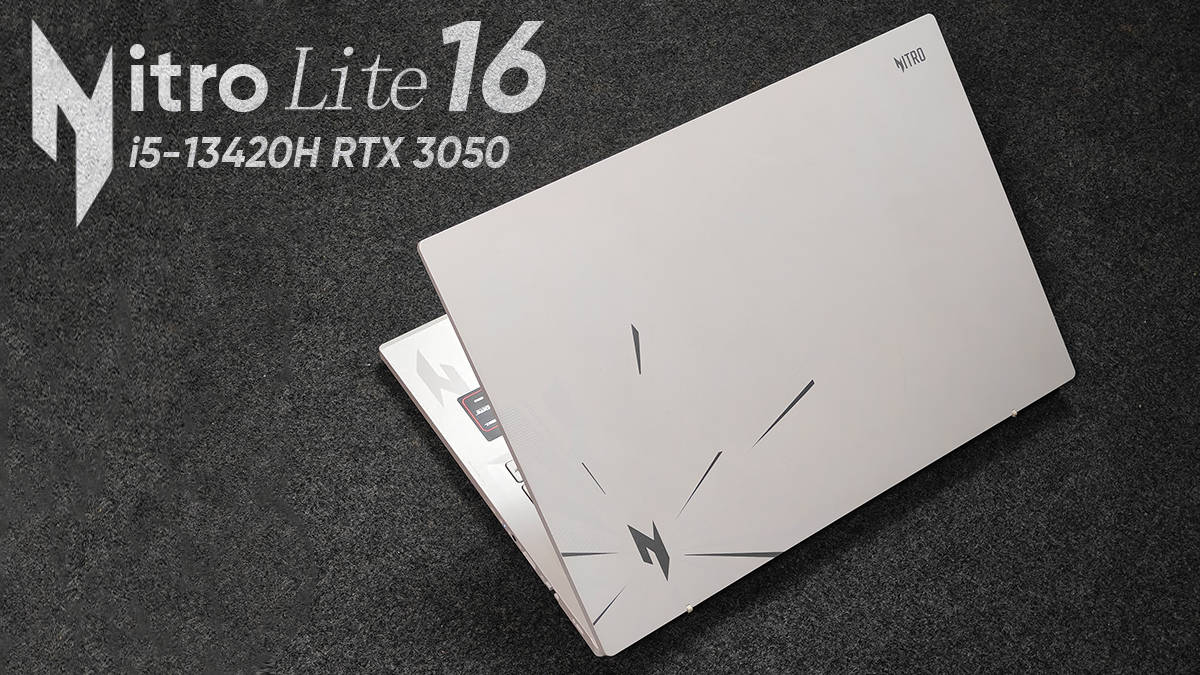
Acer Nitro Lite 16 review: A worthy gaming laptop or just a stylish package?
by Gaurav Sharma

Acer’s Back to College Sale is Here: The Best Laptop Deals Students Shouldn’t Miss This July
by Sponsored
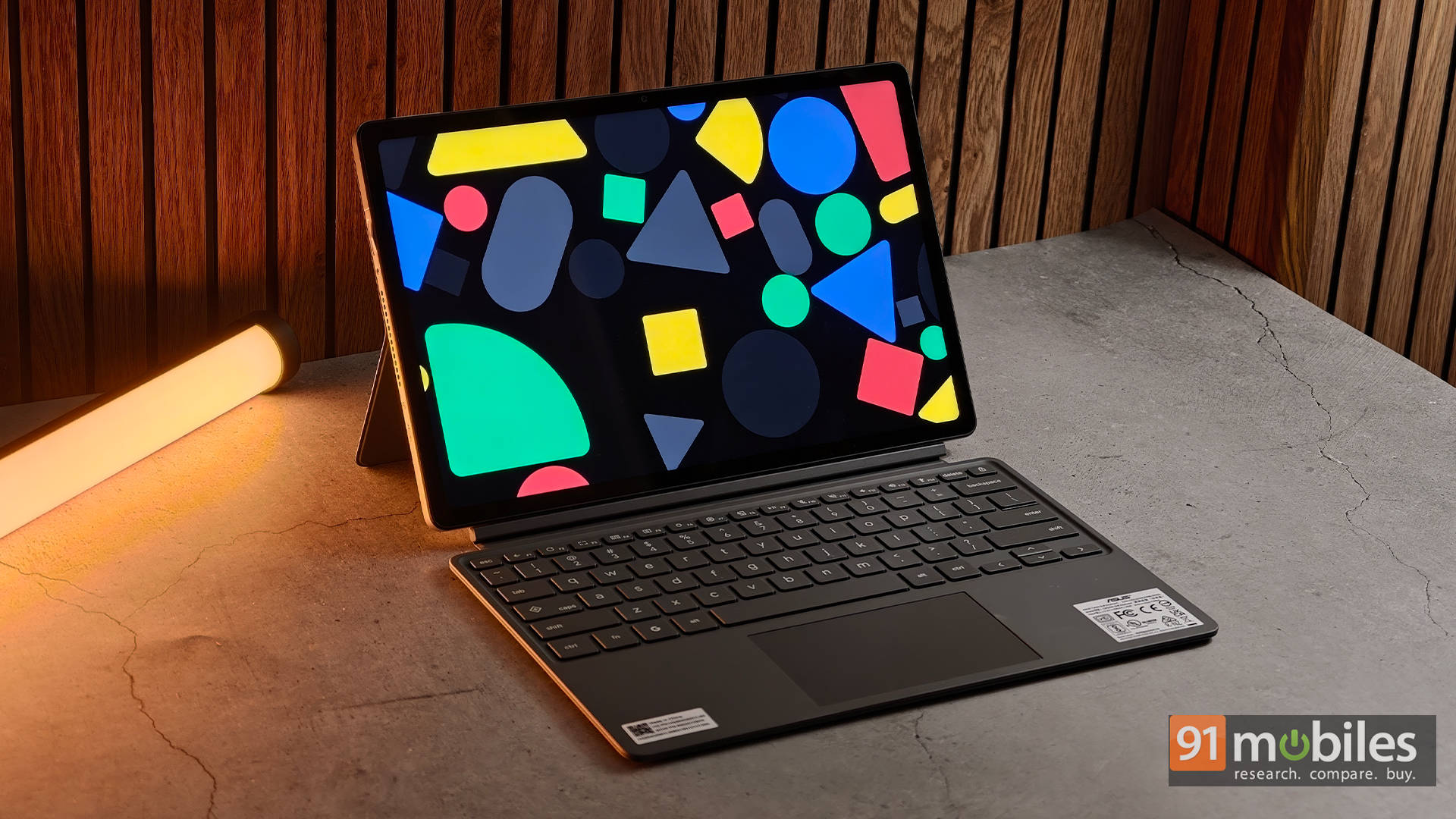
ASUS Chromebook CM32 Detachable (CM3206) Review: The classroom companion that gets almost everything right
by Varun Mirchandani


View All Stories
Popular Comparisons
 Acer CB5-571-C5XU (NX.MUNAA.004)
 Acer TMP2410-G2-M-55HN (NX.VGTAA.006)
Acer CB5-571-C5XU (NX.MUNAA.004)
Acer TMP2410-G2-M-55HN (NX.VGTAA.006)
Acer CB5-571-C5XU (NX.MUNAA.004)
 Acer SP515-51N-51RH (NX.GSFAA.004)
Acer CB5-571-C5XU (NX.MUNAA.004)
Acer SP515-51N-51RH (NX.GSFAA.004)
Acer CB5-571-C5XU (NX.MUNAA.004)
 Lenovo IP320-15ISK (80XH01KXIN)
Acer CB5-571-C5XU (NX.MUNAA.004)
Lenovo IP320-15ISK (80XH01KXIN)
Acer CB5-571-C5XU (NX.MUNAA.004)
 Acer CB5-571 (NX.MUNAA.004)
Acer CB5-571-C5XU (NX.MUNAA.004)
Acer CB5-571 (NX.MUNAA.004)
Acer CB5-571-C5XU (NX.MUNAA.004)
 Acer CB5-571 (NX.MUNAA.014)
Acer CB5-571-C5XU (NX.MUNAA.004)
Acer CB5-571 (NX.MUNAA.014)
Acer CB5-571-C5XU (NX.MUNAA.004)
 HP 14-r056tu (J8C17PA)
See All Comparisons
Acer Chromebook CB5-571-C5XU (NX.MUNAA.004) Laptop Specifications
General Information |
|
|---|---|
| Brand | Acer |
| Model | CB5-571-C5XU (NX.MUNAA.004) |
| Thickness | 25.4 Millimeter thickness |
| Dimensions (WxDxH) | 393.7 x 256.54 x 25.4 mm |
| Weight | 2.19 Kg weight |
| Colors | White |
| Operating System | Google Chrome |
| Operating System Type | 64-bit |
Display Details |
|
|---|---|
| Display Size | 15.6 Inches (39.62 cm) |
| Display Resolution | 1366 x 768 Pixels |
| Pixel Density | 100 ppi |
| Display Type | LED |
| Display Features | HD Anti-Glare LED Display |
| Display Touchscreen | No |
Performance |
|
|---|---|
| Processor | Intel Celeron Dual Core 3205U |
| Clock-speed | 1.5 Ghz |
| Graphic Processor | Intel HD |
Memory |
|
|---|---|
| Capacity | 4 GB |
| RAM type | DDR3 |
| RAM speed | 1600 Mhz |
| Memory Slots | 1 |
| Memory Layout | 1x4 Gigabyte |
Storage |
|
|---|---|
| SSD Capacity | 32 GB |
Battery |
|
|---|---|
| Battery Cell | 4 Cell |
| Battery type | Li-Ion |
| Power Supply | 65 W AC Adapter W |
Networking |
|
|---|---|
| Wireless LAN | 802.11 a/b/g/n/ac |
| Wi-Fi Version | 5 |
| Bluetooth | Yes |
| Bluetooth Version | 4.0 |
| Other Networking Options | Multi-Format SD Media card Reader |
Ports |
|
|---|---|
| USB 3.0 slots | 1 |
| USB 2.0 slots | 1 |
| SD Card Reader | Yes |
| Headphone Jack | Yes |
| Microphone Jack | Yes |
Multimedia |
|
|---|---|
| Web-cam | Yes |
| Video Recording | 720p HD |
| Secondary cam(Rear-facing) | No |
| Speakers | Dual Speakers |
| In-built Microphone | Yes |
| Microphone Type | Internal Microphone |
Peripherals |
|
|---|---|
| Pointing Device | Touchpad with Multi-Touch Gestures Enabled |
| Keyboard | Standard Notebook Keyboard |
| Fingerprint Scanner | No |
Others |
|
|---|---|
| Warranty | 1 Year |
| Sales Package | Laptop, Battery, AC Adapter, User Guide |
Recent Launches By Acer
₹58,990
70%
₹55,990
75%

₹39,990
73%
₹85,999
85%
Laptops by Top Brands










Summary
Buy For
- Good configuration
- Great battery backup
Beware of
- No dedicated graphics
- Low storage
Verdict
The Acer Chromebook CB5-571-C5XU is a mid-range laptop that features a decent configuration. It can provide a good performance overall with no lag or any other glitch. There is a great battery backup which will provide an uninterrupted power supply for a long time. However, it lacks a dedicated graphics so cannot be relied upon for a heavy graphical performance or gaming. The storage capacity of this laptop is also low.
Popular Price List
- Best Laptops Below 40,000
- Best Laptops Below 50,000
- Best Laptops under 70000
- Laptops Under 75,000
- Best Laptops under 80000
- Laptops Under 200000
Popular Gaming List
- Best Gaming Laptops
- Gaming Laptops under 60000
- Gaming laptops under 75000
- Best Gaming Laptops Under 100,000
- Best Gaming Laptops Under 150,000
- Best Gaming Laptops Under 200,000