Review Summary
Expert Rating
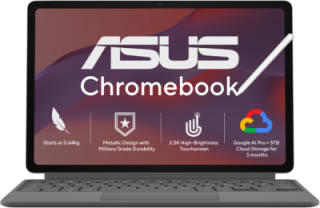
Every year, a flood of affordable laptops arrives with one goal: to become the perfect student companion. Unfortunately, most of them end up cutting corners somewhere, whether it’s a sluggish processor, a dull display, or a keyboard that feels like it belongs on a toy. The ASUS Chromebook CM32 Detachable takes a completely different route.
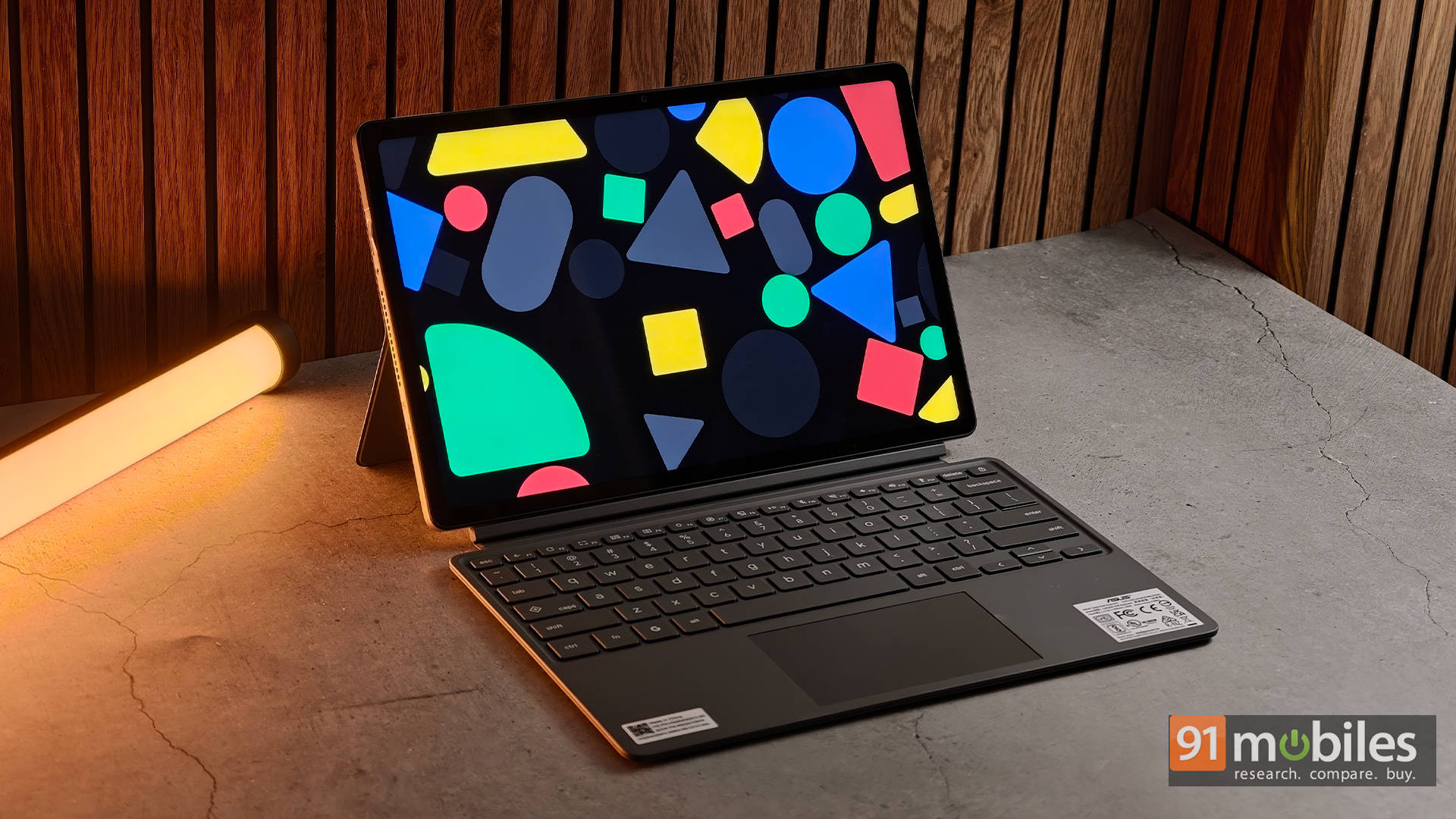
Instead of trying to be another budget Windows laptop, ASUS has built something that feels more like a digital notebook that just happens to double as a laptop. It packs a vibrant 12.1-inch touchscreen, a detachable keyboard, a bundled stylus, and ChromeOS into an incredibly portable package. It won’t replace a powerful Windows machine, but for students and anyone whose work revolves around the web, it makes a surprisingly strong case.
Table of Contents
Design: Built for classrooms, not coffee-shop laps
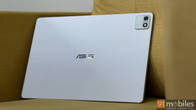
The first thing that stands out about the CM32 Detachable is just how premium it feels. At roughly 610g as a tablet, it’s light enough to carry around all day without becoming a burden, while the aluminium chassis feels reassuringly sturdy. ASUS has also certified it to MIL-STD 810H military-grade durability standards, which means it should have no trouble surviving the occasional bump inside a backpack.
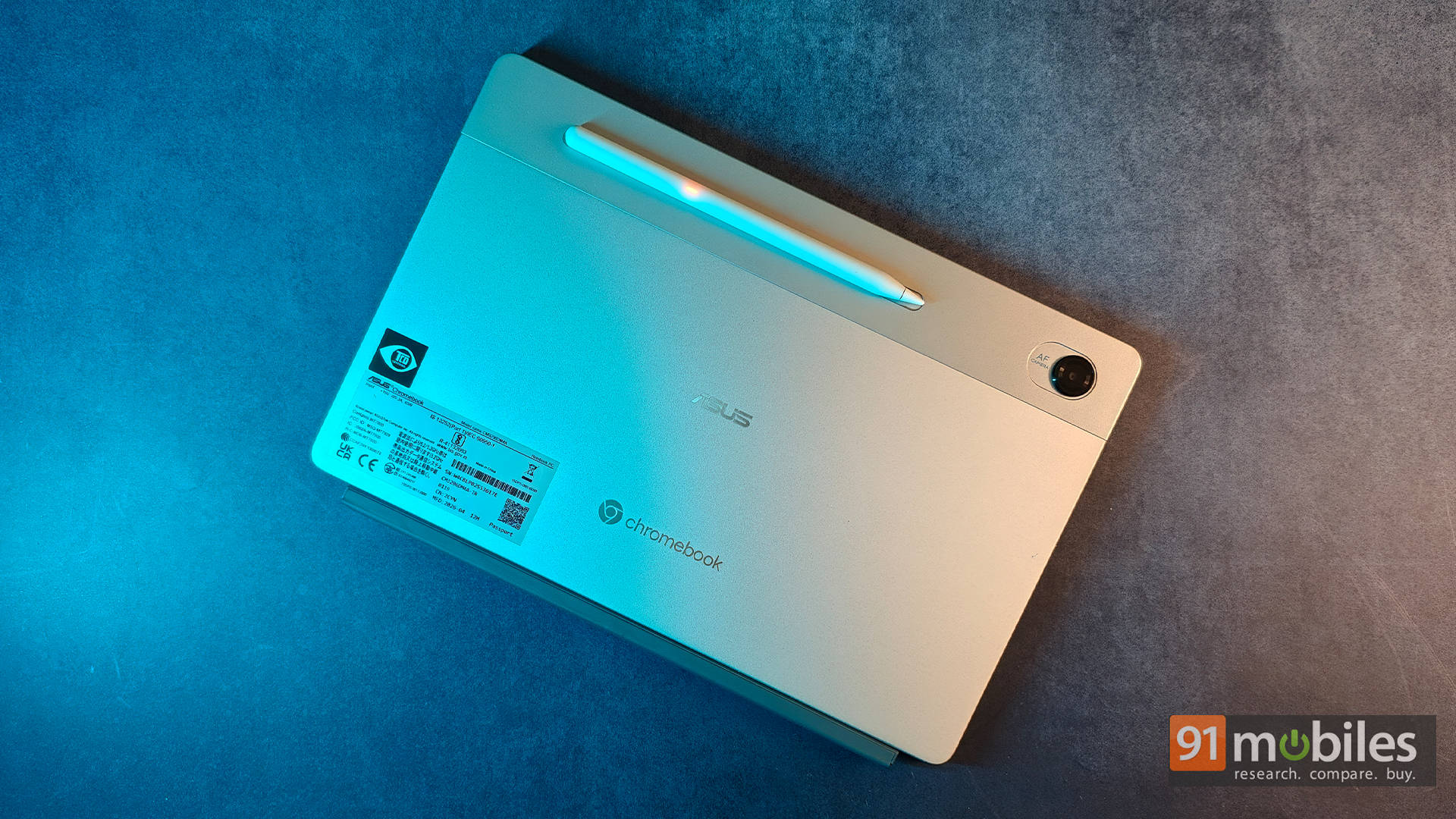
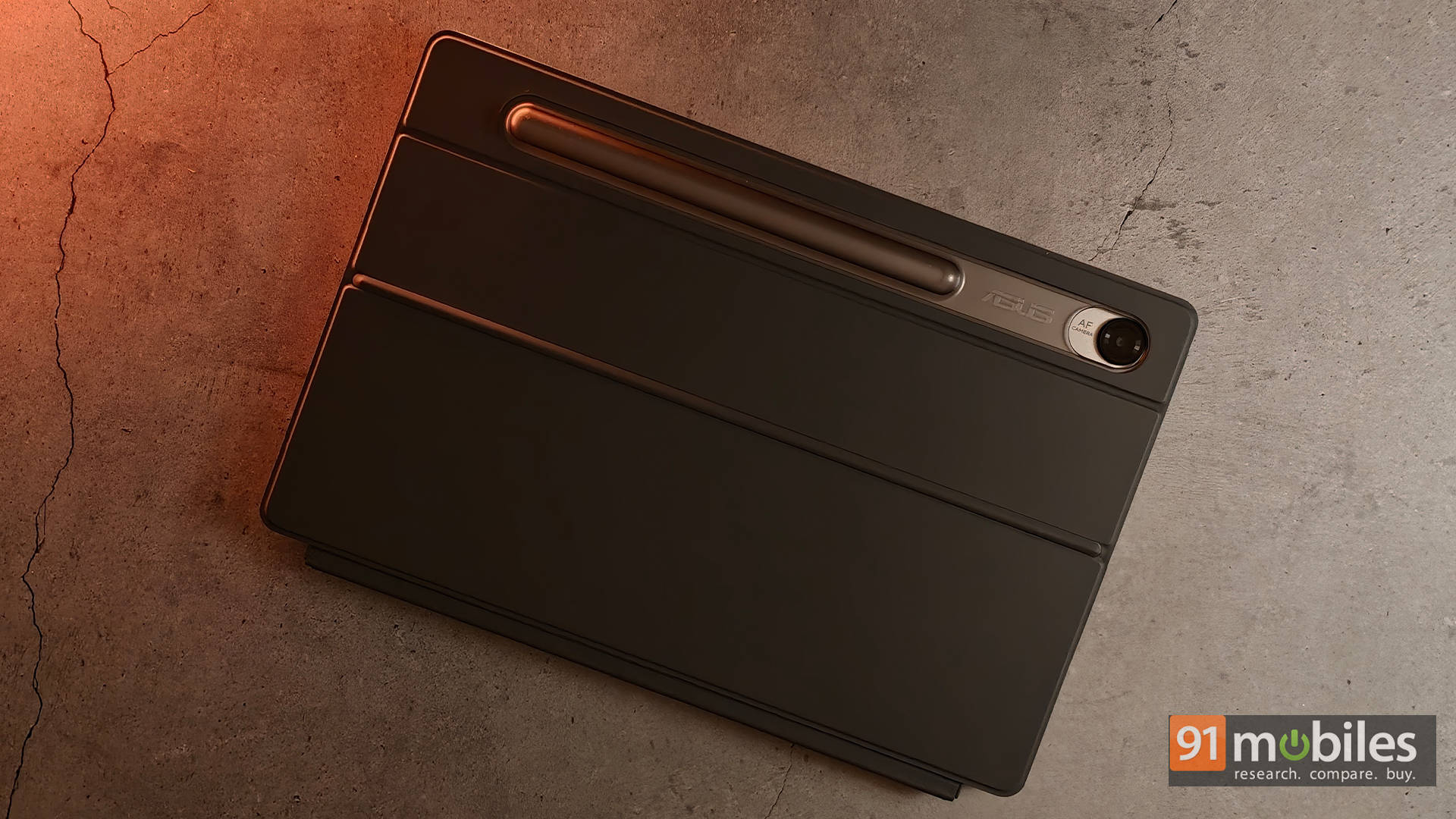
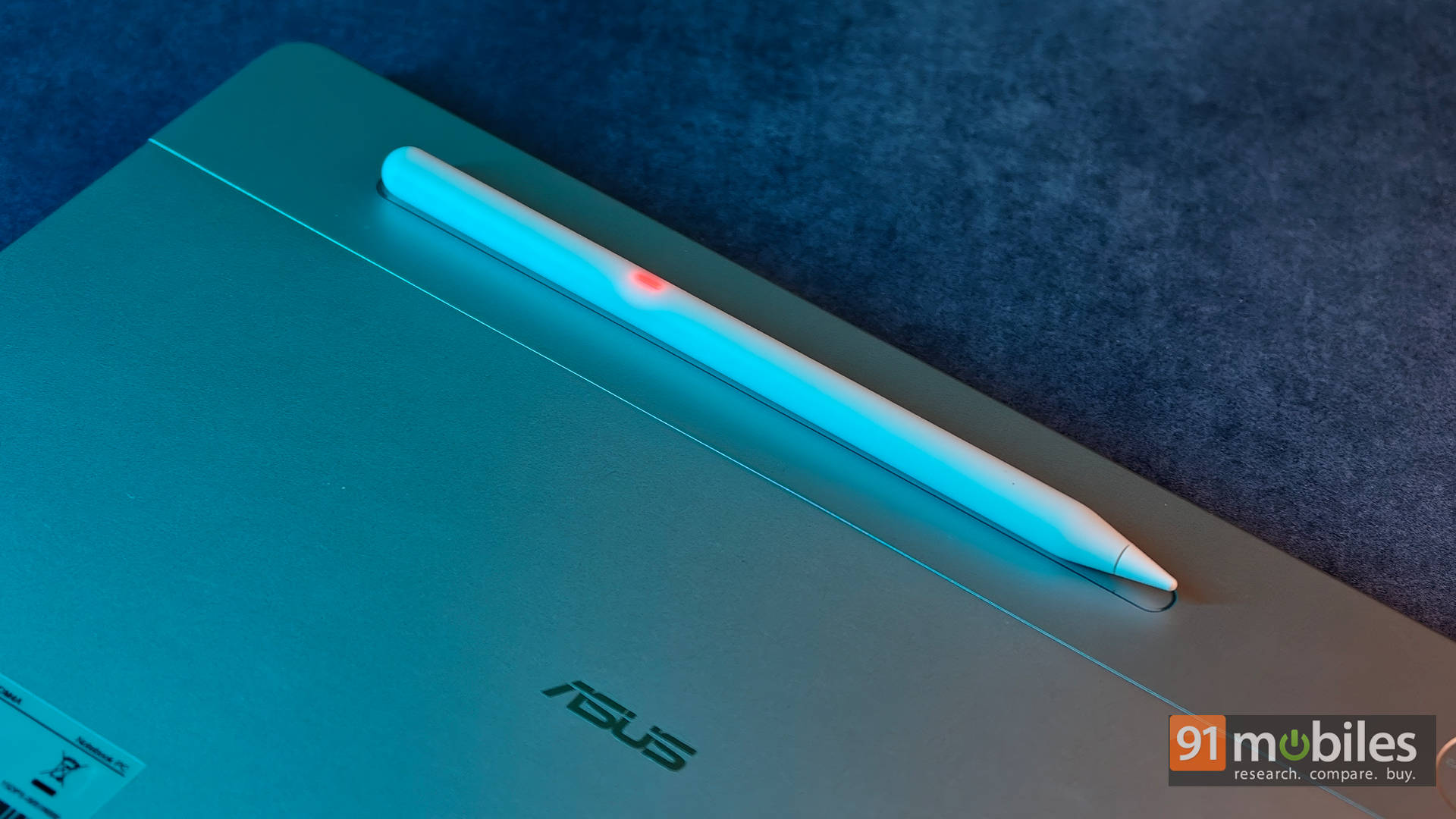
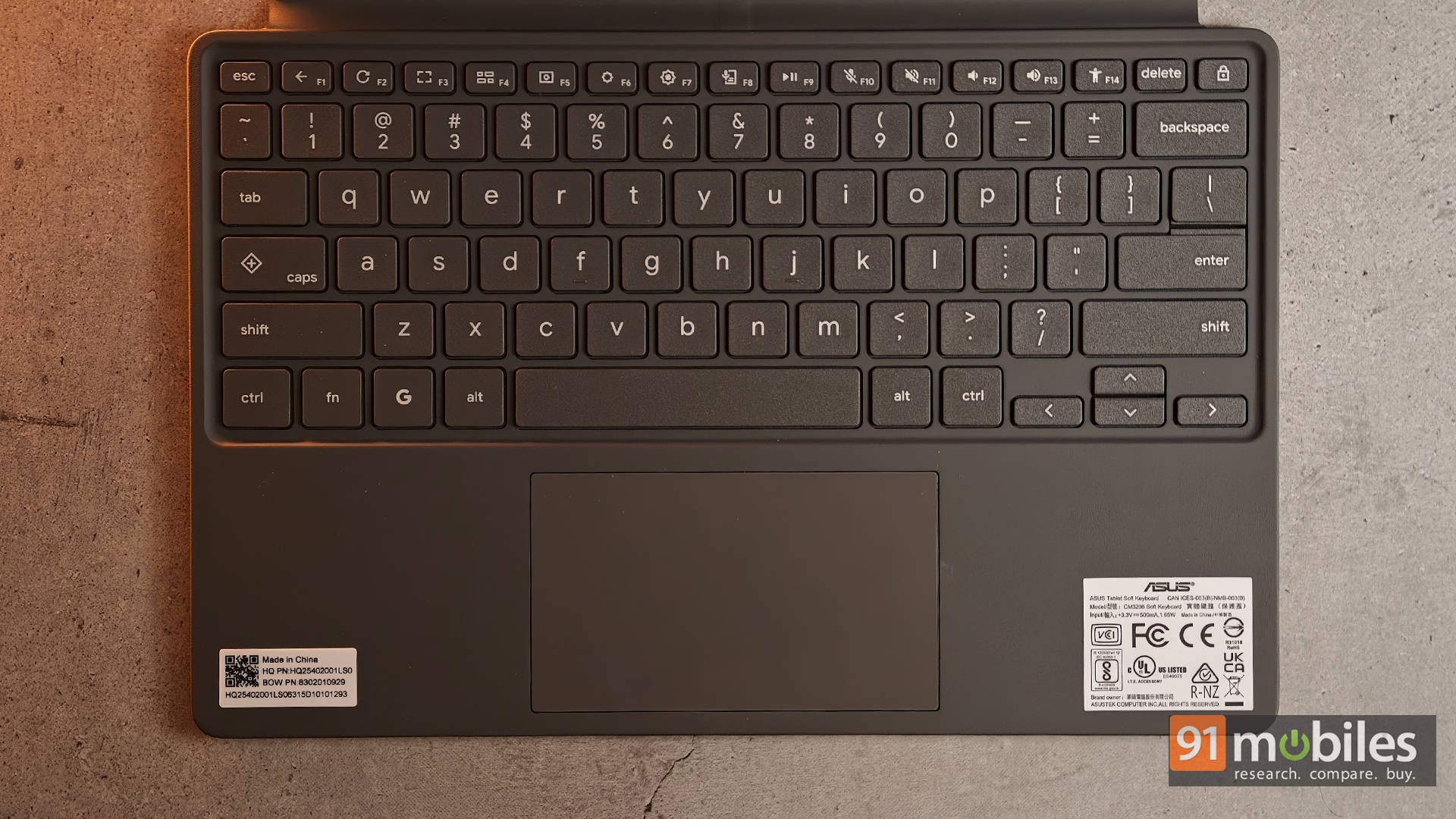
Even better, ASUS bundles both the detachable keyboard and the USI 2.0 stylus in the box. That’s a huge advantage because many competing detachable devices ask users to spend extra on these accessories. The keyboard offers an impressive 1.35mm key travel, making it feel surprisingly similar to typing on a traditional ASUS laptop rather than a flimsy detachable accessory. The stylus is equally convenient, magnetically attaching to the tablet while charging wirelessly, so it’s always ready for taking notes or sketching ideas.
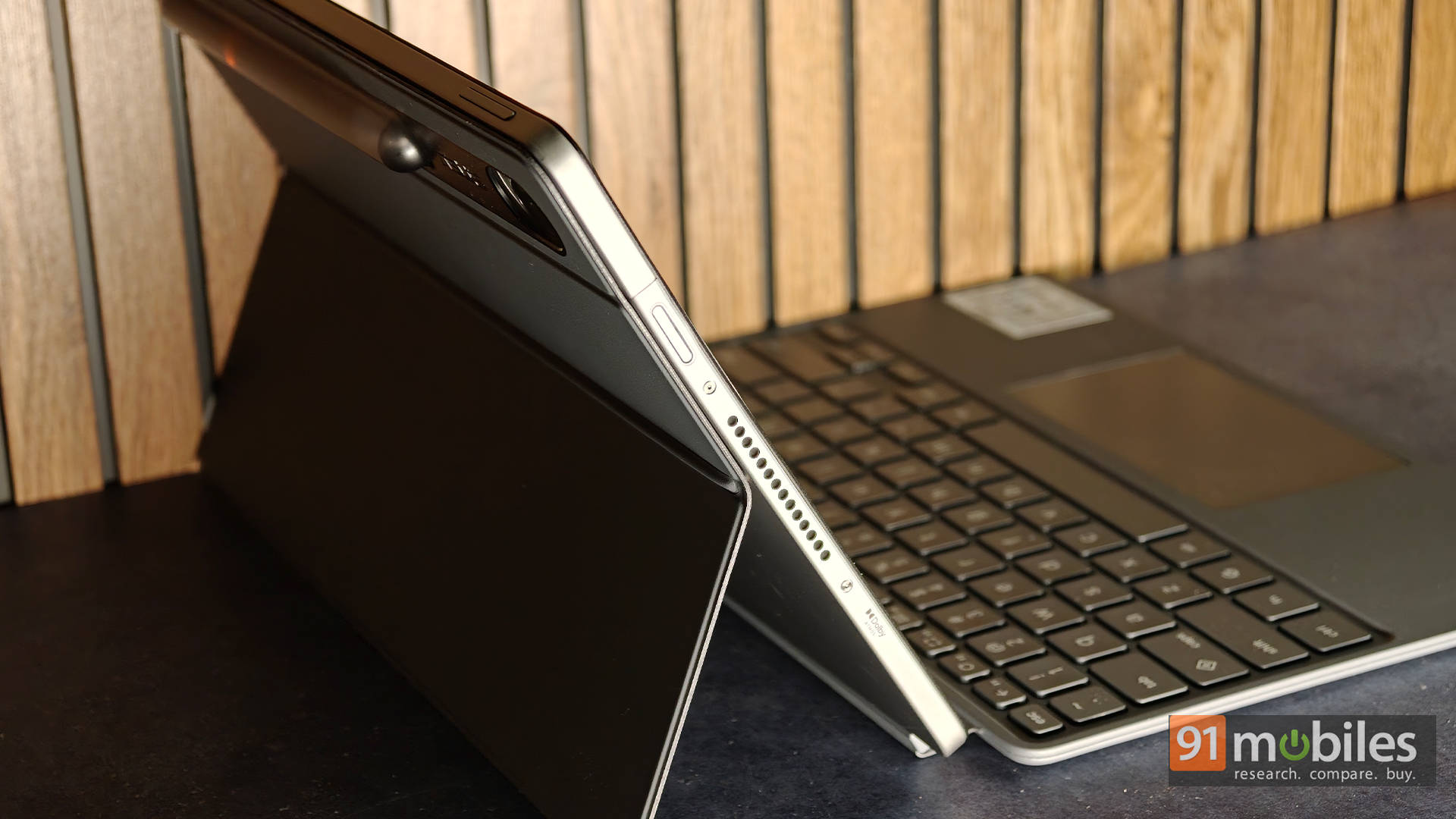
The kickstand, however, isn’t quite as intuitive. It’s fairly rigid, and opening it requires applying pressure in just the right spot. More often than not, the first few attempts ended with the entire back cover detaching from the Chromebook instead of the kickstand unfolding. It definitely takes a little practice before muscle memory kicks in. Once set up, it’s perfectly stable on a desk, but using it on your lap is still awkward due to the detachable design.
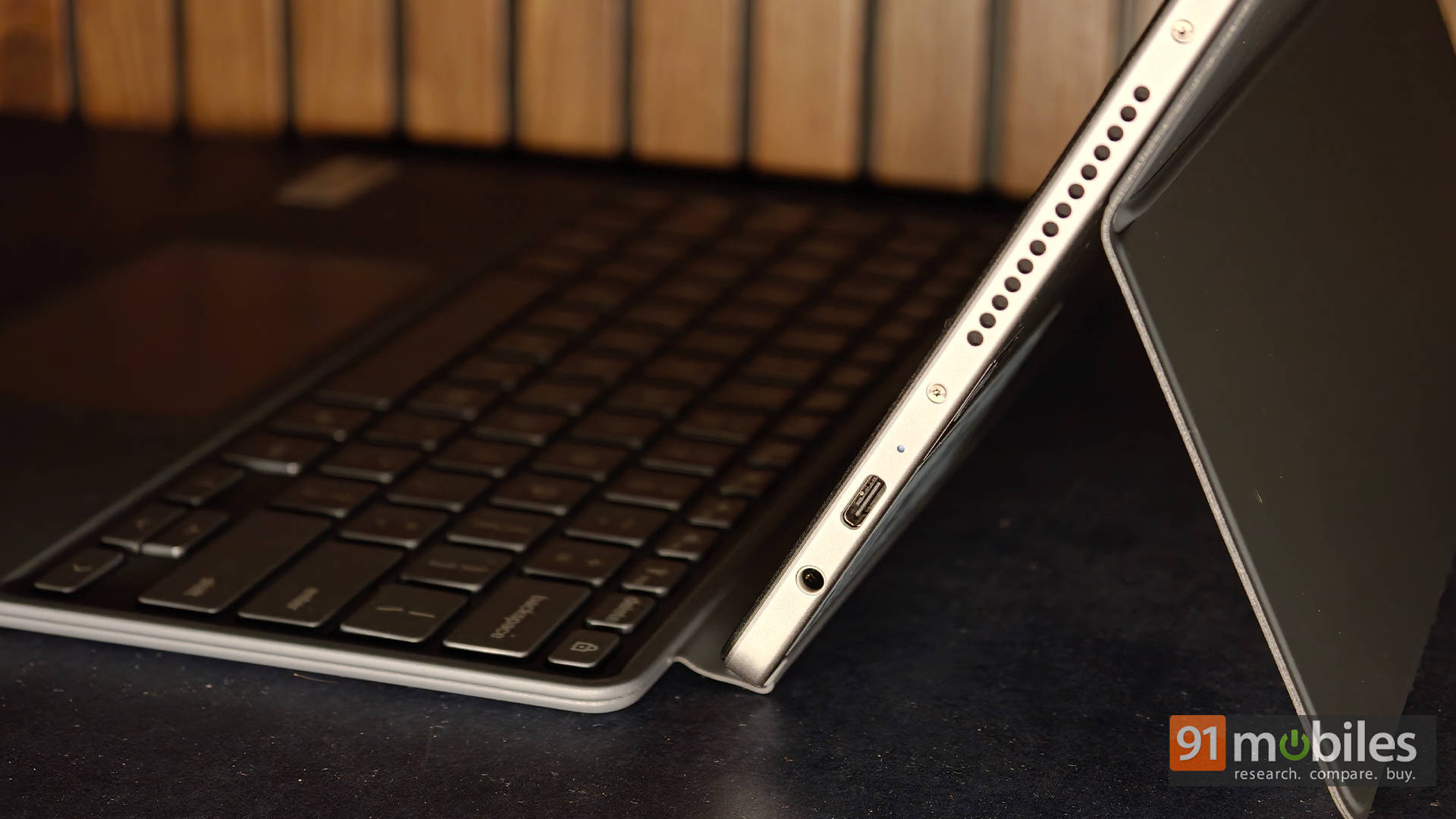
Port selection is equally minimal. There’s just a single USB 3.2 Gen 2 Type-C port alongside a 3.5mm headphone jack, so plugging in accessories while charging will likely require a USB-C hub. Unfortunately, there’s no fingerprint scanner, meaning unlocking the device still relies on entering a PIN or password every time.
Display: Easily the highlight of the experience
If there’s one reason to buy the CM32 Detachable, it’s the display. ASUS has equipped it with a stunning 12.1-inch WQXGA (2560 x 1600) IPS touchscreen featuring a taller 16:10 aspect ratio, a buttery-smooth 120Hz refresh rate, and up to 600 nits of brightness. Whether it’s reading lecture notes, editing documents, or simply scrolling through websites, everything looks incredibly crisp and fluid.
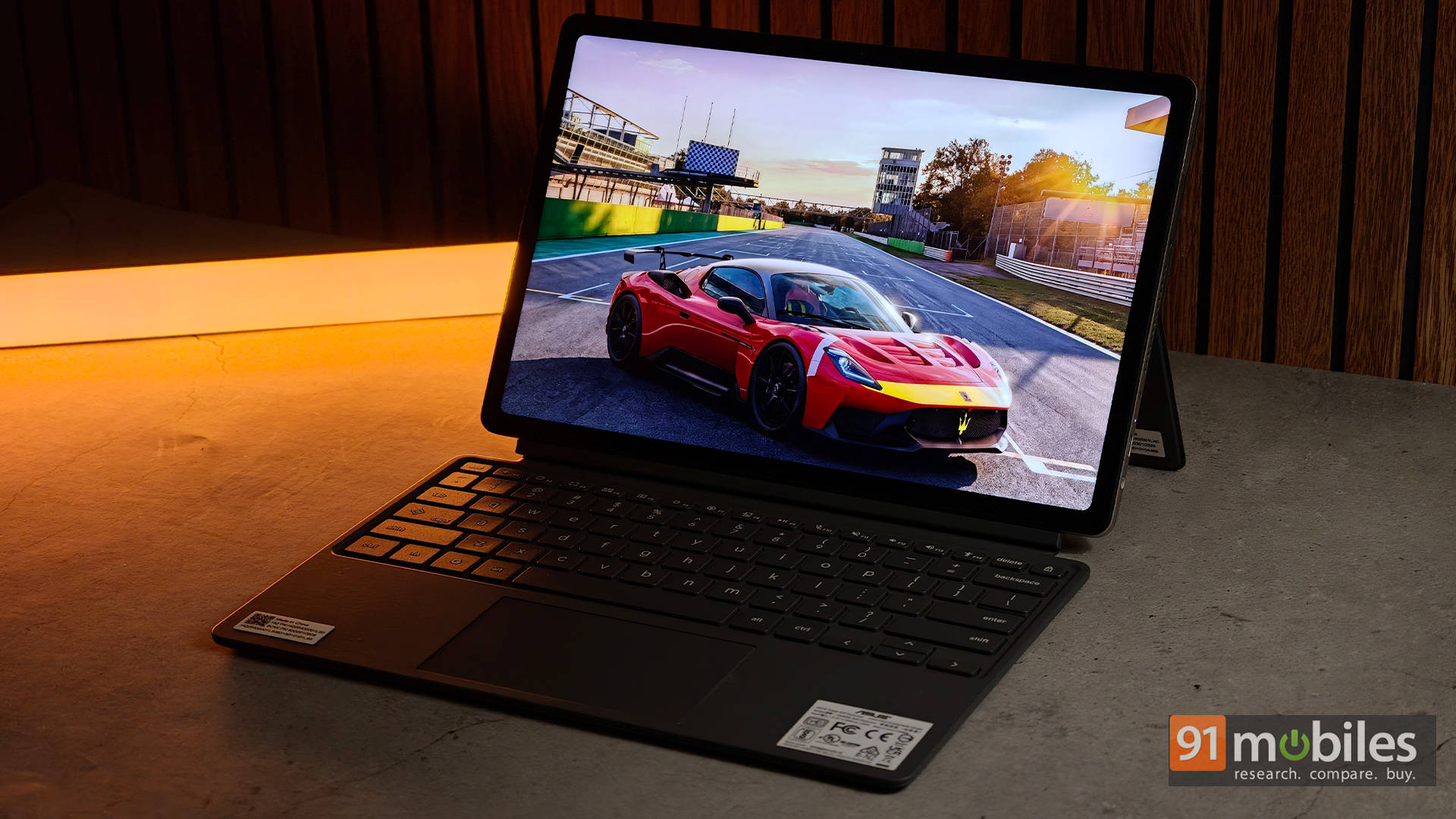
The panel also covers 98% of the DCI-P3 colour gamut, making videos, photos, and even presentations look far more vibrant than what you’d normally expect in this price range. Gorilla Glass 3 protection and an anti-fingerprint coating help keep the display looking clean despite constant touch input, while the extra vertical screen space means fewer scrolls when reading PDFs or writing assignments.
The dual Dolby Atmos speakers do a respectable job as well. They’re clear enough for YouTube, podcasts, online lectures, and Netflix sessions, although bass lovers will still want a good pair of headphones.
Webcam: Genuinely good
One surprise, however, is the webcam. The 5MP front camera is easily one of the best you’ll find on a laptop around this price. Video quality is impressively sharp, HDR works brilliantly when sitting in front of bright windows, and there’s very little visible grain, even indoors.

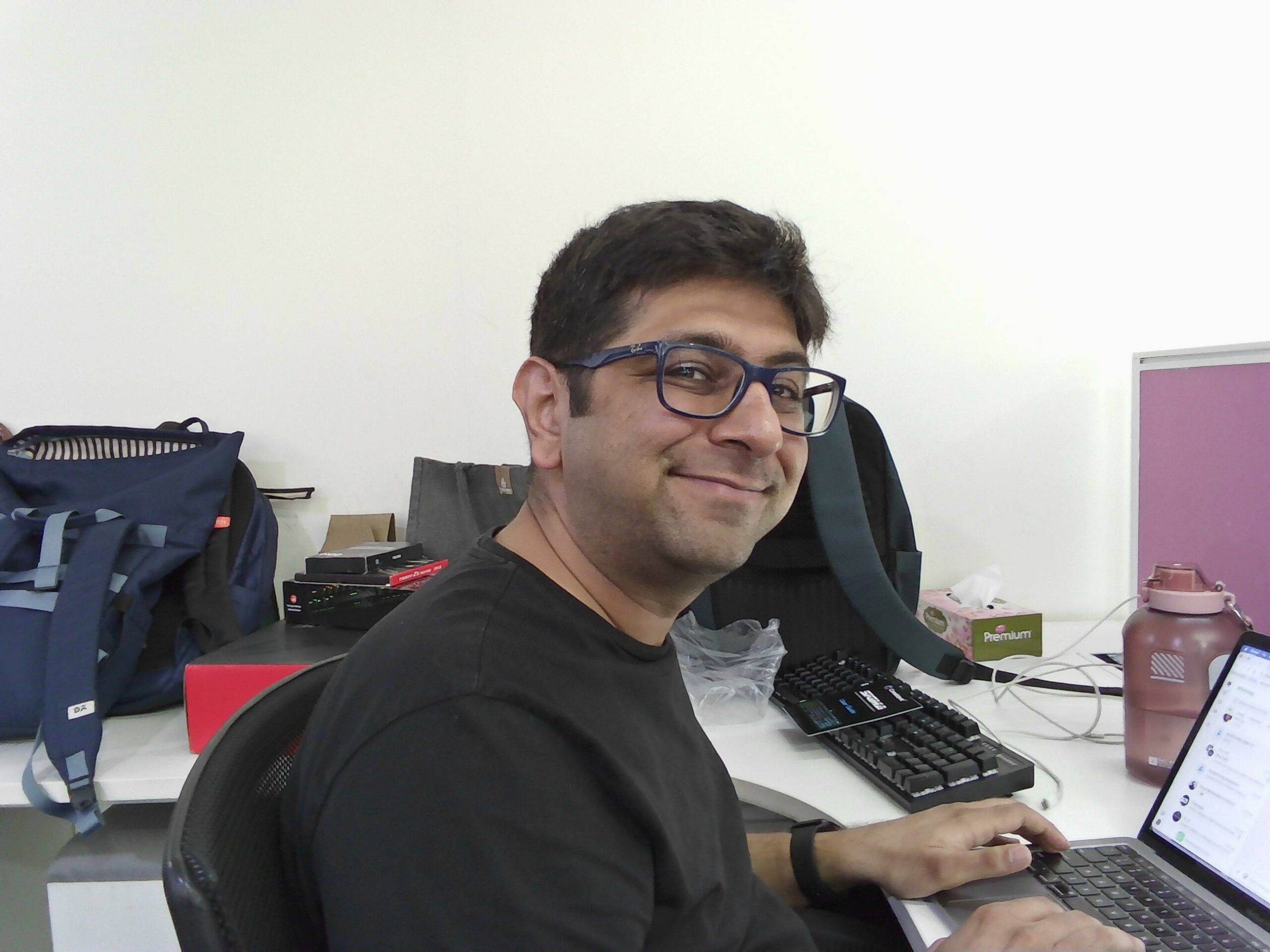
Pair that with equally excellent microphones that capture voices naturally without sounding muffled, and the CM32 becomes a fantastic companion for online classes, group discussions, or video meetings.
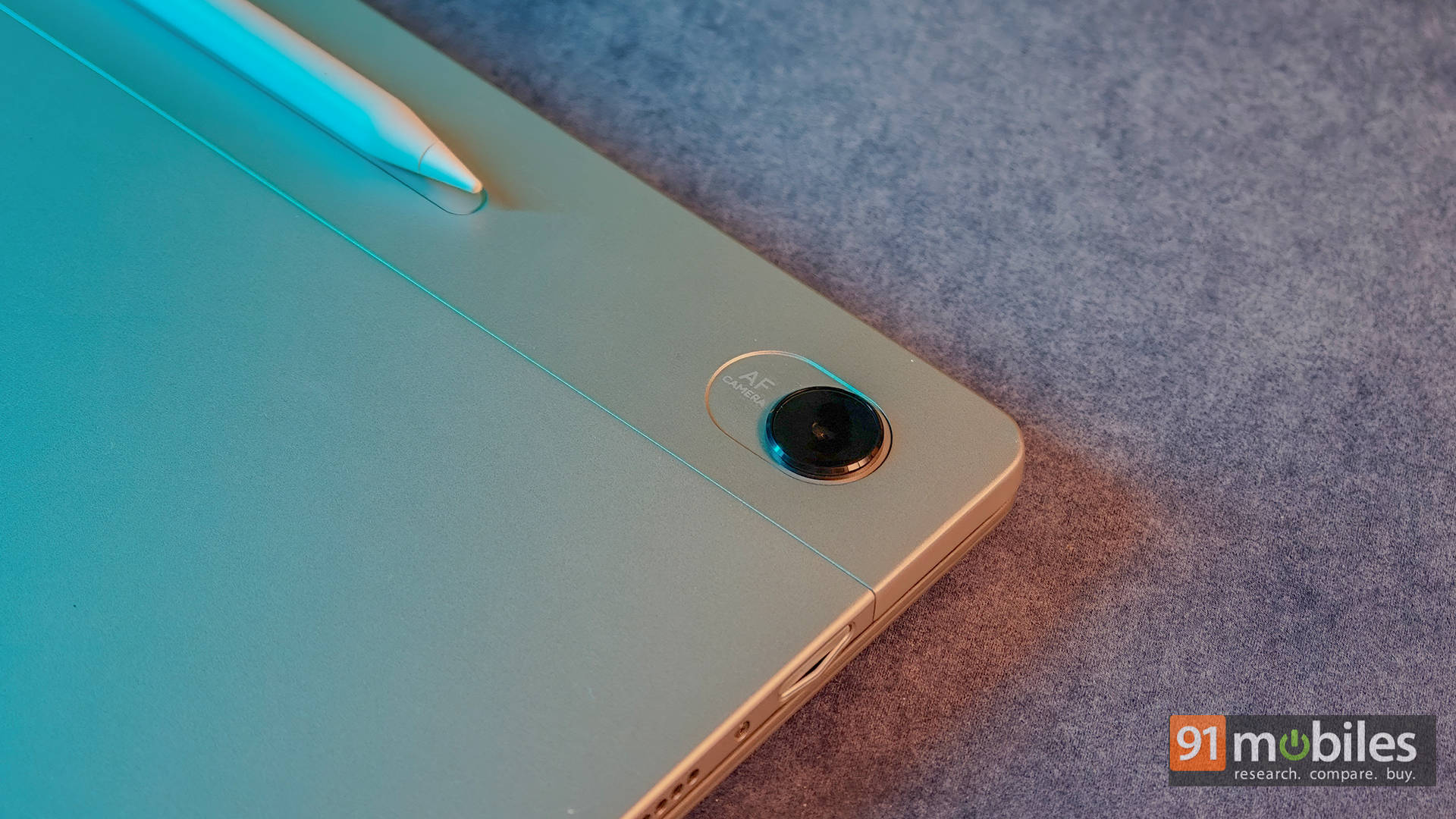
The rear 5MP camera is more functional than impressive, but that’s perfectly fine. It’s ideal for quickly scanning notes and documents, though it’s not something you’d want to use for photographing people.
Software: ChromeOS finally feels at home
Choosing between the CM32 and a similarly priced Windows laptop really comes down to software. ChromeOS has matured significantly over the years, offering a lightweight, cloud-first experience that feels fast, responsive, and refreshingly hassle-free. It boots within seconds, stays responsive over time, and integrates seamlessly with Google Workspace, making it perfect for writing assignments, collaborating on projects, or attending lectures through Google Meet.
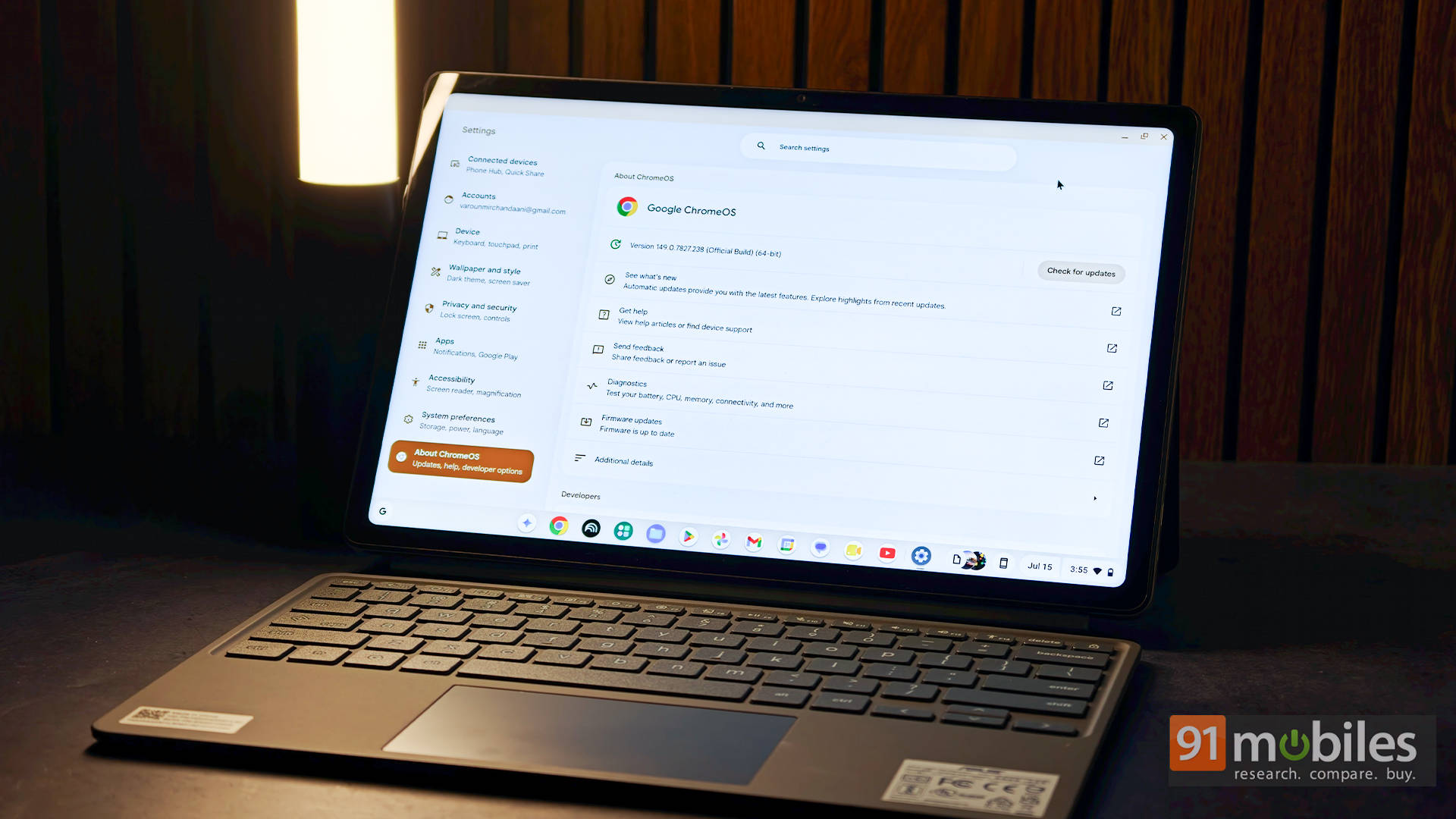
Tablet mode is another area where ChromeOS genuinely shines. Detach the keyboard, and the interface automatically transforms into a touch-friendly experience that feels natural to navigate. The bundled ASUS Pen only makes things better. With 4,096 levels of pressure sensitivity, magnetic attachment, and wireless charging, it turns the CM32 into an excellent digital notebook for annotating PDFs, jotting down lecture notes, or sketching diagrams during class.
ChromeOS isn’t without its compromises, though. While Android app support has improved considerably, some apps still refuse to scale properly for larger displays and end up looking like oversized phone apps. Likewise, students who rely on desktop Photoshop, CAD software, advanced programming tools, or other specialised Windows applications will still be better served by a traditional Windows laptop.
Performance and battery: Efficient where it matters
Our review unit comes with 8GB of LPDDR5X RAM and 128GB of eMMC storage, while the base variant ships with just 4GB of RAM and 64GB of storage. If the budget allows, we’d strongly recommend opting for the higher-end model. The additional storage isn’t a huge concern since ASUS bundles a Google AI Pro promo featuring 5TB of cloud storage with the Chromebook. Keep in mind that this is only a 3-month trial, but the extra 4GB of physical RAM on the higher tier makes a permanent, meaningful difference when juggling multiple Chrome tabs, Android apps, and documents.
The MediaTek Kompanio 540 also deserves more credit than it usually gets. It’s clearly designed with efficiency rather than raw horsepower in mind, and for a Chromebook, that’s exactly the right approach. Everyday tasks like browsing, writing assignments, streaming lectures, attending video calls, and multitasking across several tabs feel smooth throughout. Better yet, the chipset sips power when idle, so simply closing the lid between classes barely dents the battery percentage by the time you return.
What about real-world usage, though?
Of course, this isn’t a machine built for heavy workloads. Push it with demanding Android games, dozens of browser tabs, or Linux-based development, and you’ll eventually notice slowdowns. But for the audience this Chromebook is meant for, the balance between performance, silence, and battery efficiency feels just right.
Speaking of battery life, the 42Wh battery comfortably lasts around nine to ten hours with a mix of web browsing, note-taking, video calls, and streaming. That’s more than enough to survive an entire day of lectures without carrying the charger everywhere. And when you finally do need to top up, the included 45W USB-C charger gets you back up and running fairly quickly.
Verdict: Not Your Typical Rs 50K Student Laptop
Priced at Rs 48,990 (with the base variant starting lower), the ASUS Chromebook CM32 Detachable isn’t trying to be everything for everyone, and that’s exactly why it works. It focuses on the things students genuinely care about: a gorgeous display, a comfortable keyboard, an excellent bundled stylus, dependable battery life, and one of the best webcams you’ll find at this price point. The fact that ASUS includes both the keyboard and stylus in the box only sweetens the deal, especially when several competing detachable devices ask users to spend extra for those essentials.
If the budget allows, we’d still recommend picking up the 8GB RAM variant over the base model. And while there’s no denying that the sub-Rs. 50,000 segment is packed with capable Windows laptops, which are worth considering only if the workflow depends on Windows-exclusive software or demands extra processing power. For everyone else, especially students, the CM32 Detachable makes a compelling case for itself with its premium design, gorgeous display, excellent portability, dependable battery life, and the added value of a bundled keyboard and stylus. It may not replace every laptop, but as a classroom companion, it’s easily one of the most well-rounded options currently available.
Editor’s Rating: 8.3 / 10
Pros:
- Gorgeous 12.1-inch 2.5K 120Hz display
- Lightweight, premium detachable design with bundled keyboard and stylus
- Fantastic webcam and microphones
- Great battery life with efficient MediaTek chipset
Cons:
- Kickstand has a learning curve and isn’t great on the lap
- Only one USB-C port
- No fingerprint scanner
- Base model’s 4GB RAM feels limiting