Hideo Kojima’s latest fever dream is breaking new records, naturally, but to put that into perspective, about 425,000 PC players have bought Death Stranding 2: On the Beach, which is why we thought of dipping our toes in the sand for the second time after the PlayStation 5 release.
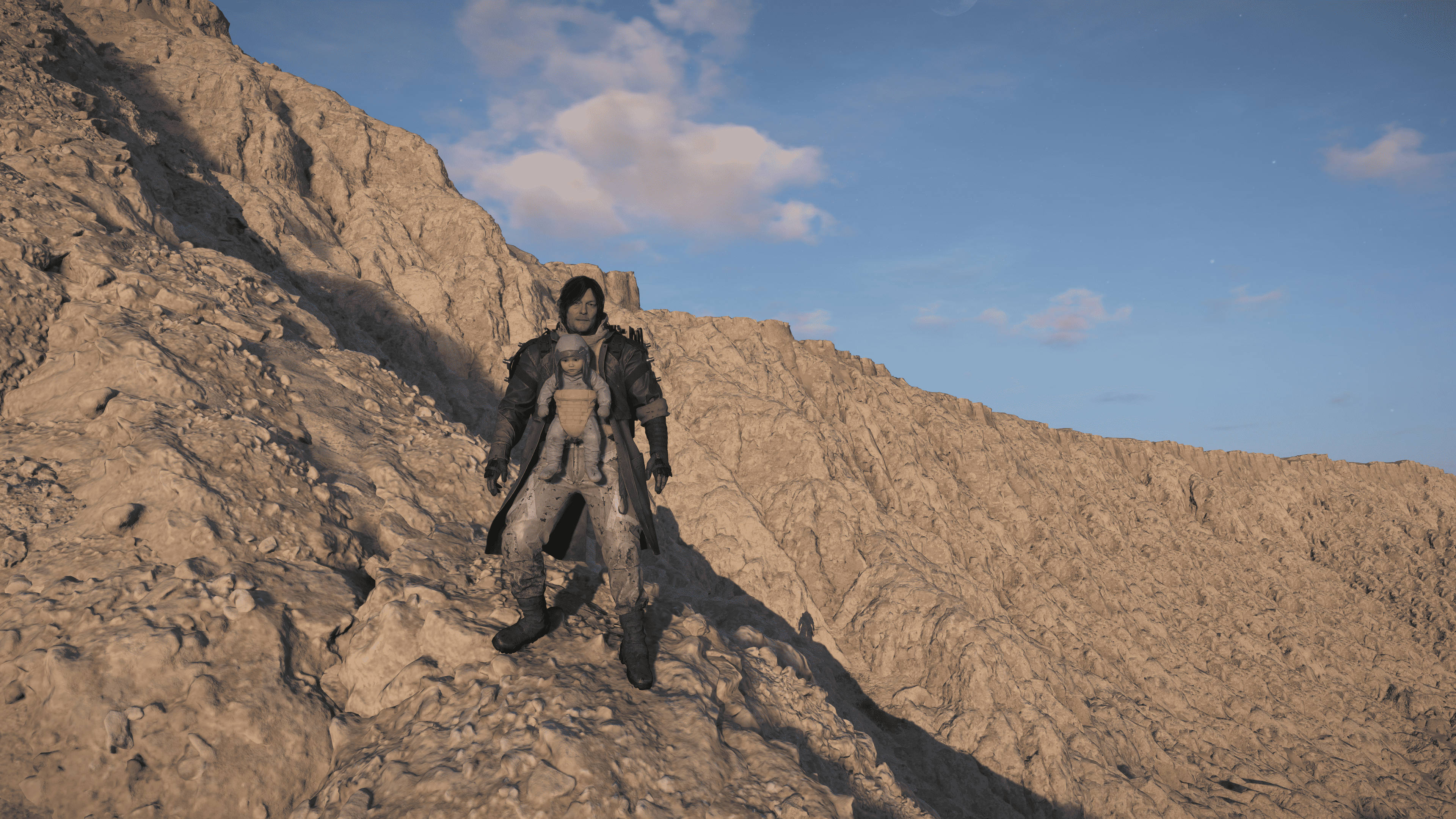
Like all PlayStation Studio ports, this one is littered with new PC enhancements like unlocked frame rate, every upscaling technique, ultrawide monitor support, keyboard and mouse support.
PlayStation’s approach to PC gaming
It’s worth noting that PlayStation’s approach to PC gaming has become a major strategic talking point in 2026. While bringing blockbuster titles like Death Stranding 2 to PC is a fantastic win for the broader gaming community, it also reflects a delicate balancing act for Sony. For years, the strategy was to use PC ports to expand the reach of their big-budget IP, helping to recoup massive development costs and keep narrative-driven experiences relevant long after their console launch.
However, with Sony recently pivoting to prioritize console exclusivity to strengthen the PlayStation 5 ecosystem, PC ports are becoming more selective. By keeping flagship experiences rooted in the PS5 ecosystem first, Sony aims to protect its brand ‘prestige’ and drive hardware sales, while still offering the PC market a premium, polished version of their best games. Ultimately, these PC releases aren’t just about sales, but also about keeping PlayStation’s top-tier storytelling in the cultural conversation, ensuring that whether you play on console or PC, the ‘PlayStation experience’ remains a gold standard.
Note: We will be updating this article with new laptop and GPU tests to see how well the game performs across different computer systems. Primarily for this PC performance review, the game is running on an NVIDIA Colorful iGame GeForce RTX 4090 Vulcan OC-V and Intel 13th Gen i9-13900K with 32GB of DDR5 RAM.
Table of Contents
4K resolution test
If you were to give me a spyglass and tell me to spot the difference between the PS5 version and the PC version at 4K, I would be scratching my head to recall any difference in fidelity from memory alone. However, the PC version runs at an unlocked frame rate, which immediately makes the game feel more snappy and responsive.
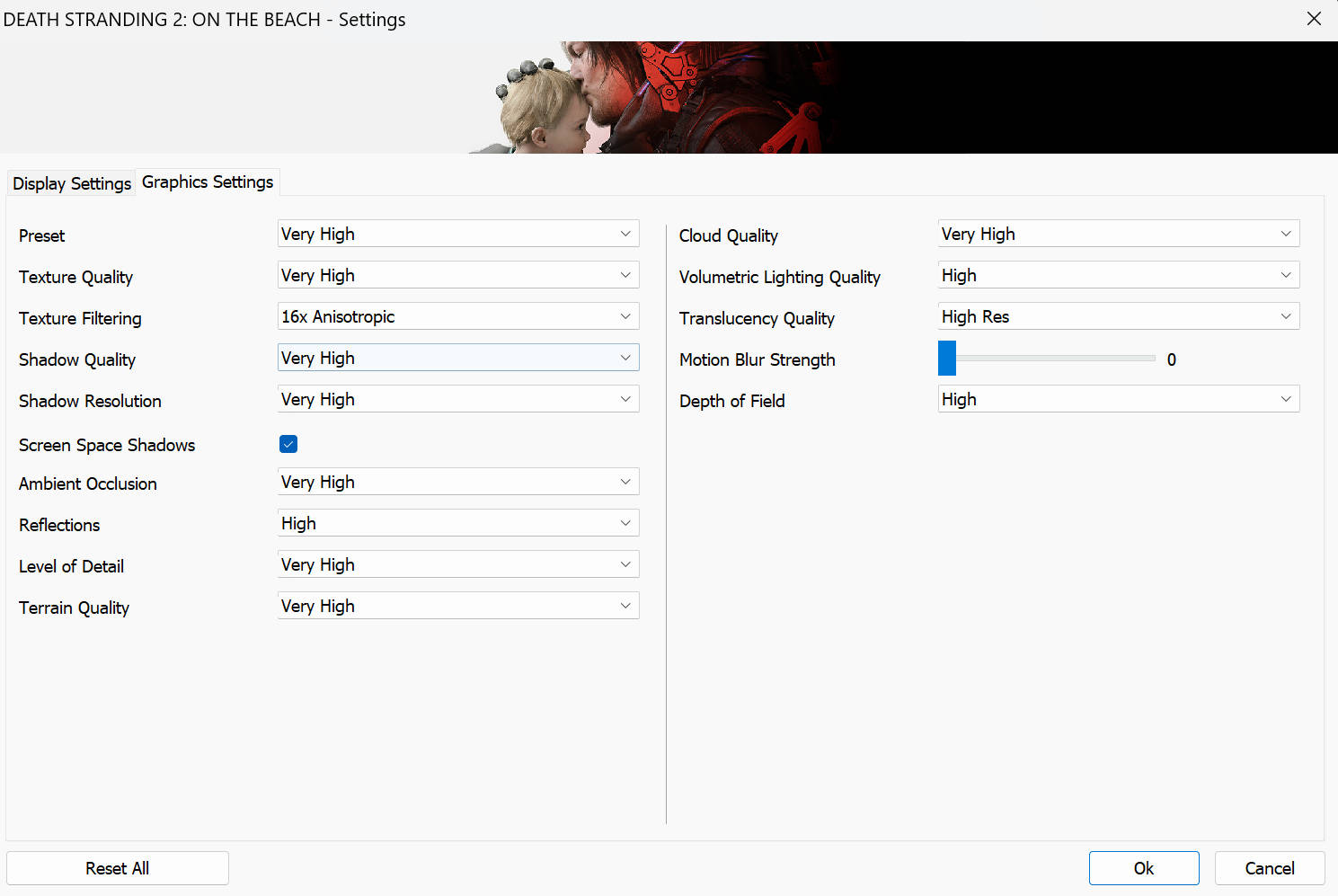
At 4K resolution with all graphical settings pushed to Very High and with DLSS set to Native, we were getting 70FPS average with 55FPS lows and 88 FPS highs.
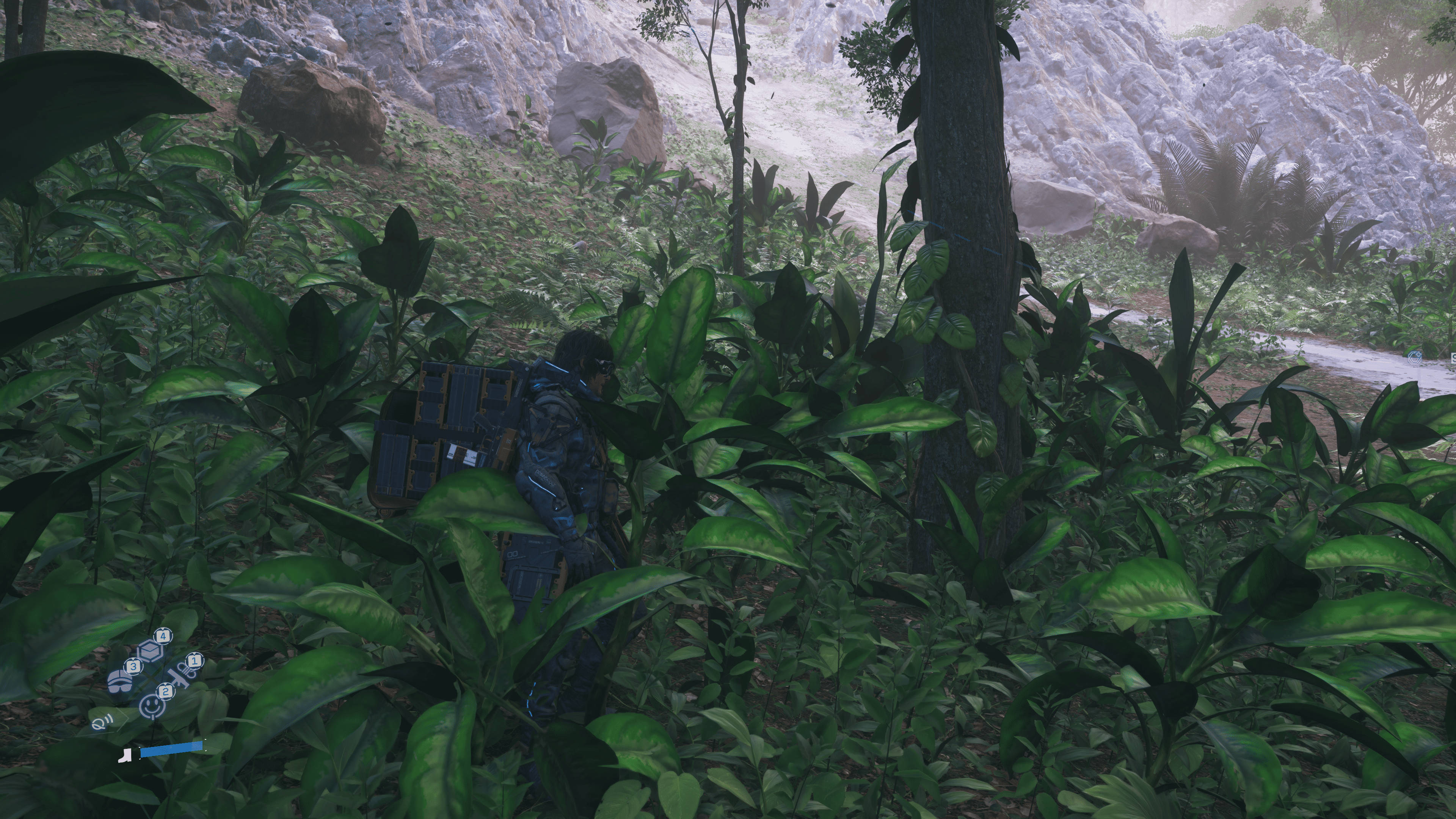
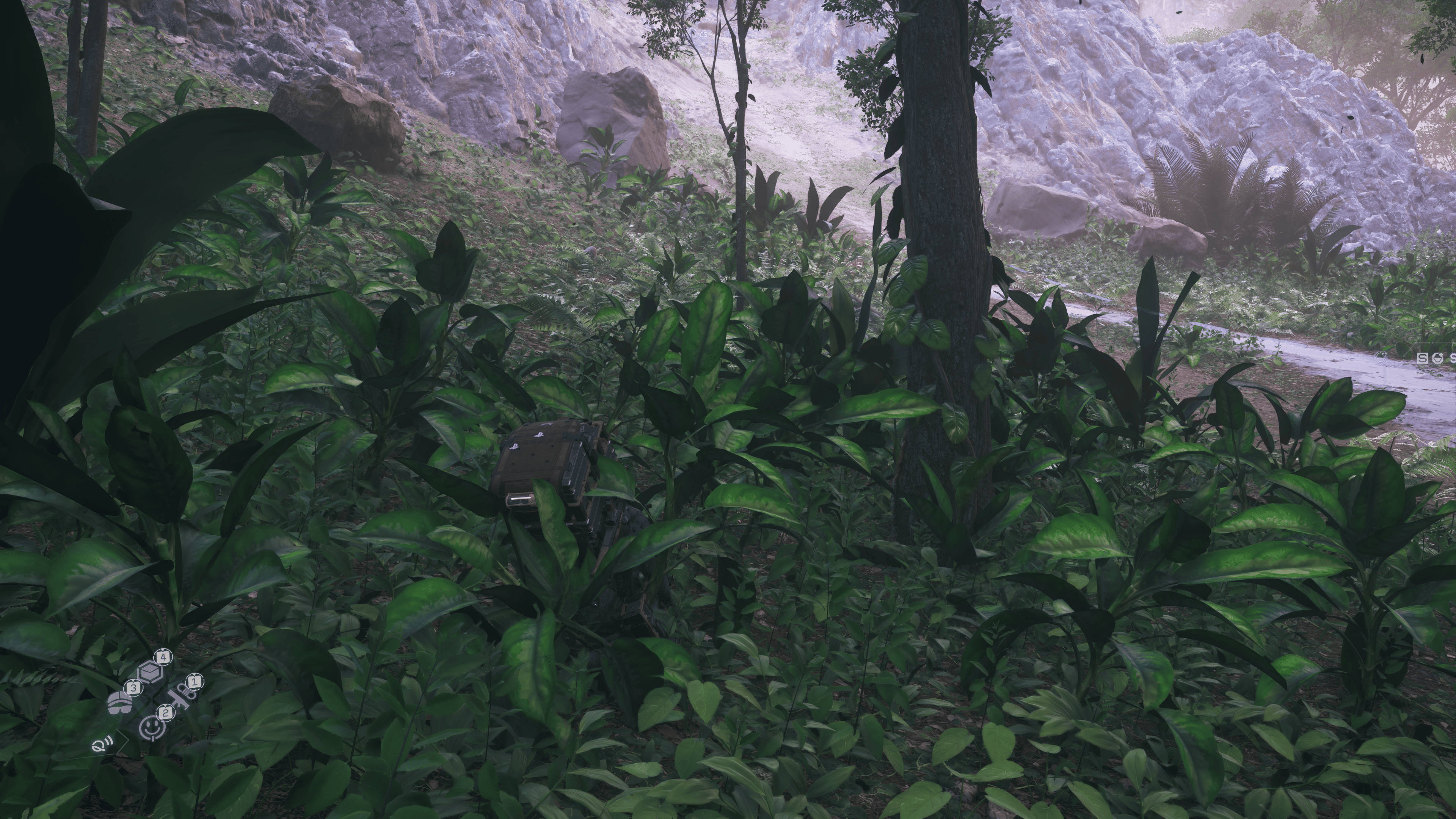
It’s worth noting that the frame times are extremely smooth and consistent on the Nvidia hardware. Even during natural disaster events, the game was running at a smooth 75 to 80 FPS and occasionally falling to 70 during intense combat sections.
Location-based oddities
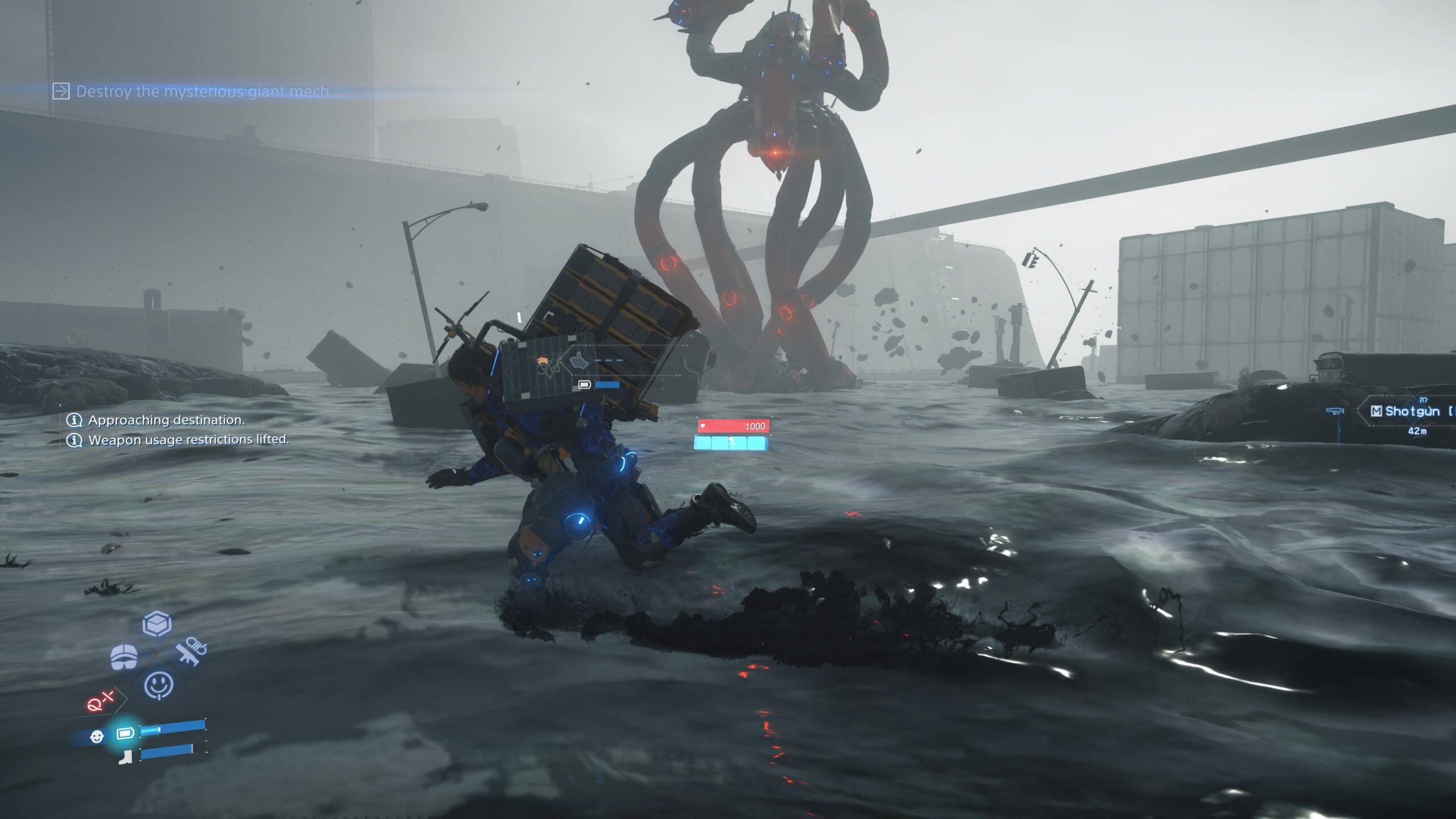
However, Death Stranding 2 has a bit of a location bias in performance. If you linger around Fort Knot which is a massive walled fortress with container yards and river streams, then the FPS is affected. You’ll see lower than usual numbers but consistent nonetheless.
We’ve referred to the Fort Knot area as an average for 4K gaming because it captures the late game sections as well.
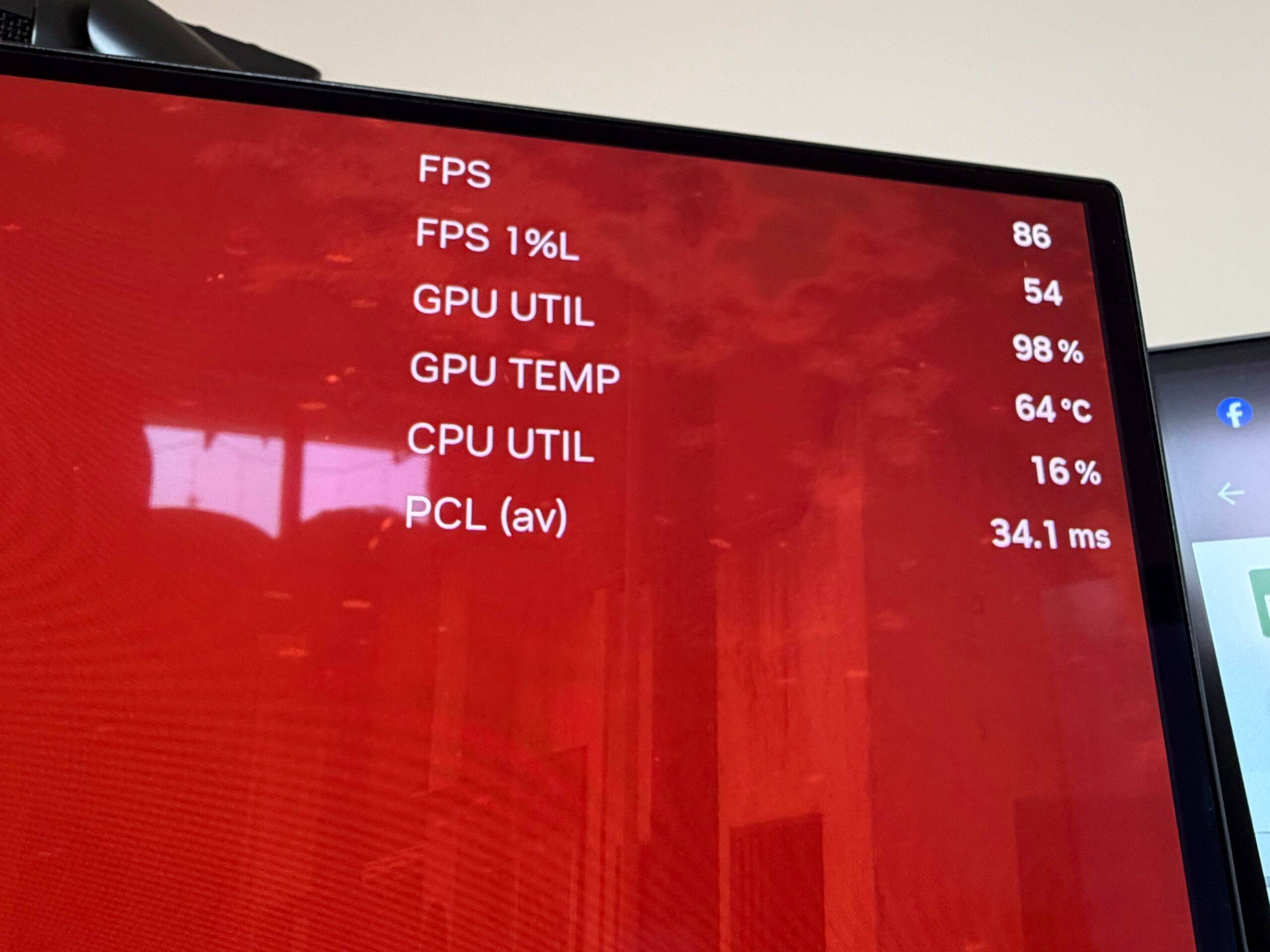
Flipping the DLSS switch to Quality and the average FPS hits a cool 90 while hitting as high as 120 FPS when Sam is resting in the hideout. Even here, you’d really have to stick your nose to the screen to tell any difference between DLSS Native and Quality. If you have a lower spec GPU, the Quality setting might reap higher returns in terms of FPS without any graphical downgrade.
2K resolution test
Switching over to a Lenovo Legion Pro 34WD-10 ultrawide monitor, and there are some oddities in DS2’s performance. This is a 2K monitor, but it’s actually wider with a 21:9 aspect ratio, which means the pixel count is higher here. So at 3440×1440 resolution with DLSS set to Native and all graphic settings on Very High, the game was running at a 90 FPS average with 120 FPS highs and 80 FPS lows. And with DLSS set to Quality, the average barely exceeded the 120 FPS average, similar to 4K resolution performance in quiet areas of the map.
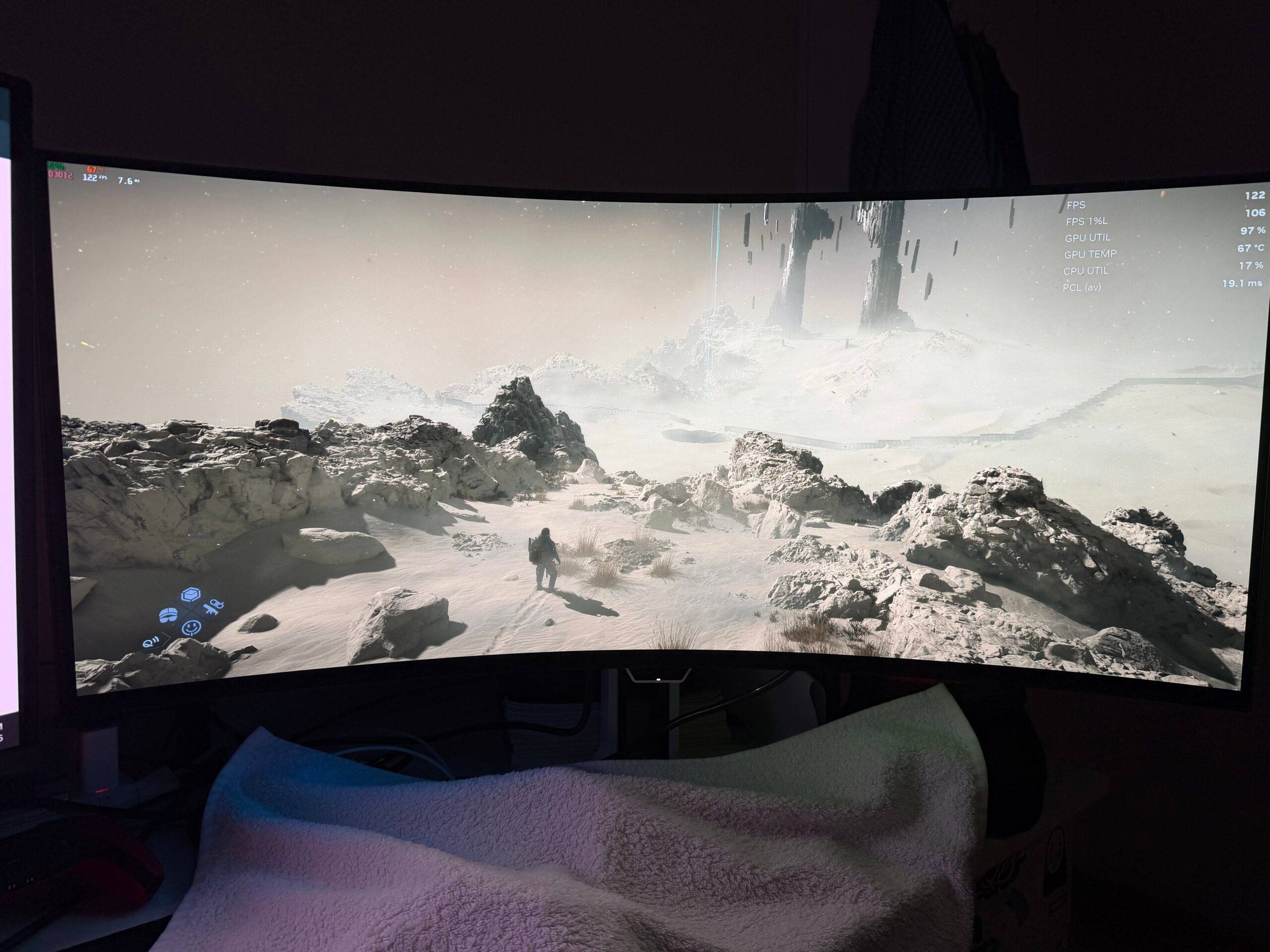
If you set DLSS upscaling to Balanced, the average FPS is perpetually lingering on 127 FPS, which is barely any uplift from the Quality setting. It may sometimes hit 130 FPS, but that’s in less busy scenes.
PlayStation’s upscaling method
You can also switch away from the DLSS upscaling method and opt for the PICO (Progressive Image Compositor) upscaling technique, which is similar to PlayStation 5. On 4K resolution, you will get around 80FPS average, with occasionally hitting as low as 70 in the busy areas and 90 FPS in the empty fields of Australia.
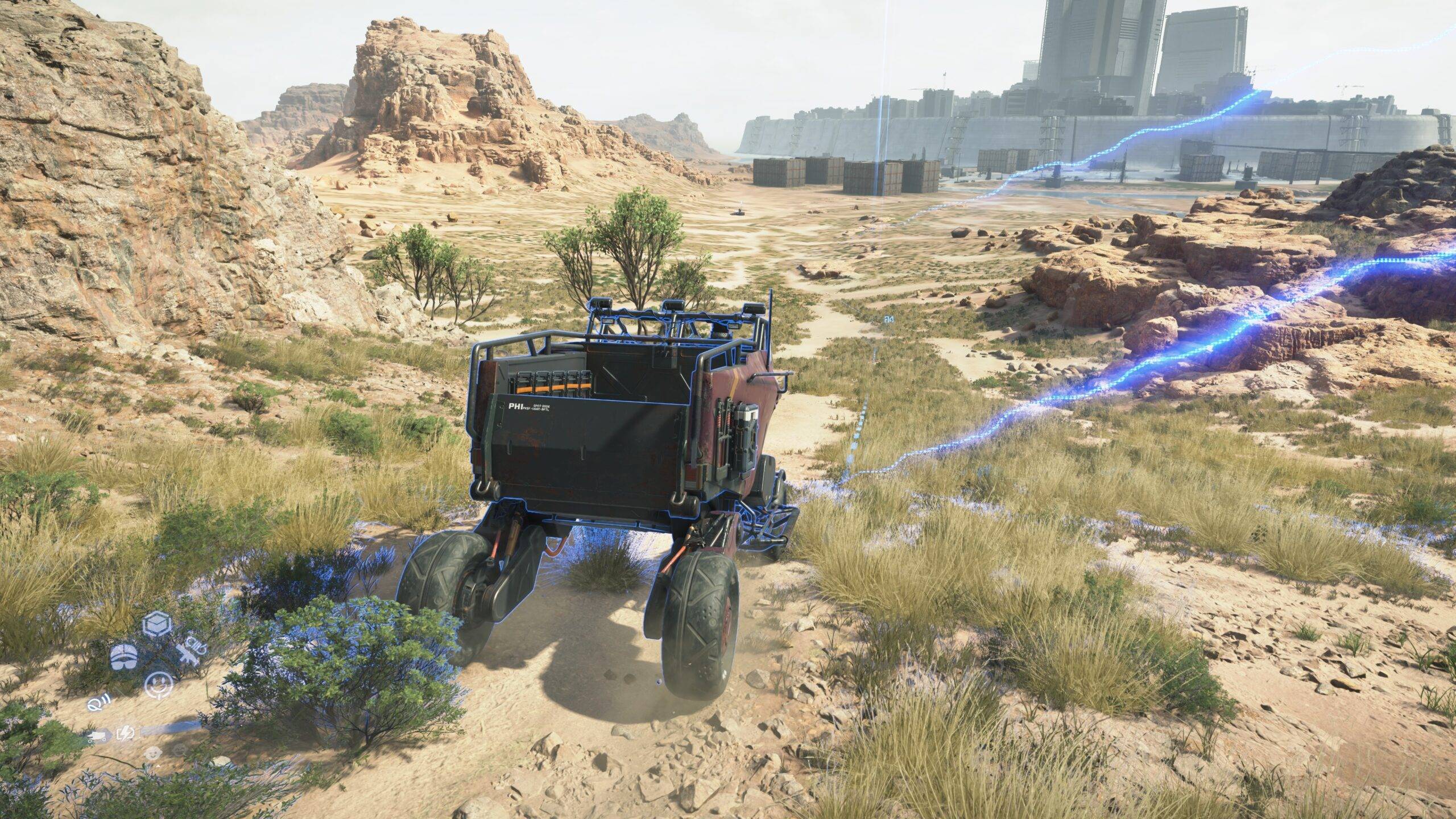
On our ultrawide monitor with 2K resolution, we got an average of 110 FPS here compared to DLSS’s 90 FPS on the same settings, but the image quality is slightly softer here. DLSS has sharper fidelity compared to PICO. The game also supports Nvidia, AMD, and Intel Frame Generation technologies, but we couldn’t test that on our RTX 4090 GPU because only 50-series Nvidia GPUs support it.
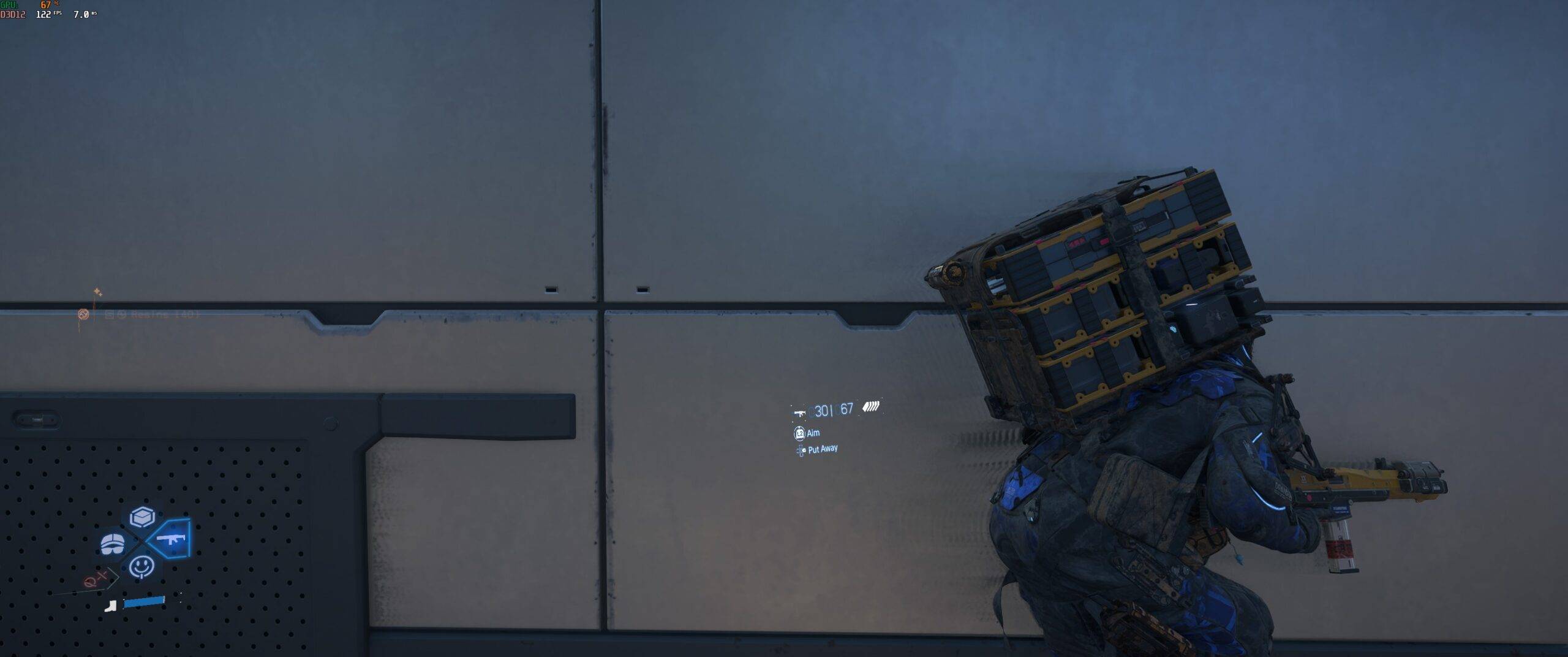
No matter what setting you play on, there’s a bit of ghosting every time Sam is against a grey backdrop or something darker. You’ll easily notice this around the enemy base areas where Sam leaves a ghost trail while scurrying around in stealth.
Verdict
We still recommend playing this game on a big screen as opposed to a smaller computer monitor. There are fantastic visuals and really lengthy dialogues that really come through with stellar voice acting and even better motion capture. Kojima is extremely movie-obsessed so it’s a fitting reason to play this on TV.
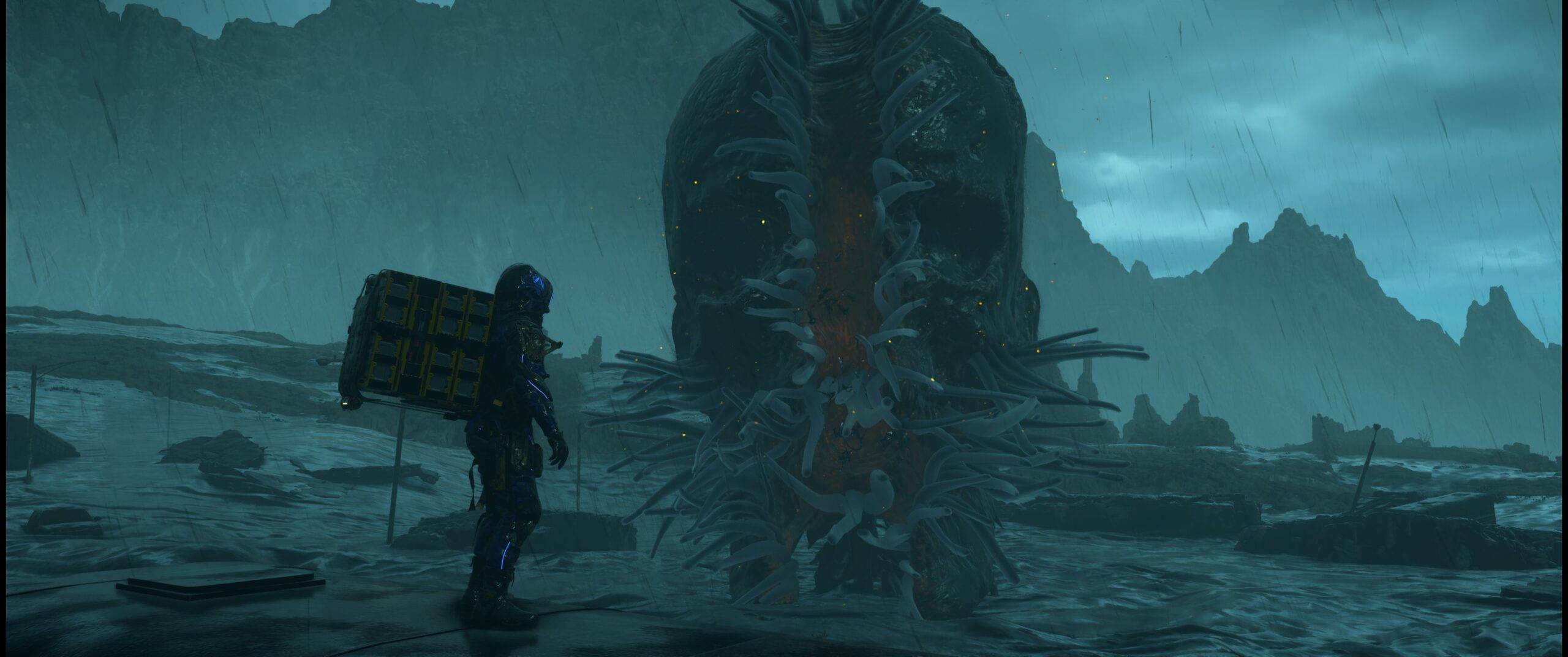
Even as you stumble through rocky terrains, this game has a certain sense of calm during the missions that somehow feel therapeutic. Connecting the desolate regions of Australia feels tighter and more polished without losing the charm of the DHL deliveryman trope. You may find your frame rate moving in +20 and -20 regions, depending on how desolate the area is within the game.
Editor’s Rating: 8 / 10
Pros:
- DLSS Quality increases frames without significant quality loss
- Smooth performance on high-end GPUs
- Plenty of graphics customization options
Cons:
- Ghosting in some areas of the game
- Some performance drop in asset-heavy sections of the map