BioWare’s latest masterpiece, Dragon Age: The Veilguard, has finally arrived, and I’ve been putting plenty of hours into it on PC. Having played the game for a while now, I can truly say that it’s a stunning testament to the studio’s commitment to delivering immersive and performance-optimised gaming experiences. Set in the rich and expansive world of Thedas, this RPG is a visual feast that demands high-end hardware to truly shine. However, thanks to its impressive optimisation, it can also be enjoyed on more modest systems.
Table of Contents
Game settings and features
Before diving into the performance analysis, let’s explore the game’s extensive graphics settings. Unlike the majority of games that are released nowadays which rely on Unreal Engine, Dragon Age: The Veilguard uses EA’s in-house Frostbite engine. Of course, the engine has been updated to keep up with the graphical expectations of 2024, and the game looks quite gorgeous.That being said, not every hardware can run the game at the highest settings possible. This is why the game comes with extensive graphics settings, allowing you to fine-tune the visual experience to your liking. From resolution and frame rate to texture quality, shadows, and ambient occlusion, you can customise the game to suit your preferences and hardware capabilities.
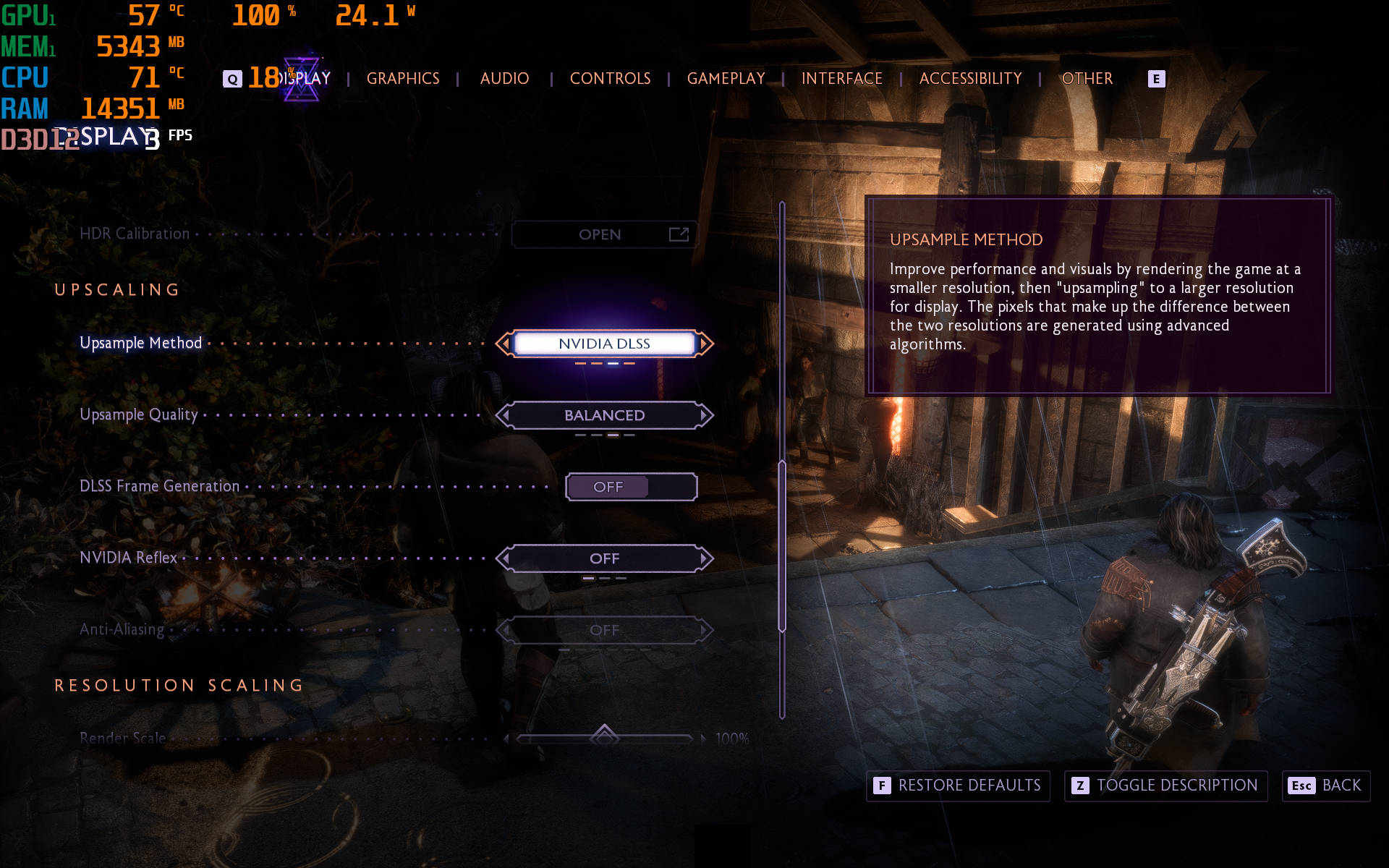
Additionally, for budget gamers, The Veilguard also features support for NVIDIA’s DLSS, AMD’s FSR, as well as Intel’s XeSS upscaling technologies for better frame rates and enhanced performance without compromising visual quality. You can choose to favour Quality or Performance depending on your hardware, though the Balanced setting works best for most users.
Performance analysis
To kick things off, I ran the game on the Acer Predator Helios Neo 14, which is powered by the NVIDIA RTX 4050 GPU coupled with the Intel Core Ultra 7 155H processor. With the preset set to High, the game easily averages around the 60 FPS mark, with occasional drops to 48-50 FPS in demanding scenes. However, the inclusion of DLSS Frame Generation is truly a game changer here. Once enabled, there are massive gains to be seen, even as high as 30 FPS in the same frame, without any noticeable difference in terms of quality.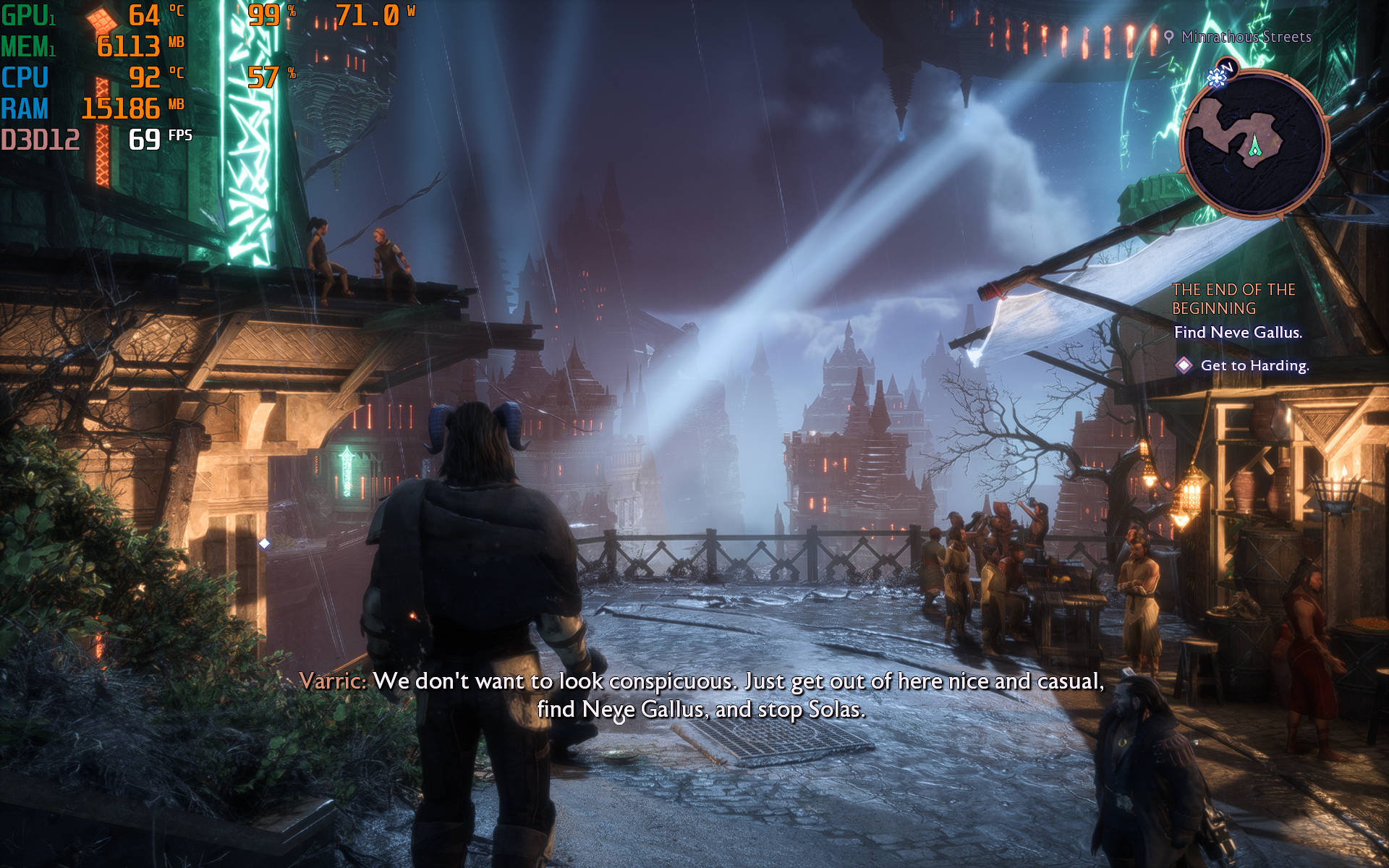
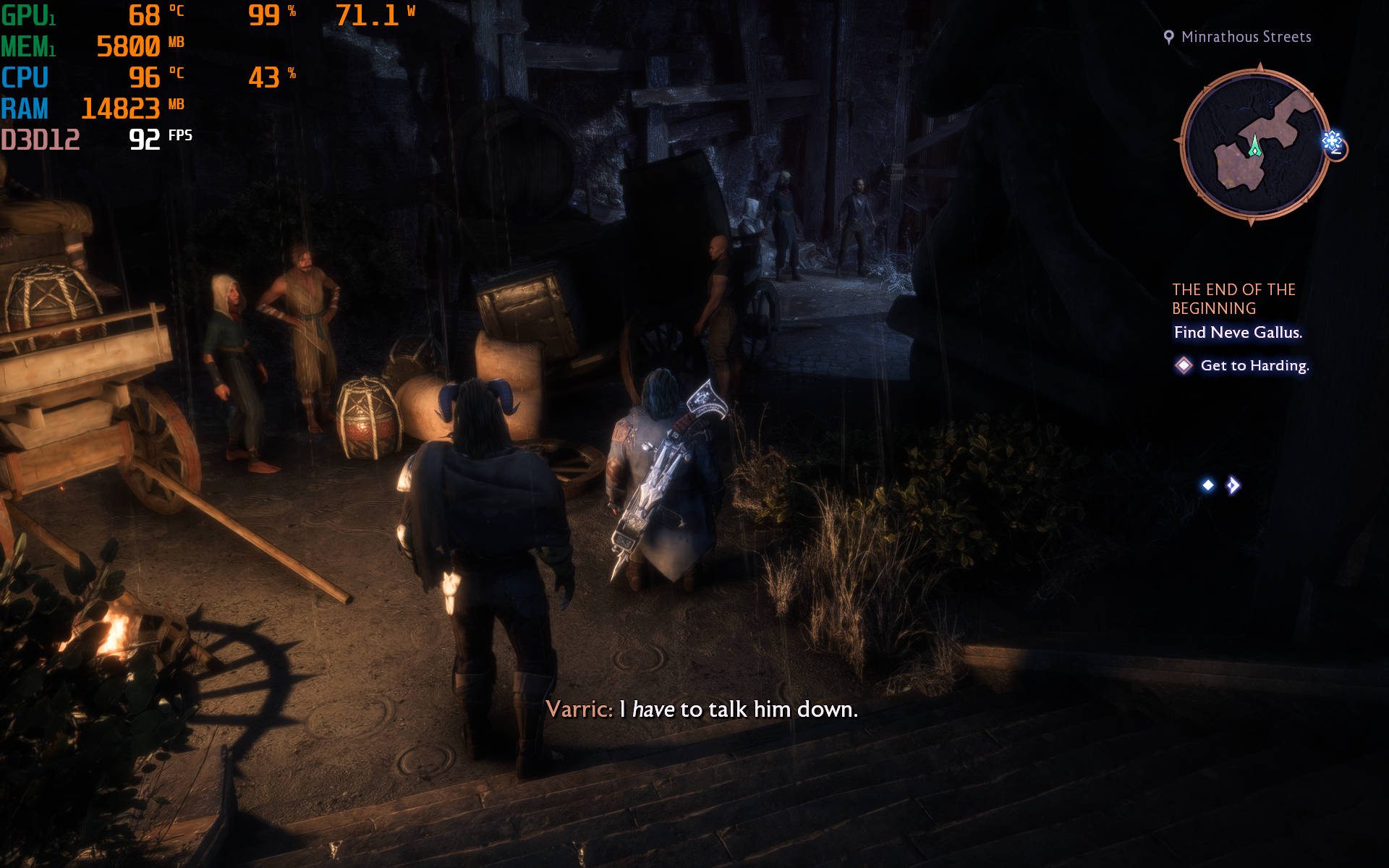


However, I wanted to see how the game would perform on a lower specced machine, in which case I opted to run it on an Acer ALG AL15G gaming laptop. That’s an Intel Core i5-12450H laptop with a dated NVIDIA RTX 3050 GPU. Out of the box, once again opting for the High preset, The Veilguard runs at an average of 51 FPS. That said, unlike the RTX 4050 GPU, there’s no support for DLSS Frame Generation on the 30-series GPU. Thankfully, the performance was pretty good when I tried running the game with both AMD FSR as well as Intel’s XeSS.
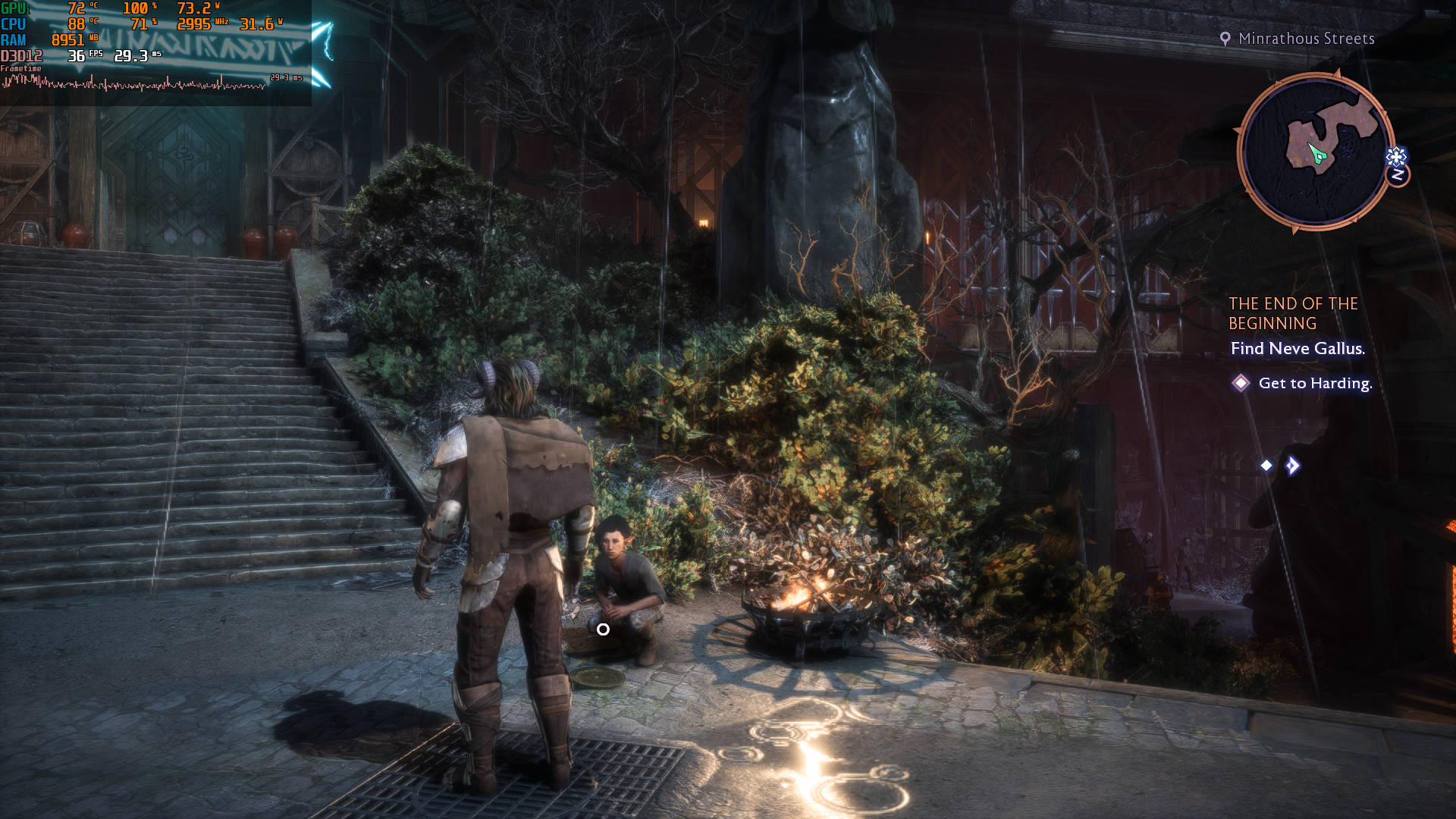
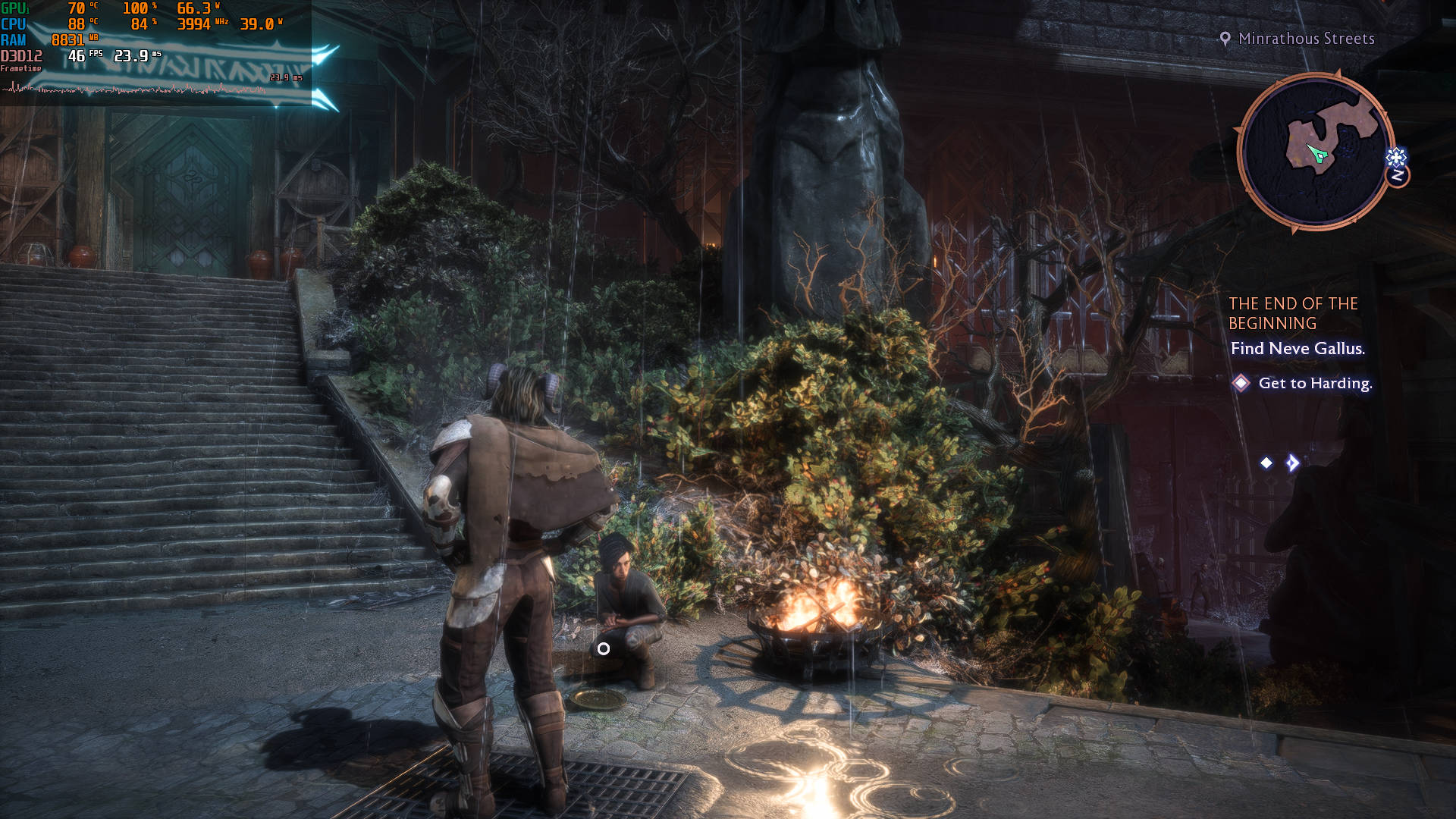
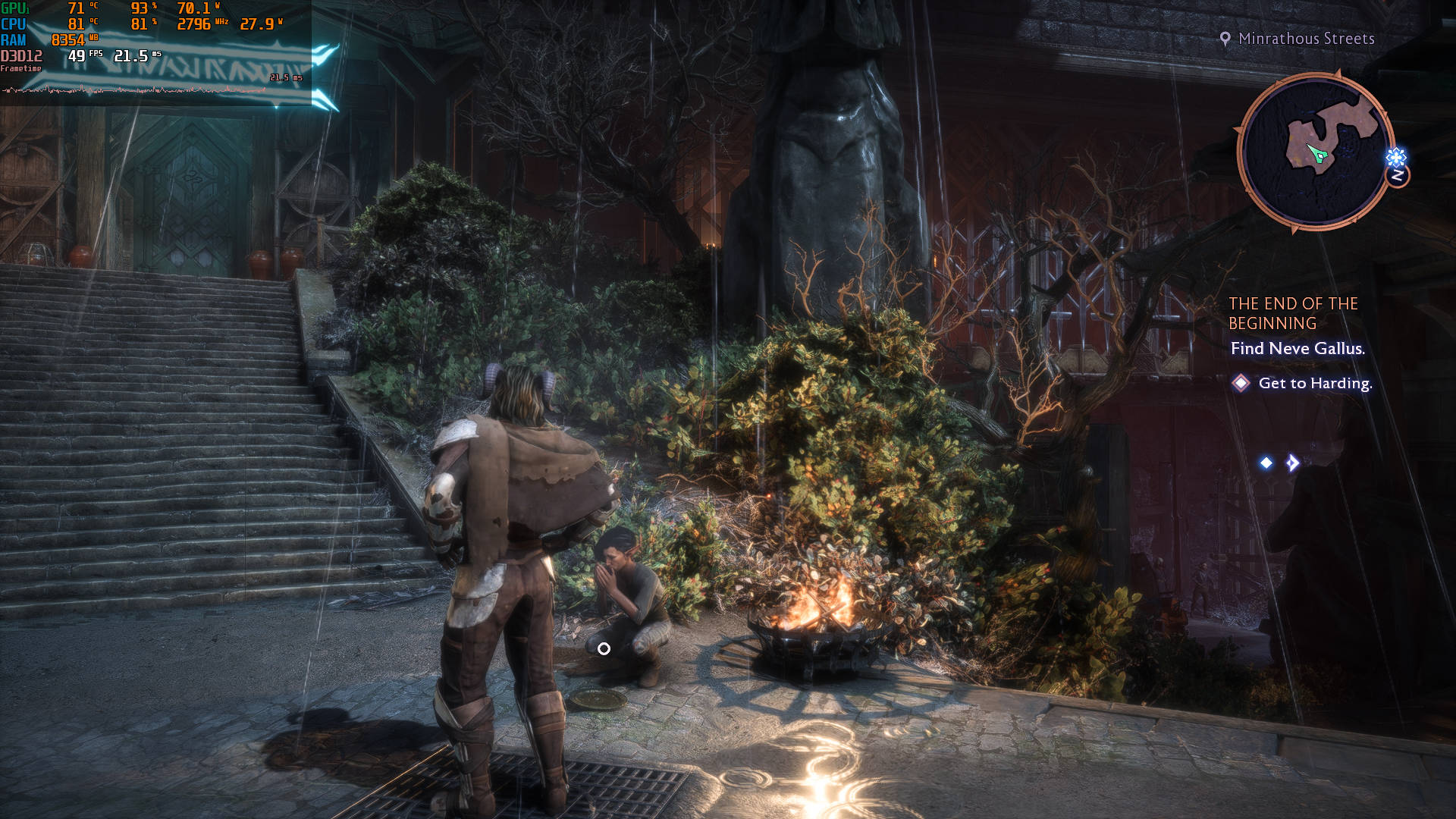
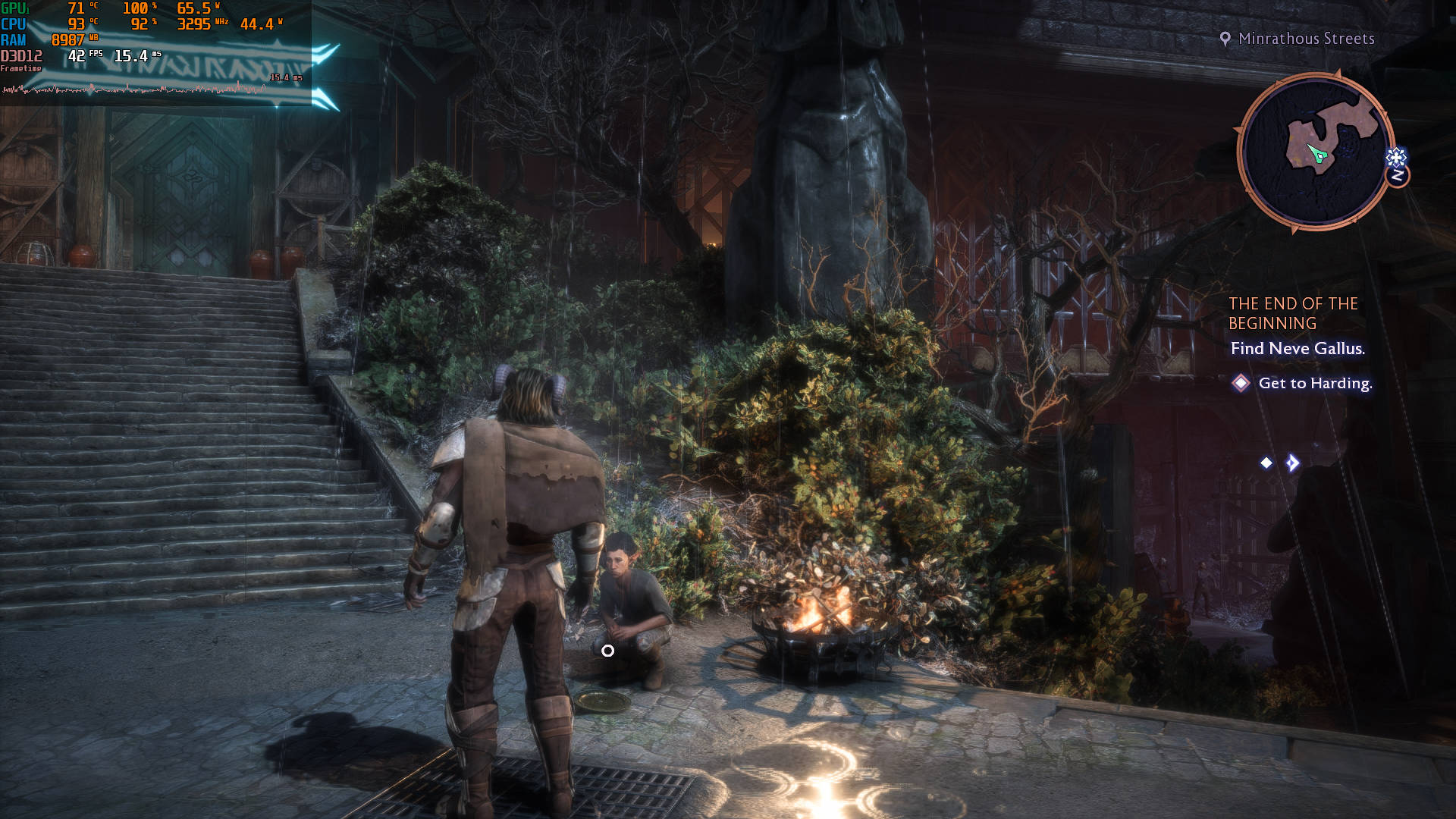
For even lower trims, I also tried playing the game on my ASUS ROG Ally, and surprisingly, the game runs at a stable 30 FPS with ease. Of course, that requires dropping down to the Low preset, but that’s still on 1080p resolution. At just 25W of TDP, the game is very playable on a handheld console, which goes to show the excellent level of optimisations done in Dragon Age: The Veilguard.
Now let’s shift gears and talk about things on the other side of the spectrum. If you’re someone who owns a capable device, Dragon Age: The Veilguard scales extremely well with the power you provide to it. For instance, even on the Ultra preset with Ray Tracing set to On (not Selective), the game only uses a nominal VRAM of just 5.1GB. As such, you can easily run it on any modern GPU with 6GB of VRAM and above. Do keep in mind that this is for the common 1080p resolution – once you go higher to 1440p or 4K resolutions, of course, more powerful hardware with more VRAM is required.
Then again, there’s more to a graphics card than just VRAM, so I tried the game on something more powerful too. For instance, my desktop PC, which is powered by the NVIDIA RTX 2070 Super GPU and Intel Core i9-13900KF processor, manages to run the game flawlessly at over 60 FPS, even with the Ultra preset at 1080p resolution. It handled cinematic cutscenes and dense environments like Tevinter’s bustling cities effortlessly. There are the occasional frame dips during intense battles, but that’s quite negligible. However, once you switch to 1440p, the frame drops get a bit more consistent and more noticeable. Your mileage may vary, but if you face a similar situation, I’d suggest dropping the quality to a combination of Medium and High for a smoother framerate.
There are a couple of other things that also come into play. For starters, the game doesn’t come with Denuvo DRM protection. As we saw with Star Wars Jedi: Survivor, the removal of Denuvo DRM can lead to much better performance, and it’s nice to see EA going that route from the get-go with The Veilguard.
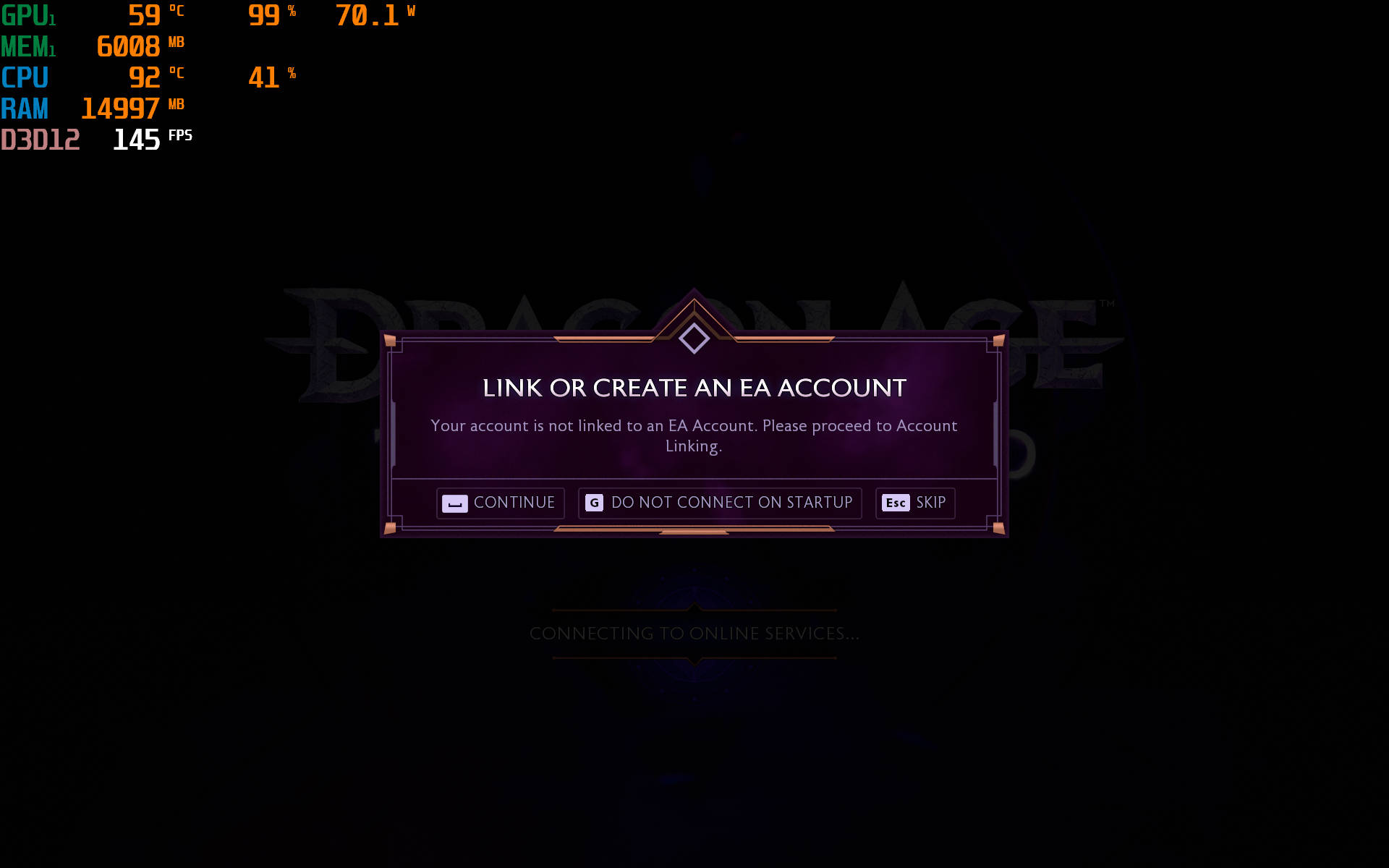
Another area where EA should get credit is that it doesn’t force the EA account down your throat. For most EA games that you buy on Steam, you’re still required to log in with an EA account to proceed. Thankfully, that’s not the case here, which means there’s no background online processing or syncing to an additional service.
Verdict
Dragon Age: The Veilguard is a visually stunning and performance-optimised RPG that can be enjoyed on a wide range of PC configurations. Whether you’re playing on a budget laptop or a high-end gaming rig, the game delivers a captivating and immersive experience. Combine the excellent optimisation with the plethora of in-game settings for fine-tuning the visuals, the game should run well on most devices without breaking a sweat.As for the title itself, Dragon Age: The Veilguard impresses with its deeply immersive story, filled with emotional character arcs and intricate world-building. The gameplay masterfully blends exploration, decision-making, and strategy, supported by seamless combat mechanics that cater to various playstyles. The excellent storyline is well-complimented by the visual design and the stellar voice acting, making the game an immersive cinematic experience, and ensuring that it lives up to the legacy of the Dragon Age franchise.
Editor’s Rating: 9 / 10
Pros:
- Engaging story with rich character development
- Smooth combat mechanics
- Stunning visuals and an immersive world
- Excellent optimization for various hardware setups
Cons:
- Occasional frame drops with Ray Tracing enabled on some devices
- Some side quests can feel repetitive