Huawei, one of the leading wearable brands in the world, launched its Watch Fit 3 in India this year as a lower midrange offering. The smartwatch can currently be bought under Rs 12,000, and for that price, it boasts an “ultra-slim” and squarish design and offers “all-round fitness management”. I have been wearing it for more than a week now and have tested how functional the design is and how useful the health tracking and the rest of the features are. Find out about my experience in this review to know whether it’s worth the asking price.
Table of Contents
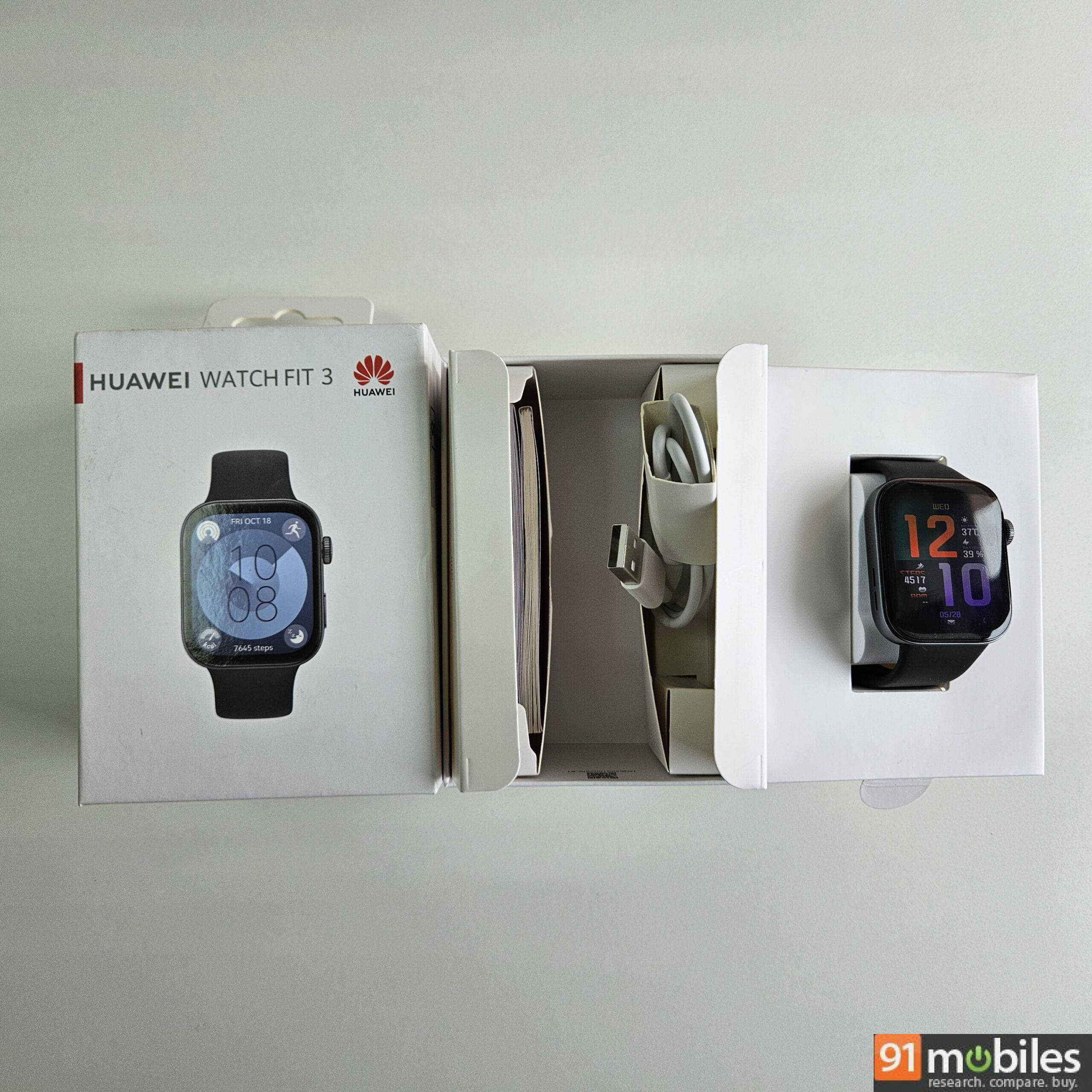
Unboxing
The Huawei watch comes in a rectangular white box with branding and details printed on all sides. Just pull out the cover, and inside you’ll find the following:
- Watch with straps
- Charging cable
- Warranty card
- User manual
Design and display
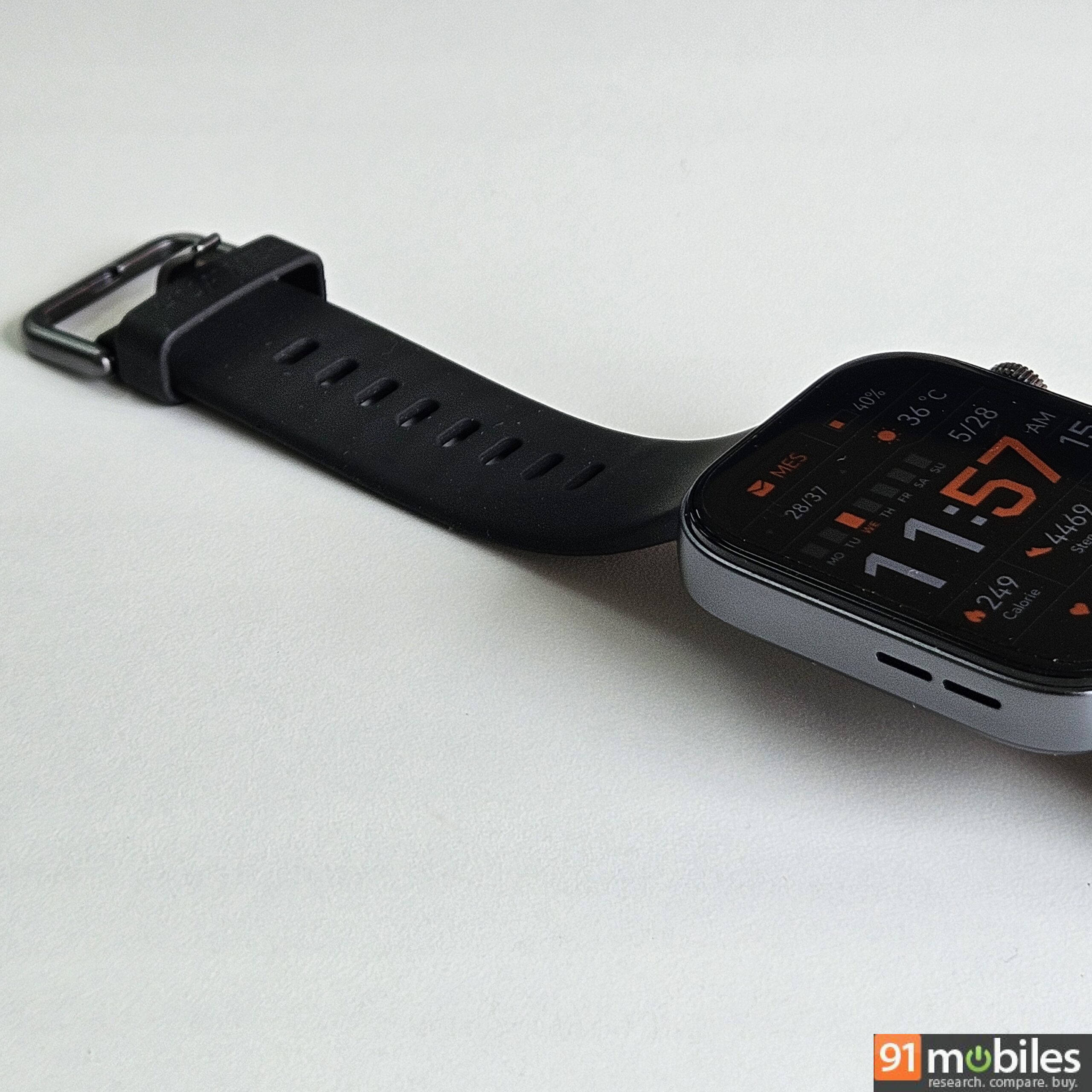
The Huawei Watch 3 bears a familiar squircle design that resembles an Apple Watch. It feels comfortable on the wrist thanks to a synthetic rubber strap and an aluminium alloy chassis that’s light at just 26 grams (without the strap) and slim at 9mm. Even with a 46mm (1.82-inch) display, the watch fits well on my lean wrist. The Watch 3 is slimmer and lighter than an Apple Watch SE. It is rated for 5 ATM water resistance, too, which means it can survive up to a depth of 50 meters of clean water.
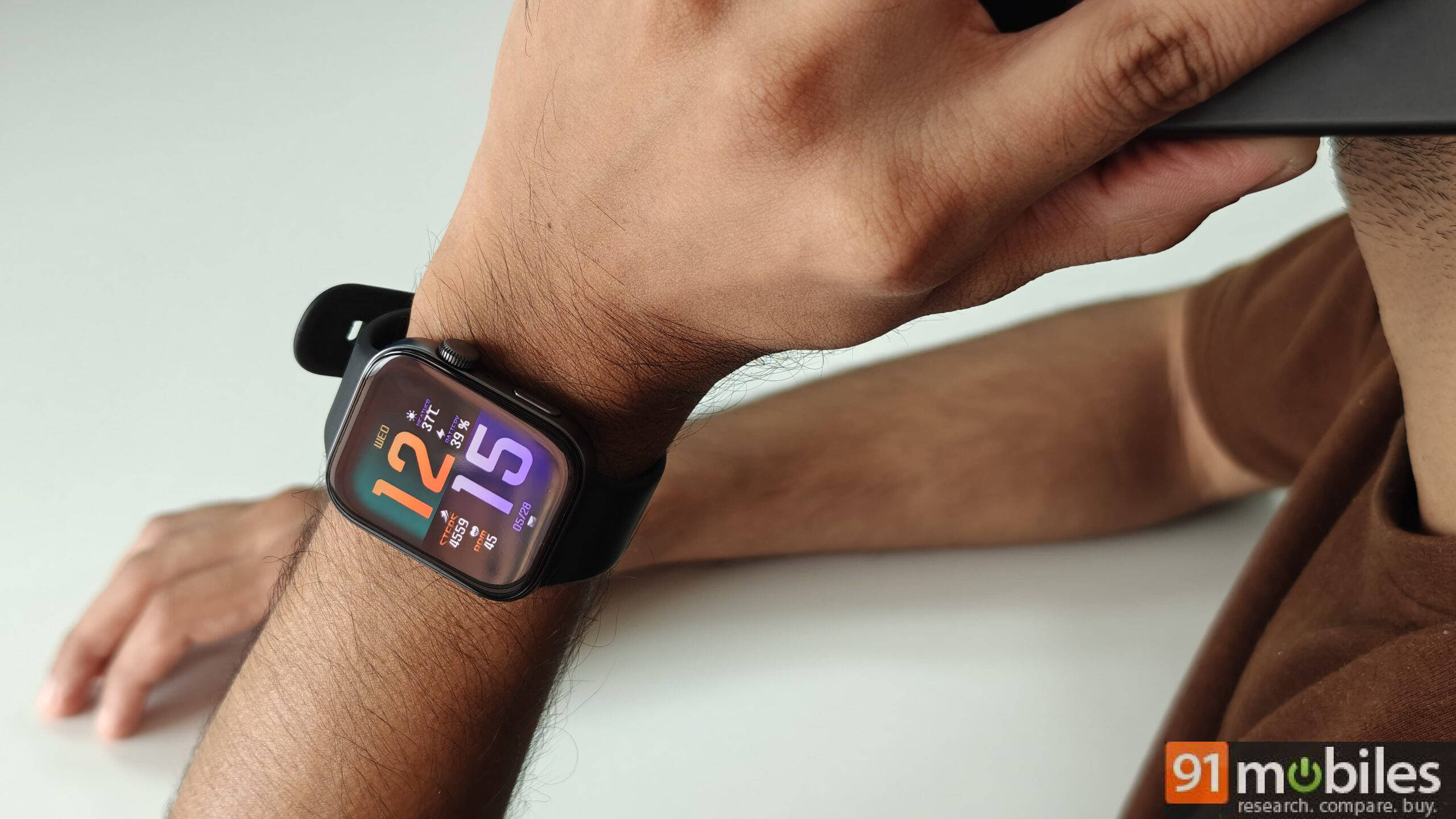
Our review unit looks premium with its glossy AMOLED display, and the contrasting shades of grey on the strap, side frame, rotating crown (scroll wheel), ‘Function’ button (below the crown), and buckle. But if you prefer a different colour, you can pick the Watch Fit 3 in Green, Pink, White, and Space Grey variants.
As per Huawei, you can pick a colour based on the following wrist circumference guide:
| Wrist size | |
| Black, Grey, Green, White | 130-210 mm |
| Pink | 120-190 mm |
Coming back to that strap, it is soft to the touch, and thanks to the lug holes, it’s fairly breathable and suitable for different wrist sizes. You can easily detach the proprietary strap by pressing the buttons on the base of the watch. There are some alternative bands available online.
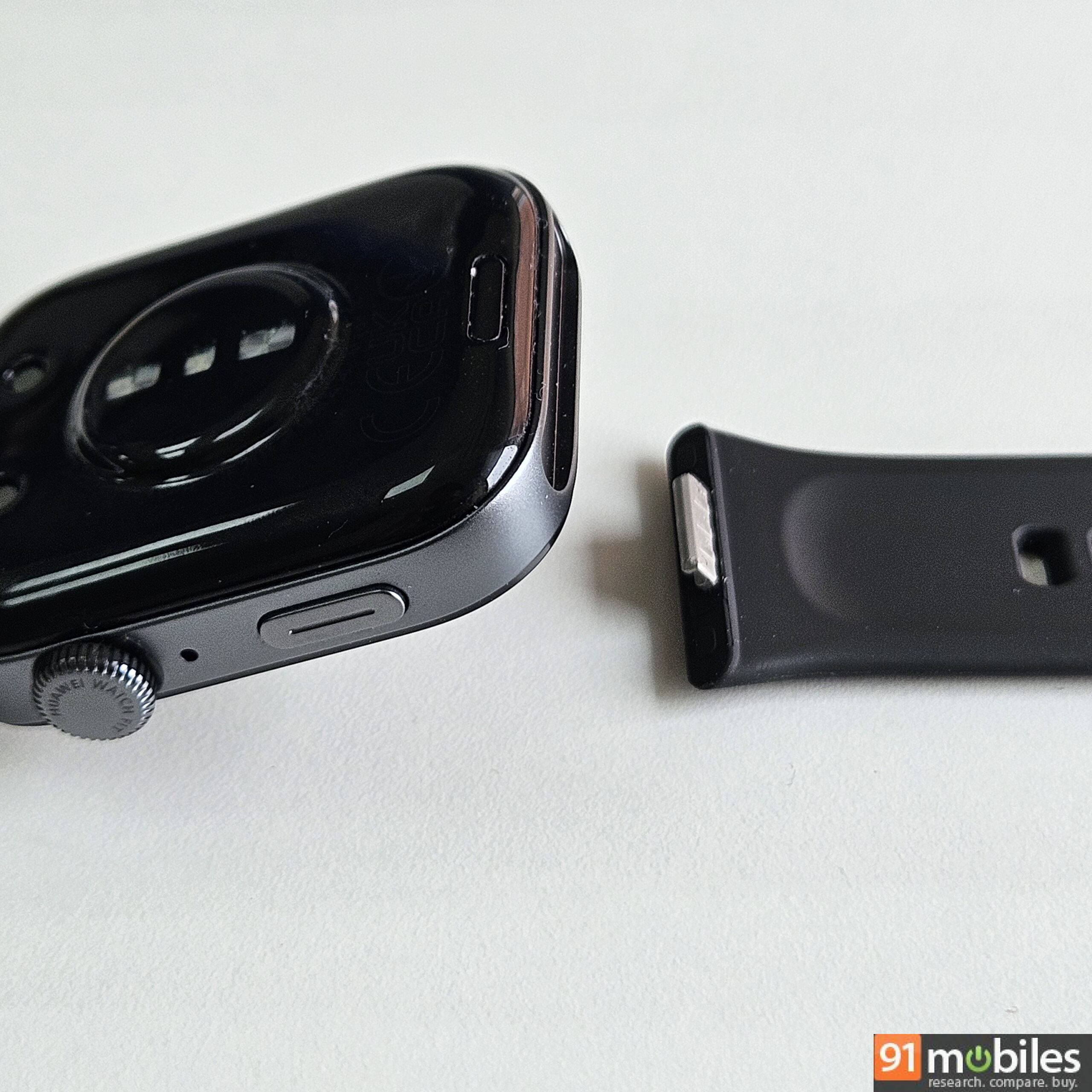
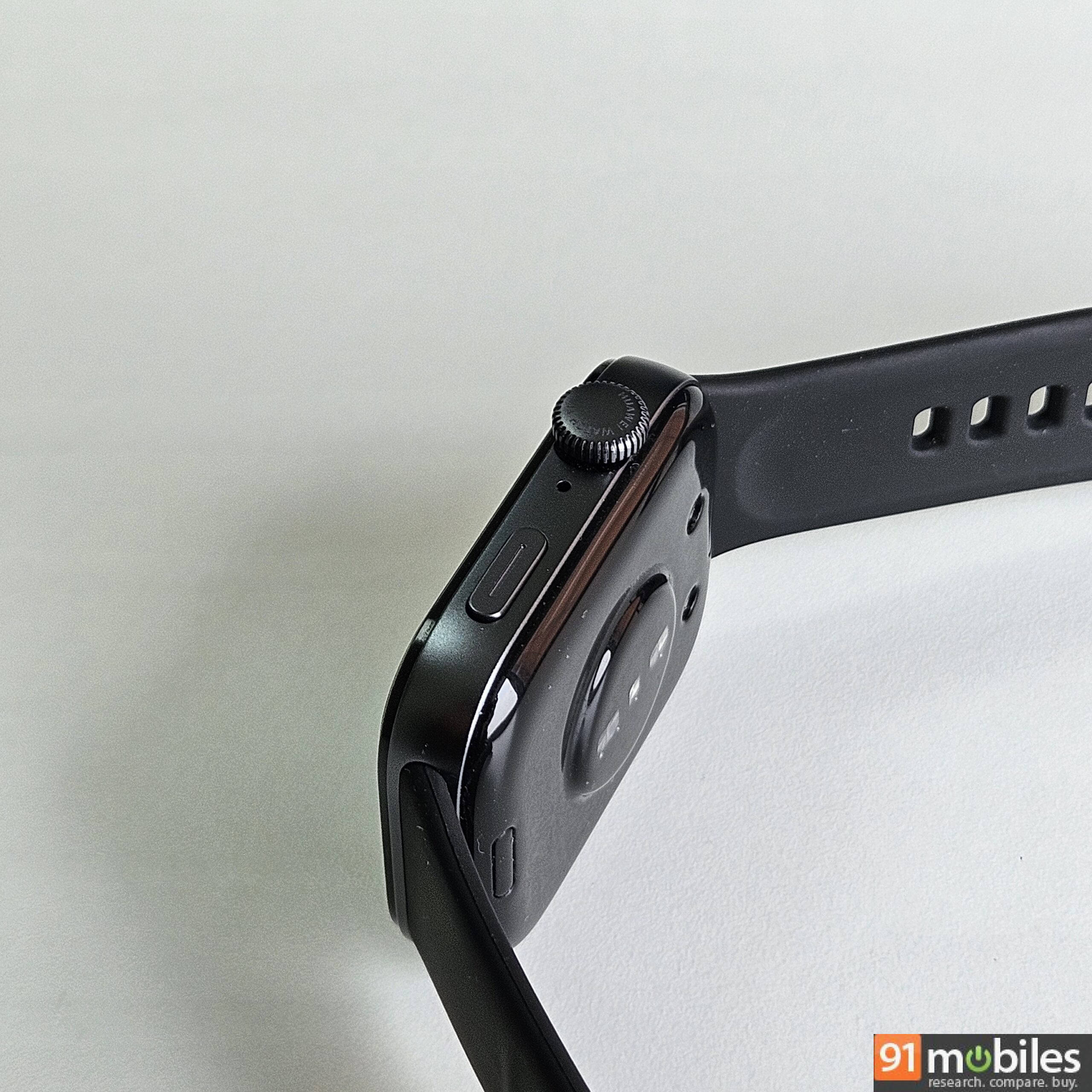
On the base, you can also see the sensors and the charging pin. Despite a slight protrusion on the bottom of the watch, the squircle chassis sits flush to the wrist.
As for the front, the Huawei Watch Fit 3’s 46mm AMOLED display presents deep blacks and vivid colours. It also shows sharp details, as I could make out the tiny letters throughout the interface and messages synced from the phone. This legibility extends to the outdoors, too.
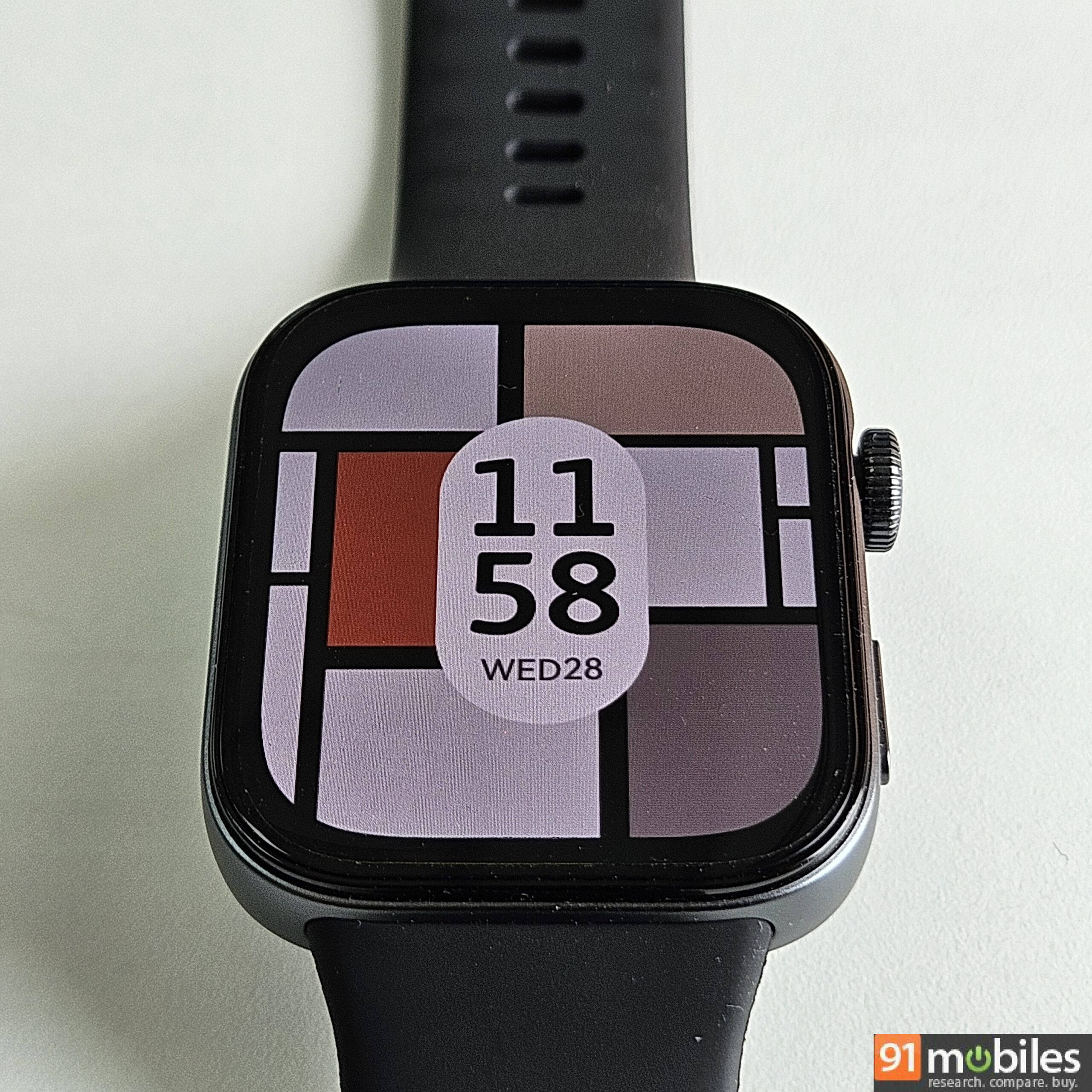
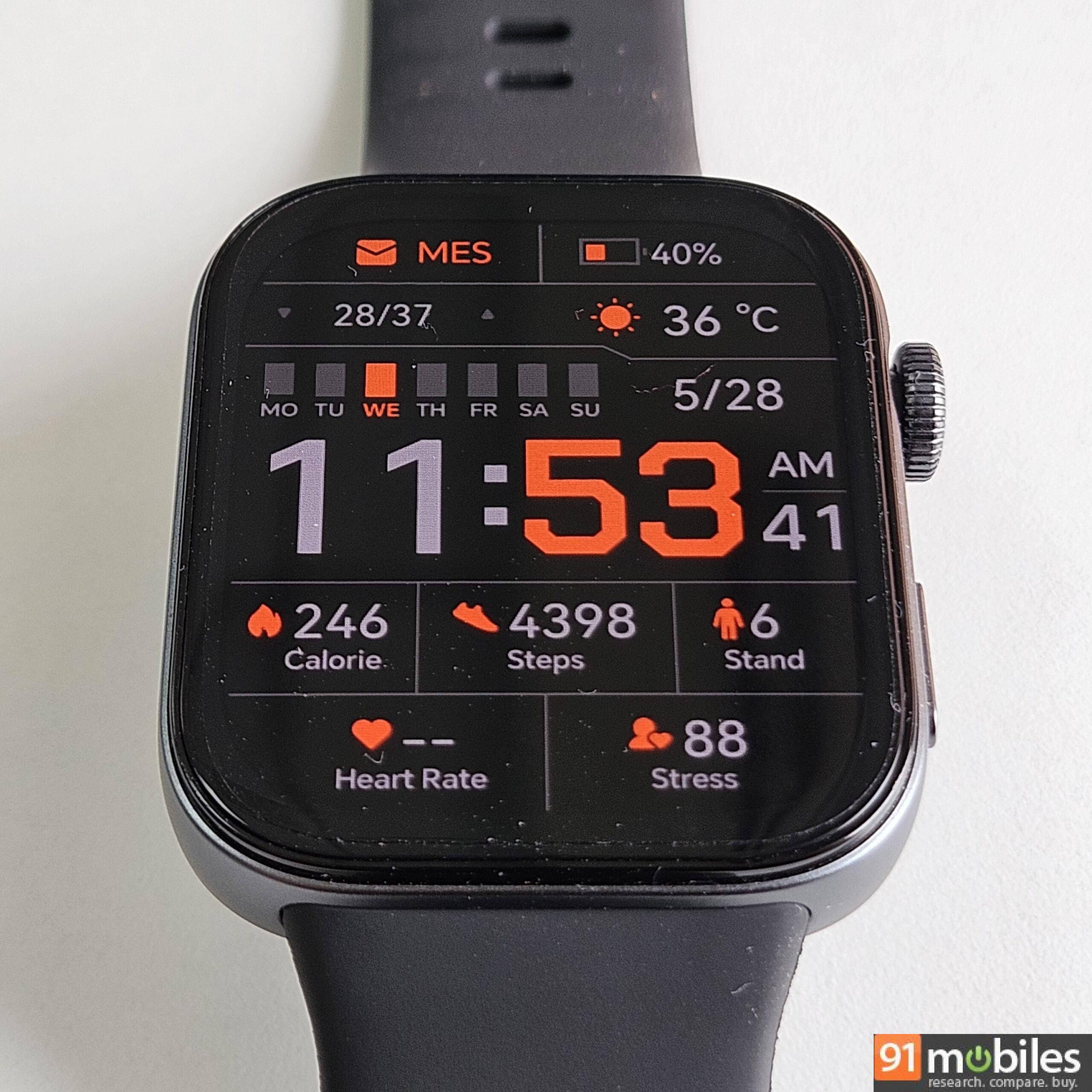
When you use a bright-coloured watch face, you’d notice its symmetrical bezels. You can choose watch faces by their estimated power draw. The Power Level is mentioned on the watch face library.
| Display specifications | |
| Resolution | 408×408 pixels |
| Pixel density | 347 PPI |
| Brightness | 1,500 nits |
While the Huawei Watch Fit 3’s pixel density is 347 PPI, the 44mm Apple Watch SE has 326 PPI and 1000 nits brightness, the Amazfit Active 2 has 353 PPI and 2000 nits, the Samsung Galaxy Watch FE sports 330 PPI and 1000 nits brightness, and the Noise Voyage 4G has around 460 PPI. So, the Huawei watch has decent display specs.
In our test, we didn’t enable Always-on Display, but you can turn it on from the watch settings. Do note that enabling it will affect battery life accordingly. We had Raise to Wake enabled. Both of these features will consume power, and you can choose to manually tap the crown or the ‘Function’ button to view the display.
UI and app
You can interact with the UI using the side buttons. There are two of them:
- Tapping the crown button when the screen is on shows the app drawer. You get pre-installed apps like flashlight, weather, map, compass, timer, and alarm.
- Rotating the crown can enlarge or shrink the icons and the app drawer as a whole. Alternatively, if you set the app drawer as a list, you can scroll lists like it and the workout menu using the crown. The mechanical wheel, thus, may come in handy when your fingers are gloved or wet.
- Similarly, tapping the ‘Function’ or down button displays the same list of workouts. You can remap this button to another function or list within the watch settings.
Buttons aside, you can also swipe the screen, when it is on, to open different screens:
- Swiping down brings up the quick settings panel. This includes toggles for Screen On for 5 minutes, Alarm, Find Phone ring, Do Not Disturb, Sleep, Flashlight, Lock screen (you can set a PIN-based lock for privacy), Water Drain vibration, Settings, and status indicators like date and battery percentage.
- Swiping right shows the ‘Smart Assistance’ screen, which has a weather widget and the music control widget. You can control music playback on the phone or on the watch.
- Swiping left shows the ‘Custom Cards’ like Activity Rings and the workout widget. You can customise these cards and their order of placement.
- Swiping upwards shows the notifications from the phone.
Now, let’s talk about the Huawei Health app. You can scan the QR code on the box or on the user manual to download the Huawei Health app. Even if you don’t do that, while setting up the watch, you’ll get simple guidance to download the app. On my Samsung phone, I was able to download the app from the Galaxy Store.
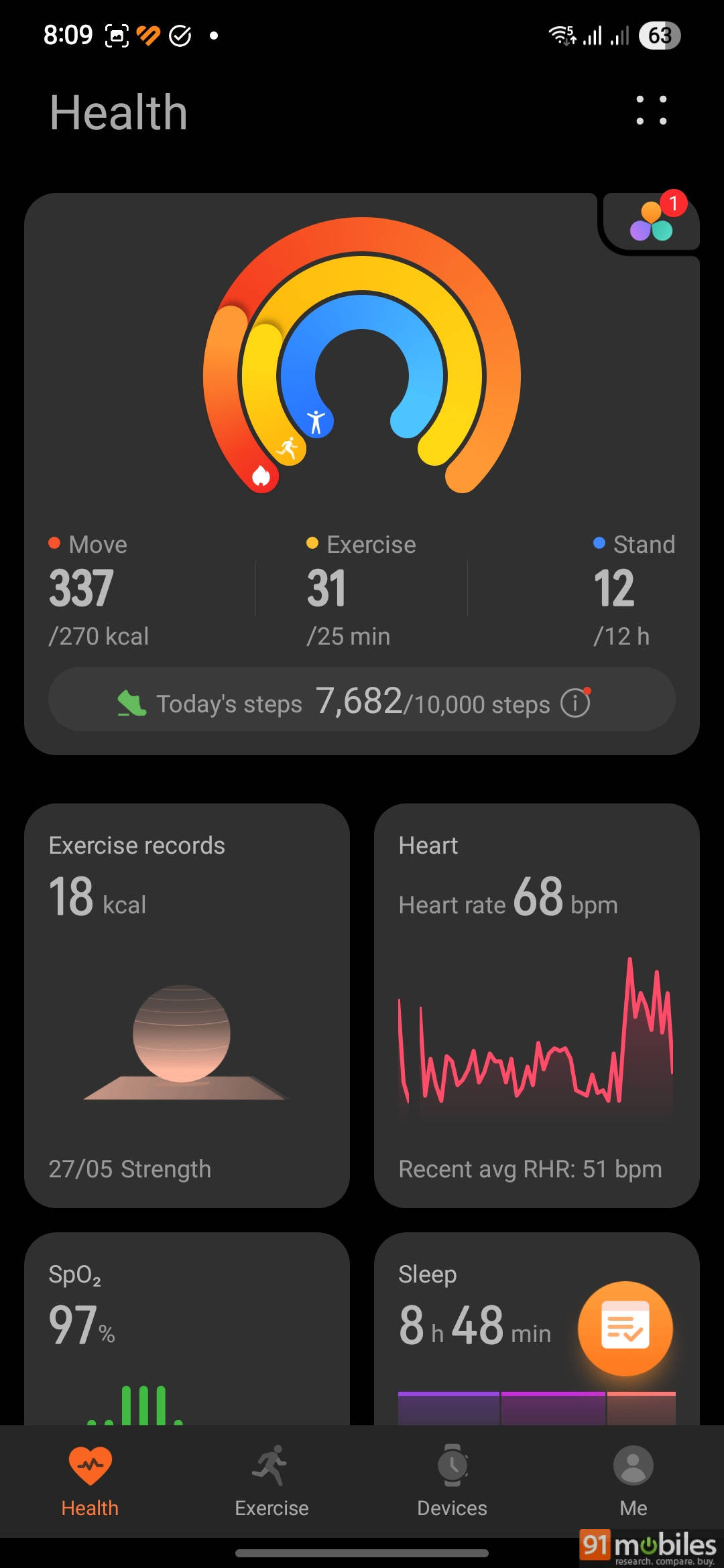
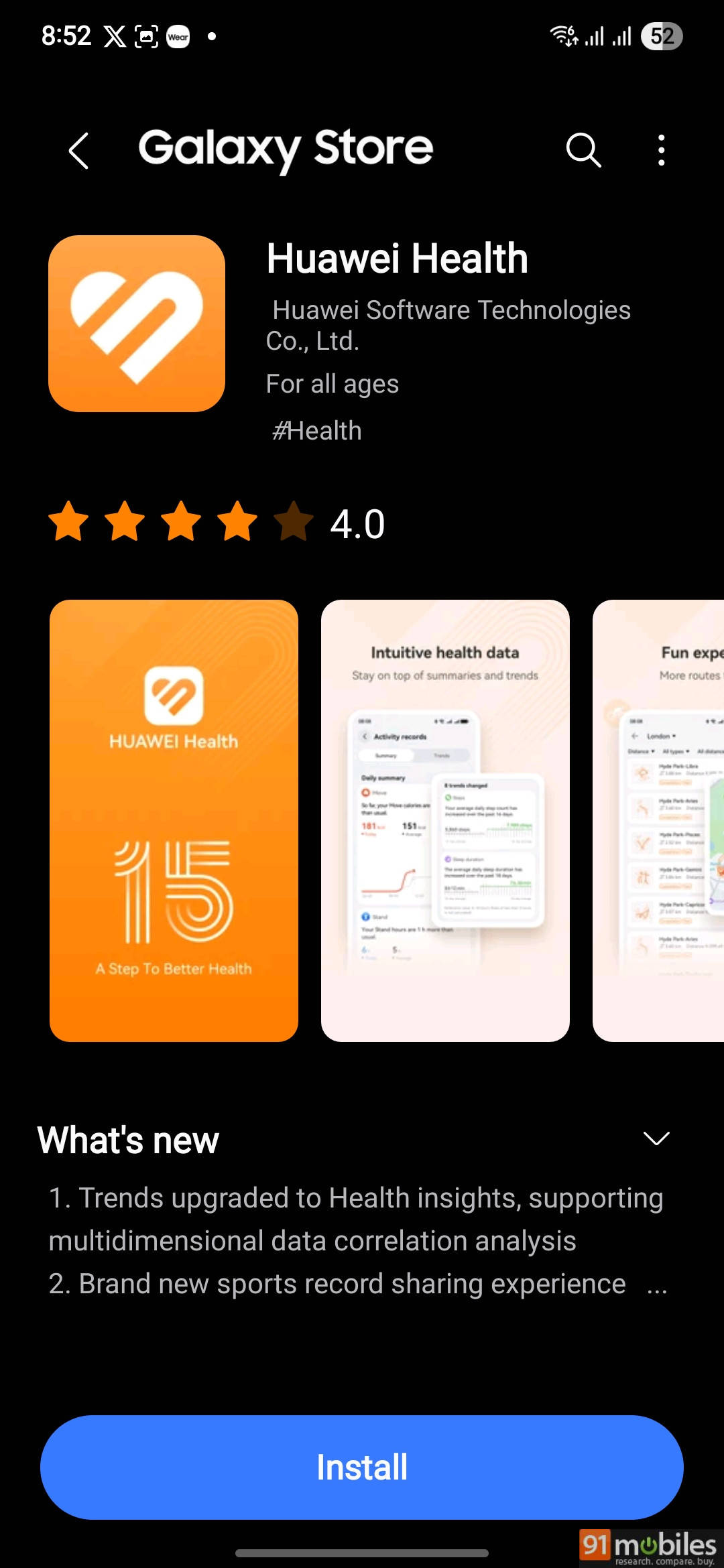
Opening the app, you’ll see there are four tabs:
- The Health tab shows information like Activity Rings, steps taken, calories burned, number of times you stood, Heart Rate, SpO2, Stress, and Sleep. You can customise which cards appear and their order. You also get a summary of your health insights at the bottom.
- The Exercise tab lets you set a goal for various activities like walking, running, cycling, golfing, etc and record your performance.
- The Device tab lets you control some features of the connected watch, like watch face, download some apps from the AppGallery (store), and manage the Music library, like adding songs to the watch’s storage from the phone’s file manager. The App Gallery is very bare bones right now. You can disable it if you don’t require it. There are many free watch faces to choose from. They aren’t all worth praise, but I appreciate the options and granular controls.
- In the Me tab, you can change some of the watch’s settings and enter your profile details, routes you take, and plans. You can reset the watch and update the watch OS here. At the time of writing this review, our Huawei Watch Fit 3 is running on HarmonyOS 5.0.0.15 (based on RTOS).
Performance
The first thing you would notice while using the watch is that swiping and scrolling across the UI feels slick. The Raise to Wake feature also works reliably.
Likewise, phone notifications sync promptly, and you can send quick replies to messages using preset short text responses or emojis.
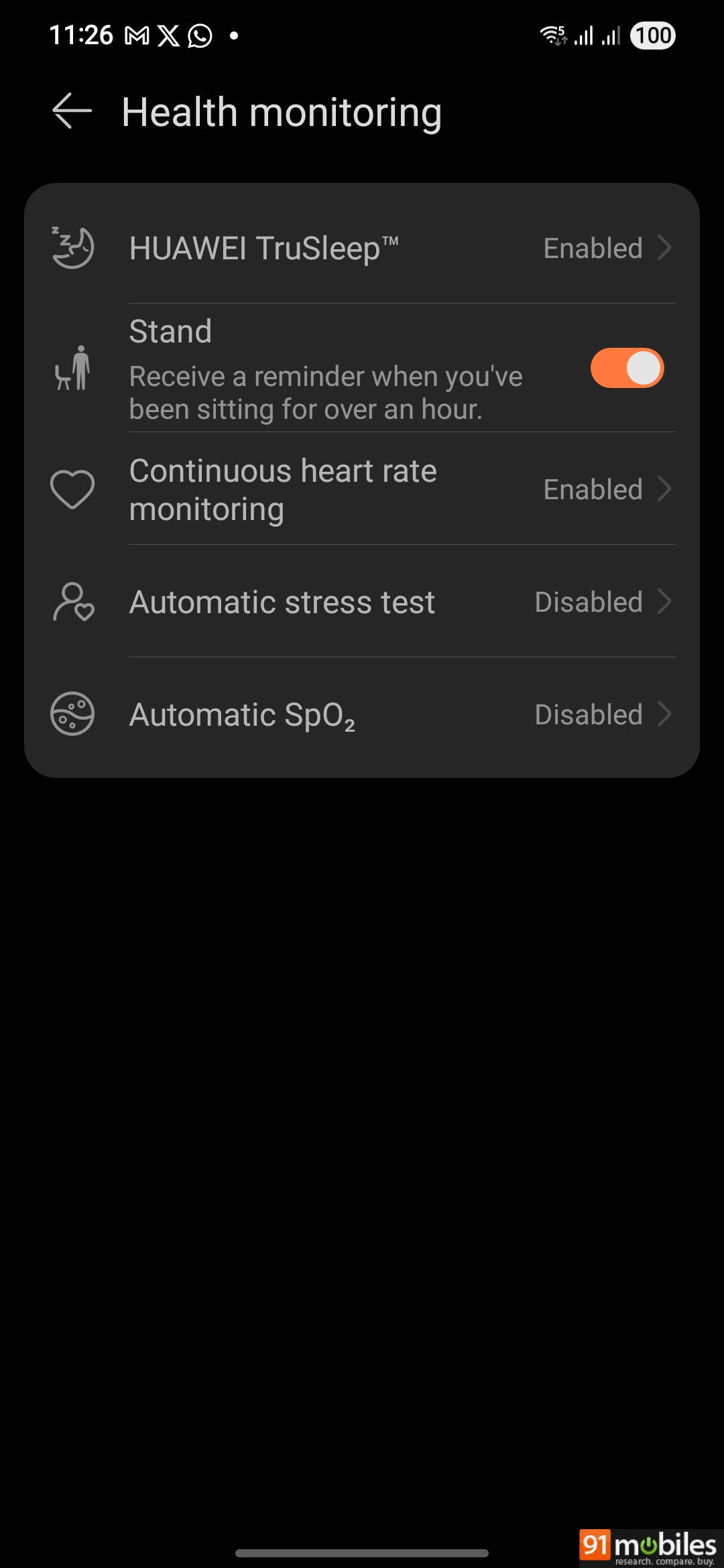
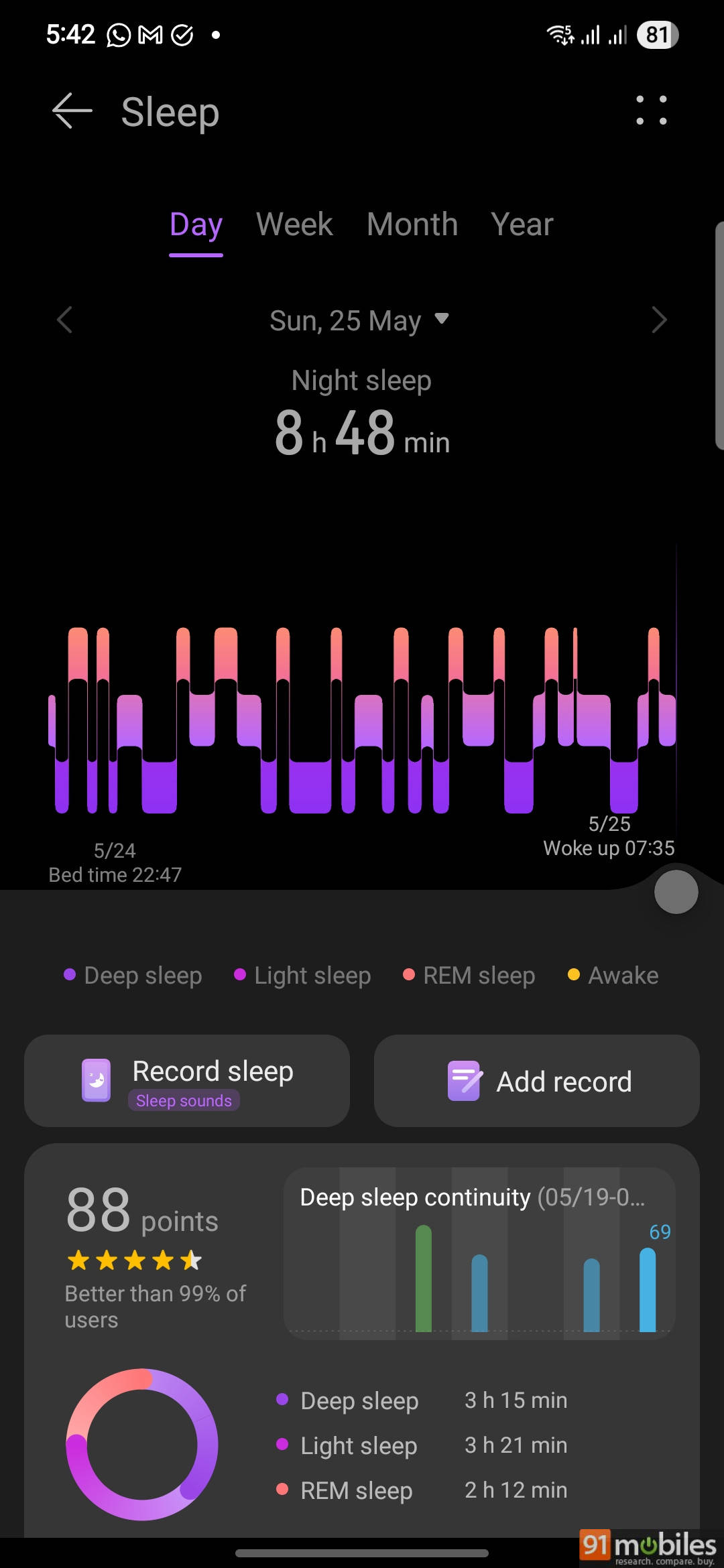
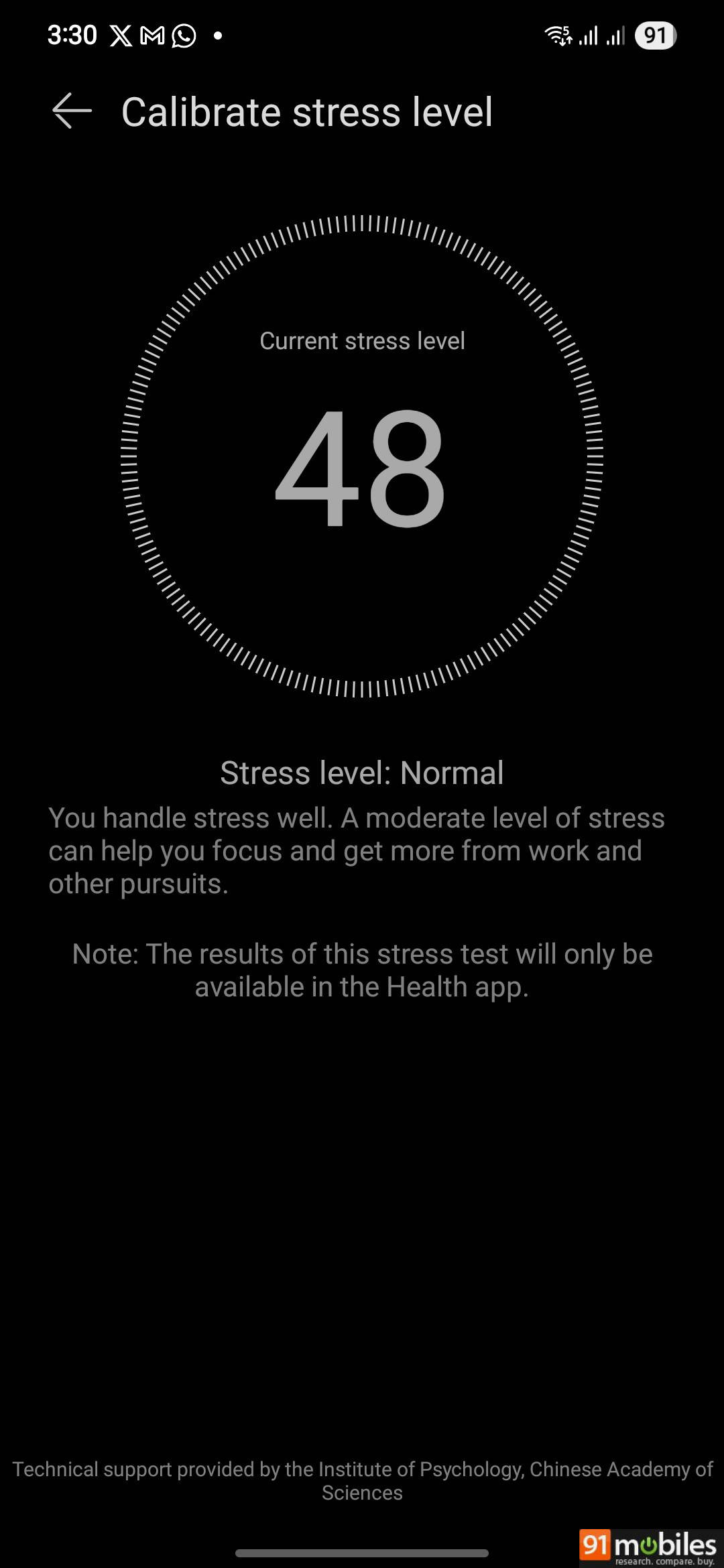
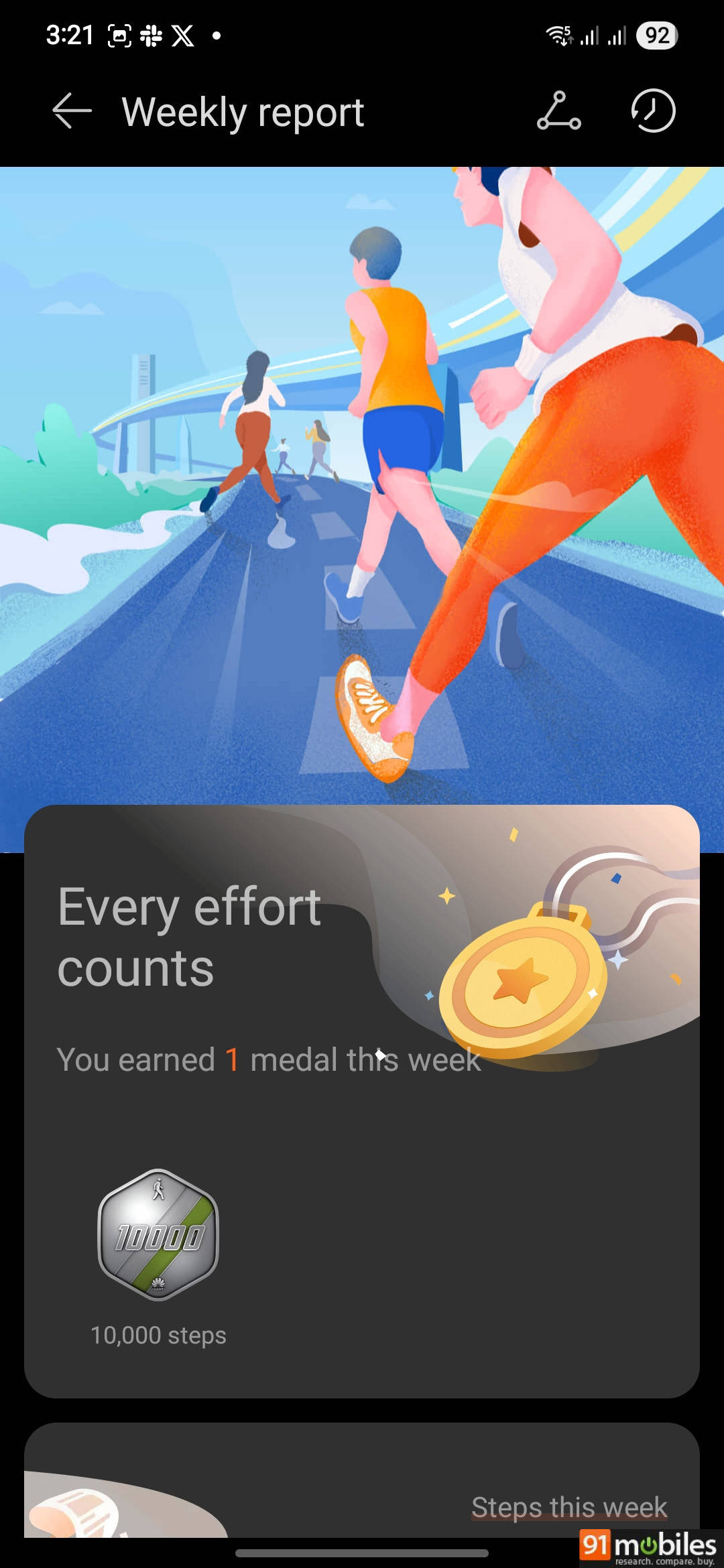
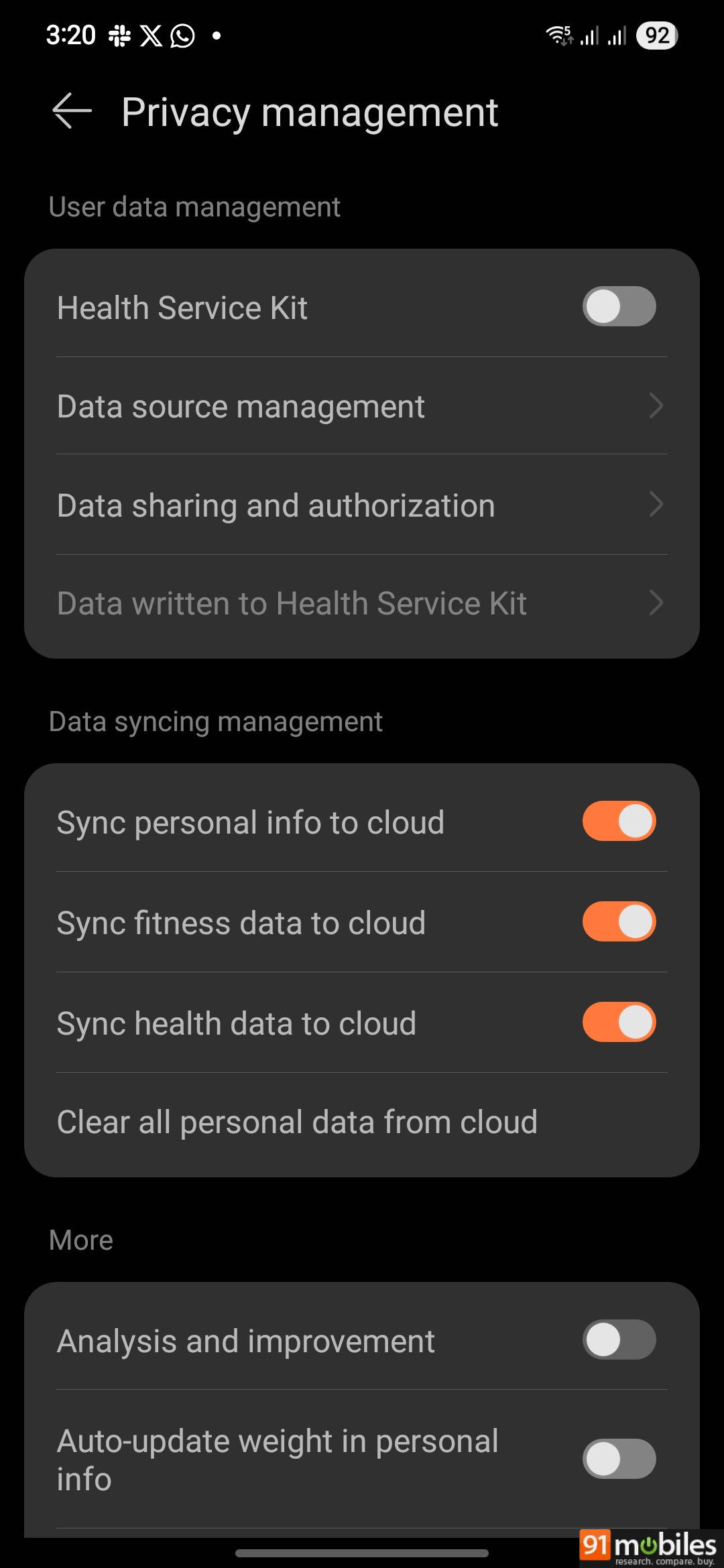
Next, on health tracking, it consistently records heart rate and SpO2 levels across multiple attempts. Compared to the Samsung Galaxy Watch 4, the heart rate readings were sometimes similar, sometimes a few points off. You get resting heart rate, continuous heart rate (real-time 24/7 or based on activity levels) and warning alerts. There is even an option to broadcast your heart rate data to compatible fitness equipment via Bluetooth.
We also got comparable results in stress levels and sleep health. The latter shows a detailed breakdown of various sleep stages and related analytics and insights. This and emotional health (stress stats) are good to know.
Note: This product is not a medical device. Monitoring data and results are for reference only and should not be used for diagnosis or treatment. Also, the A-fib tracking isn’t available in India.
In case of menstrual cycle tracking, my wife said the interface is not as intuitive as Apple’s app. But it is serviceable.
From health, let’s now jump to fitness tracking. The Huawei Watch Fit 3 supports 100+ workout modes (including swimming). I used it for tracking walking and strength training.
Thanks to built-in GPS and the option to import routes in GPX, TCX and KML formats, you can go on long walks, runs, and treks, even without a phone or cellular network. It mapped our route well for an evening stroll. The post-walk result includes a graph for heart rate, pace, cadence, and altitude.
I noticed that the watch did a fair job in step counting, and that it doesn’t falsely register steps while you’re sitting in a vehicle.
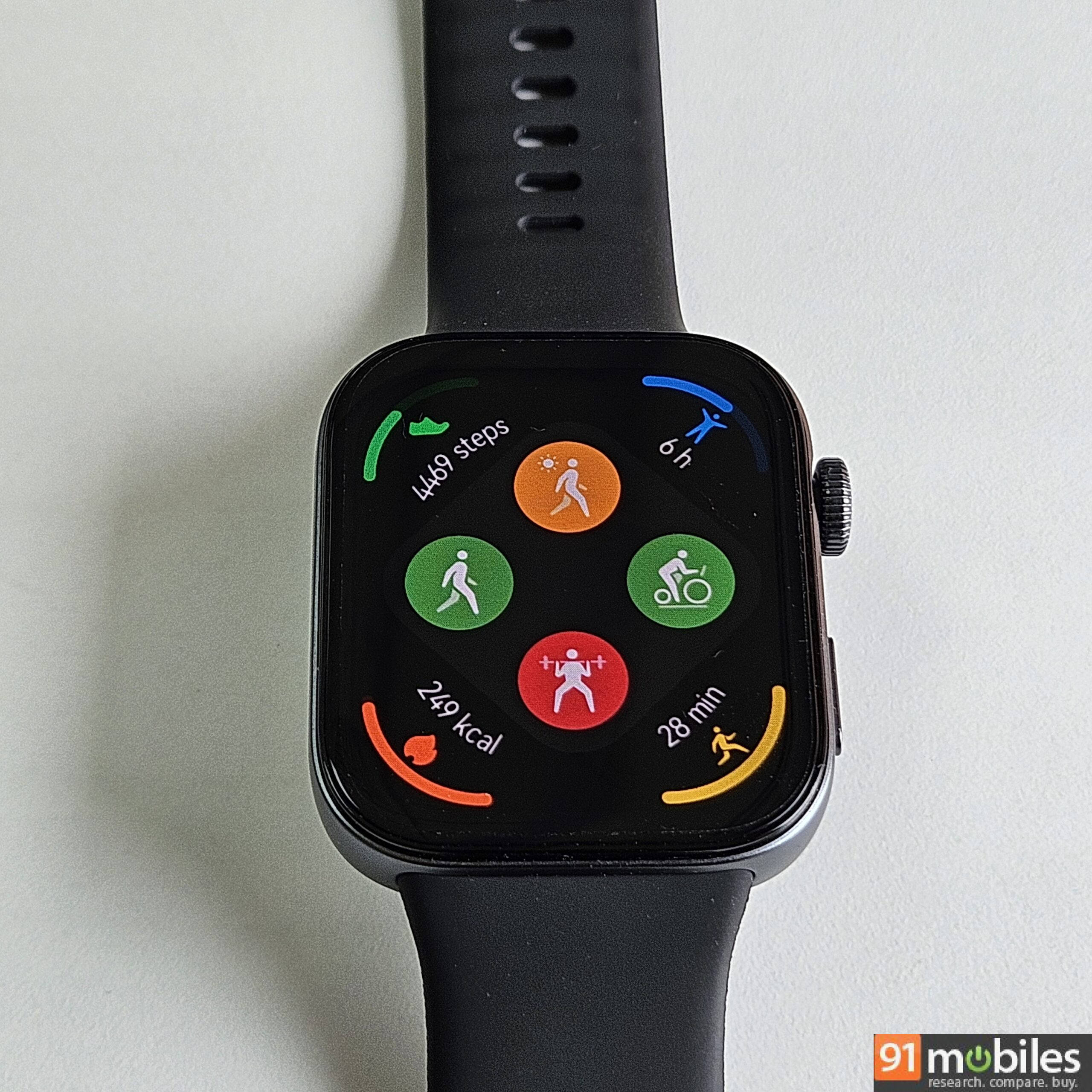
As for strength training, it shows heart rate fluctuations during the activity, alerts, calories burned, and how much aerobic or anaerobic the activity was. The watch can automatically detect when you start working out. You can also access pre-built warm-up and cool-down exercises for outdoor run, indoor run, outdoor cycle, indoor cycle, pool swim, open water swim, skipping, and track run. An audio cue is played at the start of the workout and at certain time intervals, but you can mute it if you want.
Right next to the workout screen, there is a music controller that lets you change tracks seamlessly.
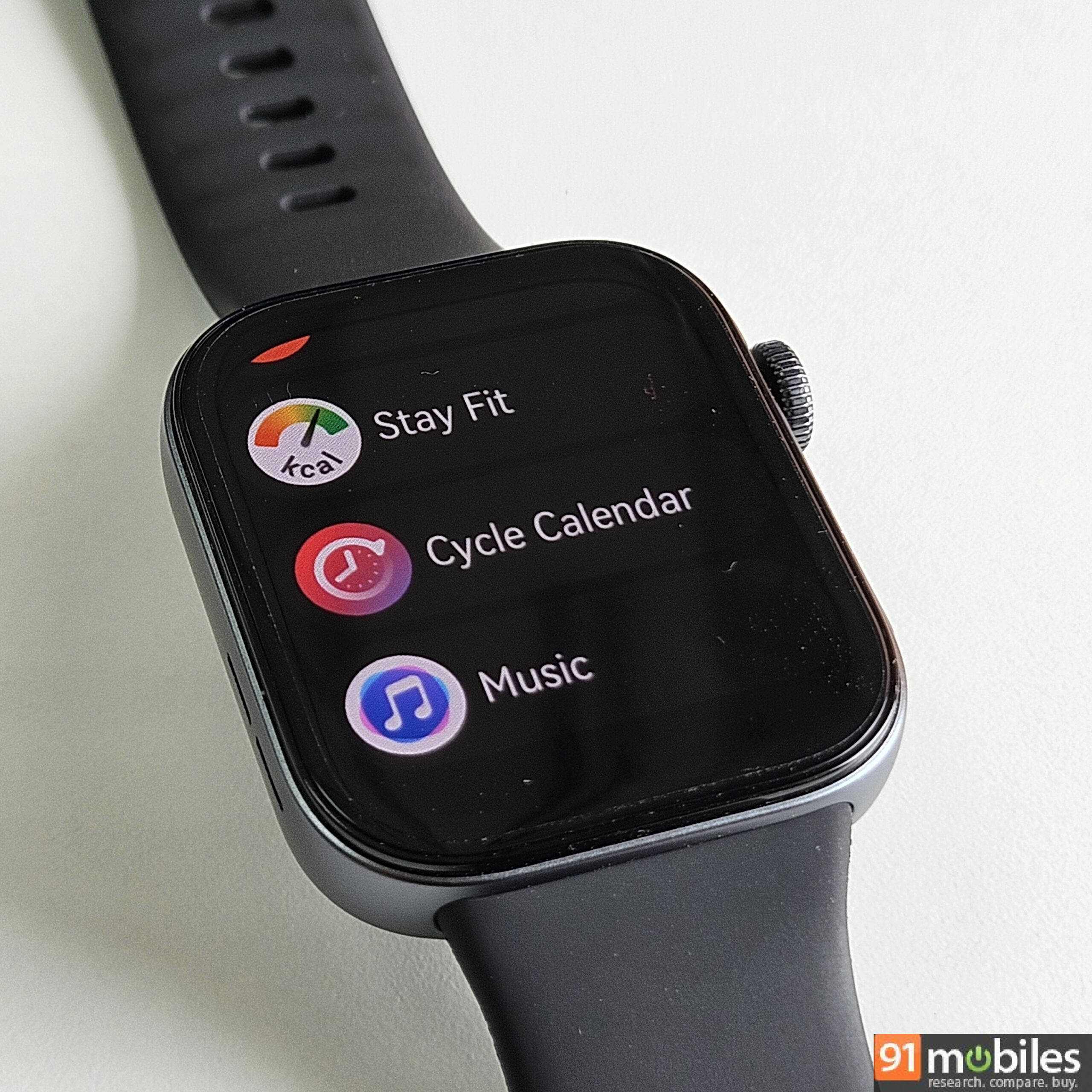
Now, your diet is just as important as working out. So, you can use the built-in Stay Fit app, but you’ll have to enter food and calorie intake manually. Also, it doesn’t work if your goal is to gain weight.
Although the watch works on both iOS and Android, the Petal Maps app on the watch doesn’t work on iOS devices, and it isn’t available in our region either. The payment options are foreign and don’t seem usable in India.
The watch also supports Bluetooth calling, thanks to the built-in mic and speaker, and the quality is passable.
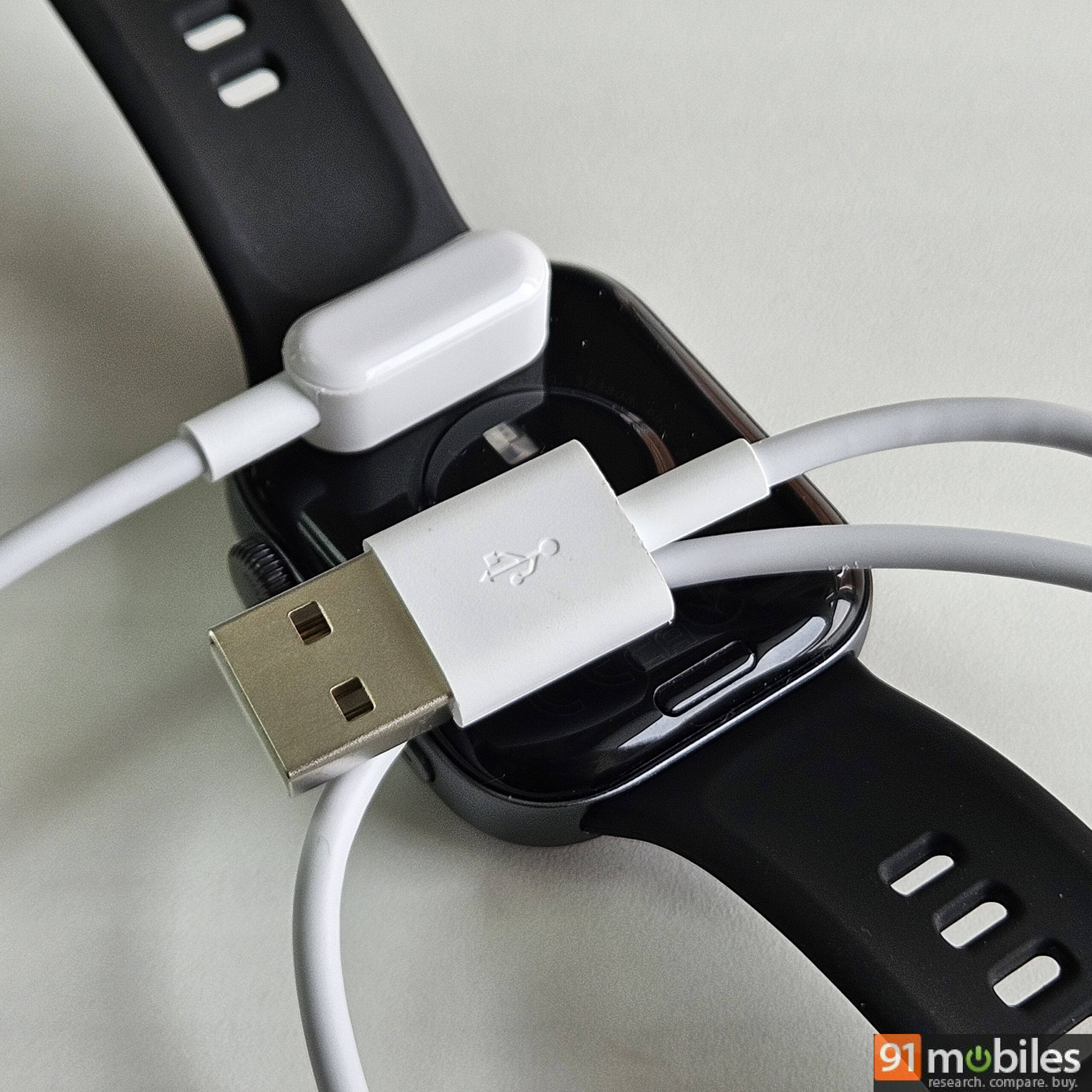
The performance is complemented by long-lasting battery life. Not even half of its battery life got spent in a week’s use. Very impressive. I was not using Always on Display, the brightness was around 30 percent and none of the automatic tracking features were enabled. Depending on the settings you choose, this could vary. Huawei claims up to 10 days. As for charging, it could take about an hour to fully juice up the battery.
Verdict
The Huawei Watch Fit 3 is a solid smartwatch for under Rs 12,000. It nails the basics with a bright AMOLED display, slick UI, and plenty of health and fitness tracking options with acceptable levels of accuracy and consistency. The design is familiar but functional and comfortable. You get built-in GPS, mic, speaker, a rotational crown, a secondary re-mappable button, and 5ATM water resistance. The software is feature-rich and highly customisable.
I like the inclusion of thoughtful features like warm-up and cool-down guides, automatic workout and health tracking, Bluetooth heart rate broadcast, on-watch music storage, and the option to import routes. Even with all these features, the watch works smoothly and offers impressive battery life.
That said, there are trade-offs. App support is barebones compared to Wear OS, and some of the pre-installed apps like Stay Fit and Petal Maps either don’t work or are pretty basic. If you want better third-party app support, you can consider a Samsung Galaxy Watch FE. The Galaxy Watch also offers A-Fib, ECG, NFC-based contactless payments, and more mature software and accessory support.
However, if you are looking for a fitness wearable that offers the essentials and some more, you’ll likely appreciate the Huawei Watch Fit 3. You can find it on Amazon India and Flipkart.
Editor’s rating: 8 / 10
Pros
- Svelte and functional design
- Impressive battery life
- Bright AMOLED display
- Smooth and largely useful UI
- Extensive health and fitness features
Cons
- Limited third-party apps
- Proprietary strap release