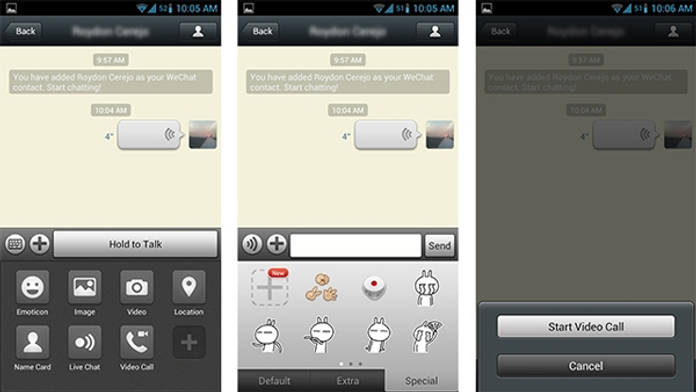
The networking apps are a part of life of today’s fast paced life. These apps help you to stay connected with friends on the go and they are not very user friendly as well as convenient and fun. There are whole ranges of innumerable social applications that let you connect with friends but there is one which has been getting a lot of attention lately, and that is WeChat. Let us take a quick look at this networking app, called the WeChat. 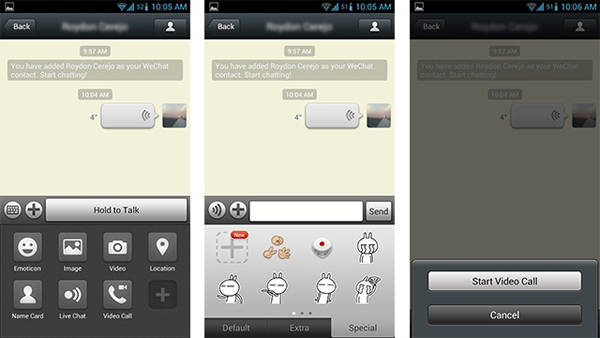 Features and interface WeChat’s interface takes a while to get the hang of. On its homescreen you will find all your contacts that use the application and so can start a conversation by just tapping on their name. You can also turn the conversation into group chat by simply clicking on the face icon on the right corner of the screen. The keyboard icon allows you to type a message, while the speaker icon lets you have voice chat. Use the Hold to Talk’ button to send a voice message keep it pressed till you are over with the message and release to send it.
 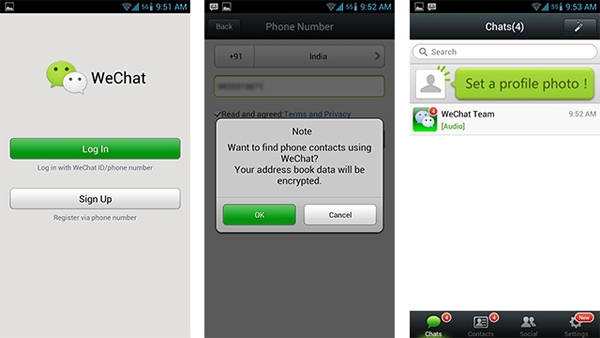 The apps’ video call feature works nicely, while another good option is the WebChat, which allows you to chat via WeChat from your desktop. Apart from these, WeChat also offers a Live Chat feature that is something like hangout. It also offers a lot more features that are needed to stay connected and more. Performance The app performs smoothly without any problems. Both its video calling and the audio messaging features are well performing. The Wi-Fi network is also not bad. You can even successfully transfer files using the WeChat web chat feature without any trouble. Conclusion WeChat is definitely a good networking app. Though there are tones of similar apps available, its video calling feature can surely give it an advantage over the others. Another good point about it is that, even though it is free, it does not come with any bothering advertisements.