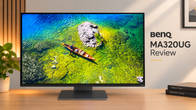
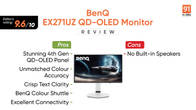
If you read my previous review of the BenQ EX271UZ QD-OLED, you already know how impressed I was with BenQ’s latest design language. The EX321UZ shares much of that same fantastic DNA, including the sleek chassis, the highly intuitive remote control that makes menu navigation a breeze, and a robust suite of eye-care features. Because the core aesthetic and quality-of-life additions overlap almost perfectly, I highly recommend checking out my previous review for a deep dive into the physical design.
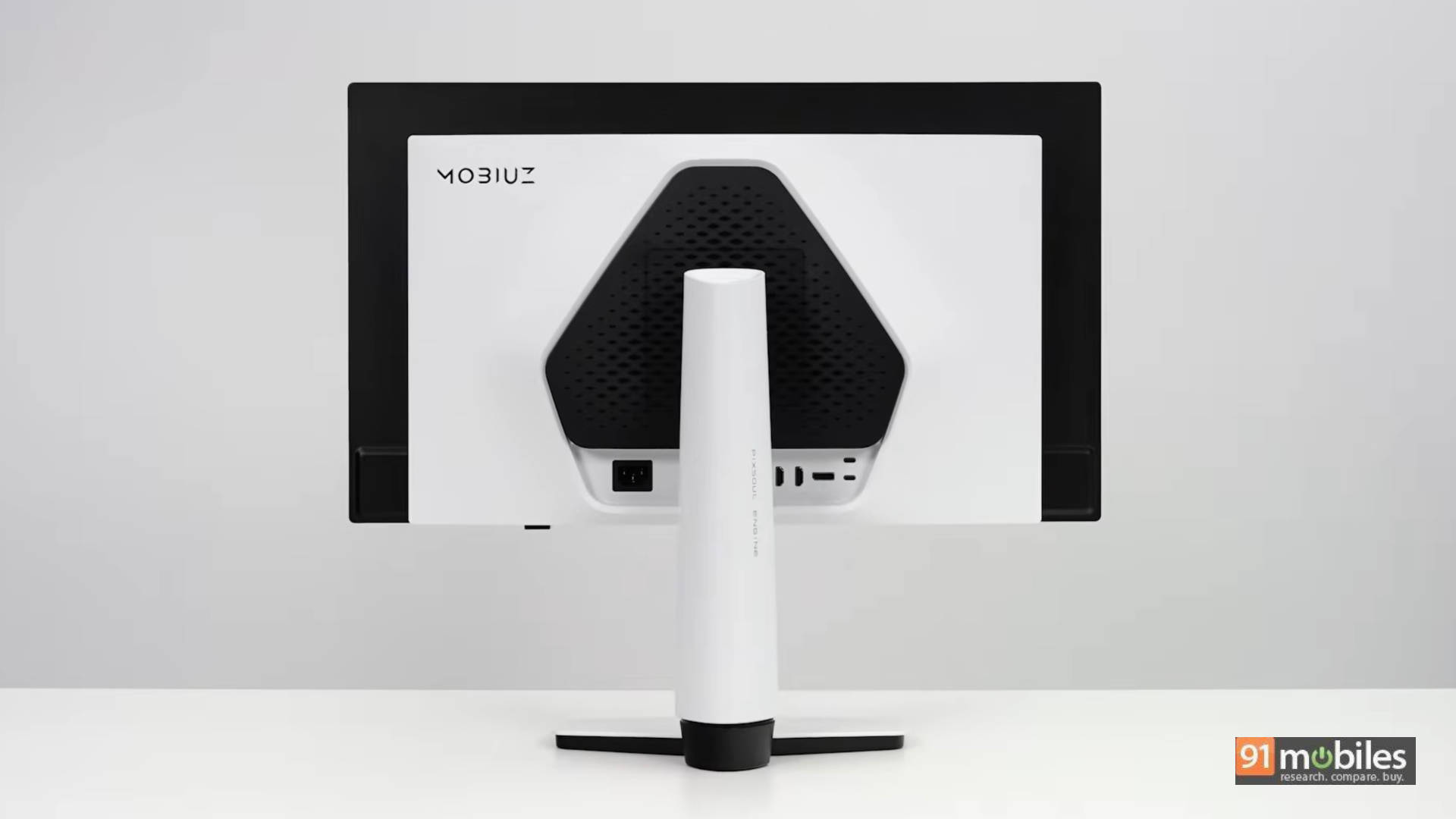
Today, we are focusing on the main event: what the larger 31.5-inch screen and upgraded internals bring to your desk, and whether it’s worth the step up.
Table of Contents
Big Screen Productivity
The move to a 31.5-inch canvas fundamentally changes how you interact with your PC. Being a larger screen, I found myself much more comfortable sitting a bit further back. While I’ve used and understand the appeal of multi-monitor setups or massive ultrawides, the “traditional” 16:9 form factor remains the undisputed king if you have limited desk space but still need one display to do it all.
Having multiple tabs, heavy documents, and video calls open side-by-side feels completely seamless on a screen of this scale. When it comes to actual work, the 4th-gen QD-OLED panel is a revelation. Historically, OLEDs struggled with text clarity due to unconventional subpixel layouts, but text on the EX321UZ looks incredibly crisp, easy to read, and entirely free of colour fringing or shimmering.
While the monitor can get blindingly bright for gaming, I kept the brightness relatively low for daily productivity. Even then, documents and images remained perfectly legible without causing any eye strain. If you type or code heavily but still want to jump on the OLED bandwagon for after-hours gaming, this monitor is easy to recommend. Furthermore, normal desktop usage shouldn’t spark any burn-in anxiety that’s generally a concern reserved only for the most extreme, static use cases, and BenQ’s built-in OLED protection features handle the rest.
Cinematic Entertainment
Giving a high-end OLED TV a genuine run for its money is the best way to describe this display’s media capabilities. It fully supports HDR, and if you consume content through a dedicated streaming stick like an Apple TV box, the experience is phenomenal.
OLED’s signature inky, perfect blacks combined with bright, punchy highlights make HDR content sing. Watching visually explosive movies like Spider-Man: Into the Spider-Verse is a treat, with colours popping right off the 32-inch panel.
Uncompromised Gaming Performance
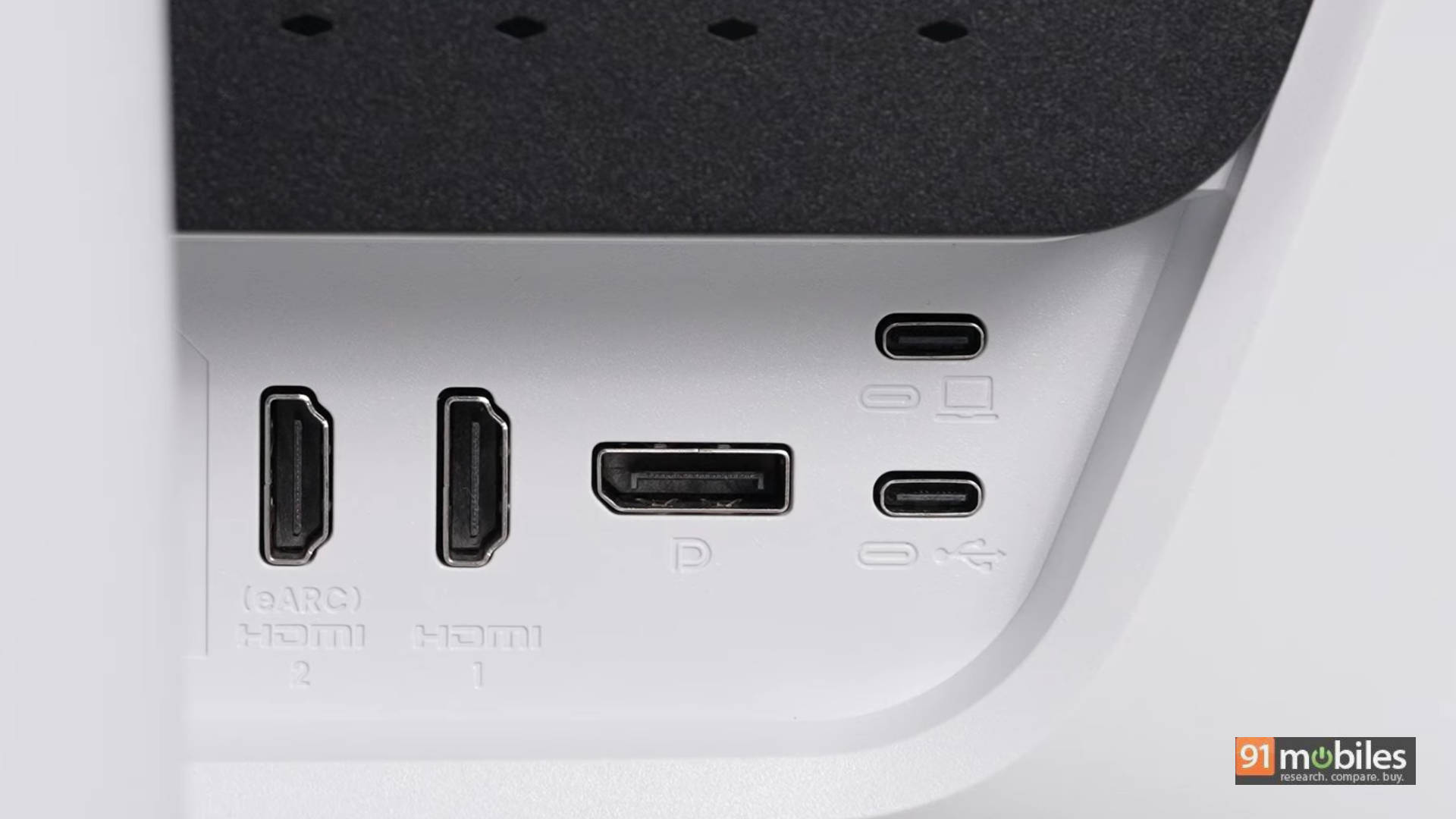
Gaming is where the EX321UZ justifies its existence. The marquee difference between this monitor and the smaller EX271UZ is connectivity. Paired with a high-end GPU, you can take full advantage of the EX321UZ’s DisplayPort 2.1 connection. This delivers completely uncompressed 4K visuals at a blisteringly fast 240Hz. By contrast, the EX271UZ relies on DP 1.4, which requires Display Stream Compression (DSC) to hit the same targets.
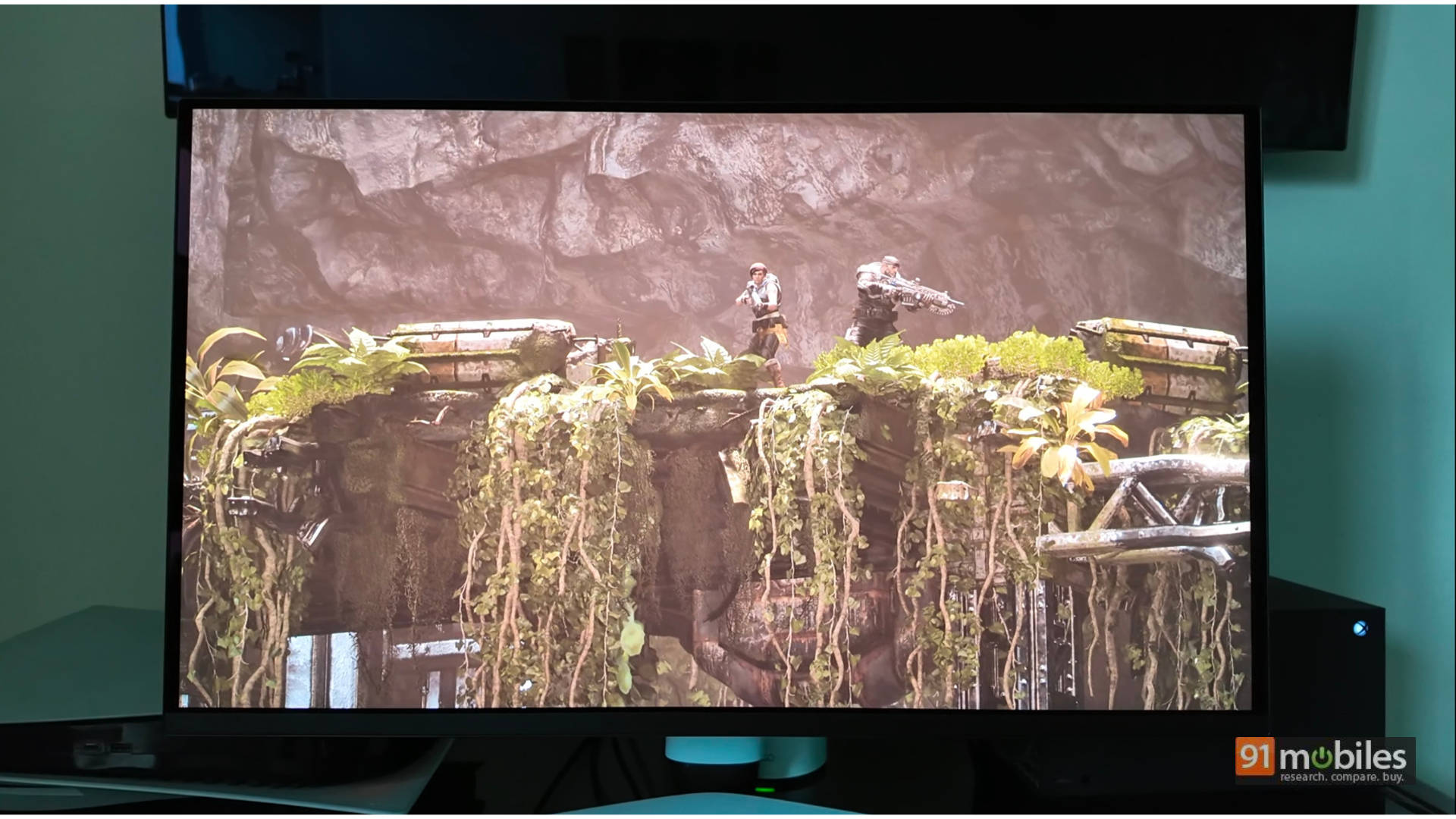
And the games look absolutely phenomenal. If you read my recent review of Resident Evil Requiem, you’ll know I praised its next-gen lighting mechanics and pitch-black corridors. Playing that game on this 32-inch OLED elevates the fear factor completely. When playing as Grace in the first-person segments, relying purely on a lighter to illuminate the flawless, true-black environment is deeply terrifying. Conversely, when the perspective shifts to Leon, seeing his buttery-smooth melee animations rendered at 240Hz feels incredible. Requiem is a staple for highlighting why modern survival horror must be played on an OLED.
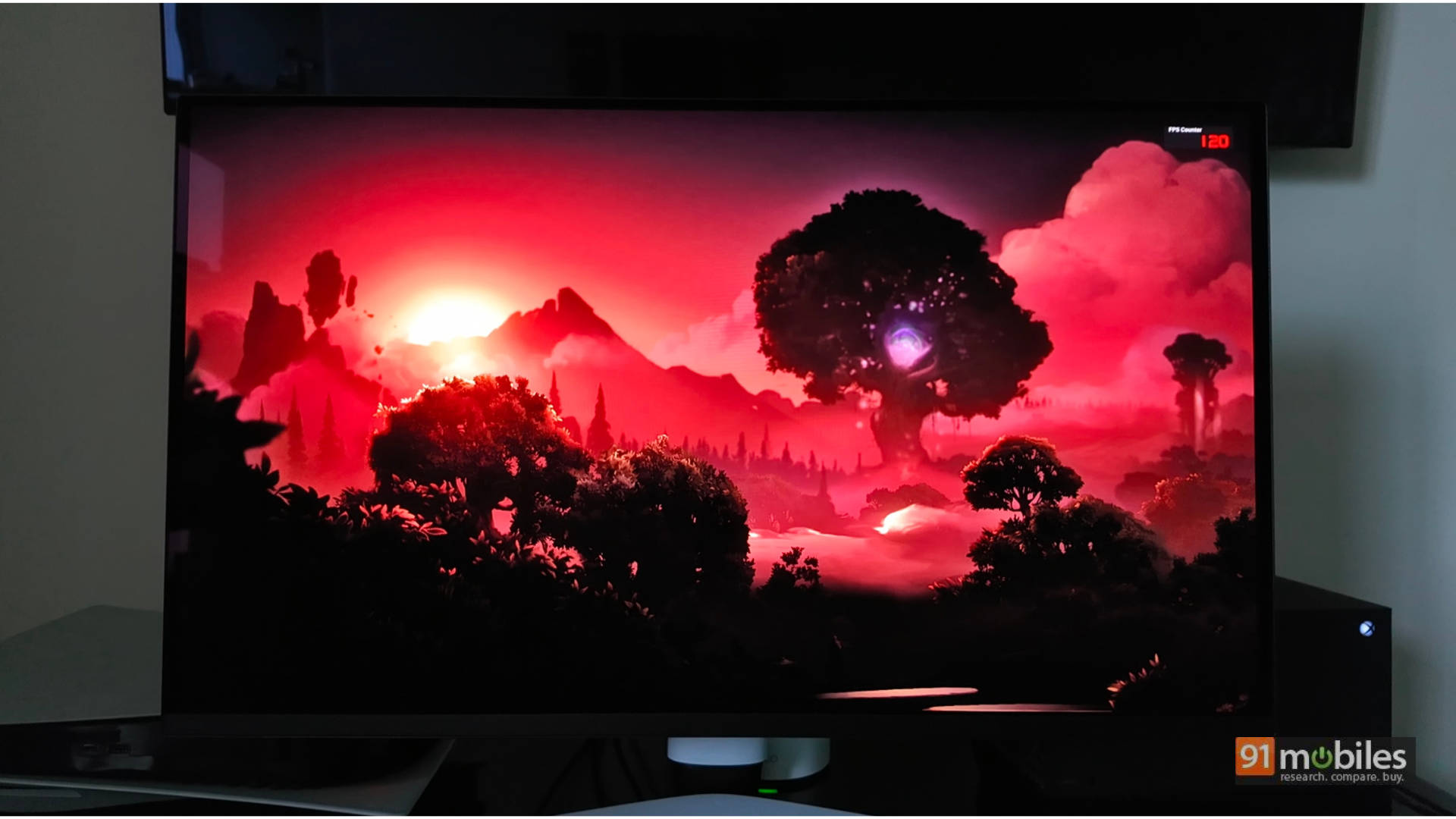
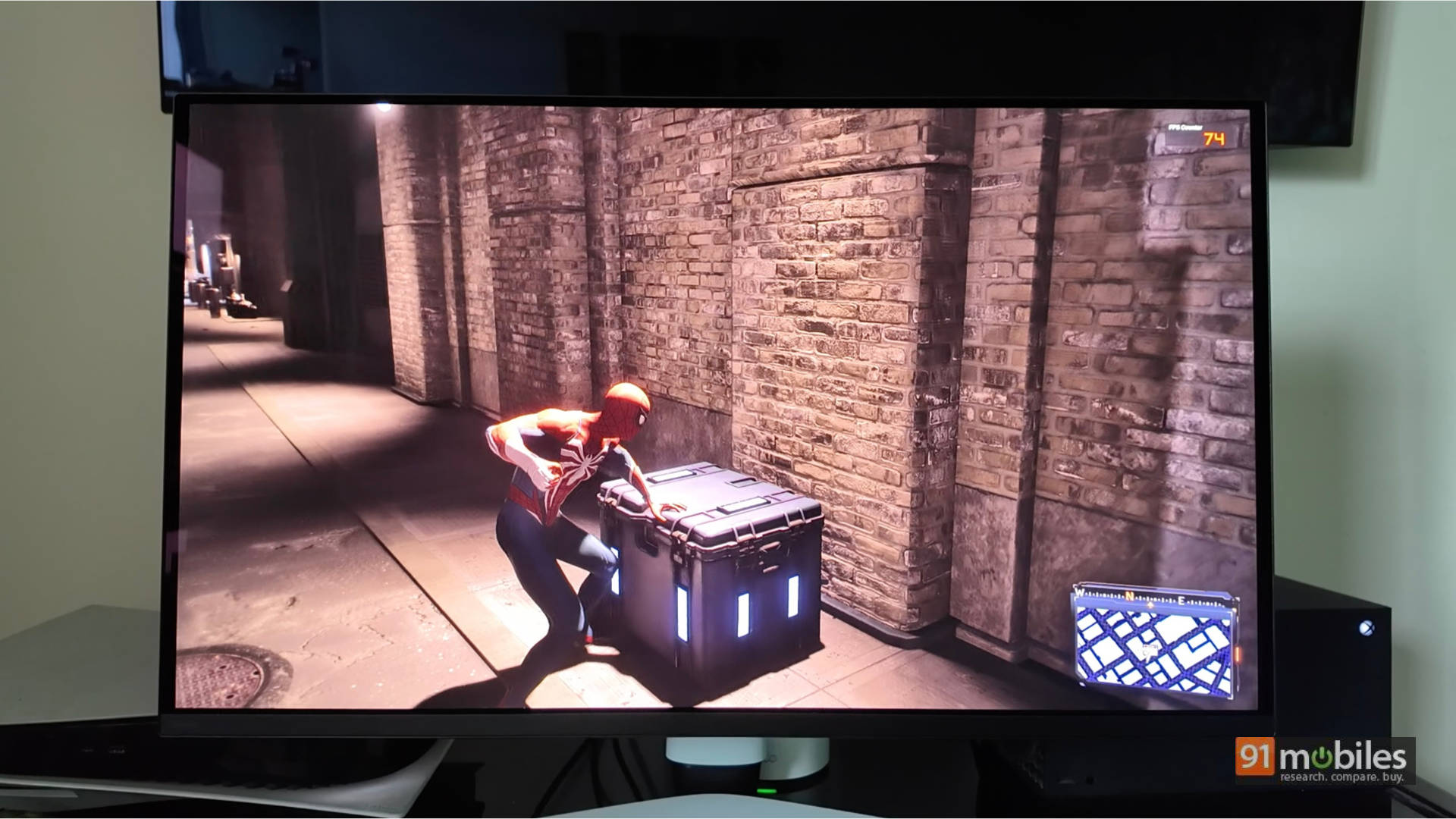
It’s not just dark games that benefit. Vibrant titles like Ori and the Will of the Wisps feature Ori shining brilliantly in the centre of the screen against lush, dark forest backdrops. Even Marvel’s Spider-Man 2 looks incredibly natural.
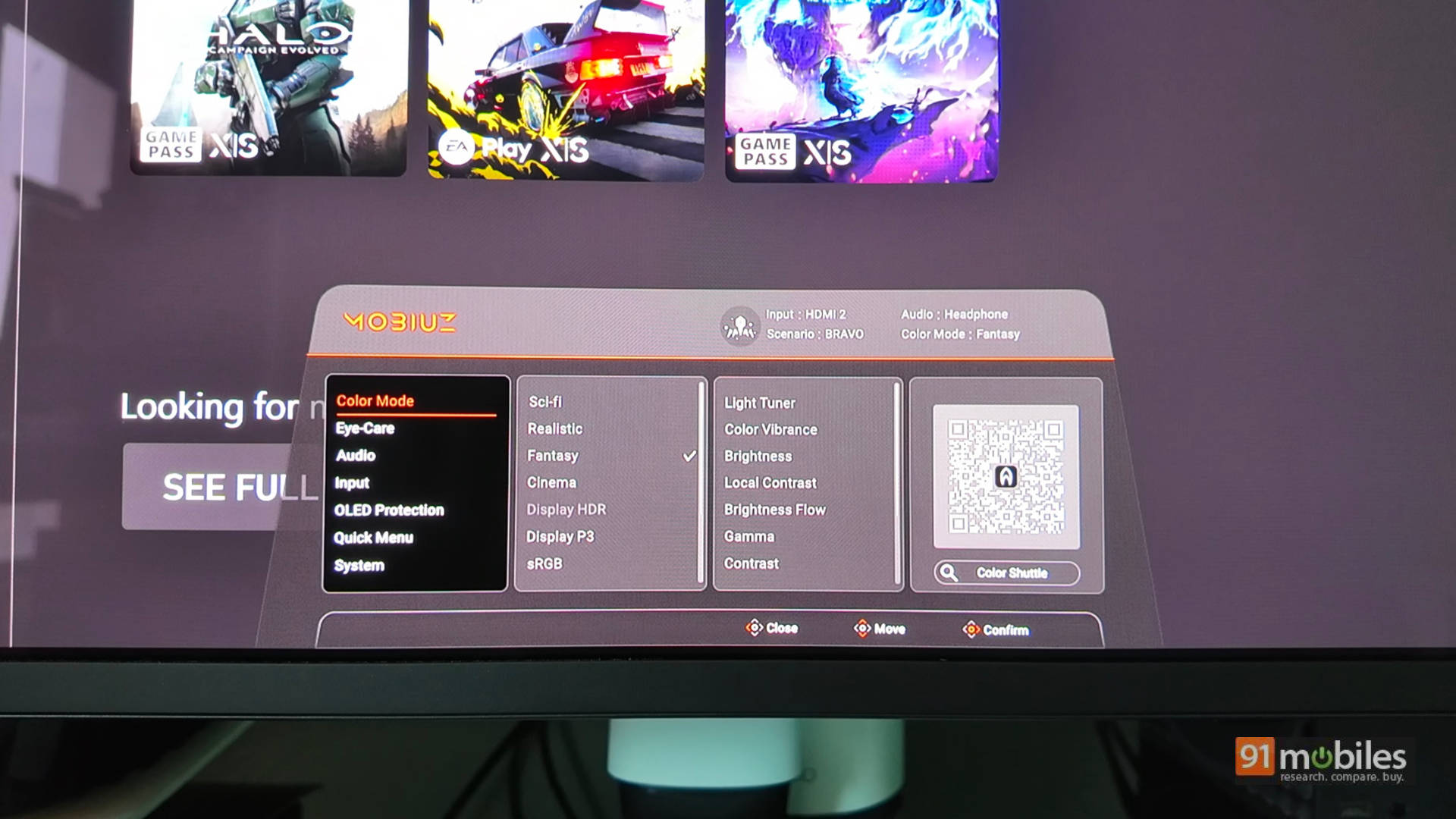
One of my favourite features is that you rarely need to tweak complex HDR settings in Windows or in-game menus. BenQ includes hardware-level colour presets like Sci-Fi, Realistic, and Fantasy. I found the “Fantasy” mode provided the perfect amount of vivid punch to game environments without compromising overall colour accuracy.
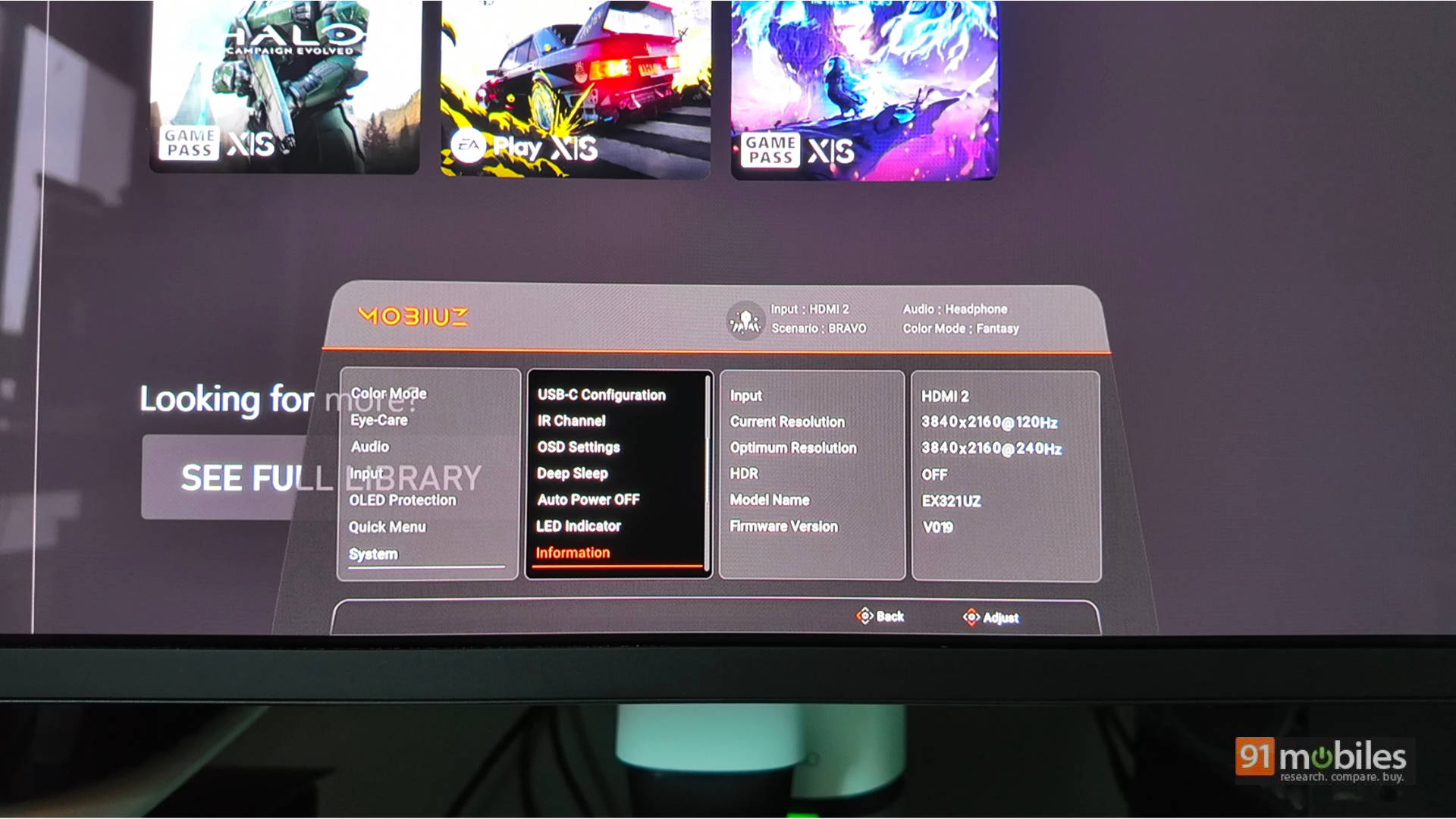
(Note: Just like the EX271UZ, you also get two HDMI 2.1 ports, one supporting eARC, making it incredibly easy to hook up a high-quality soundbar directly to the monitor).
The Verdict
Both the EX321UZ and EX271UZ are phenomenal monitors featuring exceptional OLED panel performance, premium build quality, and the sheer convenience of a remote control.
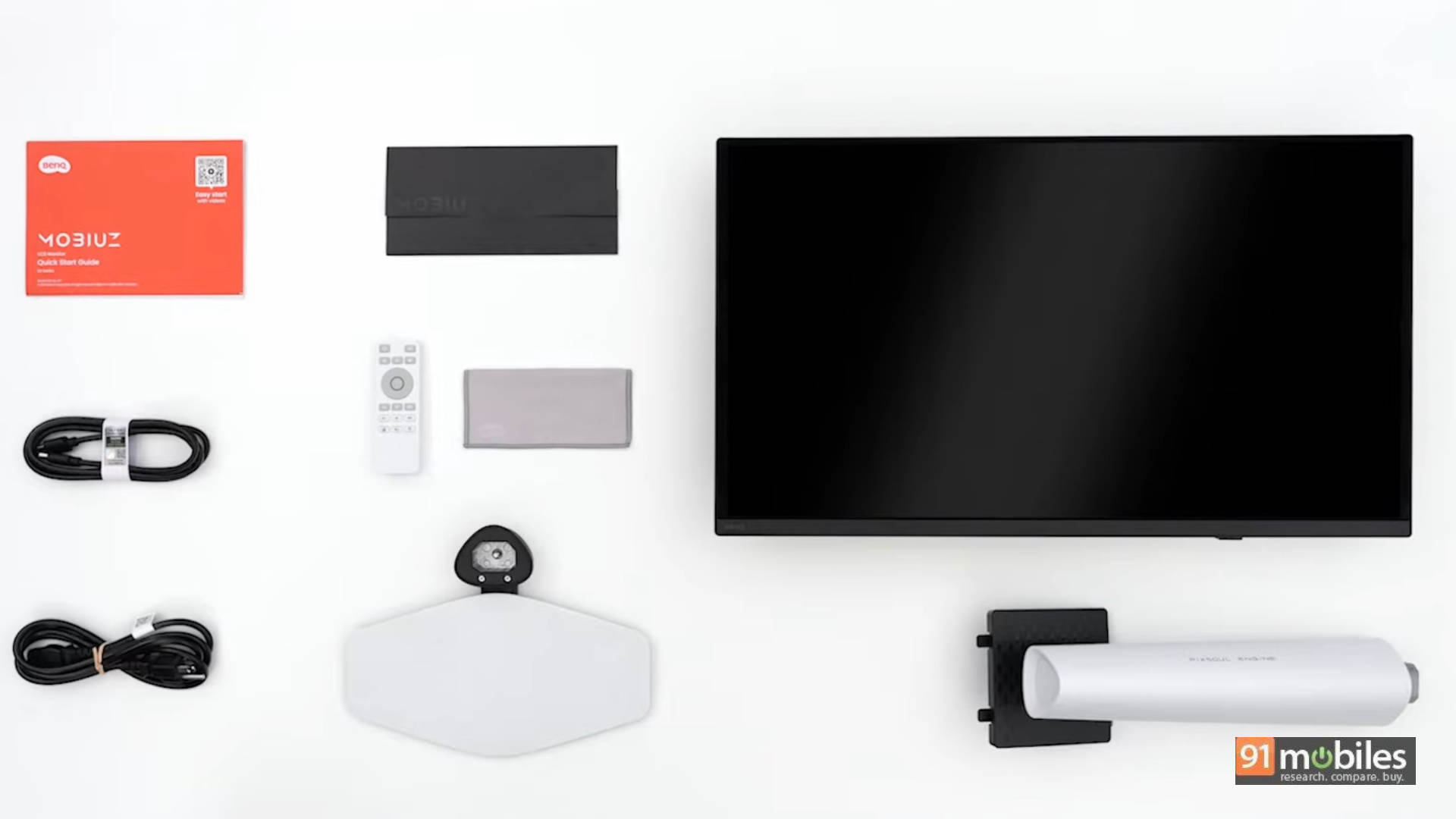
If you aren’t sure which to buy, I lean toward the EX321UZ. The uncompressed DP 2.1 bandwidth, larger 32-inch screen size, and punchier gaming experience make it a true endgame display. However, if space is limited, the EX271UZ remains a phenomenal choice. While Dell and ASUS are strong contenders in the Indian OLED market, BenQ’s strength lies in its factory colour accuracy, unmatched port selection, and an immersive, hassle-free HDR experience.
When it comes to the price, the EX321UZ has an MRP of Rs 1,24,998 while the smaller EX271UZ has an MRP of Rs 90,998. If you look for deals or offline, you could get it at a cheaper price point.
Editor’s Rating: 9 / 10
Pros:
- Stunning 4th-gen 4K QD-OLED panel
- Future-proof DisplayPort 2.1
- Great connectivity
- Handy remote control for easy menu navigation
Cons:
- Larger footprint requires adequate space on a desk