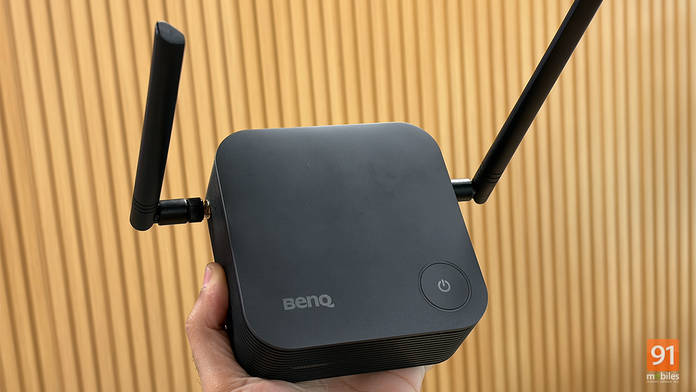
While BenQ makes some amazing monitors and screenbars, that’s not all the brand has up its sleeve. Recently, we got our hands on the BenQ InstaShow, a simple and efficient plug-and-play wireless conferencing solution. Designed to solve the everyday troubleshooting and setup hurdles faced by working professionals, the InstaShow provides a seamless experience at the tap of a button. Here are our impressions.
Table of Contents
BenQ VS25: The Top-of-the-Line Solution
The BenQ VS25 is the powerhouse of the InstaShow lineup. It acts as an all-in-one hub that integrates with almost any existing meeting room hardware: speakers, video bars, webcams, projectors, TVs, and even touch-based interactive displays.
Easy One-Time Setup
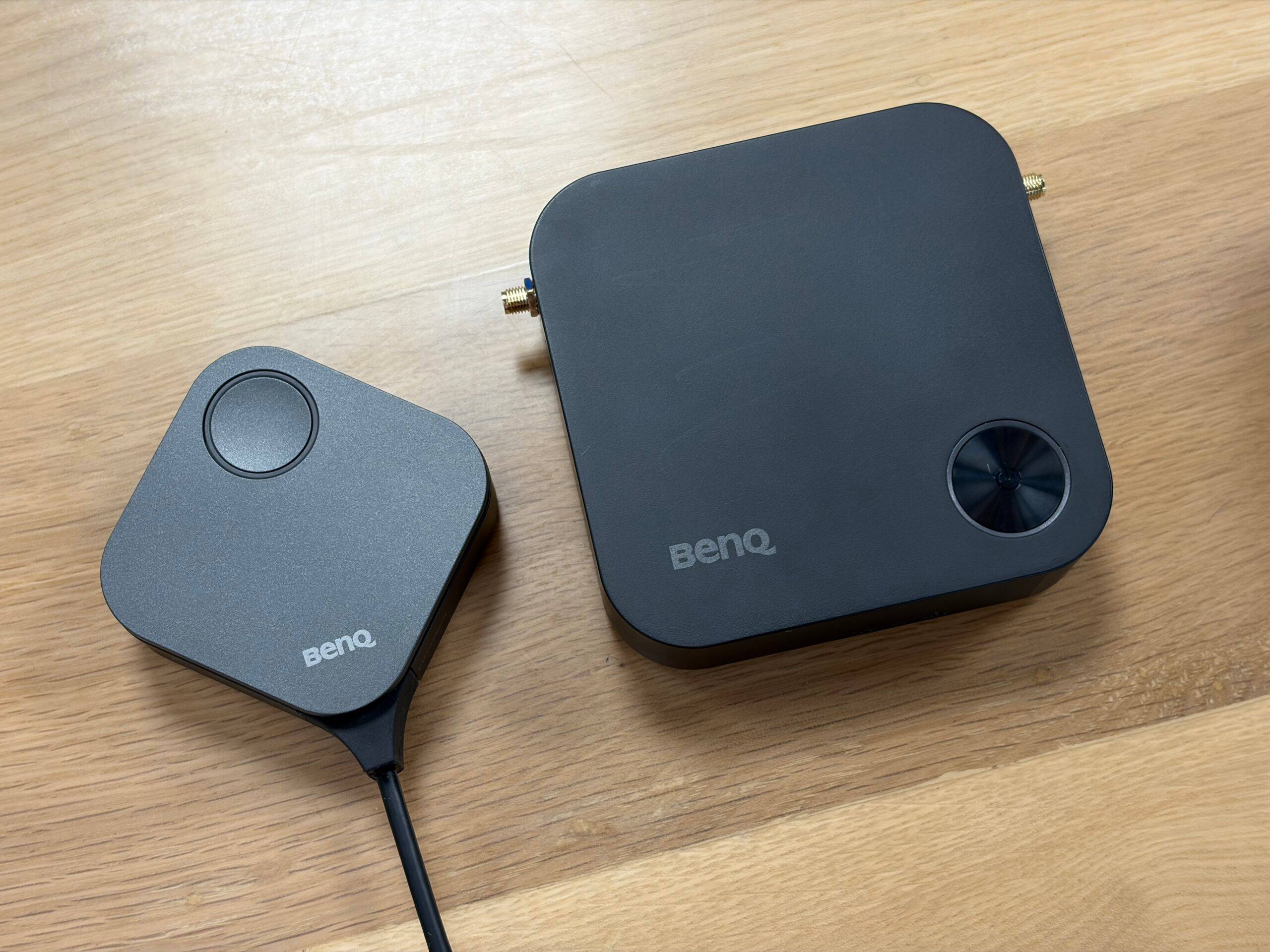
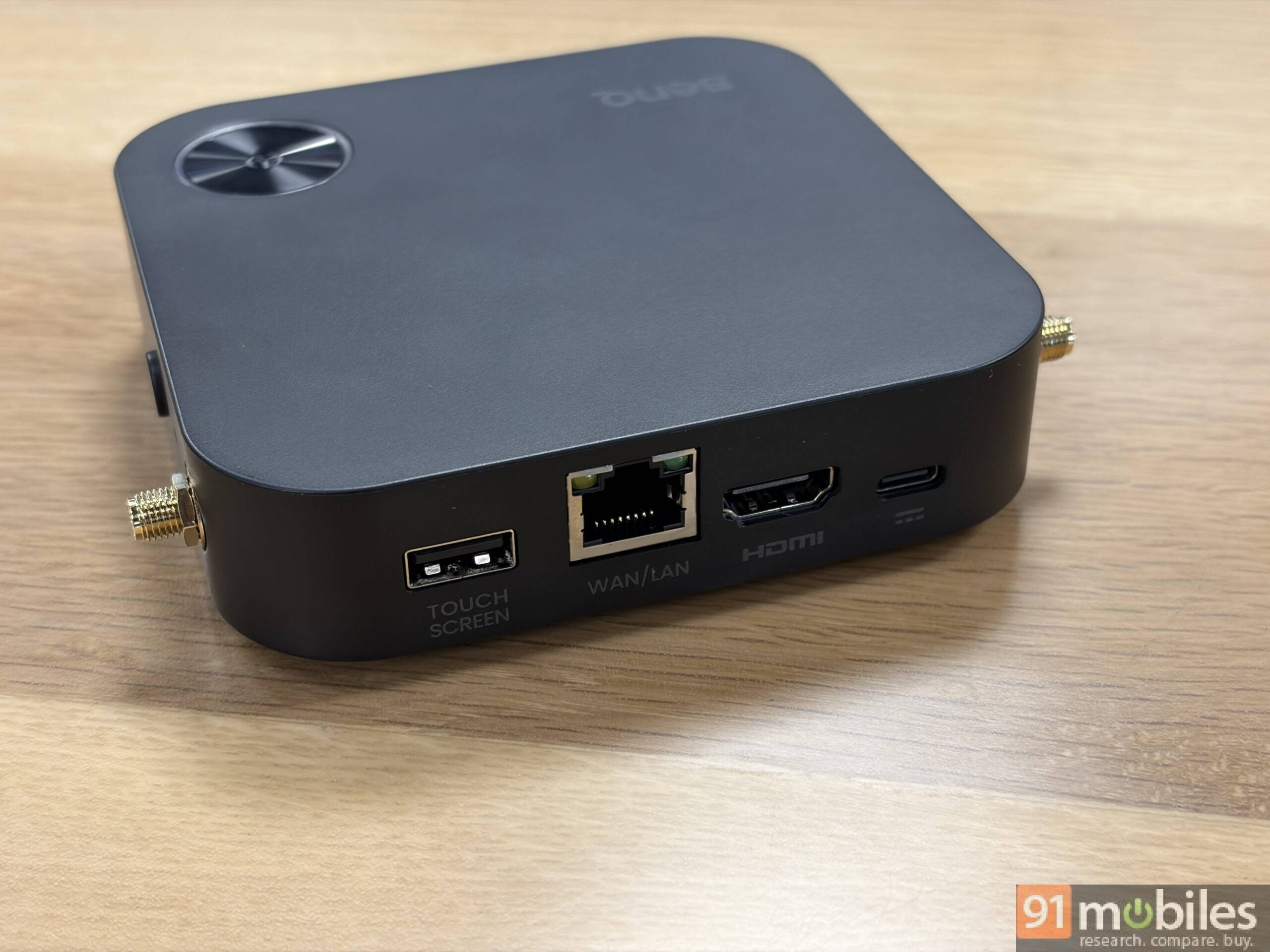
Setting up the InstaShow VS25 is a quick, easy, one-time task. The package includes a receiver, a multimedia hub, two buttons, a multi-port cable, and a cradle dock to keep everything organised.
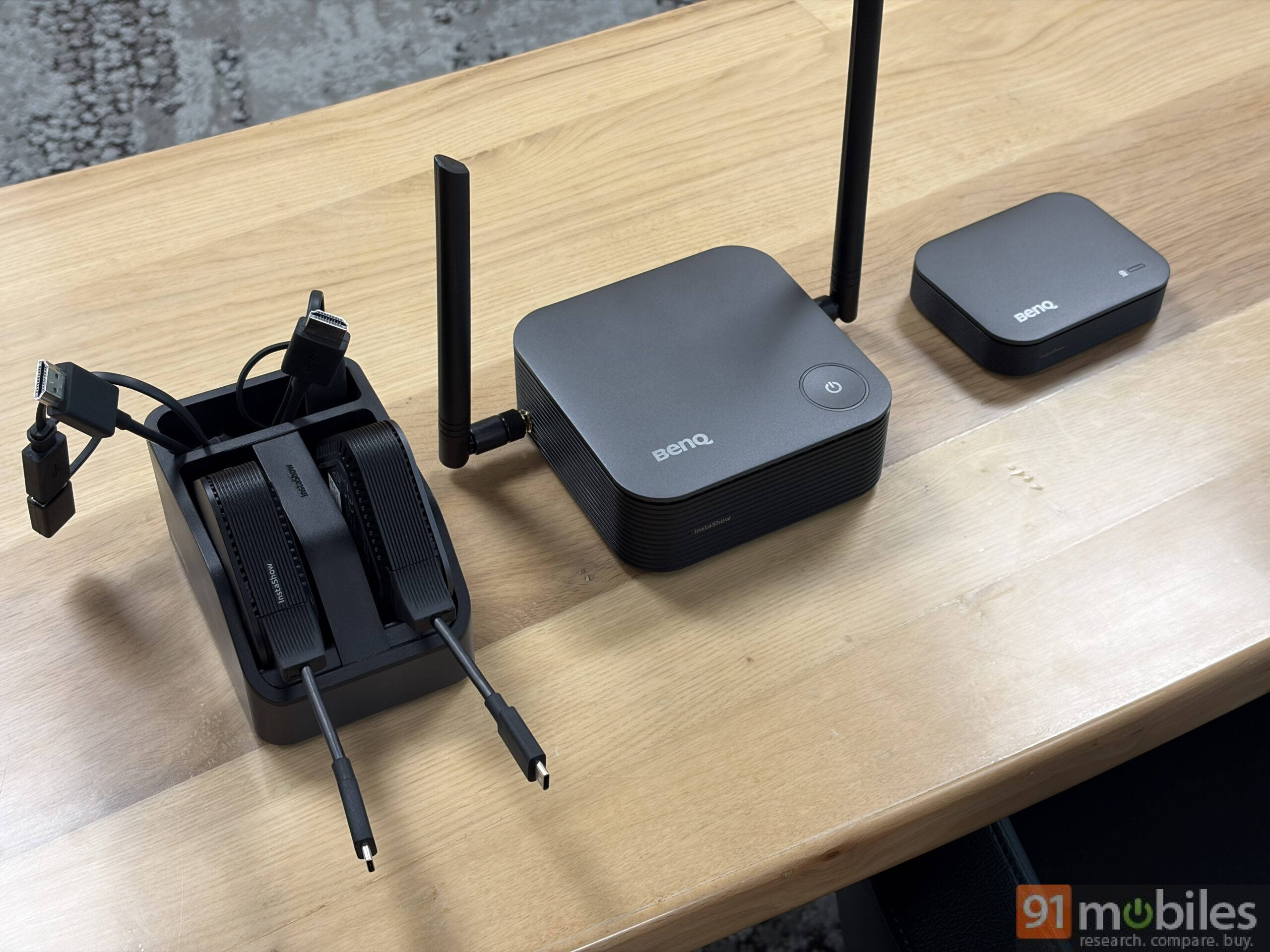
The receiver manages the meeting visuals; it features a full-size HDMI port that outputs up to 4K at 60fps, a DisplayPort (up to 1080p at 60fps), a dedicated port for touch displays, and an RJ45 port for a fast internet connection. The multimedia hub handles input, allowing cameras and speakers to connect via full-size and Type-C USB ports.
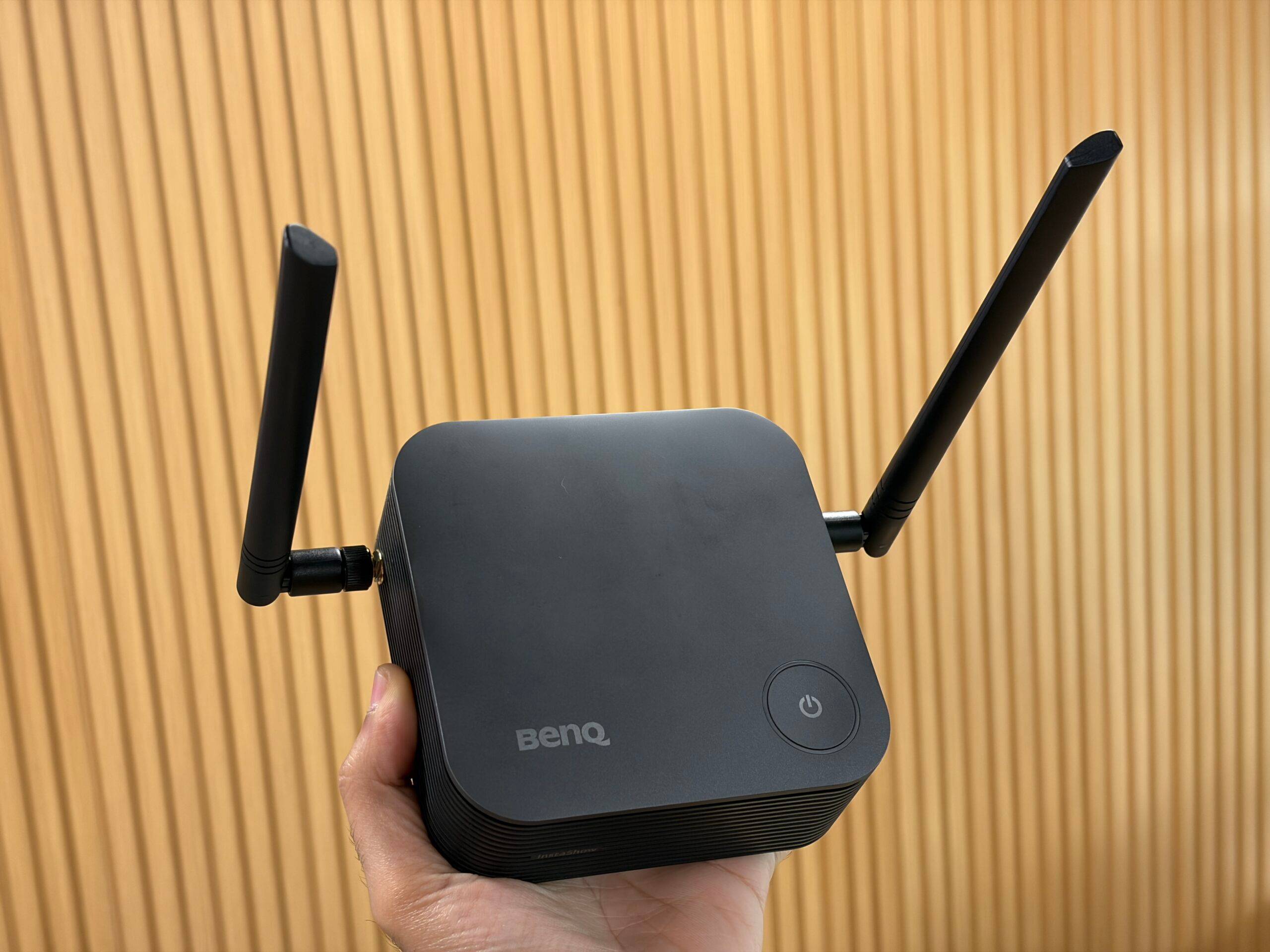
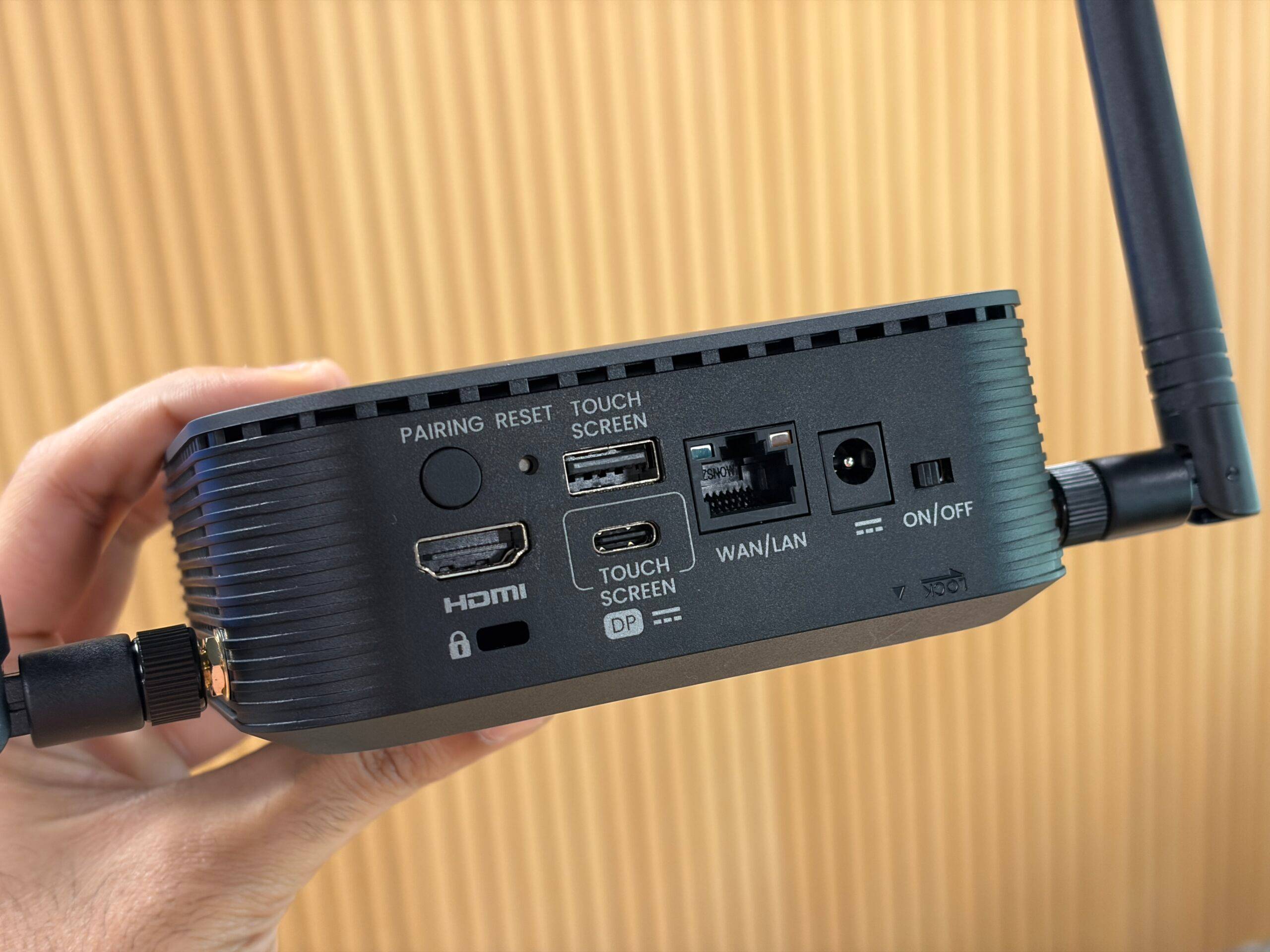
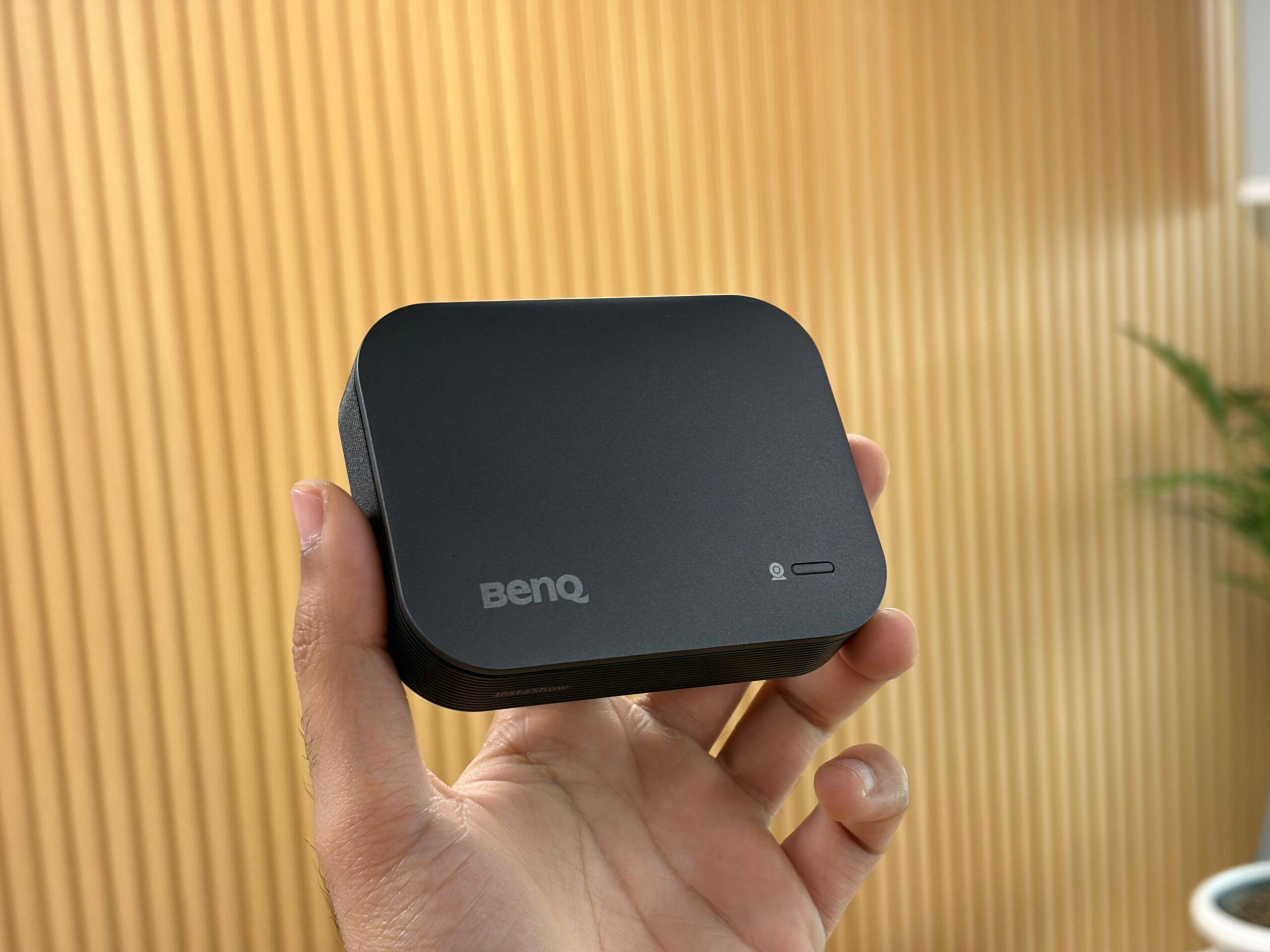
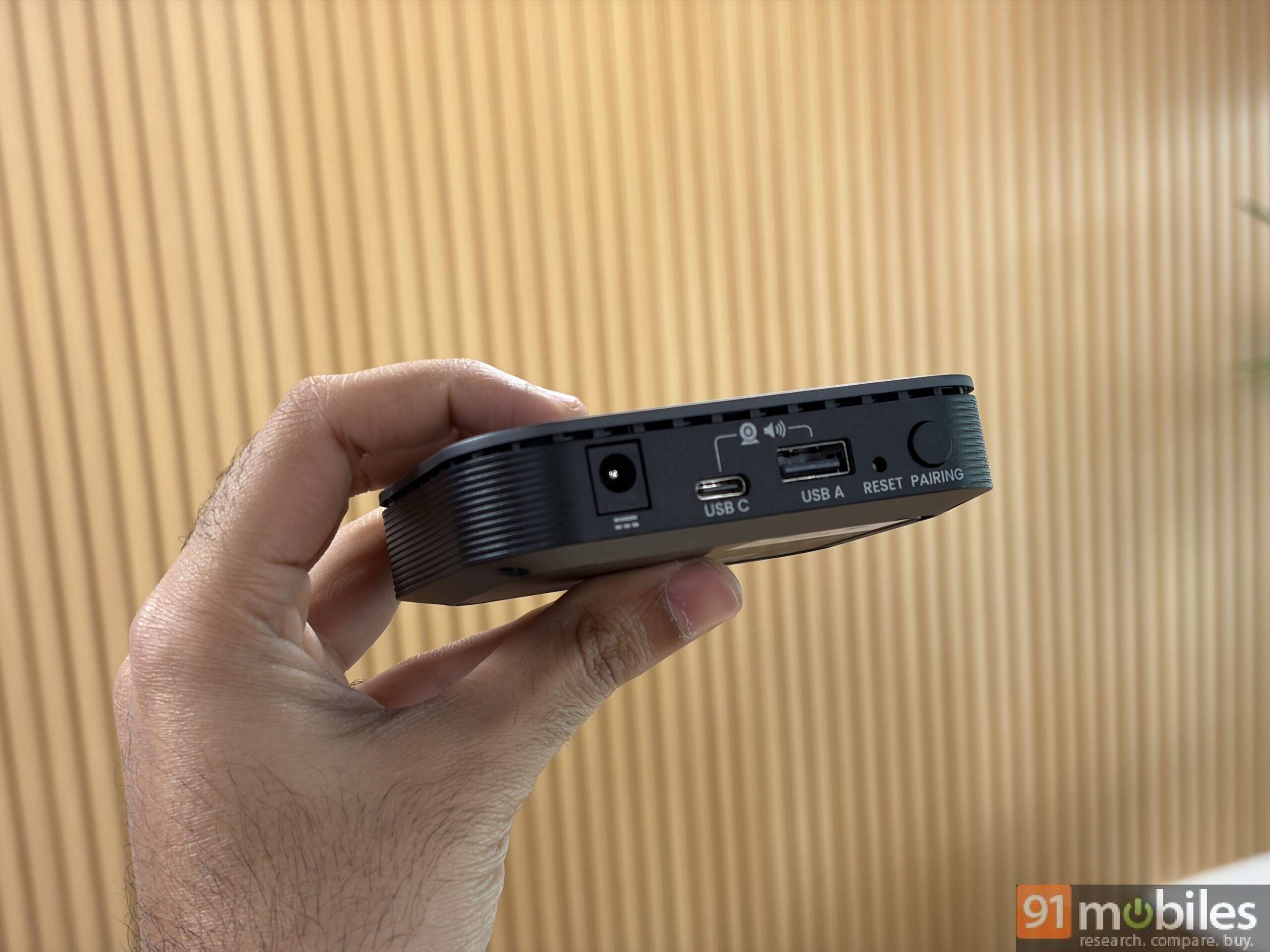
These components work in sync with the buttons plugged into the presenter’s machine. The kit includes one Host Transmitter Button (HTX) and one standard Transmitter Button (TX). Notably, the VS25 supports up to 64 buttons, meaning 64 individual presenters can connect to the room’s devices. Up to four presenters, including guests, can share content simultaneously.
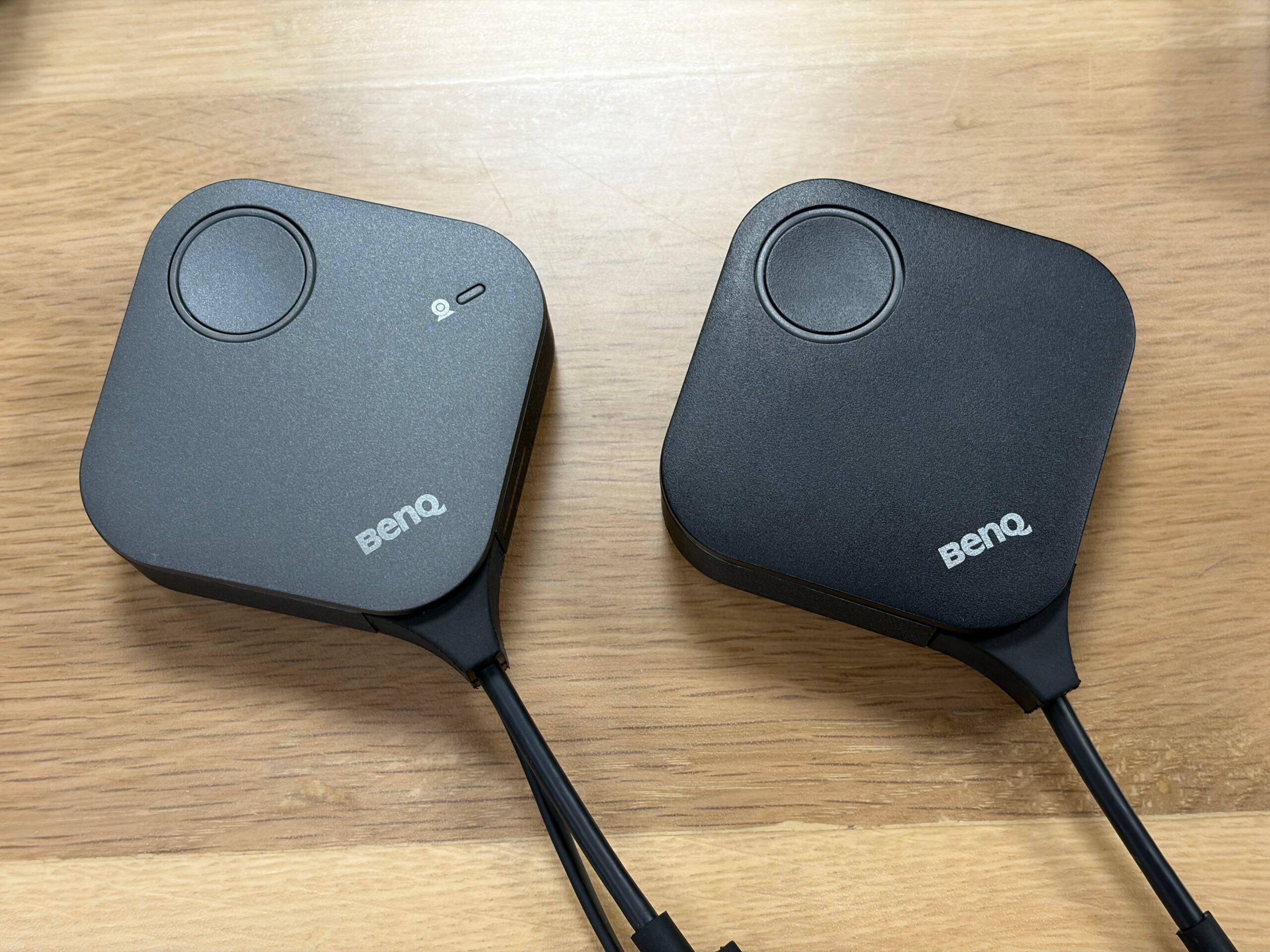
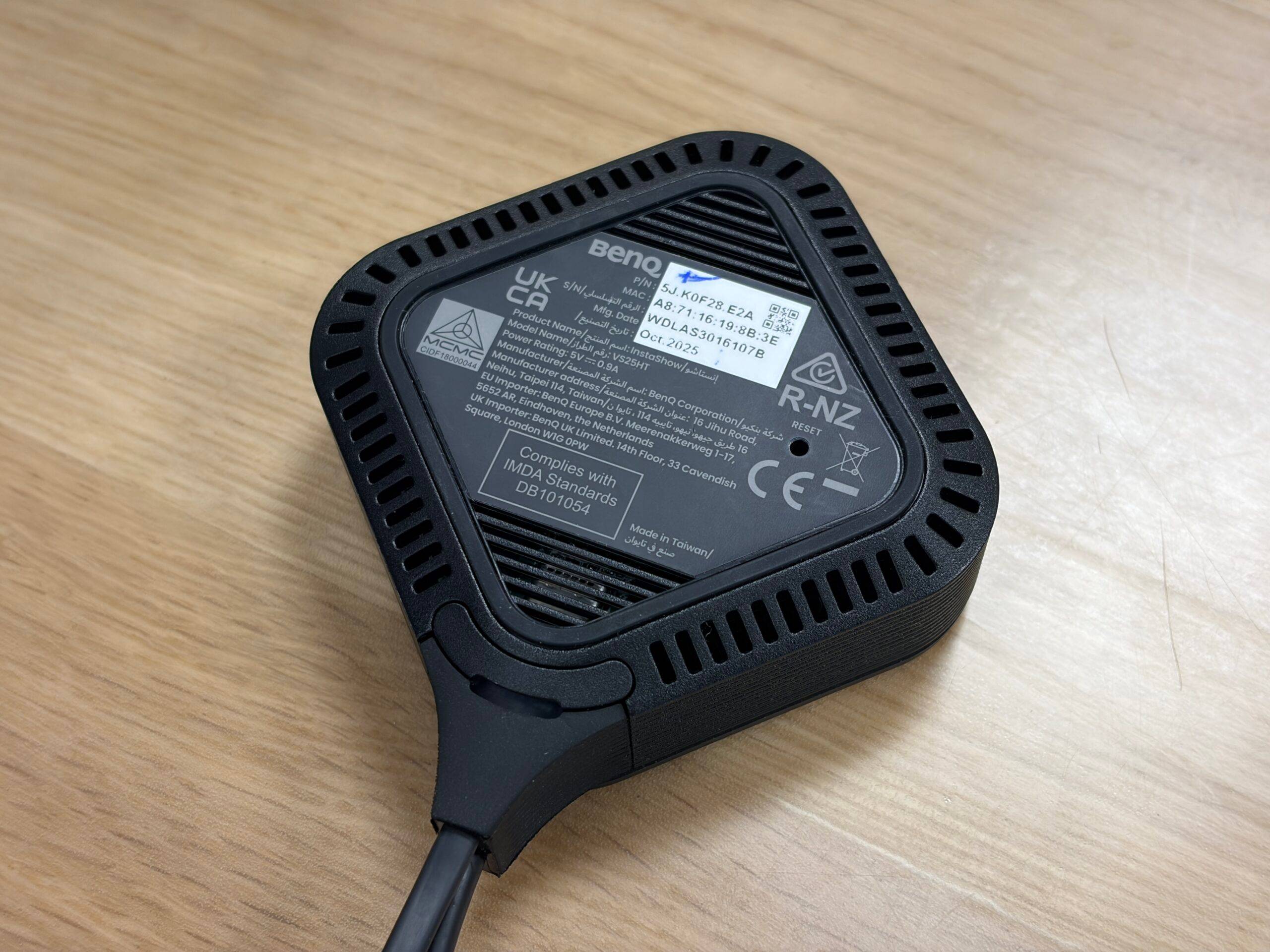
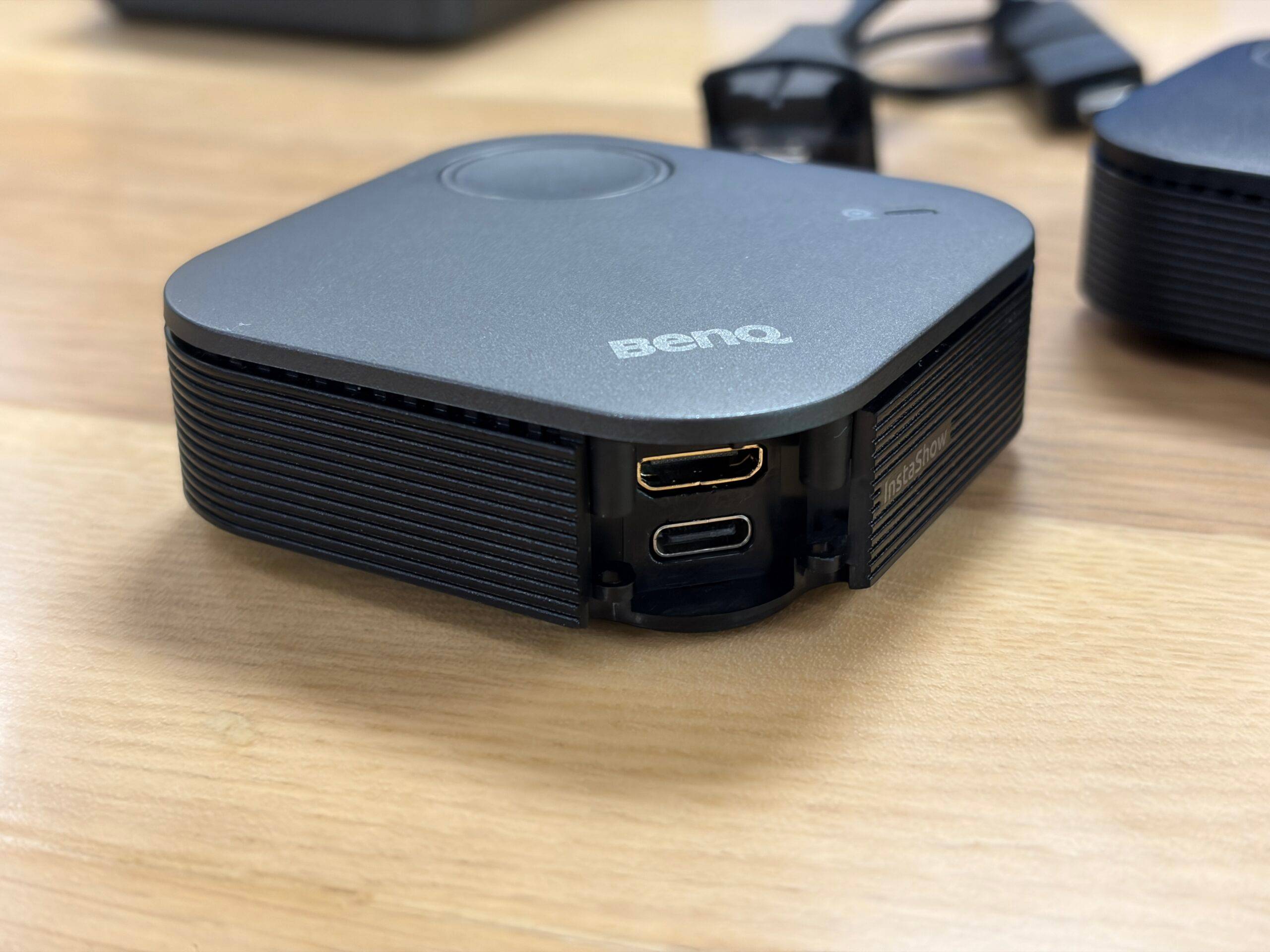
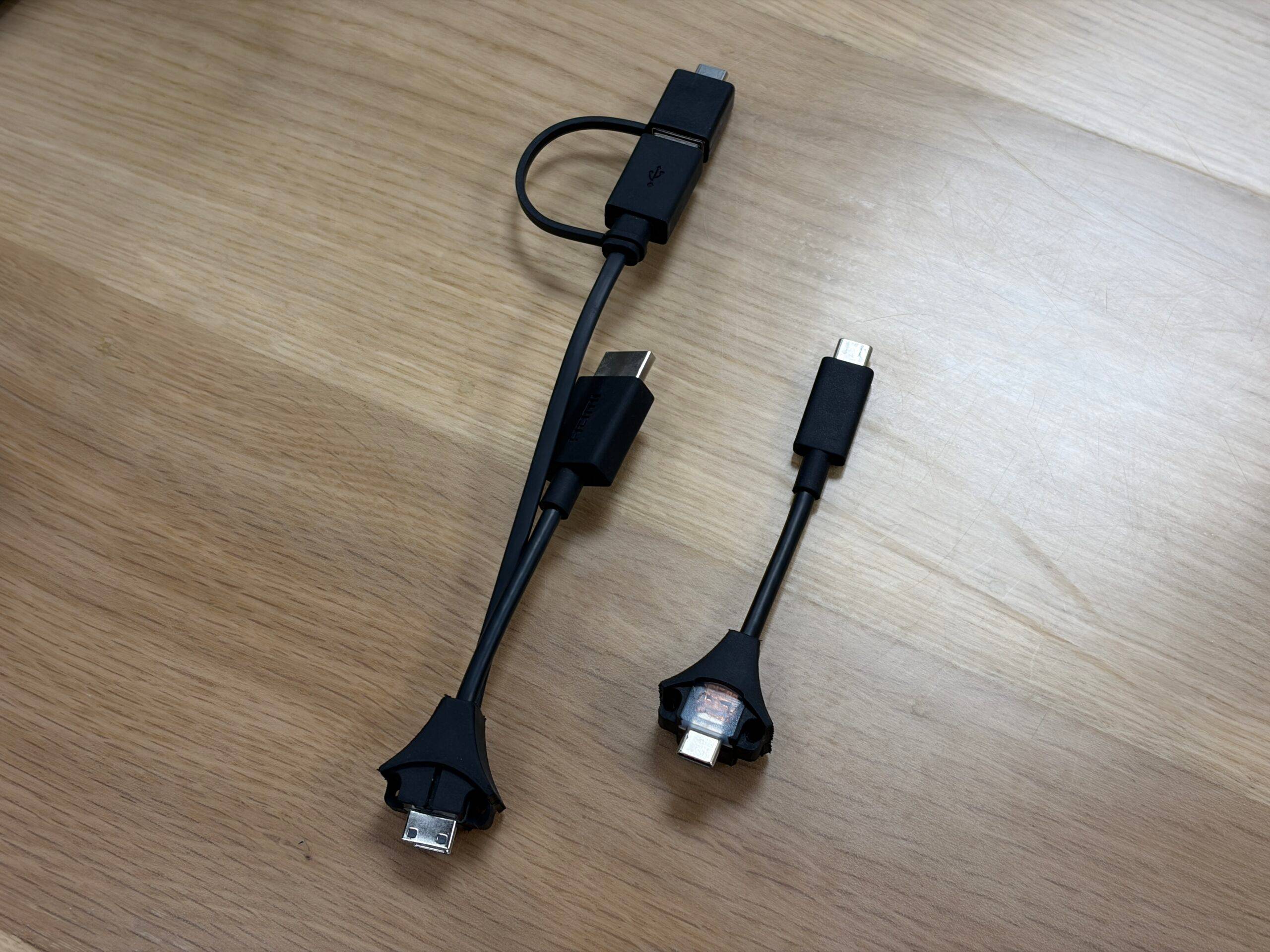
To accommodate various hardware, the InstaShow series is compatible with macOS, Windows, Linux, and ChromeOS and includes interchangeable cables in the box. It also supports wireless AirPlay, Miracast, and Chromecast for iOS and Android devices. Users can conduct meetings on Zoom, Teams, or Google Meet directly from their own laptops, a feature BenQ calls “Bring Your Own Meeting” (BYOM).
Security Protocols
Security is a major highlight of the BenQ InstaShow lineup. It features WPA3 enterprise-grade security, HDCP support over HDMI, CVSS 4.0 certification, and AES 128-bit encryption. These protocols make it ideal for corporate environments and high-security meetings where data privacy is of utmost importance.
The IT team can monitor units, update firmware, and manage multiple rooms via a single BenQ Cloud DMS dashboard, removing the last-minute friction before the meeting.
Furthermore, with no software or app required for setup, the VS25 ensures sensitive data remains safe from breaches and hacks. Use of a dedicated router-level chip from MediaTek, rather than standard screen mirroring, ensures high-speed transmission in crowded environments.
How does BenQ InstaShow compare to competitors?
During an interaction with the BenQ team, we learned that the company is positioning the InstaShow lineup as a “flagship killer” product in the video conferencing solution market, by offering premium specs and advanced security protocols at a more accessible price point.
As for the competition, you have premium offerings like Crestron, which work best within their own ecosystem and require a network setup, and budget offerings like Airtame, which rely on app-based casting. On the other hand, the BenQ InstaShow offers the best of both worlds: hardware-level simplicity at an affordable price.
Other Models and Pricing
While the VS25 is the top-of-the-line solution (retailing for roughly Rs 1,75,000), there are budget-friendly options for smaller workspaces, such as the WDC25 and WDC15, which start around Rs 75,000. Here’s a breakdown of the models.
| Model | VS25 | WDC25 | WDC15 |
|---|---|---|---|
Suitable For | Hybrid meetings in small to large rooms | Small-to-Large Room Meeting for Multi-Device Collaboration | Huddle Space to Small Room Meeting |
BYOM Support | Yes | N/A | N/A |
BYOD Support AirPlay/ Android / Windows | Yes | Yes | N/A |
Maximum Devices Supported | 64 | 64 | 16 |
Input & Output Resolution | Output Resolution: up to 4K@60fps Input Resolution: up to 4K@30fps | Output Resolution: up to 4K@60fps Input Resolution: up to 4K@30fps | Output Resolution: up to 4K@30fps Input Resolution: up to 4K@30fps |
Transmission Distance | 40m | 40m | 15m |
Wi-Fi Standard | Wi-Fi 6 | Wi-Fi 6 | Wi-Fi 5 |
Wi-Fi Encryption | WPA3 Enterprise | WPA3 Enterprise | WPA3 |
Button Interface | HDMI + USB Power, or USB-C (U-magnet bolt design) | HDMI + USB Power, or | HDMI + USB Power or USB-C |
Cloud DMS Management | Yes | Yes | N/A |
First Impressions
With the Instashow lineup, BenQ has made a significant impact in the video conferencing industry. By offering a simple plug-and-play solution that does not require any software, it caters to a wider range of users. The blend of BYOD/BYOM integration, up to 4K 60fps output, and enterprise-grade security features (including dedicated guest access) ensures data safety while significantly reducing meeting times.
The premium VS25 is a powerhouse for large corporate boardroom meetings, while the WDC15 is a practical solution for smaller organisations like schools and colleges.