Mechanical keyboards have become a bit like sneakers: every brand claims “premium performance,” but only a few actually feel worth the flex. The EvoFox Ronin Wireless Mechanical Keyboard, though, feels like one of those pleasant surprises you didn’t see coming. It doesn’t try too hard with gimmicks, but quietly shows up with features that make gamers nod in approval: tri-mode wireless, gasket mount construction, and a design that looks stylish without yelling RGB at your face.
After living with it for a little over three weeks, doing gaming, writing, and occasionally smashing keys during competitive Valorant, I’ve got a pretty clear picture of where it shines and where it stumbles.
Table of Contents
Clean Aesthetic, TKL Done Right
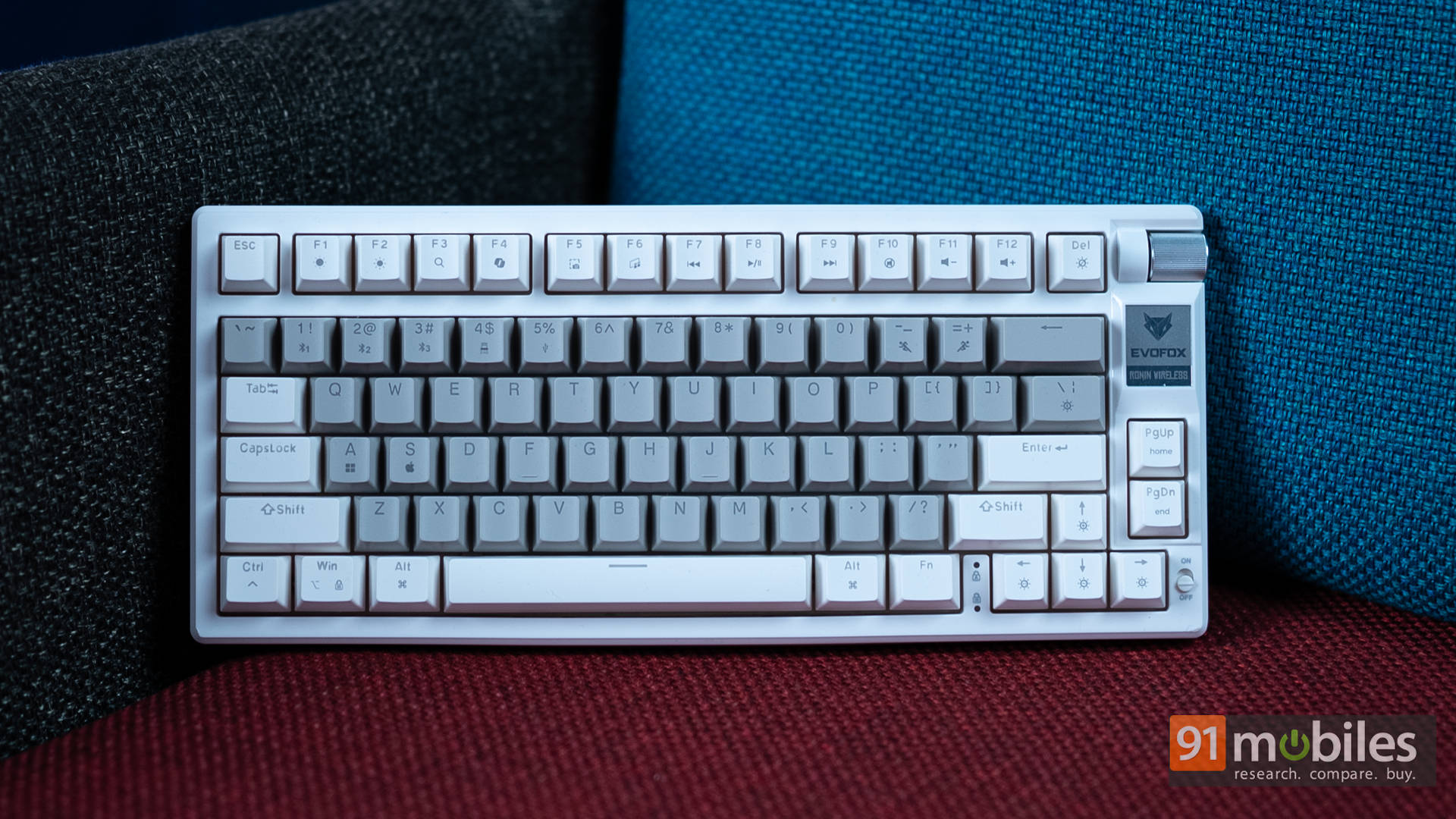
The Ronin goes for a tenkeyless (TKL) layout, which already feels like a win for most gamers. You get that extra desk space for bigger mouse flicks without compromising typing comfort. The spacing is just right; I never felt cramped switching from a full-size board.
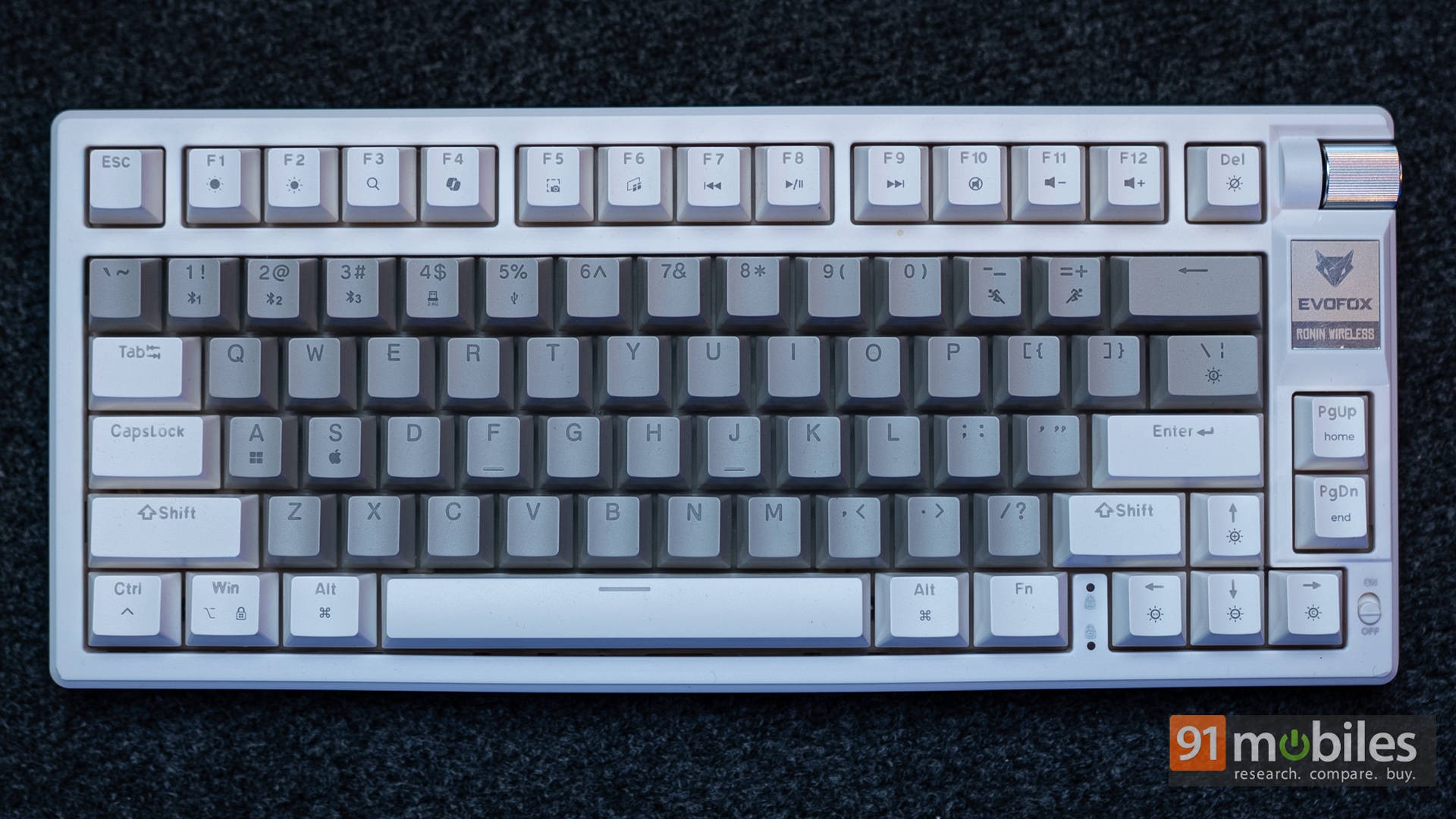
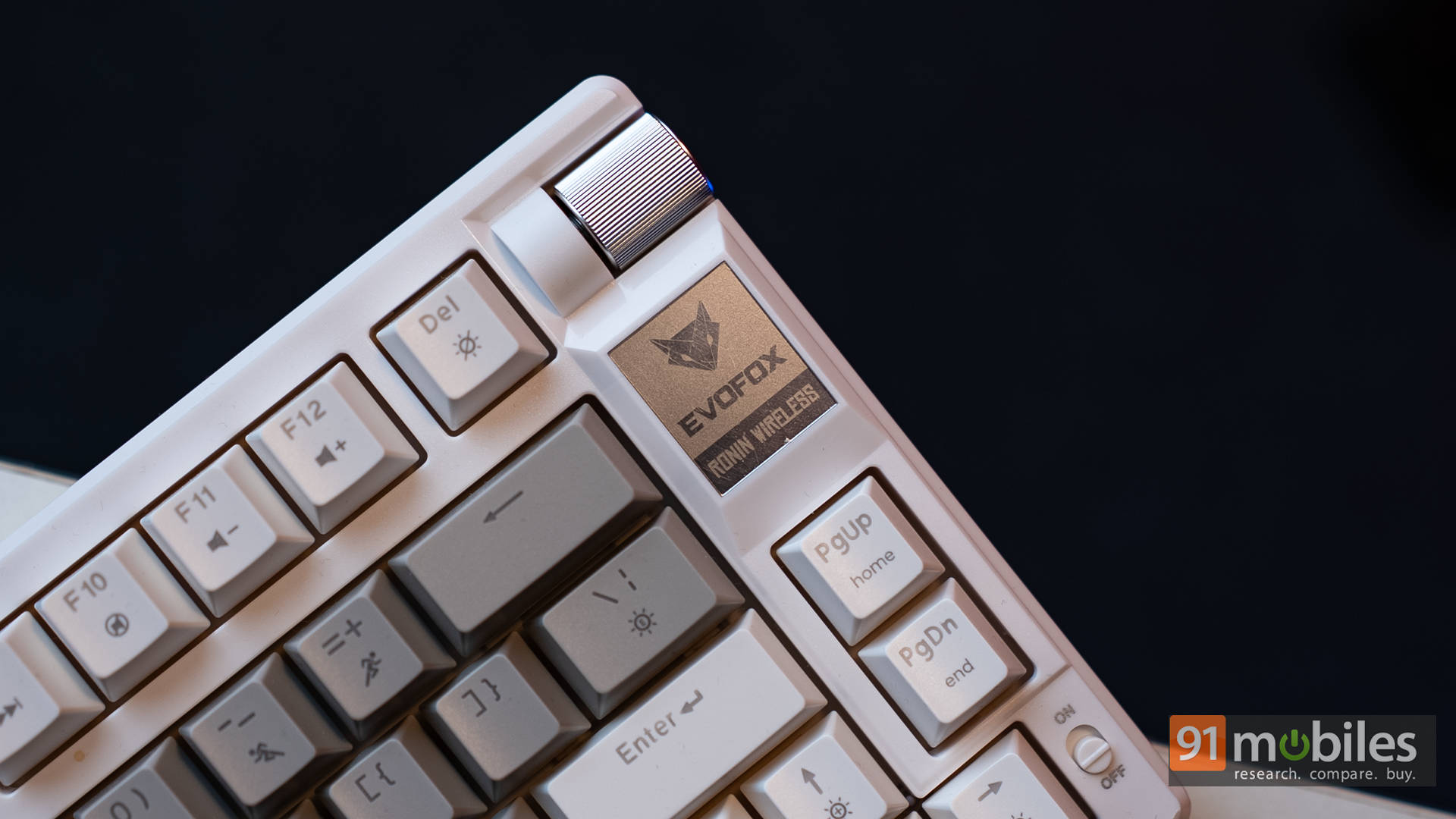
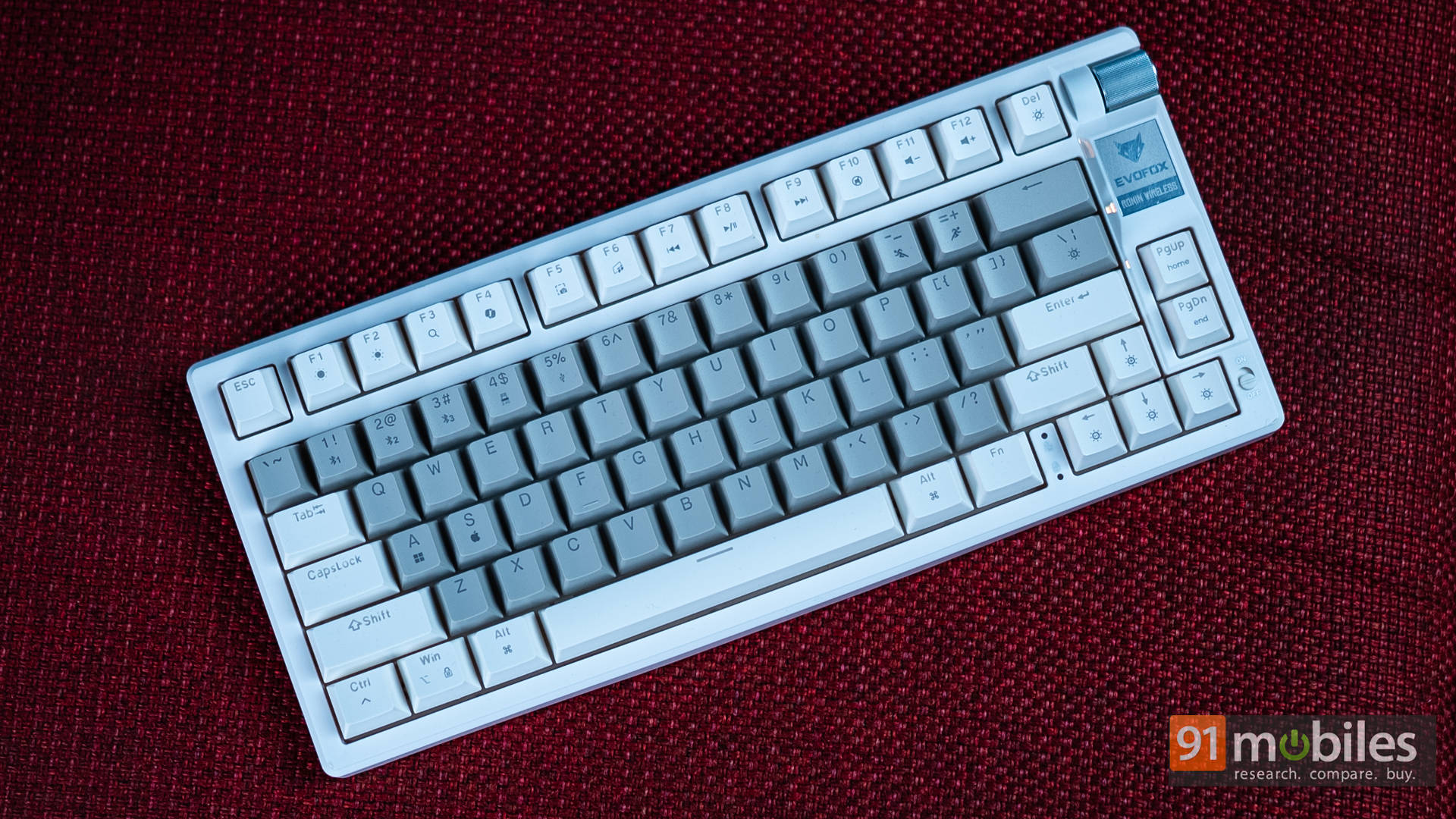
What really grabbed my attention, though, was the overall look. The white colourway paired with grey-gradient keycaps gives it an elegant, airy vibe. It leans classy rather than “gamer edgy”, making it blend beautifully into minimalist setups. Surprisingly, it’s held up to daily use without showing visible dirt or yellowing. Of course, your experience may differ since white will always be a little risky, but so far, mine still looks fresh.
Once powered up, the per-key RGB is bright and even, shining cleanly through the legends. You don’t get dim corners or weird patches; it’s consistent and tasteful. If you prefer subtlety, there are softer modes, and if you enjoy your desktop looking like a light show, well, it can party.
Now, the unexpected premium touch here is the gasket-mounted design. That’s something you typically see in more expensive custom keyboards. It basically means the internals sit on cushioning rather than directly on the frame, adding a tiny bit of flex and sound dampening. In fact, that’s a big reason why the Ronin feels and sounds more refined than most keyboards in this price bracket.
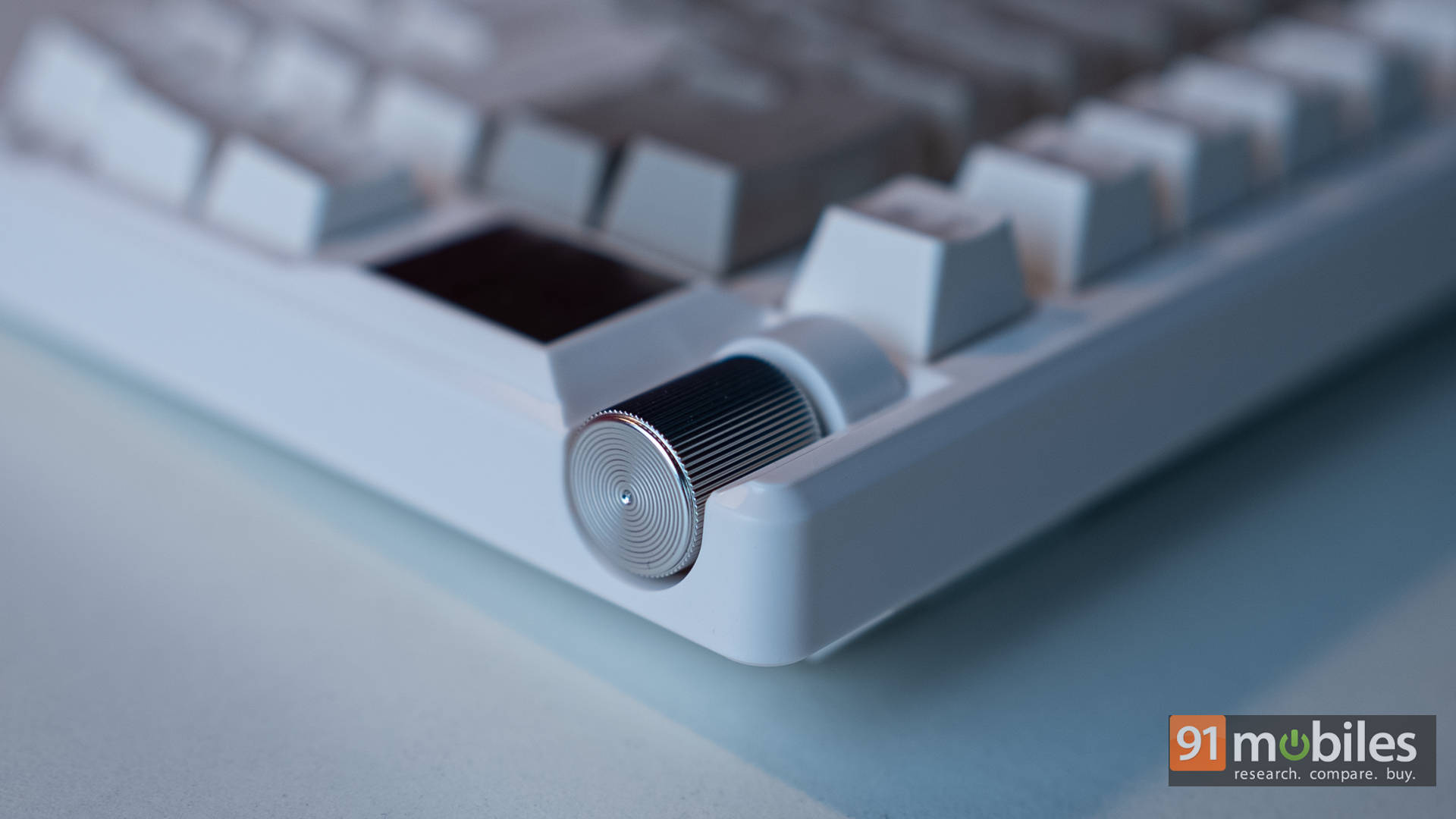
And yes, the volume knob deserves a mention. It’s smooth, tactile, and doesn’t wobble like loose LEGO. It’s one of those small touches that ends up feeling essential once you’ve used it.
Quiet Reds with a Tasty Thock
Inside, you’re getting Outemu Red switches, which are linear switches similar to Cherry MX Reds, only quieter. They go down smoothly, and bottoming out feels soft, thanks again to that gasket structure. The result is a pleasantly dampened sound profile that offers less “clack” and more “thock”, all without crossing into mushy territory.
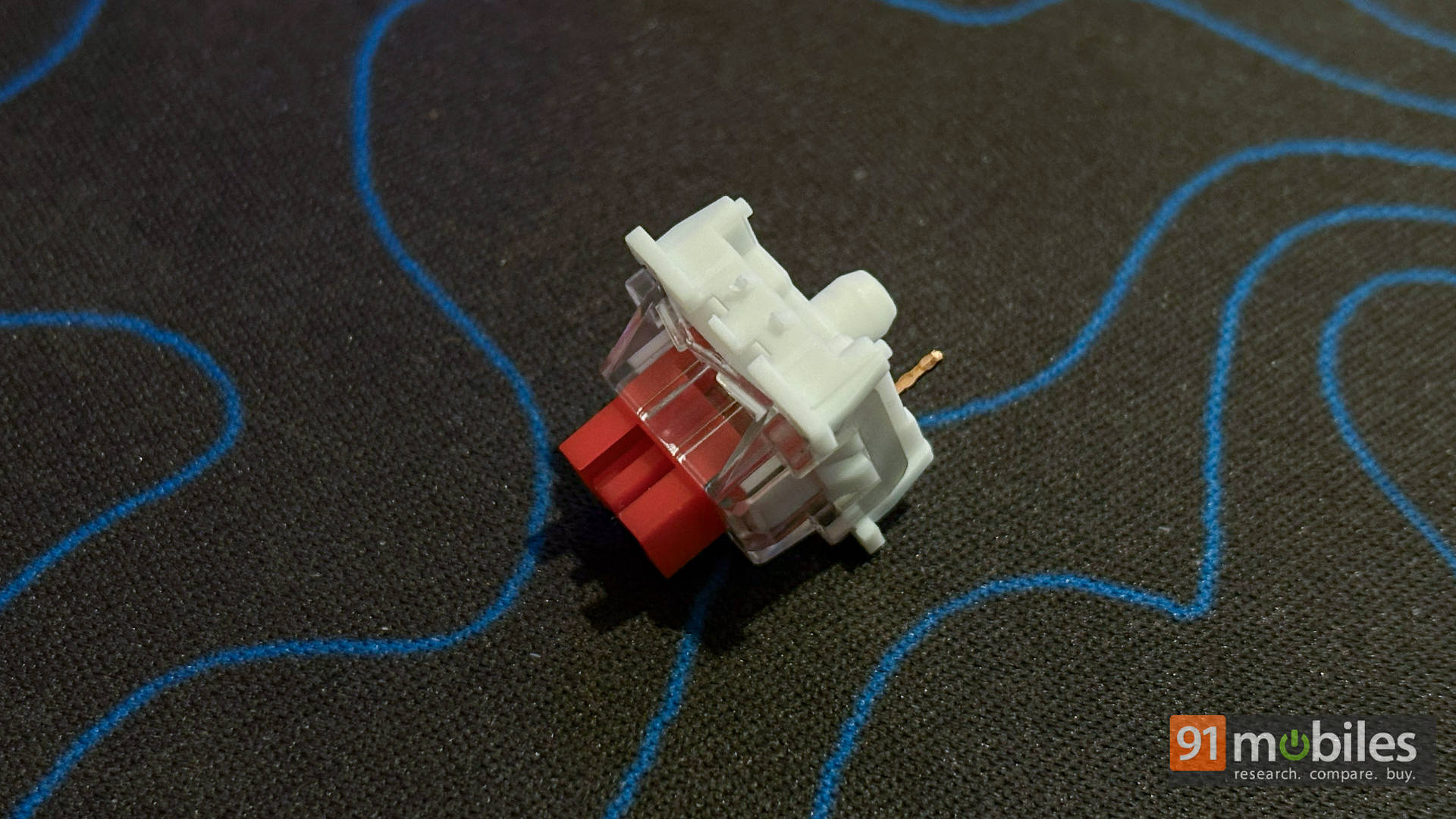
As such, if you’re someone who types late at night while others are sleeping, this switch choice will make you feel responsible. It never gets annoyingly loud, yet remains satisfying. I found it great for both writing sessions and casual gaming.
What’s more, the Ronin is also hot-swappable, which is great news for tinkerers. However, getting that first switch out takes a fair bit of effort initially, and you’ll want to be gentle to avoid damage. The good news is, once one pops out, the rest follow much more easily. It’s not as breezy as enthusiast boards, but hey, at this price, I’ll take it.
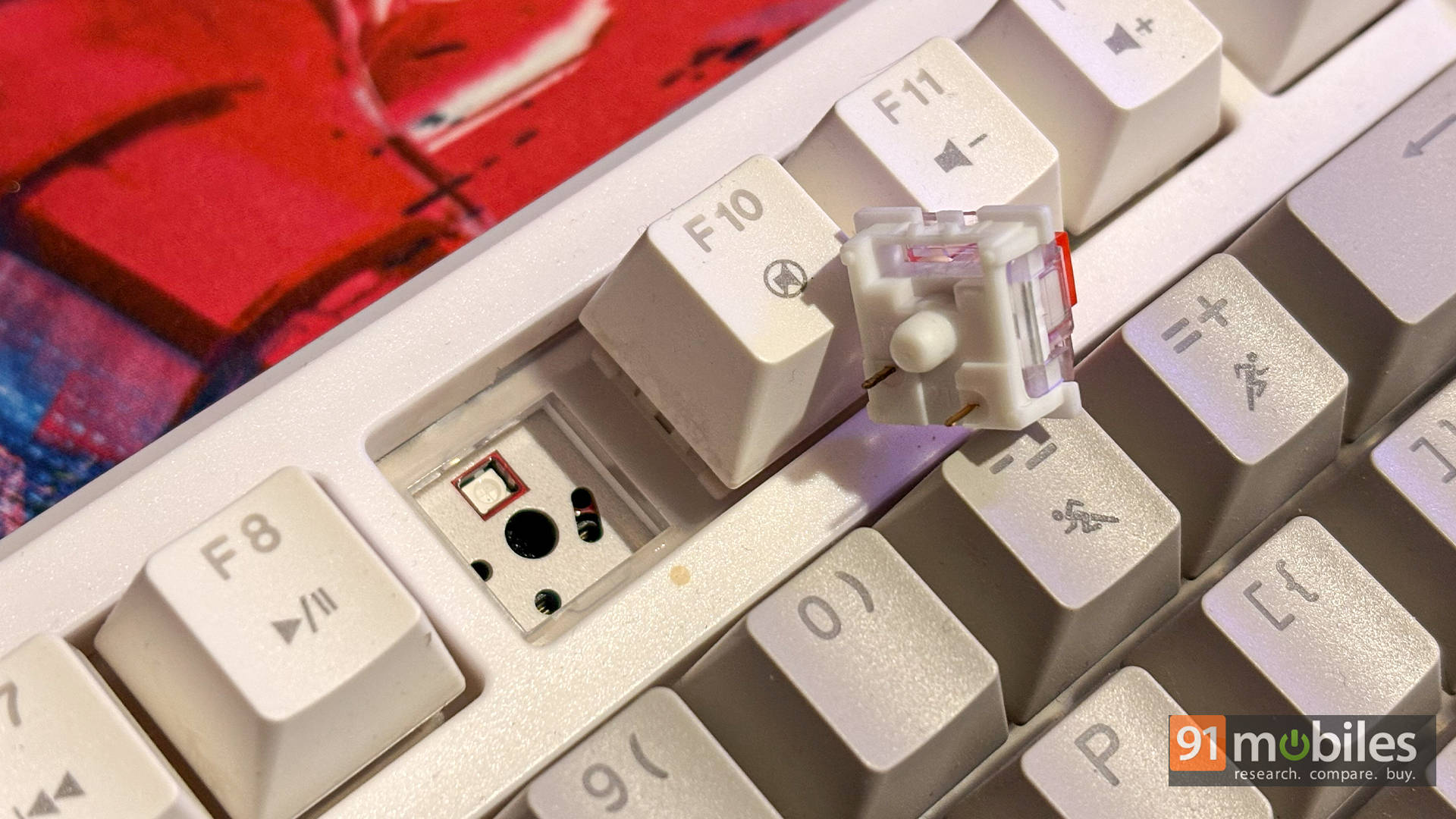
Overall, if you enjoy quieter, smoother switches with a deeper acoustic profile, this setup delivers. If you prefer a tactile bump, though, you may want to stick with Browns or swap them in later.
Fast, Snappy, Dependable
Alright, let’s talk gaming, because that’s where a board really earns its XP, right? The Ronin supports a 1000Hz polling rate and N-key rollover, helping it keep up flawlessly in fast-paced shooters. Every keypress feels well-registered; there’s no sense of lag or ghosting even when double-strafing or bunny-hopping like a caffeinated rabbit.
Paired with the TKL form factor, it offers great wrist and arm positioning. I spent days hopping between Valorant, Apex, and some occasional Warhammer sessions, and the keyboard never once made me question its responsiveness. Gamers shopping in this price range will appreciate that it isn’t trying to oversell itself. Instead, it just works.
Interestingly, it even includes a dedicated macOS mode, which behaved surprisingly well with my MacBook Pro. Key mapping was correct, function rows worked as intended, and nothing felt glitchy. If you’re someone who games on Windows but works on a Mac, or just swaps machines frequently, this Mac mode is genuinely helpful.
No Shortage of Connectivity Options Either
You get three connection modes here: Wired (USB-C), 2.4GHz wireless, and Bluetooth. Switching between them is easy, and each feels stable enough for daily use.

Of course, the 2.4GHz mode is the best for gaming, and it’s where I spent most of my playtime. Latency was low and dependable—never felt like it was holding me back. Meanwhile, Bluetooth felt more suited for productivity on my Mac or when using the ROG Xbox Ally X, and it worked without fuss.
As for battery life, it largely depends on which connection you’re using. With Bluetooth + RGB, I got roughly a week of full-day (~8–9 hours) use. However, switching to 2.4GHz for intense gaming sessions brought that closer to 3–4 days. Not terrible, but also not a marathon runner. Think of it as a sprinter that prefers short breaks between takedowns. The good news is that you can use it while charging in wired mode, so downtime is minimal.
Software: Now in the Cloud (Literally)
Let’s talk software, because this time, it’s actually kind of interesting. EvoFox has ditched the old download-and-pray approach and switched to a web-based configuration tool. Just plug in the keyboard via USB, head to the official config site, and boom. You can tweak lighting, assign macros, or save profiles right from your browser. The only catch? You’ll need an active internet connection to access it.
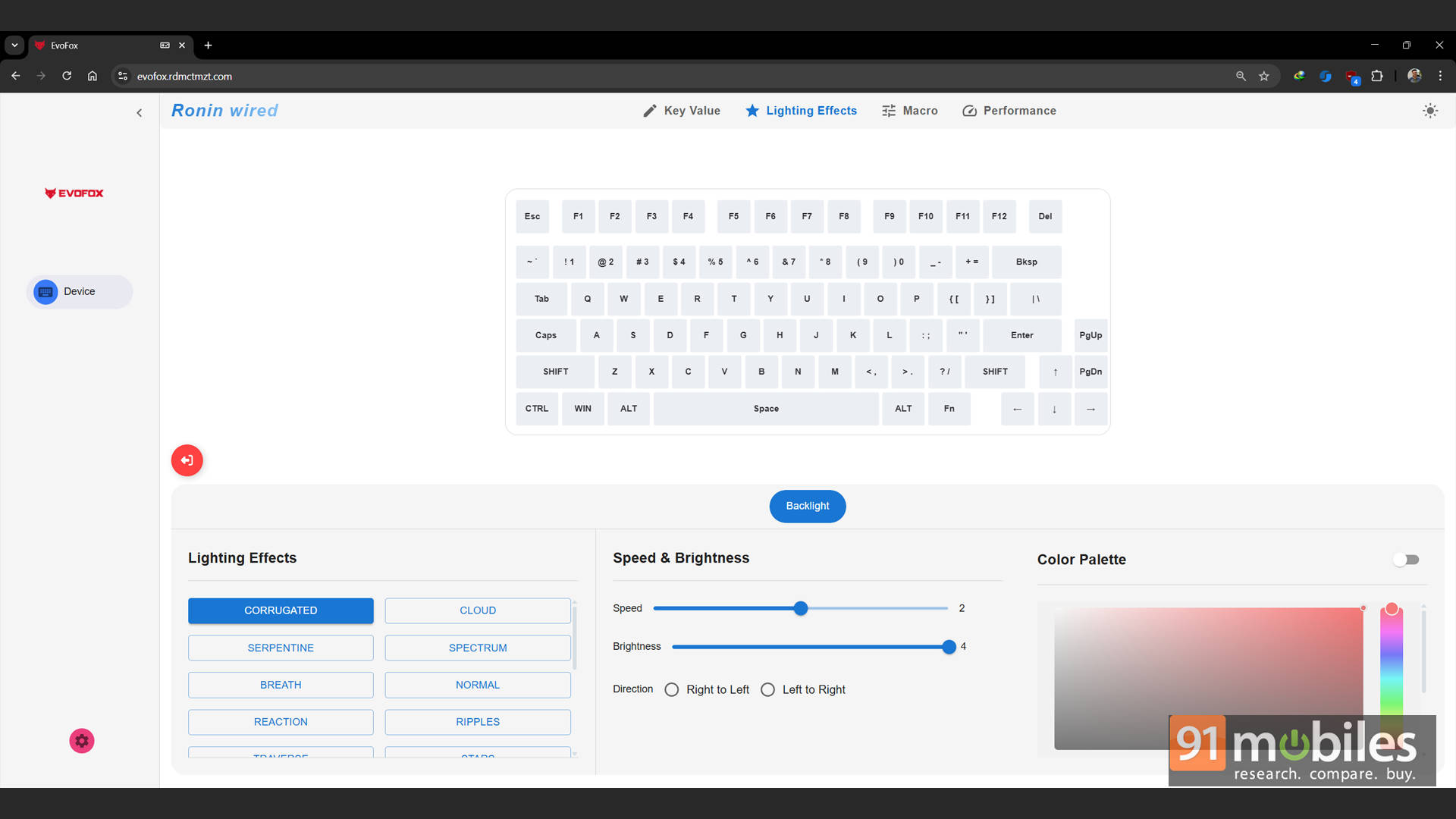
That said, I didn’t find myself using it much. Most of the cool stuff, such as RGB modes, brightness, and effects, can still be handled directly on the keyboard. Unless you’re deep into macro mapping or ultra-specific RGB layouts, you won’t really miss the software. For most gamers, the Ronin works perfectly fine out of the box. And honestly, that’s how it should be.
EvoFox Ronin Review: The Budget Keyboard That Plays in the Big Leagues?
At its usual selling price of around Rs. 3,899, the EvoFox Ronin Wireless Mechanical Keyboard feels like one of those rare finds that gets almost everything right. You’re getting a premium-feeling gasket-mounted build, tri-mode connectivity, and 1000Hz polling that make it equally comfortable for gaming or daily typing. Add the clean white aesthetic and quieter red switches, and the Ronin easily stands out as a classy, no-fuss keyboard that doesn’t just look the part, but plays it, too.
That said, the competition is fierce. The Redragon K673 Pro, Kreo Swarm, and AULA F75 all bring solid features to the table. But where they often go loud and flashy, the Ronin goes subtle and refined. Sure, the software’s forgettable and the switches can be a pain to pull at first, but none of that overshadows what is easily one of the best-balanced keyboards under Rs. 5K right now. It’s stylish enough for your setup, fast enough for your matches, and solid enough to feel like you snagged a deal.
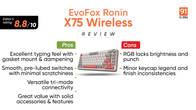
Editor’s Rating: 8.5 / 10
Pros:
- Premium gasket-mounted build at a budget price
- Smooth, quiet Outemu Red switches
- Reliable tri-mode (BT + 2.4GHz + wired) connectivity
- Bright, even RGB with a handy volume knob
Cons:
- Software feels unnecessary and dated
- Switches are stiff to remove initially