I reviewed HUION Ink earlier this year and found it to be a decent e-ink tablet. It came across as a worthy alternative for the reMarkable 2 at a more affordable price. However, I categorically stated that e-ink tablets are not for the masses, and these are productivity-centric devices that will make most sense to creators and professionals only. Now, the brand has come up with a new product that seems to be aimed at a wider audience – HUION Note E.
Unlike the Ink, HUION Note E is a compact tablet with an anti-glare LCD display that aims to offer the tactile feel of real paper along with the benefits of a full colour digital display. Broadly speaking, the brand is targeting business professionals, students, academic researchers, beginner creators, and portable reading enthusiasts with the Note E.
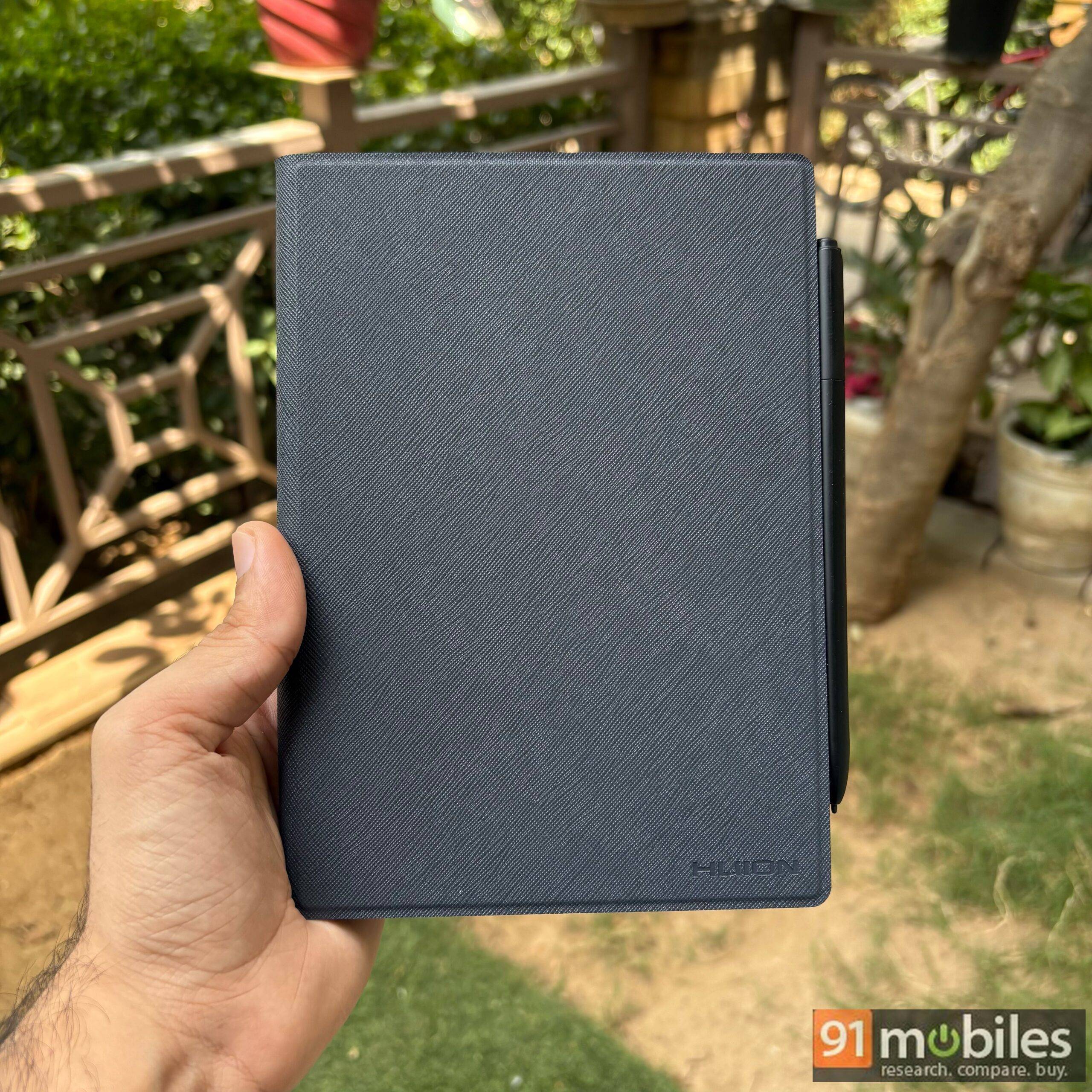
I managed to get hold of the Note E and have used it for around three weeks at this point. Now that I have a good idea of this tablet’s capabilities, I’ll try to answer whether it offers good value for your money or you would be better off skipping it entirely.
Table of Contents
Anti-glare Display that encourages you to take notes and sketch
The Note E ships with an 8.4-inch anti-glare Soft-Light FHD+ (1,920×1,200 pixels) LCD display with an aspect ratio of 16:10 and a pixel density of 270ppi. The Soft Light display utilises AG nano-etching technology for a refined matte surface that aims to offer the traditional pen-on-paper experience.
In practical terms, the anti-glare coating allows for a better daylight viewing/reading experience and the paper-like texture enables a better writing experience than a traditional tablet with a glossy display. The display comes with a 60Hz refresh rate, which is more than enough for most use cases. The peak display brightness of 300 nits might feel a bit less on paper, but in actual use cases, the panel holds up well with its matte finish.
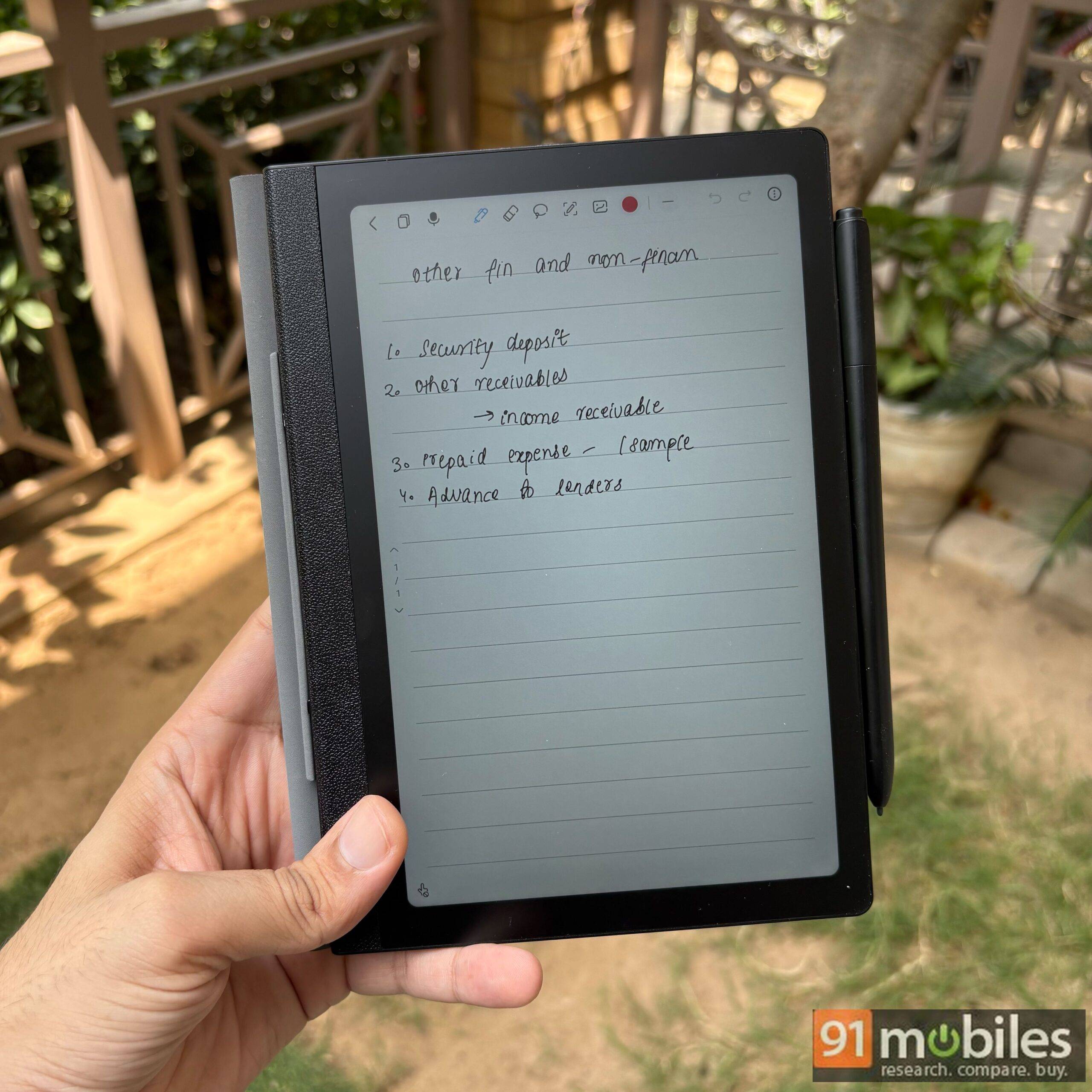
With DC dimming technique, which controls display brightness by reducing the electrical current supplied to the pixels instead of flickering them on and off like OLED displays, the Note E minimises strain on the eyes. Apart from a reduction in blue light emission, the tablet’s display also comes with an anti-fingerprint coating, which minimises fingerprints and smudges. This means that even extended reading and writing sessions are more enjoyable in comparison with tablets that feature glossy displays.
If you find e-ink displays to be a bit bland and glossy colour displays to be straining to the eyes, this is a comfortable middle ground. I found myself going back to this tablet more often than some of my other devices simply because I didn’t feel any fatigue even after using it for two or more hours in a single session. In fact, it is hard to even define use sessions in the case of this tablet as it was always besides me even when I was using my laptop or phone as it came in really handy for taking notes.
Compact and lightweight design, plus a magnetic pen
As a working professional, I have to make to-do lists and keep a tab of tasks and their priority order on a daily basis. While I used to do this with Huion Ink earlier, the large display size often made it difficult for me to carry it around. The Note E measures 203x143x7.4mm and weighs 348g, which meant that I had no hesitation in taking this tablet almost anywhere I went.
The tablet’s power button is easily accessible on the top right side and also comes with an embedded fingerprint sensor, which allows for convenient, secure, and fast unlocking.
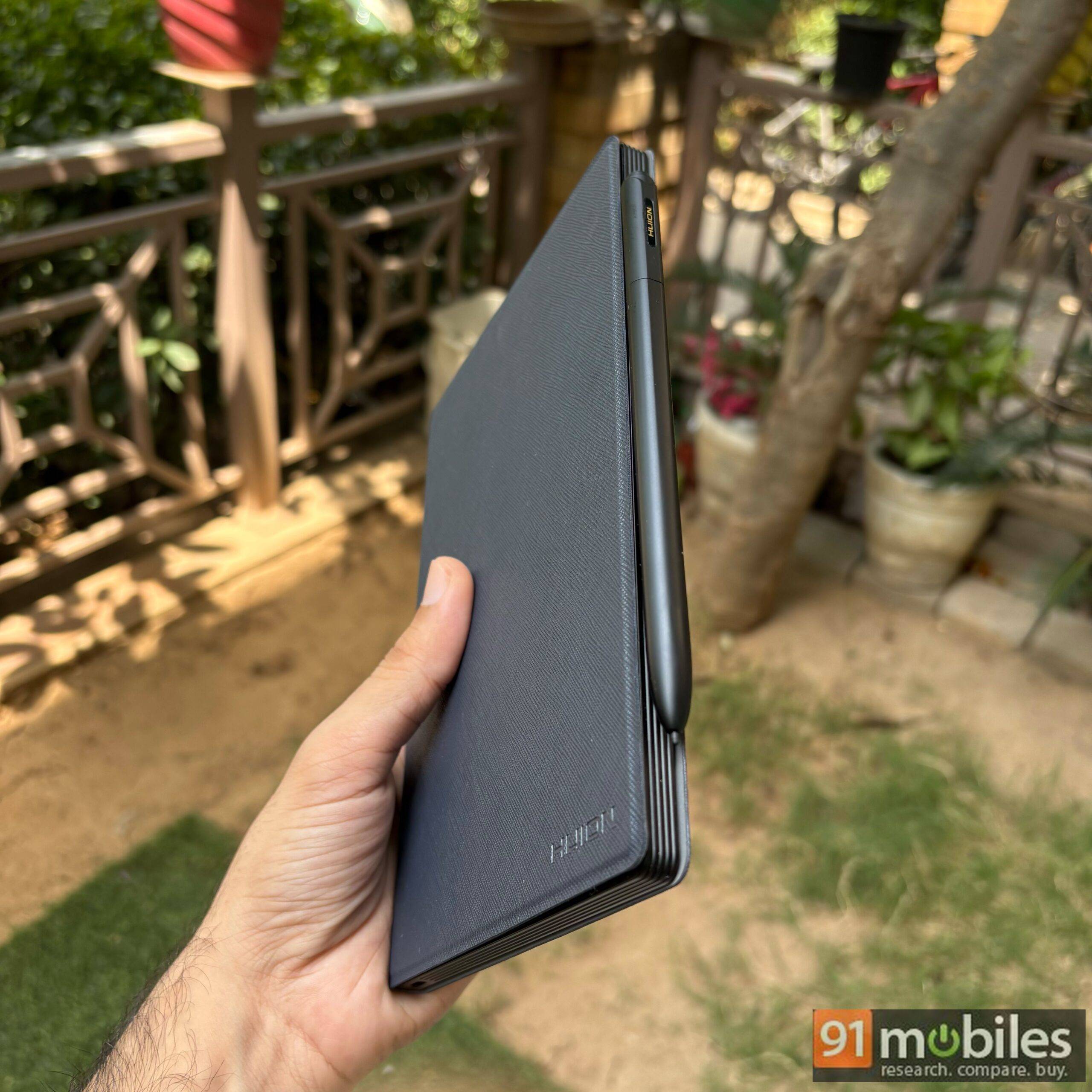
Unlike some other tablets that require separate stylus purchase, the Note E comes with a battery-free magnetic pen, the PW510, which is powered by PenTech 3.0. The company claims that this tech allows for a natural writing experience, thanks to its felt pen nib in combination with the textured display surface.
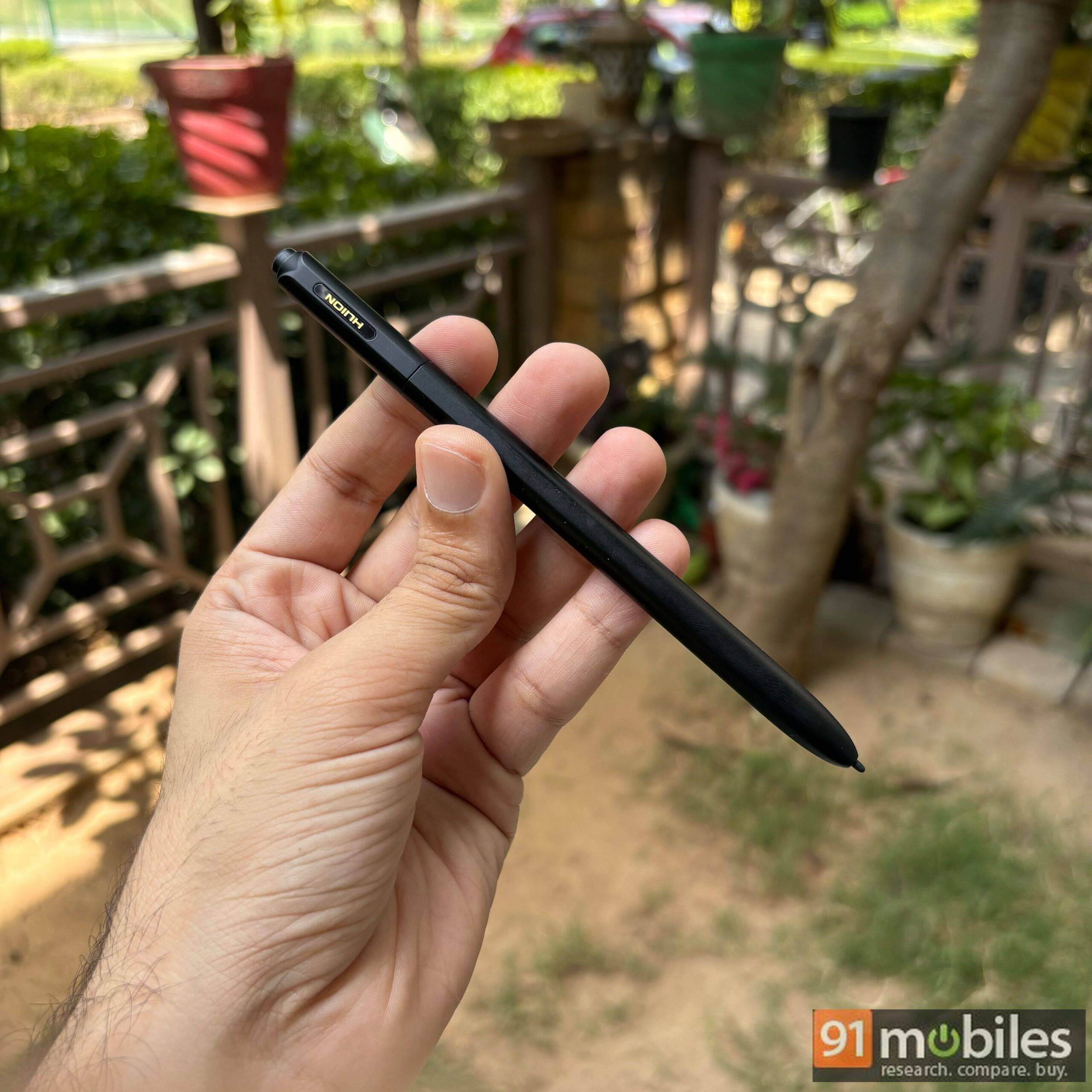
On the technical side of things, the PW510 supports 8,192 levels of pressure sensitivity and tilt recognition. The magnetic pen comes with a 1.6mm pen tip and a 9mm grip to give it the feel of an analogue pen. With a report rate exceeding 400 PPS, the pen promises to deliver a highly responsive and low-latency experience.
In my experience, I found the PW510 to be convenient to hold. It attaches magnetically to the side of the tablet, and due to the strong magnetic attachment, the pen managed to stay in place easily during my usage. As far as writing experience is concerned, I found that the pen was fairly responsive, and the latency was better than I had initially expected.
Customised Android 15 that keeps note-taking front and centre
The Note E runs a customised version of Android 15 that keeps note-taking apps and tools front and centre. The rest of the operating system stays close to stock Android, so there is little to relearn if you have used an Android device before. You can install apps of your choice from the Google Play Store, and the tablet comes with a few standard Google apps such as YouTube, Meet, Maps, and Gmail pre-installed out of the box.
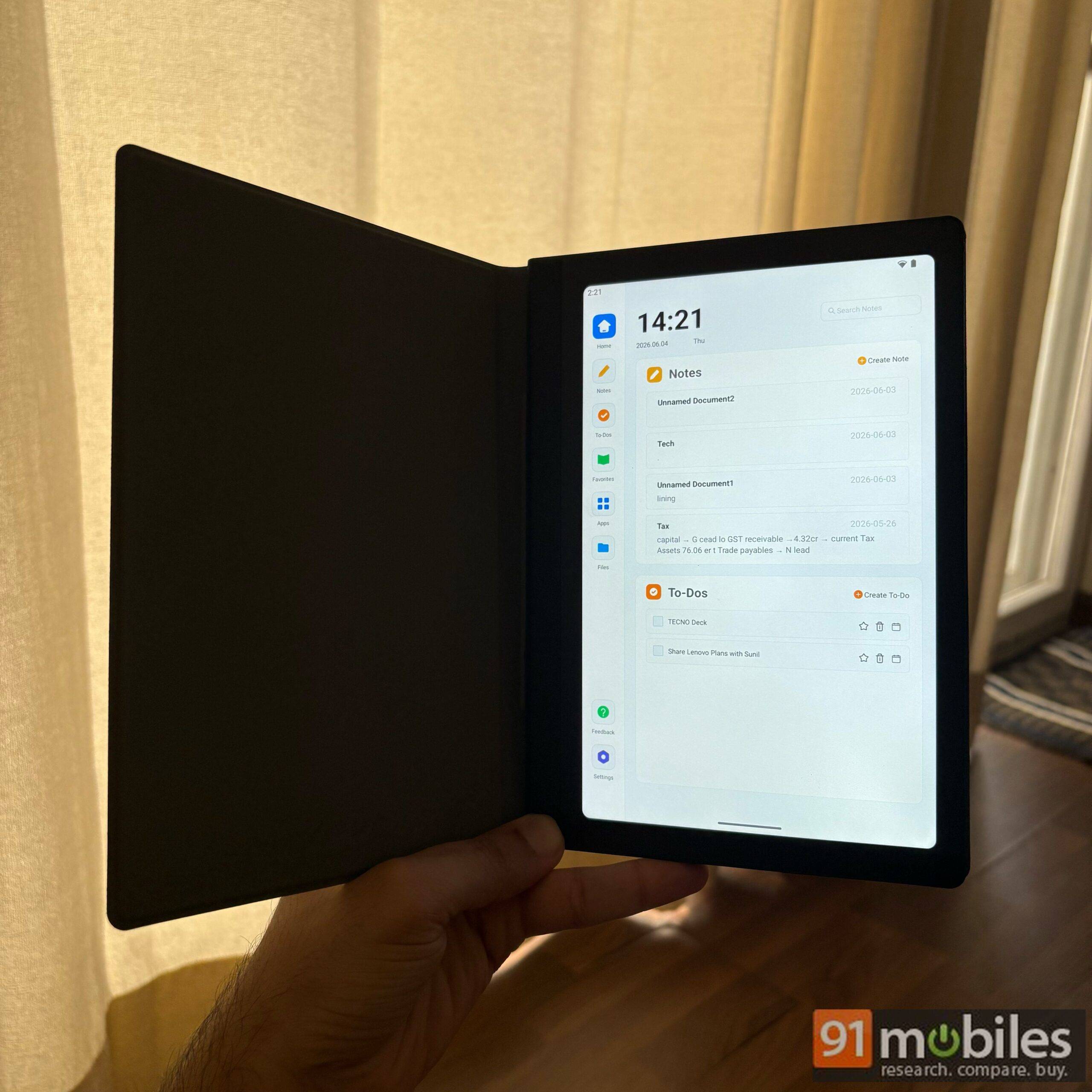
Although the device has been built around note-taking, this app support gives it a good deal of versatility. The tablet also lets you project its display onto other screens, something that came in handy when I had to walk through a presentation.
Decent battery life held back by slow charging
Powering the Note E is a 4,500mAh battery that the company claims can deliver around 6.5 hours of screen-on time at 50% brightness, with a full charge taking close to 2 hours. In my use, the tablet lasted somewhere between 5 and 6 hours at 50% brightness, which falls broadly in line with that claim. Charging is where it slips up. With support for 18W fast charging, a full top-up took me around 1.5-2 hours, and that feels slow next to most modern devices that refill in a fraction of the time.
An 8MP camera and single speaker that cover the basics
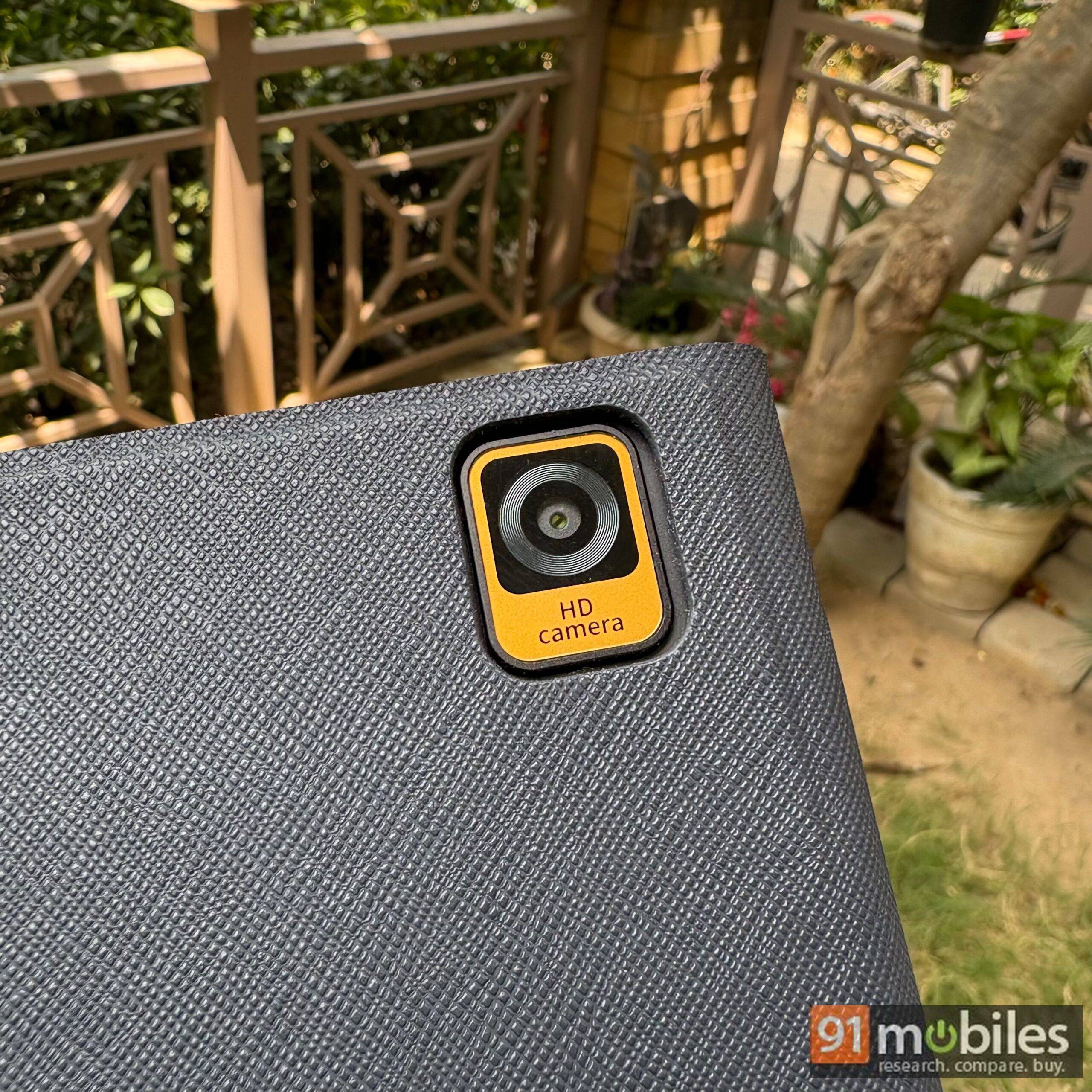
There is an 8MP rear camera on board, useful for scanning documents but in no way meant to replace your primary camera. Image quality is average, though for the kind of work this tablet is built for, such as scanning paper documents or capturing reference images, it does the job well enough.
The single speaker tells a similar story. It is nice to have, but it does not come close to even a smartphone in terms of loudness or clarity. If you find yourself in an urgent meeting with no other device around you, it will get you through, but I would not lean on the Note E as your main device for calls or media.
Verdict
The HUION Note E sets out to bridge the gap between e-ink tablets and traditional tablets, and for the most part, it manages to do just that. It holds on to the calm, paper-like reading and writing experience that pulls people towards e-ink, while bringing in the colour, responsiveness, and app support you would normally associate with a regular tablet.
That makes it an easy device to recommend to a certain kind of user. Professionals who live by their notes and to-do lists, budding artists who want something to doodle and sketch on, and anyone who would rather not stay glued to a glossy, backlit screen all the time will find plenty to like here. In simple words, this is the kind of tablet you reach for when you want to detox from eye-straining screens without leaving your work behind. However, as it is not segment-leading in any particular aspect, you will have to be sure of what you’re getting here before you add it to the cart.
Unfortunately, the device is currently not available to buy in India, but could be launched soon as some of the other products from the brand are already available on Amazon India for purchase. On the global website, the HUION Note E has been priced at $369 (~₹35,000), which is a reasonable price given the specific nature of this tablet.
Editor’s rating: 8.3 / 10
Pros
- Compact and portable
- Effective anti-glare display
- Engaging writing experience
- Bundled PW510 pen
Cons
- Average speakers
- Slow charging speed