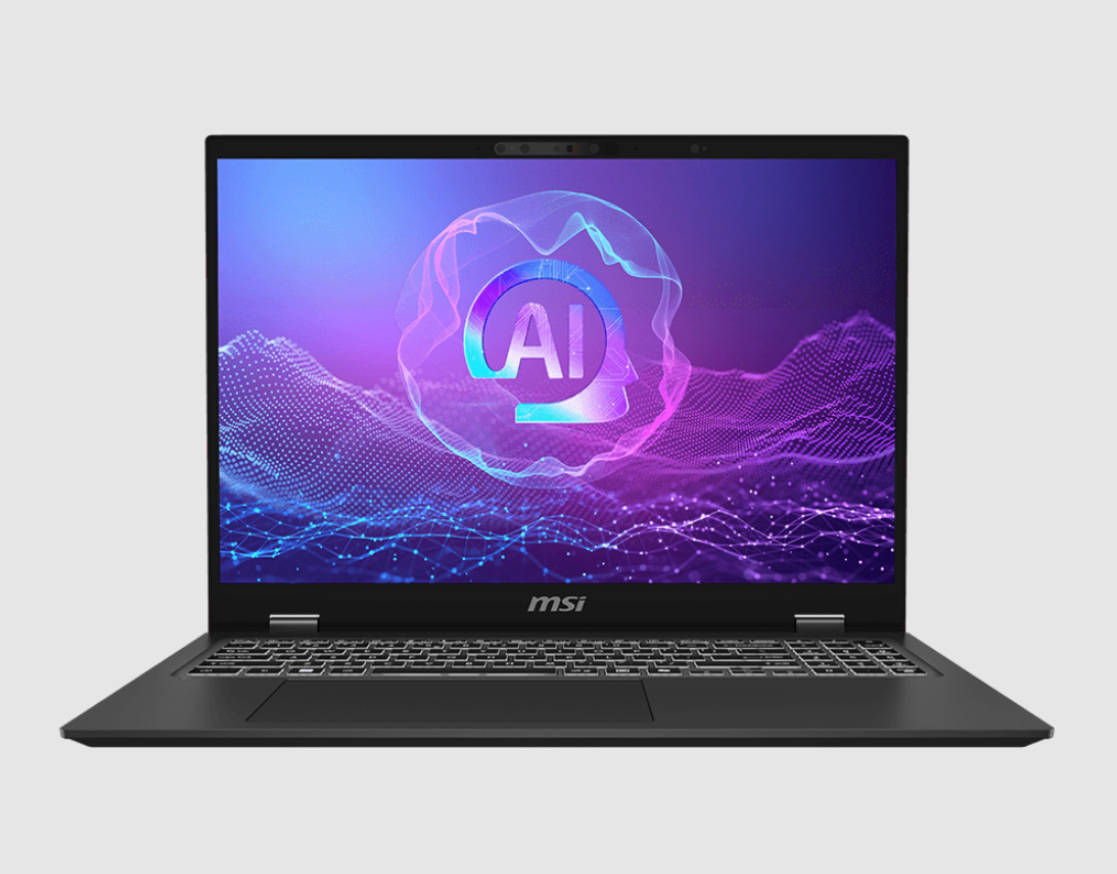
The market is slowly shifting toward Snapdragon-powered chipsets, mainly for their efficiency gains. But many users still want better efficiency from x86 processors, without giving up on performance. Intel, with its latest 200-series lineup, has been making some bold claims around power efficiency and performance balance. So naturally, we had to put that to the test.
Enter the MSI Prestige 16 AI Evo: a flagship thin-and-light laptop built for professionals and creators. It aims to deliver powerful performance while staying portable and efficient. But, with Intel’s top-tier Core Ultra 9 285H at its core, does it deliver on both fronts? Let’s find out.
Table of Contents
Performance: Ultra 9, Ultra Fast?
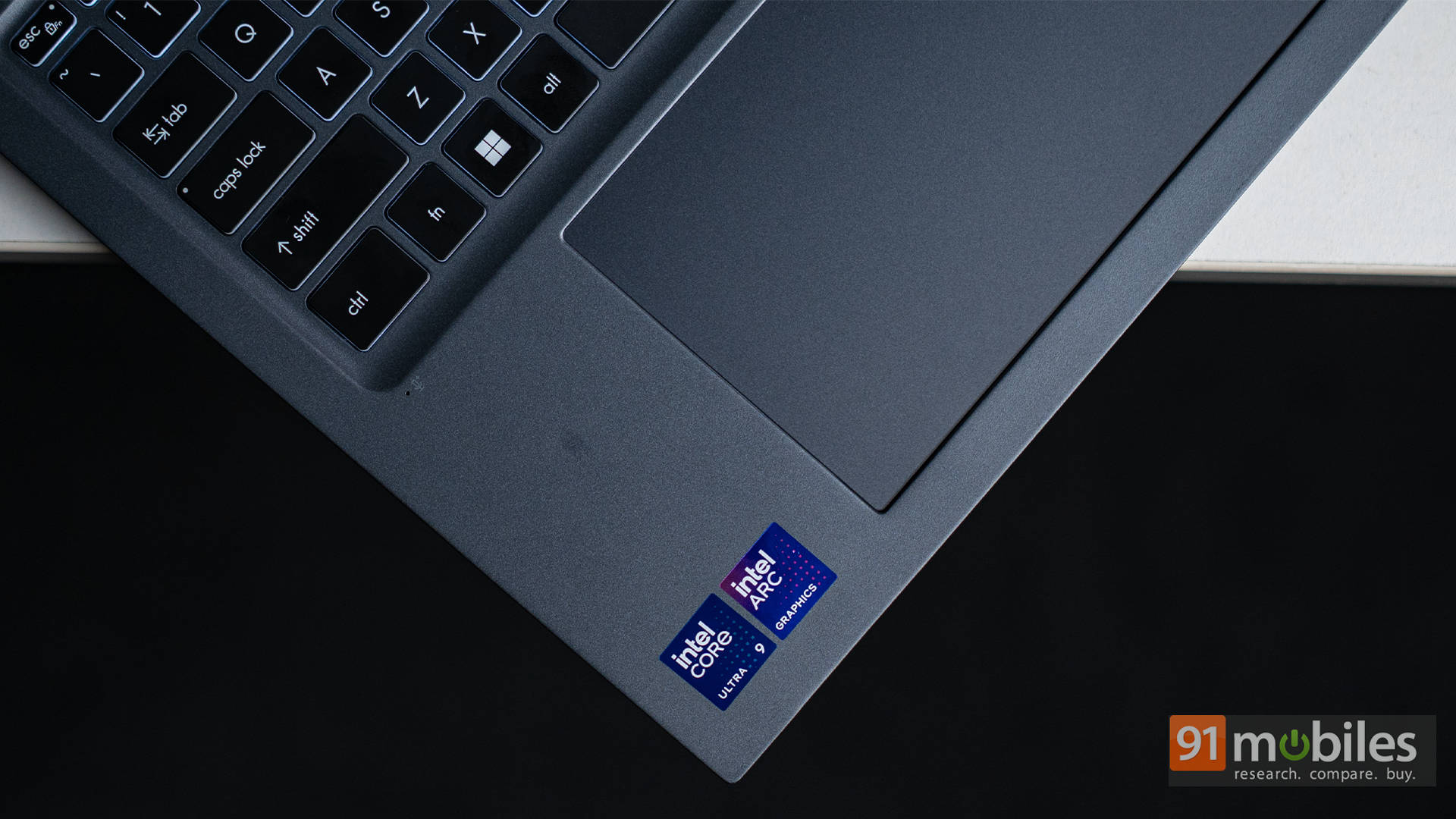
Powering the MSI Prestige 16 AI Evo is Intel’s Core Ultra 9 285H processor, built on a hybrid architecture with 16 cores and 16 threads. This setup includes performance cores, efficiency cores, and low-power cores, all tuned to juggle speed and battery life smartly. Paired with 32GB of LPDDR5X RAM and a fast 1TB SSD, the laptop is geared for demanding workloads: be it heavy multitasking, 4K video editing, or AI-assisted content creation. Graphics duties are handled by Intel’s integrated Arc 140T GPU, which, while not built for high-end gaming, does offer some solid performance for everyday creative tasks.
We ran the Prestige 16 through our usual benchmark suite of Cinebench, Geekbench, PCMark, and 3DMark. The single-core scores were particularly impressive, translating to snappy, responsive day-to-day use. On the same note, multi-core scores also saw a noticeable uplift, showing Intel has made meaningful improvements over previous-gen chips.


Even in GPU-bound tests like 3DMark Fire Strike and Time Spy, the Arc 140T held its ground. While it’s not going to run AAA games at ultra settings, titles like Valorant and GTA V ran comfortably at playable frame rates. For casual gaming or light creative work, the Arc iGPU does more than just hold its own; it performs surprisingly well.
To see how much of a leap the 285H actually offers, we compared it to the Dell XPS 16 9640, which features the older Intel Core Ultra 9 185H. Across the board, in single-core, multi-core, and GPU tests, the newer chip delivered noticeable gains. It’s a similar story against the ASUS Vivobook S 15 OLED powered by Qualcomm’s Snapdragon X Elite. While Snapdragon offers great efficiency, Intel’s 285H pulled ahead in most benchmarks.


The most interesting head-to-head, though, was with the ASUS ROG Flow Z13 (2025), which comes with AMD’s Ryzen AI Max 390 processor. The Intel chip still edged out the Ryzen in single-core performance, but AMD clawed back the lead in multi-core scores. GPU benchmarks showed an even clearer divide, with AMD’s Radeon 8050S graphics outperforming the Arc 140T by a fair margin. That said, AMD’s chip draws more power with its 55W TDP, compared to Intel’s more balanced efficiency, which is a factor that becomes more relevant when you’re on battery, as we’ll explore later.


When it comes to AI, the Core Ultra 9 285H is no slouch either. The built-in NPU handles features like Windows Studio Effects, background blur, and noise suppression without burning through your battery. In AI-centric benchmarks like Geekbench’s ONNX and OpenVINO tests, it posted competitive results, proving that Intel’s three-tier AI engine (CPU + GPU + NPU) is ready for the workloads of tomorrow.


All in all, the Prestige 16 AI Evo delivers flagship performance in a slim, portable chassis. It’s quick, capable, and versatile—whether you’re handling spreadsheets, stitching 4K footage, or just bouncing between 30 browser tabs. This laptop doesn’t flinch.
Runs All Day Long (and then some)
One of the more surprising strengths of the Prestige 16 AI Evo is its impressive battery life, which allows it to last for a remarkably long time without needing a charger. With a chunky 99.9Wh battery under the hood and the new Arrow Lake architecture doing its part, this laptop easily pulls off 14 to 16 hours of light use, which includes web browsing, typing up documents, and binging YouTube playlists.
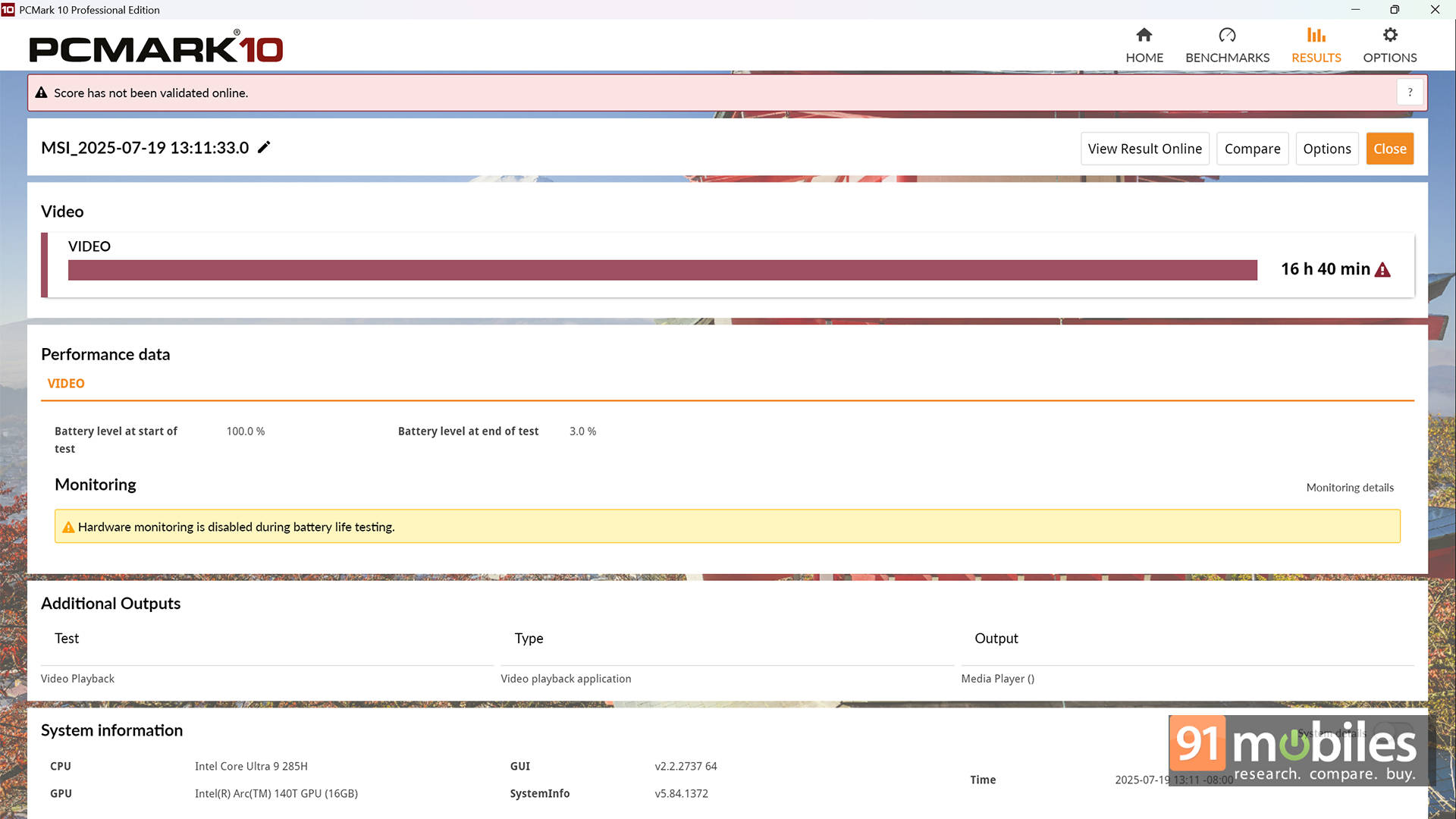
In the PCMark 10 Battery Video loop test, it managed a solid 14 hours and 13 minutes with the Balanced profile and brightness set to 80%. But I was curious as to how far I could push it? So, I flipped it to the Silent profile, and boom—it crawled close to the 17-hour mark.
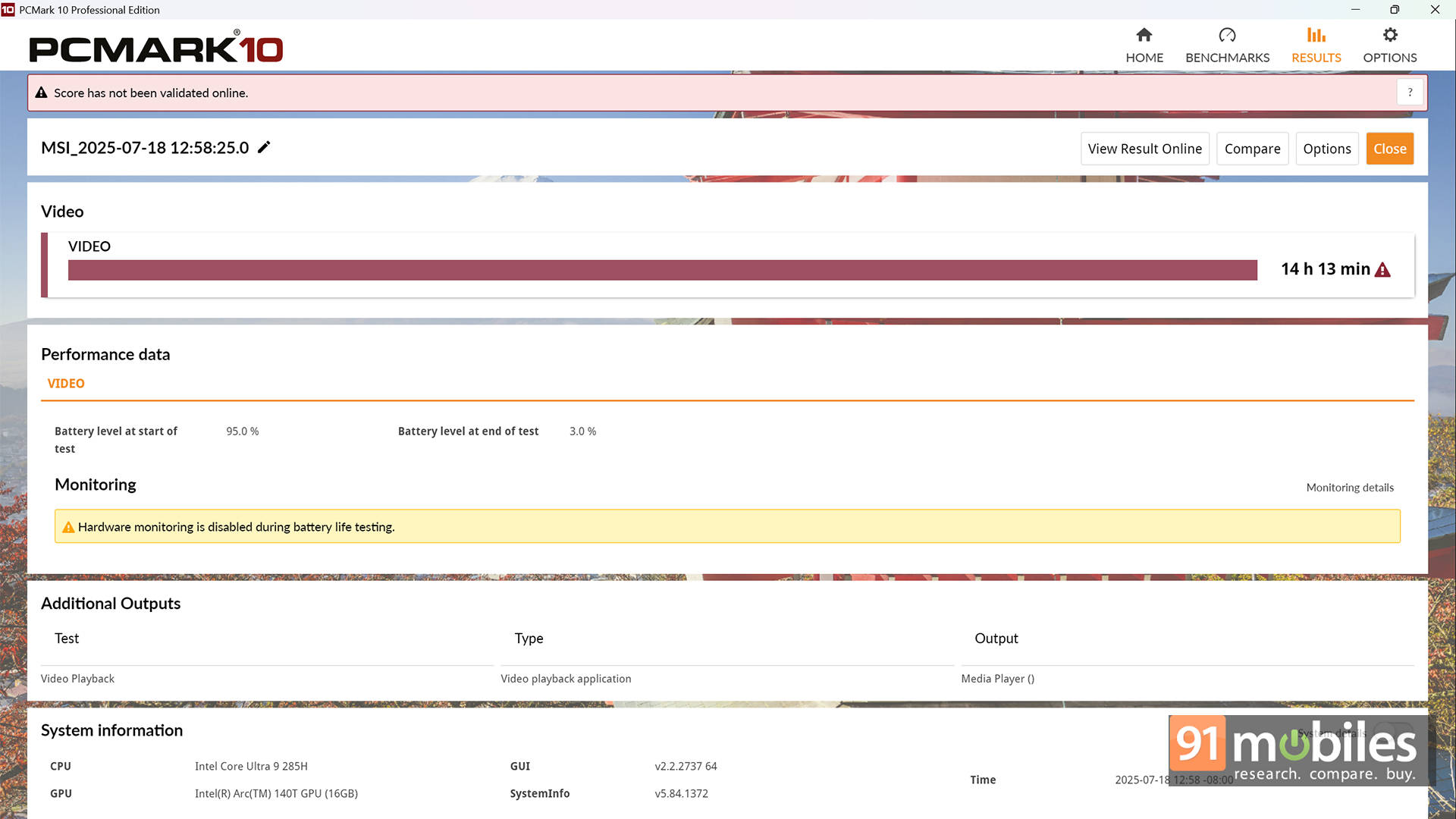
Now, switching to Silent mode doesn’t mean the laptop turns into a potato. Sure, heavier tasks like photo editing might stutter, but for everyday office work and casual browsing? It’s smooth sailing. And while it’s easy to sound like an Intel hype machine here, the truth is, their efficiency cores are finally pulling their weight. If you’re away from an outlet all day and just need to get things done, this chip knows how to sip, not chug through your battery pack.
Charging is handled via a 100W USB-PD adapter, and it’s quick to juice up, charging over 50% in just under half an hour. What’s even better is that the laptop doesn’t fall apart the moment you yank the cord. While some laptops throttle significantly when unplugged, the Prestige 16 AI Evo retains much of its responsiveness, making it a great travel companion.
Looks, Sounds, and Feels Premium
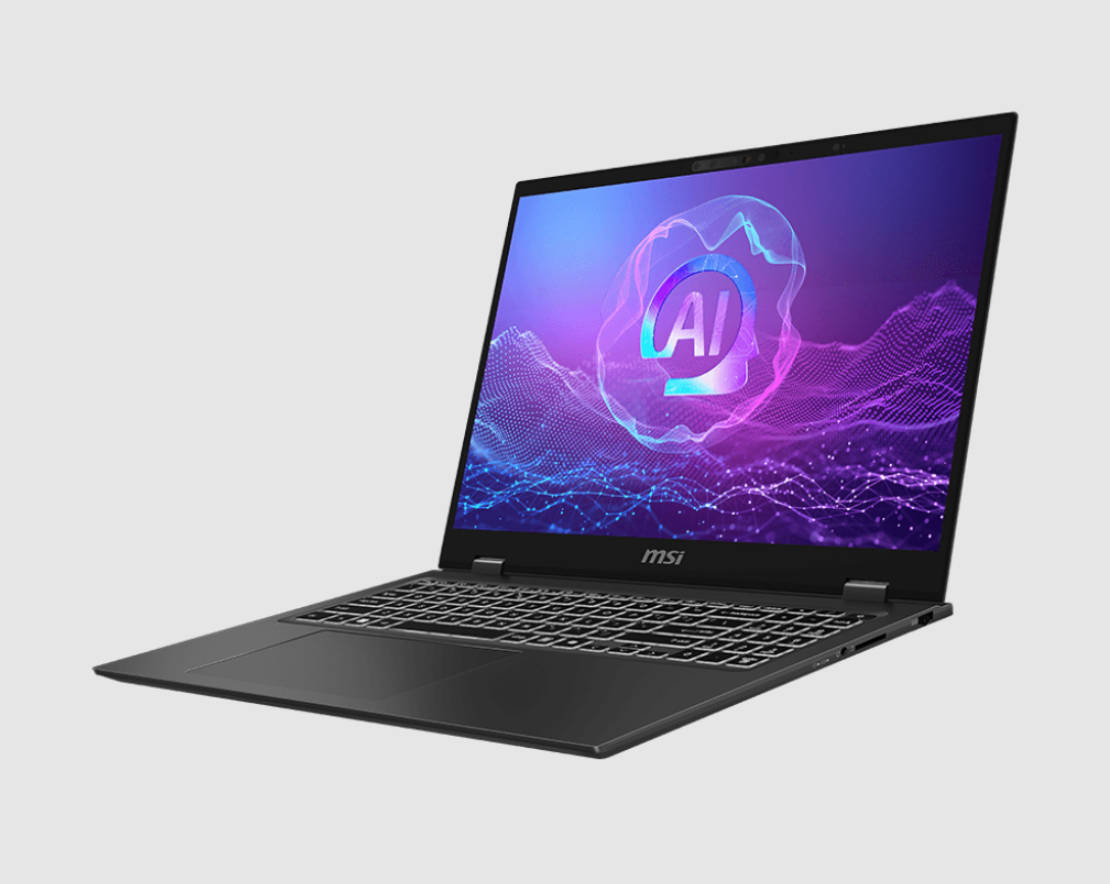
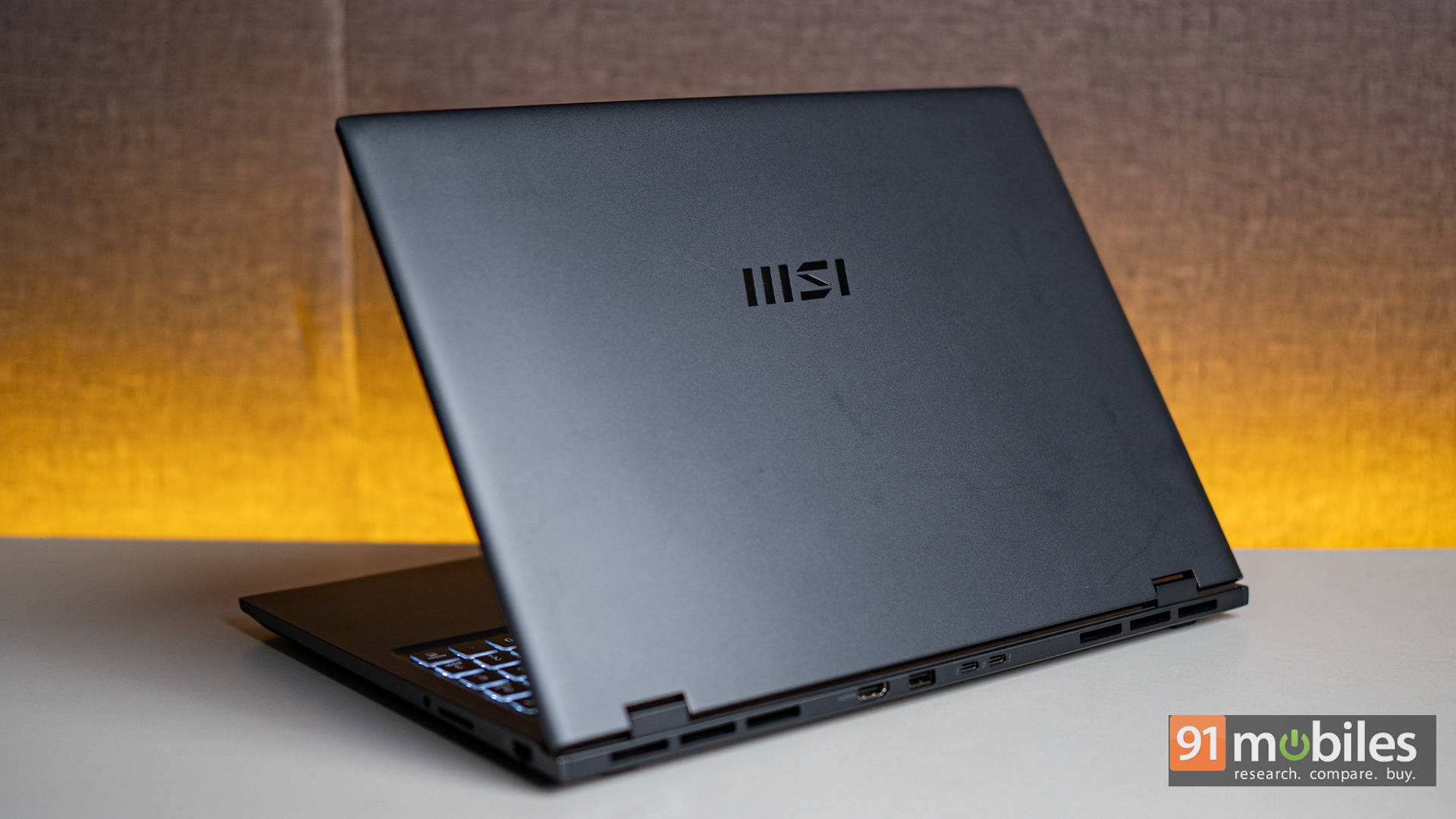
Moving from the design and talking about the laptop itself, the Prestige 16 AI Evo looks and feels premium. It features a magnesium-aluminium alloy chassis that keeps the weight down to just around 1.5kg. The build is solid, with minimal flex, and the minimalist design adds to its professional appeal.
The 16-inch 2560×1600 IPS display is a standout. It offers rich colours, nearly 100% DCI-P3 coverage, and excellent brightness levels. Whether you’re editing photos, watching content, or working with spreadsheets, the display is sharp and immersive.
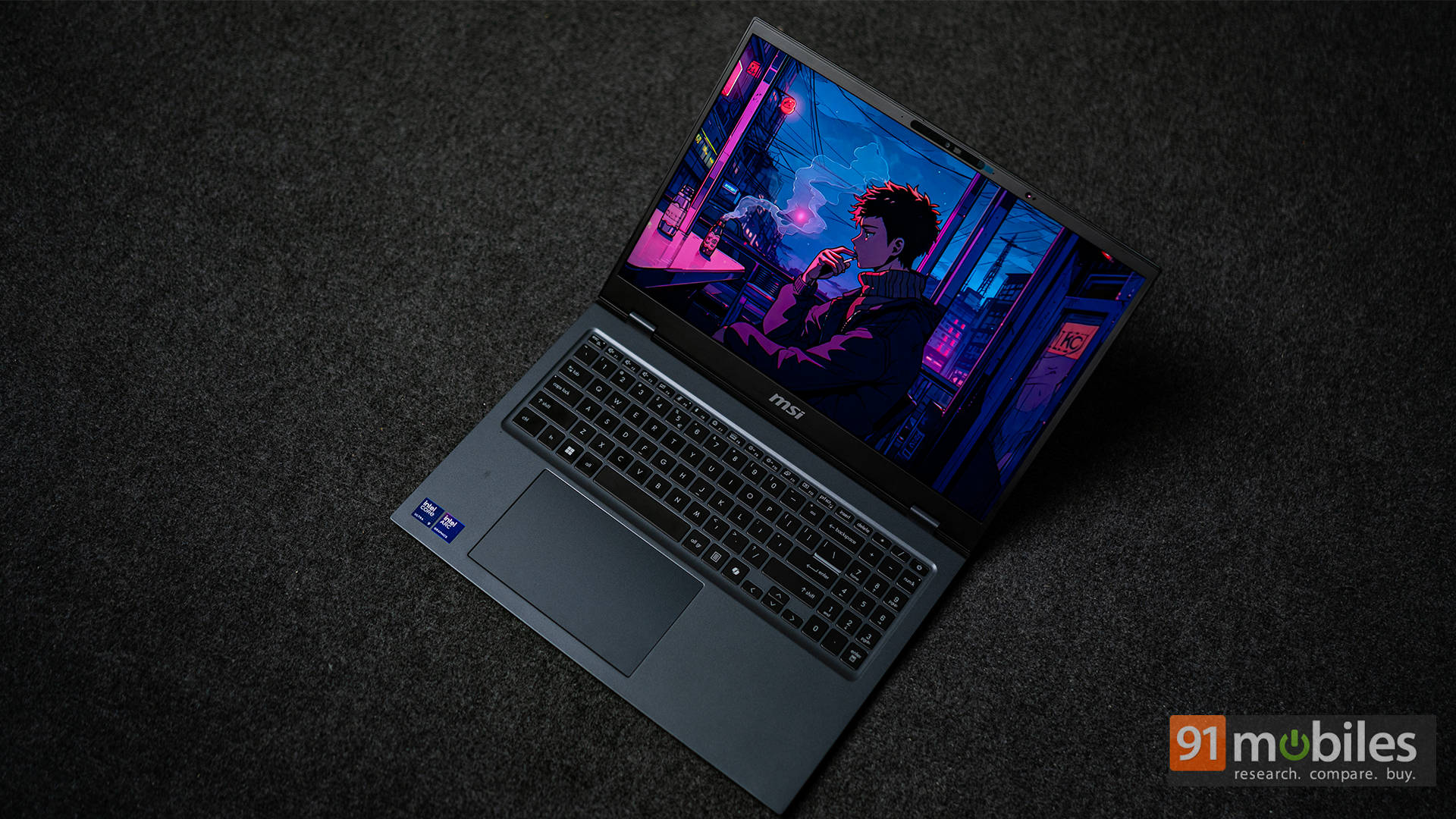
It does have a glossy finish, so reflections might be a concern in brightly lit environments. That said, the panel gets plenty bright for it not to be an issue for most users. In fact, it’s easily one of the most good-looking IPS panels on the market, thanks to how crisp it looks. That said, its 60Hz refresh rate is a big bummer. Even for general usage, 60Hz does feel quite sluggish, even if the performance itself is quite snappy.
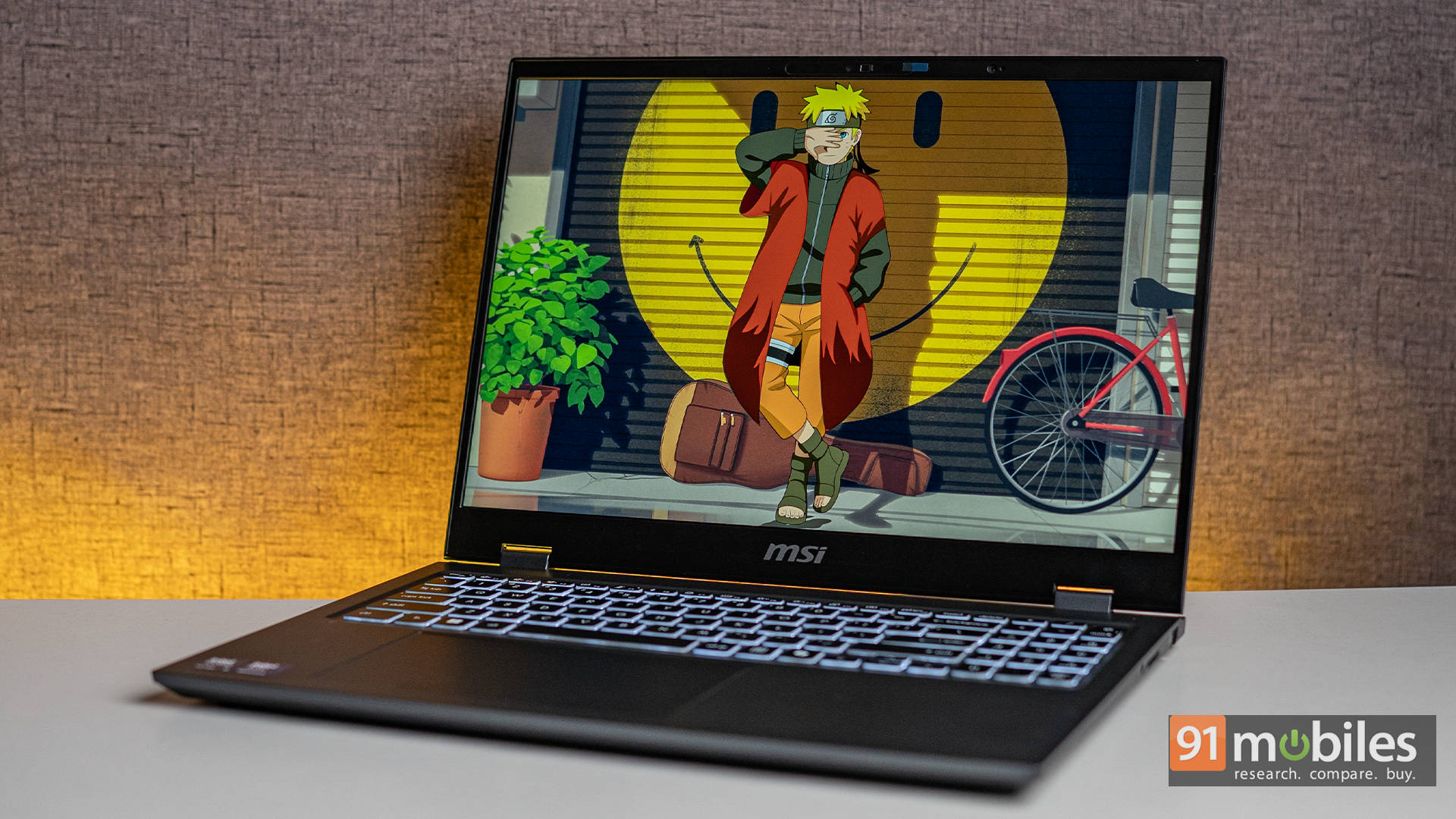
As for the audio, it is handled by dual bottom-firing speakers. While they’re loud enough for meetings and casual music listening, the bass is lacking, and the soundstage is narrow. Still, they do the job well enough for a business-class laptop.
Ports and Connectivity
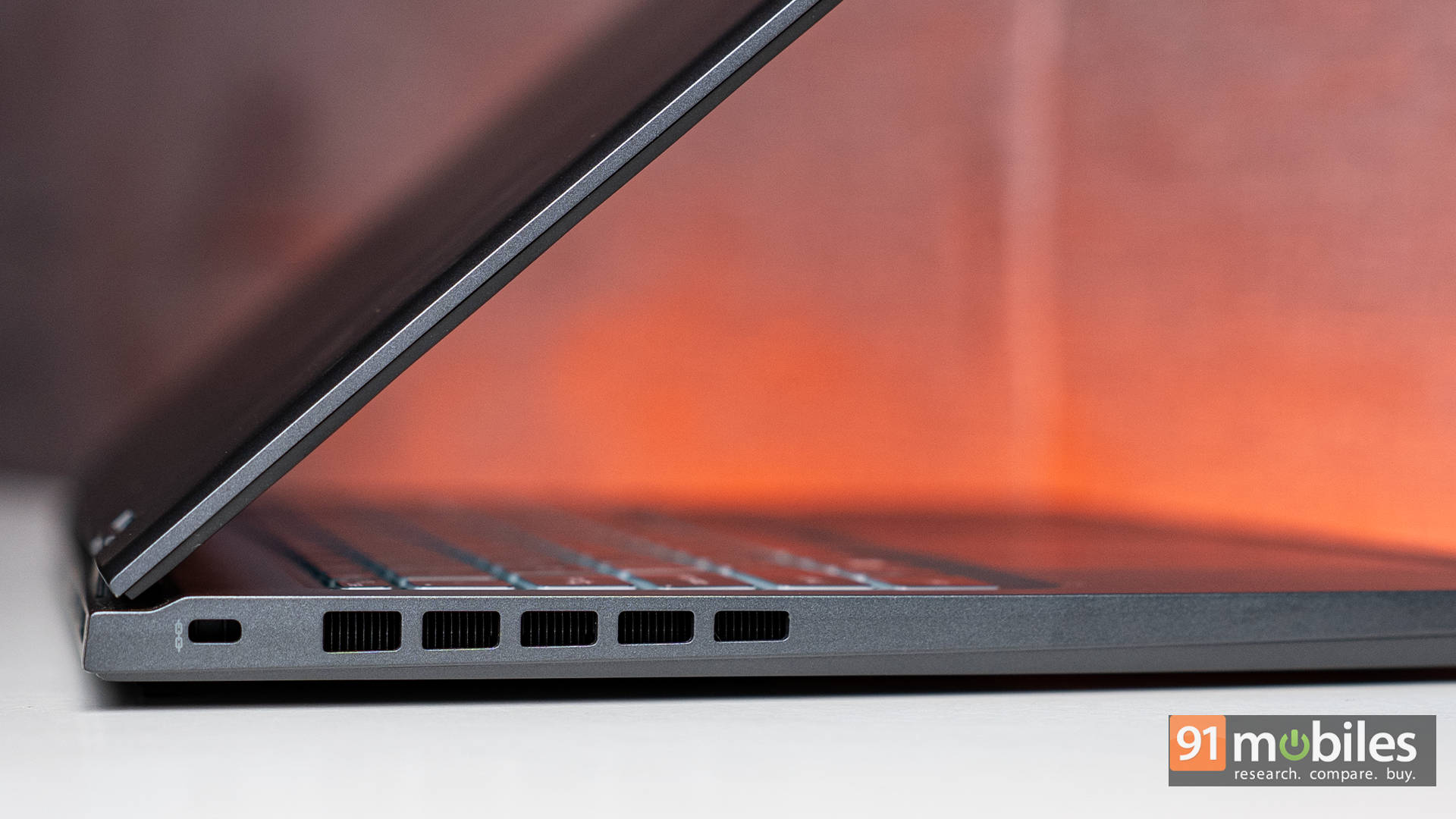
MSI has packed the Prestige 16 AI Evo with a solid selection of ports, but the layout might ruffle a few feathers. On the left, you get a grand total of… one Kensington lock slot. That’s it. Not exactly useful for day-to-day plug-ins, right?
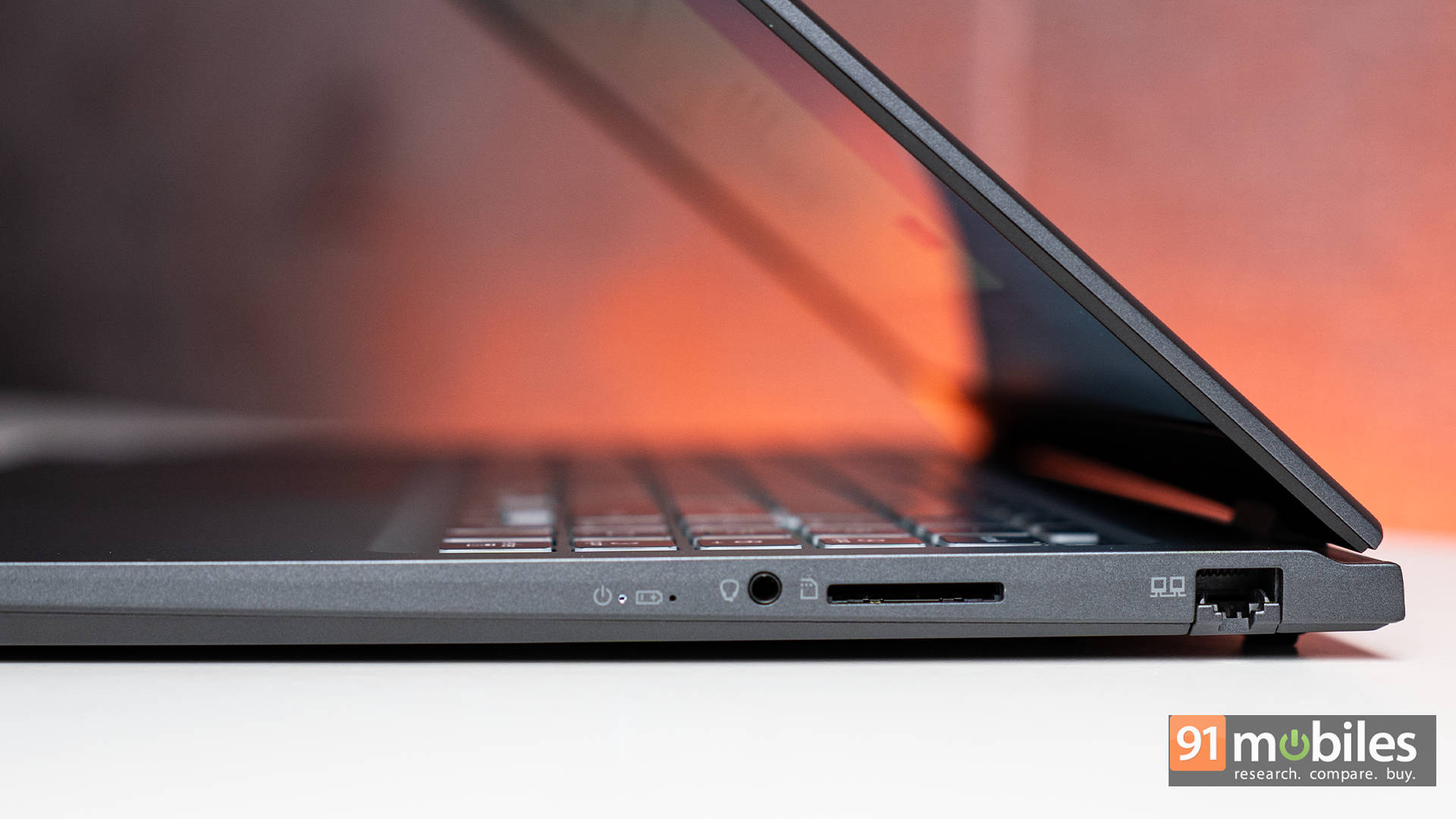
Speaking of “right”, the right side houses a practical collection of ports. There’s an RJ45 LAN port for wired Ethernet, a full-sized SD card reader, and a 3.5mm headphone jack. The inclusion of the SD reader is especially handy for photographers and videographers who still rely on physical media.
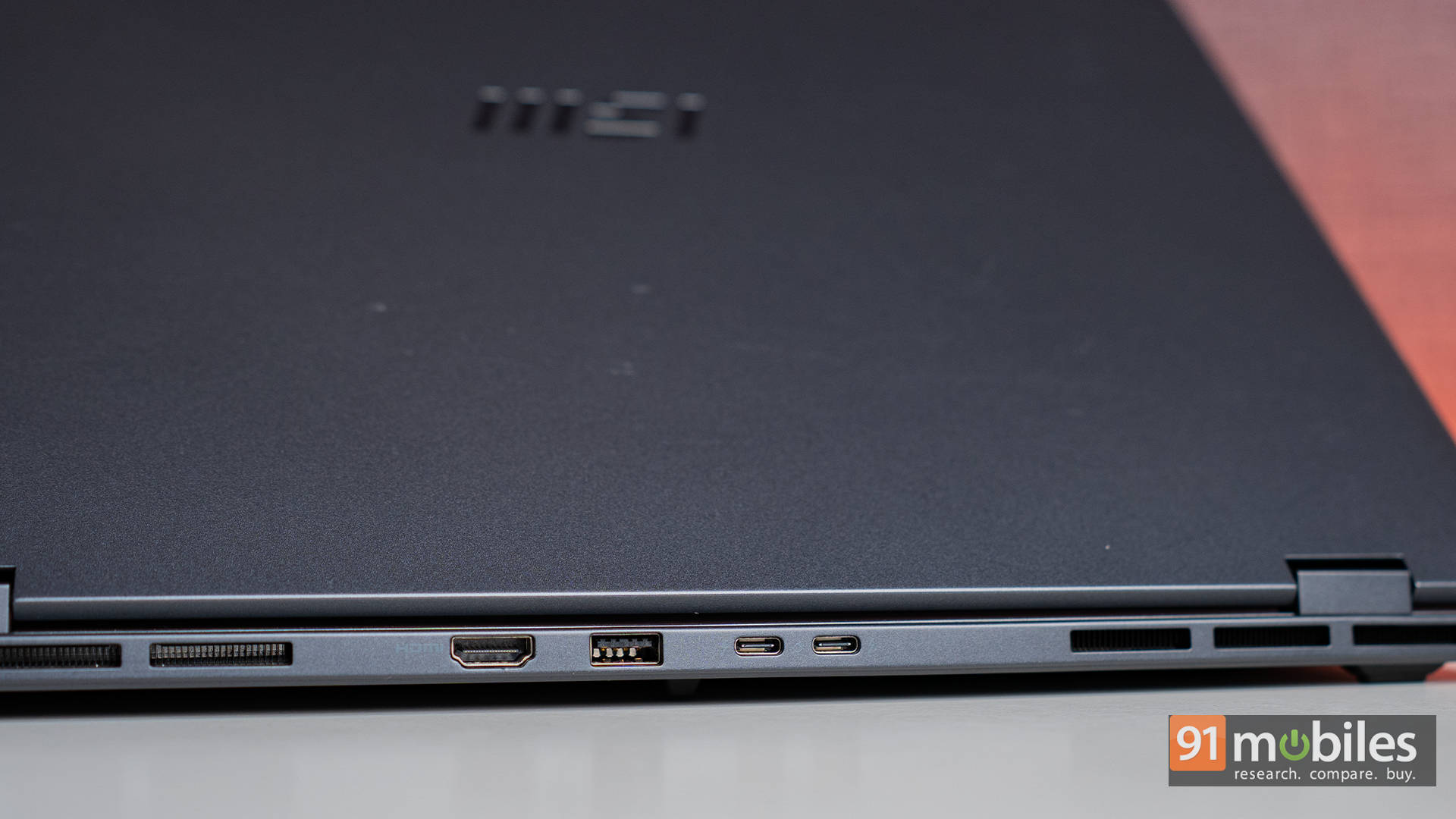
But most of the action happens in the rear. That’s where you’ll find two Thunderbolt 4 ports, a USB-A 3.2 Gen 2 port, and a full-size HDMI 2.1 output. While it’s great to see these high-speed, modern ports included, having them on the back can be frustrating. If you’re someone who regularly connects accessories like a mouse or USB drive, reaching around the back of the laptop every time quickly gets annoying. I found myself fumbling more than once, just trying to plug something in.
The silver lining? Wireless connectivity is top-tier. The laptop supports the latest Wi-Fi 7 and Bluetooth 5.4 standards, which means faster, more stable connections across the board. If you’re using a Bluetooth mouse or keyboard, chances are you won’t even need to mess with those rear ports most of the time—and that’s probably by design.
Keyboard, Touchpad, Webcam
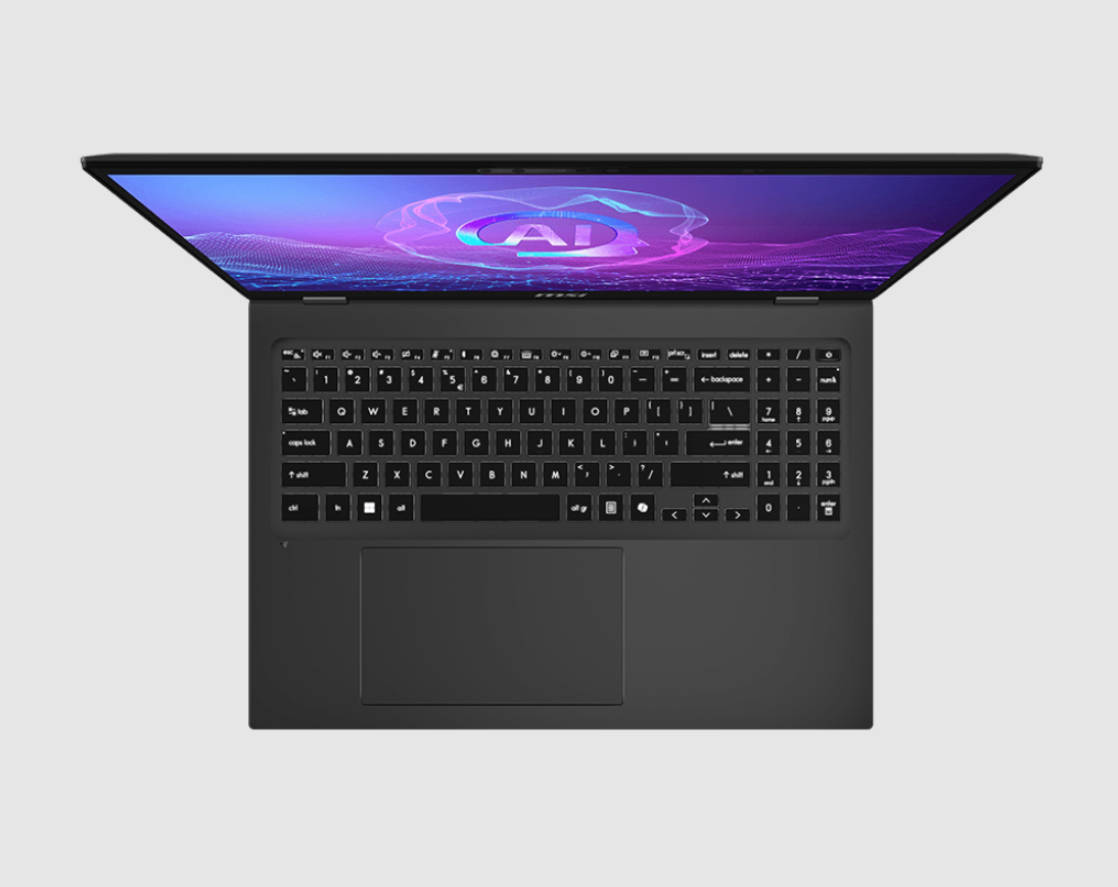
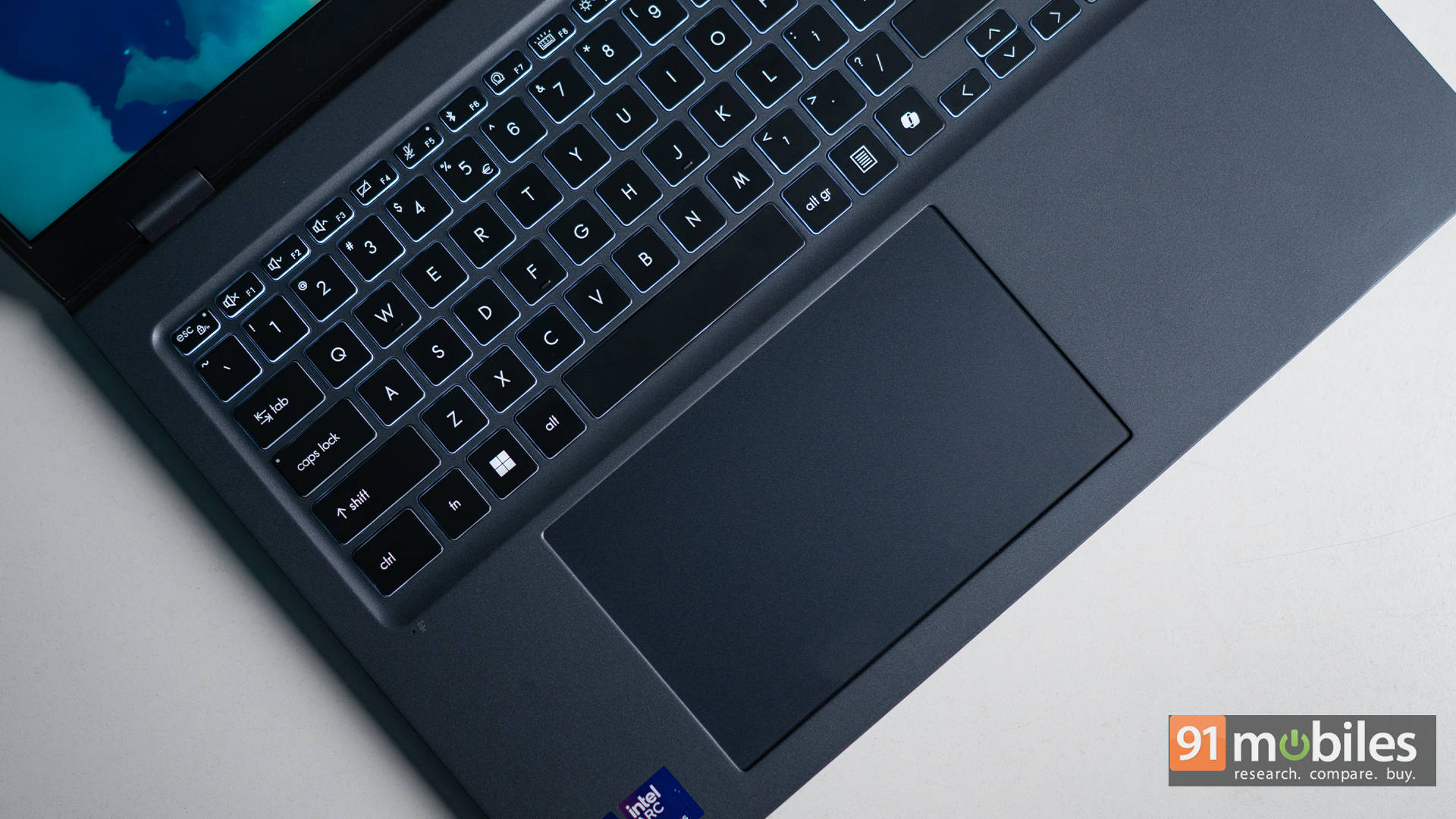
The keyboard on the Prestige 16 is quiet and comfortable, with decent key travel and a well-spaced layout. There’s even a dedicated Copilot key for quick access to AI tools, which feels like a nod to the future of productivity.
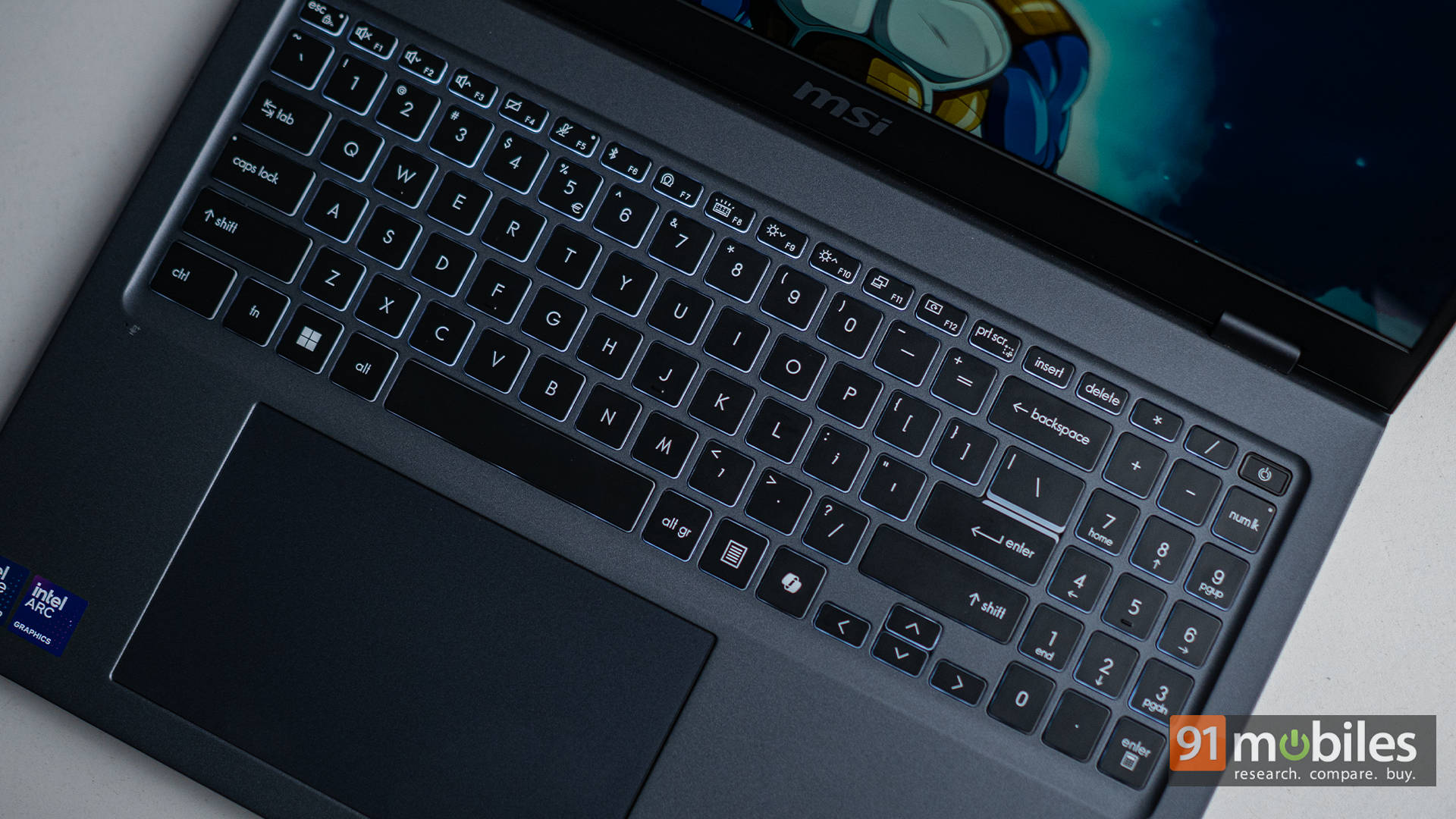
That said, the tactile feedback leans on the softer side. If you’re someone who likes a bit more snap in your typing, this might feel a little mushy. But for those who prefer a quieter, cushioned experience, it’s actually quite pleasant. There’s also the fingerprint scanner neatly integrated into the power button, making logins quick and secure.
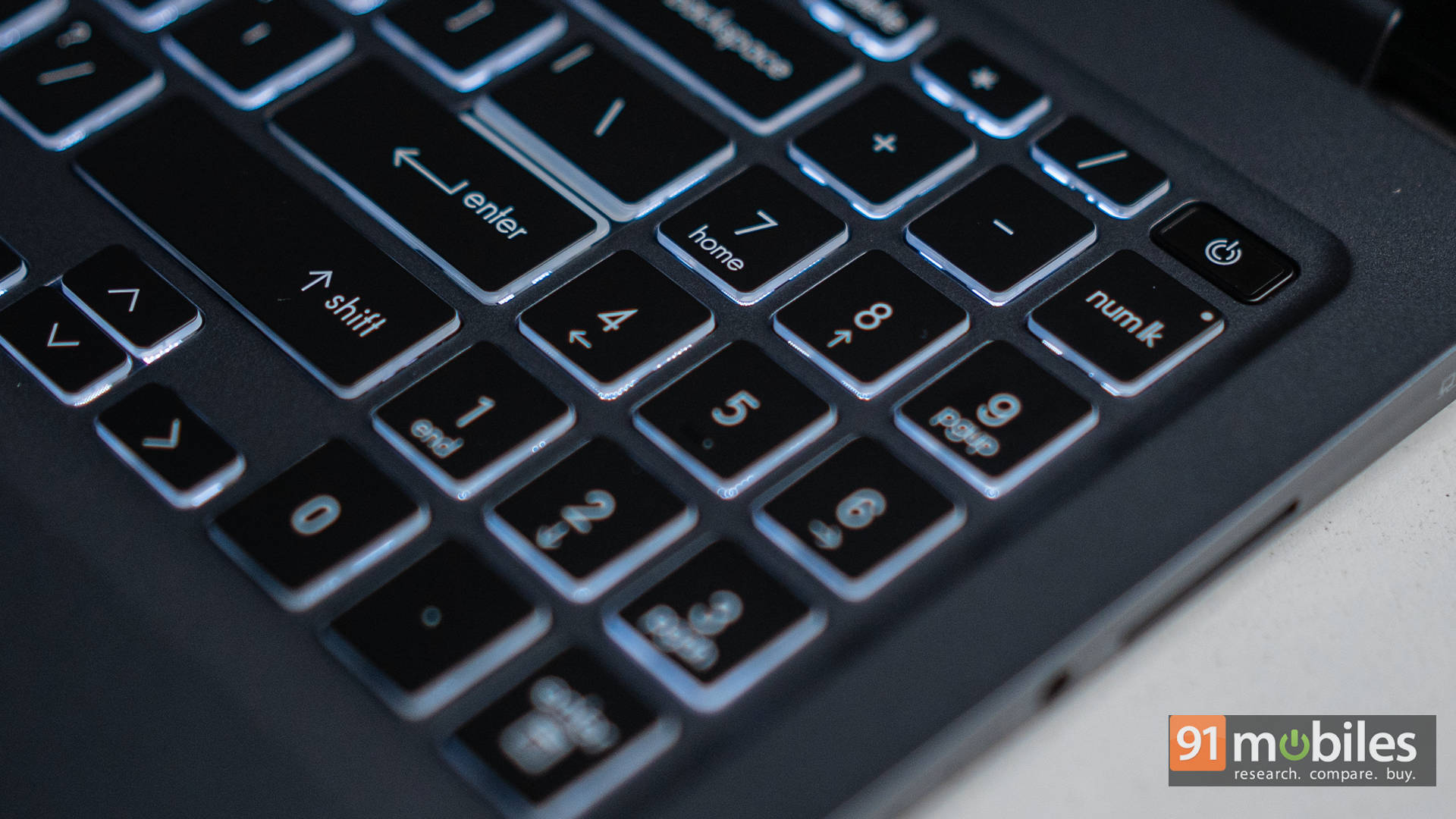
The touchpad is generously sized and handles multi-touch gestures smoothly. It’s responsive and works reliably for daily use, though its slightly off-centre alignment might take a bit of getting used to. It doesn’t have the premium glass feel or haptic click you’d find on higher-end ultrabooks, but it gets the job done without any fuss.
Up top, MSI has fitted the Prestige 16 with an 1080p webcam, and for most video calls, it holds up well, especially under good lighting. There’s support for background blur and eye contact correction, thanks to Intel’s onboard NPU. And if face recognition is more your thing, the IR sensor lets you unlock with Windows Hello. For those concerned about privacy, a physical shutter is built in too, offering a simple but effective way to block the camera when not in use.
Verdict: Prestige or Pass?
For just under ₹1.5 lakhs, the MSI Prestige 16 AI Evo delivers a rare mix of power, efficiency, and thoughtful design that helps it stand out in the premium ultrabook segment. Intel’s Core Ultra 9 285H brings impressive CPU performance, backed by solid battery life, integrated Arc graphics, AI capabilities, and a wide set of connectivity options, making it a strong fit for today’s hybrid workflows. Yes, it has its quirks, like the rear-facing ports and average speakers. But those are far from deal-breakers. Whether you’re editing content, coding, juggling multiple apps, or just working through a long day unplugged, the Prestige 16 AI Evo handles it all with ease.
Editor’s Rating: 8 / 10
Pros:
- Excellent performance from the Intel Core Ultra 9 285H
- Impressive battery life with smart efficiency tuning
- Sharp 16-inch QHD+ display
- Versatile port selection, including dual Thunderbolt 4 and SD card reader
Cons:
- Rear ports aren’t easy to access
- Keyboard feedback could be better
- 60Hz refresh rate only
MSI Prestige 16 AI Evo B2HMG Ultrabook (Intel Core Ultra 9 285 H/32 GB/1 TB SSD/Windows 11) Laptop Images