


Review Summary
Expert Rating

After its debut in 2023, Shark Tank-famed startup Primebook (owned by Delhi-based Floydwiz Technologies) has unveiled another budget-friendly Android laptop, the Primebook 2 Neo. The laptop is priced at Rs 15,490, and boasts access to cloud-based Windows and Linux OS as its USP. Is the Primebook 2 Neo worth it for first-time laptop users? Let’s check it out in our review.
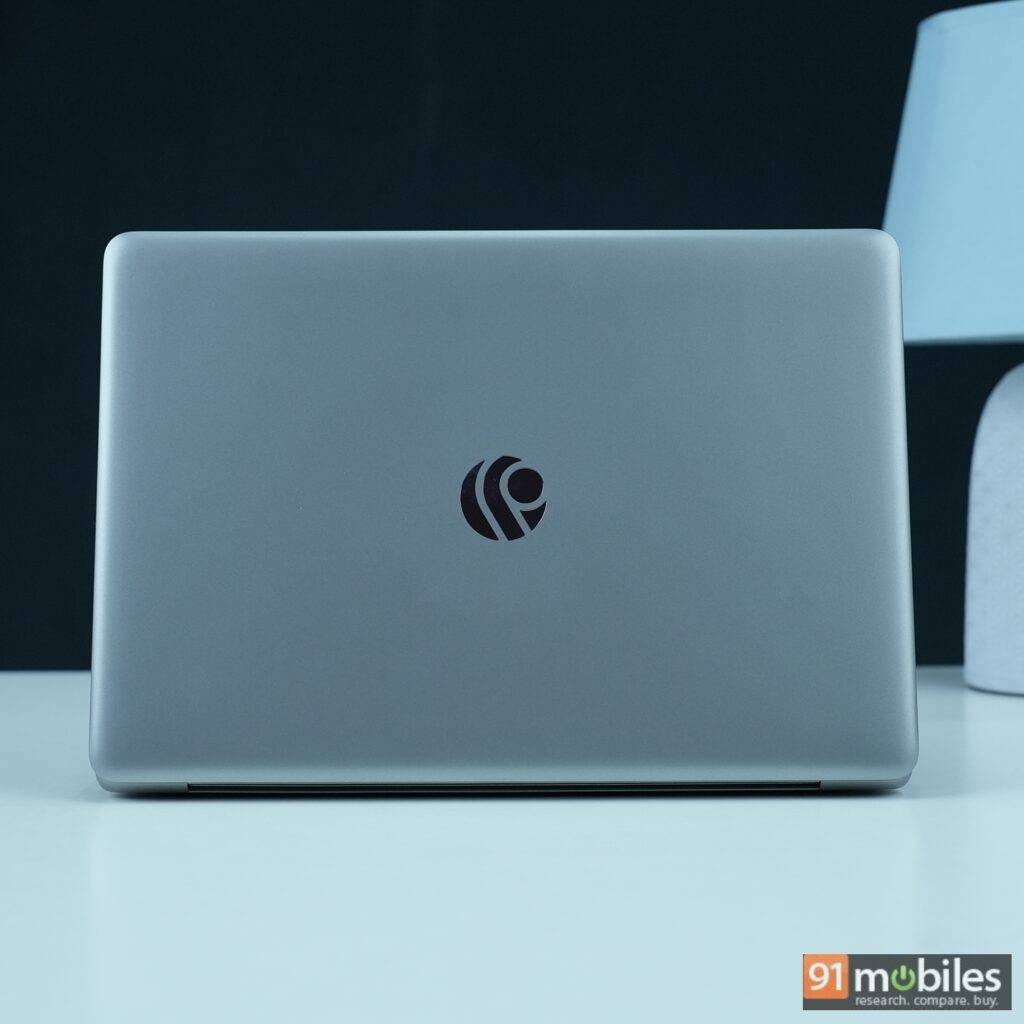
Table of Contents
Specs at a glance
Before we dive into the review, let’s get a quick overview of what Primebook 2 Neo has to offer in terms of specs:
- 11.6-inch HD display
- MediaTek Helio G99
- 6GB LPDDR 4x RAM
- 128GB UFS 2.2 storage
- 29.6Wh battery
- 24W Type C power adapter (doesn’t support Power Delivery)
- PrimeOS 3.0 (based on Android 15)
Design: portable but not sturdy
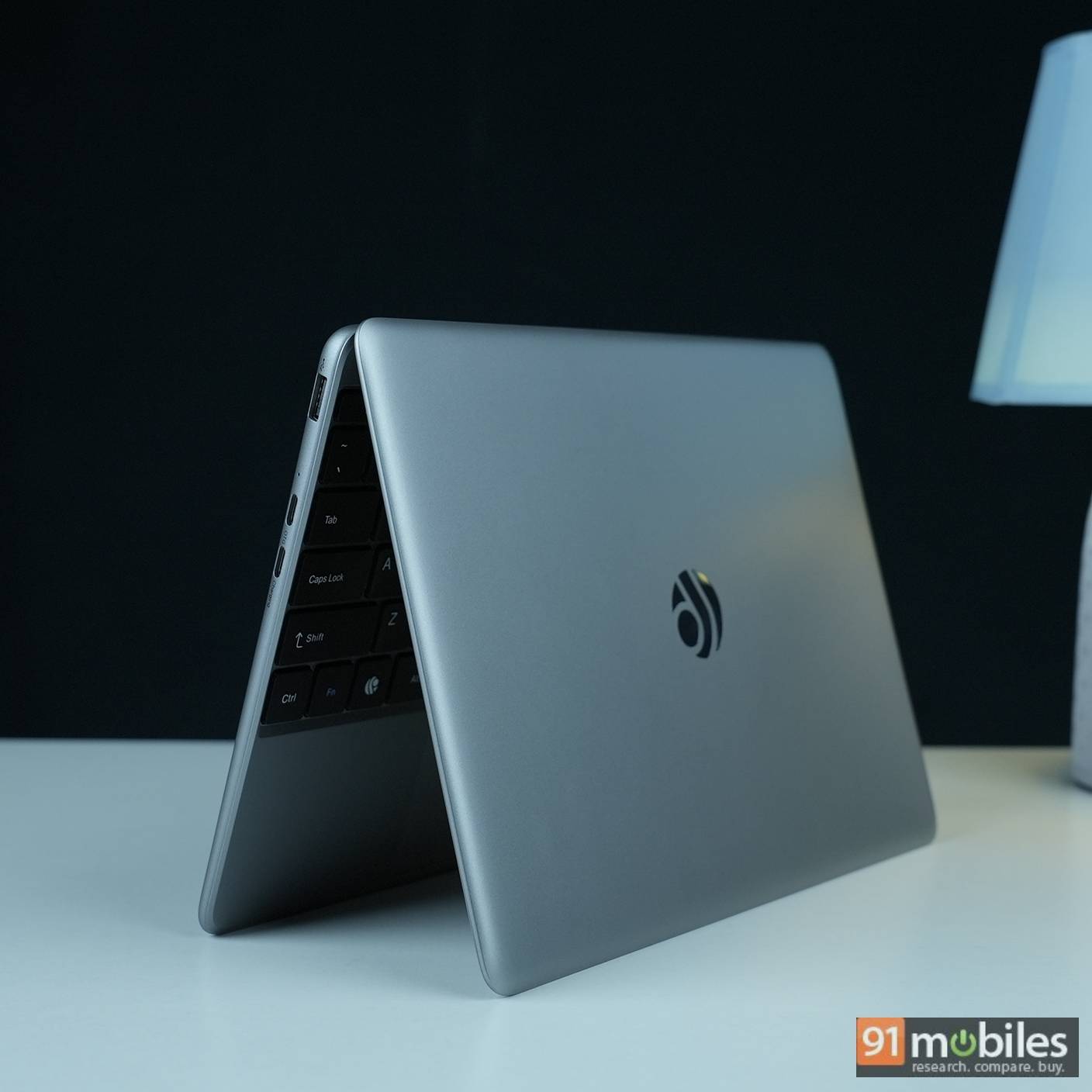
A ‘cute little laptop’ is how I’d describe it. Its compact and lightweight chassis, weighing just 1.1kg, makes it portable and easy to fit into a backpack without hassle.
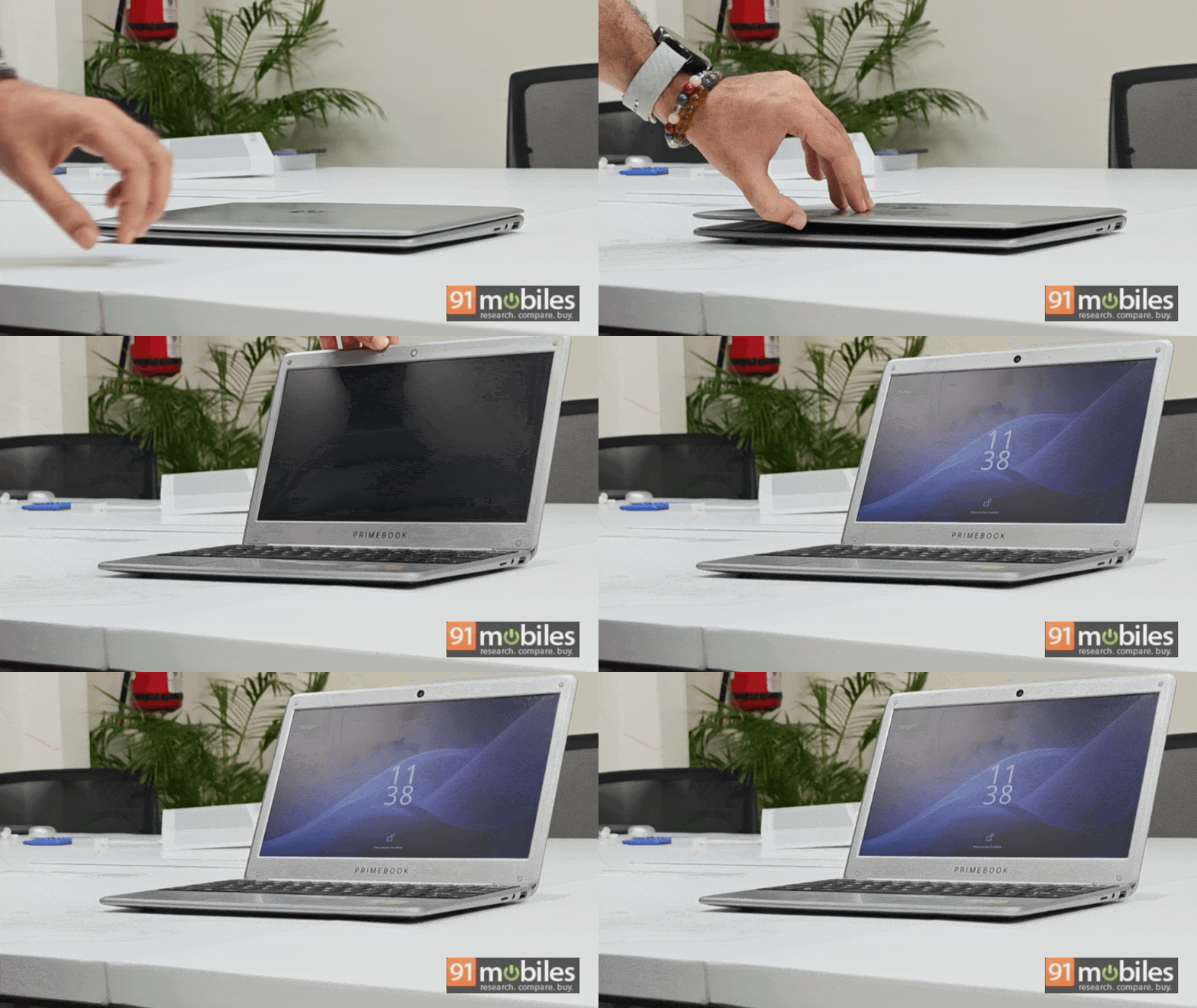
The weight distribution is so good that its lid can be opened with a single hand without the base lifting up, an issue which exists with most mainstream laptops. However, this comes at a cost. Since the hinge is a bit loose, even a light nudge can cause the lid to move when you’re using the device.
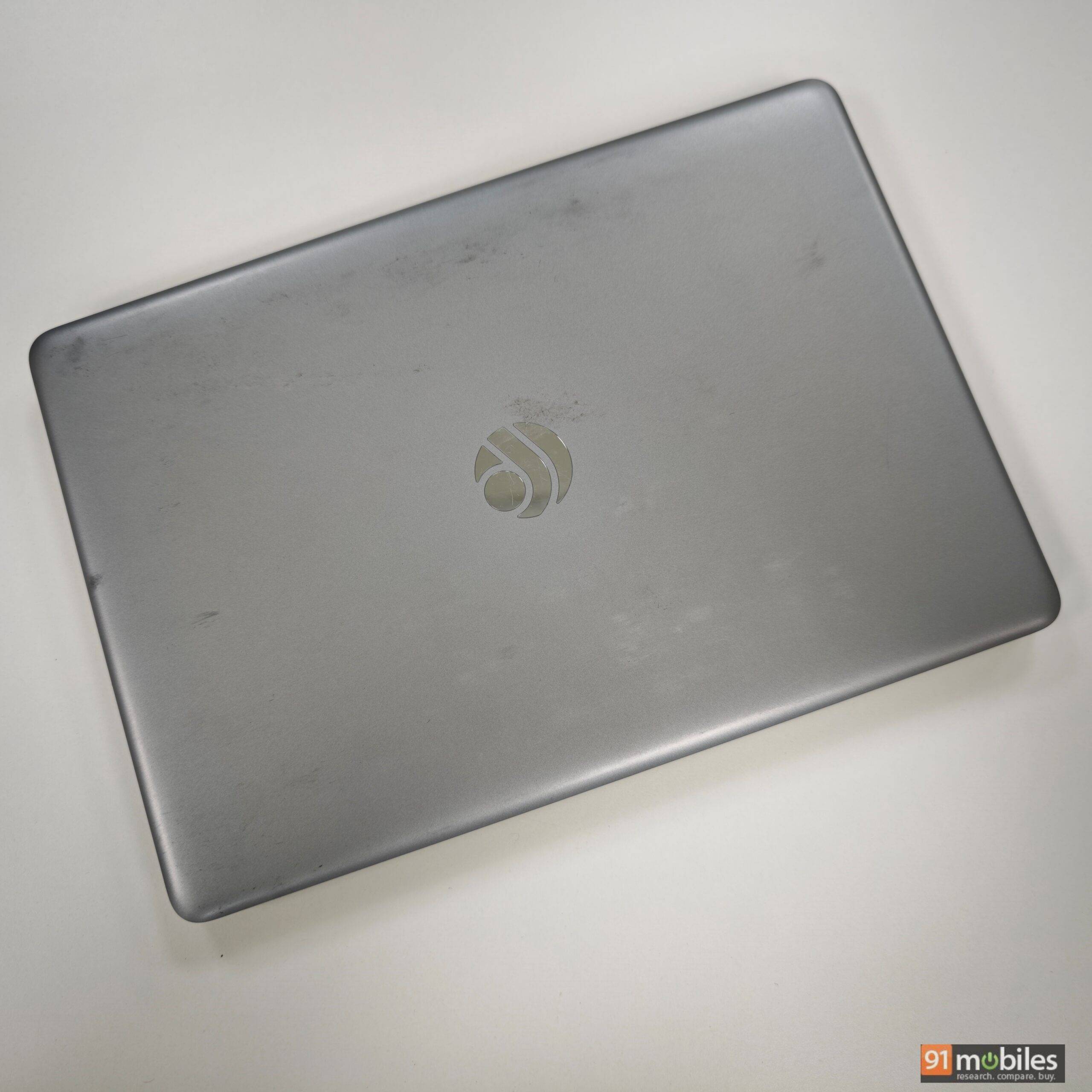
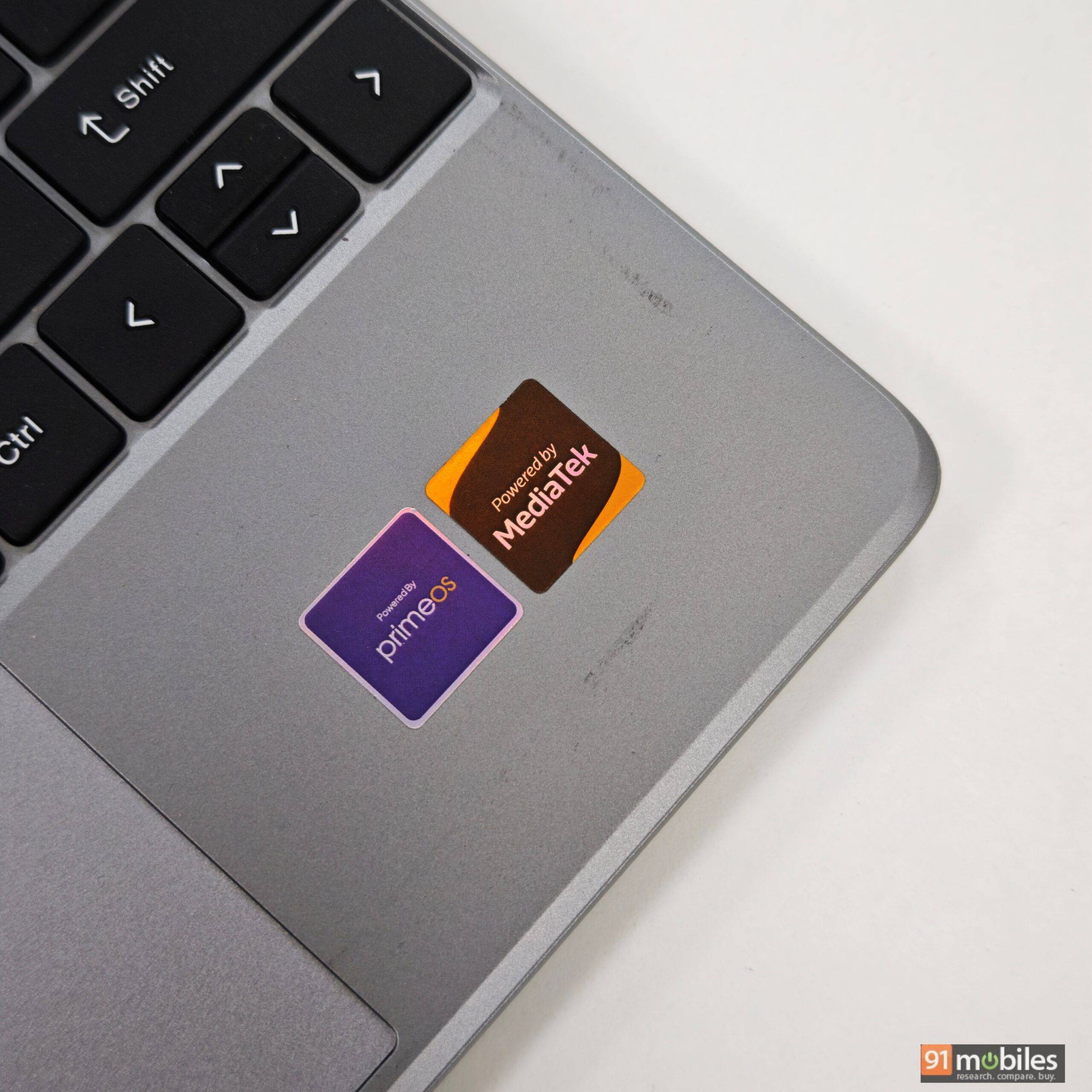
Despite the plastic construction, the matte silver finish helps elevate its look. On the flip side, the laptop developed scratches and scuffs within a few days of use, and the paint began to peel in some areas. The thick bezel around the display feels dated, but this can be given a pass considering its asking price.


Display: decent for indoor use
The Primebook 2 Neo features an 11.6-inch HD IPS display. The panel produces vibrant colours with better white balance than entry-level Windows laptops, and its viewing angles are also wide. I didn’t notice any colour shift or black glaze from extreme angles. However, the blacks are not the best in this segment, and on our unit, I noticed slight light leaking around the bottom bezel. It’s nothing to be concerned about, and again, it’s excusable given the asking price.
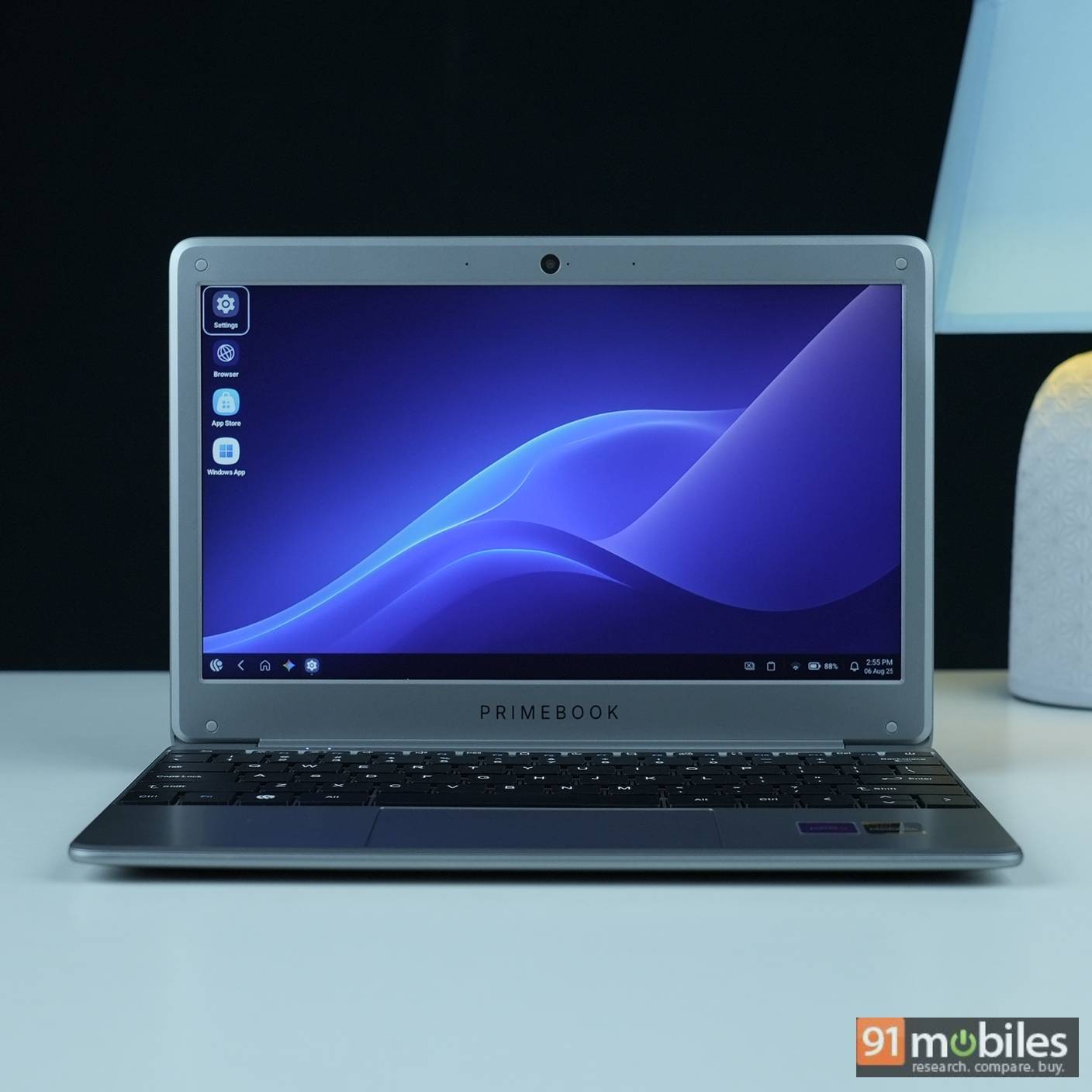
Regarding brightness control, there’s a dedicated 12-stage key that allows you to ramp screen brightness up to 250 nits, which is ideal for indoor use. There’s even a brightness boost mode available under display settings for outdoor usage; however, despite enabling it, the brightness isn’t sufficient for outdoors.
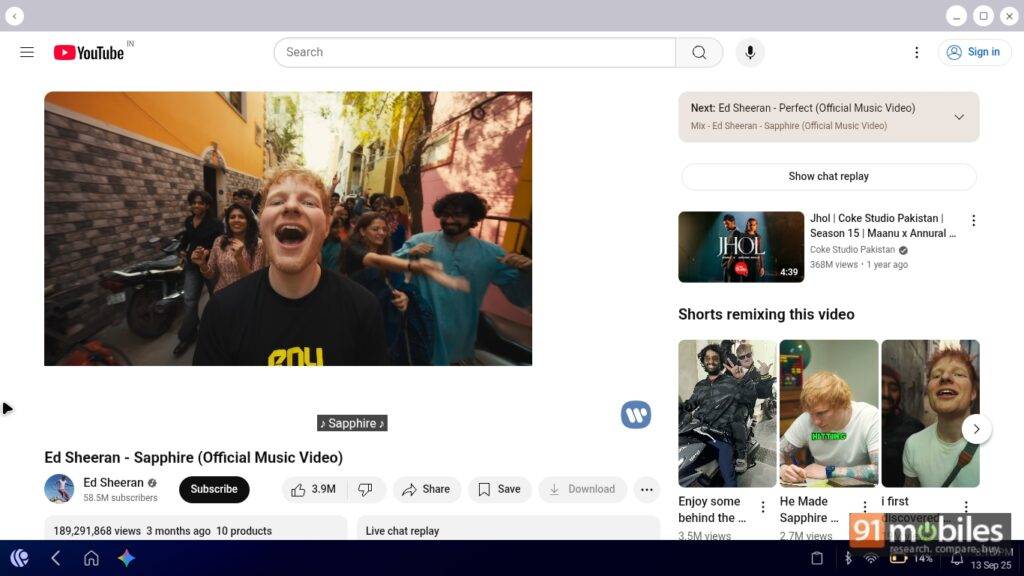
Since the device comes with an HD panel, watching content won’t give you the best experience. YouTube videos appear slightly hazy, even when 4K content is downsampled to HD. The brand could have opted for a brighter Full HD display, since content consumption will be one of the prime use cases for the device. But it’s likely the brand went with an HD panel to keep the price in check.
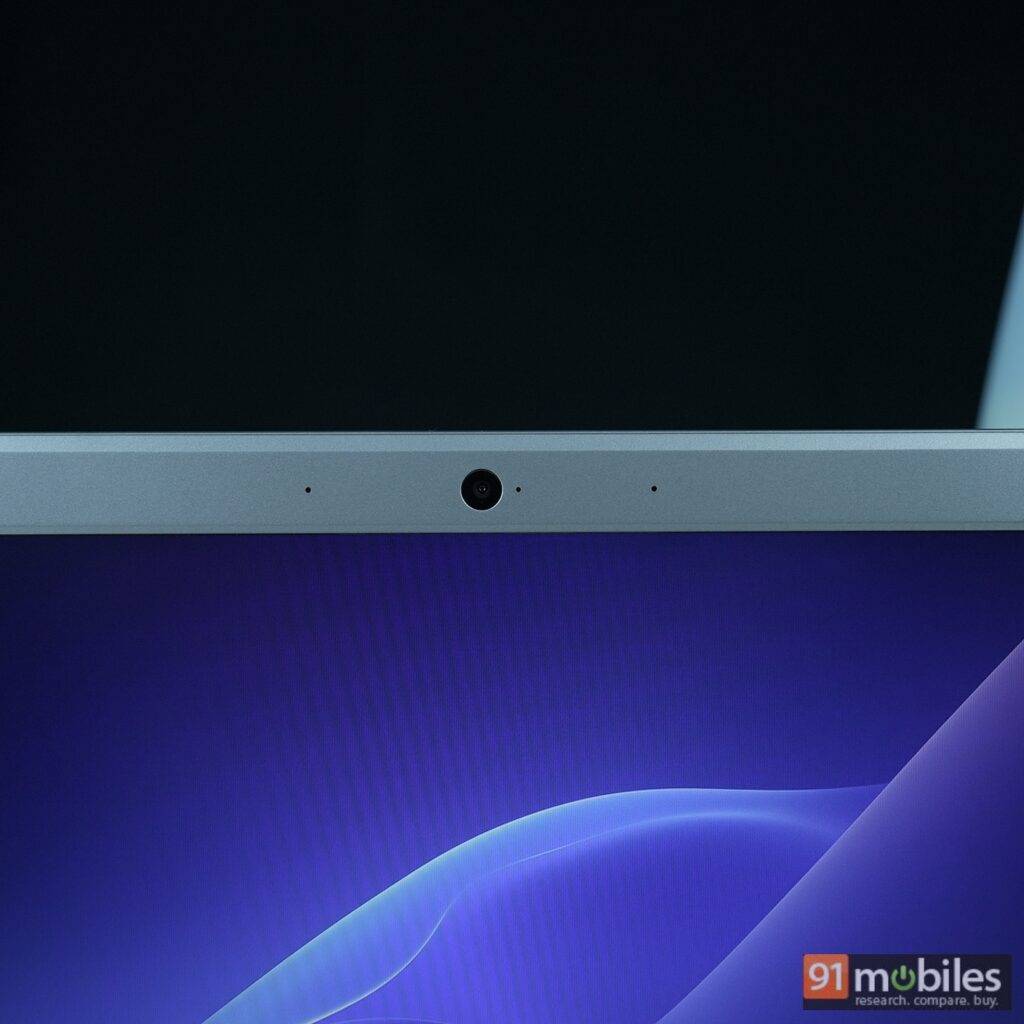
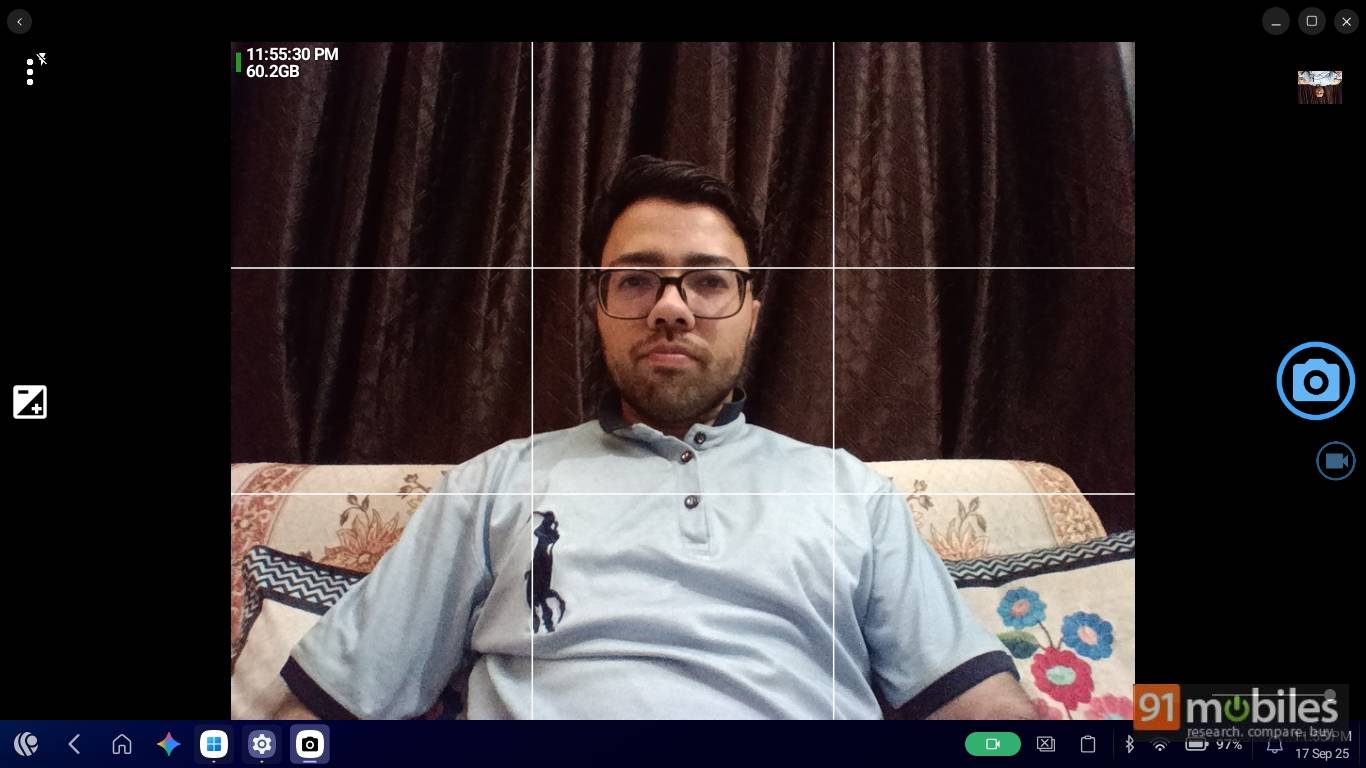
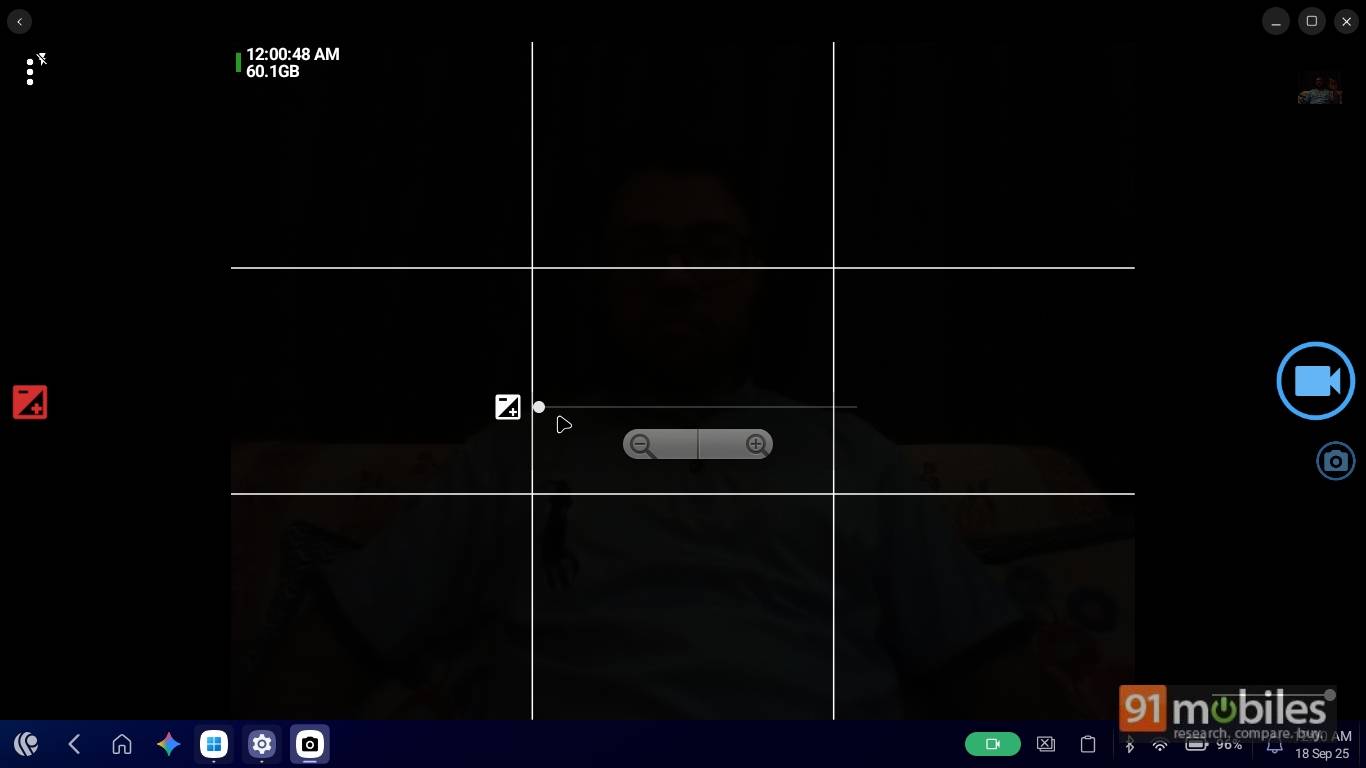
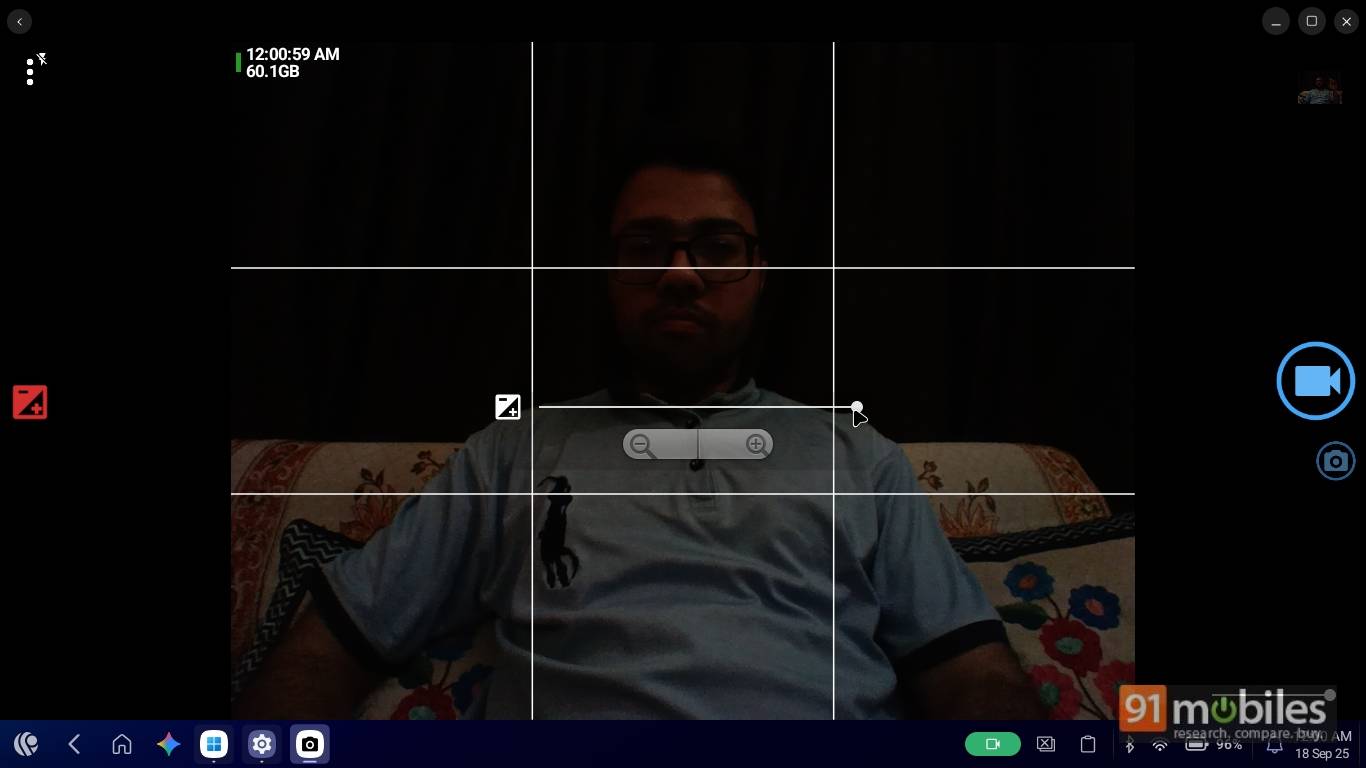
Above the display sits a 2MP 1080p webcam for video calls, which does the job adequately. You can adjust white balance, scene modes, and exposure up to two levels, as needed. There’s also a screen flash mode, but that doesn’t make much of a difference.
Keyboard & trackpad: better than expected
I was pleasantly surprised by the typing experience on the Primebook 2 Neo. Despite its compact form factor, it houses seventy-eight keys that stretch to the ends, and include the entire range of function keys. These double up as shortcut keys, similar to those found on a laptop. The keys are quite comfortable to type on, and the good thing is that the arrow keys aren’t cramped either, which is rare in this compact form factor. The keys aren’t the best in the segment, but I liked the travel distance and the clicky feedback.
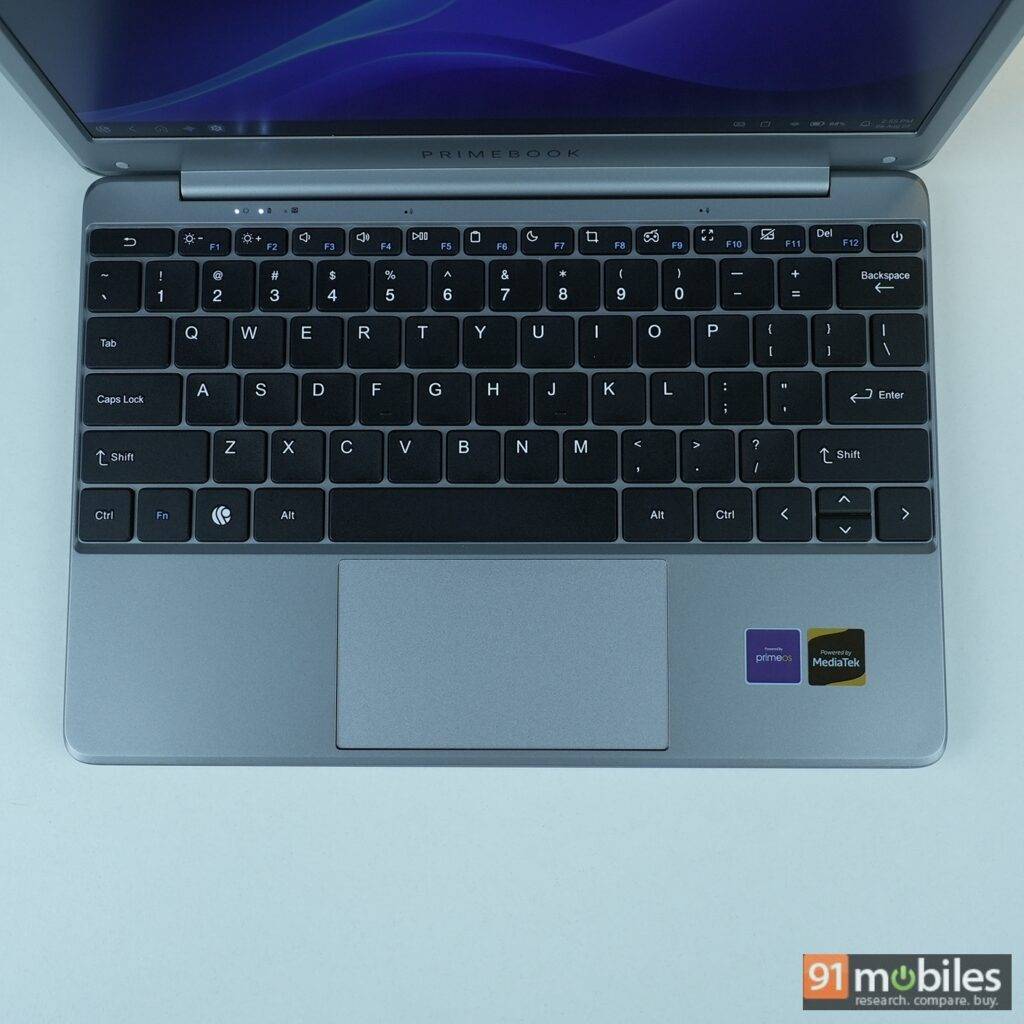
The trackpad is also relatively fast and responsive, with dedicated left and right-click keys in the lower half. There’s also support for gestures, including the option to switch between apps. The only complaint I have with its trackpad is its height. If the keys could have been placed slightly higher, that would have created enough space to incorporate a larger trackpad, and the LED lights could have been placed on the bottom edge.
Audio: loud but average
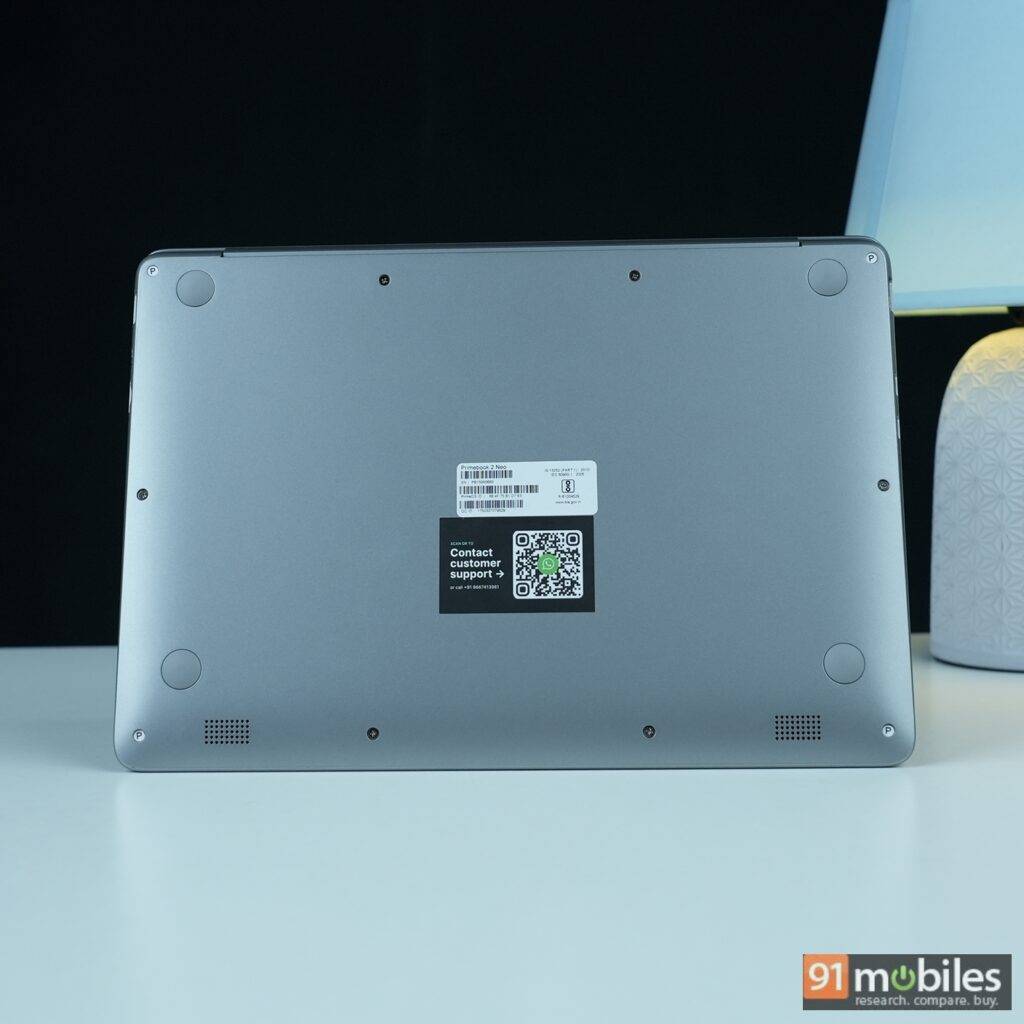
The Primebook 2 Neo comes with twin downward-facing speakers, which are average. While they aren’t rich in terms of sound quality, the output is loud enough for a group of five to six people. The quality is decent till eighty percent volume, but beyond that, the distortion is quite evident, resulting in an unpleasant experience.
Ports and connectivity
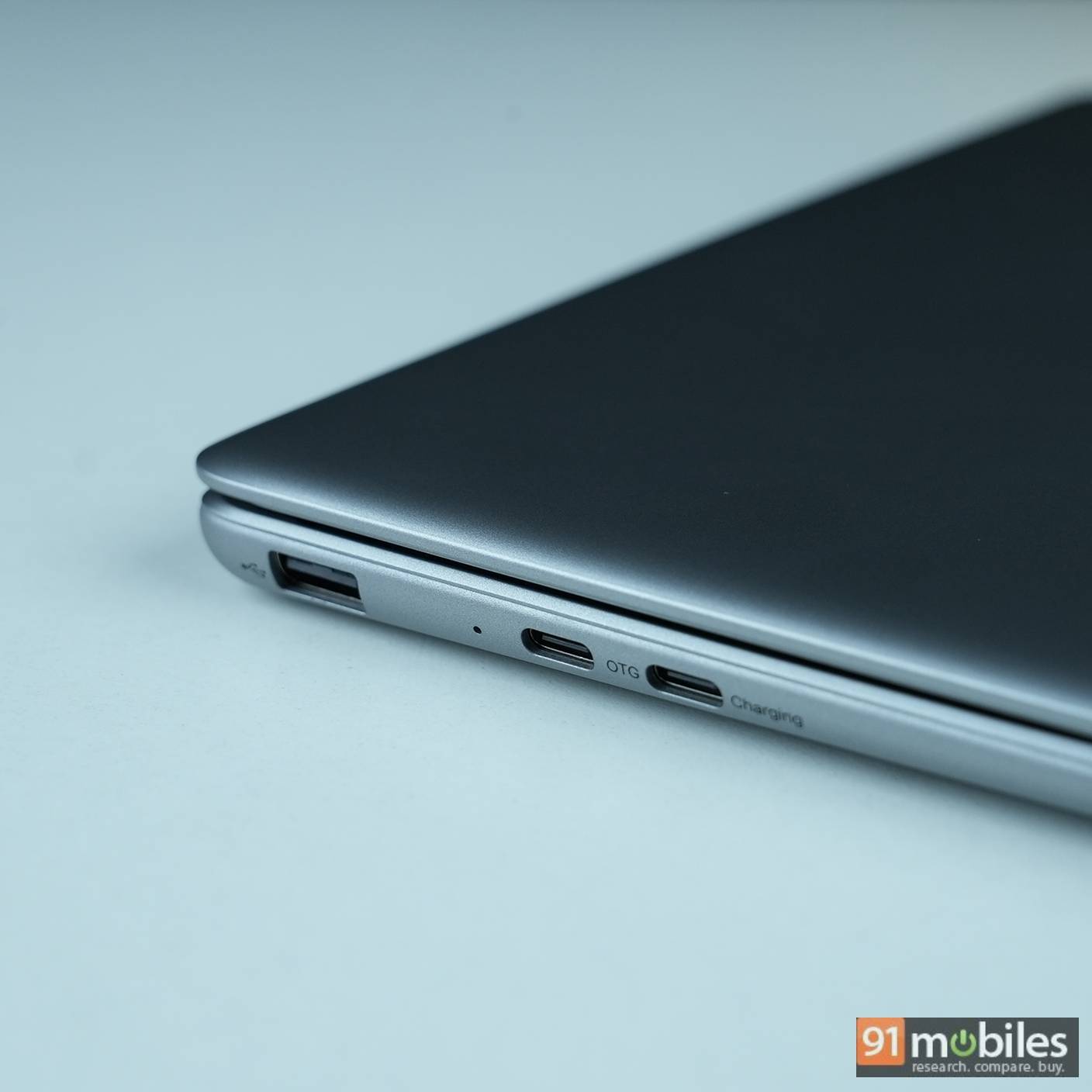
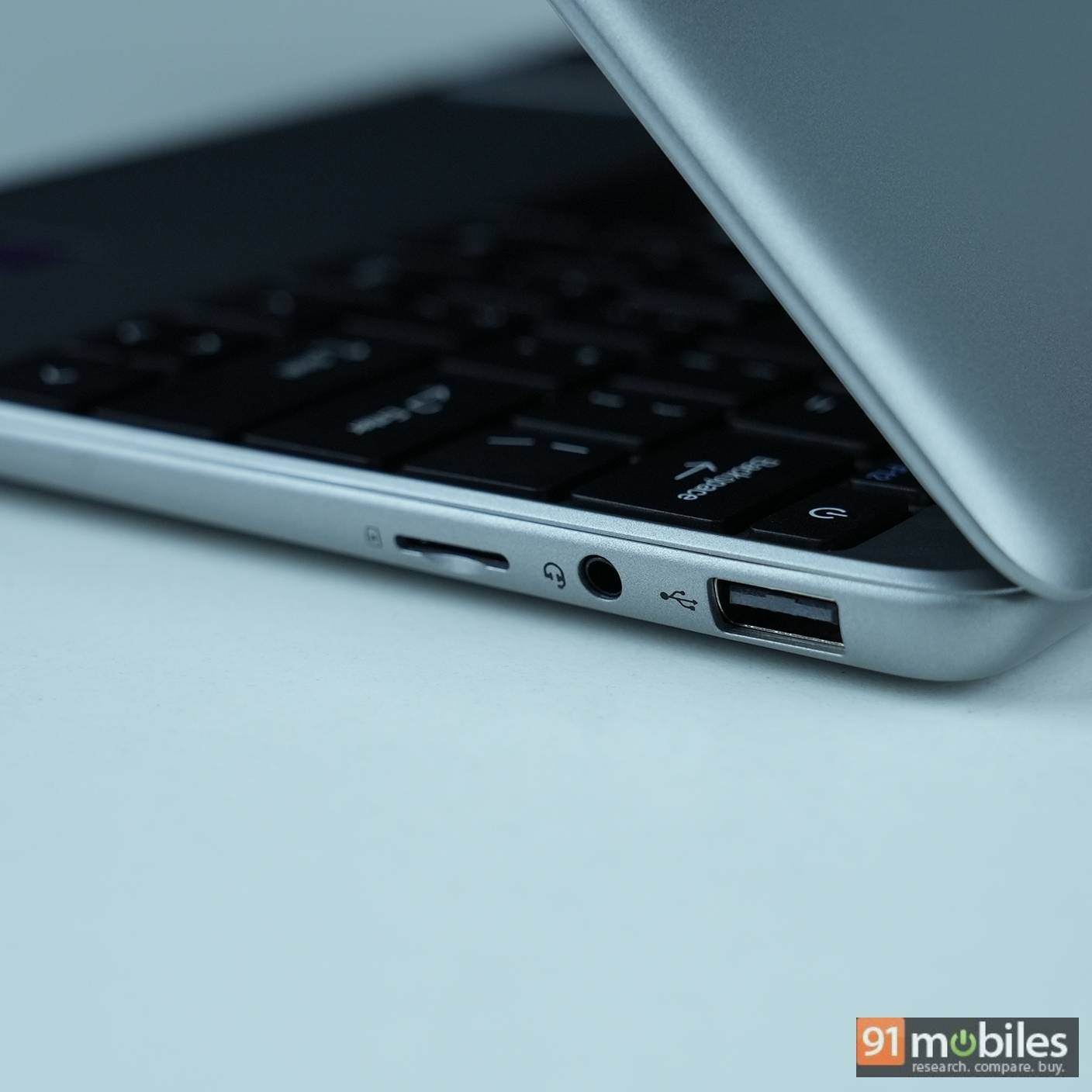
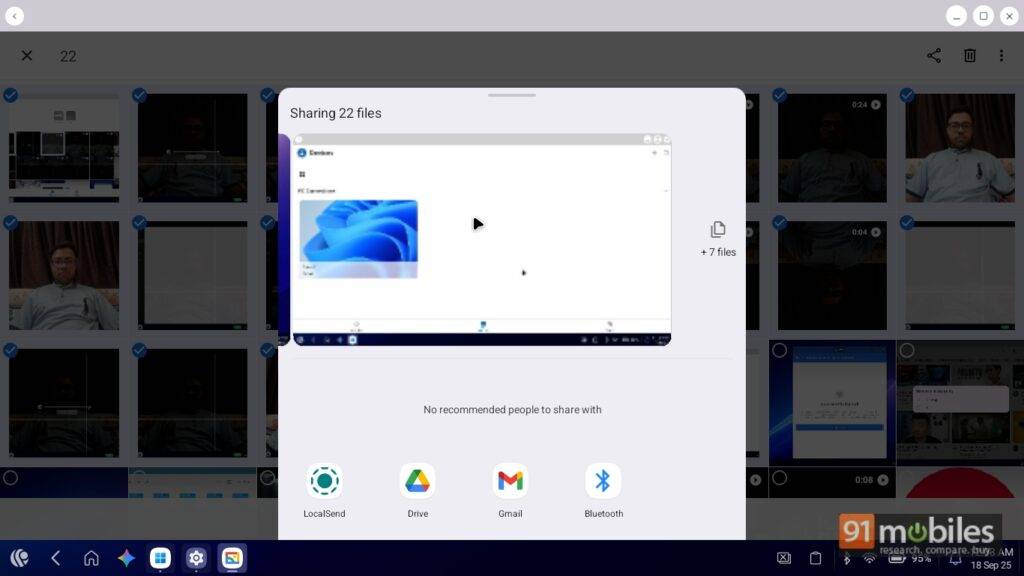
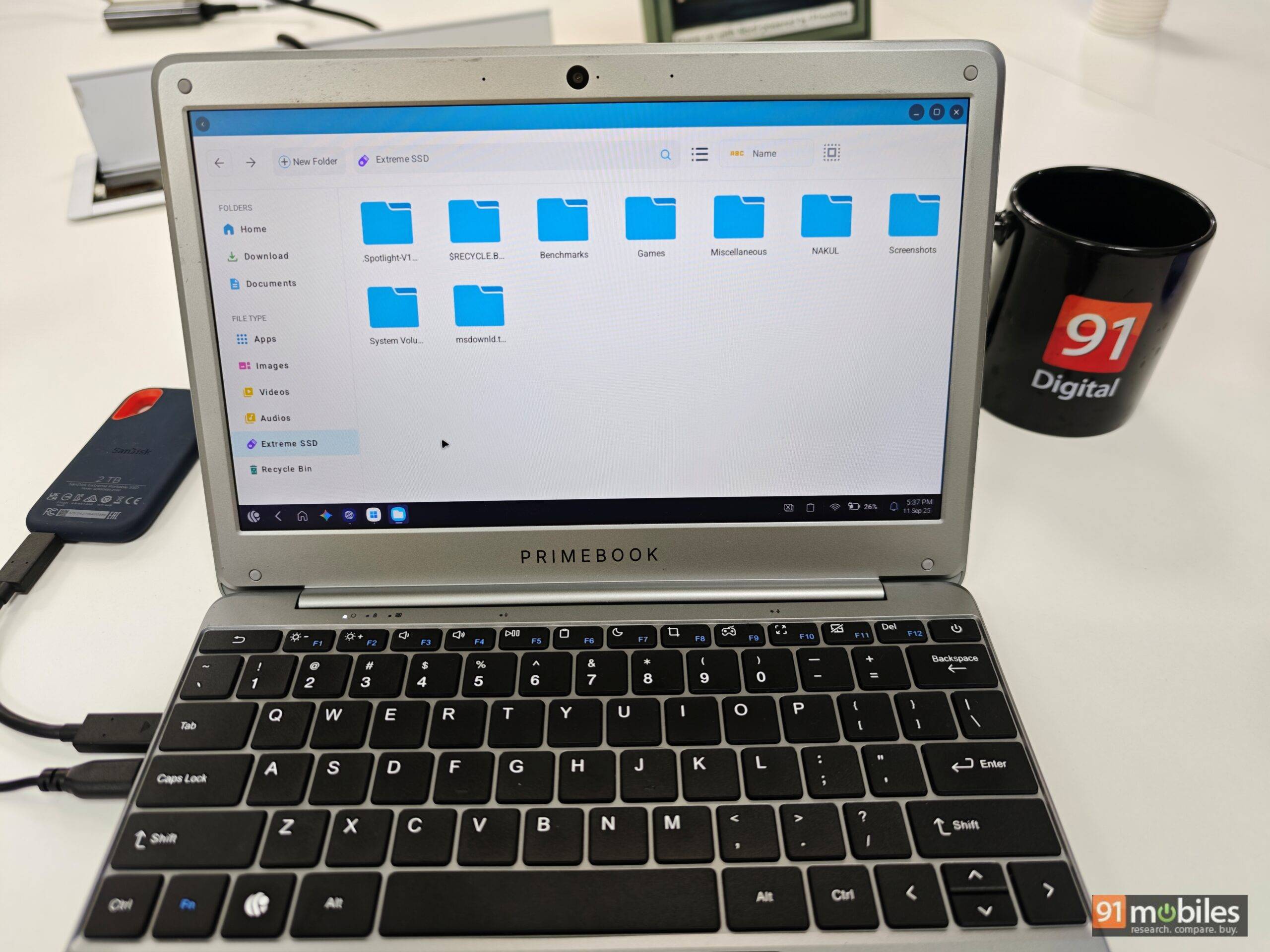
The Primebook 2 Neo offers two USB 2.0 ports, a 3.5mm jack, a microSD slot, and two USB-C ports (one OTG, one for charging). Bluetooth 5.1 and Wi-Fi are supported. Quick Share is missing, so wireless file transfers require third-party apps like LocalSend.
PrimeOS 3.0: Android meets Windows
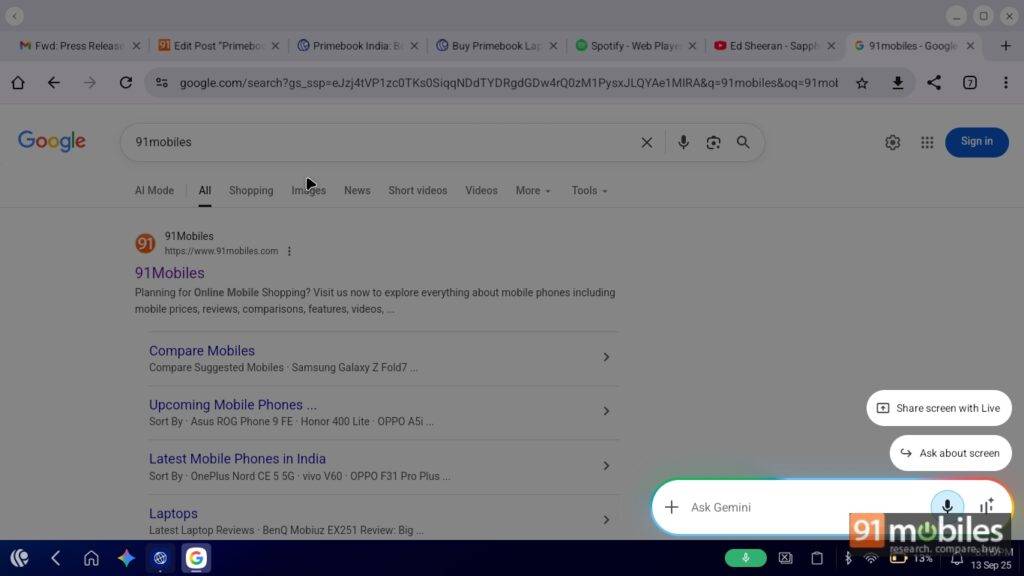
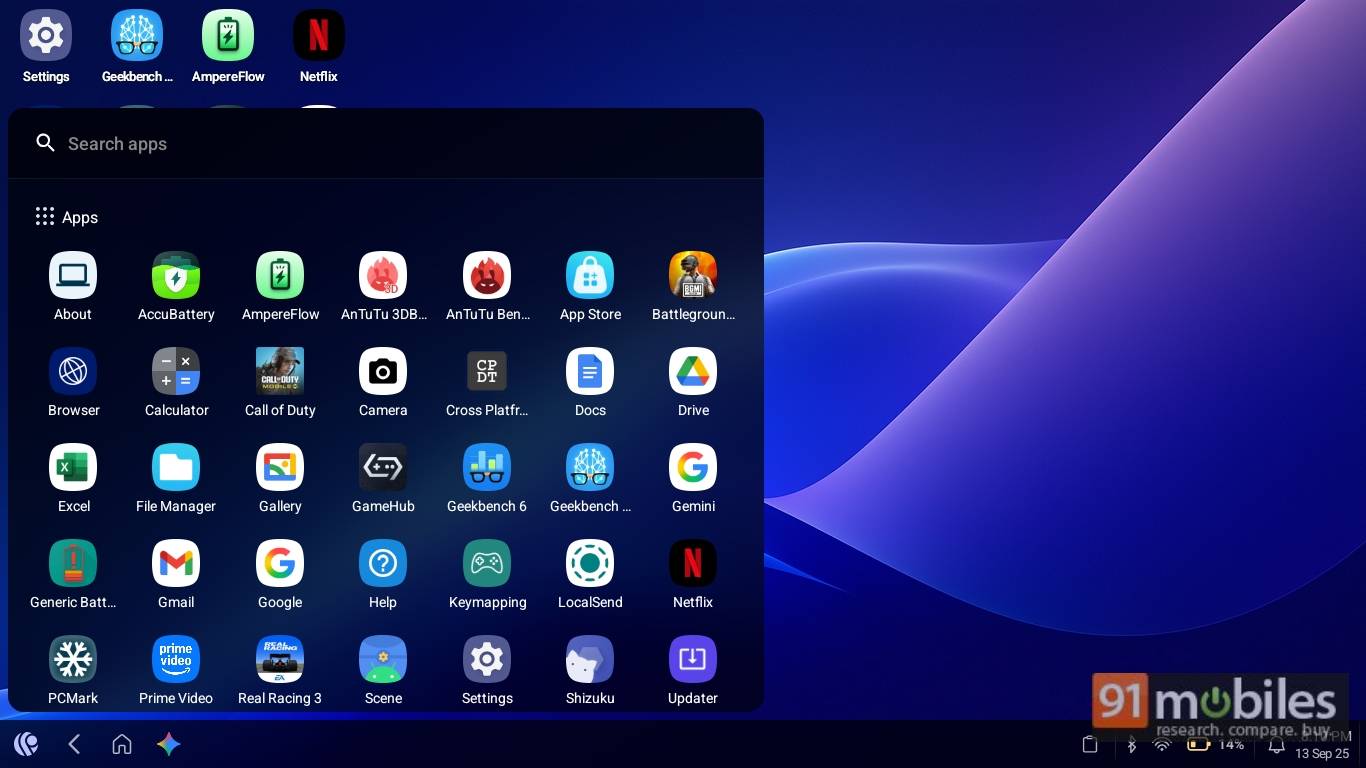
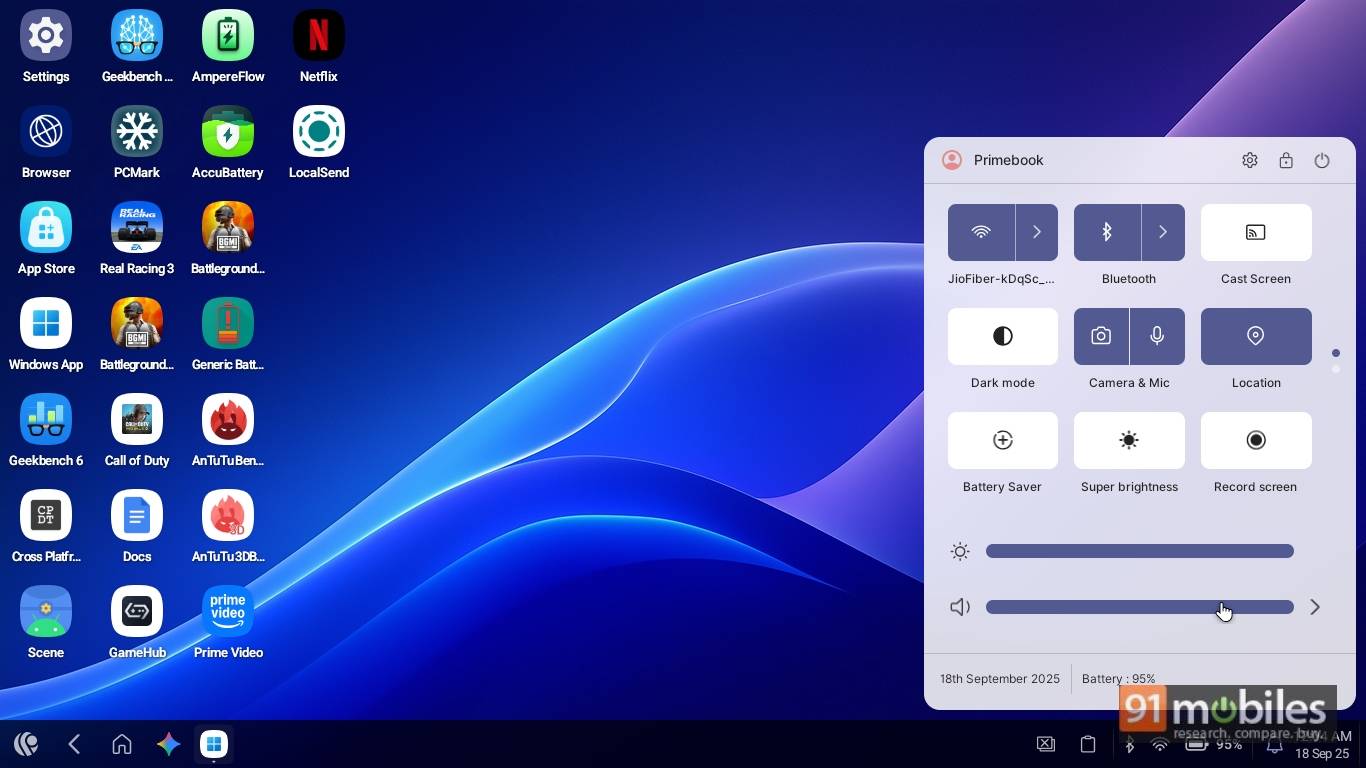
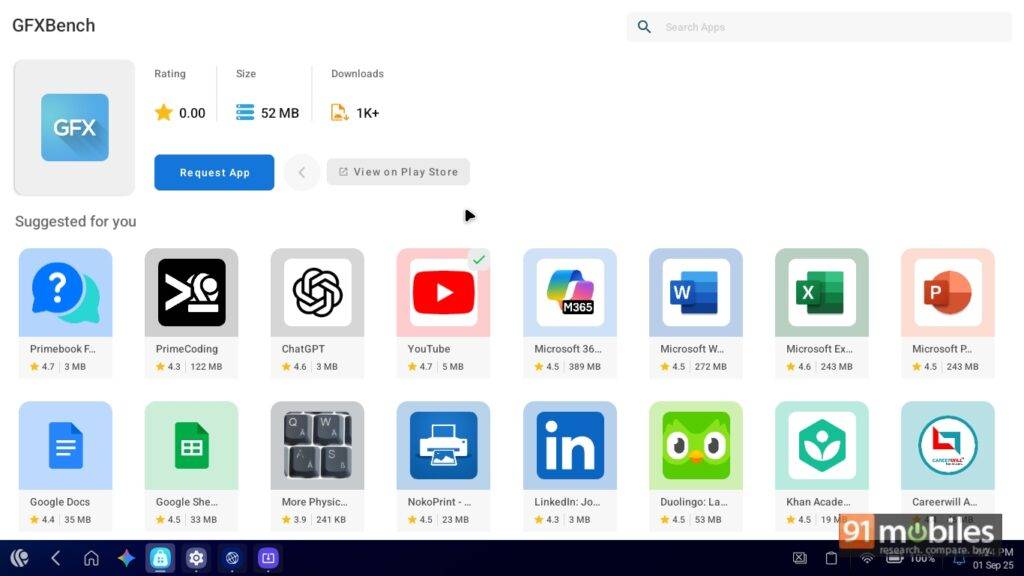
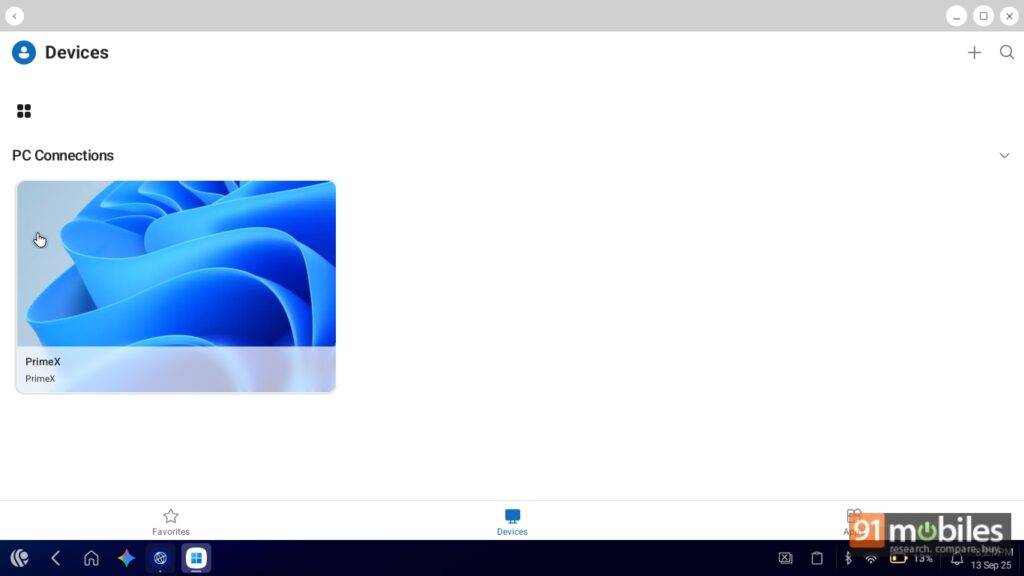
PrimeOS 3.0 blends Android 15 with a Windows-like experience. Features include a start-menu-style app drawer, control centre, quick shortcuts, and global search. Google Gemini Live integration allows quick access to on-screen info. A custom app store has 50,000+ apps, and a cloud PC option provides Windows or Linux for Rs 20 per month. While Android mode is smooth, cloud Windows can stutter with multiple apps or browser tabs.
In an interaction with the makers of Primebook, we also learned that another version of the Windows solution is in development. This is expected to feature a dedicated GPU, which will enable users to play PC games on the go right from their Primebook.
Given that this is the third generation of PrimeOS, it has come a long way, though it’s far from being perfect. For example, I had to watch YouTube videos either in theatre mode or full-screen mode, as the default player layout doesn’t utilise the full space; instead, it shrinks the video by adding two white bars next to it.
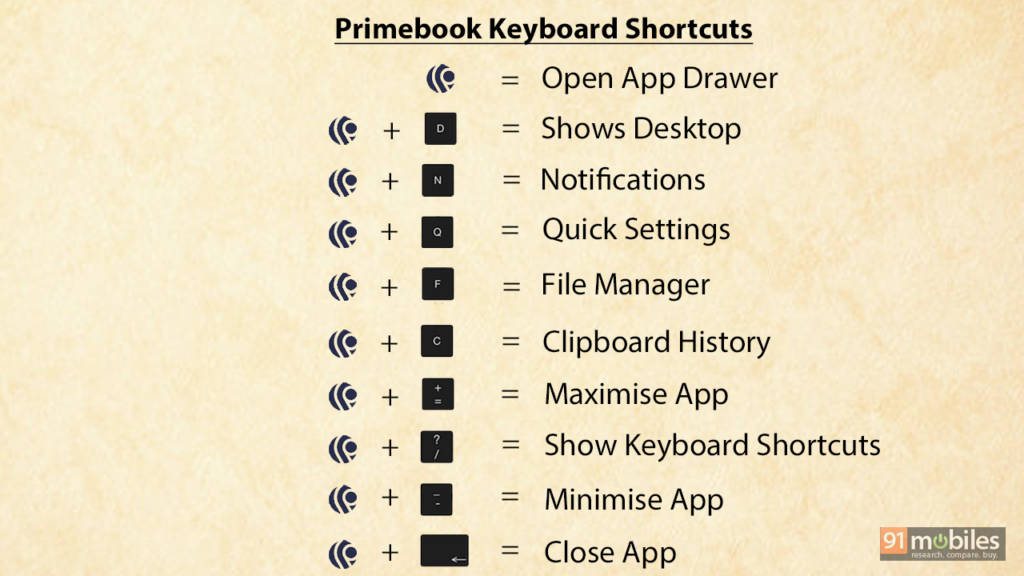
As a first-time PrimeOS user, I’m pleased that some of the Windows shortcuts are also integrated into PrimeOS. Here are the shortcut keys that can come in handy:
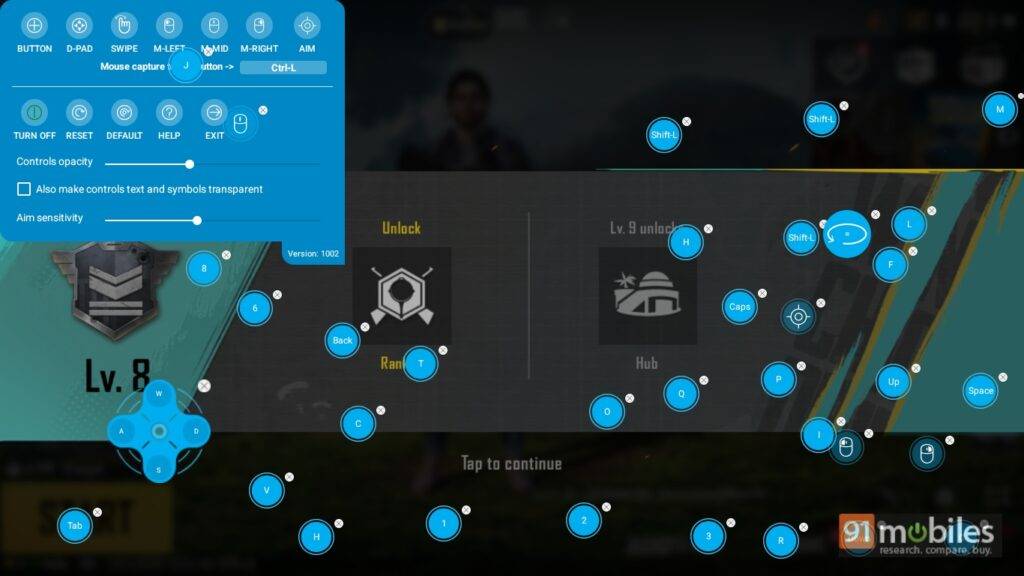
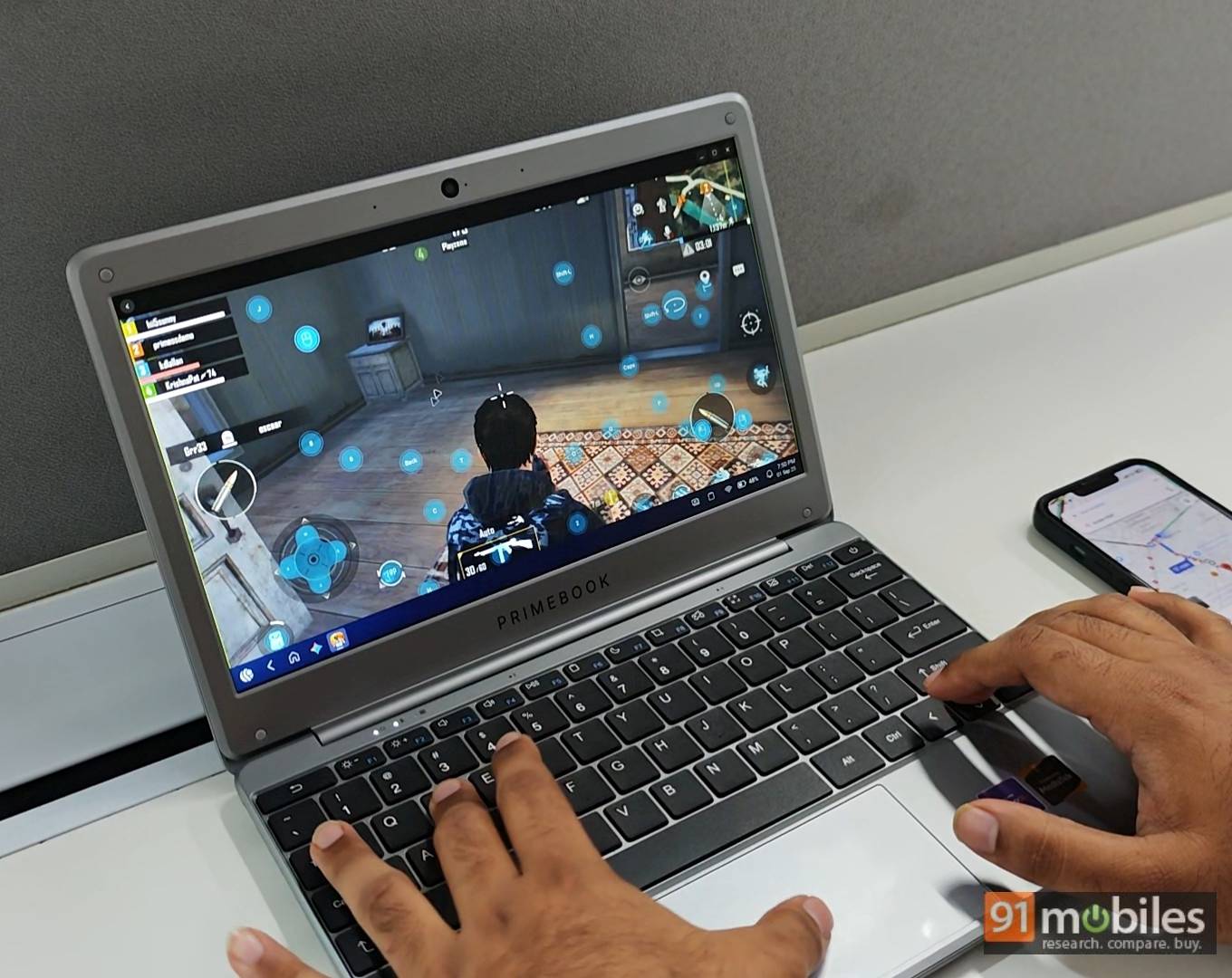
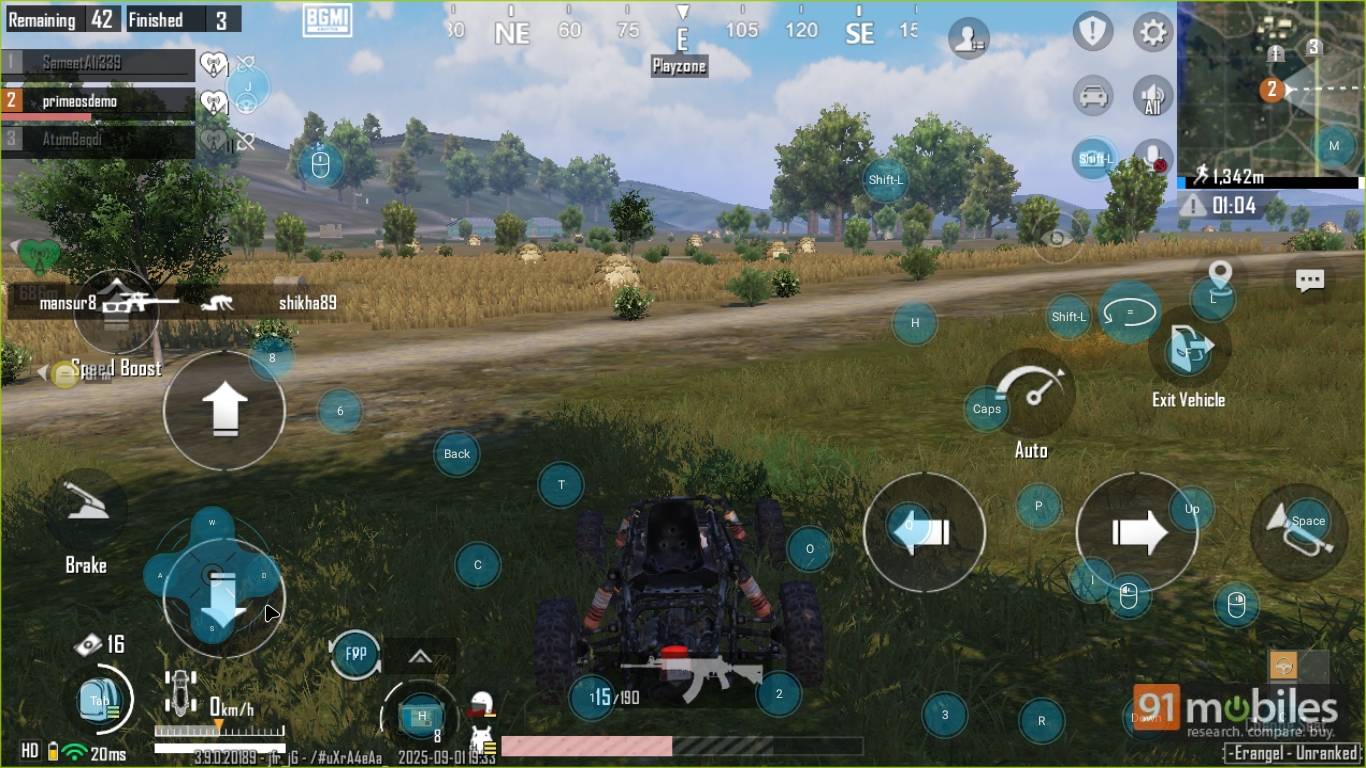
Playing BGMI felt familiar, as the controls were similar to those found on Android devices. However, since the Primebook doesn’t feature a touchscreen, it has a built-in keymapping tool that comes with presets for fifty titles, including BGMI and Call of Duty Mobile. If required, you can also customise the keys for any game to your liking.
Performance: good for casual use
The Primebook 2 Neo is equipped with the MediaTek Helio G99 chip, 6GB LPDDR4x RAM, and 128GB UFS 2.2 storage, which can be expanded up to 1TB with a microSD card. The hardware aligns with budget tablets, such as the Realme Pad 2 (review), Realme Pad 2 Lite, and Acer Iconia Tab (review). To test the waters, we ran a couple of synthetic benchmarks on the Primebook 2 Neo, and got the following results.
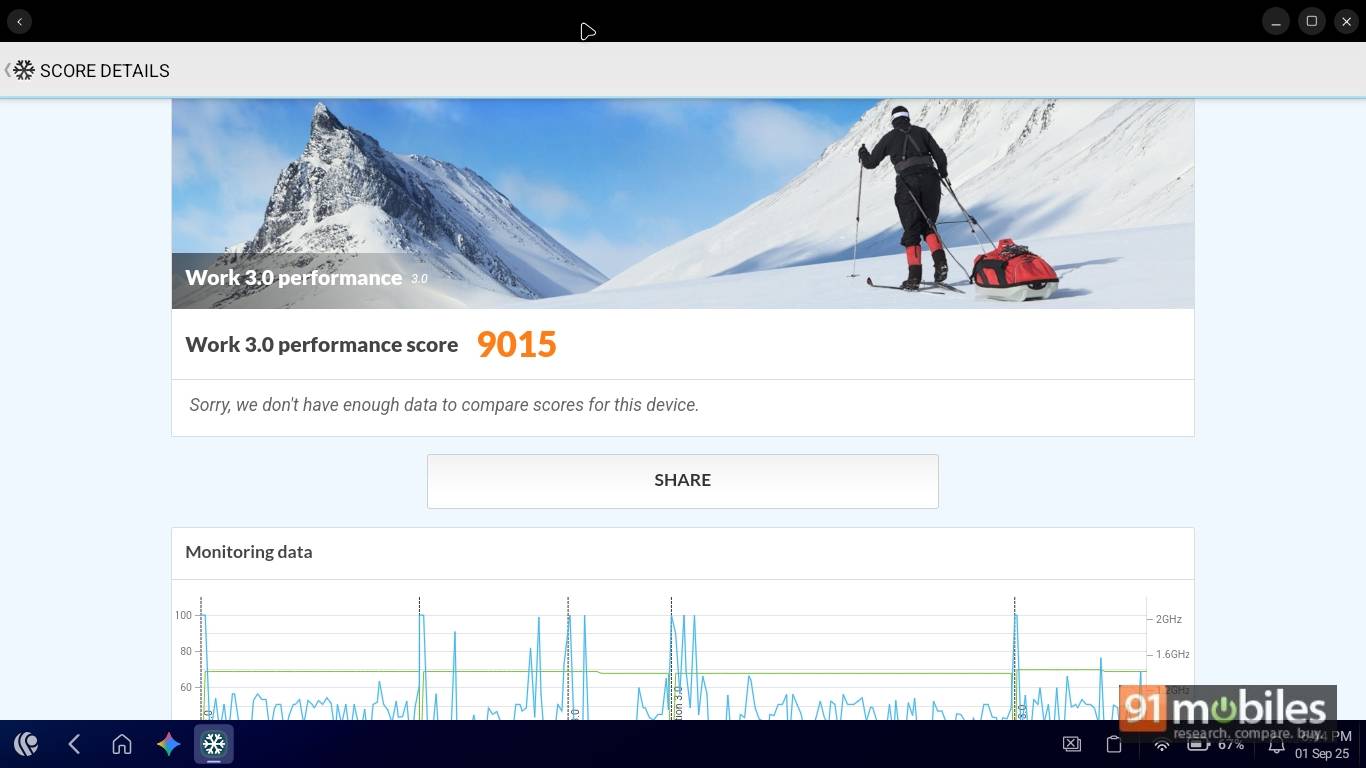
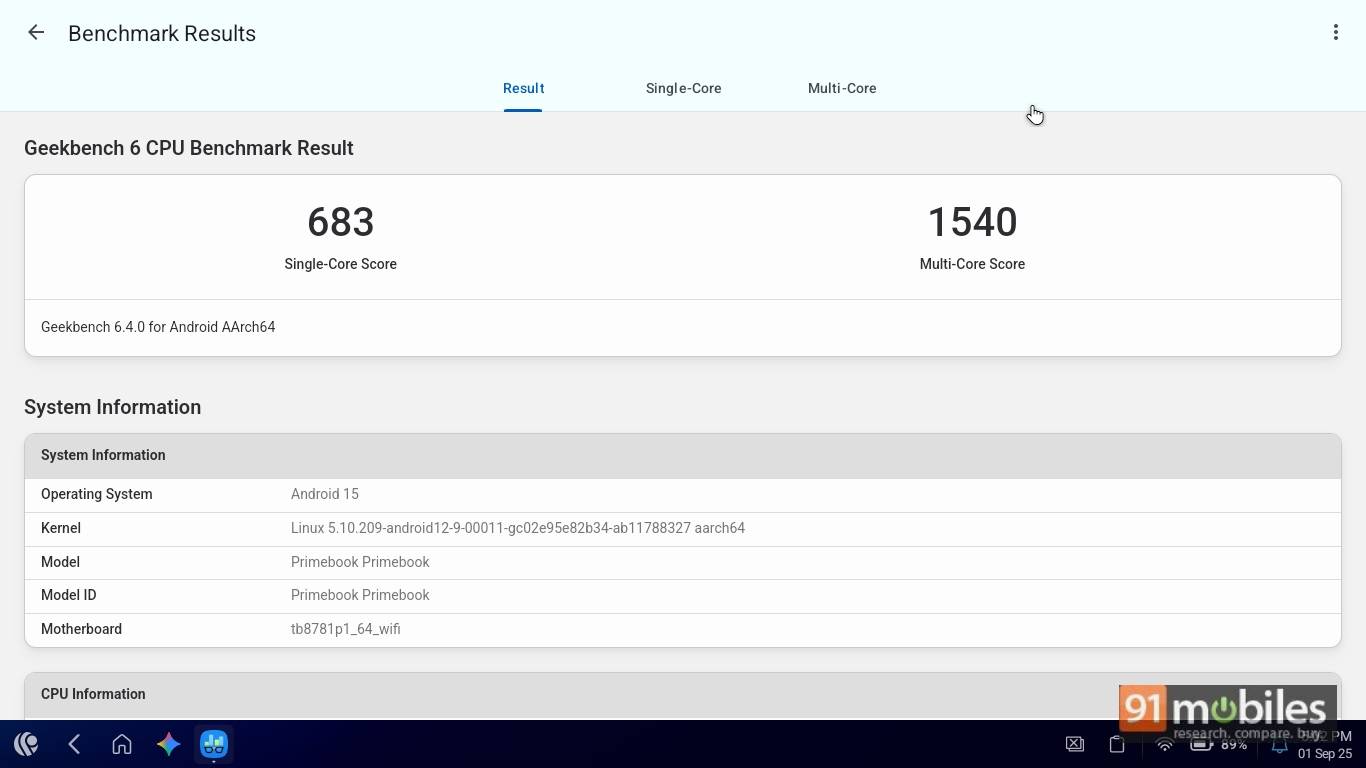
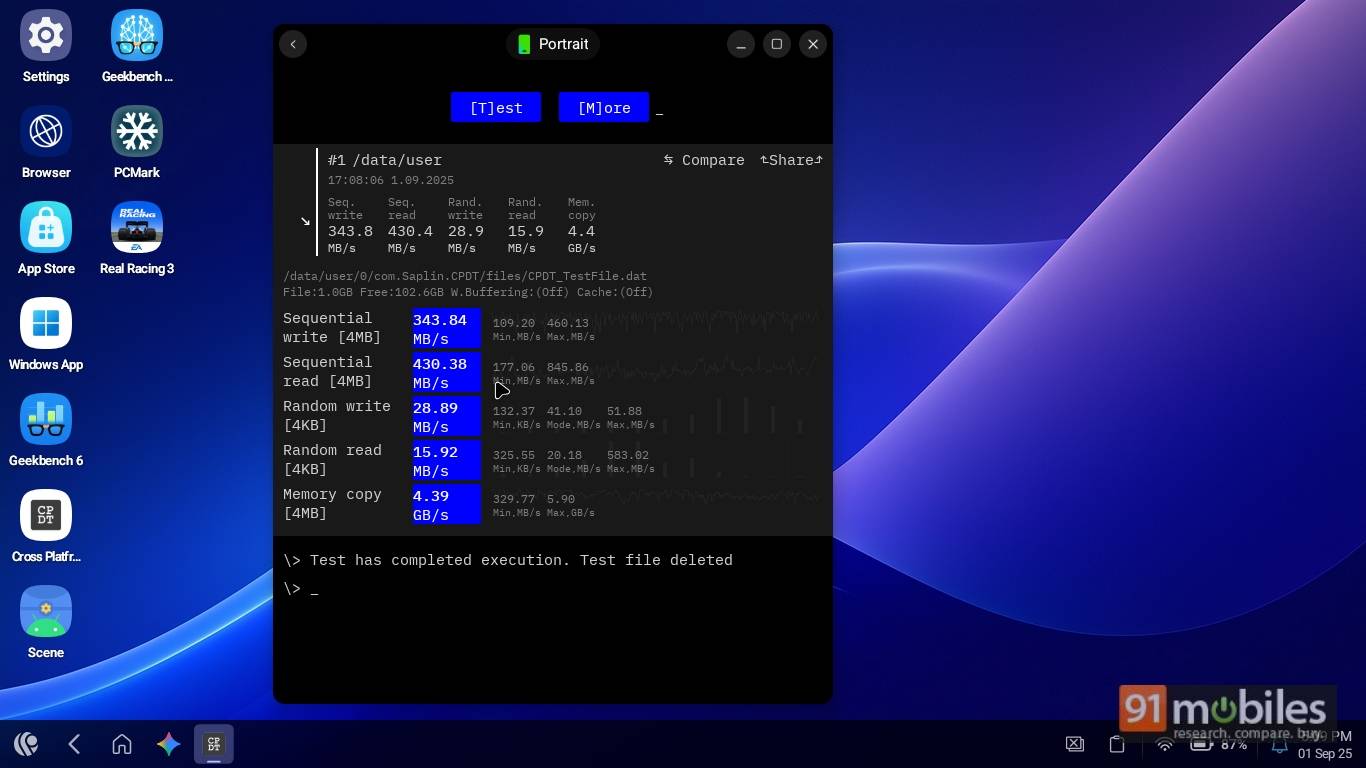
On Geekbench 6, it scored 683 points for single-core and 1540 points for multi-core tasks. In the PCMark Work 3.0 performance test, it scored 9,015 points. In the memory test, it achieved speeds of 28.89 MB/s, 15.92 MB/s, and 4.39 GB/s for random write, random read, and memory copy tests, respectively. These numbers align with those of other devices powered by the same chipset.
Moving past the synthetic benchmarks, in Android mode, even with a couple of apps running in the background, the Primebook 2 Neo runs smoothly. I was able to switch seamlessly between heavy apps like BGMI and Call of Duty, as well as web apps such as YouTube and Google Sheets.
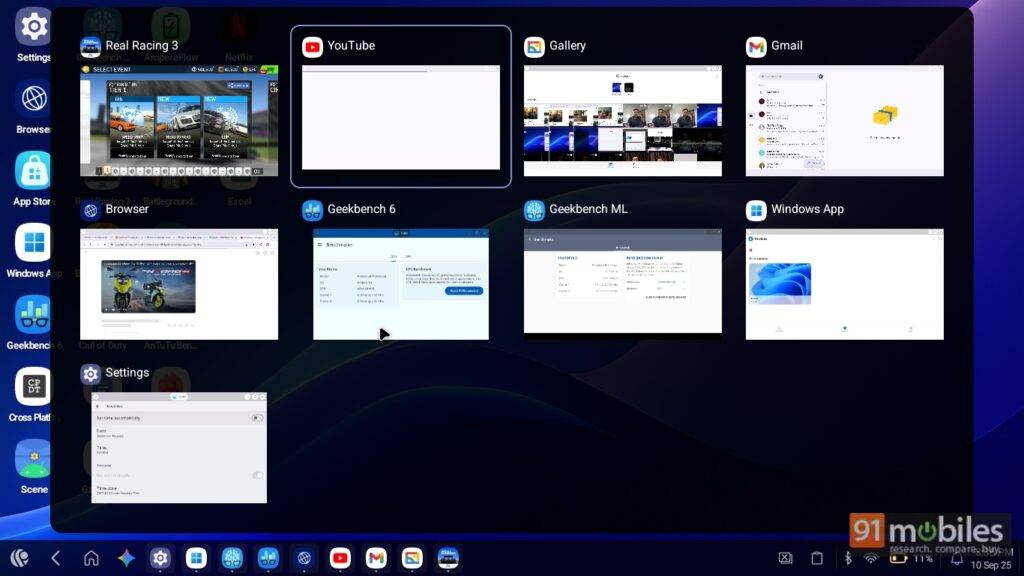
Switching to cloud PC (Windows), however, showed stutters and lags. App launches were a bit slow, and with Google Sheets, WordPress, and a couple of browser tabs open, the stutters became more pronounced.
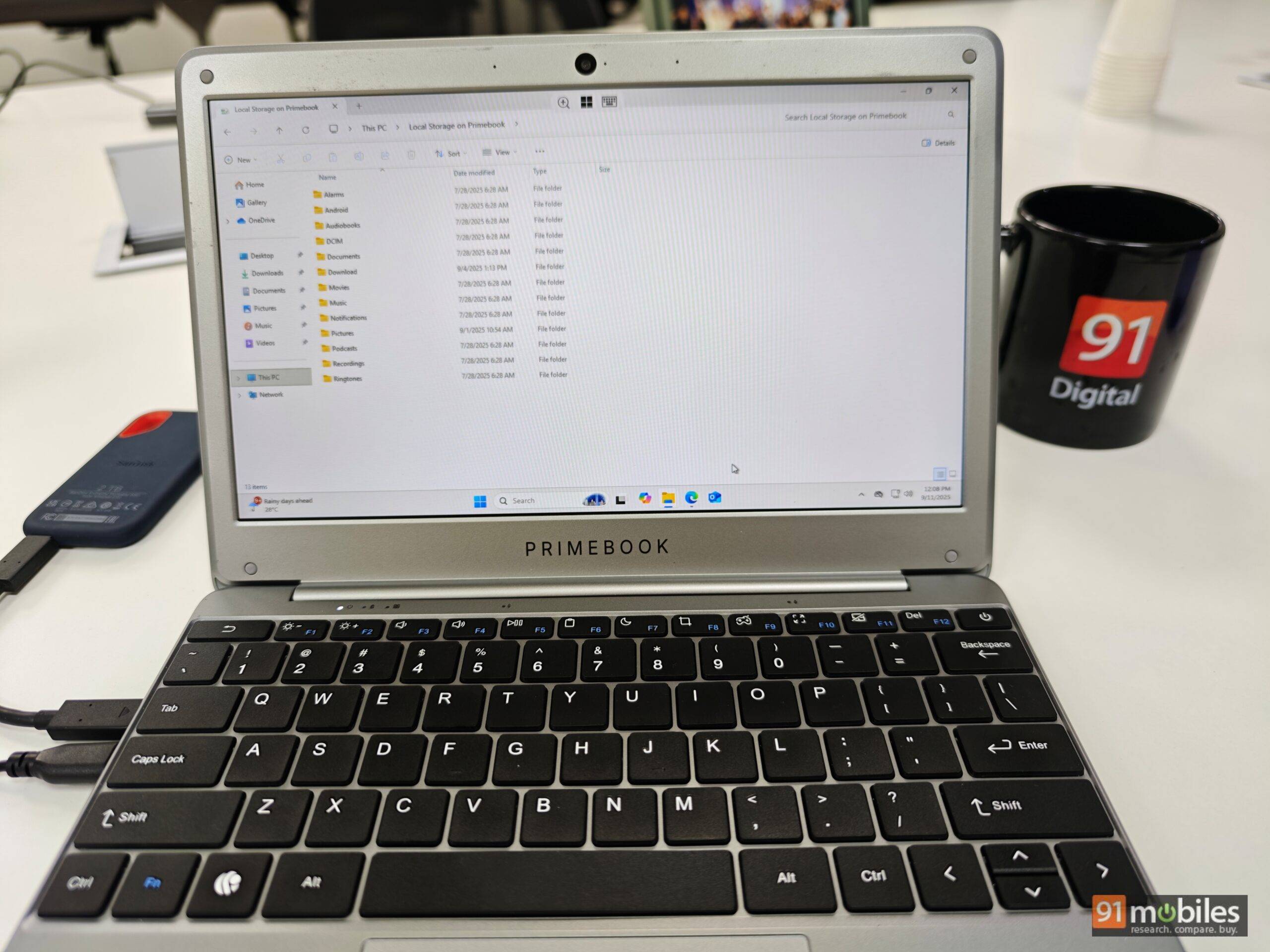

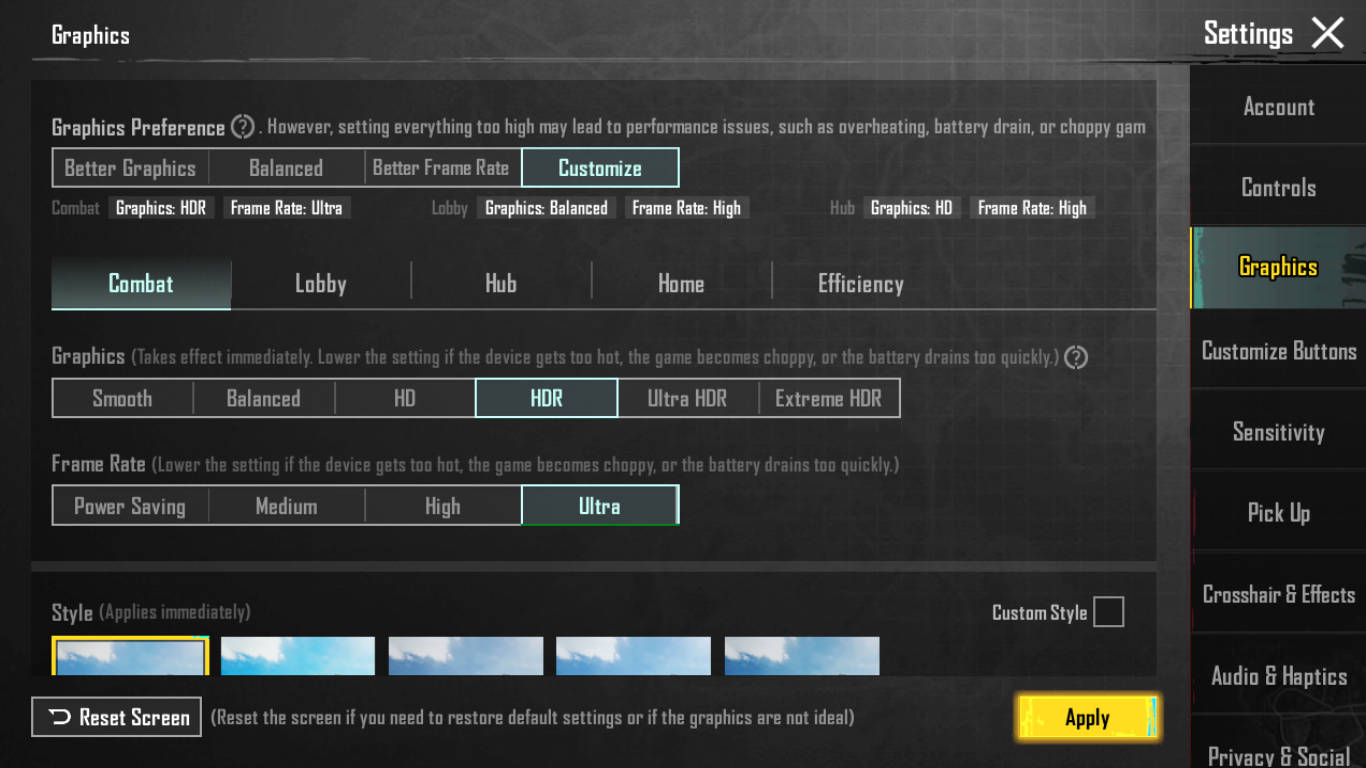
While a Primebook 2 Neo is not a machine designed for gaming, I did attempt to push it to its limits using popular games like BGMI. The game maxes out at “HDR graphics and “Ultra” frames. Gaming on the device with the keymapping does have its own learning curve, but once configured, things get comfortable.
Pro tip: IN BGMI Press Left ctrl to enable fire and fly with a dedicated mouse

Battery: lasts an entire workday
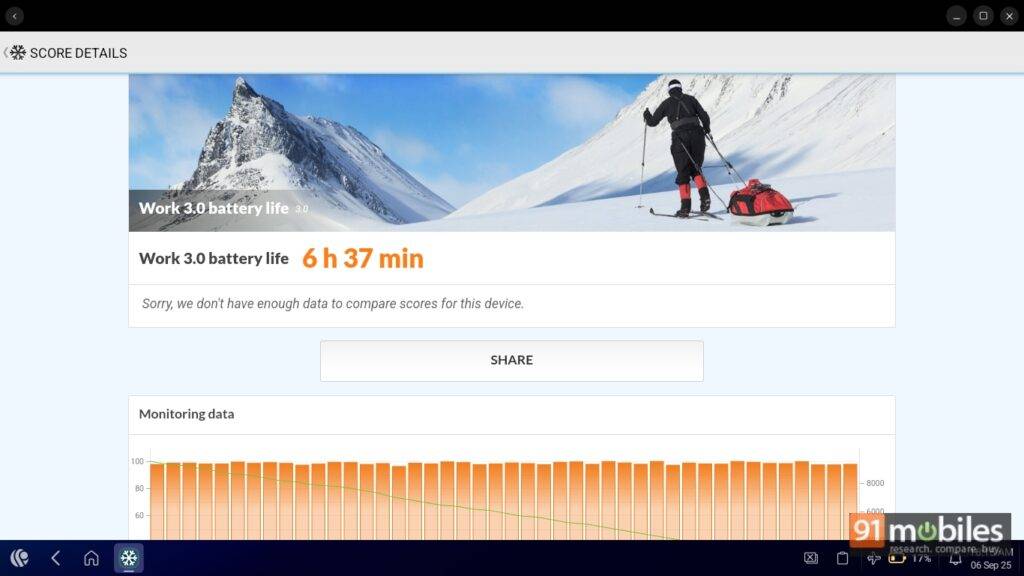
Inside its lightweight design, the Primebook 2 Neo packs a 29.6Wh battery. In a typical office setting with eighty percent brightness, it lasts around four to five hours on a full charge. In our PCMark battery test, with all other network communications disengaged, it lasted for 6 hours 37 minutes with twenty percent charge left. When stretched to the last mile, it can easily last your entire work shift.
With the provided in-box 24W Type-C adapter, it takes close to two hours to juice it up to a hundred percent. Considering the laptop’s portability, I would have appreciated it if the brand had included support for faster charging.
Verdict
The Primebook 2 Neo stands out with a familiar Android experience and access to Windows or Linux via the cloud. This dual approach, however, comes at the cost of software finesse – features like split-screen mode, Quick Share, and the Google Play Store are missing, which tablets handle better. On the other hand, you get a physical keyboard and trackpad without incurring any extra cost.
The device isn’t meant to compete with full-fledged laptops or tablets but aims to strike a middle ground, blending both worlds at a budget-friendly price. For light tasks like your kid’s homework or moderate office work, the Gemini-enabled Primebook 2 Neo is a solid option. Heavy users, however, should stick to a conventional Windows laptop.
Editor’s rating: 7.4 / 10
Pros:
- Portable and lightweight
- Suitable for school work and professionals
- Good keyboard and trackpad experience
- Windows and Linux are available as a Cloud PC solution
Cons:
- Software needs refinement
- 6GB RAM isn’t adequate
- Build quality is not sturdy
- Subpar display