Primebook is no longer new; we have seen its journey from the original Primebook 4G (video), followed by the Primebook 2 Neo (review), to the Primebook 2 Max (review). They introduced Android-based laptops and have made a dent in the market, selling over 75,000 Primebook laptops in the last financial year (FY 25-26), with an ARR of INR 85 crore and 35% year-on-year revenue growth. We have been using their newly launched Primebook 3 Max, priced at INR 33,990, for a while now, but does it hold the potential to shift gears? That’s what we’ll find out in this review.
Table of Contents
Specs at a glance
Before we dive into the review, let’s get a quick overview of what Primebook 3 Max has to offer in terms of specs:
- 15.6-inch Full HD IPS display
- MediaTek Genio 720
- 8GB LPDDR5 RAM
- 128GB UFS 2.2 storage
- 8000mAh battery
- 45W Type-C power adapter
- PrimeOS 3.0 (based on Android 15)
On paper, it looks like a strong package, amid rising chip prices. I mean, you can barely find a good smartphone with similar specs at this price these days.
Design: sturdy build and appealing look
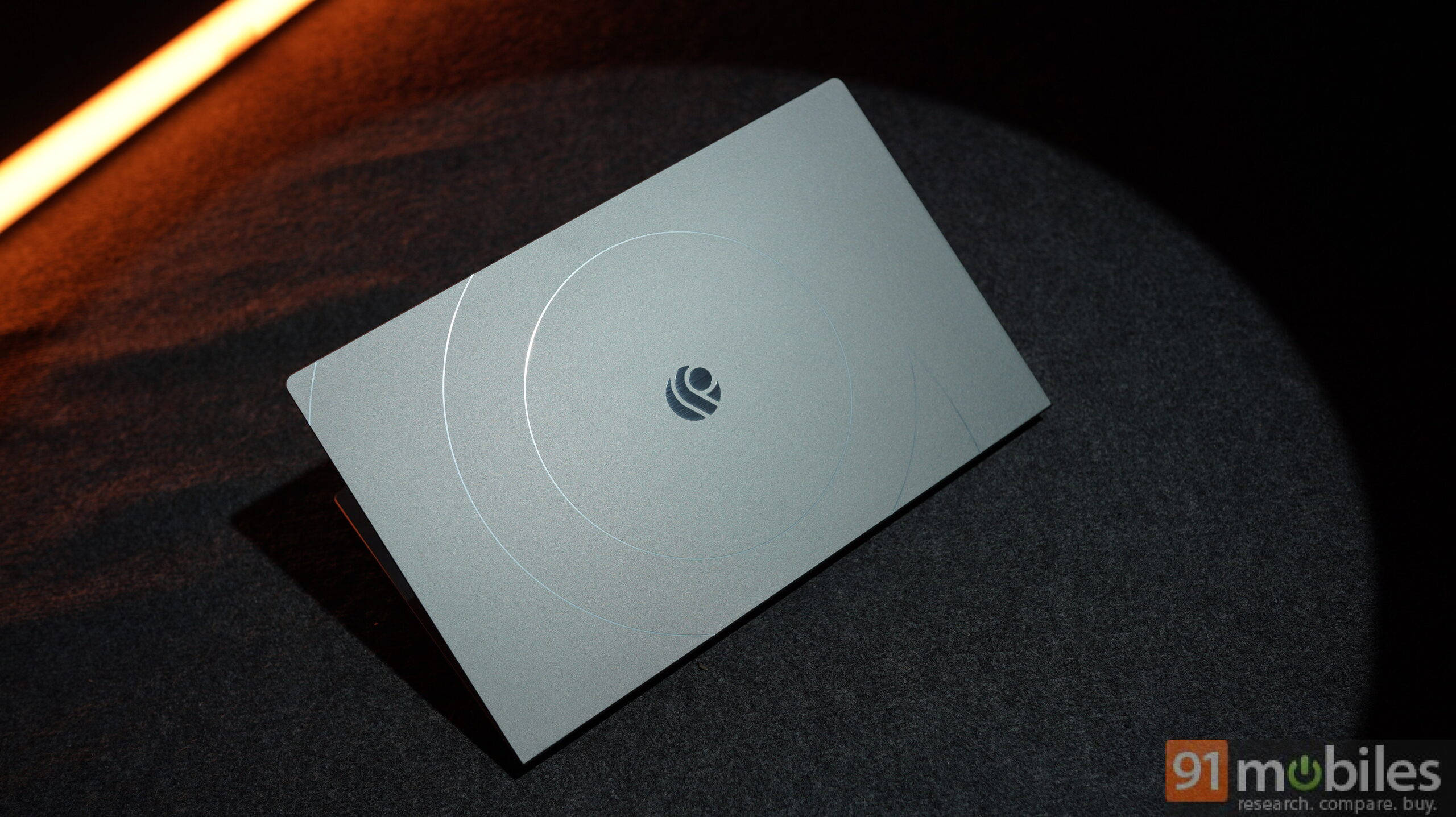
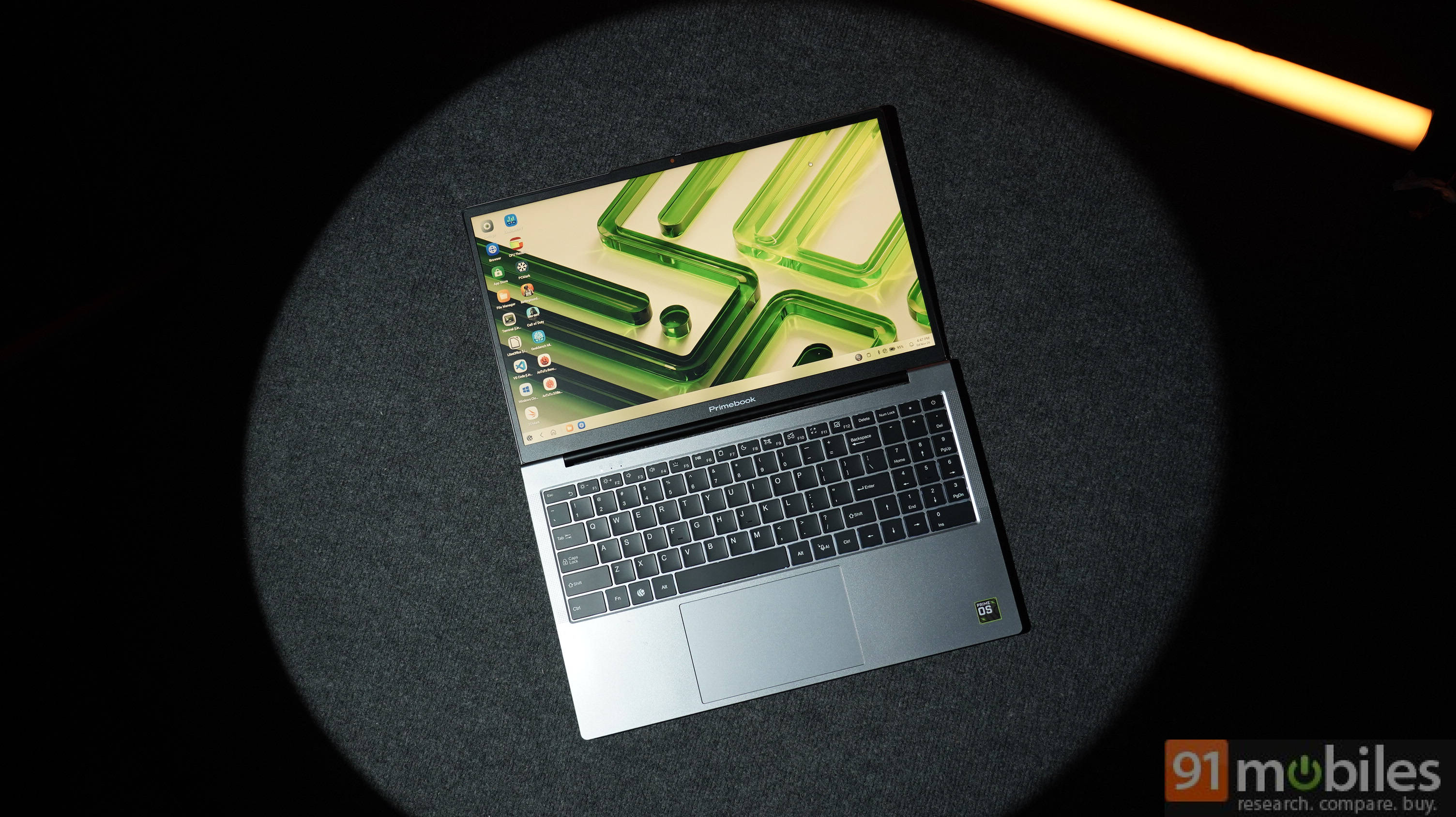
The Primebook 2 Max was a major design refresh; the Primebook 3 Max builds on top of the same design language. Now, it has a metal lid and a large CNC-cut Primebook logo that adds to the laptop’s look, appealing to a younger audience. The rest remains the same: a sturdy hinge that opens to about 180 degrees; chamfered bottom tapers to a thinner profile toward the front.
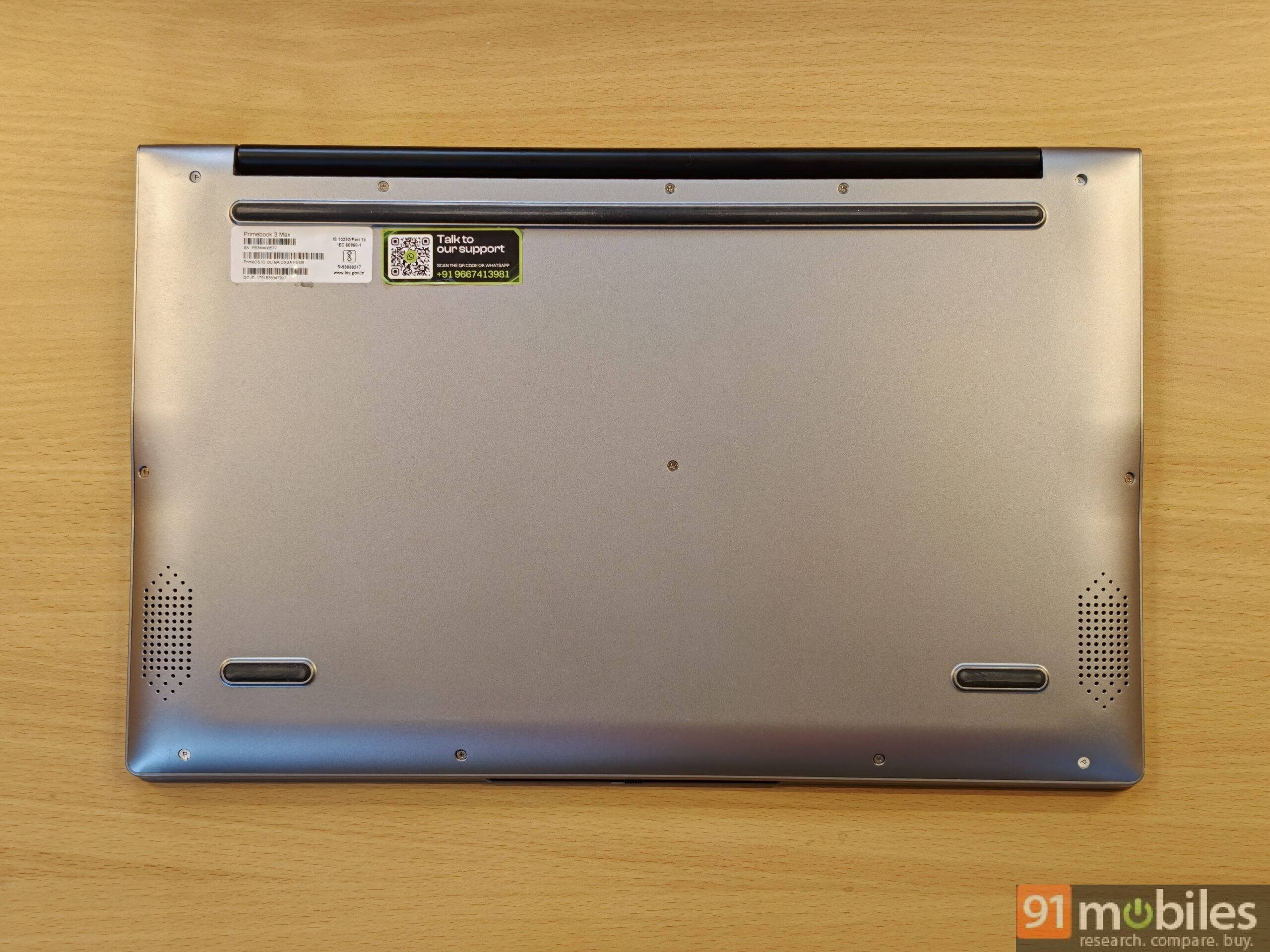
However, the bottom has changed slightly. The big airflow vent is now gone, and the chamfered bottom is much smoother instead of a steep cut; this lets the speakers sit flush on the base and can be easily blocked by soft surfaces like a bed or couch.
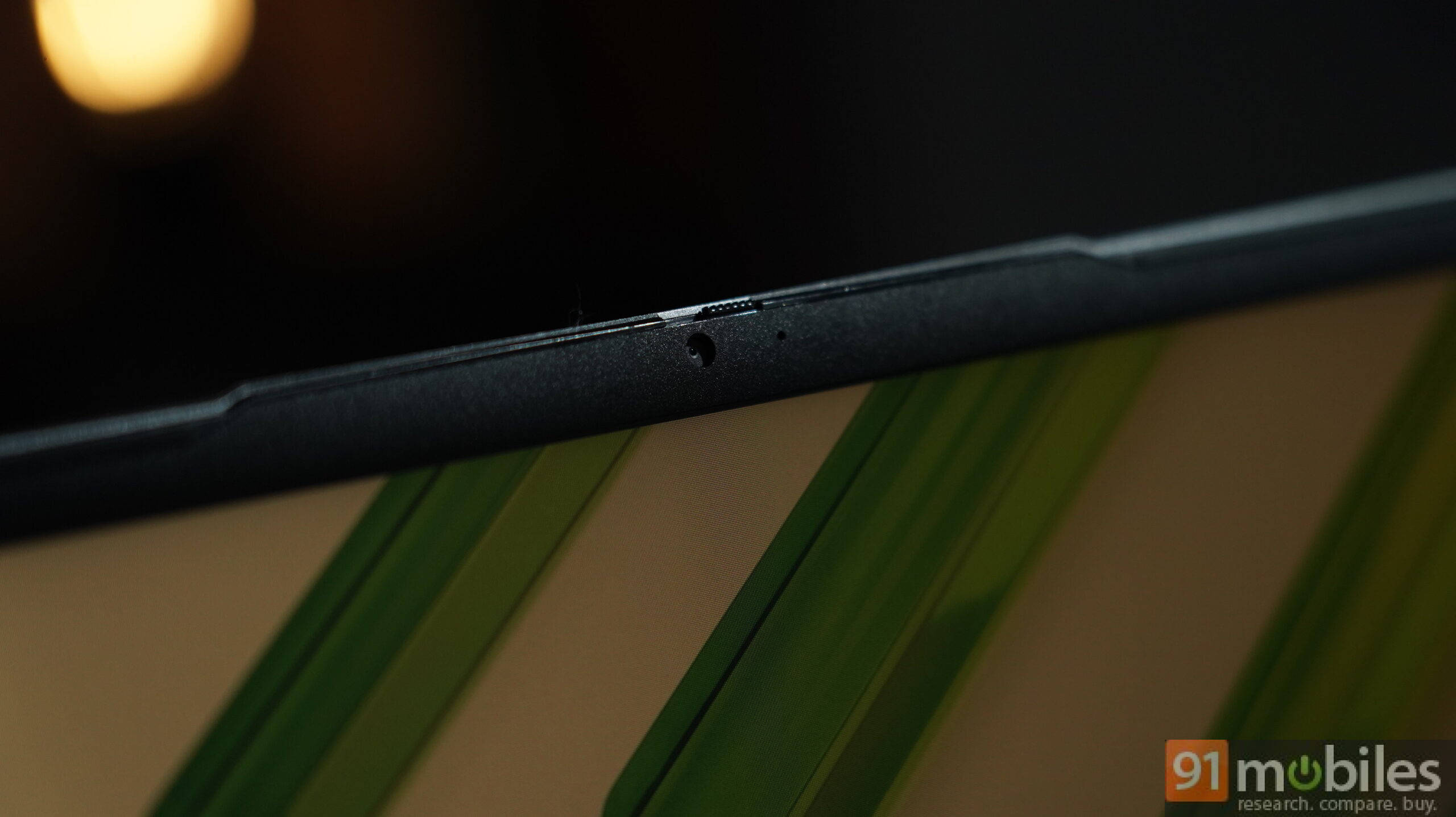
The inverted notch helps open the lid and requires two hands, as the base lifts up when you open it. The webcam sits inside the notch above the display and can now record in 2K, with a mic next to it. The quality is decent for quick online meetings. When not in use, the physical privacy shutter, which now sits at the top, blocks the feed, giving peace of mind for those who prefer double-layer privacy.
Ports and connectivity
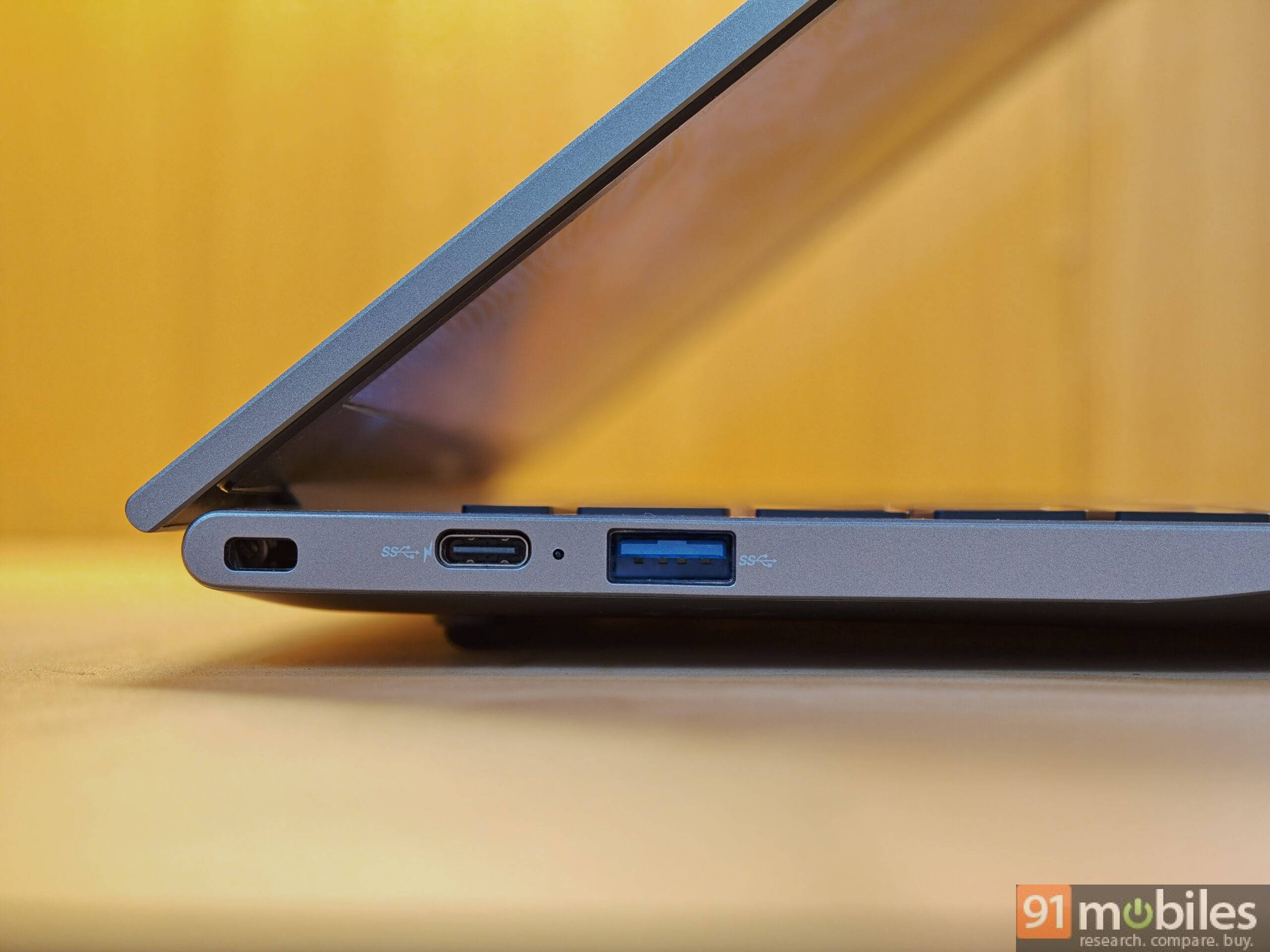
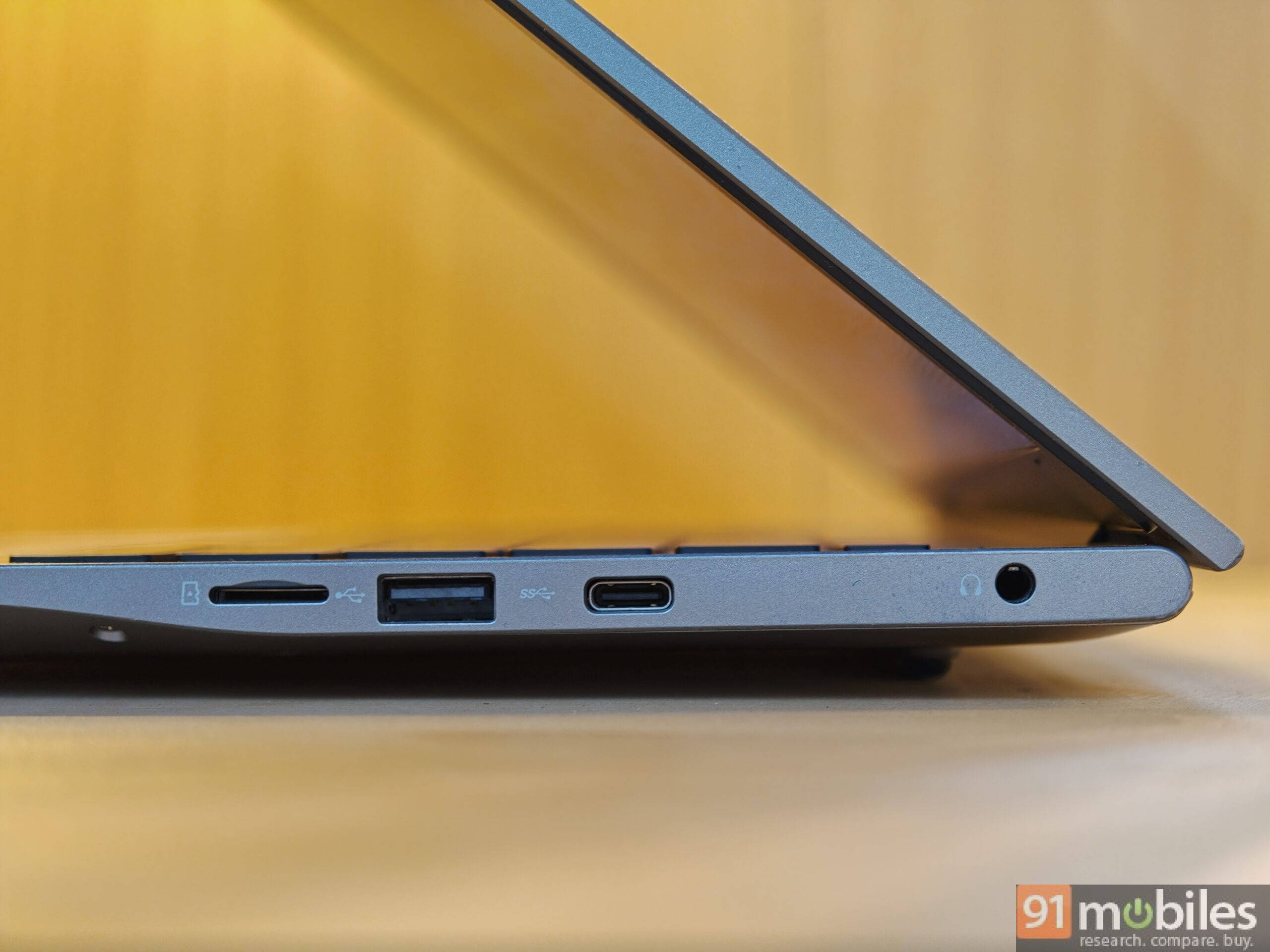
The Primebook 3 Max offers a USB 3.2 Type-A port, a USB 2.0 Type-A port, a 3.5mm jack, a microSD slot, a USB-C 3.2 port for charging and display output, and another USB-C port with 2.0 standard. For wireless connectivity, it uses Bluetooth 5.3 and Wi-Fi 6.
Keyboard and trackpad: almost there
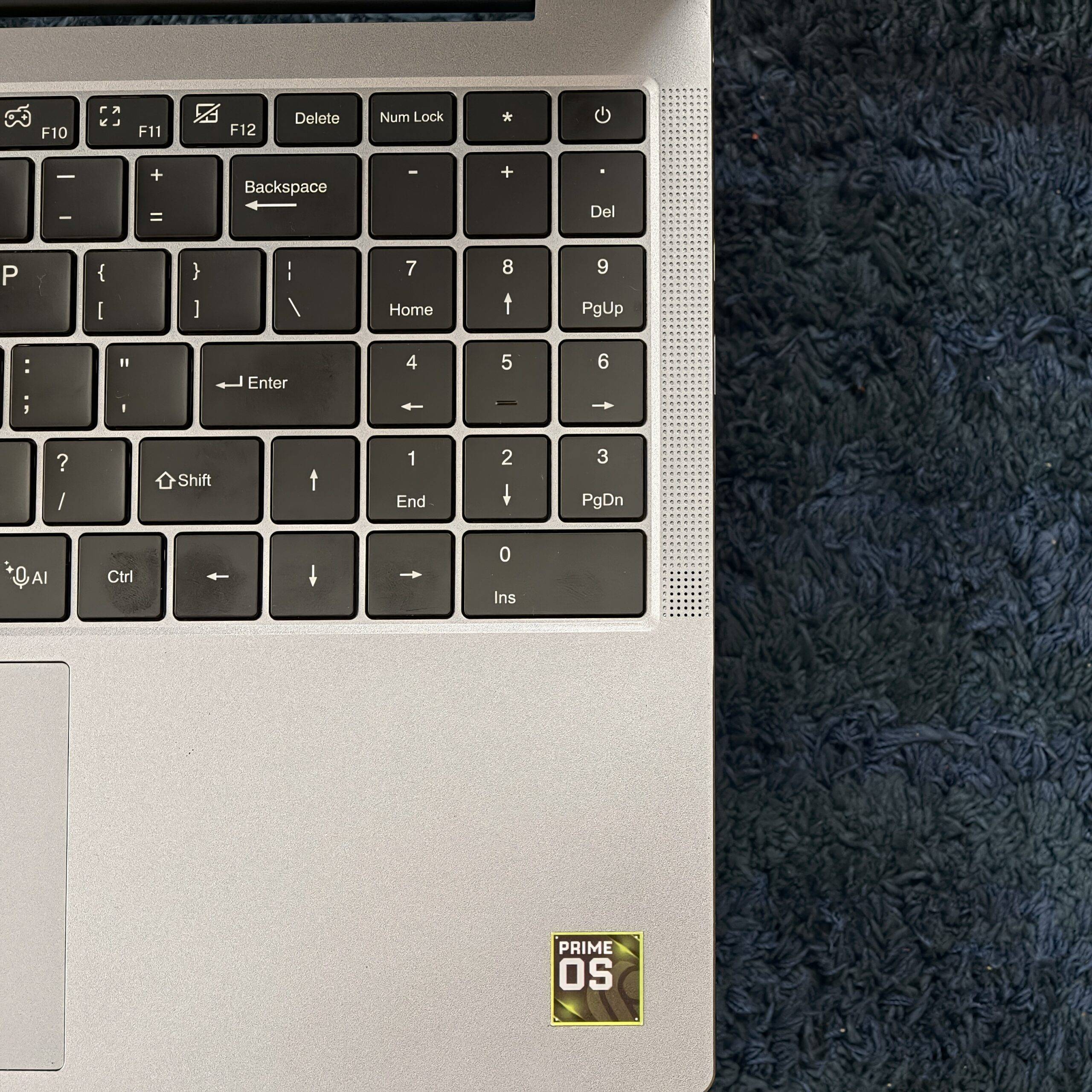
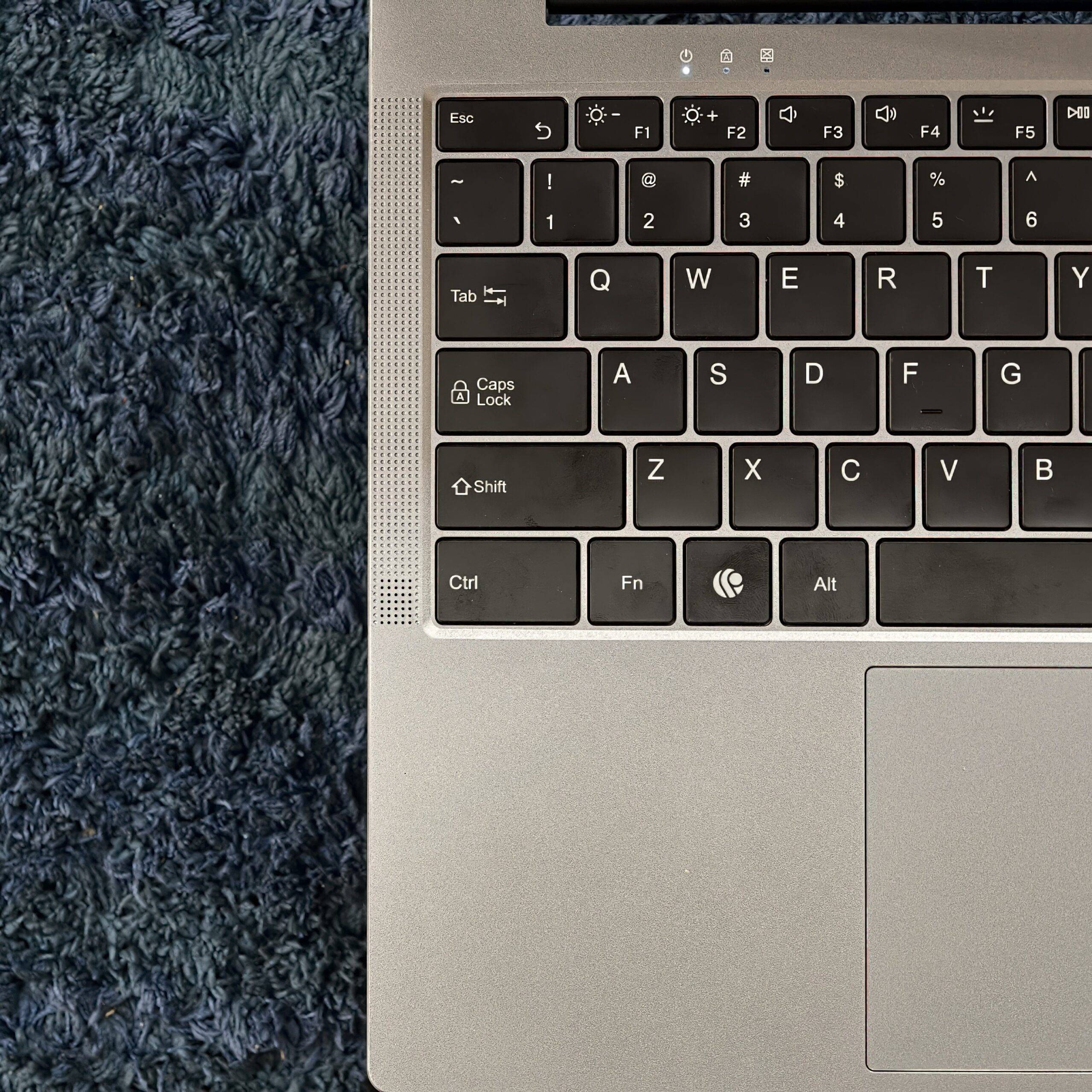
The keyboard remains unchanged, with a full-sized ninety-five-key layout, including customised keys for the Android OS, like clipboard, a dedicated key to maximise or shrink an app window, etc. I was hoping for a slightly improved layout, as, like the previous model, the right shift key is quite short and placed very close to the arrow keys, so I end up pressing the wrong key quite often while using shift or the arrow keys.
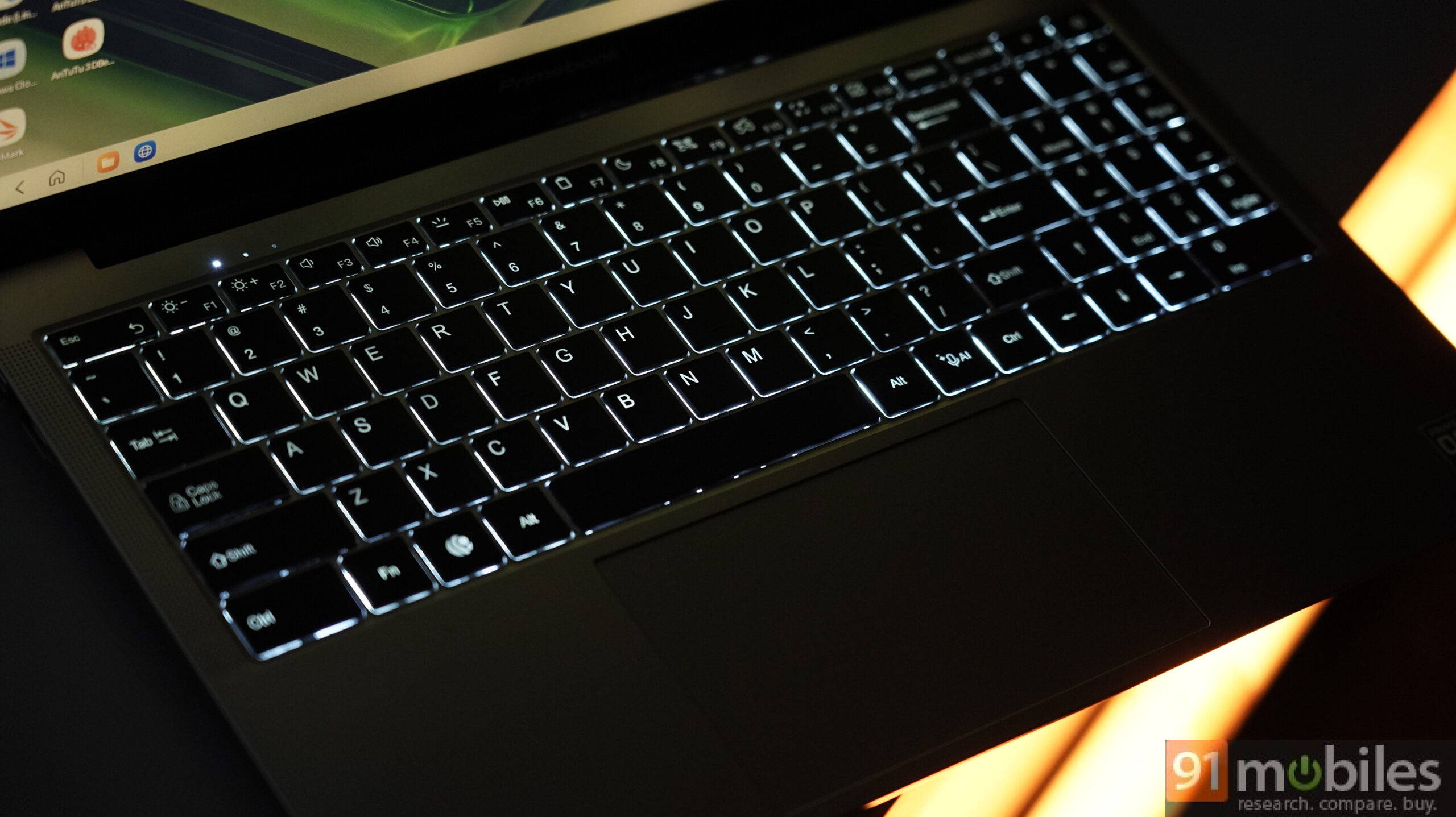
Other than that, the keyboard is good: it has two-stage backlighting, good travel distance, and clicky feedback. They are a bit hard for my taste; I prefer slightly softer, easier-to-press, and silent keys, but that’s just my taste. If you prefer clicky keys, you won’t be disappointed.
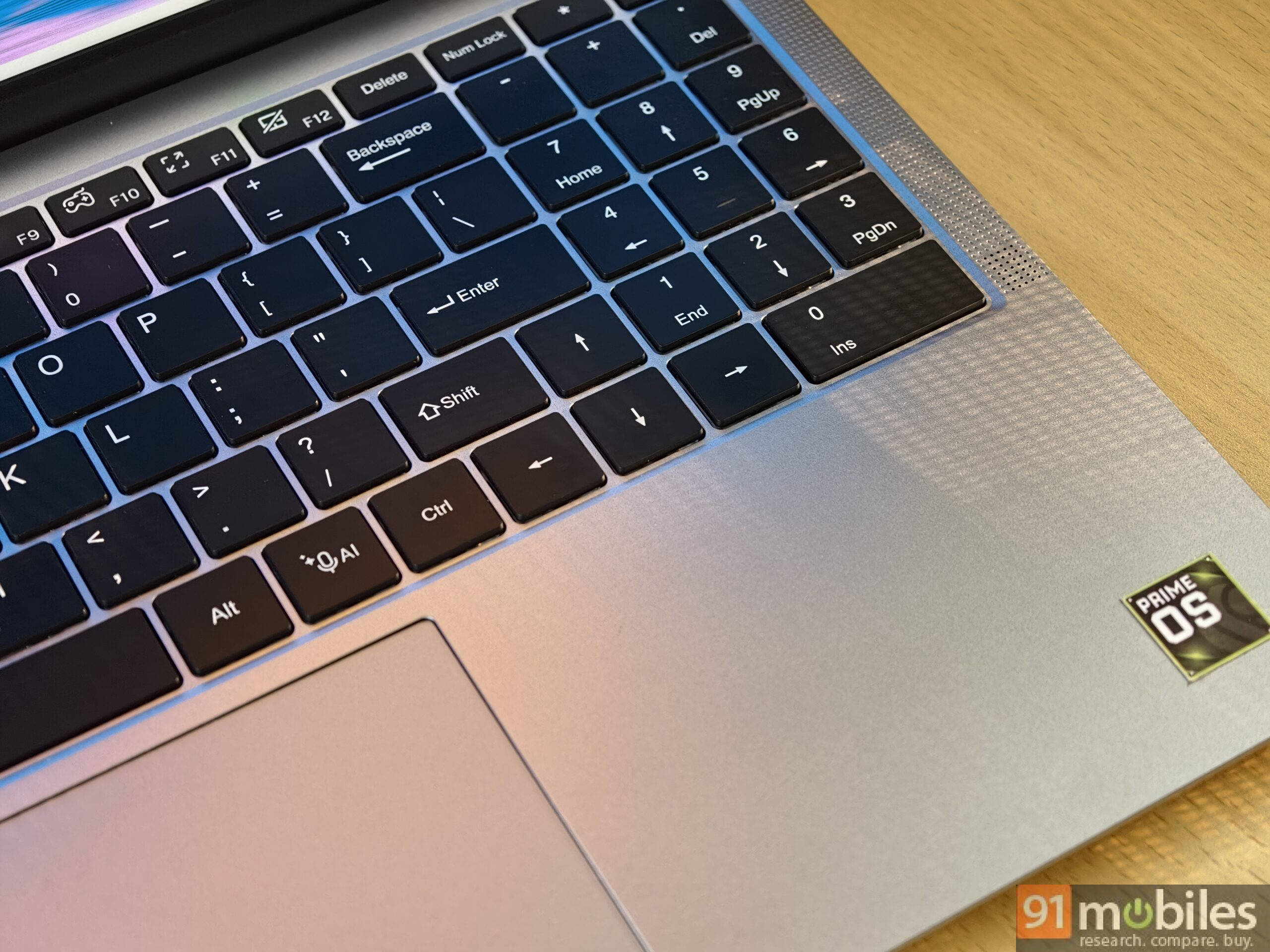
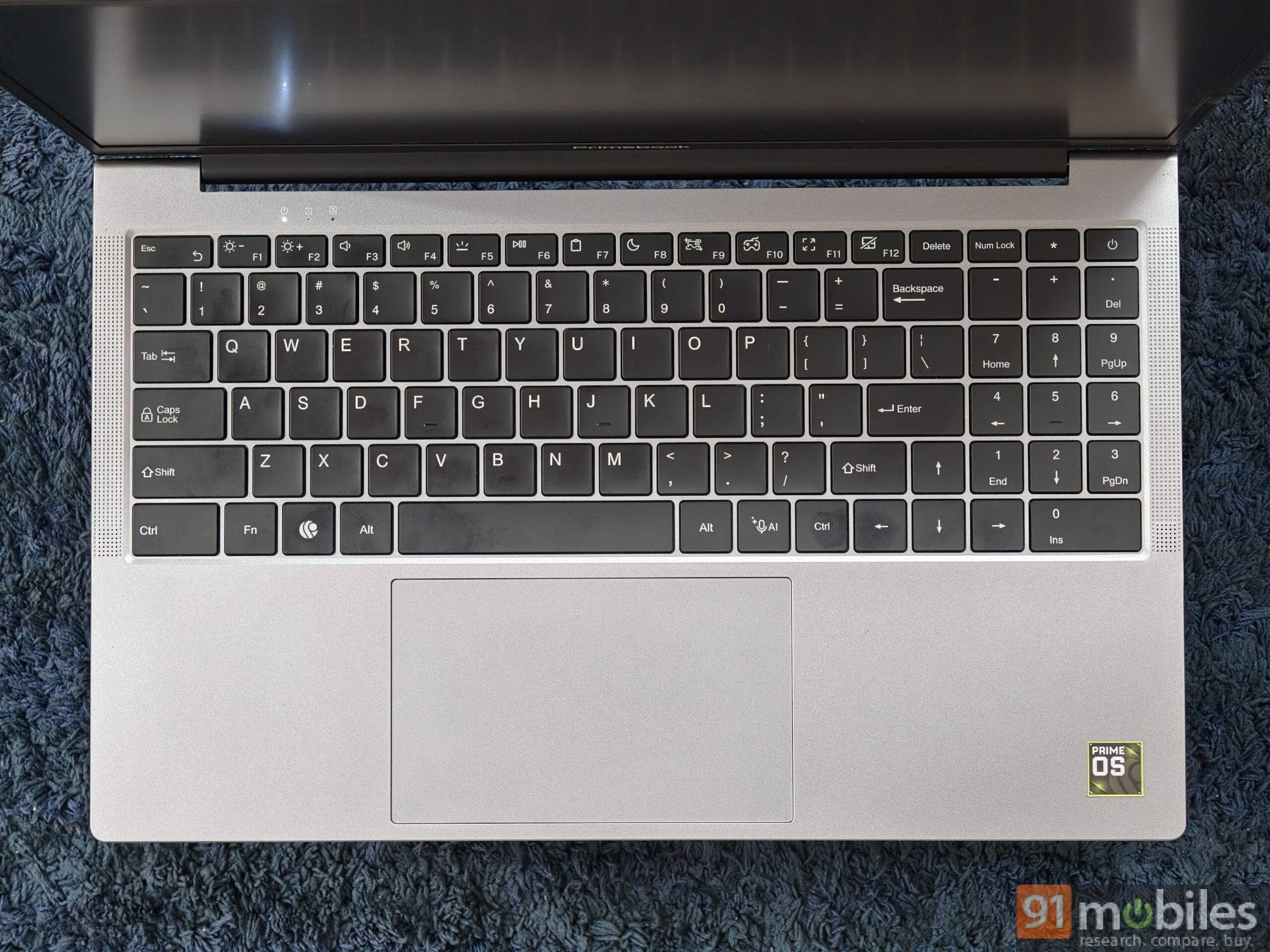
The trackpad sits slightly to the left, has a 1mm groove, and is considerably large for comfortable use. The gesture action to jump back to the home screen or switch apps is smooth, and the left and right-click buttons cover up to two-thirds of the surface area, giving peace of mind that every click registers without fail.
Display: anti-glare punchiness, with scope for improvement
The Primebook 3 Max carries the same large 15.6-inch Full-HD IPS anti-glare panel with 250 nits of peak brightness, delivering punchy colours, great viewing angles, and rich contrast (the brand hasn’t disclosed the official numbers). There’s very little to complain about, except that it’s still an 8-bit display; in low-light conditions, colour banding is easy to see.
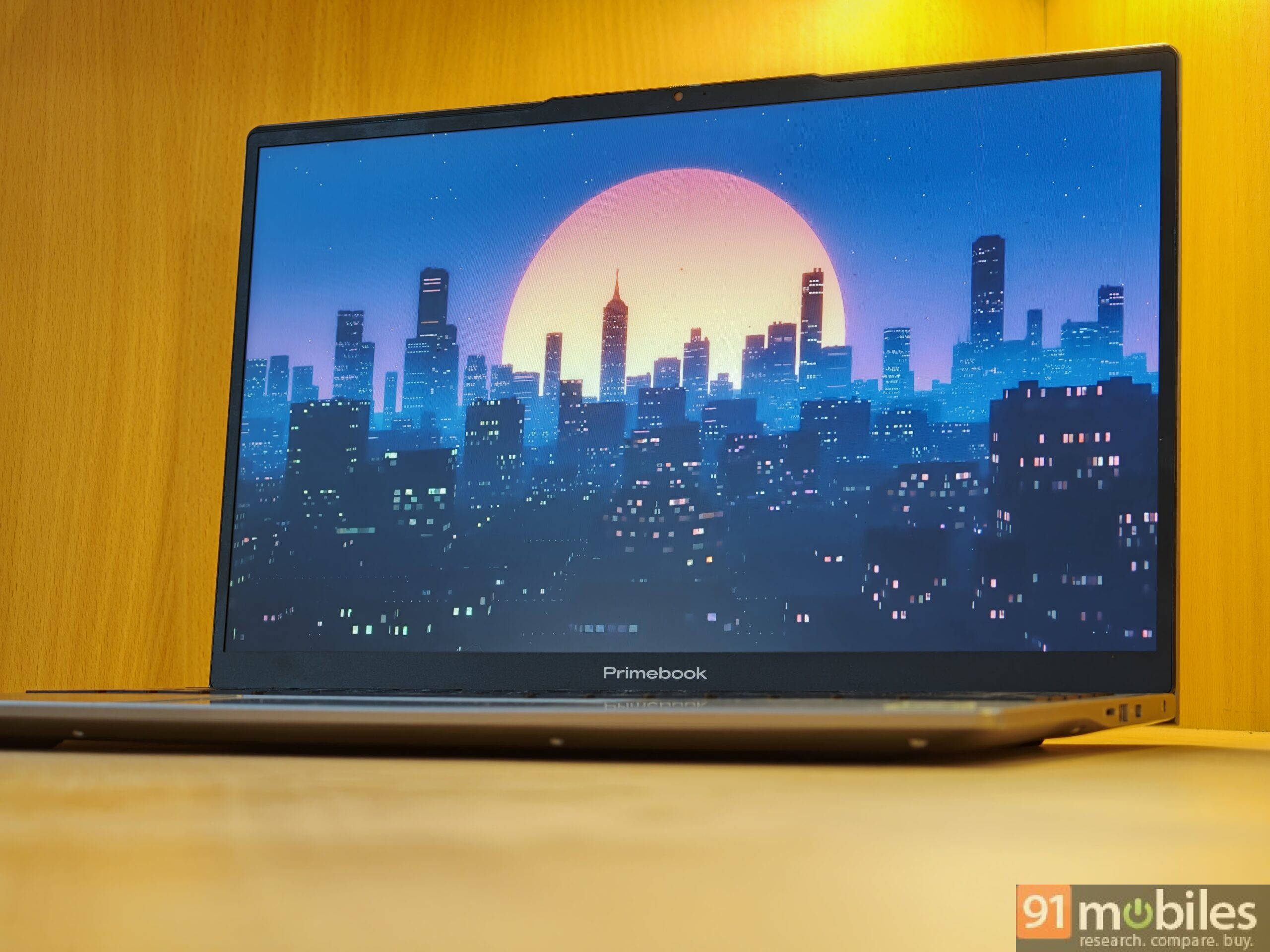
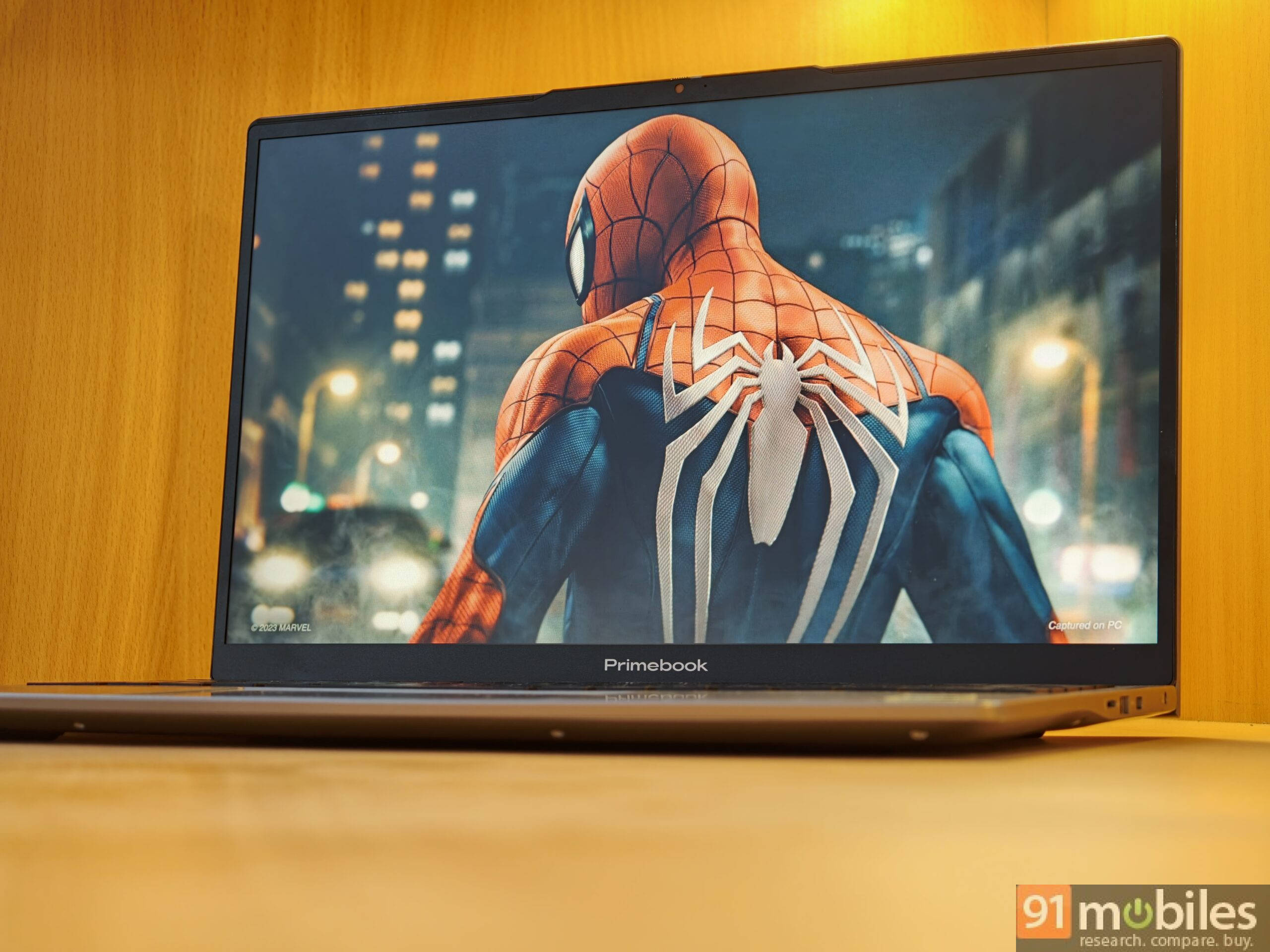
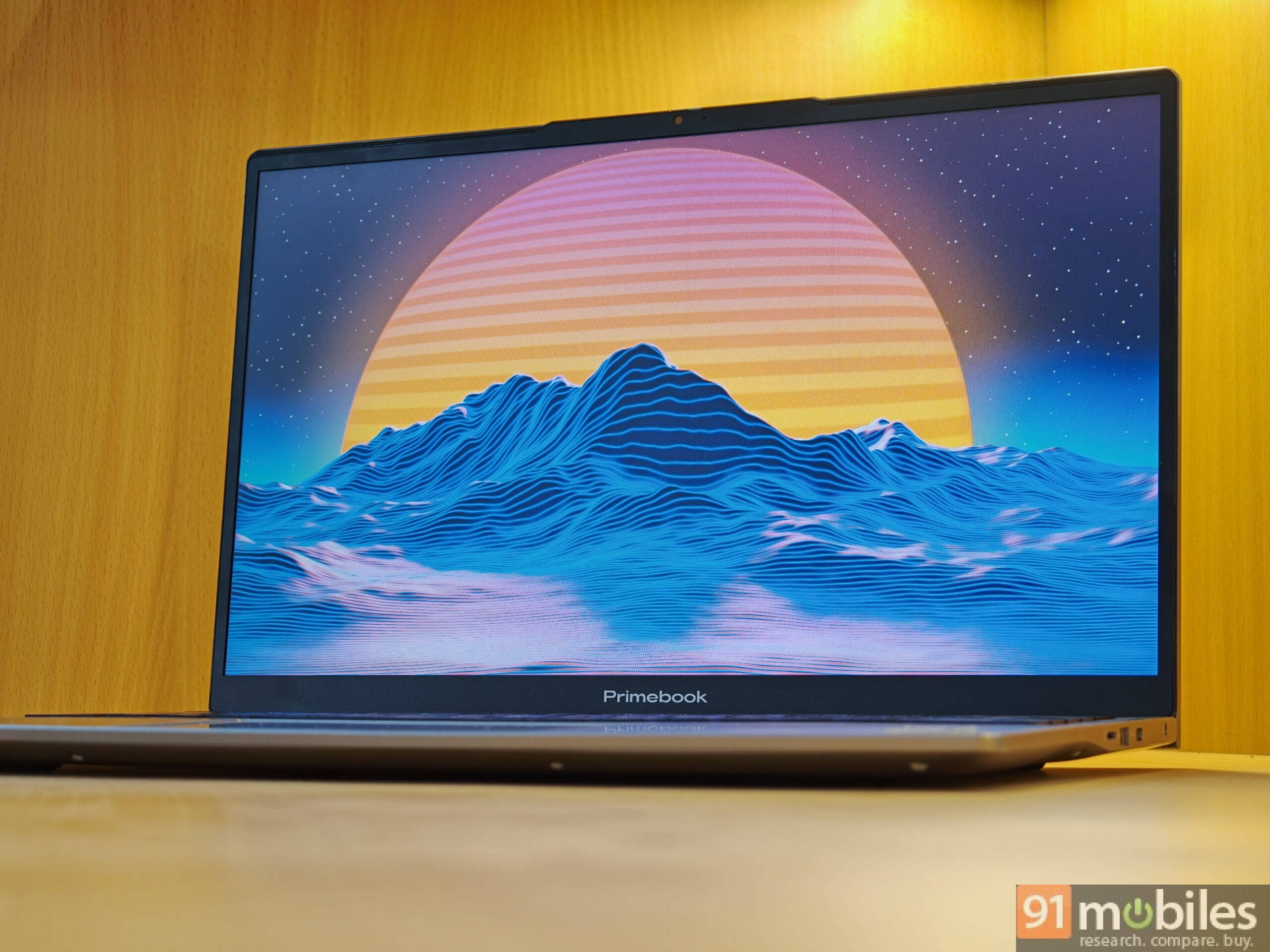
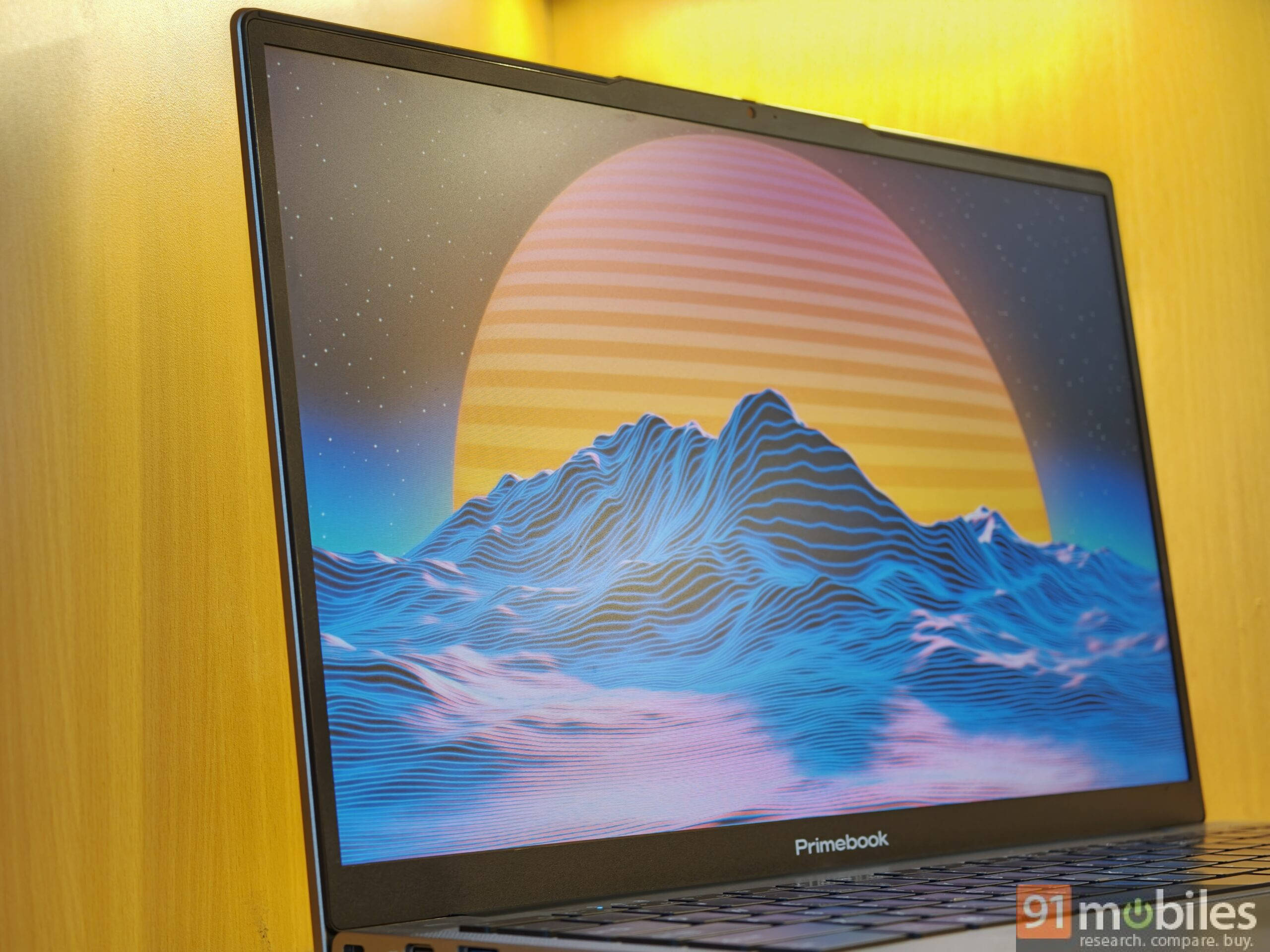
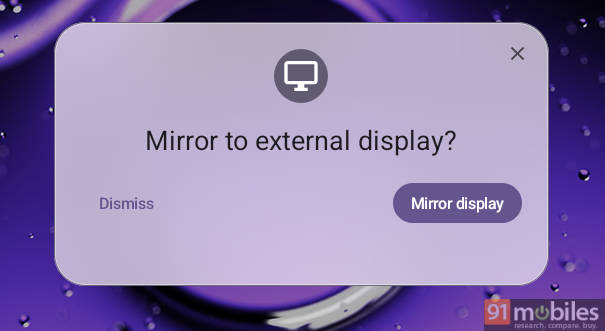
Though there’s one workaround: you can mirror the display via the display-out port; however, it uses the same charging port, so you can either charge your Primebook or mirror the display, or you’ll need an adapter or wireless casting. If Primebook can upgrade the display to a 10-bit panel with higher peak brightness and allow power-in on both USB-C ports, that could drastically improve the overall experience for creatives, professionals, and editors.
Audio: loud enough to fill a room
Paired with dual stereo downward-firing speakers, with secondary mesh placed on either side of the keyboard. They have a very flat soundstage, but get loud enough for a group of six to eight people and can fill a room for a watch party.
Software: potential to set a new prime
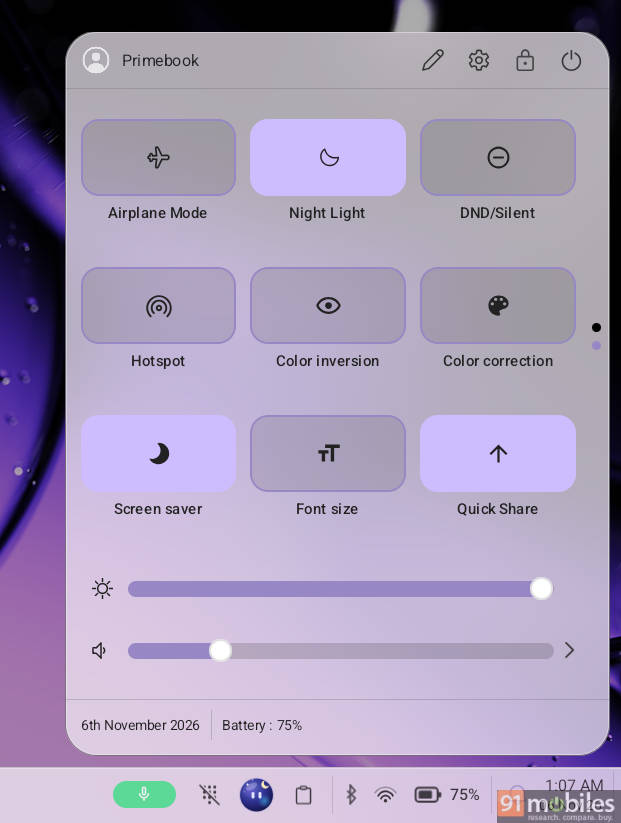
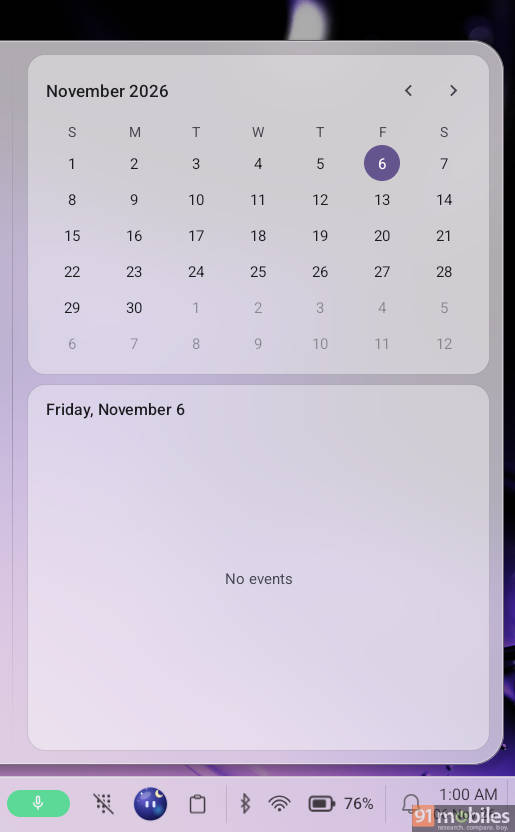
With every iteration, the software on Primebook is getting better. I’m impressed the brand has addressed feedback from our previous reviews. We now have a calendar in the quick settings window, a revamped lock screen UI, the ability to store screenshots in the clipboard, wireless Quick Share to transfer files between devices, and quick toggles to disable camera and mic.
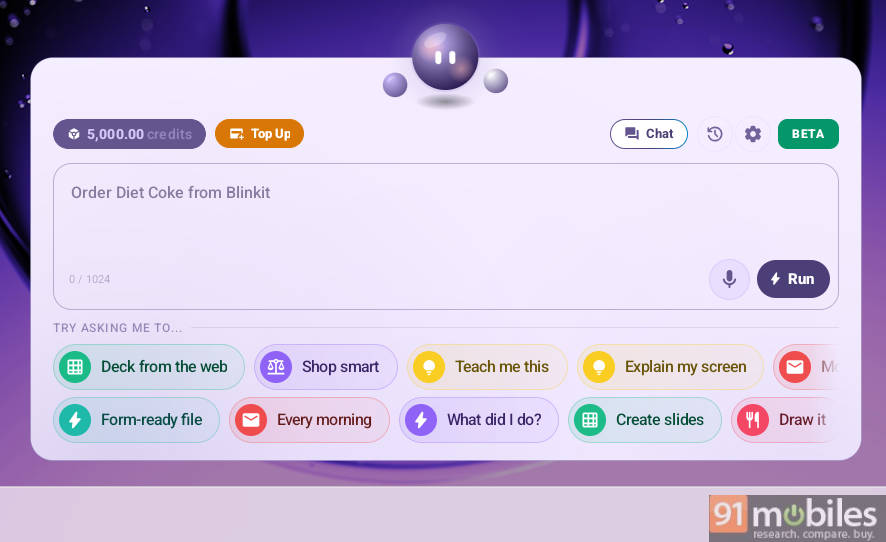
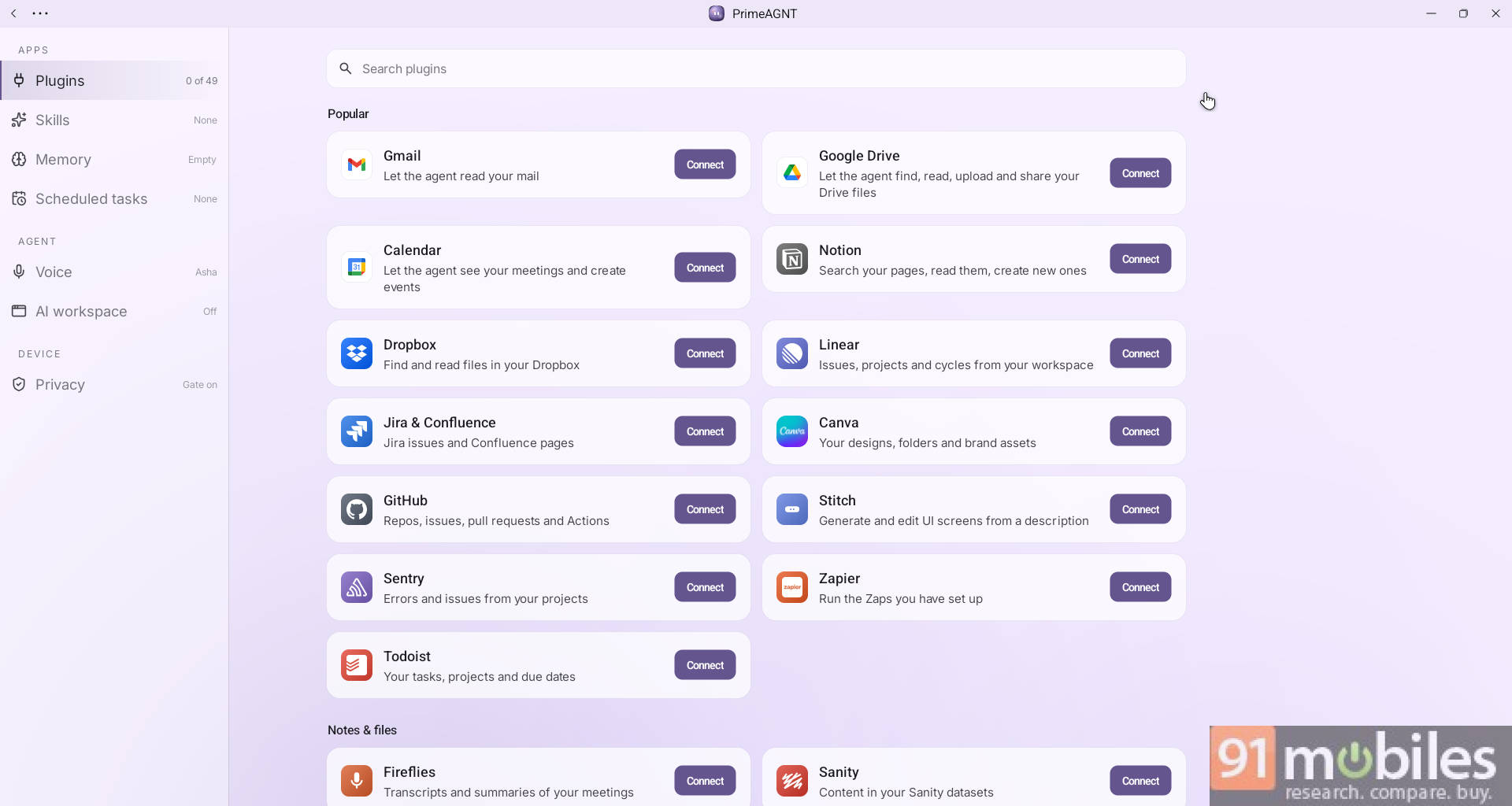
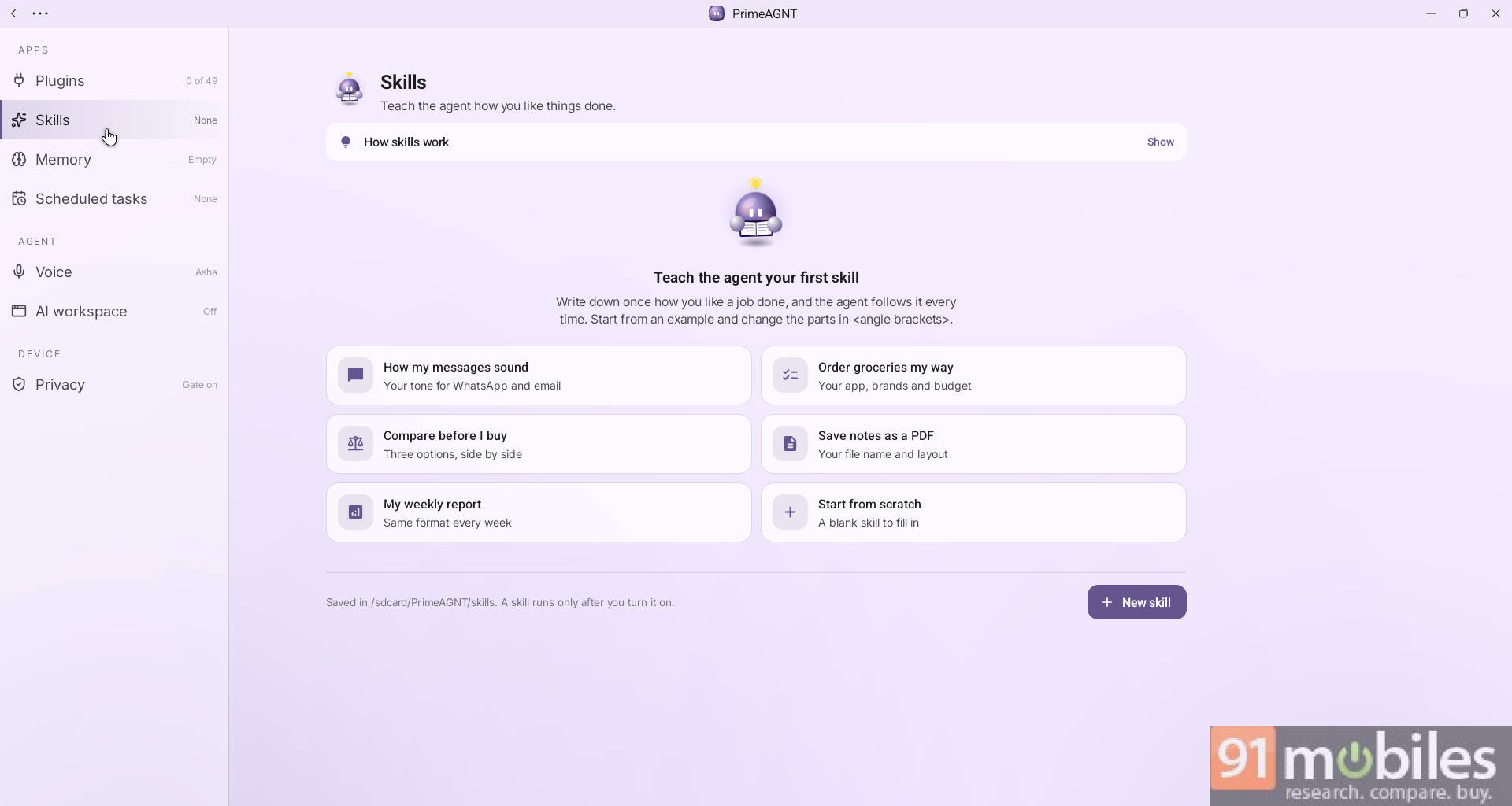
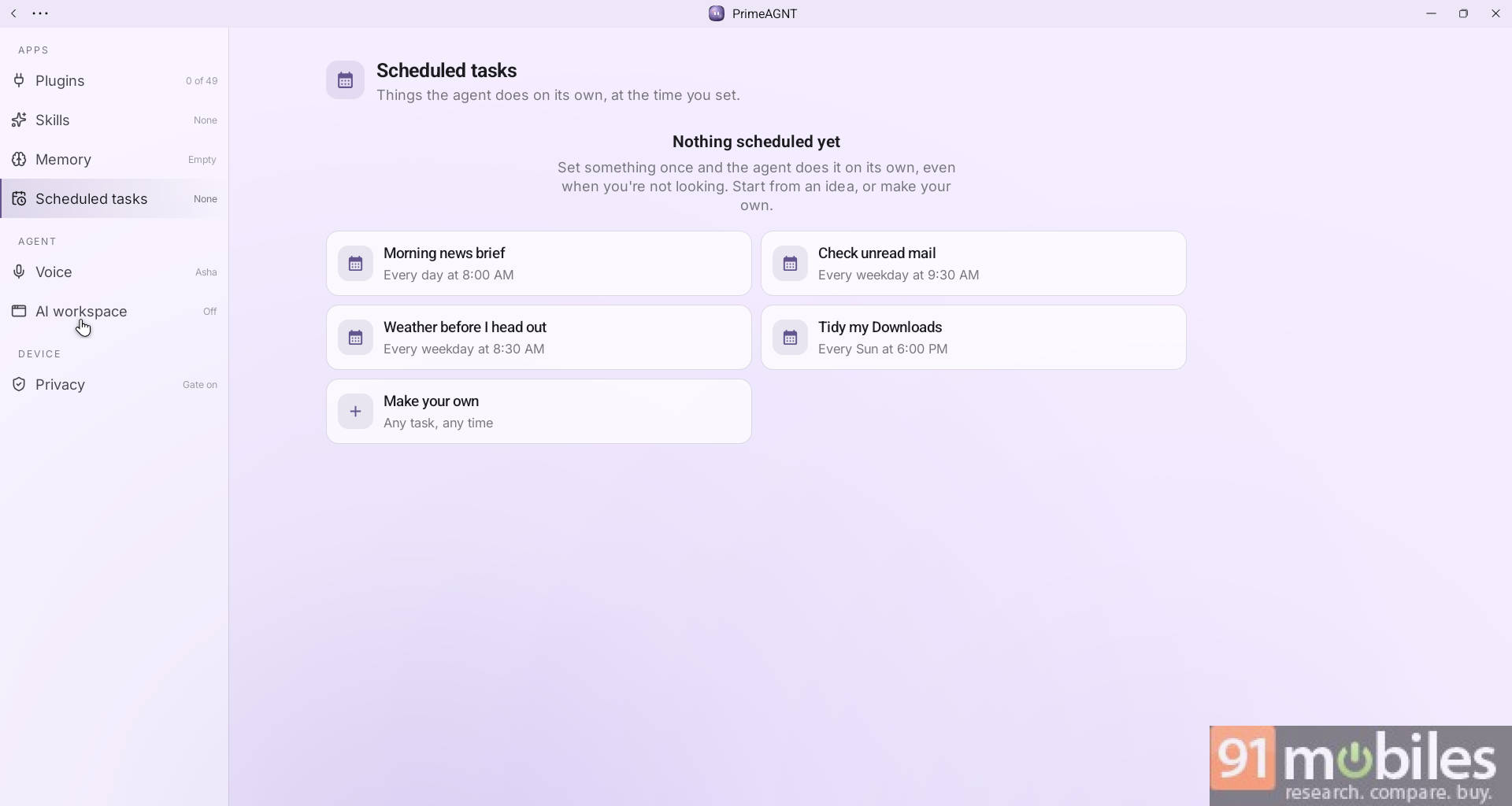
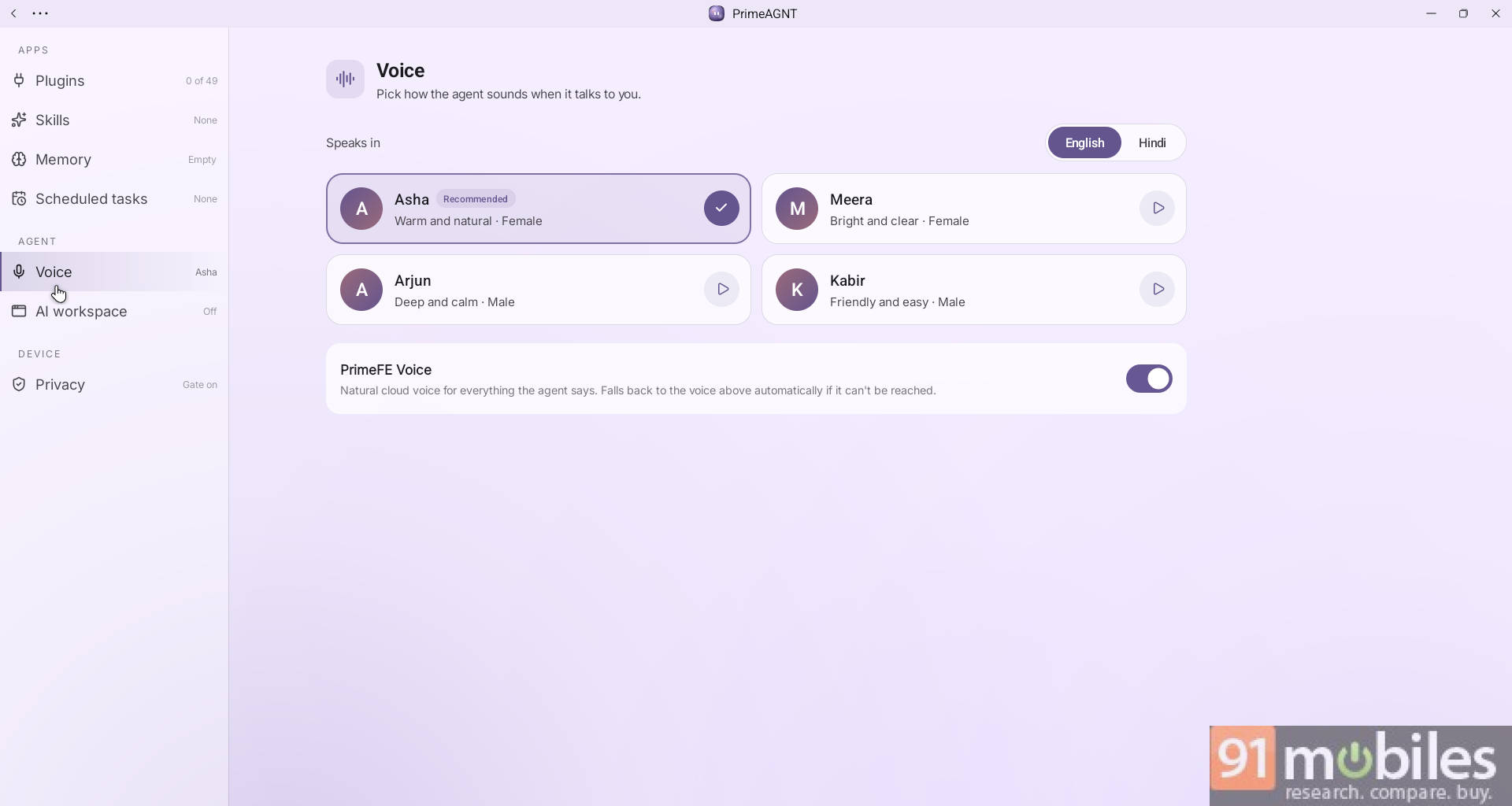
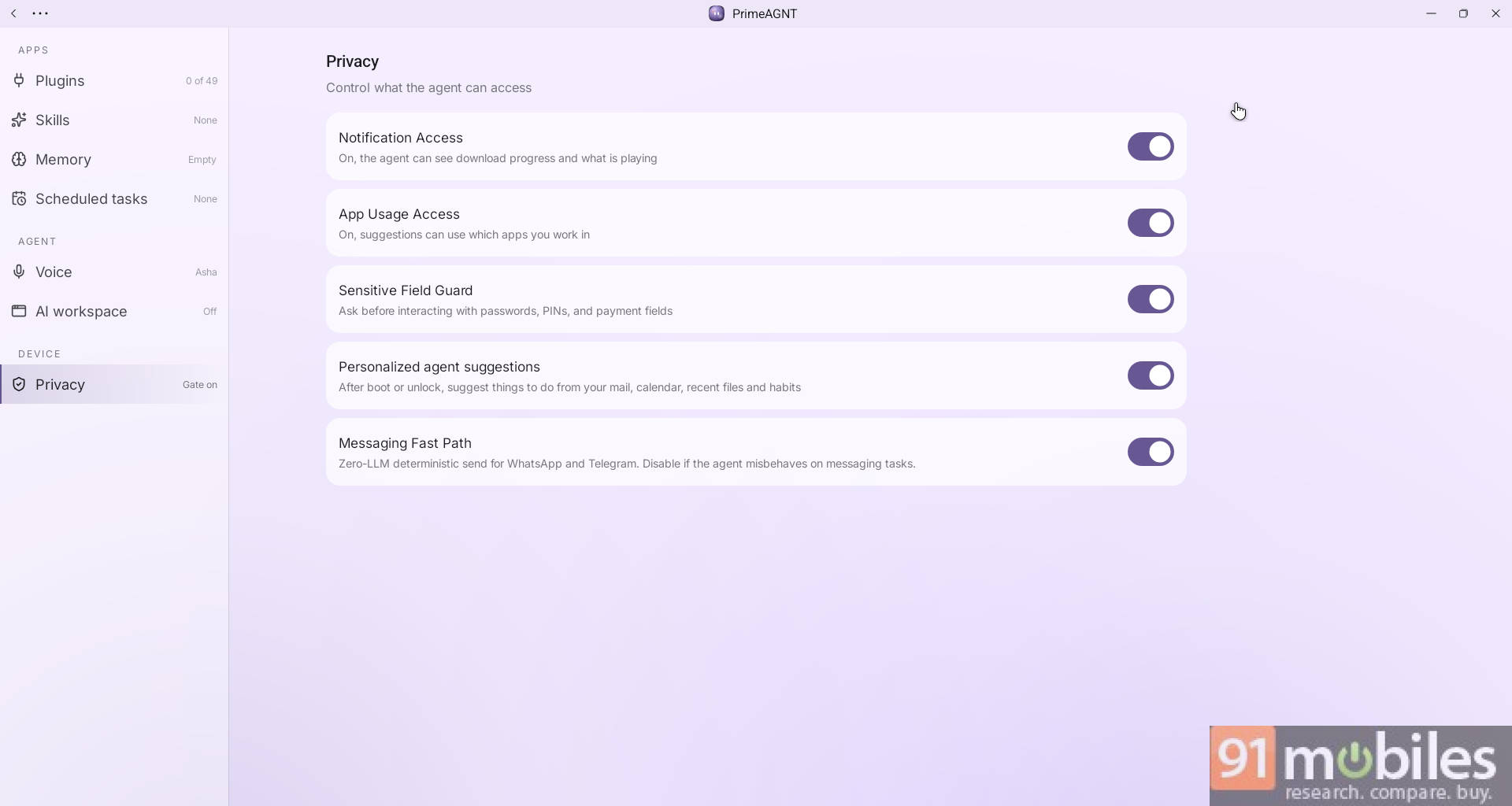
PrimeAGNT, their native AI agent, now supports plugins, with 49 plugins readily available from apps like Jira, Canva, GitHub, Zapier, Fireflies, Asana, PayPal, vidIQ, Higgsfield, and more. You can even build custom skills, schedule tasks, and choose from a variety of voice models. These agentic AI features cost credits, and free credits are now reduced to 5000, though the top-up is quite affordable, as INR 100 gets you another 10,000 credits from their store.
You can play all major Android titles like BGMI, Call of Duty, Genshin Impact, and more, and the built-in customisable keymapping tool comes with ready presets for 50 titles. You can even enjoy PC titles with cloud gaming services like GeForce Now, Xbox cloud gaming, and JioGames.

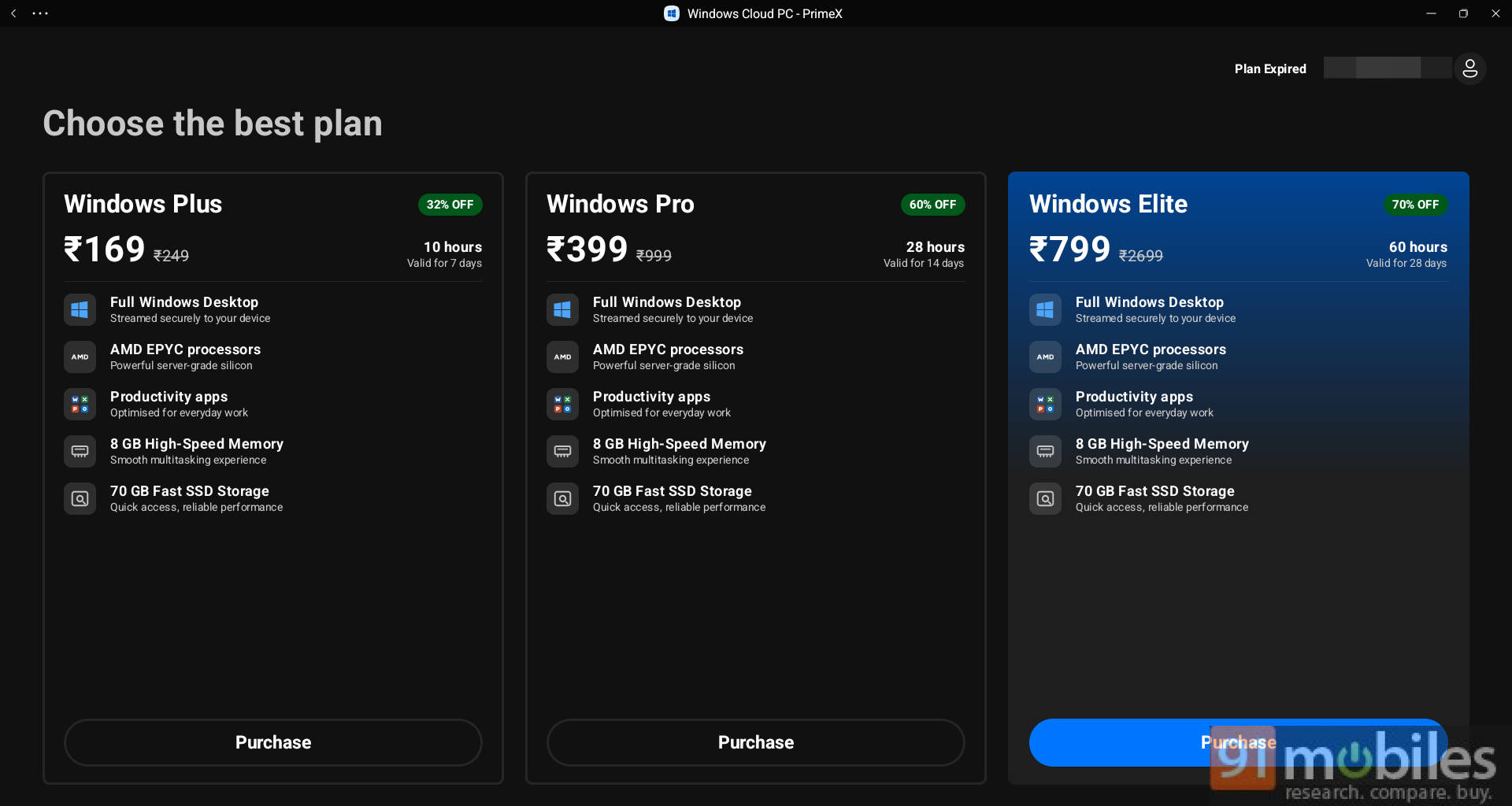
For professionals and coders, LibreOffice, VS Code, and a terminal app are built-in, and if you need a Windows machine for advanced tools like Photoshop and CAD, you can choose from Windows and Linux cloud solution plans, costing as low as INR 169 for 10 hours of use with a validity of 7 days.

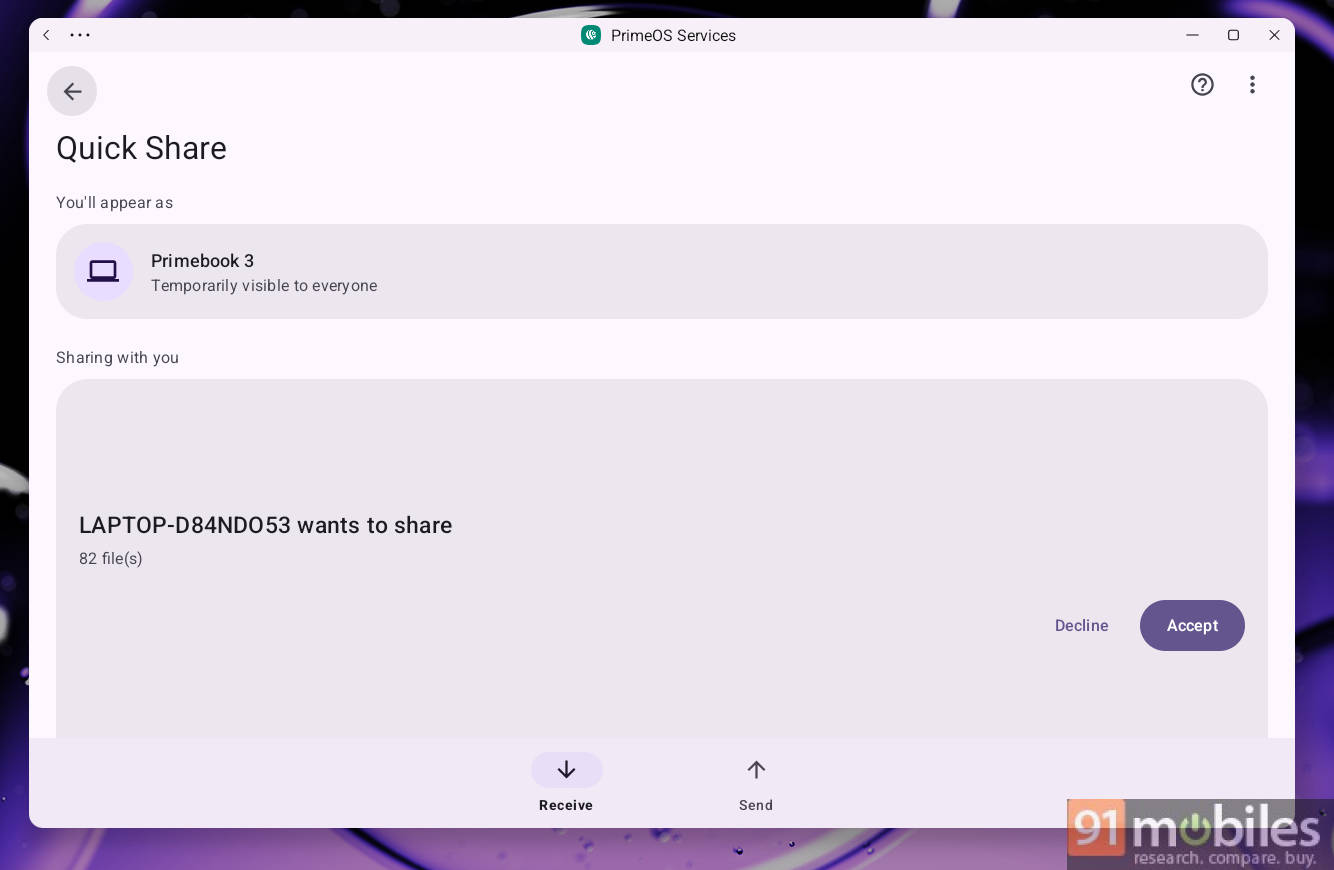
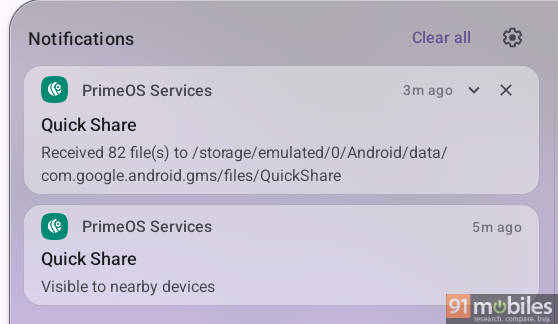
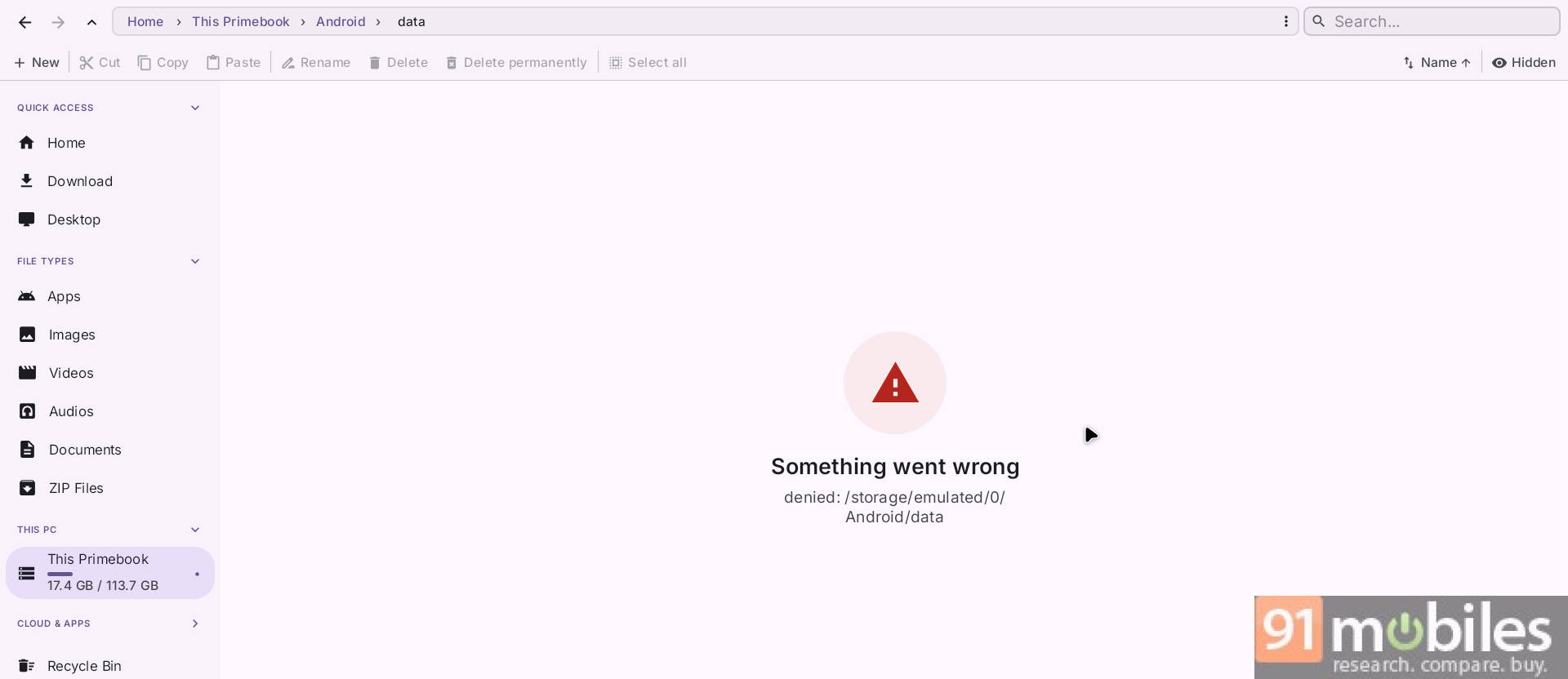
There are a few areas that need more polishing; for example, file transfers via Quick Share get stored inside the Android folder and aren’t accessible from the native or third-party file manager, nor do they show up in the Photos app, and I ended up using ‘Local Send’ again.
The revamped camera app is well designed, but it often glitches with ISO and aperture settings when the aspect ratio changes, and I couldn’t find any option to change video settings either.

The OS is so feature-packed now that it sometimes feels like the hardware can’t cope, since it doesn’t feel as snappy as it should. In my opinion, the OS needs to be optimised. Also, the updates situation needs attention too: first, it is still based on Android 15, and second, we’re in November, but the latest security patch as of today is from August 2026. The brand said an update is planned for November, but it is expected to arrive in the third week.
Hardware: upgrade we wanted, but not enough…
The biggest upgrade this time is under the hood; powered by the MediaTek Genio 720, it is a major leap from the Helio series in previous Primebooks. With the improvements and new features in PrimeOS, the SoC upgrade is the right step for handling processing tasks. The Genio 720 is specifically designed for smart home, industrial, retail, and generative AI applications. It’s an octa-core processor based on a 6 nm architecture, with faster A78 cores and a dedicated NPU, an advantage absent on previous Primebooks. This enables faster, better AI performance, but as mentioned above, it seems to fall behind in terms of the power PrimeOS 3 requires.
Another upgrade is LPDDR5 RAM over the LPDDR4X RAM, though the storage has been slashed in half to 128GB of UFS 2.2 standard, thanks to rising prices; with a microSD card, this can be expanded to 1TB.
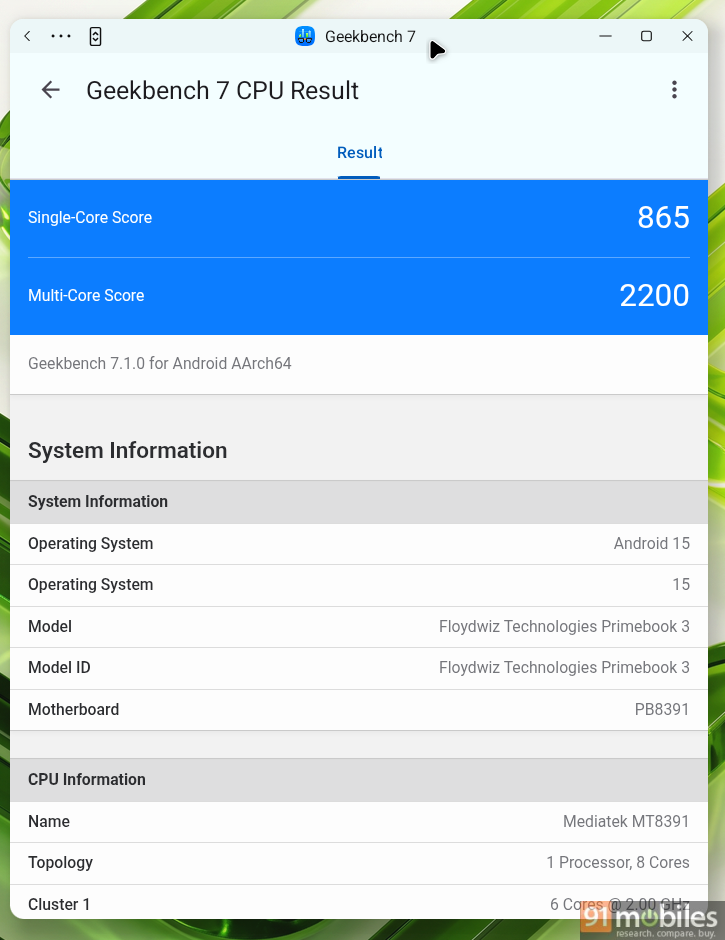
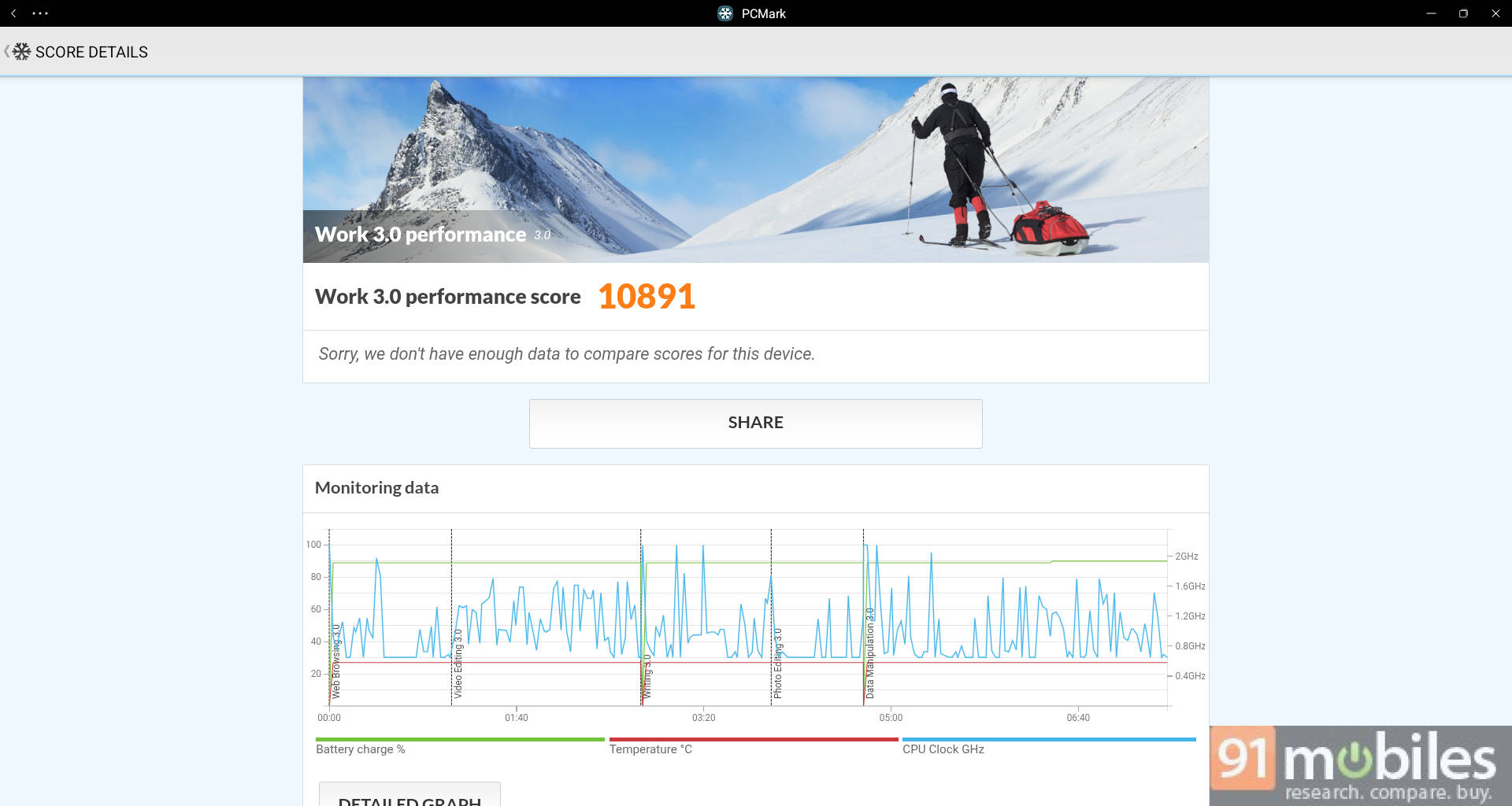
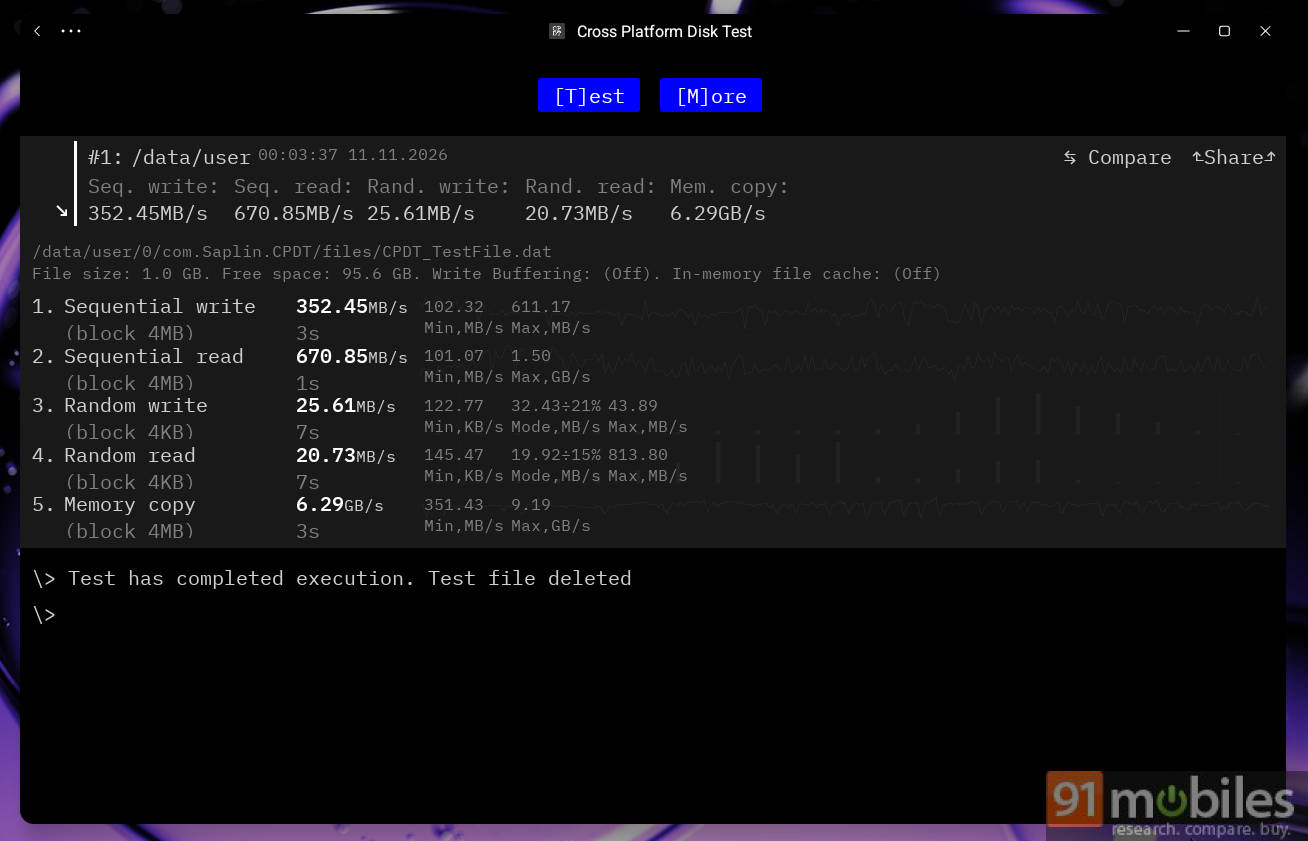
On Geekbench 7, it scored 865 points for single-core and 2,200 points for multi-core tasks. In the PCMark Work 3.0 performance test, it scored 10,891 points. In the memory tests, it achieved speeds of 25.61 MB/s, 20.73 MB/s, and 6.29 GB/s for random write, random read, and memory copy, respectively. These numbers are in the same ballpark as the MediaTek Dimensity 7300 or Snapdragon 6s Gen 4.
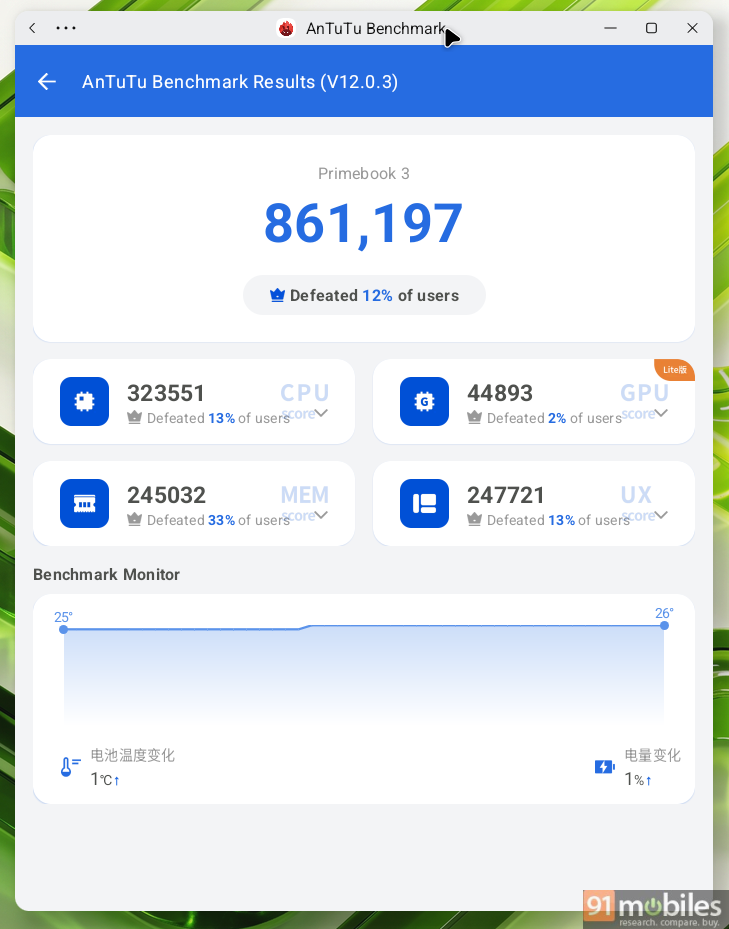
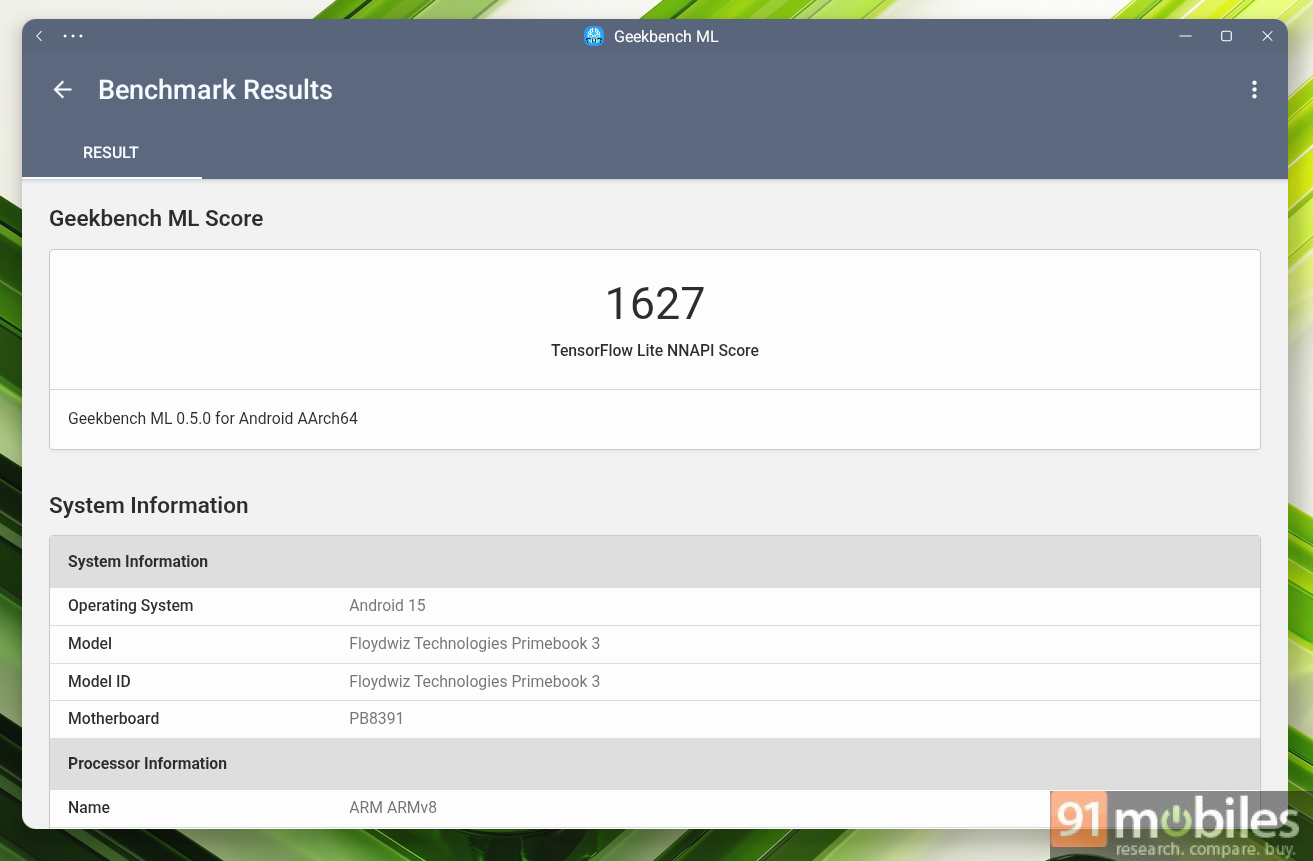
Beyond the synthetic benchmarks, the Primebook 3 Max runs smoothly with a couple of apps in the background for most daily tasks. But if you are a serious multitasker like me, with heavy apps or a lot of tabs running in the background, the 8GB RAM and limited processing power can feel like a real drag.
Battery: lasts an entire day
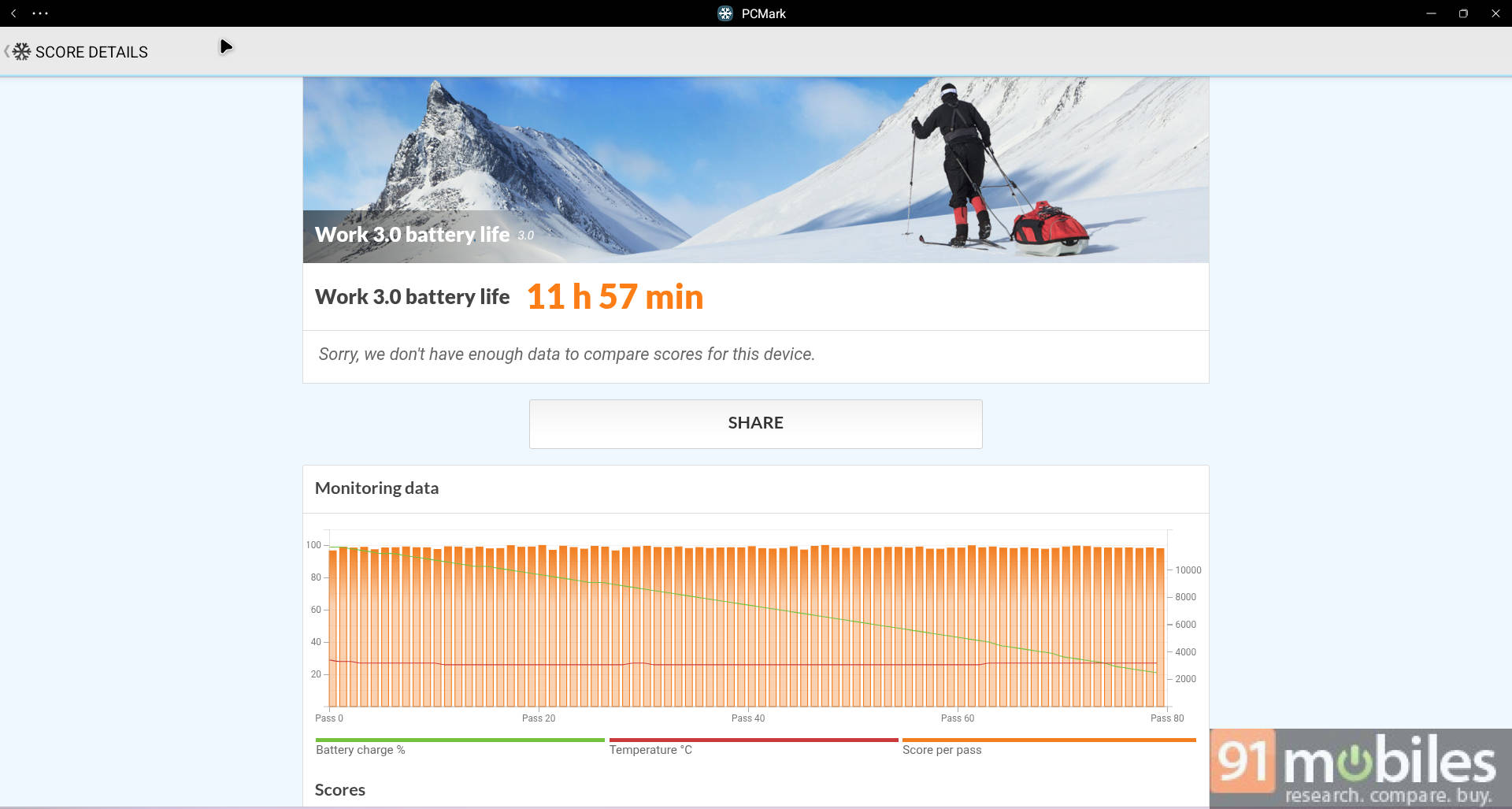
The Primebook 3 Max draws power from an 8000mAh battery pack, claimed to last up to 12 hours; this holds true, as our standardised PCMark battery test scored 11 hours and 57 minutes. In a real-life test, I could easily pull off an entire office day with a mix of emails, sheets, docs, web browsing, YouTube, and more, without worrying about charging.
The included 45W Type-C power adapter can juice it up in about 2 hours at 36W power draw, which is faster than the previous iteration. Props to the brand, as they have taken our feedback from previous reviews; this time, the adapter supports PPS charging, so I can charge my phone and other gadgets with a single adapter. However, I would have appreciated it if the adapter had fully used its 45W potential to charge the Primebook 3 Max.
Verdict: cautious steps in the right direction
At first glance, the Primebook 3 Max felt like an incremental refresh, as it carries the same chassis as the Primebook 2 Max. After spending time with it, I can see a lot of behind-the-scenes improvement, not just in hardware, which feels more premium now. But the brand has also improved the software, incorporating feedback from reviews and boosting the UI’s overall visual appeal.
However, there are still a few areas for improvement, including a brighter 10-bit display, better soundstage, a larger app library, better software optimisation, and faster charging with more flexible port options. The MediaTek Genio 720 is good for lightweight tasks, but power users will notice slowdowns during longer runs, with only 8GB of RAM.
With Primebook 2 Max, the brand laid a solid foundation; with Primebook 3 Max, it’s acting on user feedback and taking cautious steps to build an identity in the market. Now, they are targeting 500 crore in revenue in the next two years and EBITDA profitability by the end of this fiscal year, by doubling down on AI and retail expansion. Though there’s still a lot to do to reach success, the efforts are headed in the right direction, and the journey should get smoother over time.
Editor’s rating: 7.6 / 10
Pros:
- Conventional laptop-like experience
- Punchy Full HD matte display
- Comfortable full-fledged backlit keyboard
- Excellent one-day battery life
Cons:
- Hardware feels limiting
- Limited app library support
- Software needs polishing