The phones we carry in our pockets are veritable mini computers in their own right, while foldable smartphones are encroaching upon tablet territory. Tablets themselves pack a lot of grunt these days, with some aiming to replace your laptop. And if you’re one of those who uses one or multiple of these mobile devices for serious work on the go, a wireless keyboard can come in extremely handy. My work requires me to stay productive even when I’m not at my desk, and I’m writing this review on a flight, in fact. My weapon of choice — the Rapoo E9050L Bluetooth Wireless Keyboard. Rapoo is a well-known brand in the peripherals and accessories space, and its portfolio comprises a big range of products that stand out in a segment which is quite fragmented and crowded.
Table of Contents
Design and build
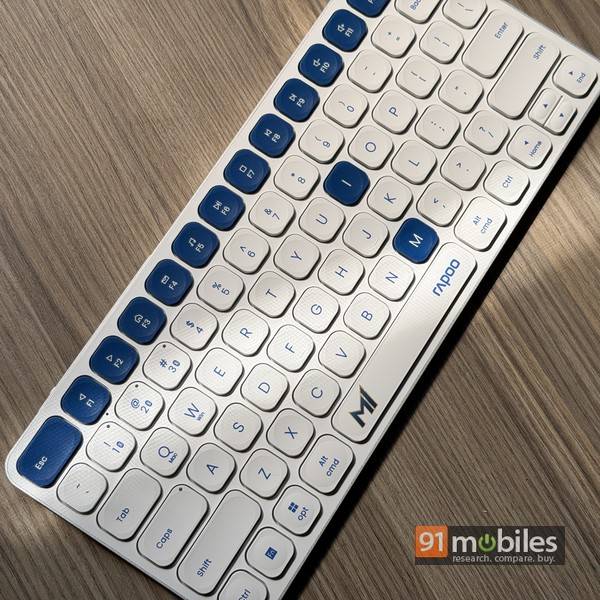
It’s slim and lightweight, just about 5.3mm at its slimmer point, and weighs just under 300 grams, so you can easily slip it into your backpack and take it with you. The anodised aluminium base helps make it sturdy. And when work calls, and you need to get into hustle mode, fish out your phone or tablet, power the E9050L keyboard on, and get cracking.
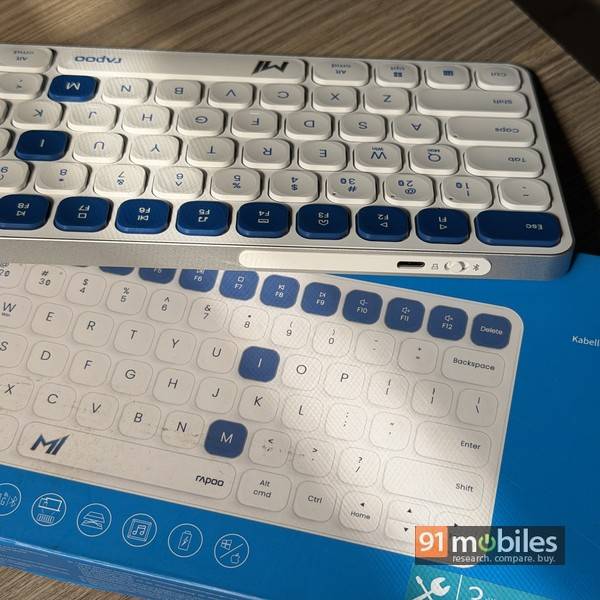
The keyboard is compatible with a bunch of different devices and operating systems, so you can use it with your Android phone or iPhone, your tablet, your smart TV, and when the situation calls for it, even your MacBook or Windows laptop. Plus, it can work over Bluetooth 5.0 or 2.4GHz RF, and a USB dongle for the latter is provided in the box. However, there’s no onboard storage for the dongle, and can be misplaced easily if you are not careful. While using the keyboard in Bluetooth mode, you can switch between three different devices seamlessly using the hotkeys.
Usage
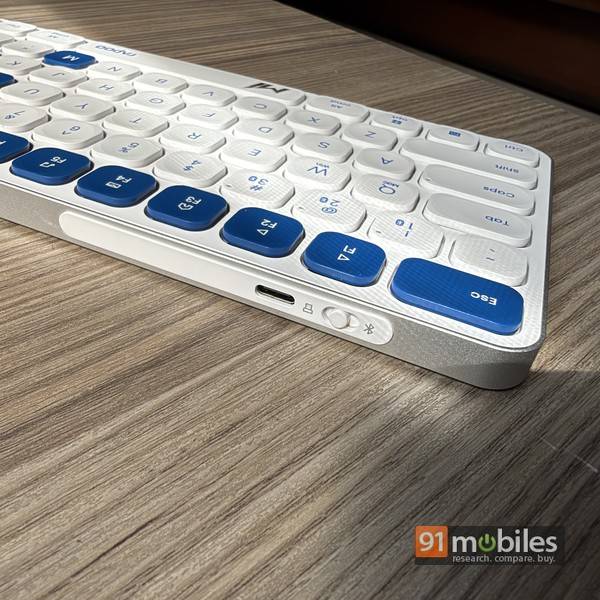
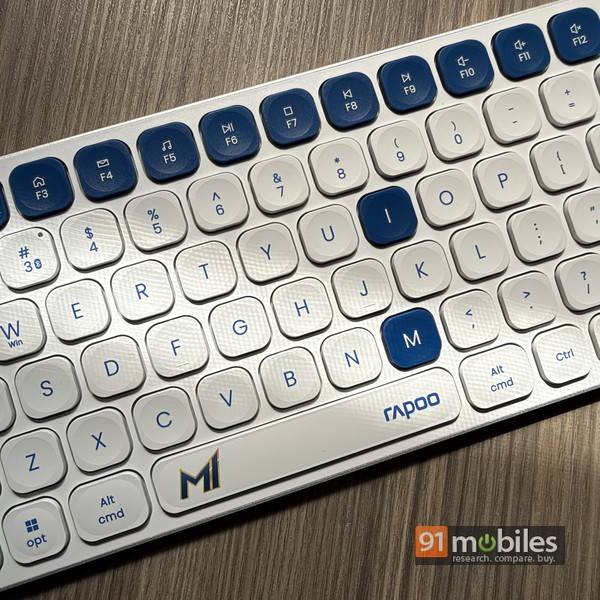
Pairing the keyboard with your devices is a breeze — it works plug and play in RF mode, while Bluetooth pairing is also a simple, quick process. The 78-key layout includes 12 function keys which double up for multimedia playback and common functions. The low-profile keys offer ample travel and, despite the compact size of the keyboard, don’t feel cramped. Typing is intuitive and comfortable, with the chiclet keys working quietly and reliably for text input. The 500mAh battery is rated to up to 90 days of use, and while I didn’t get that long to verify this, I can confidently say that battery life on this keyboard does seem quite good.
Verdict
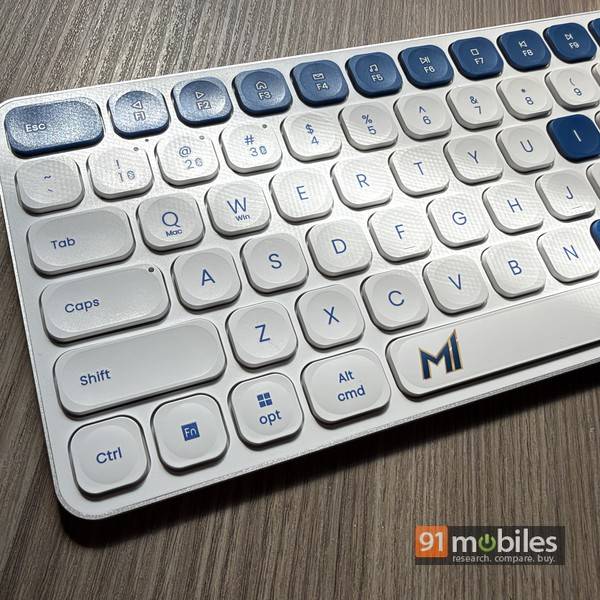
The Rapoo E9050L Bluetooth Wireless Keyboard is listed at Rs 2,250 online and, for its asking price, offers a bunch of features that make it a useful accessory. It’s not perfect, of course, and the fixed typing angle and lack of storage for the RF dongle are the main gripes. However, the multi-device capability, support for different operating systems, option to use Bluetooth or RF, all combine with its sleek form factor, long battery life and comfortable typing to result in a device that makes for a worthwhile purchase.
Editor’s rating: 8 / 10
Pros:
- Sleek & lightweight
- Support for multiple devices and operating systems
- Comfortable to type on
- Good battery life
Cons:
- No storage for the USB dongle
- Fixed typing angle