Table of Contents
Design: Slim, solid, and accessory-ready
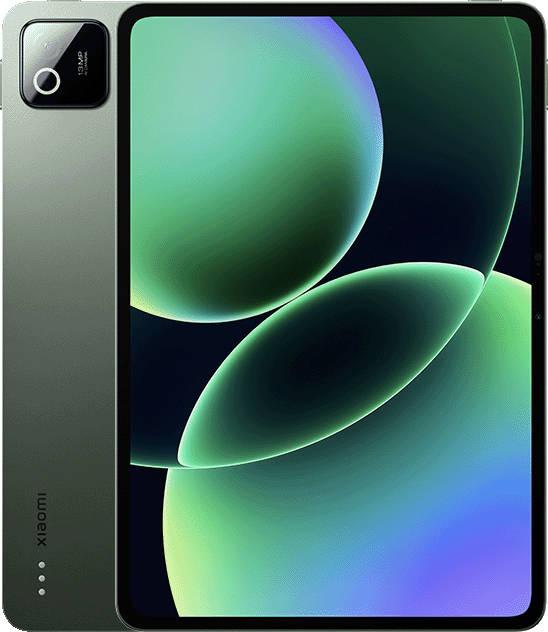
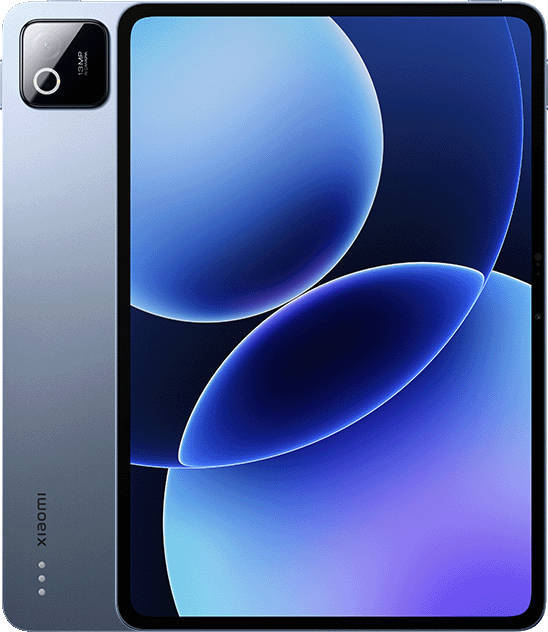
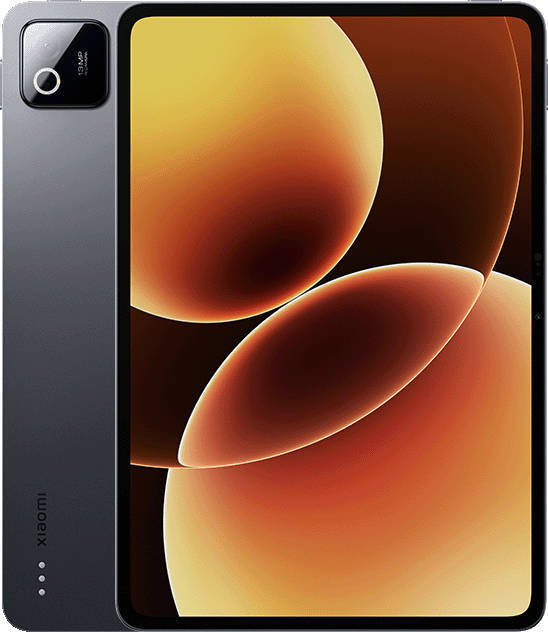
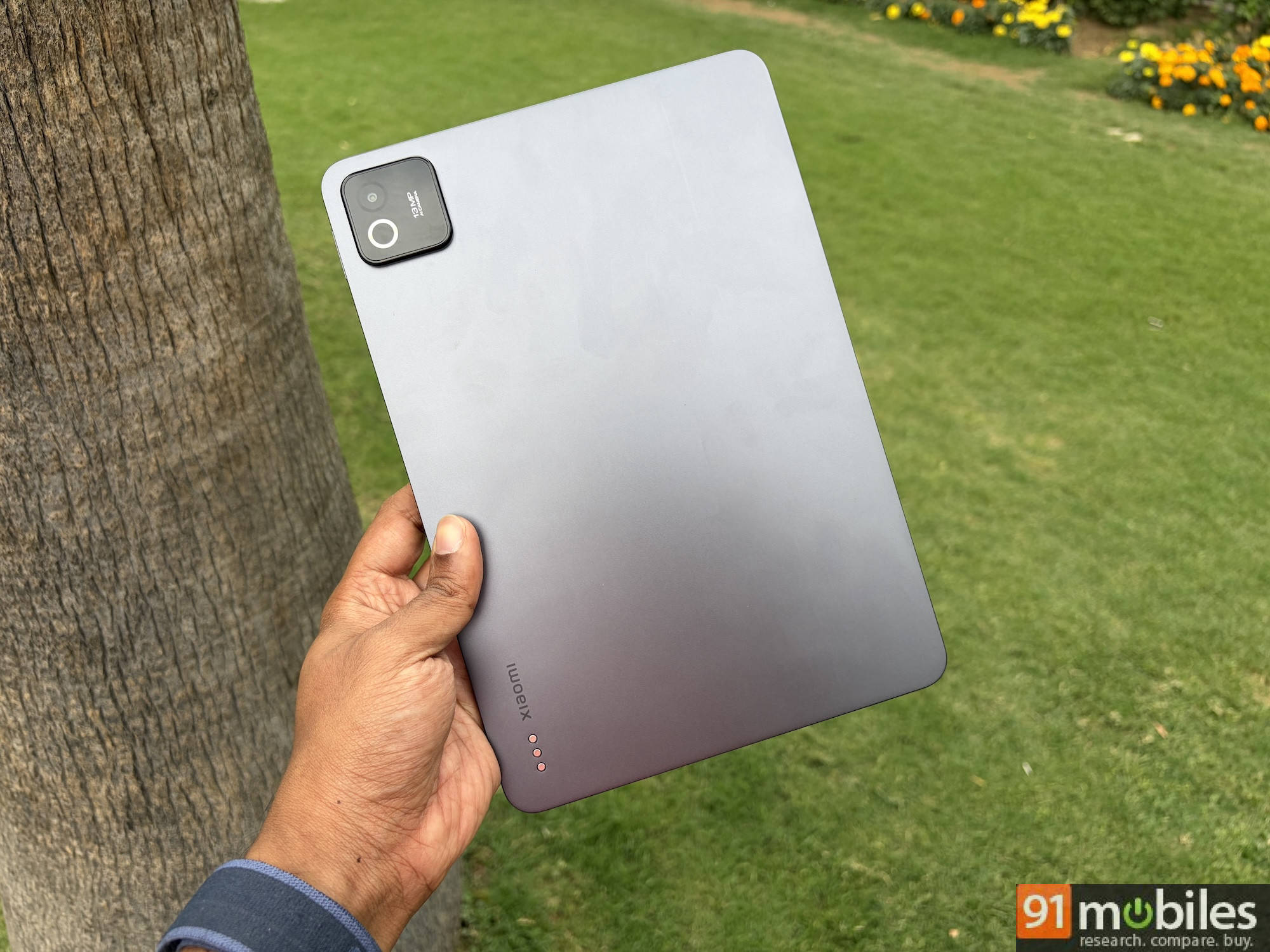
Xiaomi hasn’t reinvented the wheel with the Pad 8’s design, and honestly, it doesn’t need to. It looks almost exactly like the Pad 7 from a distance, but Xiaomi has made it slimmer and lighter while adding a larger battery. The Nano Texture Display variant we received is 5.8mm thick and weighs 494 grams. The Standard glossy display version is even slimmer and lighter. To put things into perspective, the Pad 7 weighed 500 grams and was 6.18mm thick.
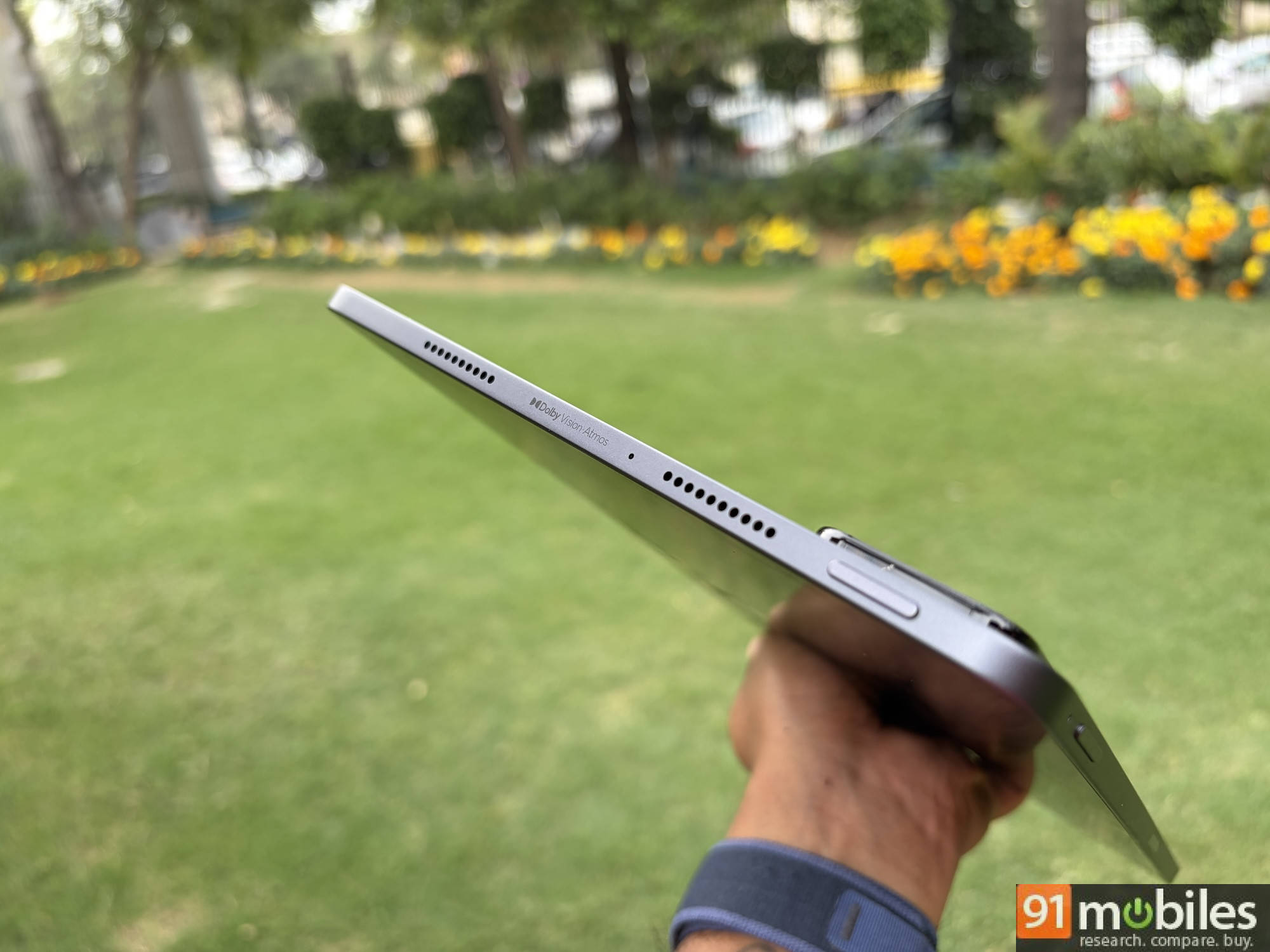
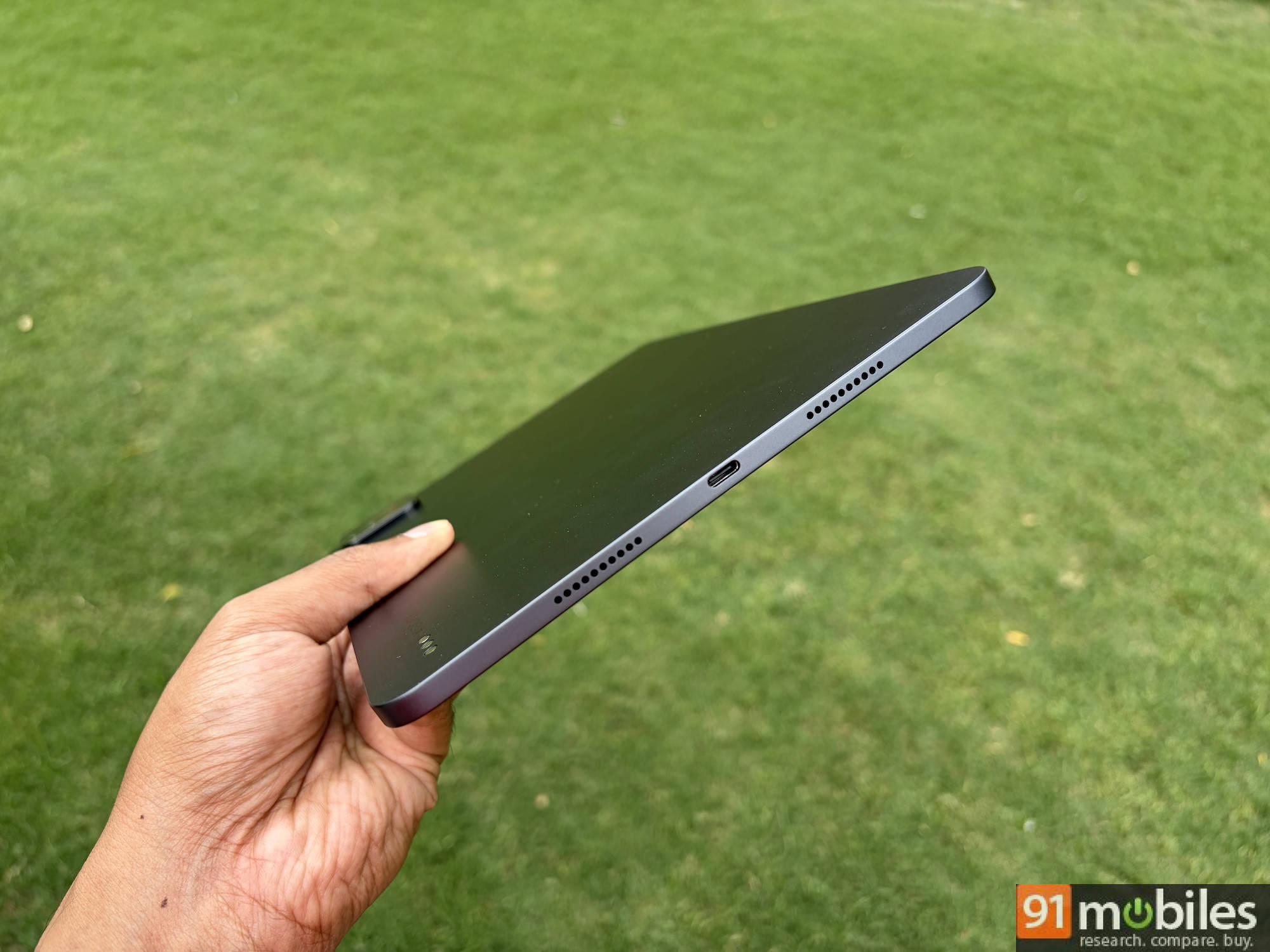
Everything else about the tablet’s design is identical to its predecessor. You have the power key near the top-left edge (when using the tablet horizontally). Unfortunately, the power button still doesn’t double up as a fingerprint sensor, so you only have face unlock as a biometric option. The Type-C port is in the middle of the right edge. You get quad speakers with two grills placed on either side. You have Dolby Atmos support for wired and wireless listening, but there’s no 3.5mm headphone jack. On the top edge, you have the volume rocker on the left and a small, almost invisible strip just to the right of centre as the magnetic dock for the stylus.
 Display: This anti-glare screen spoiled me
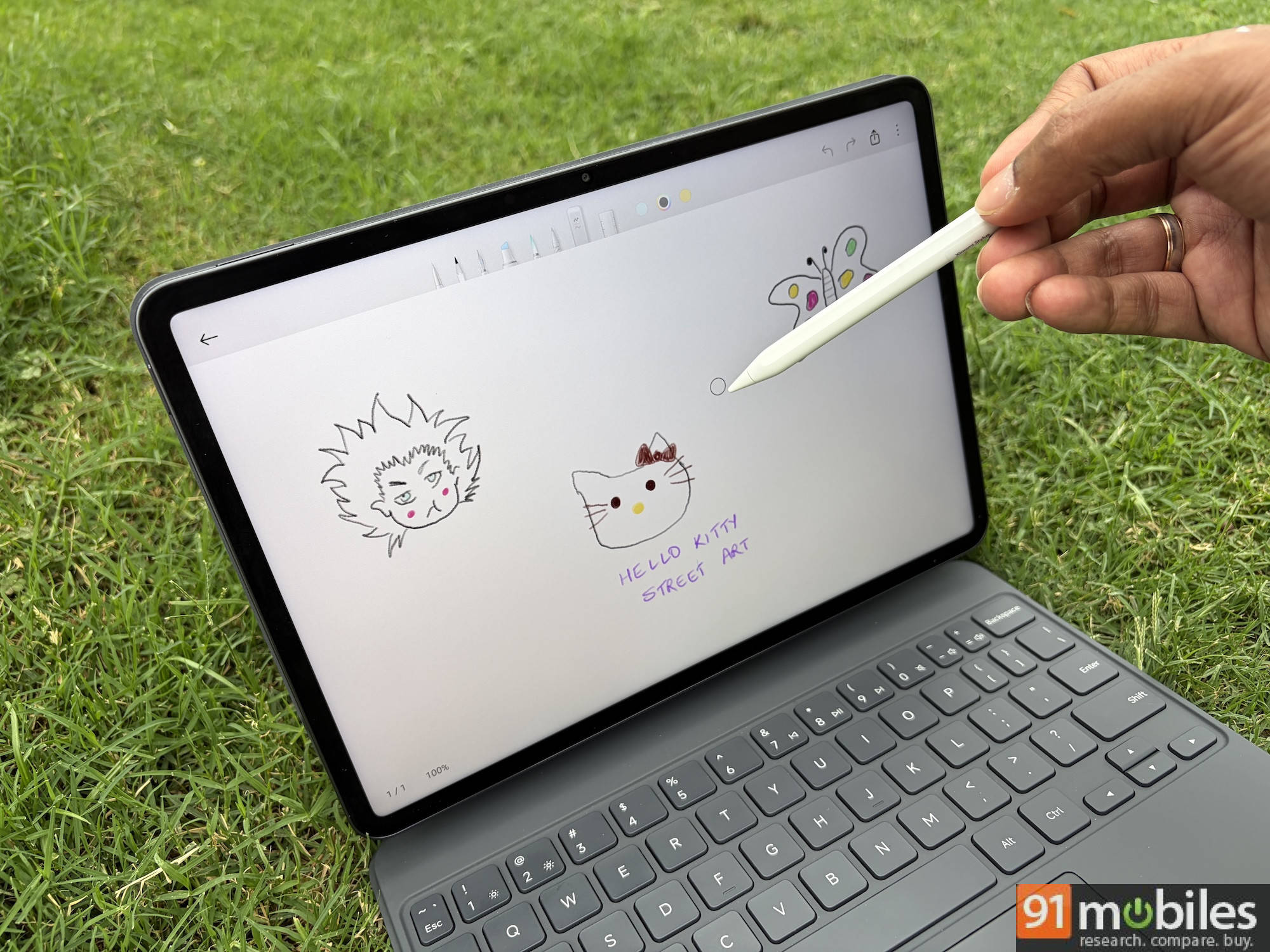
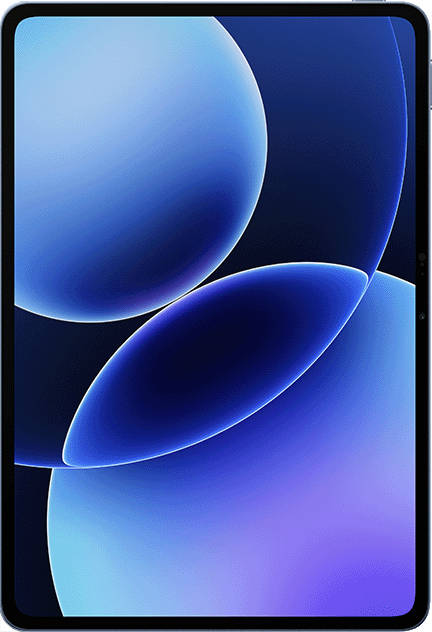
The 11.2-inch LCD display with a 3200×2136 resolution and a 3:2 aspect ratio is one of the Pad 8’s most distinctive features. The 3:2 panel is notably more useful for productivity tasks and reading compared to the wider 16:10 panels found on most Android tablets, including the Pad 6 — it feels closer to a sheet of paper and less like a widescreen TV, which matters when you’re spending time writing, reading documents, or taking notes.
The Nano Texture Display version is an anti-glare, anti-reflective screen with a matte feel to the touch, offering a paper-like writing experience when using the stylus. It’s perhaps the version to go for if you plan to use the tablet primarily with a stylus, though you’ll have to spend over Rs 40,000 to get both.
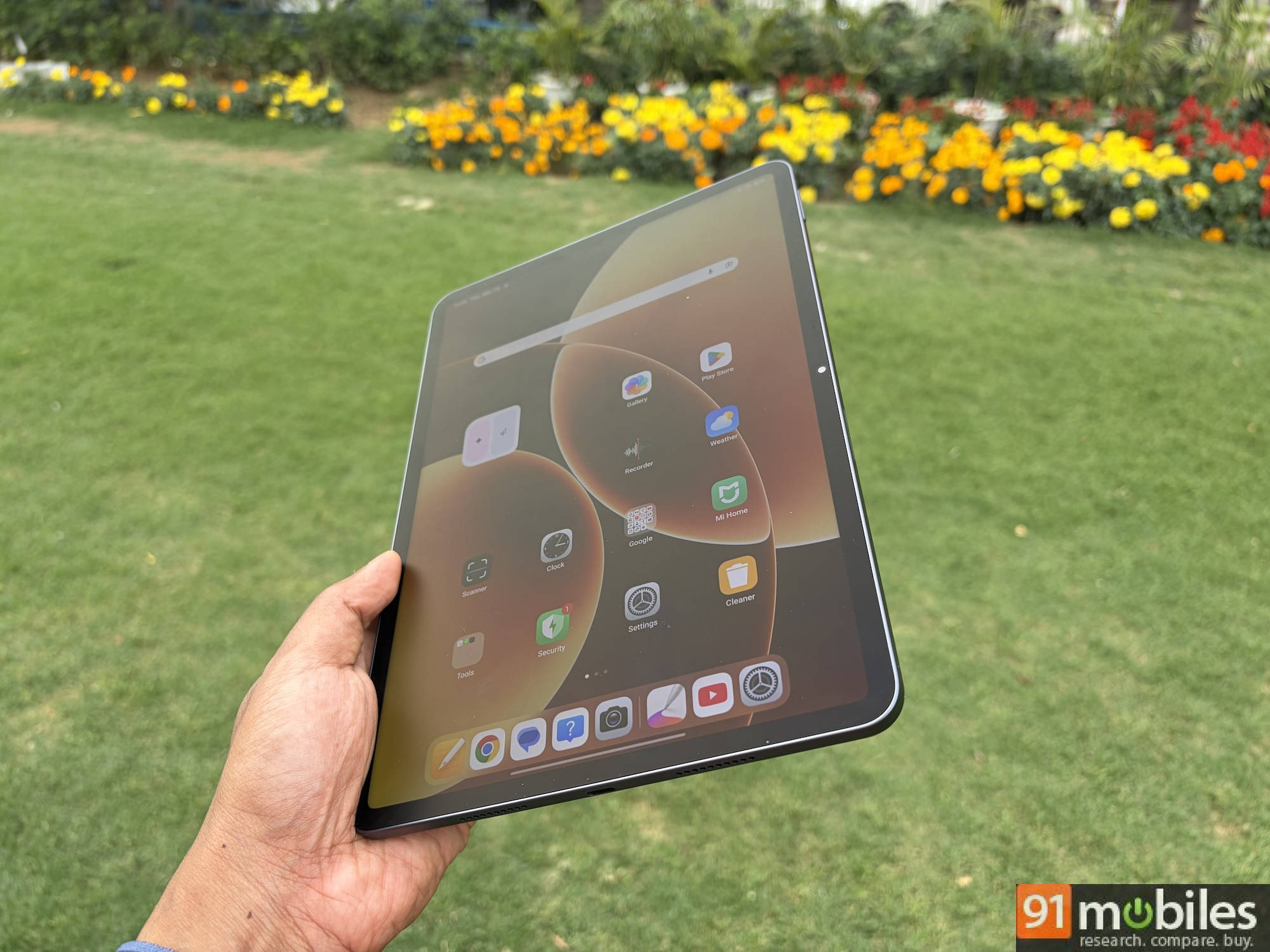
Honestly, the Nano Texture Display made it hard for me to switch back to my glossy iPad Air.
At 345ppi and with support for 144Hz, Dolby Vision, and HDR10, the display is crisp, buttery smooth, and vivid. Peak brightness of 800 nits in HBM mode and a typical brightness of up to 600 nits make it slightly brighter than the Pad 6’s 550-nit ceiling. Of course, the Nano Texture Display also plays a role in outdoor legibility.
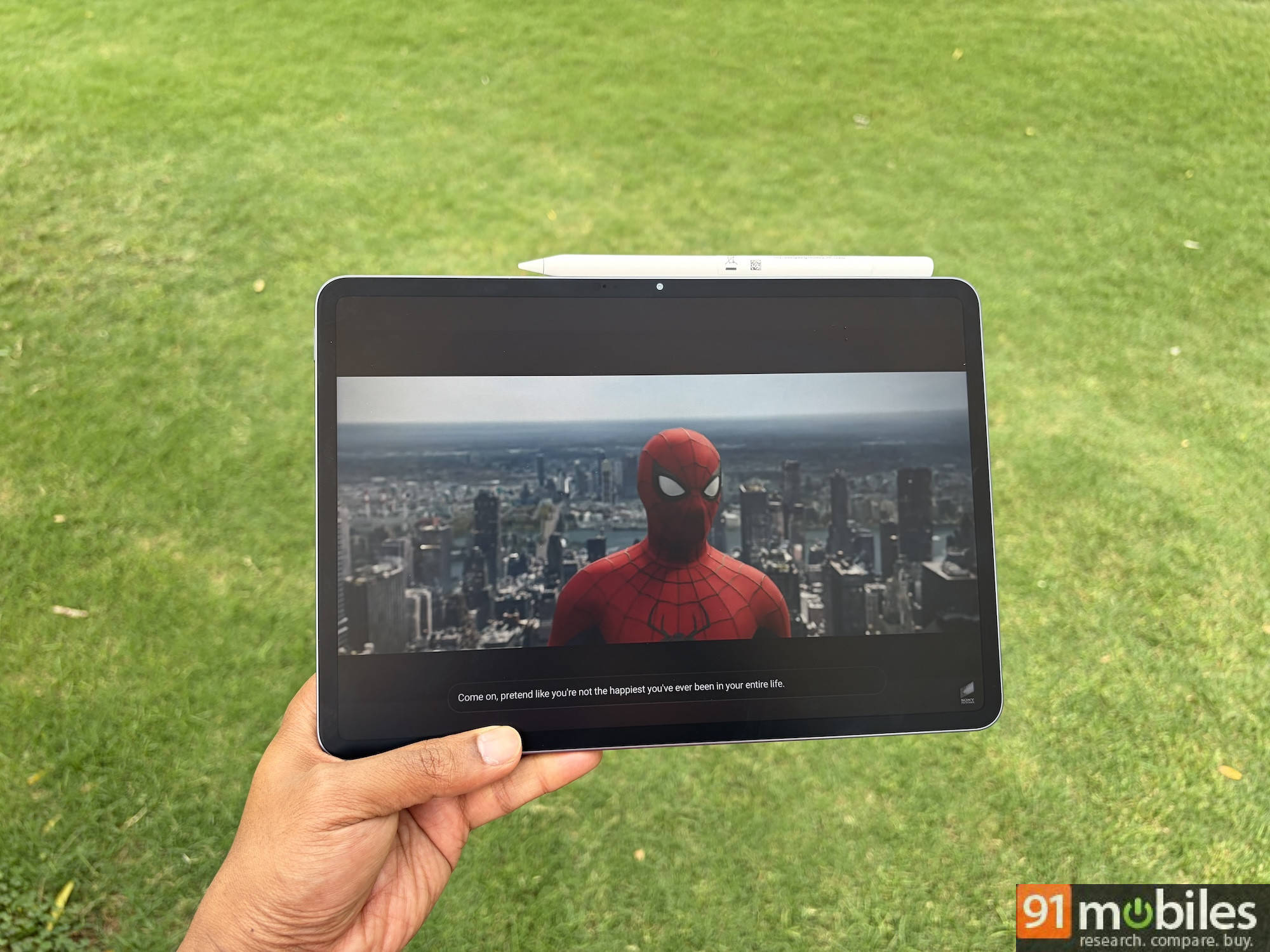
With an LCD panel, you should expect an absence of deep blacks and true off pixels when watching dark content or using the tablet in a dim room. That said, colour reproduction is vibrant and accurate for an LCD, and the Dolby Vision support makes streaming on Netflix and Prime Video a genuinely enjoyable experience.
Performance: A chip that finally matches the tablet’s ambitions
The Snapdragon 8s Gen 4 is a meaningful generational leap over the Snapdragon 870 inside the Pad 6 and the Snapdragon 7+ Gen 3 in the Pad 7. Built on TSMC’s 4nm process with a peak clock speed of 3.21GHz, it’s a near-flagship chip, and the difference in everyday use is immediately noticeable. The interface is fluid and responsive in a way the Pad 6 never quite managed, particularly when multitasking or switching between heavier apps.
You get two RAM configurations: 8GB LPDDR5X with 128GB UFS 3.1 storage, or 12GB LPDDR5T with 256GB UFS 4.1 storage. Much like I suggested with the Pad 6, it’s worth opting for the higher variant if budget allows — the UFS 4.1 storage and faster RAM will make a tangible difference for multitasking and heavier workloads.
The AnTuTu benchmark (v11) performance of Pad 8 is a significant leap from its predecessor, scoring over 2.3 million. For reference, the Pad 7 scored 1.4 million. That’s a 64 percent increase in performance. Meanwhile, the Pad 8 scored 6,396 in Geekbench multi-core compared to the Pad 7’s score of 5,107, a 25 percent increase. No other tablet in this price range comes close to these scores at the moment. To put things into perspective, the pricier OnePlus Pad 3, which costs over 45,000, scores only slightly higher on AnTuTu with 2.8 million.
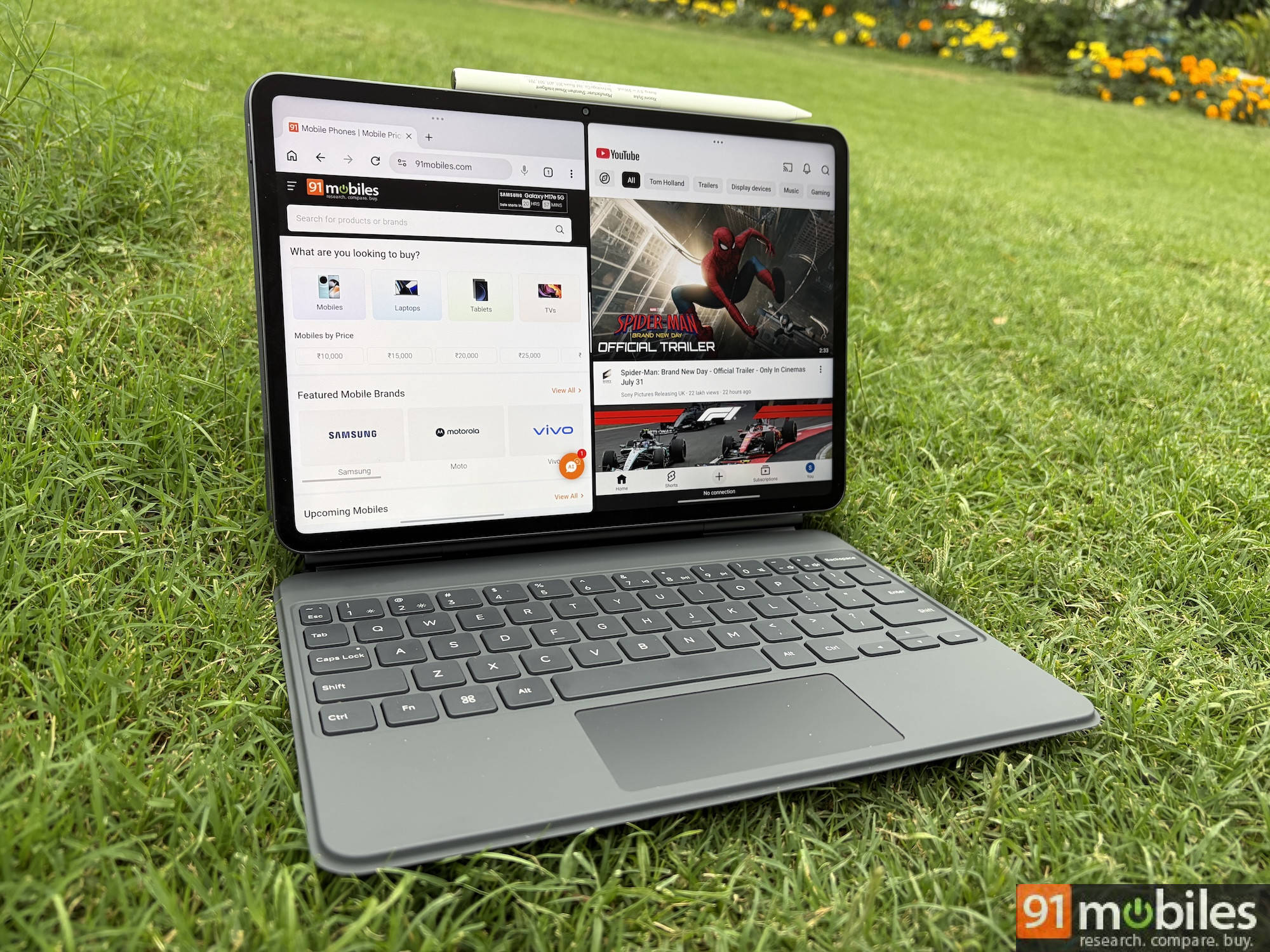
In real-world use, the Pad 8 is a fast-performing tablet, aided by a smooth 144Hz display. Split-screen multitasking works effortlessly. For example, jotting down my thoughts in Google Keep on one side and the Pad 8 specs on the other side worked without any lag or crashes. I could also pull up a floating app window, like YouTube, to watch something in the background, but the 11-inch screen will make it look cluttered. A 13-inch tablet would be better if you prefer working on 3 or more apps at once.
In real-world use, the Pad 8 is a fast-performing tablet, aided by a smooth 144Hz display.
Software: HyperOS 3 is the best Xiaomi has put on a tablet
The Pad 8 ships with HyperOS 3 based on Android 16, and it’s a noticeably cleaner and more polished experience than what we saw on MIUI 14 on the Pad 6. The Material 3 Expressive-adjacent UI refresh brings a more modern look, and the floating windows and multi-tasking capabilities that made HyperOS useful on tablets are all present and improved.
While you have the traditional split-screen multitasking method, you can enable Workstation mode for a macOS-type interface with app icons appearing on the dock at the bottom, allowing you to quickly open them in floating windows. It works smoothly for those who might prefer having multiple floating windows, but I’m more of a splitscreen user.
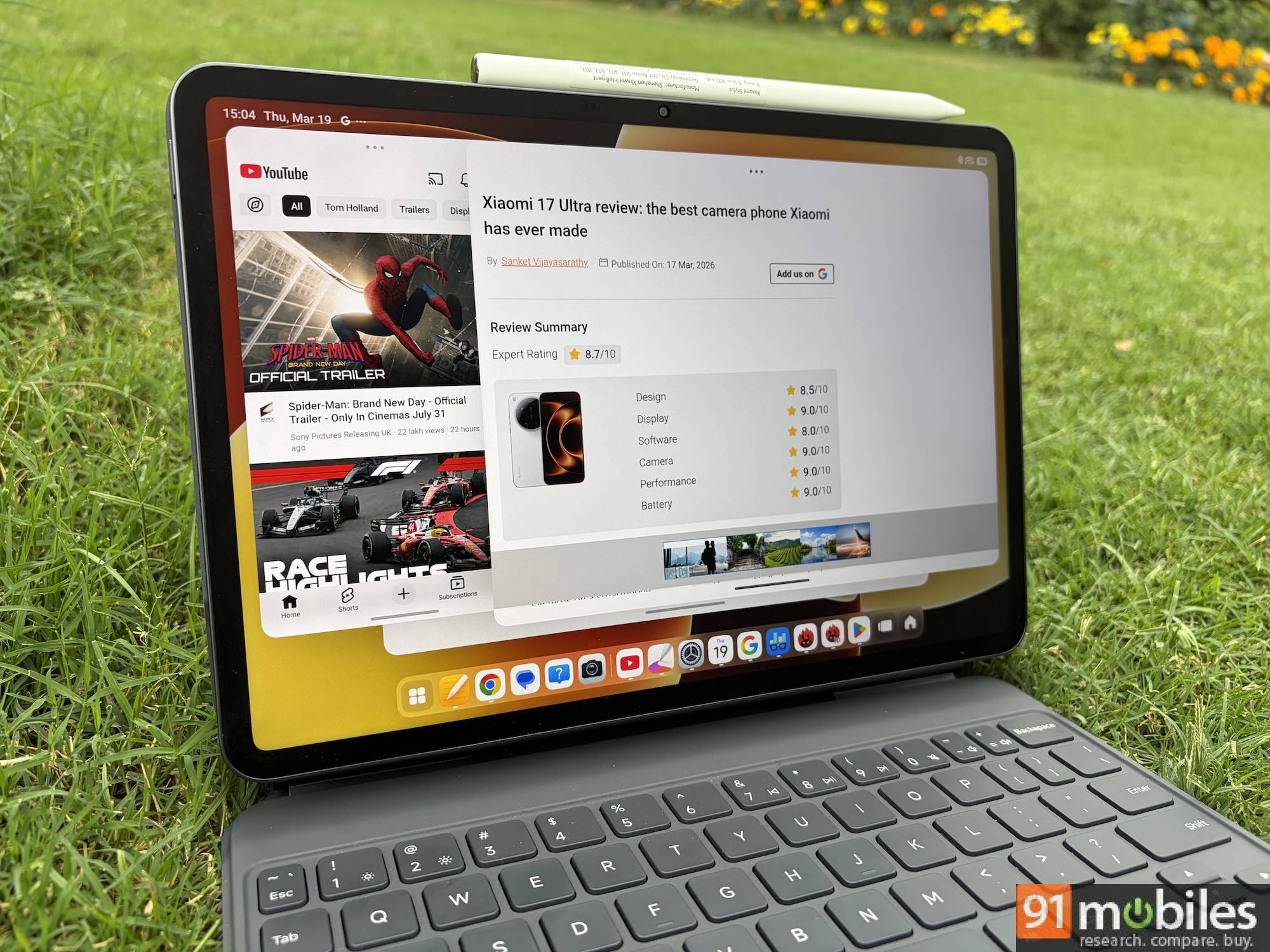
Some of the widget-related issues I had with the Pad 6 persist on the Pad 8. Widgets for Weather, Clock, and other native apps don’t look nearly as visually appealing or as optimised for the screen real estate as you get on the iPad. Other app-level optimisations are needed, such as websites not loading properly in the pop-up window state on Chrome.
Xiaomi promises 4 years of major software upgrades and 6 years of security updates, which at par with what you can expect from Android tablets in this segment. The Redmi Pad 2 Pro offers a 5+6-year software policy, but it ships with the older Android 15-based HyperOS 2.
Cameras: Functional, nothing more
Tablets are rarely bought for their cameras, and the Pad 8 doesn’t try to change that narrative. It gets a 13MP rear camera and an 8MP front-facing shooter — adequate for document scanning, casual photography, and video calls. The front camera matters more on a tablet than the rear one, and the 8MP sensor delivers clean, sharp video for meetings and online classes. Nothing to write home about, but nothing to complain about either.
Battery: Goes a full day, and then some
The 9,200mAh battery is the Pad 8’s most compelling upgrade on paper, and in practice, it lives up to the billing. The Pad 6’s 8,840mAh cell already delivered impressive endurance, so a bigger cell paired with a more efficient chipset was always going to be a strong combination. Xiaomi claims up to two days of usage per charge, and based on my usage, that’s a plausible number for light users.
Charging speed continues to max out at 45W, much like its predecessor, but Xiaomi bundles a faster 67W adapter in the box. It took around 1 hour and 10 minutes to charge the tablet from 20 percent to 100 percent, which is pretty decent for a tablet. The Pad 8 also supports 22.5W reverse charging, which means you can use it to top up other devices. This is a feature that sounds niche but turns out to be genuinely handy when you’re travelling with the tablet and a pair of earbuds or, in my case, an iPhone 17 that absolutely needs a top-up by the evening.
Verdict
The Xiaomi Pad 8 arrives as a well-rounded and meaningful upgrade over the Pad 6 — a faster chip, a bigger battery, an improved display, a better accessory ecosystem, and a more mature software experience. For anyone still on the Pad 6 or older, the case for upgrading is clear. Even for Pad 7 users, the performance gains alone might be worth upgrading to the Pad 8.
The Xiaomi Pad 8 starts at Rs 33,999 for the Standard model with 8GB RAM and 128GB storage. The variant with a Nano Texture Display — the one I reviewed — is priced at Rs 38,999. Despite the price hike from the Xiaomi Pad 7, the Pad 8 is still one of the best value-for-money tablets on the market.
The Snapdragon 8s Gen 4, the 3:2 display with Dolby Vision, the quad-speaker setup, the excellent Focus Keyboard, and the HyperAI feature set make for a compelling combination, especially for users who value productivity and multimedia consumption over pure spec-sheet wins. If you’re looking for an Android tablet that works as well as it plays, the Xiaomi Pad 8 is among the best to consider under Rs 35,000.
Editor’s rating: 8.3/10
Reasons to buy:
- The matte finish and anti-reflective coating make it ideal for outdoor use and stylus work.
- Performance is a significant jump over previous models, handling multitasking and heavy apps with ease.
- HyperOS 3 offers a smooth UI, useful multitasking features, and minimal bloatware.
- The Focus Keyboard is one of the better tablet keyboards available at this price.
Reasons not to buy:
- Good endurance, but not class-leading despite the larger battery.
UI elements and app scaling still need refinement for larger screens.
Xiaomi Pad 8 Images