How Apple Watch Series 12’s Audio Intelligence actually works?


While the headlines shout Variable Aperture as the biggest reason to upgrade to the new Apple iPhone 18 Pro Max and the Watch Series 12 proclaims to be the world’s most accurate heart-health tracking wearable, there could be four (other) big reasons that may lure you in as a non-photographer and a non-competing athlete.
Audio Intelligence is the real headline buried under the iPhone 18 Pro’s camera talk, and it’s a Watch feature that only functions because of what’s inside the phone next to it. Here’s what it does, how it moves your voice around without recording it, and whether your current setup actually qualifies.
What’s included and what’s coming
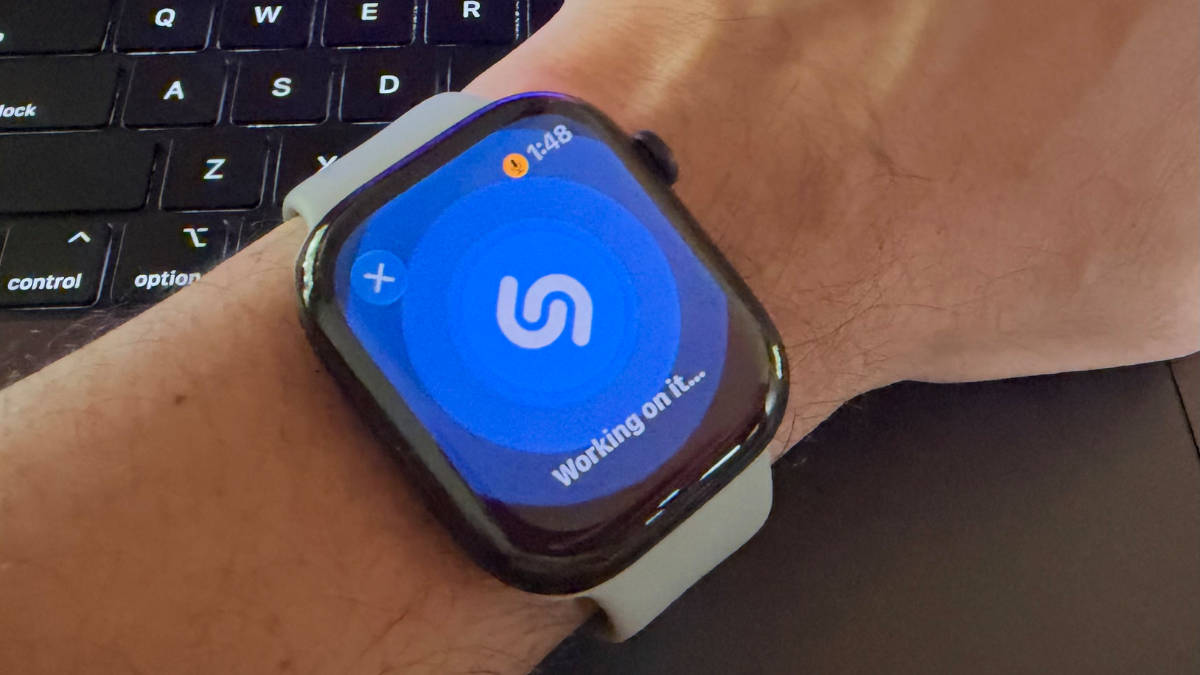
True to its philosophy, Apple has ensured maximum levels of privacy are maintained while unlocking four Audio Intelligence features on Watch Series 12 and Watch Ultra 4. Sound Recognition flags alarms, sirens and doorbells amongst others, even when your iPhone isn’t nearby. Shazam-powered Music Recognition IDs a song automatically and drops it into the Smart Stack. Live Rewind plays back the last 15 seconds of a conversation as text after a double-press of the Digital Crown, and Siri Recap listens through a meeting or your whole day and files a title, summary and key points in the Siri app, deleting itself after seven days unless you save it. Sound Recognition and Shazam are live right now, with Live Rewind and Siri Recap arriving as English-only betas later this year.
Shazam can be turned on using the Apple Watch Settings menu under Smart Stack and Music Detection, whereas Sound Recognition can be enabled through the iPhone Settings app under Accessibility. Go to Sound Recognition and turn on “Detect using Apple Watch” and if it’s already on, then the Watch will automatically mirror those settings and activate the feature when nee. If you have Sound Recognition already enabled on your iPhone, it will be automatically enabled on your Apple Watch.
How it avoids being a recording
The S11 chip’s Secure Exclave, a compartment totally sealed off from the rest of watchOS, runs a small model that checks for nearby speech without transcribing anything. Only if that gate trips does audio enter a buffer inside the Exclave, and that buffer keeps overwriting itself, encrypted throughout. So in essence, it isn’t “saving” any audio, including speech or music, making it totally private according to Apple. In fact, it even emits an audible chime along with an animation on the Watch when Live Rewind is engaged, letting people around know that something is being documented.
What the iPhone is actually doing
For Siri Recap, the Watch encrypts that buffer and sends it over a dedicated channel straight to the Secure Exclave on your paired iPhone. Not the OS, not an app, the Exclave. Speech recognition turns it into text there, an on-device model compresses it to under half its length, and the raw audio is deleted on both devices immediately. Only that condensed text, plus scraps like Now Playing data or a coarse location tag such as “home,” goes to Private Cloud Compute for the final summary. Precise GPS, speaker identification, and financial or government ID numbers (Aadhaar, PAN, and equivalents) are excluded by design and never leave the device. Shazam runs a smaller version of the same idea and only sends an acoustic signature to the PCC servers, not the actual audio.
Does your phone qualify
The final layer of safety comes in the form of consent. Every Audio Intelligence feature stays opt-in and off by default, which means none of this is activated without a deliberate toggle. That toggle will be found on iPhones with a Secure Exclave, which is every iPhone from 16e onwards. Any model prior to the 16e won’t be getting these features, serving as a reminder that there is more to upgrading to the 2026 hardware than miniature aperture blades.

