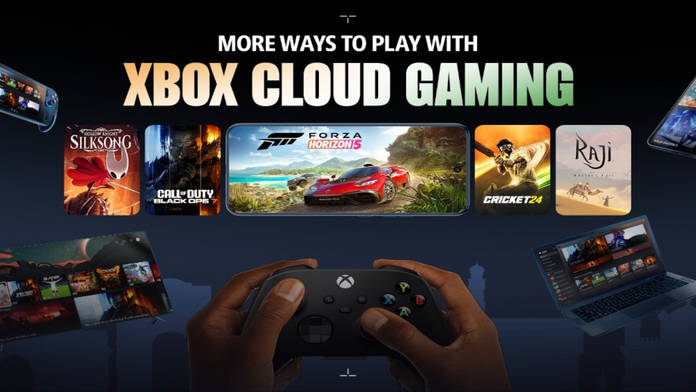
Microsoft has officially launched Xbox Cloud Gaming in India, allowing users to stream a vast library of games without needing a console. This service allows you to play Xbox games directly on compatible devices, including smartphones, tablets, laptops, and even smart TVs from select brands, by streaming them from Microsoft’s servers.
The new Cloud Gaming feature is integrated into the revamped Xbox Game Pass, which now includes cloud access across all three of its subscription tiers. A key highlight here is the ability to stream not only games from the Game Pass library but also select titles that you already own. Unlike PlayStation Plus Cloud Streaming, which is limited to its Premium subscription tier, Microsoft offers unlimited Cloud Gaming access to all Game Pass subscribers.
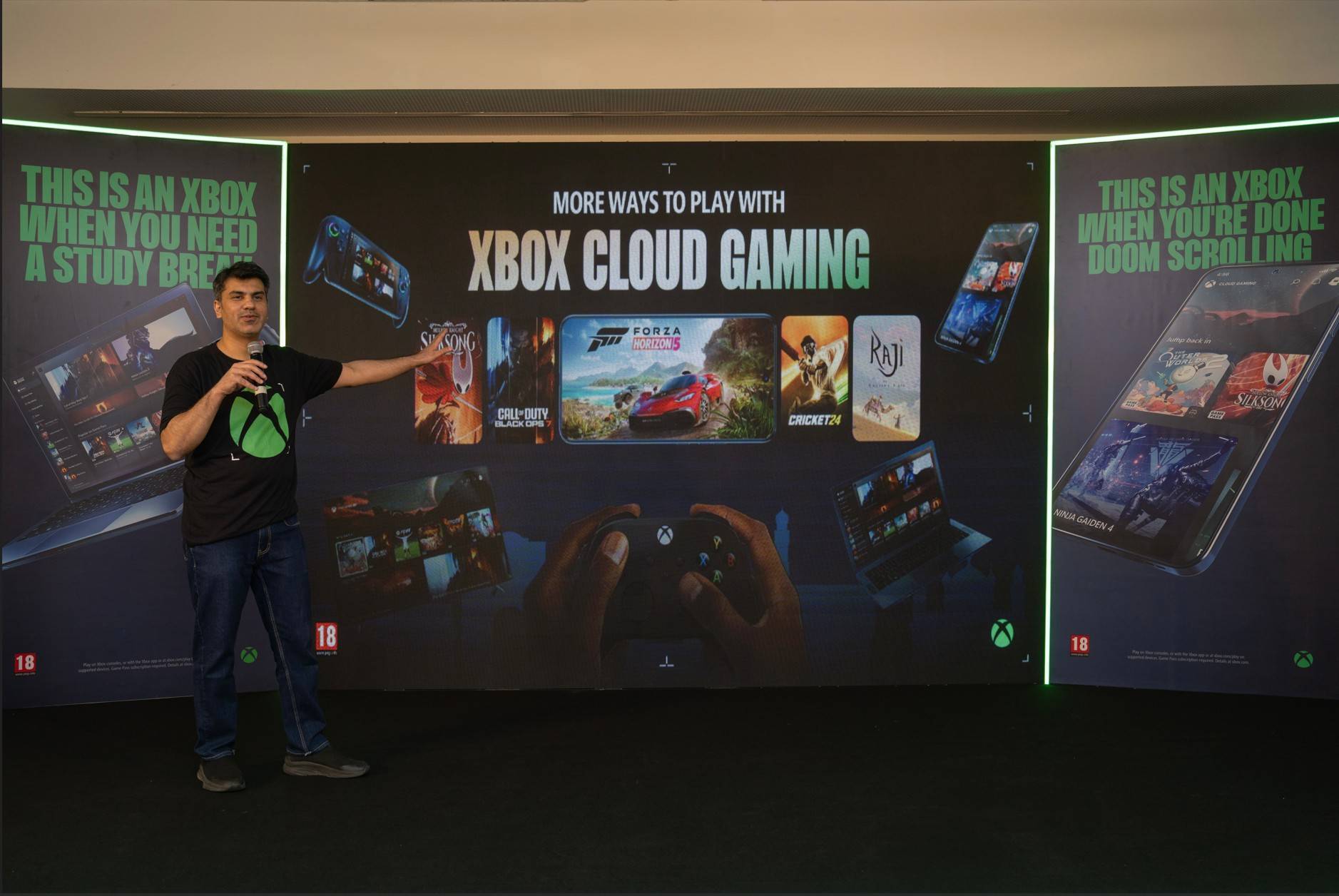
Let’s take a look below at all three tiers of the Xbox Game Pass and what they offer:
| Tier | Key features | Price |
| Essential | – 50+ games – Unlimited cloud streaming (including select games you own) – Online multiplayer – In-game benefits | Rs 499/month |
| Premium | – 200+ games (including Xbox-published games, 12 months within launch) – Unlimited cloud streaming (including select games you own) – Online multiplayer – In-game benefits | Rs 699/month |
| Ultimate | – 400+ games (including 75+ Day One games) – Unlimited cloud streaming (including select games you own) – EA Play, Ubisoft+ Classics – Fortnite Crew (starting November 18) – Online multiplayer – In-game benefits | Rs 1,389/month |
Any Game Pass subscriber can now enjoy demanding titles on devices that might not have the hardware to run them natively. If you’ve been eyeing a graphics-intensive game but lack a powerful PC or console, you can now stream it smoothly with just your subscription.
The service is available on a wide range of devices, including Windows PCs and MacBooks, iPhones/iPads, Android phones/tablets, Samsung and LG smart TVs, and even Amazon Fire TV devices. There are a few key requirements to ensure the games can run smoothly across these devices.
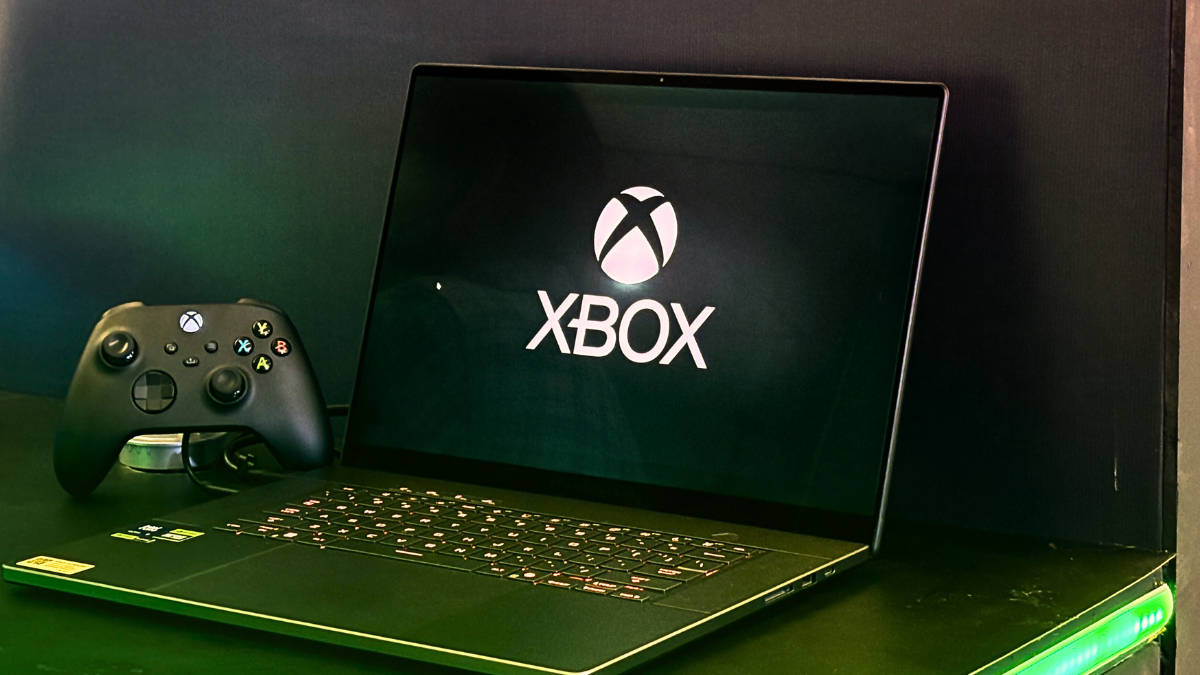
To use Xbox Cloud Gaming, you will need a stable internet connection with a minimum speed of 20 Mbps; however, a wired LAN connection is recommended for optimal results. You’ll also need a compatible controller, such as an Xbox Wireless Controller or a PlayStation DualSense. However, some games offer touch controls on mobile devices or keyboard and mouse support on PC. Third-party Xbox-compatible controllers should also work, but we have yet to test this.
Getting started is simple: open a supported browser, such as Edge, Chrome, or Safari, on your device, navigate to the Xbox Play website, and sign in with your Game Pass account. From there, simply select a game and click ‘Play’ to start streaming directly from Microsoft’s servers.
Hands-on experience: how does it feel?
So, how does the Xbox Cloud Gaming experience actually feel? I had the pleasure of attending the launch event in Noida, where we had a wide range of devices to try out, from mid-range smartphones to high-end laptops and even the new ASUS ROG Xbox Ally X (2025).
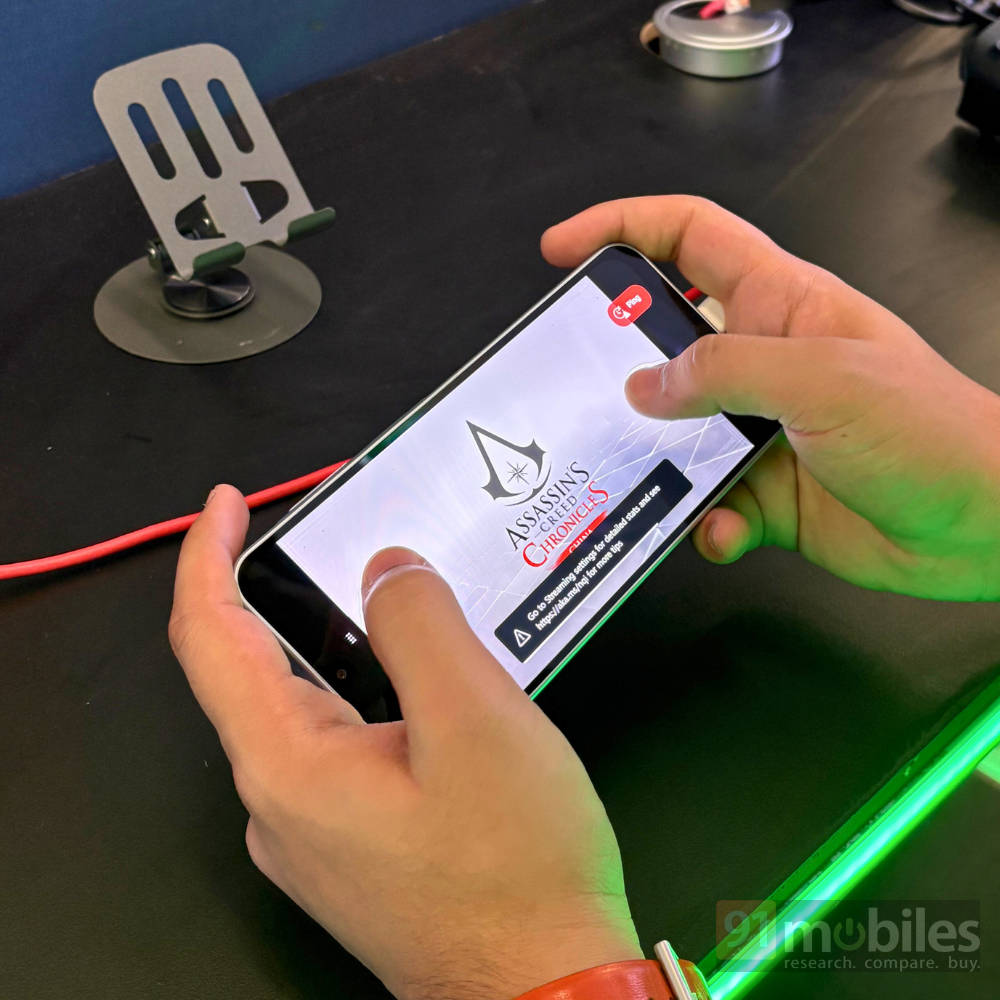
With a network bandwidth of approximately 25 Mbps, the games ran remarkably smoothly. The graphics were nice and maintained their visual fidelity, with virtually no lag at all. I definitely noticed some input lag, but for the majority of general gamers and single-player titles, the experience is perfectly fine. With a decent 5G connection on your mobile device, you should be able to play most games without any issues.
Some problems, such as a loss of graphic fidelity, are inherent with an inconsistent network or high ping. But for someone like me who prefers single-player games, these are just minor quirks.
The new Game Pass subscriptions have suddenly become something I’m really looking forward to. I would recommend it to any gamer who frequently plays various titles or to someone who wants to start gaming.
Gaming as a hobby has become expensive, even for entry-level devices, and this cloud gaming service helps make it more accessible to a large majority of consumers who wouldn’t otherwise be able to experience it. It is a step in the right direction, bringing the platform to a user base that would otherwise be unable to access it.