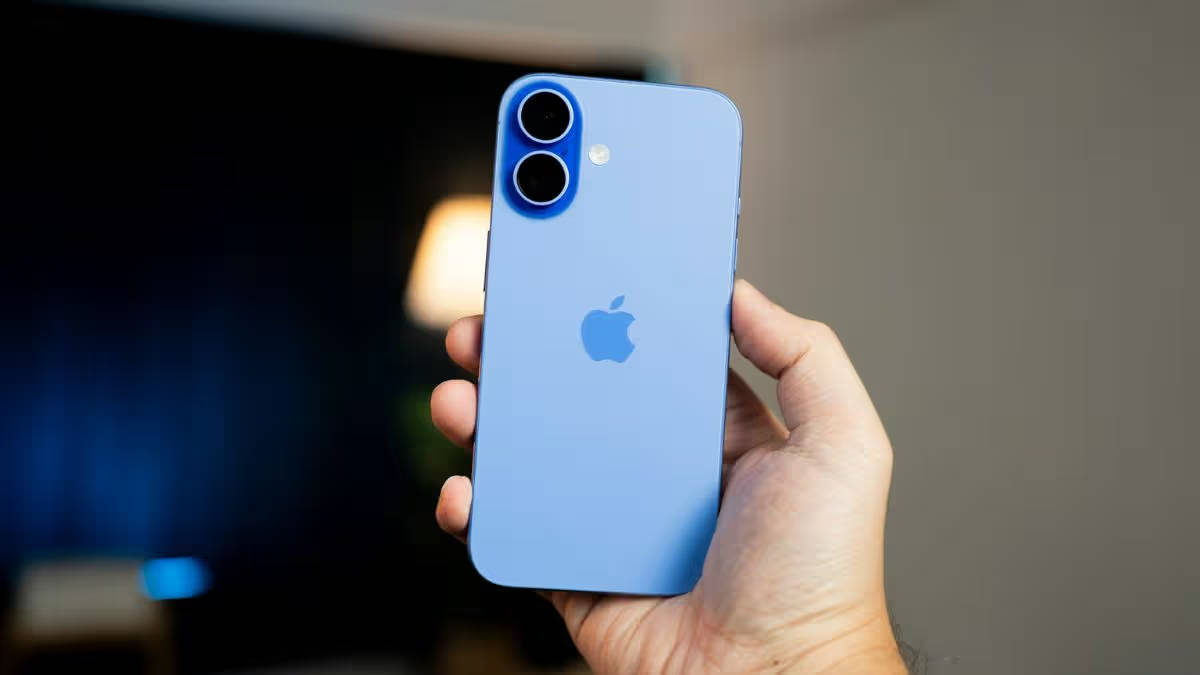
The new Mac mini and Mac Studio mark Apple’s latest refresh of its compact desktop lineup, bringing newer-generation silicon and improvements for both everyday users and professionals. The Mac mini gets M6 and M5 Pro options, while the Mac Studio moves to the more powerful M5 Max and M5 Ultra chipsets.
However, the new models arrive at a time when memory prices have risen sharply worldwide, pushing the cost of computing hardware higher than it used to be. Apple is not immune to this shift, and the latest Macs now sit at a much higher price point than some of their predecessors. Here’s a closer look at what the new Mac mini and Mac Studio bring to the table.
Table of Contents
New Mac Mini and Mac Studio: price in India
| Models | Starting Price | Education Price |
| Mac Mini M6 | Rs 99,900 | Rs 88,900 |
| Mac Mini M5 Pro | Rs 2,09,900 | Rs 1,97,900 |
| Mac Studio M5 Max | Rs 2,79,900 | Rs 2,56,900 |
| Mac Studio M5 Ultra | Rs 6,29,900 | Rs 5,84,900 |
Mac mini with M6 and M5 Pro
Apple has refreshed the Mac mini with two new chip options, bringing the M6 to the standard model and the M5 Pro to a higher-performance variant to cater to more demanding users. The M6 version gets a 12-core CPU and 12-core GPU, with Apple adding Neural Accelerators to each GPU core for the first time on the Mac mini.
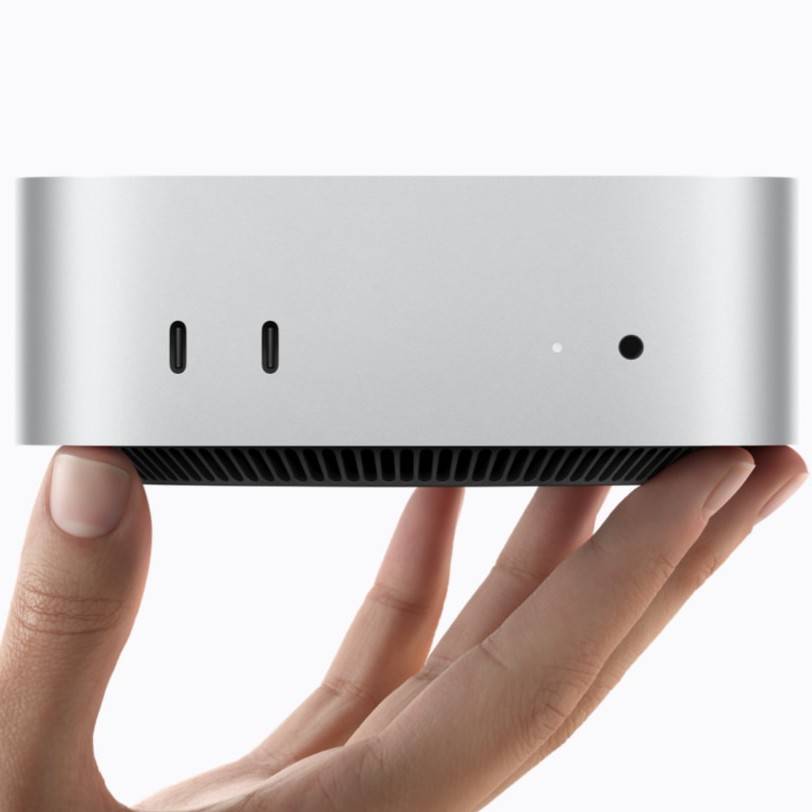
Apple claims up to 4x faster AI performance and 2x faster graphics compared with the M4 Mac mini. The M6 also gets a new dual 16-core Neural Engine and up to 170GB/s of memory bandwidth. It starts with 16GB of unified memory and can be configured with up to 32GB.
The M5 Pro takes things further with up to an 18-core CPU and 20-core GPU, alongside up to 64GB of unified memory and 307GB/s of memory bandwidth. This version is clearly for users working with heavier workloads such as video rendering, 3D design, app development and local AI models. It also gets third-generation ray tracing and Thunderbolt 5, making it better suited to professional creative and technical workflows.
For a more general user, the standard M6 Mac mini should already provide plenty of performance for everyday productivity, creative work and on-device AI tasks. The M5 Pro, meanwhile, is better suited to users who regularly work with demanding applications and larger datasets, professional workloads.
Connectivity and software
Both Mac Minis now support Wi-Fi 7, Bluetooth 6 and 2.5GB Ethernet, with 10GB Ethernet available as an option. The front gets two USB-C ports and a headphone jack, while the rear houses HDMI, Ethernet and three Thunderbolt ports.
The Mac mini with M6 offers three Thunderbolt 4 ports, while the M5 Pro version offers three Thunderbolt 5 ports instead. The Thunderbolt 5 support on the M5 Pro model also allows multiple Mac mini systems to be connected for demanding on-device AI workloads.
Both models run the upcoming macOS 27, which adds new AI-powered features through Siri AI and Apple Intelligence, alongside improvements to apps such as Safari, Photos and Shortcuts.
Mac Studio gets a performance upgrade
Apple has also refreshed the Mac Studio, positioning it as the more powerful option for professionals who need a compact desktop for demanding workloads. The new model is available with the M5 Max and M5 Ultra chips, bringing improvements in CPU and GPU performance, memory bandwidth and AI processing.
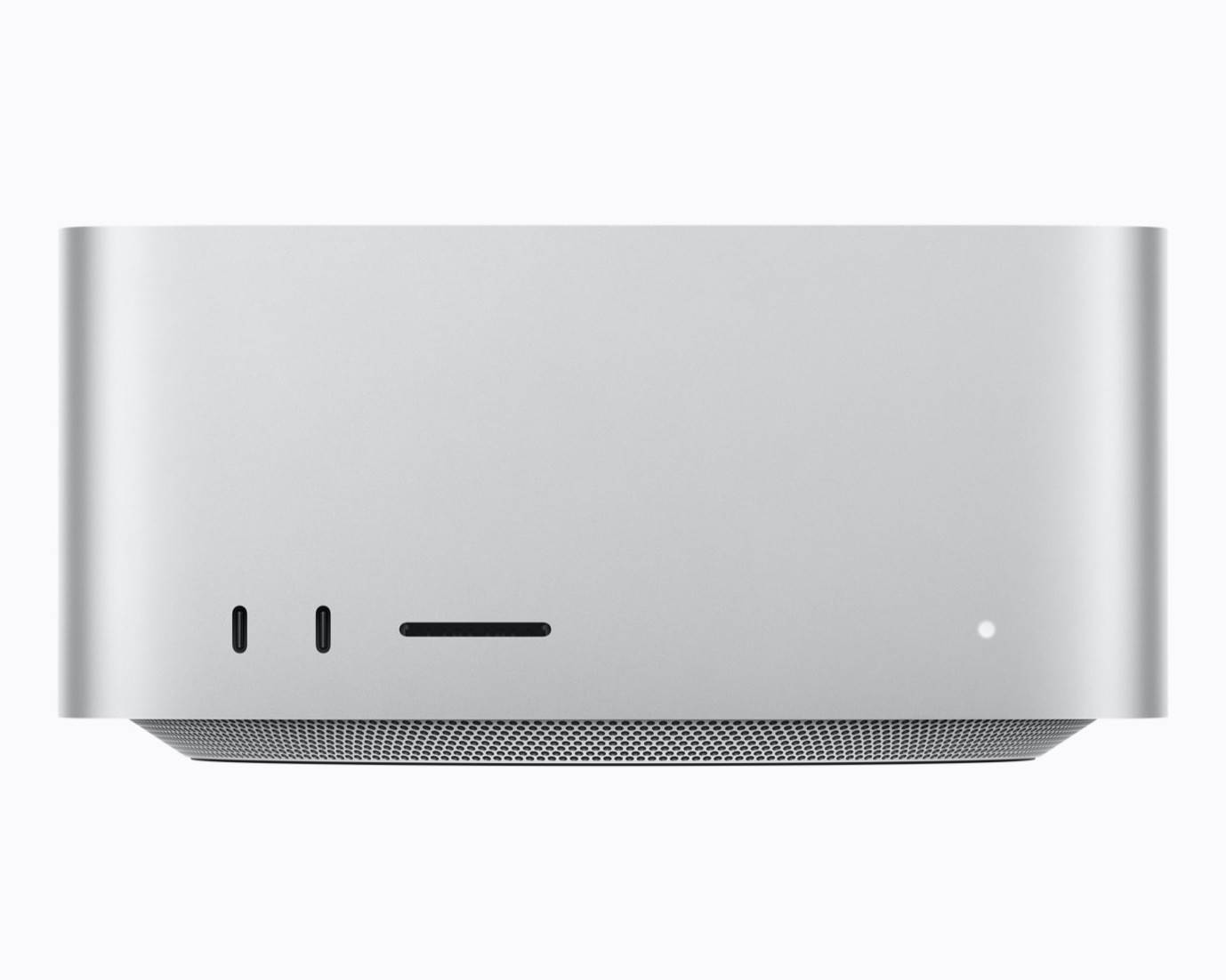
The M5 Max offers up to 1.5x faster CPU performance and 1.7x faster GPU performance compared with the previous-generation M4 Max, according to Apple. The M5 Ultra goes an extra mile with up to 1.6x faster CPU performance and 1.7x faster GPU performance than the M3 Ultra.
This should make the Mac Studio better suited to workloads such as video editing, 3D rendering, software development and local AI processing. The higher memory configurations also allow professionals to work with larger projects and datasets without hitting memory limitations as quickly.
Apple has also upgraded connectivity, with Thunderbolt 5, HDMI and high-speed networking options giving users more flexibility when connecting displays, storage and other peripherals. The overall approach remains familiar, though, as the Mac Studio targets professionals who need exceptional desktop performance in a relatively compact form factor.
Should you buy the new Mac desktop series?
The new Mac mini and Mac Studio are ideal for users who can actually take advantage of the extra performance. Developers, creators and professionals already within the Apple ecosystem can get good value from the newer chips, especially if they are upgrading from M1 or M2-generation Macs, where the performance and AI improvements should be much more observable.
They can also work well for new creators, developers and small teams setting up a Mac-based workstation. The Mac mini should cover most productivity, development and lighter creative workloads, while the Mac Studio is better suited to heavier video editing, 3D work, AI and other demanding tasks.
If you already have a relatively recent Mac system, however, the upgrade may not feel as substantial unless your workload has also become more demanding.