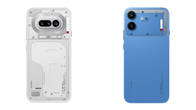
Nothing recently unveiled the next iteration of its custom skin, Nothing OS 5.0. Based on Android 17, the update brings a myriad of changes and improvements across key areas, such as design, productivity, customisation, and AI. In order to offer the best possible experience to its users, the company has already kicked off the Open Beta programme for Phone (3) users, which will be expanded to more phones over the course of the next few weeks.
Table of Contents
How to download Nothing OS 5.0 Open Beta on Phone (3)
If you’ve a Nothing Phone (3) and are willing to get your hands on Nothing OS 5.0 before anyone else, the download instructions are below. However, before proceeding, make sure you’re running the latest build, Metroid-V4.1-260814-1733, and that all your data is backed up or stored securely to reduce the risk of data loss.
Step 1: Firstly, go ahead and download the Nothing Beta Hub V2.0 APK from Nothing’s website. The download link is at the bottom of this webpage.
Step 2: Once downloaded, go to the Downloads folder on your phone and install the Nothing Beta Hub APK.
Step 3: Now go to the Settings app > System > Nothing Beta Hub and check the version
Step 4: Tap the Join Beta button to register for the update
Step 5: Once done, the Open Beta update will be seeded to your device, after which you can tap Go to initiate the update
The Nothing OS 5.0 beta will be installed just like any other local update, which will take a few minutes to boot your phone.
If you’re encountering bugs or find the system problematic, you can go to the Nothing Beta Hub in Settings to request a rollback.
Nothing OS 5.0 rollout schedule
Here’s when the Nothing OS 5.0 beta and stable update will hit Nothing devices other than the Phone (3):
| Phone | Open Beta release | Stable release |
| Phone (3) | August 26th | Mid October |
| Phone (4a) Pro | Early September | Early November |
| Phone (4a) | Late September | Early November |
| Phone (3a) Pro | Late September | Early November |
| Phone (3a) | Late September | Early November |
| Phone (2a) | Mid October | Mid November |
| Phone (2a) Plus | Mid October | Mid November |
| Phone (3a) Lite | Will not receive | Late December |
| Phone (4b) | Mid December | Mid January |
| CMF Phone 2 Pro | Will not receive | Mid January |
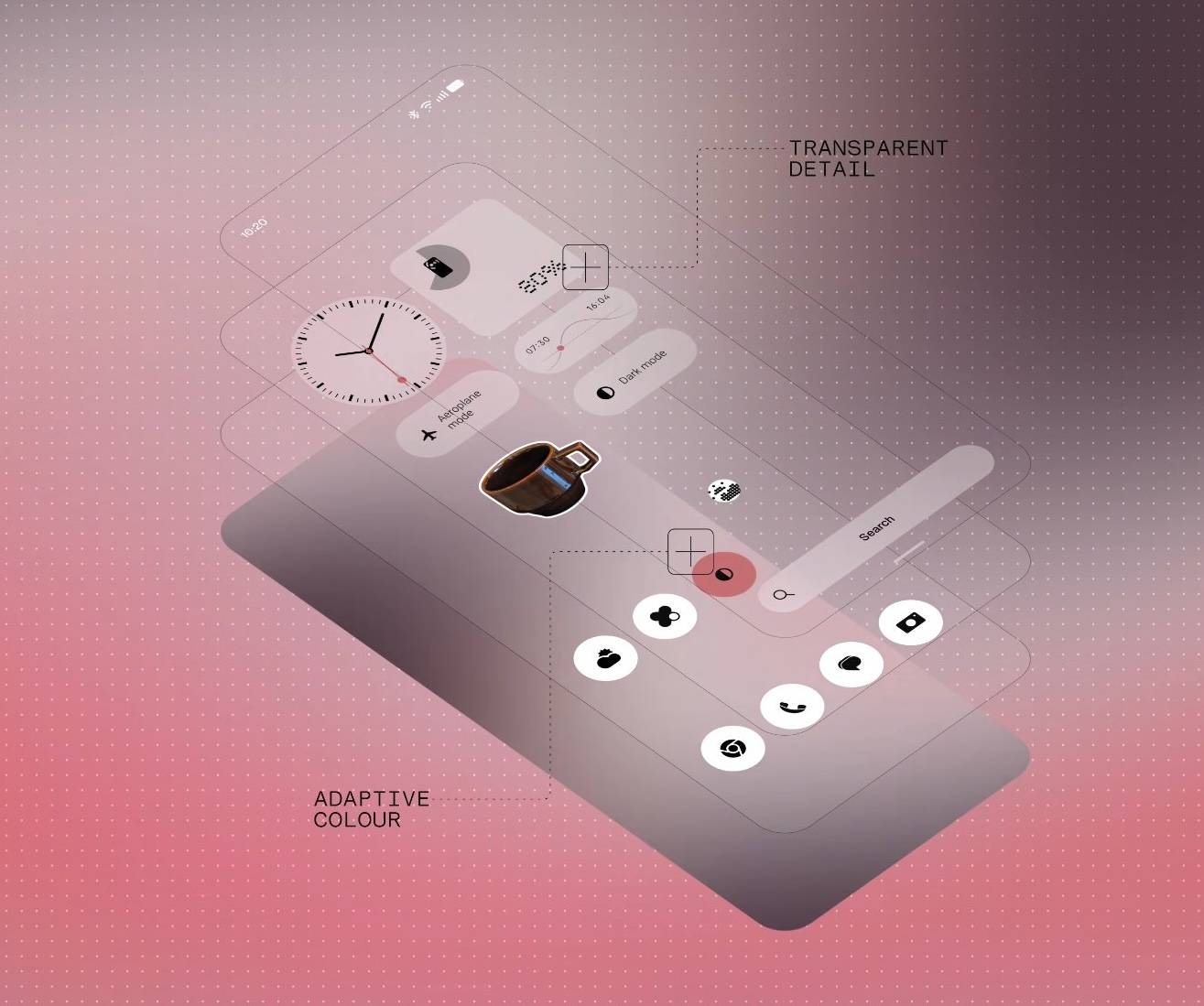
As for the new changes and improvements in Nothing OS 5.0, users can expect a brand-new translucent homescreen theme that blurs widgets, new iconography, a couple of new lockscreen clock styles, a separate quick settings panel, and batch home editing.
Under the hood, improvements include smoother animations across the system, better design spacing in the Camera app, and more convenient Bluetooth controls. Post the update, users will also be able to share media with iPhone users via Quick Share using a QR code. The update is also bringing a dedicated app to control every Glyph interface setting on supported phones.
It’s good to see Nothing moving quickly to roll out its Android 17-based open beta software globally ahead of major brands such as OPPO, OnePlus, Xiaomi, and Vivo. This instils confidence in users’ minds and reinforces the brand’sreputation for fast major update releases. On top of this, Nothing claims to have made over 80 changes in Nothing OS 5.0, making it the biggest release yet.