Well, it finally happened. After years of console exclusivity, The Last of Us Part 2 Remastered has officially landed on PC—and yes, it brought the emotional damage with it. But aside from crying into my keyboard (again), I was itching to see how Naughty Dog’s masterpiece performs on a beefy desktop. Because let’s face it, cinematic storytelling is great and all… but only if it doesn’t stutter mid-zombie jump-scare.
Now, before we dive in, it’s worth highlighting that Sony kindly provided me with a review code for The Last of Us Part 2 Remastered, and I’ve spent a good chunk of time putting it through its paces. For what it’s worth, Naughty Dog and the porting wizards at Nixxes (with a little help from Iron Galaxy’s past efforts) have clearly learned a thing or two from previous ports, and they’ve packed this one with a lot of thoughtful additions. But how well does the game actually run? Are the visuals as jaw-dropping as the story’s plot twists? And what happens when a Clicker lunges at you in full 120FPS glory? Let me walk you through my in-depth performance breakdown of The Last of Us Part 2 Remastered on PC.
Table of Contents
Game Settings and Features
One of the biggest trade-offs when switching from console to PC gaming is having to sit through shader compilation before the fun begins. But honestly? I’ll gladly take a few extra minutes at startup for the sheer amount of control I get over visuals and performance. And boy, The Last of Us Part 2 Remastered really leans into that freedom. If you’re like me and love tweaking sliders almost as much as playing the game, you’re going to have a field day here.
The UI, with its neatly organized submenus, feels reminiscent of Iron Galaxy’s earlier work, but with a fresh coat of paint. Classic settings like texture quality, shadow resolution, level of detail, and ambient occlusion are all present. Want to decide how crispy those Clickers look up close? Or how far the world renders before it turns into a blurry fog? Have at it.
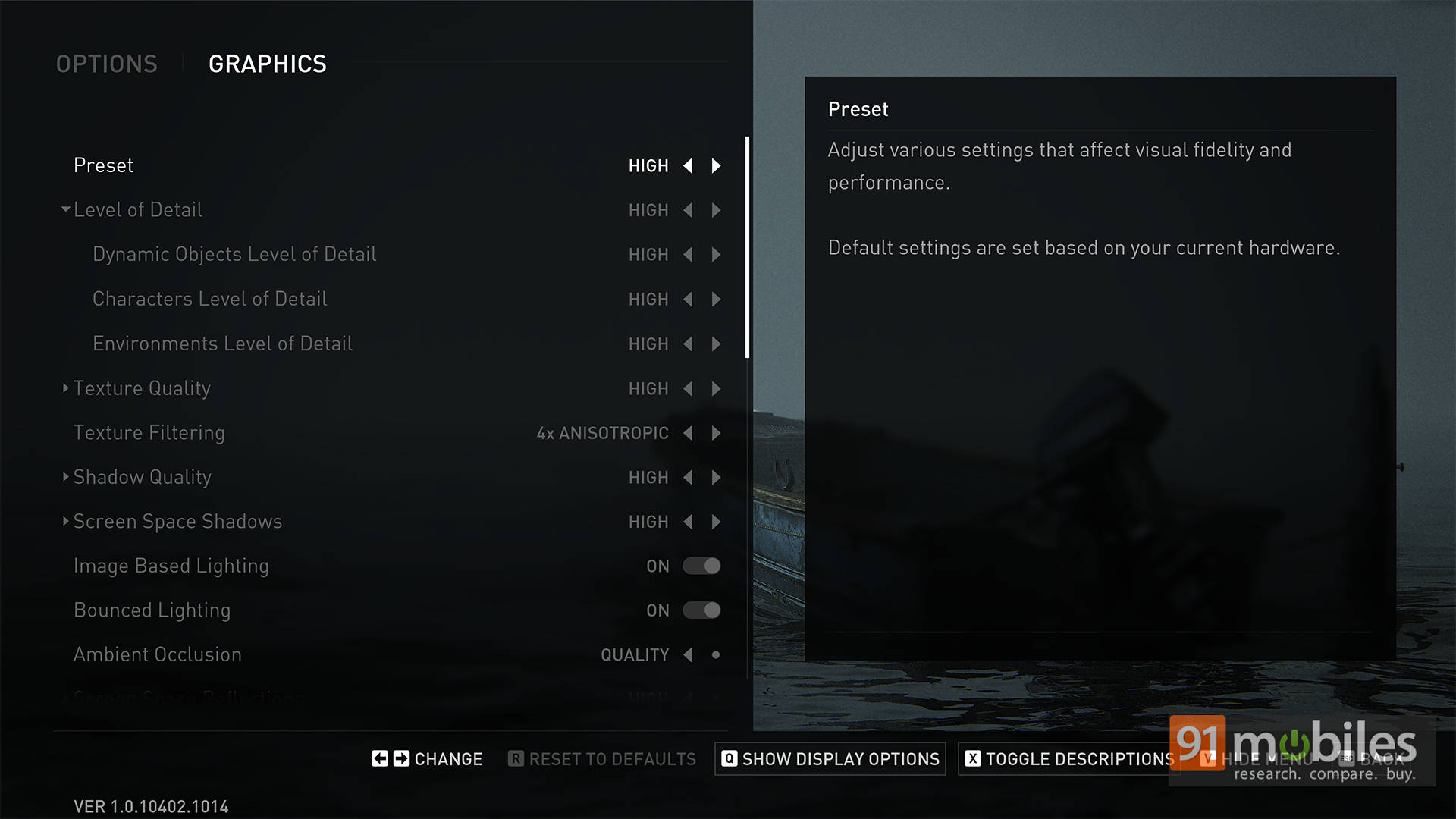
But what really impressed me were the newer additions. DLSS Frame Generation for Nvidia GPU users is a total game-changer—boosting framerates without compromising too much on visuals. Dynamic Resolution Scaling is another welcome option, helping smooth out frame dips when the GPU starts sweating.
There’s also extra love for shadows on PC. Screen Space Shadows, which weren’t even on PS5, add subtle but immersive depth to the world. You’ll spot things like shadows under fences or the way character silhouettes interact with light sources in a more grounded way. And Contact Shadows look cleaner, especially during close-up character moments.
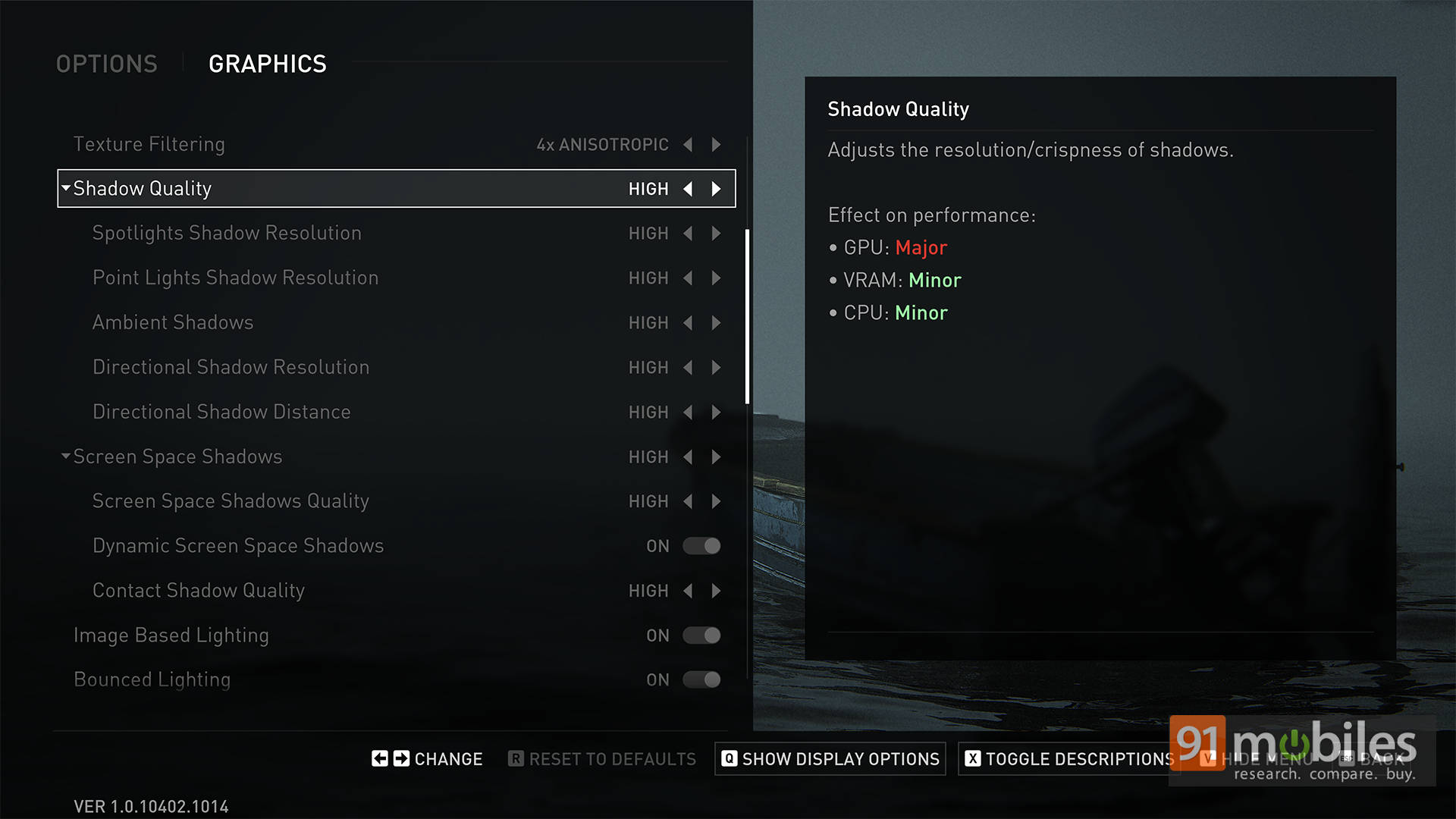
If all this tweaking feels overwhelming, the game does offer presets—from Low to Ultra—and yes, there’s a Steam Deck preset baked right in. It’s great to see a ready-made profile that balances visuals and performance for handheld play. Big win there.
Performance Analysis
Alright, time to spill the beans on how this beast performs! For my initial testing, I ran The Last of Us Part 2 Remastered on a pretty powerful setup—an AMD Ryzen 9 9950X3D and an NVIDIA RTX 5070 Ti. I figured, let’s start at the top and see how far we can push this game before diving into more budget-friendly systems.
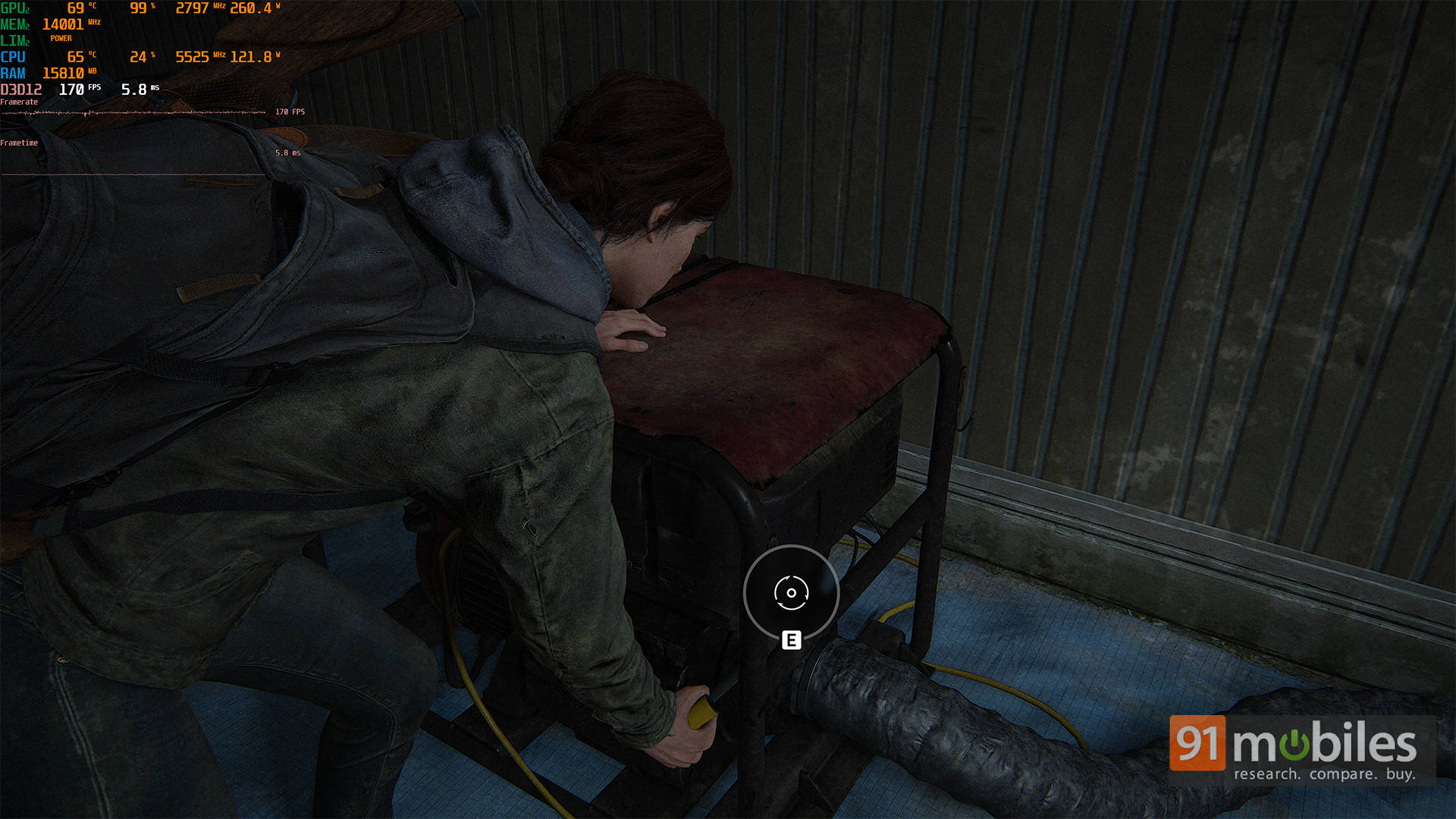
At 1440p Ultra settings, the game held up really well. I was seeing framerates comfortably sitting around 160 FPS, depending on what was happening on screen. Walking through quiet forest paths? Smooth as silk. Explosive shootouts in densely packed areas? Still solid, though a few dips into the 130s did happen. Also, this was in Native settings. With DLAA enabled, and DLSS set to Quality, I was able to push to 188 FPS. However, if you’re on a 240Hz refresh rate monitor, then you might want to enable DLSS Frame Generation too. While there’s no support for Multi Frame Generation (yet), I did manage to squeeze around 234 FPS on average with DLSS FG enabled.
| Settings | 1440p | 4K |
| Native (TAA only) | 160 | 95 |
| DLAA + DLSS (Balanced) | 194 | 152 |
| DLAA + DLSS (Quality) | 188 | 133 |
| DLAA + DLSS (Balanced) + Frame Gen | 234 | 155 |
Moving on to 4K Ultra settings, the game natively runs at a smooth 95 FPS with TAA, though in some instances it does dip down to around 85 FPS. Enabling DLAA and setting DLSS to a balanced profile sees the frames jump up to around 152 FPS on average. However, I'm not quite a fan of that experience, since the overall image looks a bit too sharp. Switching the DLSS profile to Quality looks better, with the FPS seeing a slight drop to around 133 FPS. Thankfully, you can then enable DLSS Frame Generation to again push the performance back to around 155 FPS, without compromising the visual quality.
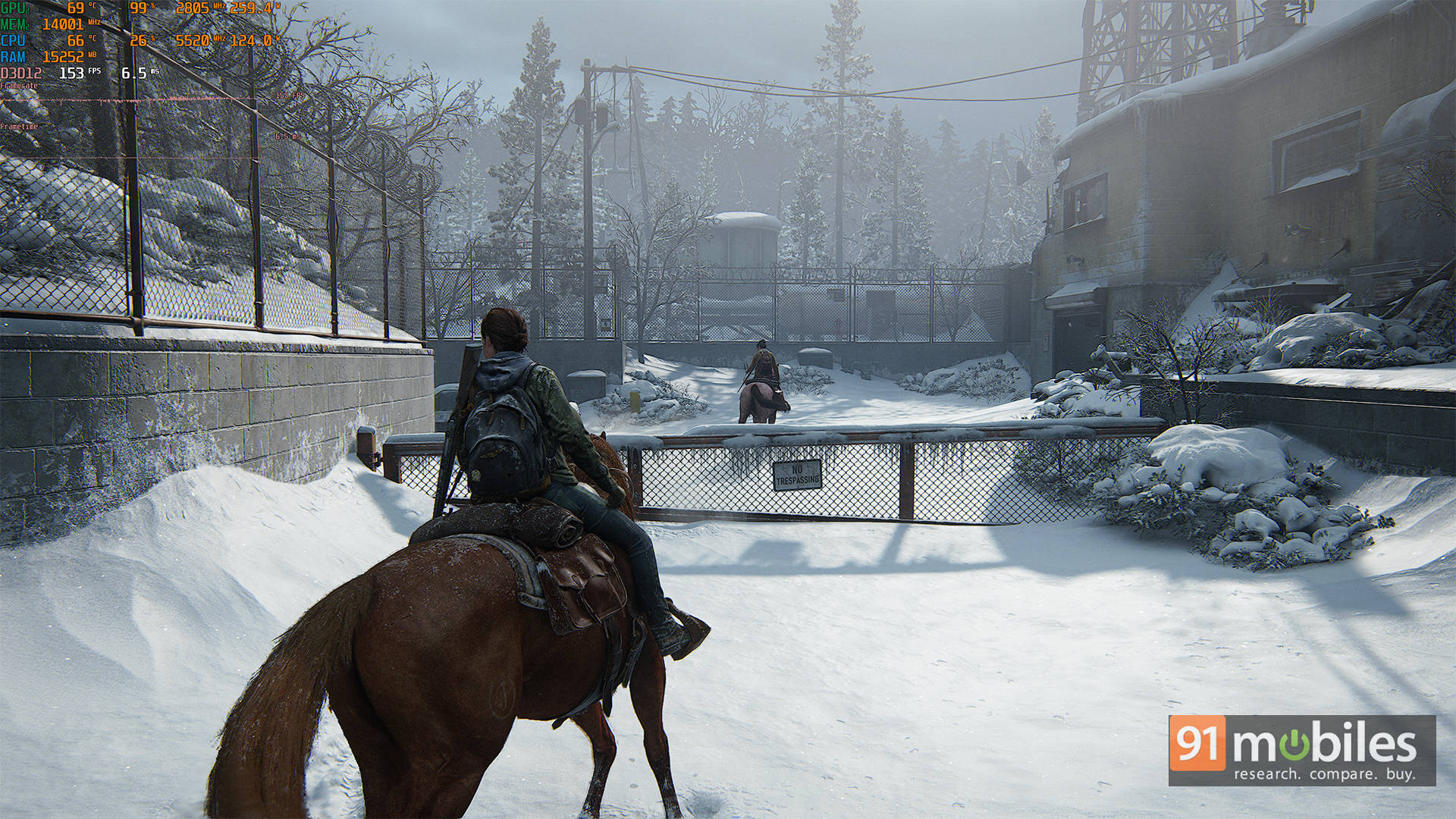
That said, not everything was flawless. I ran into a couple of minor hiccups—some occasional freezing, a few moments where Ellie's hair started behaving like it had a mind of its own, and the lighting sometimes looked a bit… too clean. But these were brief, and most of them corrected themselves in seconds.
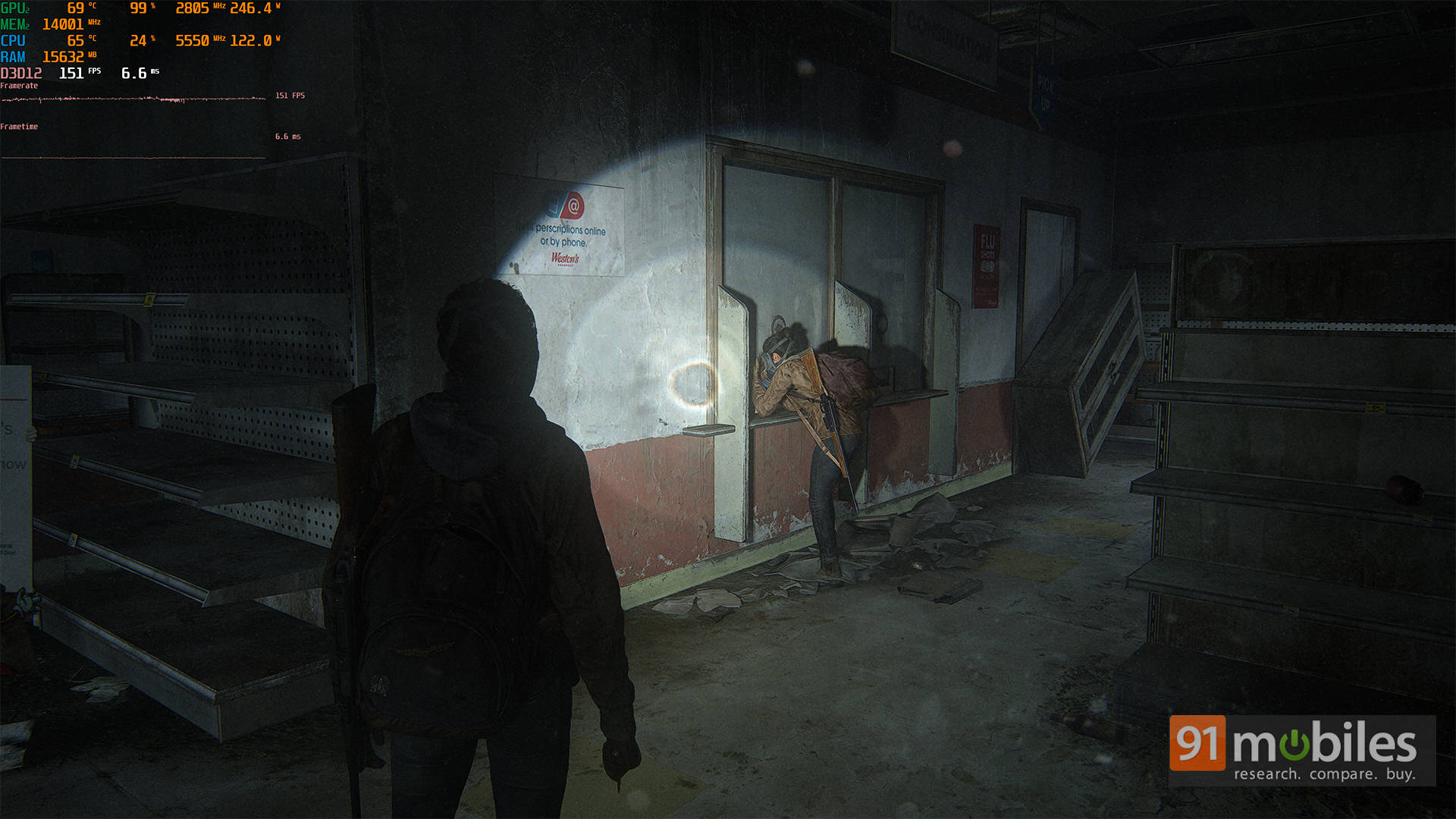
While I already tested the game on my high-end PC, I wanted to see how it'd run on more affordable systems, so I ran it on the Acer ALG laptop. Powered by the Intel Core i5-12450H processor and NVIDIA RTX 3050 GPU with 75W of TGP, the laptop initially defaulted to Medium settings with DLSS and Dynamic Resolution Scaling (DRS) enabled. But as you'd expect, the visuals looked grainy and underwhelming out of the box. Thankfully, after some tweaking, which involved changing DLSS to Balanced, turning DRS off, enabling FSR 3.0 Frame Gen, and setting textures to High, the game looked much sharper and ran surprisingly well, hitting 80+ FPS in open-world sections and staying in the 70s during busier scenes.
Disabling DLSS while keeping Frame Gen on brought the FPS down to an average of 43, with drops into the low 20s during intense moments. Turning off Frame Gen altogether even caused the game to crash a couple of times. Like its predecessor, this game is CPU-heavy, with usage regularly spiking above 95% and temperatures reaching up to 100°C, which is enough to cause occasional thermal throttling. That said, with the right settings, it's still playable and enjoyable on an entry-level gaming machine.
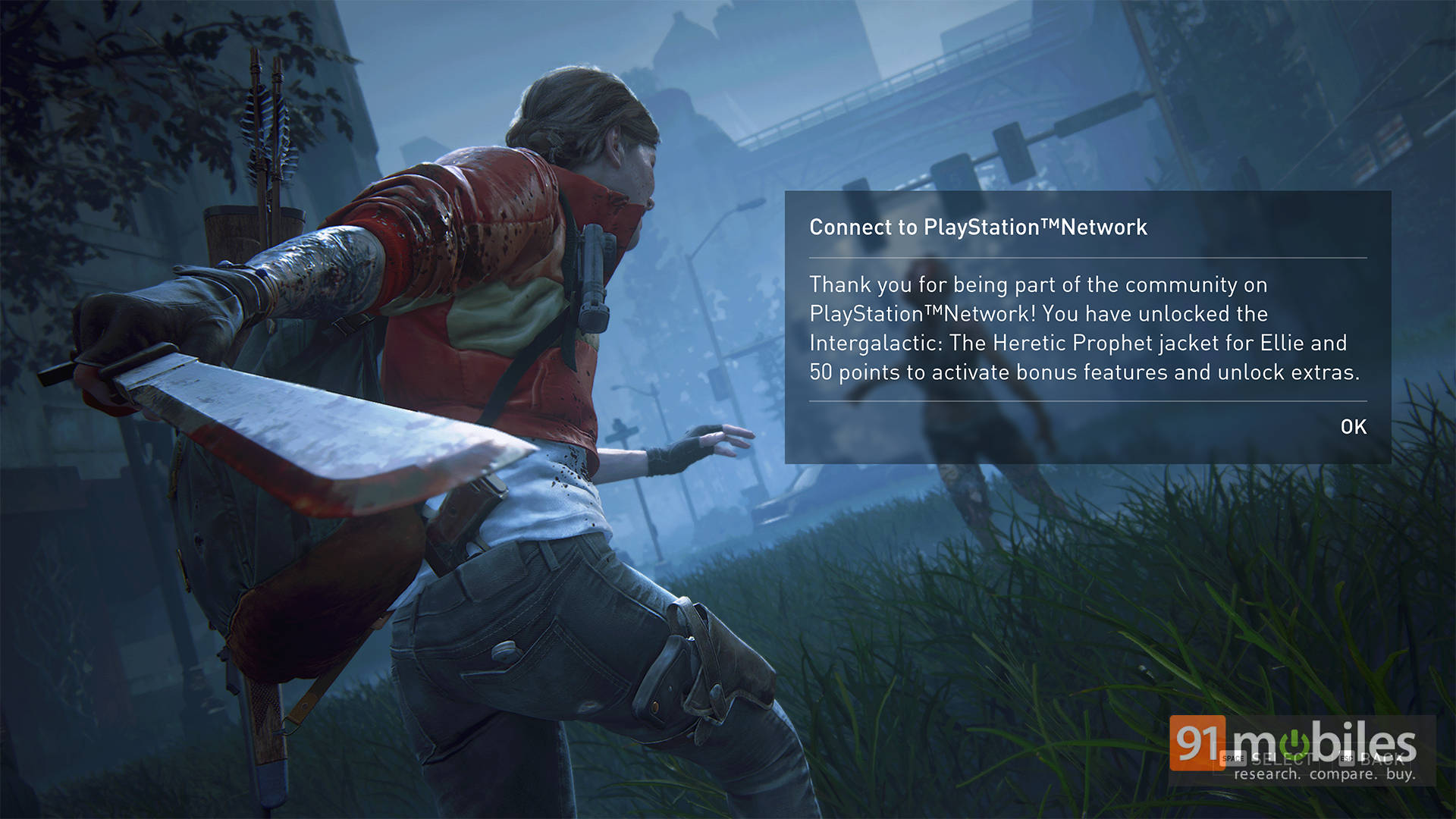
I'll also add that the game doesn't require a PlayStation Network account, which is great for those who just want to dive in and play. But for anyone who does choose to link their PSN with Steam or Epic, you'll unlock some bonuses like a cool "Intergalactic" jacket for Ellie and even PlayStation trophies on PC. Oh, and 50 points for in-game rewards too.
Looking ahead, I'll be testing the game on more mainstream setups, such as laptops, handhelds, and the whole nine yards. But based on this initial experience, I'm genuinely optimistic. With all the settings on offer, it feels like most players should be able to dial in something that works well for their machine.
Game Review
Yes, I know this is a performance review, but can I just take a second to scream about how good this game is? The Last of Us Part 2 Remastered doesn't pull punches. It's brutal, heartbreaking, and makes you question every decision along the way.
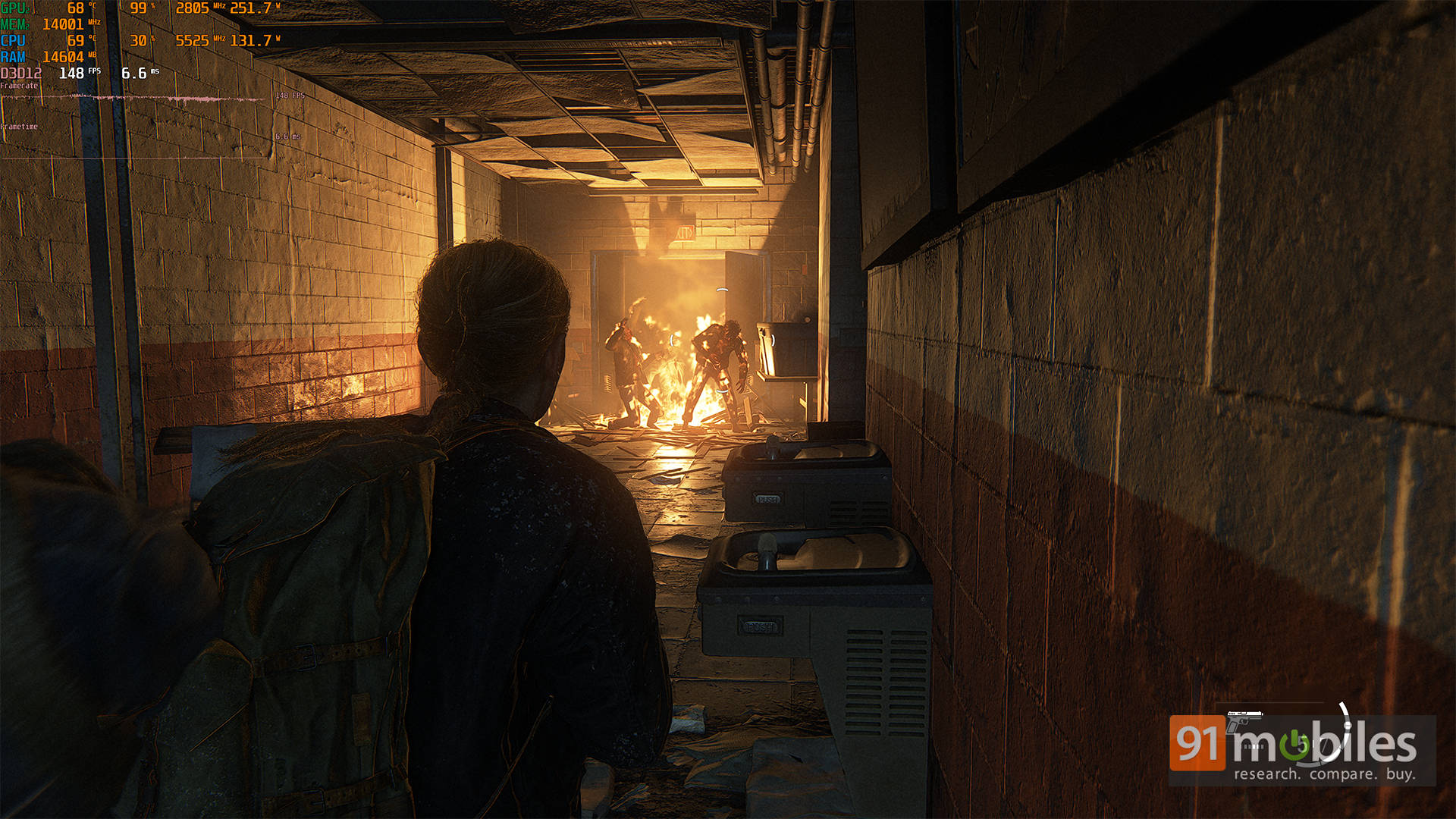
You'll play as both Ellie and Abby, each navigating their own journey through a world that's equal parts terrifying and tragically beautiful. The emotional weight is huge—but so is the impact of good performance on gameplay. During stealth sequences, higher framerates made my movements feel way more responsive. A smooth 100+ FPS really helped me stick those headshots or time a perfect dodge. Trust me, when you're in a panic and trying to escape a charging infection, you want every frame working in your favour.
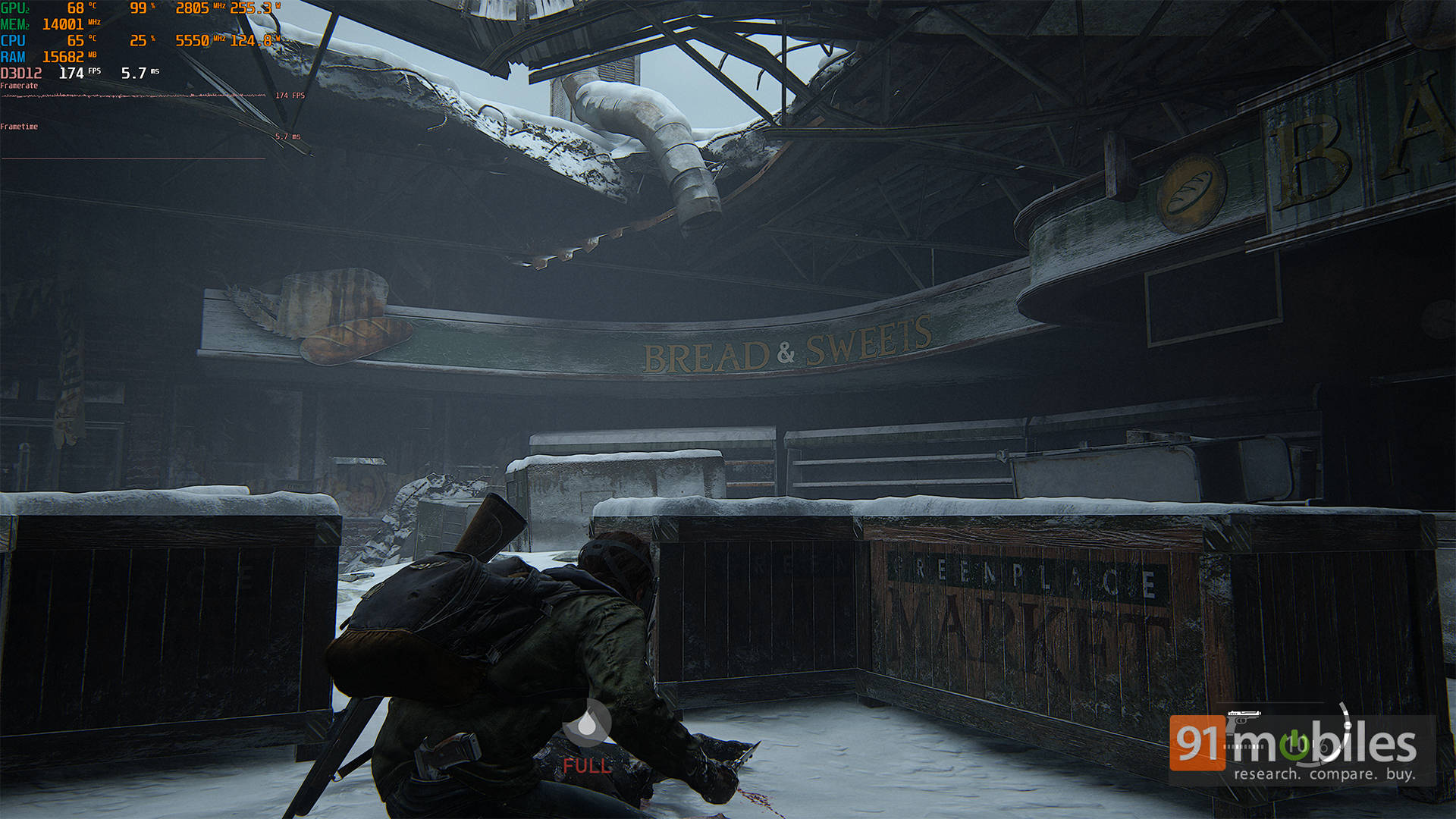
And graphically? This thing is a stunner. Rain trickles off jackets, light filters through broken windows, and facial animations nail those subtle expressions in quiet scenes. Running it at Ultra settings lets me soak in every grimy corner of this world without a single hitch-breaking immersion. Whether it's cinematic cutscenes or heart-pounding combat, smooth performance makes everything feel better. It elevates not just the visuals, but the emotional punch behind every moment.
Verdict
So, what's the final word? The Last of Us Part 2 Remastered on PC is a fantastic port. It takes one of the most emotionally intense games of the last decade and gives it the full PC treatment - complete with tons of settings to tweak, support for Steam Deck, and performance that (at least on high-end hardware) feels excellent.
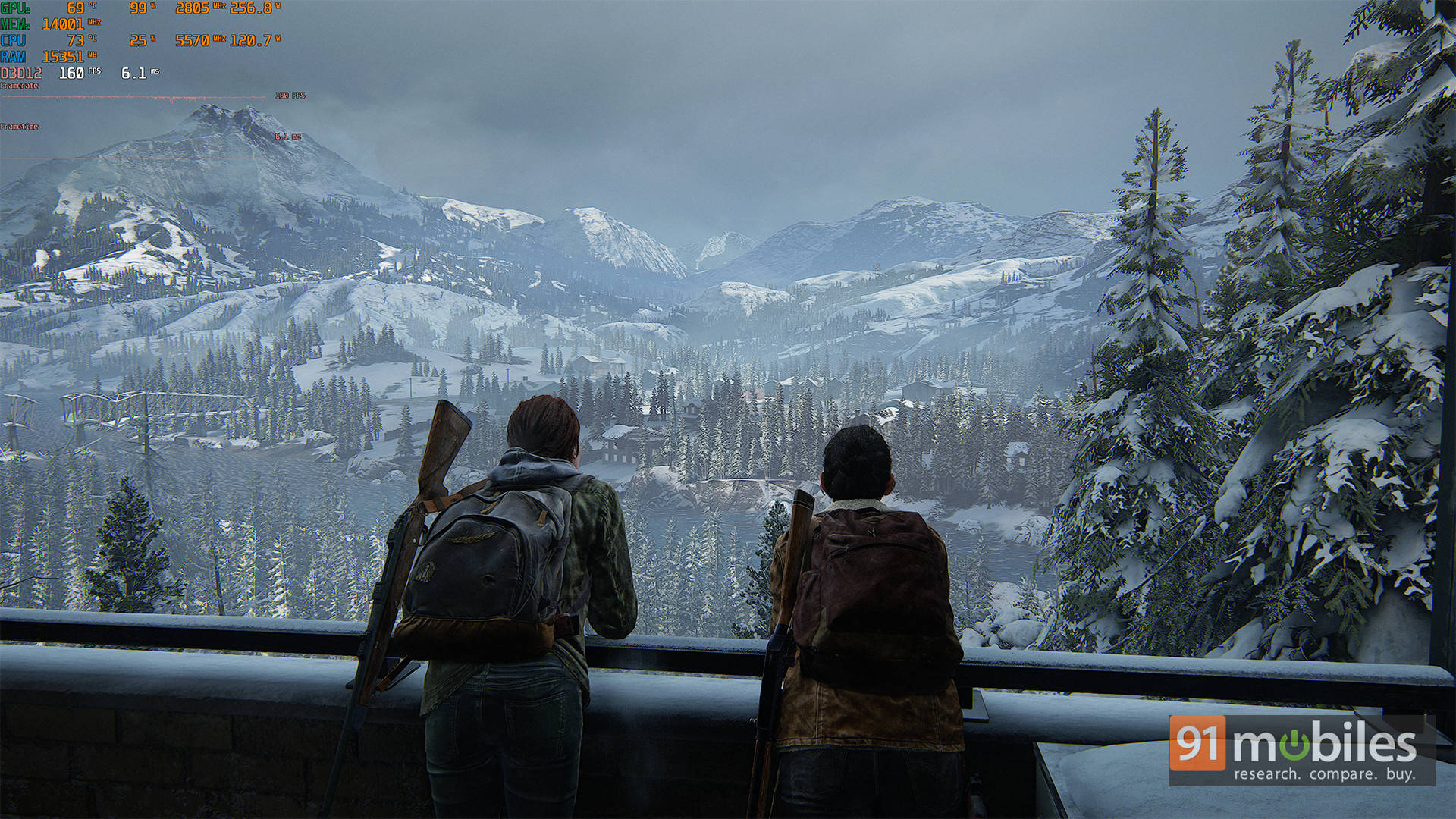
There are a few tiny rough spots—minor visual bugs and the occasional hiccup—but they don't get in the way of the overall experience. Whether I was sneaking through tense encounters or just soaking in the hauntingly gorgeous environments, the game held up like a champ. Plus, the addition of the "No Return" roguelike mode adds even more replay value, and I can't wait to dig into that more. Long story short, if you're a PC gamer who missed it on console, or just want to experience it all over again in buttery-smooth glory, The Last of Us Part 2 Remastered on PC is totally worth it. Just make sure your rig's ready for the emotional (and graphical) rollercoaster ahead.
Editor's Rating: 8 / 10
Pros:
- Extensive graphics settings and customization options
- DLSS and dynamic resolution support for smoother gameplay
- Good performance on high-end hardware
- Significantly better launch than Part 1's PC port
Cons:
- Occasional stutters and minor visual glitches
- Frame time spikes and loading hitches