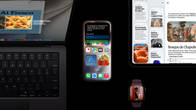
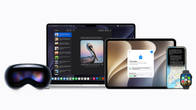
In a keynote that was largely a string of pre-recorded videos, Apple tried to live up to promises made in the past and then add a few surprises in typical Cupertino tradition. Here are the Top-5 announcements from WWDC26 that will be making their way into your Apple devices soon.
Table of Contents
Siri AI: The Gemini-powered overhaul
After facing backlash for not delivering on the features shown at WWDC25, Apple went back to the drawing board and also struck up a meaningful collab with Google Gemini. So the new-look Siri now carries personal context across your messages, emails, and photos and combines that with broad world knowledge. Built on next-gen Apple Foundation Models, it maintains conversational threads synced across iPhone, iPad, Mac, Watch, and Vision Pro via iCloud.
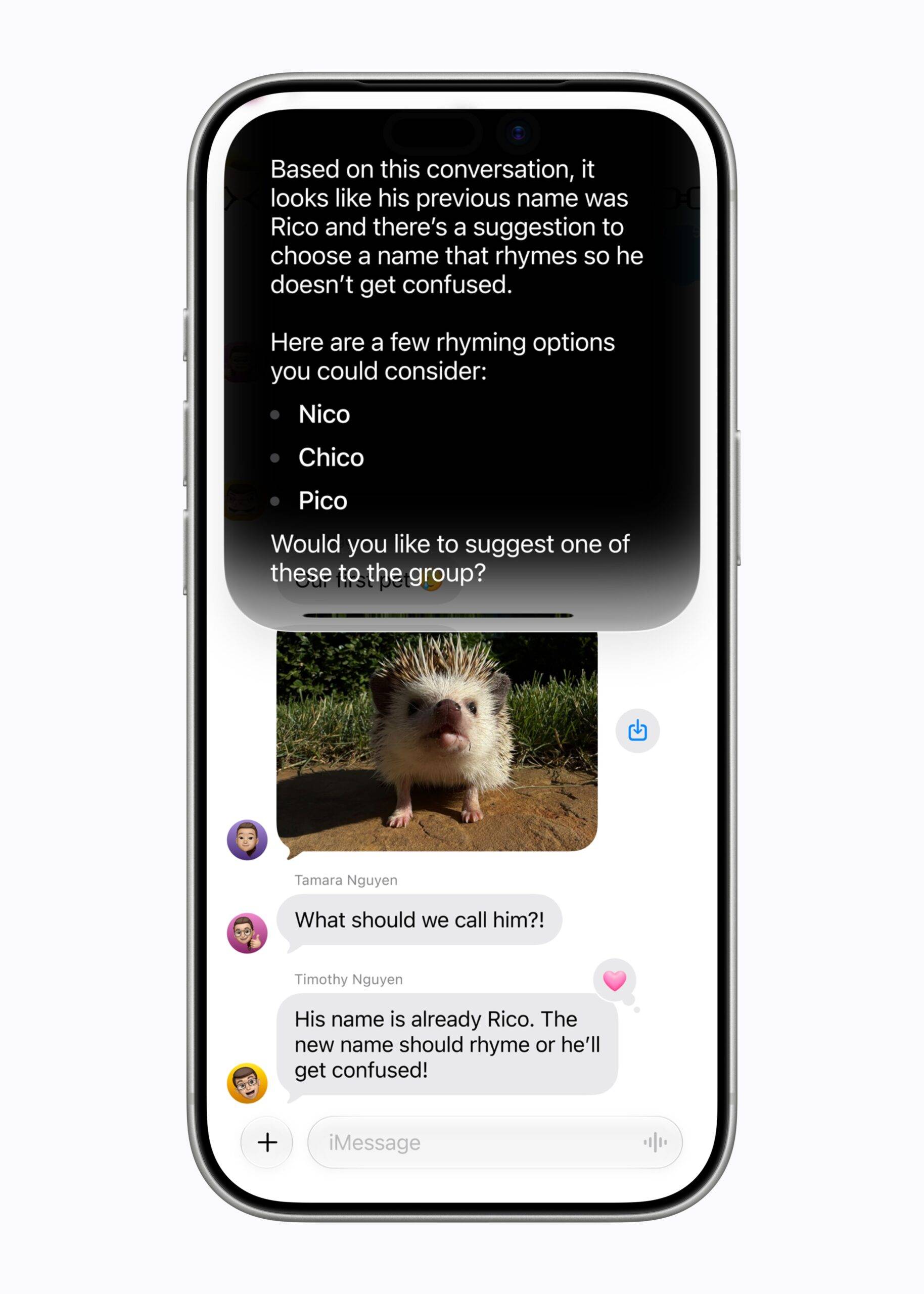
There’s also a dedicated Siri app, a new Camera-integrated Siri mode that lets you point the camera and seek information, and onscreen awareness that lets it respond to whatever’s on your display and even take agentic action if needed. Think ticket bookings, recipe retrieval from an older message, responding to an email with a draft that sounds uncannily like how you would talk to a specific person, and much more. On Mac, Siri is baked into Spotlight, and you can even select a piece of an image on the Mac via a new keyboard shortcut and get contextual information right there.
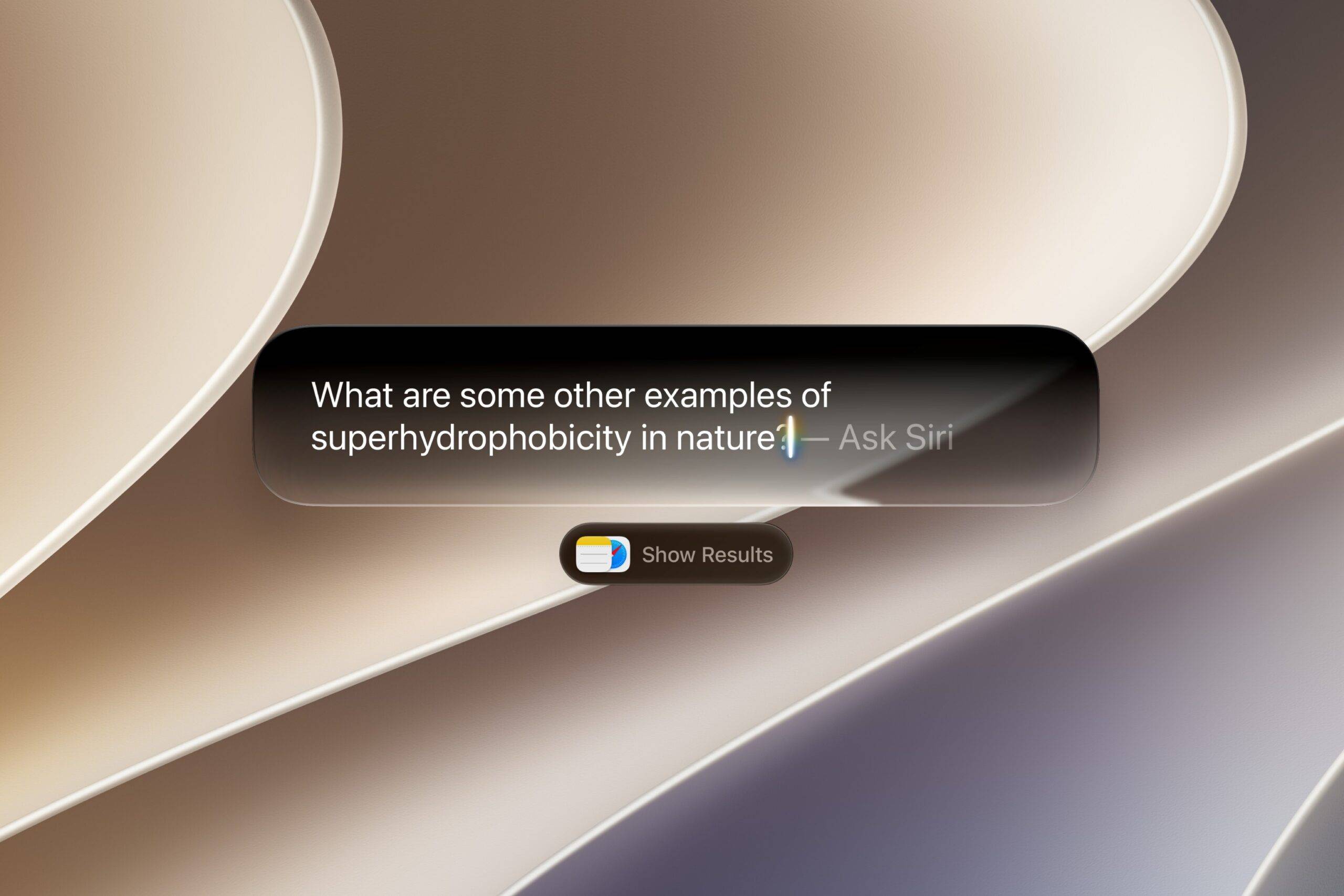
Siri AI runs on Google’s Gemini models, but it runs a custom 1.2 trillion-parameter Gemini LLM, made for Apple with on-device and Private Cloud Compute processing. How many third-party apps it works with is something we’ll find out as we approach the public release date and will finally determine the success of the new Siri AI in everyday tasks, especially for the Indian market, where WhatsApp trumps iMessages, and Google Maps runs circles around Apple Maps. Then there is the EU angle, which is the sore point.
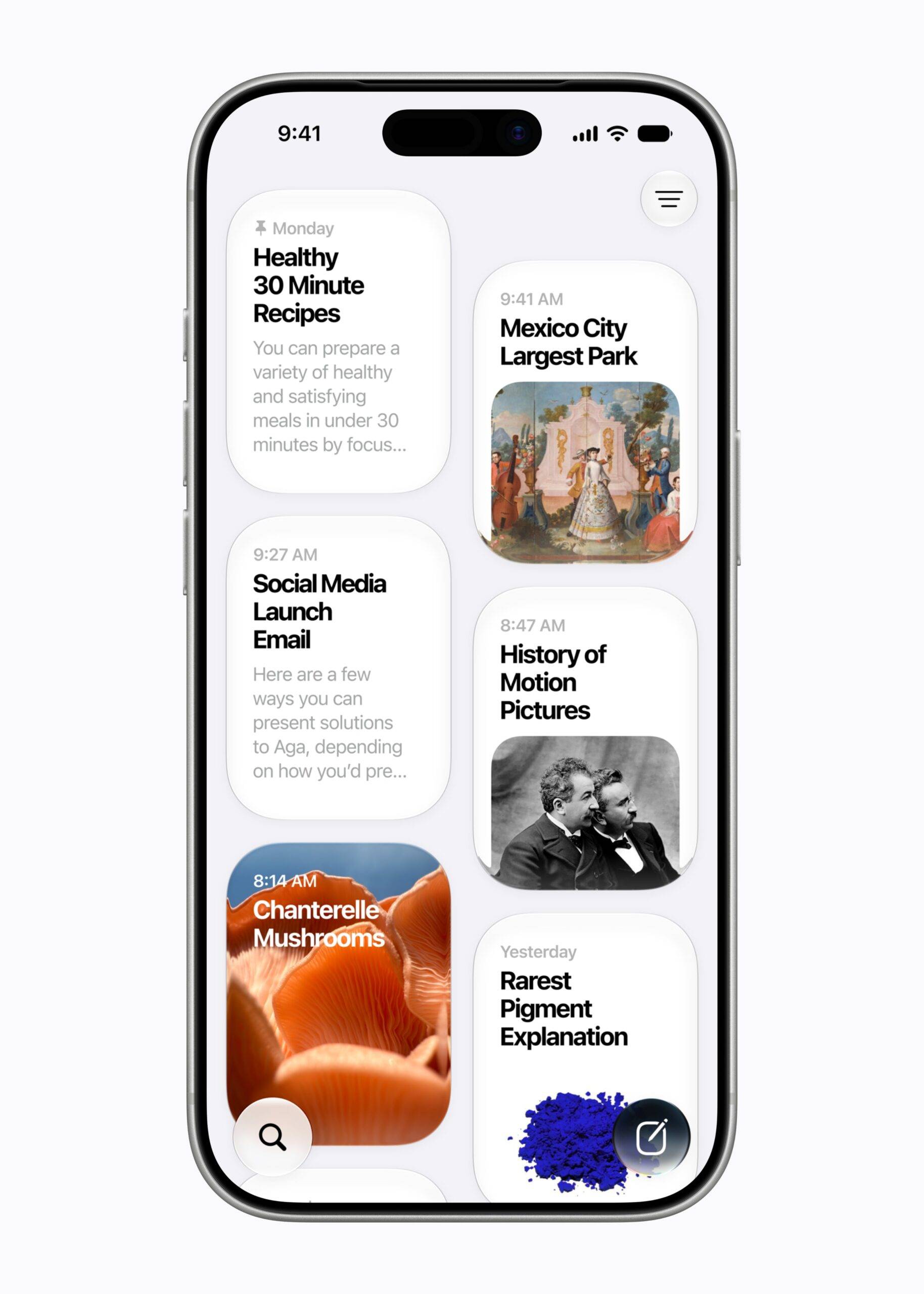
Siri AI will not be available on iOS or iPadOS in the EU at launch, and China is excluded, too, pending regulatory clearance. For a feature that’s already arriving as a “beta” in English only, that’s a lot of asterisks on the marquee.
Apple Intelligence 2.0: Under the hood
The broader Apple Intelligence upgrade is substantial as it permeates through the OS and across the device ecosystem. Photos gets Spatial Reframing, one of those “magical” Apple drops that we can’t wait to try out. Think of it as a post-capture perspective shifting, as if you’d physically moved the camera! Alongside an expanded Clean Up tool that now more effectively fills out awkward missing limbs and digits, and a new Extend feature to fill in cropped edges, it seems that Apple has finally taken a U-turn on its “maintaining photographic truth” policy.
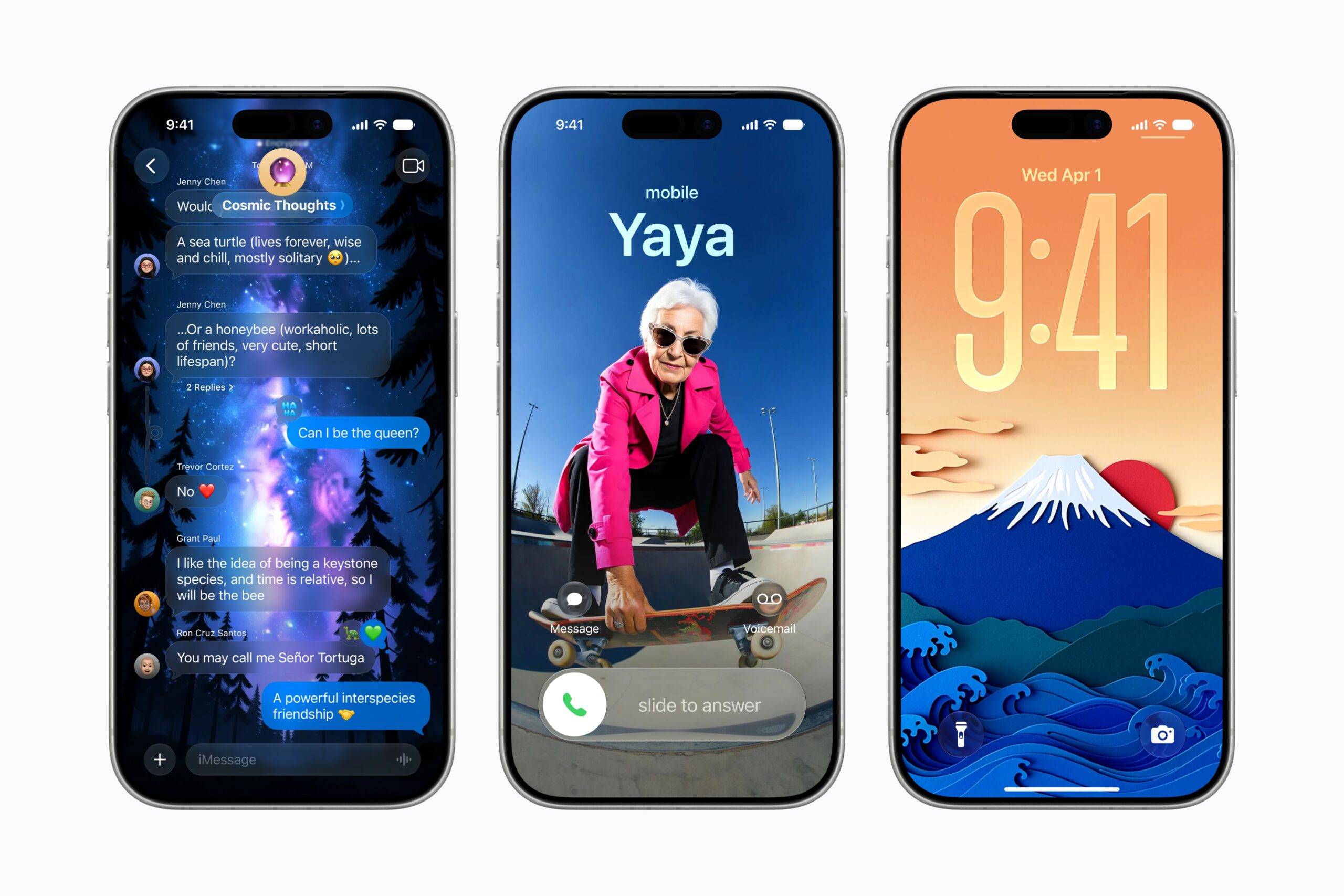
The new Image Playground drops photorealistic generation, graduating from cartoonish outputs to something that competes with what rivals have been doing for two years. AI-edited photos and Image Playground outputs will now carry a hidden SynthID watermark, flagging them as machine-altered.
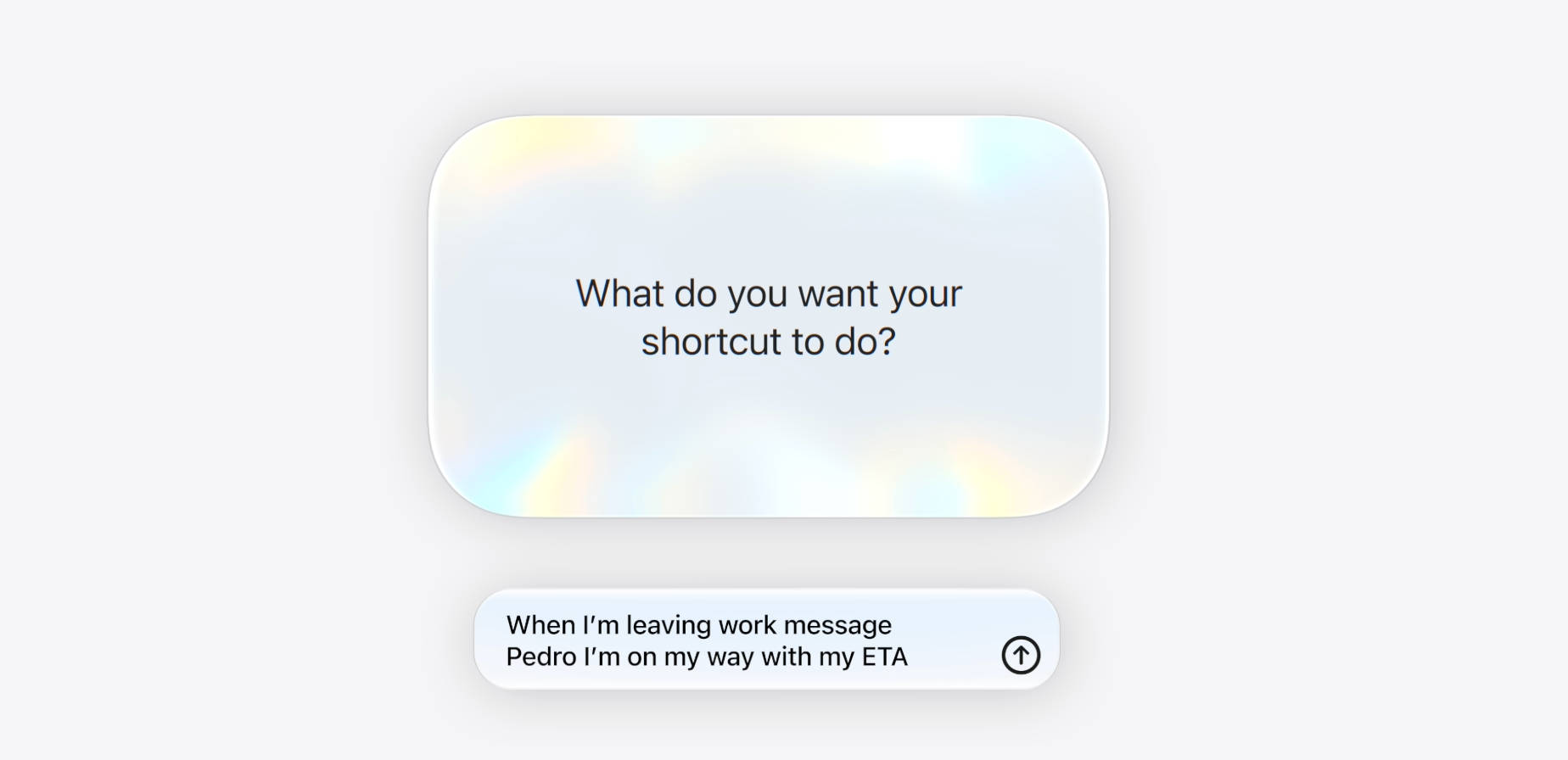
Safari gets a trio of sharp tools: automatic tab organisation by topic, a Notify Me feature that monitors web pages for price drops or restocks, and an AI-powered Passwords feature that can autonomously navigate to websites and upgrade weak credentials. Shortcuts, one of the least used features by most users because of its seemingly complicated setup, gets a natural conversation instructions set. So you can simply ask Siri to set up a sequence of events the moment you leave a geo-tagged location like your home or office, and it will align all the apps and services required automatically. The Describe an Extension feature, which generates a custom Safari extension by just describing what you want, is a similar kind of small-scale magic that actually changes daily habits.
Parental Controls: Need of the hour
Possibly the most practically significant announcement for families, and the one that got the least yawns at the keynote, but is crucial in today’s environment nevertheless, is Apple’s overhauled Screen Time with a new suite of child safety tools. Setting up a child account now instantly enables age-appropriate system-wide protections. Parents can approve every new contact before their child communicates with them, and the system automatically intervenes when explicit or violent content is detected in messages.
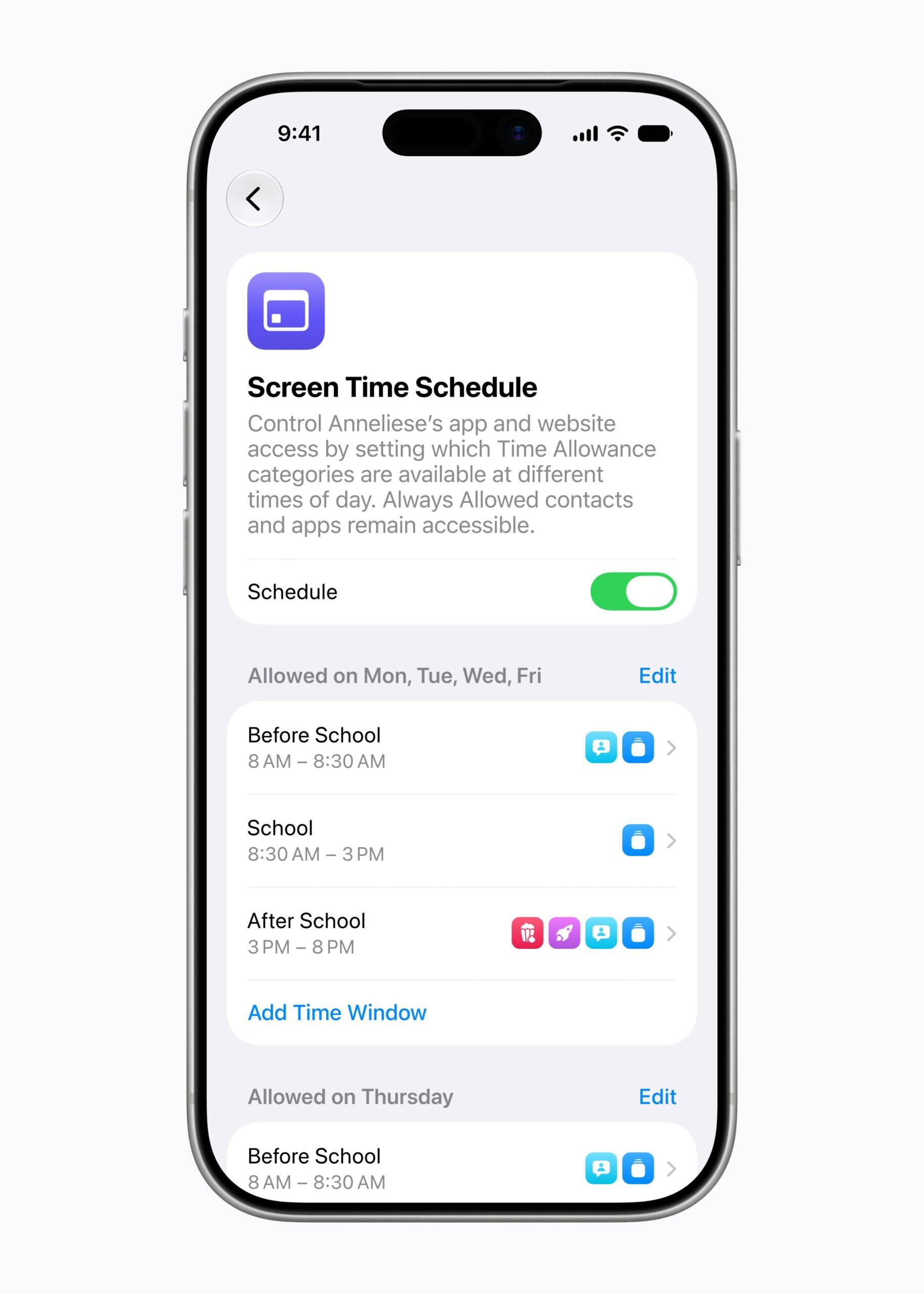
Screen Time can be set for daily allowances across Entertainment, Games, and Social Media categories, scheduling to restrict app access by time of day. Critically, the daily time recommendations are drawn from clinical and child development research, not Apple’s gut feel. The suggestions are based on a child’s age and will be updated as science evolves and parents share feedback.
Platform Performance: The unsung upgrade
It’s not typical to see a whole host of speed-related updates during a WWDC event. Usually, those sorts of specs tend to be highlighted during a hardware launch. But OS 27 delivers real-world speed improvements that will be immediately felt: apps launch up to 30 percent faster, photos load up to 70 percent faster after being taken, and AirDrop transfers run up to 80 percent faster.
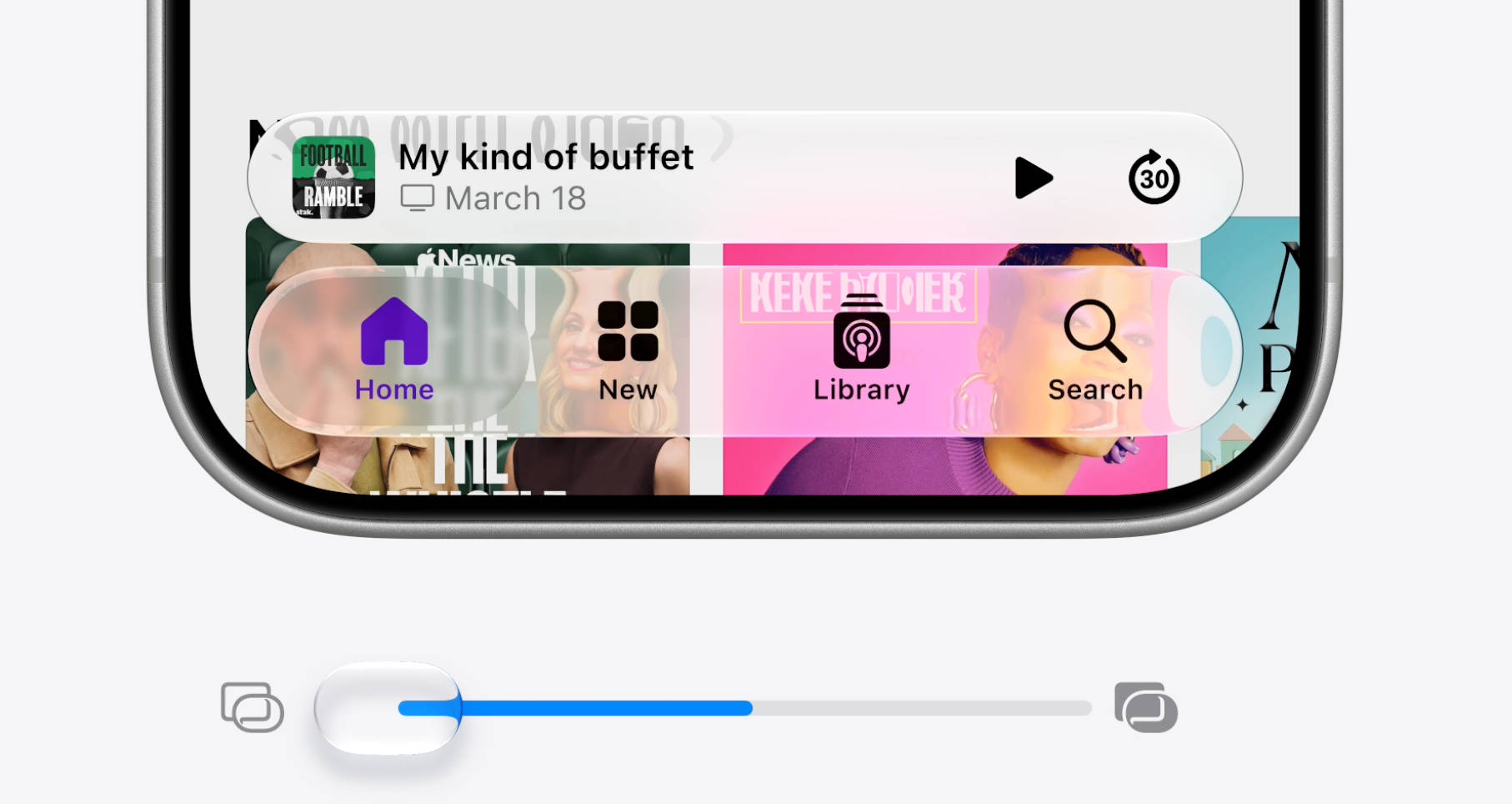
macOS Golden Gate and iOS 27 also address the legitimate complaints around Liquid Glass’ readability. Apple has included a slider in Settings, allowing users to dial in the right amount of transparency or opaqueness so you can tune it from ultra-clear to fully tinted. Edge-to-edge sidebars and coloured sidebar icons return to Mac, which will delight the subset of users who treated last year’s removal as a personal attack.
watchOS 27: The wrist gets smarter
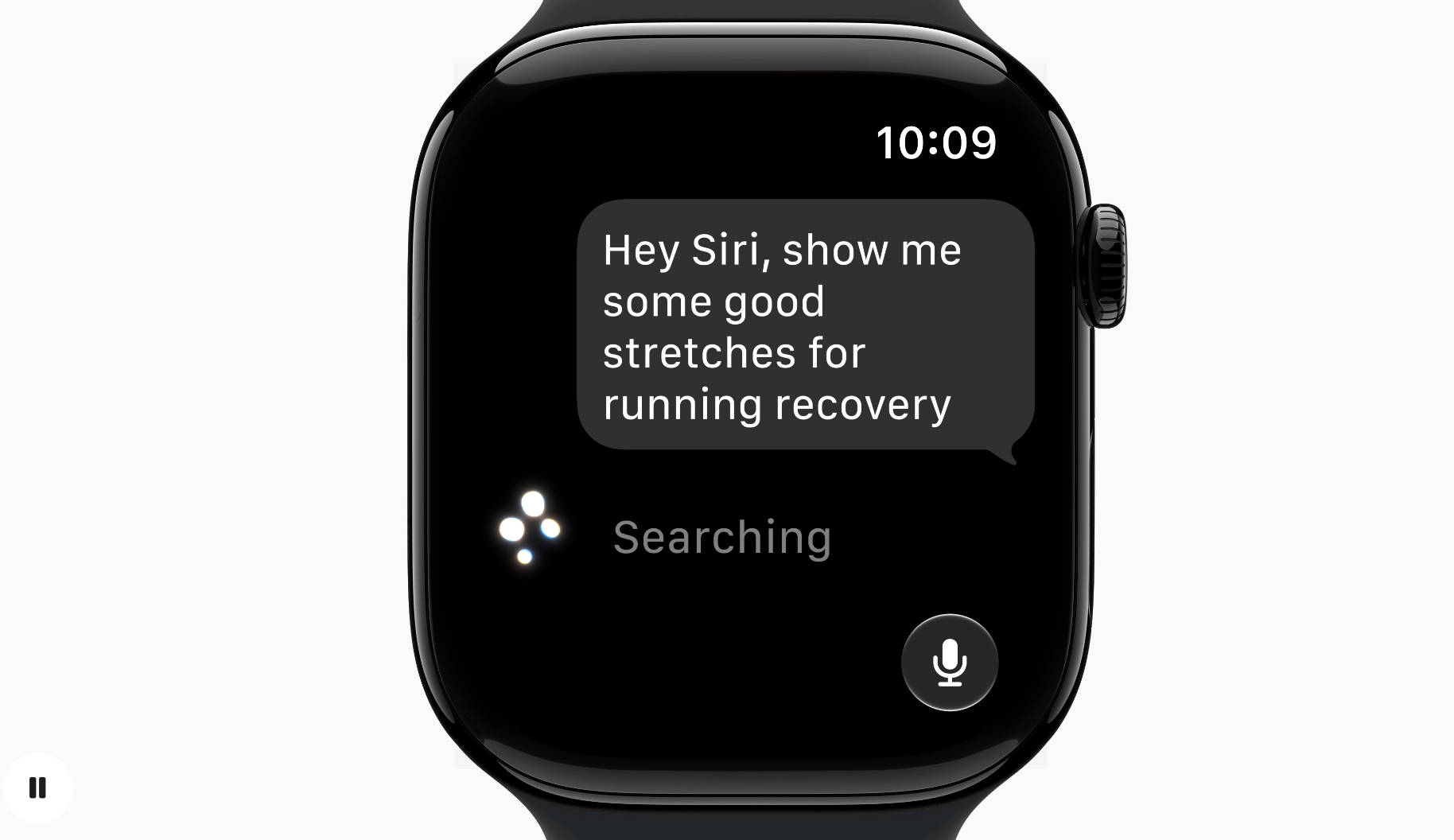
Apple Watch hasn’t been devoid of being touched by Siri AI’s grace, and the implementation is thoughtful. Users can start a Siri conversation from the wrist or continue one already underway on another device. The conversational context syncing via iCloud. The new dynamic app grid surfaces five Siri-suggested apps around a central Siri icon, nudging the Watch interface toward something genuinely intelligent rather than a static icon grid.
The consolidated Find My app (merging Devices, Items, and People) was long overdue. The native Cycle Tracking platform now officially supports perimenopause and menopause tracking, providing explicit user notifications regarding cycle deviations, a win for women’s health. To run these features, you will need an Apple Watch Series 10 or later, an Ultra 2 or later, or the new Apple Watch SE 3 paired alongside an AI-compatible iPhone.
WWDC26 was Apple’s most consequential software show in a long time, with no real “wow” moments barring Spatial Reframing and Conversational Shortcuts. The Gemini dependency is an awkward admission for a company built on vertical integration, but the features, when they arrive in full this fall, are real. The asterisks are real, too. Both can be true. Whether they work or create a mess that Ternus inherits is a question for September.