The PS5 is considered to be one of the best consoles, and rightfully so. You get a great catalogue of visually stunning games. With features like HDMI 2.1, which supports 120Hz refresh rates, ALLM (Auto Low Latency Mode), and VRR (Variable Refresh Rate), gone are the days of clunky screen tearing. The cherry on the cake is that thanks to VRR, some games that have the potential to go beyond 60 FPS give you a much smoother experience. But for this, you need a TV that supports HDMI 2.1.
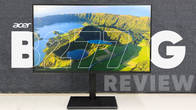
With the advancement in technology, we’ve seen some budget TVs boast of HDMI 2.1 capabilities, albeit with some caveats. Today, we have with us the Acer V Pro 50-inch TV. The TV boasts 2 HDMI 2.1 ports. It is available in 43, 50 (which we have for review), and 55-inch variants. While available in a 32-inch variant as well, the 32-inch doesn’t support HDMI 2.1 and is an HD Ready TV, unlike the other screen sizes, which have a 4K resolution.
What’s more, is that for years, Acer has built its reputation around gaming monitors, laptops, and peripherals that deliver high refresh rates and gamer-first features without absurd pricing. The V Pro TV feels like a natural extension of that philosophy. Instead of chasing premium OLED territory, Acer is clearly targeting value-conscious gamers who want console-ready features like 120Hz, VRR, and ALLM on a big screen without crossing the ₹30K mark. It leverages Acer’s existing credibility in displays and gaming hardware, translating that know-how into a living-room-friendly form factor. In short, this isn’t Acer experimenting; it’s Acer applying what it already does well to a new category where budget gamers are seriously underserved.
Key specifications at a glance
- Panel Size: 50-inch (Available in 32, 43, and 55-inch as well)
- Panel Type: IPS
- Backlighting: QLED
- Dimming Zones: No
- Panel Resolution: 3840x2160p – 4K (32-inch is HD Ready)
- Panel Refresh Rate: 120Hz (32-inch is 60Hz)
- HDR 10 Support: Yes
- HDR 10+ Support: No
- Dolby Vision Support: Yes
- Dolby Atmos Support: Yes
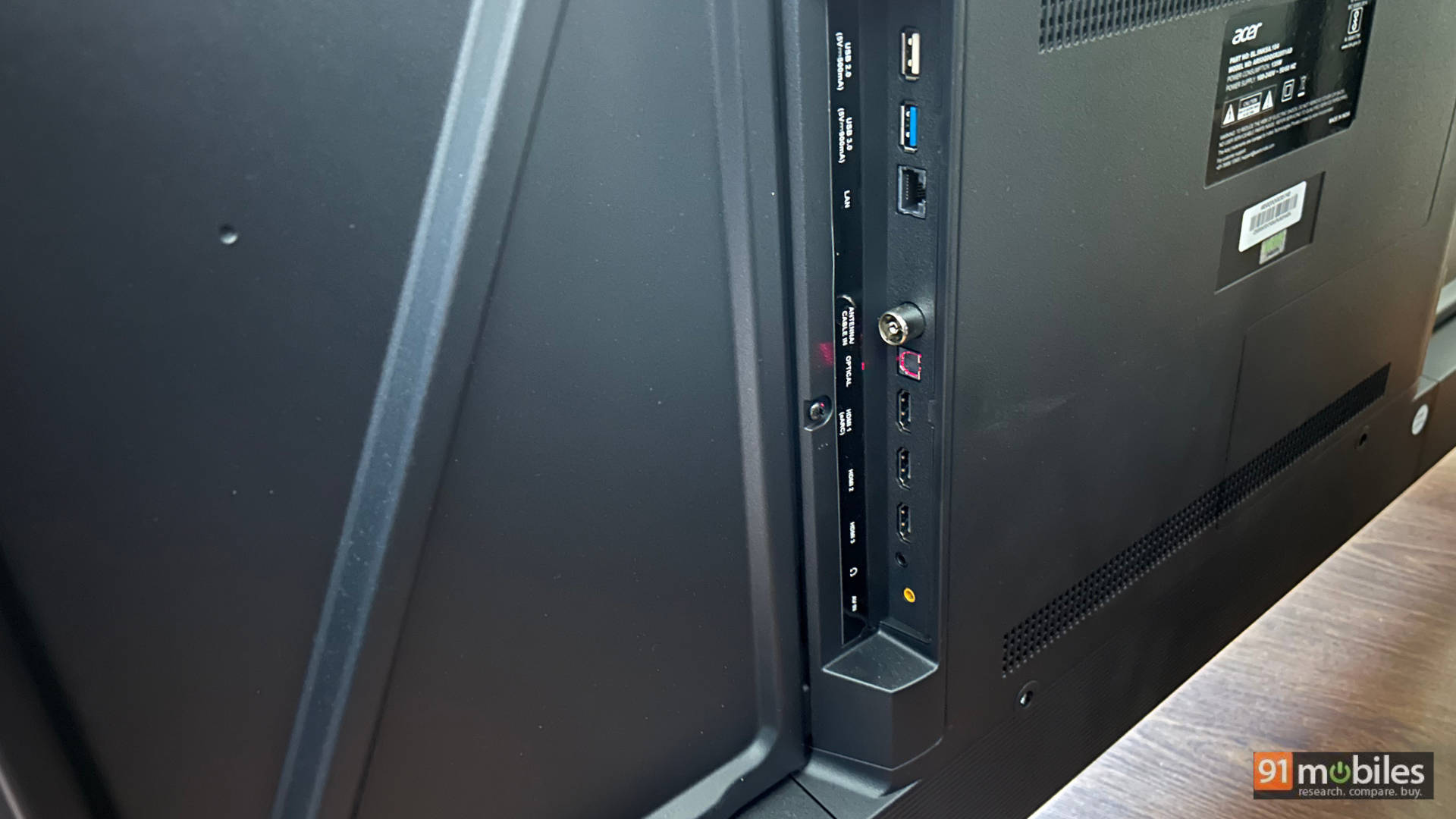
- HDMI Ports: 3 (one is an eARC port)
- USB Ports: 2
- Bluetooth: Yes
- Wi-Fi: Yes
- Ethernet: Yes
- Number of speakers: 2
- Sound Output: 36W
- Price: Rs 24,999
Table of Contents
For the gamer on a budget
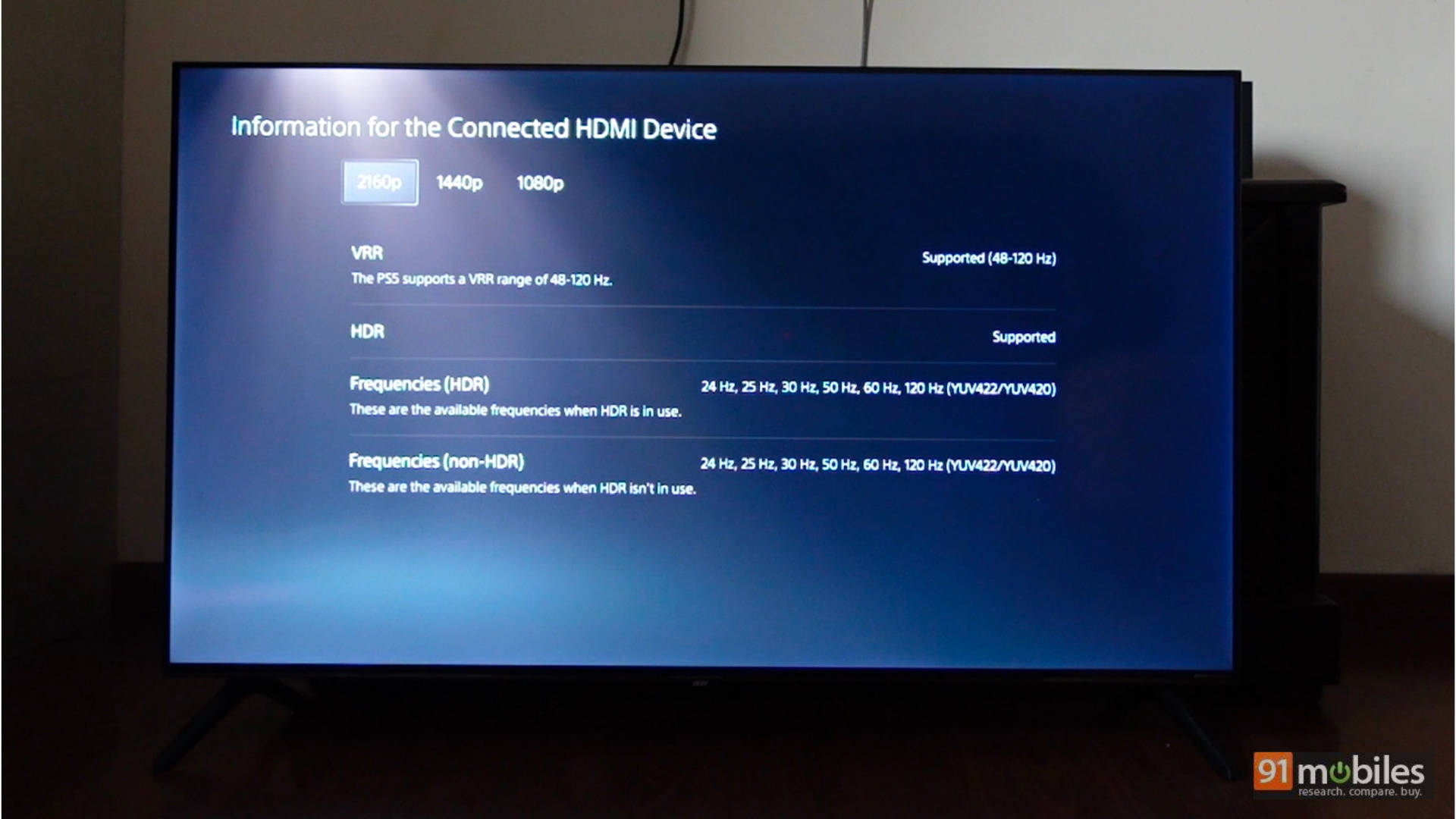
Since the TV comes with a 120Hz panel, let’s start with the best way to exploit the refresh rate – gaming! The TV has 3 HDMI ports, 2 of which support HDMI 2.1. The TV also features a 120Hz panel, which is a great addition. You get full VRR and ALLM from both the PS5 (48Hz to 120Hz) and Xbox Series X.
The TV also supports HDR, which means that you can enjoy games in HDR. Unlike some other budget TVs I’ve tested, the HDR calibration on this TV isn’t bad. A game like Dirt 5, which is mastered in HGiG, is a great example of how the TV and console calibration can be mismatched, but that isn’t the case here. Sure, the TV doesn’t have very high peak brightness, but the overall experience is definitely great, especially when you consider the price point.
I played the following games using the PS5 and Xbox Series X:
- Marvel’s Spider-Man 2
- Dirt 5
- Astro Bot
- Ratchet & Clank: Rift Apart
- Mafia: The Old Country
- Gears 5
- Ori and the Will of the Wisps
- Doom: The Dark Ages
The overall experience of gaming on the TV is very good, especially considering the price. For the average gamer looking for a 50 or 55-inch TV under Rs 30K, the experience is quite good. Astro Bot is another example of a game with punchy colours, and the overall experience was a lot of fun on the TV.
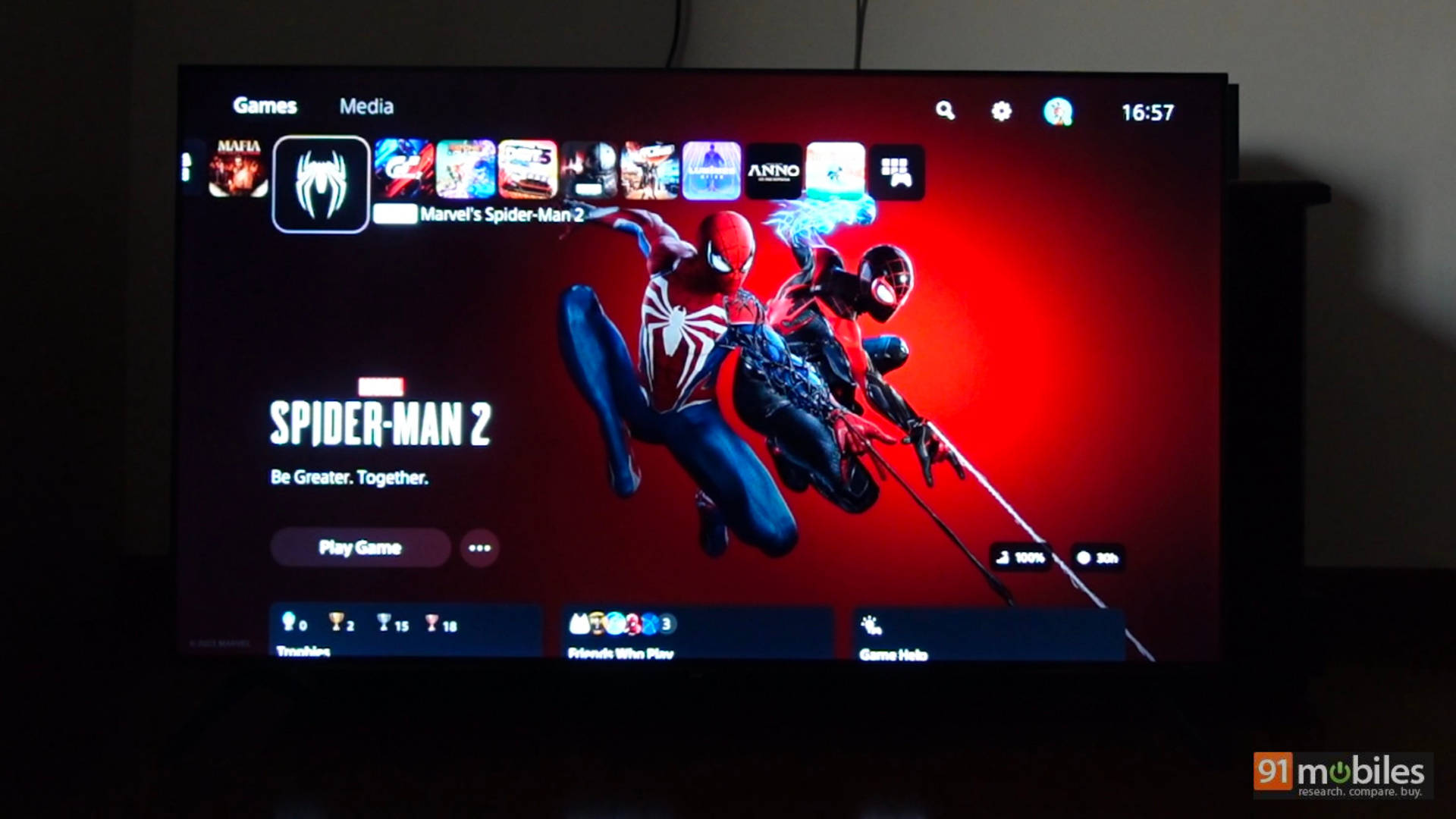
Spider-Man 2 and Ratchet and Clank on the PS5 are great examples of the 120Hz mode on the TV. Getting a higher framerate in these games with Ray Tracing was a truly immersive experience. The cherry on the cake is that the reds and blues in Spider-Man’s suit pop, and the landscape of New York looks immersive. Similarly, Ratchet and Clank looks like an animated movie coming to life on the screen. You can simply press the source button on the remote control to see the framerate you are getting in the game, which is also a nice touch.
Mafia: The Old Country is a great game with impressive HDR implementation. While you don’t get the absolute best specular highlights on this TV, you do get a good experience, again, when you look at the price. The TV can produce punchy colours, and that’s what matters. If you feel a game looks too dark (Cronos: The New Dawn, for example), you can switch on Dynamic Contrast to help elevate the black levels a tad for a better experience.
Even Ori and the Will of the Wisps looks great on this TV. Despite its IPS panel, with a little bias lighting in the room, Ori looks great! Ori is one of the few games that runs at 4K 120 FPS on the Xbox, making it a great game not only visually but also technically to test gaming TVs. Another game that shines on the Xbox is Doom: The Dark Ages, as it is a fast-paced shooter, ensuring it takes advantage of ALLM. Trigger-happy players will enjoy shooters on this TV as the input lag is quite low.
Gets the job done for HDR and SDR content
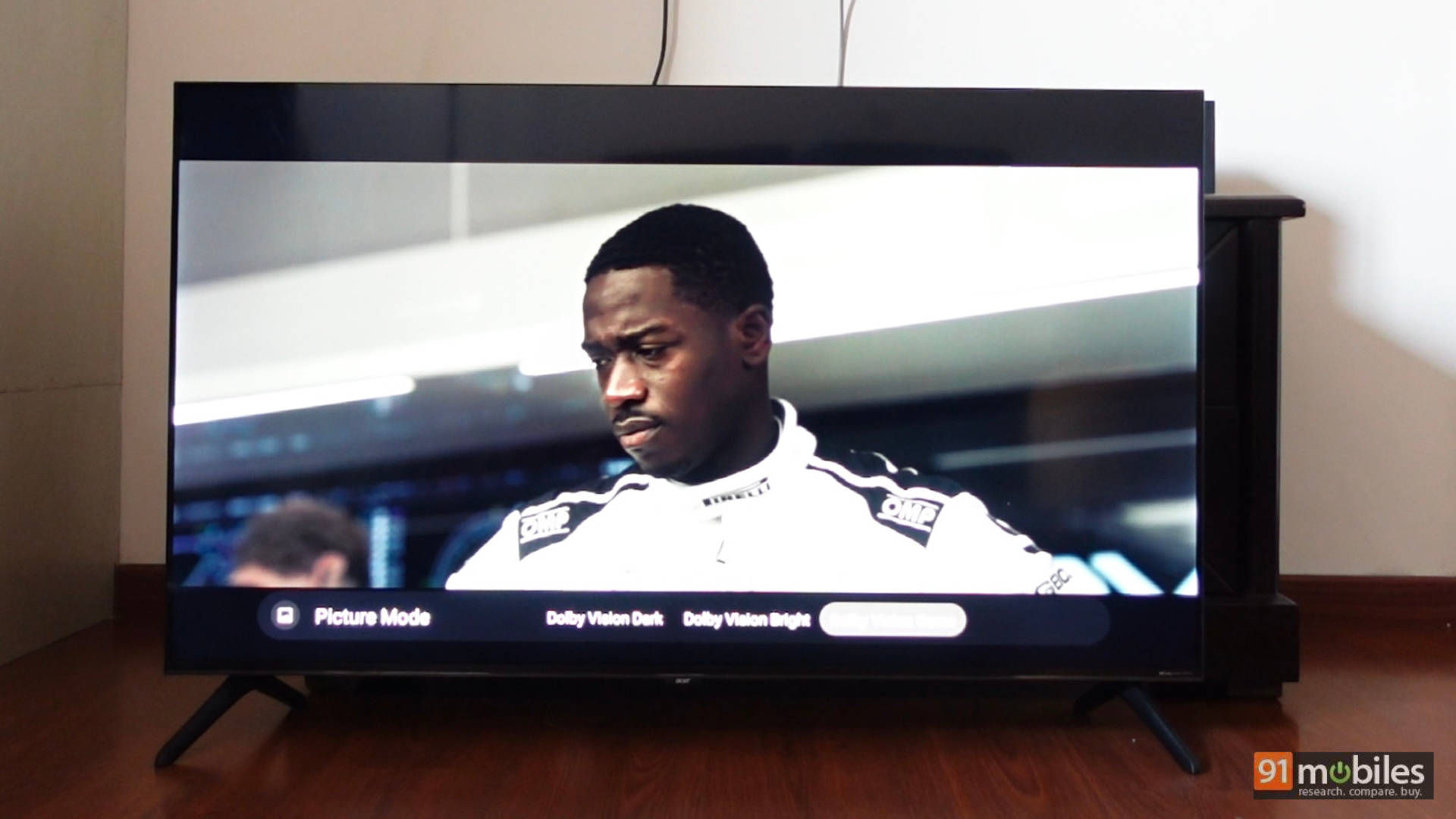
The TV supports HDR 10 and Dolby Vision for content consumption. In Dolby Vision, it has Dolby Vision Bright, Dolby Vision Dark, and Dolby Vision Game. The performance in Dolby Vision largely depends on the content you consume. There were times when I left it in Dolby Vision Bright and was happy with the experience, and there were other times (like watching the movie F1 on Apple TV, for example) where it looked a tad too warm for my liking. I then switched to Dolby Vision Game as that removed the warm tone. While the color accuracy was a tad cooler for my liking, it was better than the warm tone of Dolby Vision Bright. Again, this is on a case-by-case basis, so I recommend changing the settings based on the content you consume.
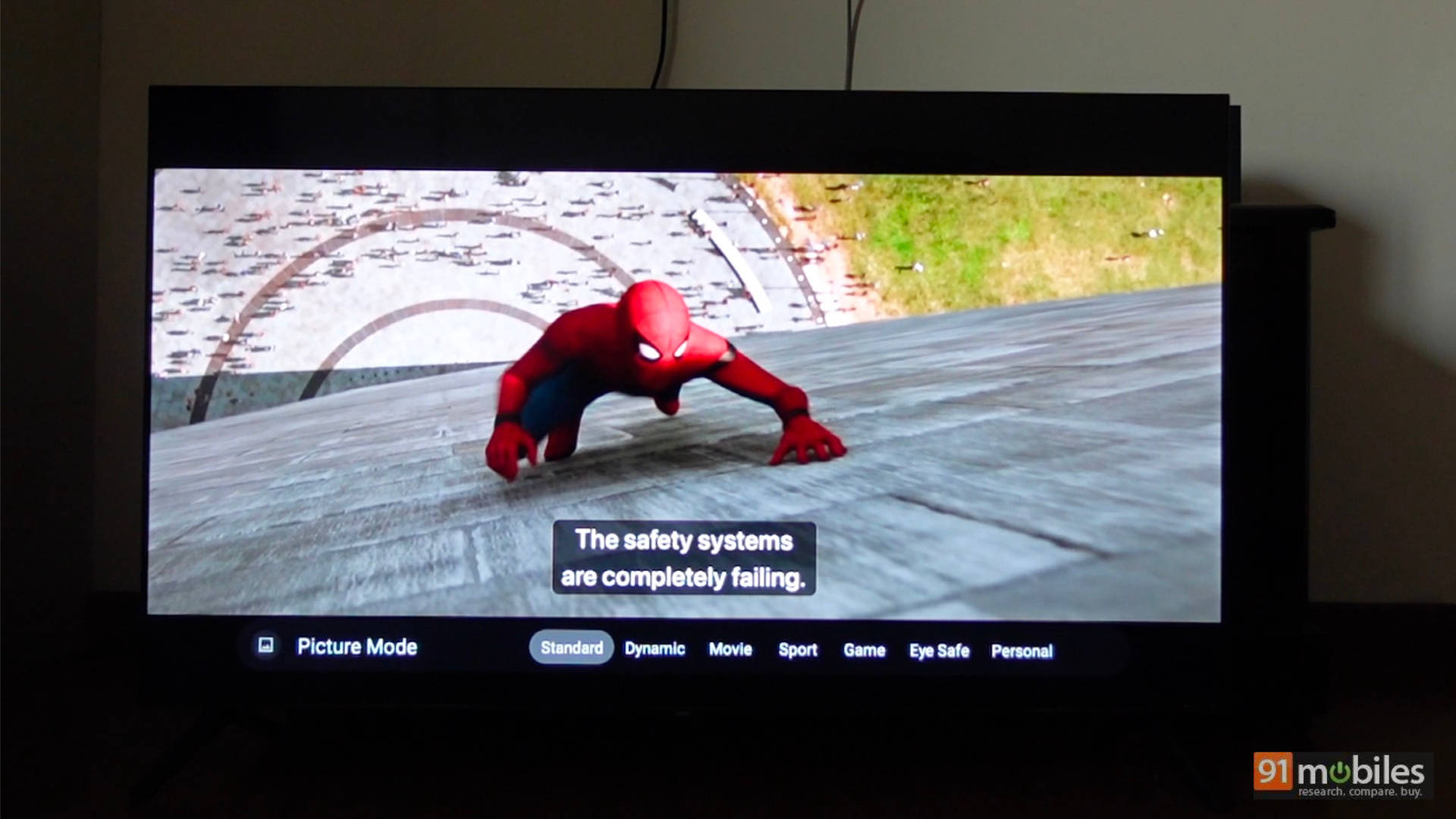
The same is the case for HDR and SDR content. Putting the TV in the Movie preset led to a slightly warmer experience in some content, and switching to Standard gave me a pretty good experience. If possible, I suggest connecting an external device like a Fire TV Stick, switching off HDR, and consuming content in SDR for the best experience.
I saw a bunch of movies and TV shows on TV, including Top Gun: Maverick, Ready Player One, Fallout, The Dark Knight, Young Sheldon, and more. Leaving the TV in SDR (via an external device—my Apple TV 4K box) and using the Standard preset yielded the best results.
Audio performance packs quite the punch
Big sound is the first thing that will come to mind when you listen to content from this TV. My favourite 50-inch TV when it comes to sound has to be the Lumio Vision 7, and this Acer TV is right up there with it. The TV packs in very good sound from the speakers, offering clear dialogues, good sound separation, and acceptable bass. Considering I used the TV as a “gaming device” for most of my use, I was sitting 5 feet away from it using the TV speakers and was very happy with the output. For everyday use, you don’t need a soundbar with the TV.
Even games like Doom: The Dark Ages sounded fun on this TV. In a game like Spider-Man, you can distinctly make out the thuds of combat and the swishes of firing webs. Dialogues are clear too. Sure, when I game using my Plus Explore TWS, the audio experience is elevated to a whole new level, but considering these are TV speakers, they sound good. The same experience is replicated in movies, with the clear advantage being the clarity in dialogue and clean audio.
Same Google TV and a familiar remote control
The TV runs on the Google TV UI, just like so many other TVs we’ve seen, and it works well. If you’ve used Google TV in the past, you will feel right at home. One thing to note is that when you connect the PS5 or Xbox Series consoles to the TV, you need to go into the settings of the TV and manually switch on HDMI 2.1 to take advantage of its features. Also, while I spent most of my time consuming content via an external device, the time I did spend with the UI showed signs of ageing quite quickly – meaning you will experience lags in the UI within 6 months of use. So, it is safe to invest in a Fire TV Stick along with the TV to ensure a great content experience.
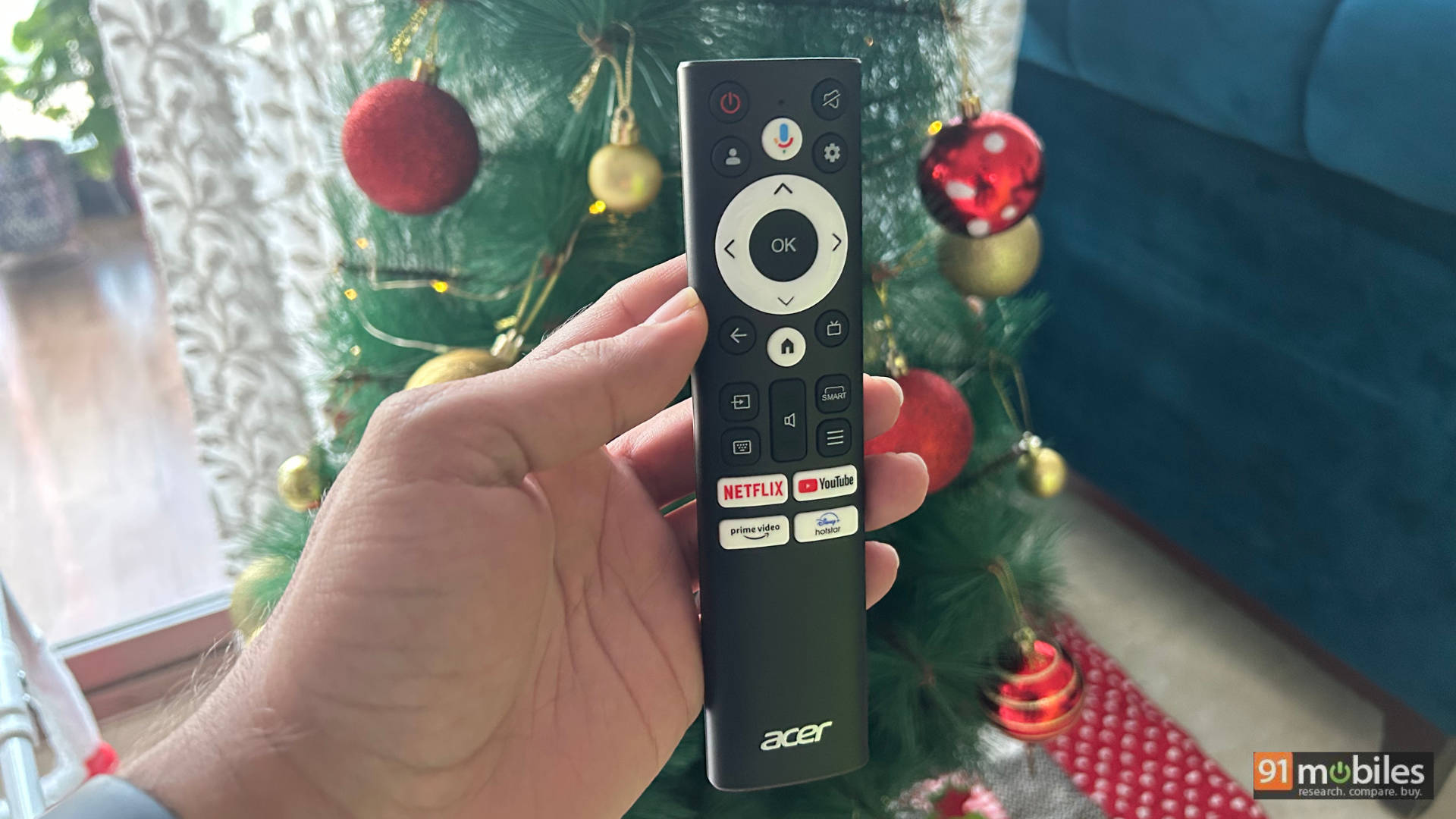
The remote control is standard for what we’ve seen with other TVs as well. It is functional with OTT shortcuts and all the essential controls.
Functional build and design
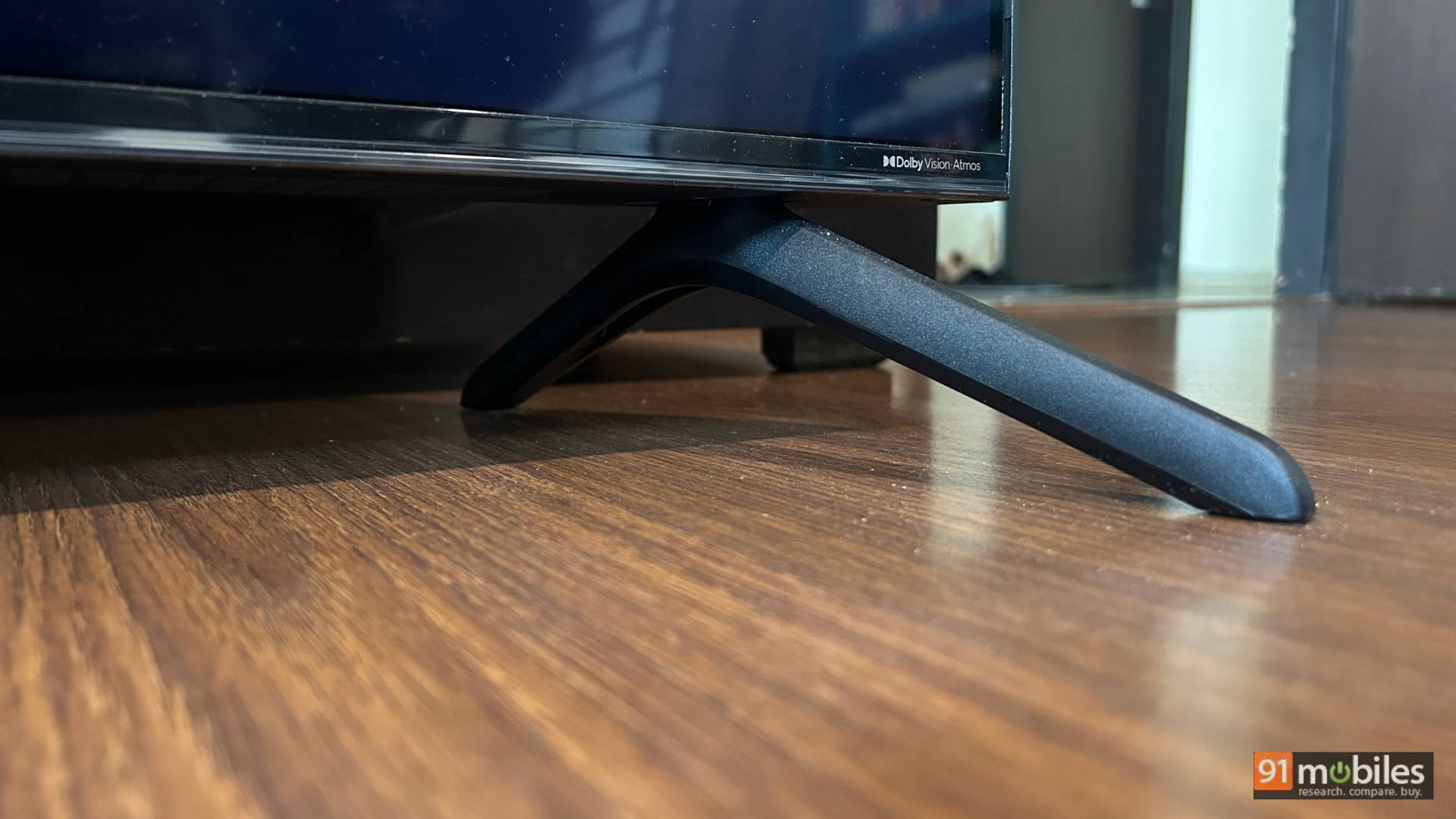
The TV has almost no bezels on three sides, with a slightly thick bezel at the bottom with the Acer branding. No complaints here. It has two plastic feet that hold the TV in place when kept on a tabletop. The feet hold the TV quite well. While I am used to TVs housing the connectivity options on the left, in this case, they are on the right. The connectivity options could be slightly hard to reach if the TV is wall-mounted, so you may want to consider cable management before mounting.
Verdict
In my 15 years of reviewing TVs, I can tell you that budget TVs have come a long way. Even 3 years ago, you’d be hard-pressed to find a TV with decent picture quality and new-age features like 120Hz native support under 50K. But the Acer V Pro TV we have here is a good example of a value-for-money TV. It has good picture quality for everyday content consumption, a 120Hz panel with support for VRR, making it great for console gamers, and the sound output is decent, too.
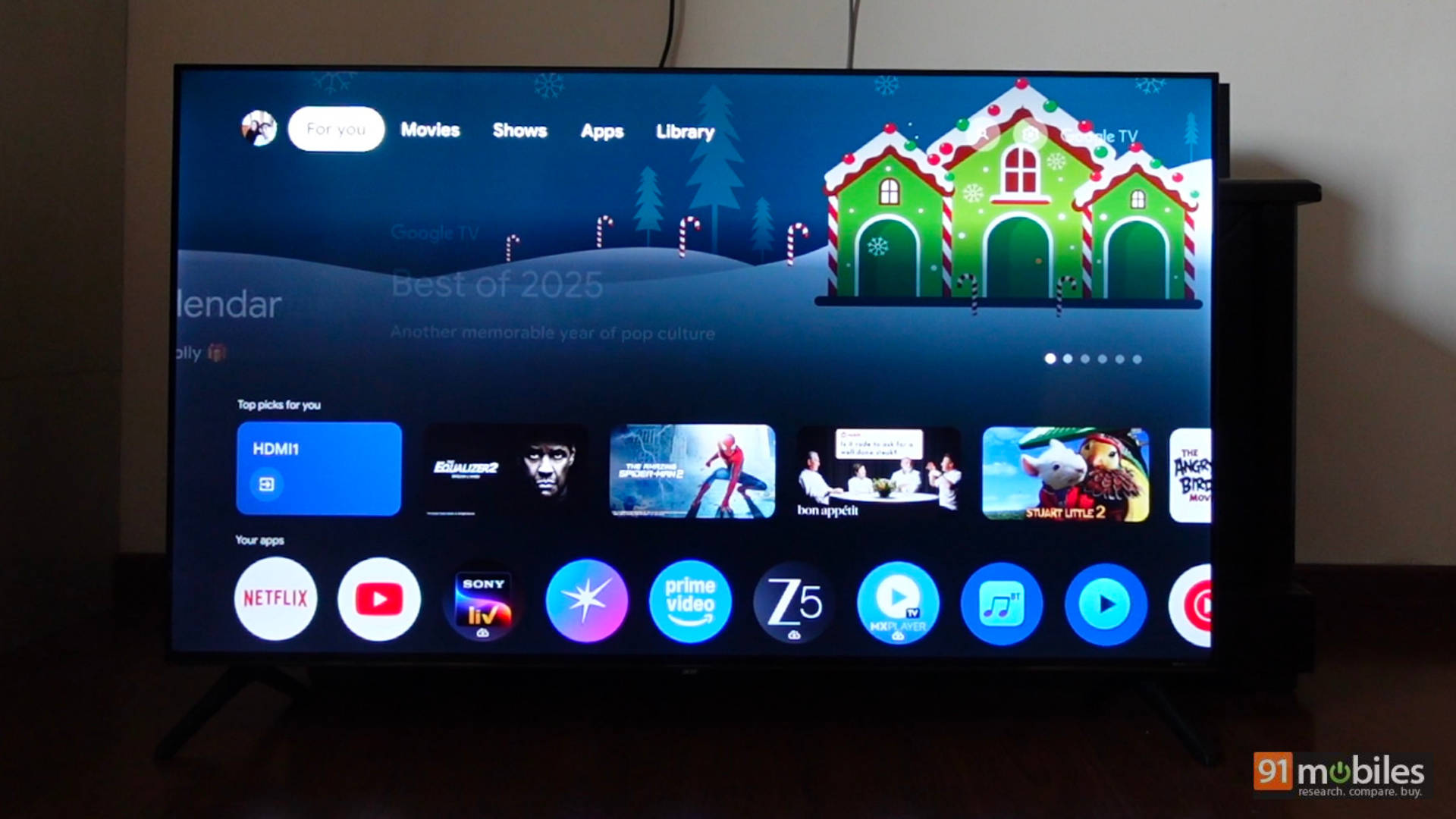
Where it lacks is that the UI can get laggy (which can be fixed with a small investment in a device like a Fire TV Stick), and the warm tone can sometimes be too warm for some content (which could be fixed via a firmware update if the brand chooses to do so). If you don’t mind consuming most of your content in SDR (TVs at this price point are fairly basic for HDR anyway), then you have a device which is a great package, especially when you consider the price!
Editor’s rating – 7.7/10
Pros:- 120Hz panel
- Good performance for console gaming
- Good performance for everyday content consumption
- Good sound output
- Some content can look too warm in the movie preset
- UI can get laggy