Indian homegrown brand Wobble has quickly expanded its TV lineup in India. While the existing X-series continues to cater to performance-oriented users, the newly launched K-series is positioned to meet the needs of budget-conscious buyers. After reviewing the 55-inch X-series model, it’s now time to put the Wobble 65-inch K-series TV under the microscope to see how much value it really delivers.
It’s worth noting that the K-series comes in four different screen sizes: 43-inch, 50-inch, 55-inch, and 65-inch. All variants share identical specifications, which means the observations made about the 65-inch model largely apply to the other sizes as well, unless stated otherwise.
Table of Contents
Key specifications
- Panel Type: 65-inch LED
- Resolution: 4K Ultra HD (3840 x 2160p)
- Refresh Rate: 60Hz
- OS: Google TV 5.0 (Android 14)
- HDR Support: Dolby Vision, HDR10
- Sound: 40W Output with Dolby Atmos
- Connectivity: 3x HDMI (HDMI 2 supports eARC), Dual-band Wi-Fi, 1x USB 3.0, 1x USB 2.0
- Gaming Tech: ALLM
- RAM + storage: 2GB + 32GB
- MEMC: Yes
Clean aesthetics
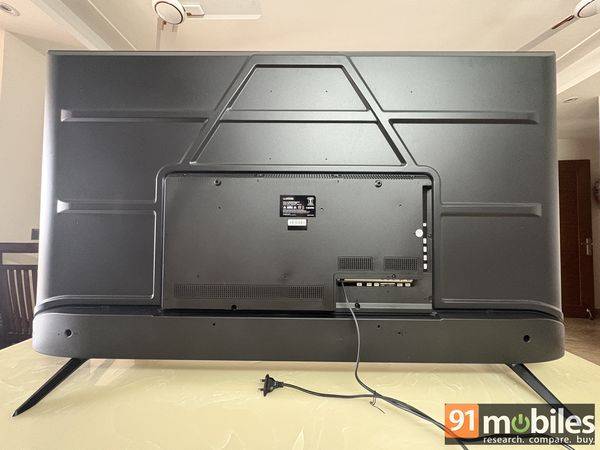
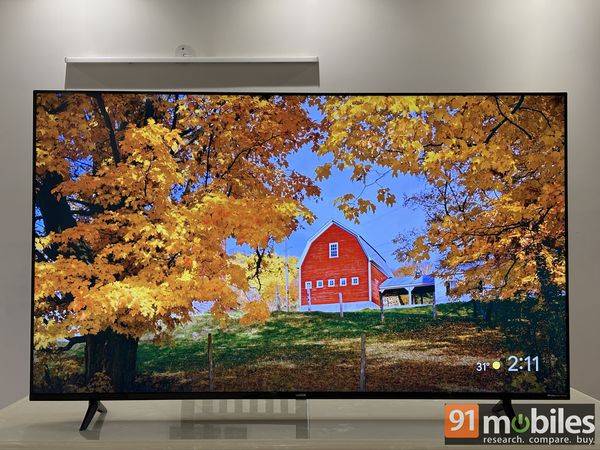
The Wobble 65-inch K-series LED TV sticks to a familiar, no-frills design, built primarily from plastic, including the bundled table stands. The design may not particularly scream premium, but Wobble has done well to keep the bezels to a minimum. Even the chin is on the slimmer side, contributing to an immersive, edge-to-edge viewing experience.
While the stands look sleek and hold the TV securely on a flat surface, their placement could have been better. A slight nudge is enough to make the TV wobble. A centre-aligned stand with a longer base would have offered improved stability, particularly on this larger 65-inch model.
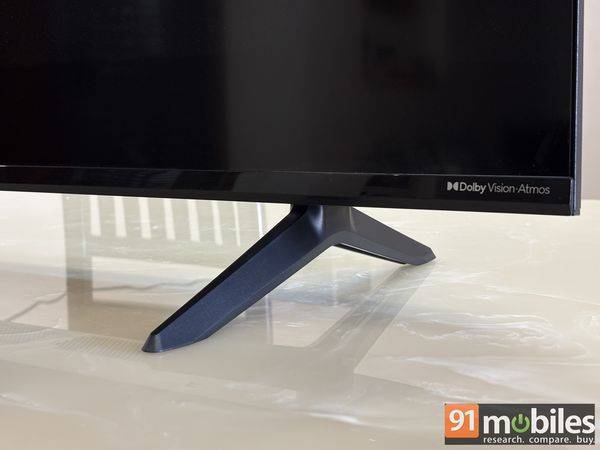
Users can also wall-mount the TV using the bundled bracket. However, it’s a fairly basic mount that neither retracts nor swivels, making it slightly inconvenient to access the rear ports. The HDMI and USB 3.0 ports are positioned along the left edge for easier reach, while the remaining connectors face downward.
Overall, while the design is good, the OEM could have worked on the stands.
Practical remote
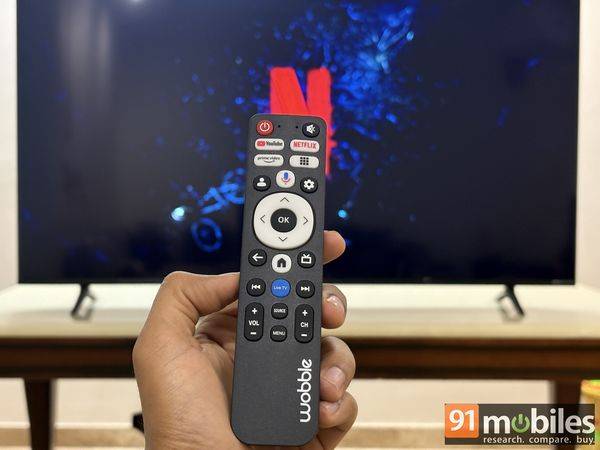
Controlling the TV requires pairing the provided remote via Bluetooth, which is pretty seamless. For the K-series, Wobble has opted for a boxier design instead of the sleeker controller bundled with the X-series. I quite like the in-hand feel; it’s comfortable and distinctive, but its finish doesn’t feel particularly premium. Even the buttons lack that reassuring tactile feedback and responsiveness.
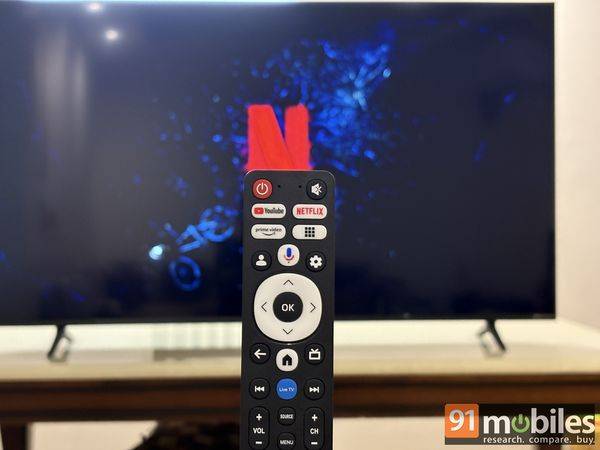
That said, the buttons are well spaced to prevent accidental presses and offer shortcut keys for popular streaming platforms, such as Netflix, YouTube, and Prime Video. There is also a button for Google Assistant, which is a lifesaver on this remote. It provides good hands-free control and works perfectly well for launching apps, searching for content, playing videos, and adjusting volume.
However, for granular-level controls like adjusting between picture quality, volume modes, and more, you will still have to manoeuvre your way through. This isn’t a deal breaker, considering many TVs, including the more expensive ones, come with this limitation.
Modern interface, minor lags
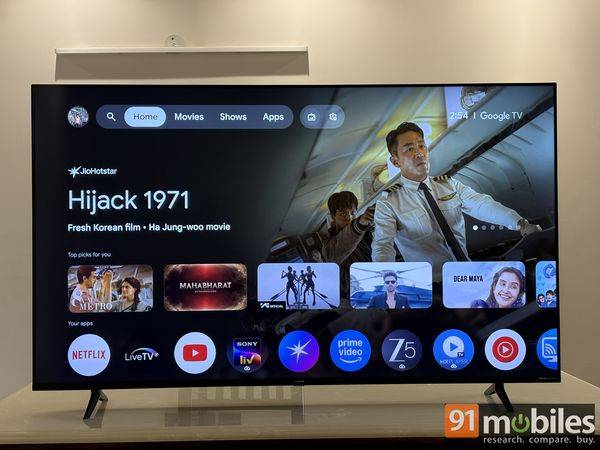
The Wobble K-series LED TV comes with Google TV 5.0 (Android v14) pre-installed. The UI feels modern and intuitive, with minimal design and no awkward, large overlays that occupy nearly half the screen, distracting from the viewing experience. Moreover, the software provides a wide range of content recommendations and app support.
Although I didn’t encounter any app crashes or system freezes during testing, the TV occasionally felt sluggish, with a slight delay when navigating menus or launching apps.
Display and audio performance
Now, talking about things you all have been waiting for: the visual quality and audio experience on the Wobble K-series TV.
Good for casual viewing
The line-up, including the 65-inch model, features a standard LED panel rather than the more common, and generally superior, QLED technology. It supports 4K UHD (3,840 x 2,160) resolution, with Dolby Vision and HDR 10. Even though the company has added a few features to support gaming, like ALLM and MEMC to reduce input lag and motion blur, the experience still falls short for serious gamers. The absence of a higher 120Hz refresh rate and variable refresh rate (VRR) support means you won’t get the smoother visuals and fluid animations that make modern gaming truly enjoyable.
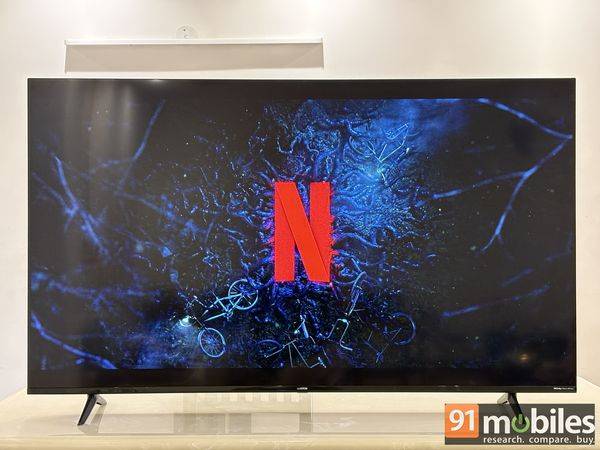
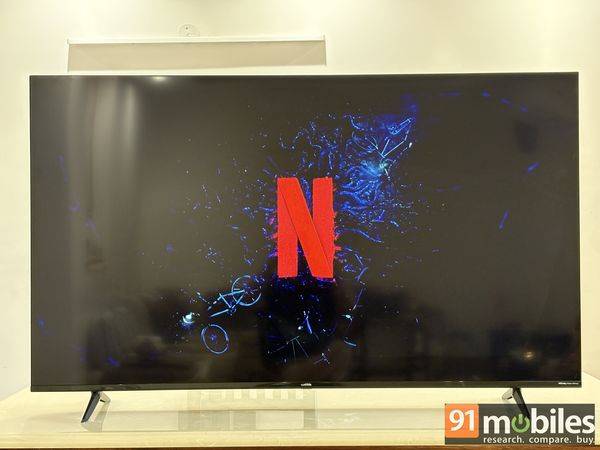
Speaking of enjoyable things, the Wobble K-series TV delivers colours, which I won’t call accurate, but are punchy and vibrant. There’s the option to fine-tune the picture settings manually or choose from several preset modes to suit different types of content. The Cinema picture mode delivers relatively more natural-looking colours when streaming regular SDR and HDR content. With Dolby Vision content, however, the ‘Vivid’ mode stands out, offering a decent dynamic range. The Dolby Vision Dark mode, meanwhile, pushes contrast a little too far, often crushing shadow detail, while the Bright mode lifts the blacks excessively, leaving them looking slightly grey rather than deep and inky.
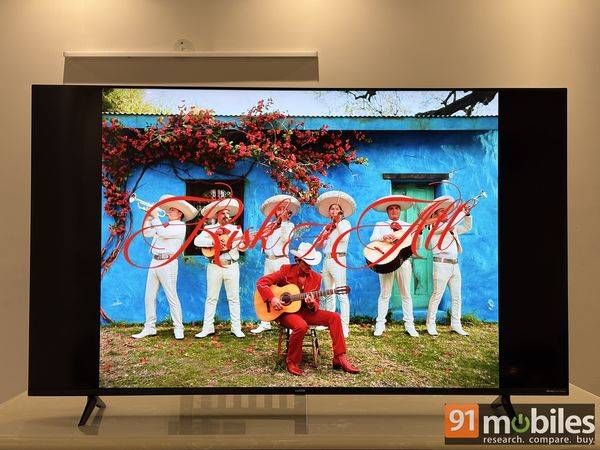
Overall, it is a TV well-suited for casual viewing rather than a cinematic experience. There is no weird upscaling when streaming standard HD content. Gaming, unless you go competitive, seems fine, with no weird calibration or sluggish lag. However, I would recommend switching the MEMC setting from its default ‘Medium’ to ‘High’ via Settings –> Display & Picture –> Advanced Settings. This will help reduce motion blur and ghosting, particularly during fast camera pans in sports and other high-motion content.
Modest audio
The Wobble K-series TV features dual speakers, a total power output of 40W, and Dolby Atmos support. This is a pretty standard setup for most TVs. In everyday use, the speakers are capable of filling a medium-sized room comfortably at around 50–60 per cent volume.
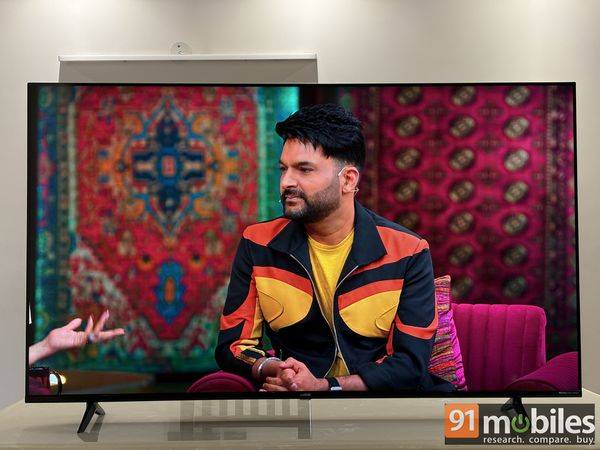
Dialogue reproduction is reasonably clear, particularly when watching dialogue-heavy content such as talk shows, news broadcasts, or light entertainment programmes like The Kapil Sharma Show. However, the limitations become apparent in scenes that blend background scores, ambient effects, and overlapping dialogue; the TV struggles to separate finer details. The soundstage feels narrow, making complex sequences feel somewhat congested, even after experimenting with different audio profiles.
Moreover, the speakers begin to lose composure as the volume climbs, sounding slightly muffled from around the 40 percent mark and above. For a more immersive and refined listening experience, investing in an external soundbar or dedicated speaker system would be advisable.
Verdict
The Wobble K-series TV starts at Rs 10,999 in India for the base 43-inch variant. The company has yet to officially announce the pricing for the larger models, including the 65-inch version reviewed here. The retail box for the 65-inch K-series lists an MRP of Rs 70,999, though we expect the actual selling price to be significantly lower. Unfortunately, the TV is listed as ‘Currently Unavailable’ on Amazon.in at the time of writing this article.
Whether or not you should consider buying the Wobble K-series TV ultimately depends on your usage. If you’re looking for a big-screen 4K experience without stretching your budget, it remains a dependable option. The panel delivers bright, lively colours, Dolby Vision support adds a noticeable boost to compatible content, and the Google TV 5.0 interface feels modern and content-rich.
However, it could have been a far more compelling contender were it not for its minor shortcomings. The software experience isn’t entirely seamless, and the panel lacks the contrast depth and colour accuracy needed to truly stand out. Furthermore, the audio, while adequate, lacks separation and refinement at higher volumes.
So, unless you are a cinephile or a competitive gamer, the Wobble K-series deserves a place in your home. It could be a sensible pick for someone upgrading to a large 4K TV primarily for streaming and general entertainment, once it becomes available for sale.
Editor’s rating: 7.5/10
Pros
- Minimal-bezel design
- Punchy, vibrant colours for casual viewing
- Loud speakers
Cons
- Average contrast & black levels
- Occasional UI sluggishness