ALOGIC has quietly built a reputation for producing reliable, no-nonsense tech accessories, including docks, hubs, cables, and, more recently, creator-focused monitors. We recently tested their Clarity Max Touch display, which showed the brand’s growing ambitions in the premium workspace segment. This time, though, it’s not about pixels but ports.
On the desk today is the ALOGIC Thunderbolt 4 BLAZE Docking Station, a high-speed Thunderbolt hub designed to simplify your entire setup with a single cable. In fact, this isn’t just a hub. It’s basically your desk’s command centre. Then again, let’s see if it lives up to the promise.
Table of Contents
Why Docks Matter More Than Ever
Modern laptops keep getting thinner and sleeker, but that also means fewer ports and more dongles. Add hybrid work into the mix with switching between home desks, office setups, and travel, and suddenly, reliable, high-bandwidth connectivity isn’t a luxury; it’s a necessity.
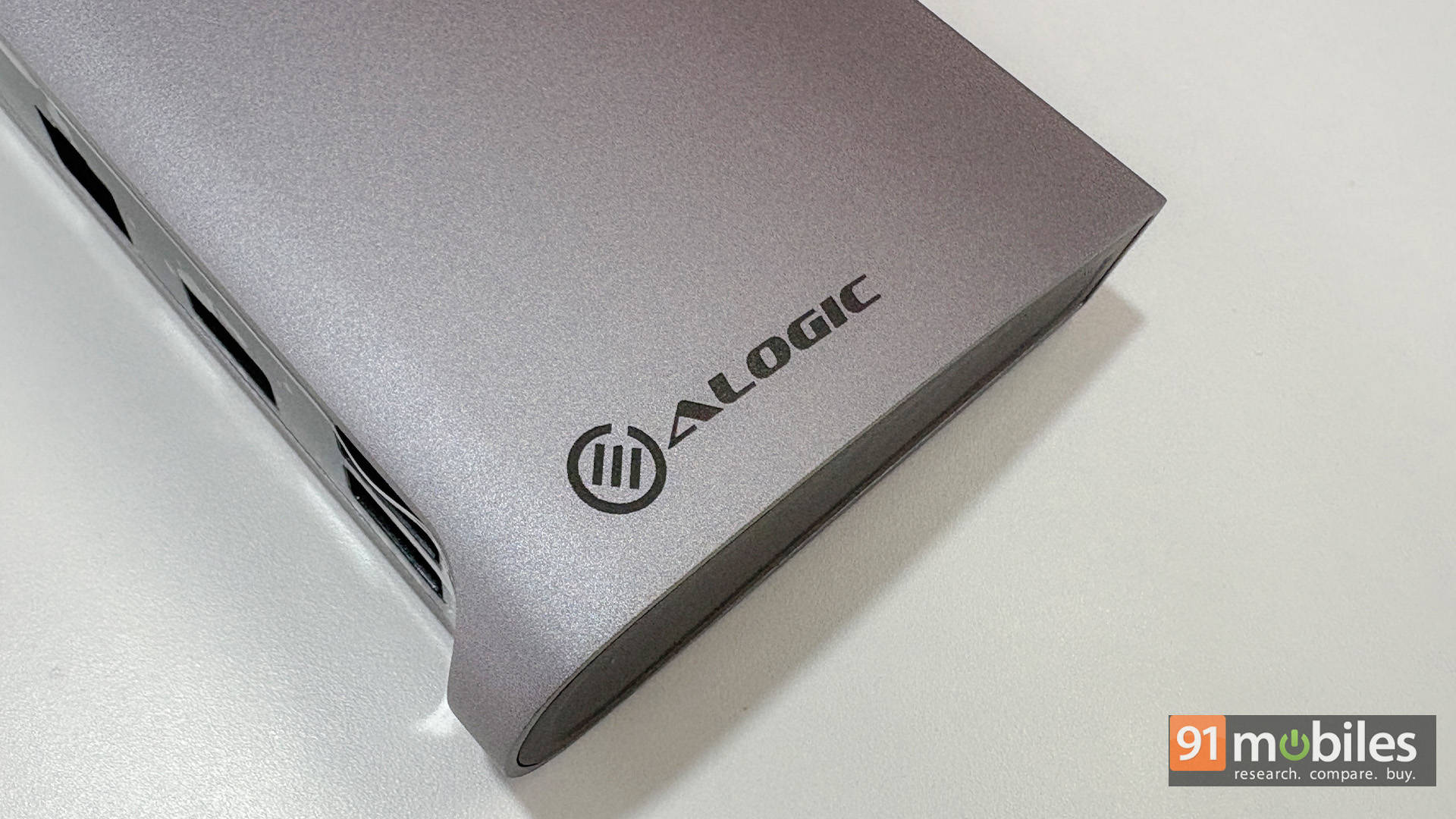
That’s exactly where a proper Thunderbolt dock like the ALOGIC Thunderbolt 4 BLAZE Docking Station fits in. Instead of juggling adapters or cheap hubs that bottleneck performance, a single powerful dock restores all the ports you lost and turns any laptop into a full desktop workstation in seconds.
Built Like It Means Business
Say what you want, but first impressions always last. And the ALOGIC BLAZE Dock definitely feels quite solid. It doesn’t feel like one of those hollow plastic hubs you grab off Amazon. Instead, it’s got a proper metal chassis, some weight to it, and that reassuring “this belongs on a workstation” vibe.
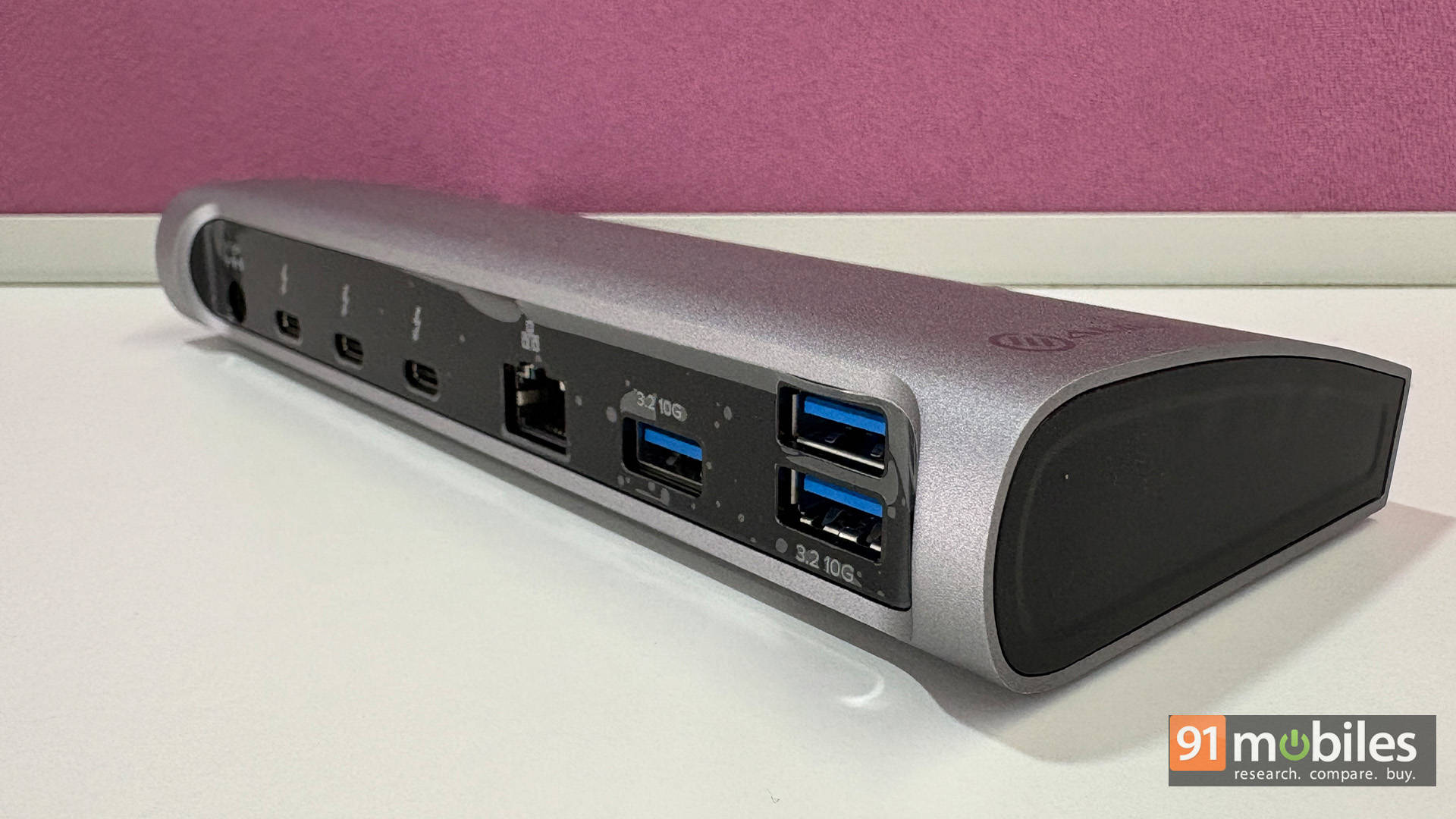
It sits firmly on the desk without sliding around, and the design is clean and minimal. I dare say, it’s very Apple-esque. No flashy lights or gamer nonsense. Just a neat slab that quietly does its job.
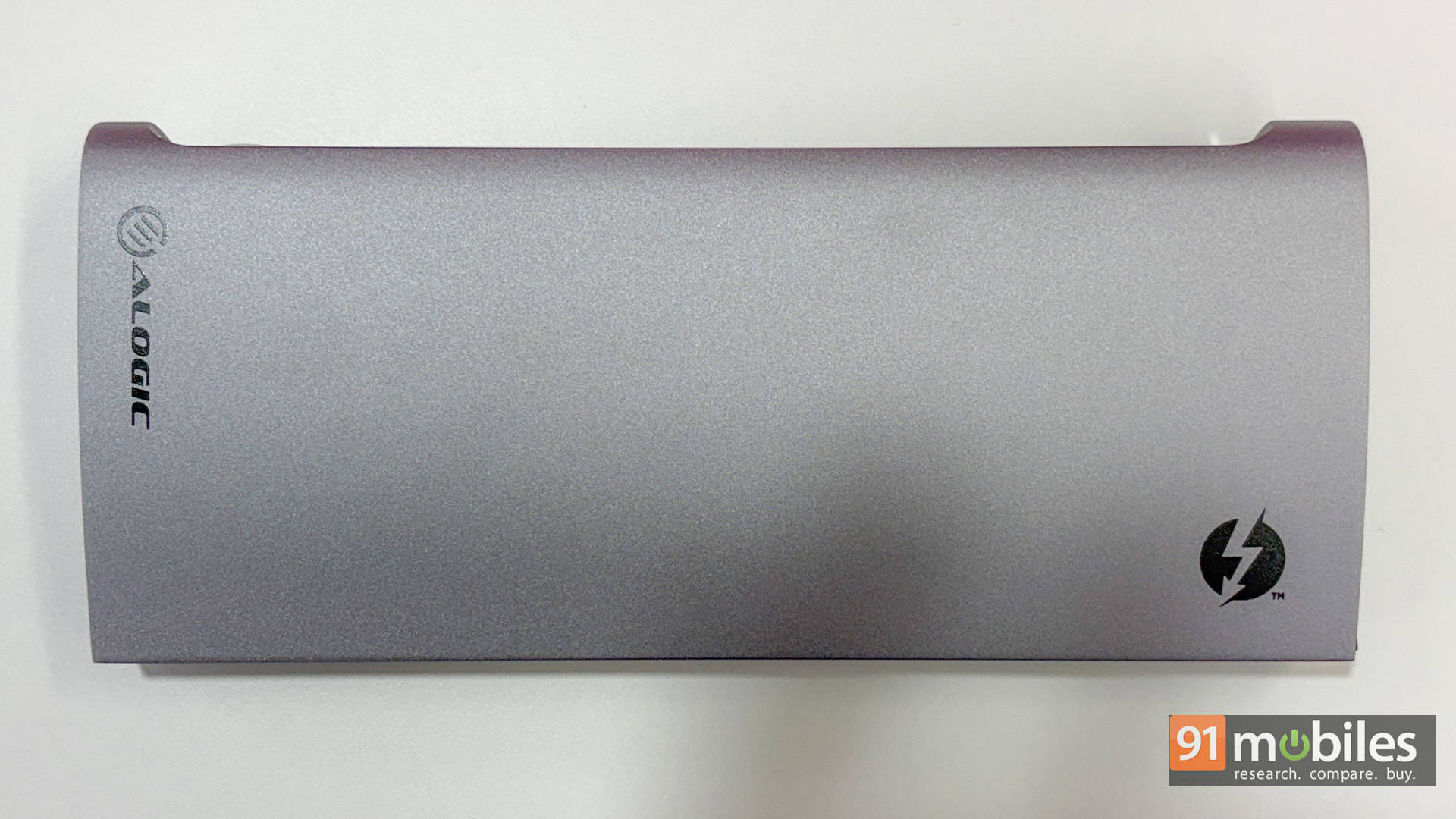
It’s not portable by any stretch, though. This is meant to live on your desk full-time, not inside a backpack.
One Cable Setup That Just Makes Sense
The way the BLAZE Dock works is that you plug in a single Thunderbolt cable to your laptop, and suddenly everything comes alive. You plug in a single Thunderbolt cable to your laptop and suddenly your entire desk springs to life. The monitor lights up, the laptop starts charging, your keyboard and mouse connect instantly, external SSDs mount, Ethernet kicks in, and even SD cards are ready to import.
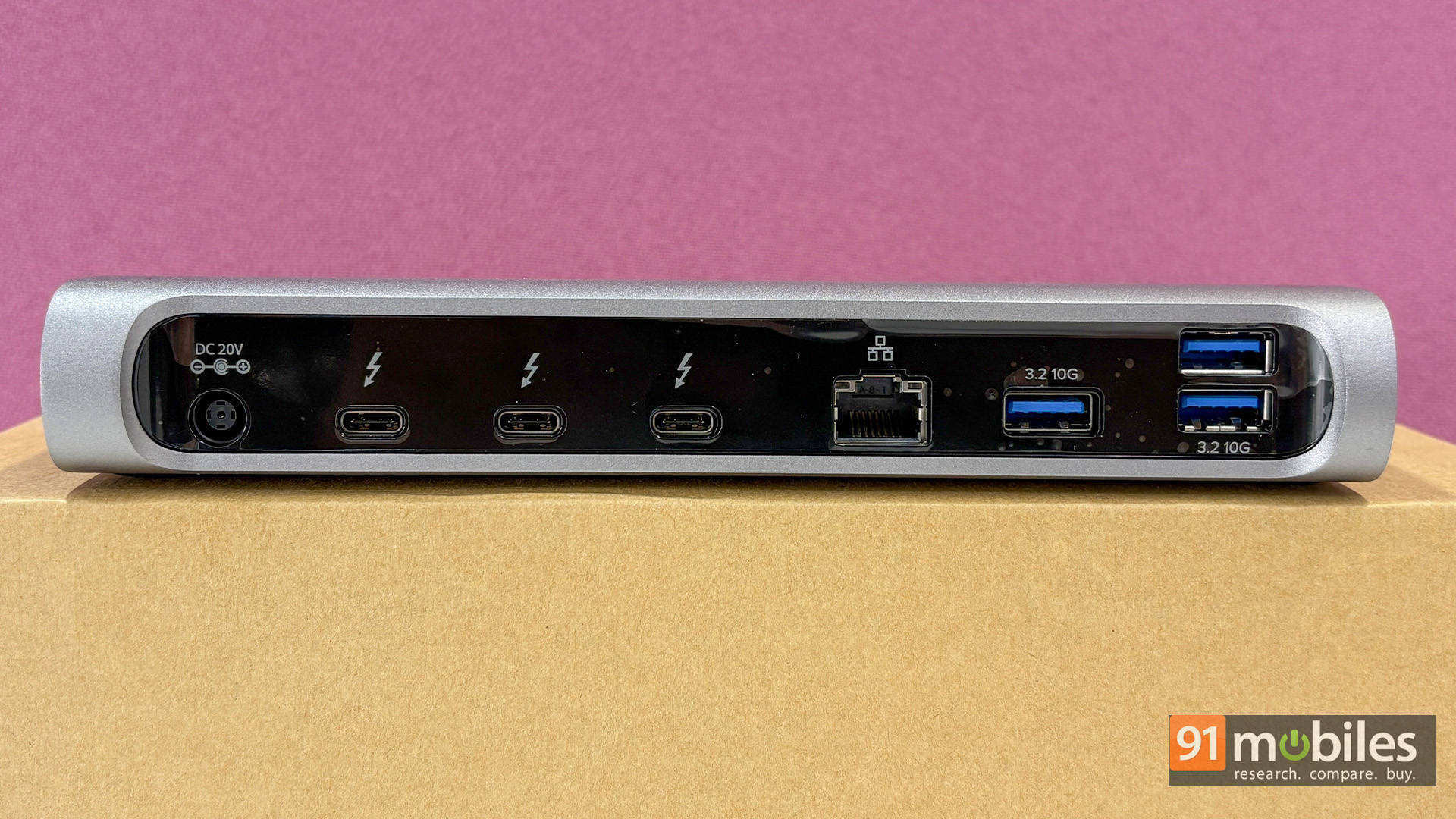
There’s no separate charger to hunt for, no stack of dongles, and no ritual of plugging in five different cables every time you sit down. For MacBook users especially, it feels incredibly seamless: open the lid, connect one cable, and you’re ready to work.
What makes it even better is that the ports actually feel purposeful instead of just being there to pad a spec sheet. You’ve got fast USB-C and USB-A ports for drives, proper display outputs for monitors, Ethernet for stable uploads, card readers for cameras and drones, an audio jack, and enough power to keep everything running smoothly.
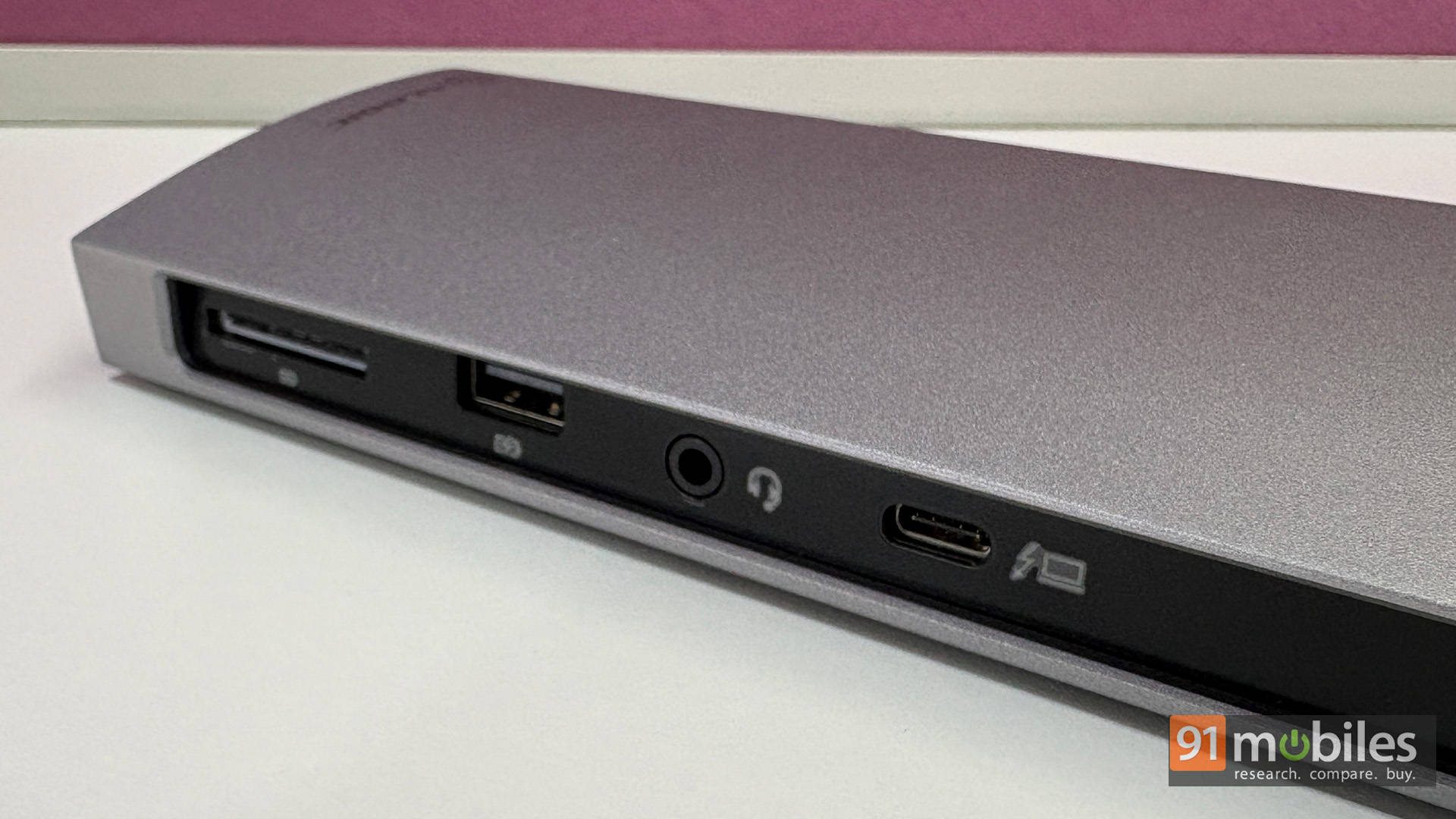
That’s the advantage of Thunderbolt bandwidth: everything just works at full speed. It’s the same thing we noted in our reviews of the MSI Titan 18 HX AI and the Razer Blade 18 (2025), that while USB4 is great, Thunderbolt just offers an unmatched level of assured performance. And since it has a dedicated power supply, it can charge your laptop without affecting performance or connectivity.
Real-World Performance
In everyday use, the dock just… disappears. And that’s a good thing.
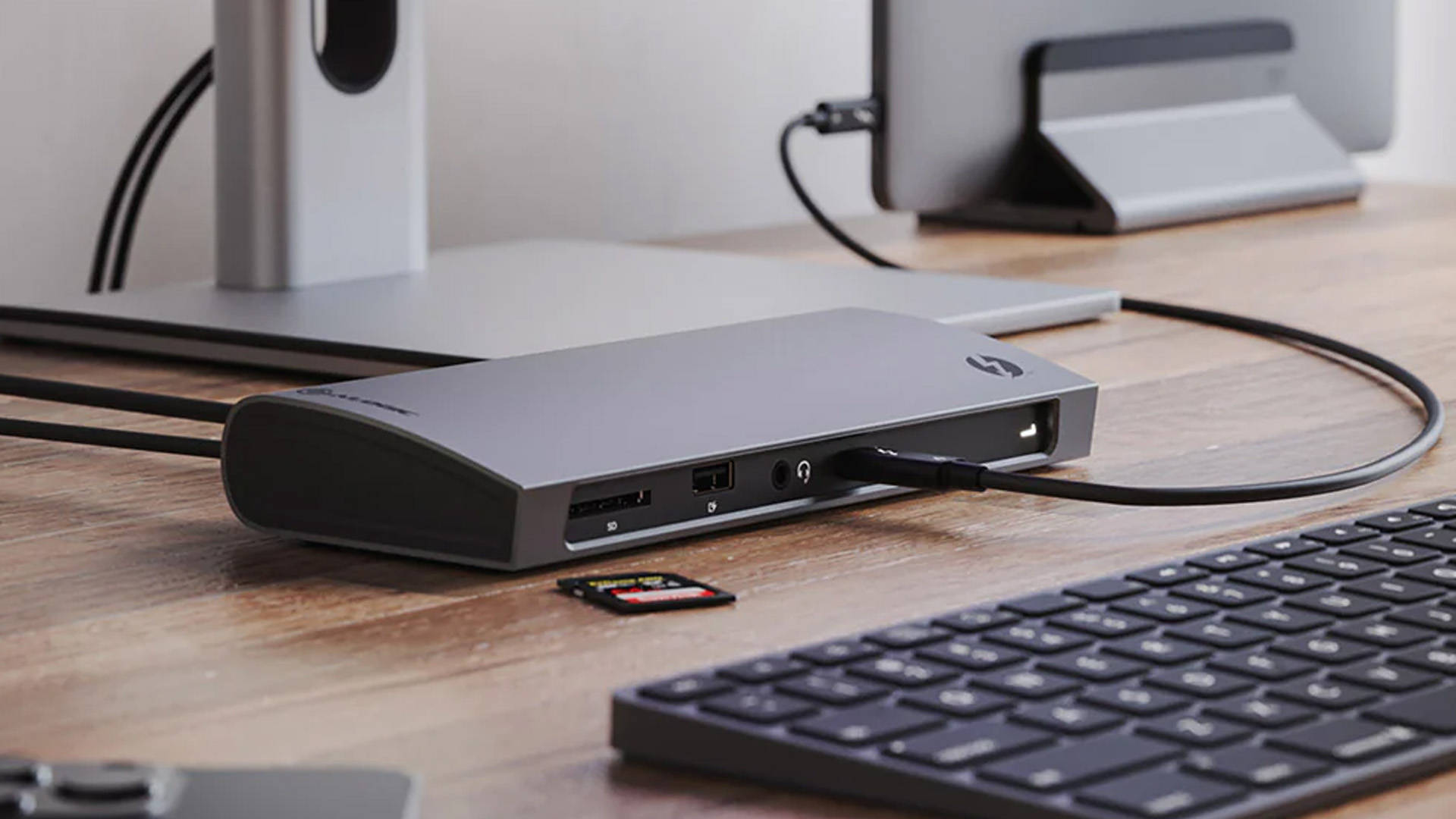
No overheating, no signal drops, no “why isn’t my monitor detected?” drama. External drives run fast, displays stay stable, and everything feels reliable. It’s the kind of gear you stop thinking about after day one. Which is exactly what a dock should be. For video editors, photographers, or anyone constantly moving large files, that consistency matters more than flashy specs.
Sidenote: The Fusion Cable
While the dock handles your main desk setup, pairing it with the ALOGIC Fusion USB-C to HDMI Cable makes a lot of sense, too. When you’re travelling or heading to a meeting, carrying the full dock is overkill. That’s where the Fusion cable shines.
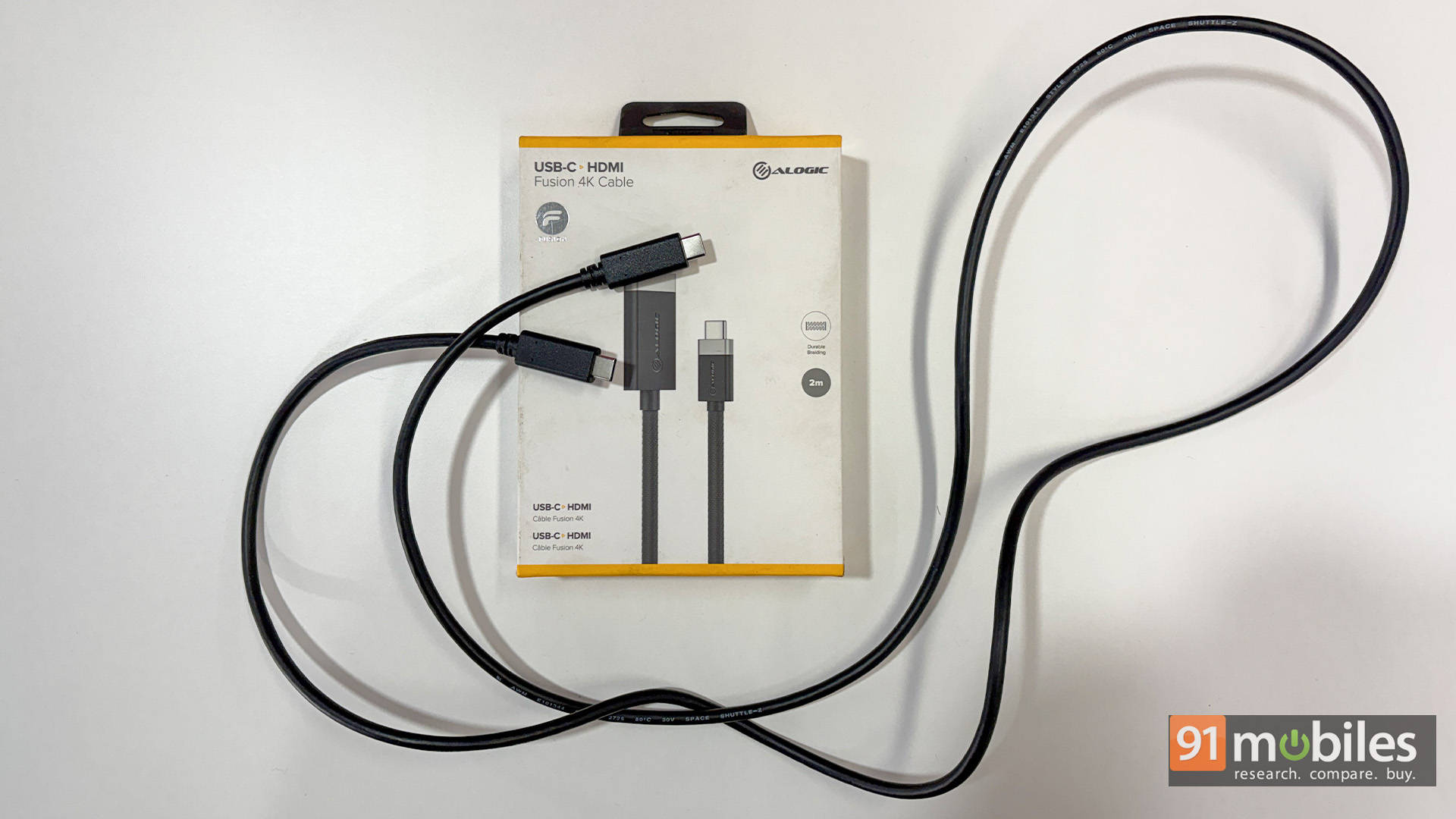
It’s a straight USB-C to HDMI connection, meaning no need for adapters or dongles. Just plug into any TV or monitor and you’re good to go. It’s cleaner, more reliable, and way less messy than juggling separate adapters. And sure, while there are plenty of USB-C to HDMI cables on the market, only a handful of them are as sturdy and reliable as the ALOGIC one we tested.
Final Take: Built for Creators, Not Casuals
The BLAZE Dock is one of those rare accessories that sounds boring on paper but feels indispensable the moment it hits your desk. One cable in and suddenly your entire setup just works. It’s fast, dependable, and built like proper workstation gear, not a flimsy hub pretending to be one. For creators juggling cameras, SSDs, and multiple displays every day, it quietly removes friction from the workflow. And when paired with the Fusion cable for travel, you’ve essentially covered both your desk and on-the-go needs in one clean, hassle-free setup.
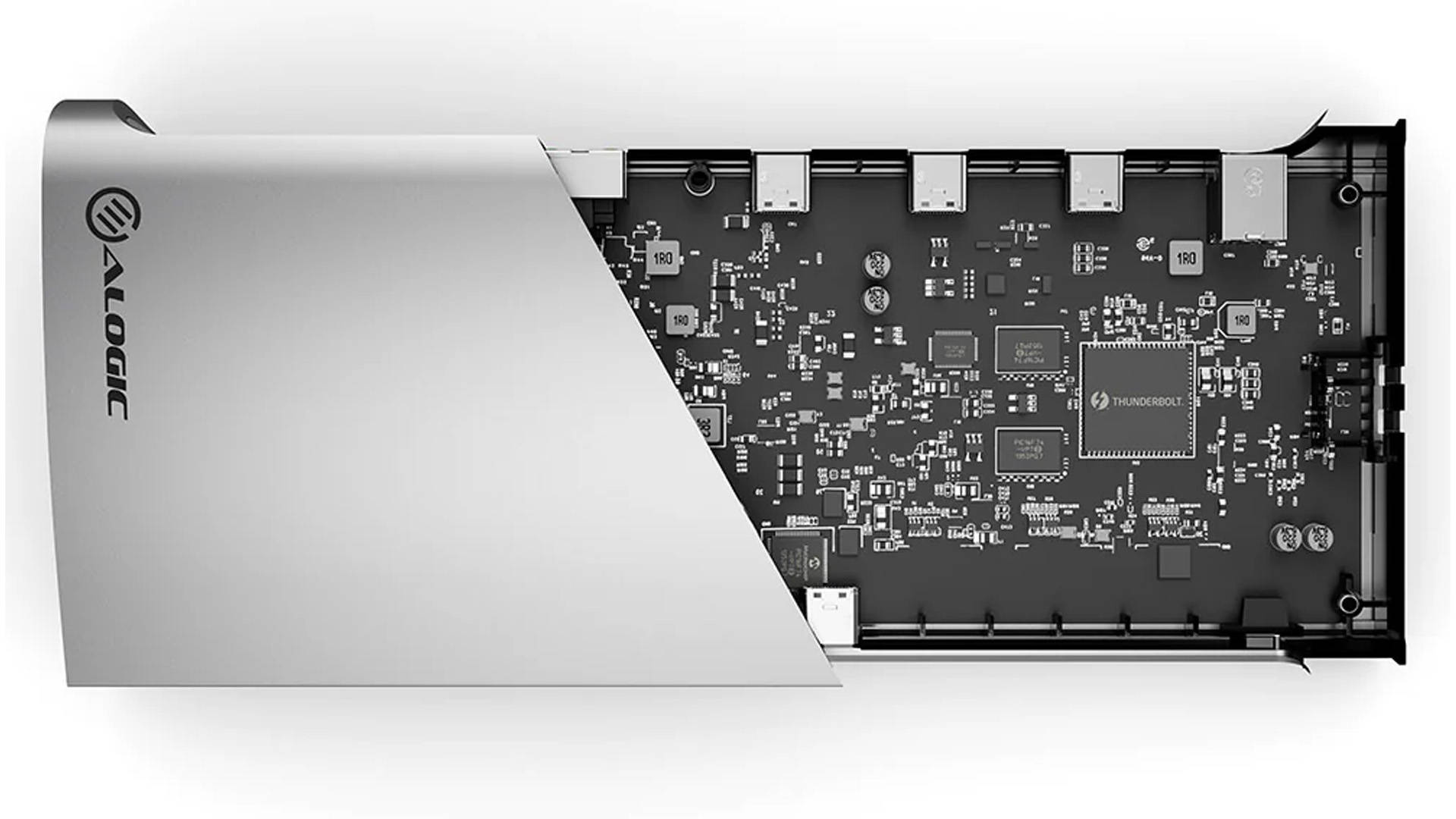
That said, it’s not for everyone. At almost 30K INR, it’s priced like a premium tool, takes up permanent desk space, and can feel like overkill if all you need is a couple of extra ports. Casual users probably won’t tap into its full potential, and carrying it around isn’t exactly convenient. But if you’re serious about building a tidy, efficient workspace, the trade-off makes sense.
Editor’s Rating: 8.5 / 10
Pros:
- Single cable powers entire setup
- Plenty of creator-friendly, useful ports
- Stable, full-speed Thunderbolt performance
- Solid premium metal build quality
Cons:
- Expensive for casual users
- Not portable or travel-friendly
- Overkill for simple setups