In a world where monitors are either bland rectangles or overpriced flexes, the Alogic Clarity Max Touch 32″ tries to strike a bold middle ground. It’s massive. It’s glossy. It’s touch-sensitive. And it comes armed with enough ports and features to make your dock blush.
But here’s the big question: does a 32-inch touchscreen monitor make practical sense for creative professionals? Or is it just an expensive novelty in a designer suit? Let’s find out.
Table of Contents
Meet the Brand Behind the Screen
Before we get into the pixels and ports, let’s talk about Alogic, a brand that, until recently, was best known for making dependable tech accessories like hubs, docks, and cables. Think of them as the quiet achievers in the peripherals world, especially popular among Mac users for their clean, functional designs.
But with the Clarity range, Alogic is making a bold pivot into premium display territory, aiming squarely at creative professionals. The Clarity Max Touch isn’t just a spec bump; it’s a statement piece that suggests Alogic wants to be taken seriously in the high-end monitor space. And with a price tag to match, it’s clear they’re not just dabbling, but diving in.
Design and Build: Polished, Premium, and a Bit Chunky
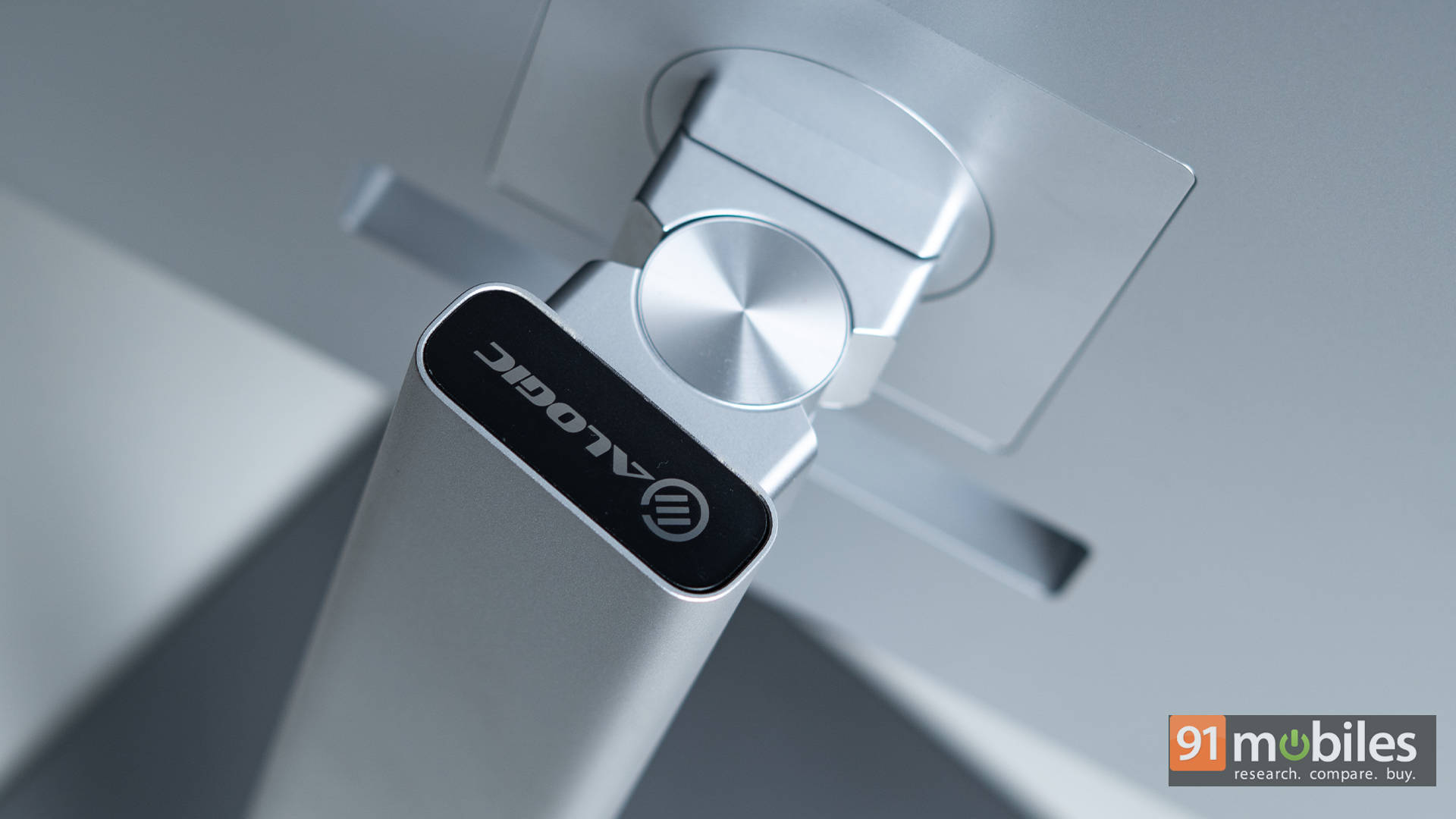
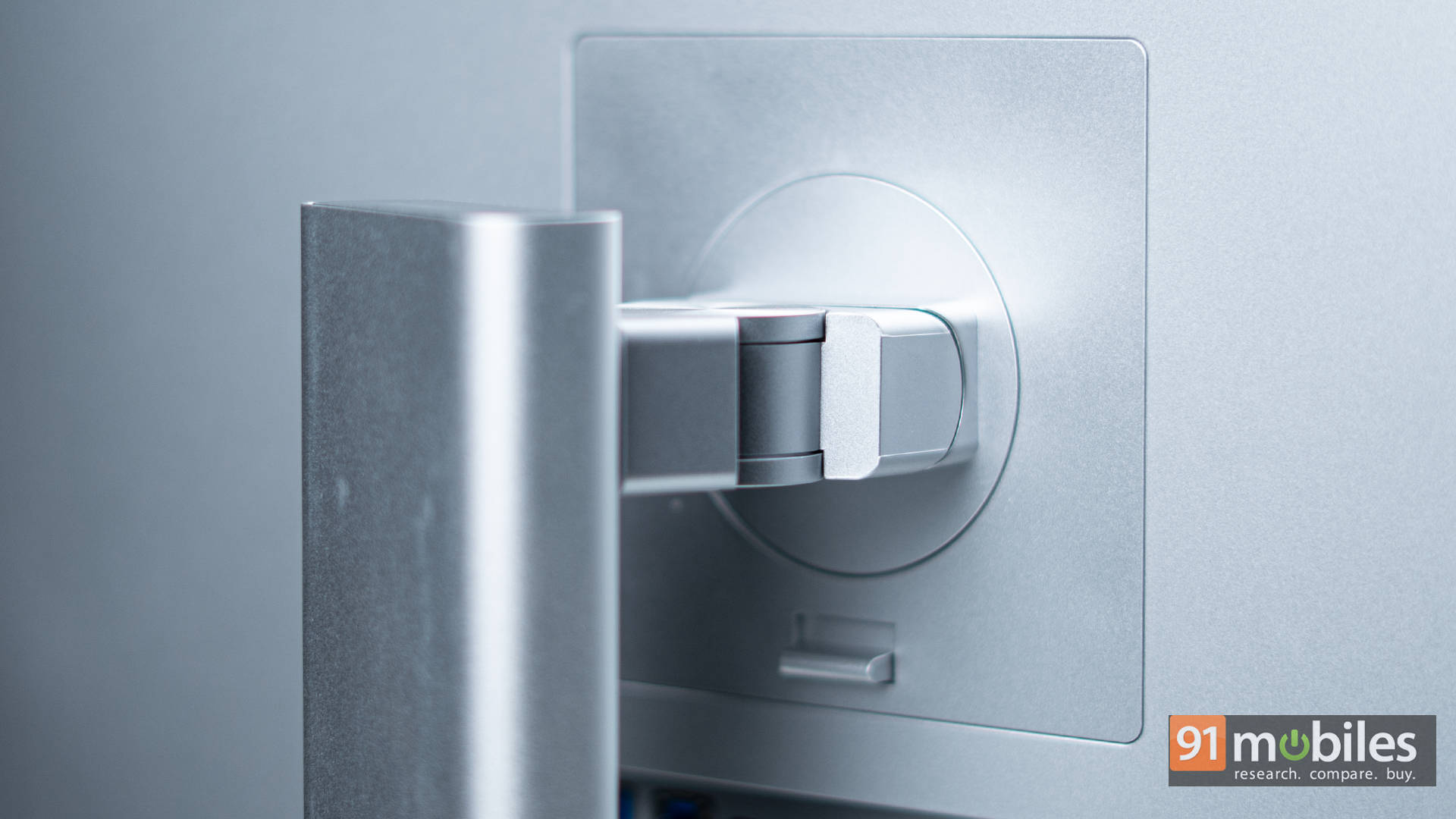
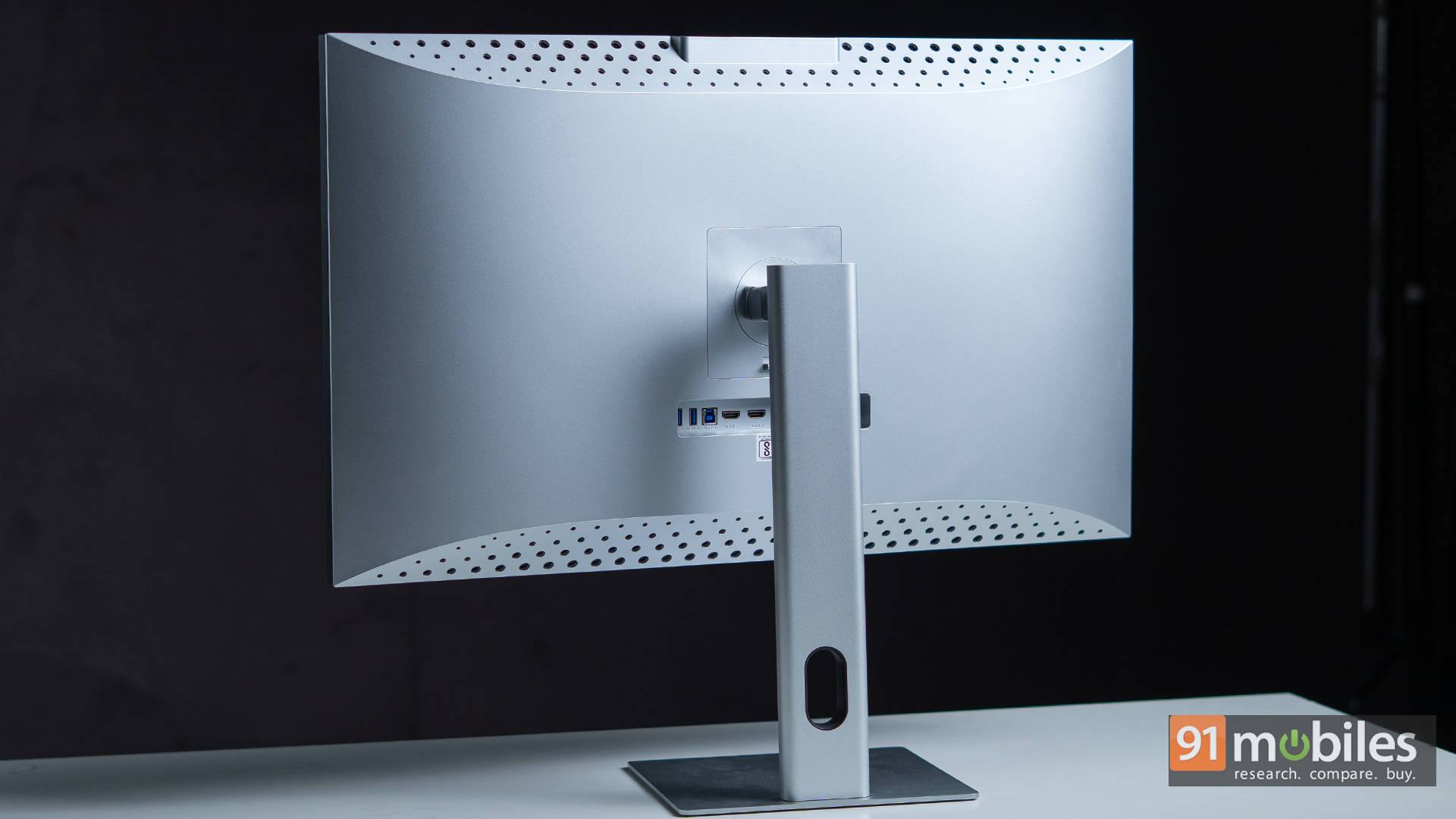
From the moment you set it up, the Clarity Max Touch feels premium. The stand is a sturdy, well-machined chunk of metal that glides through height, tilt, swivel, and rotation adjustments like it’s rehearsing for a product video. It supports VESA mounting, and the built-in stand is quite stable and ergonomic, too.
The 32-inch panel dominates your desk in the best way. Whether you’re building UI layouts, editing timelines, or painting digital canvases, the added real estate means less squinting and more breathing room for your work.
However, the bezels, especially for a monitor this visually focused, feel like a missed opportunity. Thick and visible, they break the illusion of edge-to-edge immersion and contrast sharply with the otherwise elegant aesthetic.
Display and Colour Modes: Tuned for the Real World
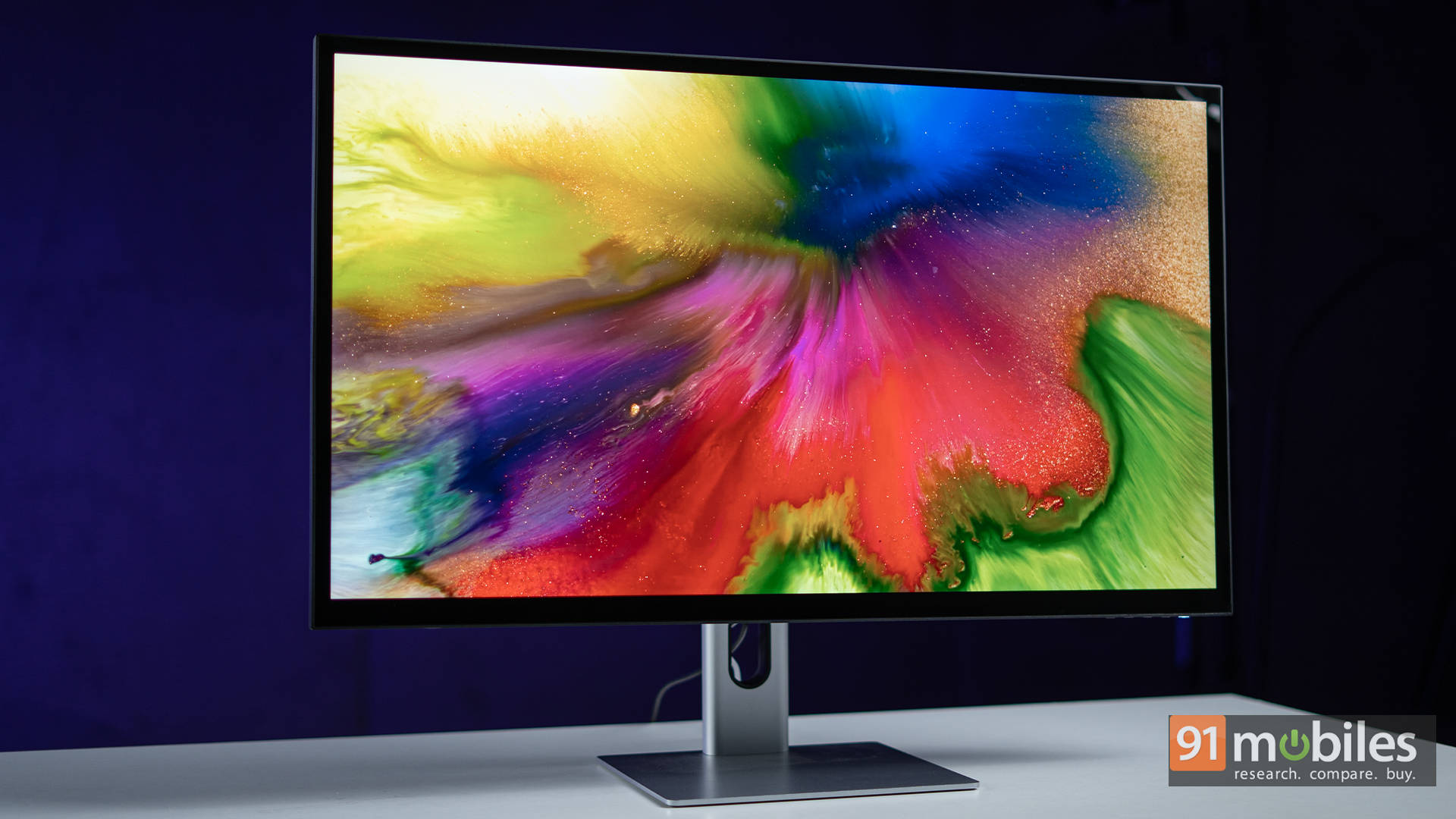
Let’s talk visuals. The 4K UHD (3840×2160) resolution looks crisp across the 32-inch panel, though you won’t get the pin-sharp pixel density of a 27-inch 5K monitor. That said, what you gain in size more than makes up for it in usability.
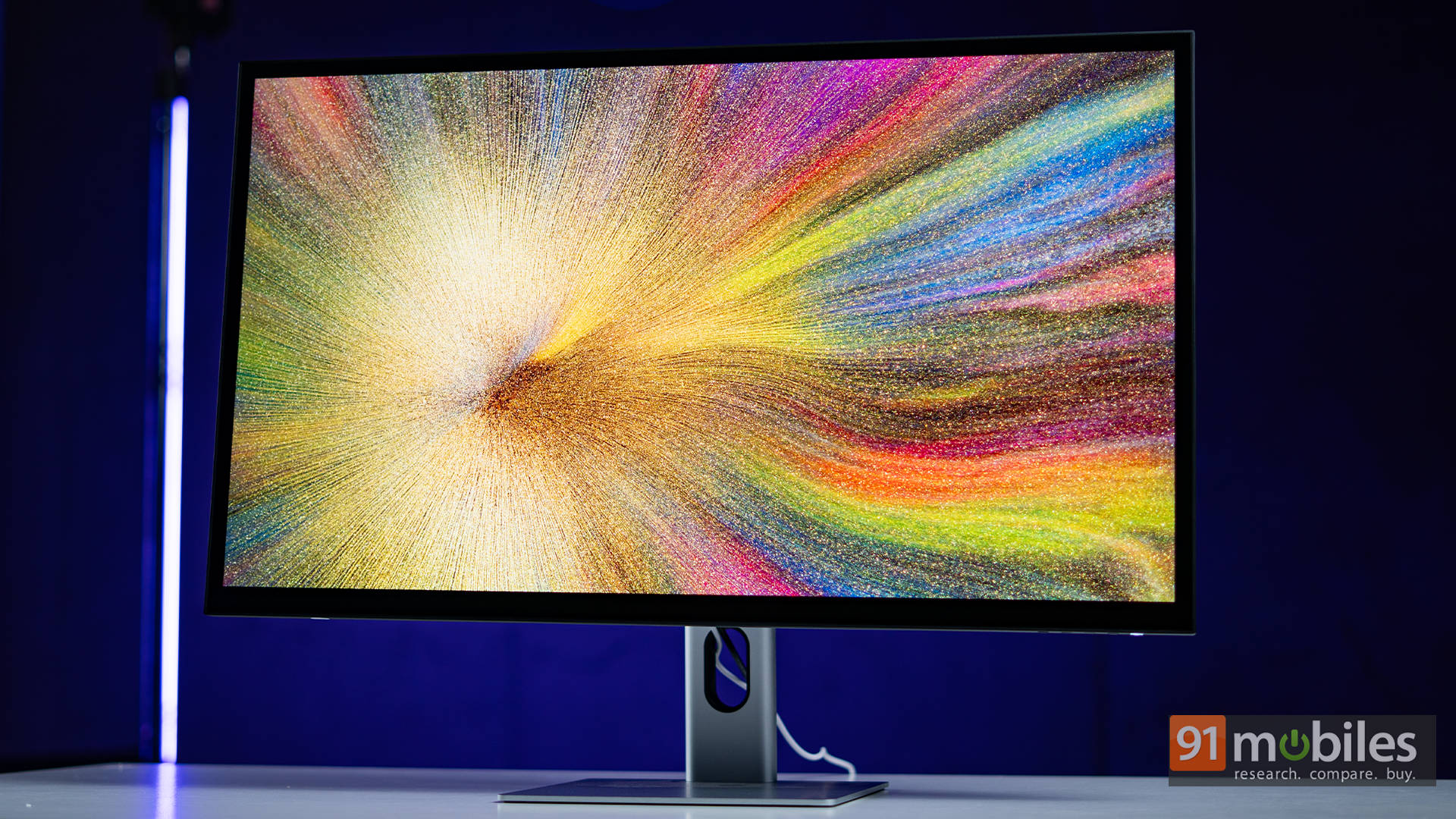
What’s truly smart is the colour profile flexibility. Alogic includes purpose-driven presets tailored for real workflows. There’s an Adobe mode for creators needing colour accuracy, vivid profiles for media consumption, and standard modes for day-to-day use. You can switch quickly depending on your task, and it genuinely adapts the visual feel of the monitor to suit it.
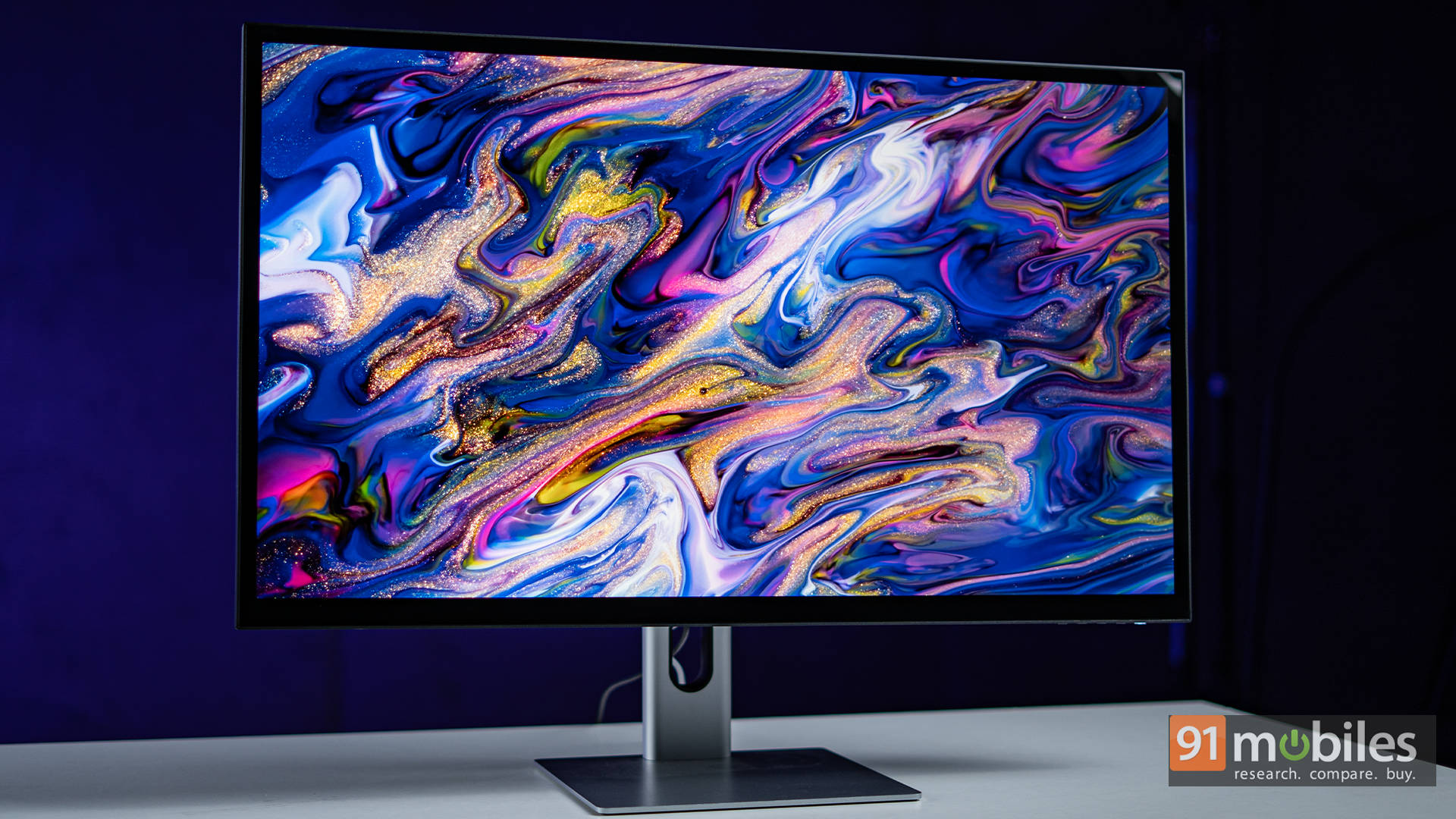
Colours feel balanced, saturation is rich without being cartoonish, and skin tones and shadows come through naturally. It’s bright enough for most environments, though it’s glossy too. This gives you punchier visuals, but it also means reflections if you’re sitting near a window.
Touchscreen: Not a Gimmick This Time
The touch capabilities here are the headline feature, and thankfully, they’re not just tacked on. Multi-touch works smoothly, with accurate gestures like pinch-to-zoom, swiping, tapping, and dragging. For video editors, scrolling through timelines or dragging clips with your finger feels more natural than using a mouse. Designers can quickly adjust on-screen sliders, move layers around, or flick through files with intuitive gestures.
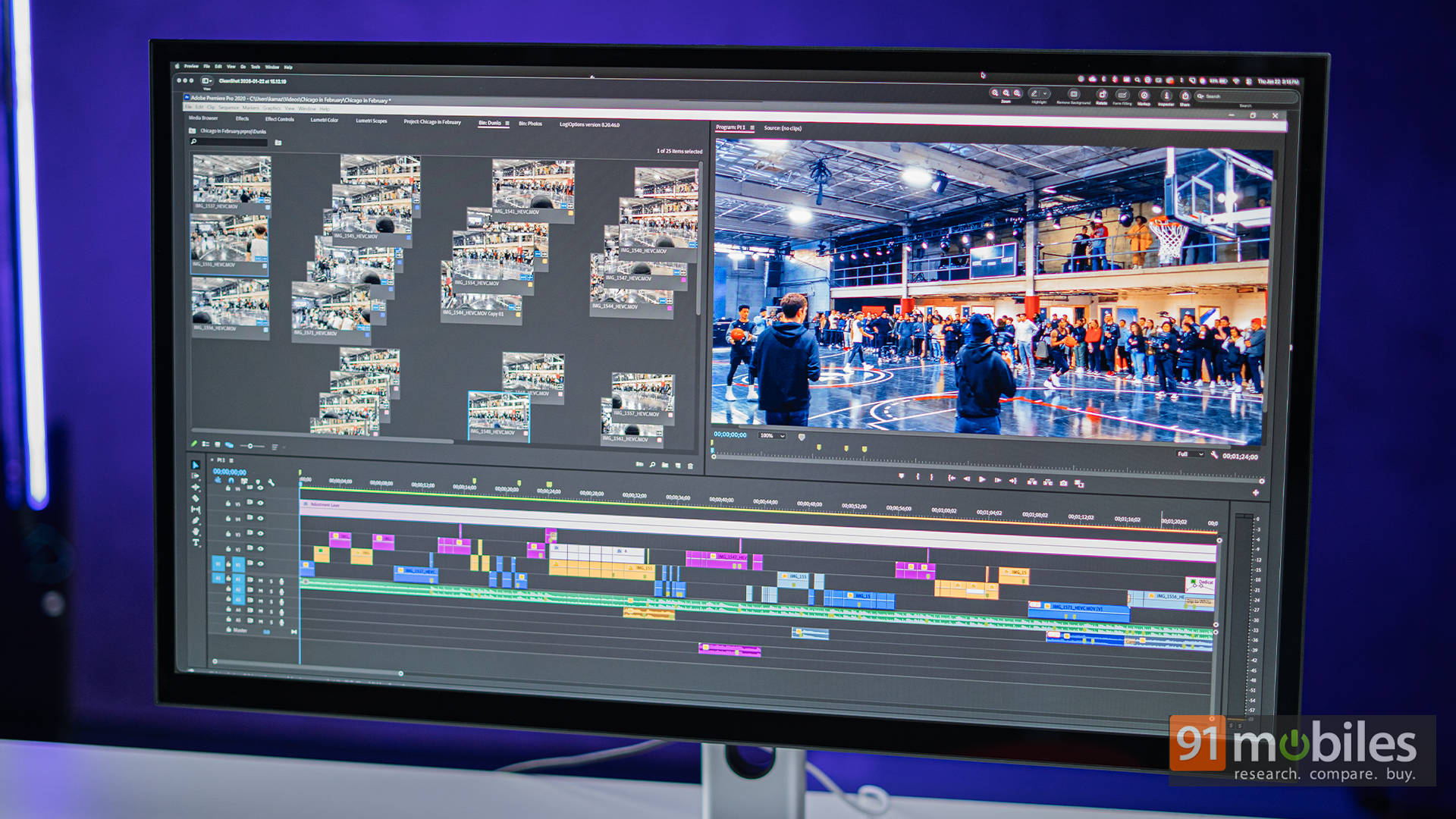
And illustrators? Pair it with a stylus (sold separately), tilt it back on a fold stand, and suddenly you’re working on a glorified digital canvas. Let’s be real, it’s not trying to replace a Wacom or iPad Pro. But for light to intermediate sketching, ideation, or annotating designs, it’s genuinely useful.
PS: To unlock full touch support on macOS, you’ll need to install Alogic’s driver software. Once you do, touch gestures and compatibility expand significantly.
Connectivity: One Cable to Rule Them All
The Clarity Max Touch nails connectivity, especially for Mac users. One USB-C cable handles everything: display, power (up to 65W to charge your MacBook), touchscreen input, webcam access, and USB hub data. It’s a clean, all-in-one setup that eliminates the need for docks or extra cables. Just plug in, and you’re good to go.
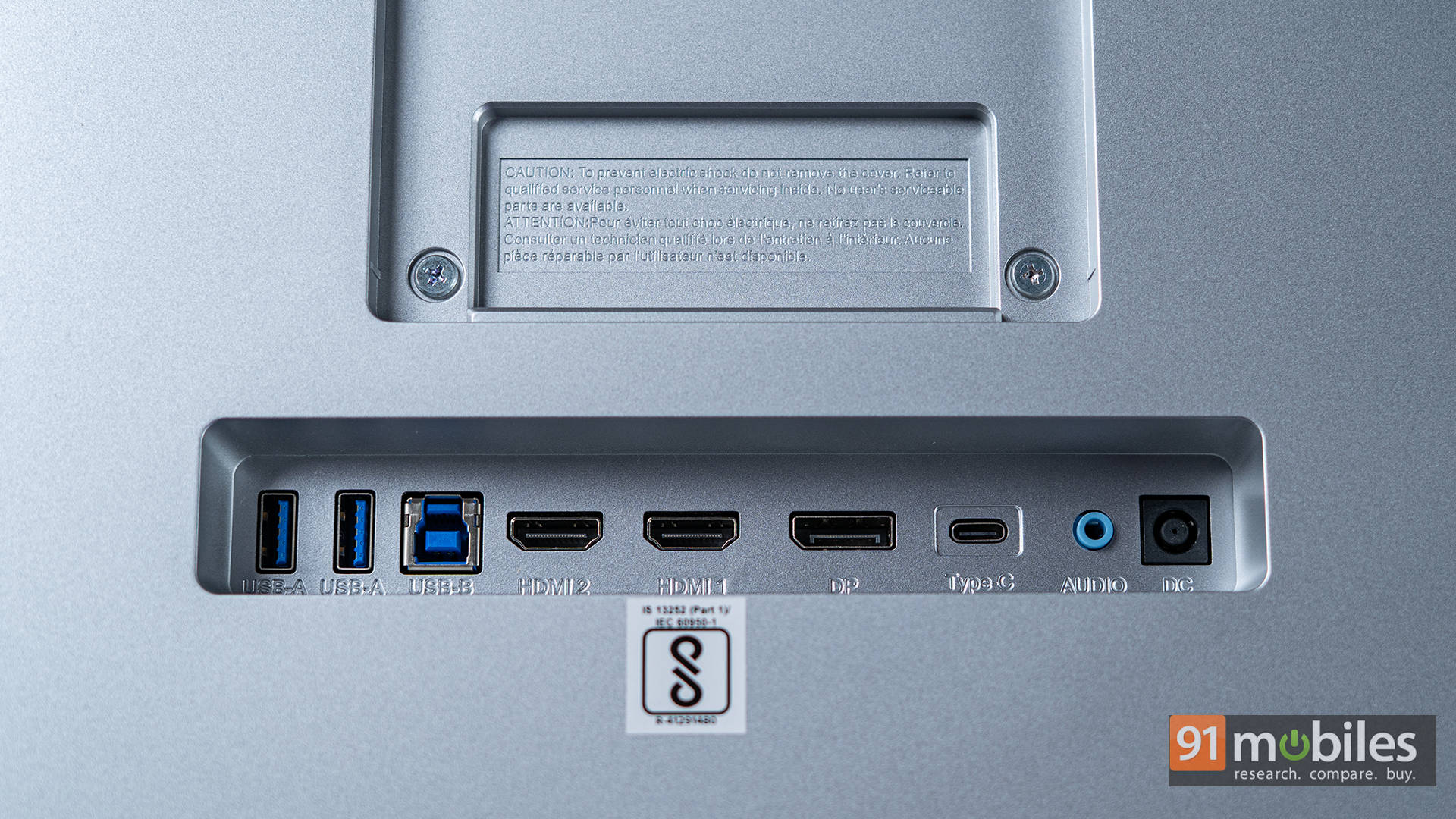
You also get HDMI 2.1, DisplayPort 1.4, USB-A ports, and a 3.5mm audio jack. However, please note that if you connect via HDMI or DP, the touchscreen and webcam features will not work unless you also connect via USB separately. USB-C is the cleanest, most complete route.
Webcam: Cool Mechanism, Mid-Grade Quality
Alogic’s pop-up webcam is slick. It rises when needed, hides when not, and adds a touch of futuristic polish. It’s also great for privacy, as there’s no need to slap a sticker on it.
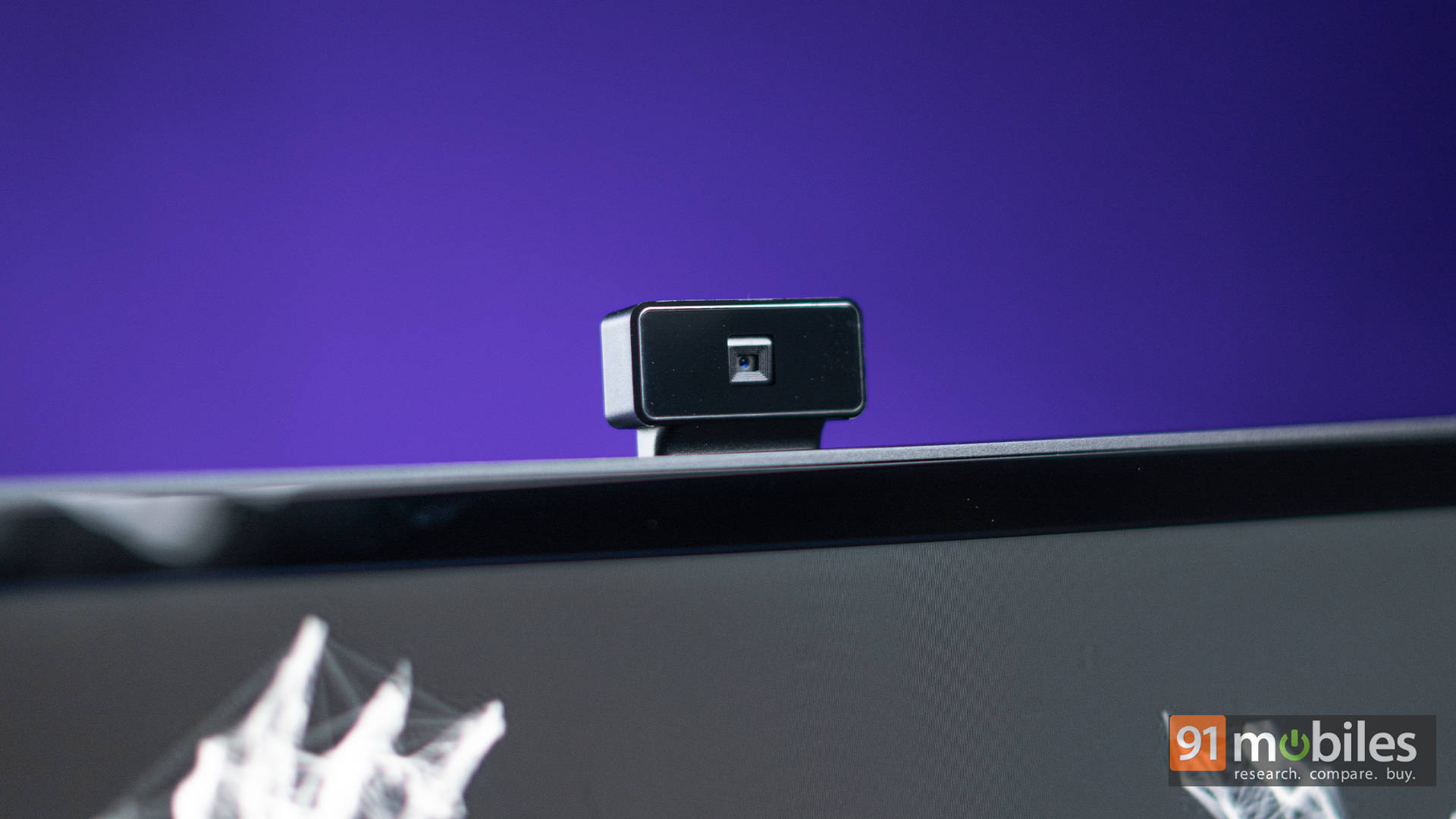
Unfortunately, the image quality is average at best. It’s an 8MP sensor on paper, but it falls short in detail and low-light performance. For quick calls, it’s fine, but don’t expect to shoot high-end streams or video content with it.
Everyday Use: Designed for Long Hauls
Where the Clarity Max Touch quietly shines is in long-session comfort. Whether it’s the flexible ergonomics, the reduced eye strain during editing, or the intuitive interaction model, working on this monitor feels relaxed.
This is particularly relevant for creatives who spend hours in front of their screens. You’ll notice less squinting, less leaning in, and fewer moments of “I wish I had more room” syndrome. It’s especially forgiving on the eyes thanks to its smooth colour output and large format, which spreads the workload visually.
What It’s Missing
No monitor ticks every box, and the Clarity Max Touch has a few trade-offs worth keeping in mind. For starters, it doesn’t have built-in speakers, which isn’t unusual, but still something to plan around if you don’t already use external audio. The glossy screen, while beautiful in colour depth and contrast, can be quite reflective in bright rooms or near windows. And although the pop-up webcam is a slick design feature, its image quality falls short.
Then there’s the stylus situation. For a monitor aimed squarely at creatives, the fact that a stylus isn’t included feels like a missed opportunity. You’ll have to purchase it separately if you want to take full advantage of the touchscreen for drawing or illustration.
But is a Touchscreen Monitor Worth It for Creators?
Here’s the million-pixel question. You’re paying a premium for this monitor, more than what you’d spend on a similarly specced BenQ PD or ASUS ProArt model. So what are you getting that they don’t offer? Touch.
A massive, finger-friendly, timeline-scrubbing, layer-dragging, canvas-like experience. And for some creators, that’s a game changer. But that comes with trade-offs. A glossy, reflective screen. A mediocre webcam. And unless you regularly use touch in your workflow, that key feature may go underused.
So who’s it for? If you’re a designer, illustrator, or digital artist who thrives on hands-on interaction, this monitor can genuinely reshape your workflow. It’s not just a screen, it’s a hybrid between canvas and command centre. But if you’re a colourist, photographer, or motion artist who relies on pinpoint colour accuracy and calibrated gear, a traditional 10-bit panel with higher brightness and a matte finish might suit you better.
Verdict: Yay or Nay?
The Alogic Clarity Max Touch 32″ is bold, flexible, and clearly designed with creative thinkers in mind. It won’t be for everyone, but for the right kind of creator, it can unlock a smoother, more expressive workflow.
Is it a luxury? A little. Is it fun? A lot. Is it useful? Depends on how you work. But one thing’s for sure: it’s not boring, and that counts for something.
Editor’s Rating: 8 / 10
Pros:
- All-in-one USB-C connection handles display, power, touch, webcam, and data
- Touchscreen is responsive and well-suited for sketching, editing, and creative work
- Colour modes are versatile and tailored for design, video, and everyday use
- Build quality is premium with smooth, flexible adjustments for comfort
Cons:
- Glossy screen prone to reflections in bright environments
- The webcam is average, despite the cool pop-up mechanism
- Stylus sold separately, which feels like a miss for a creator-focused display