Like the iPhone, the Apple Watch gets refreshed every year. And like the iPhone, not every update is a big one. The Series 9 (review) was a minor step up from the Series 8, while last year’s Series 10 brought a few meaningful changes, including a millimetre slimmer body and a millimetre larger display. Now we have the Series 11. At first glance, it seems like another small, incremental upgrade over the Series 10, and it’s not entirely wrong to assume that. But there is one area where it gets a genuinely impactful improvement, one that noticeably changes how you use the watch.
The Watch Series 11 is the first non-Ultra Apple smartwatch to promise 24 hours of battery life, up from 18 hours on previous models. Since this is the most significant upgrade, let’s start there.
Table of Contents
Noticeably better battery life and charging
Yes, the battery life is much better on the Series 11 compared to previous models. The Series 9, and pretty much any other non-Ultra model until now, promised 18 hours of battery life, which, in reality, meant you absolutely had to charge the Apple Watch at least once a day, likely before bed.
What the 18-hour battery life on Series 10 and older models also meant was that one was likely to leave the watch on a charger at night and forget to wear it to sleep, rendering sleep tracking useless. And I say this from personal experience.
Fortunately, this is no longer an issue with the Series 11, as Apple seems to have heard the plight of its Apple Watch users and increased the battery life by an additional 6 hours, on paper, bringing it to 24 hours. This translates to roughly two full days of usage in reality, reducing my battery anxiety by a decent margin.
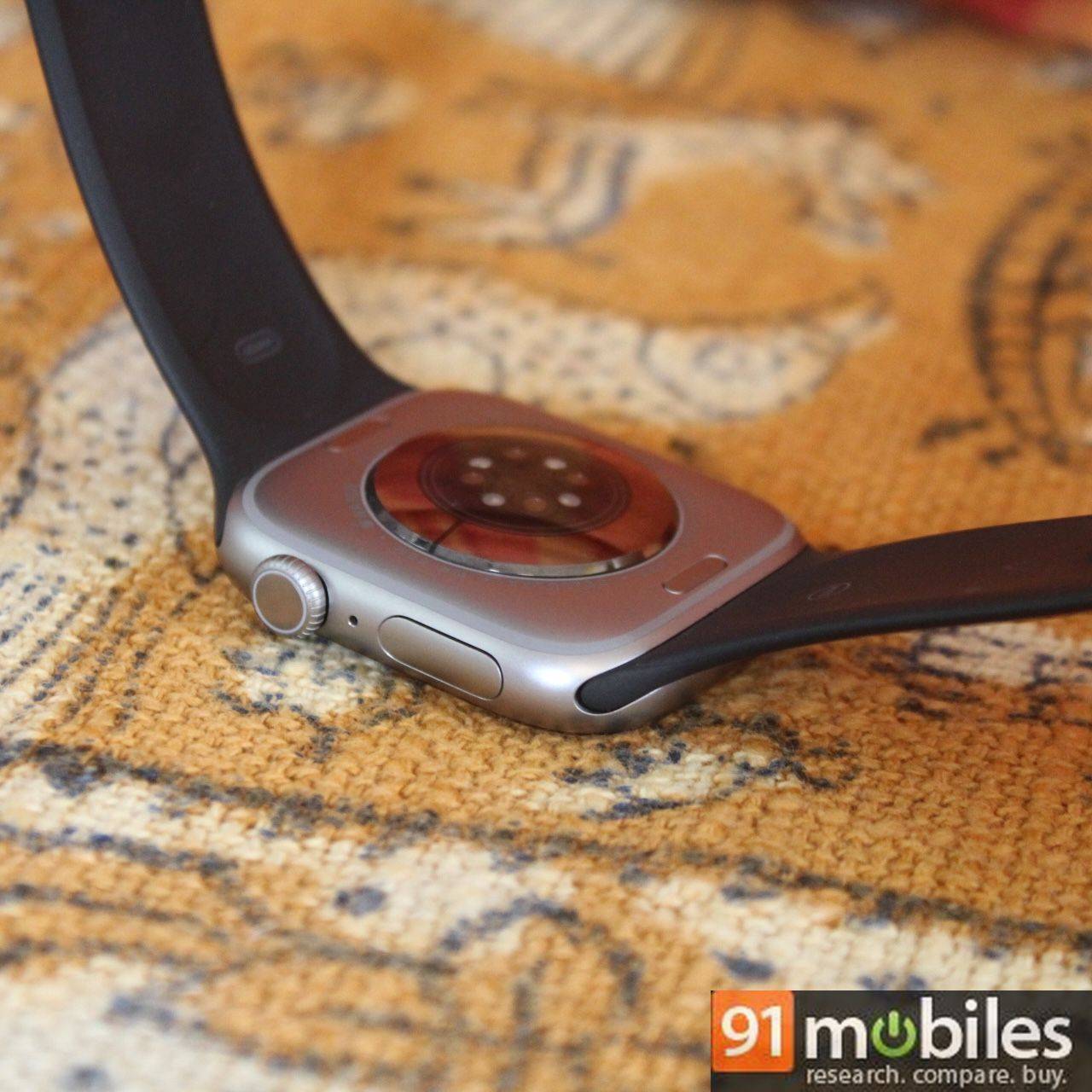
I typically began my day with a fully charged Series 11, and its battery would comfortably sit at around 60% by bedtime, a drop of just 40% through the day. This would be on days I didn’t work out. The days I took the watch for a half-hour run, the battery would drop to about 50% by night. Mind you, this is all with Always-on display enabled. And with around 50-60% of battery remaining by bedtime, I could sleep with the Series 11 on my wrist for sleep tracking, waking up to about 40% battery left for the rest of the day.
One day, I forgot to charge the Series 11 in the morning, and its battery was at around 43% when I left for work. It dropped to 15% when I reached home around 6:30 PM. The Series 9 and Series 10 would not have made it this far.
Fast charging is the same as Series 10 – Apple claims 0-80% in 30 minutes and 15 minutes of charging for up to 8 hours of usage. This translated well in reality. A quick 15-minute charge juiced up about 30%, which is good enough to wear the watch to sleep for sleep tracking. It takes about 60 minutes to charge the Series 11 from 20% to 100%, as the charging speed tends to slow down after 80%.
Familiar design, improved durability, and comfortable as ever
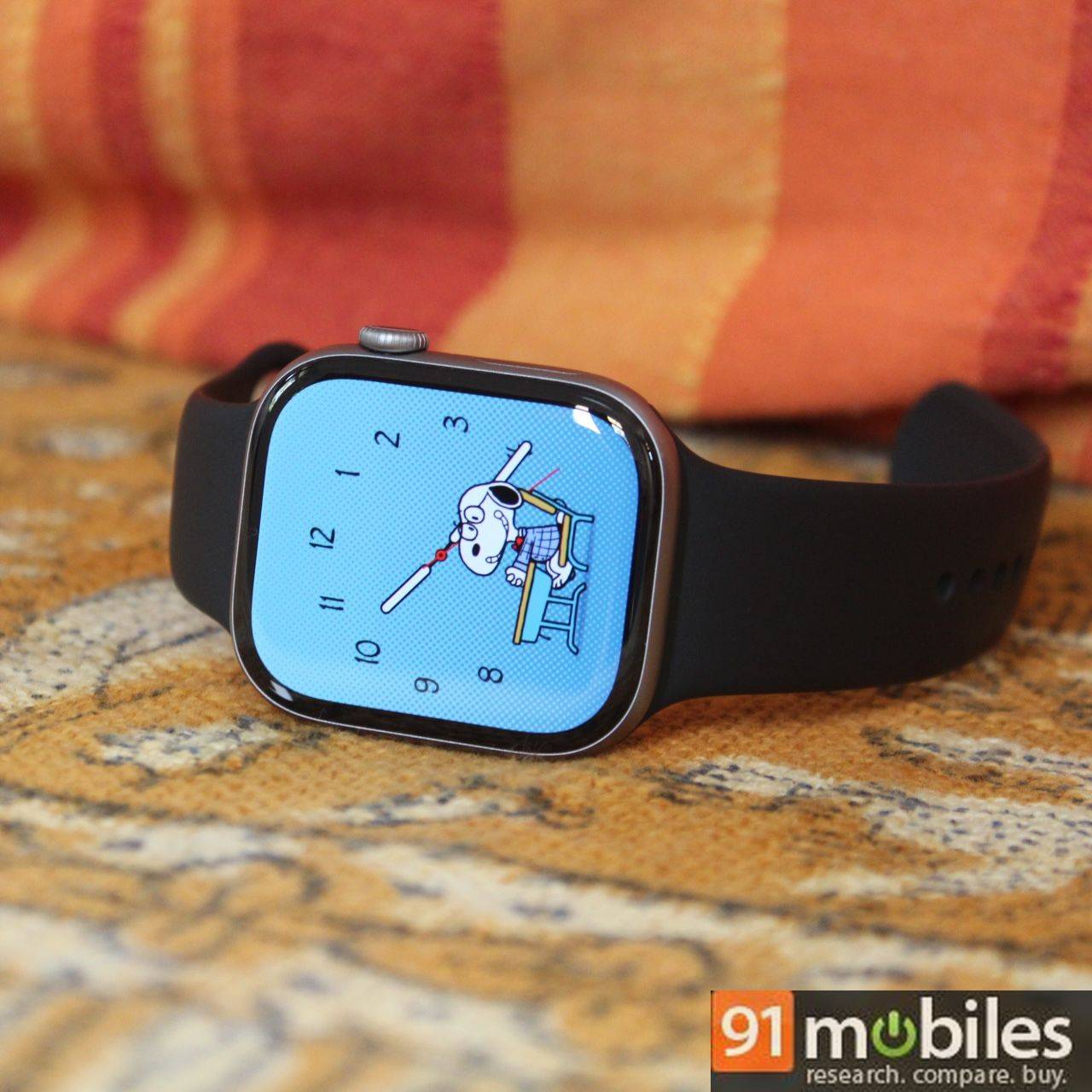
Series 10 saw a design overhaul from Series 9, becoming 1mm thinner and reducing the bezels to offer a 1mm bigger screen (from 44mm to 45mm). Series 11 sticks to the same design as Series 10, so you won’t be able to tell the two apart if you place them side by side. Since I moved from Series 9 to Series 11, the slimness and the slightly larger display are more evident to me.
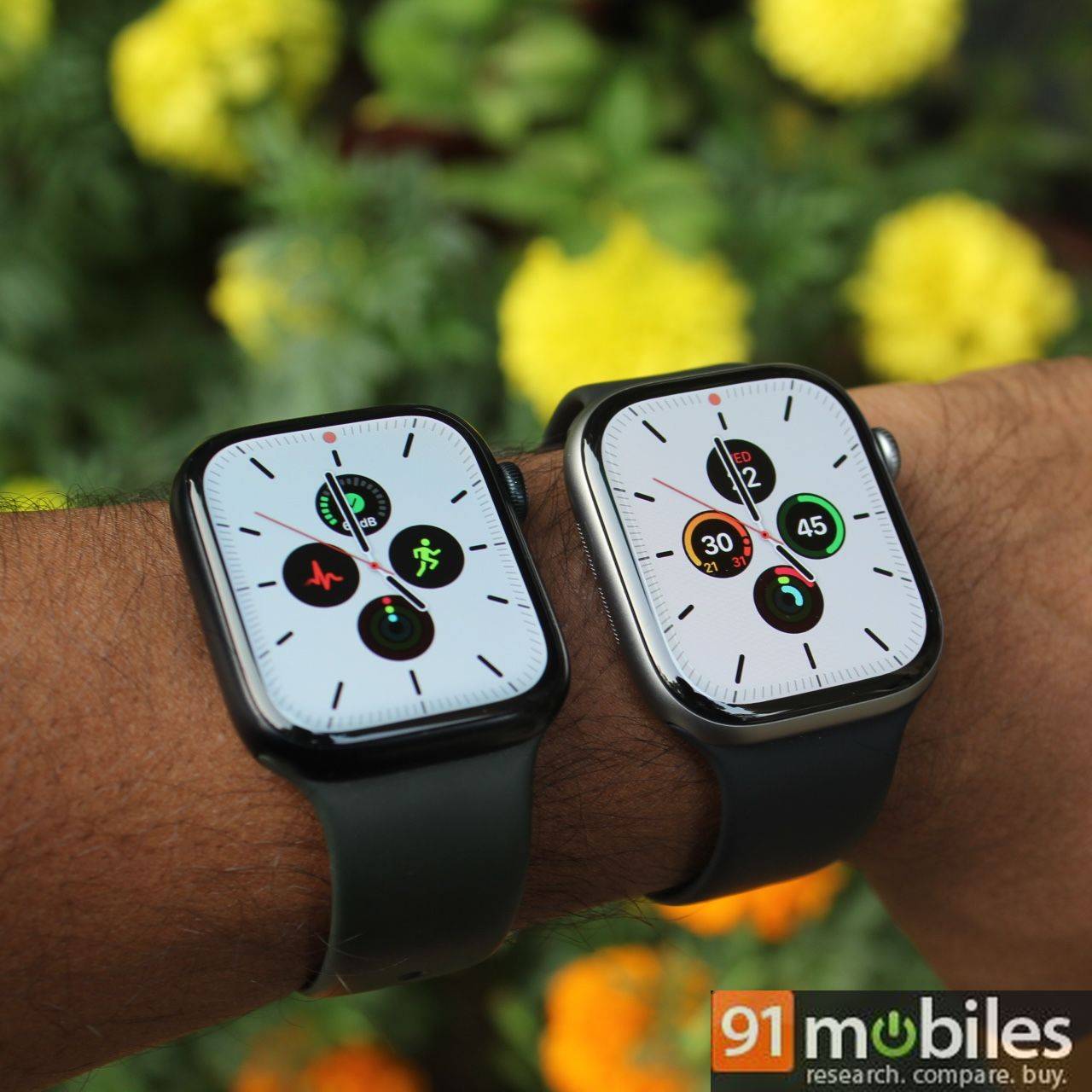
This was expected as Apple rarely changes its design philosophy back-to-back. Still, Series 11 is a sleek smartwatch that feels great in the hand. But if you’re a Series 10 user, the design is not one of the reasons to upgrade to Series 11. But its durability might be.
The Ion-X glass protecting the aluminium Series 11’s display is now twice as scratch-resistant as Series 10. This is great if you don’t want to add a glass protector film or a bump-resistant case to your watch. I would still get nervous if I accidentally bumped the watch against a wall or a sharp corner, but perhaps less so than I would have when using the Series 9. Still, if you’re the kind who likes to have an added layer of protection for the Apple Watch, Spigen offers a few rugged cases on Amazon as well as a cute charging stand in the shape of the classic iMac G3.

Switching from the Series 9 to the Series 11 felt noticeable in two ways. The aluminium GPS-only model weighs 37.8 grams, making it slightly lighter than the Series 9’s GPS + Cellular variant, which weighed 39 grams. It’s a marginal difference but still noticeable. The other change I immediately noticed was the sleekness of the Series 11 – it’s 1mm thinner than the Series 9, at 9.7mm. However, if you’re coming from the Series 10, you won’t notice this, as it measures the same. In fact, the Series 10 was lighter than the Series 11, likely because the latter packs a bigger battery.
watchOS 26 makes it tick
Much of what makes the Apple Watch Series 11 experience great is the new watchOS 26 update. But you don’t need Series 11 to experience watchOS 26, as the software is compatible with older models as far back as Series 6. This also means that new features like Sleep Score and Workout Buddy are not exclusive to Series 11.
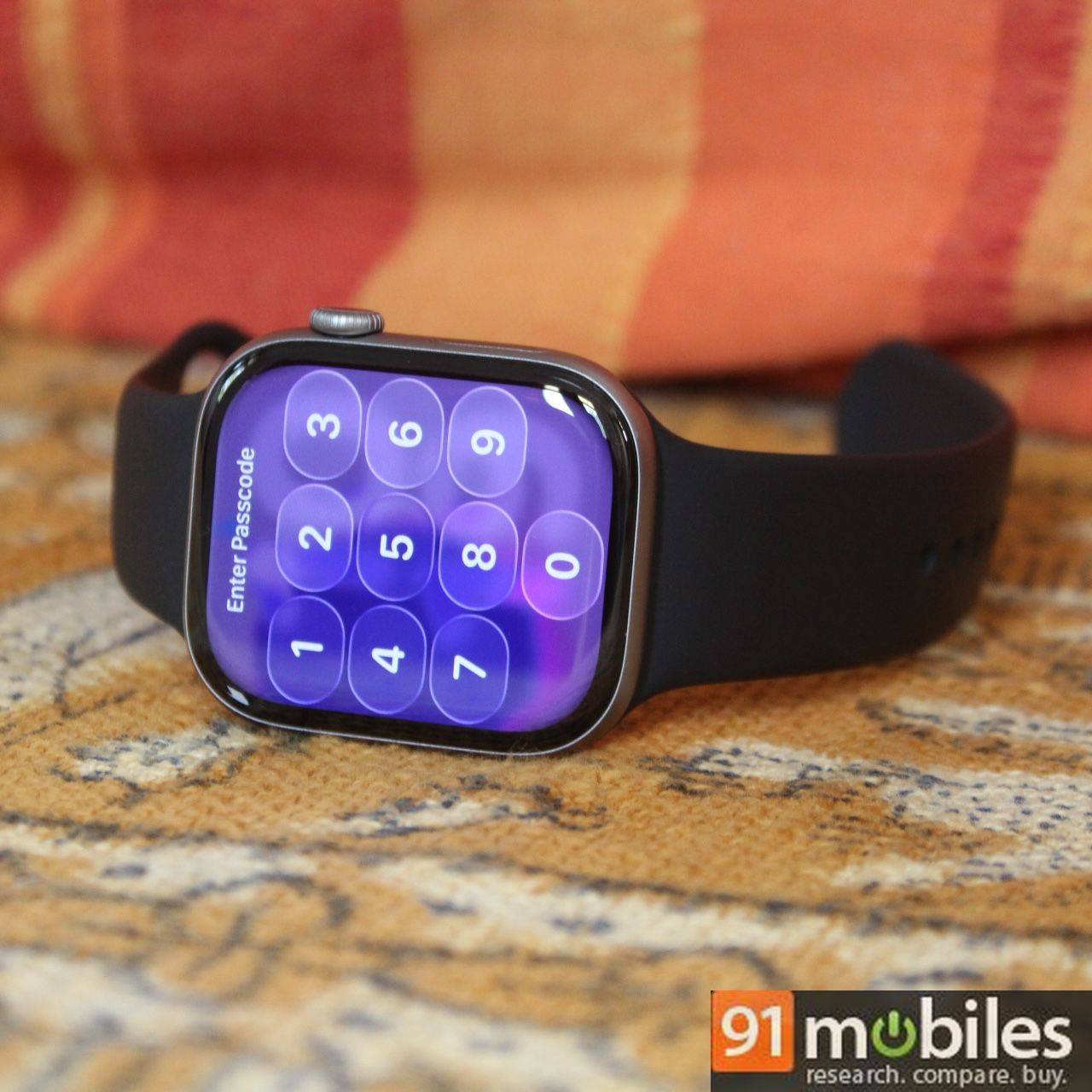
Aside from the system-wide Liquid Glass effect, watchOS 26 brings a few new features, one of which has become an instant part of my daily routine – the wrist flick gesture. This simple yet effective way to dismiss notifications, silence calls, and go back to the watch face is so good, I couldn’t believe it took Apple so long to bring it. I found myself flicking my wrist often to dismiss random notifications and silence calls, which previously required me to use my other hand to swipe them away. It’s quite handy if your non-watch hand is busy typing or carrying something like coffee.
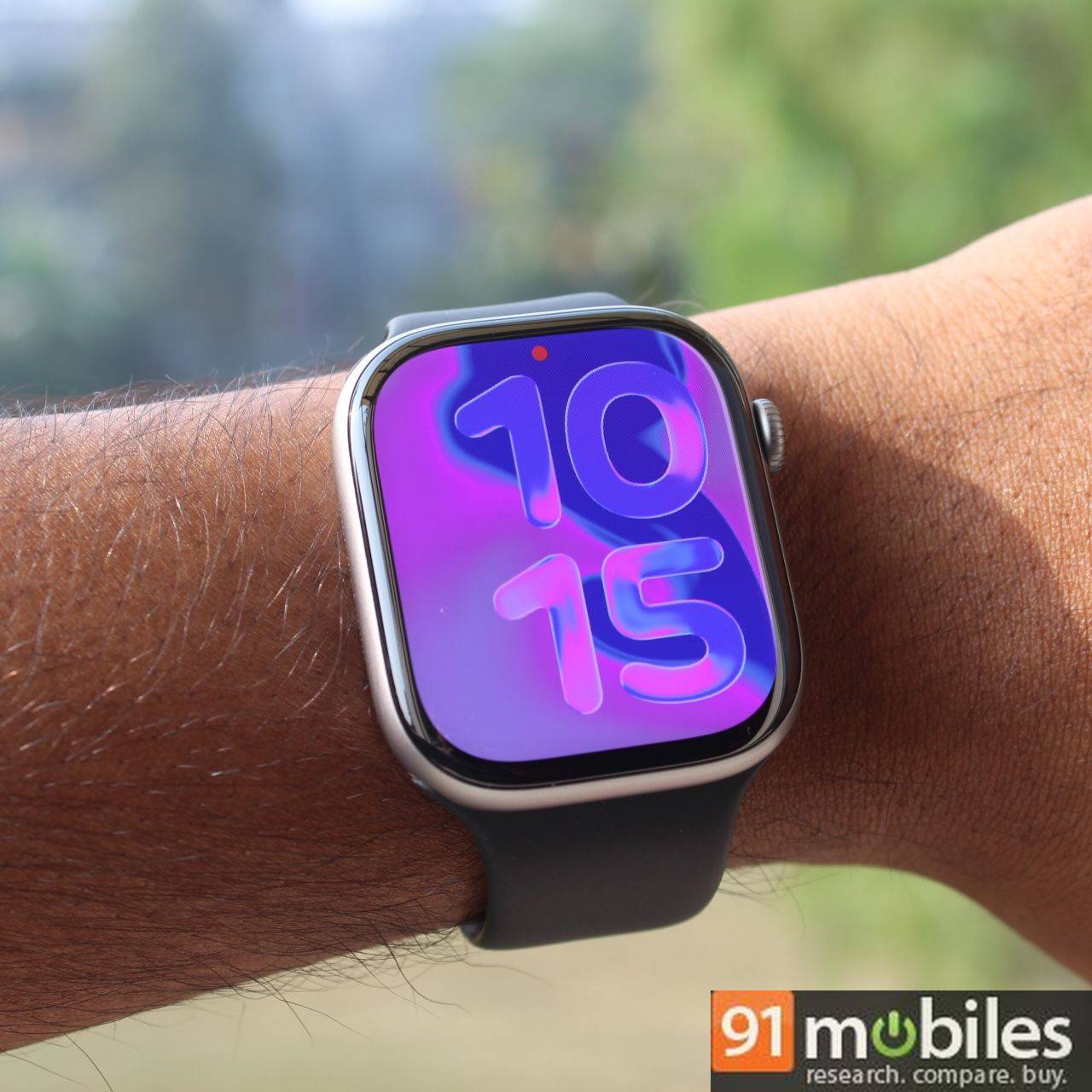
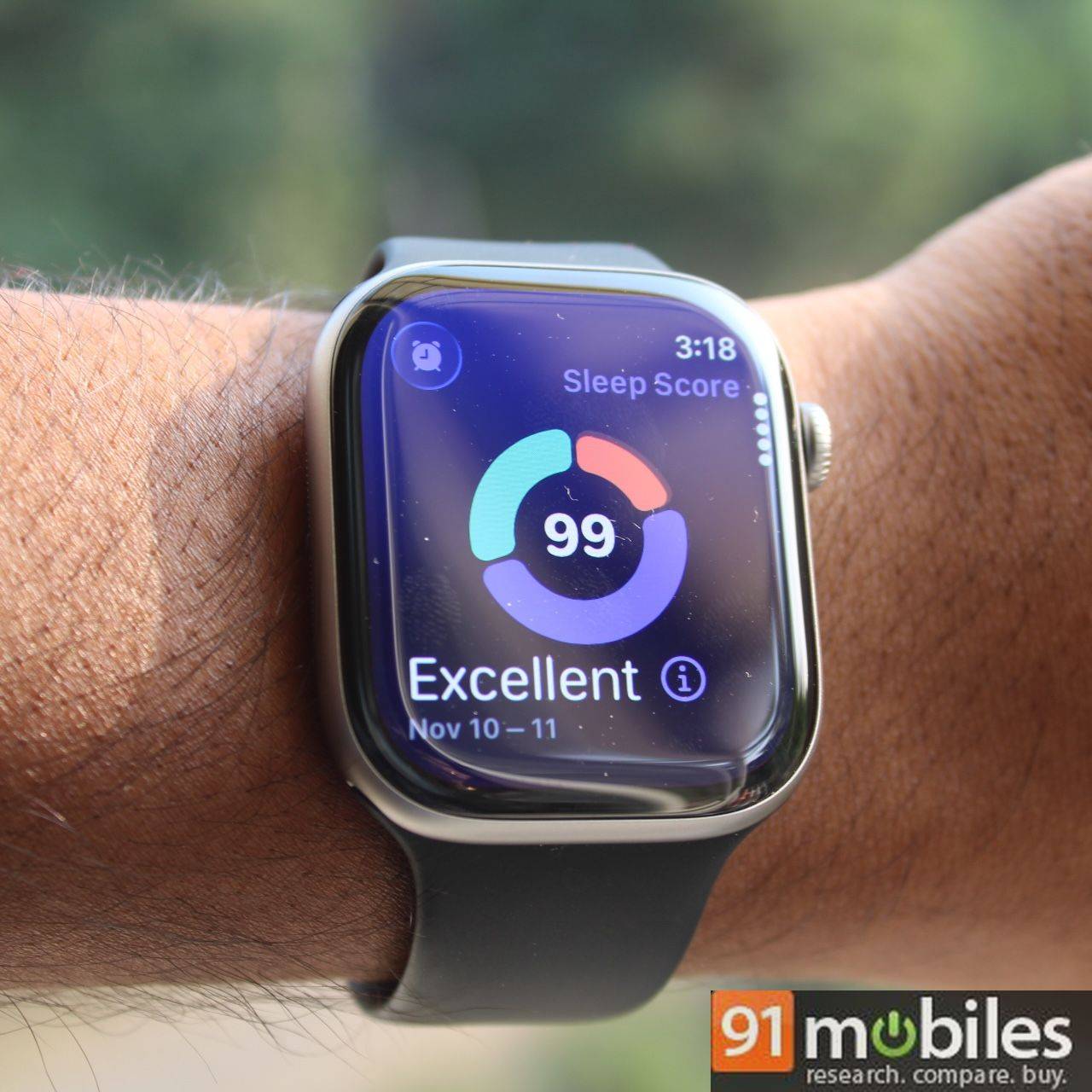
Workout Buddy is Apple’s new AI-powered coaching feature that tries to motivate you before, during and after a workout. It pulls from your past exercise history to offer short pep talks, like acknowledging that you have already clocked three runs that week or pointing out how hard you pushed in the previous session. During a workout, it provides audio cues when you hit certain milestones, whether that’s pace, heart rate, distance, duration or other metrics.
The feedback plays through Bluetooth earphones paired directly to the watch across 12 supported activities, including walking, running and cycling. Another catch is that Workout Buddy only works if your iPhone is with you, which can be a limitation if you prefer going out on runs without your phone.
Performance
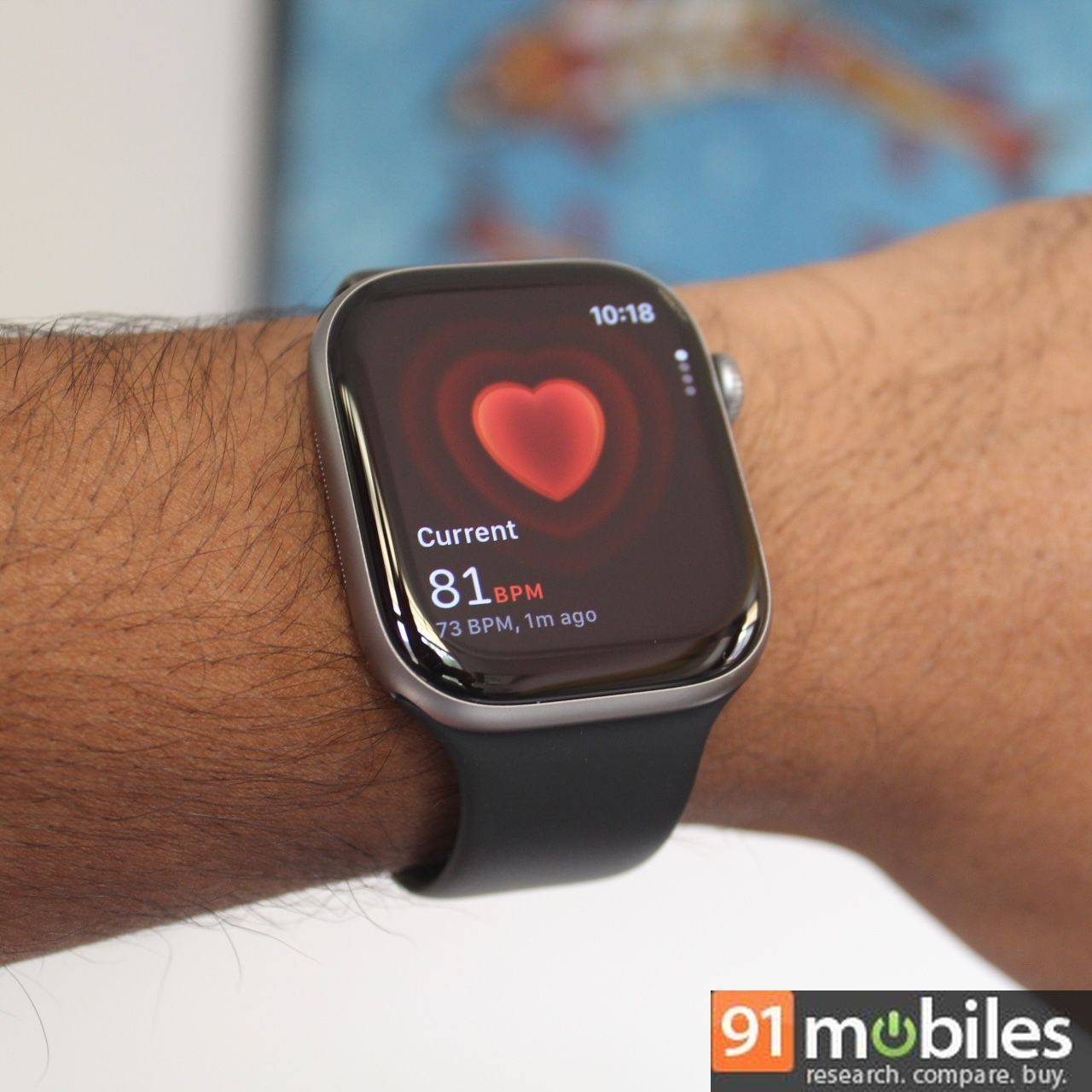
Apple is using the same S10 chip that powered the Series 10 in the Series 11 and SE 3. This seems fine, as there’s only so much you can do with a smartwatch, and the chip doesn’t need a year-on-year update like a smartphone’s does. The S10 processor delivers a largely smooth performance that looks fluid, especially combined with watchOS 26’s Liquid Glass UI. I did notice some stuttering in the animation, though, specifically when pressing the side button to bring up the control panel.
Verdict
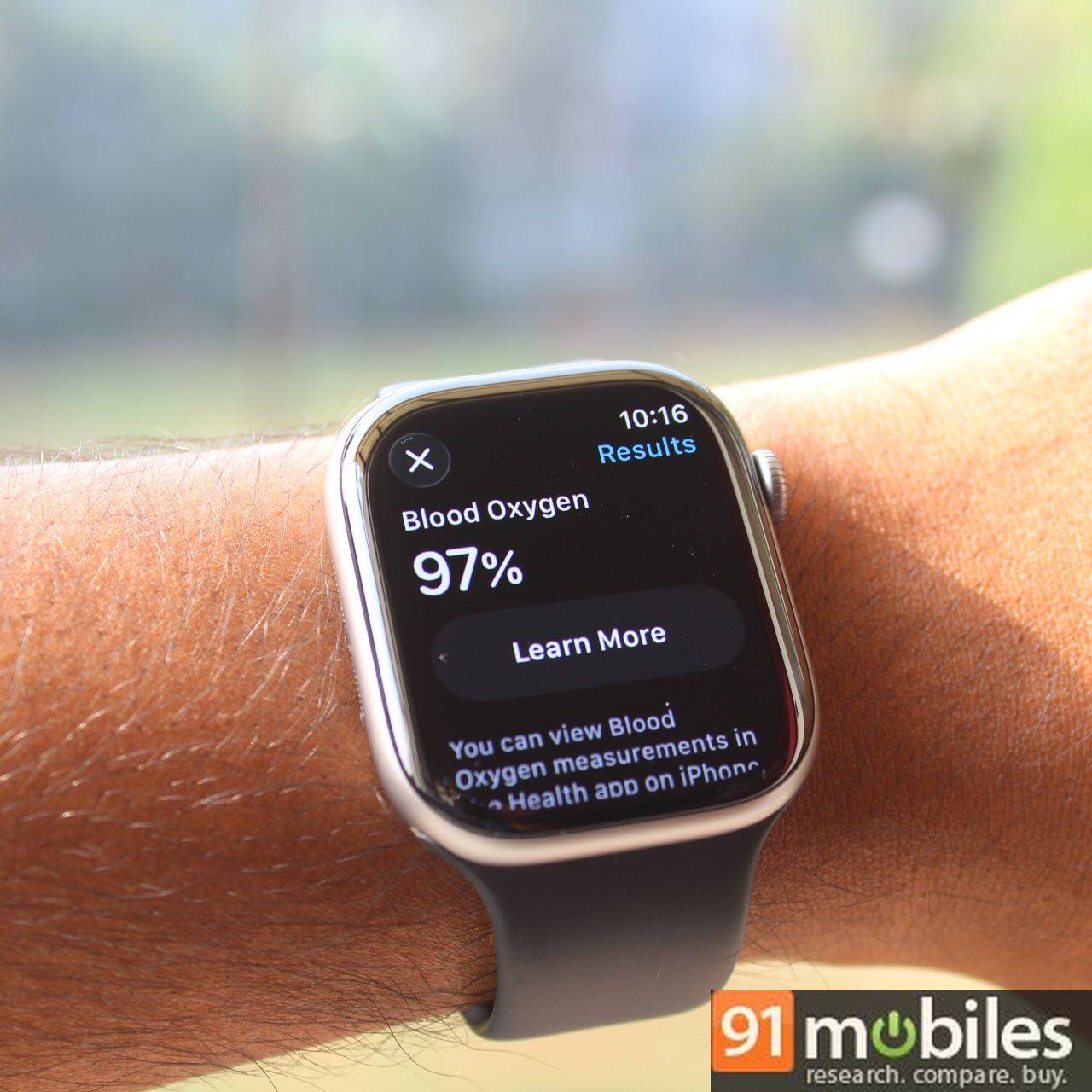
The Apple Watch Series 11 feels like a practical upgrade rather than an exciting one. It looks the same as Series 10, runs the same software as older supported models, and doesn’t bring new sensors or dramatic UI changes. But the improved battery life alone makes it the most meaningful non-Ultra upgrade Apple has shipped in years. For many users, it changes how – and how often – they wear the watch.
Starting at Rs 46,900 for the GPS-only model, the Series 11 remains a premium purchase, one that makes sense if you’re already invested in the Apple ecosystem. Android users, however, will find strong alternatives in the same or overlapping price range, including the Samsung Galaxy Watch 8 (review), Garmin Forerunner 570 (review), and Amazfit Balance 2 (review), depending on whether they prioritise smart features, performance metrics, or value.
Editor’s rating: 8.5/10
Pros:
- Finally delivers all-day-plus battery life, faster charging
- Same sleek, comfortable design and lighter feel
- Liquid Glass UI and watchOS 26 feel fluid and modern
- Useful wrist flick gesture and sleep scoring
Cons:
- Very few meaningful upgrades for Series 10 users
- Minor UI stutter in animations