


Review Summary
Expert Rating
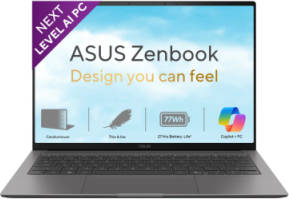
ASUS seems to be playing a very deliberate game with its latest ZenBook S lineup, and honestly, it’s a strategy that makes a lot of sense. On one side, there’s the larger ZenBook S16 powered by AMD’s Ryzen AI silicon, and on the other, the ZenBook S14 with Intel’s Core Ultra 9 386H. It’s a clean split. Want AMD? Go big. Want Intel? Go compact.
As mentioned in my S16 review, there was already a lot to like. But the 16-inch form factor, while impressive, isn’t exactly what most people would call portable. That’s where the ZenBook S14 steps in, and frankly, this feels like the version most people were waiting for. After using it for a while, it’s pretty clear that this is the more practical ZenBook. It’s lighter, easier to carry around, and just fits better into everyday life. But is it worth the almost 2 lakh rupees price tag? Let’s find out.
Table of Contents
Design That Feels as Premium as It Looks
ASUS has been experimenting with materials lately, and the “Ceraluminum” finish returns here, now slightly refined. If the A14 from last year was the first draft, this feels like the polished version. The texture does a great job resisting fingerprints, while also adding a bit of grip, which is always welcome on ultra-thin machines.
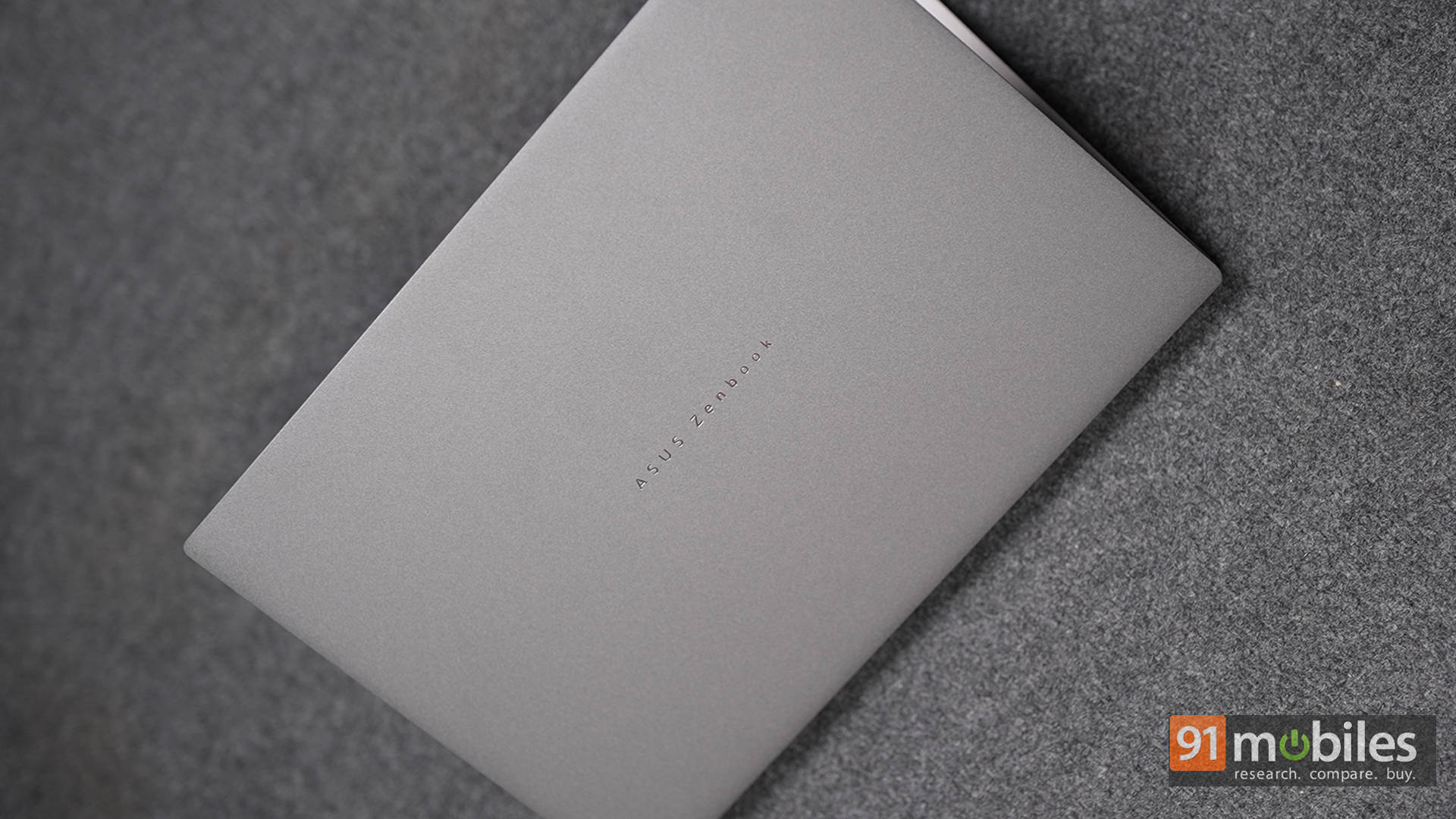
The Grey finish on this unit deserves a special mention. While the white variant on the S16 had its own charm, this darker tone just looks more mature and premium. It also pairs better with the white keyboard backlight, creating a cleaner and more readable contrast, especially in low-light environments.
Build quality is exactly what you’d expect from a flagship ultraportable. The chassis feels solid, with minimal flex, and it carries military-grade certification for durability. That said, one small nitpick remains: the branding. ASUS has kept things minimal with the ZENBOOK text, but it almost feels like a missed opportunity. A centered anniversary logo would’ve elevated the design even further. It’s a small thing, but on a laptop this premium, details matter.
Smart Engineering in a Slim Body
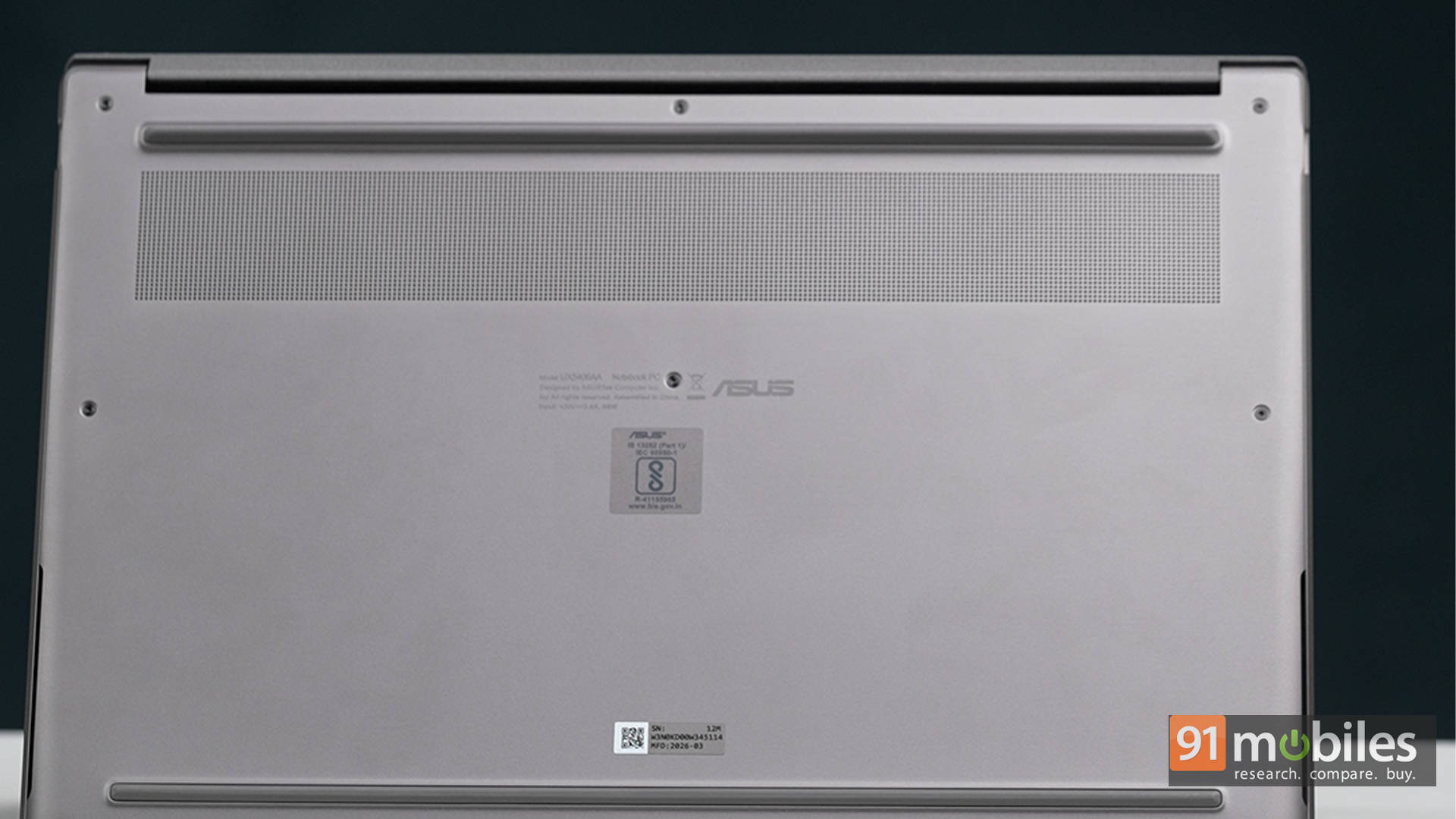
One of the more interesting design elements here is the geometric CNC-machined grille above the keyboard. At first glance, it looks like a fancy speaker setup, but it’s actually part of the cooling system. Underneath lies a vapour chamber setup that helps keep thermals in check without adding bulk.
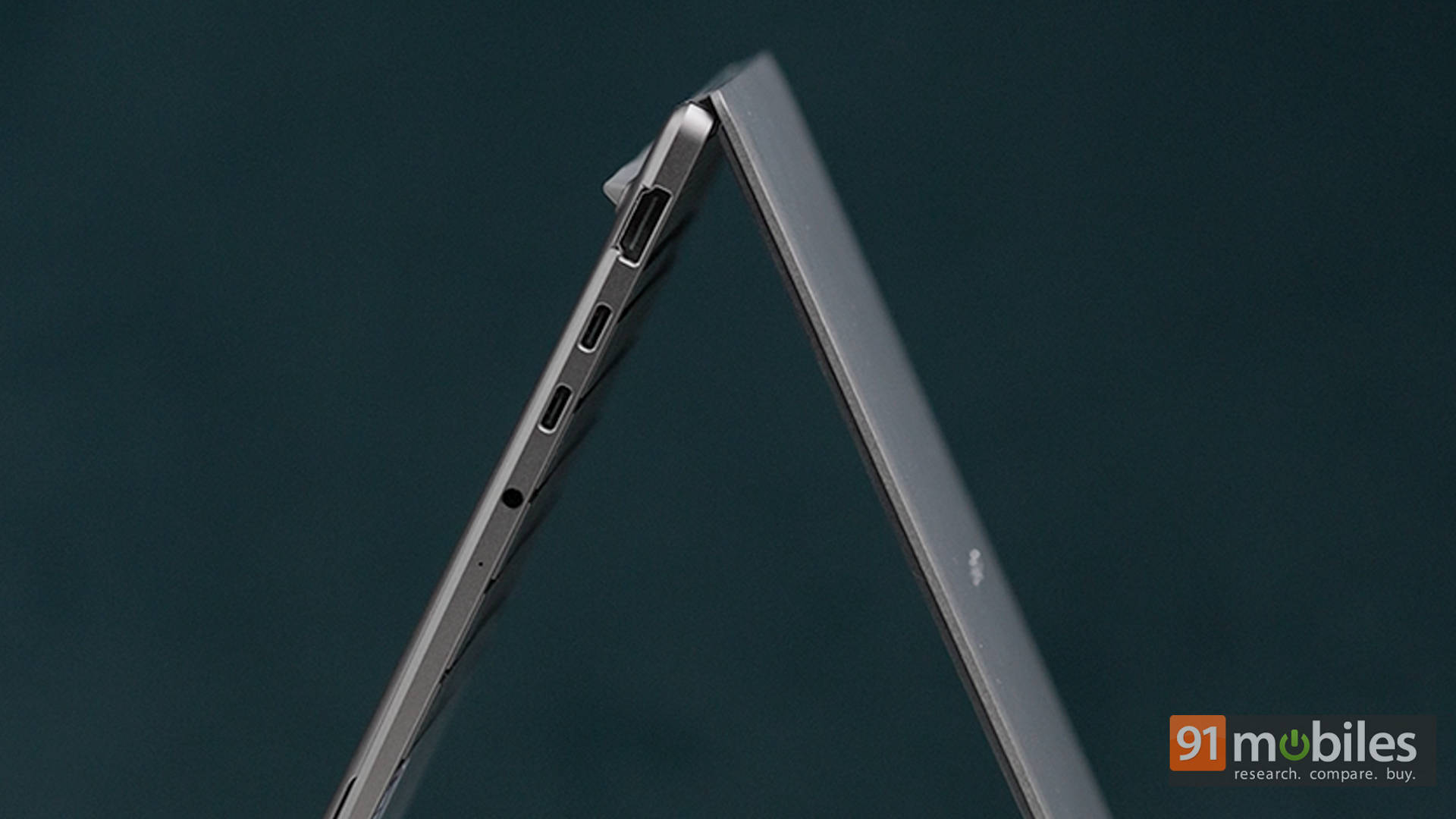
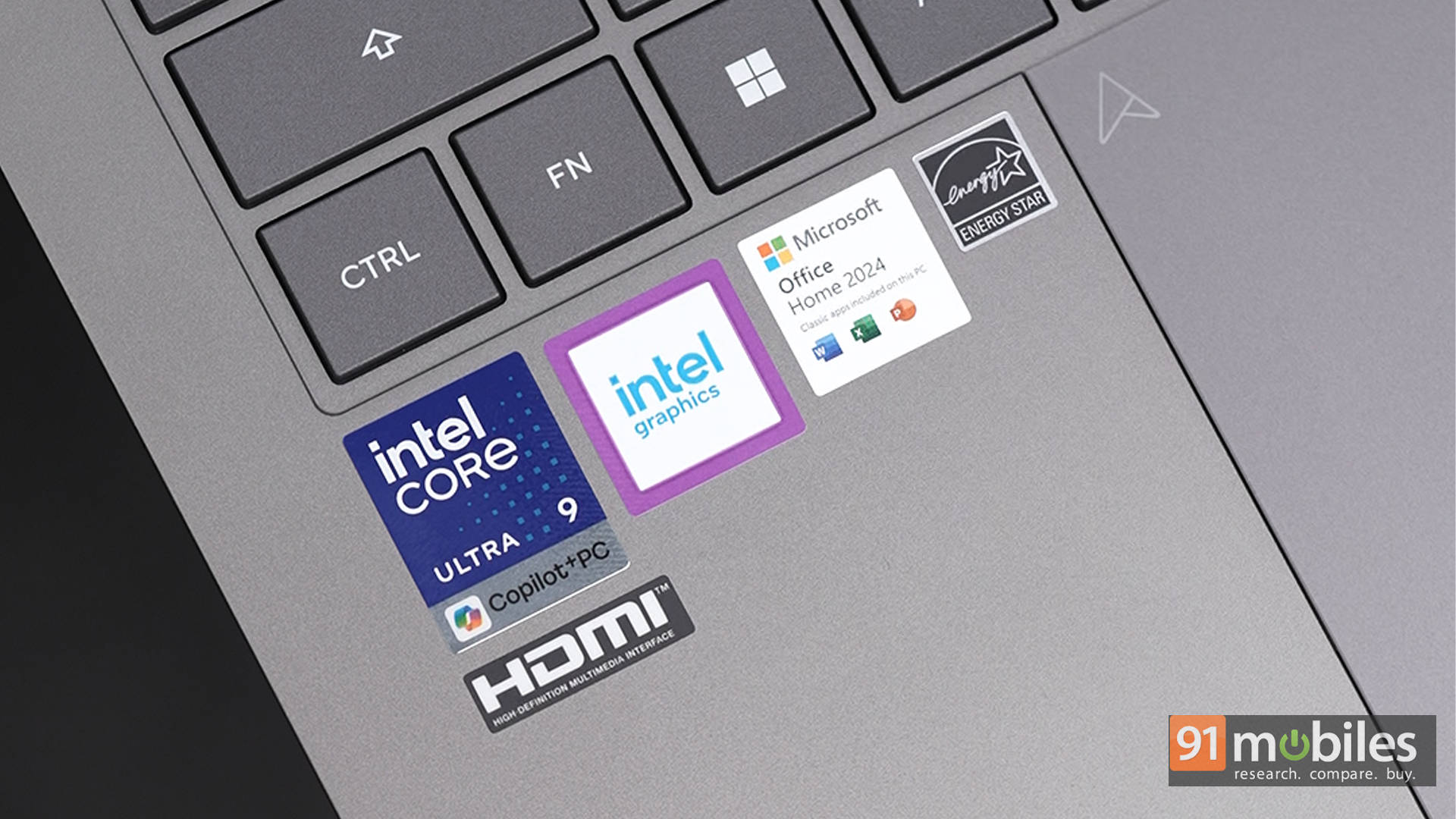
Despite the slim profile, ASUS has done a commendable job with port selection. You get Thunderbolt ports here, which is something AMD variants often miss out on, alongside USB-A and HDMI. For a laptop this thin, that’s a big win. Of course, something had to give, and in this case, it’s the SD card reader. It’s absent, but given the target audience and the size constraints, it’s not exactly a dealbreaker.
A Display That Steals the Show
The ZenBook S14 features a 14-inch 3K OLED panel with a 2880 x 1800 resolution, a 16:10 aspect ratio, a 120Hz refresh rate, and up to 500 nits of brightness. On paper, it sounds great. In practice, it’s even better.
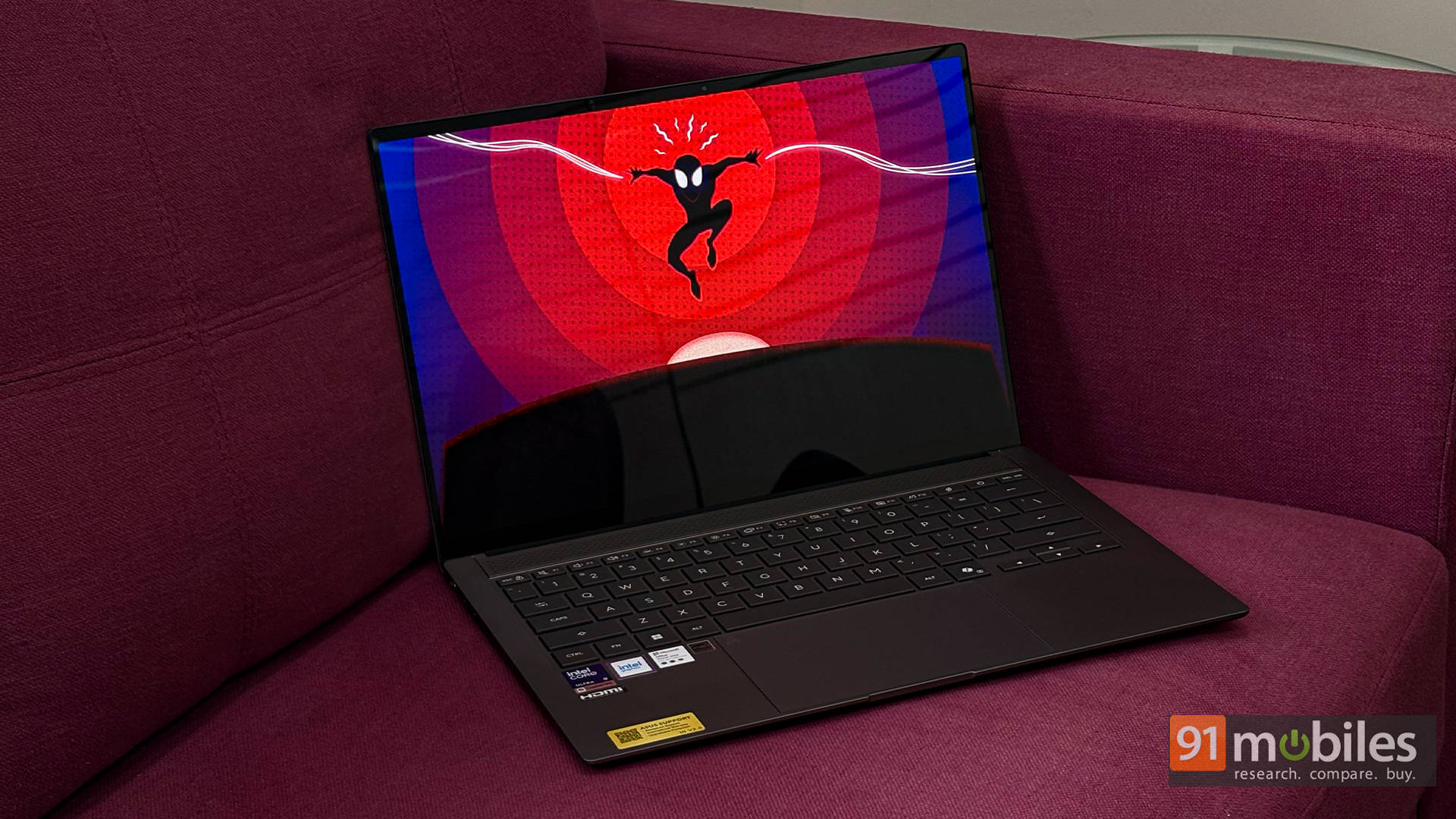
This is easily one of the best displays you can get on a thin-and-light laptop right now. Colors are vibrant without being oversaturated, blacks are deep as expected from OLED, and the high refresh rate makes everyday interactions feel smoother than usual.
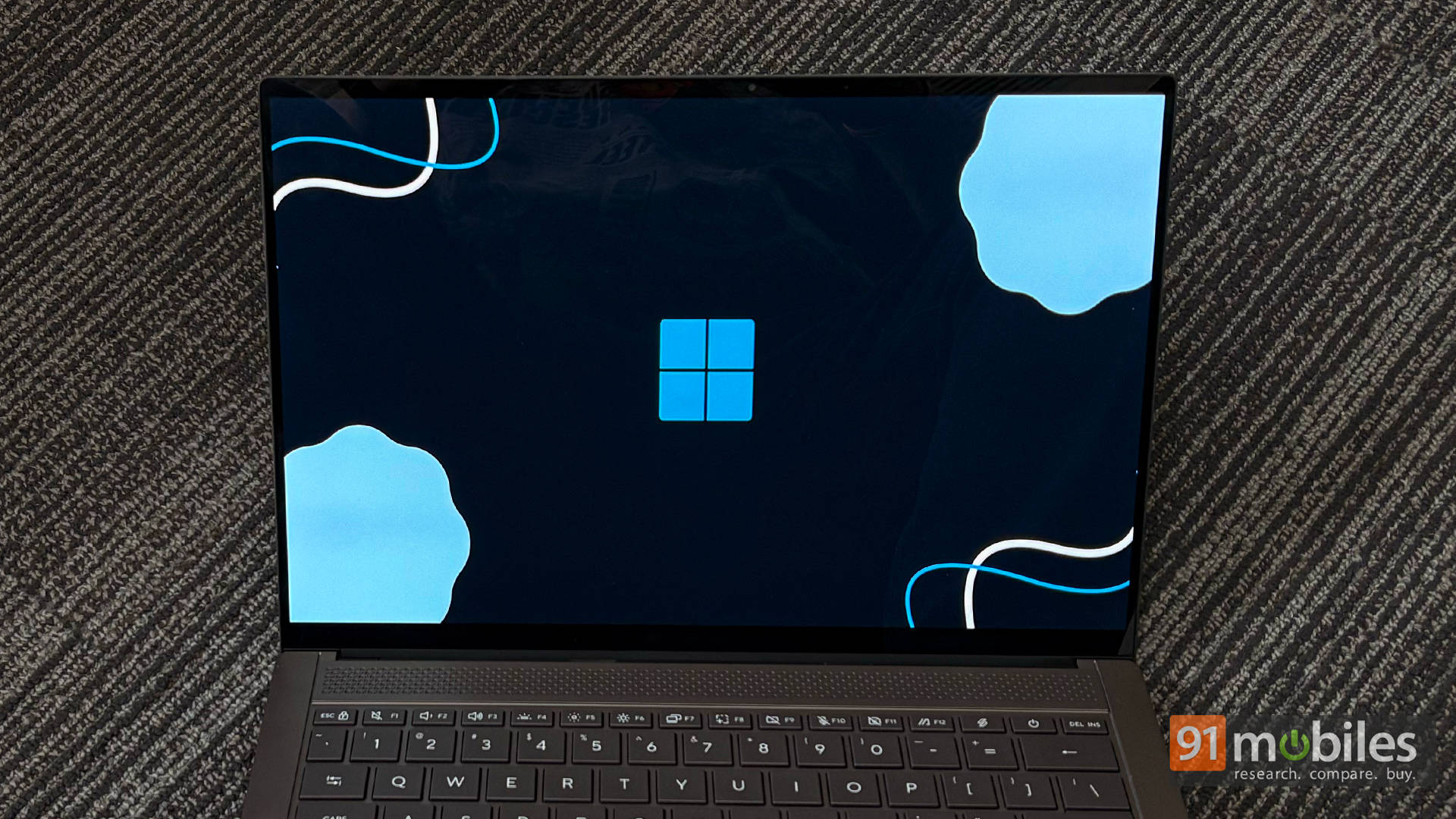
Whether it’s binge-watching content, editing photos, or just scrolling through web pages, the panel consistently impresses. Even casual gaming feels elevated on this display. With access to NVIDIA GeForce Now, streaming AAA titles on this OLED panel was genuinely enjoyable, making the most of the color depth and contrast.
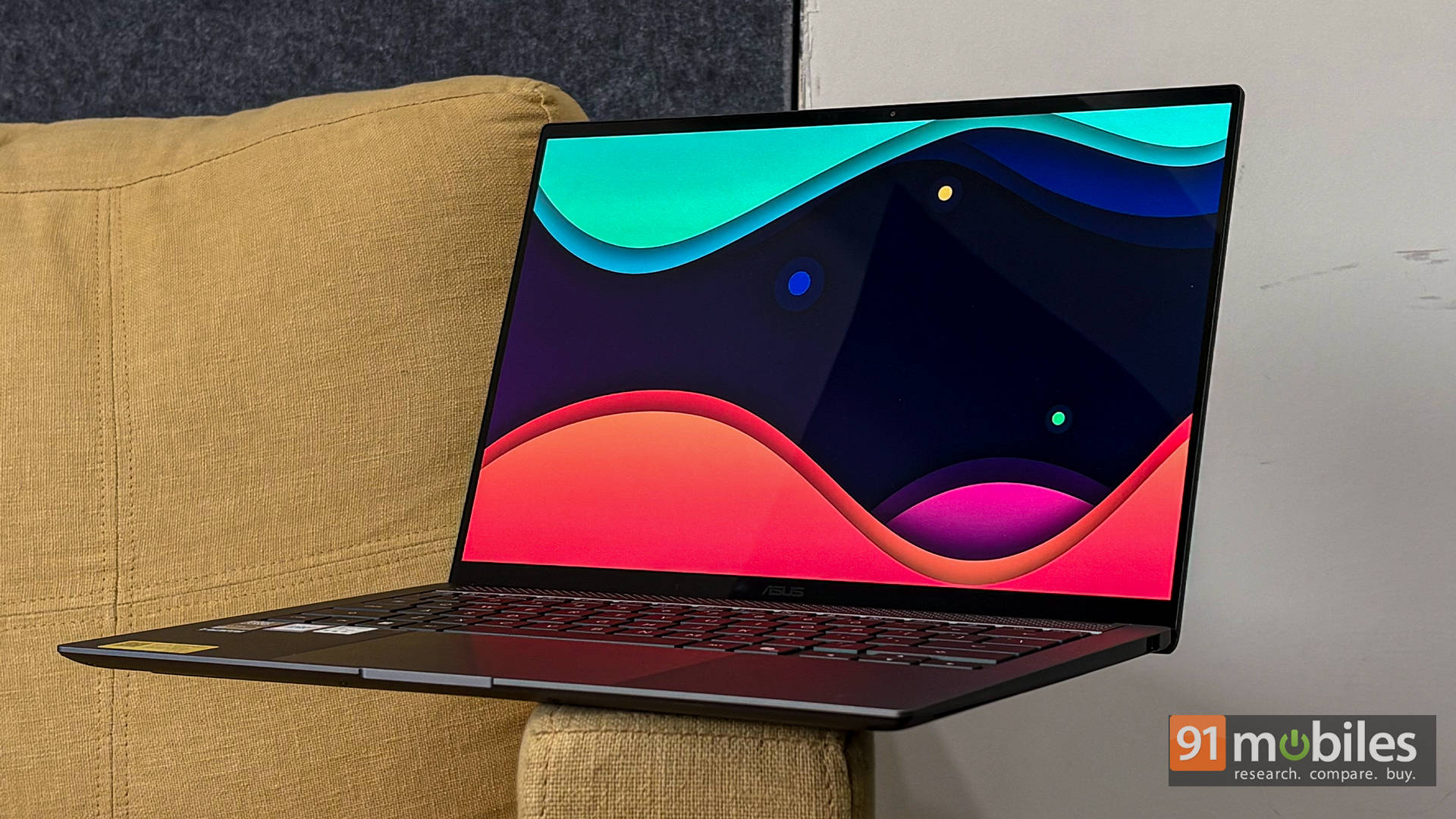
That said, while cloud gaming is great, most users will be curious about native performance. And that’s where things get interesting.
Performance: Intel Strikes Back
The unit tested here is powered by the Intel Core Ultra 9 386H. It’s worth noting that this isn’t the top-tier “X” variant, so it doesn’t come with the flagship B390 iGPU. Instead, you get standard Intel Graphics. But don’t let that fool you, this machine still packs a punch.
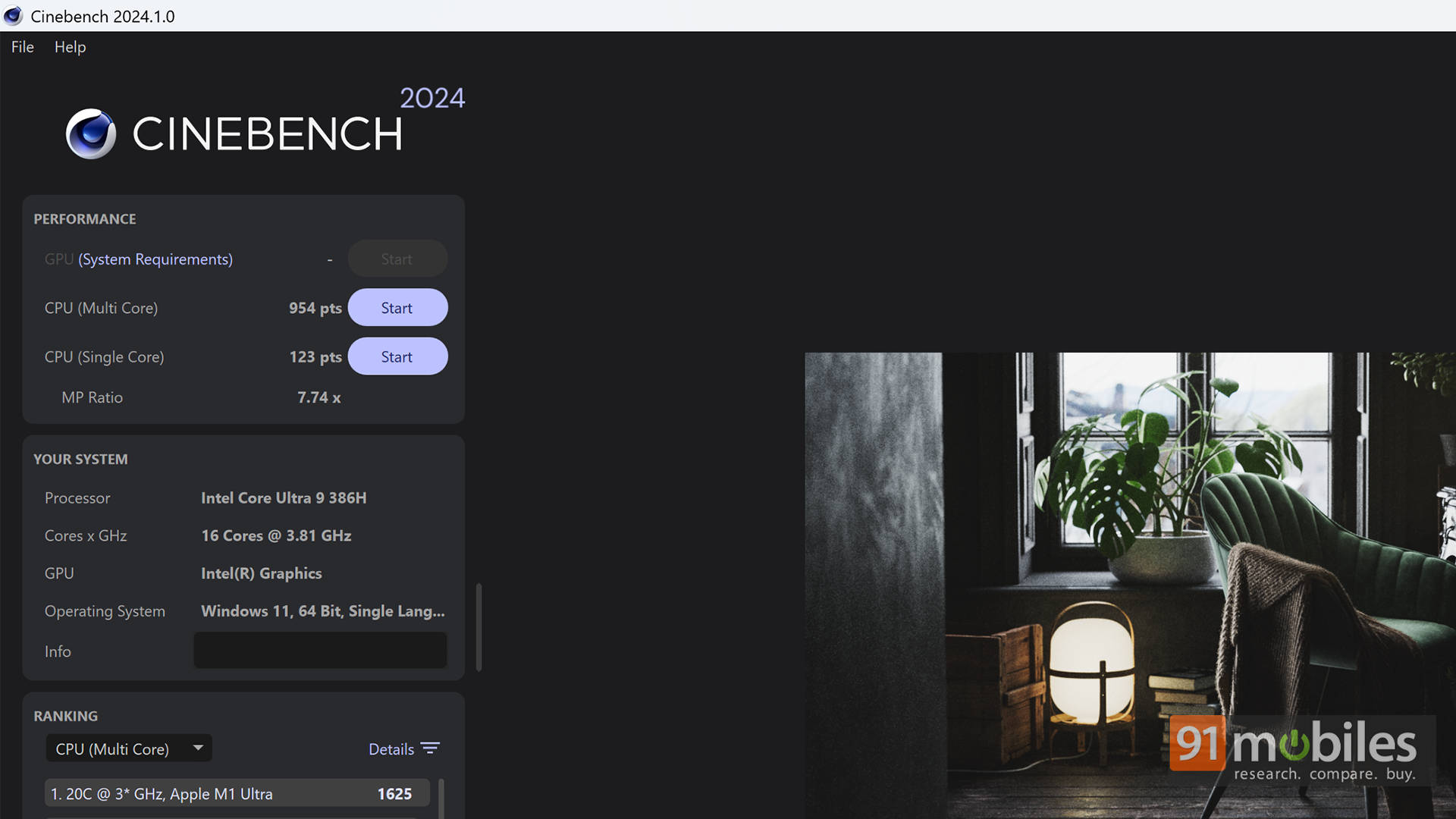
In benchmarking, the ZenBook S14 holds its own remarkably well, often outperforming the AMD Ryzen AI 9 465 found in the S16. In Cinebench R24, the S14 edges ahead with a multi-core score of 954 compared to 932 on the S16, while also leading in single-core performance. This trend continues in Cinebench R23, where Intel maintains a slight advantage in single-core workloads.
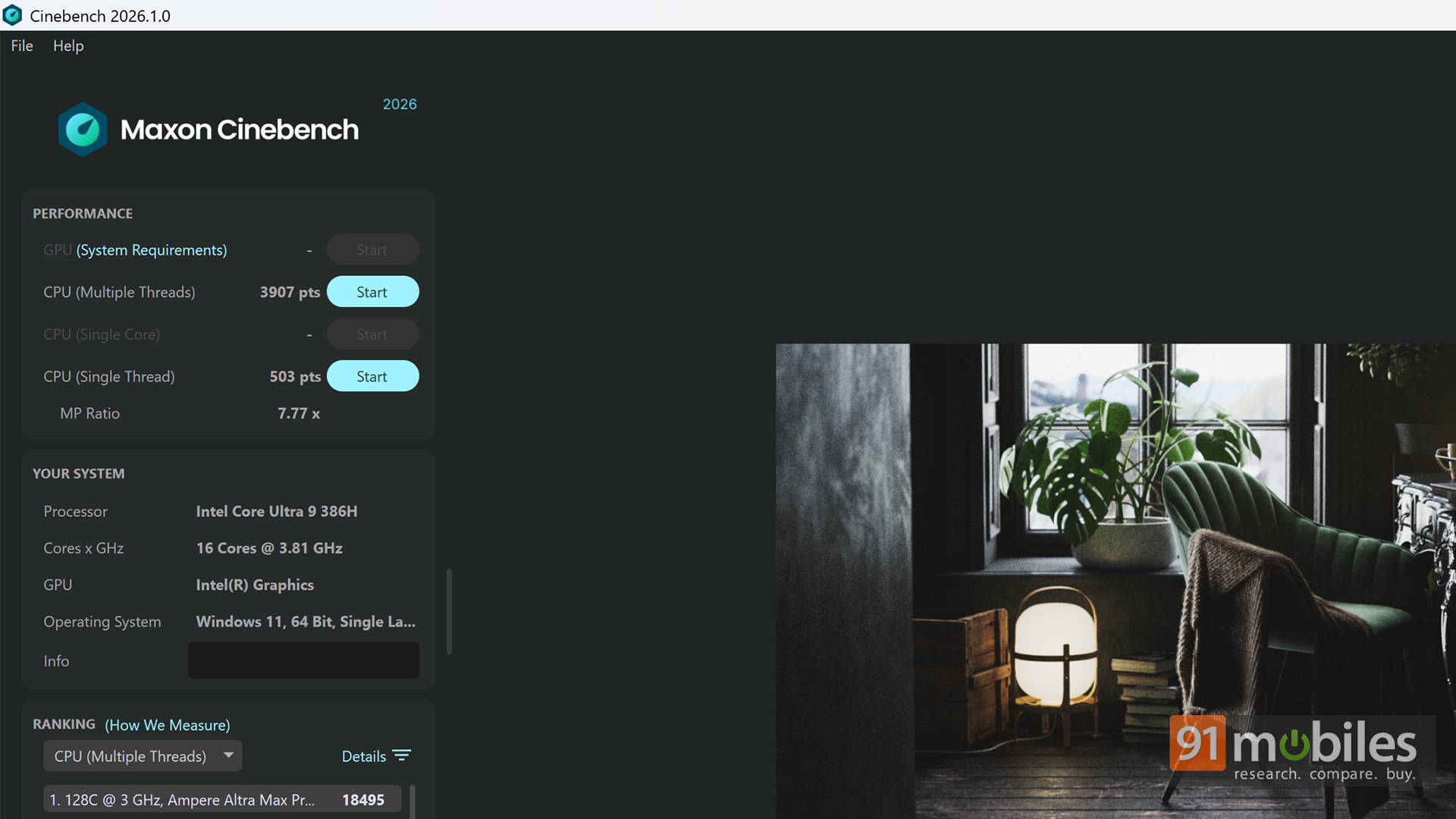
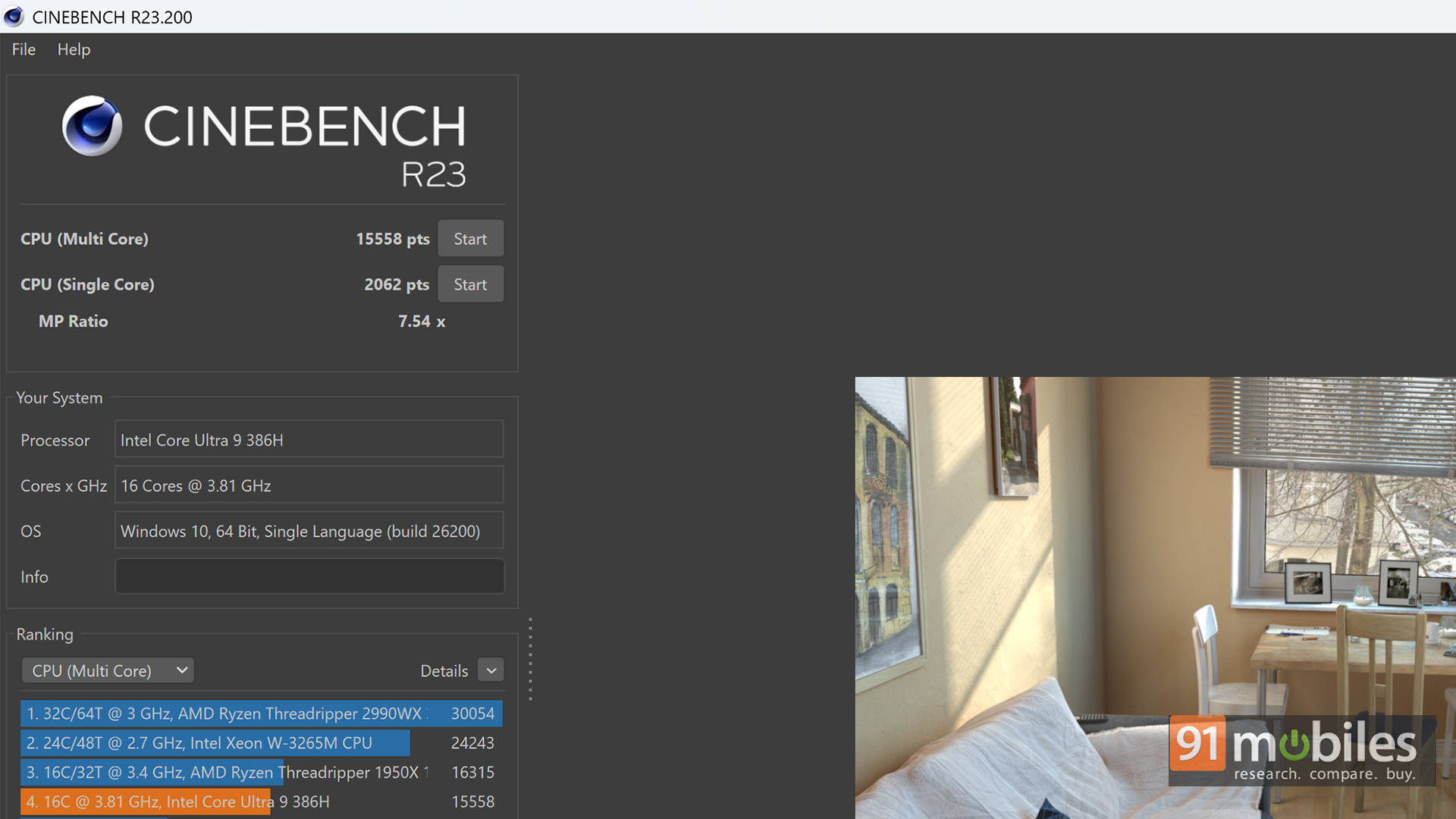
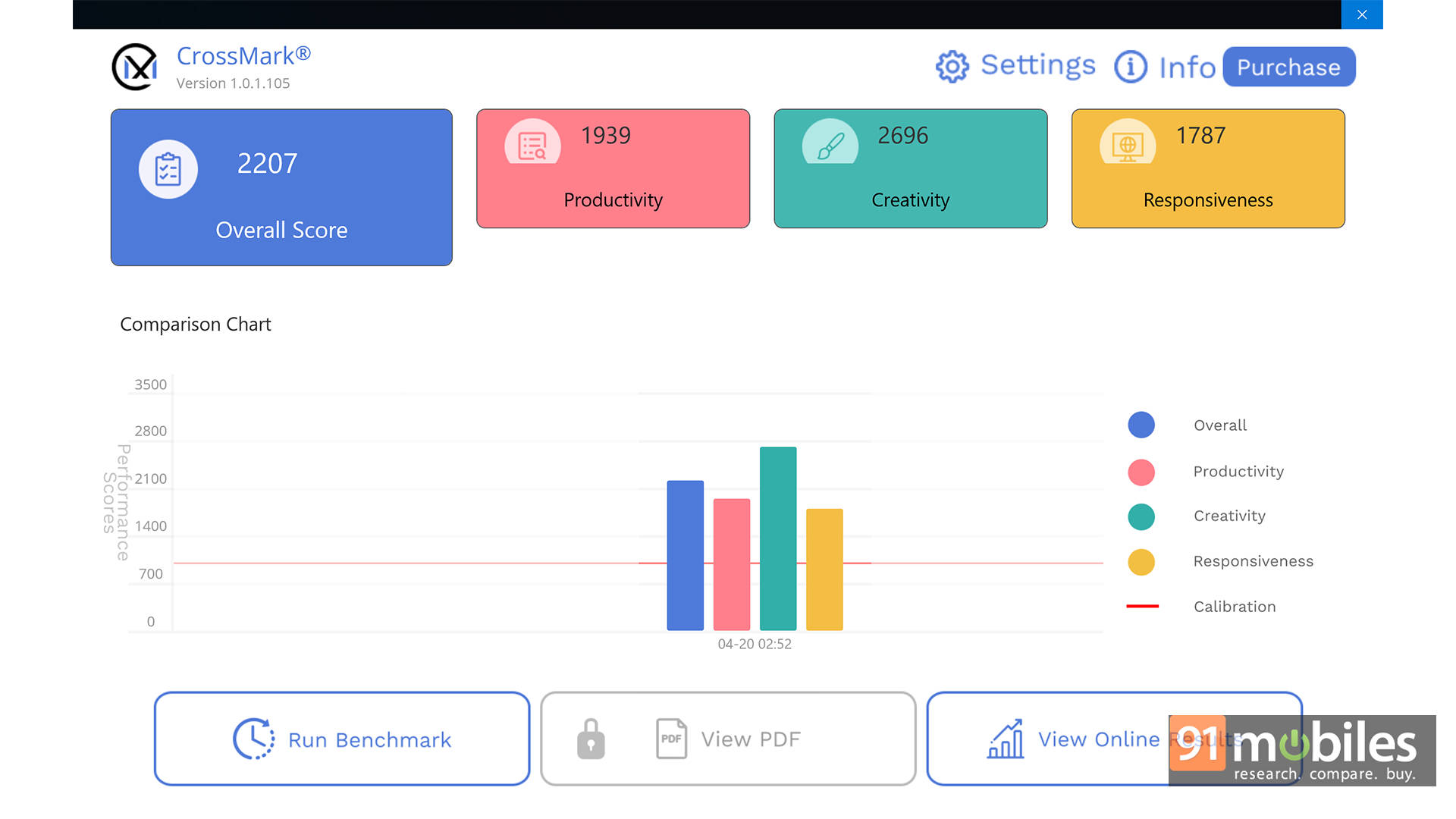
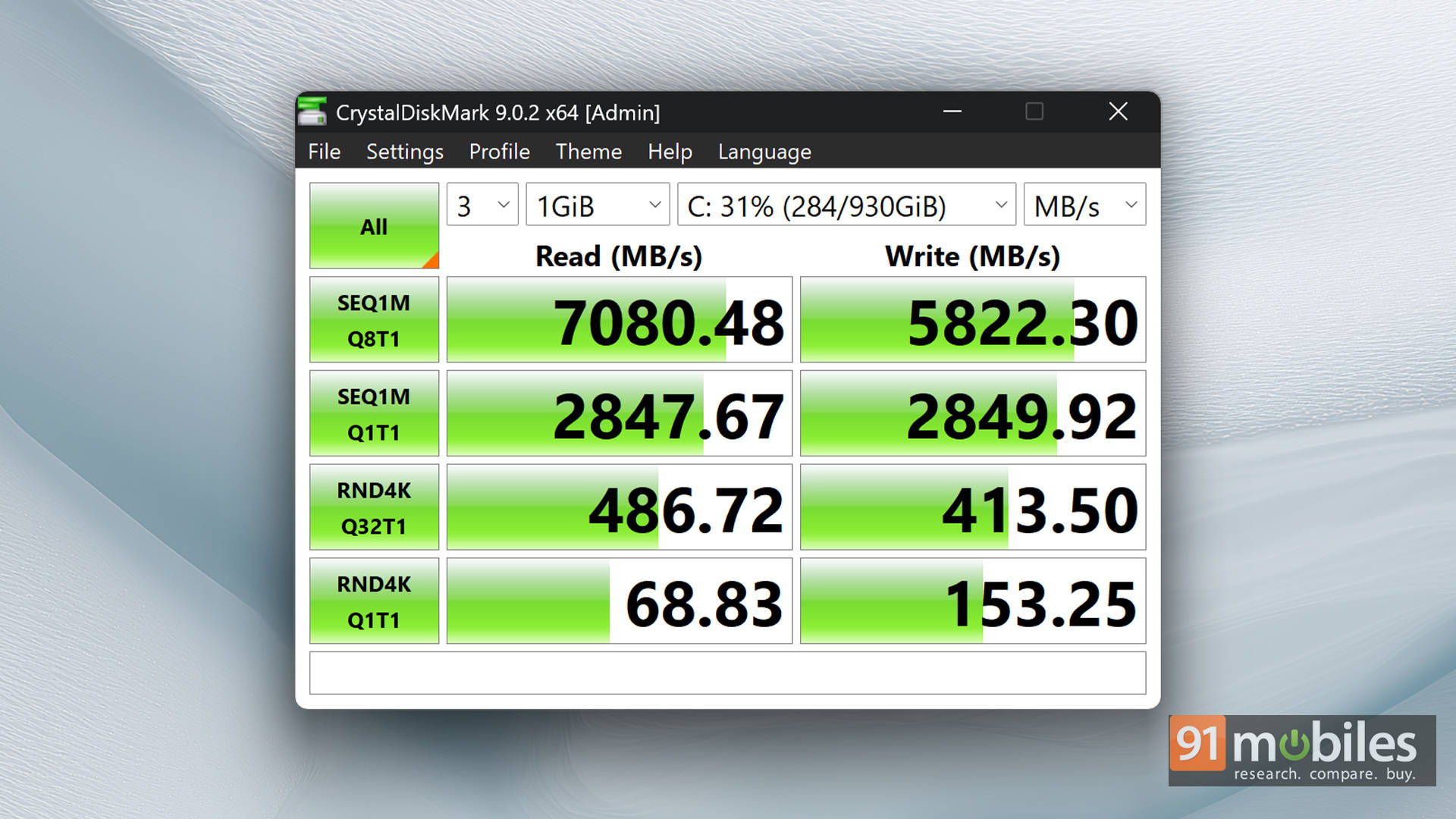
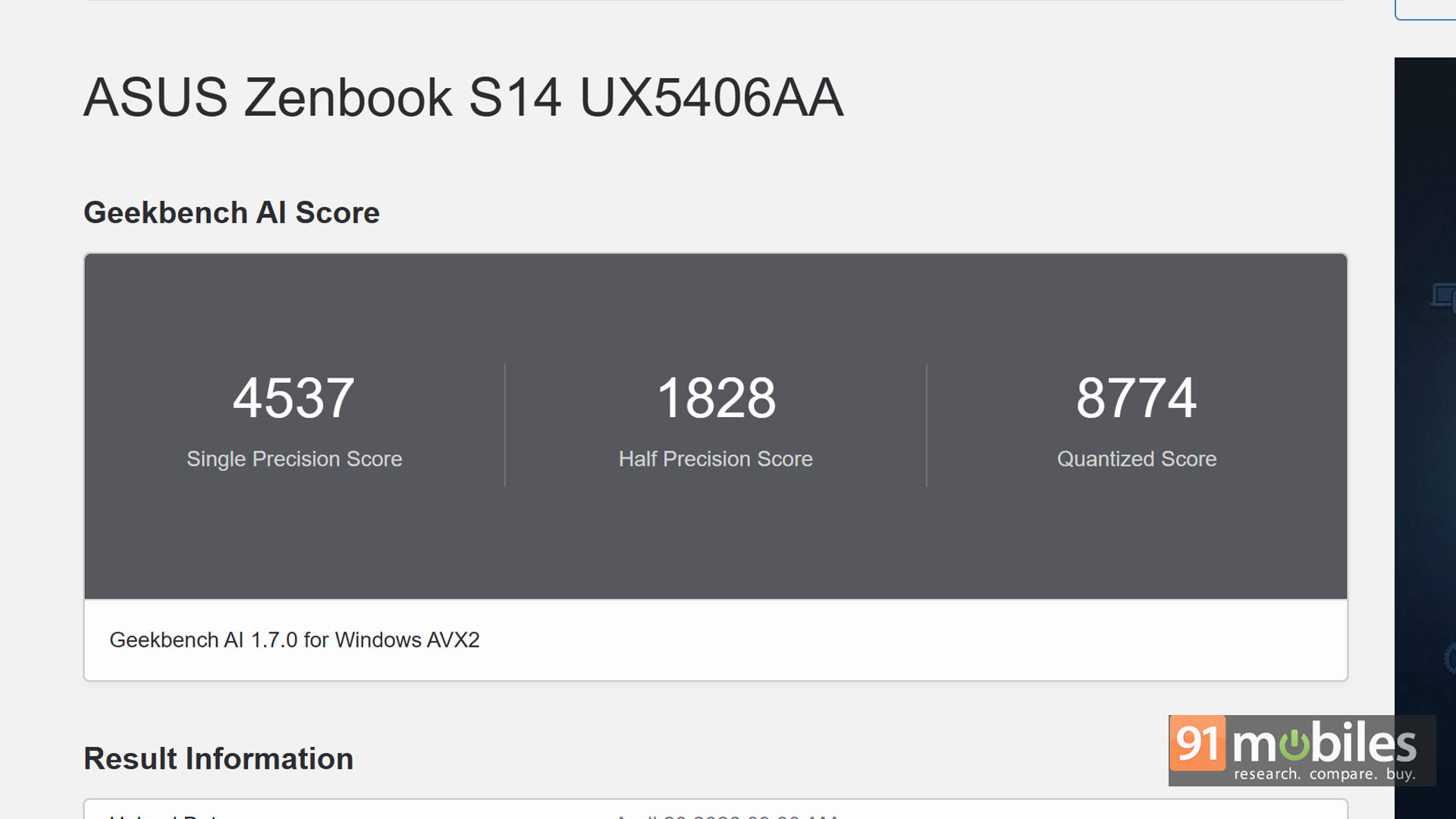
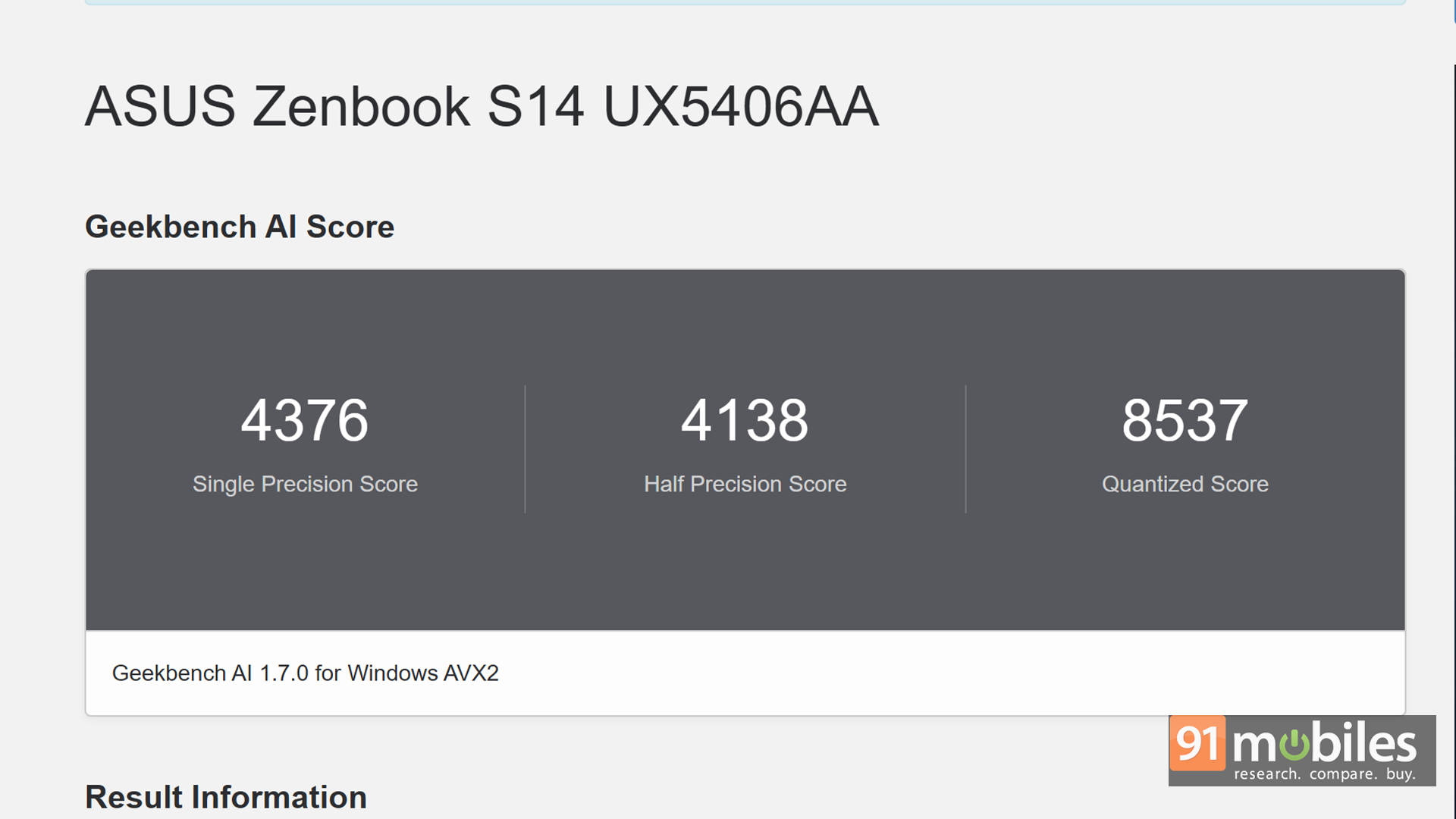
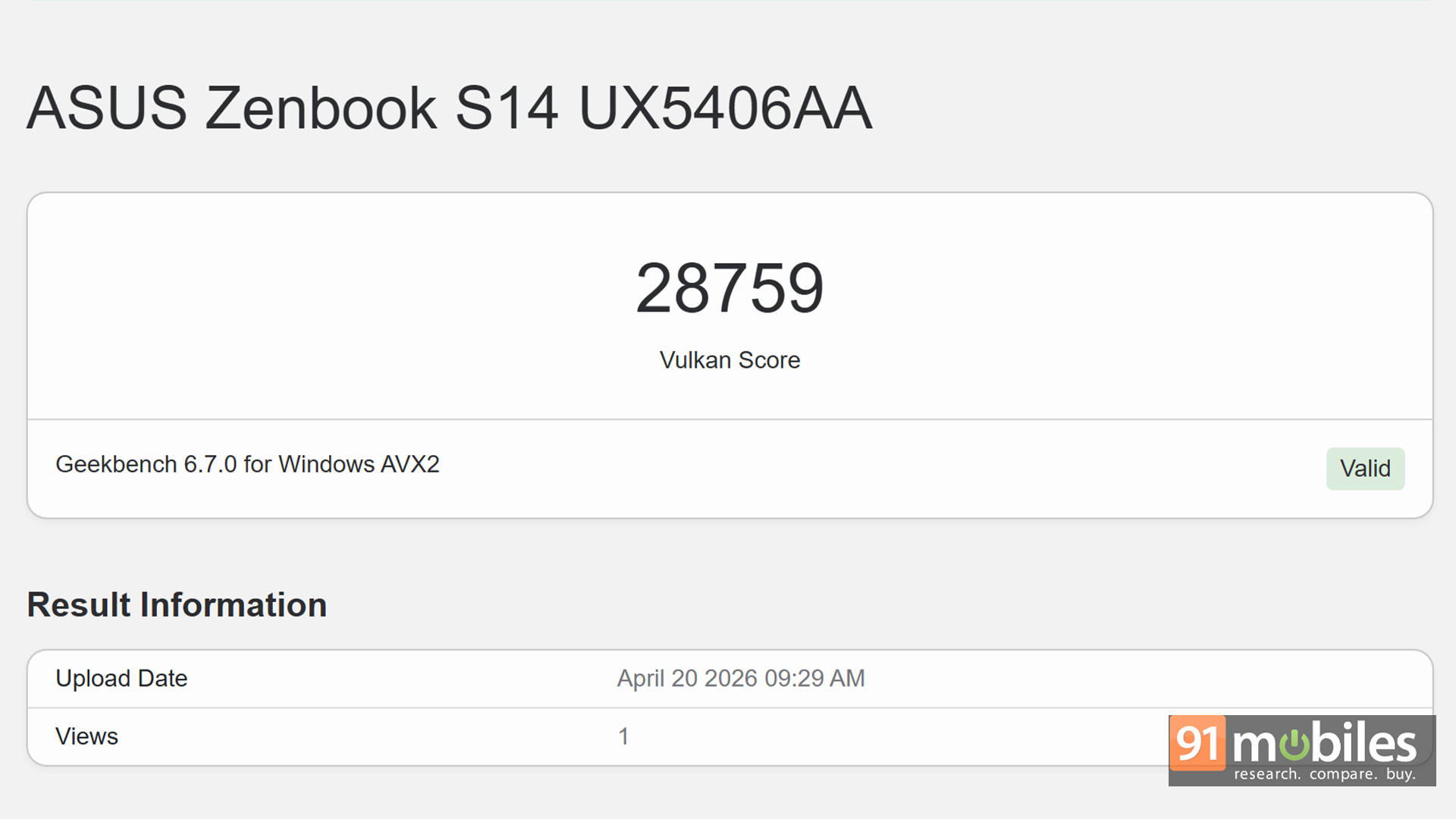
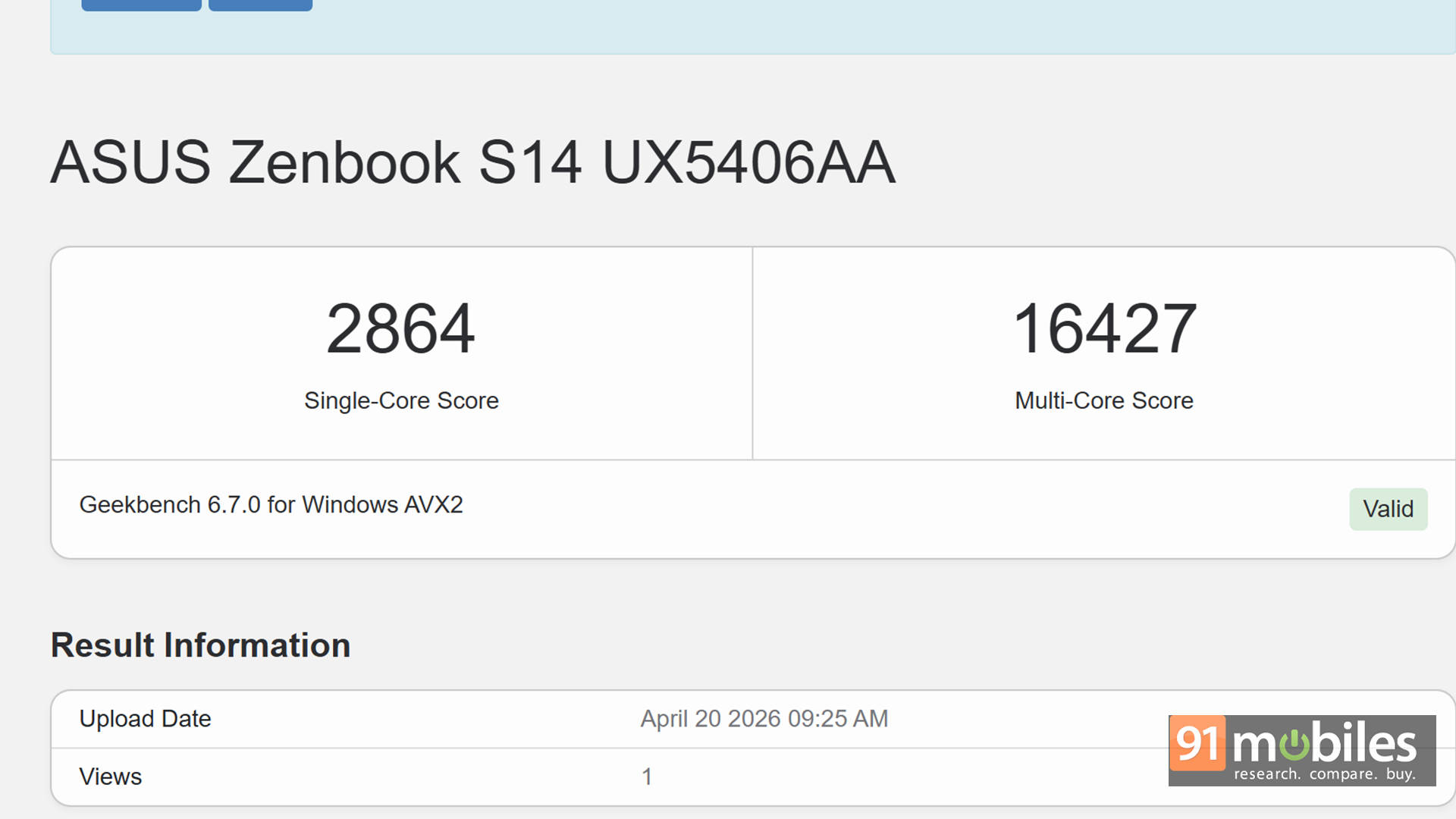
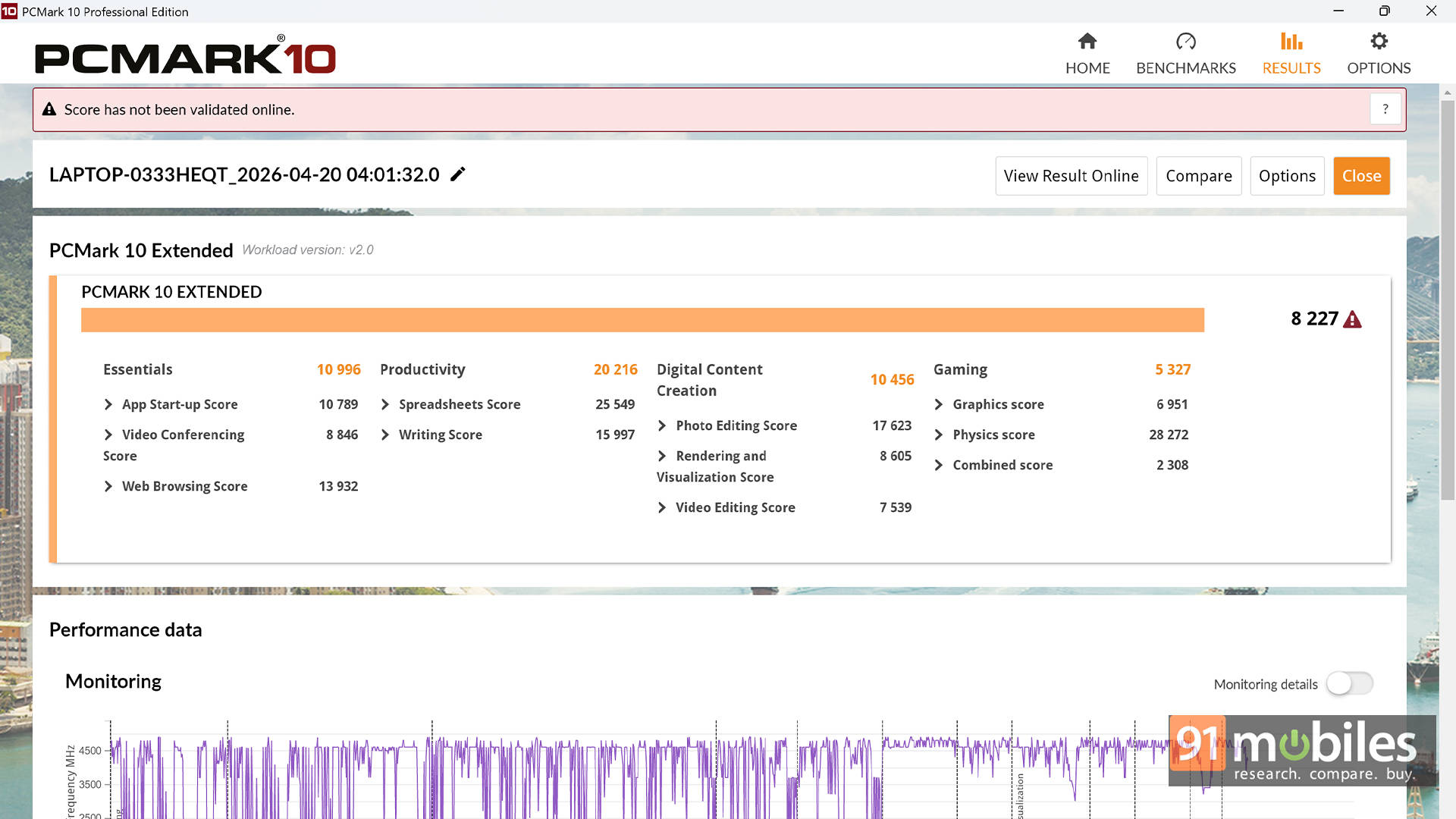
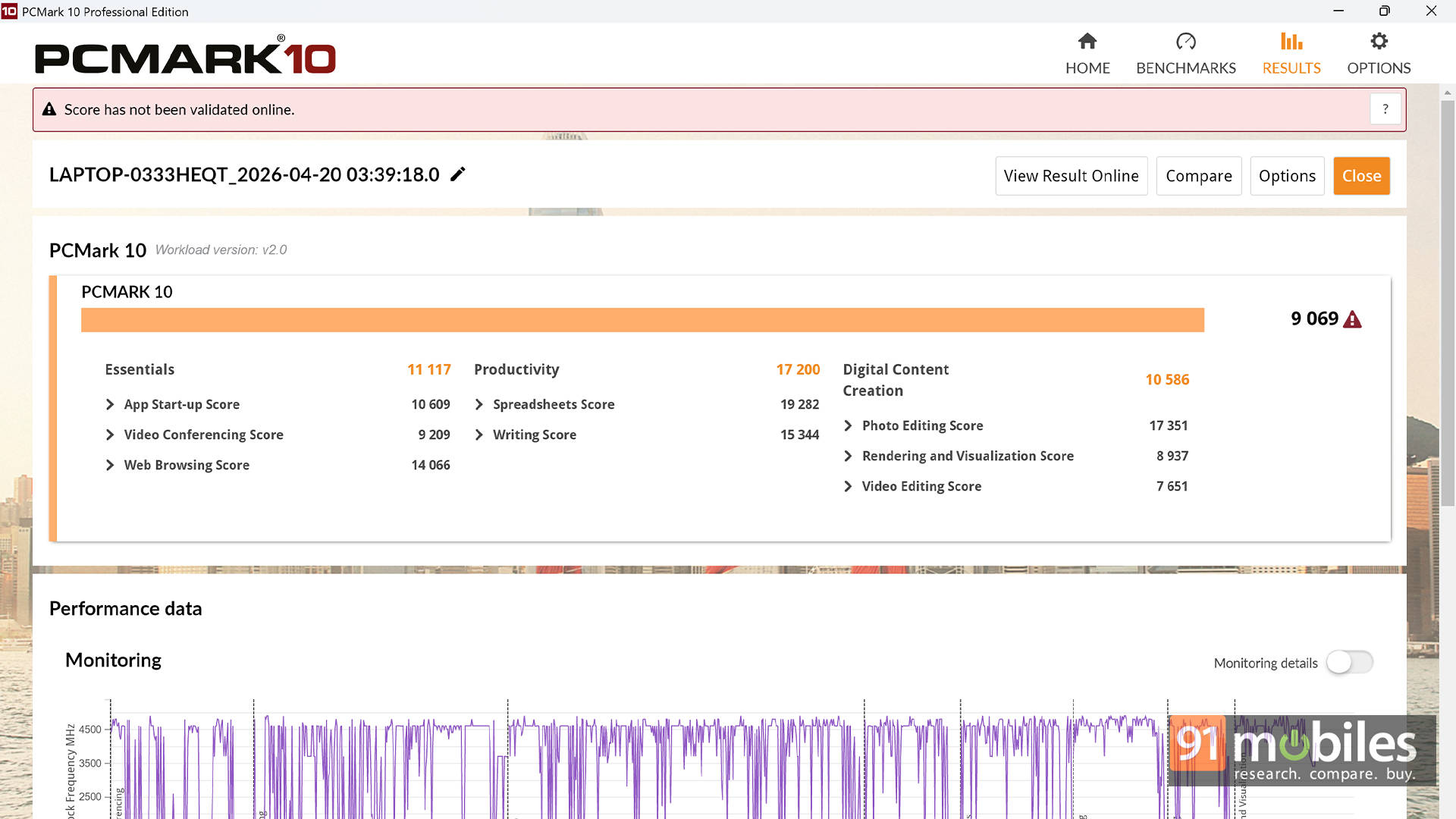


Geekbench results further highlight this strength. The S14 posts higher single-core and multi-core scores, particularly shining in multi-threaded tasks where it significantly pulls ahead. PCMark scores are also slightly better, reinforcing its position as a strong productivity machine.
| Model Number | ASUS ZenBook S16 | ASUS Zenbook S14 |
| CPU | AMD Ryzen AI 9 465 | Intel Core Ultra 9 386H |
| Cinebench R24 MT | 932 | 954 |
| Cinebench R24 ST | 115 | 123 |
| Cinebench R23 MT | 16771 | 15558 |
| Cinebench R23 ST | 1996 | 2062 |
| PCMark 10 | 8935 | 9069 |
| PCMark 10 Extended | 8372 | 8227 |
| Geek Bench 6 ST | 2782 | 2864 |
| Geek Bench 6 MT | 14317 | 16427 |
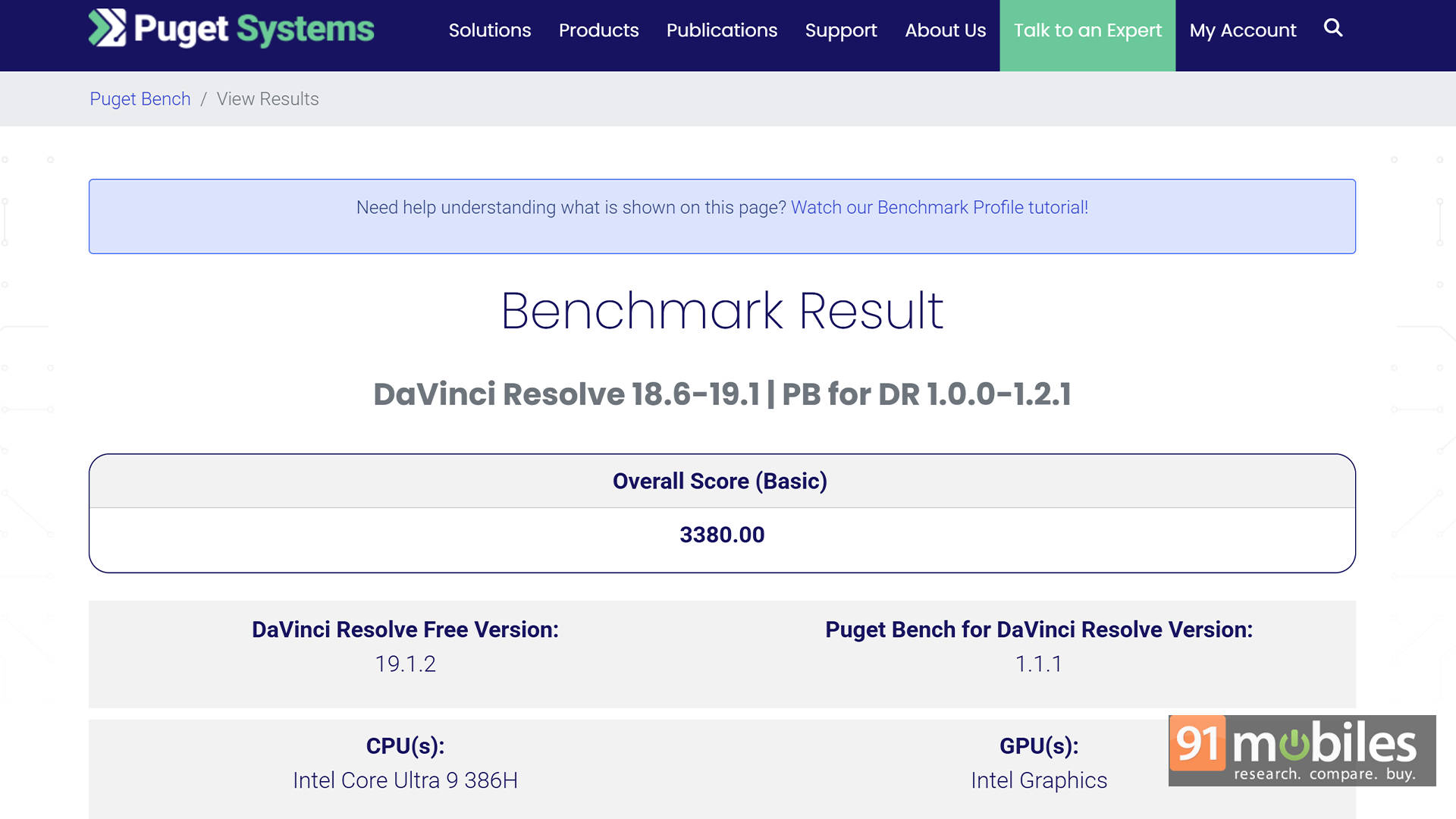
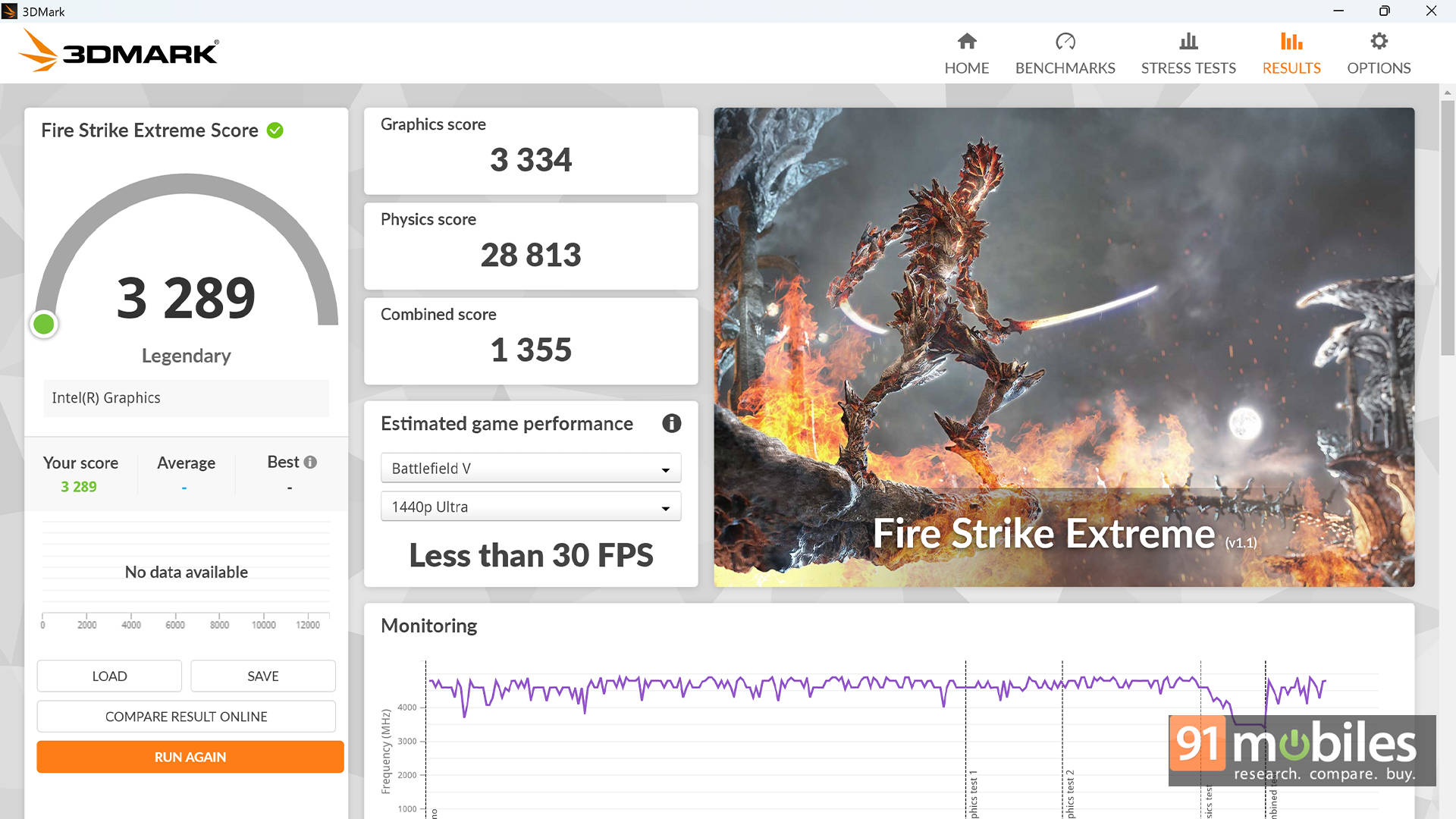
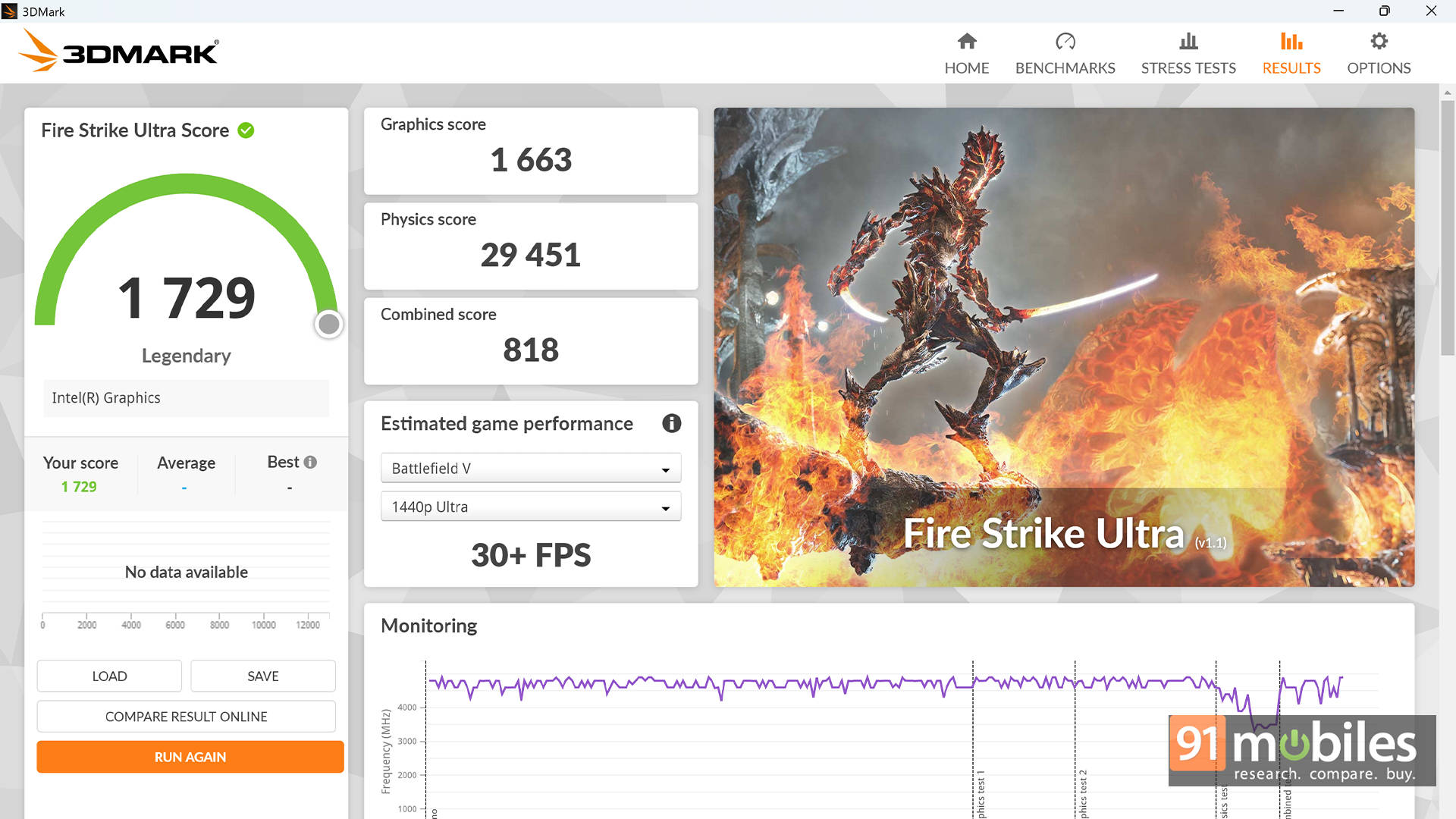
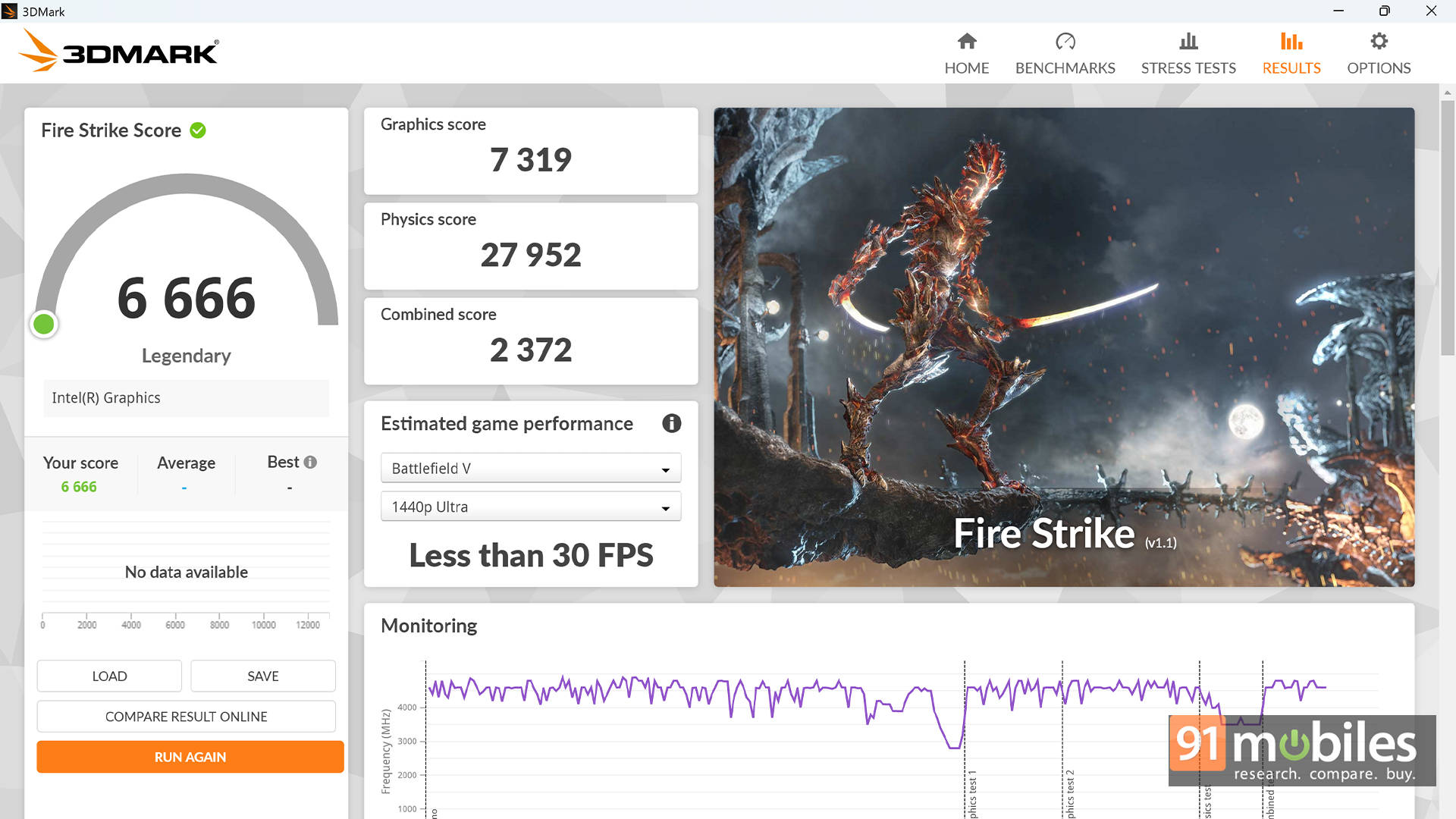
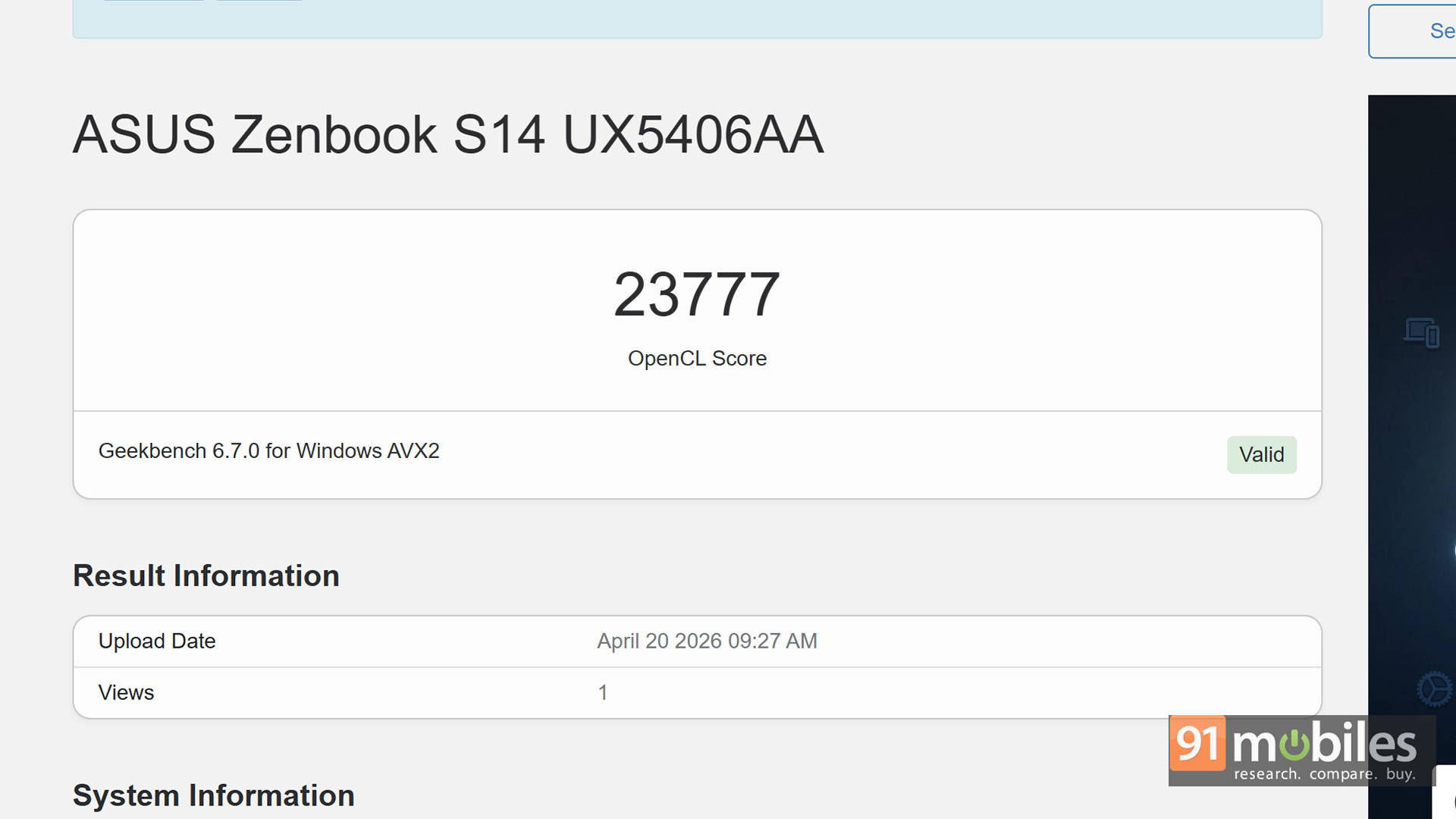
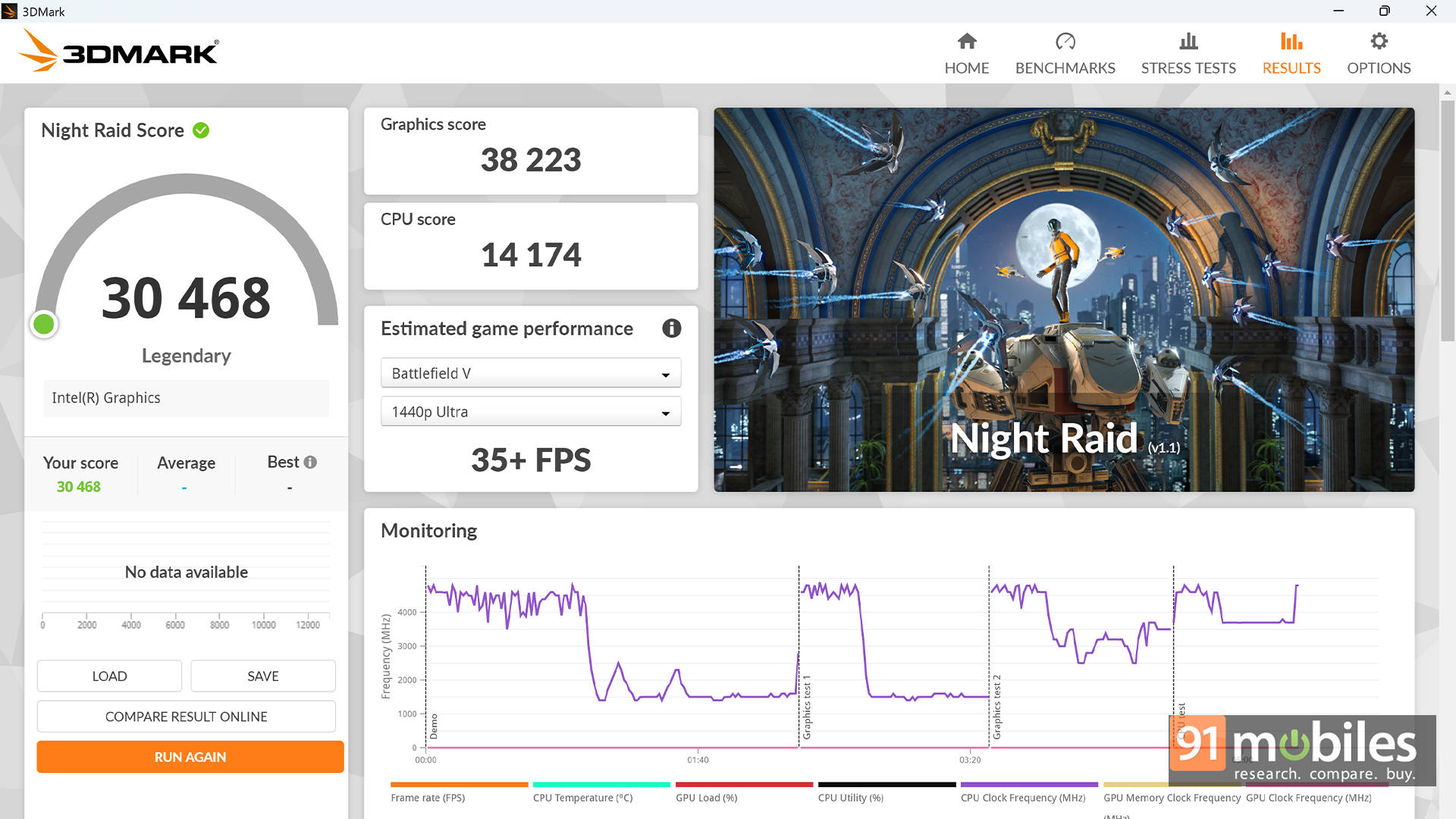
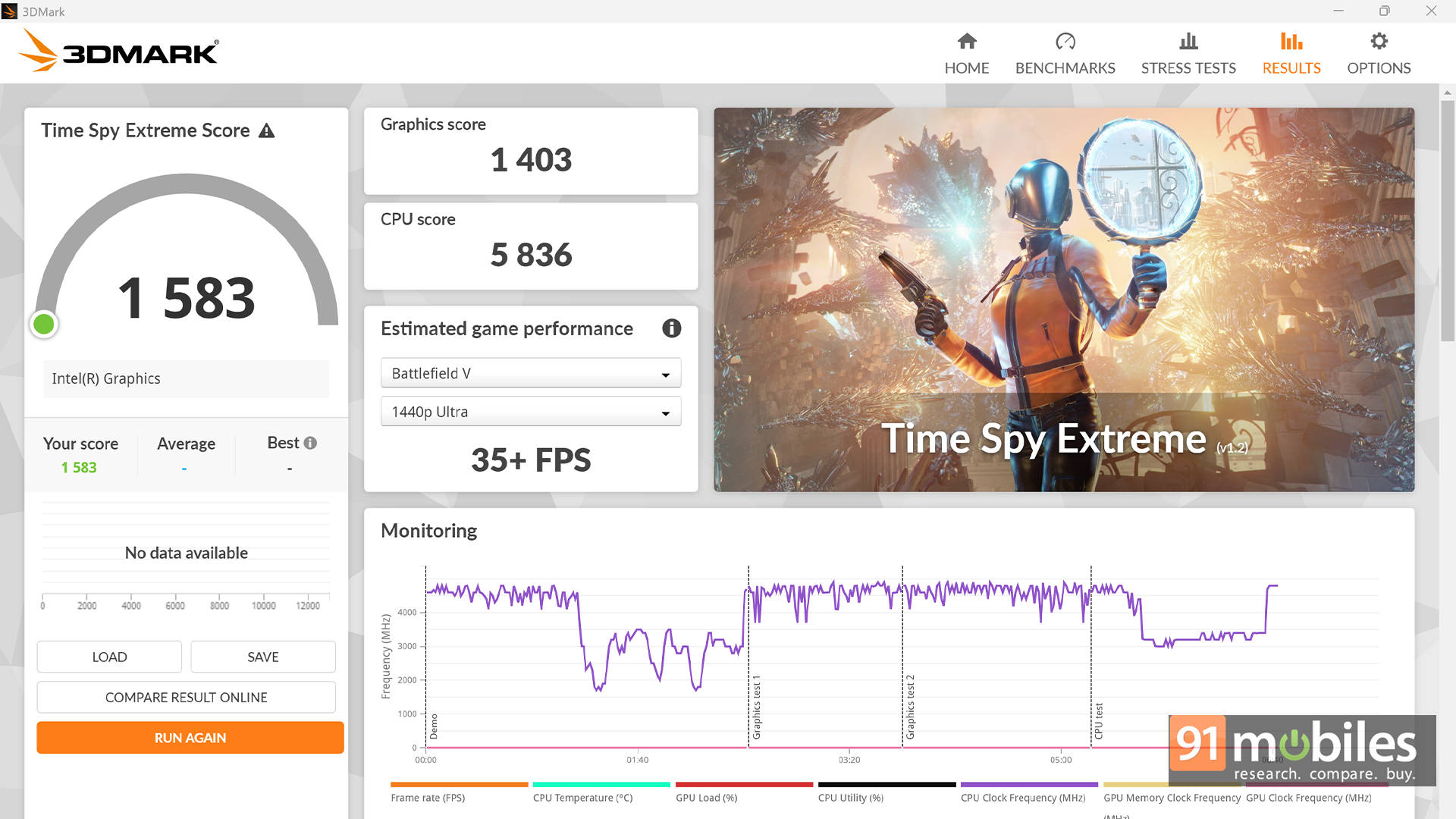
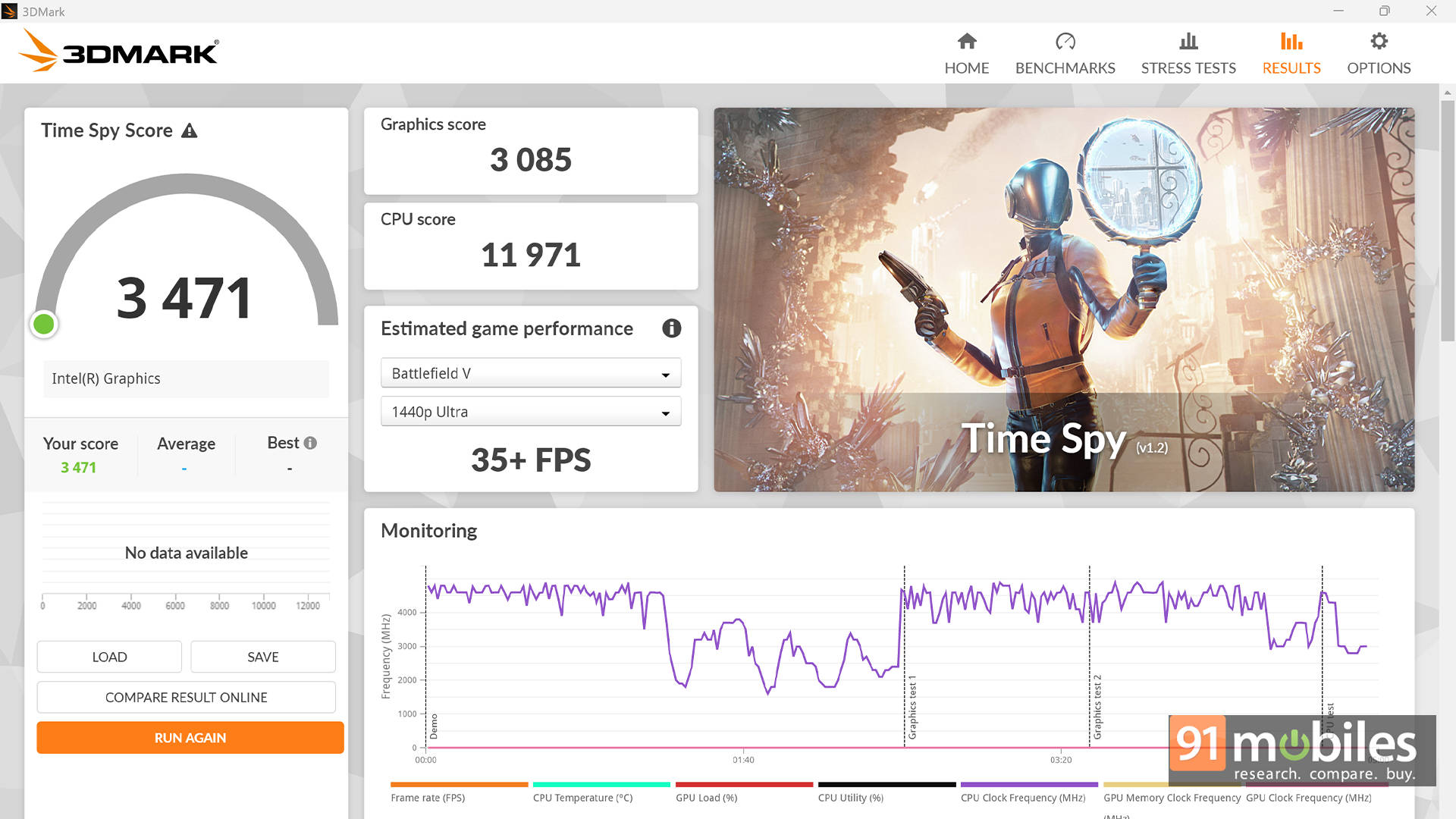
On the GPU side, things get a bit more nuanced. While AMD's Radeon 880M does show stronger OpenCL and Vulkan numbers, Intel's offering isn't far behind and actually performs competitively in real-world scenarios. In 3DMark benchmarks, the S14 manages to edge out the S16 in Time Spy and Night Raid, while AMD takes the lead in Fire Strike tests. As for creators, the PugetBench DaVinci Resolve score tells another story, where the S14 leads with a noticeable margin.
| Model Number | ASUS ZenBook S16 | ASUS Zenbook S14 |
| GPU | AMD Radeon 880M | Intel Graphics |
| Geek Bench OpenCL | 30429 | 23777 |
| Geek Bench Vulcan | 36294 | 28759 |
| 3DMark Time Spy Extreme | 1506 | 1583 |
| 3DMark Time Spy | 3312 | 3471 |
| 3DMark Fire Strike Ultra | 2150 | 1729 |
| 3DMark Fire Strike Extreme | 3904 | 3289 |
| 3DMark Fire Strike | 7408 | 6666 |
| 3DMark Night Raid | 28658 | 30468 |
| Puget benchmark - DaVinci Resolve | 2707 | 3380 |
Overall, the performance here is impressive, especially considering the 25W TDP. This isn't a workstation, but for everyday productivity, light content creation, and even some casual gaming, it delivers more than enough power.
Keyboard, Touchpad, and Everyday Use
ASUS continues to get the basics right, and the keyboard is a great example of that. The keyboard feels just right for a thin laptop, and the layout is intuitive enough that adapting to it takes no time at all.
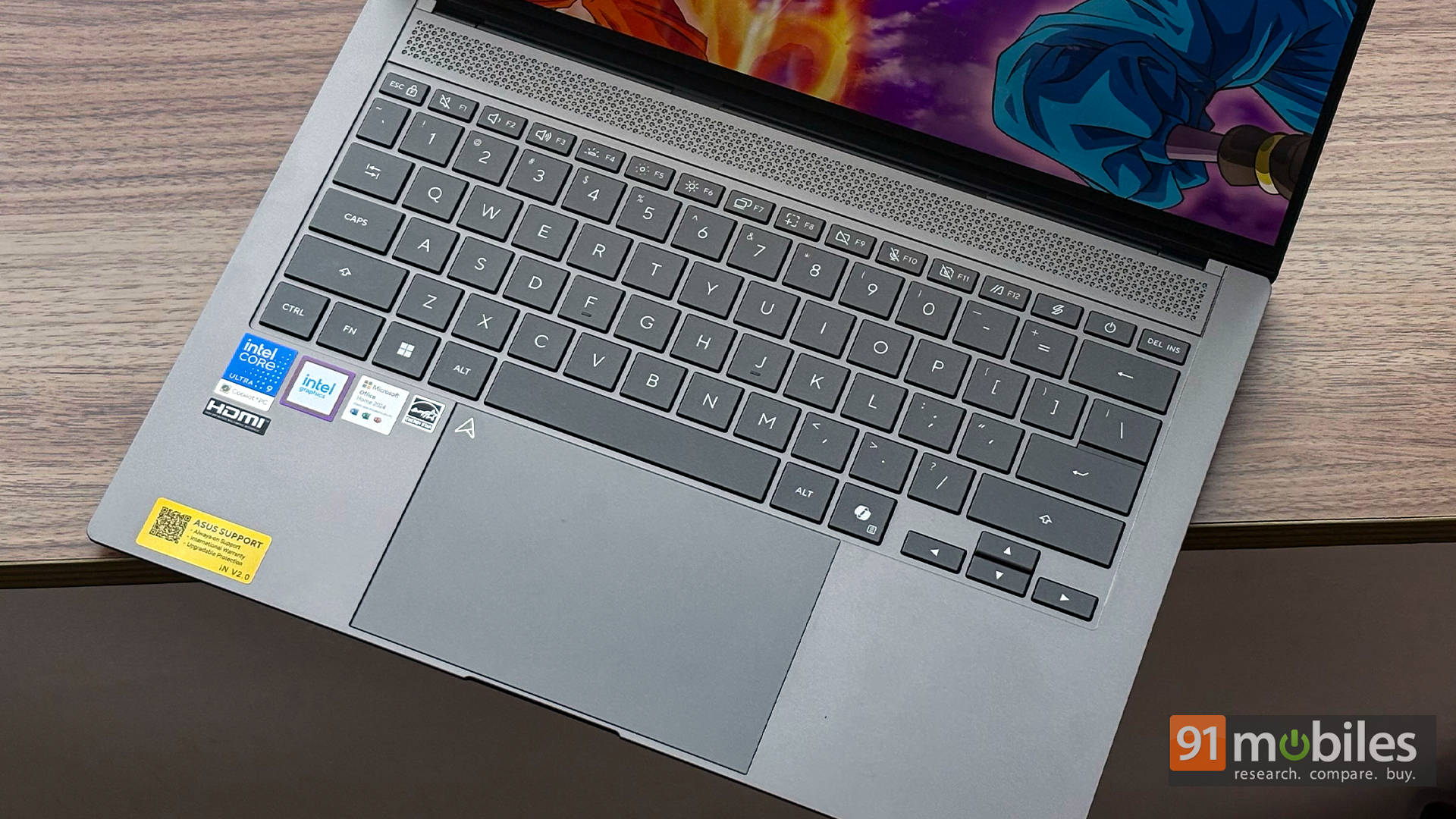
In fact, hitting close to 95 words per minute on a first typing test says a lot about how comfortable it is. It's one of those keyboards that just "clicks" instantly.
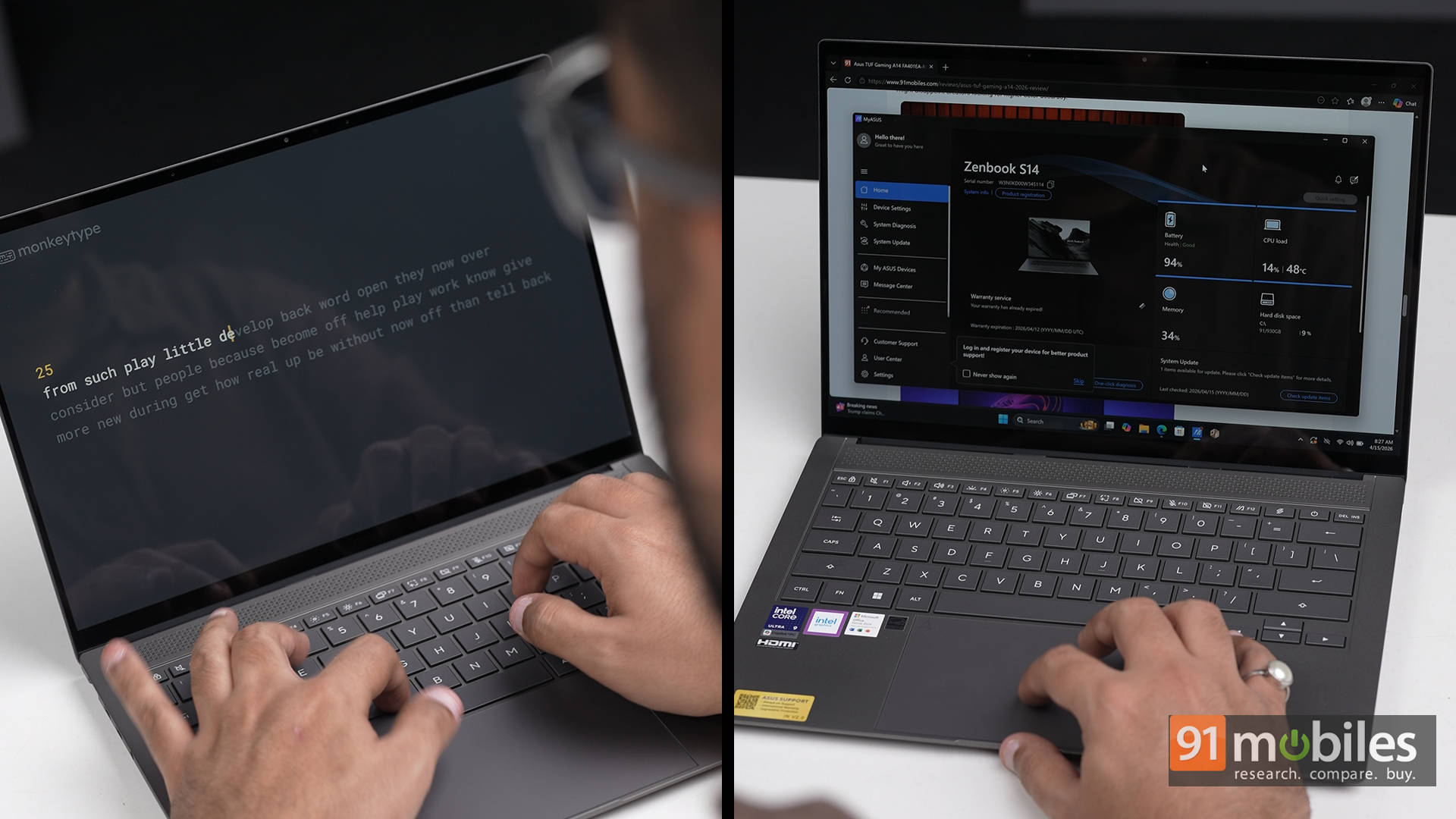
The touchpad, on the other hand, is a bit of a mixed bag. It's a glass surface, which is great, and gestures feel smooth and responsive. The Smart Gesture features, like adjusting brightness and volume directly from the touchpad, are genuinely useful and well-implemented.
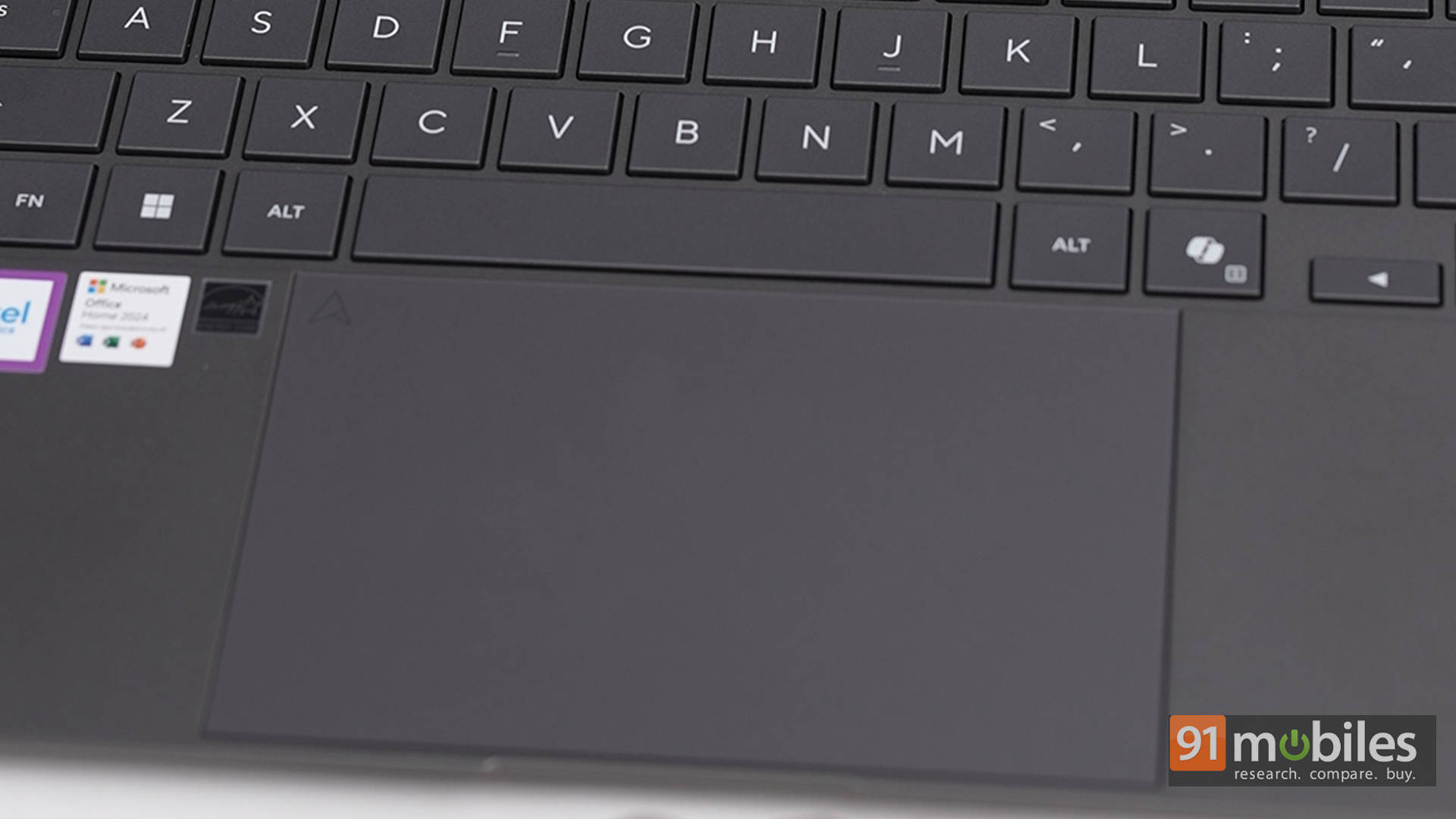
However, the physical click mechanism feels slightly off. Taps feel excellent, but actual clicks lack that satisfying feedback. It could be unit-specific, or maybe just a matter of getting used to it, especially if coming from something like a MacBook. Either way, it's noticeable.
Webcam, Audio, and Extras
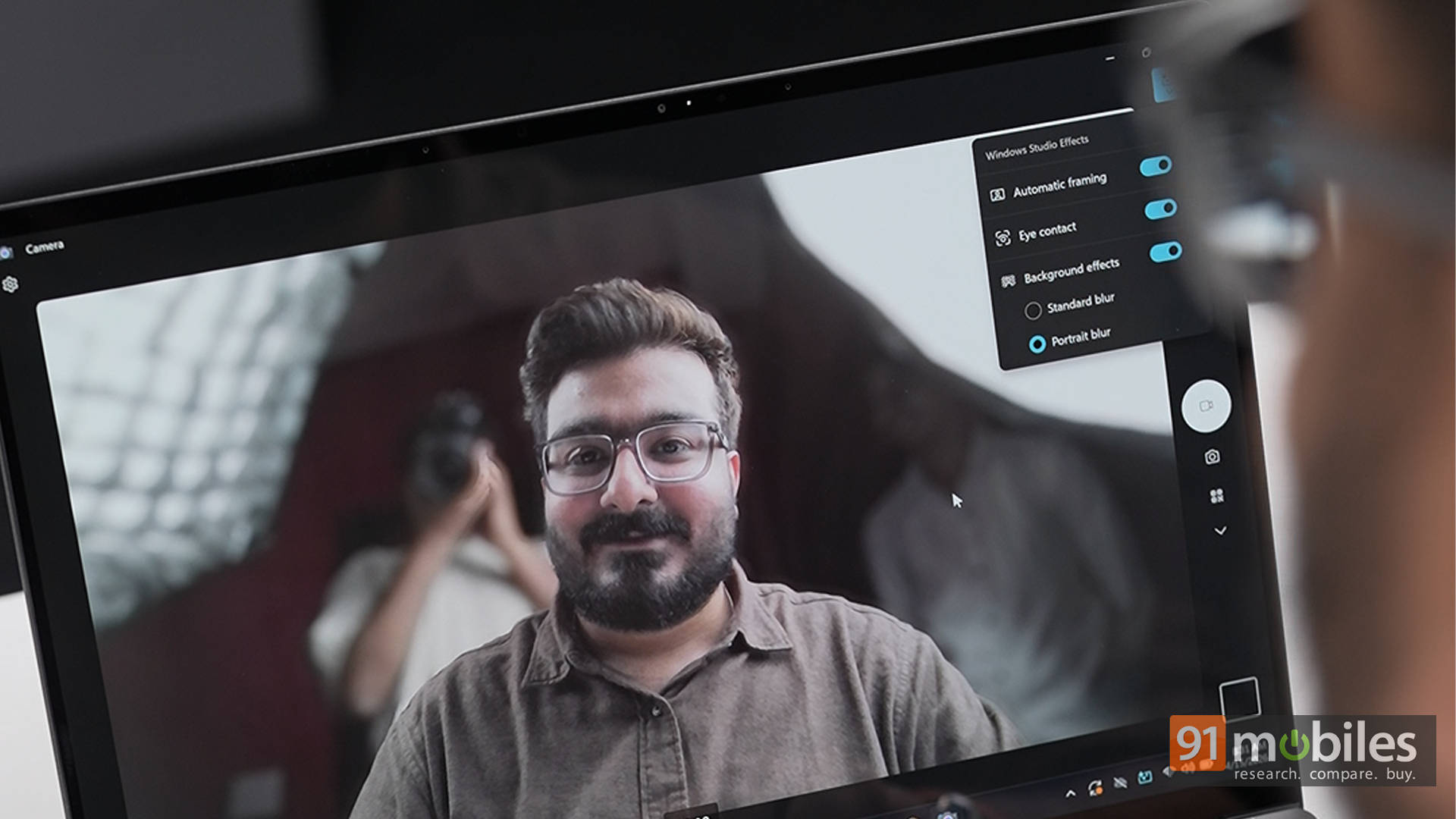
The 1080p webcam does a solid job, especially with HDR balancing. It handles different lighting conditions well, making it suitable for video calls and meetings. ASUS also bundles in Studio Effects and AI noise cancellation through the MyASUS app, which enhances both video and audio quality.
As for the speaker, it is decent for a laptop this size, though not groundbreaking. It's good enough for casual media consumption, but headphones are still the way to go for a more immersive experience.
Battery Life and Efficiency
While exact numbers will vary based on usage, the ZenBook S14 is clearly built with efficiency in mind. The combination of Intel's new architecture and ASUS's thermal tuning results in a laptop that can comfortably last through a full workday. It runs quietly, stays cool under typical workloads, and doesn't feel like it's constantly pushing its limits. That's exactly what you want from an ultraportable.
As for charging, the laptop comes with a 68W charger, which juices the laptop up from 0 to 60% in around 35 mins. That said, akin to the Zenbook S16, the S14 also supports 100W fast charging, provided you're willing to spend extra on a charger for the same.
ASUS ZenBook S14 (2026) Review: Worth It, or Wait for More Competition?
The ASUS ZenBook S14 (UX5406) nails the modern ultraportable formula. It's sleek, highly portable, and powerful enough for everyday productivity and light creative work, all while offering one of the best OLED displays in its class. The refined Ceraluminum design, great keyboard, solid battery life, and competitive performance make it an easy laptop to recommend. It's best suited for professionals, students, and creators who want a premium, fuss-free machine. Pricing starts at Rs 1,79,990 for the Core Ultra 7 355 variant, while the Core Ultra 9 386H unit goes for Rs 1,99,990. Finally, our Ultra 9 variant, coupled with a 1TB SSD, costs Rs 2,49,990. That said, for most users, the Ultra 7 variant is the smarter choice unless that extra performance is necessary.
As for alternatives, the options are still fairly limited in the Intel Series 3 space right now. The Lenovo Yoga Slim 7 comes close with a similar hardware package, wrapped in some really eye-catching Seashell and Cosmic Blue finishes. Performance should be in the same ballpark, although Lenovo's reputation for thermal management might give it a slight edge -- something we'll only confirm once we test it. Then there's the Dell XPS 14, which has already made a strong impression internationally and even caught our eye at CES 2026, but is still missing from the Indian market.
Dropping down to Intel's Series 2 also unlocks plenty of solid options around the Rs 1.5 lakh mark, and for most users, those will age just fine. That said, the ASUS ZenBook S14 (UX5406) stands out as a polished, powerful ultraportable that's easy to recommend if the budget allows.
Editor's Rating: 9 / 10
Pros:
- Stunning 3K OLED display
- Sleek, lightweight design
- Strong performance
- Excellent battery life
Cons:
- No SD card slot for creators
- Supports 100W, but the fast charger is sold separately