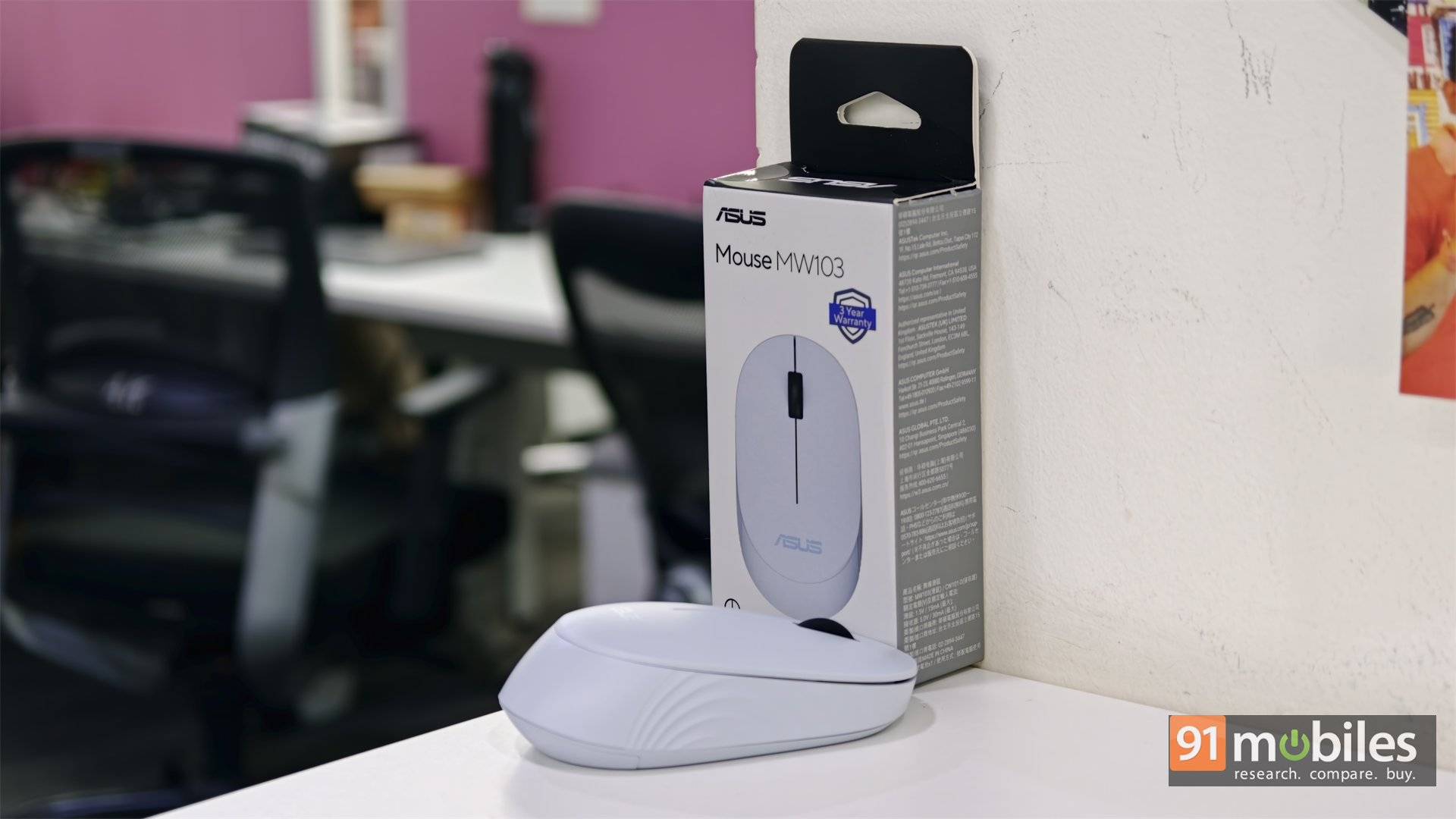
A good travel mouse needs to be easy to carry, comfortable enough for a few hours of work, and dependable when you need it. The ASUS MW103 keeps things simple: it’s a compact, wireless mouse with quiet clicks, three sensitivity settings, and a claimed battery life of up to a year. At around Rs. 599 in India, it also sits firmly in budget territory.
That simplicity is the point. The MW103 is made for students, office workers, and people who want a lightweight mouse in their laptop bag. It isn’t trying to be a productivity powerhouse or a gaming mouse. After looking at what it offers, I think its appeal comes down to one question: do you want a quiet, basic mouse that’s easy to carry, or do you need more control and comfort for long days at a desk?
Table of Contents
Small enough to travel, slim enough to notice
At 105.9 x 60.7 x 32 mm, the MW103 has a compact, low-profile shape. The mouse itself weighs 45 grams, with the USB receiver adding another two. That makes it exceptionally easy to slip into a laptop sleeve or pouch without thinking about it. It feels made to travel.
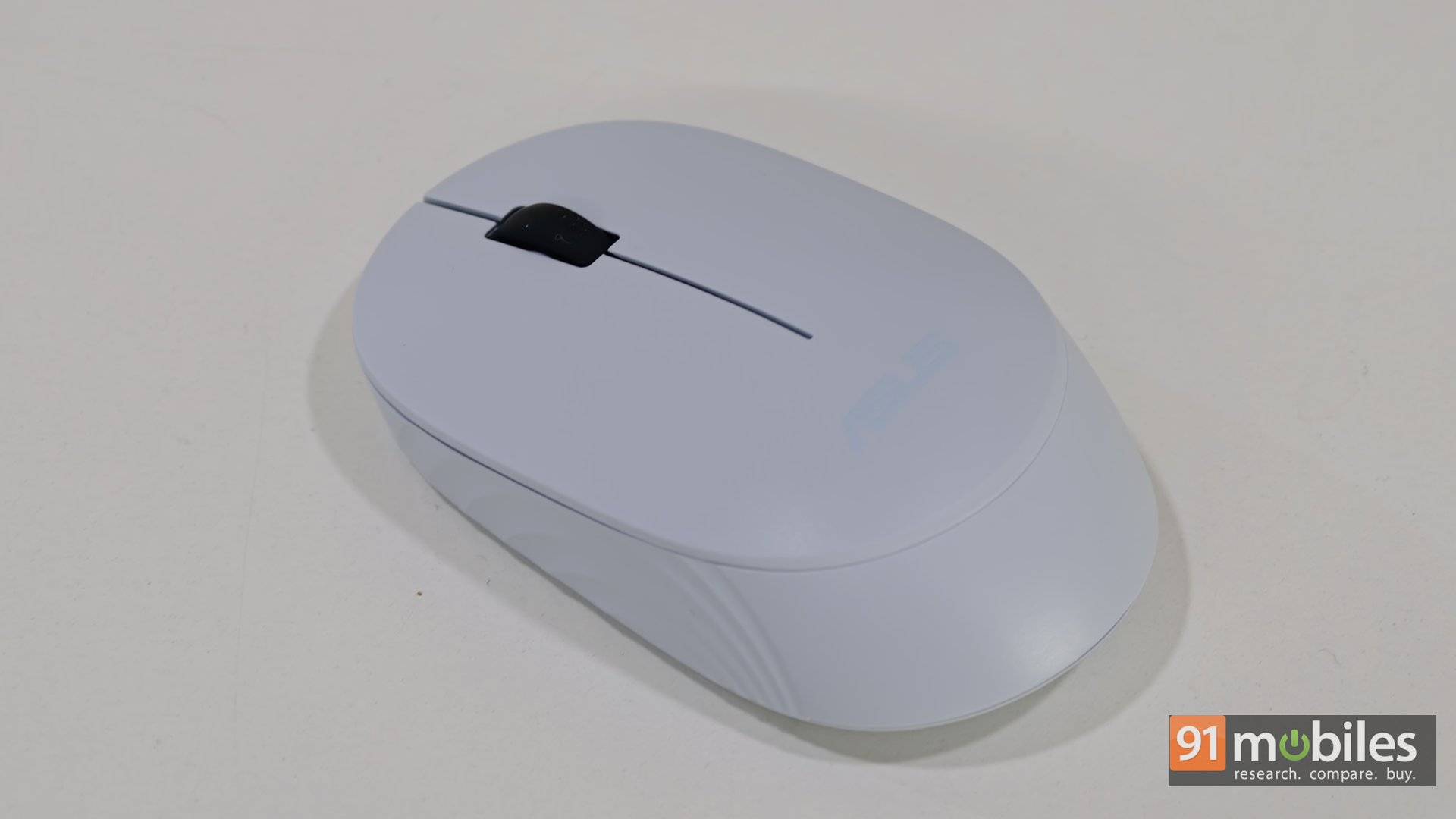
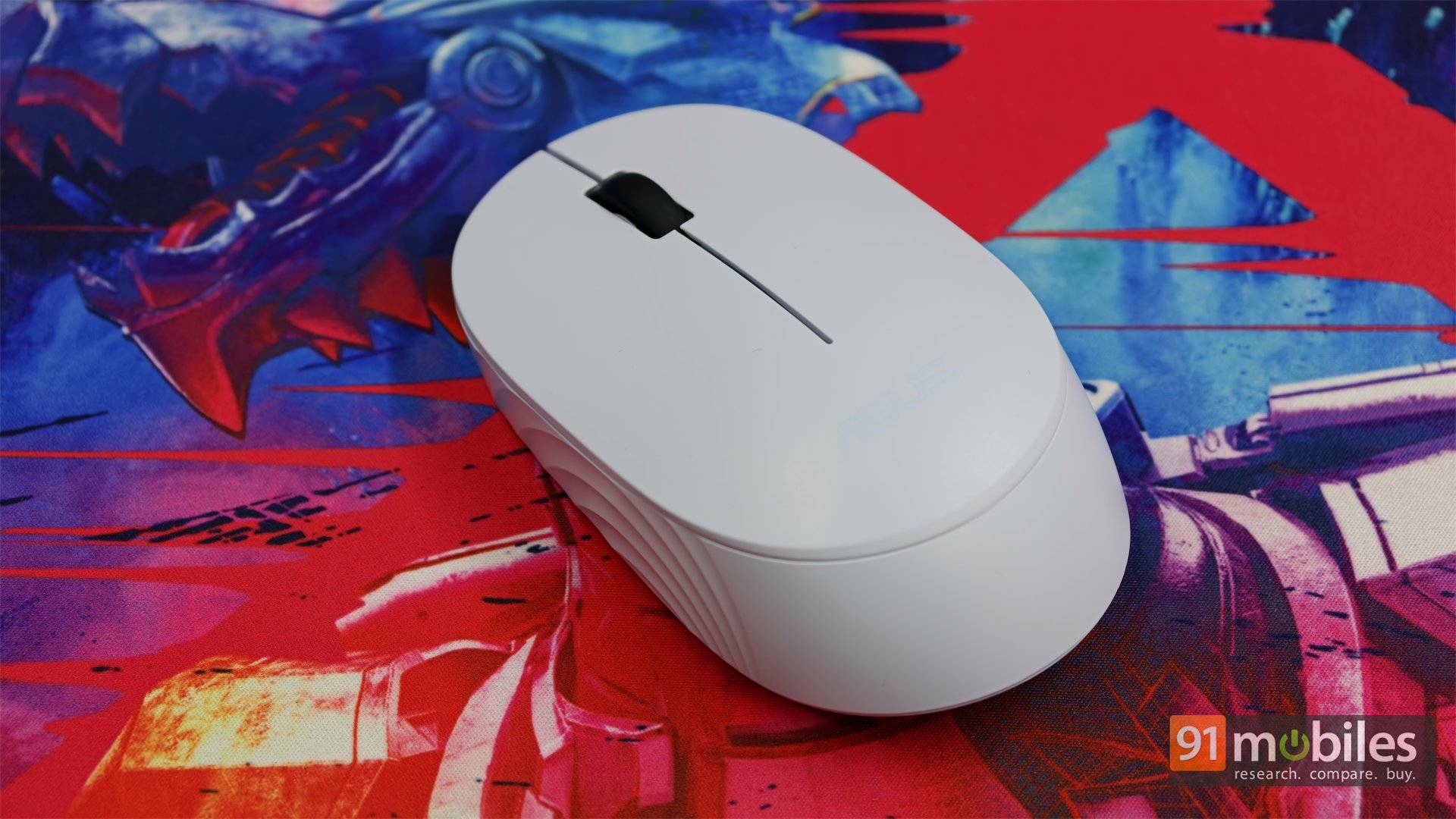
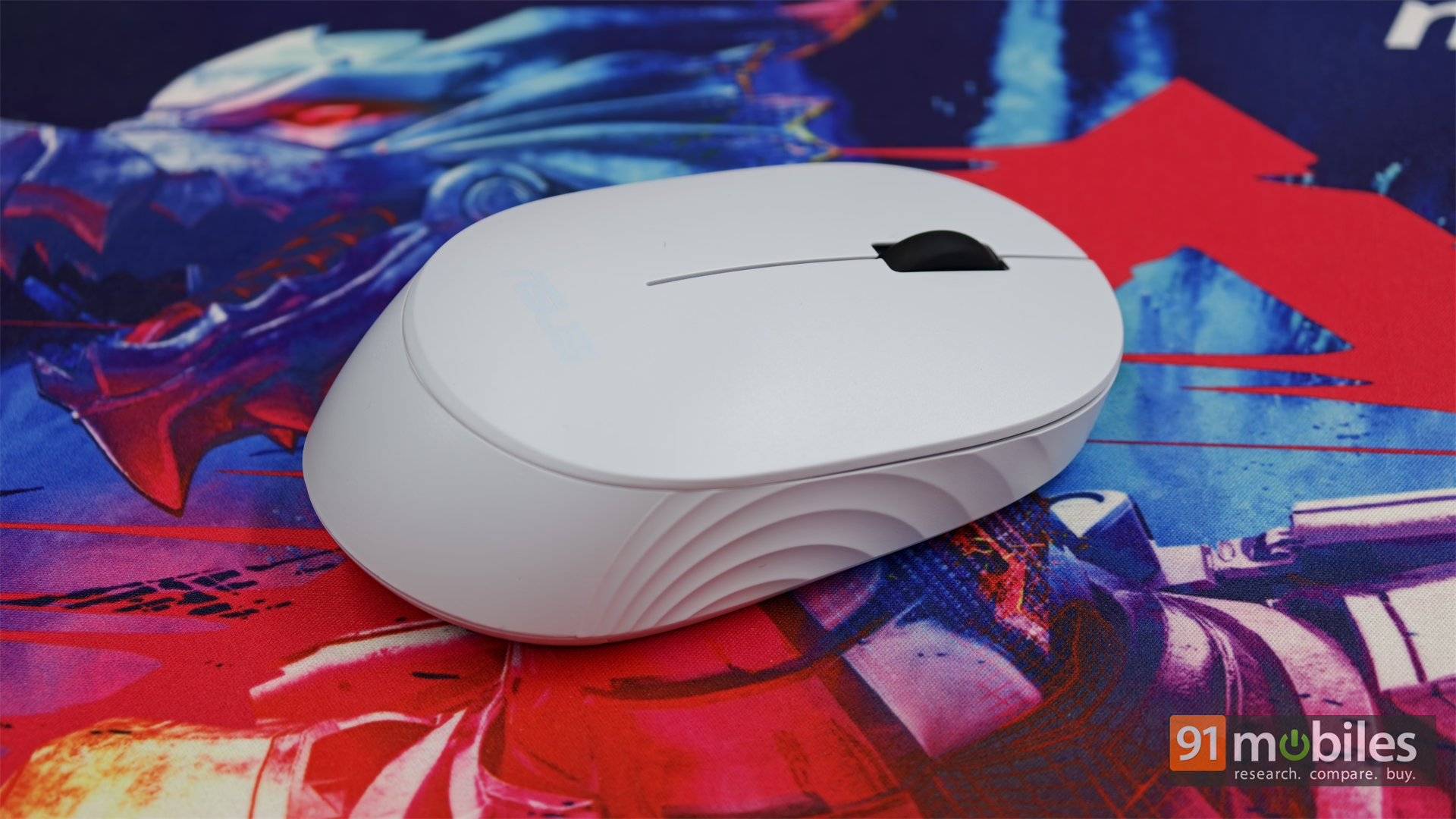
The symmetrical shape works for either hand, and the modest contours suit fingertip and claw grips. There are no thumb buttons to get in the way, which keeps the body tidy. The trade-off is palm support: at just 32 mm high, the MW103 doesn’t fill the hand like a larger ergonomic mouse. If you have larger hands or tend to rest your whole palm on a mouse, the low profile may become tiring during a full day of use.
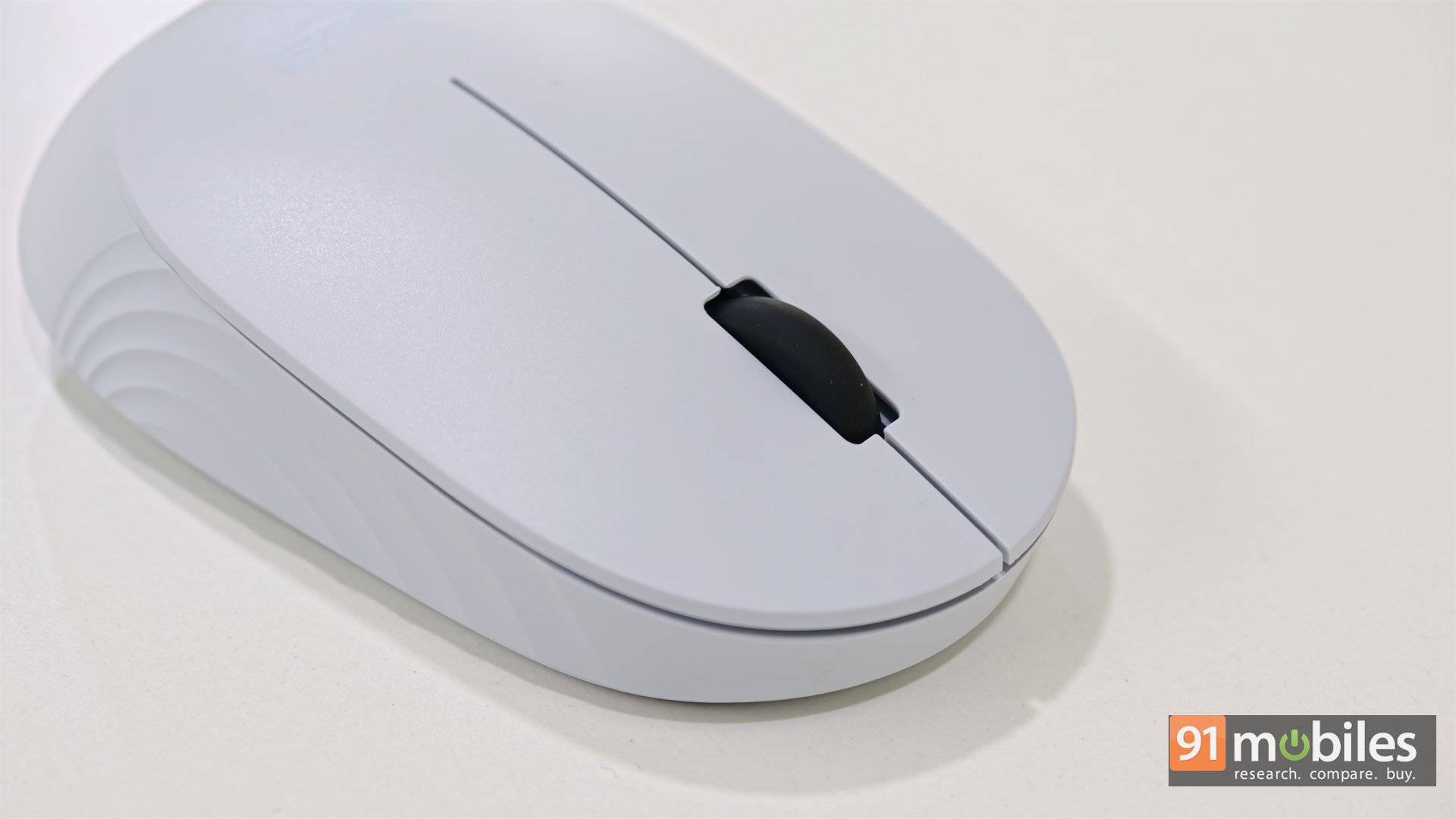
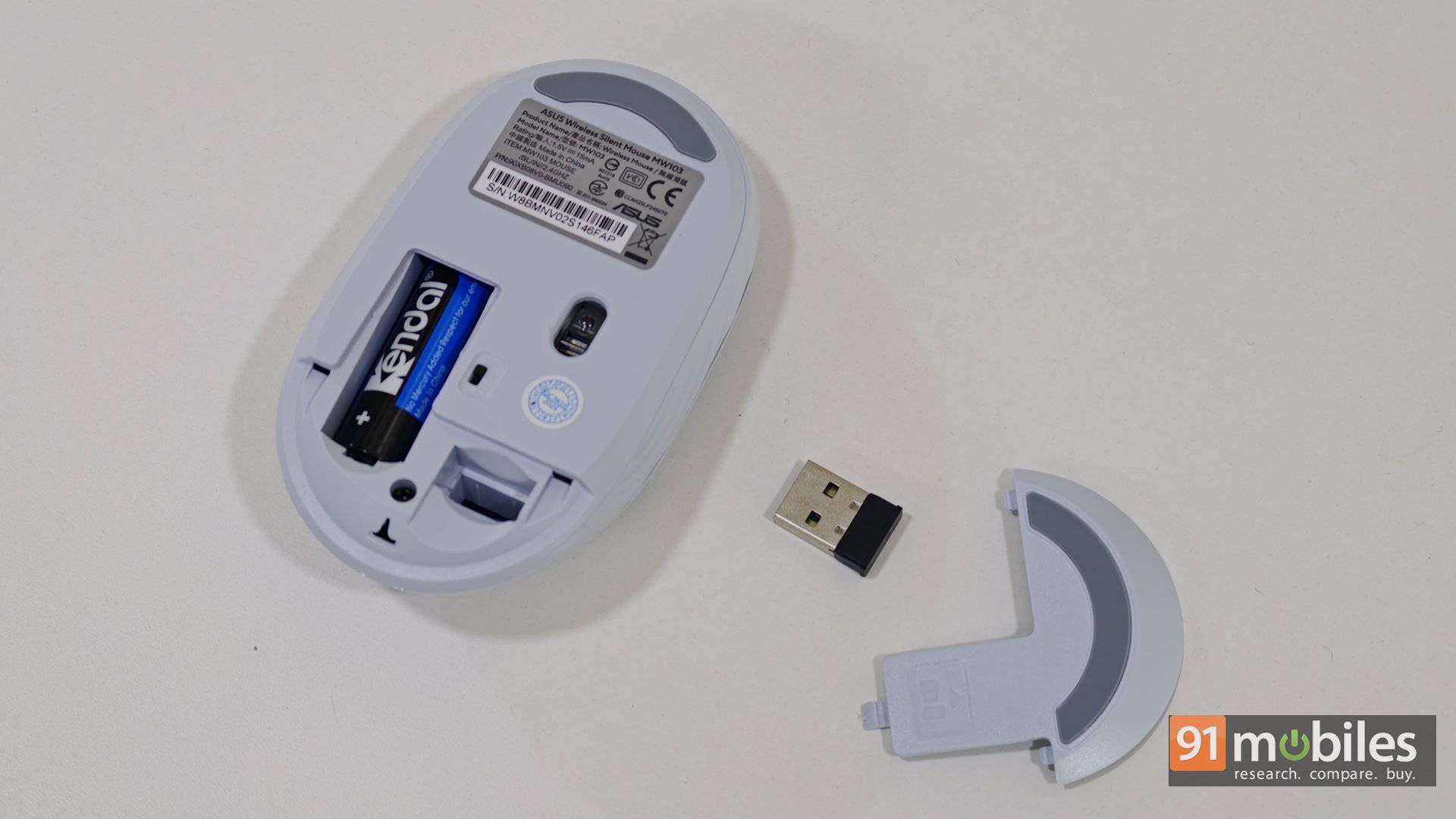
The matte plastic finish is practical. It gives the fingers some grip and doesn’t show smudges as readily as a glossy surface. Still, the mouse feels very light and distinctly budget-focused. That’s not a problem when portability is the priority, but it doesn’t have the reassuring heft of a more substantial desk mouse. There’s also a slot underneath to store the tiny USB receiver, a useful touch for travel.
Quiet clicks, simple wireless
The MW103 connects through a 2.4 GHz USB-A nano receiver. Insert it into a compatible device, and the mouse is ready to use, with a rated range of up to 10 metres. A single AA battery powers it, with battery life listed at up to 12 months under typical use. That’s convenient if you’d rather replace a battery occasionally than remember to charge another device.
The clicks are the standout feature. The left and right buttons, along with the scroll wheel, are designed for quiet operation. Instead of a sharp, loud snap, they make a softer, damped sound. That makes the MW103 a sensible choice for a library, a shared office, late-night work, or a home where someone else is on a call nearby.
Wireless simplicity does mean living with the receiver. There’s no Bluetooth, so the MW103 needs a free USB-A port. If your laptop has only USB-C, you’ll need an adapter or hub. The receiver is small enough to lose, although the storage slot helps when you remember to use it.
A plug-and-play mouse, with basic controls
There’s no companion app to install or configure. The MW103 is designed to work as soon as its receiver is plugged in, which is welcome if all you want is a mouse that gets on with the job. It’s listed as compatible with Windows, macOS, Linux and Android devices, though Android use requires a suitable USB OTG adapter.
The absence of software also means there’s little to customise. You can’t remap buttons, create shortcuts or macros, or check an exact battery percentage on screen. There are three buttons—left, right, and the scroll wheel—and no thumb buttons.
You can change the sensor sensitivity between 1,000, 1,200, and 1,600 DPI using a button combination: press the left button and the scroll wheel together. It’s a handy way to adjust cursor speed without software, although it isn’t as straightforward as having a dedicated DPI button.
Good for everyday tasks, not gaming
For web browsing, documents, email, video calls and general laptop use, the MW103 has the essentials covered. The optical sensor offers three sensitivity settings, and the 2.4 GHz connection is suited to ordinary productivity. Quiet clicks are particularly useful when you’re working around other people.
The limits show up when demands rise. Its 1,600 DPI ceiling and 125 Hz polling rate are basic by gaming standards. Those numbers are fine for navigating a desktop, but they don’t make this a good choice for competitive FPS or fast-paced games where quick, consistent tracking matters. It’s also worth using a mousepad on glass, polished stone, or other reflective surfaces, where standard optical tracking may struggle.
For most people considering this mouse, gaming probably isn’t the deciding factor. Comfort is more important. The low, narrow shape makes it easy to carry, but it may not be the mouse I’d choose for an eight-hour workday if I had larger hands or preferred a full palm grip.
ASUS MW103: Should you buy it?
For under Rs. 600, the ASUS MW103 is best suited to students, office workers, and frequent travellers who want a lightweight, quiet wireless mouse for everyday laptop use. Its simple plug-and-play setup and compact design make it easy to carry and use.
The competition includes options such as the Logitech B170, M220 Silent, and Lenovo 300. The right choice depends on what matters most: check whether you prefer Bluetooth, a fuller shape, or a particular click feel before deciding. The MW103’s strongest case is its combination of quiet operation, portability, and a low price. It’s light enough to disappear into a bag and quiet enough not to call attention to itself.
Editor’s Rating: 8.3 / 10
Pros:
- Quiet clicks
- Very lightweight and portable
- Simple plug-and-play setup
- Affordable for everyday use
Cons:
- No Bluetooth or extra buttons
- Low-profile shape may be less comfortable for larger hands