Budget gaming monitors have come a long way over the past decade, bringing features to the ₹15K segment that were once reserved for higher-end models. While flagship monitors boast QD-OLED panels, HDMI 2.1, and DP 2.1 connectivity, today’s budget options deliver impressive colour reproduction, high refresh rates, and ample connectivity. The BenQ Mobiuz EX251 is one such example. It offers a 24.5-inch 1080p display with a 220Hz refresh rate, 1ms GTG response time, an IPS panel, and solid connectivity options. But does it stand out as a worthy contender in the crowded ₹15K bracket in India?
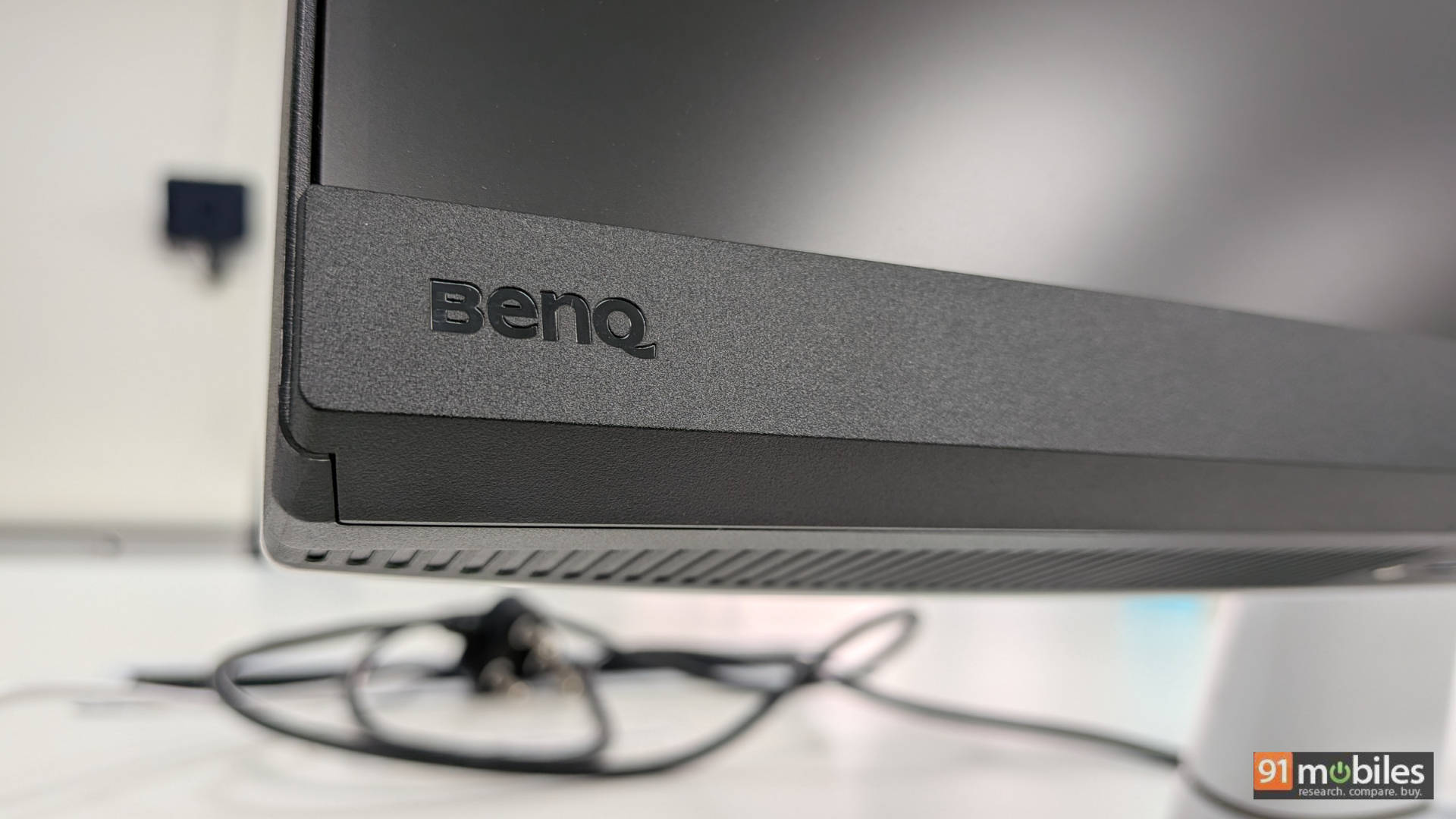
Table of Contents
The Specs, No Fluff
- Display Size: 24.5-inch
- Display Resolution: 1920x1080p
- Refresh Rate: 220Hz
- Panel Type: IPS
- Claimed Brightness: 400 nits
- Connectivity: 2 x HDMI 2.0 ports
- 1 x DisplayPort 1.4
- 1 x USB-C port
- 2 x USB Type-A
- 1 x 3.5mm audio port
- Height adjustment: No
- Tilt adjustment: Yes – 5-20 degrees
- Built-in Audio: Yes – 2.5W x 2
Looks That Mean Business
Stylish yet functional is the best way to describe the build of the BenQ EX251. The white-and-black finish makes it look like the perfect companion for the PS5. The monitor is slightly thicker than I’d prefer, but it’s an acceptable compromise at this price point. While it lacks height adjustment, it does allow tilt from 5 to 20 degrees, which is nice. Additionally, you can remove the backplate and then utilize the VESA mount.
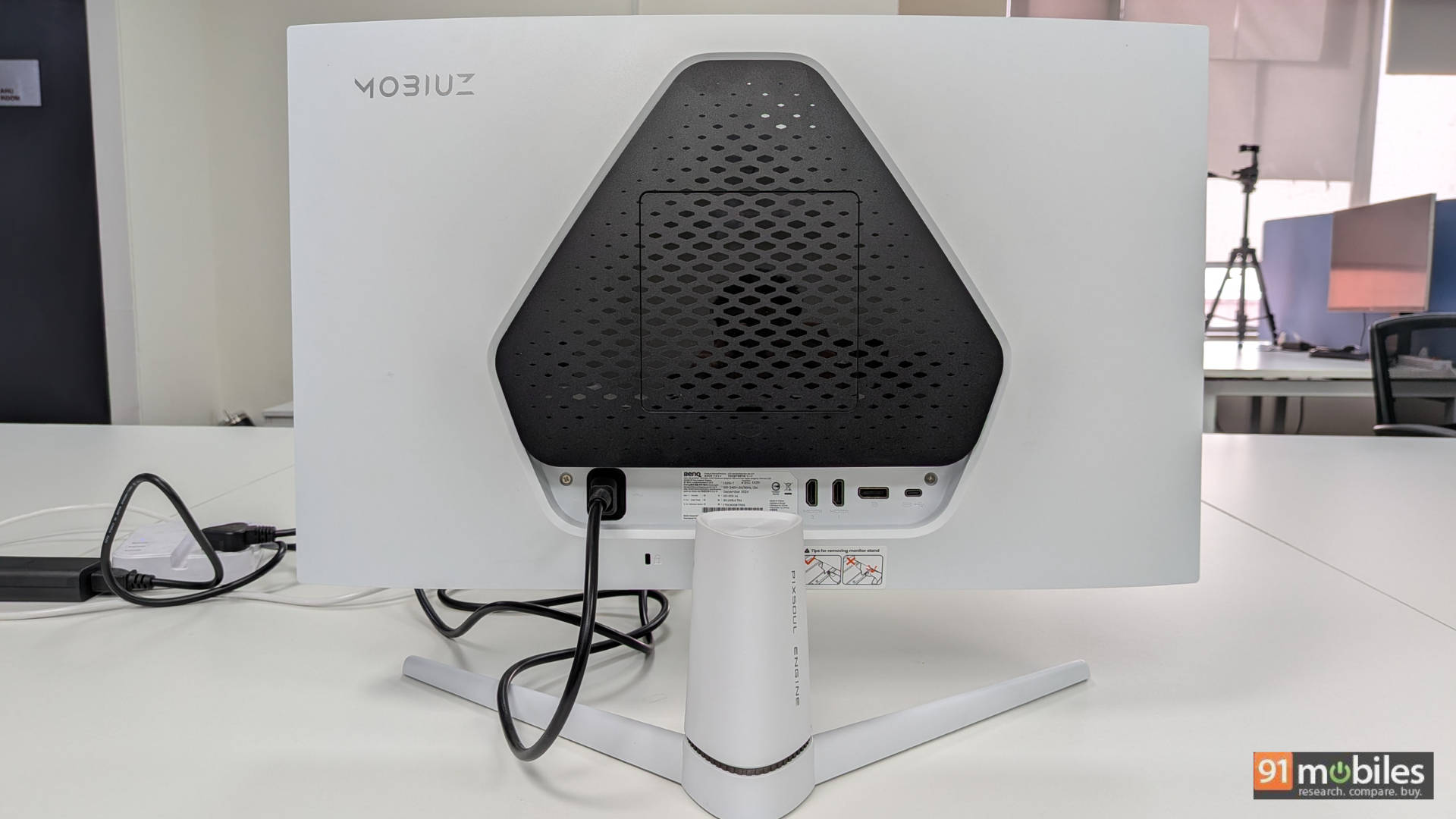
The tabletop stand feels very sturdy, and the feet are quite wide. If placed on a table without a dedicated keyboard tray, a full-size keyboard can easily fit between the stand’s feet. That’s a thoughtful detail that also leaves room for other accessories, like a small speaker, beneath the monitor. Compared to something like the Gigabyte GS27Q we reviewed earlier, I find this design more practical.
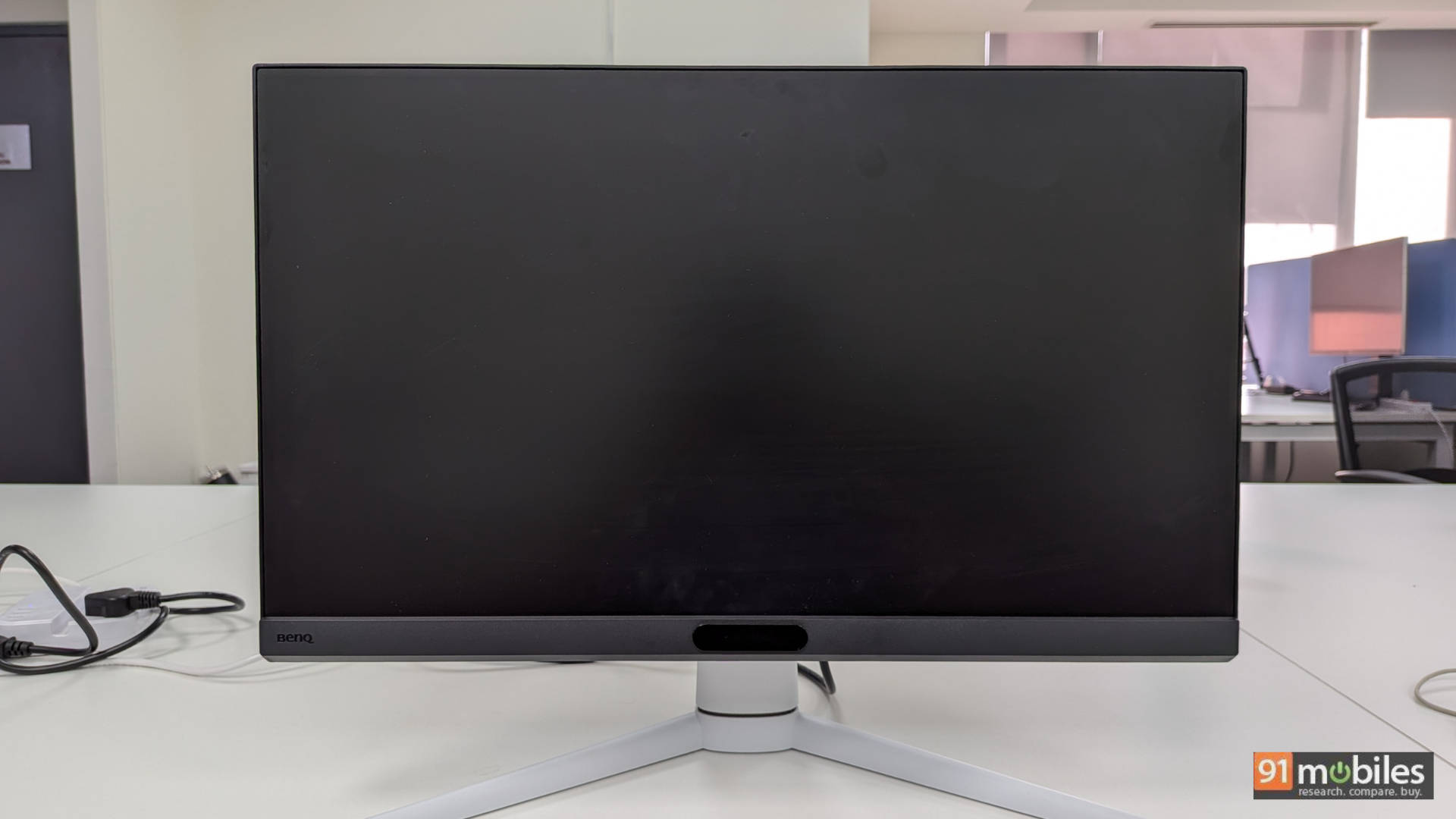
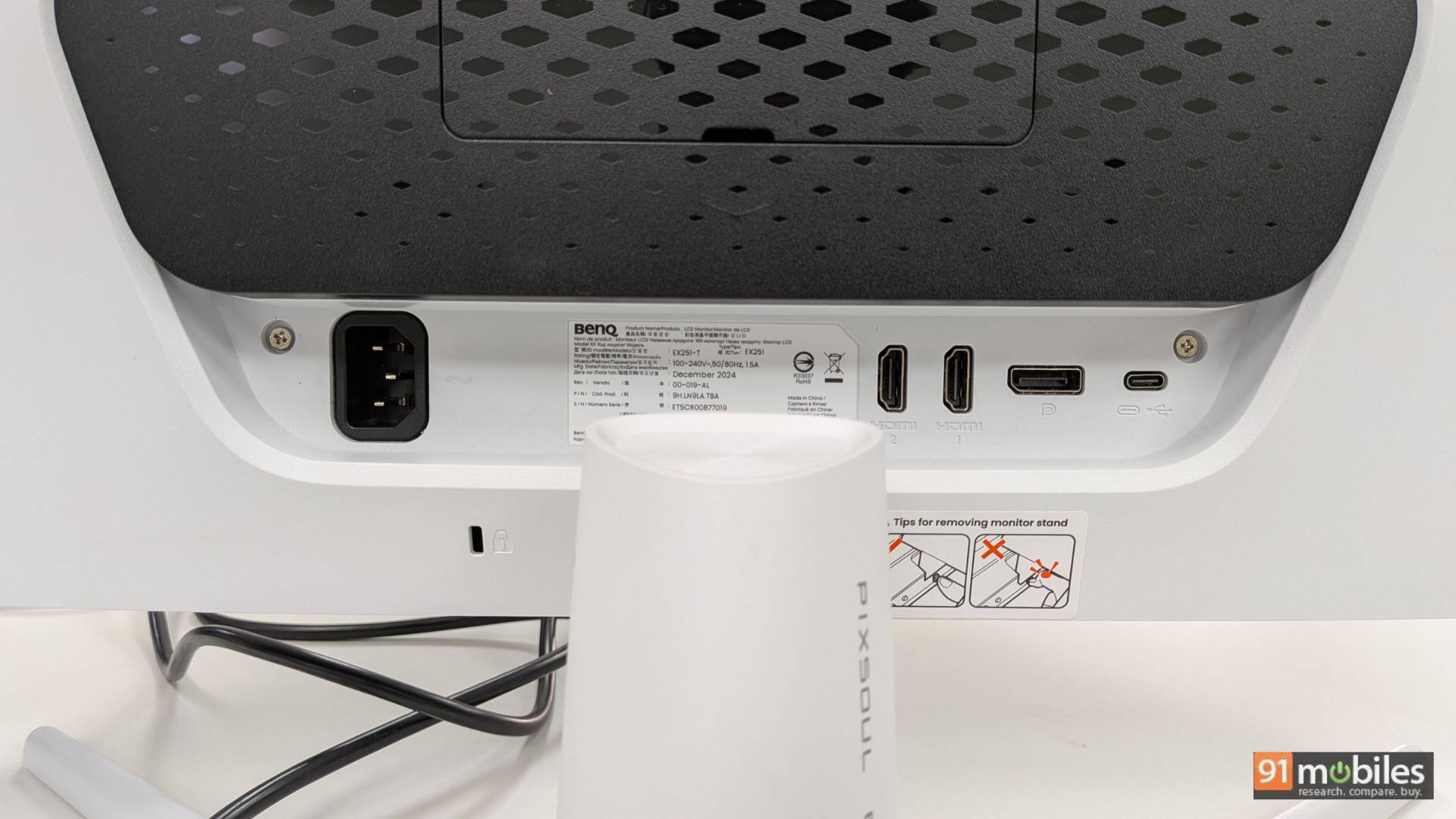
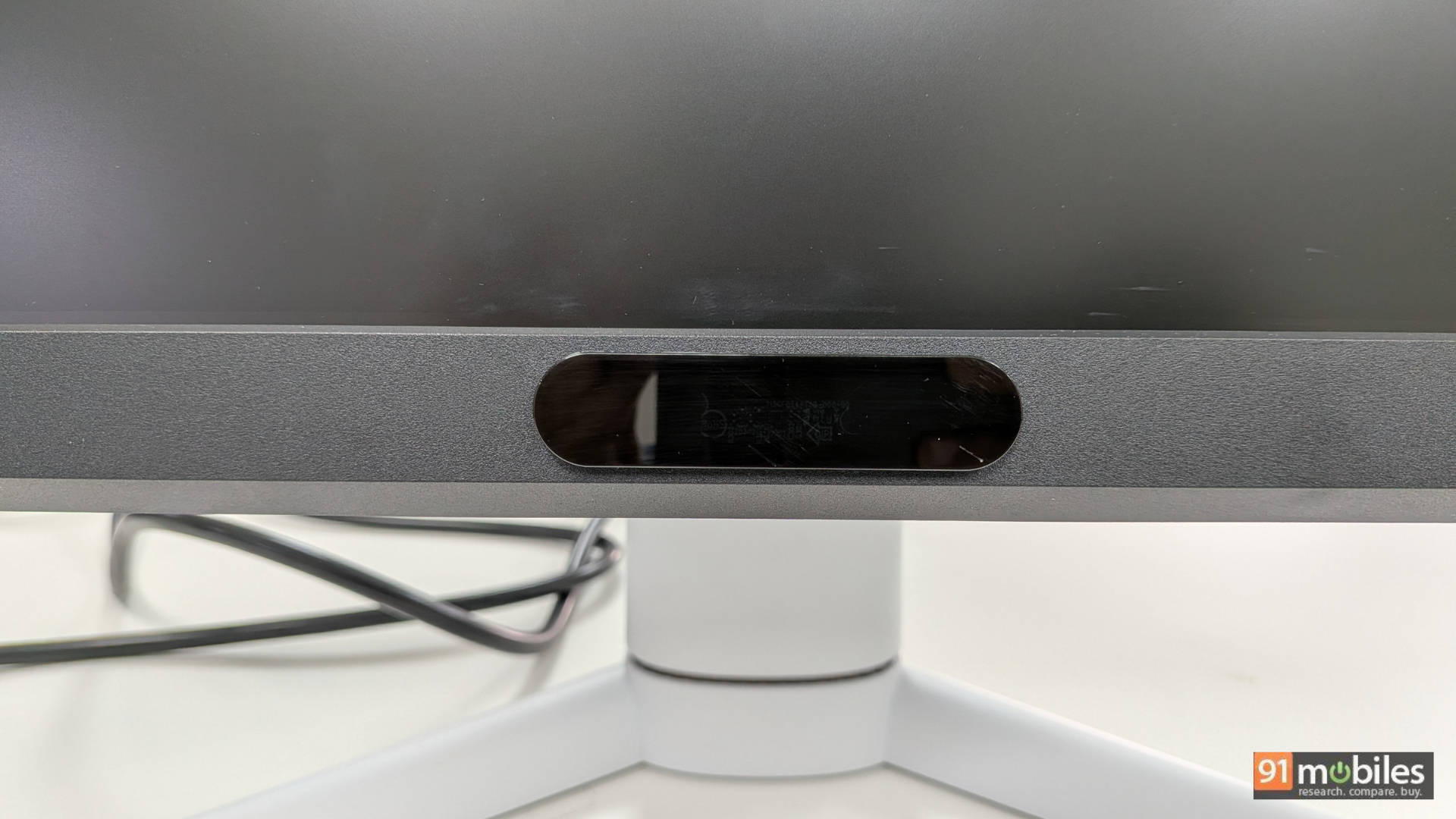
At the front, the 24.5-inch display sits above a light sensor that automatically adjusts brightness based on ambient lighting. The bezels are thin on three sides, with the bottom bezel being noticeably thicker, which is a common trait in this price range. As far as connectivity goes, it is split between the back and the bottom of the monitor. The back houses two HDMI ports, a DisplayPort, a USB-C port, and the power connector. The bottom edge includes the headphone jack and two USB-A ports. The placement of the headphone jack is particularly smart, as it sits front and centre for easy access. If it were at the back, headphone cables would likely feel unnecessarily short, so this design choice is very practical.
Overall, the EX251 offers a robust build that feels well-suited for desk use. The ability to tilt adds some flexibility, and while height adjustment is missing, it’s not a dealbreaker for me.
HDR: Hype vs Reality
Before getting into the core performance, let’s address one key factor: HDR. The EX251 doesn’t feature dimming zones but does reach a peak brightness of 400 nits. That’s higher than many budget gaming monitors that typically max out at 300 nits. While 400 nits isn’t exactly groundbreaking, the overall HDR performance is impressive given the ₹15K price bracket. Personally, I’d recommend sticking to SDR for most content, but HDR here is still quite decent for both gaming and media consumption. Just don’t expect retina-searing brightness or the kind of contrast you’d see on something like the GIGABYTE AORUS CO49DQ. That said, games such as Ori and the Will of the Wisps, Marvel’s Spider-Man 2, and Dead Space look fantastic on this monitor (more on that in the performance section).
Speakers That Just About Speak
The EX251 includes dual 2.5W speakers, though they sound fairly tinny. Fire up a game like DOOM: The Dark Ages or Gears 5, and the audio clearly won’t do them justice. However, for casual use such as watching YouTube videos or a TV show, the speakers get the job done. They serve as a handy backup if you don’t have headphones on hand, or if you simply want to play a movie trailer for someone without plugging in external speakers. Personally, I’d rather have basic built-in speakers than none at all, so I see it as a positive. Just don’t expect them to replace dedicated speakers or headphones for serious gaming or content consumption.
Performance: Where the Magic (Mostly) Happens
Let’s break down performance into four sections: PC gaming, console gaming, content consumption, and productivity.
PC Gaming: Frames & Glory
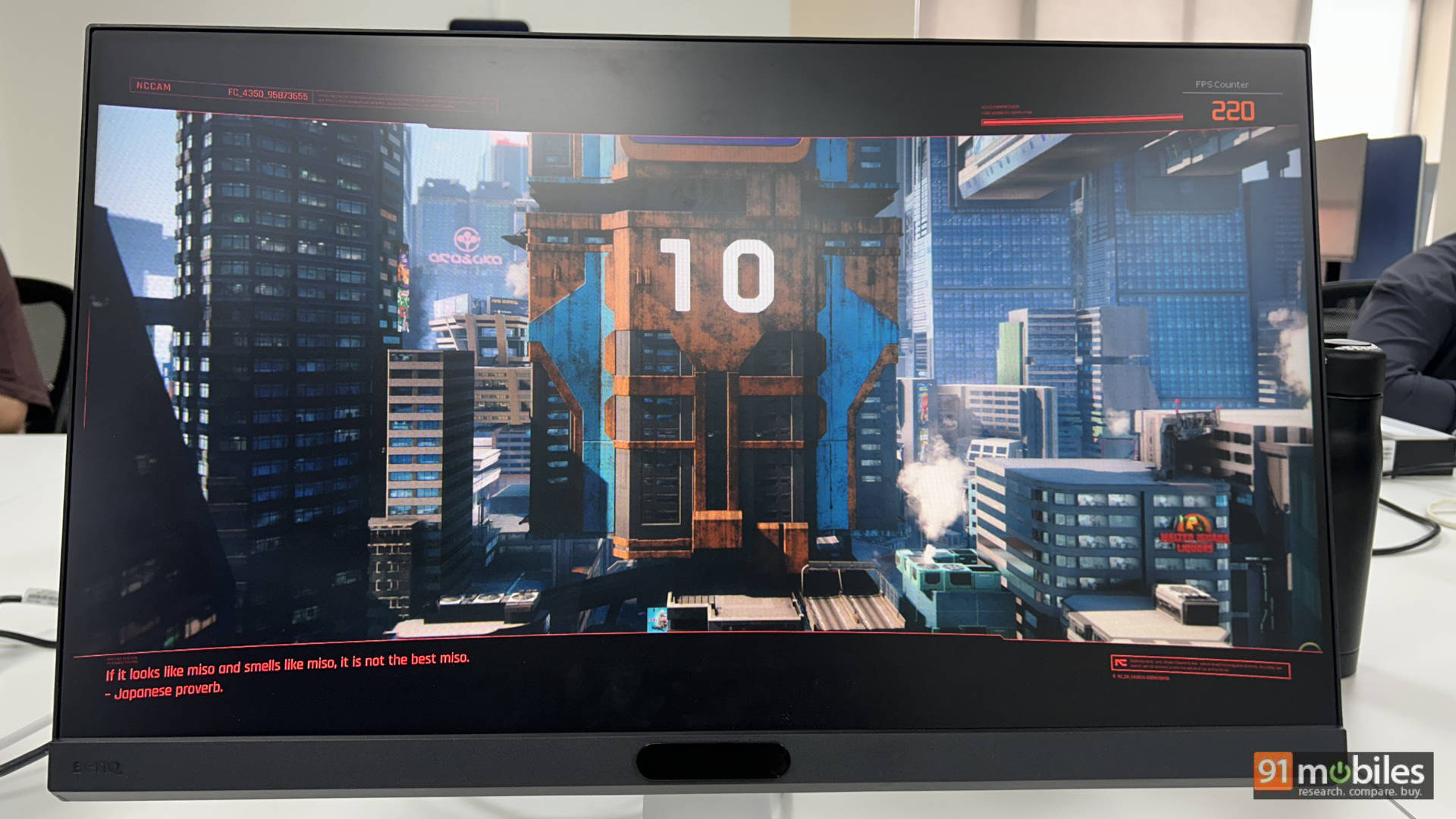
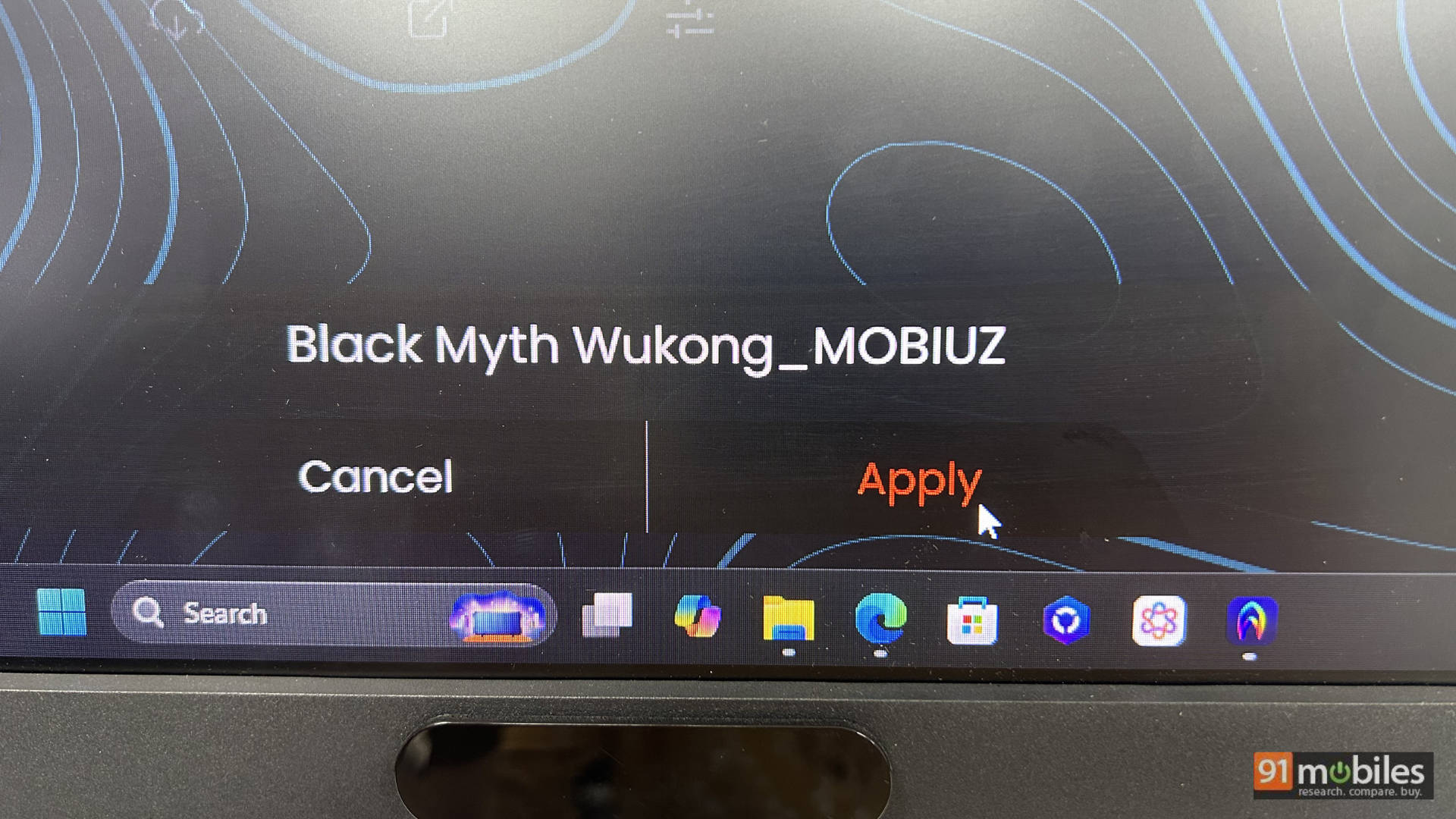
For PC gaming, I hooked up the monitor to the Lenovo Legion 5 Pro. I tested Cyberpunk 2077, Black Myth: Wukong, and Indiana Jones and the Great Circle. All looked stunning, and thanks to the NVIDIA GeForce RTX 5070 Ti in the Legion, I was able to enjoy ray tracing with pretty good frame rates. Of course, once I enabled DLSS, I was able to reach FPS closer to the native refresh rate, making gameplay feel smooth and immersive.
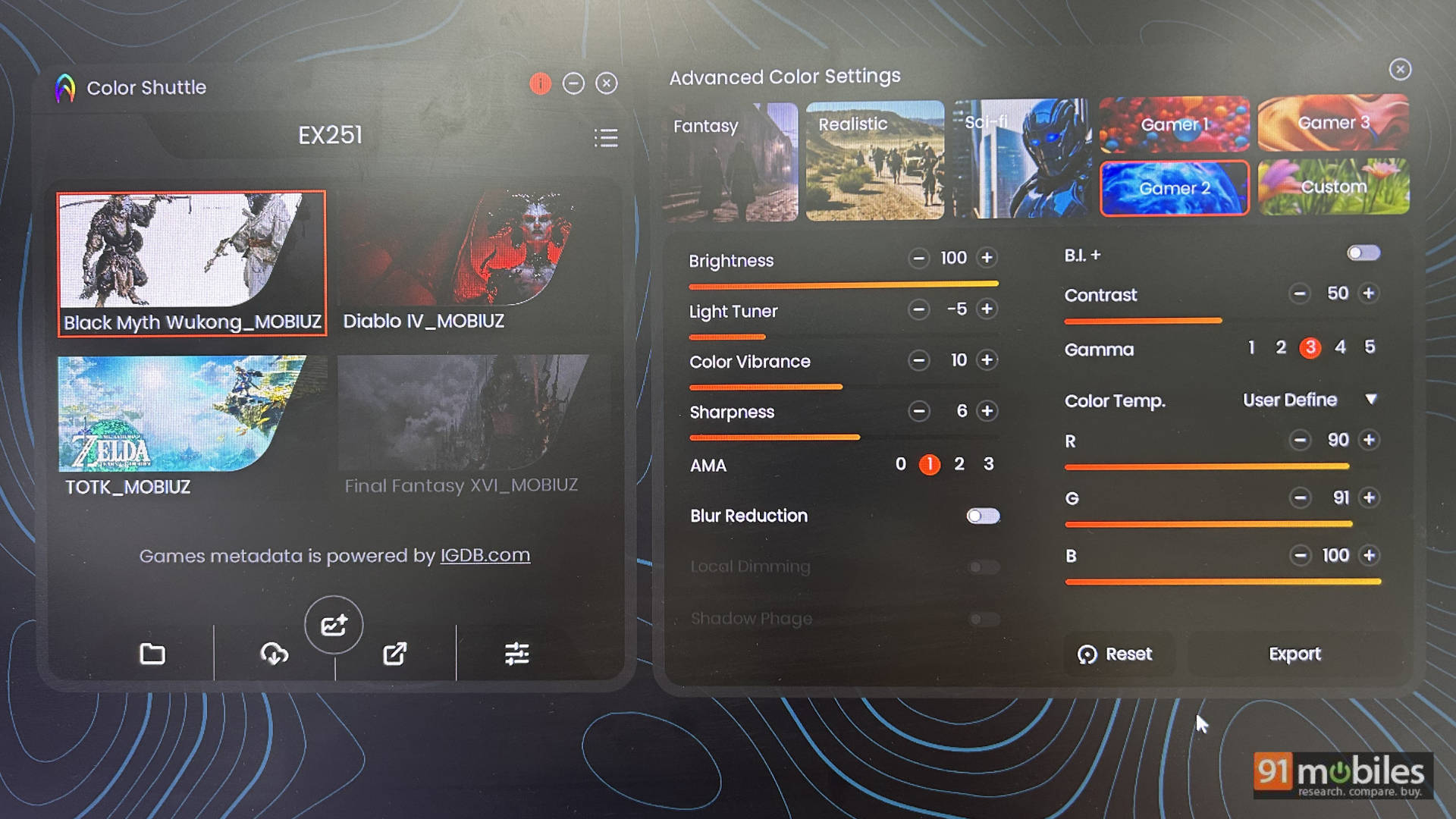
One of the best features here is BenQ Colour Shuttle. Simply install the app on your PC (no login required, which is a big plus), and you’ll find custom colour profiles tailored for different games. If your game isn’t listed, you can choose from a variety of HDR presets like Realistic, Fantasy, Sci-Fi, and AI. Switching between them is simple and intuitive, making it especially useful for gamers who don’t want to tinker with endless settings. Leave it to AI, and you’ll generally get the best results across different titles. It’s a small but highly practical feature.
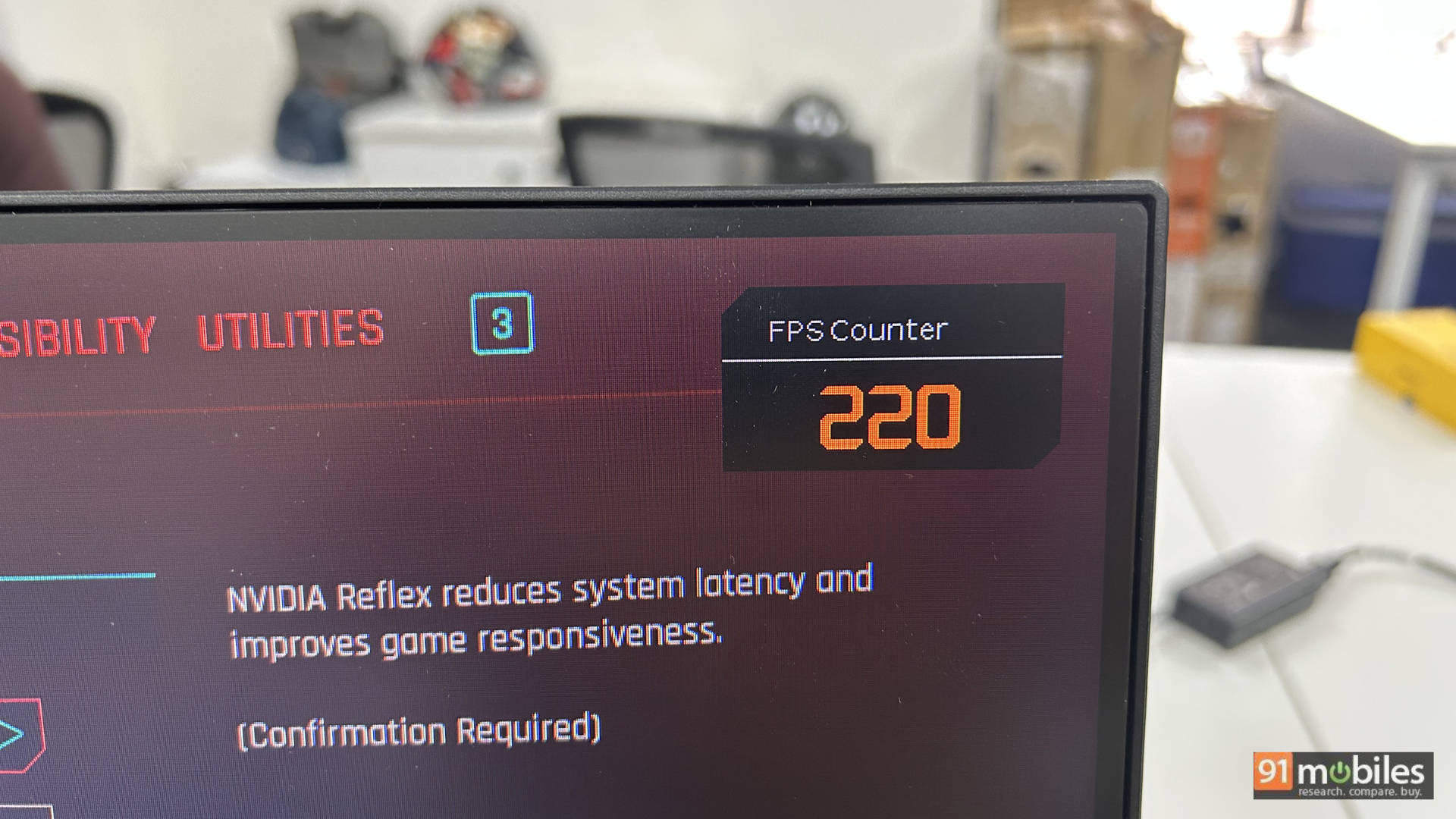
The monitor is a 1080p display with a 220Hz refresh rate, which is nice. The matte finish makes it easy to use in a bright room without worrying about glare. If you want higher resolution, BenQ also has the EX271Q, a 27-inch 1440p monitor, and the EX271U, a 27-inch 4K 165Hz monitor.
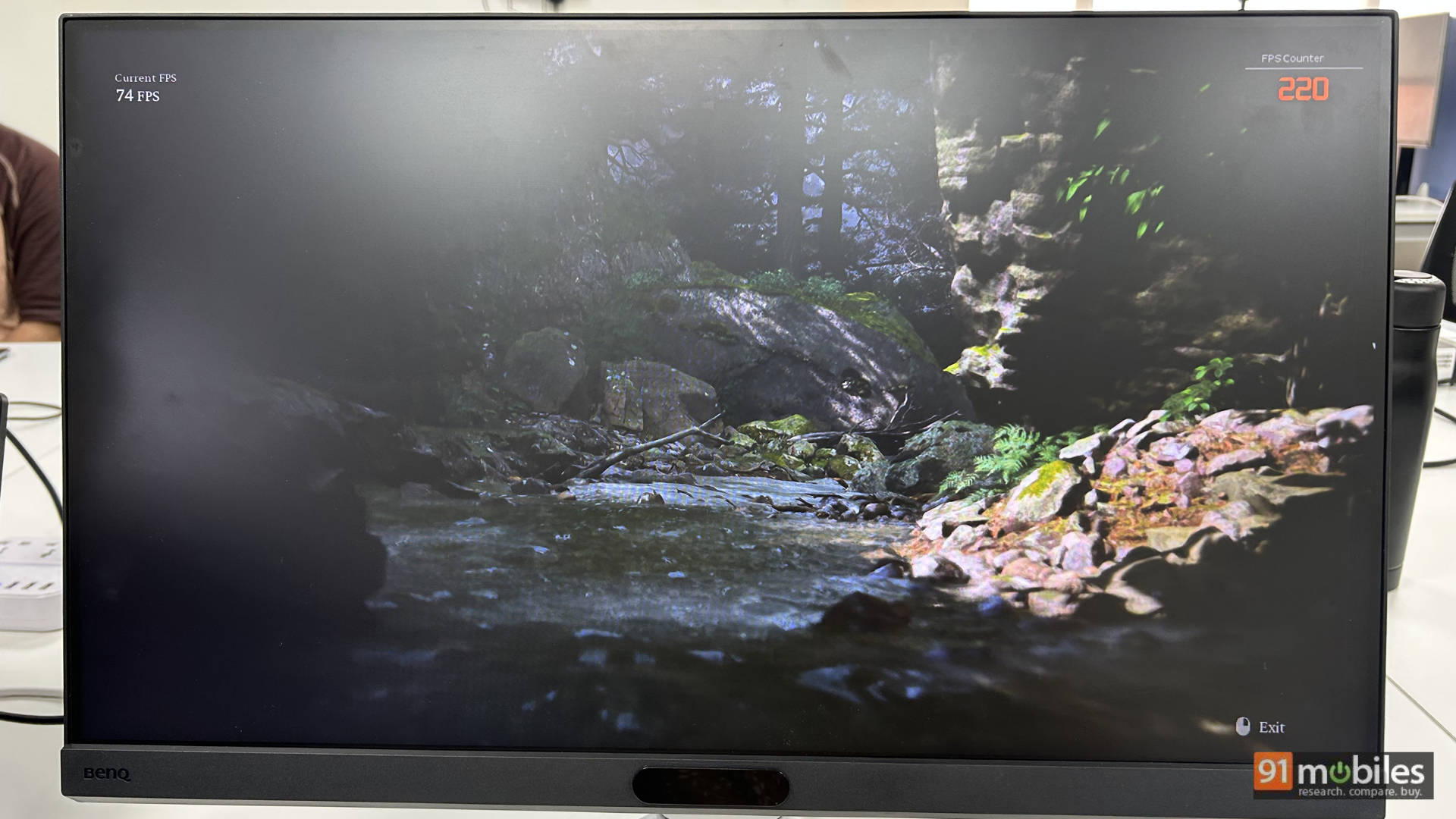
Since many gamers will be eyeing this monitor for competitive shooters, I also tested Valorant. As expected, the 220Hz refresh rate came in clutch, and I was able to frag enemies with ease. The 1ms response time isn’t the absolute fastest, but at this price point, I’m not complaining, and most folks won’t notice the difference.
Console Gaming: Plug, Play, Repeat
I hooked up my PS5 and Xbox Series X to the monitor for some console gaming. On both the PS5 and Xbox Series X, you can drop the resolution to 1080p for higher refresh rates, and supported games can run at 120Hz. Pro tip: Xbox users should also enable the 4K compatibility option on the monitor to take advantage of supersampling.
I played Marvel’s Spider-Man 2, Dirt 5, Astro Bot, and Ratchet & Clank on the monitor, and they all worked very well. The image quality was excellent, with the reds and blues in Spider-Man’s suit looking accurate. It didn’t have the vibrancy of a QD-OLED, but the colours looked true to life, and the overall experience was very good. In Gran Turismo 7, a nighttime music rally race looked especially striking. Even Ratchet & Clank’s fast-paced action was handled smoothly.
Moving over to the Xbox, Ori and the Will of the Wisps is a stunning game to test displays, and the visuals did not disappoint here, either. The cherry on the cake was that the game rendered at 6K supersampled to 1080p on the display at 60FPS, making the experience truly sublime from a visual perspective.
Netflix, Chill, and Everything Else
I watched a mix of TV shows and movies on the monitor, and the experience was surprisingly good. I mostly kept the monitor in the Cinema preset with brightness at full. Shows like Young Sheldon looked excellent, with good colour accuracy and an immersive viewing experience.
Productivity: Work Mode Activated?
For productivity, the monitor works quite well. It isn’t 1440p, so pixel peepers may notice some breakup in text, but if you’re used to 1080p, it’s perfectly fine. You also get BenQ’s excellent eye-care features, which reduce strain during long sessions.
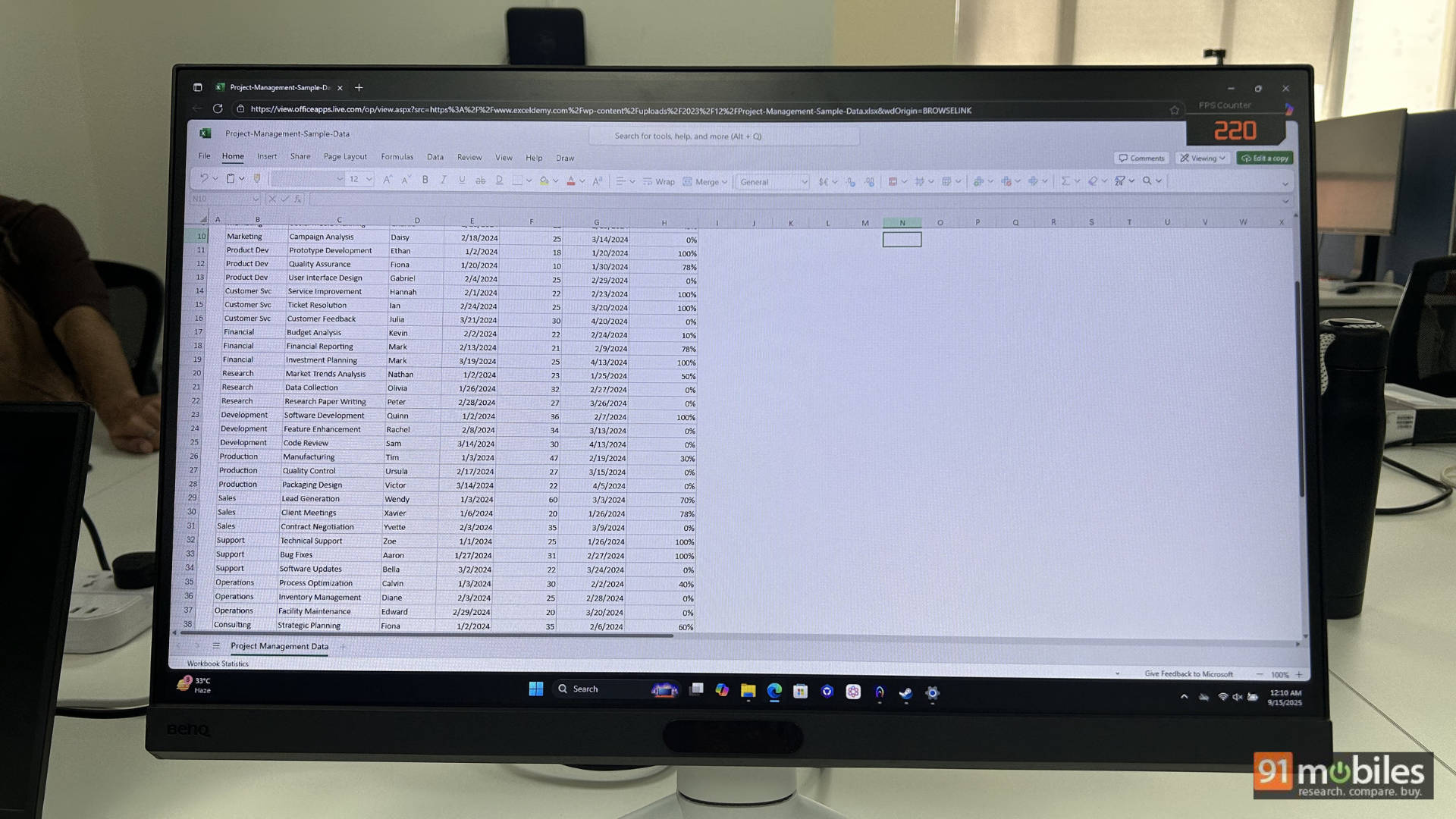
I used the monitor to write part of this review, create presentations, browse with 40 Chrome tabs, and stream content on Netflix and Apple TV. It handled all of that comfortably. Considering BenQ’s commitment to colour accuracy, I’d even say this is a good starting point for light video or photo editing. Just opt for one of the higher-resolution models if you want sharper detail.
Wrap-Up: The Real Deal at ₹15K
Let’s answer the ₹15K question: should you purchase the BenQ Mobiuz EX251? The answer depends on what you’re looking for. What BenQ has going for it is a very solid build, excellent panel performance, and custom colour profiles tailored to the games you play. HDR performance is also quite respectable for the price, and the connectivity options are on par with most monitors in this segment. The speakers may sound average, but they get the job done for casual YouTube or TV show watching. The colour reproduction is easily one of the highlights here — vibrant, accurate, and something that has to be seen to be appreciated, making the EX251 a solid choice for both gamers and content creators.
That said, the sub-₹15K segment in India is packed with strong alternatives. The Lenovo Legion R25f-30 offers a 240Hz VA panel with a faster 0.5ms response time, the Acer Predator XB253Q pushes refresh rates up to 300Hz at a similar price, and the LG 27GS60F delivers a larger 27-inch IPS display with official NVIDIA G-Sync support at 180Hz, which is great for those who want a mix of gaming and content creation. Even with these competitors, the BenQ Mobiuz EX251 manages to carve out its own space by offering a balanced package of smooth performance, accurate colours, and thoughtful features, making it a smart buy for gamers who don’t want to compromise on visuals or usability.
Editor’s Rating: 8.5 / 10
Pros:- Good SDR & HDR performance for the price
- Custom colour profiles for PC games
- Sturdy, practical stand design
- Strong colour accuracy for gaming & content creation
- No height adjustment
- Built-in speakers are weak
- 1080p resolution may feel limiting for productivity