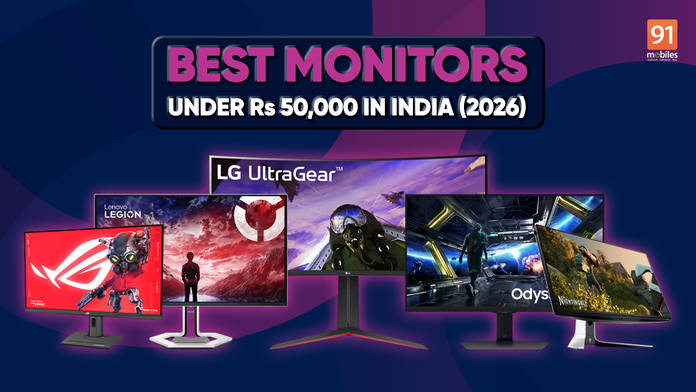
For anyone upgrading their setup in 2026, the monitor is no longer the afterthought it used to be. Under Rs 50,000, you are now firmly in a segment where display quality starts to define the entire experience, whether that is gaming, editing, or everyday productivity.
This price range has evolved quickly. What used to mean basic 144Hz panels or entry-level 4K screens has grown into a category that now includes high-refresh 1440p IPS monitors, ultrawide displays, colour-accurate 4K panels, and even early forms of usable HDR.
The important shift is this: you are no longer shopping for “the best monitor under Rs 50,000.” You are choosing the right monitor for a specific use case. That distinction matters more here than at almost any other price point, because the tradeoffs are real and the wrong choice will follow you every time you sit down.
This guide is split into two clear sections:
- Gaming monitors, organised by play style
- Non-gaming monitors, organised by workflow
Prices in this segment move regularly across Amazon, Flipkart, and offline retailers, so treat every number in this guide as a current market snapshot and not a fixed figure.
Table of Contents
What to Expect Under Rs 50,000
The ceiling in this price range is well-defined.
For gaming, 1440p paired with 165Hz to 240Hz is the standard. That combination hits the balance between clarity and performance. 4K gaming monitors do exist here, but they usually come with a 60Hz cap, which limits their appeal for fast-paced play.
Panel-wise, IPS dominates this segment for good reason. It delivers better colour accuracy and viewing angles than VA panels. VA still exists, particularly in curved and ultrawide displays, but response times can be inconsistent, especially in darker scenes.
HDR is present, but with caveats, as most monitors in this price bracket support HDR10, but very few deliver true HDR performance due to limited brightness and lack of local dimming. Treat HDR as a bonus, not a defining feature.
For non-gaming use, 4K IPS panels become far more relevant. This is where you start seeing displays that are actually usable for content creation, thanks to improved colour accuracy and higher pixel density.
Best Gaming Monitors Under Rs 50,000
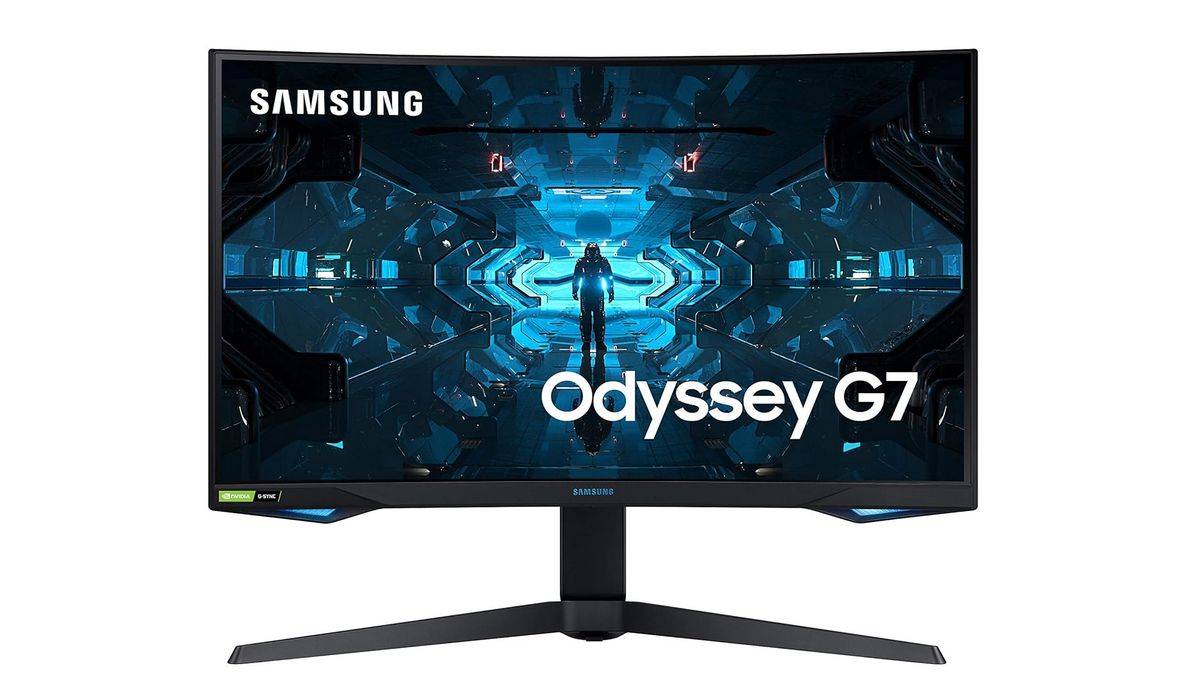
Samsung Odyssey G7
Key Specs:
- Panel: IPS
- Resolution: 3840×2160
- Refresh Rate: 144Hz
- Response Time: 1ms (GtG)
- HDR: VESA DisplayHDR 400
- Ports: HDMI 2.1, DisplayPort
The Samsung Odyssey G7 shifts the focus from raw refresh rates to a more balanced premium gaming experience. Instead of targeting only competitive esports players, this monitor is designed for users who want both high refresh rates and 4K clarity.
The 27-inch IPS panel delivers noticeably sharper image quality compared to standard 1440p monitors, which makes a difference in open-world games, cinematic titles, and console gaming. Text clarity is also significantly better, which helps if the monitor doubles as a work display during the day.
At 144Hz, gameplay still feels responsive and smooth enough for multiplayer titles, while HDMI 2.1 support makes it a strong option for PlayStation 5 and Xbox Series X users looking to take advantage of 4K high-refresh gaming.
This is the kind of monitor that makes sense if you are building a higher-end setup and want something that feels meaningfully more premium than mainstream 1440p panels.
Where to buy:
Amazon India: Rs 41,999
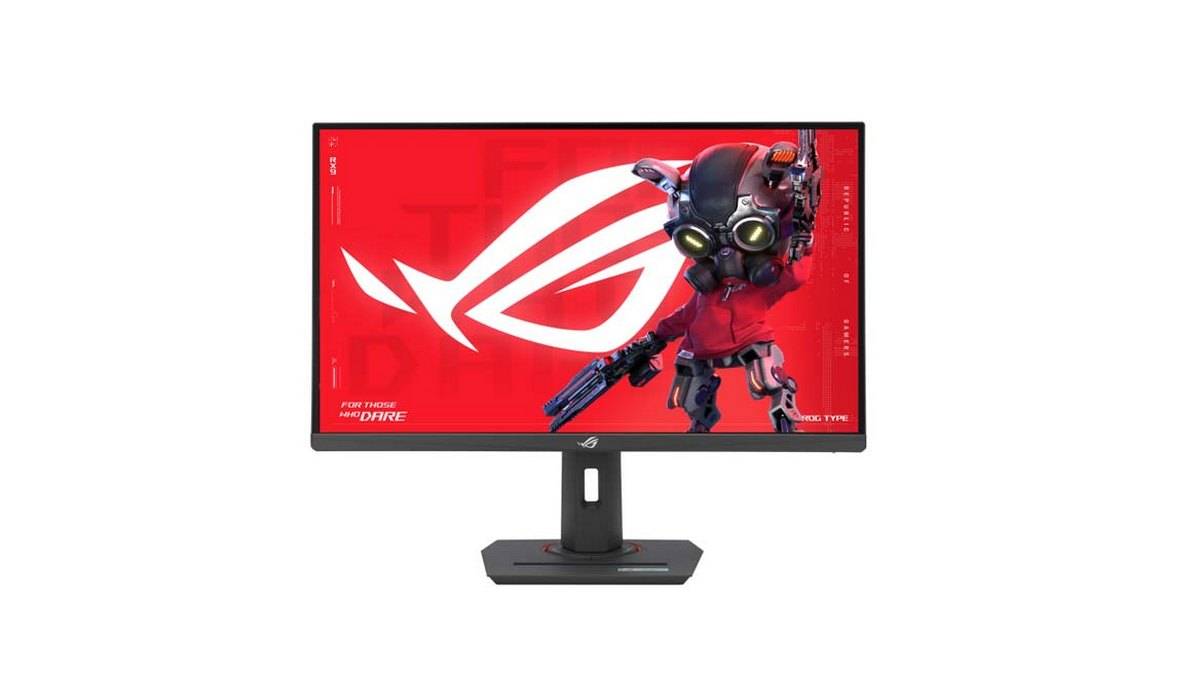
ASUS ROG Strix XG27UCS
Key Specs:
- Panel: IPS
- Resolution: 2560×1440
- Refresh Rate: 170–180Hz
- Response Time: 1ms (GtG)
- Ports: HDMI, DisplayPort
The MSI G274QPF E2 sits in the category that most users should be looking at. It is a 1440p IPS monitor with a refresh rate in the 170Hz to 180Hz range, offering a balance between speed and image quality.
The IPS panel delivers consistent colours and wide viewing angles, making it suitable for both gaming and general use. Unlike VA panels, it avoids ghosting in darker scenes, which makes it more reliable across different types of games.
This is the kind of monitor you buy if you do not want to think too much after the purchase. It handles competitive games well enough and still looks good in story-driven titles.
Where to buy:
MDComputers: Rs 46,000
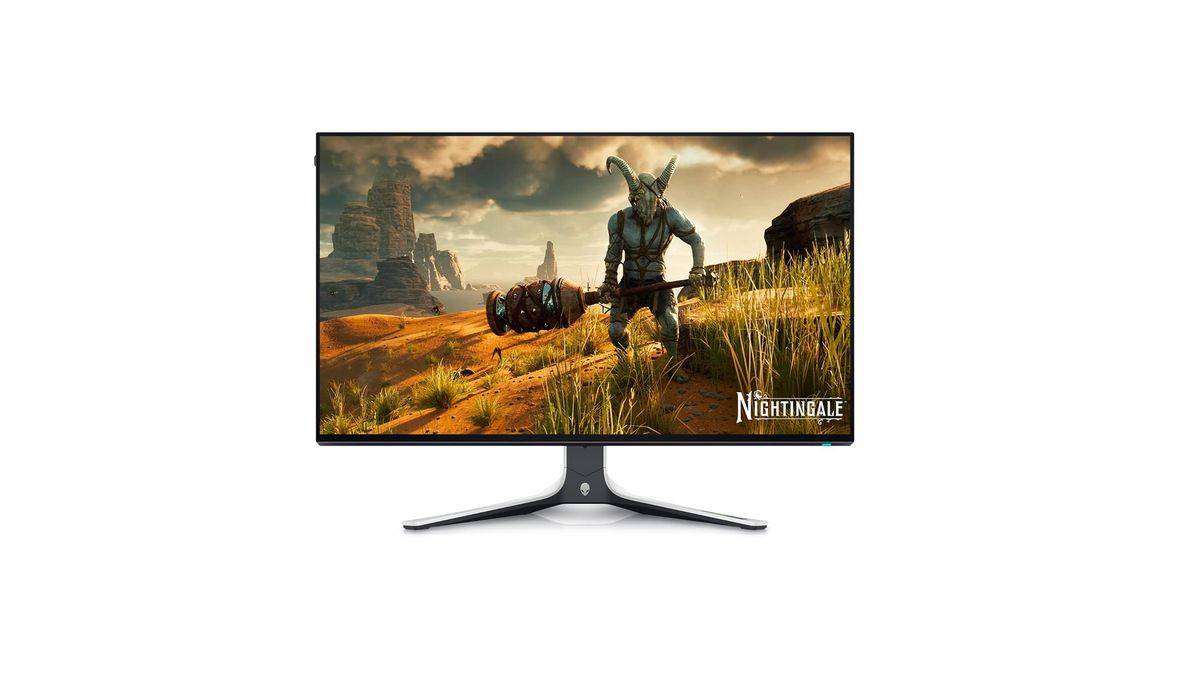
Alienware 27 Gaming Monitor AW2723DF
Key Specs:
- Panel: IPS
- Resolution: 2560×1440
- Refresh Rate: 280Hz (OC)
- Response Time: 1ms
- Adaptive Sync: AMD FreeSync Premium Pro, NVIDIA G-SYNC Compatible
- Ports: HDMI, DisplayPort, USB 3.2
The Alienware AW2723DF is built for players who prioritise motion clarity and responsiveness above everything else. This is a pure high-refresh gaming monitor, and it feels tuned specifically for competitive multiplayer titles.
The 27-inch QHD IPS panel runs at up to 280Hz over DisplayPort, which immediately makes movement look smoother compared to standard 144Hz and 165Hz displays. Fast shooters like Valorant, CS2, and Apex Legends benefit the most, especially when paired with a system capable of consistently pushing high frame rates.
Unlike many esports-focused displays that sacrifice image quality for speed, the AW2723DF still maintains strong colour reproduction and viewing angles thanks to its IPS panel. That balance makes it more versatile than older TN-based high-refresh monitors.
Alienware’s design language also gives the monitor a more premium feel overall. The stand is sturdy, the build quality is excellent, and the monitor includes a wide range of USB connectivity options for accessories and peripherals.
Where to buy:
Dell Store: Rs 45,149
Lenovo Legion Pro 27Q-10
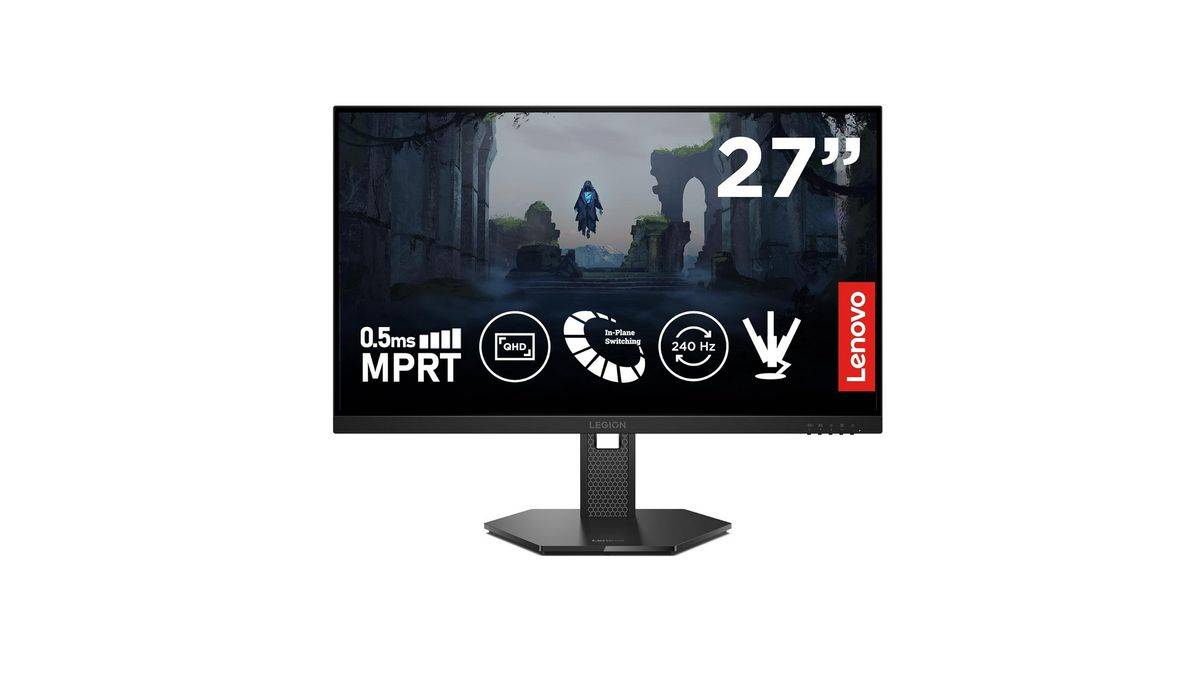
Key Specs:
- Panel: OLED
- Resolution: 2560×1440
- Refresh Rate: 280Hz
- Response Time: 0.03ms
- HDR: DisplayHDR True Black 400, Dolby Vision
- Ports: HDMI 2.1, DisplayPort 1.4, USB Hub
The Lenovo Legion Pro 27Q-10 is one of the few monitors in this segment that immediately feels more expensive than a conventional IPS gaming panel. The reason is simple: OLED changes the experience entirely.
The 26.5-inch QHD OLED panel delivers significantly better contrast than traditional LCD displays, with true blacks and far stronger HDR performance in darker scenes. Games with cinematic environments benefit the most, particularly story-driven titles and visually dense AAA releases.
At the same time, Lenovo pushes the refresh rate all the way to 280Hz with a 0.03ms response time, which means the monitor still delivers the motion clarity expected from a high-end competitive gaming display.
Lenovo also backs the panel with strong colour accuracy, including 99 percent DCI-P3 coverage and factory calibration. That makes the monitor surprisingly usable for creative workloads alongside gaming.
This is not a value-focused gaming monitor. It is designed for users who want a premium desktop experience every time they sit down, whether that means competitive gaming, HDR-heavy single-player titles, or high-end media consumption.
Where to buy:
Lenovo: Rs 49,990
LG UltraGear 34-inch Ultrawide
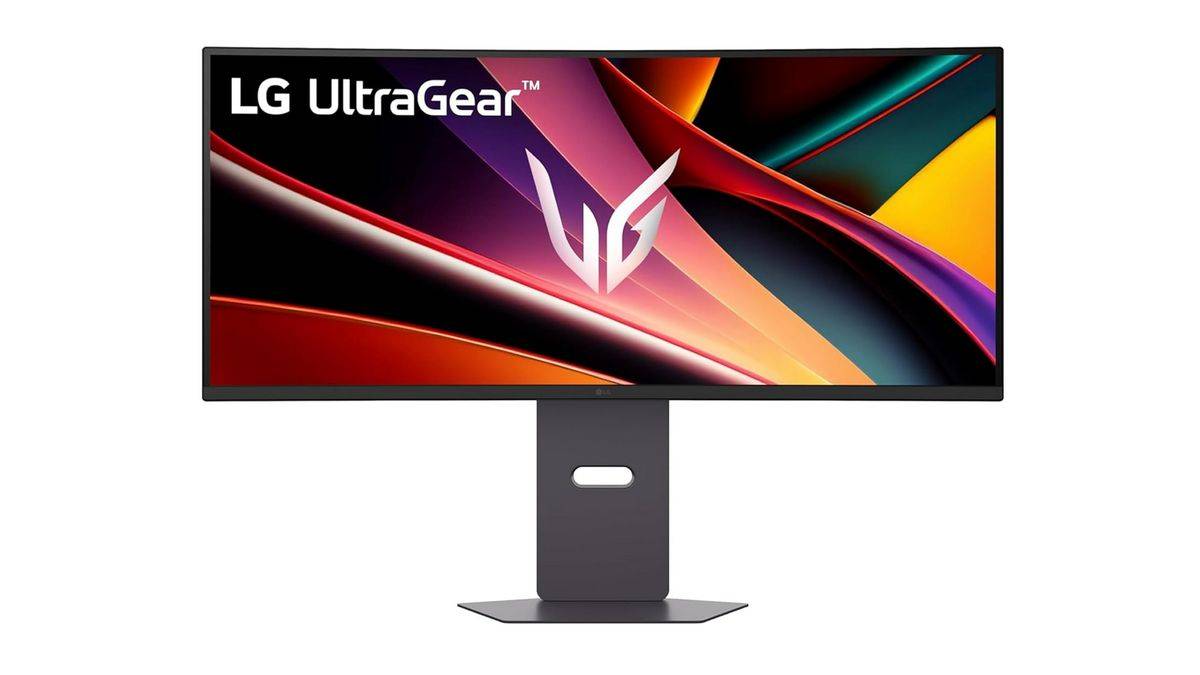
Key Specs:
- Panel: VA/IPS
- Resolution: 3440×1440
- Refresh Rate: ~160Hz
- Aspect Ratio: 21:9
Ultrawide monitors change how games feel. The LG 34-inch UltraGear features a 3440×1440 resolution, offering a wider field of view compared to standard monitors.
This is not so much about competitive advantage as it is about immersion.
Racing games, RPGs, and simulation titles benefit the most. The extra horizontal space also makes multitasking easier, which adds value beyond gaming.
The tradeoff is performance demand. Driving a 3440×1440 panel requires a stronger GPU than a standard 1440p.
Where to buy:
Amazon India: ~Rs 32,000
Best Non-Gaming Monitors Under Rs 50,000
BenQ EW2790U
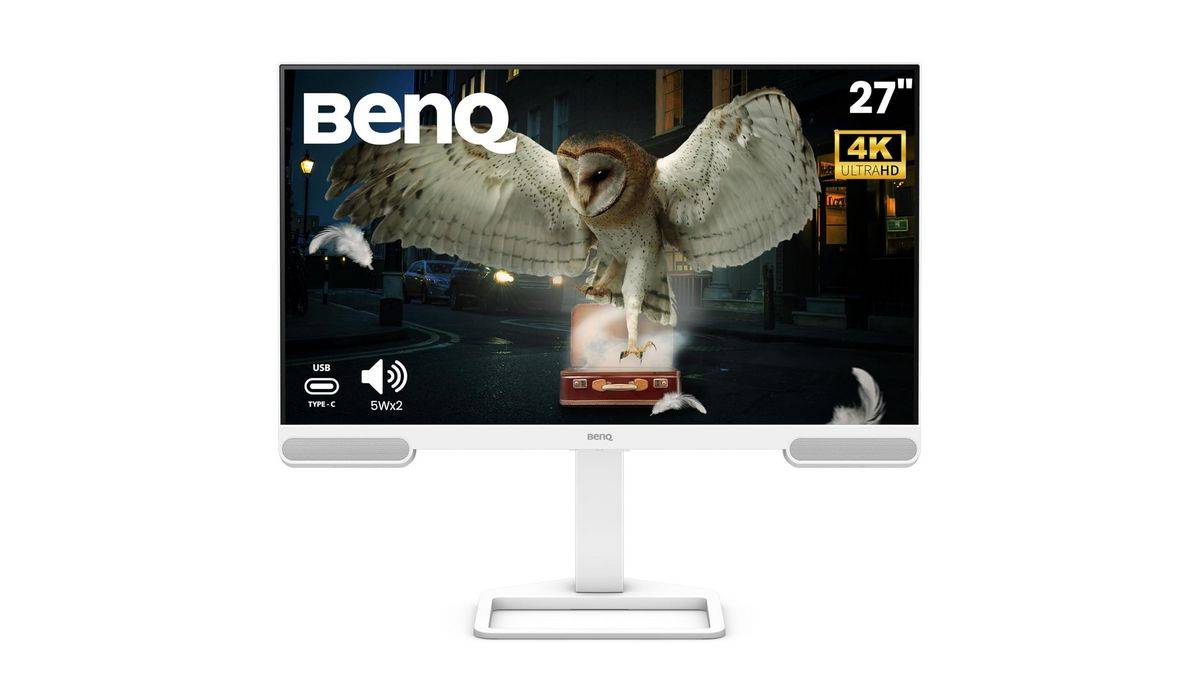
Key Specs:
- Panel: IPS
- Resolution: 3840×2160
- Refresh Rate: 60Hz
- HDR: HDR10
The BenQ EW2790U is built for users who prioritise clarity and colour accuracy. It is a 4K IPS monitor, which makes it suitable for photo editing, video editing, and general creative workflows.
The higher resolution allows you to see more detail, which is critical when working with high-resolution media. Colours are consistent and accurate enough for semi-professional work.
It is most definitely not designed for gaming, and that is clear from the 60Hz refresh rate.
Where to buy:
MDComputers: ~Rs 30,000
Dell UltraSharp U2724DE
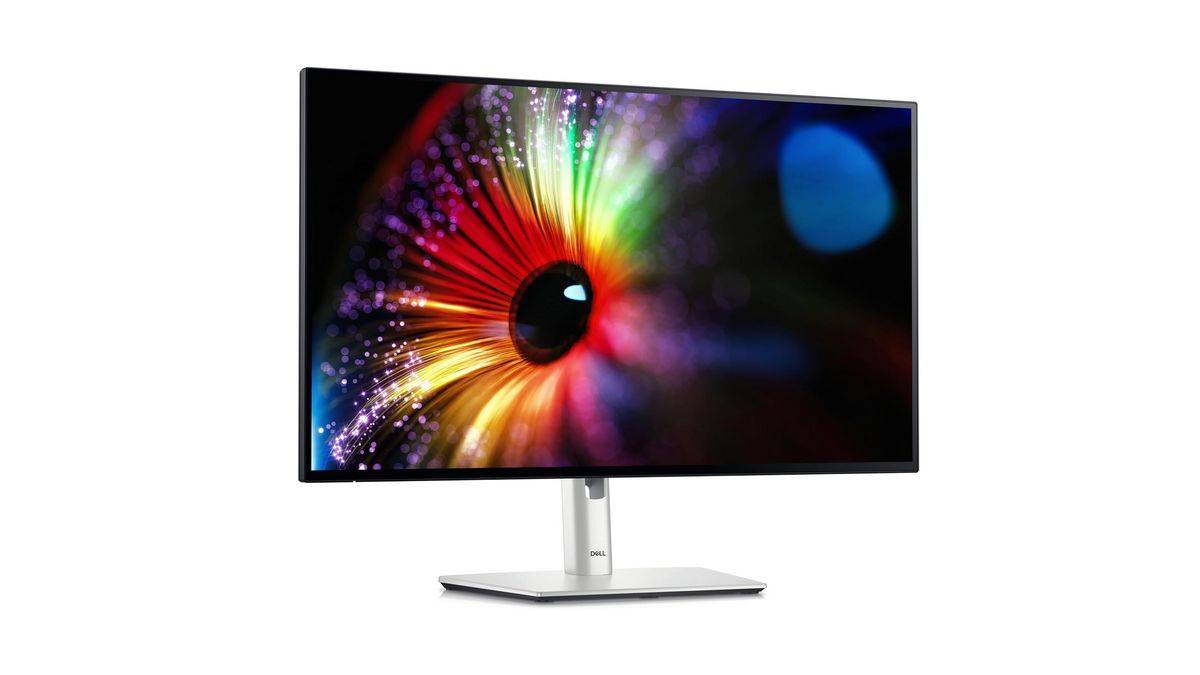
Key Specs:
- Panel: IPS
- Resolution: 4K
- Ports: USB-C, HDMI, DisplayPort
- 1 x DisplayPort 1.4, 1 x HDMI, 1 x ThunderboltTM
Dell’s UltraSharp series is widely used in professional environments, and the U2724DE fits comfortably under the Rs 50,000 mark during sales.
It offers excellent build quality, an ergonomic stand, and reliable colour accuracy. USB-C connectivity makes it particularly useful for laptop users.
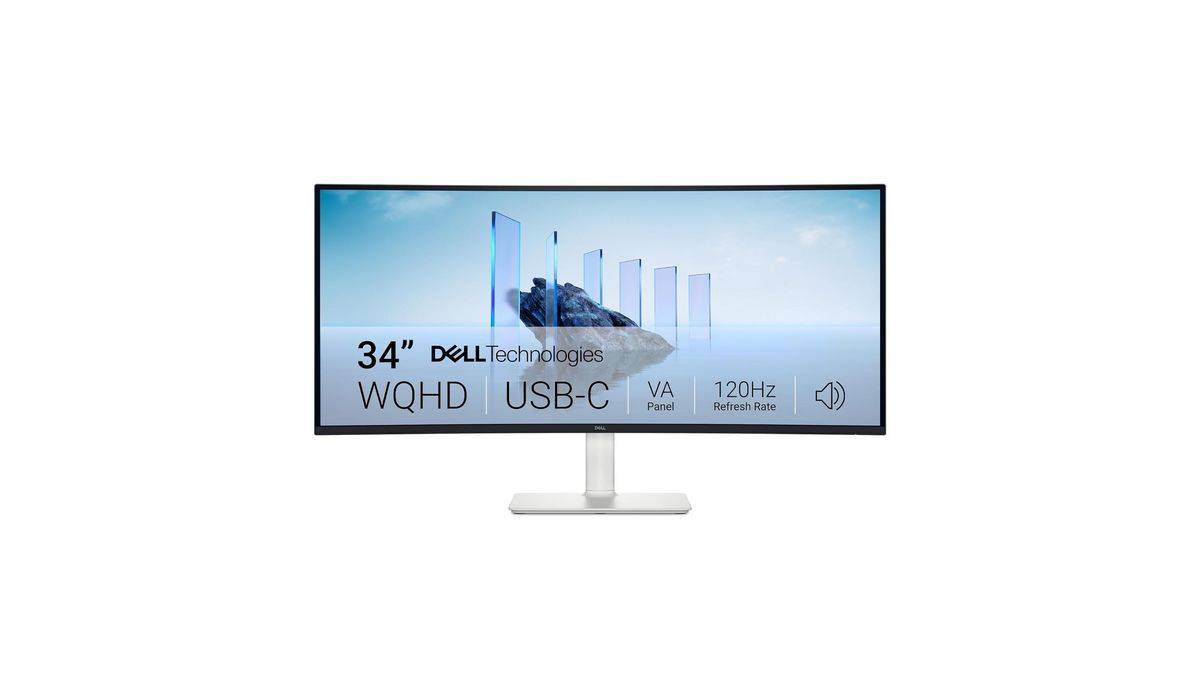
Key Specs:
- Panel: VA
- Resolution: 3440×1440
- Refresh Rate: 120Hz
- Colour Coverage: 95 percent DCI-P3, 99 percent sRGB
- Ports: HDMI, USB-C with 65W Power Delivery, USB Hub
The Dell S3425DW is built for users who want more workspace without moving to a dual-monitor setup. The 34-inch curved ultrawide panel gives you significantly more horizontal room for multitasking, which works especially well for editing timelines, spreadsheets, and keeping multiple windows open side by side.
The 3440×1440 resolution keeps visuals sharp, while the 120Hz refresh rate makes general desktop usage feel noticeably smoother than standard 60Hz office monitors. Dell also includes strong colour coverage with 95 percent DCI-P3, making the monitor suitable for light creative work alongside productivity tasks.
USB-C connectivity with 65W power delivery adds convenience for laptop users, especially in single-cable desk setups.
This is a strong option if you want a premium ultrawide monitor that balances productivity, media consumption, and casual gaming without leaning too heavily into any one category.
Where to buy:
Dell Store: Rs 42,079
MSI PRO 34-inch Ultrawide
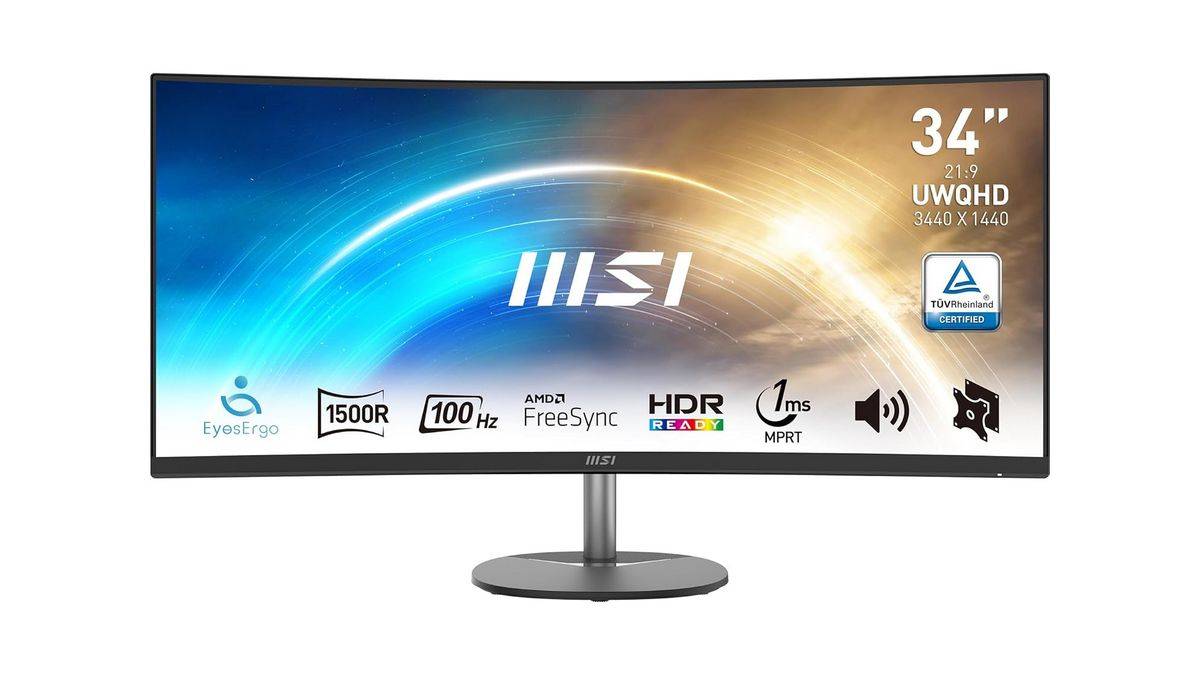
Key Specs:
- Panel: VA
- Resolution: 3440×1440
- Refresh Rate: 100Hz
- 1ms response time
The MSI PRO ultrawide monitor is designed for productivity. It replaces a dual-monitor setup with a single wide display.
The 34-inch screen with a 21:9 aspect ratio and 3440×1440 resolution gives you more horizontal space, making it easier to keep multiple windows open side by side. This works well for coding, editing timelines, and general multitasking.
The curved panel also makes long sessions more comfortable by keeping everything within your field of view.
Where to buy:
Amazon India: ~Rs 35,000
Monitor Comparison Table
Monitor | Resolution | Refresh Rate | Panel | Use Case |
Samsung Odyssey G7 | 4K | 144Hz | IPS | Premium gaming |
ASUS ROG Strix XG27UCS | 4K | 160Hz | Fast IPS | High-end gaming |
Alienware AW2723DF | 1440p | 280Hz | IPS | Competitive gaming |
Lenovo Legion Pro 27Q-10 | 1440p | 280Hz | OLED | Premium immersive gaming |
LG UltraGear 34-inch Ultrawide | 3440×1440 | ~160Hz | VA/IPS | Ultrawide gaming |
BenQ EW2790U | 4K | 60Hz | IPS | Creative work |
Dell UltraSharp U2724DE | 4K | 60Hz | IPS | Productivity |
Dell S3425DW | 3440×1440 | 120Hz | VA | Productivity + entertainment |
MSI PRO 34-inch Ultrawide | 3440×1440 | 100Hz | VA | Multitasking |
How to Choose
- Competitive gaming: A 240Hz or 280Hz monitor delivers smoother motion and lower blur in fast shooters like Valorant and CS2, but only if your system can consistently push high frame rates.
- Balanced premium gaming: 4K high-refresh monitors now make sense under Rs 50,000. They offer noticeably sharper visuals than standard 1440p displays without sacrificing responsiveness.
- Image quality and immersion: OLED panels deliver deeper blacks, stronger contrast, and better HDR performance than traditional IPS or VA panels, especially in cinematic games.
- Creative work: A good 4K IPS monitor is the better choice for editing, design, and colour-sensitive workloads where clarity and colour accuracy matter more than refresh rate.
- Productivity and multitasking: Ultrawide monitors give you more workspace and can comfortably replace a dual-monitor setup for multitasking-heavy workflows.
Final Takeaway
The monitor market under Rs 50,000 has reached a point where you are no longer limited by availability or basic specifications. You can find genuinely good options across multiple categories, whether that is high-refresh gaming, ultrawide immersion, or colour-accurate 4K panels.
What matters now is alignment with your actual usage.
There is no single “best monitor” in this segment because the requirements vary so much. A competitive gamer will prioritise speed and responsiveness, while a content creator will care more about colour accuracy and resolution. Even within gaming, the needs of someone playing Valorant are completely different from those of someone playing story-driven AAA titles.
The easiest way to make the right decision is to start with what you do most on your system. Once that is clear, the choices narrow down quickly.