If you have been putting off a new PC build because you assumed Rs 2 lakh would only get you a half-decent setup, it is time to revisit that assumption. Right now, with the right combination of components, this budget gets you a Ryzen 7 or Intel Core Ultra 5 processor paired with an RTX 5070, 32GB of DDR5 memory, and a full terabyte of fast NVMe storage. That is a properly capable gaming and productivity machine, not a compromise build.
We have put together two configurations here, one built around AMD and one around Intel, both centred on the same GPU.
Table of Contents
Understanding the Rs 2 Lakh PC Sweet Spot
One thing that might get overlooked at this price point is frame consistency, not just peak FPS. It’s easy to focus on headline numbers like “120 FPS” or “144 FPS,” but what actually affects your experience is how stable those frame rates remain during heavy scenes.
Modern engines like Unreal Engine 5 can introduce sudden dips due to CPU spikes, asset streaming, or shader compilation. This is where a stronger CPU and faster DDR5 memory combination can make a big difference. You’re not just buying performance for today’s games, but also for how upcoming titles behave.
Also, you need to think about the minimum FPS. A system that averages 100 FPS but drops to 55 FPS during intense sequences will feel noticeably worse than one that stays consistently above 75 FPS. Both the AMD and Intel builds that we have are designed to avoid those dips by maintaining strong CPU overhead alongside GPU performance.
At this budget, a well-built PC should comfortably deliver high-refresh 1440p gaming along with solid productivity performance. In modern AAA titles, you can expect frame rates in the 80–120 FPS range at 1440p using high or ultra settings. Competitive games like Valorant, CS2, and Apex Legends will easily push past 200 FPS, often going well beyond 300 FPS depending on settings.
On the productivity side, this tier handles 4K video editing timelines smoothly, accelerates rendering in Blender, and supports efficient streaming through modern GPU encoders.
The key takeaway is simple: you’re no longer building for “playable performance.” You’re building for consistency, stability, and long-term usability.
The GPU Both Builds Are Built Around: RTX 5070 12GB
Both our recommended configurations in this guide use the RTX 5070 with 12GB of GDDR7 memory. This is the card that makes the most sense at this budget tier in India right now. It runs on Nvidia’s Blackwell architecture, supports DLSS 4, and comes with a 192-bit memory bus feeding that 12GB frame buffer at high bandwidth.
On pricing, you can find genuine RTX 5070 cards starting from around Rs 58,000 and climbing into the Rs 80,000 range depending on the cooling solution, factory overclock, and brand. For a build like this, anything in the Rs 65,000 to Rs 72,000 zone gets you a solid, well-cooled variant without paying a premium for RGB lighting or a triple-fan shroud you do not need. We are budgeting Rs 70,000 for this build, which sits comfortably in that range and leaves room to pick from several brands without scraping the bottom of the barrel.
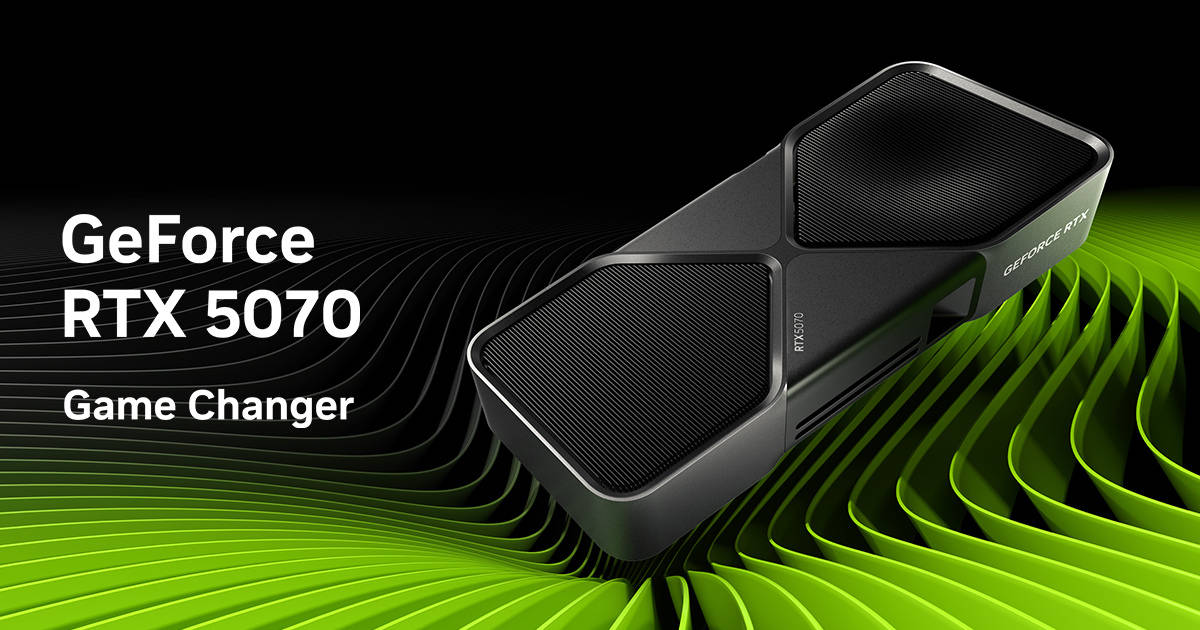
For 1440p gaming, which is where this card is most at home, you are looking at strong, consistent frame rates across the board. DLSS 4 with multi-frame generation gives the RTX 5070 a significant edge in newer titles that support it, and the card handles ray tracing more effectively than its previous generation’s equivalent tier. If you game at 1080p, you will have frames to spare. If you are eyeing a 1440p 165Hz monitor, this is exactly the card that pairs well with it.
Average FPS Across Popular Titles (1440p High/Ultra)
| Game | Settings | Avg FPS |
|---|---|---|
| Cyberpunk 2077 | Ultra (No RT) | 85–90 FPS |
| Cyberpunk 2077 | RT Ultra (no DLSS) | 55–60 FPS |
| Hogwarts Legacy | Ultra | 70–75 FPS |
| The Last of Us Part I | High/Ultra | 88–92 FPS |
| Forza Horizon 5 | Extreme | 130–145 FPS |
| Apex Legends | Max | 250–300 FPS, engine-capped |
| Spider-Man Remastered | Very High + RT | 90–95 FPS, CPU-limited |
| Alan Wake 2 | High, no RT | 38–42 FPS |
| Starfield | High | 65–70 FPS |
Build 1: AMD Ryzen 7 9700X
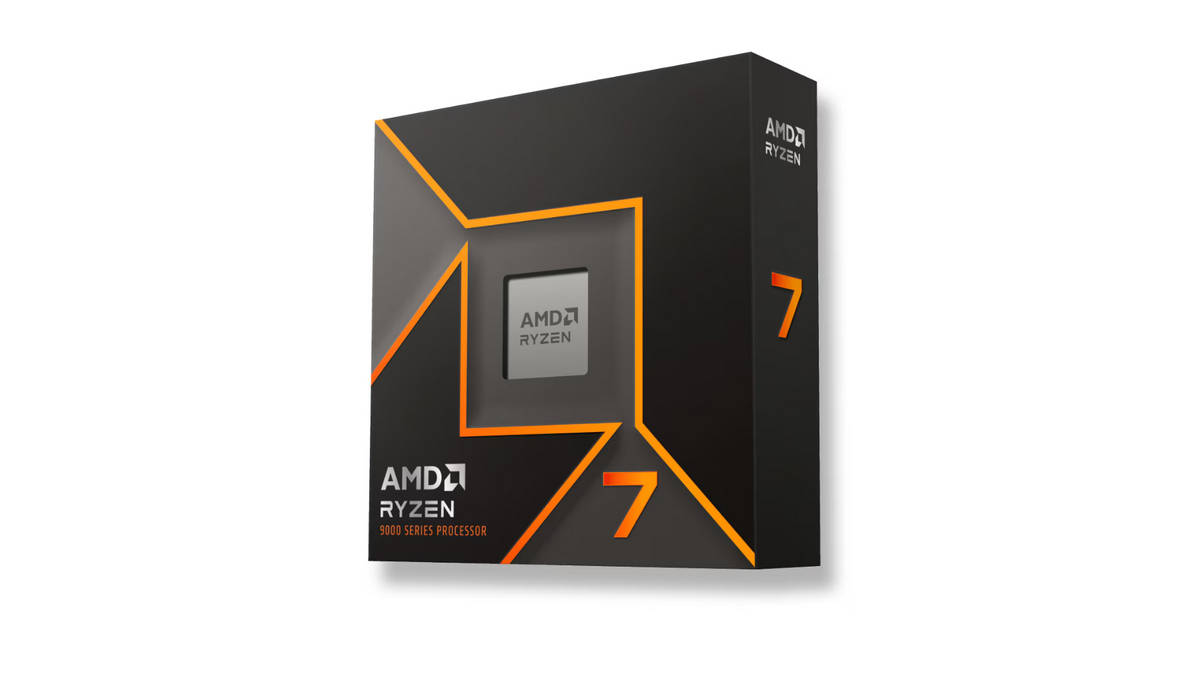
This is the build for anyone who wants a clean, no-nonsense gaming rig without spending extra on a platform they do not need. The Ryzen 7 9700X is AMD’s current-generation 8-core processor, and on the AM5 socket, you are buying into a platform that still has a few years of upgrade life left in it.
Recommended Components
Component | Product | Key Specs | Approx Price (Rs) |
Processor | 8C / 16T, Zen 4, up to 5.5GHz | Rs 30,000 | |
Graphics Card | 12GB GDDR7 | Rs 70,000 | |
Motherboard | B650M Gaming WiFi Motherboard | B650 chipset, WiFi, DDR5 support | Rs 17,000 |
Memory (RAM) | 32GB DDR5 5600MHz RAM | 32GB (16×2), DDR5, 5600MHz | Rs 30,000 |
Storage | 1TB PCIe Gen4 NVMe SSD | Gen4 NVMe, 1TB | Rs 12,000 |
Cooling | Dual-tower air cooler, AM5 compatible | 240mm AIO, ARGB, display | Rs 5,000 |
Power Supply | 750W, 80+ Gold, fully modular | 750W, 80+ Gold, Fully Modular, ATX 3.1 | Rs 12,000 |
Cabinet (Case) | Mid-tower, mesh front, 3 pre-installed fans | Airflow-focused mid-tower | Rs 8,000 |
Total build cost: ~ Rs 1,95,000
Why This Build Works
The Ryzen 7 9700X is built on AMD’s Zen 5 architecture, with 8 cores and 16 threads, a base clock of 3.8 GHz, and a boost clock that climbs to 5.5 GHz. It runs on the AM5 socket, which means DDR5 memory support is native, and you are not stuck choosing between RAM generations the way you sometimes are on older platforms. Current pricing for this chip sits in the Rs 28,000 to Rs 32,000 range, depending on the retailer and ongoing offers, so budgeting Rs 30,000 is realistic.
For the motherboard, a B650 chipset board is the right call here. You do not need B650E or X670E for this build since the RTX 5070 does not saturate PCIe 5.0 bandwidth, and you would just be paying extra for a feature you are not using. A solid B650 board with Wi-Fi, dual M.2 slots, and DDR5 support comfortably fits in the Rs 15,000 to Rs 22,000 range across brands like ASUS, Gigabyte, and ASRock.
For memory, a 32GB kit running at 5600MHz across two sticks is the sensible default. This leaves you running dual-channel, which matters more for performance than chasing higher MHz numbers on a single stick. AMD’s EXPO profiles work cleanly with most 5600MHz DDR5 kits on B650 boards, so you get the full rated speed without manually tuning timings.
The Ryzen 7 9700X runs noticeably cooler than the previous generation’s flagship 8-core chip, but a proper dual-tower air cooler is still the right move here rather than relying on a basic stock cooler, particularly if you want quiet, sustained performance under extended gaming sessions.
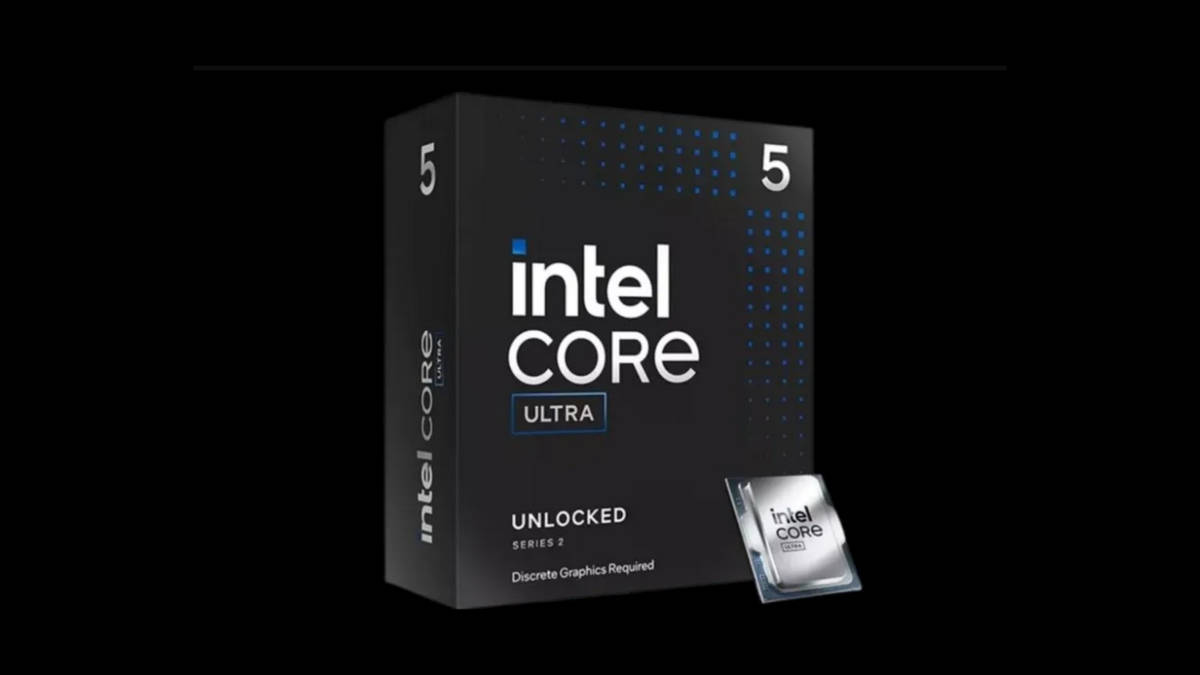
Build 2: Intel Core Ultra 5 245KF
If you would rather go the Intel route, the Core Ultra 5 245KF is the chip to build around at this budget. It belongs to Intel’s newer Core Ultra Series 2 desktop lineup, drops the integrated graphics since you are running a discrete GPU anyway, and lands on the newer LGA1851 socket.
Recommended Components
Component | Product | Key Specs | Approx Price (Rs) |
Processor | 14 Cores / 14 Threads, up to 5.2 GHz | Rs 20,000 | |
Graphics Card | 12GB GDDR7 | Rs 70,000 | |
Motherboard | LGA1851 B860 | PCIe 4.0, DDR5 support, WiFi variants available | Rs 15,000 |
Memory (RAM) | 32GB DDR5 5600MHz | Dual-channel, 5600–6000MHz | Rs 30,000 |
Storage | 1TB M.2 NVMe SSD, PCIe Gen4 | High-speed PCIe Gen4 storage | Rs 15,000 |
Cooling | Dual-tower air cooler, LGA1851 compatible | Tower cooler for sustained loads | Rs 6,500 |
Power Supply | 750W, 80+ Gold | Stable power delivery, modular preferred | Rs 12,000 |
Cabinet (Case) | Mid-tower, mesh front, 3 pre-installed fans | Good airflow and cable management | Rs 8,000 |
Total build cost: ~ Rs 1,85,000
Why this combination works
The Core Ultra 5 245KF carries a hybrid core layout with 6 Performance-cores and 8 Efficiency-cores, totalling 14 cores and 14 threads, with boost clocks reaching up to 5.2 GHz. Intel’s Thread Director handles the job of routing tasks to the right core type in real time, which in practice means demanding games and applications get prioritised on the Performance-cores while background processes sit on the Efficient-cores without you having to think about it. The chip currently sells for roughly Rs 20,000 to Rs 21,000, which is genuinely good value for what you get on the processing side.
The K and F in the name both matter here. The K means the multiplier is unlocked, so overclocking is on the table if that interests you. The F means there is no integrated graphics on the chip, which keeps the price down and is irrelevant since the RTX 5070 is doing all the graphics work regardless.
This is also where the build diverges meaningfully from the Ryzen option on platform cost. Intel’s Core Ultra Series 2 processors use the new LGA1851 socket, which means you need a board built on the 800-series chipset family. A B860 board is the practical choice here, since it gives you everything this build needs without paying extra for Z890’s overclocking headroom. These boards run from around Rs 13,000 to Rs 18,000 depending on brand and form factor, and at the lower end of that range, you are still getting DDR5 support, dual M.2 slots, and Wi-Fi.
What is worth noting is that this build ends up roughly Rs 10,000 cheaper than the AMD configuration, primarily because the processor itself costs less while still offering more total cores. If your workloads lean toward anything multi-threaded outside of gaming, like video exports or compiling code, the extra E-cores on the 245KF genuinely help.
So Which One Should You Pick
Both of these builds are running the identical GPU, so your actual gaming frame rates are not going to swing dramatically between the two. What you are really deciding between is platform cost, core count, and where you want your money to go.
The Ryzen 7 9700X build costs more upfront, largely because the AM5 platform and the 9700X itself sit at a higher price point than their Intel counterparts right now. What you get in return is a socket that AMD has confirmed will carry forward into future Ryzen generations, so a CPU-only upgrade down the line without a full motherboard swap is realistic.
The Core Ultra 5 245KF build saves you close to Rs 10,000 while handing you six additional threads. If your day-to-day use involves anything beyond gaming, that extra thread count adds up in real, measurable ways. The trade-off is that LGA1851 is a newer socket, and how far Intel extends support on it before the next architectural shift is still an open question.
Neither answer is wrong. If you are purely optimising for gaming and want the platform with a longer confirmed upgrade runway, go AMD. If you want more cores for less money and do not mind a newer, less proven socket, go Intel.
Prebuilt vs DIY: What Should You Do?
Sourcing every component individually, checking compatibility, and assembling the system yourself is not for everyone, and there is no shame in that. If you would rather skip the process entirely, system integrators like EliteHubs sell fully assembled, tested desktops with comparable specifications, often built around this exact Ryzen 7 9700X or Core Ultra 5 series and RTX 5070 combination.
You will pay a bit more than sourcing components yourself, but you get a working system out of the box, a single point of contact for warranty issues, and none of the risk that comes with a first-time build, like a bent CPU pin or a missed power cable.
If you do go the pre-built route, it is still worth checking the exact component list before paying. Some pre-built listings substitute a lower-tier PSU or a generic case to hit a price point, and those are corners worth knowing about before you commit.
Final Thoughts
A genuinely capable PC build under Rs 2 lakh is absolutely achievable in India right now, provided you are buying from retailers that price components honestly and you are not getting talked into brand premiums that do not translate to real performance gains. Both builds here get you an RTX 5070, 32GB of DDR5 memory, and a full terabyte of fast Gen4 NVMe storage, the kind of specification sheet that would have cost considerably more not too long ago.
Pick AMD if platform longevity and a slightly more established socket matter to you. Pick Intel if you want more cores for less money and do not mind being an early adopter on the newer chipset. Either way, you are walking away with a build that handles 1440p gaming comfortably and has enough headroom to stay relevant for the next several years.