Budget smartwatches in India are more or less variations of the same marketing idea — all‑rounders with a bright display, Bluetooth calling, health tracking, and a few days of battery life — at prices that make them easy, impulse buys. The differences usually come down to how the watch feels on the wrist, how useful it remains once the novelty wears off, and how honestly it communicates with the user on what it can and cannot do.
The boAt Chrome Iris lands in that popular mid‑range band around the Rs 3,500 mark, sitting alongside Noise, Fire‑Boltt, and entry‑level Amazfit watches. On paper, it ticks the expected boxes – an AMOLED display, a metal body, wellness tracking, and support for calls. After wearing it as my primary watch for a few days, here’s what stood out to me and what could be improved.
Design and fit: looks first, sportiness second
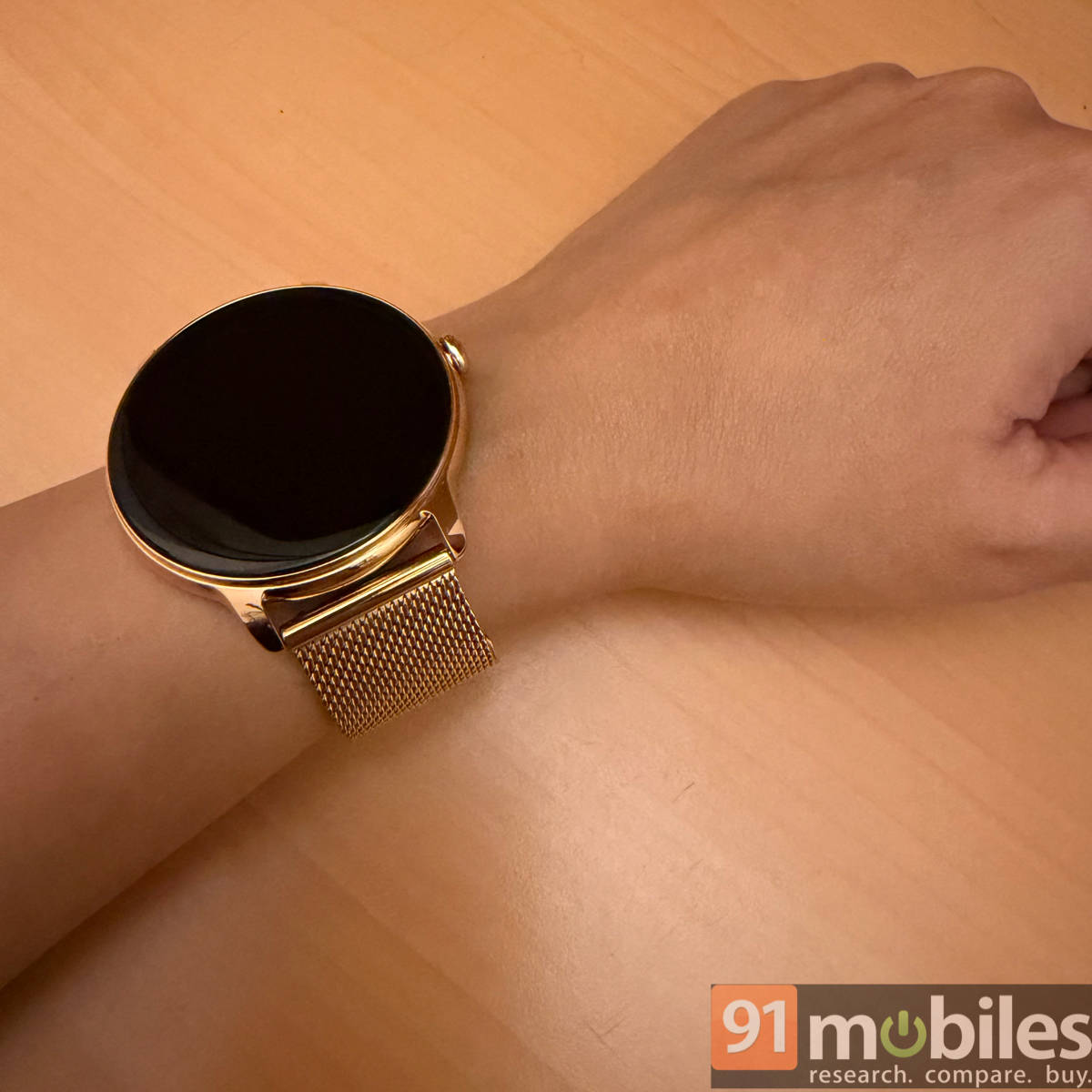
The boAt Chrome Iris looks more like an accessory than a gadget you’d strap on for a workout — which, very honestly, conveys who it’s meant for. I got the Metal Gold variant, whose metallic body and rose gold‑like hue give it a dressed‑up feel that goes well with your workwear or semi‑formal outfits for a night out. When I wanted something that didn’t look like a fitness band, this was the one I reached for. However, that same styling also makes it less flexible in other contexts. It doesn’t blend into gym or casual wear.
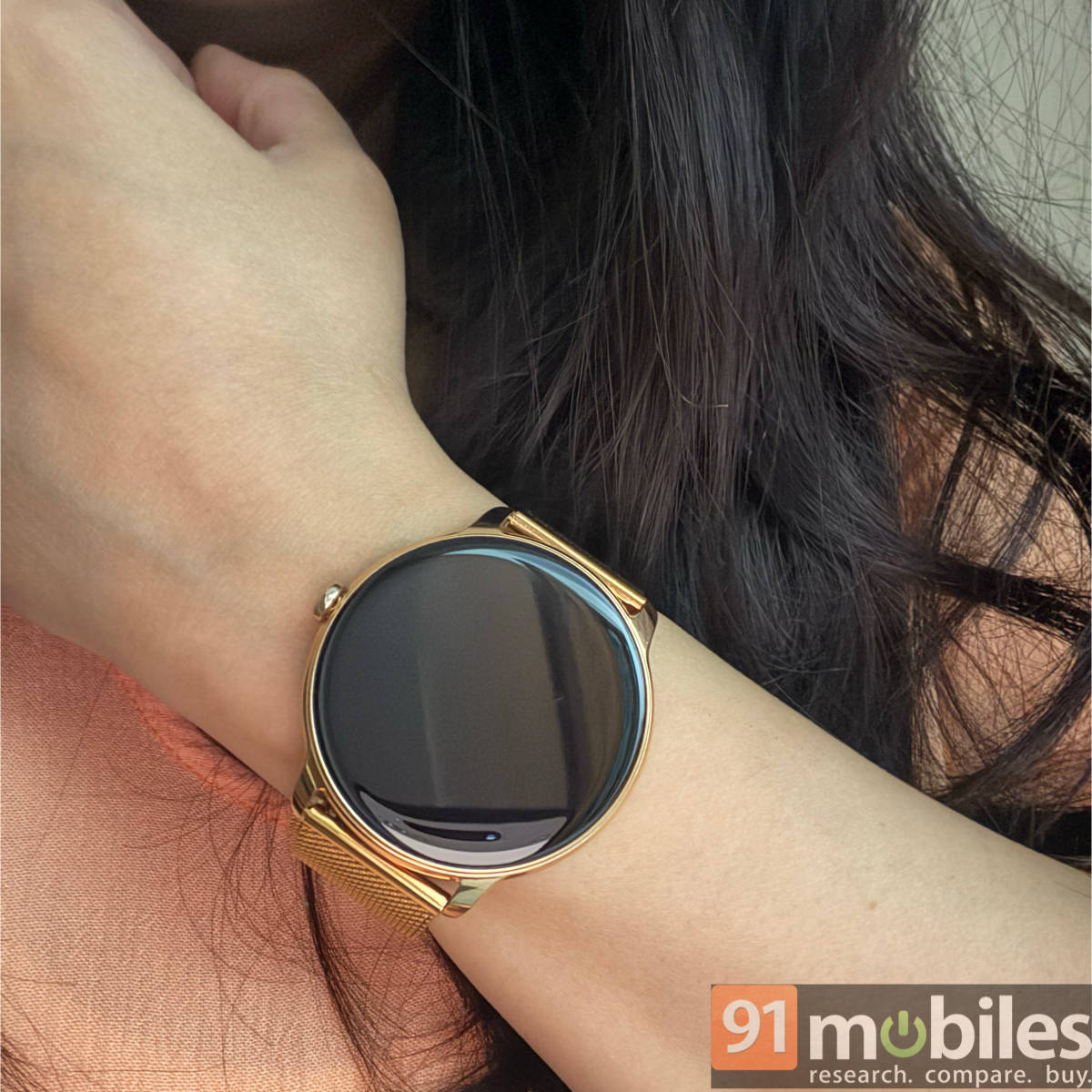
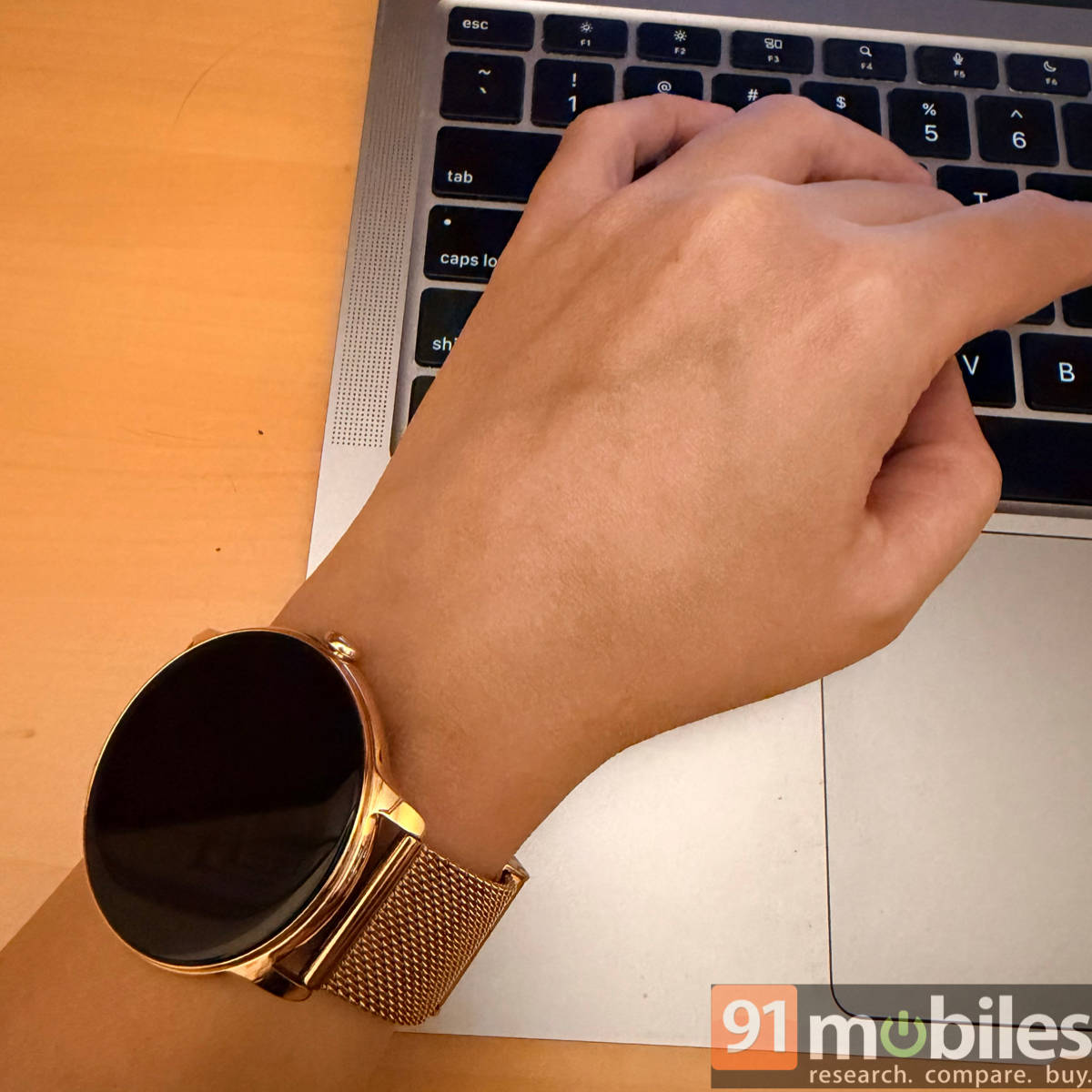
The included metal strap is aiming for a premium look, and it feels very different from the usual silicone bands on budget and fitness-oriented watches. While the strap itself isn’t uncomfortable per se, it can clunk against laptops and desks when working, which is not great ergonomically. You’re always aware you’re wearing metal, which works nicely if you care about aesthetics, but less so if you want something that doesn’t feel like an obstruction on occasions.
During the day, comfort wasn’t an issue. The Chrome Iris is light enough that I stopped mentally noticing it while walking or exercising. Sleeping with it, however, was a different story. The metal buckle didn’t dig into me as harshly as some chunkier watches, but it did leave faint marks and got uncomfortable to a point that I stopped wearing it overnight. That was for another reason too — more on that later.
While the fit is snug and adjustable, the dial size is somewhat limiting due to the lack of sizing options. On my relatively slender wrist, the dial felt just a bit too big. A slightly smaller size option would make a noticeable difference for women with petite or very slim wrists, considering this is a smartwatch made specifically for the ladies.
Display and visibility: bright and clear, but not fully automatic
The AMOLED display is one of the best things about the Chrome Iris. It’s sharp, nicely saturated, and easy to read even under harsh sunlight or bright office lighting. I didn’t have to struggle to see the time or glance at notifications outdoors, and the colours looked lively enough for casual use.
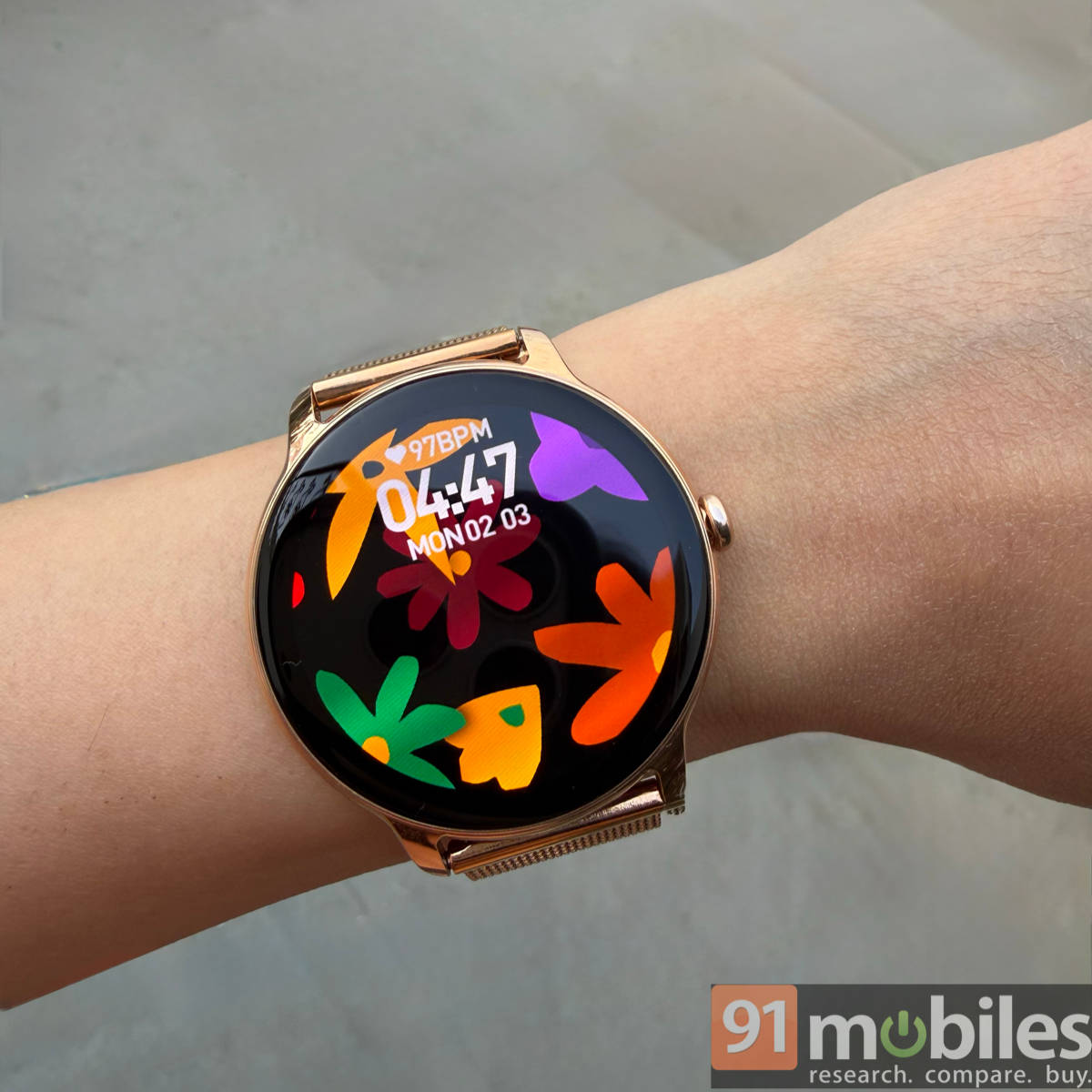
One thing that can make it better, though, is auto‑brightness. You have to adjust the brightness level manually when moving between extremely bright environments and low‑light settings. It’s not a big deal, but it’s that one extra step that you notice over time. The watch can support a light sensor at this price, but it doesn’t, so you’ll either stick to a mid‑brightness setting or keep tweaking it.
The Always-On Display (AOD) is useful if you prefer being able to glance at the time without lifting your wrist. It works as expected, but it does have a clear impact on battery life. In my use, keeping AOD on led to a noticeable overnight drop — close to 35 percent — which meant I had to charge the watch almost daily. With AOD turned off, I didn’t feel like I was giving up much in terms of practicality.
Raise‑to‑wake generally works reliably, but it can wake the watch a little too eagerly. It triggered on occasions while I was typing, and even during sleep, which made the screen light up more often than I preferred. The motion sensor is accurate, but the sensitivity isn’t very adjustable, so you either live with the frequent wake‑ups or rely more on the touchscreen. After a couple of nights, I stopped wearing it to bed, the offside of which was making sleep‑tracking less reliable.
Connectivity and notifications: functional, but not flawless
Notifications are where the Chrome Iris performs quite consistently. Messages, social media alerts, and reminders appeared quickly and reliably on my wrist, and the text previews were easy to read on the AMOLED screen. I didn’t run into major delays, even when my phone was in another room, thanks to Bluetooth v5.4.
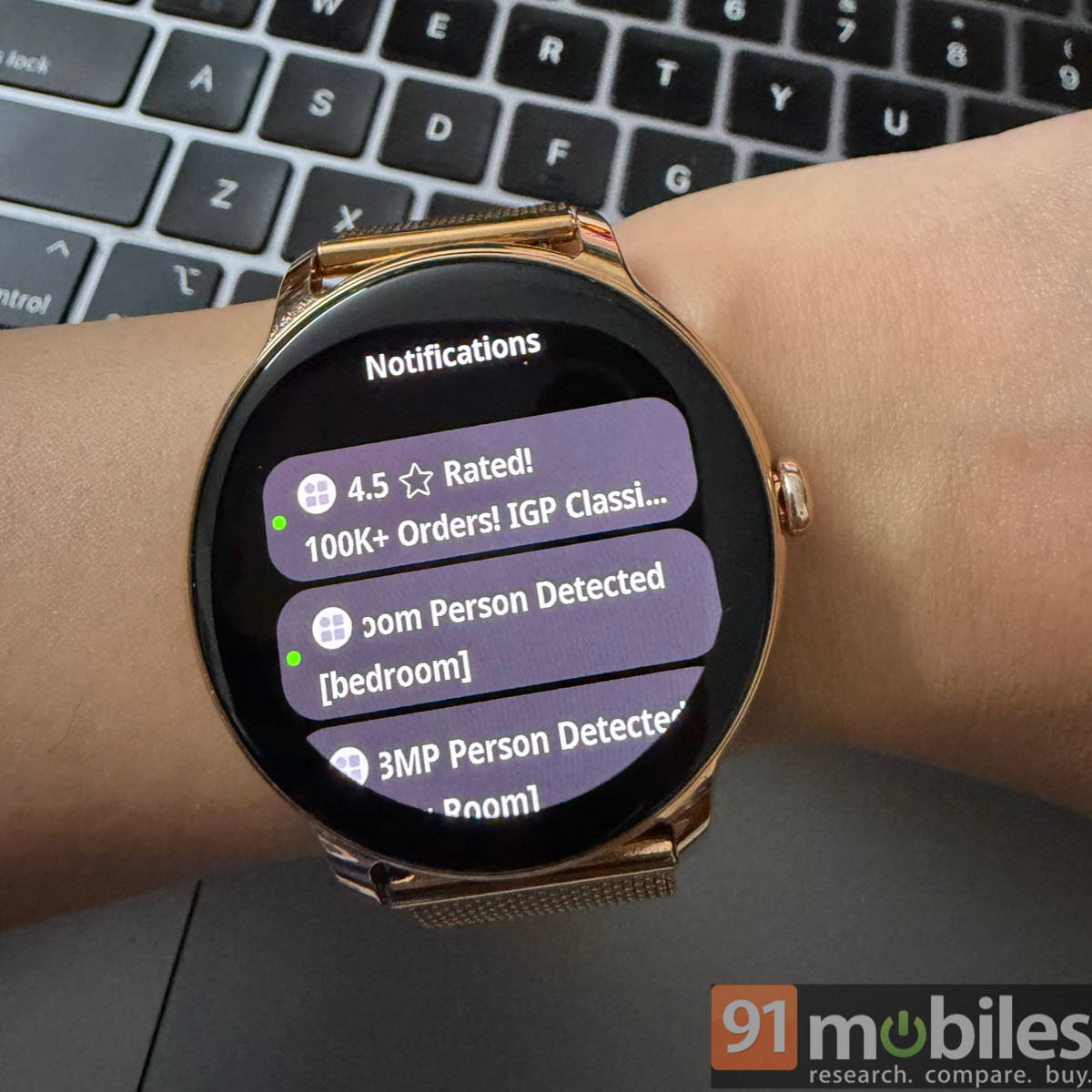
Bluetooth calling works well enough for short, quiet calls. Call audio is clear if background noise is low — indoors, at home, or in a quiet hallway. In noisy environments, the small speaker makes conversations harder to follow, and I always end up pulling out my phone.
From an iPhone angle, the experience gets a bit patchier. You can still get notifications, calls, and fitness data, but some features feel like they’re operating on the edge of what’s supported. For example, calls answered on the phone can’t be moved to the watch, and emoji support is a hit or miss. It’s not a deal‑breaker, but it can feel clunky if you’re used to the tighter integration you get with Apple’s own devices. The Find My Phone feature also didn’t work when the watch was paired to an iPhone.
App and day‑to‑day usability: simple and mostly smooth
The companion app, boAt Crest, is straightforward enough to use. Pairing went smoothly once I installed the app and entered the pairing code. However, for those unfamiliar with boAt’s ecosystem, a QR code in the box directing to the companion app listing would make the process quicker and more seamless.
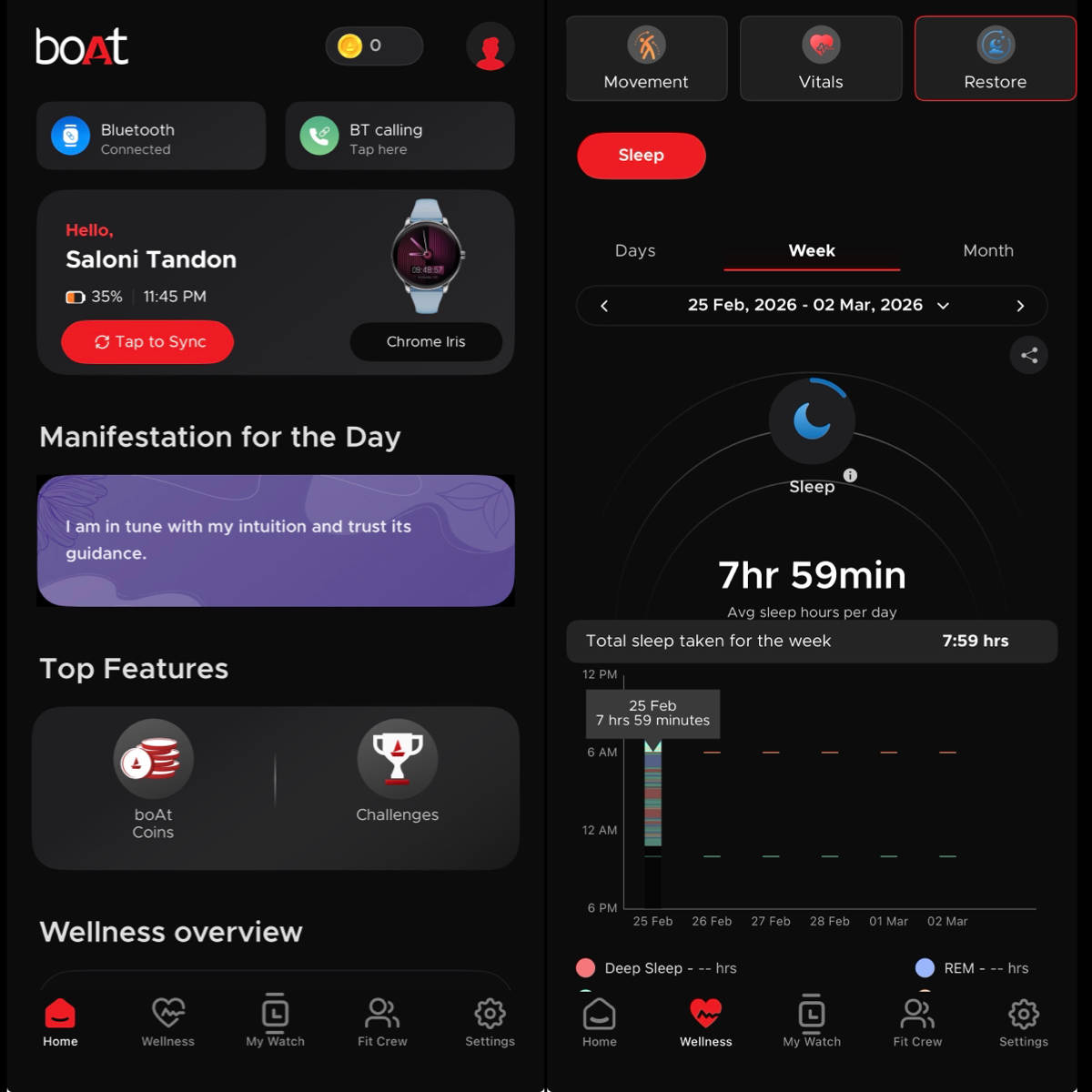
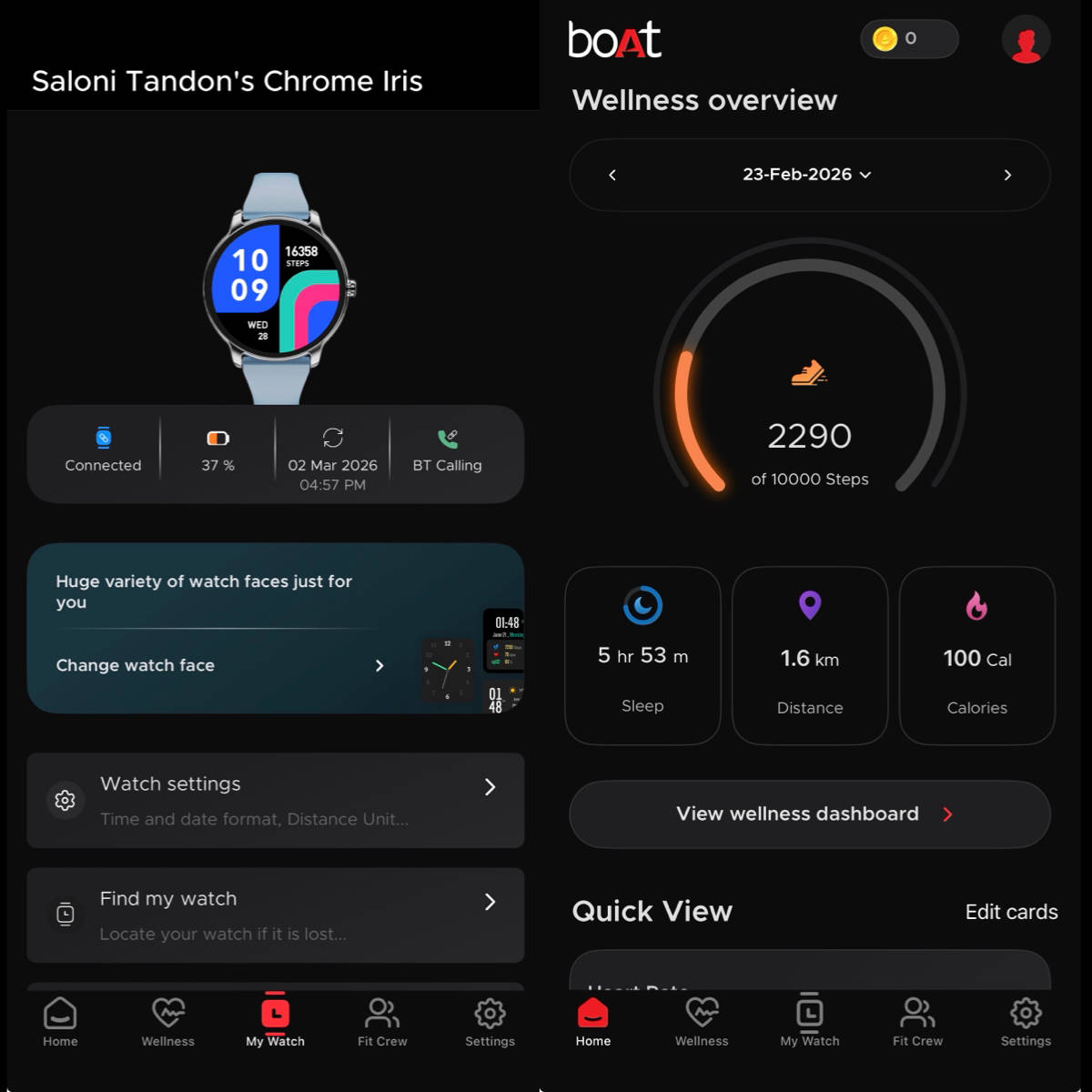
Inside the app, health data is laid out cleanly, with steps, heart rate, sleep, and female wellness neatly organised. Settings are easy to reach, and changing watch faces or adjusting notification preferences doesn’t feel buried under layers of menus.
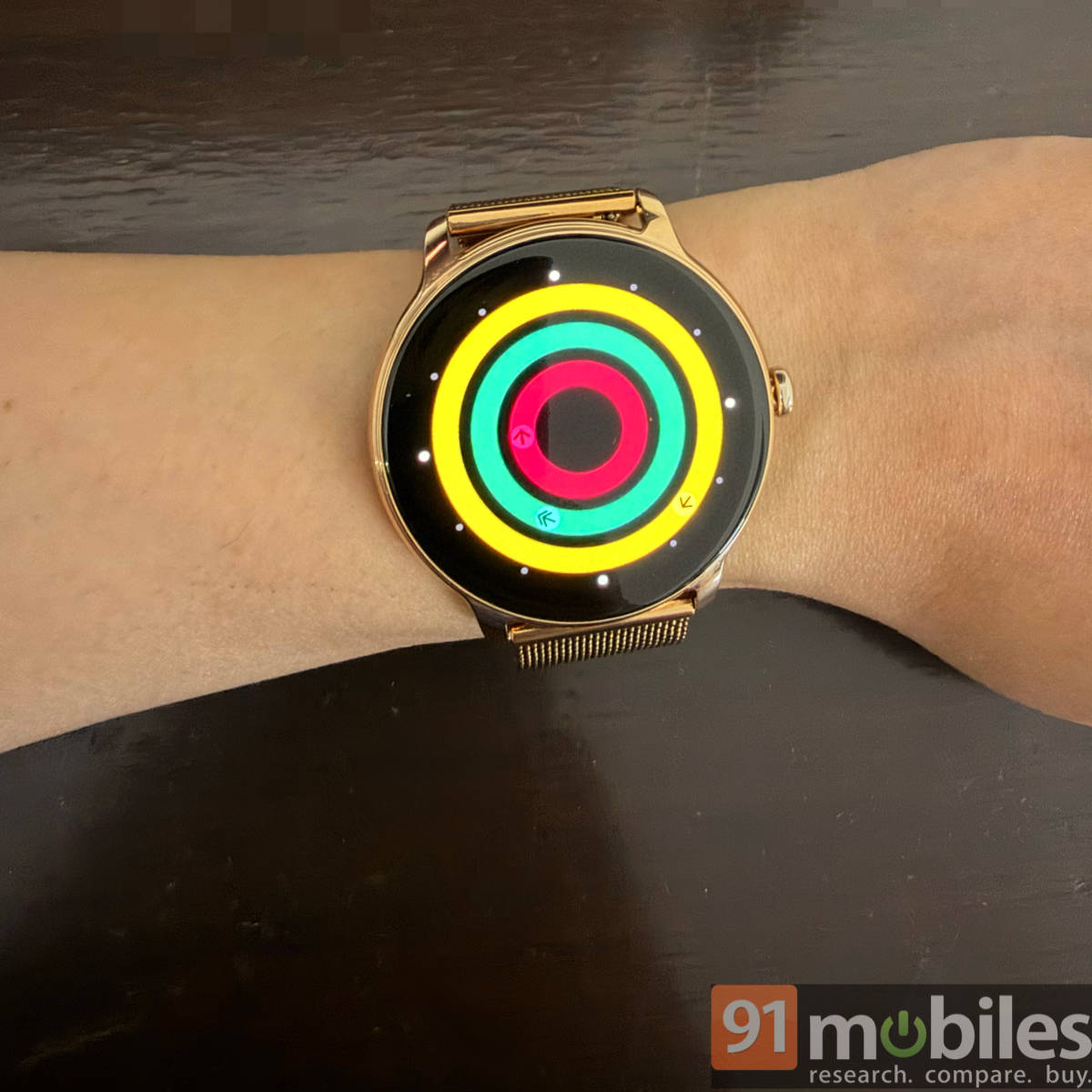
The Chrome Iris borrows a bit from Apple’s design language for its fitness features. The activity rings feel familiar if you’re used to any Apple‑style tracker — but they’re simple enough that they won’t confuse anyone.
Wellness and activity tracking: awareness, not optimisation
The Chrome Iris tracks basic wellness metrics: heart rate, SpO2, sleep, steps, and female wellness features. When I did wear it overnight, the sleep data it provided felt reasonably close to reality — the watch usually picked up roughly when I was awake, when I was in bed, and when I got up. The real limitation came from comfort. Because I stopped sleeping with it regularly due to the buckle and the metal band, the long‑term sleep trends were incomplete. The watch is capable of monitoring sleep, but the experience tempts you to take it off at night, which undercuts the value of the feature.
For activity tracking, the watch handles everyday walks and light workouts without fuss. It counts steps, estimates distance, and logs basic workouts. It’s not a device for serious athletes as it doesn’t offer advanced metrics like VO2 max, running dynamics, or structured training plans. Instead, it’s aimed at keeping you aware of your movement rather than optimising performance.
Haptic feedback can be set to Soft or Strong, but even on Strong, I missed a few notifications while walking. If you’re on a busy street, listening to music, or already overwhelmed by other inputs, the vibrations can slip by. If you rely on subtle haptics instead of a loud ringer on your phone, that’s something you’ll want to test in real‑life scenarios.
Battery life: very use‑case‑dependent
Battery life on the Chrome Iris is heavily influenced by how you use it. With Always‑On Display turned on, I found it barely lasted a day, draining by about 30 percent overnight, even with DND on, due to the constant screen activation. That pushed me into a near‑daily charging routine, which feels a bit heavy for a budget watch.
When I turned AOD off, the watch became much more manageable. It comfortably lasted around three to four days on mixed usage before dropping to about 20 percent. Standby drain was low, and charging from empty to full usually took around 1.5 hours. The magnetic charger is convenient and easy to use, and the watch feels reasonably efficient when it’s not running the bright AOD.
At its price point, the boAt Chrome Iris delivers exactly what most buyers in this segment are looking for: a good‑looking design, a bright AMOLED display, reliable notifications, and simple health tracking. The rough edges — battery drain with AOD, easy‑to‑miss haptics, no auto‑brightness, and some quirks with iPhone integration or Bluetooth calling — are typical trade‑offs at this price.
If you care more about how your watch looks, feels, and fits into your wardrobe than about how many niche features it lists in the specs sheet, the Chrome Iris leans in that direction. It’s not trying to be a fitness watch or a pseudo‑smartphone on the wrist, but more of a connected accessory that adds a bit of polish to your daily routine.
Verdict
In the time I’ve spent with the boAt Chrome Iris, it’s come across as a watch that understands its lane. At around Rs 3,500, it offers a bright AMOLED screen, reliable notifications, basic health tracking, and a design that feels more polished than others in this price range. It shows you what you need without lag, lets you take the occasional call, and blends nicely into work or semi-formal settings. For a lot of buyers in this segment, that’s really the brief.
But living with it also makes the trade-offs clear. Battery life changes noticeably depending on whether you keep Always-On Display enabled; vibrations can be easy to miss when you’re moving around; and the iPhone experience feels like it could use more tuning. The larger dial won’t flatter every wrist, and overnight comfort isn’t its strongest suit, which affects how useful sleep tracking becomes over time. None of this feels shocking at this price, though. If you want a stylish, connected accessory that covers the basics well, the Chrome Iris does that. If you’re expecting deep fitness insights or tightly integrated smart features, you’ll probably outgrow it.
Editor’s rating: 7.5/10
Pros
- Bright, sharp AMOLED display with good outdoor visibility
- Premium-looking metal build with a distinctive finish
- Reliable notifications and an intuitive companion app
- Solid 3-4 day battery life with AOD turned off
Cons
- Battery drains quickly with Always-On Display enabled
- Dial size may feel large on slender wrists
- iPhone integration has limitations