With the MacBook Neo, Apple has performed a fascinating upward migration. By placing the A18 Pro into a 13-inch laptop chassis, Apple has created a unique hybrid that challenges our understanding of mobile vs. desktop computing. On paper, they should behave similarly. In reality, they don’t because silicon is only half the story. The other half is every element that’s wrapped around it, like thermals, OS, storage, and how apps are allowed to behave.
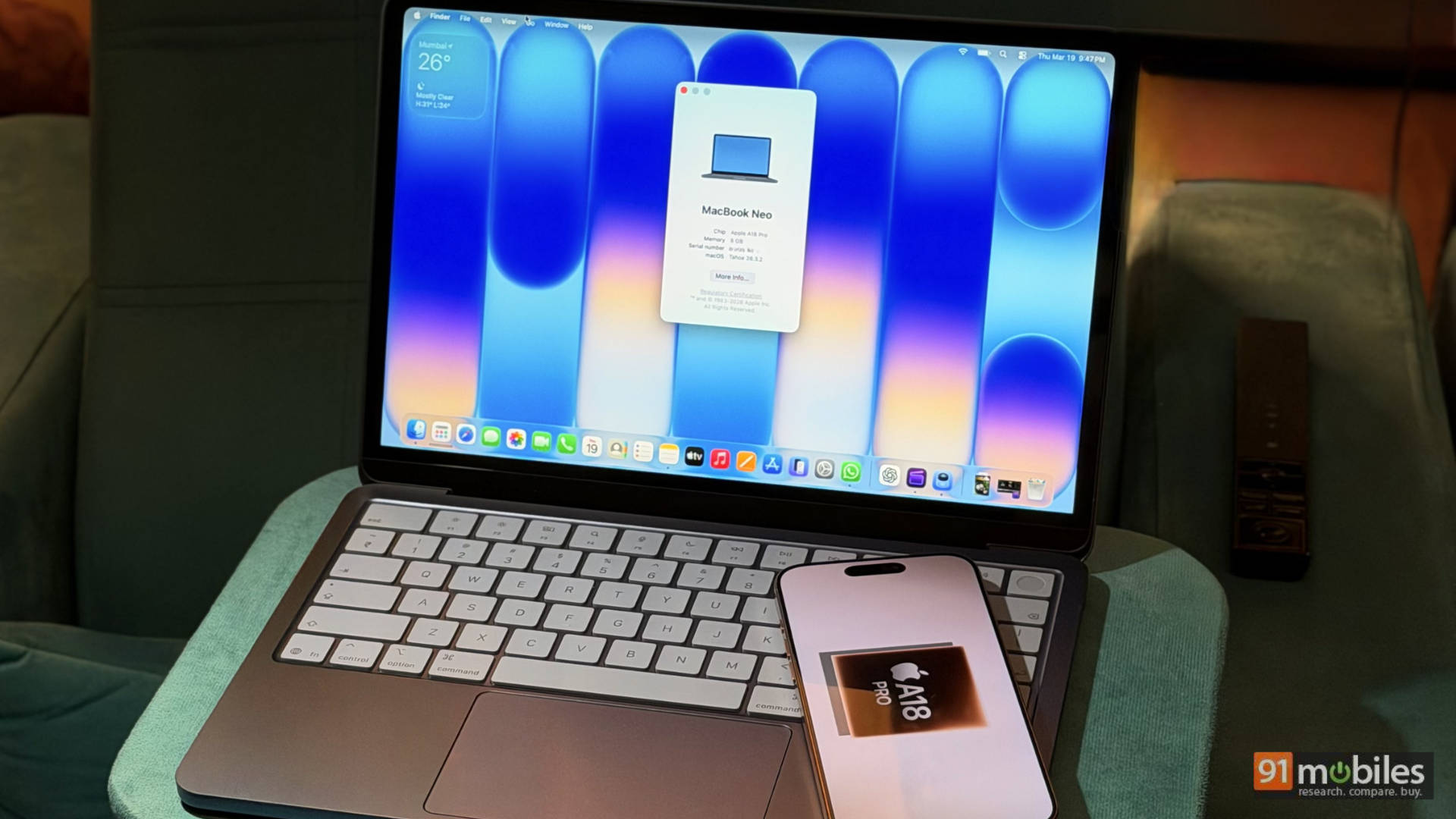
On the Neo, macOS changes the equation entirely. Full file management, proper multitasking, and desktop-grade apps like Final Cut Pro and Photoshop mean the same chip now handles desktop-grade work. You can have 10 Chrome or Safari tabs open, edit a 4K timeline, AirDrop files, and still keep Apple Music running without the system feeling like it’s juggling chainsaws. iOS isn’t designed to behave like this, and Samsung Fold users would vouch for the joys of multitasking on side-by-side screens, which the iPhone Pro Max series doesn’t offer even in landscape mode. What this really means is the Neo isn’t just a “bigger iPhone.” It’s a fundamentally different computing environment.
Table of Contents
Architecture and thermal dynamics
The A18 Pro, the 3nm powerhouse from the iPhone 16 Pro is a marvel of efficiency, built on TSMC’s second-generation 3nm process. It features a 6-core CPU (2 performance cores and 4 efficiency cores) and a 16-core Neural Engine. In the iPhone 16 Pro, this silicon is frequently throttled by a cramped thermal envelope and a 3000-4500 mAh battery.
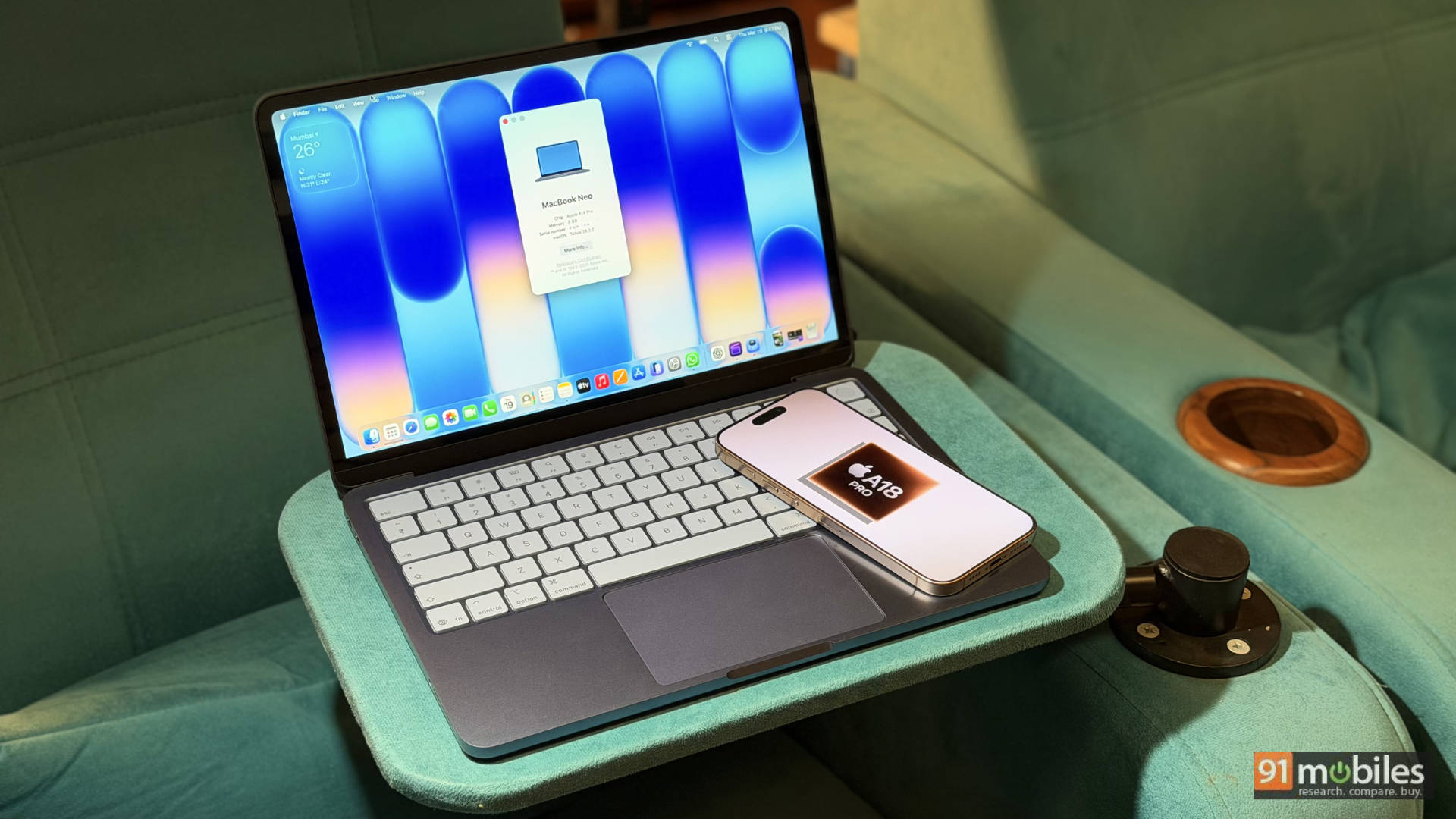
In the MacBook Neo, the chip is set free. Despite being a fanless design, the Neo uses its entire recycled-aluminum chassis as a giant heatsink. While the iPhone 16 Pro might throttle its peak performance after 10 minutes of heavy gaming or 4K rendering, the Neo sustains its clock speeds for significantly longer. However, there is a clear “Line of Control”: the memory bandwidth is capped at 60GB/s with a fixed 8GB of unified memory, keeping it strictly in the “student” category rather than a professional workstation.
The storage bottleneck and 4K editing
While the processor is Pro, the storage pipeline is more “standard.” In our testing, an 8GB 4K file transfer via AirDrop took 16 minutes and 40 seconds on the Neo. To put that in perspective, the M4-powered MacBook Pro finished the same task in just 6 minutes and 40 seconds. This indicates the use of slower, single-channel NAND flash, likely a cost-saving measure to hit the ₹69,990 price point.
For video editors, the experience on the iPhone 16 Pro is fluid for short 4K clips, but once you stack layers, add effects, or export longer timelines, things slow down. Also, you can’t avoid the cramped interface. On the MacBook Neo, you get the full desktop version of Final Cut Pro. Scrubbing the timeline is surprisingly lag-free thanks to the A18 Pro’s media engine, but your export and file-import times will be the limiting factor.
Performance benchmarks: phone vs. laptop
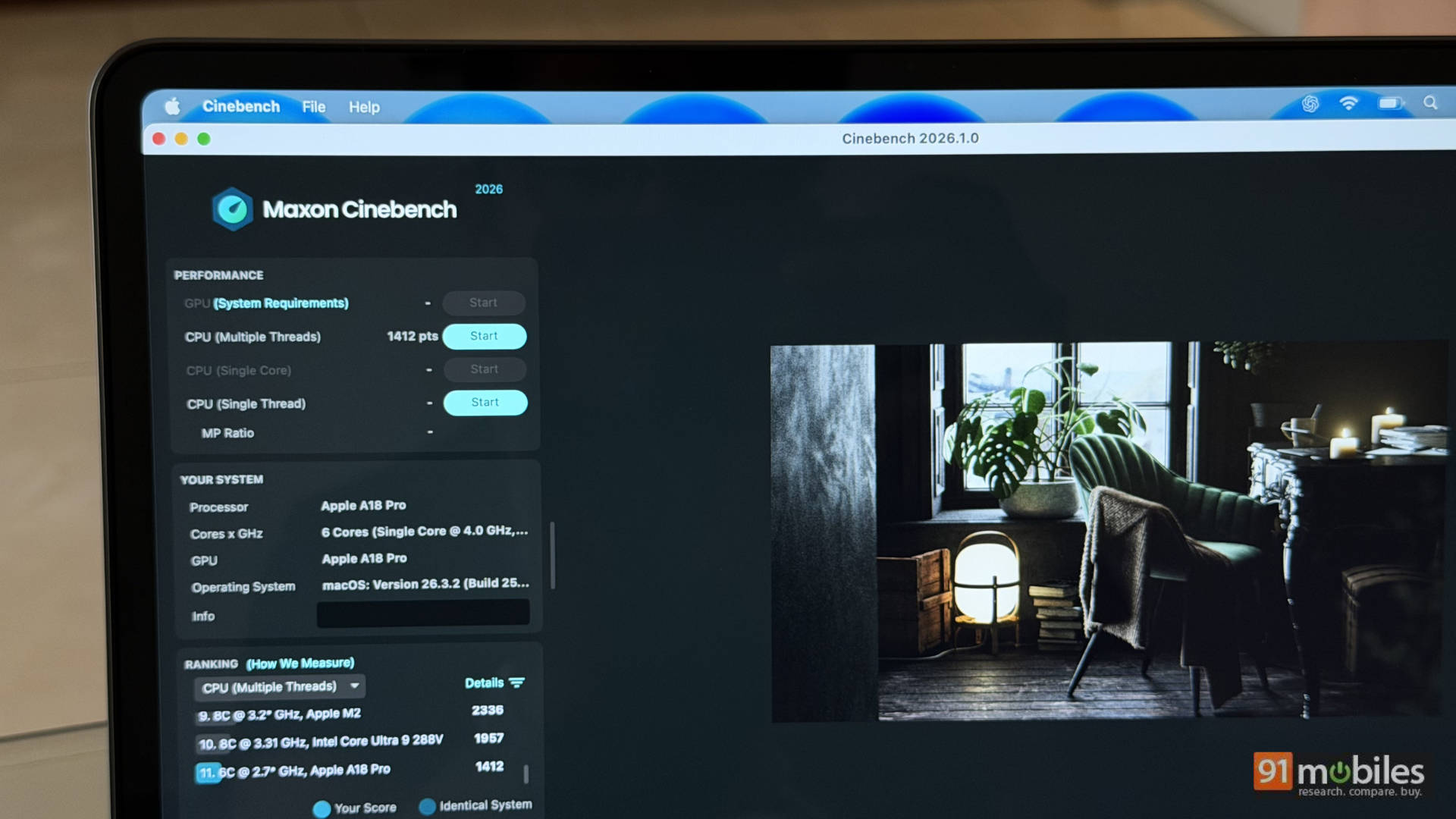
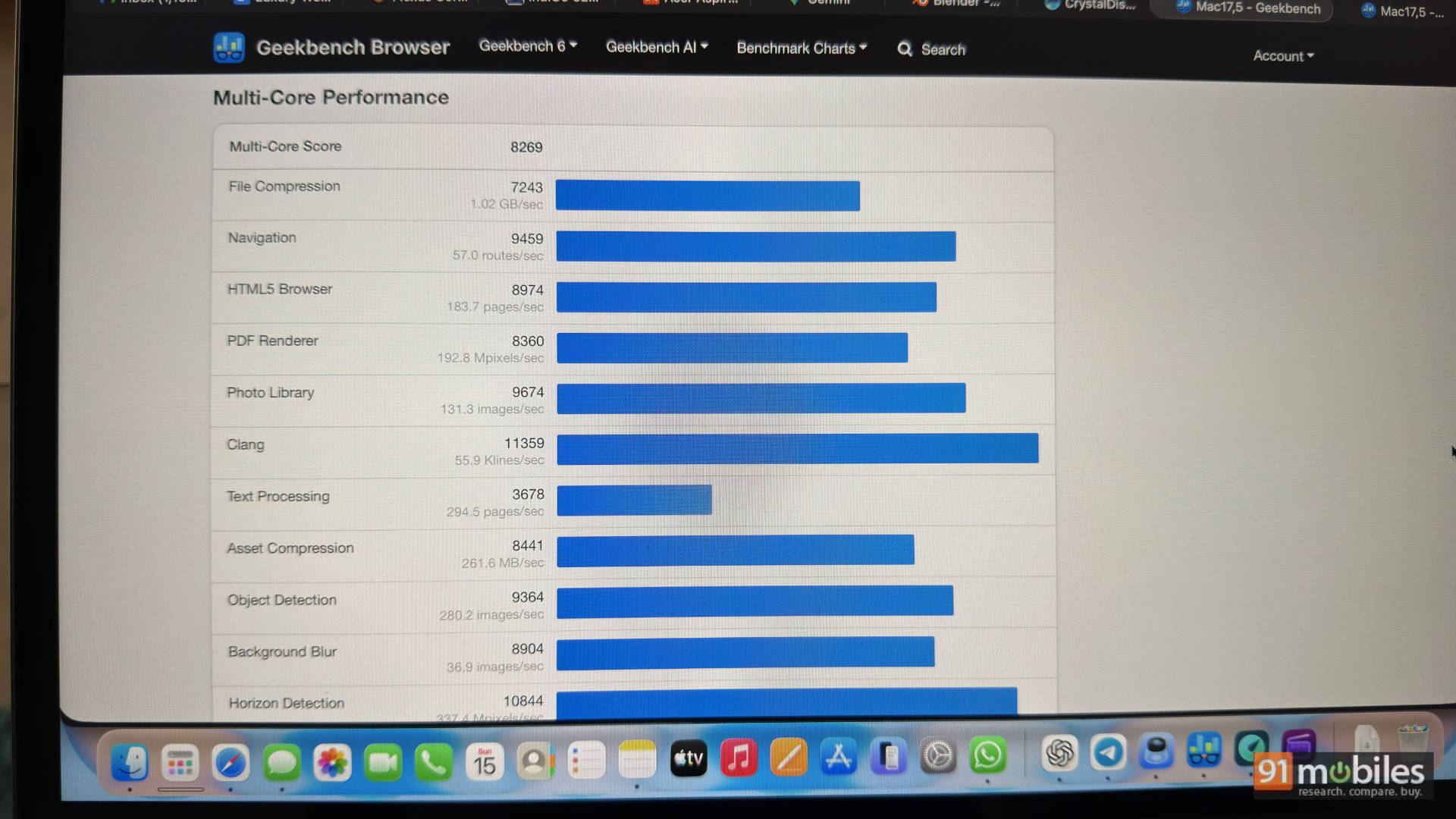
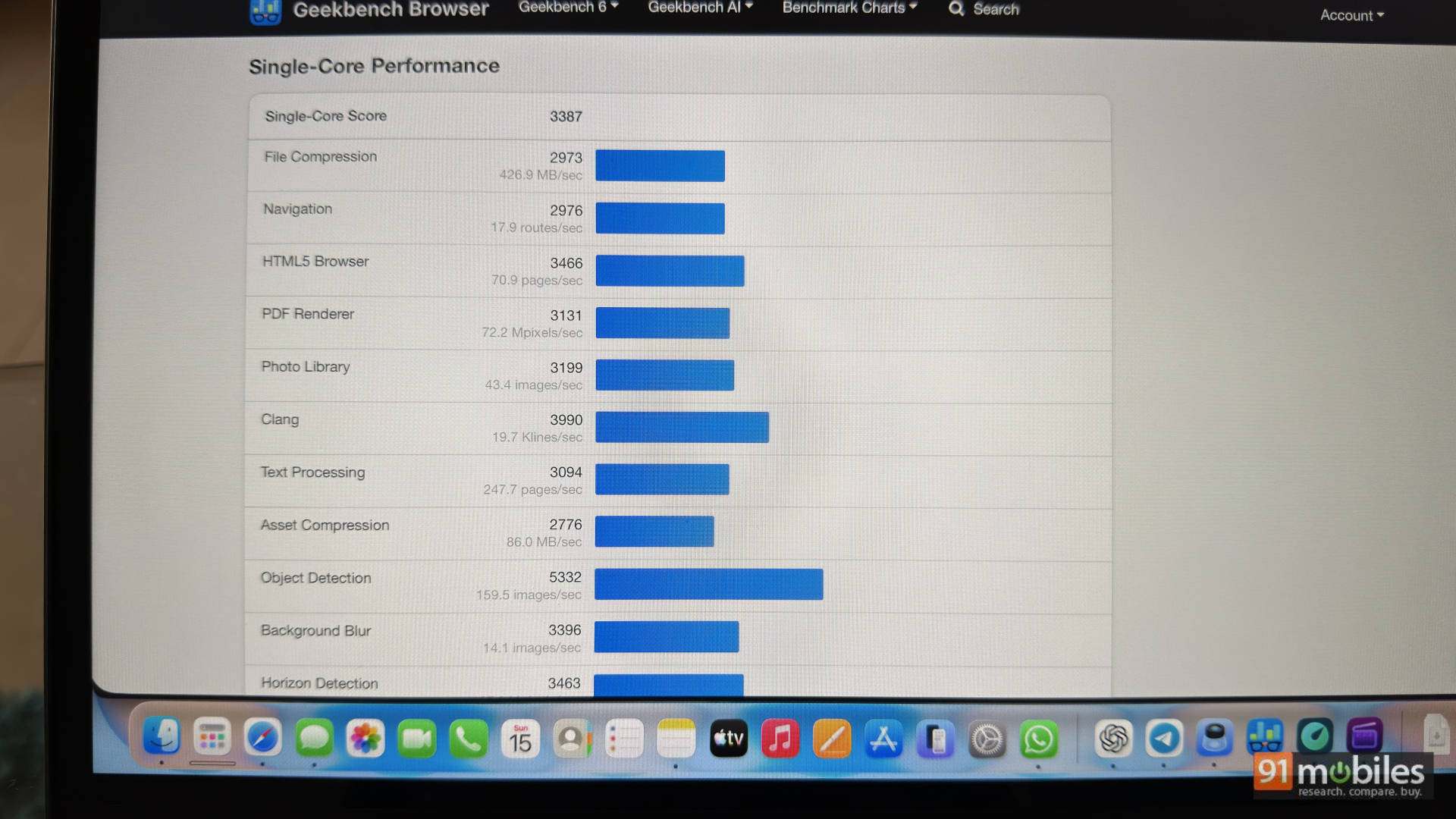
The synthetic numbers tell a story of single-core dominance and multi-core pragmatism: It scores an astonishing single-core score of 3,387 on Geekbench 6 and a multi-core score of 8,269. Cinebench 2024 (Single-Thread) scores at 464. This shows that the Neo’s single-core score rivals that of some flagship Intel Core i7 and AMD Ryzen 7 mobile processors. This is why the laptop feels “instant” when opening web pages or launching apps. However, the multi-core score of 8,269 exposes its smartphone roots; it lacks the parallel processing muscle of the M3 or M4 chips, which comfortably sail past the 12,000 mark.
Games
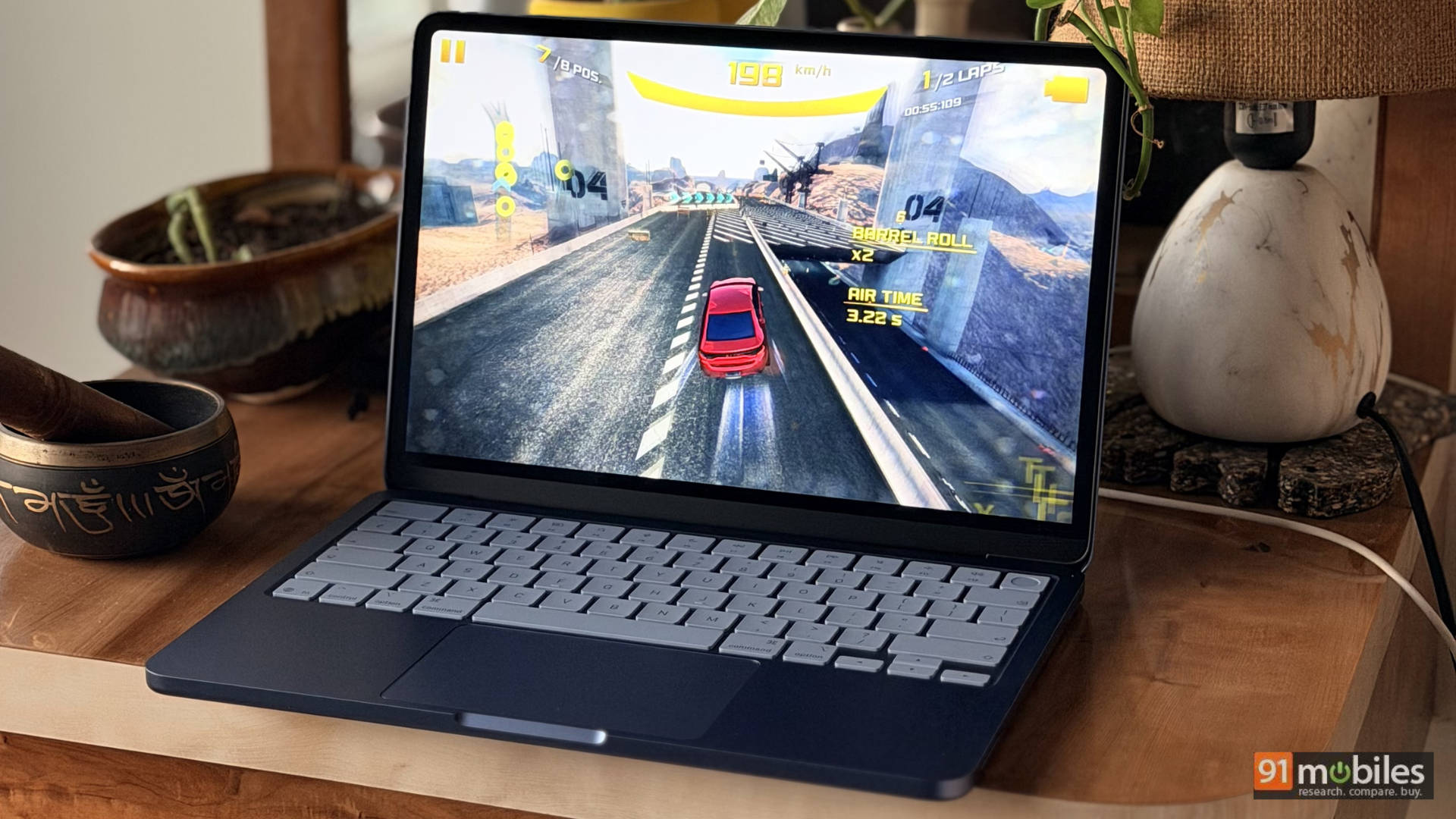
The iPhone 16 Pro has access to a massive, highly optimised app ecosystem. Mobile games are better tuned, apps launch instantly, and everything is designed around touch-first interaction. The Neo, meanwhile, sits in an odd but powerful middle ground. Arcade titles like Asphalt or Oceanhorn run at a stable 60fps on the Neo with no drama. The speakers, frankly, make them sound better than they have any right to. But here’s the catch: not all iOS apps scale well to macOS. Some feel like stretched phone apps, awkward with trackpad input. On the flip side, the iPhone simply cannot run desktop-class tools. No proper Final Cut workflow, no real multi-window browsing, no coding environment.
Connectivity and everyday use
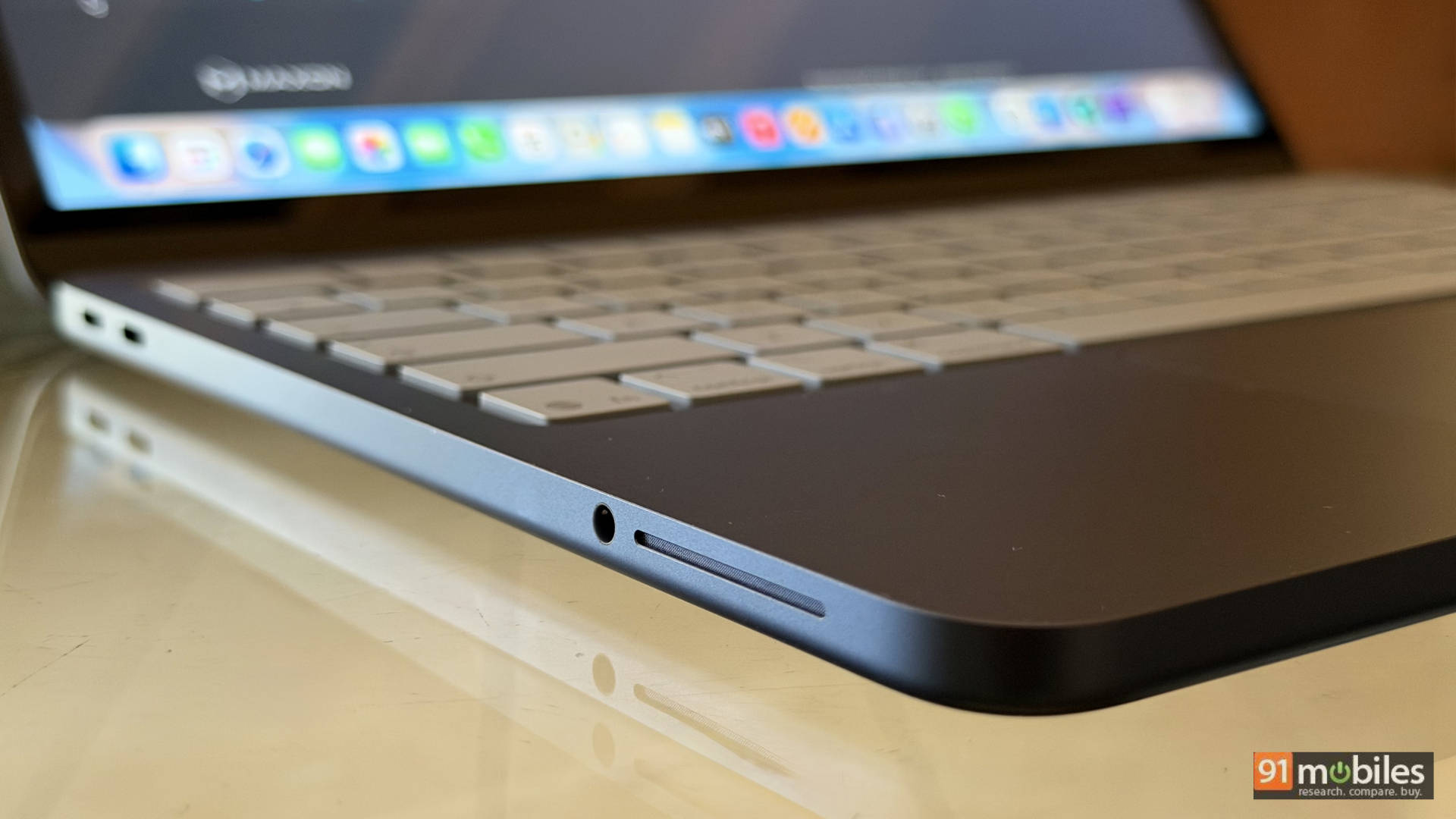
The I/O is lean with just two USB-C ports and a 3.5mm jack. Critically, only one port supports USB 3 (10 Gbps) speeds, while the other is restricted to USB 2 (480 Mbps). This is a deliberate “tiering” of the hardware. The display, a 13.3-inch LCD, is limited to 60Hz and sRGB coverage. Compared to the iPhone 16 Pro’s 120Hz ProMotion OLED, the Neo’s screen feels like a step backward in fluidity and contrast, though its 500-nit brightness makes it perfectly legible under indoor lighting and even though it supports “just” the sRGB colour space, in everyday use, colours, contrast and viewing angles are in a different league altogether compared to any Windows laptop at the same price.
Battery life
Both devices are insanely efficient, but that’s the A-series DNA doing its thing. The iPhone 16 Pro comfortably lasts a full day with mixed usage, including video playback, social apps, some camera use, and light Reels editing. The MacBook Neo, though, plays a different game. In real-world testing, it lasted more than 13 hours of mixed usage, but what’s impressive is not just the number, but the consistency. The Neo doesn’t suddenly drop 20% during a heavy task but just keeps going. The lack of a fan also gives you absolute silence, and that changes how premium it feels, even on a budget.
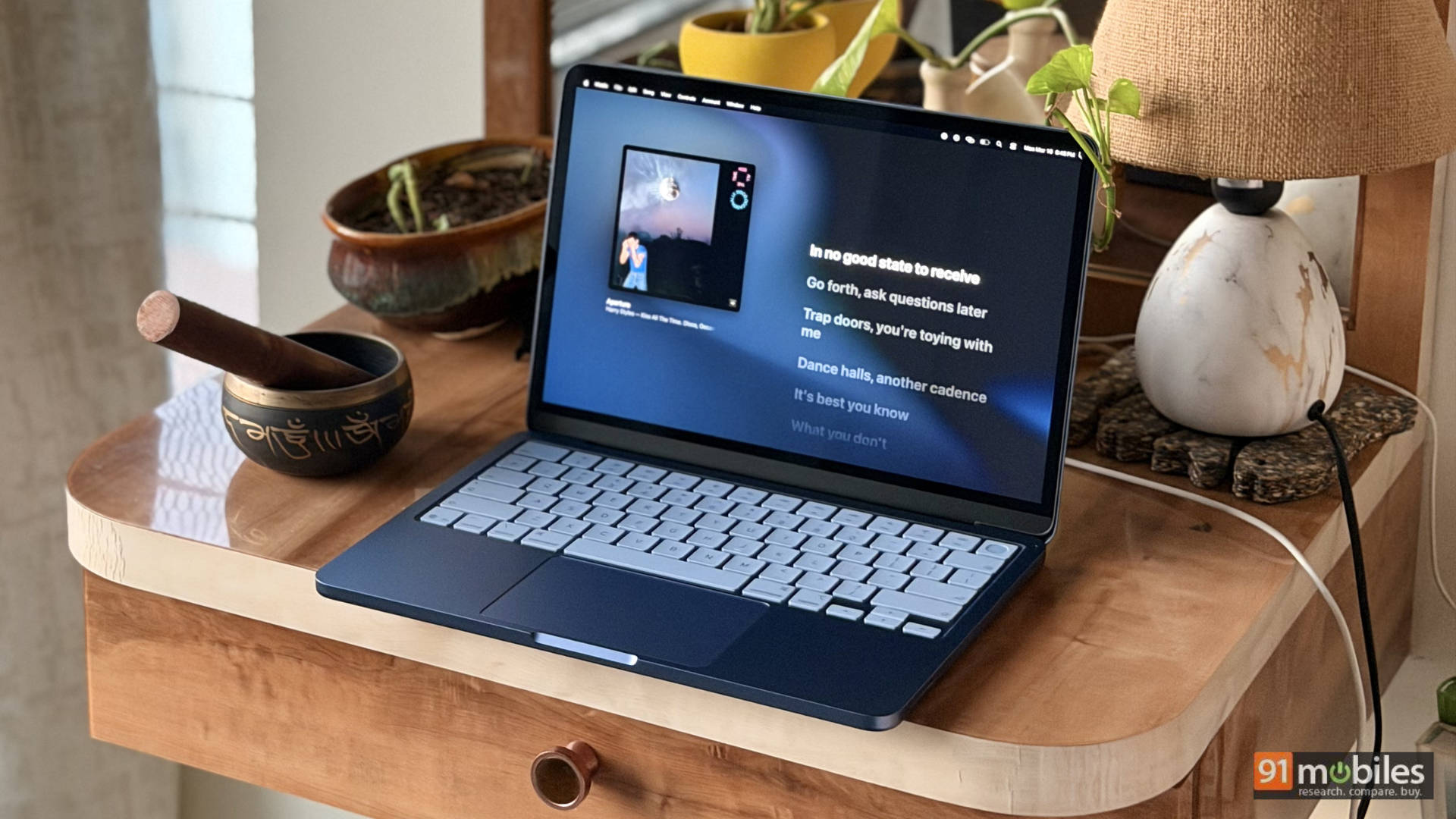
This is where most people will care. For everyday use, the iPhone 16 Pro is still the fastest way to handle quick tasks like shooting, editing, and uploading a video, replying to messages, or simply browsing, scrolling, and consuming content. Everything is immediate and with zero friction. The MacBook Neo, on the other hand, is the device you turn to when things get even slightly serious, such as writing long articles, managing files, editing multiple video clips, or running several applications simultaneously. The combination of the keyboard, trackpad, and macOS unlocks a different level of productivity; once you adopt gestures and multi-window workflows, returning to a phone feels restrictive. Moreover, the MacBook Neo offers additional benefits, such as proper speakers that deliver wide, detailed sound, a larger 13-inch canvas for both work and play, and real ports, even if limited. In essence, the Neo feels like a specialised tool, while the iPhone feels like an extension of you.
Verdict: Same silicon, completely different purpose
The A18 Pro proves that performance isn’t the bottleneck when choosing devices; context is. On the iPhone 16 Pro, the chip delivers speed in short, efficient bursts inside a tightly controlled environment, whereas on the MacBook Neo, the exact same chip stretches out, breathes, and becomes something far more versatile thanks to macOS and better thermals.
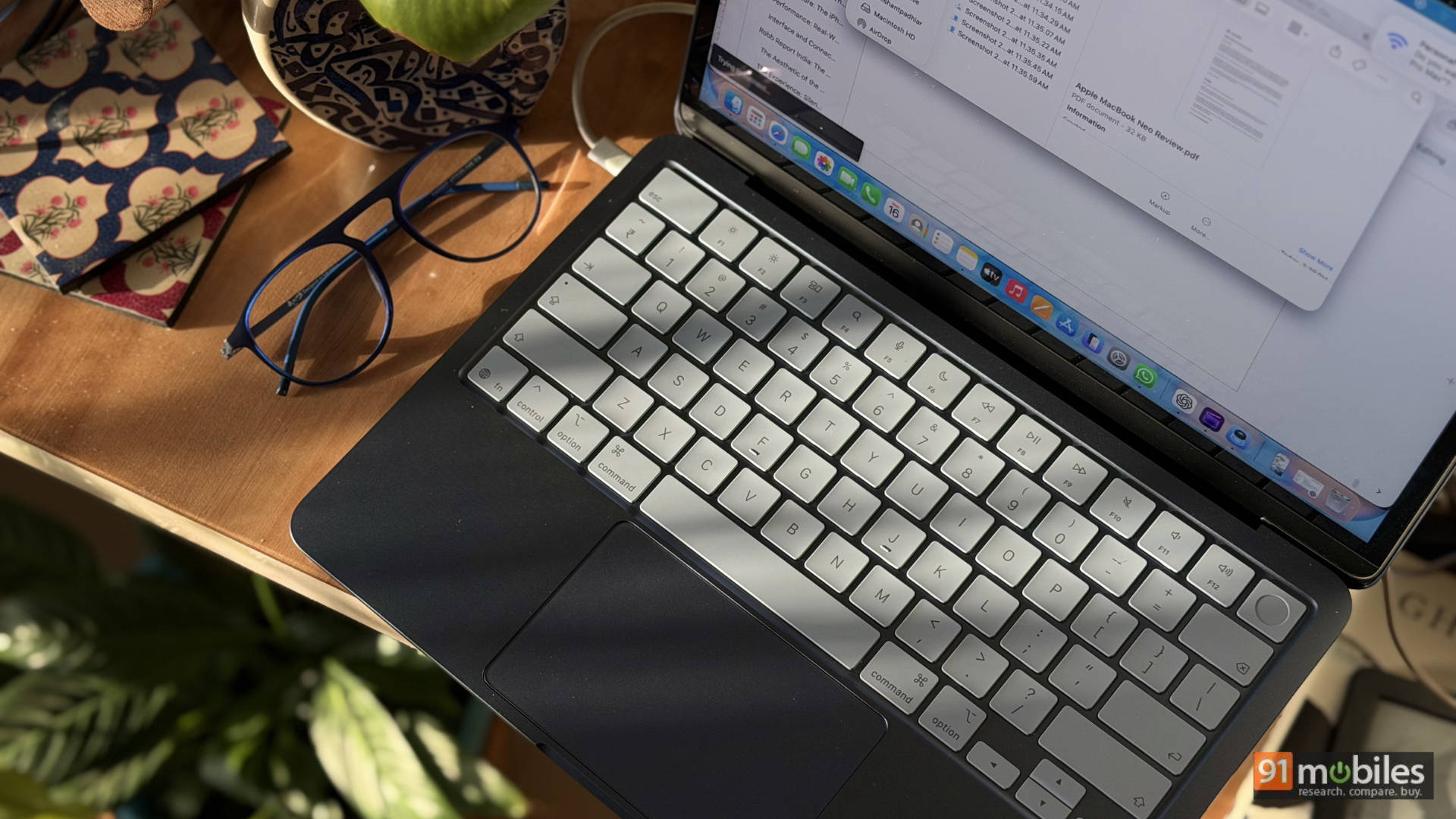
But let’s not over-romanticise it. The Neo is not a replacement for M-series Macs with its slower storage, limited multi-core muscle, and basic display hardware. What it is, though, is arguably the most interesting sub-₹70K laptop right now because it takes iPhone-grade silicon and turns it into a genuinely useful computer that doesn’t get bogged down by viruses, updates or drivers.