Every now and then, a mouse lands on the desk that doesn’t scream for attention. The HyperX Pulsefire Fuse Wireless is exactly that kind of mouse. It’s calm. Practical. Slightly boring on paper. And somehow… that’s exactly why it works.
After a couple of weeks of swapping it in for daily work and late-night gaming, the Fuse started to feel less like a review unit and more like my own mouse. That’s usually the biggest compliment a peripheral can get. Then again, it might not be for everyone, because it’s far from perfect. Let’s take a closer look at the mouse, and you’ll get what I mean.
Table of Contents
The first thing you notice
Pick it up, and the immediate thought is, oh nice, this feels solid. Not ultra-light. Not brick-heavy. Just right in that comfy middle ground.
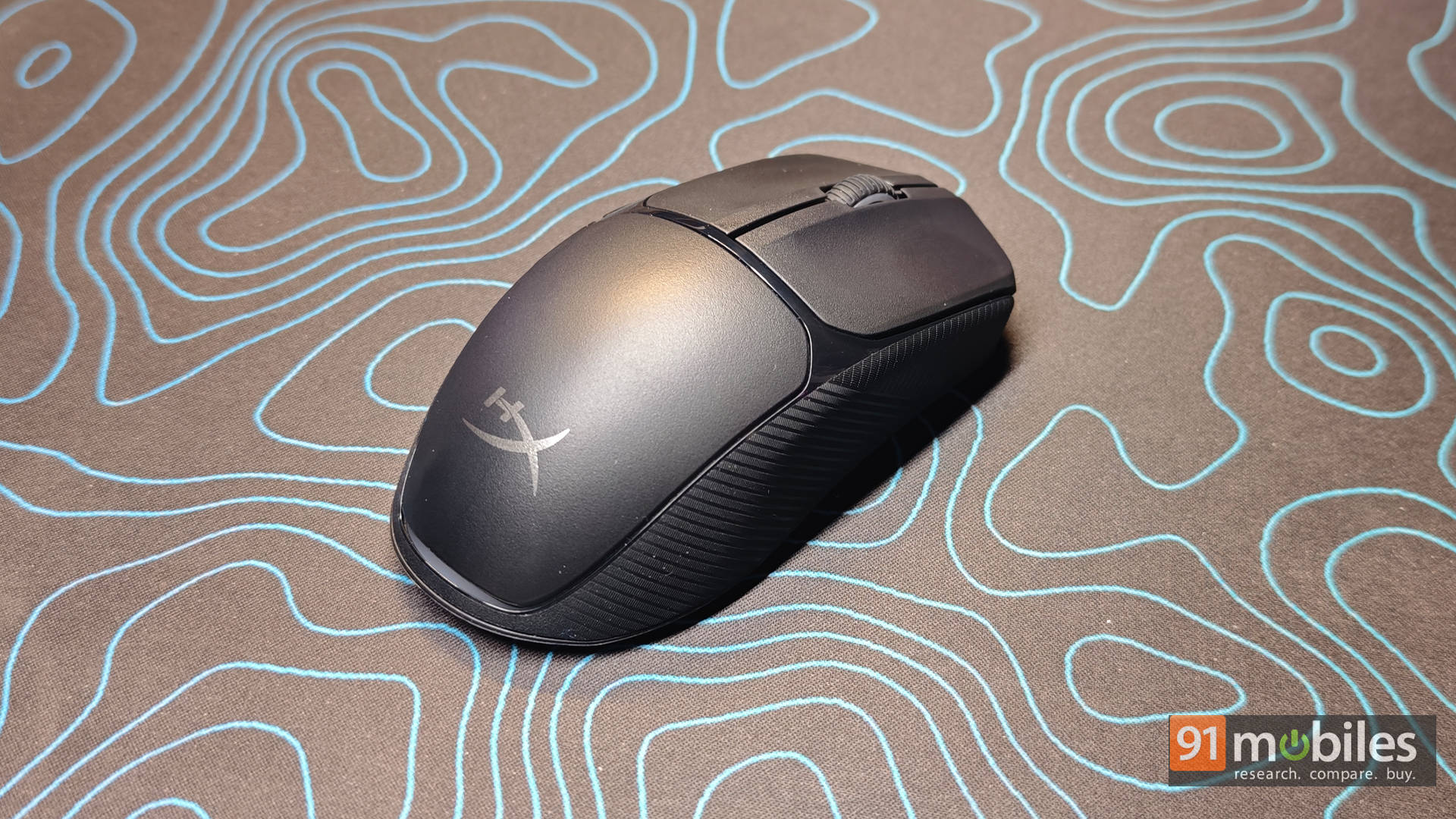
At roughly 75 grams with the AAA battery inside, it’s light enough to flick around in FPS games without feeling like a paper toy. More importantly, HyperX achieves that weight with a proper closed shell. No honeycomb holes or flex. Personally, that’s a huge win. Lightweight mice with cut-outs look cool, but they’ve never felt premium to me. The Fuse feels like an actual product, not an experiment.
The shape helps a lot, too. It’s ambidextrous, gently curved, and surprisingly ergonomic. With my palm grip, it settled in instantly. Claw worked well, too, when I tried it, though that’s not my usual style. Even a few left-handed folks in the office gave it a spin and didn’t grumble, which is rare praise for any “ambidextrous” mouse. It’s one of those designs that doesn’t fight your hand. After ten minutes, you forget it’s there. And that’s exactly the point.
Then you start noticing all the small, smart decisions
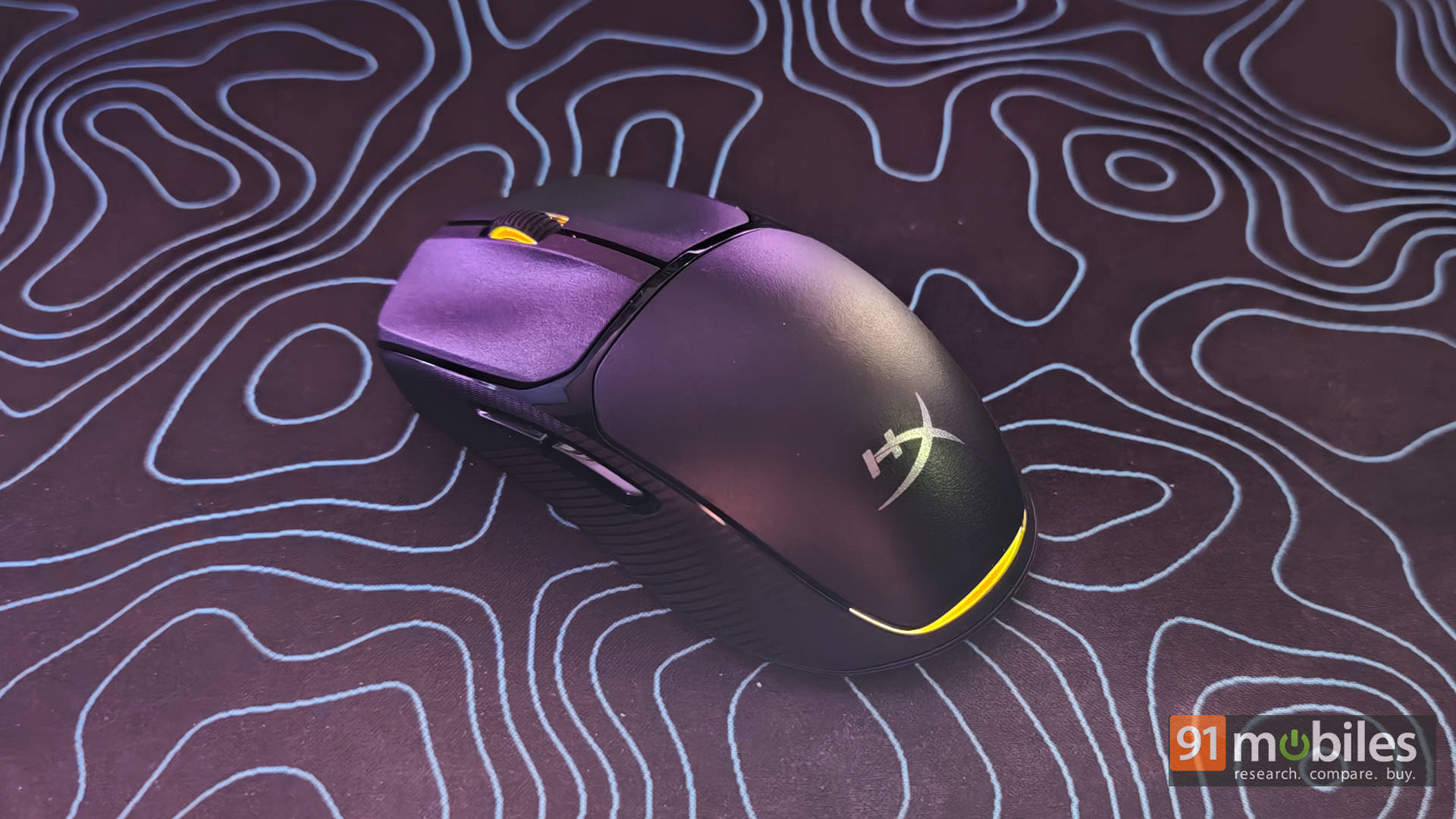
This is where the Fuse quietly scores points. The RGB, for instance, is subtle and tasteful. Just a clean glow that adds a bit of flair and doubles as a DPI indicator.
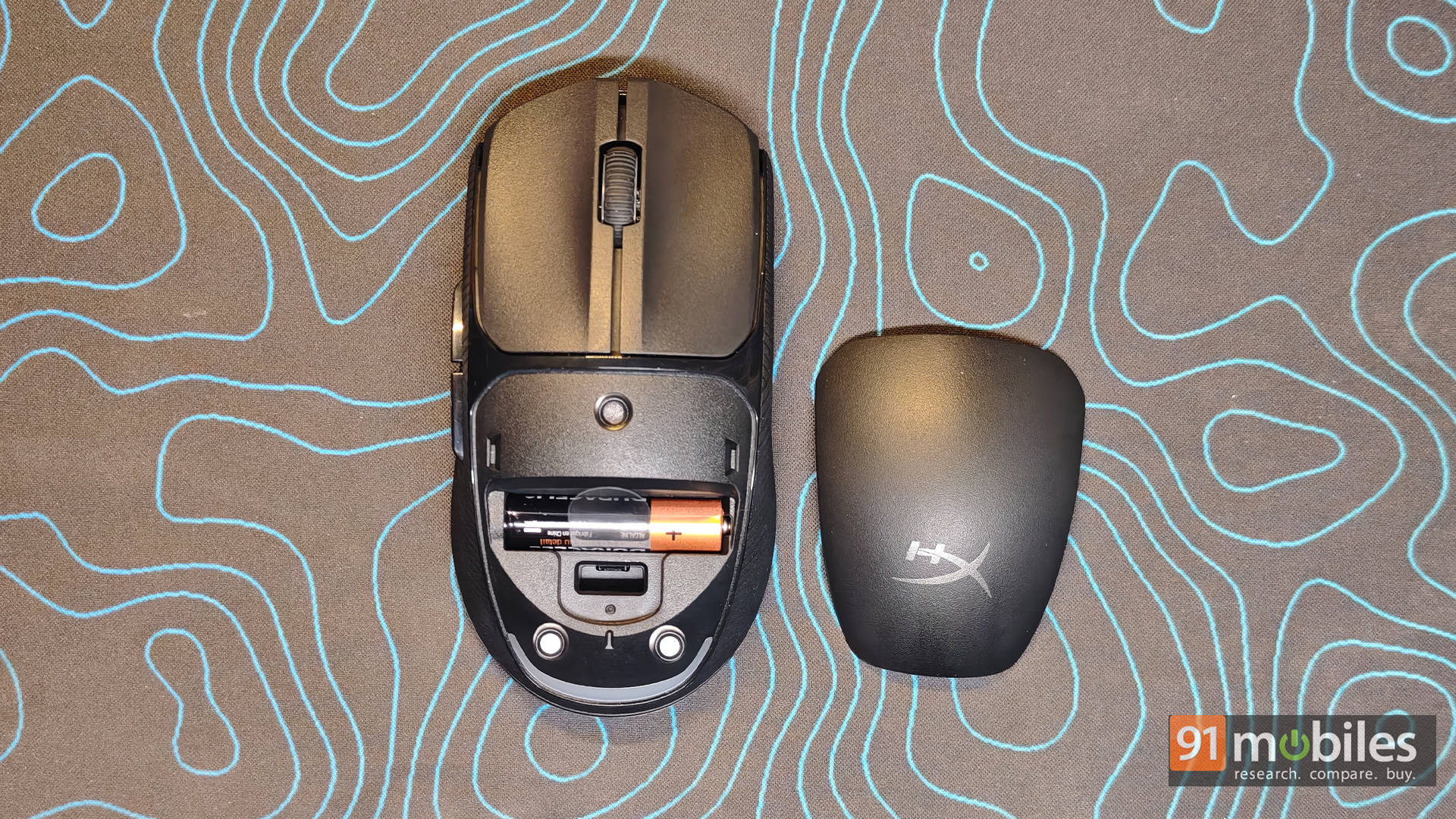
Battery life is refreshingly practical, too. HyperX throws in the AAA battery right in the box, and the rated runtime hovers around 80-ish hours. I wasn’t able to exhaust it, but it easily survived days of mixed use without anxiety. And honestly? I kind of love the AAA approach. No cables, or “oops, I forgot to charge.” Just swap and move on. Five seconds and you’re back.
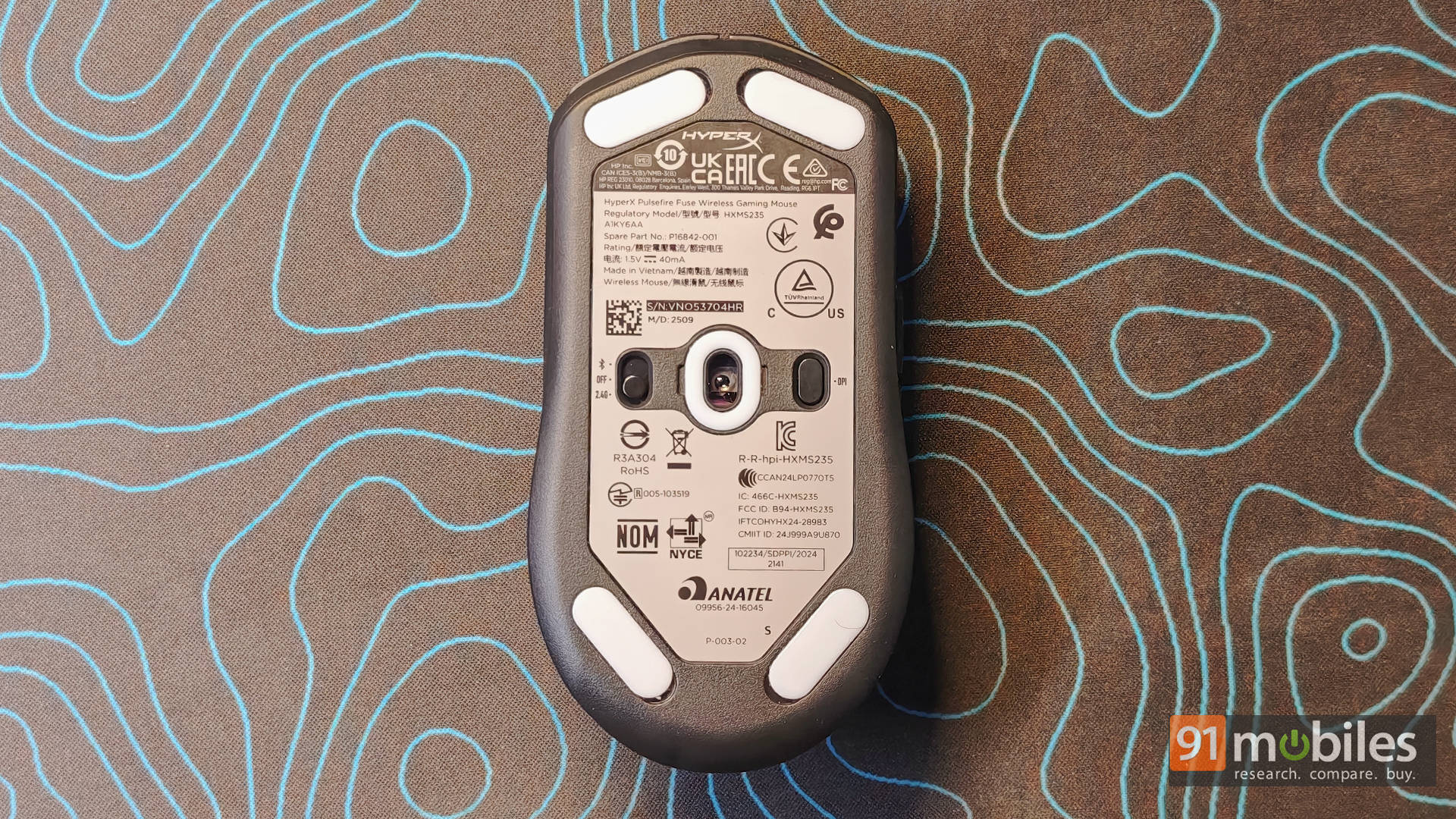
Performance-wise, it’s exactly what most gamers need. The PixArt PAW3311 sensor (up to 12,000 DPI) paired with a 1000Hz polling rate over 2.4GHz means tracking is smooth, predictable, and boring in the best way. No jitter, no random skips, no drama. For the 800–3200 DPI range most people actually use, it’s rock solid.
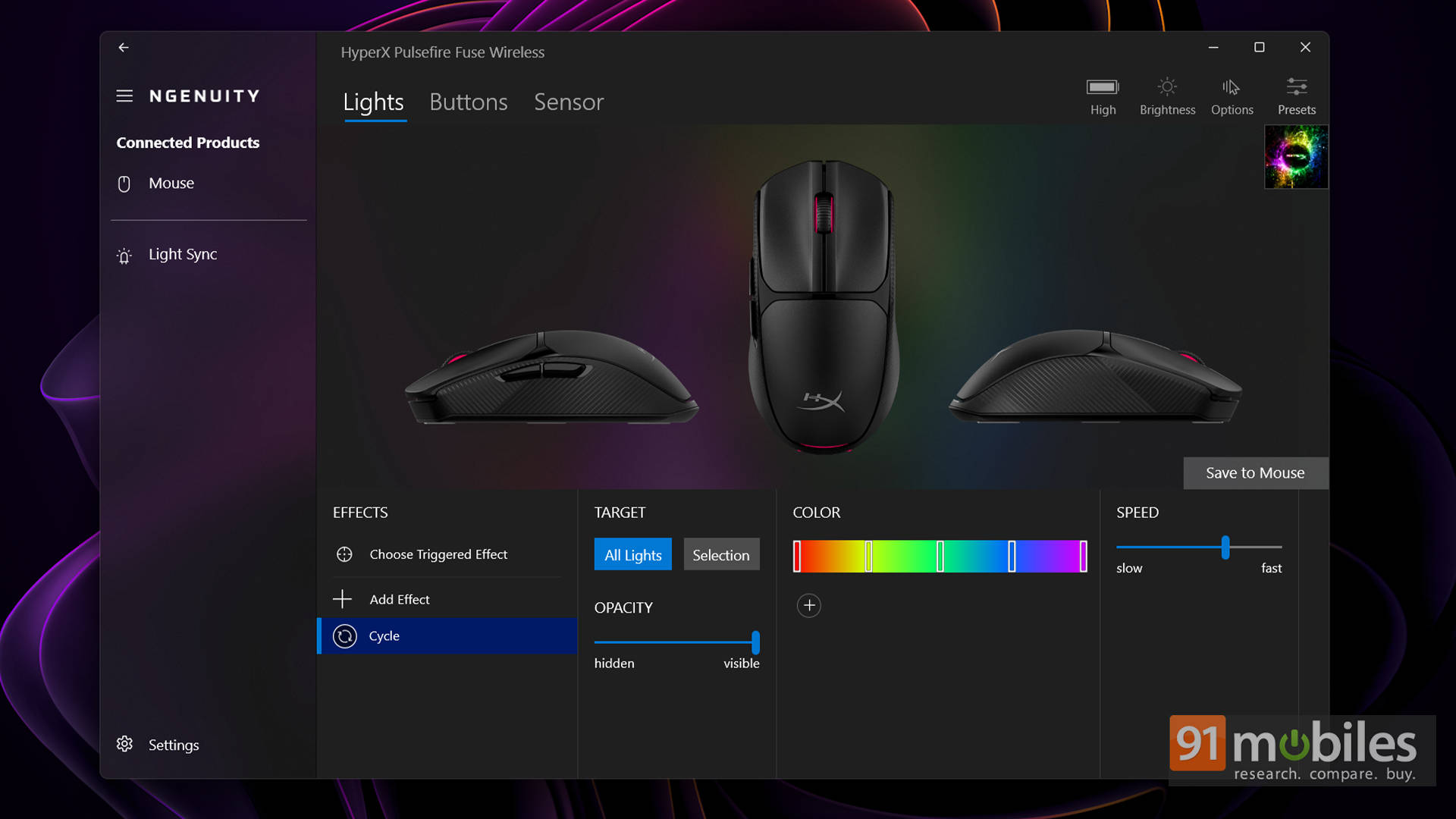
Even the NGENUITY software, while a little quirky (it keeps nudging you toward a beta that doesn’t even support the mouse), is lightweight and painless. Set your DPI steps, remap buttons, save it to onboard memory, uninstall, and forget it exists. That’s honestly the best way to handle gaming software anyway.
Of course, the budget roots show up eventually
Spend a little more time with it, and you start noticing the trade-offs. The plastic build is perfectly fine… but not fancy. The matte coating could feel smoother. The side grips are a tad rougher than necessary. Clicks don’t have that super crisp, premium “thock” you get from pricier mice. Just to be clear, Nothing feels bad or cheap. It just doesn’t scream luxury.
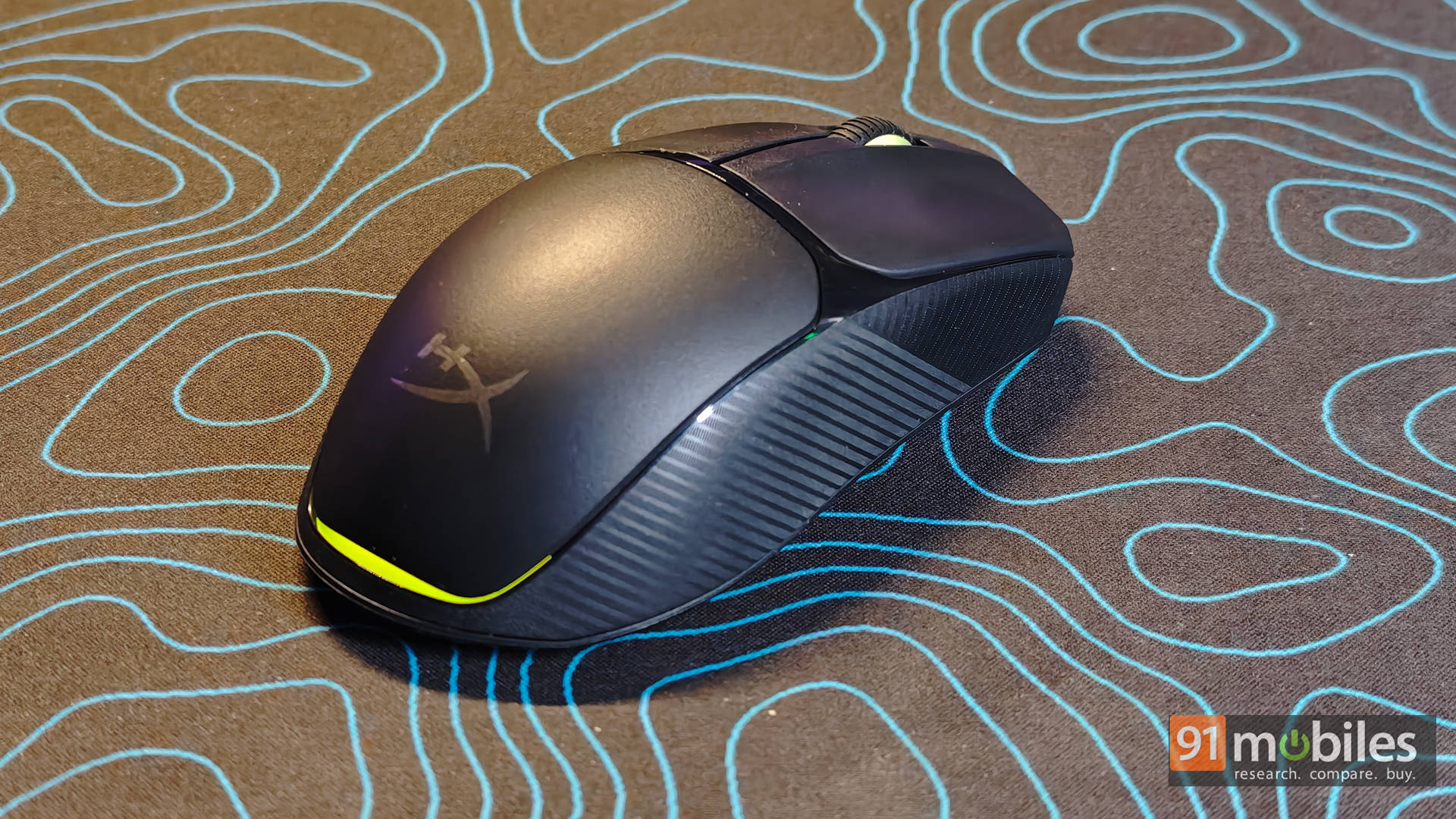
Also, I really wish the DPI button was on top. I love on-the-fly switching mid-match, and reaching under or remapping a side button feels like extra work. With only two side buttons, sacrificing one for DPI feels like a compromise. Minor stuff, yes. But worth calling out.
The one thing to keep in mind
Here’s the only part that genuinely took me a few days to adapt to: the low profile.
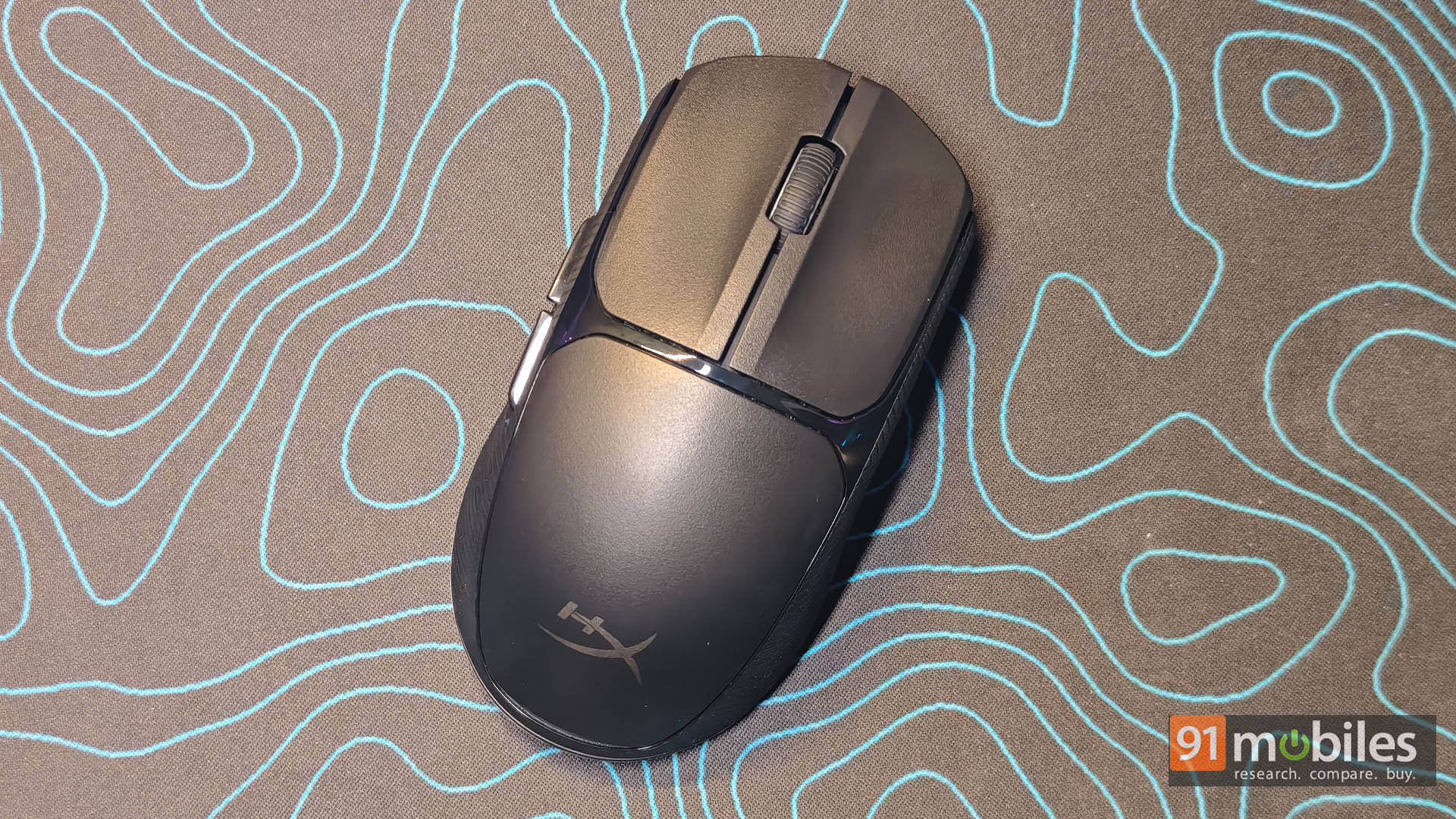
The mouse isn’t small, but it sits flatter than expected. With bigger hands, it can feel like there isn’t quite enough “hump” filling the palm at first. Also, to give you some context, my daily driver is a Logitech G502 X Plus. So while I adjusted and ended up fine, not everyone will want to go through that phase.
If you prefer taller, fuller shapes, this might feel slightly awkward. That said, if you like flatter, faster mice, you’ll probably feel right at home. It’s less a flaw and more a preference thing. That said, if you could get a chance to try it out before buying it, I’d strongly suggest doing that.
Verdict: The Sensible Gamer’s Pick?
At Rs 2,899, the HyperX Pulsefire Fuse Wireless isn’t trying to flex on a spec sheet or cosplay as an esports trophy. It’s built for something far more practical and dependable. It’s comfortable, properly lightweight without feeling hollow, runs on a simple AAA battery, and just works every single day without drama. Honestly, there’s something very refreshing about a mouse that doesn’t demand attention and still nails the basics.
That said, this price bracket is basically a battlefield. The Logitech G304 still feels a touch more premium but suffers from ageing stock and QC roulette. The Corsair M55 Wireless offers a lighter build and a strong sensor if you want a relatable alternative. Spend a bit more, and the HyperX Pulsefire Haste 2 Wireless goes full esports with an even lighter chassis, while the Razer DeathAdder V2 X HyperSpeed remains an FPS favourite with stellar performance (provided you’re right-handed). Then there are wildcard picks like the Kreo Chimera V2 Wireless for customisation or the featherweight Cosmic Byte Velox if all you care about is shaving grams. Options? Plenty.
But here’s the thing: most of those mice specialise in something. Lighter. Faster. Flashier. The Fuse doesn’t. It simply balances everything well enough that nothing gets in your way. And for most gamers, that’s actually the smarter buy. If you want a no-nonsense, reliable wireless mouse that won’t empty your wallet or test your patience, this is it.
Editor’s Rating: 8 / 10
Pros:
- Comfortable ambidextrous shape
- Lightweight without a honeycomb shell
- Long AAA battery life
- Reliable, consistent sensor performance
Cons:
- Low profile is not for everyone
- Plastic build feels basic