The goal for most gamers is usually quite simple: sound better than the crusty headset mic, hop on Discord, maybe stream a little, maybe record a voiceover, and not spend half a day tweaking settings. That’s exactly the crowd the HyperX SoloCast 2 is aimed at. It’s tiny, it’s affordable, and at Rs 4,499, it quietly sits in that sweet spot where it feels like an upgrade without feeling like a commitment.
After spending a good amount of time using it for gaming sessions, calls, and a bit of recording, this mic feels less like “budget compromise” and more like “simple done right.” But yeah, it’s not perfect either. Here’s how it really holds up.
Table of Contents
Design & Build: Small Body, Solid Vibes
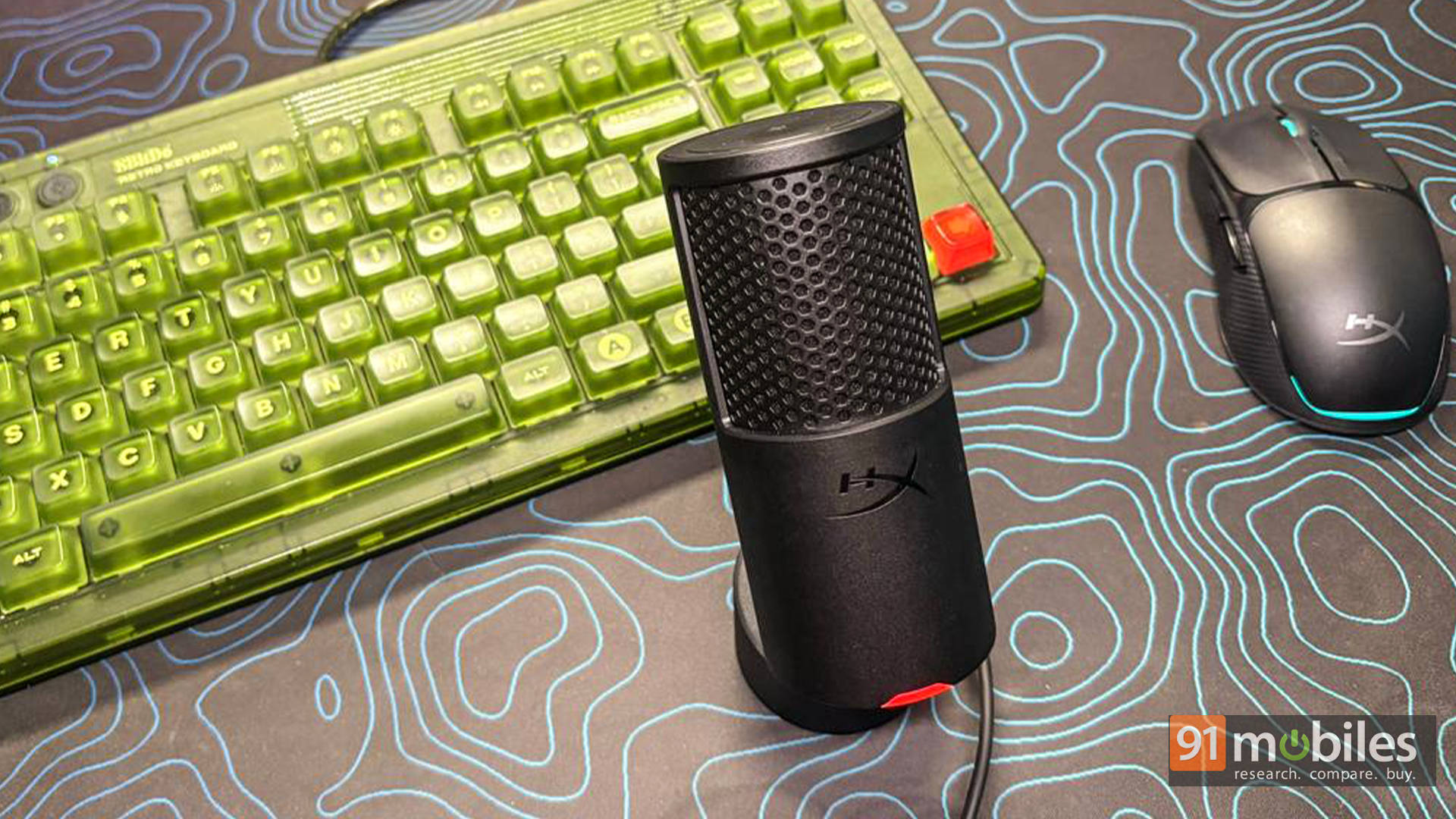
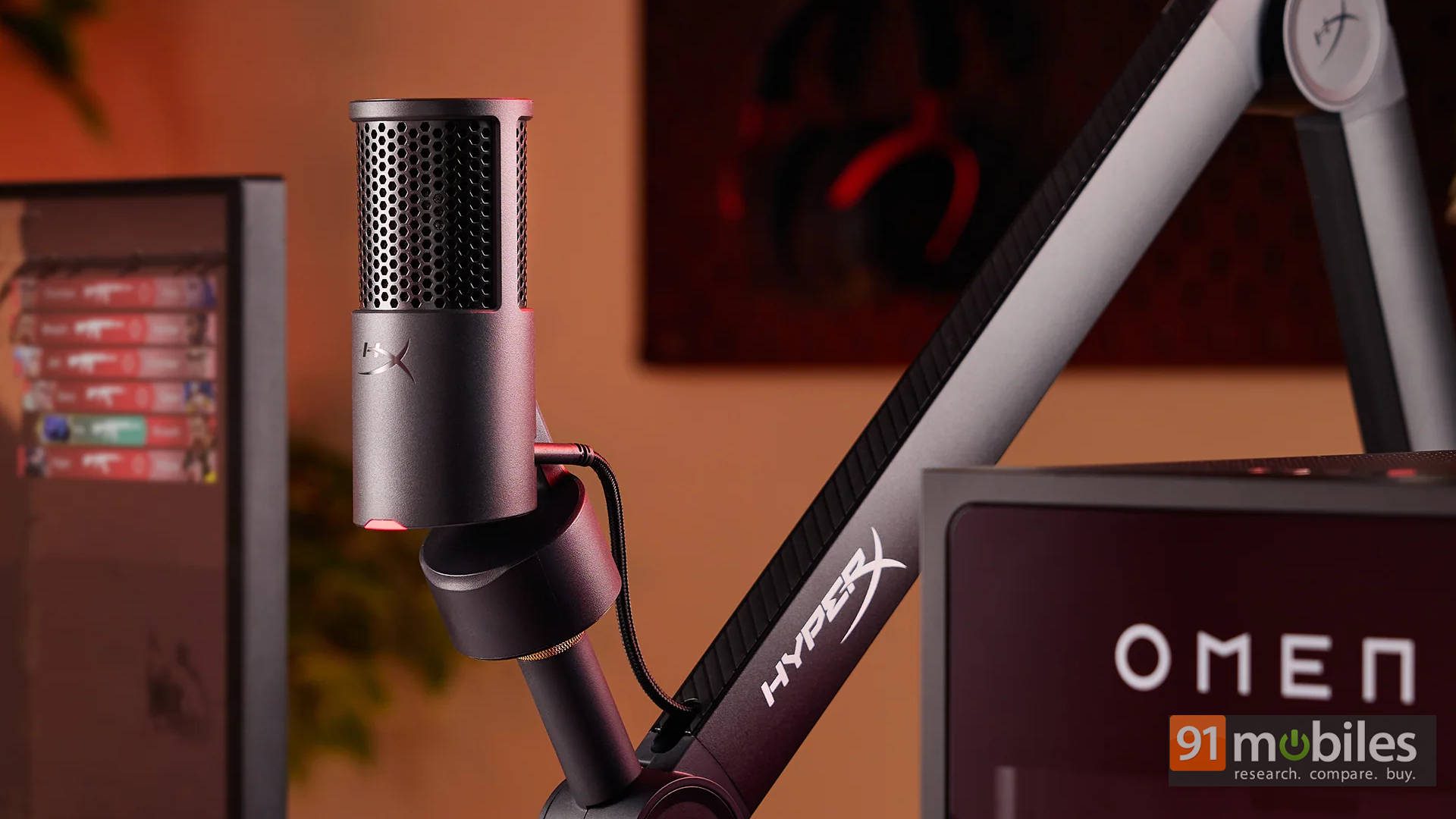
The first thing that hits is just how small this thing is. The SoloCast 2 looks like someone shrunk a proper studio mic in the wash. It barely takes up space on the desk, which is honestly refreshing if the setup is already crowded with a keyboard, mouse, controller, and whatever snack wrapper is lying around.
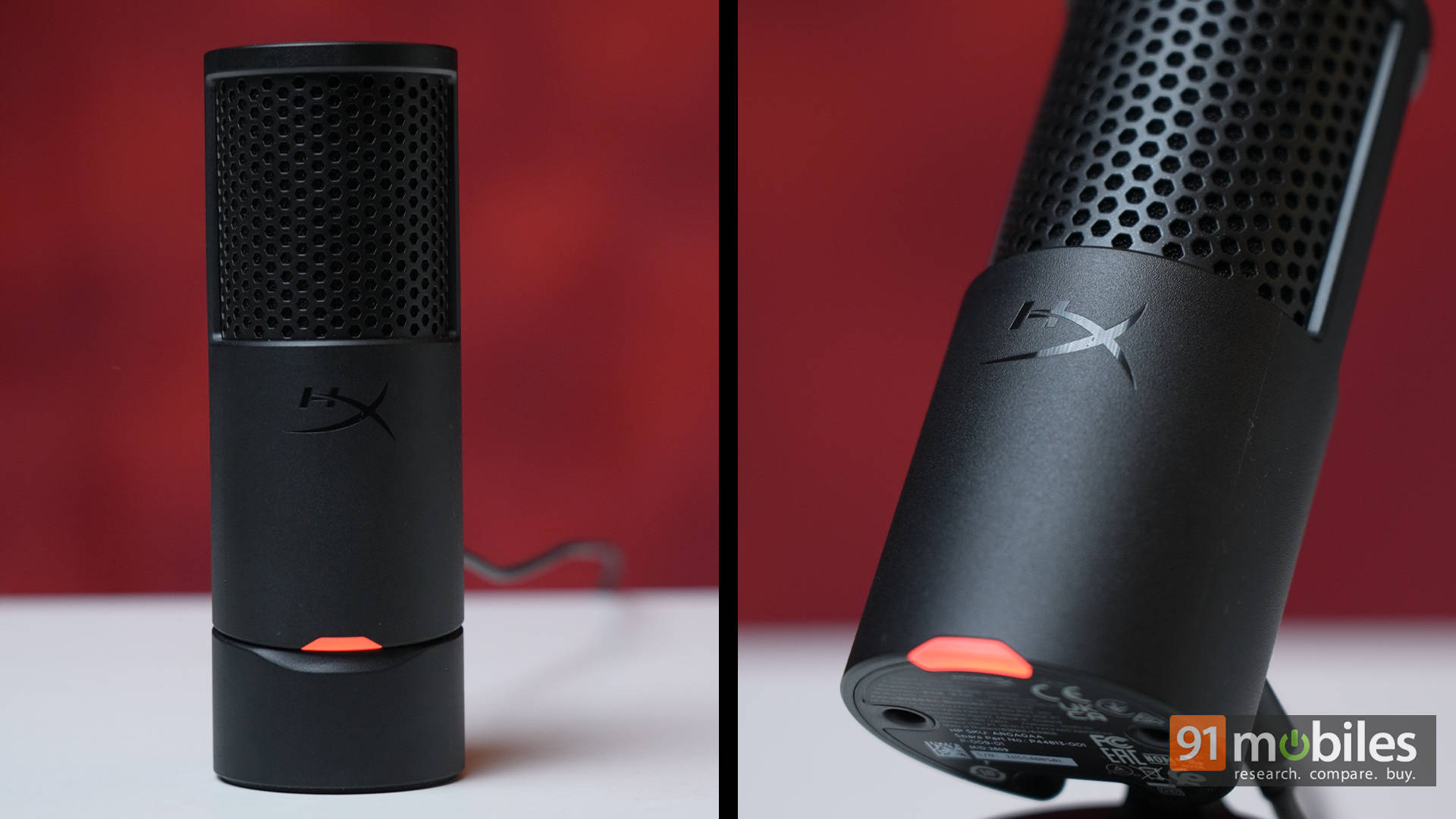
Despite the size, it doesn’t feel cheap. The body feels dense and sturdy, and the integrated stand doesn’t wobble around like a toy. The built-in shock mount does a decent job of isolating minor desk bumps, too, which came in handy more than once while aggressively typing or accidentally kicking the table mid-game.
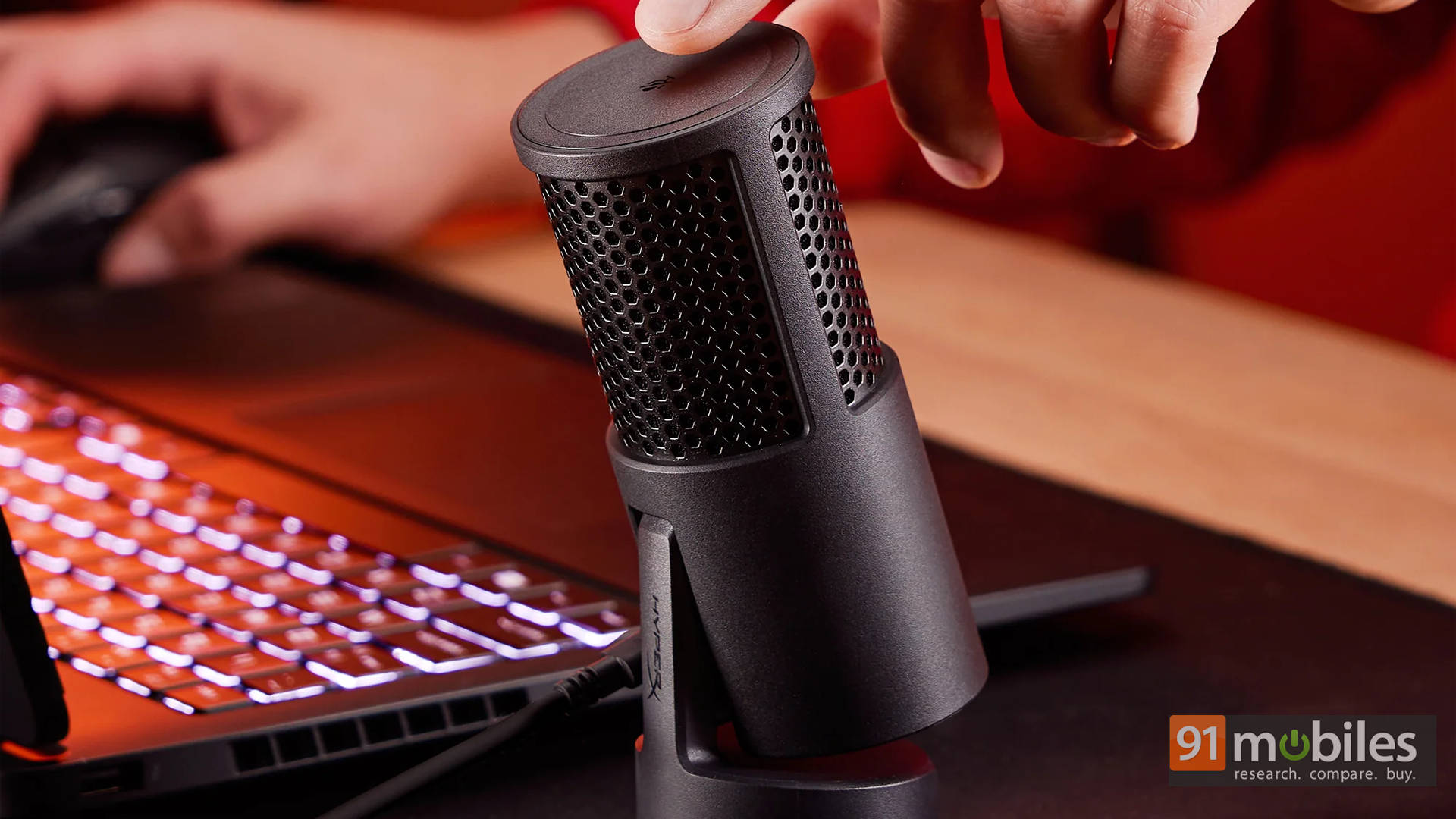
Additionally, the tilt mechanism is simple but practical. It lets the mic angle toward the mouth easily, and that small adjustability actually makes a noticeable difference in clarity. Height, however, is another story. The stand sits pretty low, so unless the mic is placed on a stack of books or mounted on an arm, it tends to sit below mouth level. For longer sessions, a boom arm feels almost necessary.
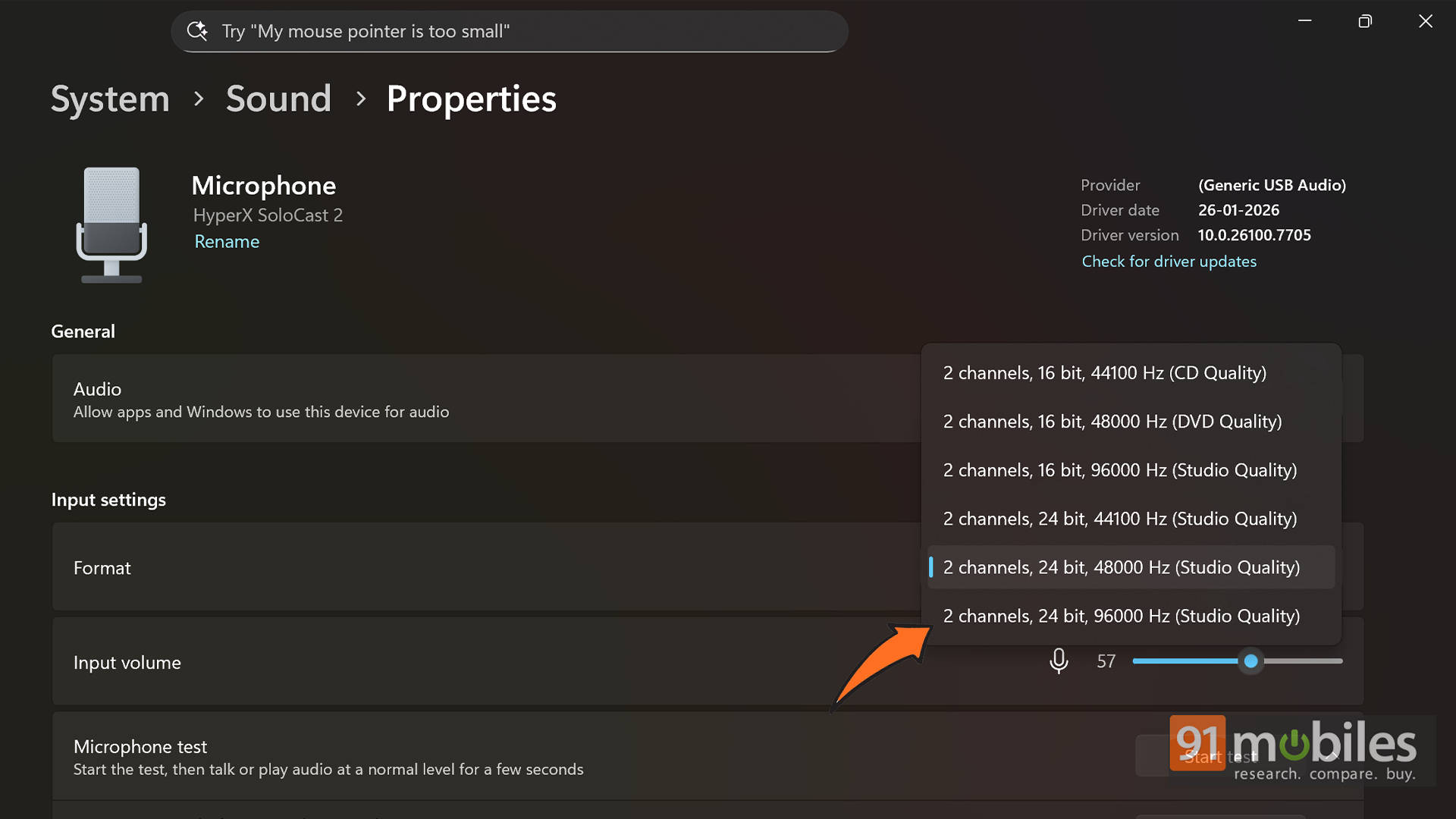
Connectivity is refreshingly modern with USB-C, and setup couldn’t be easier. Plug it in, and Windows detects it instantly. One quick tip, though: jump into Windows audio settings and switch the quality to 24-bit/96kHz. It’s not enabled by default, and flipping that switch gives the mic a bit more headroom and clarity for free.
Minimal Features, Maximum Convenience
The SoloCast 2 doesn’t try to overwhelm with buttons and switches, and honestly, that’s kind of its charm.
The highlight here is easily the tap-to-mute button on the top. During calls and games, this turned out to be ridiculously useful. Instead of scrambling for a keyboard shortcut or muting inside Discord, a quick tap does the job instantly. Tap again, and you’re back. It’s the kind of feature that sounds small on paper but becomes something you miss immediately when switching to another mic.
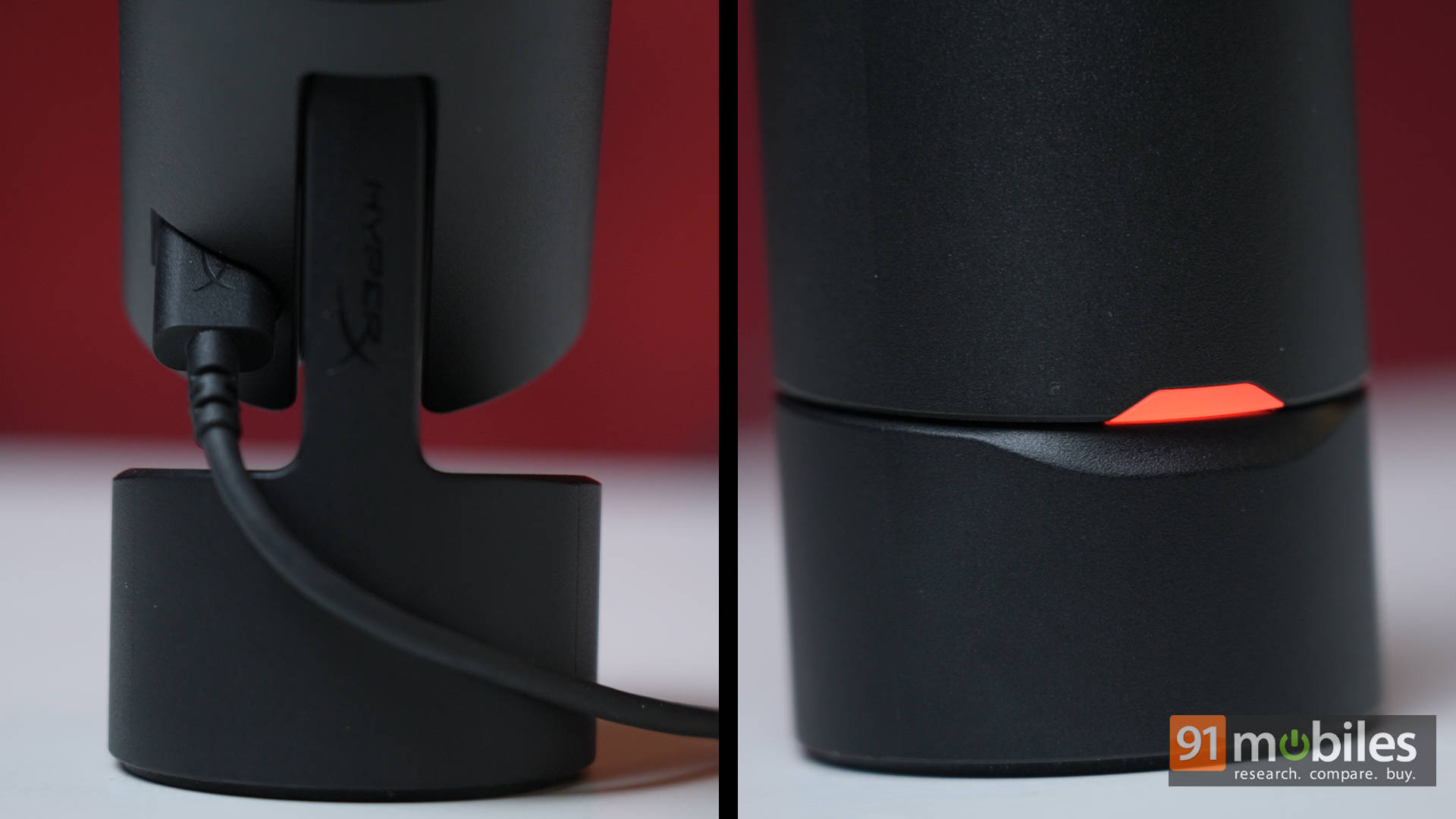
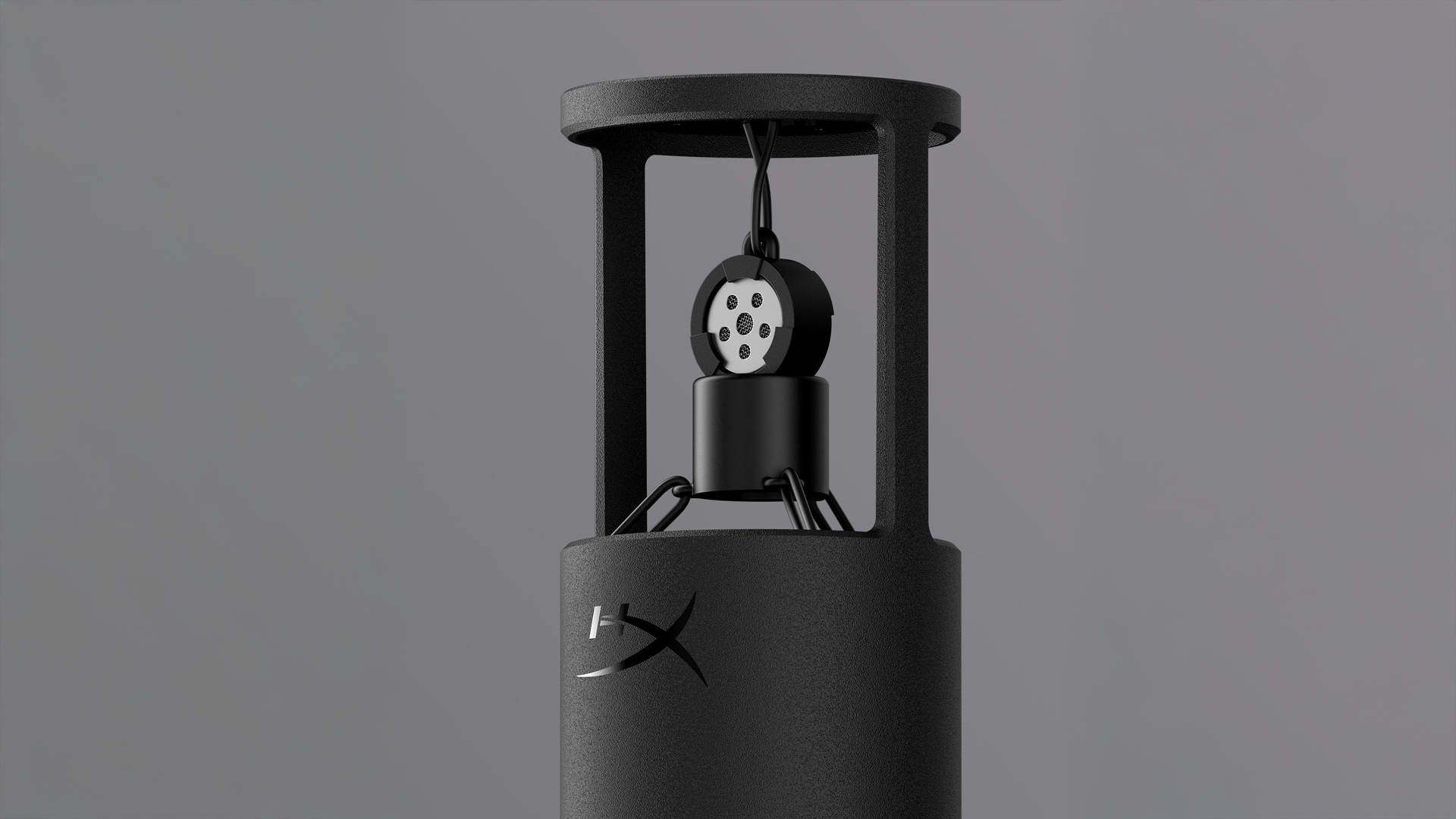
Internally, HyperX has added a few thoughtful touches, too. There’s built-in pop filtering and some isolation to reduce minor vibrations, which helps keep plosives and desk noise under control. Nothing studio-grade, but definitely helpful. This is still a single pickup pattern mic with Cardioid only. No switching to omnidirectional or stereo modes. Just to be clear, for solo gaming and streaming, that’s perfectly fine. However, it does limit flexibility if someone wants to record multiple people around the table.
Audio Performance: Clean Voice (Mostly)
Now for the part that actually matters: how it sounds. The tone is surprisingly good for the price. It leans mostly neutral with a slight warmth, which gives voices a fuller, more pleasant character. It reminded me a lot of the sound signature from Blue Yeti mics, just without the bulky body. Voices come through clear and present, without sounding thin or tinny like most headset mics.
In games and Discord calls, the difference was immediate. Teammates actually noticed the upgrade without being told. Recordings also had enough clarity and detail for casual voiceovers and content work.
But here’s the catch, and it’s a big one. Noise cancellation on this is pretty much non-existent. While testing, even my red switch mechanical keyboard was clearly audible in the background. Every tap, every click came through. So if you’re a blue switch users, then good luck. Even your mouse clicks will get picked up, depending on the switch inside your mouse.
Then again, that’s just the nature of a sensitive condenser mic with no aggressive processing. The fix is simple, though: get the mic closer to your mouth and ideally mount it on an arm. Once positioned properly, the voice-to-noise ratio improves a lot.
Alternatively, you could use something like NVIDIA Broadcast, provided you’re using an NVIDIA GPU with VRAM to spare. If not, you can use the AI Noise Cancellation feature inside the NGENUITY app too, though the performance isn’t as good as NVIDIA’s.
So yes, the voice quality is genuinely good. Just don’t expect miracles in a setup with noise in it.
Where It Trips a Little
The mic works with HyperX NGENUITY, but truth be told, the software does the basics, and that’s about it. You get some light tweaks and controls, but it’s not the kind of deep customisation playground that tinkerers will love. It can also feel a bit finicky at times, which makes it less exciting to use. Honestly, most streamers will probably skip it and just use OBS Studio for filters, compression, and EQ anyway. Once OBS handles the processing, the mic sounds even better.
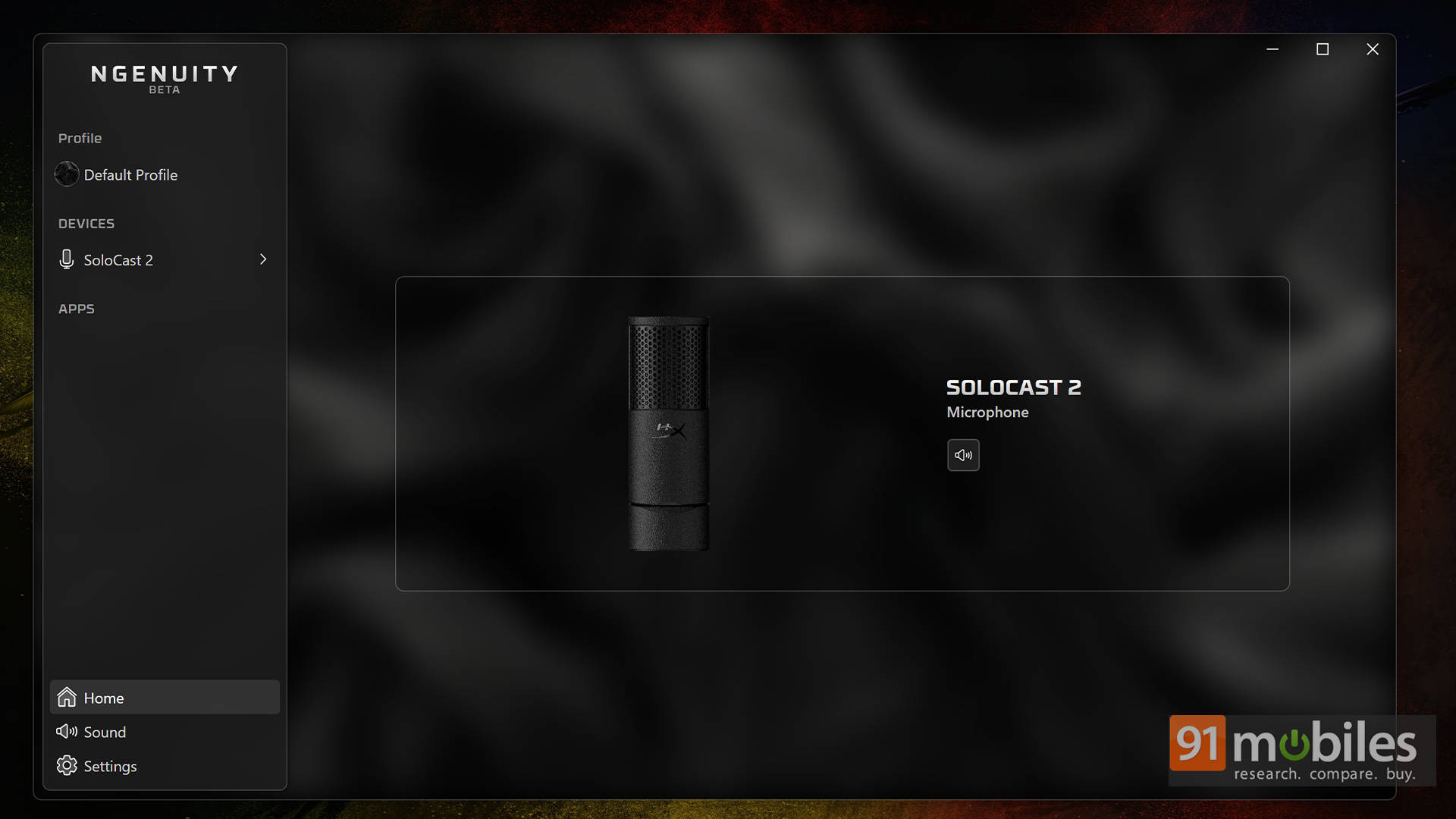
Another small hiccup is the software situation. The mic only works with the newer HyperX NGENUITY Beta app and not the legacy version. That became mildly awkward while using the HyperX Pulsefire Fuse Wireless mouse, which still relies on the old software. The result? Two versions of NGENUITY are living on the same PC and quietly eating resources. On the bright side, it reinforces how nice it is that the mic works perfectly fine without needing the software at all.
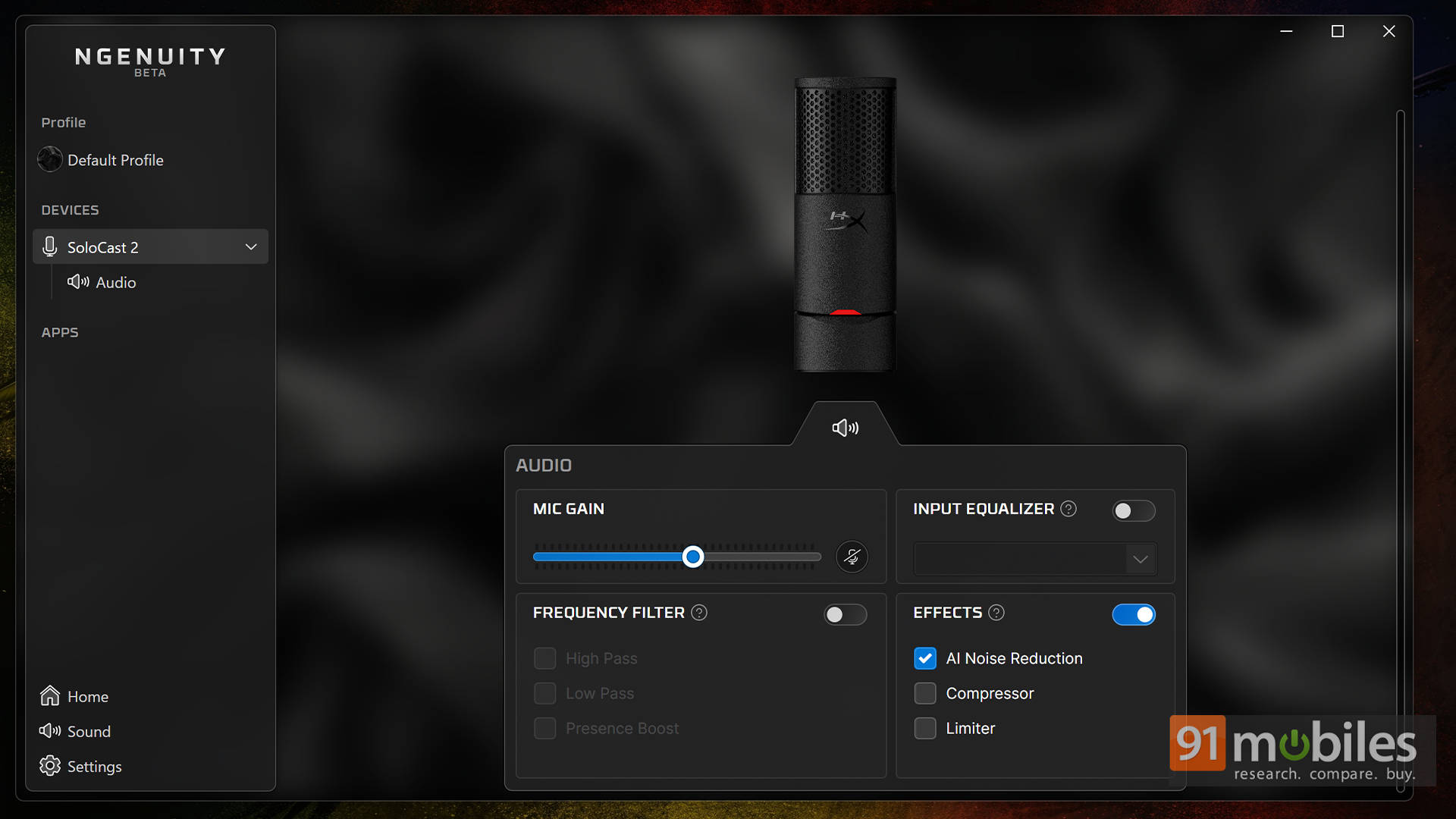
Speaking of software and things missing, there is no physical gain knob, so quick hardware adjustments aren’t possible. Everything has to be done through software. Add to that the lack of a headphone jack means there’s no direct monitoring, which would’ve been nice for checking levels in real time.
There’s also the stand height, as mentioned earlier, which feels a bit too low for comfortable positioning, almost pushing users toward buying an arm anyway. And of course, the biggest drawback remains how easily it picks up background noise.
Verdict: The Final Say
Priced at Rs 4,499, its biggest rival is the Razer Seiren V3 Mini. It’s just as compact and offers more software customisation. If someone enjoys tweaking settings and fine-tuning everything, that one might feel more appealing. Similarly, for users thinking long term or wanting something more professional, options like the MAONO PD200X or FIFINE A6T offer more control and expandability. They’re better suited for serious setups, but they also demand more effort.
That said, the HyperX SoloCast 2 sits in a very specific sweet spot. It’s not trying to be a studio mic. It’s trying to be a simple, reliable upgrade over a headset mic, and it absolutely nails that brief. For budget gamers, beginners, or anyone stepping into streaming for the first time, this feels like one of the easiest recommendations under Rs 5,000. Plug it in, tap to mute when needed, and just play.
Editor’s Rating: 8.5 / 10
Pros:
- Excellent plug-and-play simplicity
- Clear, warm voice quality
- Useful tap-to-mute button
- Great value for its price
Cons:
- Picks up keyboard noise easily
- No headphone monitoring jack or physical gain knob
- Stand height feels too low