


Review Summary
Expert Rating
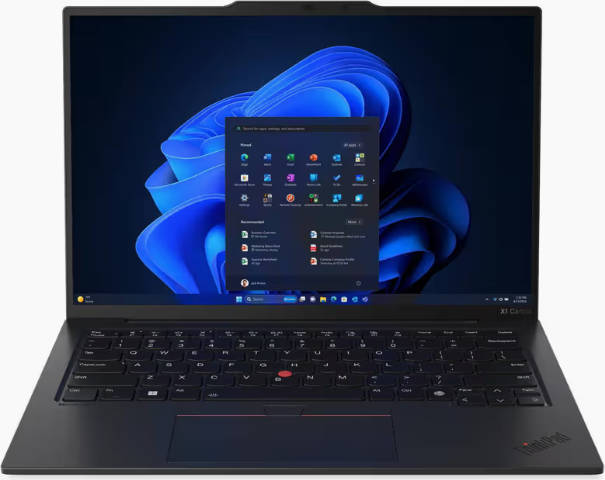
Okay, so whenever you think of a ThinkPad, you probably imagine a no-nonsense, all-business laptop that could outlast you through back-to-back meetings and chaotic airport layovers. Now, take that same DNA, inject it with Intel’s Lunar Lake brains, a refined chassis, and a sprinkle of AI smarts, and you get the ThinkPad X1 Carbon Gen 13.
This latest iteration tries to marry reliability with modern flair. And in typical ThinkPad fashion, it still offers the signature style, plethora of connectivity options, and Lenovo’s reliability. However, at close to Rs. 3 lakhs (depending on configuration), it had better do more than just look sharp in a boardroom. So, does it? Let’s find out.
Table of Contents
Slim, Subtle, and Seriously Practical
Lenovo has always walked a fine line between minimalist design and business utility, and the X1 Carbon Gen 13 feels like the most polished version yet. The matte-black shell looks stealthy, almost too subtle, but the closer you look, the more the small touches stand out.
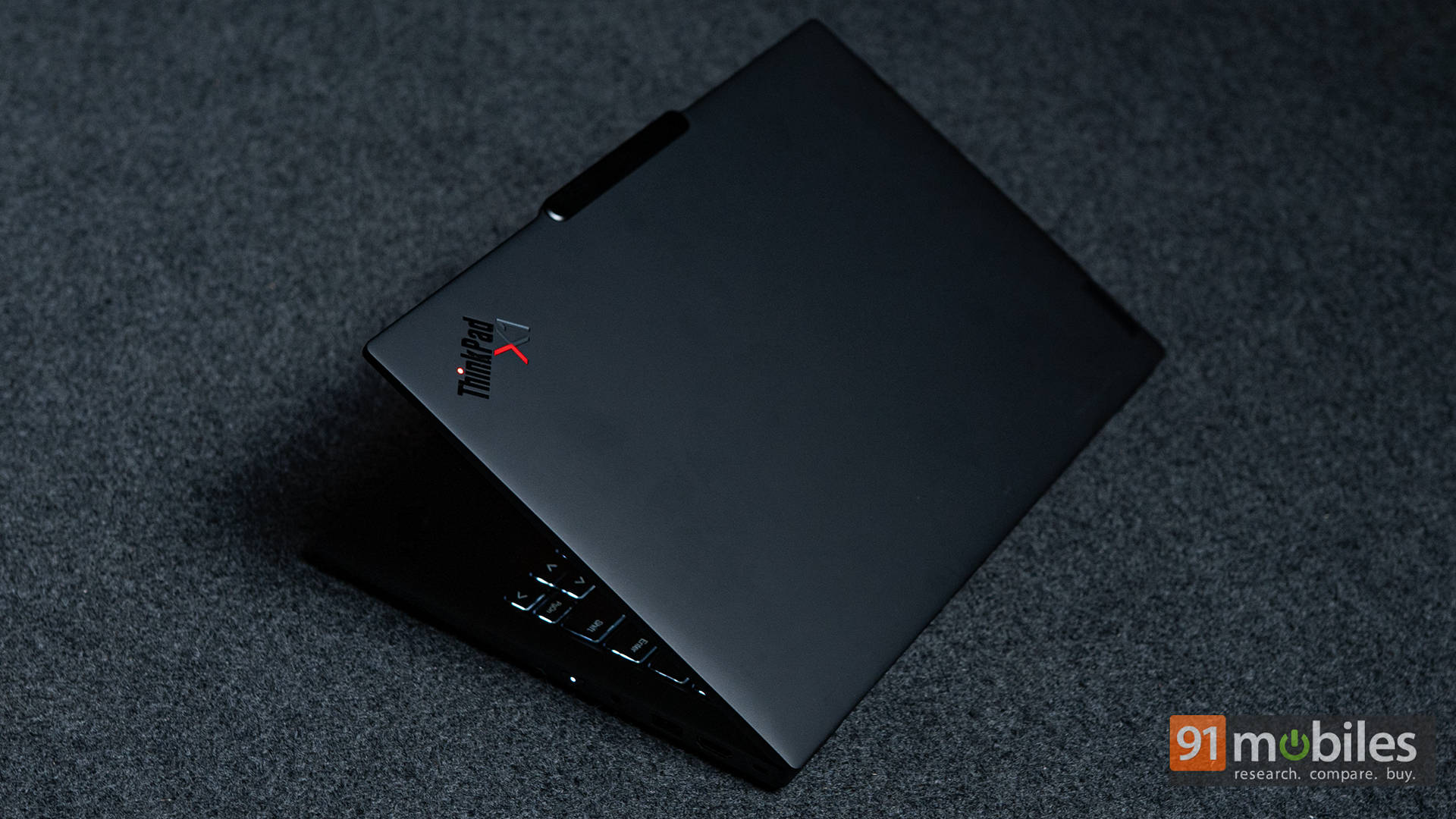
The gentle curvature along the lid, the soft-touch finish that resists smudges, and that iconic red TrackPoint sitting proudly between the keys are all unapologetically ThinkPad.
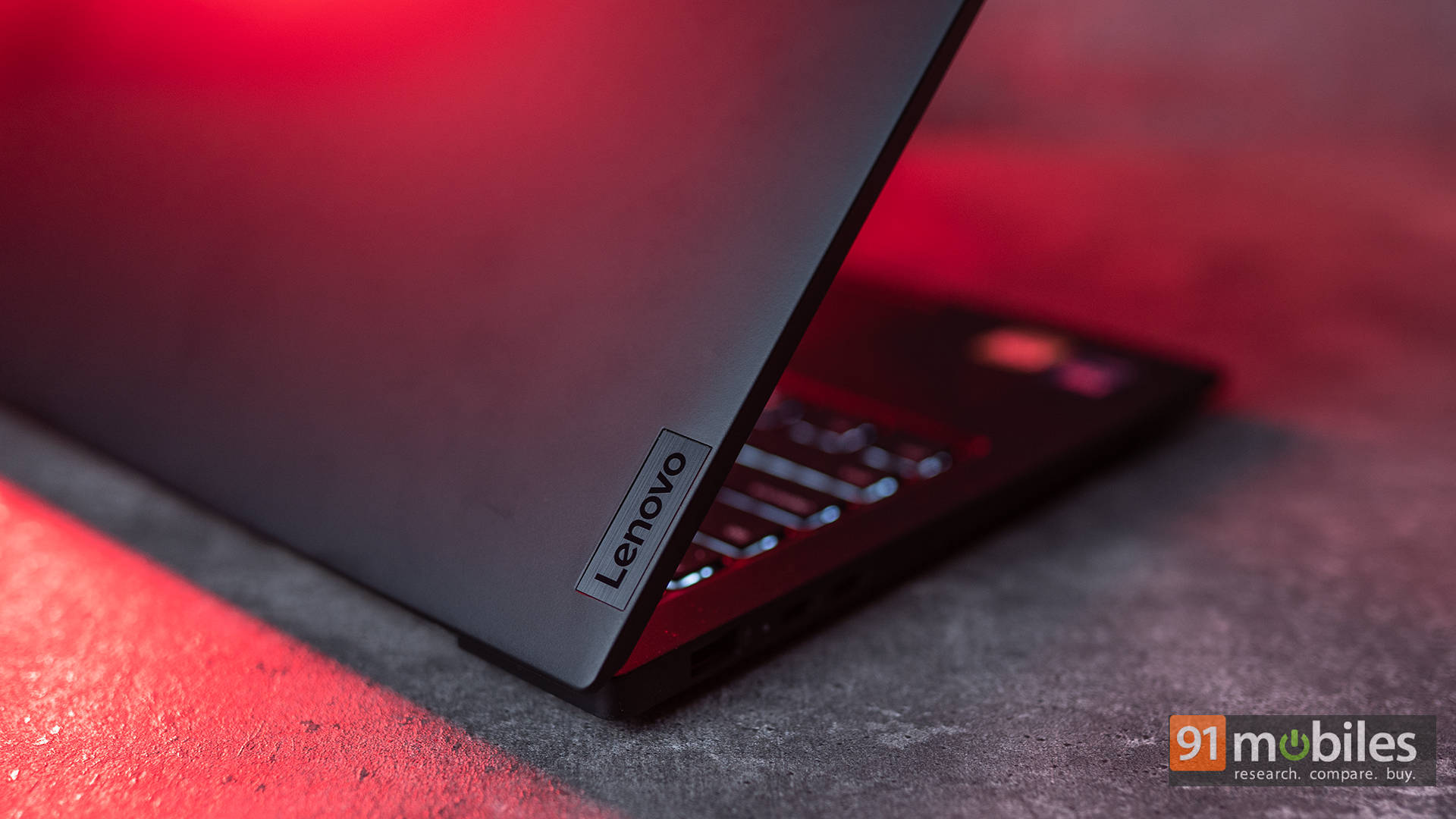
The chassis is MIL-STD-810H certified, meaning it’ll survive the occasional drop or coffee spill without complaint. At just 1.1 kg, it’s astonishingly light for something this durable, and it doesn’t flex one bit, even under pressure on the keyboard deck.
Lookin’ Sharp
Our review unit came with the 14-inch 1200p IPS panel, not the OLED one, which is a bummer for the premium price you’re paying. Then again, it’s actually a great balance for professionals. The panel offers roughly 400 nits of brightness, sharp text rendering, and accurate colours (100% sRGB coverage) that make spreadsheets and slides look crisp without the power draw of OLED.
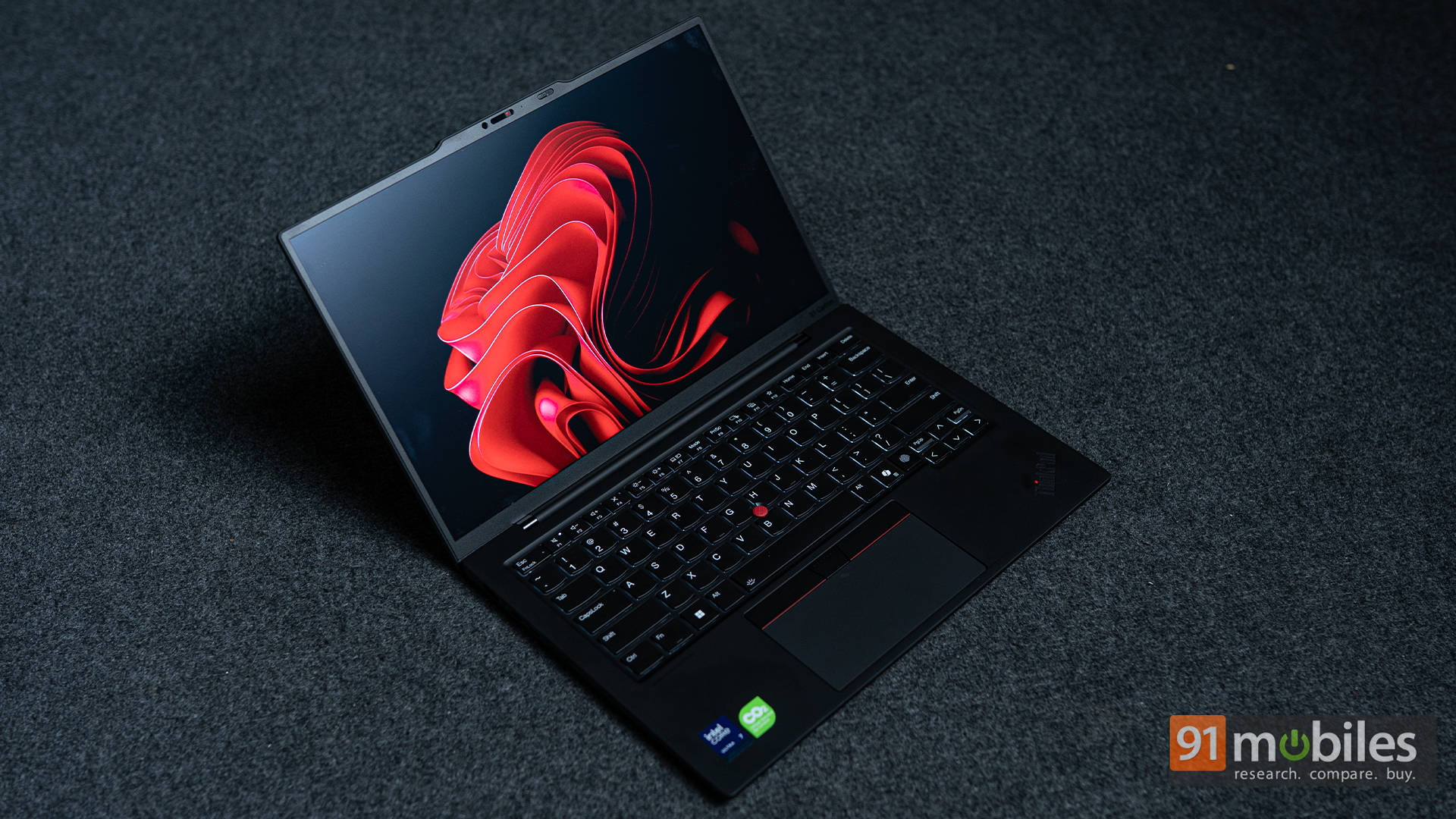
The anti-glare coating keeps reflections at bay, and viewing angles are wide enough for collaborative work. Sure, it doesn’t “pop” like the OLED model, but it’s easier on the eyes during long hours. Honestly, that matters more for those living in Excel and Chrome tabs.
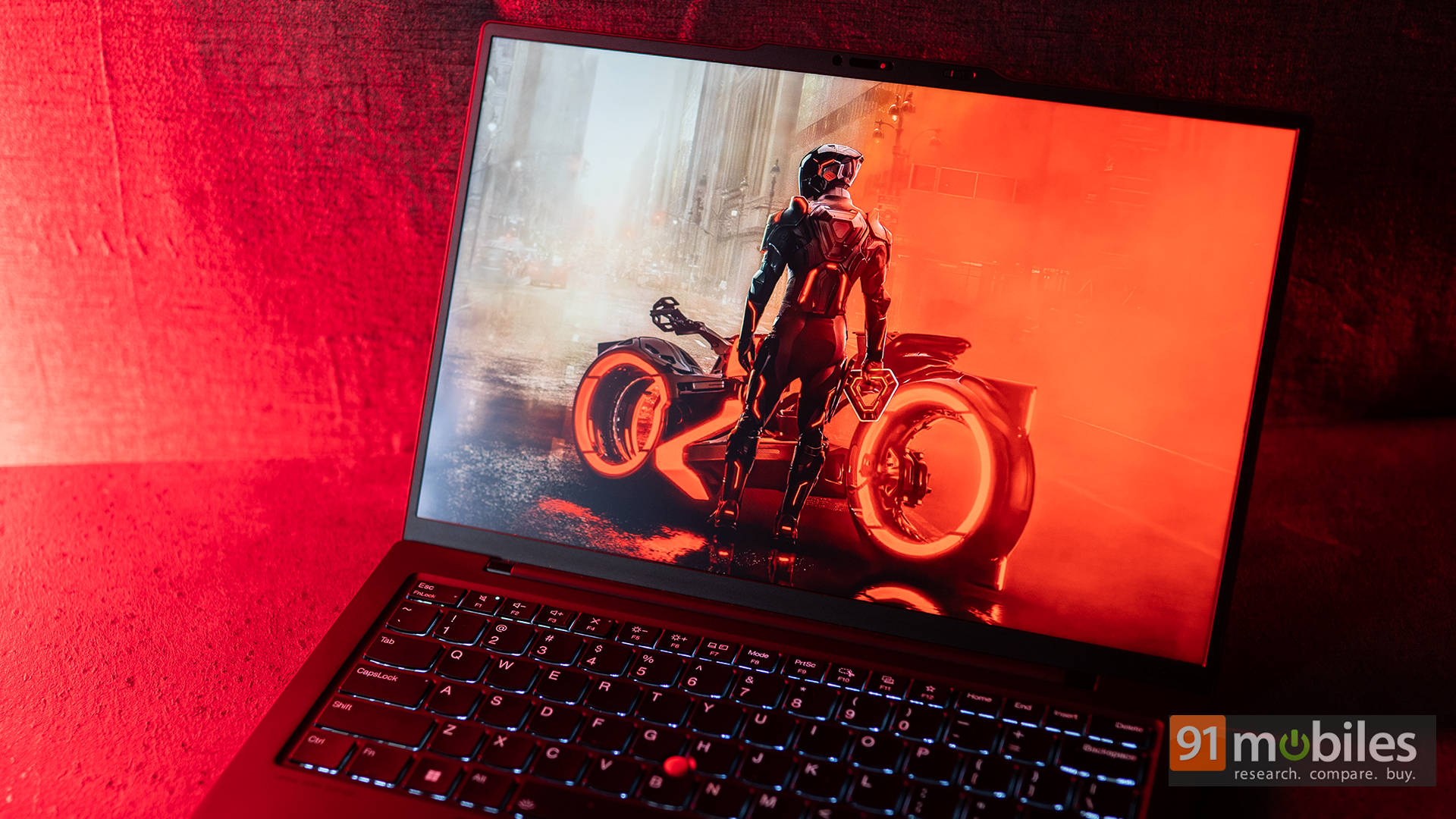
Add to that, the 8MP IR webcam is one of the better ones we’ve seen on a business ultrabook. It supports AI-based framing, auto-background blur, and fast facial unlock. Meanwhile, the Dolby Atmos-tuned speakers deliver clear mids and surprisingly good volume for calls and light entertainment. Bass is limited, but vocals are sharp, which is perfect for hybrid work setups.
Keys, Clicks, and Everyday Comfort
This is where the ThinkPad earns its legacy. The keyboard remains one of the best in the industry, thanks to its well-spaced keys, generous travel, and a soft yet firm tactile feedback that makes typing feel rhythmic. Lenovo even managed to keep it whisper-quiet.
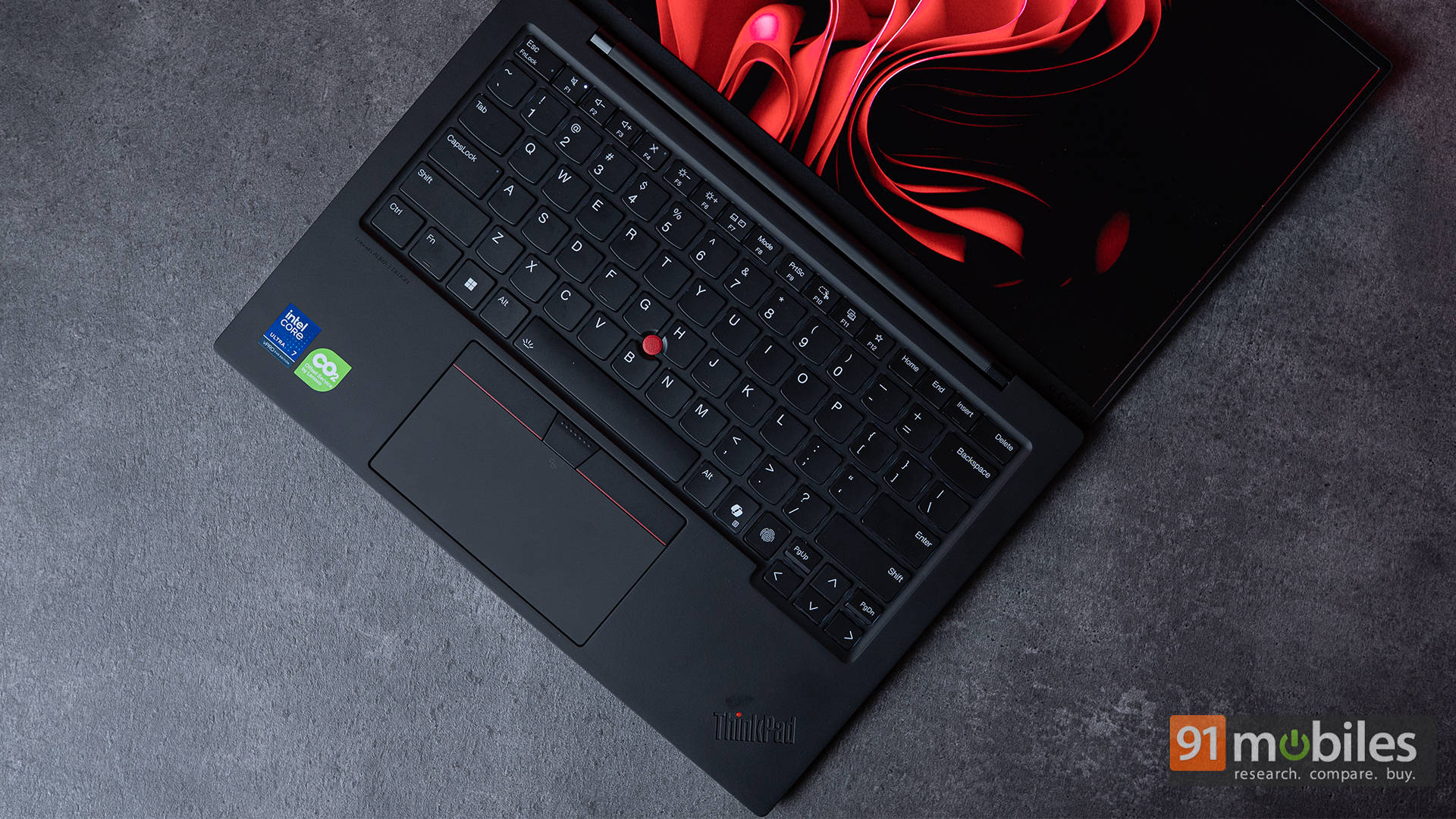
The TrackPoint is still here, for purists who prefer precision over touch gestures, and the glass trackpad now supports better palm rejection and multi-finger gestures seamlessly. The fingerprint reader is neatly integrated into the power button, and the IR camera supports Windows Hello. Add NFC, WWAN, and a privacy shutter, and you have a laptop that blends convenience with security without any visible clutter.
Power in a Slim Package
Under the hood, the X1 Carbon Gen 13 is powered by Intel’s Core Ultra 7 268V vPro processor, part of the new Lunar Lake lineup. This chip is all about efficiency and AI-driven acceleration, and it doesn’t disappoint. Paired with 32GB of LPDDR5X memory and a 2TB PCIe Gen 5 SSD, it handles everything from heavy multitasking to creative workflows with ease.
During our testing, the laptop breezed through daily workloads of 20+ Chrome tabs, Slack, Photoshop edits, and a couple of 4K YouTube streams, without a hiccup. In synthetic benchmarks, the laptop also performed decently across our test suite of Cinebench, GeekBench, and PCMark 10.
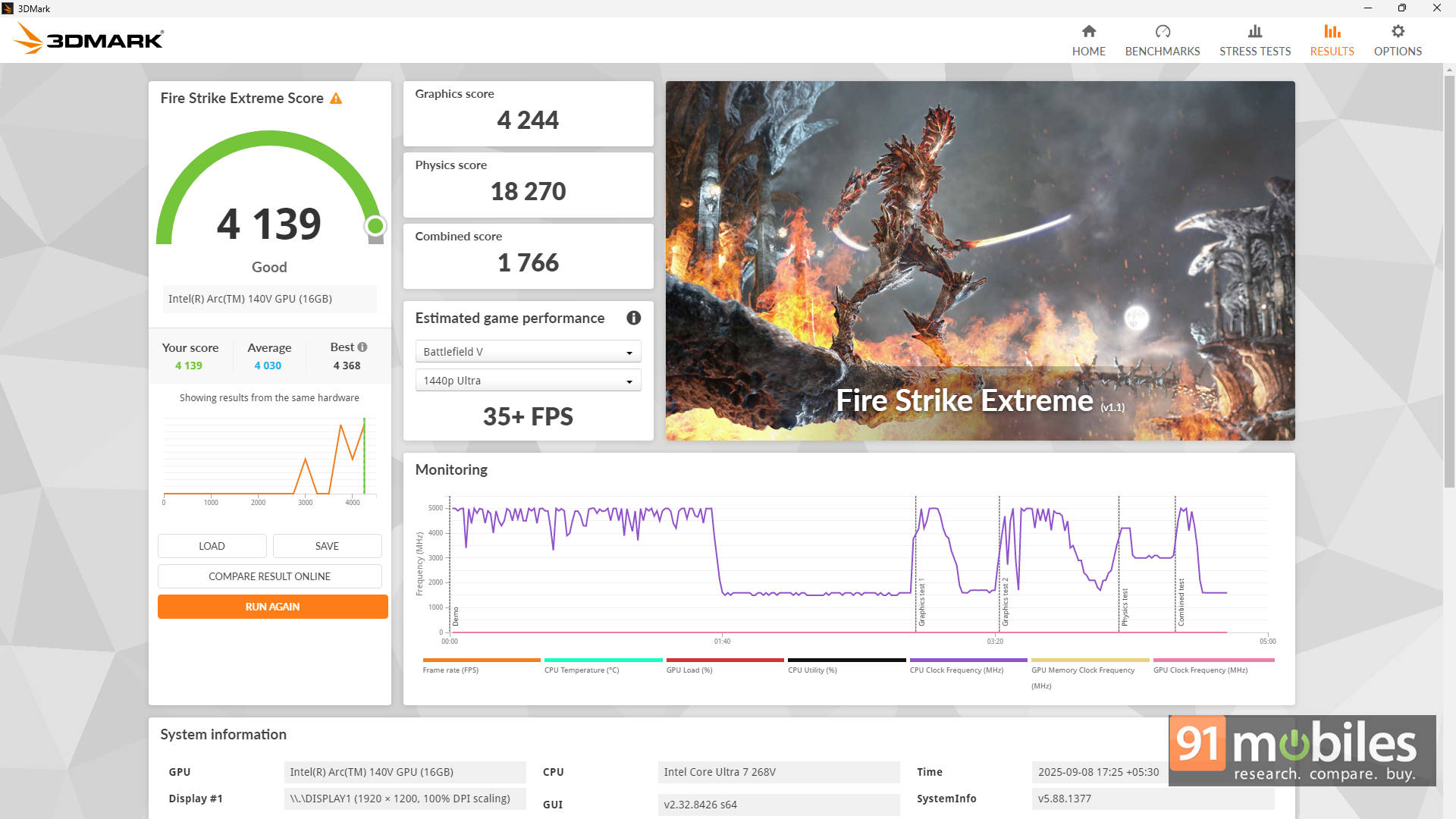
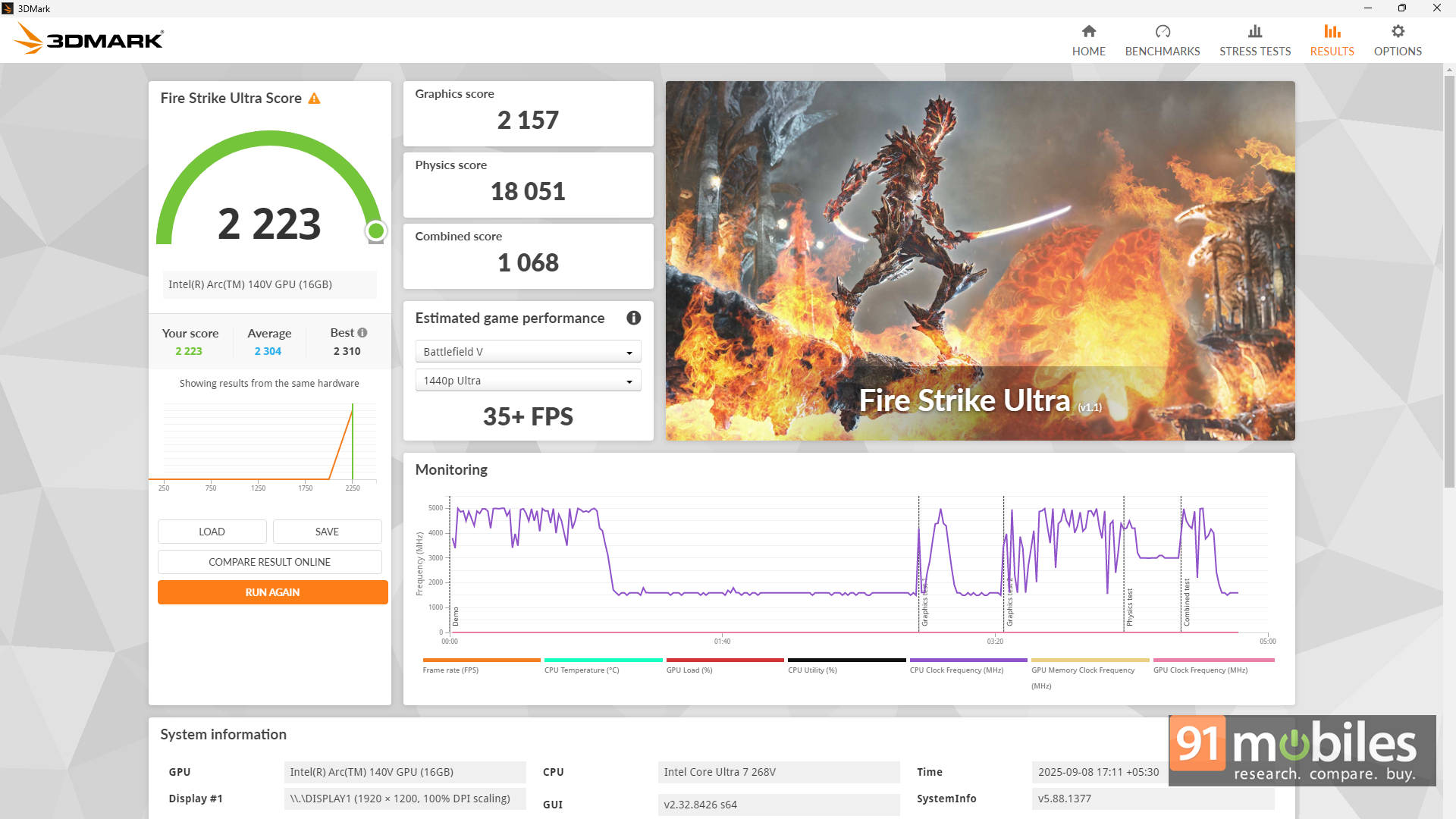
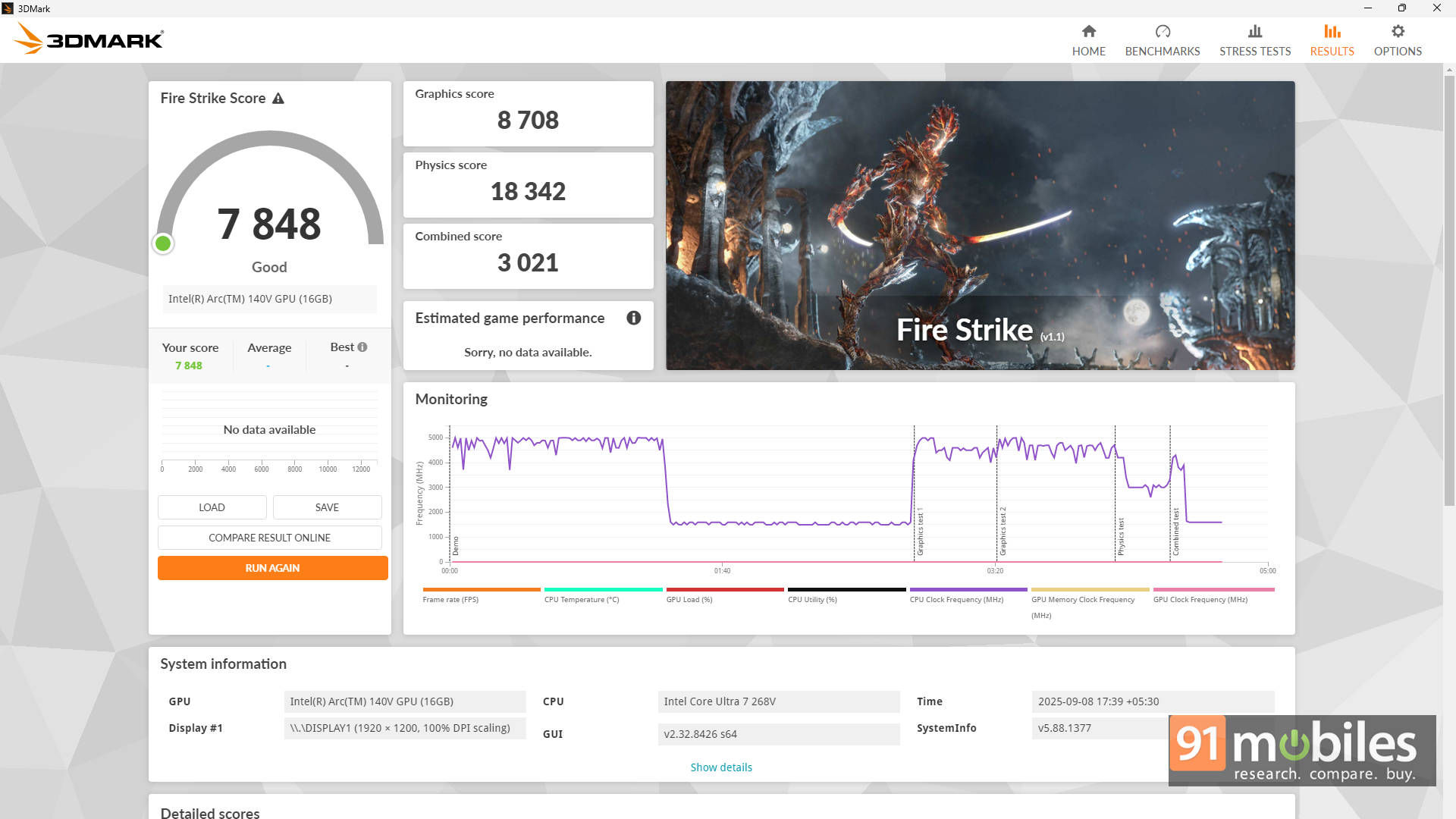
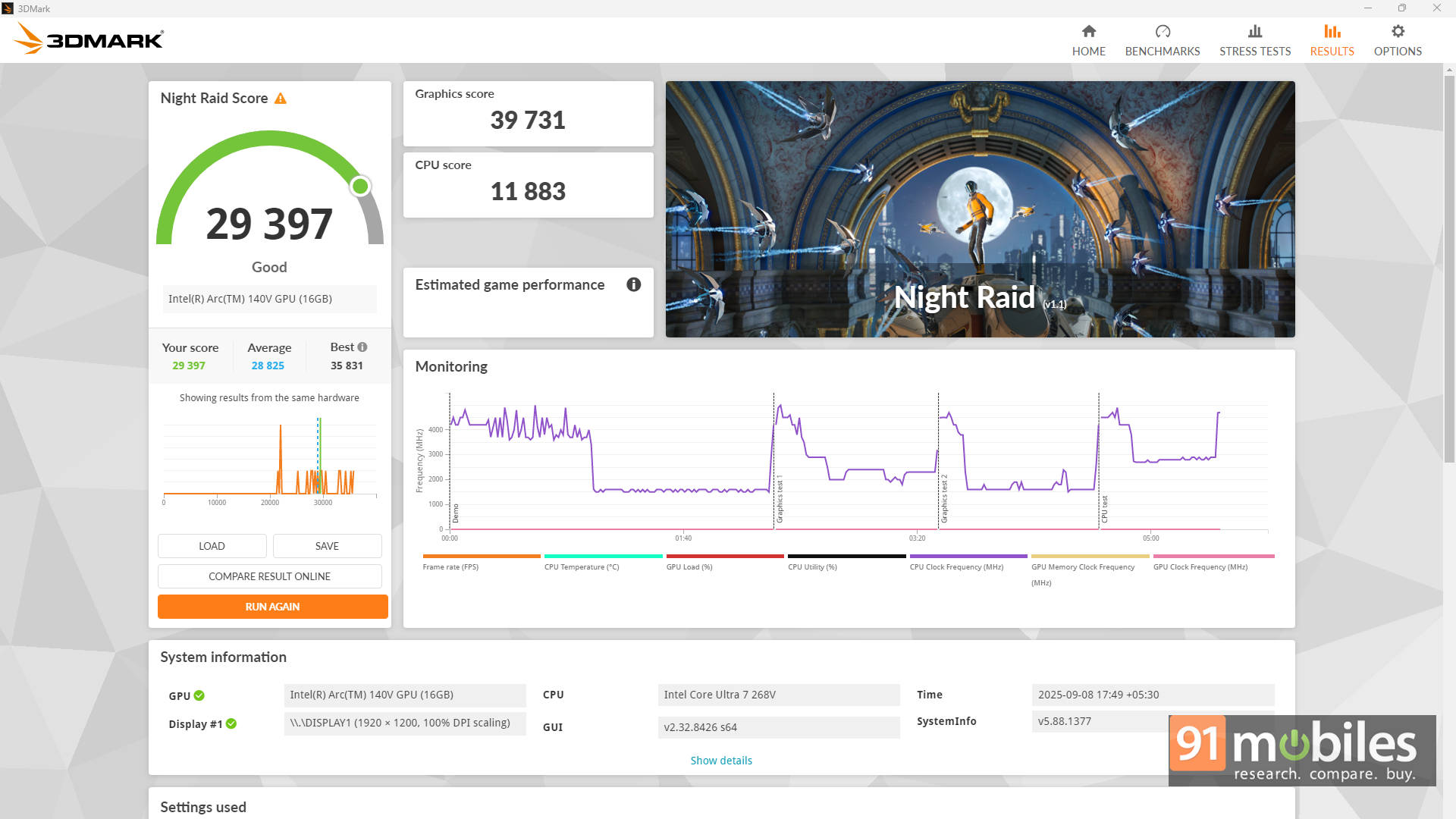
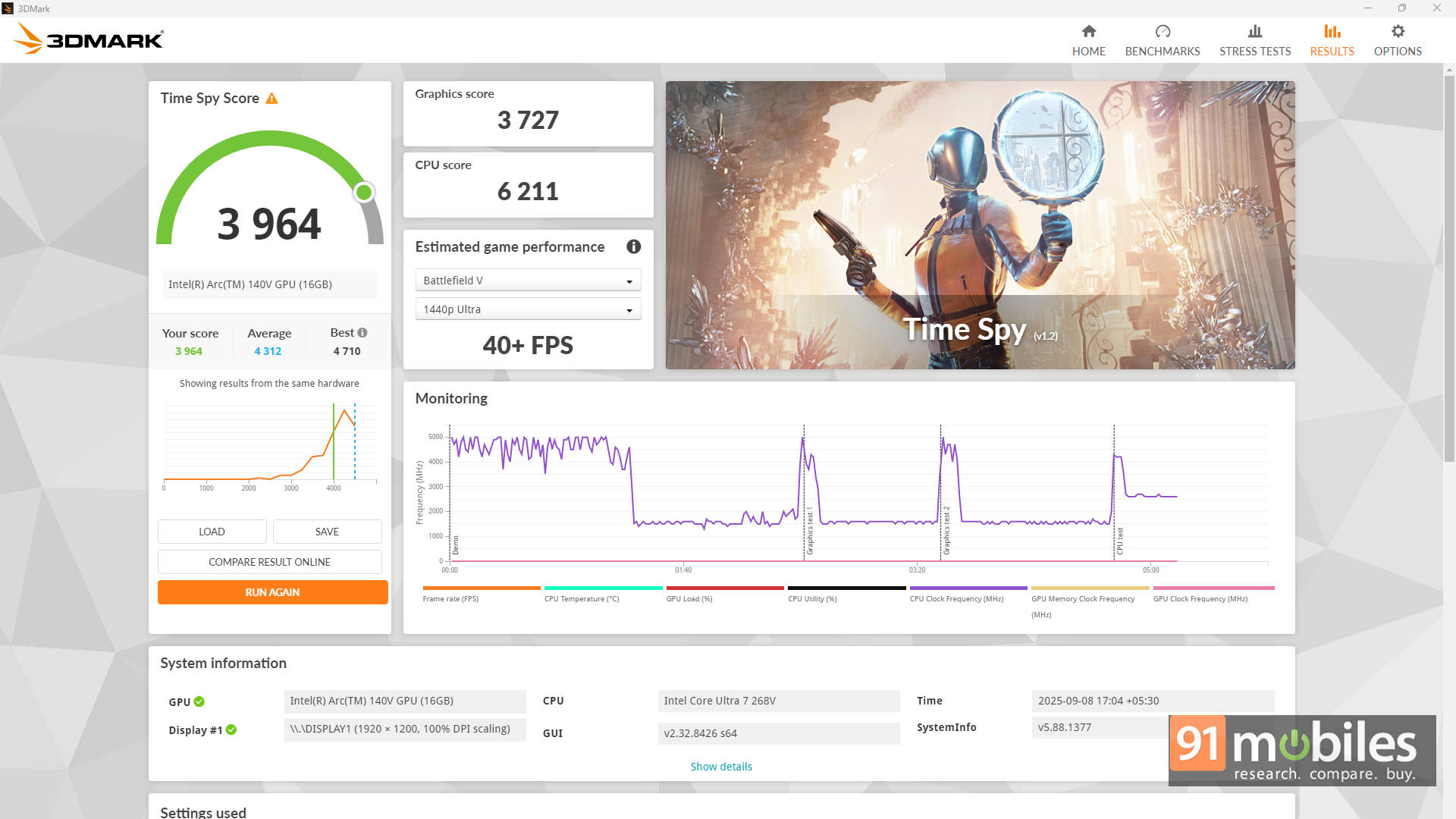
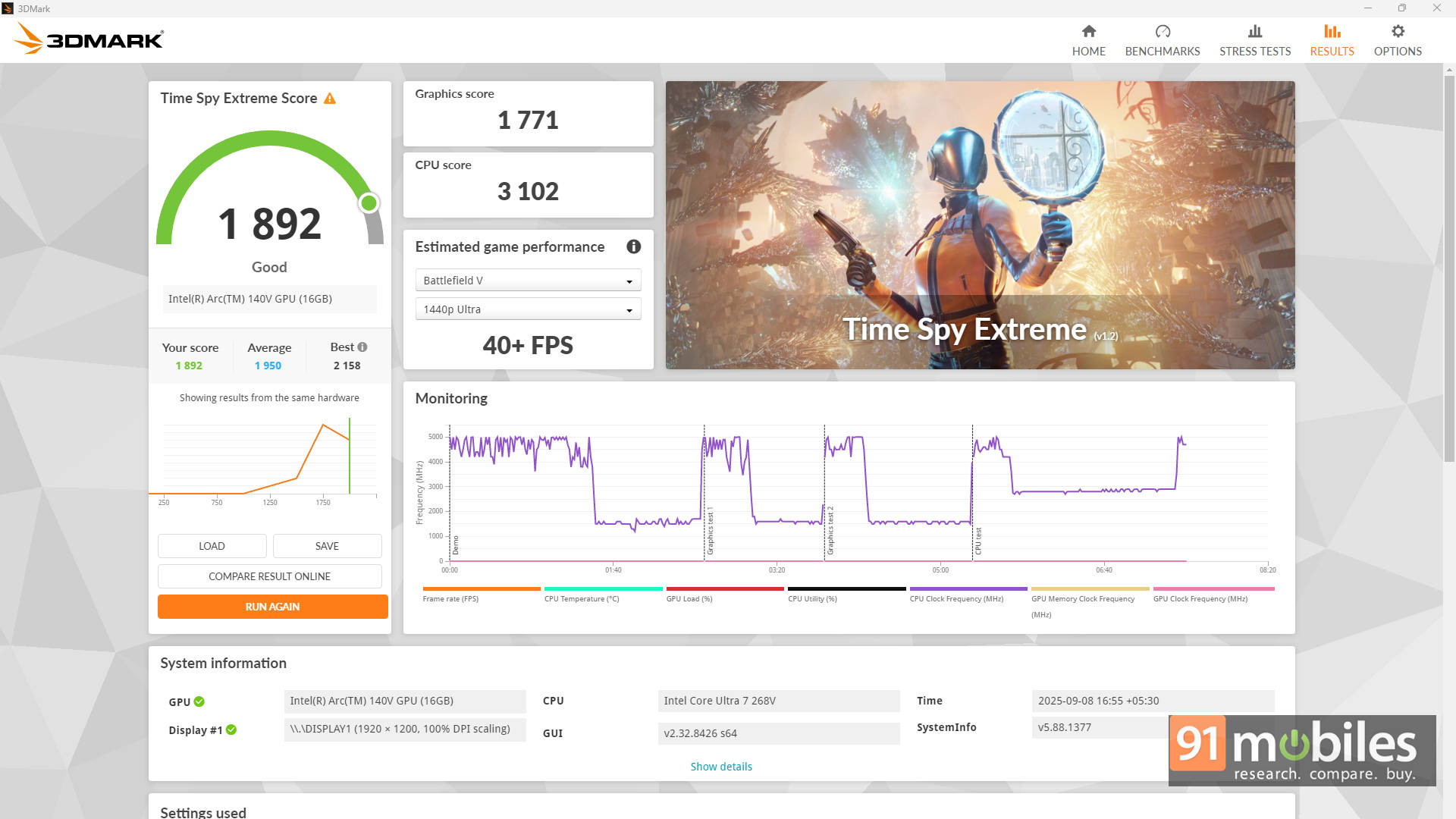
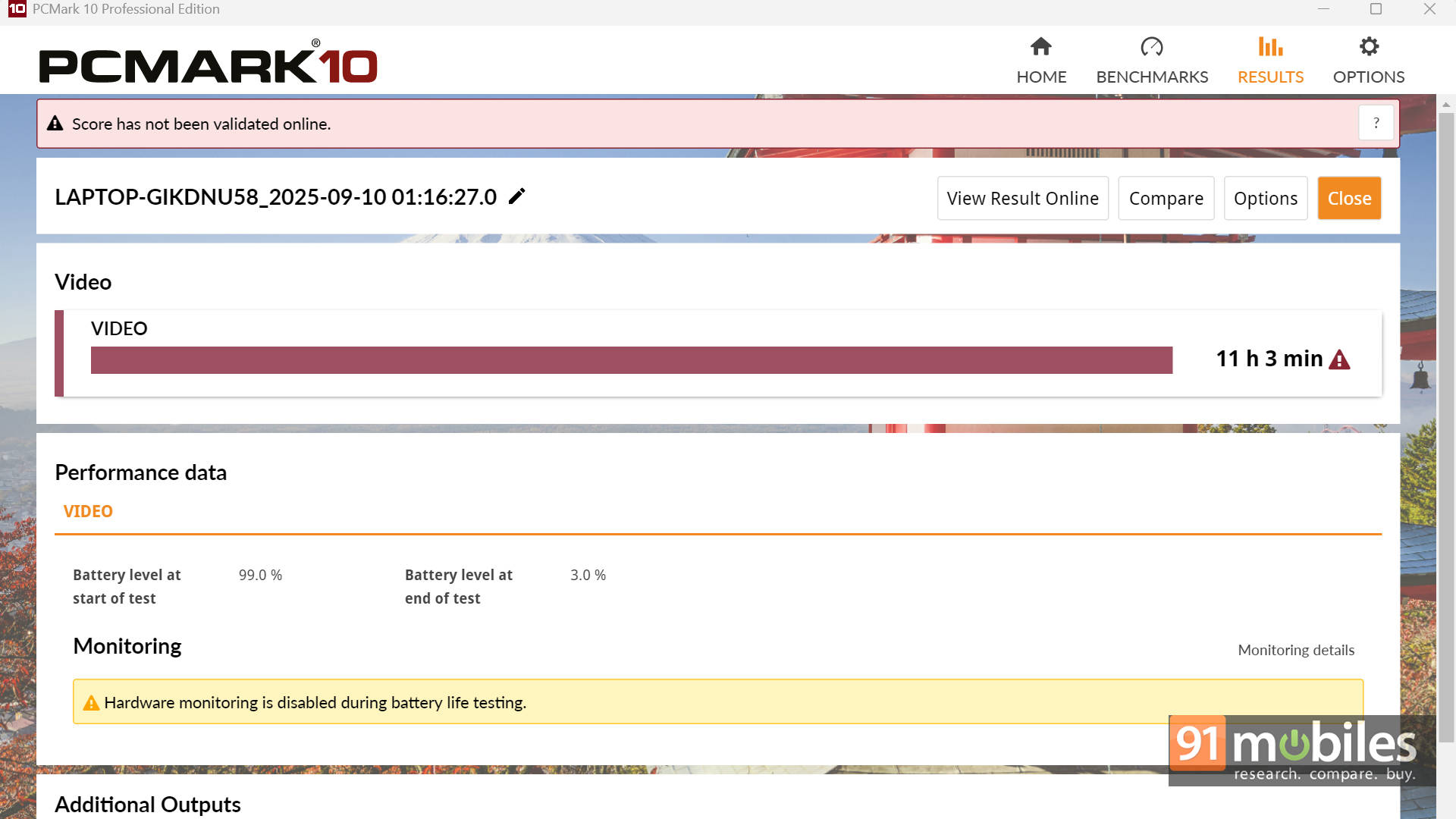
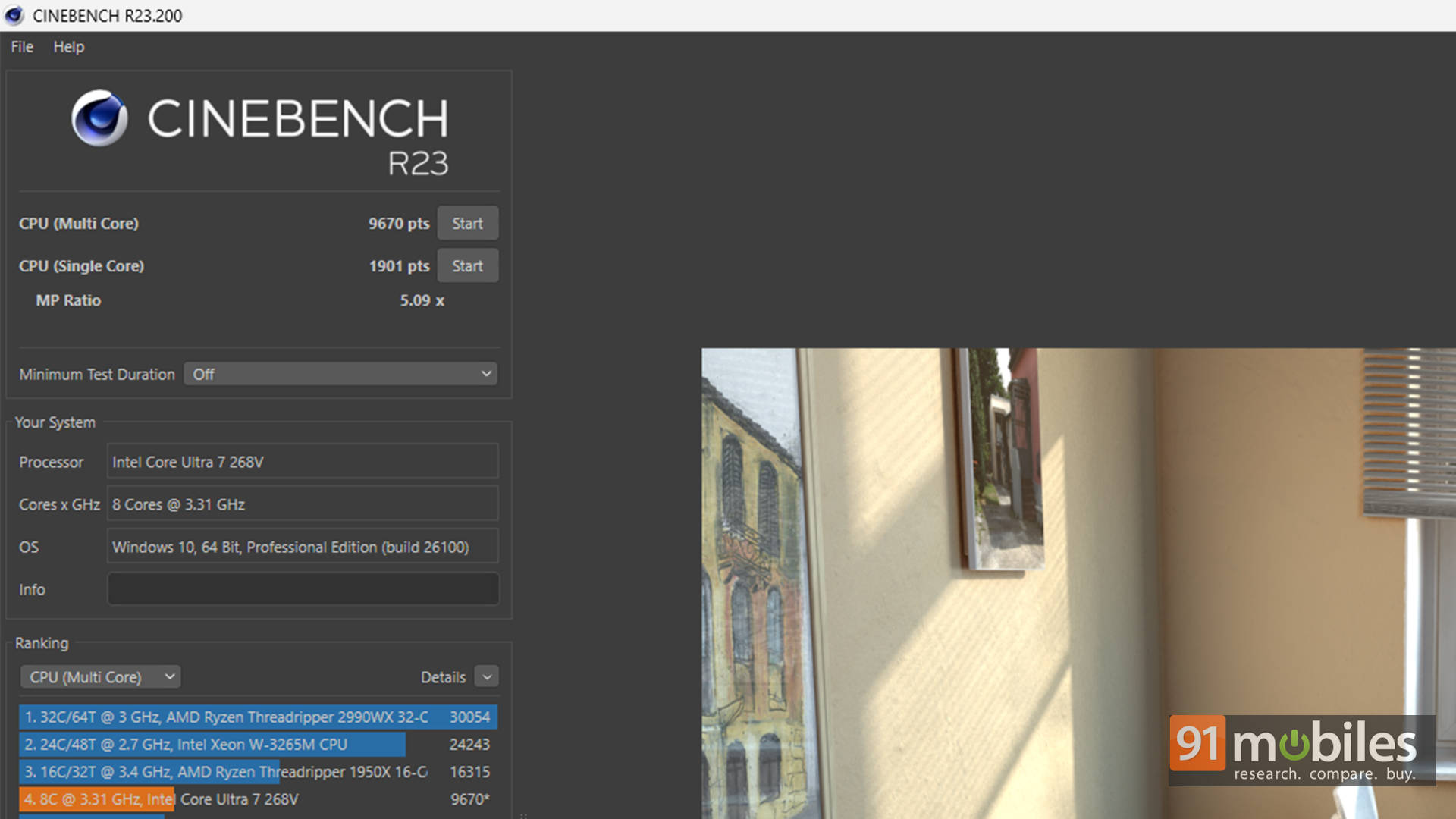
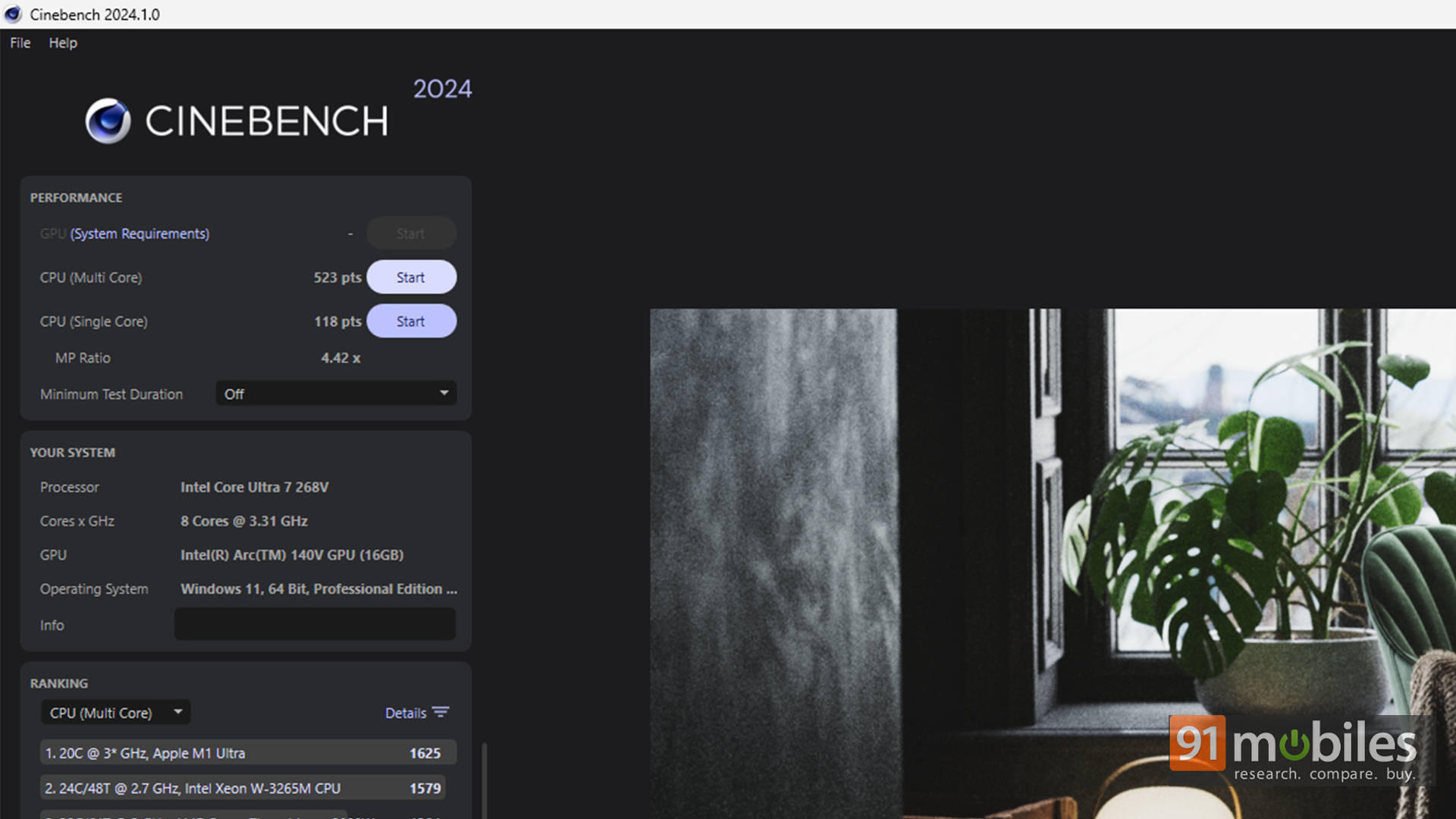
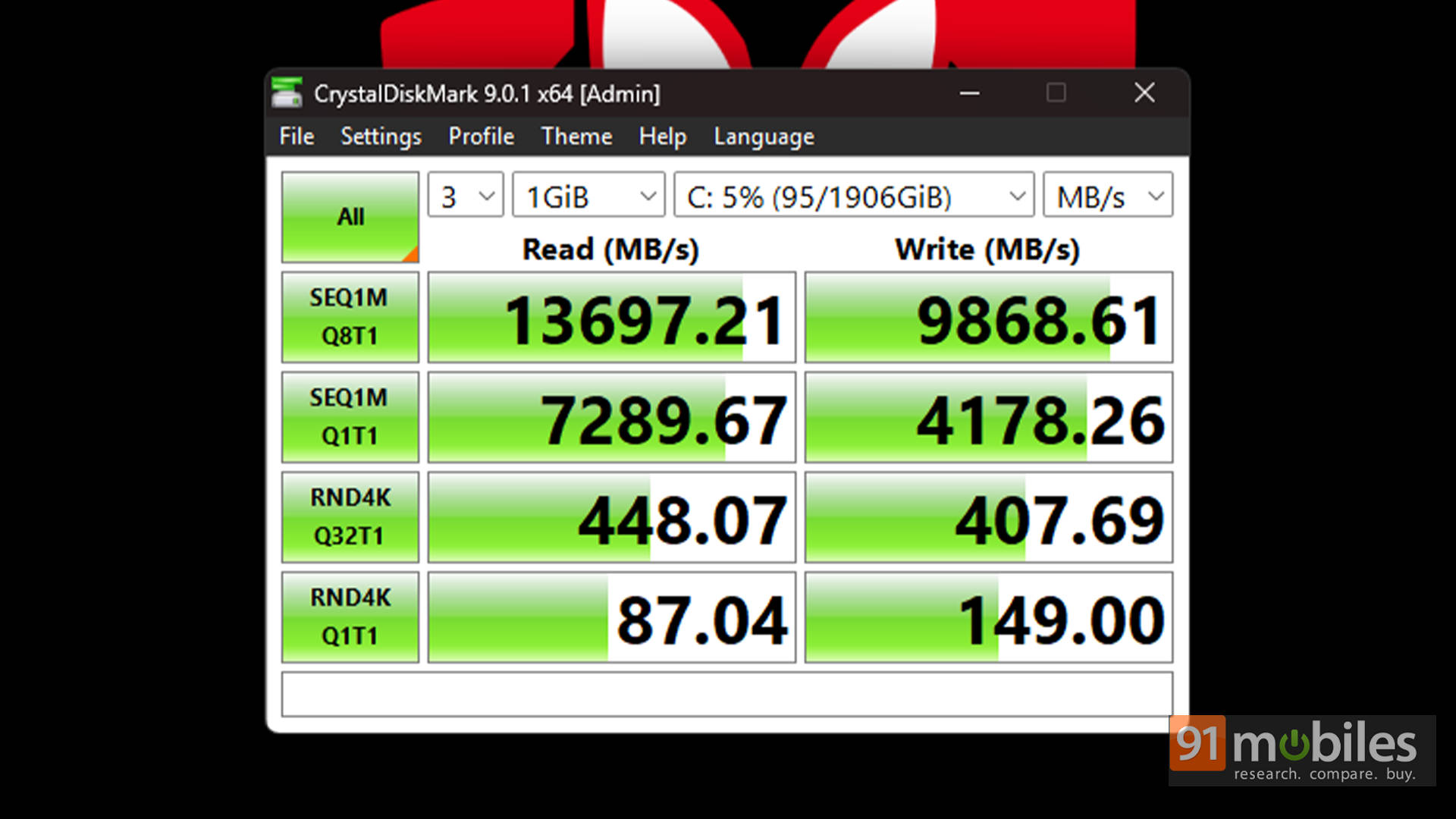
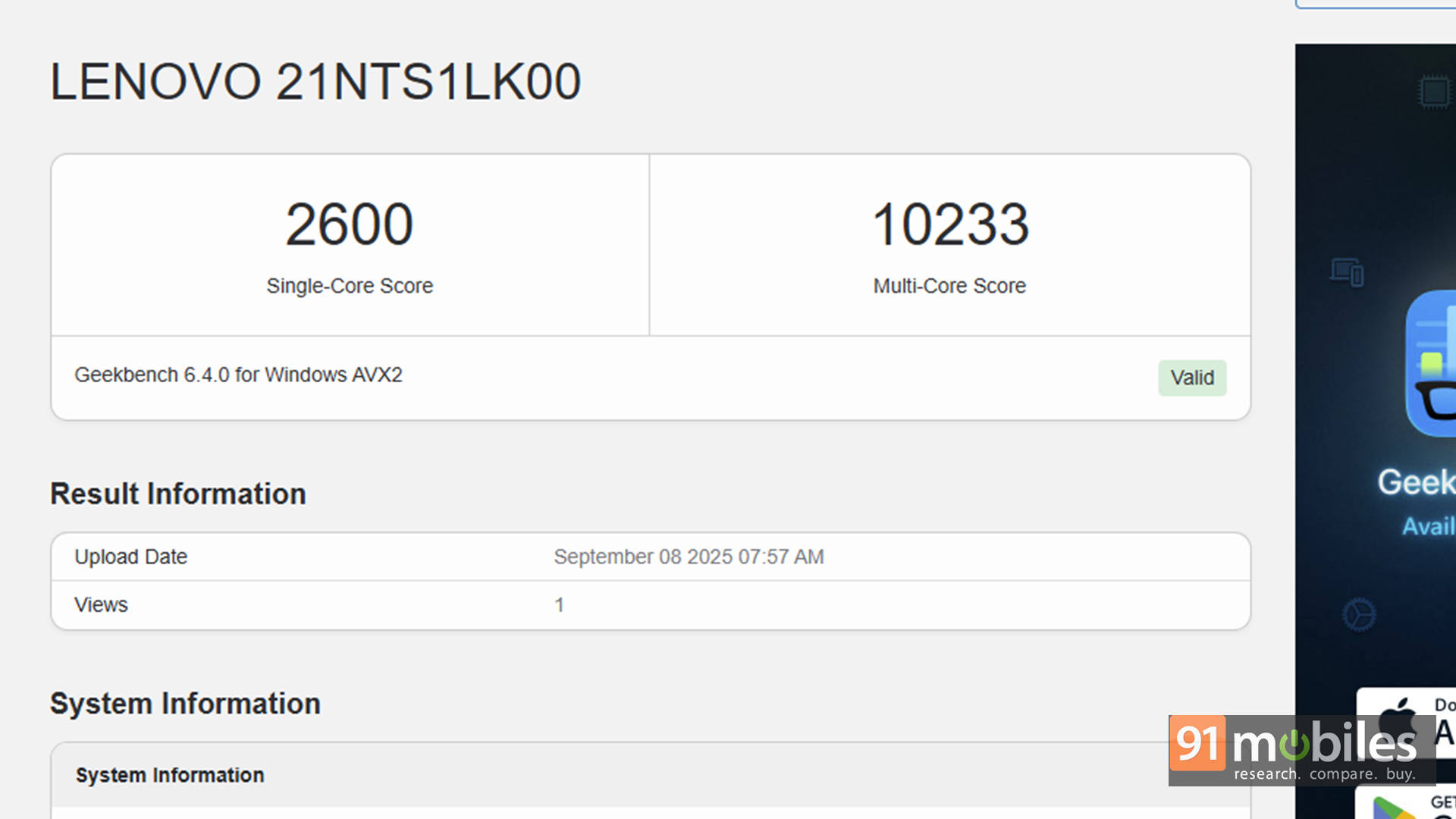
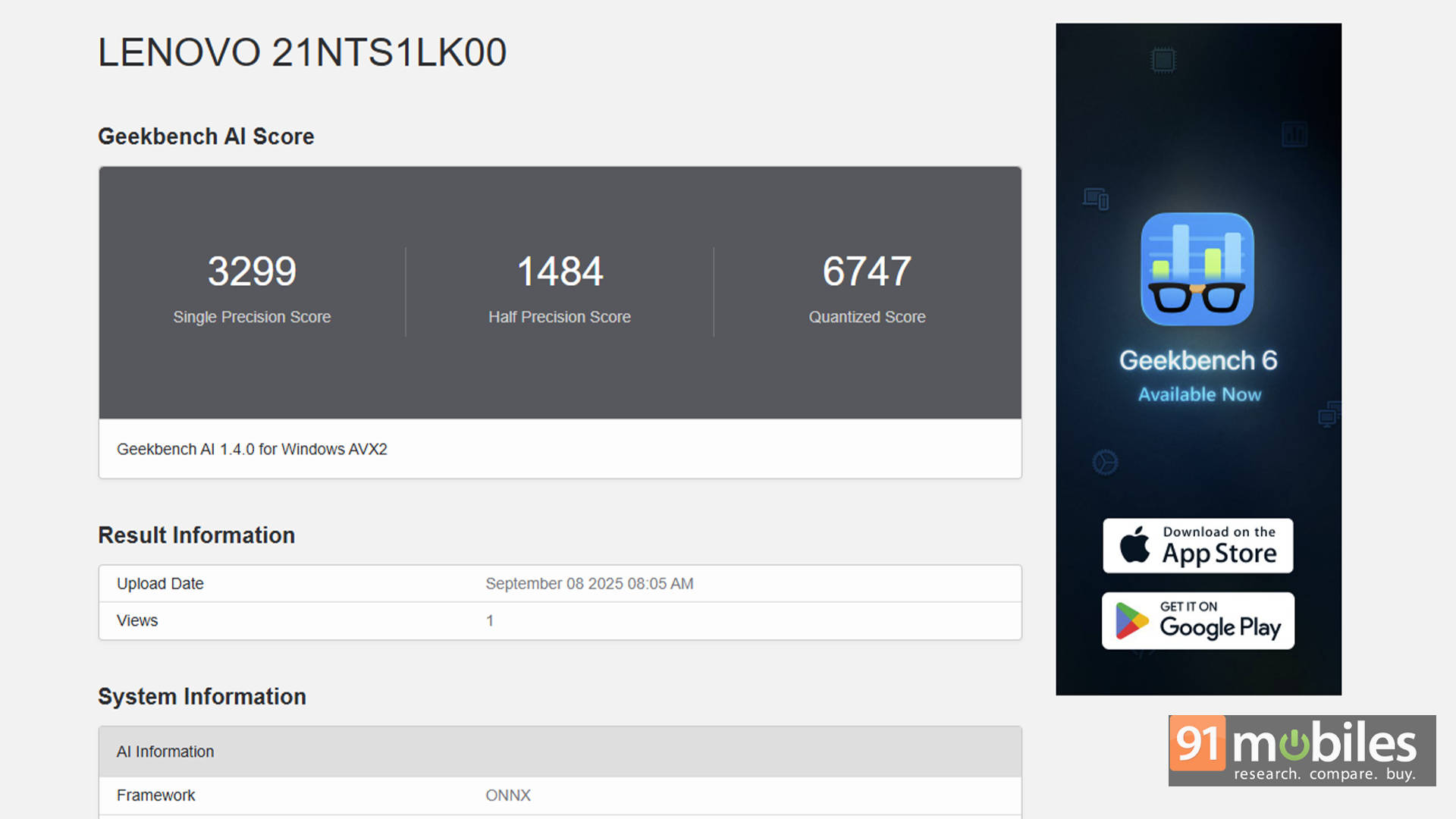
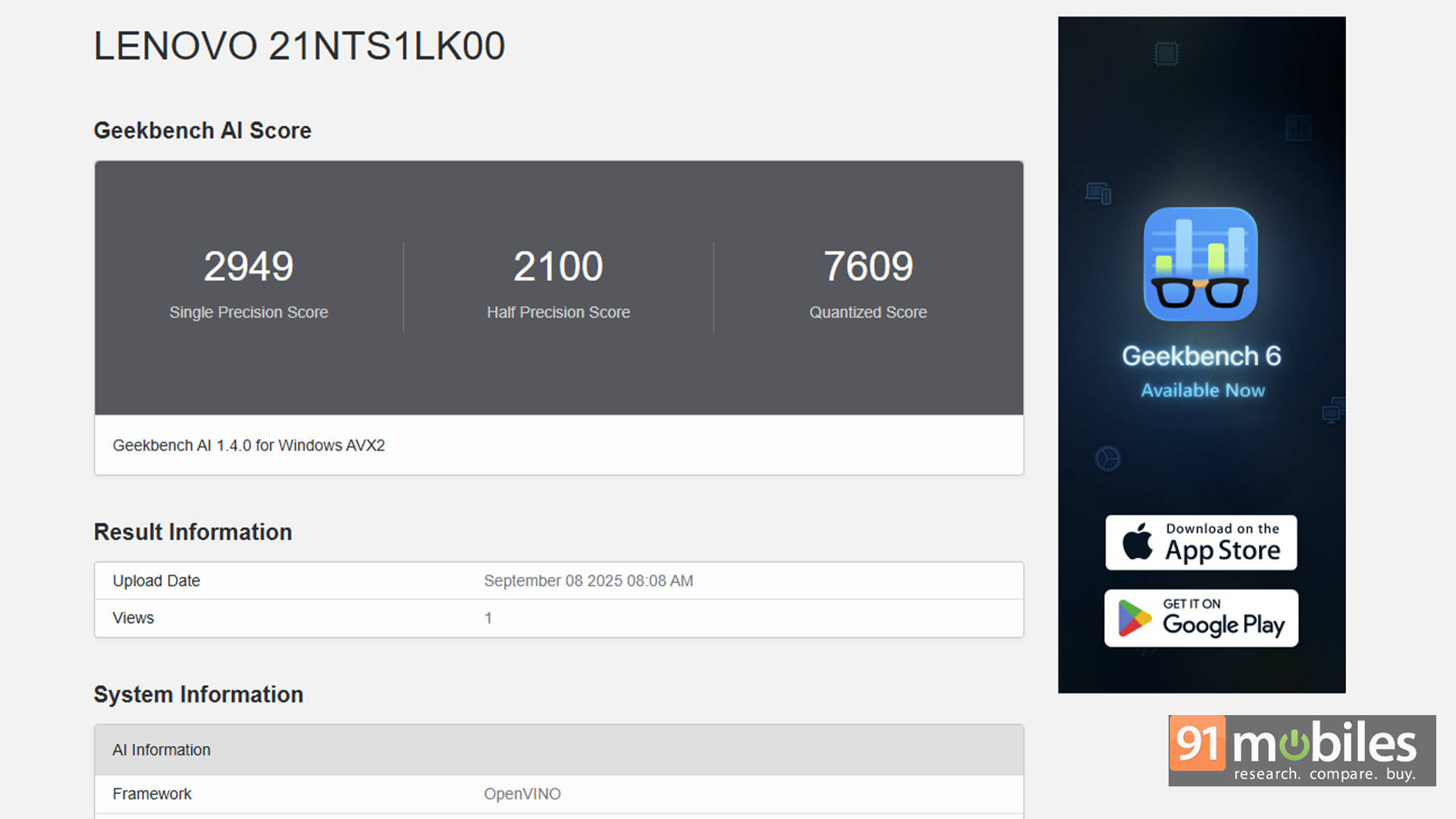
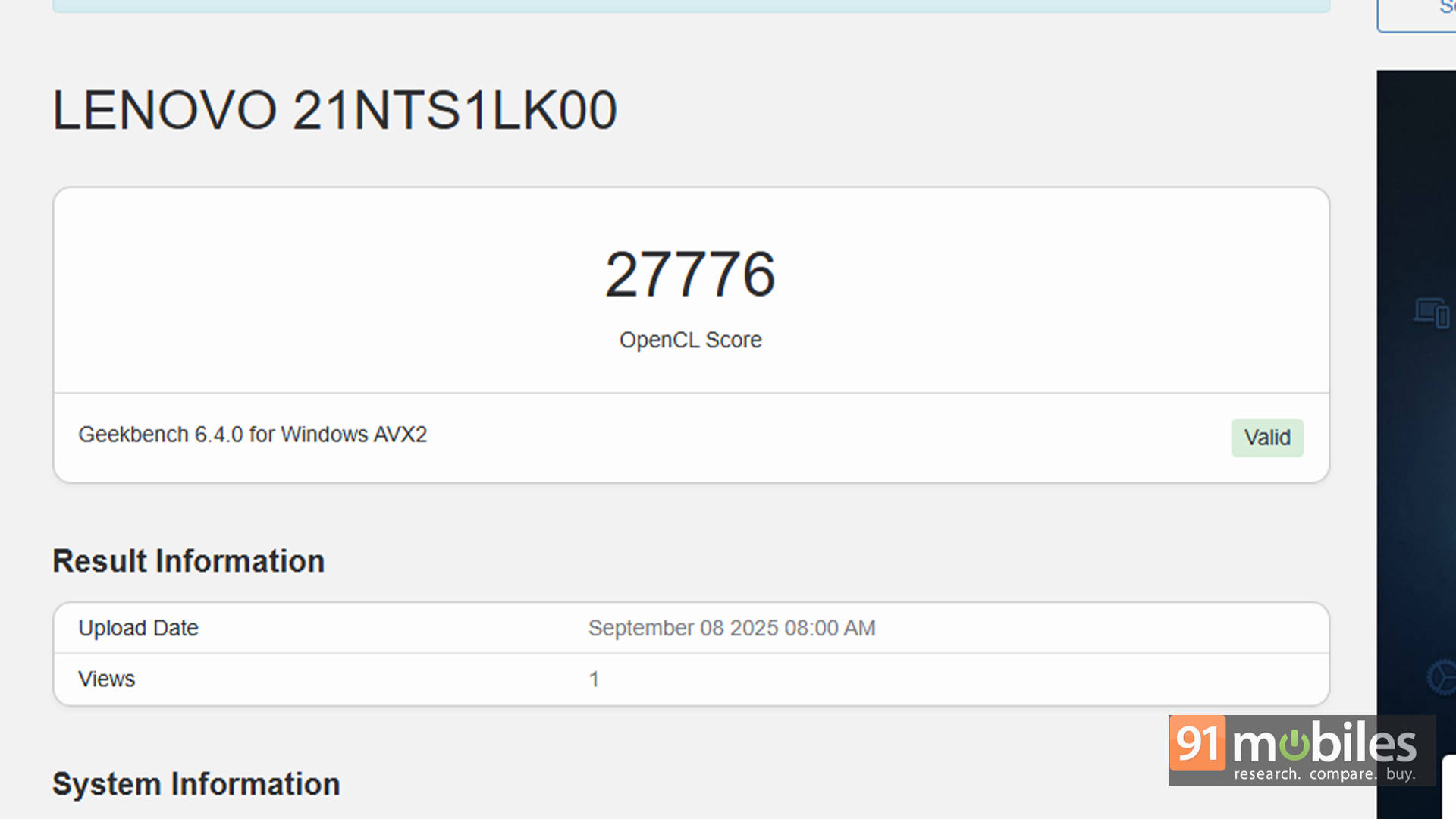
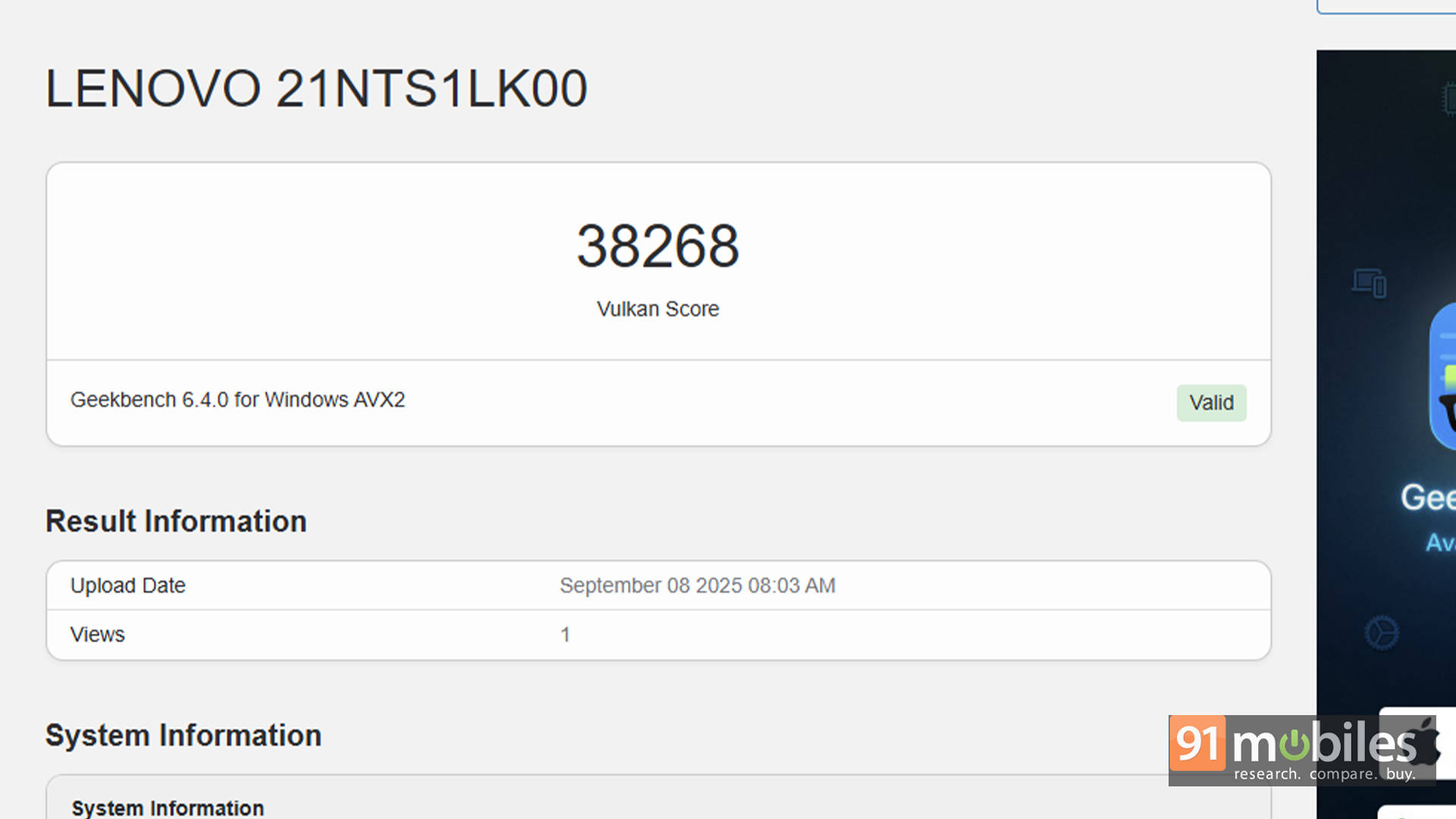
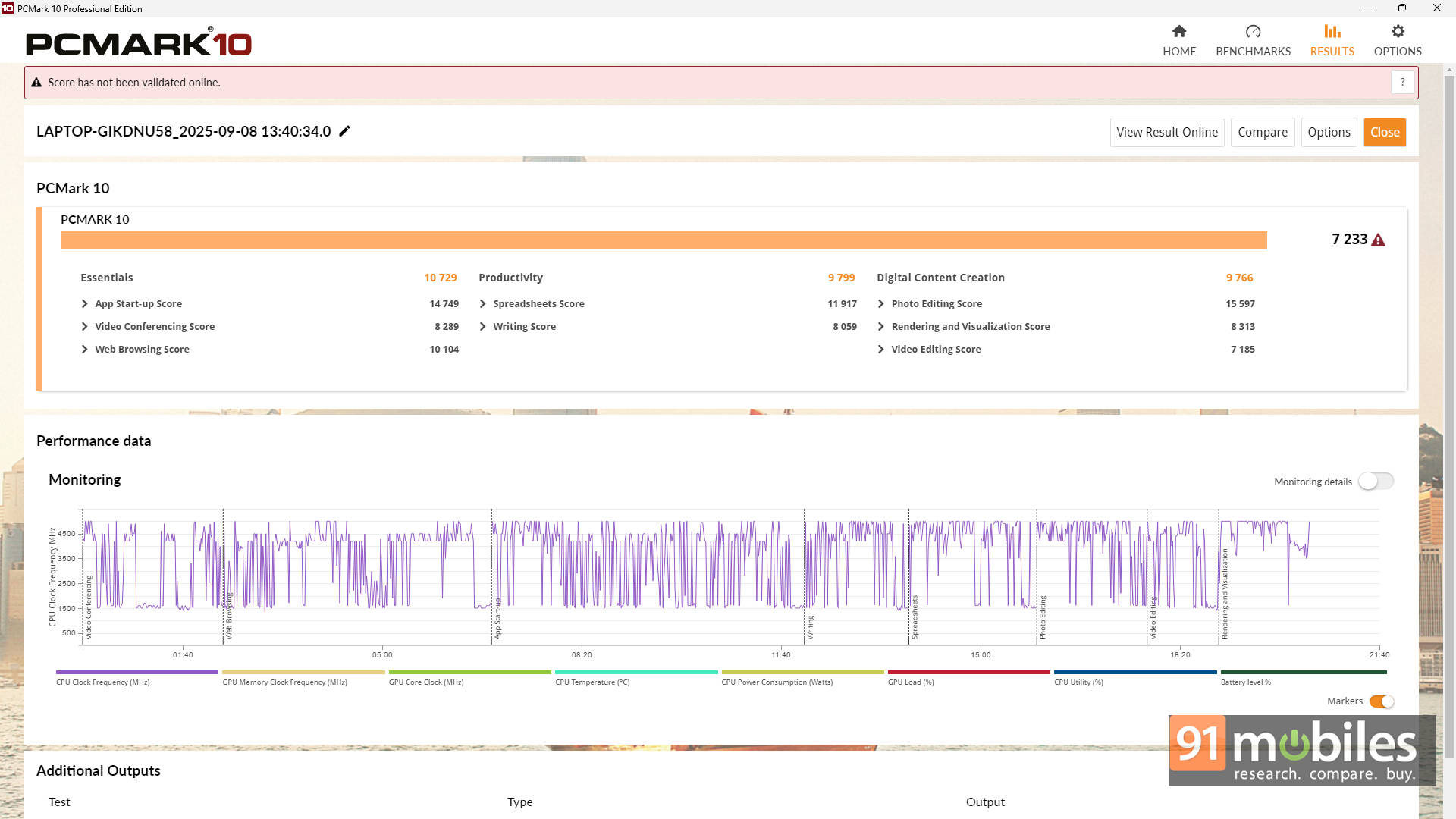
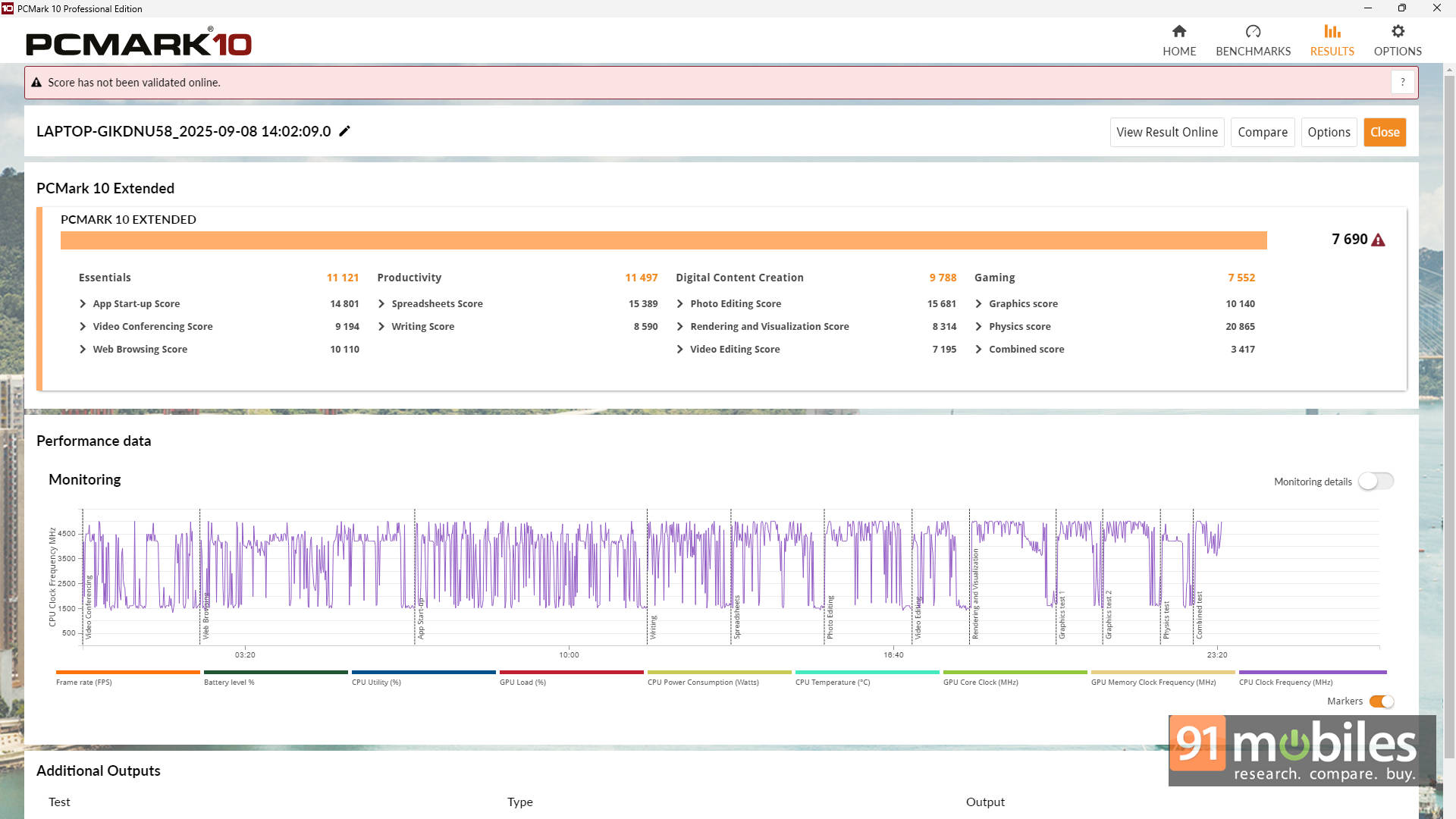
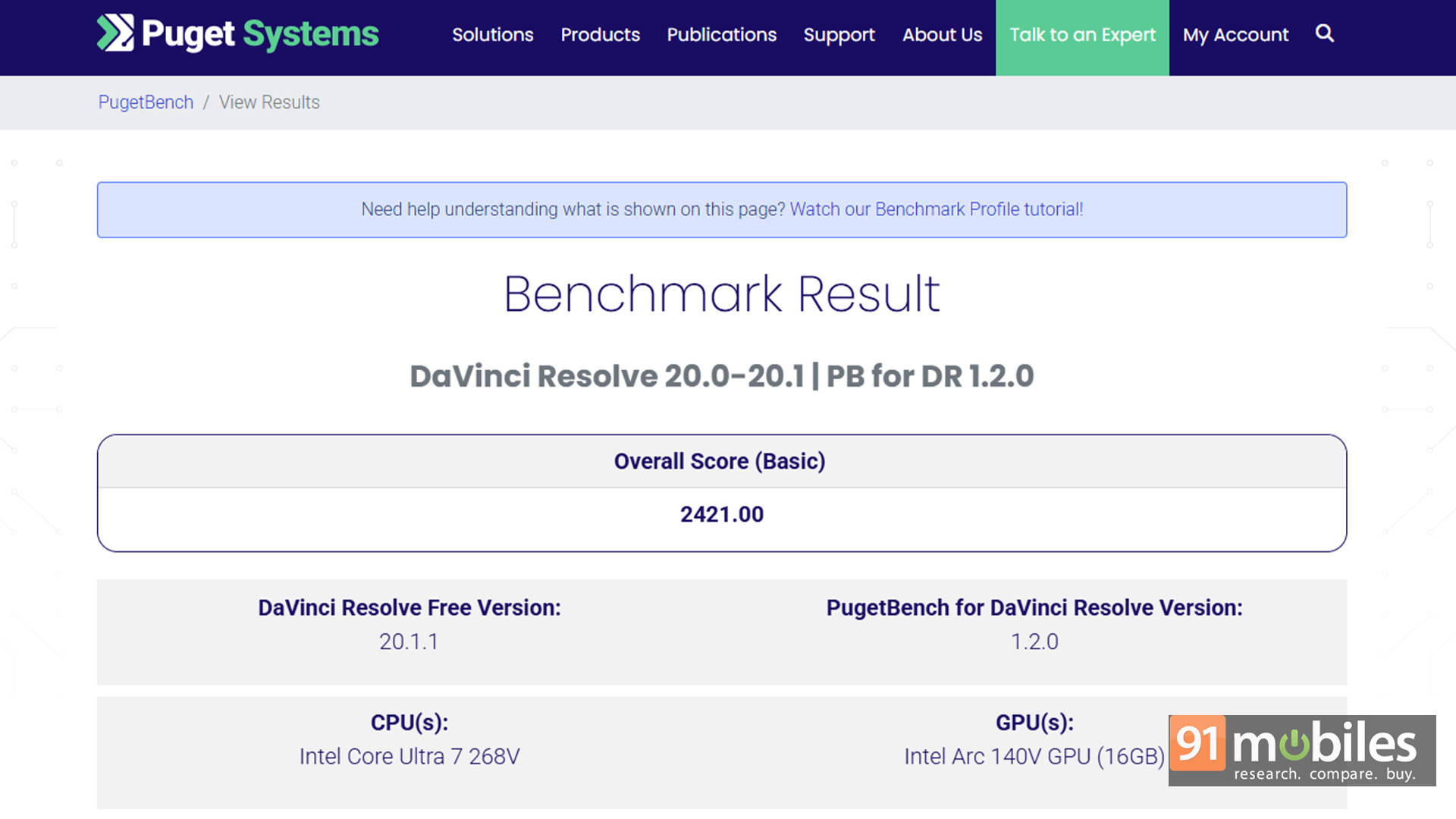


All that sounds good, but I also decided to compare the ThinkPad to a couple of other premium ultrabooks on the market. In this case, it’s the HP EliteBook 8 G1i and the Dell Pro 14 Premium, both of which share the same Intel Core Ultra 7 268V processor. Interestingly, the performance of the ThinkPad X1 Carbon is behind both HP and Dell in both CPU and GPU benchmarks.
| CPU Benchmark / Laptop | Lenovo ThinkPad X1 Carbon | HP Elitebook 8 G1i | Dell Pro 14 Premium |
| Cinebench R24 MT | 523 | 636 | 571 |
| Cinebench R24 ST | 118 | 127 | 122 |
| Cinebench R23 MT | 9670 | 11134 | 8769 |
| Cinebench R23 ST | 1901 | 2029 | 1927 |
| PCMark 10 | 7233 | 7456 | 6779 |
| PCMark 10 Extended | 7690 | 7924 | 7270 |
| Geek Bench 6 ST | 2600 | 2858 | 2827 |
| Geek Bench 6 MT | 10233 | 10885 | 11019 |
Sure, the ThinkPad is the slimmest and most portable of the lot, but it's also the most expensive, and still compromises the most on performance. Then again, as the saying goes, benchmarks are indicative, but not the final say. In real-world usage, the performance is still great for most professionals.
| GPU Benchmark / Laptop | Lenovo ThinkPad X1 Carbon | HP Elitebook 8 G1i | Dell Pro 14 Premium |
| Geek Bench OpenCL | 27776 | 31345 | 30488 |
| Geek Bench Vulcan | 38268 | 38511 | 35810 |
| 3DMark Time Spy Extreme | 1892 | 2245 | 2115 |
| 3DMark Time Spy | 3964 | 4773 | 4449 |
| 3DMark Fire Strike Ultra | 2223 | 2445 | 2310 |
| 3DMark Fire Strike Extreme | 4139 | 4603 | 4368 |
| 3DMark Fire Strike | 7848 | 9612 | 9236 |
| 3DMark Night Raid | 29397 | 36884 | 34467 |
| SSD Seq. READ | 13697.21 | 6375.73 | 6138.16 |
| SSD Seq. WRITE | 9868.61 | 5184.88 | 4492.25 |
Thermals are handled intelligently, too. Even under sustained load, the fans stay whisper-quiet, and the keyboard deck barely warms up beyond 38°C. Lenovo's cooling system here deserves serious credit for keeping performance consistent in such a thin chassis.
Battery Pro Max?
One of the biggest strengths of Lunar Lake chips is efficiency, and the X1 Carbon Gen 13 proves it. The 57Wh battery easily lasted 12–13 hours of light-to-medium use, including typing, streaming, and Wi-Fi browsing. For pure benchmarking numbers, the laptop lasted 11 hours and 3 minutes in the PCMark 10 battery video loop test.
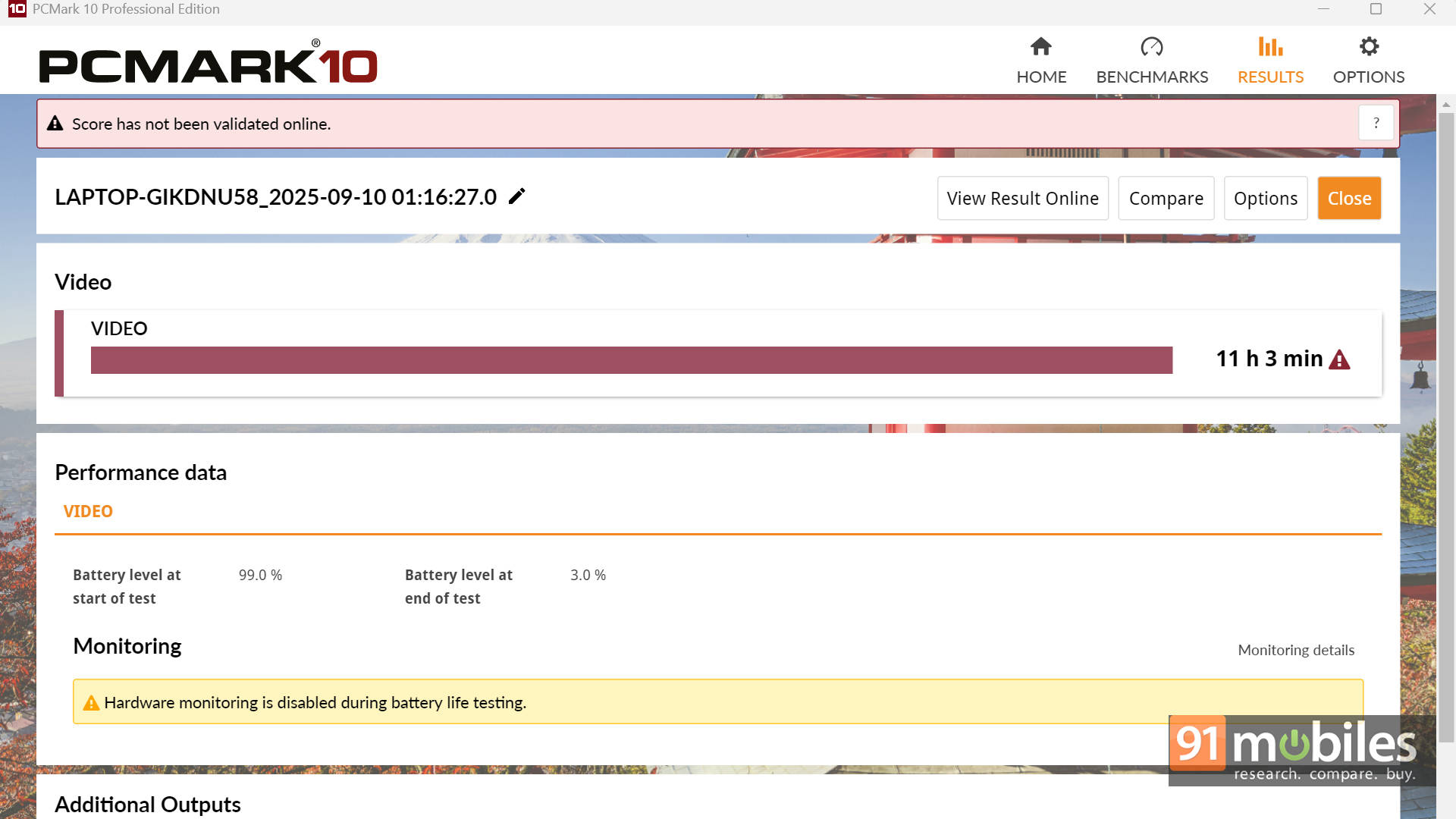
That's enough to get through a workday (and then some) without reaching for the charger. What's more is that when you do, Lenovo's Rapid Charge tech refuels it from 0 to 80% in about 45 minutes using the 65W USB-C adapter. It's also nice to see that both USB-C ports support charging, so you're not tied to a specific side of the desk.
The Connectivity Story
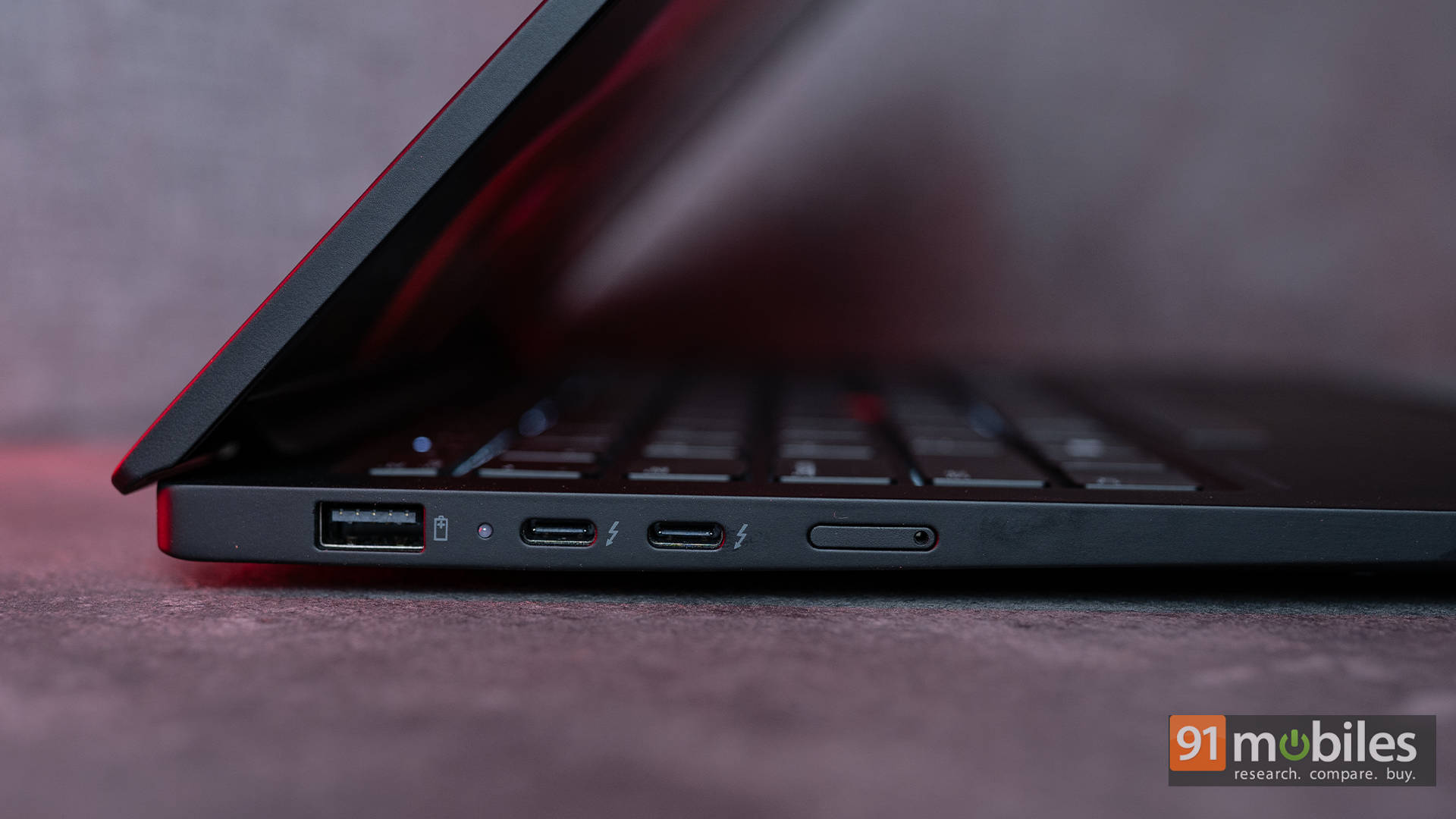
Before talking about the verdict, a quick word about the port situation here, since the ThinkPad actually brings a lot to the table. On the left side, there's a USB-A port, dual Thunderbolt 4 ports, and a Nano SIM card slot.
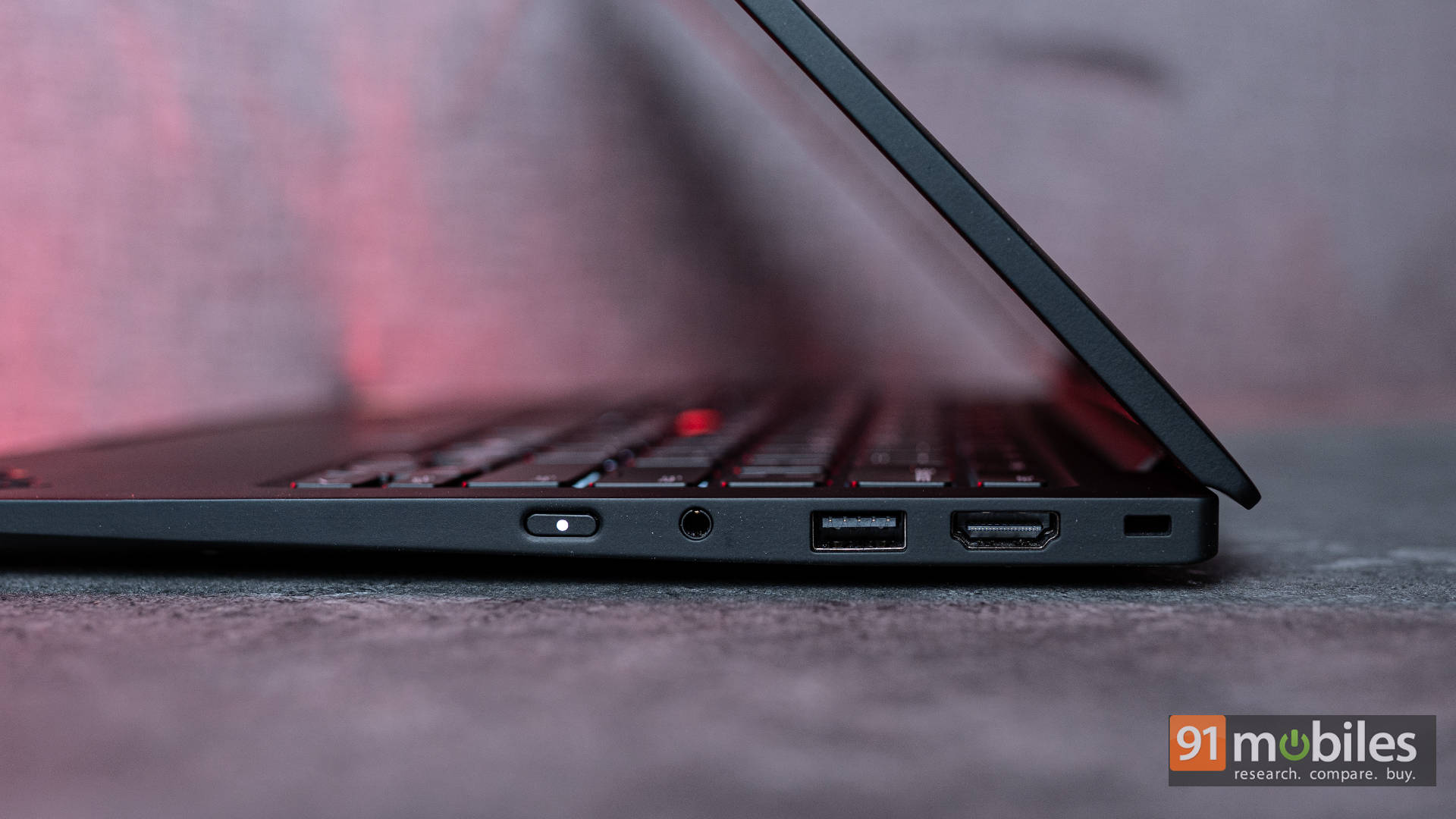
Then, over to the right side, there's an HDMI 2.1 port, another USB-A port, a 3.5mm headphone/microphone jack, and the power button. Personally, I prefer having the power button on the keyboard deck only, as this position is better suited for convertibles. Nonetheless, that's not an issue by any means.
For those always on the move, the option to just install your SIM card and enjoy 5G internet anywhere is amazing. It offers consistent connectivity without relying on flaky hotspots. Both the WWAN and NFC modules are integrated cleanly, and Wi-Fi 7 support ensures blazing-fast wireless speeds.
Verdict: Reliability Refined
The Lenovo ThinkPad X1 Carbon Gen 13 isn't here to flash RGB lights or pull off any convertible tricks. It's a no-nonsense business ultrabook that nails the fundamentals: premium design, stellar keyboard comfort, dependable performance, and long-lasting endurance. It's built for professionals who want a machine that's reliable, refined, and ready to perform every single day.
However, the Rs. 2,96,639 price tag (as configured) is hard to ignore. Competitors like the Dell Pro 14 Premium and HP EliteBook 8 G1i deliver similar hardware, better overall performance, and do so at a noticeably lower cost. Lenovo's craftsmanship, added connectivity options, and iconic matte-black minimalism certainly hold their charm, but that charm comes at a steep premium.
If you're someone who values subtlety, build quality, and ThinkPad heritage above all else, the X1 Carbon Gen 13 will feel like a perfect companion. But if value and performance are higher on your list, the competition makes a stronger case. It's an excellent laptop — just one that's priced a little too ambitiously for its own good.
Editor's Rating: 8 / 10
Pros:
- Premium, ultra-light chassis with exceptional durability
- Industry-leading keyboard and solid port selection
- Good battery life with rapid charging support
Cons:
- Significantly more expensive than close rivals
- IPS panel lacks the vibrancy of OLED alternatives