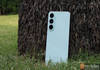
Launched in 2025, Lumio is a brand that’s run by people passionate about home entertainment, and it shows. The Lumio Vision 7 and Lumio Vision 9 were TVs built by enthusiasts for enthusiasts who can’t afford the flagship offerings from the big 3: Sony, LG, and Samsung. While most budget brands offer “flagship killer” specs, most fall flat within a year of use. While we as reviewers only get the TVs for a handful of weeks, it’s hard to justify the long-term claim. Upon reviewing the Lumio Vision 9 55-inch last year, it was one of my favourite budget TVs and at the top of my recommendation list when someone asked for a budget TV. You can read the testimonial of 91mobiles’ own Sanket here, as he has been using the Lumio Vision 9 (2025) for a year.
Now it’s time to judge the Lumio Vision 9 2026. Can it live up to the reputation set by its predecessor?
Under the Hood: Key Specs at a Glance
- Screen Size & Panel: 65-inch Mini-LED
- Resolution & Refresh Rate: Native 4K 144Hz with support for 1080P at 240Hz
- Processor & RAM: MediaTek Pentonic 700 paired with 3 GB of RAM
- Operating System: Google TV
- Audio: 50W Output, Dual Subwoofer, Hexa Driver (DGS 2.2) tuned by Dolby, reaching down to 38Hz
- Gaming Features: VRR and ALLM supported
Table of Contents
Dressed to Impress: Design and Build Quality
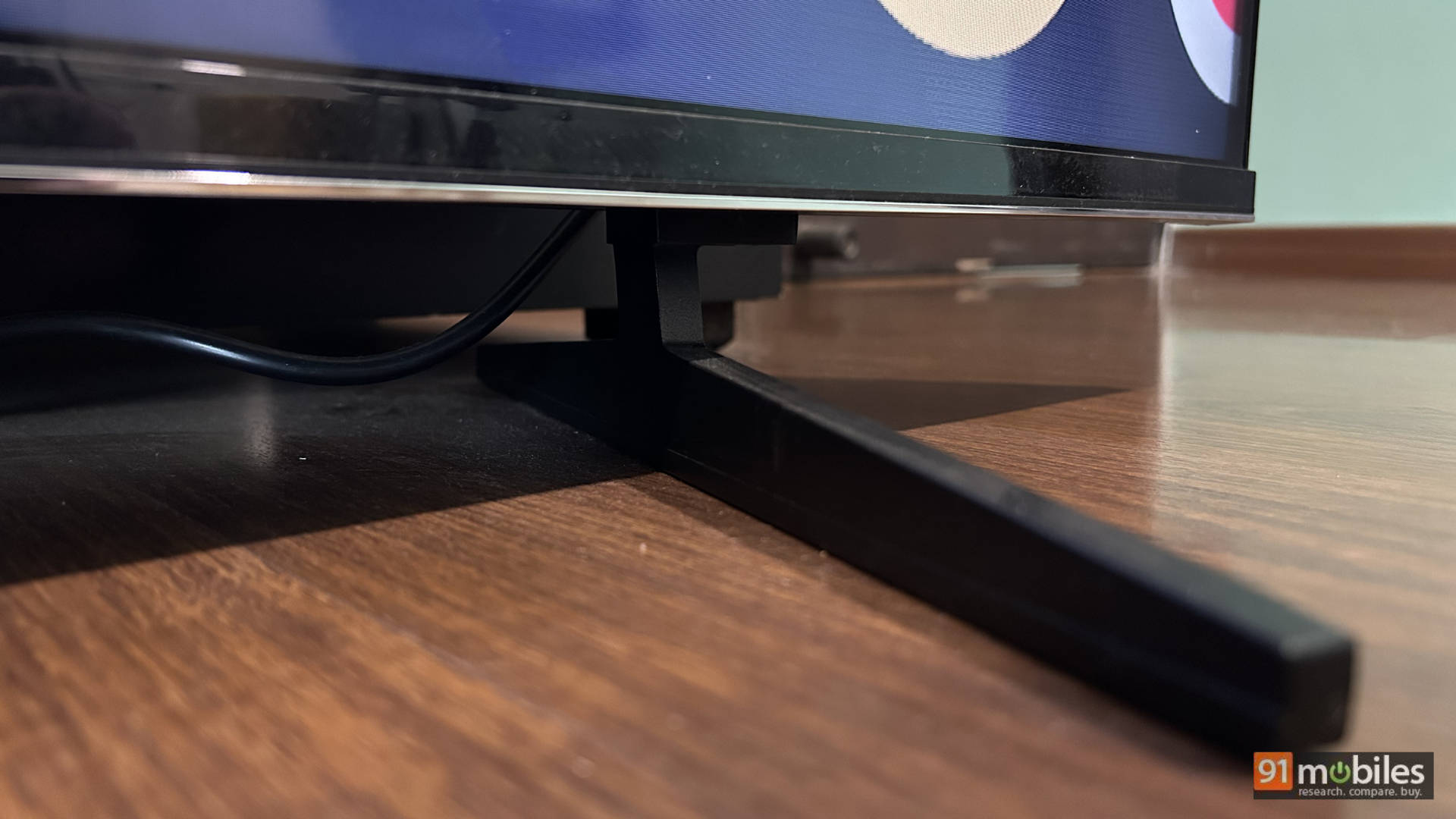
Functional with premium elements is the best way to describe the TV. One of the criticisms of the Lumio Vision 9 was that the largest screen size available was 55 inches. So now, we have a 65-inch variant. The TV stands on 2 metal feet that hold it very well in place. Facing the TV, all the connectivity options are to the left with only the power port on the right. The power cable is detachable, which is nice. All the ports are outward-facing, making them easy to reach when the TV is wall-mounted. Overall, the build of the TV is the same as last year, so there is nothing to complain about. It is a black mirror.
Control Freak: The Minion 2 Remote
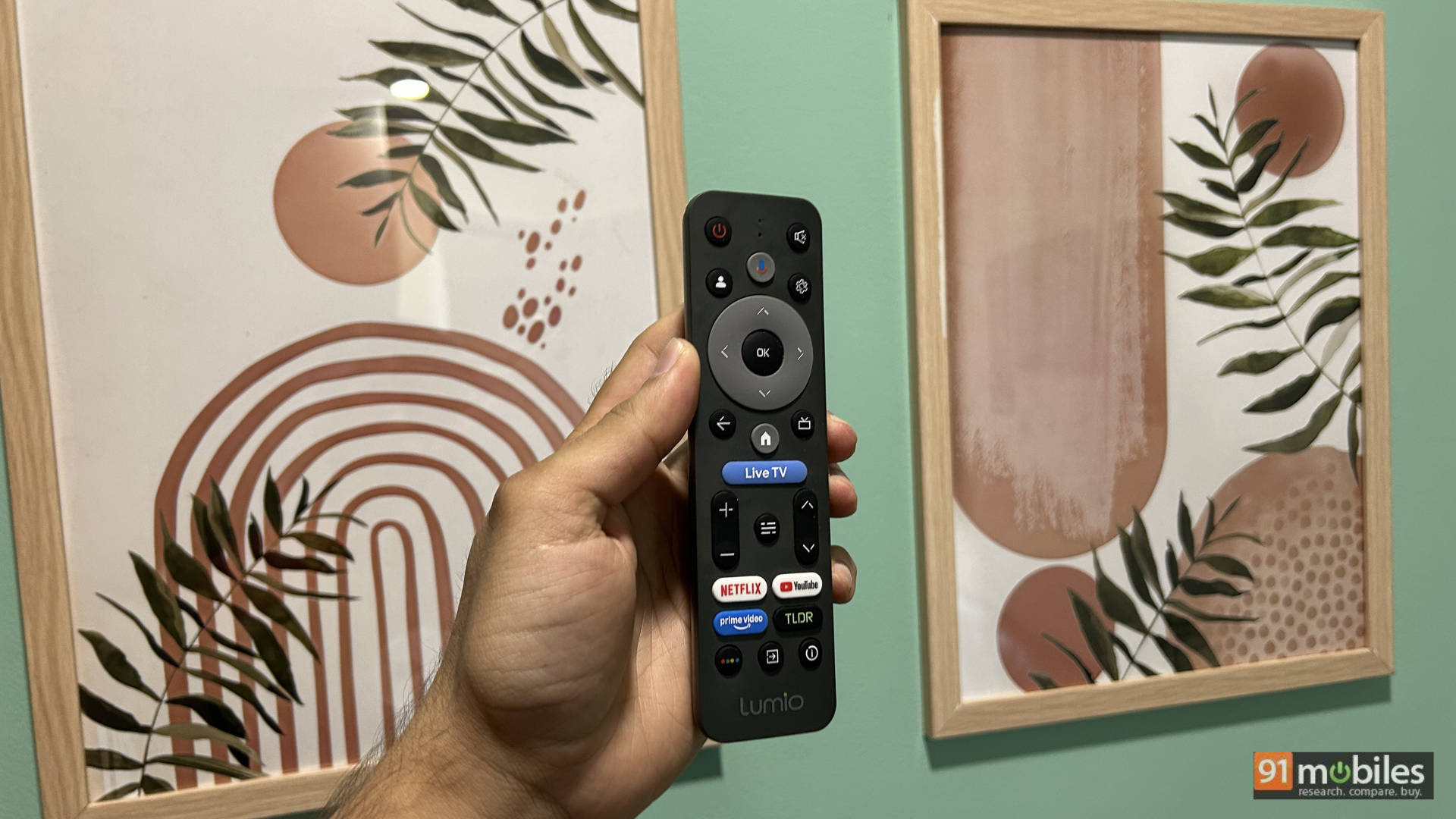
If it ain’t broke, don’t fix it. Just take feedback and improve it! Lumio has dubbed this the “Minion 2” remote. The remote feels slightly more ergonomic, has some buttons moved around, and includes additional buttons like ‘info’ (to bring up details of the content being played on screen), a relocated source button, etc. All in all, changes in the right direction. It is still a compact remote with a grey colour that makes it look unique.
A Visual Feast: Display and Picture Quality
Lumio has taken the feedback received in 2025 for their TV and brought about some interesting changes. The 2025 feedback to Lumio can be summarised into the following points:
- Great panel, but needs some optimization to improve black crushing, viewing angles, and overall brightness.
- Bigger screen size.
- Higher refresh rate for gamers.
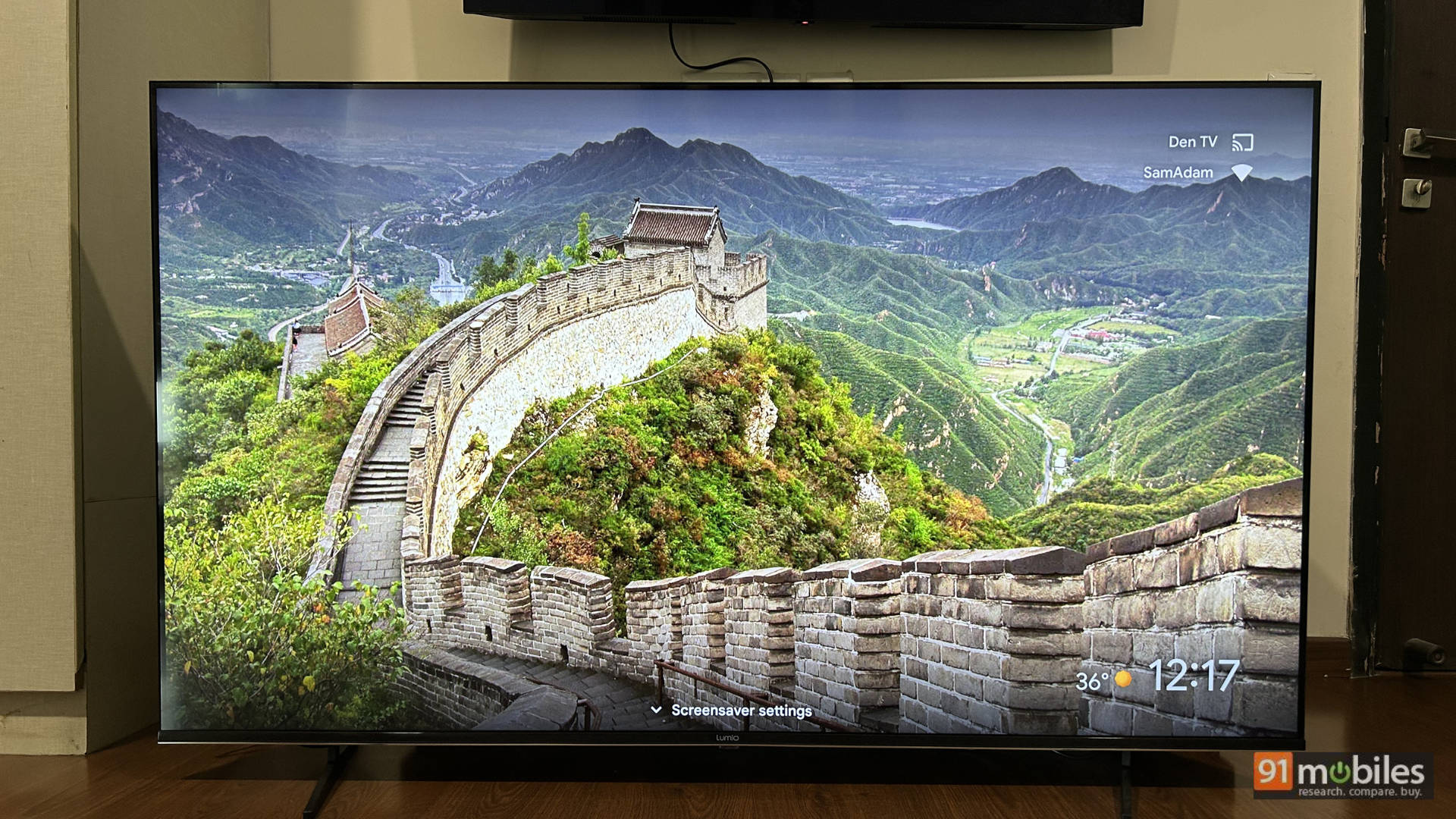
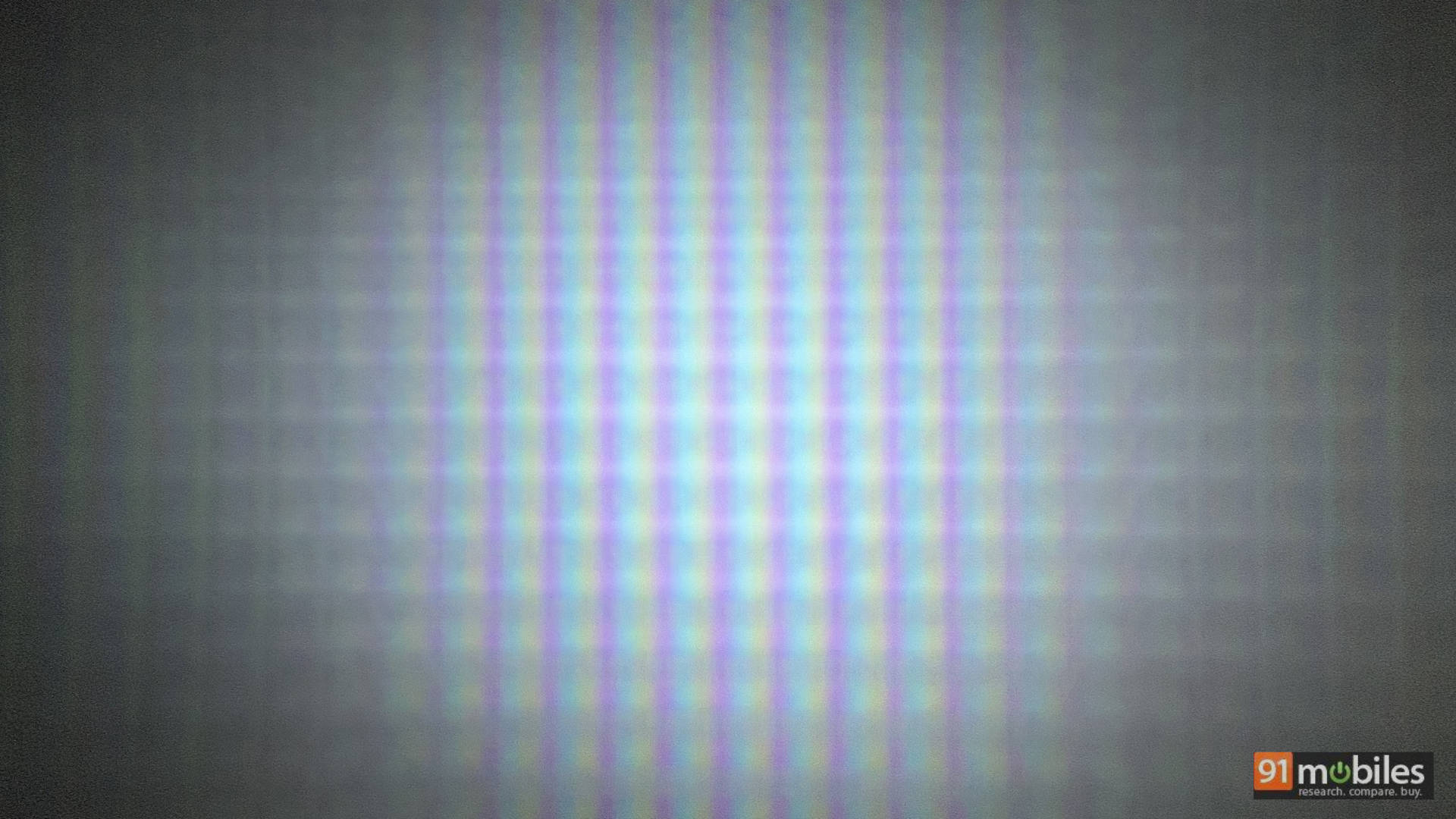
Keeping the above feedback in mind, Lumio has added native 4K 144Hz performance to the panel, launched a 65-inch screen size, and upgraded the capabilities of the TV. Lumio also claims that the TV has an EVA panel, which is short for Enhanced Vertical Alignment Panel. It’s a VA panel with better viewing angles, similar to what we’ve seen Sony do with the X-Wide Angle on TVs with a VA panel. For the most part, it works fine. Sitting in a standard layout, the viewing angles are decent, with the colour only shifting at extreme angles. Underneath, it’s powered by the MediaTek Pentonic 700 processor and 3 GB of RAM, ensuring smooth picture processing.
SDR Supremacy: Where This TV Truly Shines
It’s safe to say that the SDR performance of the TV is fantastic. I would go so far as to say that if possible, connect a Fire TV Stick or Apple TV 4K box to the TV and consume content in SDR only. Because the TV is fantastic! Let’s cover some technicalities. The TV covers 99.8% of the REC 709 colour space, which means colours look fantastic and pop on the TV. In the Standard preset, it can hit 500 nits peak brightness, and in the Movie preset, it can hit a tad below 400 nits, making it a great TV for watching movies and TV shows. The Movie preset is more colour accurate, giving me an average delta error of 5.8 with the factory settings, which will be very good for most people.
I saw a bunch of movies and TV shows on this TV, and they just pop in SDR. From the reds and blues in Spider-Man’s suit to the motorcycle chase sequence in Mission: Impossible – Rogue Nation, producing some punchy colours with skin tones looking accurate, the TV is a true cinematic experience in SDR. Even for everyday TV shows like Young Sheldon, the Standard and Movie presets both shine. Use the one that you enjoy the best visually.
Some settings I change to enhance my experience. You can try them if you like. This is for the Movie preset in a bright room:
- Keep the brightness between 50 and 60, subject to the black levels. Remember, brightness elevates the black levels, so if the blacks look grey, you’ve increased the brightness too much. Keep the backlighting at 100%
- Keep local dimming at medium or high, but supplement this with the Gamma. If you’ve kept the local dimming at medium, you can keep the gamma at bright. If you keep the local dimming at high, then keep the gamma at middle. This helps offset the raised black levels while maintaining clarity in the details.
Overall, with these settings, you can enjoy all the content on this TV.
The HDR Hustle: A Mixed, Yet Mighty Bag
This is where things become a mixed bag. While Lumio officially claims a peak brightness of 800 nits, I tested the TV in the Standard and Movie presets in HDR and got a peak brightness in a 10% window of a bit more than 500 nits in Standard and a little over 400 nits in the Movie preset. It covers 64.3% of the BT2020 colour space in my test. Before you go crazy about numbers, let’s understand why HDR content sometimes looks “duller” than SDR.
See, in SDR, the entire screen needs to achieve the same “uniform” brightness. In HDR, the highlights need to pop. Which means that if there is a scene of a man exiting a cave, the brightness and contrast of the TV need to make you feel like you are in a dark cave, unable to see anything, and when exiting the cave, you need to get the “bright” sunlight only from the entrance of the cave. Only a small portion of the screen needs to showcase the extra brightness, making you feel like you need to squint your eyes, like the protagonist on screen, before everything settles down. So, everything does not need to look punchy all the time in HDR. If you want an always-punchy image, switch to SDR.
So, in a movie like The Dark Knight, where Batman goes to kidnap Lao in Hong Kong, you have the fight on a slightly dark office floor with Batman beating up the bad guys. Here you can make out the chinks in Batman’s armour, and when the windows explode, you get this nice punch of fire that is brighter than the rest of the scene. It looks really good on the TV, especially if you consume content in the dark.
I saw the end dogfight sequence of Top Gun: Maverick in SDR and HDR, and the entire scene looks nice and bright in SDR. In HDR, it looked “dimmer” but not bad. Because when the missile hits Tom Cruise’s plane, you get a nice bright explosion which looks punchy. This is why you need a high-end TV with higher peak brightness and a very good contrast ratio to take advantage of different levels of brightness happening at the same time on screen without losing details. For the price, the Lumio Vision 9 does a commendable job of representing HDR content, and they can make improvements to it at a software level going forward, considering the panel on offer is very good.
Below are my settings for HDR content:
- In Dolby Vision: Leave it at Dolby Vision Bright. That’s the best for a well-lit room as well as a dark room, in my opinion.
- For HDR 10 content (Movie Preset):
- Local Dimming: High
- Dynamic Noise Reduction: Medium
- Gamma: Medium
- Brightness: Between 48 and 60, subject to how dark things look on screen.
Level Up: A Gamer’s Paradise
I played a lot of games on my PS5 and Xbox Series X on the TV. Of the 3 HDMI ports on the TV, only HDMI 2 and 3 are full HDMI 2.1, offering 4K at 144Hz (120Hz in the case of the consoles) without breaking a sweat. For PC gamers, the TV even supports a blistering 1080P at 240Hz, fully backed by Variable Refresh Rate (VRR) and Auto Low Latency Mode (ALLM). I have only 2 problems with the TV when it comes to gaming, both of which are just me nitpicking.
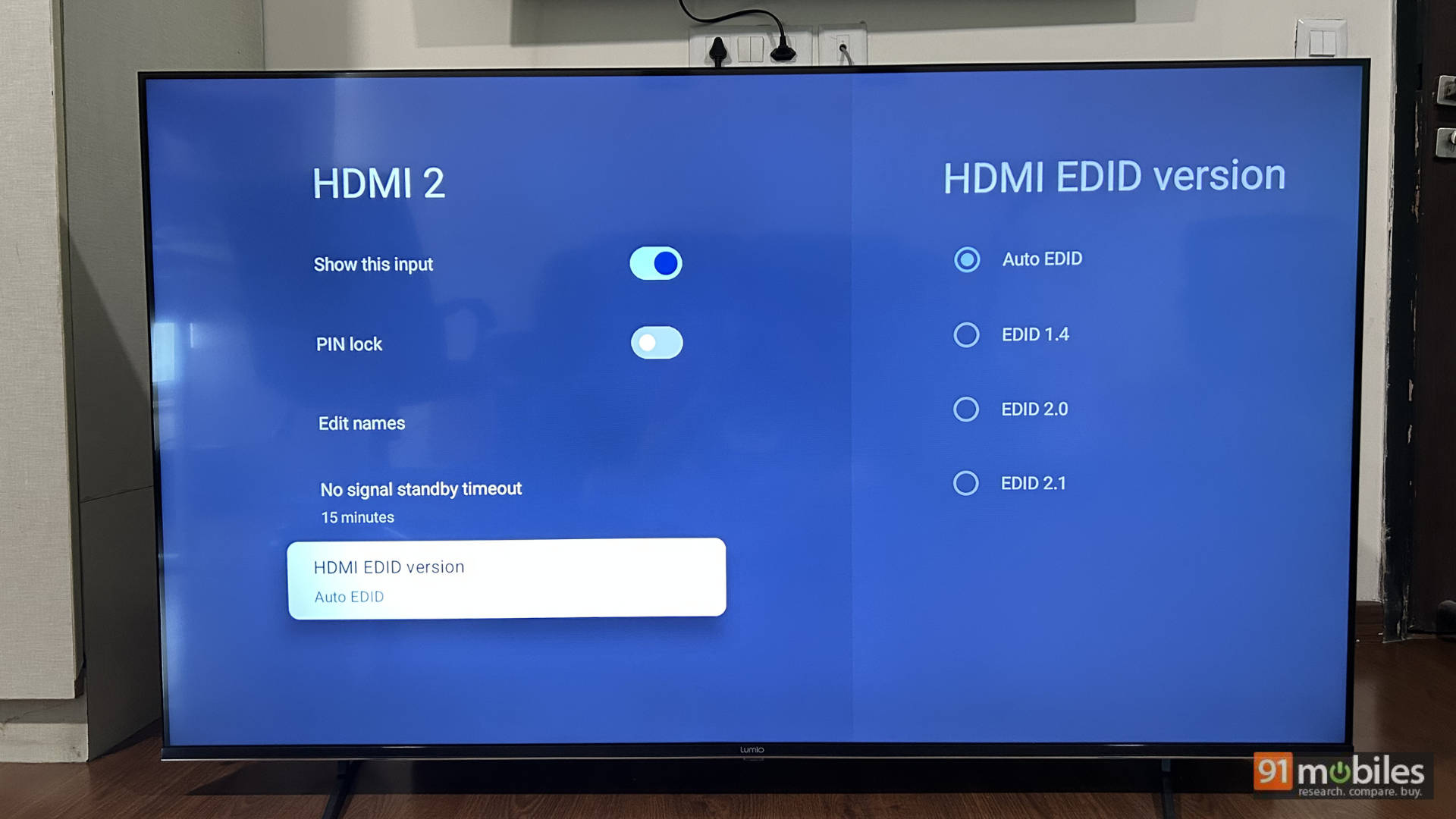
- Every time I switch to the console’s input on the TV, local dimming goes off, and I need to enable it.
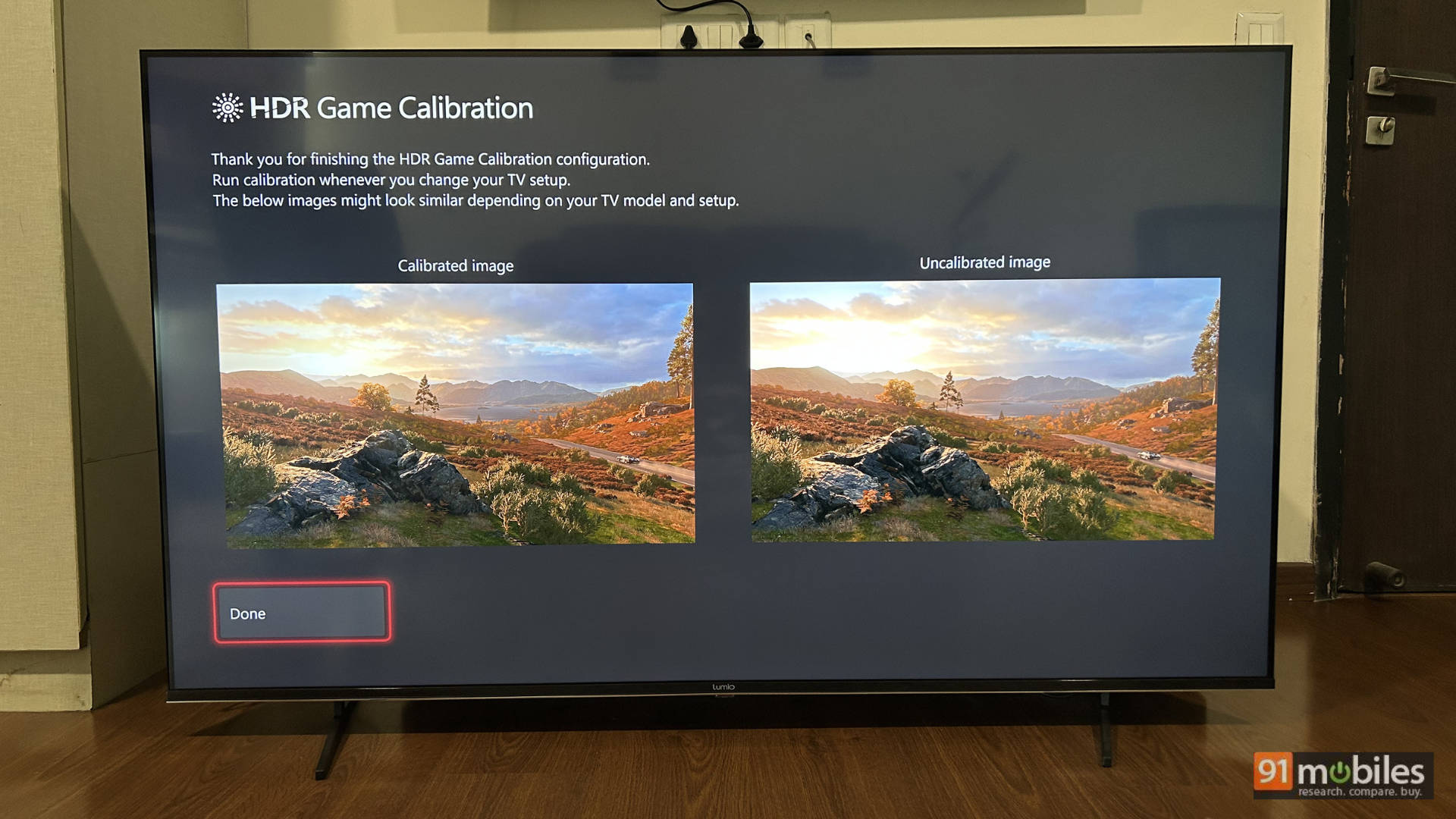
- The PS5 peak brightness calibration needs to be fixed. I’m not sure if this is a console problem or a TV problem, but this is the solution: If you go to the Calibrate HDR screen on the PS5, you have the sun on a white background, and you need to press ‘up’ on the controller to merge the sun with the background. You do this twice, once in a small white box and next when the full screen is white (to tell the console the peak brightness of the TV). When you do this, you normally need to click up 22 times (from the base), which is like 2000 nits+ peak brightness. After doing this, if you play Dirt 5 (which is a game mastered in HGiG), everything looks washed out and burned out. Instead, click up during the PS5 HDR calibration settings only 12 times instead of 22. This will ensure the console thinks the peak brightness of the TV is much lower, leading to a remarkably better experience.
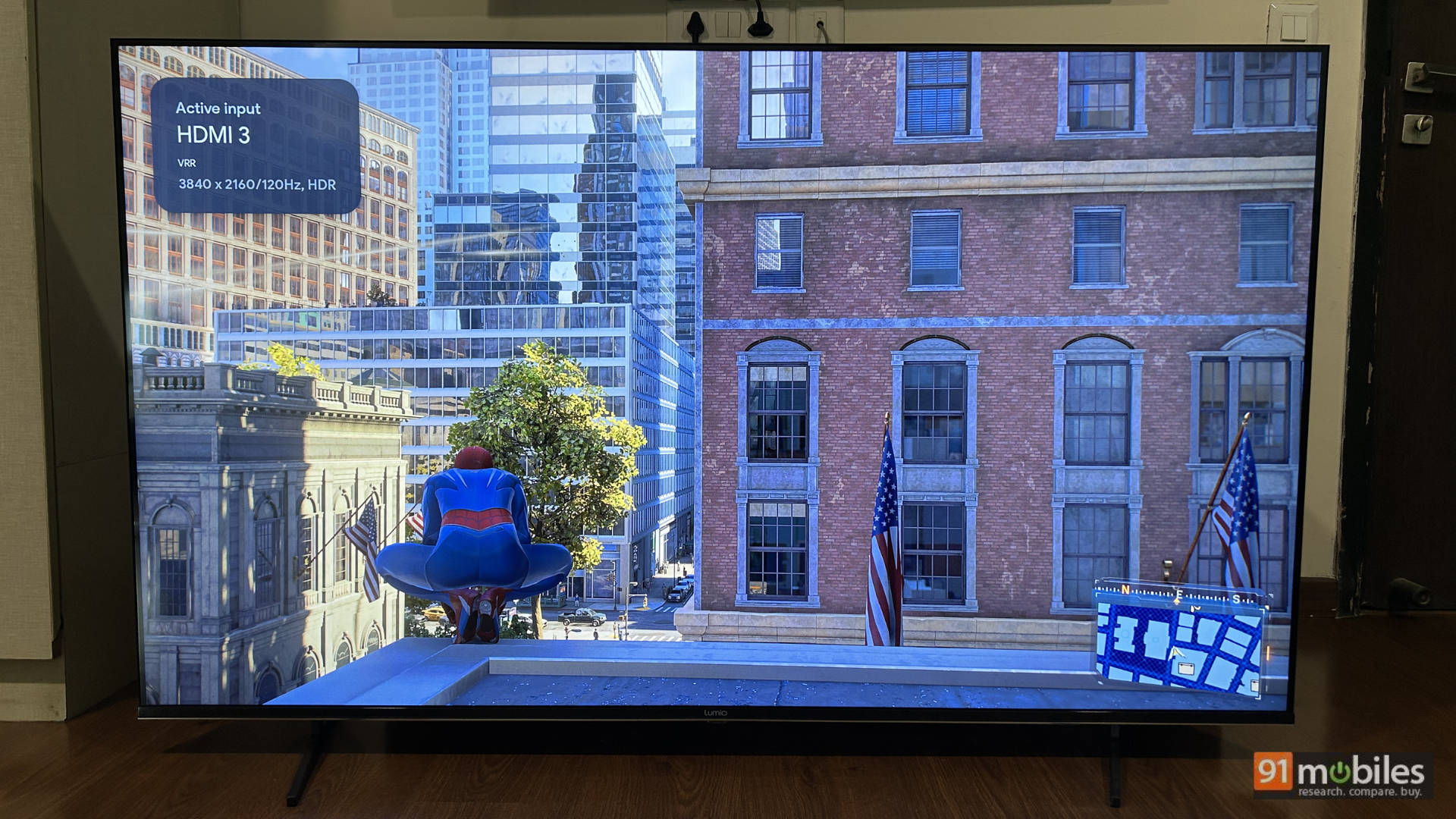
While I played a ton of games on the console, here are my findings with games that actually made my jaw drop:
- Dirt 5 – Looked absolutely sublime with great highlights, post the correct calibration.
- Marvel’s Spider-Man 2 – The reds and blues in Spider-Man’s suit pop, and the game looks absolutely stunning even in the night sequences. Super immersive.
- Astro Bot – The colours are so amazing it feels like playing a Pixar movie.
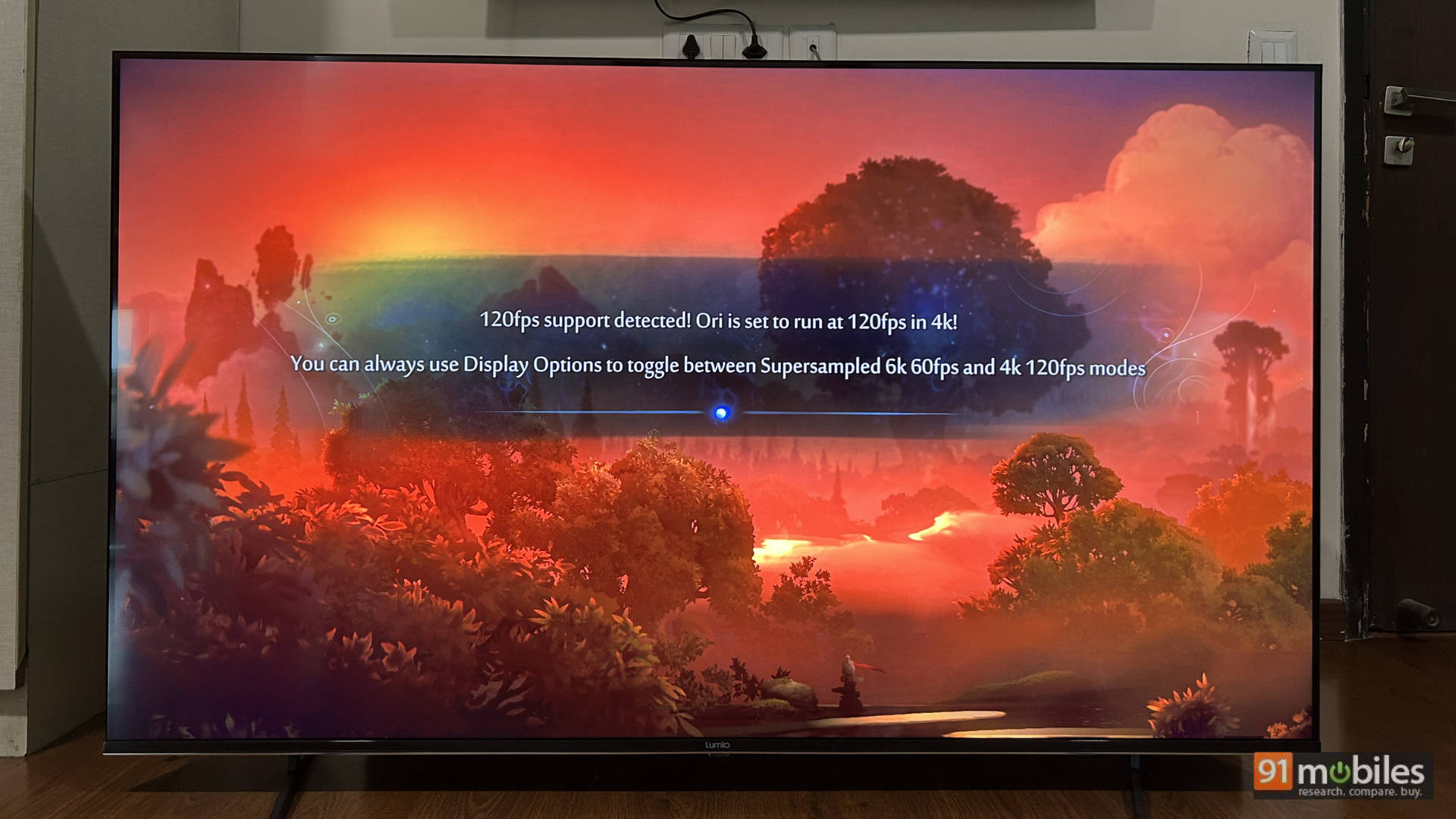
Even Ori and the Will of the Wisps on the Xbox, which is a super vibrant and colourful game with brilliant specular highlights, pops on this TV once the Xbox HDR is calibrated. Playing Ori in glorious 4K and 120 FPS was one of the most sublime experiences. Even a fast-paced game like Doom: The Dark Ages felt responsive, and the sound was great (more on that in a bit).
Overall, if you are looking for a primary TV to play games on and then have some content consumption on the side, this TV works really well.
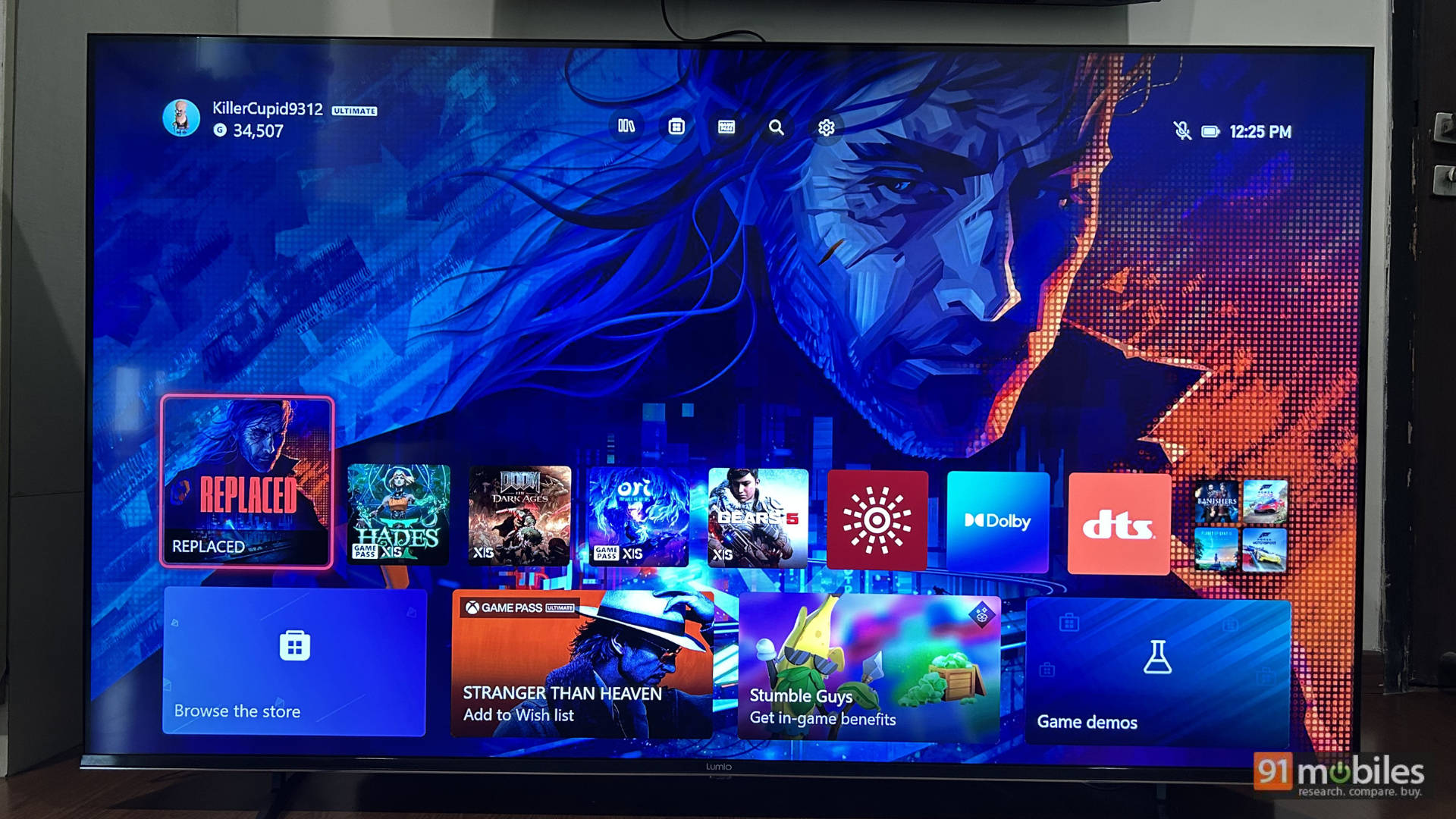
A tip on how to check if your PS5 is actually outputting in 4K 120Hz on a budget TV. You can do this on any game that supports 120Hz. I did this using Ratchet & Clank and Spider-Man 2 on the PS5:
- Launch the game, ensure the console is set to 120Hz output, and so is the game in its settings.
- Press the PS button and go to the console’s settings – go to Screen and Video, and then go to Current Video Output. It should show you the output at 4K, with 48-120Hz VRR. If the resolution shows 1080P, the display does not support true HDMI 2.1. This TV does, and it is amazing.
Sonic Boom: Unmatched Audio Arsenal
The TV has 50W of sound output with 2 subwoofers, 2 full-range drivers, and 2 tweeters. Lumio calls this the Hexa Driver DGS 2.2 setup, which manages an impressive low frequency of 38Hz. The TV supports Dolby Atmos, and the overall sound output is good. Dialogues are clear, you get a decent thump from explosions and action sequences, and even when gaming, mixed audio sounds good.
The orchestral score in Ori sounds emotional, and the rock soundtrack in Doom: The Dark Ages, along with the thumps of the guns, doesn’t sound bad like it does on other budget TVs. It sounds good here. The important thing is that in the movie audio preset, I found the dialogue to be clear, which is important for me.
The Ultimate Hub: Unpacking the TLDR App
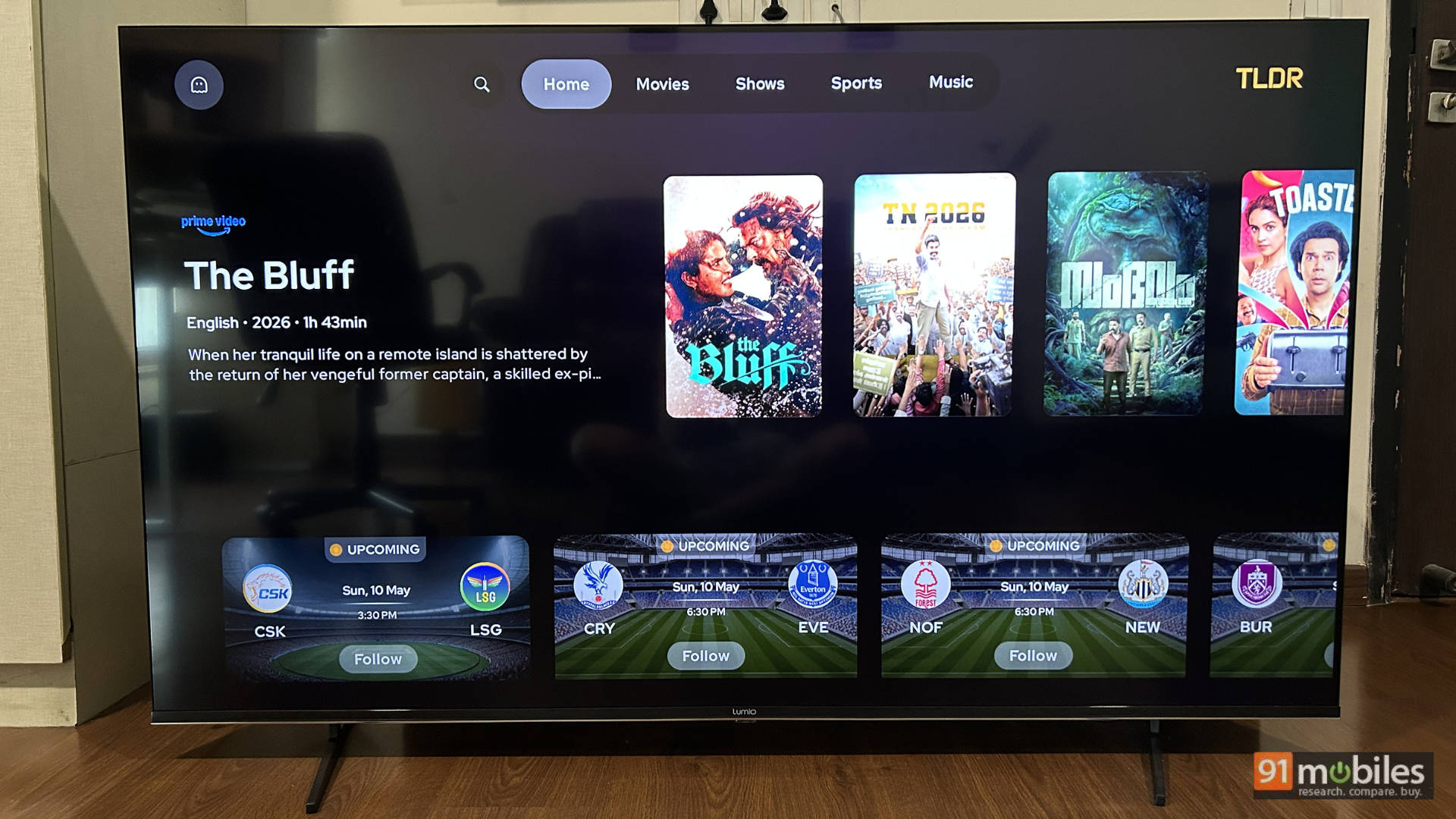
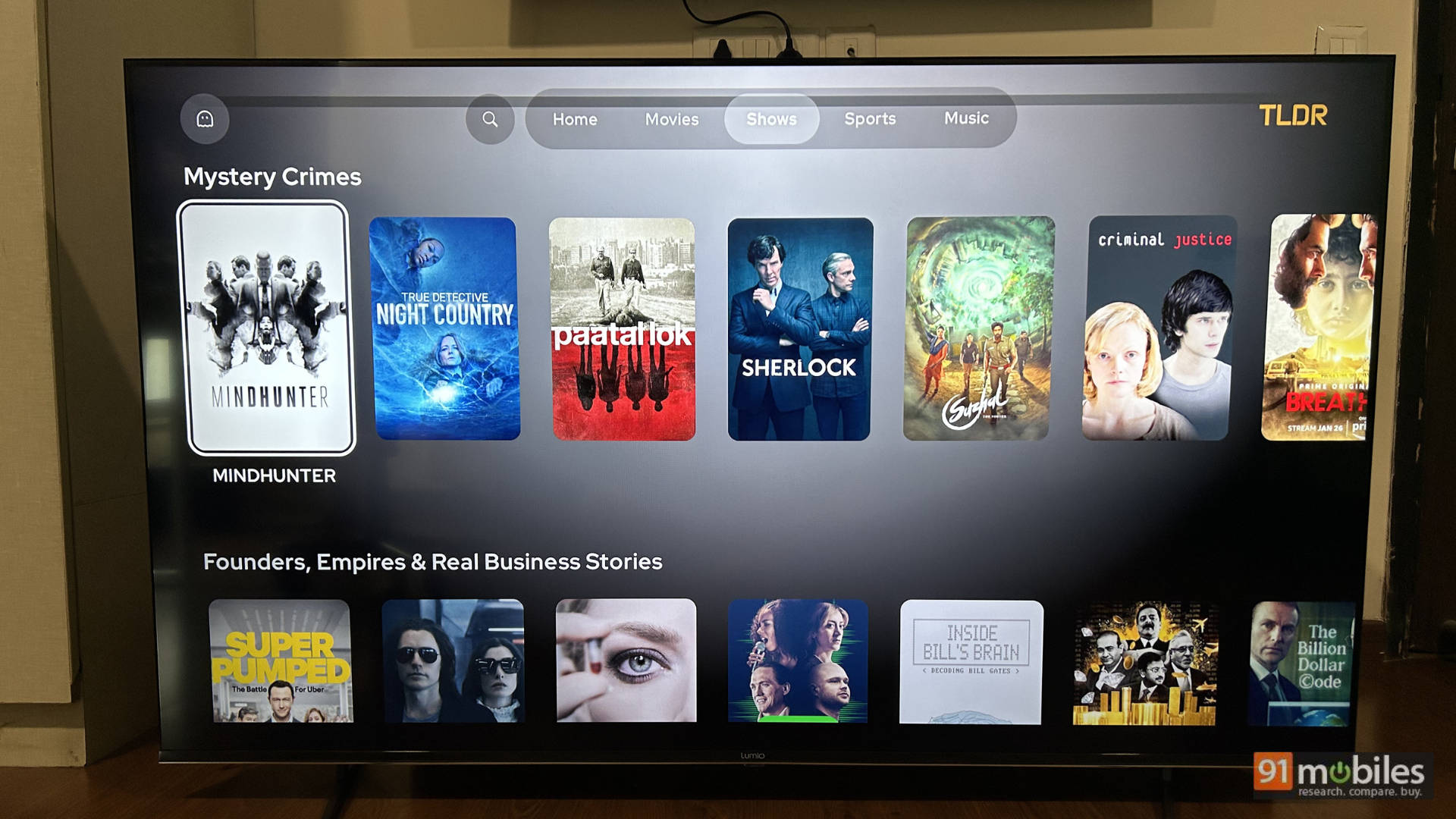
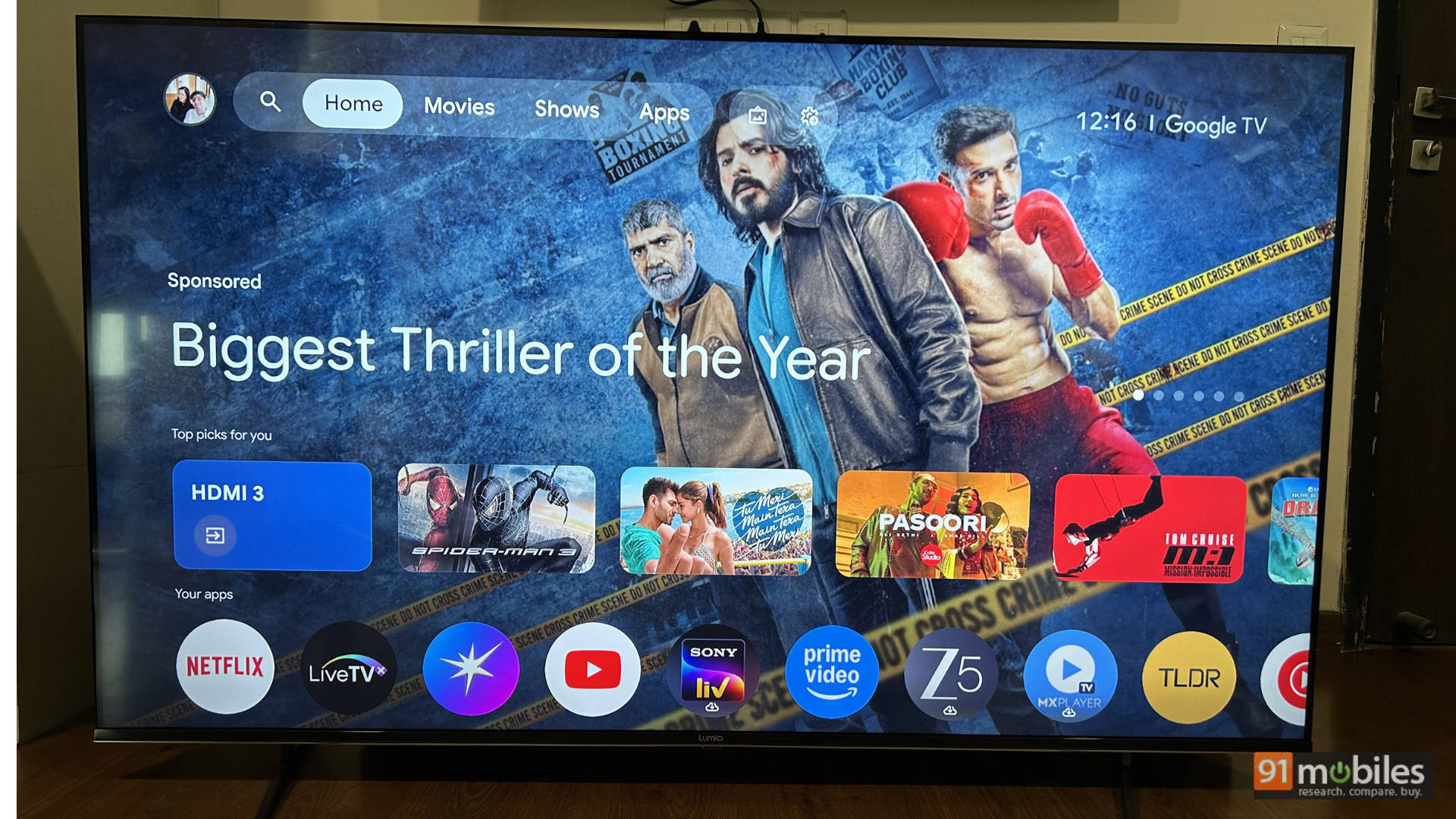
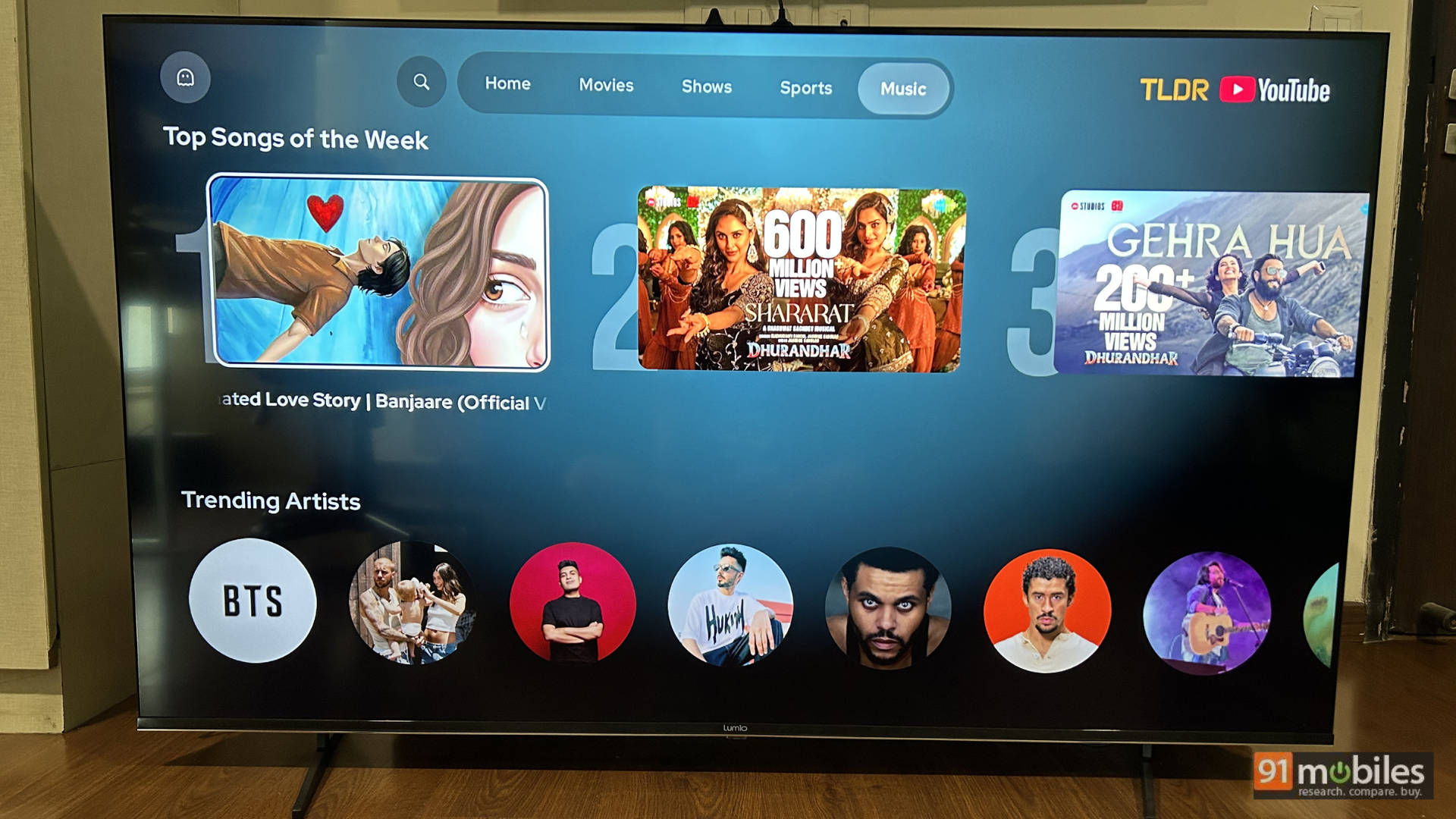
Lumio has claimed to be the fastest TV, and when it comes to the UI, it is. But another place where it distinguishes itself is with the TLDR app. The company aims to give you a one-stop solution for your entertainment and sports needs without having you scroll through different streaming apps. It’s a great one-stop hub for content, and I kinda see this becoming a default UI for Lumio, similar to what PatchWall is for Xiaomi.
Here is exactly what makes the TLDR app such a game-changer:
- Movies Tab: It bundles trending movies and franchises into dedicated rows. You can filter by language (with a big focus on South Indian cinema), browse by genre, or check out curated collections from influencers and OTT platforms like Netflix, Prime Video, Aha, Hoichoi, Apple TV, Sony Liv, and Jiohotstar.
- Shows Tab: Similar to movies, you get dedicated language shelves supporting 8 languages and genre-based browsing. It tracks your favorite franchises and surfaces platform-specific rows so you don’t have to keep switching apps.
- Sports Tab: This is a huge win for sports fans. It provides Live Match Cards and Upcoming Match Cards for Tennis, Cricket, and Football. It also features dedicated highlight hubs (both tournament-wise and single-match) and extensive coverage of categories like Badminton, Kabaddi, F1, Esports, and MMA. There are even dedicated pages for massive tournaments like the IPL and WPL with detailed standings and score breakdowns.
- Music Tab: It pulls fresh releases, Top 10 charts, and trending shorts audio straight from YouTube Music. You can access influencer music collections, global top videos, and curated playlists like “Bollywood Iconic Hits” without opening a dedicated music app.
- Search & Settings: The Global TV search is fantastic, allowing you to search across movies, shows, sports, and music simultaneously with 10 genres and 8 language filters. The settings tab is also unified, letting you sign in once to sync your viewing experience across the board while keeping device warranty info just a click away.
Final Verdict: Is it worth the price?
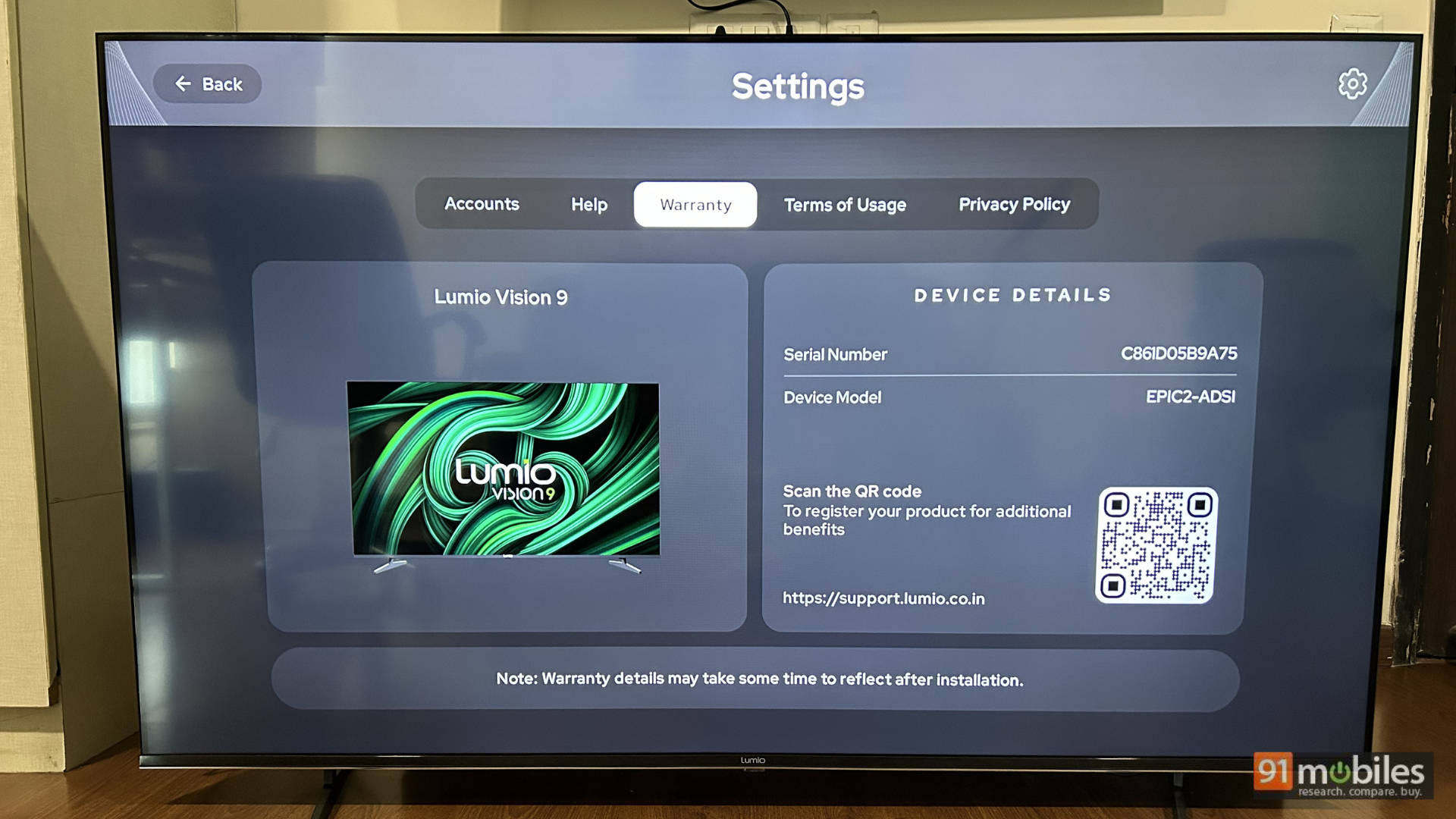
Currently priced at Rs 72,999 for the 65-inch variant, the TV has a few things going for it quite well. It is an excellent gaming TV, with extremely good SDR performance and acceptable HDR performance. The cherry on the cake is that the UI of the TV is butter smooth, and the TLDR app is not only a great one-stop shop for your entertainment needs but also has the potential to evolve into the de facto UI for the TV.
The connectivity options are good, and the sound output of the TV is better than most competing TVs. At the current price point for a 65-inch TV, you have options from Sony, Samsung, Xiaomi, and TCL, to name a few. However, it is easy to recommend the Lumio Vision 9 2026 65-inch TV for its strengths, which are truly great at this price point.
Editor’s Rating: 8.8 / 10
Pros:
- Superb SDR performance
- Two full HDMI 2.1 ports with support for 4K/144Hz or 1080p/240Hz
- The TLDR app is a great USP
- Punchy audio output
- Super smooth UI
Cons:
- Real-world HDR brightness could be better
- Local dimming deactivates on console inputs
- PS5 HDR needs manual tuning