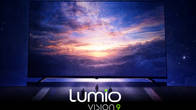
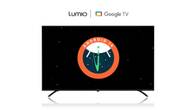
Mini-LED, OLED, and 120Hz displays were once reserved for flagship devices. While they’re still the backbone of the premium segment, manufacturers have started bringing them to more affordable laptops, often with a few compromises to keep costs down. Today, we have the Lumio Vision 9 – a 55-inch QD-MiniLED TV with local dimming and a claimed peak brightness of 900 nits, featuring 160 dimming zones. Priced at Rs 60,000, this TV comes with a 60Hz panel. Is this the flagship killer mini-LED TV we have been waiting for?
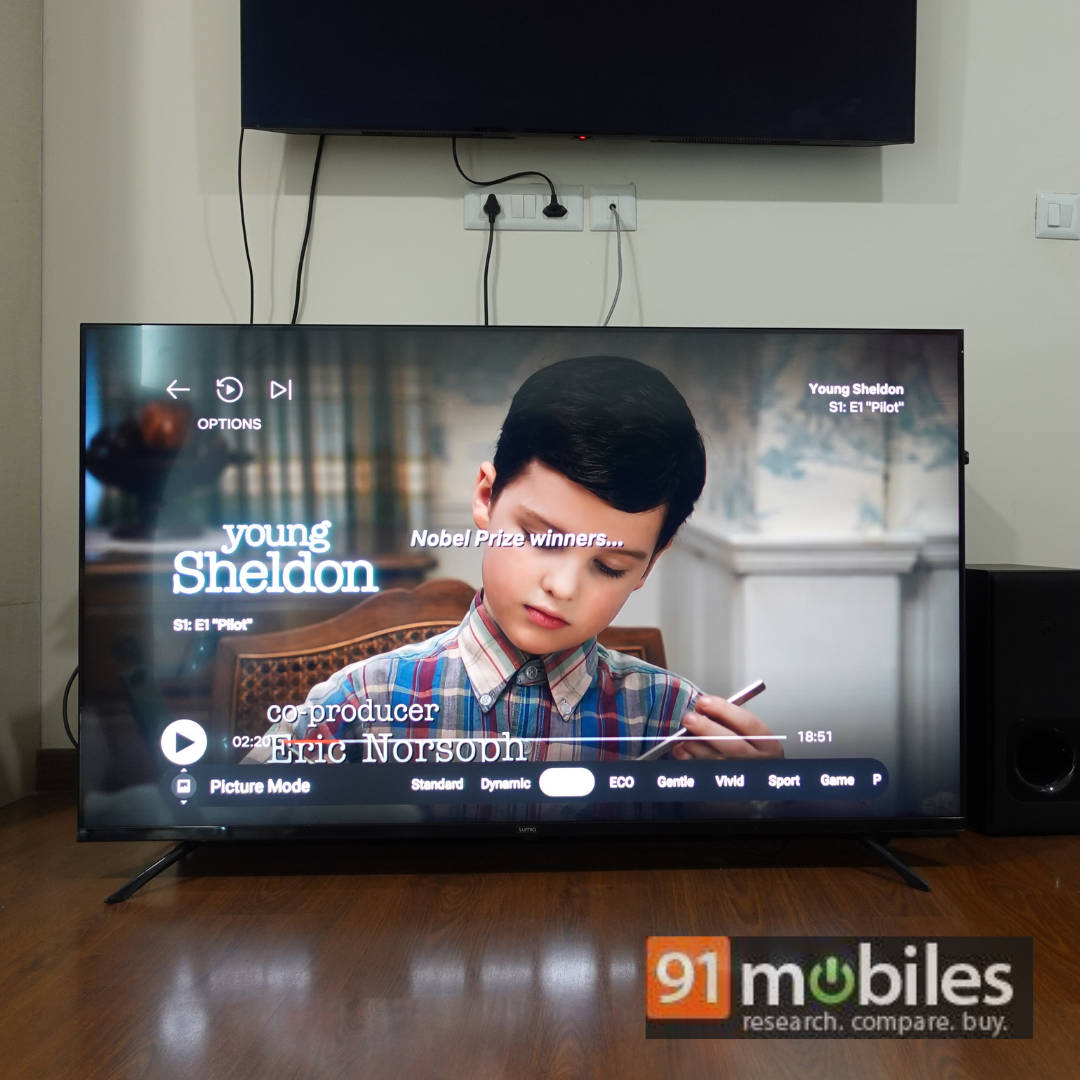
Table of Contents
Key specifications at a glance
- Panel Size: 55-inch
- Panel Type: IPS
- Backlighting – QD-MiniLED
- Dimming Zones – Yes, 160 zones
- Panel Resolution: 3840x2160p – 4K
- Panel Refresh Rate: 60Hz
- HDR 10 Support: Yes
- HDR 10+ Support: No
- Dolby Vision Support: Yes
- Dolby Atmos Support: Yes
- HDMI Ports: 3 (one is eARC)
- USB Ports: 3 (1x USB 3.0, 2x USB 2.0)
- Bluetooth: Yes
- Wi-Fi: Yes
- Ethernet: Yes
- Speakers: 24W
- Price: Rs 59,999
Lumio Vision 9 55-inch QD-MiniLED TV – HDR and SDR performance
As the name suggests, the TV has a QD-MiniLED backlighting with 160 dimming zones and an IPS panel. The combination of mini LEDs, dimming zones, and an IPS panel ensures you get the best of both worlds, i.e. good wide viewing angles and deep blacks. But this comes at the cost of some very light black crushing. Trust me, you won’t notice this unless you’re comparing it side-by-side with a TV that costs more than twice as much. I placed this TV next to my LG B9 (which suffers from its own black crushing issues despite being a flagship OLED TV from 2019) and also compared it to the 2022 LG G2. The LG G2 naturally had more details, but I was surprised to see that the Lumio Vision 9 gave my LG B9 a run for its money for most everyday performance, which is commendable.
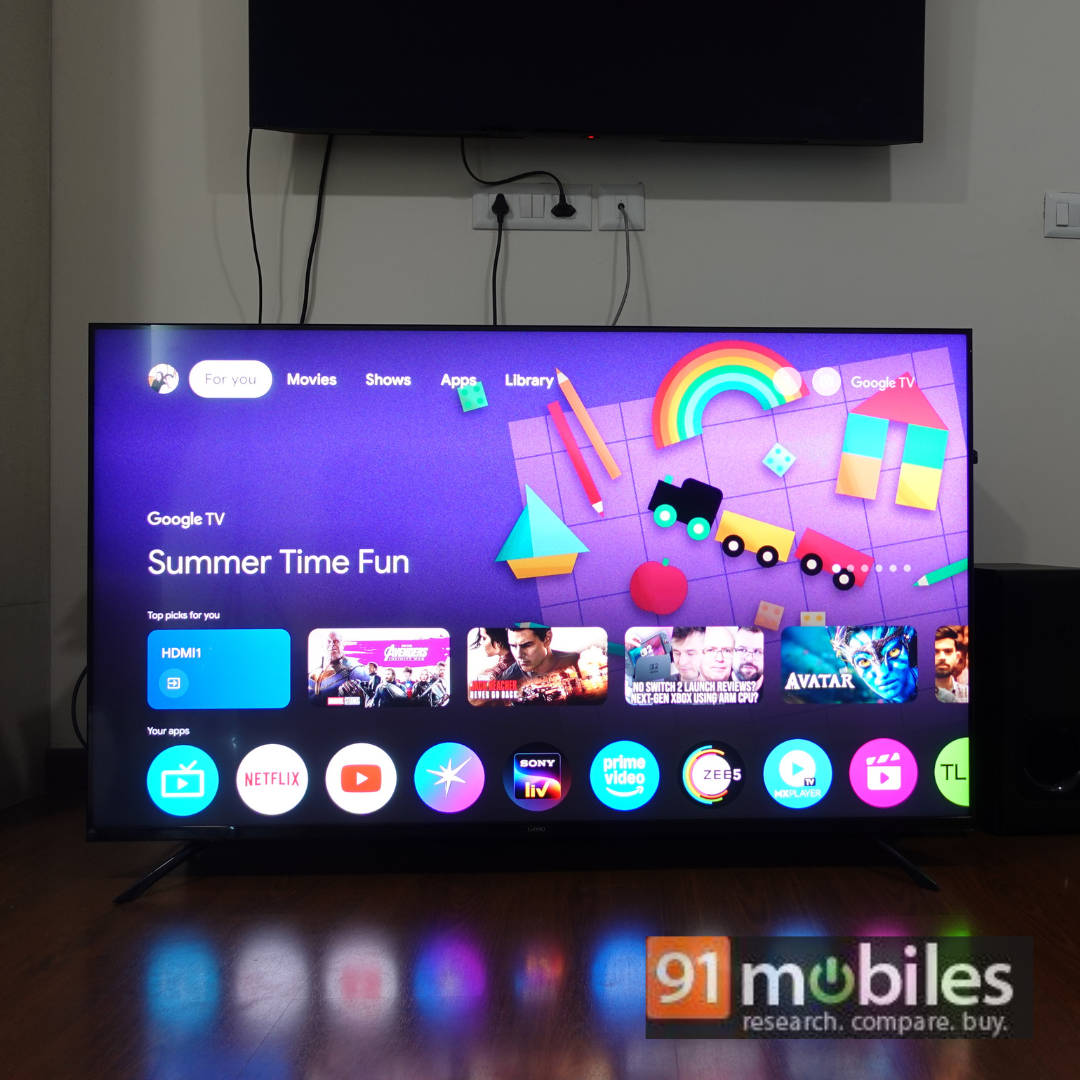
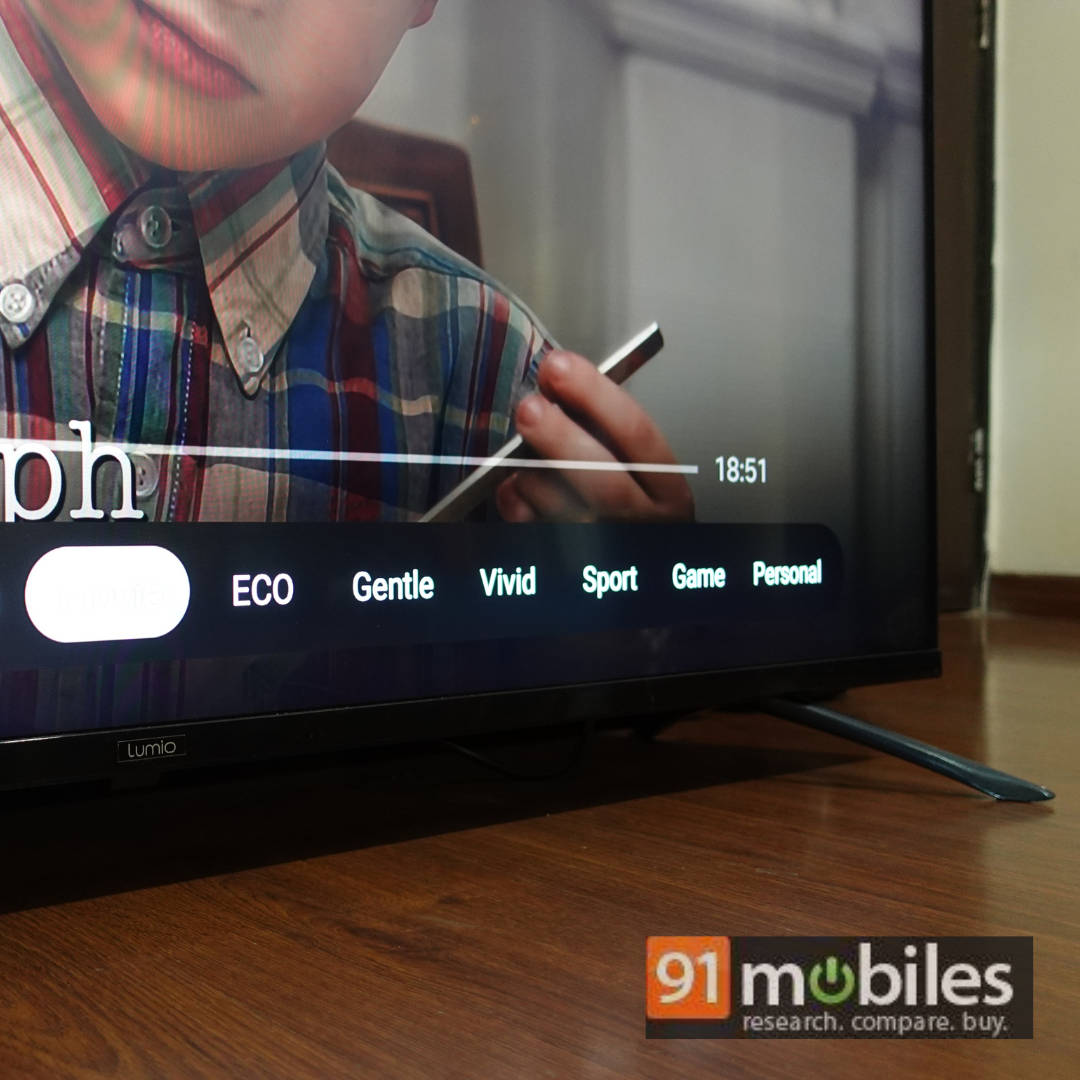
I played my standard selection of content on the TV, and here’s what I noticed. The content looks bright, crisp, and provides a fantastic content consumption experience, whether in a well-lit room or when you dim the lights for movie night. The TV comes with several picture presets, but these are the ones that worked best for me.
- Local Dimming (LD in the settings) – Keep this at high
- For SDR Content – Movie is the best, colour-accurate preset.
- For HDR Content – HDR Movie is the best, colour-accurate preset.
- For Dolby Vision Content – Dolby Vision Bright is the best (although I couldn’t notice any difference between Dolby Vision Bright and Dark)
- Keep Dynamic contrast on – It helps with the black crushing (more on that later)
In SDR content like Spider-Man: Homecoming (played on JioHotStar), the reds and blues in Spider-Man’s suit looked vivid and punchy. Whether it’s the Washington Monument sequence that takes place during the day or the sequence where the Vulture drops Spider-Man from the sky at night, the colours and details in dark sequences are very clear.
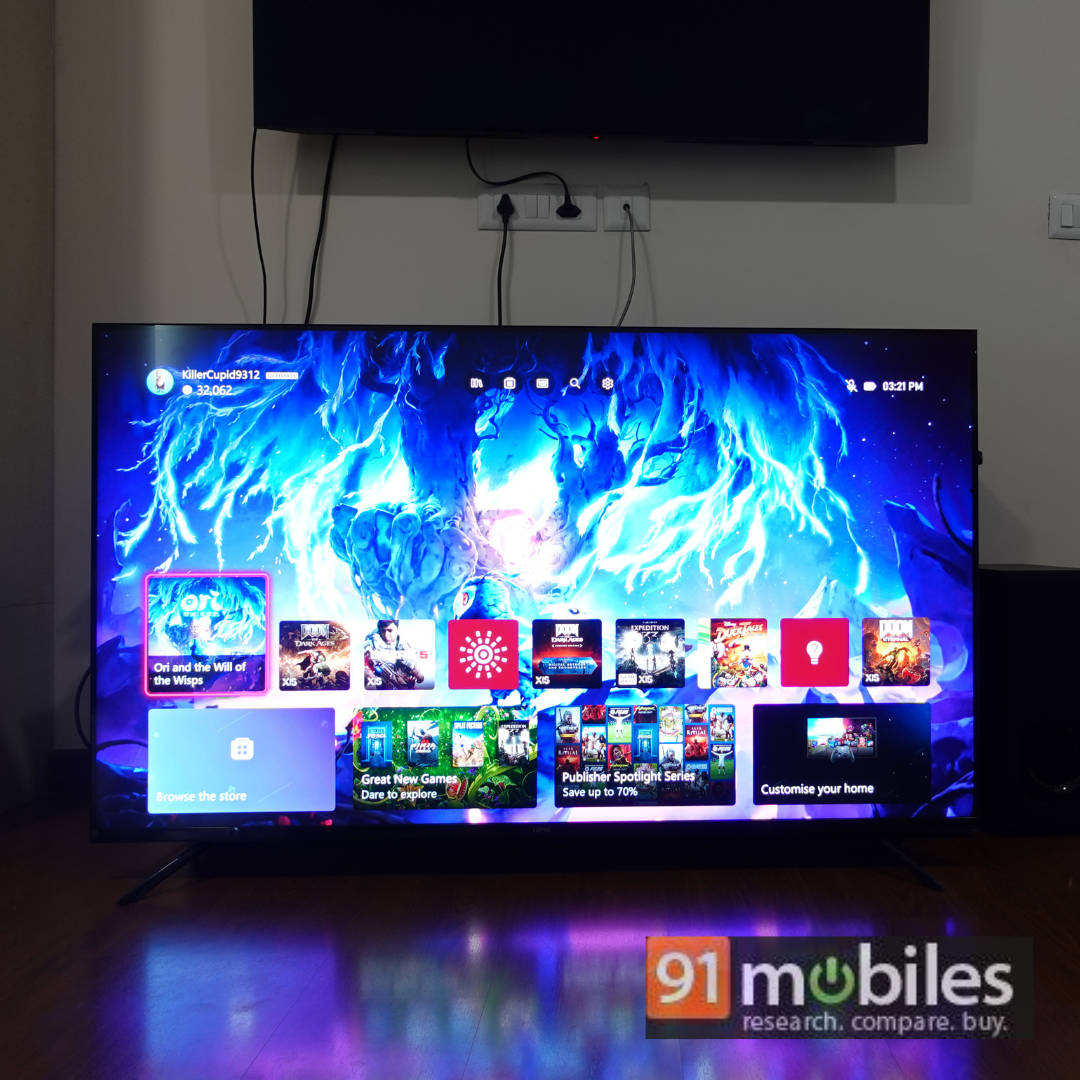
Even a show like Young Sheldon, which has a bright and vivid colour palette, looked great on this TV with natural skin tones. I can’t emphasise what a difference it makes to consuming SDR content when the panel is so bright and displays very good colours.
When you jump over to HDR and Dolby Vision content, things get very interesting. Let’s start with the good. Movies like Top Gun: Maverick, Ready Player One, Daredevil: Born Again, Fallout, and more look sublime. The sequence in Fallout where the protagonist leaves the vault for the first time, you feel the same intensity she feels seeing the sun for the first time, thanks to the brightness of the panel.
Watching a movie like The Dark Knight Rises in Dolby Vision is also a great experience. However, in the sequence where Catwoman and Batman are fighting on the rooftop at night, you miss some of the details in the dark, such as the details in their respective outfits. My theory is that the TV is trying to give you the best possible blacks, which is leading to some loss in detail. I tried to change the Local Dimming settings, but the result wasn’t worth the tradeoff. Again, I’d like to reiterate that you will only notice this if you know what you are looking for and take the time to pause the movie and pixel-peep, which most users won’t do. Watching the movie as it is on the TV is a great experience overall.
Lumio Vision 9 – Gaming Performance
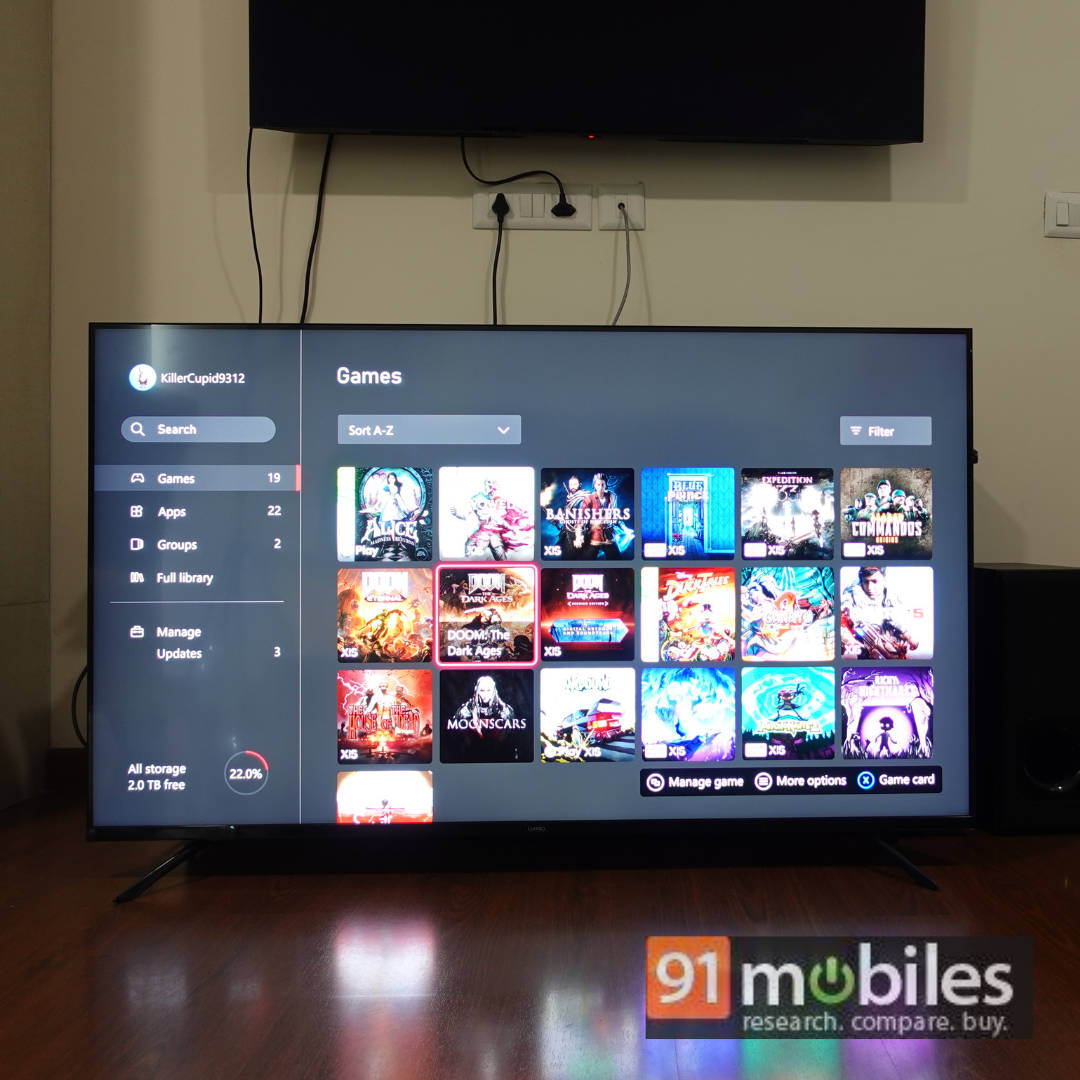
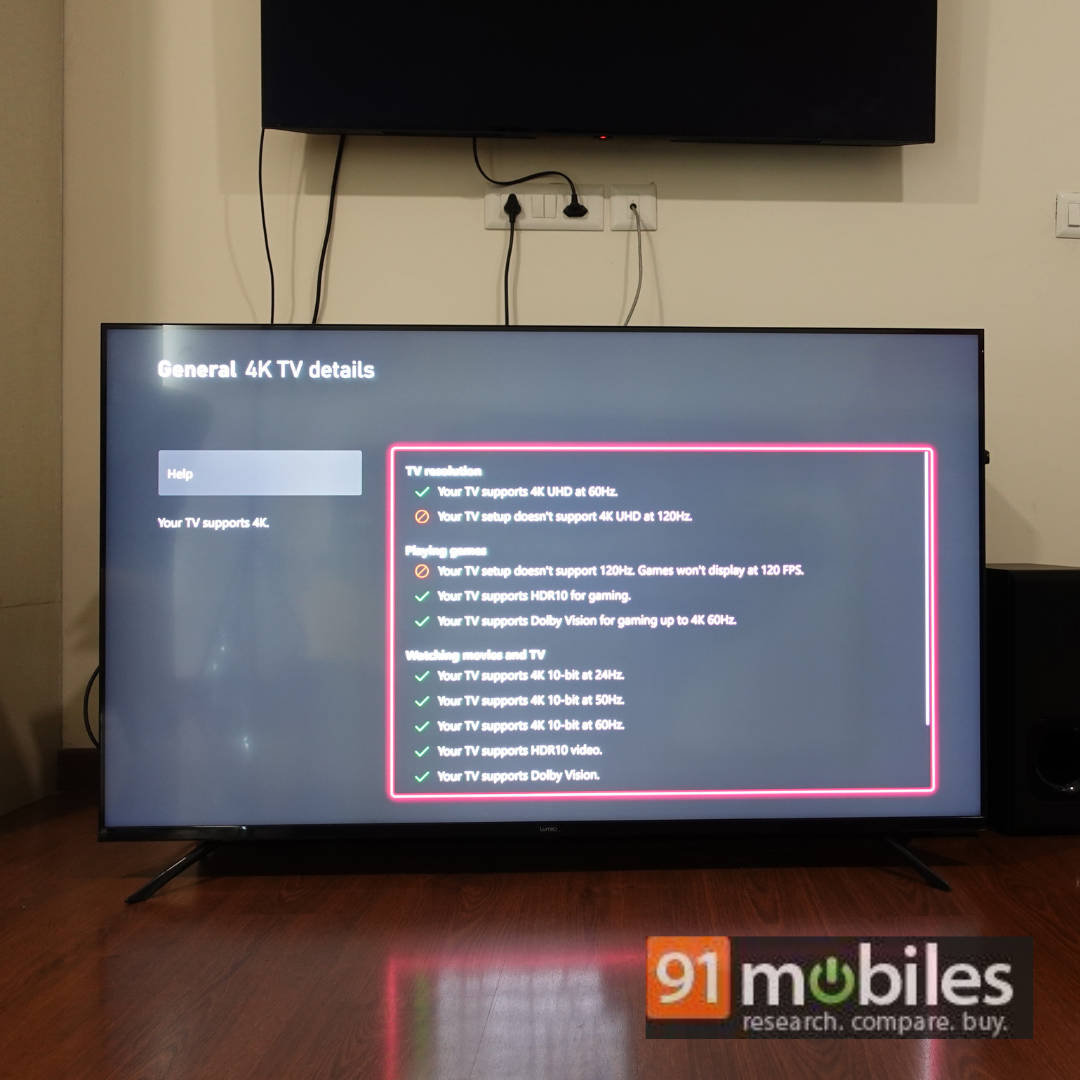
I played a number of games on the PS5 and Xbox Series X connected to the Lumio Vision 9. The TV supports 4K, 60FPS, but does not support HDMI 2.1, 120Hz or VRR, which is fine for this price point. It also supports HDR and Dolby Vision Gaming. The games I tested include:
- Marvel’s Spider-Man 2
- Dirt 5
- Astro Bot
- Assassin’s Creed: Shadows
- Gears 5
- Ori and the Will of the Wisps
- Doom: The Dark Ages
There are games like Dirt 5 and Ori and the Will of the Wisps, which can run at 120FPS, but those are generally older titles or indie games. Most modern games like Doom: The Dark Ages or Astro Bot run at a solid 60FPS. Assassin’s Creed: Shadows and Marvel’s Spider-Man 2 are good examples of games that have a 40FPS mode thanks to HDMI 2.1. So, it’s safe to say that most modern games on consoles run at 60FPS, targeting a dynamic resolution upscaled to 4K. Safe to say that unless you really need all the bells and whistles of HDMI 2.1, you should have a very good gaming experience on this TV.
Dirt 5 is a great example of a game mastered in HGiG. In the past, I have had a problem with the game looking burned on budget TVs, and the problem is almost non-existent here. Just calibrate the HDR settings in the PS5 and feel the virtual sun from the game blind you as you drive.
Games like Ori and the Will of the Wisps and Spider-Man 2 look phenomenal on this TV. Ori has deep blacks in its dark environments, and the colours in Spider-Man’s suits and the environment of the game just pop!
Doom: The Dark Ages is the only game where you can make out the slight input lag on the TV. So, needless to say, if you play competitively online, this TV is not for you. But for single-player gaming, this TV gets the job done quite well.
Lumio Vision 9 TV – Audio performance
The 50-inch Lumio Vision 7 we reviewed earlier came with 30W of sound output, and it sounded quite good for TV speakers. The Lumio Vision 9 features 24W of sound output, making the difference noticeable. The audio, though clear, didn’t get as loud or as room-filling as the Lumio Vision 7, which is a tad disappointing. However, they are still very good for TV speakers delivering crisp, clear audio, albeit with a lack of bass when the action gets intense on screen.
Lumio Vision 9 – UI and remote control
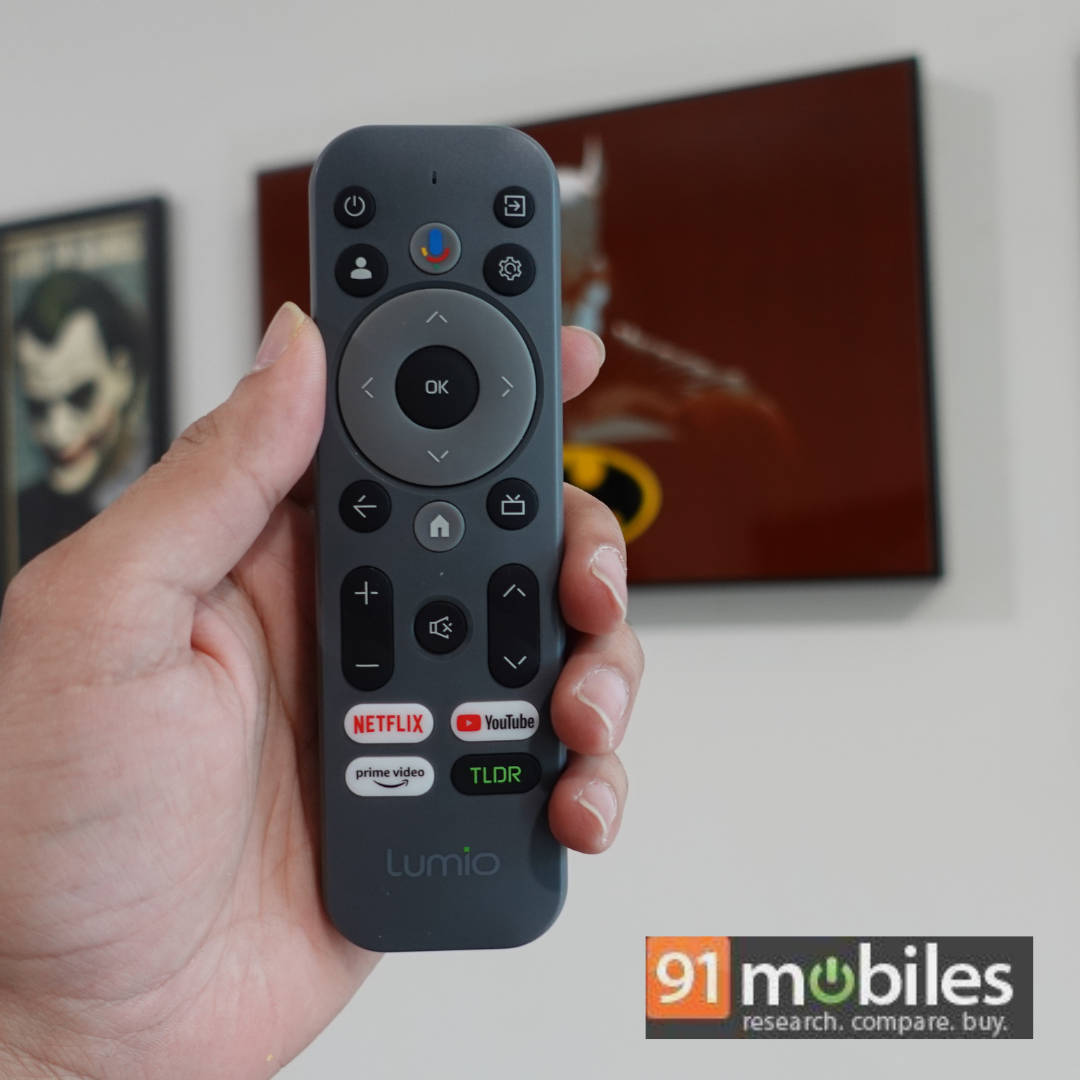
Just like the Lumio Vision 7, the Lumio Vision 9 runs on the Google TV UI and boasts the same smoothness. The same goes for the remote control. You can check out our review of the Lumio Vision 7 here.
Lumio Vision 9 – Connectivity options
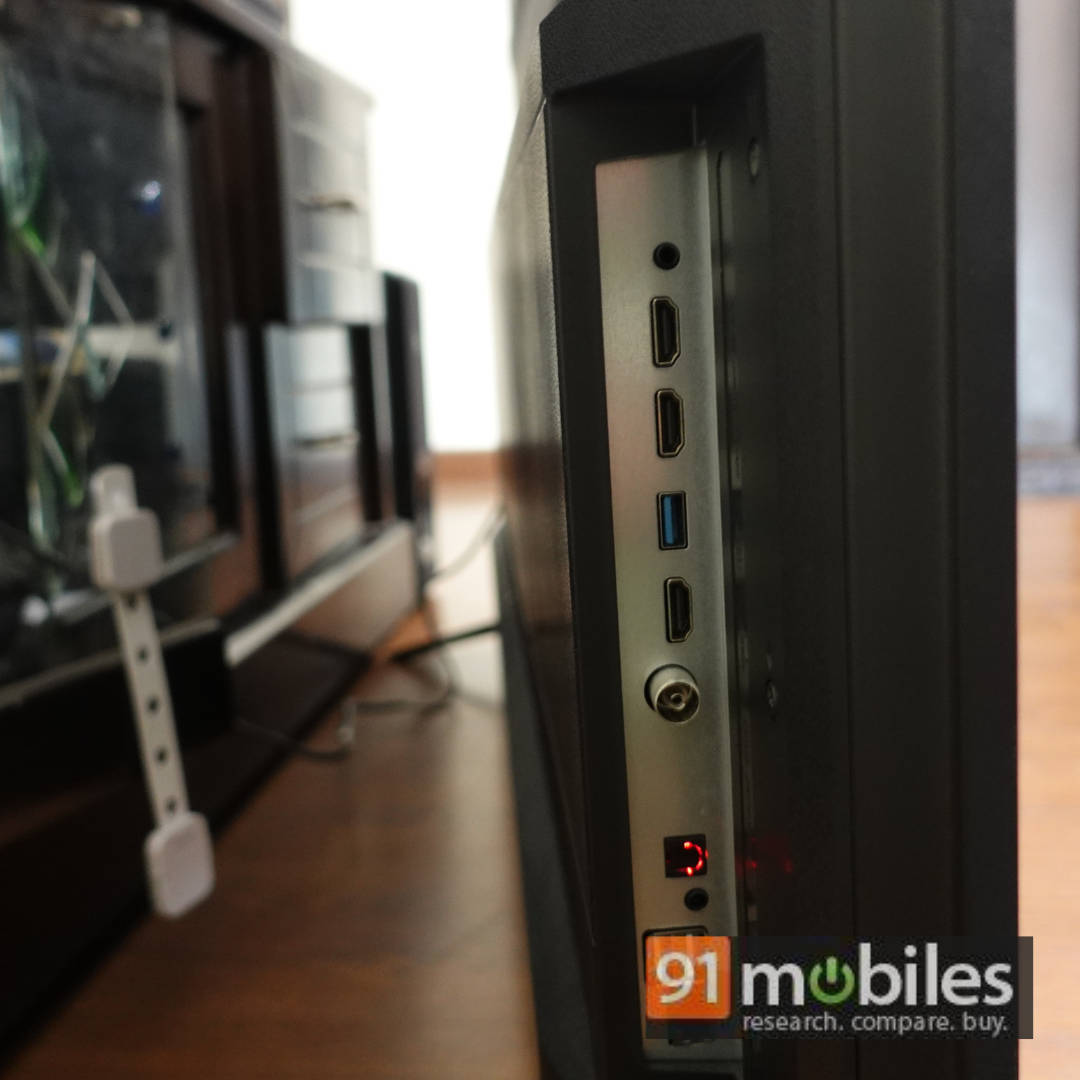
The TV has three HDMI ports, with one supporting eARC to connect your soundbar. The TV also has three USB ports, an Optical port, a 3.5mm port, Ethernet port, and also supports Bluetooth and dual-band Wi-Fi. While the HDMI ports are rated at 2.1, the TV does not support VRR or 4K 120Hz. A great thing to note is that the connectivity options are all side-facing and are at the edge of the TV, making it convenient to reach even if the TV is wall-mounted.
Lumio Vision 9 – Build and design
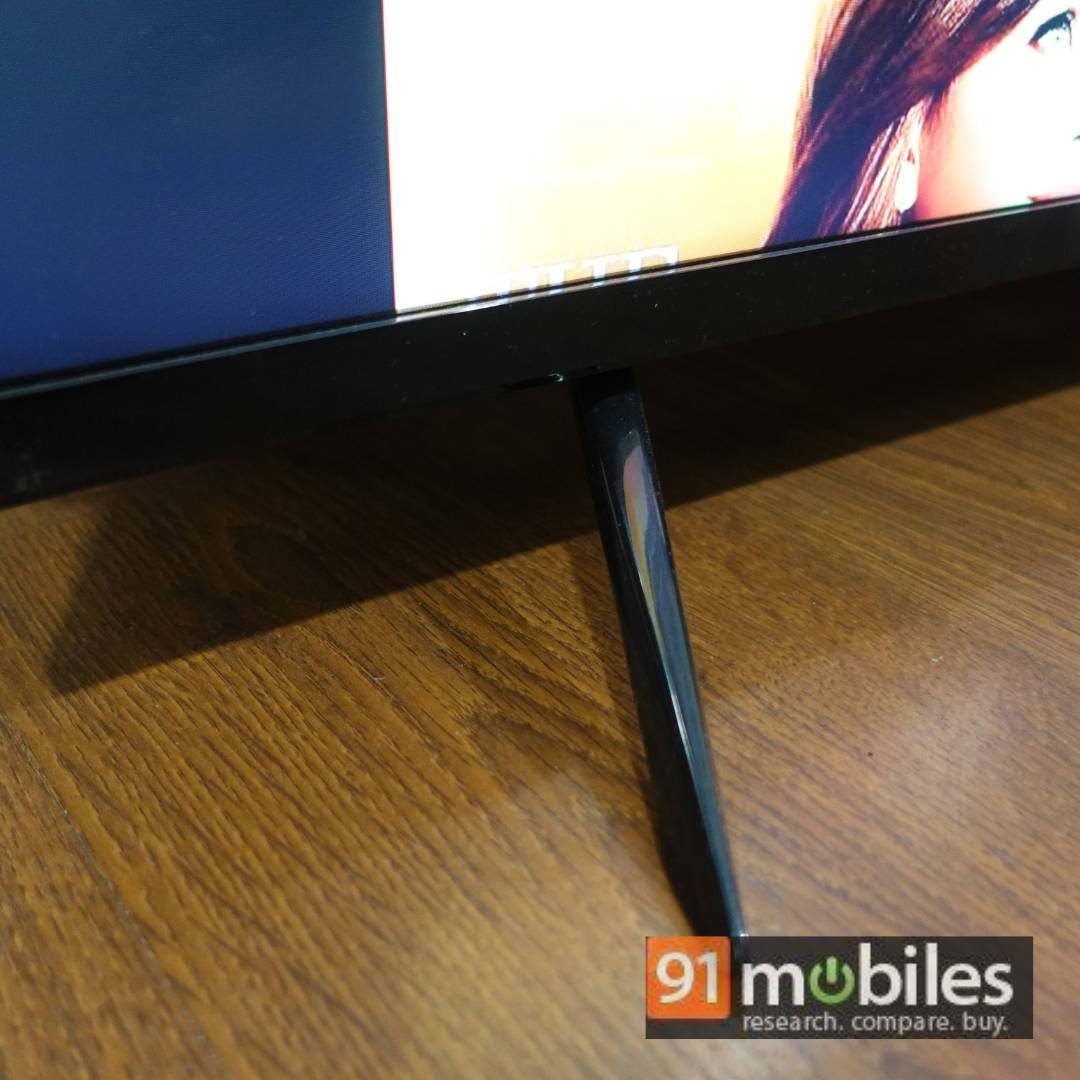
The Lumio Vision 9 has almost no bezels on three sides, with a slightly thick bezel at the bottom with the Lumio branding, which is pretty much par for the course. The TV is quite slim too. It has two metal feet that hold the TV in place when kept on a tabletop. The feet hold the TV in place quite well. Overall, I find little to complain about in this regard.
Lumio Vision 9 TV – Verdict
The Lumio Vision 9 is available in 1 screen size – 55-inch, priced at Rs 59,999. For this price, the TV is an excellent option if picture quality is a priority for you. It features mini LED backlighting with local dimming, providing a cinematic experience for content consumption and gaming in both HDR and SDR. It also has very accurate colours in the movie preset. It comes with an ergonomic remote control and has a buttery smooth UI. It is also a decent TV for gaming. The TV exhibits some black crushing, but it’s only noticeable if you’re aware of the issue. The only surprise is that the Lumio Vision 7 50-inch we reviewed had better sound output than the Vision 9. But if you are considering the Vision 9, I recommend budgeting for a soundbar, as that will truly elevate your content consumption experience.
Editor’s rating – 8.8/10
Pros
- Great HDR and SDR performance
- Smooth and snappy UI
- Ergonomic remote control
- Good TV for gaming
- MiniLED backlighting + Local Dimming works well
Cons
- Slight black crushing
- Audio output could be better