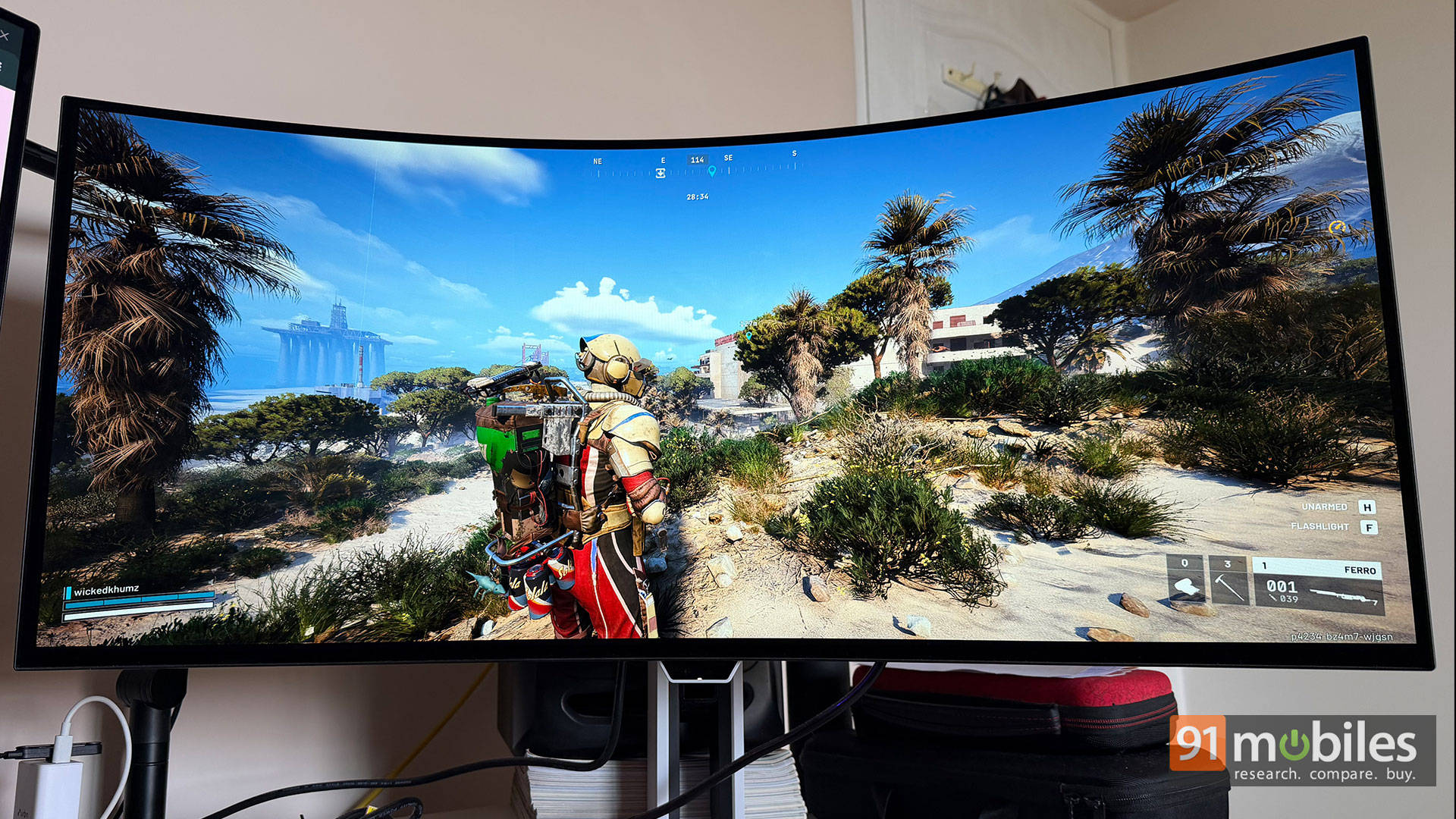
Pitting a flat 32-inch 4K monitor against an aggressively curved 34-inch ultrawide is a bit like comparing a luxury SUV to a luxury sedan; they both get you to the same destination, but the ride is entirely different. On one hand, we have the MSI MAG 321UP (₹85,999) which is a value-oriented 31.5-inch 4K QD-OLED. On the other hand, the Lenovo Legion Pro 34WD-10 is a premium 34-inch 1440p WOLED ultrawide (₹89,990) that demands serious desk space.
Which type of monitor should you blow your hard-earned rupees on? Good question. Let’s dive in.
Table of Contents
Tech Specs
Spec | MSI MAG 321UP | Lenovo Legion Pro 34WD-10 |
Panel Type | 31.5-inch 3rd Gen QD-OLED (Flat) | 34-inch WOLED (800R Curve) |
Resolution | 3840 x 2160 (4K) | 3440 x 1440 (UWQHD) |
Refresh Rate | 165Hz | 240Hz |
Response Time | 0.03ms (GTG) | 0.03ms (GTG) |
USB-C Power | 15W | 140W |
KVM / Hub | No | Yes (with 2.5 GbE LAN) |
Warranty | 3-Year (Covers Burn-in) | 3-Year (Covers Burn-in) |
Design, Build, and The Heat Check
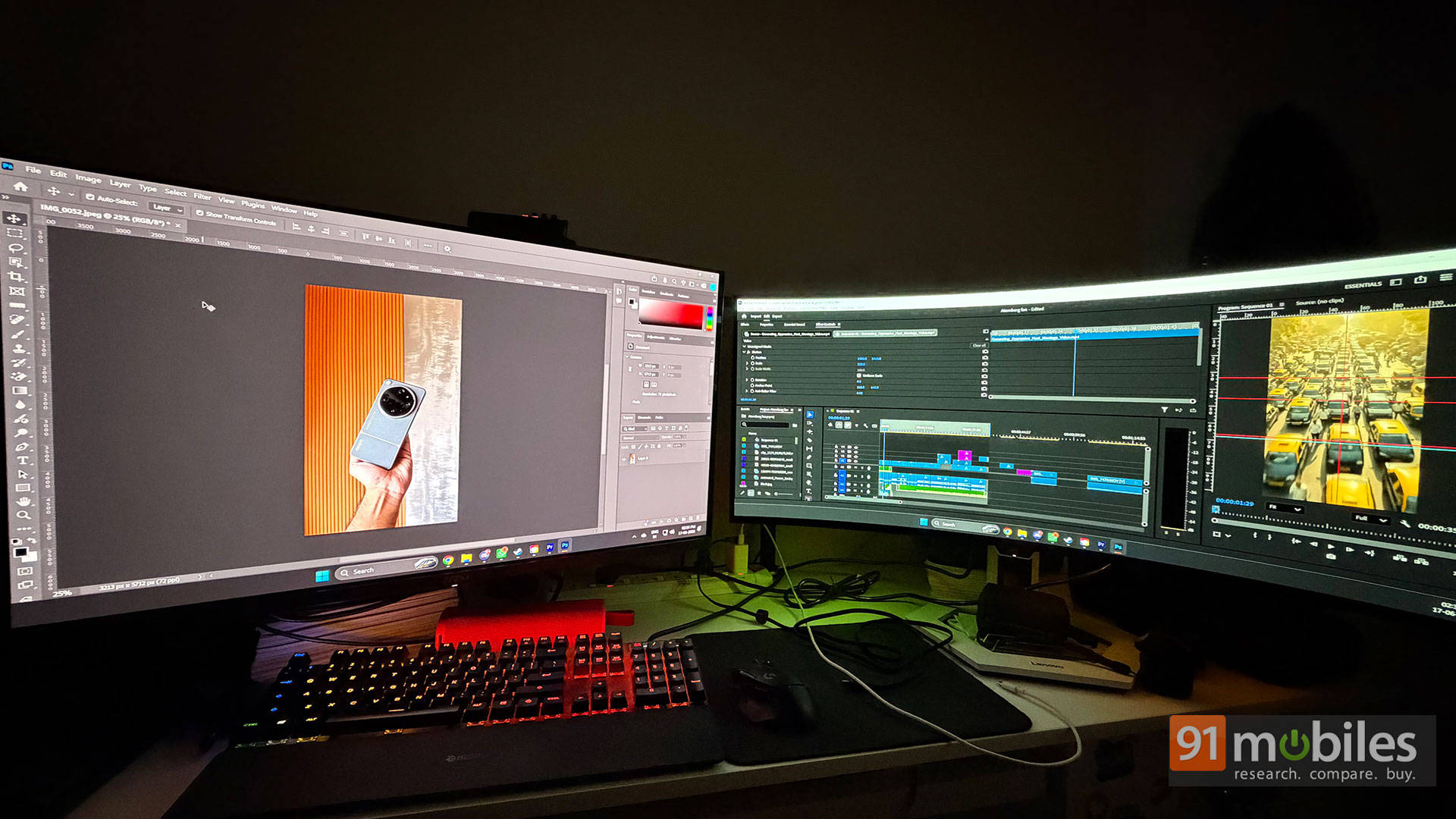
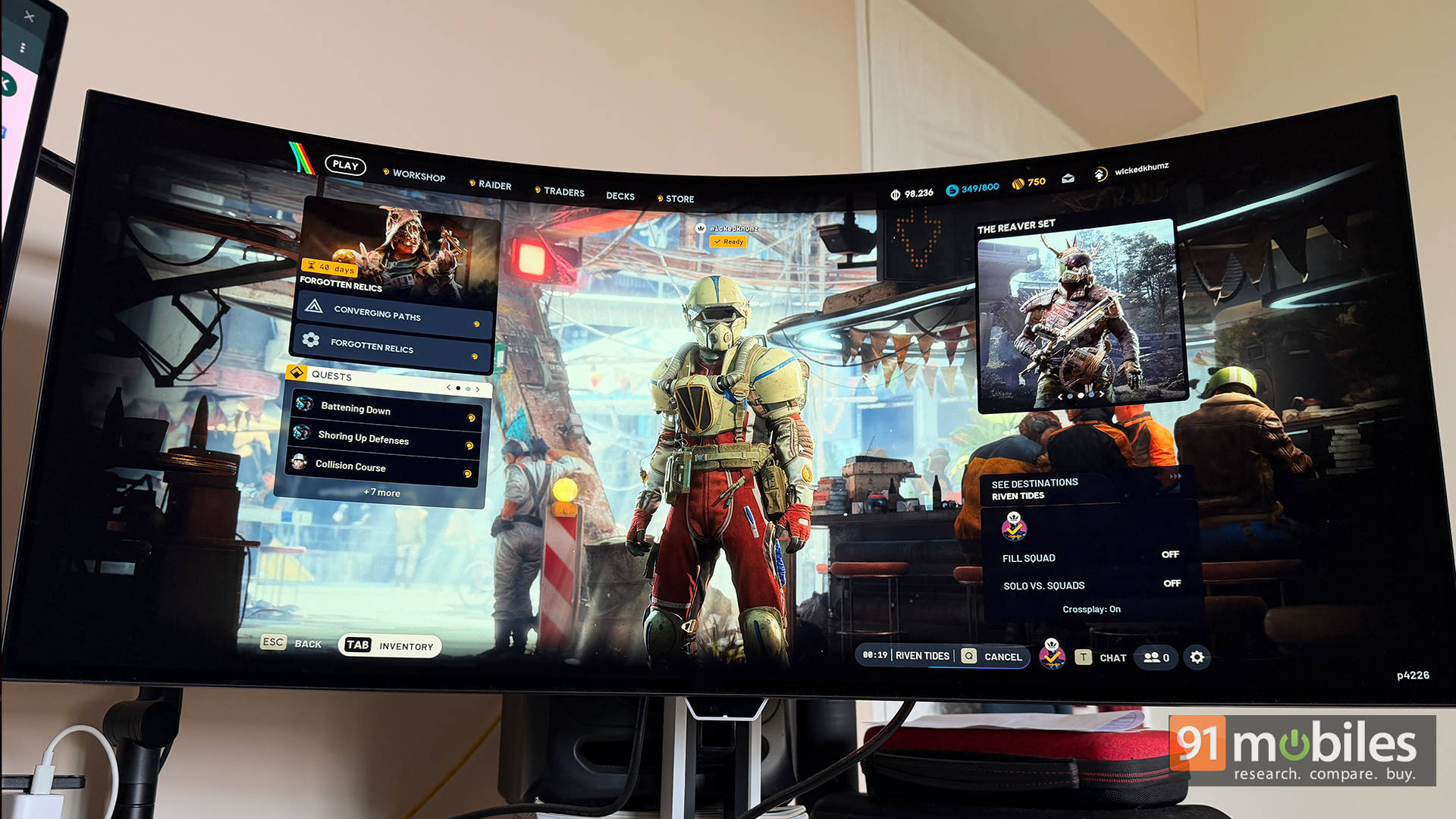
First off, the shape. The Lenovo throws an absolute curveball, literally. It rocks a bonkers 800R curvature that wraps around your face like you are sitting inside a VR headset. For gaming? Bloody brilliant. You feel completely swallowed by the world. But if you try to edit photos, straight lines look like they’ve had a few too many Kingfishers and appear distorted. The MSI plays it much safer. It’s a standard, flat chassis that won’t mess with your workflow.
The MSI also has an extremely thin display chassis, while the complicated bits are inside a slightly thicker plastic housing at the back. The Lenovo is a chunky monitor by OLED standards, but both are fairly manageable on a big desk.
Display Tech: The Brightness and The Burn-in
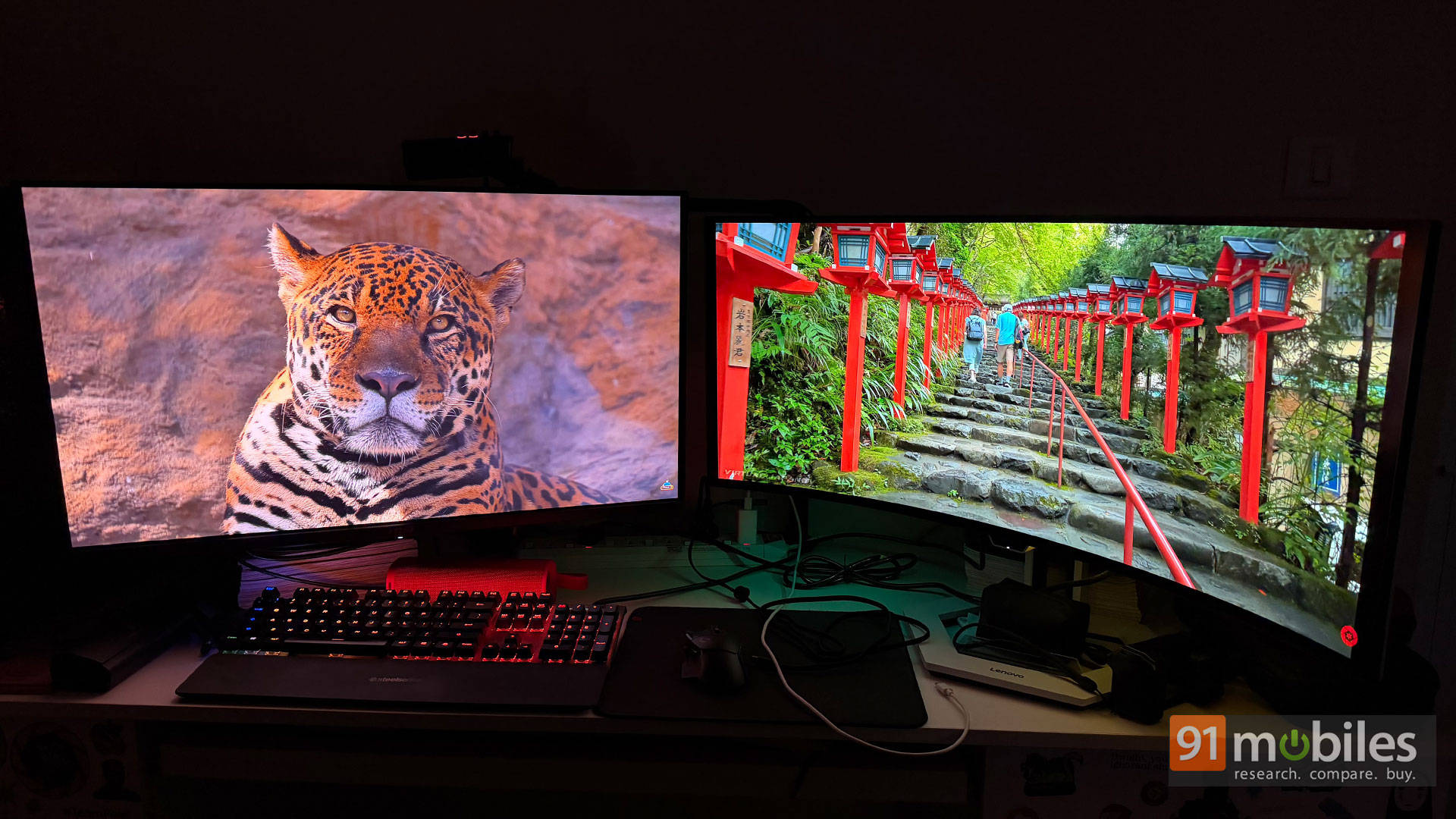
Here is where things get spicy. I have been using this MSI OLED monitor for almost a year now, and I have not faced a single whisper of burn-in issues. The brightness on this thing is absolutely stellar and will properly spoil you when you compare it to non-OLED models. The colours are jaw-droppingly saturated, and thanks to the QD-OLED pixel arrangement, the text clarity is spot-on without the awful colour fringing that plagued older OLEDs.
The Lenovo also has a few tricks up its sleeve. It has an anti-glare coating and is one of the very few OLED monitors currently on the market to have this. It really helps with work and gaming, especially for me, because my table is facing against the window. However, Lenovo can theoretically hit a higher peak brightness of 1,300 nits, but its Automatic Brightness Limiter (ABL) under SDR is quite aggressive and cannot be bypassed. Sometimes you can see it aggressively shifts brightness depending on what’s on screen.
So in real-world use, the MSI is brighter in everyday usage, and if you’re very particular about your whites and colour accuracy for video and photo editing, the MSI instantly wins that side of the battle.
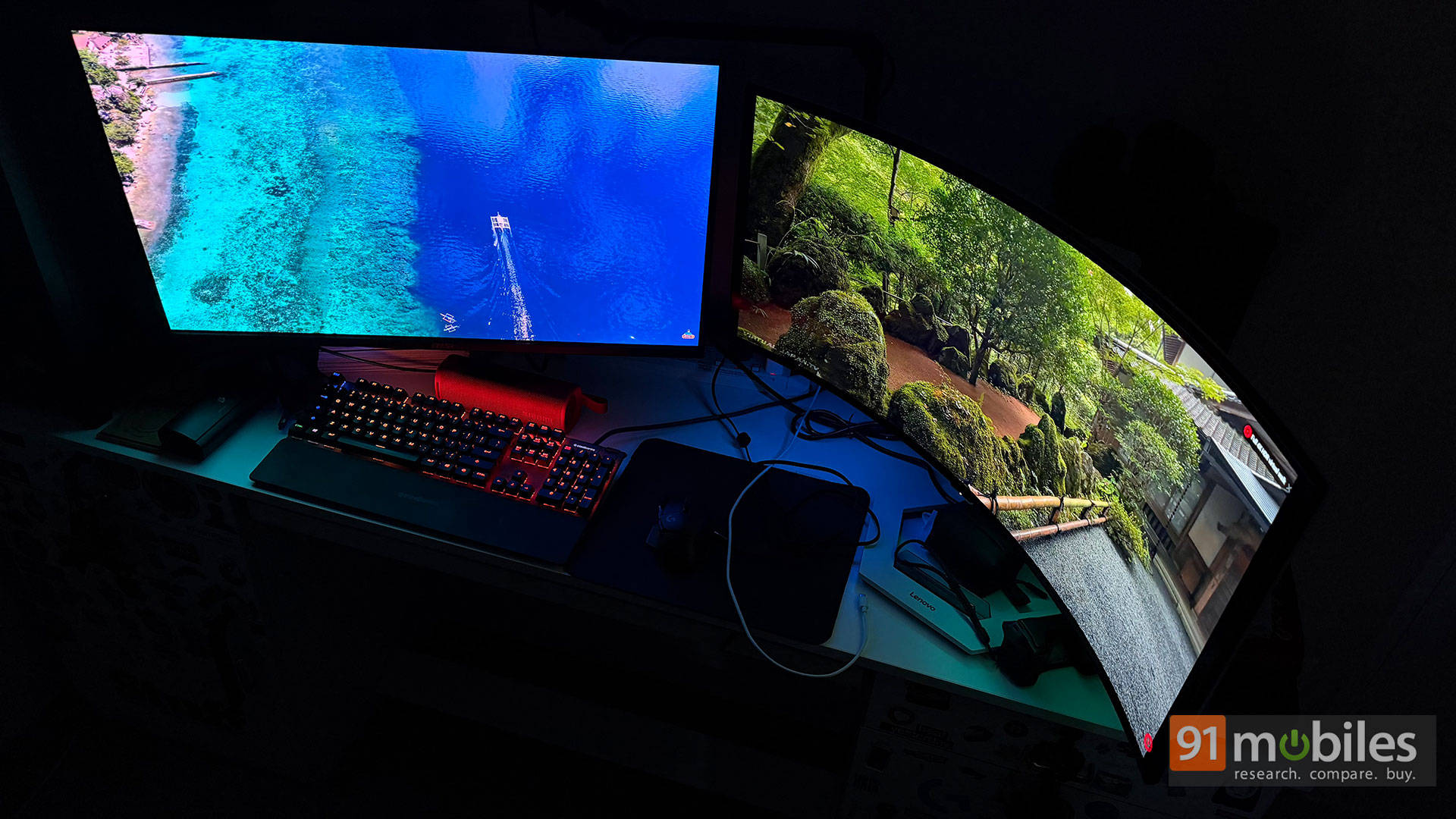
Despite MSI being much better with its brightness levels and burn-in protections, it aggressively puts the monitor into a Pixel Refresh state. The pop-up doesn’t let you cancel or postpone it. It gets really annoying when you’re in a sweaty, ranked multiplayer match and cannot quit or pause for the monitor to do its thing. Having your screen hijacked mid-battle is incredibly frustrating, but I think it can be fixed with a firmware update.
Gaming and Productivity: The Goblin vs The Magician
If you are an esports fanatic, the Lenovo pushes a silky-smooth 240Hz refresh rate. The MSI, on the other hand, caps out at 165Hz. Both monitors boast a 0.03ms GTG response time. What does that actually mean for you? It means ghosting and motion blur are virtually non-existent.
Technically, the MSI MAG 321UP QD-OLED is a 4K (3840 x 2160) monitor, and the Lenovo Legion Pro 34WD-10 has an ultrawide UWQHD resolution of 3440 x 1440. So naturally, the contents are sharper on the MSI, but the Lenovo is also equally crisp for gaming and text legibility.
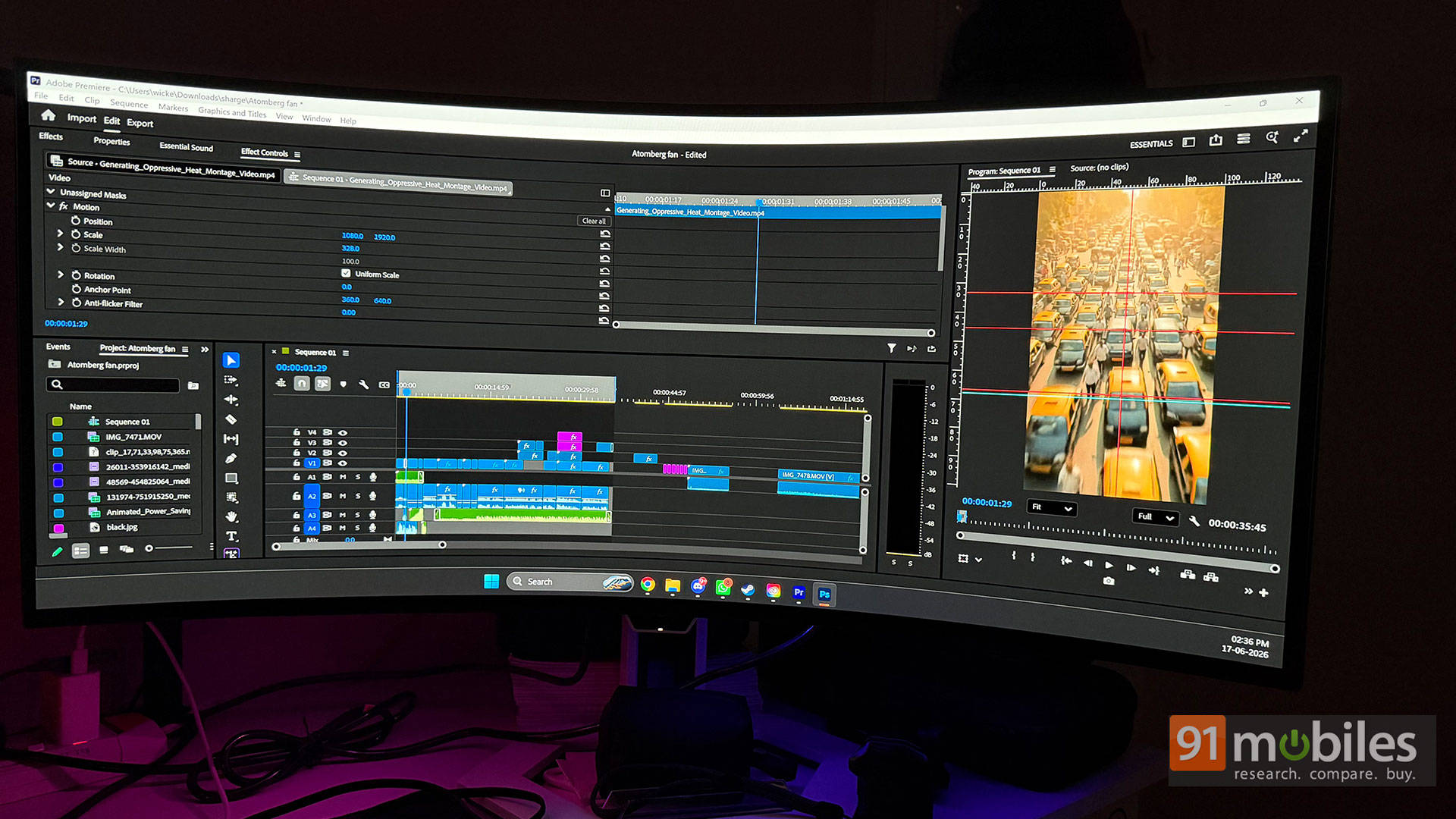
But let’s talk about real-world usage. The Lenovo Legion is an absolute productivity monster. I thoroughly enjoy using it for work and gaming because it’s one of those rare monitors that can easily do both. You can be an Excel sheet magician by day and a gaming goblin by night; the Lenovo, or really any ultrawide monitor of this calibre, offers that flexibility incredibly well.
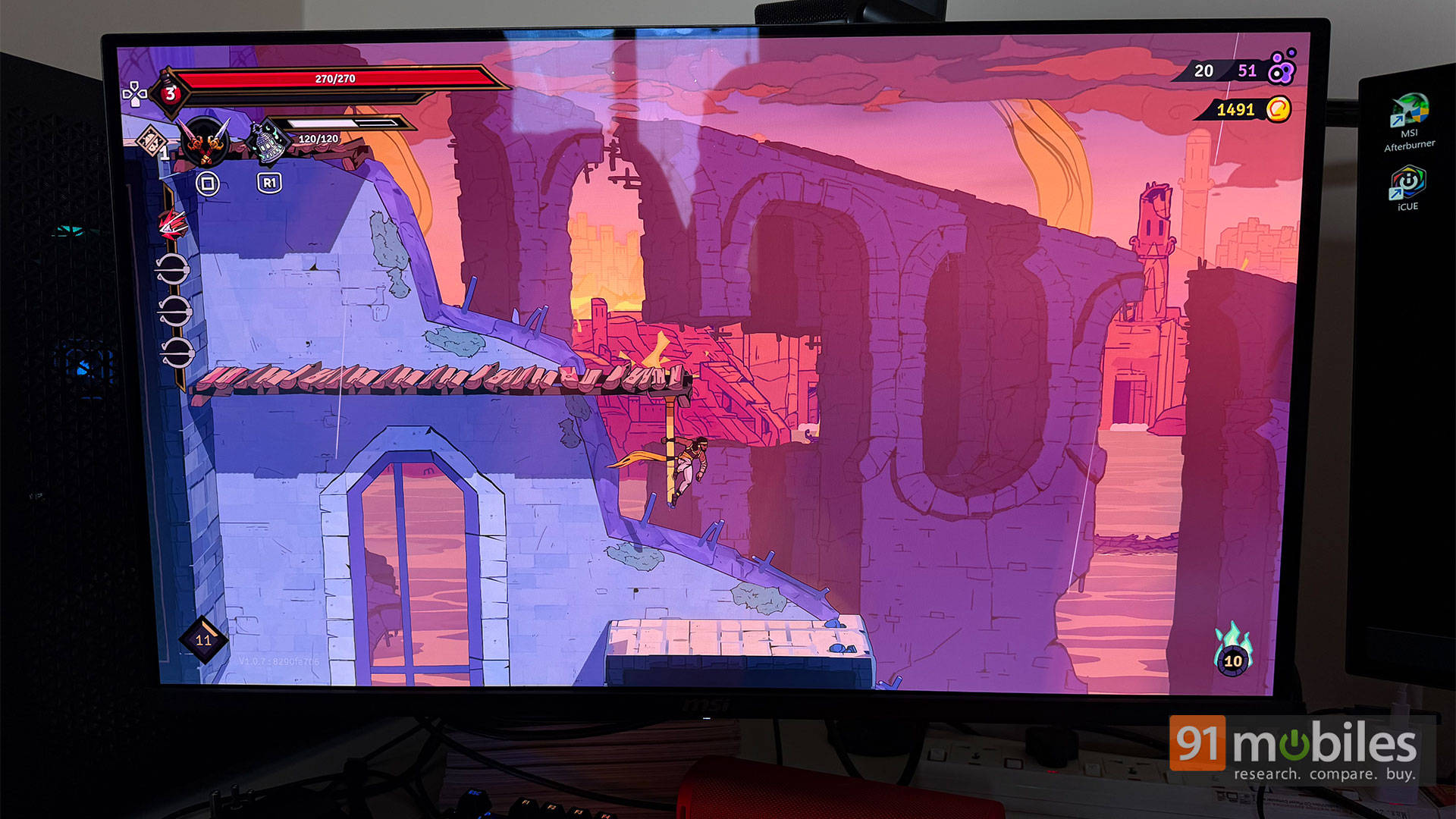
If you’re chasing punchy colour and contrast, then the MSI has an edge over the Lenovo. The whites are pristine, and the blacks are deep. This translates to better contrast while gaming, but more importantly, it helps while colour correcting videos and photos in Adobe. So if your usage requires heavy editing, then MSI is the way to go, but if you’re more of a Microsoft Office user, then the Lenovo Legion is better for productivity.
Ports and Extras: The Dongle Life
This is where Lenovo pulls ahead. The Legion Pro features a massive built-in dock packing a 140W USB-C Power Delivery port, a KVM switch, and a 2.5 GbE Ethernet port. You plug in one cable and your whole desk is sorted, making your secondary laptop dock entirely redundant. The MSI? It ships with a 15W Type-C port and completely lacks a USB upstream hub or KVM switch. You can tell where the cost-cutting happened.
The Lenovo also packs two 5W speakers, which are such a godsend for when you just want to play something without wearing headphones or turning on your expensive desktop speakers. I wish more expensive gaming monitors shipped with built-in speakers, even if they’re measly 5W ones.
Verdict
Why buy either of these? Because going back to an LCD after seeing these true blacks is simply impossible. The MSI MAG 321UP gives you breathtaking, stellar 4K QD-OLED gaming without leaving your bank account utterly mullered, but that unskippable pixel refresh will thoroughly test your patience.