There is something about Japanese hardware makers. They know what matters at a particular price point and how to ensure you get the best features for the price. Take the Honda City, a legacy car in India that has stood the test of time. Despite the market being dominated by Korean and German players, Honda has endured by offering a quality product that lasts and is easy to maintain. Sure, the competition offers “fancier” features, but the Honda excels where it truly matters: drive quality, comfort, and reliability.
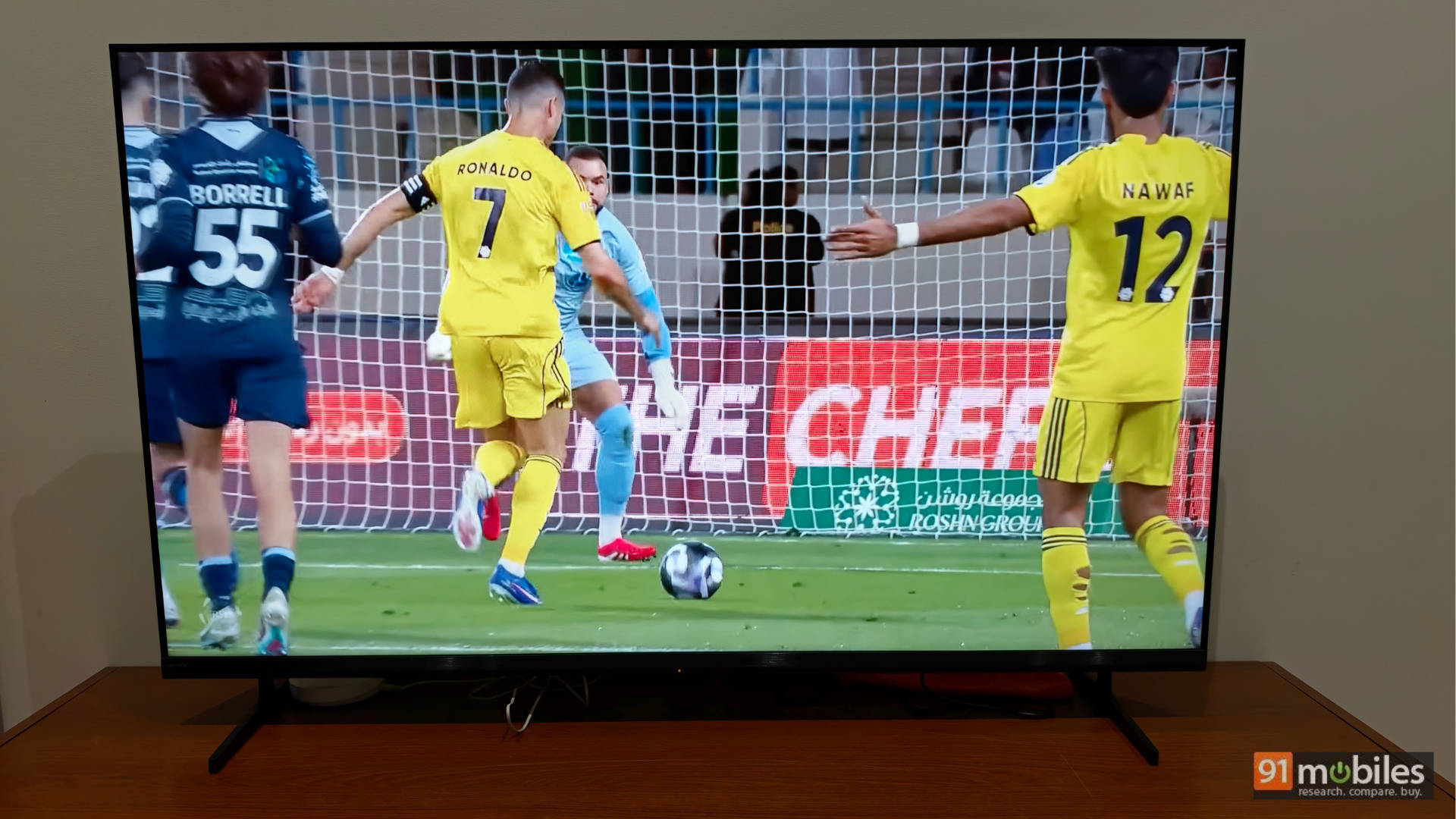
The same can be said about Sony. It isn’t always chasing the spec sheet others are gunning for in the budget segment. Rather, it offers something that matters the most: consistently excellent picture quality. Using the BRAVIA 3 II for a few days, I can tell you what passersby said when consuming content on the TV without knowing the brand or the price. They were:
- “Wow, the colours look great!”
- “Is this a mini-LED TV?”
- “Can’t be an OLED, right?”
- “Must be expensive.”
- And my personal favourite: “It’s a Sony; naturally, the picture quality will be excellent.”
The statements above prove one thing: the specs on paper might not be the absolute best. In fact, there are budget TVs that surpass the Sony Bravia 3 II where pure “specs” are concerned. But put the pedal to the metal, and there are aspects where this Sony TV will leave the competition gathering dust. Let’s break down the experience.
Table of Contents
Build and Design: Sturdy, Sleek, and Sorted
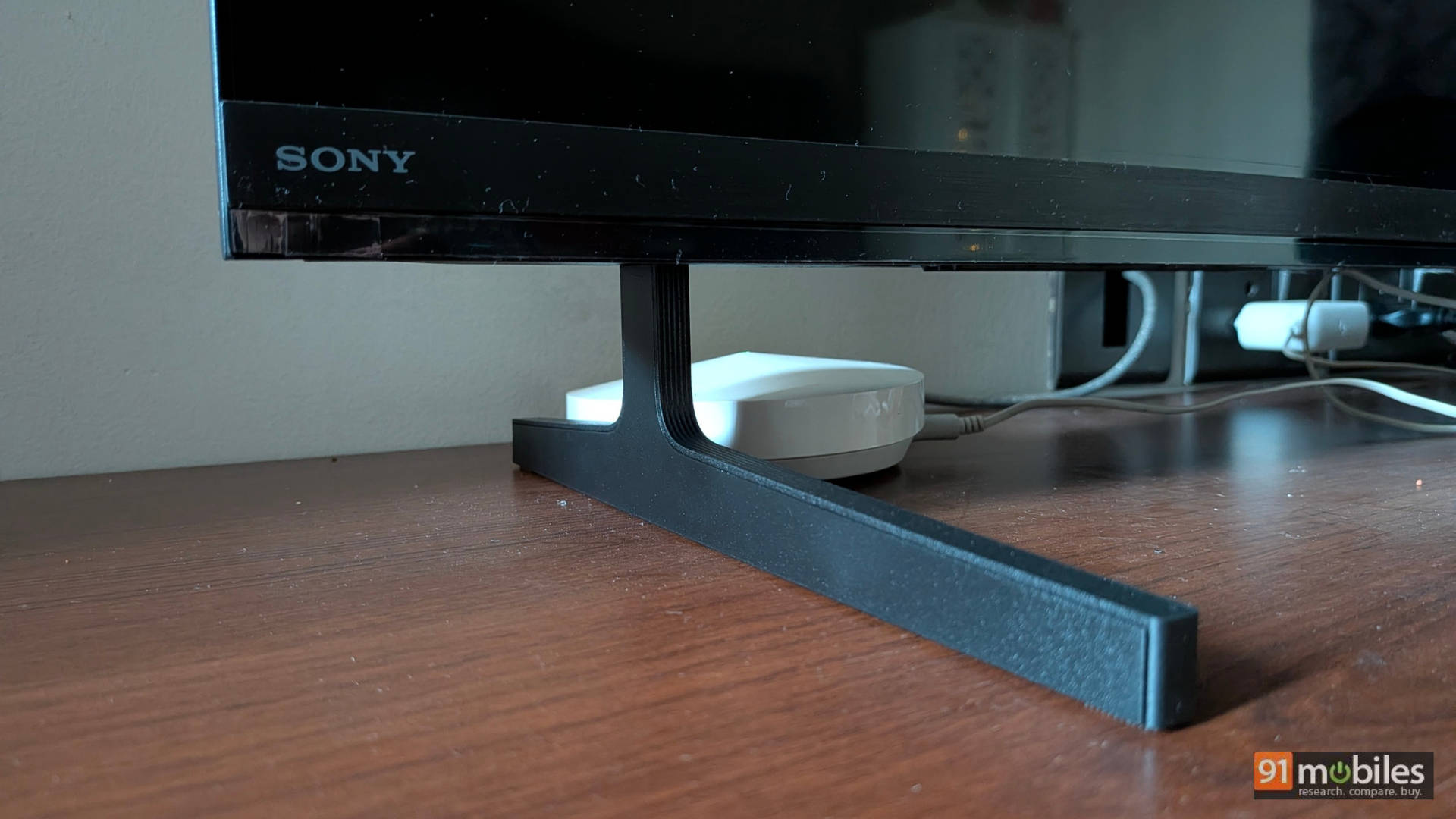
The TV is a standard Sony, which means the company has gone with an “if it ain’t broke, don’t fix it” policy. The TV features thin bezels, a premium build, and two very sturdy feet to hold it up. The back of the TV is a tad thick, but nothing you wouldn’t expect.
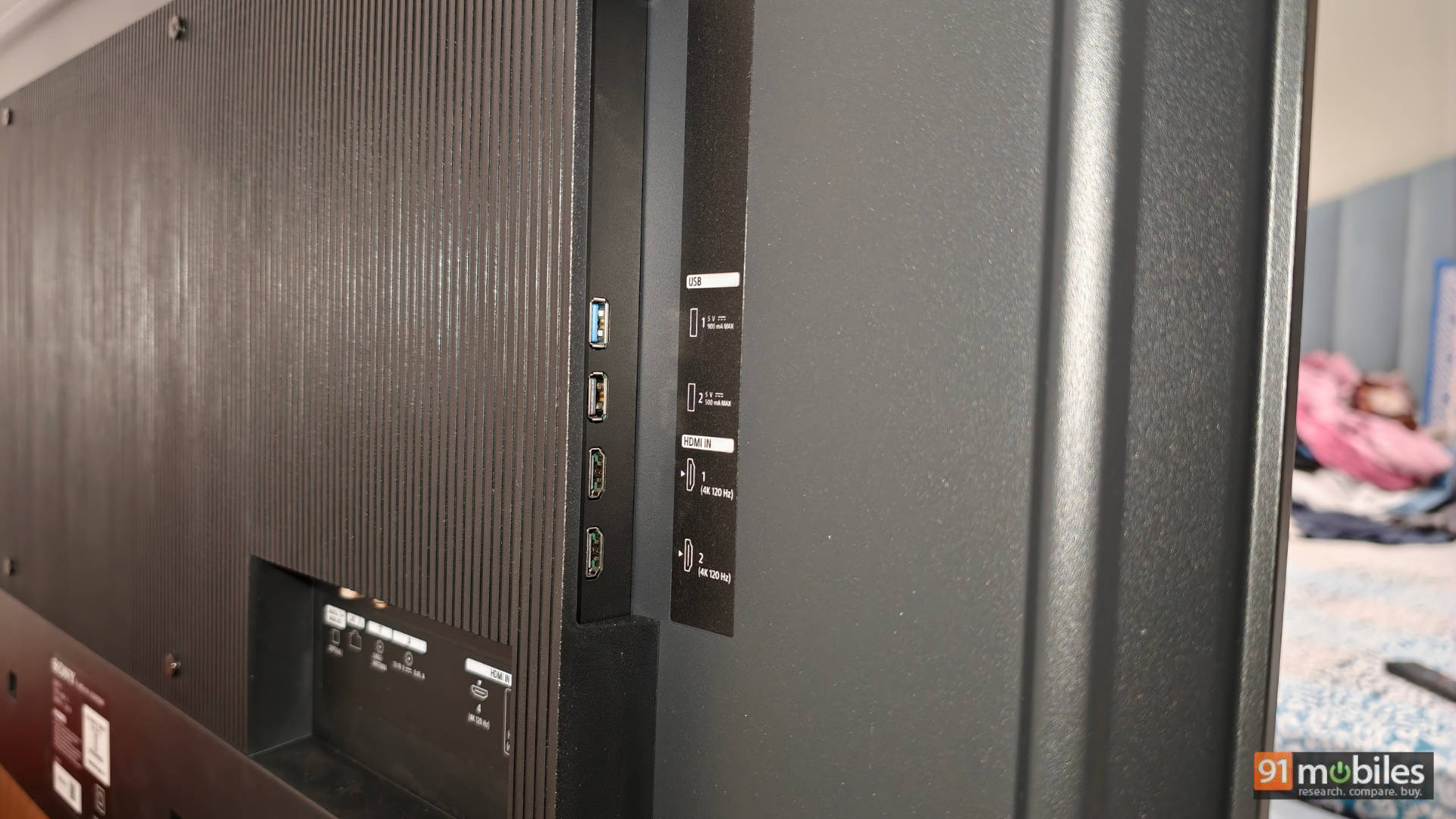
The TV has four HDMI ports, and lo and behold, Sony has fixed the one issue I’ve had with its TVs since 2019: all four HDMI ports are now HDMI 2.1. The Bravia 3 II gets support for 4K 120Hz with VRR (Variable Refresh Rate) and ALLM (Auto Low Latency Mode), making it a great option for gamers (more on that in the performance section). My only gripe with the design is that some of the HDMI ports are downward-facing, which can make them a challenge to reach if the TV is wall-mounted. You may want to consider your cable management before putting this up on the wall.
Picture Quality: Painting with Pixels
This is where Sony thrives. As I said above, Sony may not offer the best specs for the price when compared to the competition, but it can easily surpass them when it comes to colours and overall picture quality, largely thanks to the cutting-edge XR Processor running the show under the hood, along with the brilliant XR Triluminos Pro display.
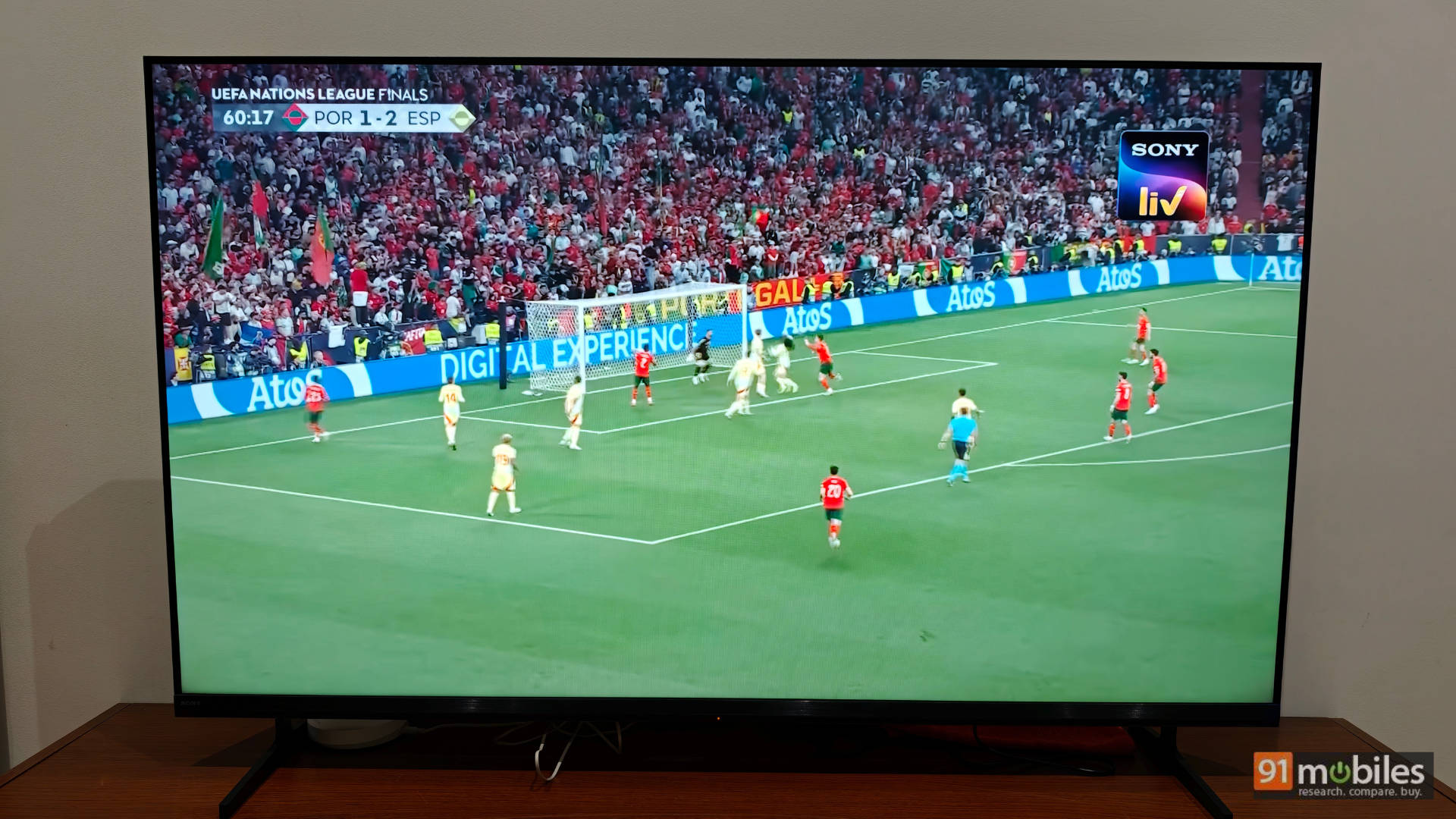
Some key specs to keep in mind: The TV is a Direct-Lit LED with frame dimming (no local dimming or dimming zones). It supports HDR10, HLG, and Dolby Vision, along with Dolby Atmos. It features the standard set of picture modes and also comes with Sony Pictures Core (formerly known as Bravia Core), offering a Sony-curated list of movies at the highest bitrate possible alongside DTS:X Audio, a massive treat for cinephiles. Put simply, if you want support for all the best picture formats under the sun, this TV almost has it all.
Before we get into performance, here is a quick look at some of the numbers I captured for the TV in HDR and SDR:
HDR: High Dynamic Realism
Before diving into HDR performance, let’s understand the difference between HDR and SDR. In SDR, the TV maintains uniform brightness across the panel, which is why it is okay for a TV to have 250 nits of peak brightness and no dimming zones. In HDR, there is a lot more going on. For example, if there is a man exiting a dark cave into a bright desert, the dark areas of the cave need to be pitch black (requiring dimming zones and a high contrast ratio), while the entrance needs to be super bright, almost blinding the viewer for a few seconds as the person steps into full sunlight (requiring high peak brightness).
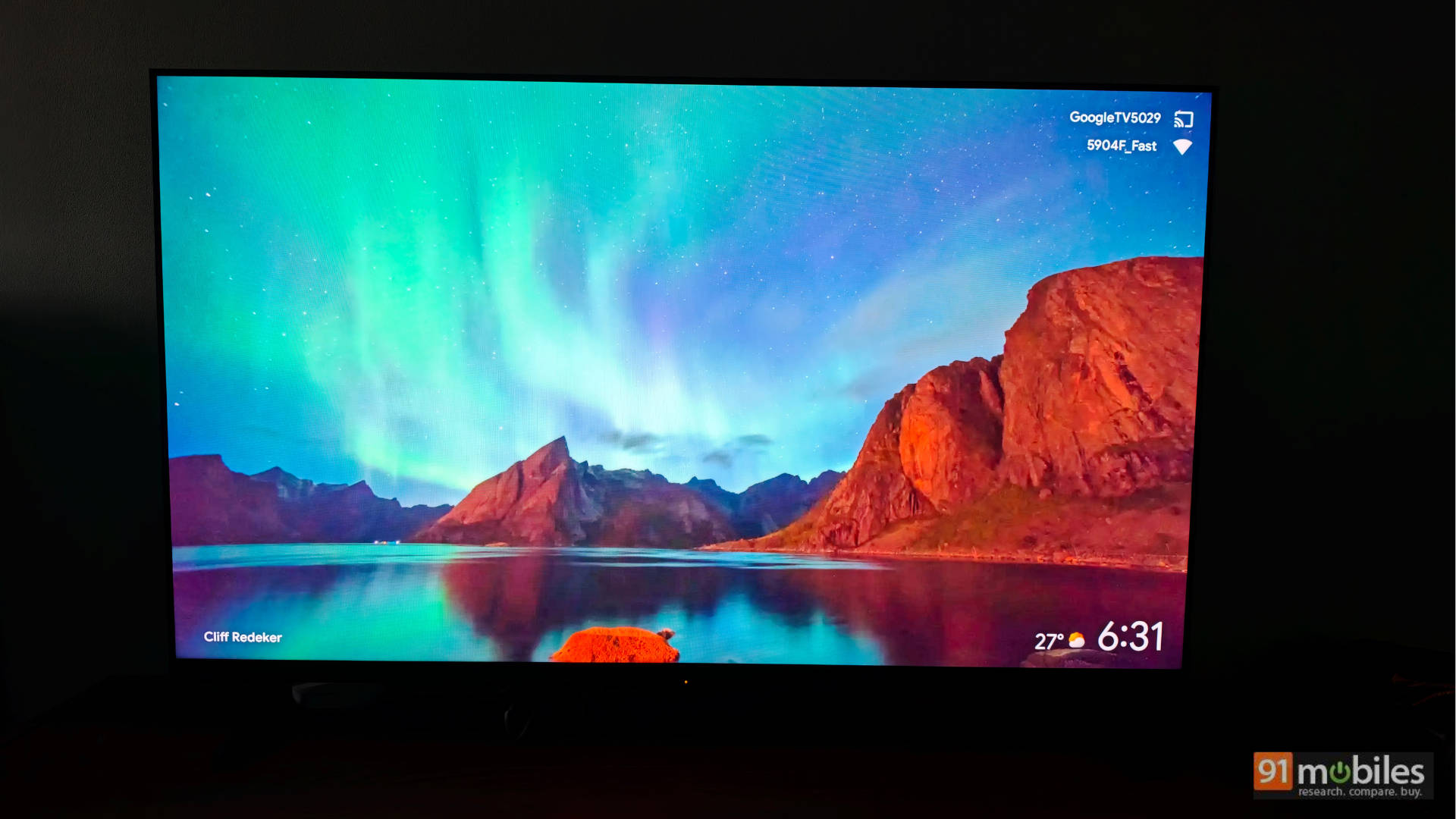
This is why you need fancy tech to truly enjoy HDR. However, where the Sony Bravia 3 II succeeds is in giving you a fantastic content consumption experience by cleverly enhancing the colours and maximising the capabilities of its Direct-LED panel.
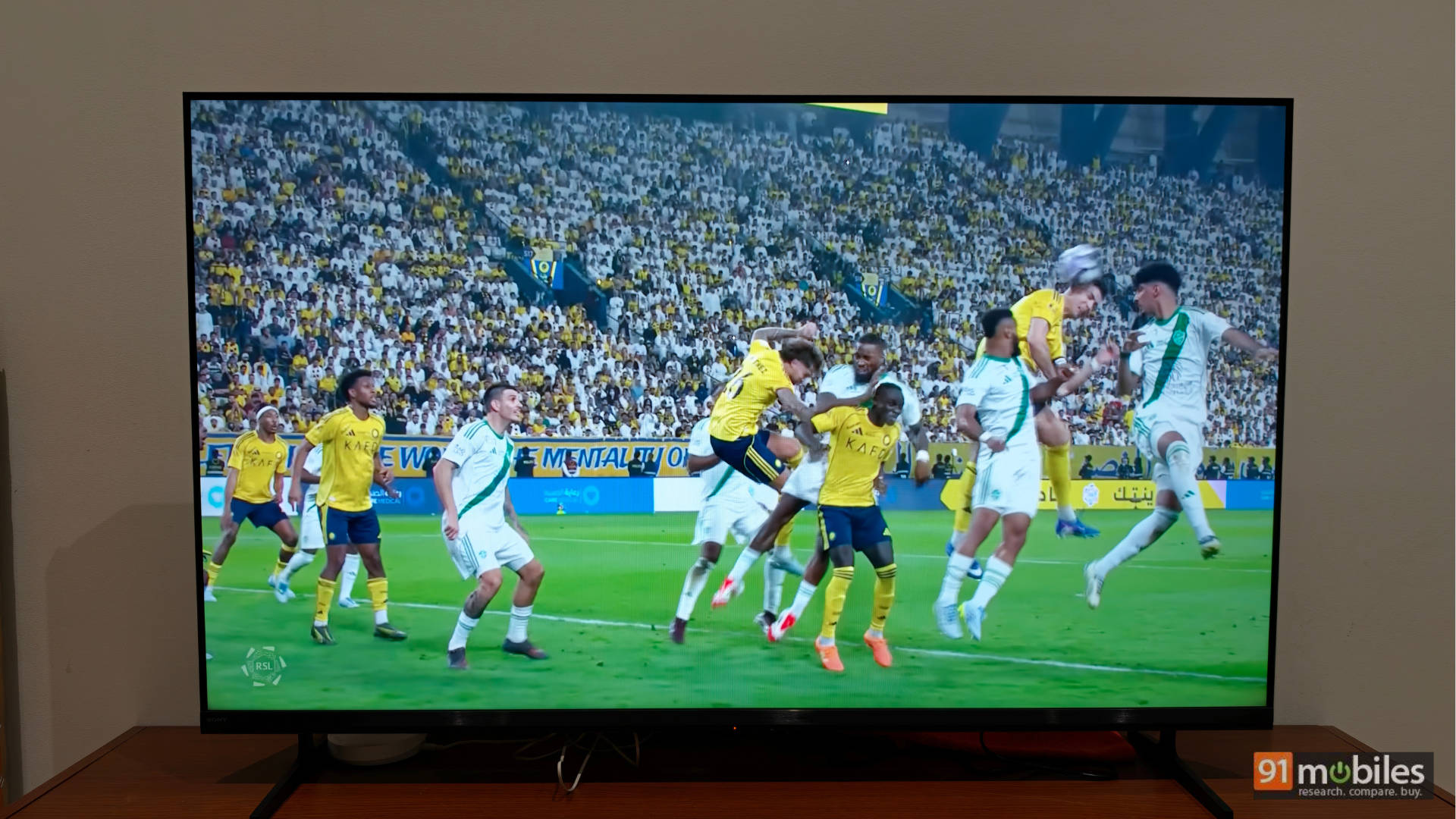
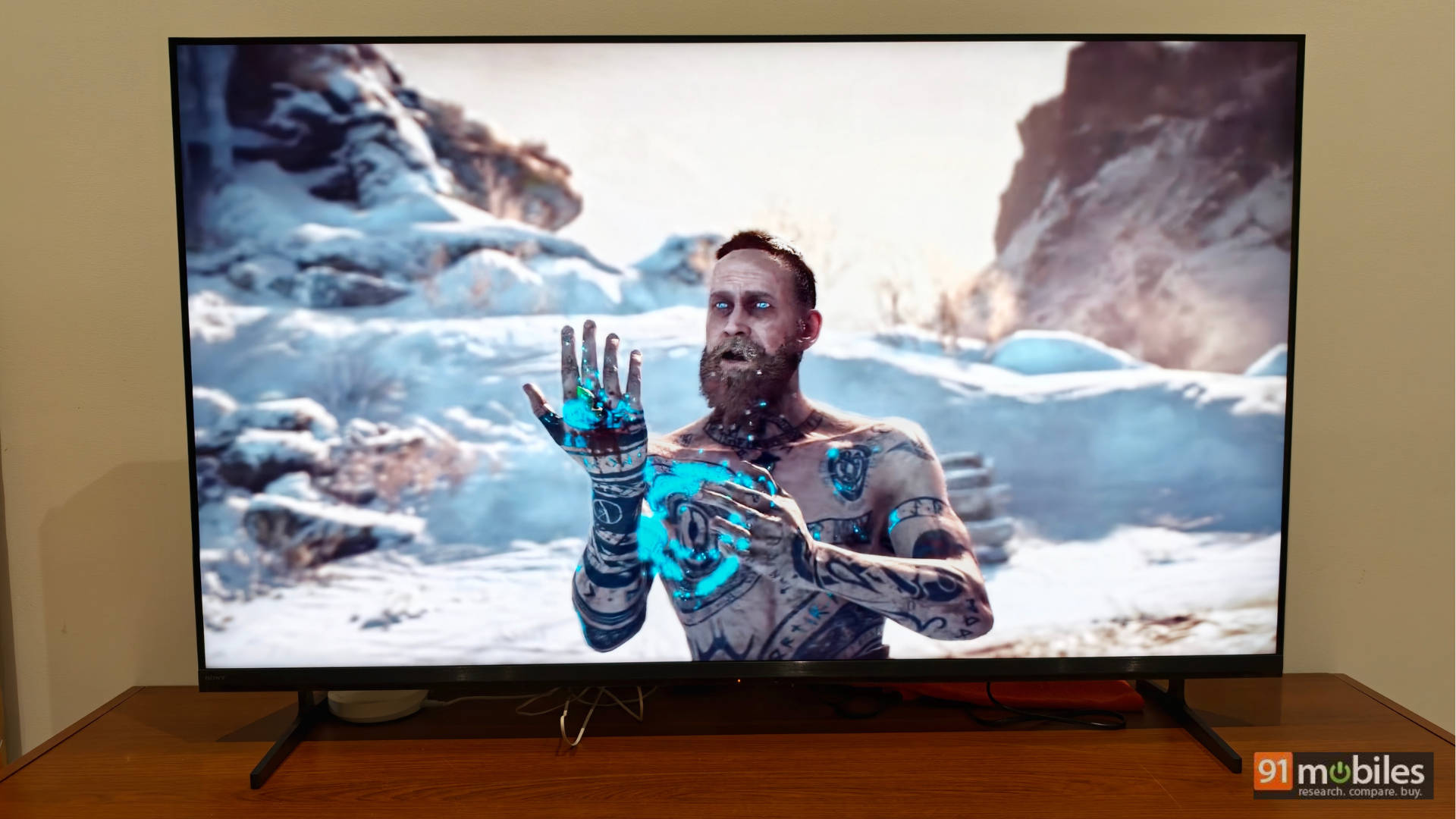
When you watch a movie like Top Gun: Maverick in HDR or Dolby Vision, you do get wonderfully punchy highlights during the final dogfight. In the opening flight mission, which features a lot of dark scenes, there is almost no blooming, especially if you keep a small light on in the room (with all the other lights turned down). You genuinely get that cinematic, dark-room movie experience. Sure, the HDR performance isn’t flawless, but unless you are downgrading from the much pricier Bravia 5, 7, or 8, you won’t know what you are missing out on. As a mid-range TV, it’s the colours and Sony’s exceptional picture processing that stand out to give you a solid HDR experience.
Note: I also watched Spider-Man: Homecoming using the Sony Pictures Core app. Mastered in IMAX with DTS:X audio, the visuals looked stunning. The reds and blues in Spider-Man’s suit were perfectly accurate, and even the skin tones felt incredibly natural. For all HDR content, I recommend the Cinema preset with Motionflow turned off.
SDR: Standard Definition, Stellar Results
The TV’s performance in SDR is simply phenomenal. There is no doubt here. It covers 99.8% of the Rec 709 colour space and offers some of the best colours I’ve seen. Watching movies like Mission: Impossible or TV shows like Young Sheldon, the colours look natural, skin tones are accurate, and the image is incredibly immersive. Even low-resolution 720p content looked very crisp sitting about 6.5 feet away from the 55-inch panel, aided heavily by Sony’s XR Clear Image upscaling.
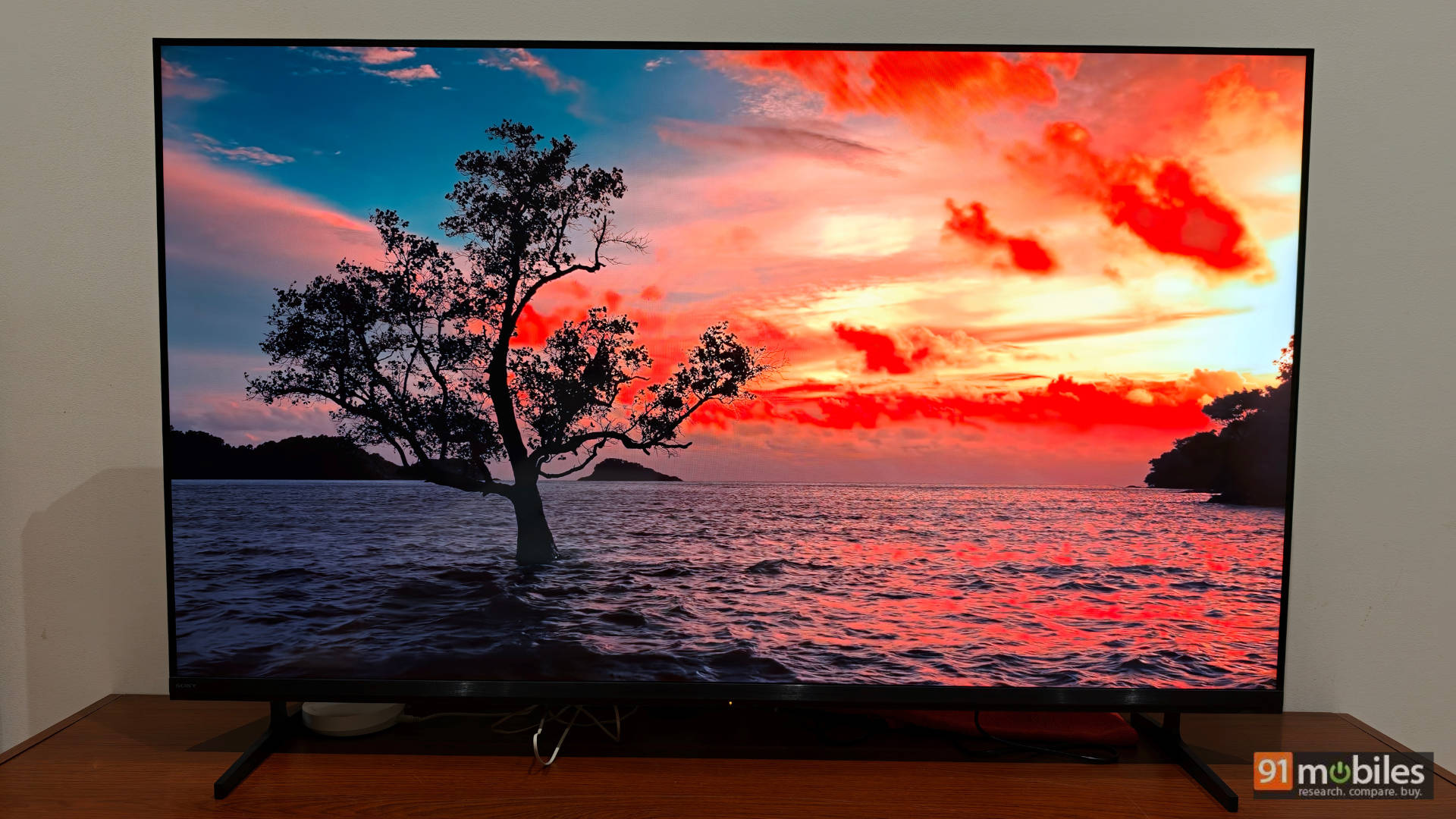
If you are someone who watches the everyday news, TV shows, set-top box content, and sports, you will absolutely not be disappointed with the performance of this TV.
Gaming: Power Up Your Play
As I said above, finally, we have a Bravia TV with all four HDMI 2.1 ports supporting 4K 120Hz with VRR and ALLM. Console and PC gamers, rejoice! I connected my PS5 and Xbox Series X to the TV, and the performance was stellar. The PS5 is auto-recognised by the TV and calibrated for HDR, and Sony has integrated a handy Game Menu that lets you manage your gaming settings in one single place.
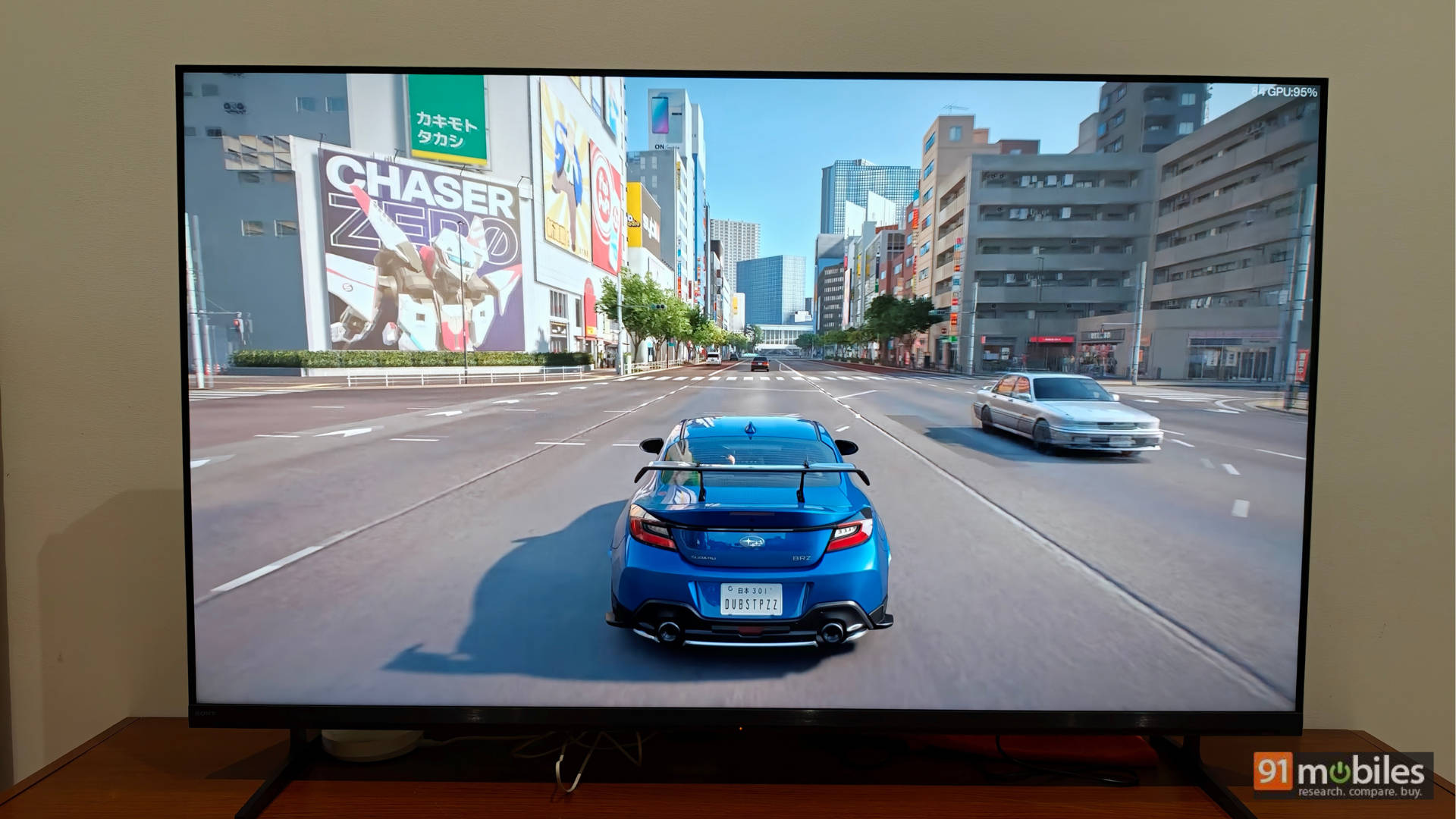
I played a standard suite of games on the PS5, including Dirt 5, Gran Turismo 7, Ghost of Yōtei, Ratchet & Clank: Rift Apart, and Spider-Man 2. They all provided an immersive experience, especially in a game like Spider-Man 2, where you can uncap the framerate and smoothly swing across the city. The visuals are also excellent—the sun streams bright and clear in Dirt 5 without looking blown out. Even in the darker environments of Gran Turismo 7, the races feel incredibly rich and immersive.
Audio: Small Watts, Big Impact
On paper, the 20W of sound output might seem low, but it is anything but. Sony has equipped this TV with two full-range X-Balanced Speakers with one key focus: delivering rich, clean sound with exceptionally clear vocals. Watch a movie like Ready Player One or Spider-Man: Homecoming via Sony Pictures Core, or even standard YouTube content and news, and you’ll notice one thing—the vocals are so clear I could actually switch off the subtitles.
The race at the 11-minute mark in Ready Player One is a great example. With cars flying and crashing across the screen, you can still clearly hear the two protagonists talking to each other. The same applies when characters are whispering on screen. It’s phenomenal. Sure, if you want a massive, cinematic, room-filling experience, I recommend a soundbar (you can read my review of the Sony Bravia Theatre System 6 here). But for everyday content consumption and TV viewing, with the occasional movie thrown into the mix, the TV itself does a remarkably fine job.
Remote Control: Blind Navigation, Brilliant Design
The remote control is comfortably simple. Sony claims it was “crafted through an inclusive design process with feedback from blind, low vision, and sighted users, made with recycled plastic, complete with a finder function—or the BRAVIA Connect app. With either, you can adjust volume, fine-tune settings, or check your setup, all without the on-screen menus.”
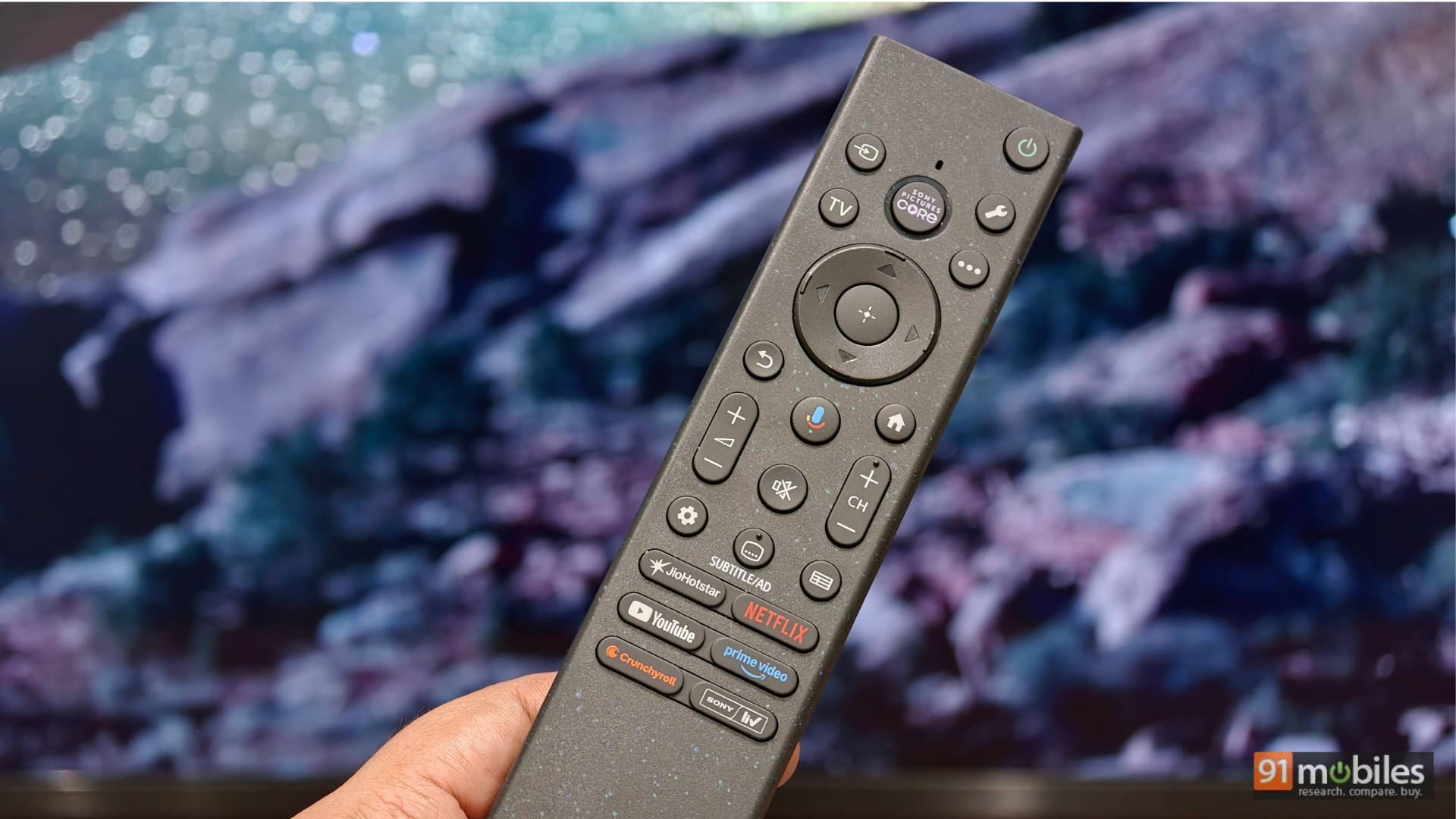
And yes, it’s entirely true. The remote is easy to navigate without even looking at it. It features a dedicated Sony Pictures Core button front and centre, with other OTT hotkeys at the bottom. The rest of the buttons follow a standard, comfortable layout. If I had to nitpick, I feel some of the buttons, like the Settings or Source buttons, could have been larger. Since they are the ones I use most frequently, I occasionally found myself accidentally clicking a nearby button instead.
User Interface: Google Goodness & Cloud Dreams
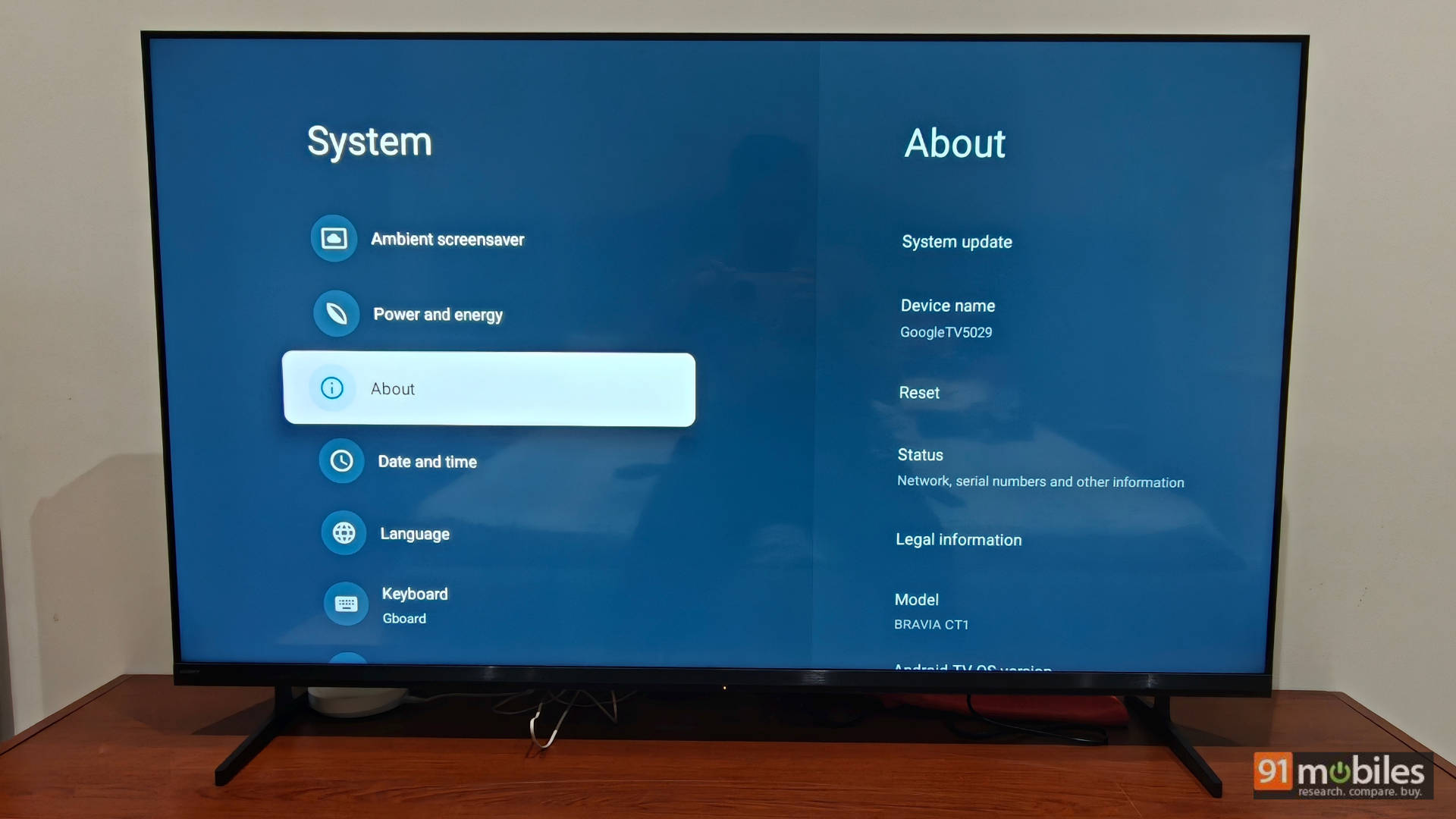
The Bravia 3 II runs on the Google TV UI, with Sony’s own neat overlay for settings. It is the same reliable Google TV UI we’ve seen on past TVs, so there’s nothing radically new to write about here, though it’s worth noting the inclusion of the new Eco Dashboard 2 to easily monitor and manage your power consumption. I switched off all power-saving features to ensure the TV was firing on all cylinders.
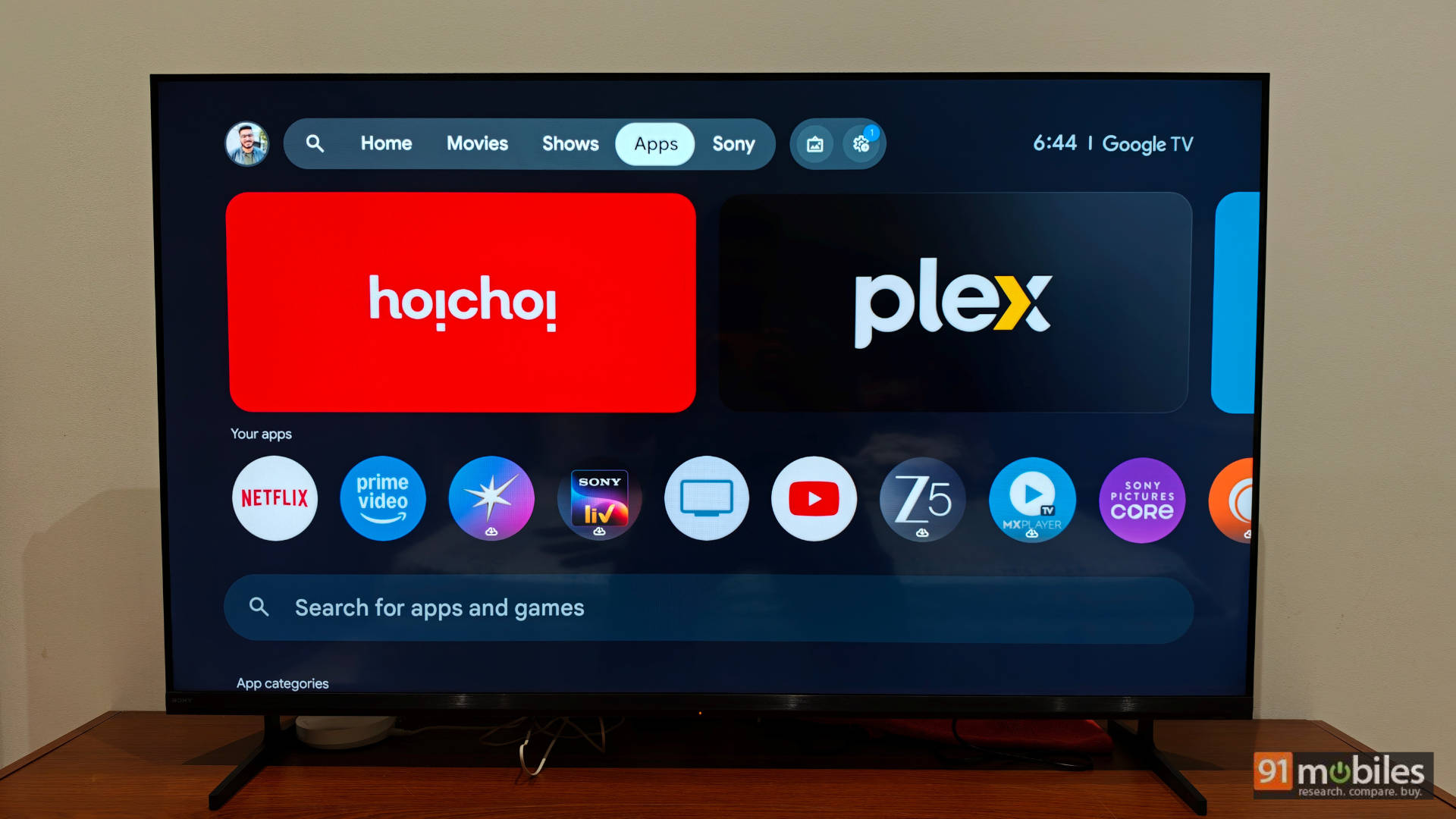
The TV also comes with the PS Remote Play app pre-installed. While I play a lot on the PlayStation Portal, I can tell you that Remote Play directly on the TV is a fantastic way to jump into a quick gaming session if your primary TV is occupied by other family members. However, this feature holds even more value if your PS5 is at home and this Bravia is at your parents’ house, where you haven’t brought your console. Now, it’s time for Sony to bring its cloud gaming service to India so I don’t have to rely on my PS5 being in rest mode at home every time I want to play away from base.
The Final Verdict: Value Meets Visuals
The Bravia 3 II is available in screen sizes of 55, 65, 75, and 85 inches. We reviewed the 55-inch variant (K-55XR35M2). It currently has a Market Operating Price (MOP) of around Rs 95,000 on Croma India, while Sony’s official website pegs it at an MRP of Rs 150,000.
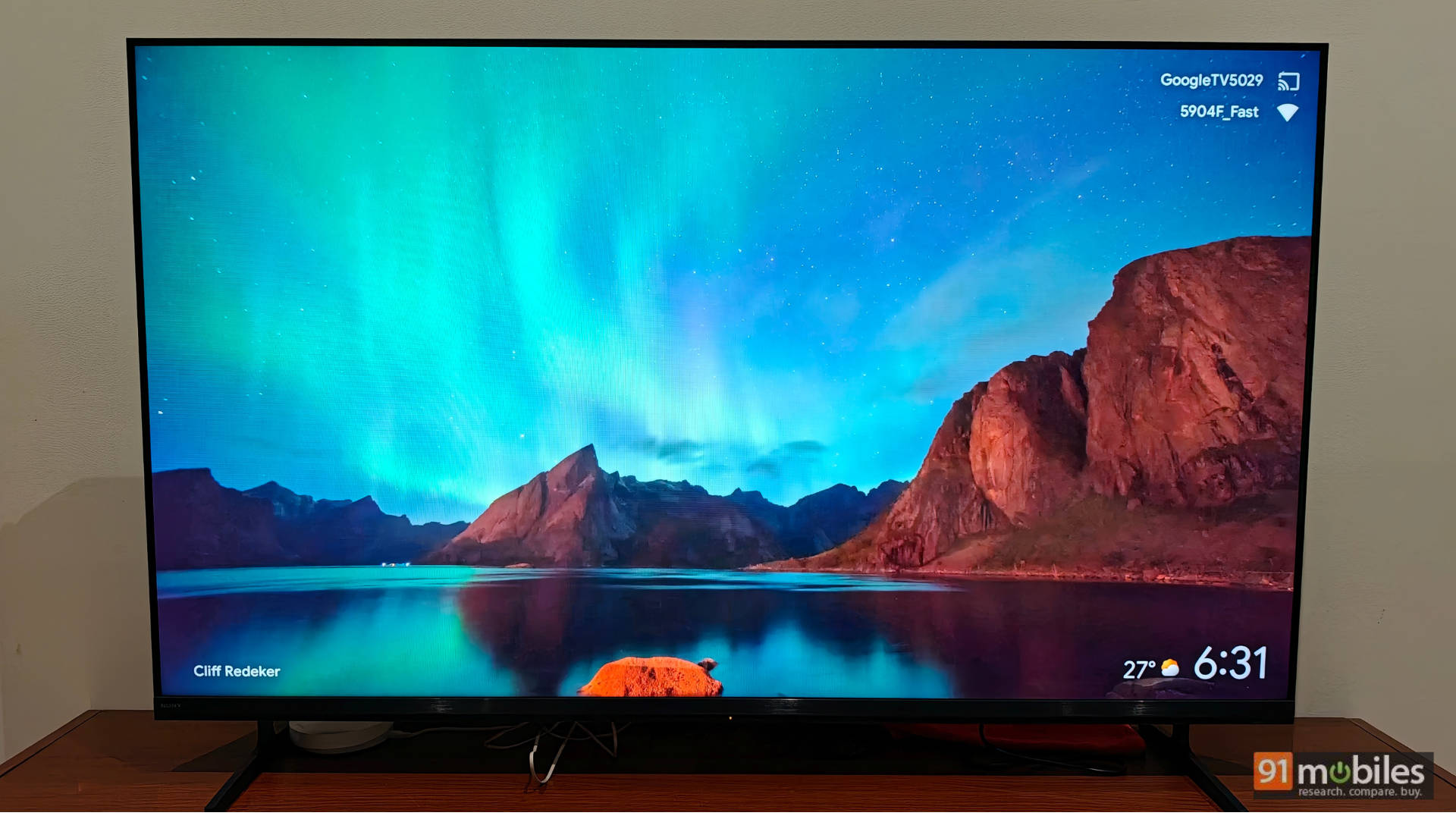
At Rs 1,50,000, you could easily get a 55-inch OLED. However, when you shop around offline or during sales, you will easily get this TV for a much lower price, which is where it becomes a stellar value-for-money proposition. The TV boasts a phenomenal Sony panel with excellent colour reproduction, four HDMI 2.1 ports, impressively clear audio, and a highly functional remote control. Needless to say, the build is premium too. The UI can occasionally stutter under heavy use, and the placement of the ports can get awkward if the TV is wall-mounted. Apart from that, like I said at the beginning, you can’t go wrong with this TV. It’s a Sony!
Rating: 8.8/10
Pros:
- Excellent SDR picture quality and colour accuracy
- All four HDMI ports are 2.1
- Crisp and clear vocal audio
- Premium build quality
- Very good picture upscaling
Cons:
- Port placement can get awkward when the TV is wall-mounted
- Google TV UI can occasionally stutter