Remedy Studios is back with its next mainline title, Control: Resonant, a direct sequel to the critically acclaimed Control, which launched back in 2019. If you’re an avid gamer, you must already be aware of the studio, but in case you’re not, this is the team behind some of gaming’s most memorable titles, including the Max Payne franchise and Alan Wake.
It’s only natural, then, that fans are eagerly anticipating Control: Resonant, which directly continues the plot from Control, just seven years later. While we’ll share a complete game review soon, the purpose of this story is a little different.
This performance review is for PC gamers who may be planning to buy the game and want to know how it runs on a PC, whether there are any major graphical glitches or bugs, and how well optimised the game is as a whole. Stay with me as I walk you through my experience of playing Control: Resonant and discuss how it performs on PC.
My system:
For this performance test, I primarily used the Lenovo Legion 7, a premium gaming laptop with capable hardware and excellent thermal performance. It uses an Intel Core Ultra 9 275HX processor, an NVIDIA GeForce RTX 5070 8GB GPU (115W), 32GB DDR5 RAM and a 1TB PCIe 4.0 SSD. This makes it a suitable system for testing how Control: Resonant performs under sustained gaming loads.
Monitoring tools: MSI Afterburner, HWinfo
Table of Contents
Graphical options: there is a lot you can control
Control: Resonant gives you a very detailed graphics menu, with plenty of options to tweak depending on the hardware you’re running. Like most modern games, these are broadly categorised into textures, lighting, volumetrics, shadows, reflections, and post-processing. You also get control over resolution, upscaling, and frame generation.
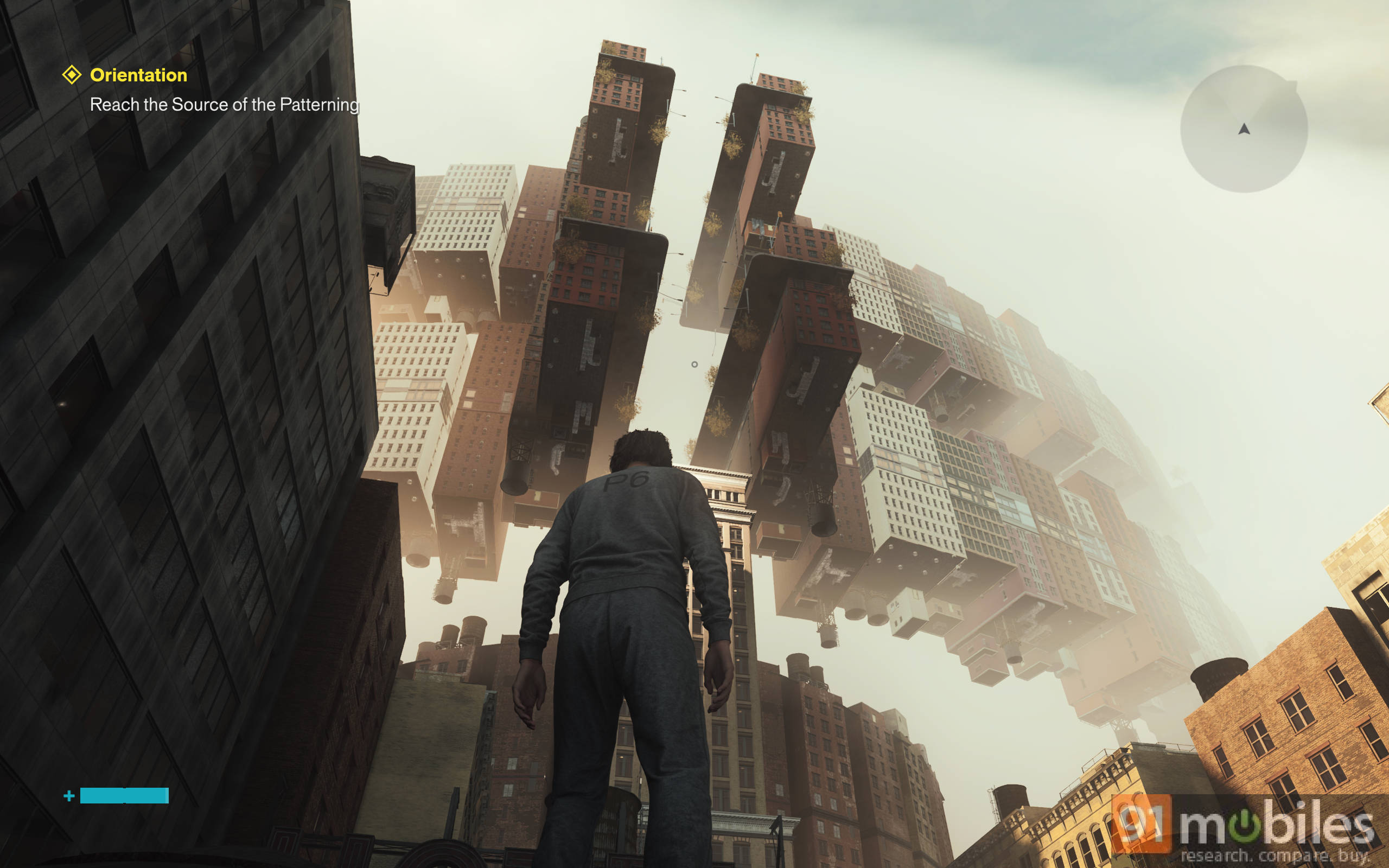
The texture, lighting, and volumetric settings give you plenty of room to fine-tune visual quality. The game also provides helpful explainers and visual references for several settings, making it easier to understand what you’re changing and its impact on performance.
There are five presets to choose from: Handheld, Low, Medium, High, and Ultra, along with a Custom option. The presets are pretty well done, and the auto-recommended settings should work well for most users. However, you can still push individual settings higher or lower depending on your preferences and hardware.
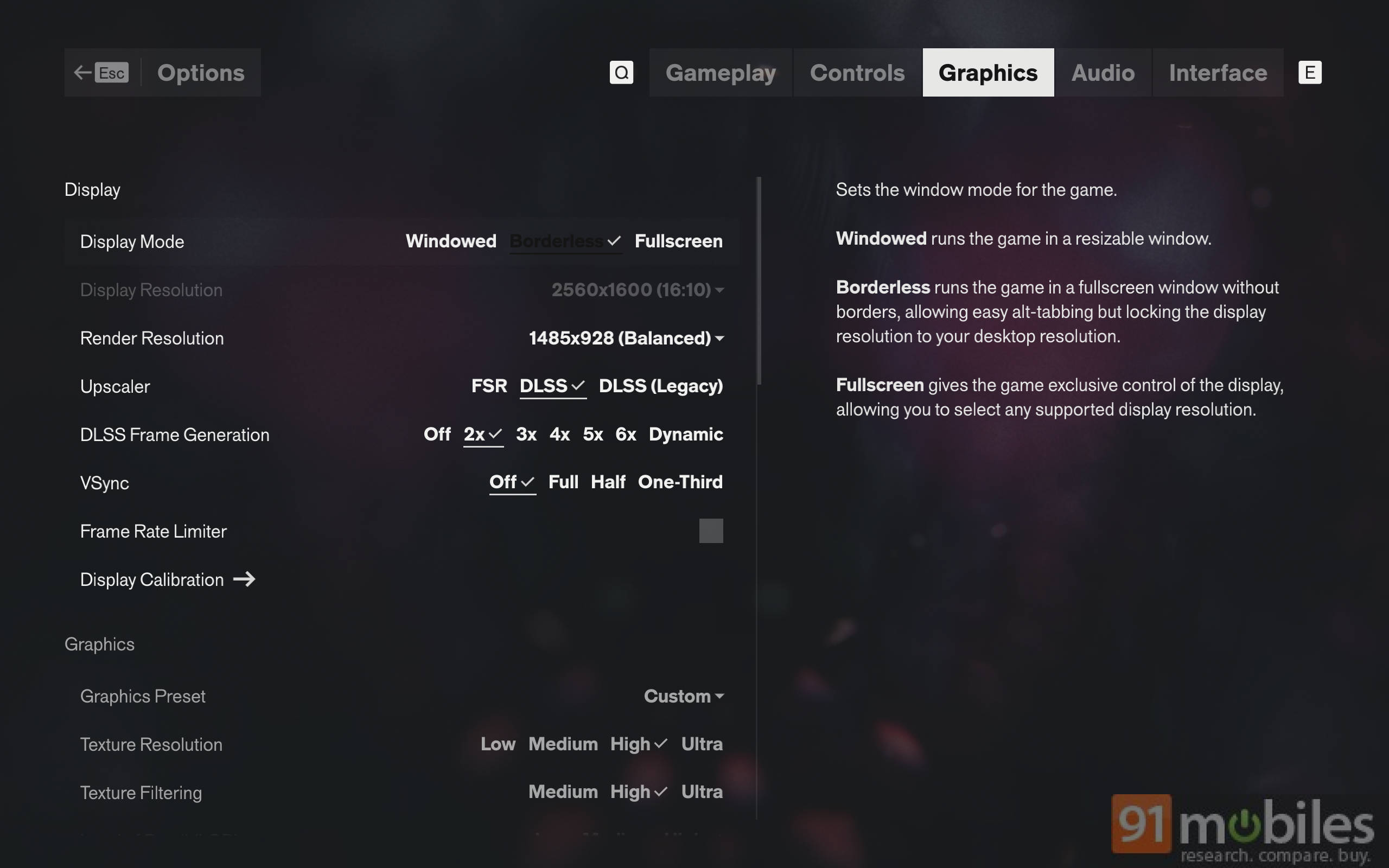
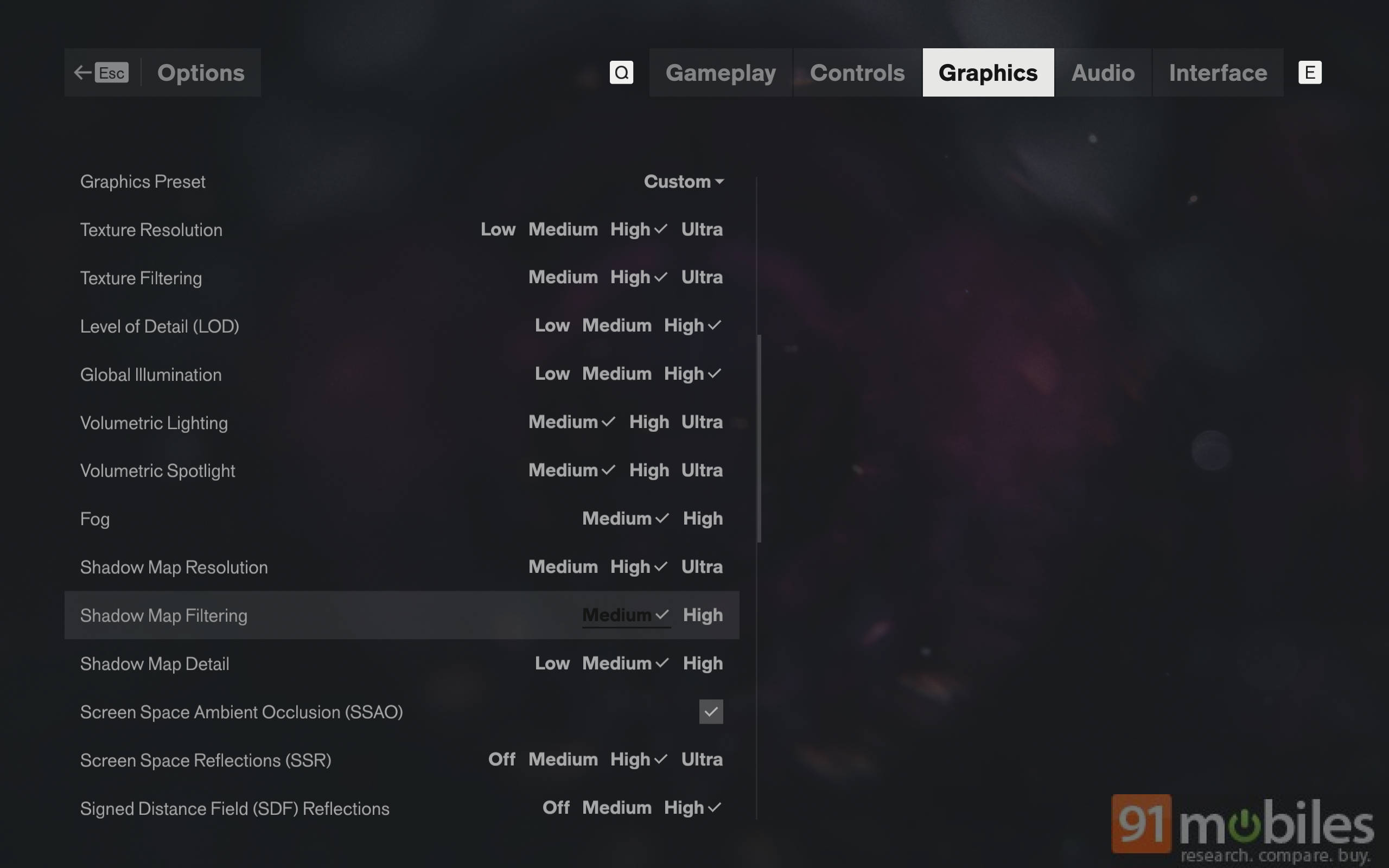
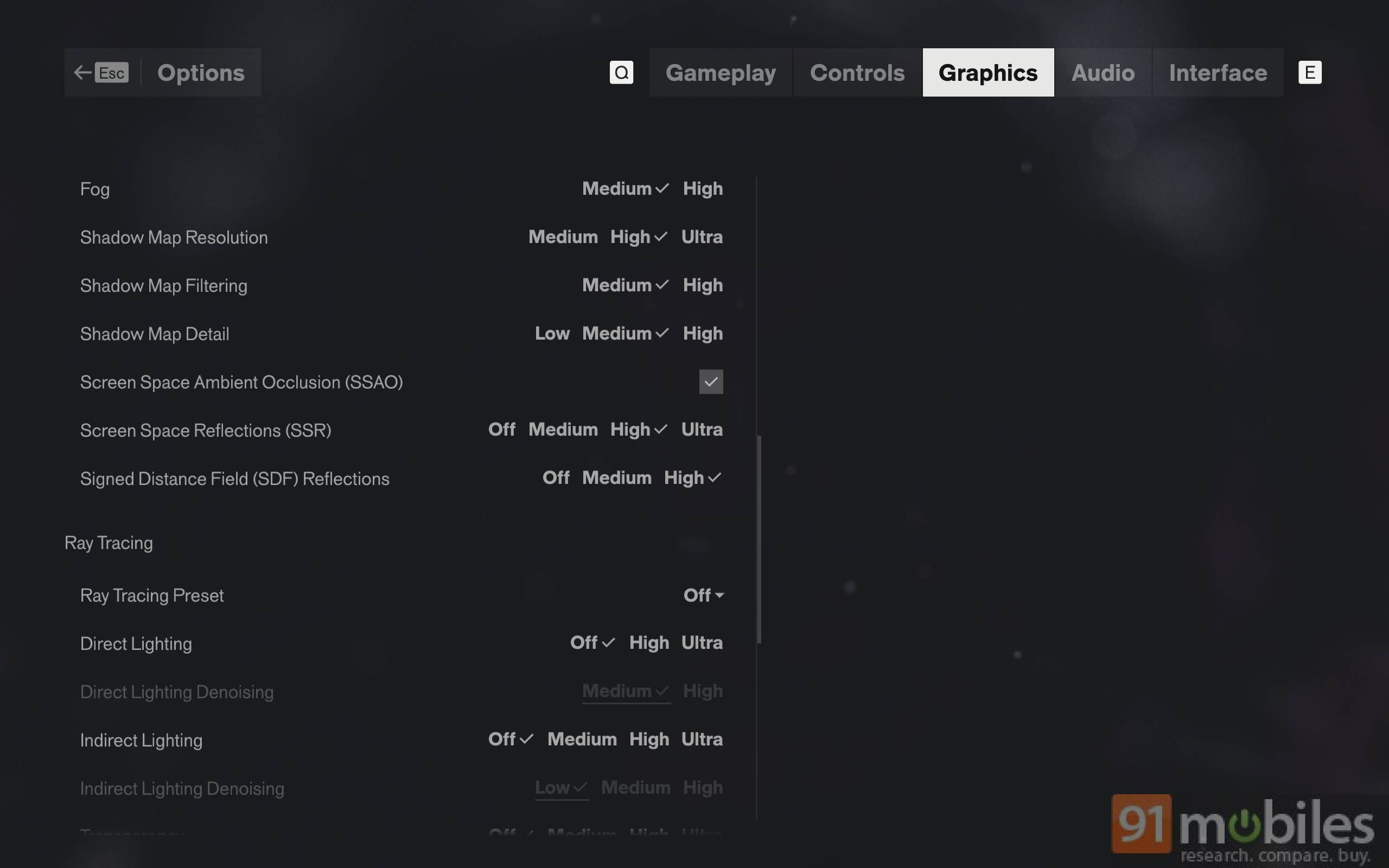
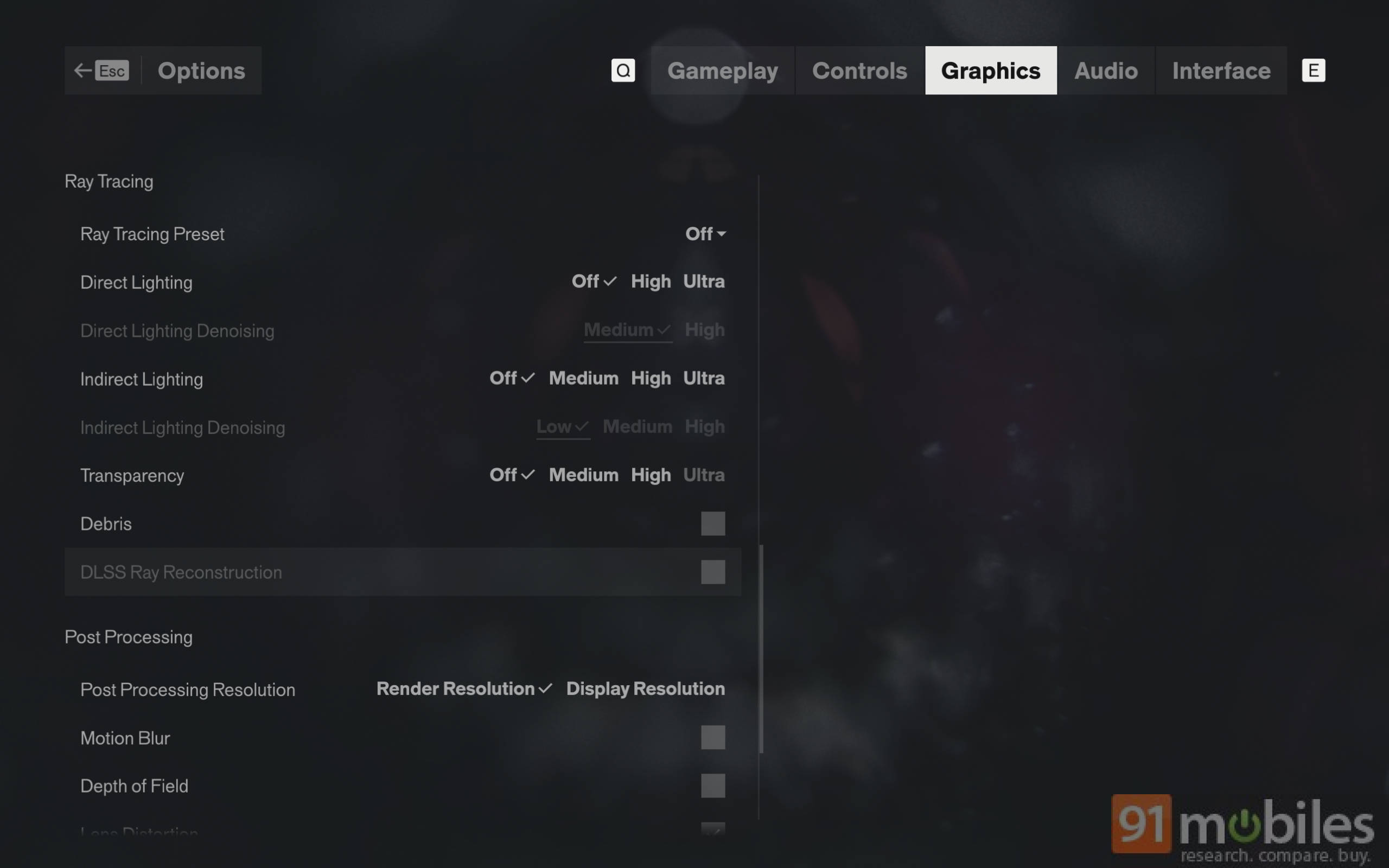
For my testing, I used a mix of High and Medium settings at 1600p resolution with DLSS set to Balanced. DLSS at Quality was more demanding and lowered my performance without offering much of a visible improvement over Balanced, so I preferred to keep it at Balanced for smoother gameplay.

The game recommended Medium preset, but I kept texture quality higher while leaving more demanding options such as volumetrics and post-processing at Medium. This gave me a good balance between visual quality and performance, and I’ve kept these settings consistent for roughly 15 hours of gameplay.
| Setting | Configuration |
| Display Mode | Borderless |
| Display Resolution | 2560 × 1600 |
| Render Resolution | 1485 × 928 (Balanced) |
| Upscaler | DLSS |
| DLSS Frame Generation | 2x |
| V-Sync | Off |
| Frame Rate Limit | Off |
| Texture Resolution | High |
| Texture Filtering | High |
| Level of Detail (LOD) | High |
| Global Illumination | High |
| Volumetric Lighting | Medium |
| Volumetric Spotlight | Medium |
| Fog | Medium |
| Shadow Map Resolution | High |
| Shadow Map Filtering | Medium |
| Shadow Map Detail | Medium |
| Screen Space Ambient Occlusion (SSAO) | On |
| Screen Space Reflections (SSR) | High |
| SDF Reflections | High |
| Post-Processing Resolution | Render Resolution |
| Motion Blur | Off |
| Depth of Field | Off |
| Lens Distortion | On |
With these settings, I averaged around 65-70fps in the open world with Frame Generation turned off. Enabling 2x Frame Generation pushed the average to around 100-110fps, while 6x Frame Generation took it to around 180-200fps, depending on the area. Open-world sections generally sat towards the lower end, while indoor sections could reach around 200fps.
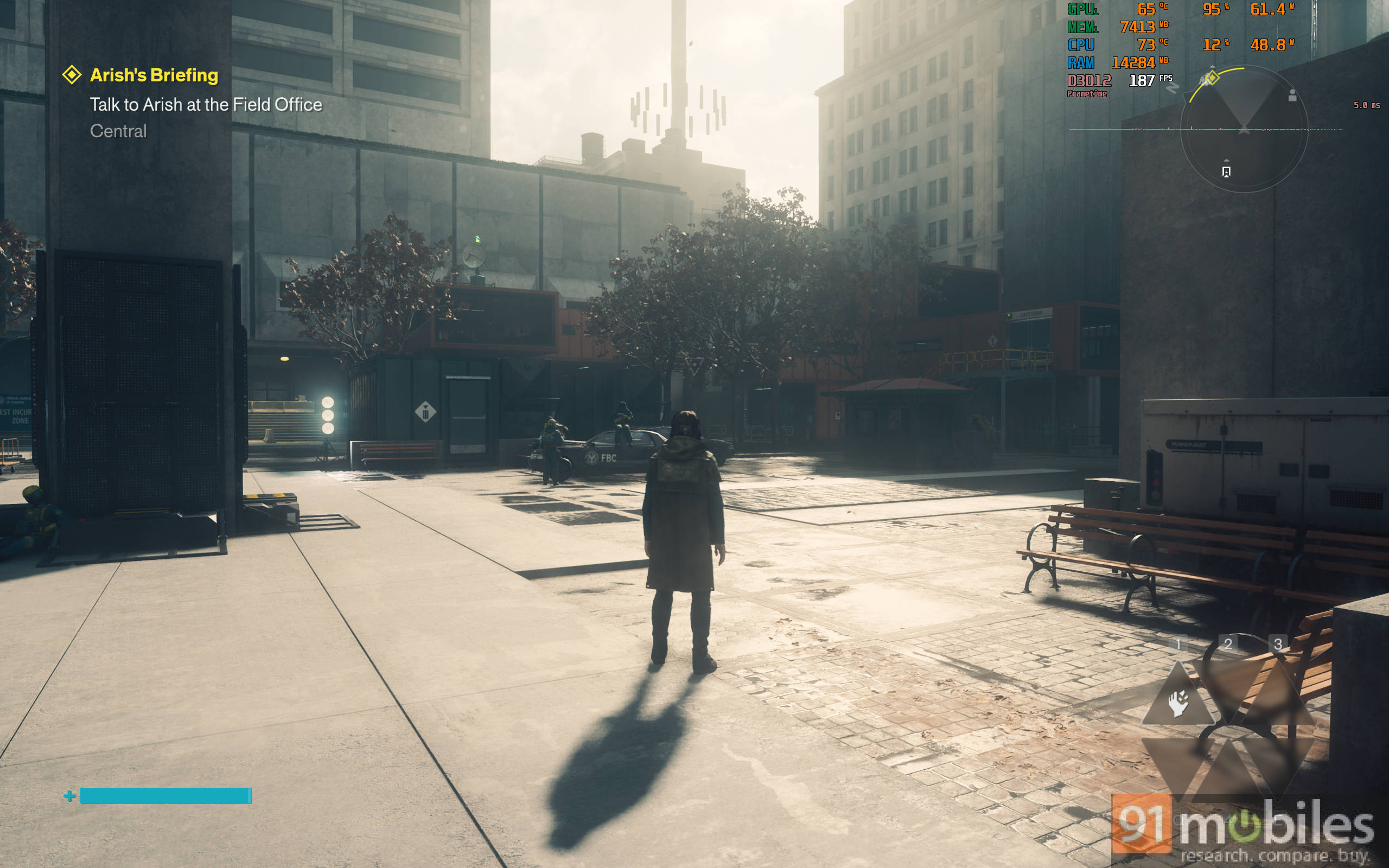
What impressed me more was that even with the higher levels of Frame Generation enabled, I didn’t notice any actual anomalies during gameplay, including during intense fights. There were no obvious artefacts or distracting inconsistencies that took away from the experience. Considering the visual quality on offer and the performance I was getting, Control: Resonant proves to be a very well-optimised game on PC.
Ray Tracing: a visual uplift that doesn’t hamper performance
The game’s recommended ray tracing preset for 1440p was Medium (with upscaler), and it worked beautifully. I’m usually hesitant about ray tracing in new titles since it can be hit or miss and often comes with a massive performance cost. However, that isn’t the case here. Remedy’s Northlight engine is known for its ray tracing capabilities, and it clearly lives up to the hype.
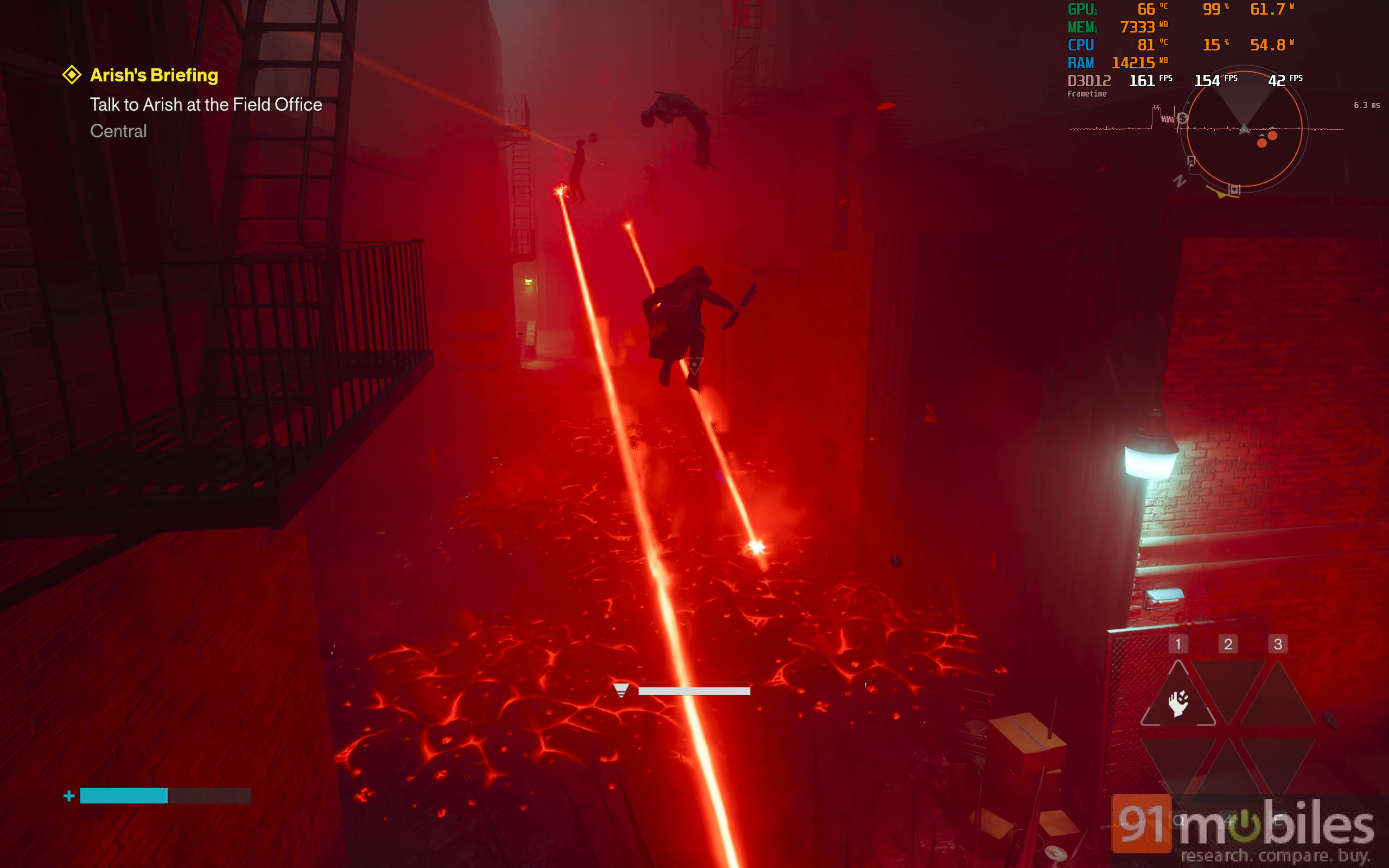
With ray tracing set to Medium and my settings I shared earlier, I got around 65-75fps with 2x Frame Generation. Switching to 6x Frame Generation kept me around 150-160fps in the open world, with occasional dips into the 140s during fights and boss battles. Even then, the game remained very smooth, with a mostly flat frame time, which is an impressive feat. In my time with ray tracing enabled (about 2 hours of gameplay), I noticed no major issues or lighting problems, even during the extremely fast-paced fights.
Ray-tracing, as we all know it, is also extremely resource-intensive. The Low preset doesn’t make a big difference but introduces a heavy performance hit, so you’d need at least Medium settings to make a substantial difference. This means you’ll need at least a newer RTX 50-series GPU with 8GB VRAM if you want to use it comfortably.
Personally, I find the game’s baked-in lighting and global illumination pretty good already, and you can rely on that too if ray tracing is too demanding on your system. The only minor issue I noticed was some discrepancy in mirror reflections on buildings while jumping or moving quickly, but it was nothing jarring. Overall, ray tracing is beautifully implemented here, and if you have the hardware to run it, it is well worth the cost, especially at the higher presets.
Final thoughts
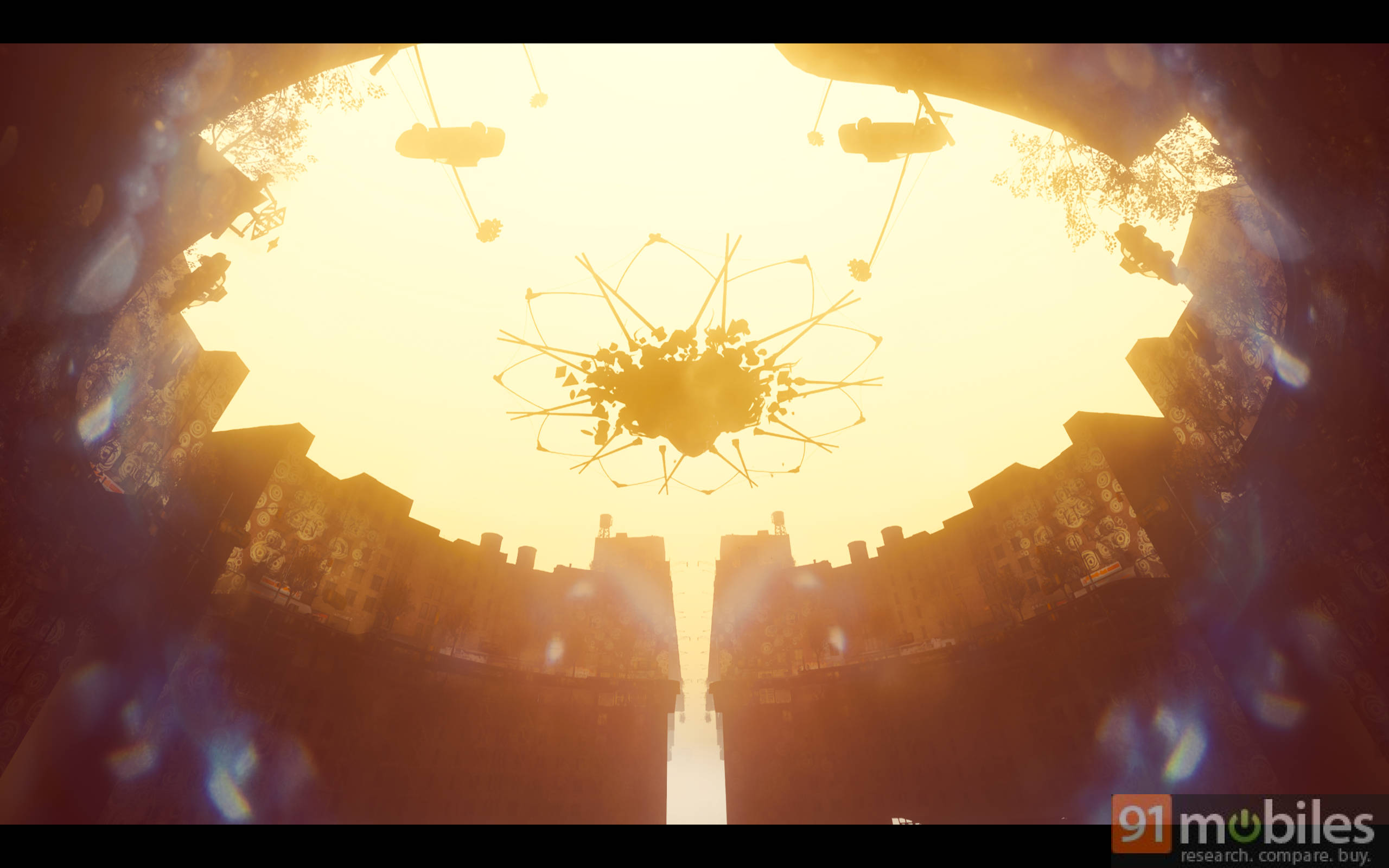
Control: Resonant is a beautiful game that carries forward the classic Control aesthetic with deep reds, striking blues, and some genuinely wild, enigmatic scenes. Remedy has managed to sharpen up the visual experience without losing what made the original so distinctive, and it looks excellent even without ray tracing.
What impressed me most, however, is just how well-optimised the game is. Poor PC optimisation has become rather common lately, and Control: Resonant is an exception to the rule, which is very reassuring. Most of the settings work as intended, Frame Generation holds up pretty well even during fast-paced combat, and the game maintains a smooth experience without major visual issues.
There is plenty here for enthusiasts to tweak and experiment around, but you don’t need to spend hours min-maxing the settings to get a good experience. The recommended presets are well tuned, while newer RTX 50-series GPUs can push higher settings, ray tracing and Multi-Frame Generation without much trouble. Overall, Remedy has done an excellent job with the PC version, and the experience should only get better as day-one patches and newer drivers arrive.
Editor’s Rating: 9/10
Pros
- Excellent PC optimisation with consistently smooth performance
- Extensive graphics settings with well-tuned presets
- Multi-Frame Generation work remarkably well
- Excellent visuals with strong lighting and ray tracing implementation
Cons
- Ray tracing is extremely resource-intensive for the visual gains it offers
- No Intel XESS upscaling option