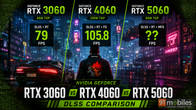
I’ve seen NVIDIA RTX Spark in action several times over the past few months. I’ve attended demos, watched NVIDIA showcase its capabilities, and listened to the company explain why it believes this platform could change personal computing. All of it sounded promising, but there’s only so much that can be understood by watching someone else use a machine.
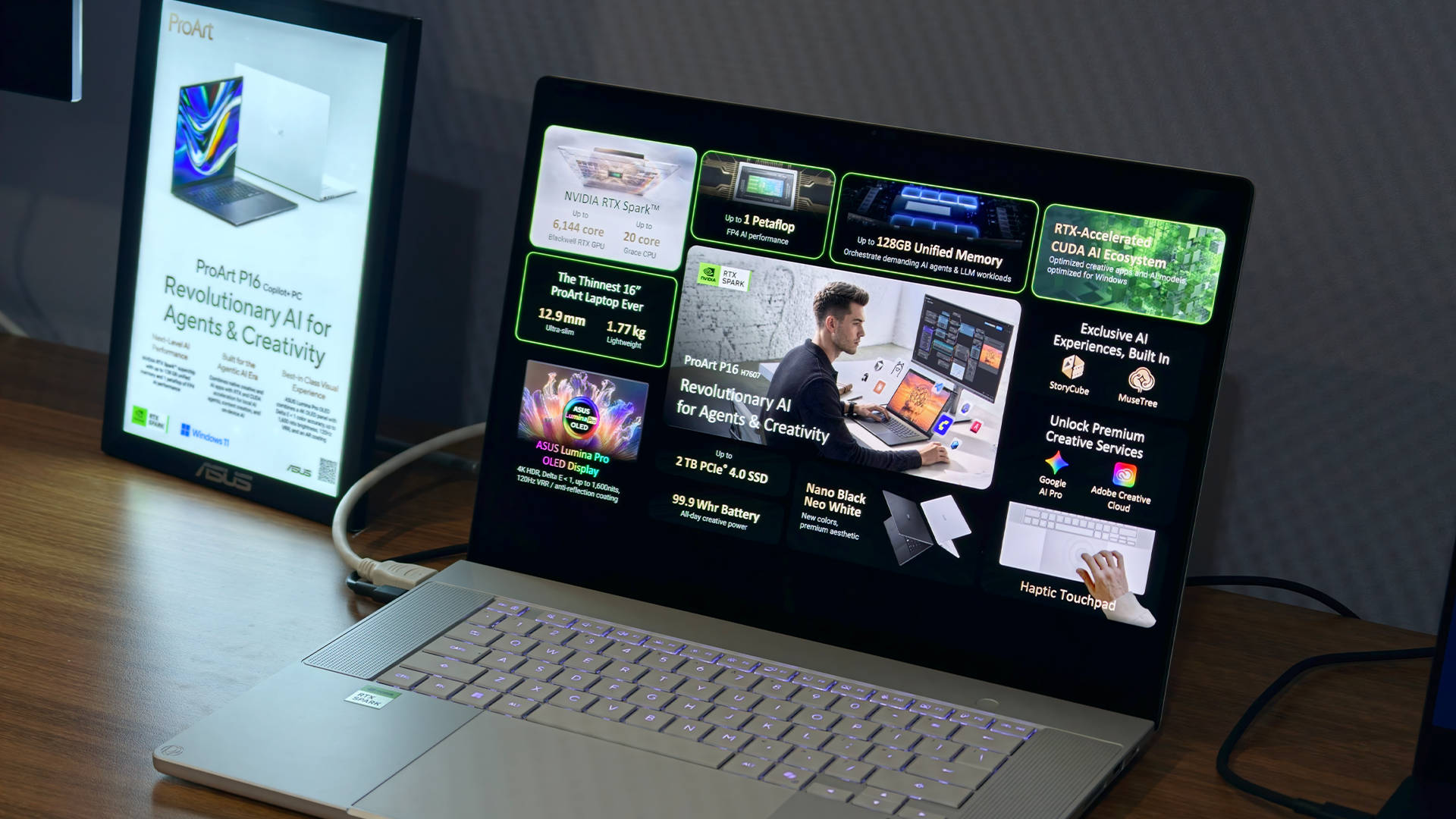
Things got considerably more interesting when NVIDIA loaned me an ASUS ProArt laptop powered by RTX Spark for testing. I’ve spent the past week experimenting with it, setting up AI agents, exploring creative applications, and playing games. And somewhere along the way, my perspective on what I want from a computer began to change.
This isn’t a conventional laptop review. I’ll save the detailed performance comparisons, pricing discussion, and hardware verdict for the full review when the embargo lifts. Instead, I want to talk about RTX Spark as a computing platform, how I’ve been using it, and why I think it could represent something more interesting than another powerful processor. Because the most exciting thing about RTX Spark isn’t simply how fast it can be. It’s what it allows a computer to do.
Table of Contents
Setting up an AI agent is surprisingly easy
One of the biggest challenges with AI agents is getting started. It’s one thing to read about an agent that can organise files, install applications, or automate repetitive tasks. It’s quite another to figure out which software to install, which models to download, and how to connect everything without spending an entire evening buried in documentation.
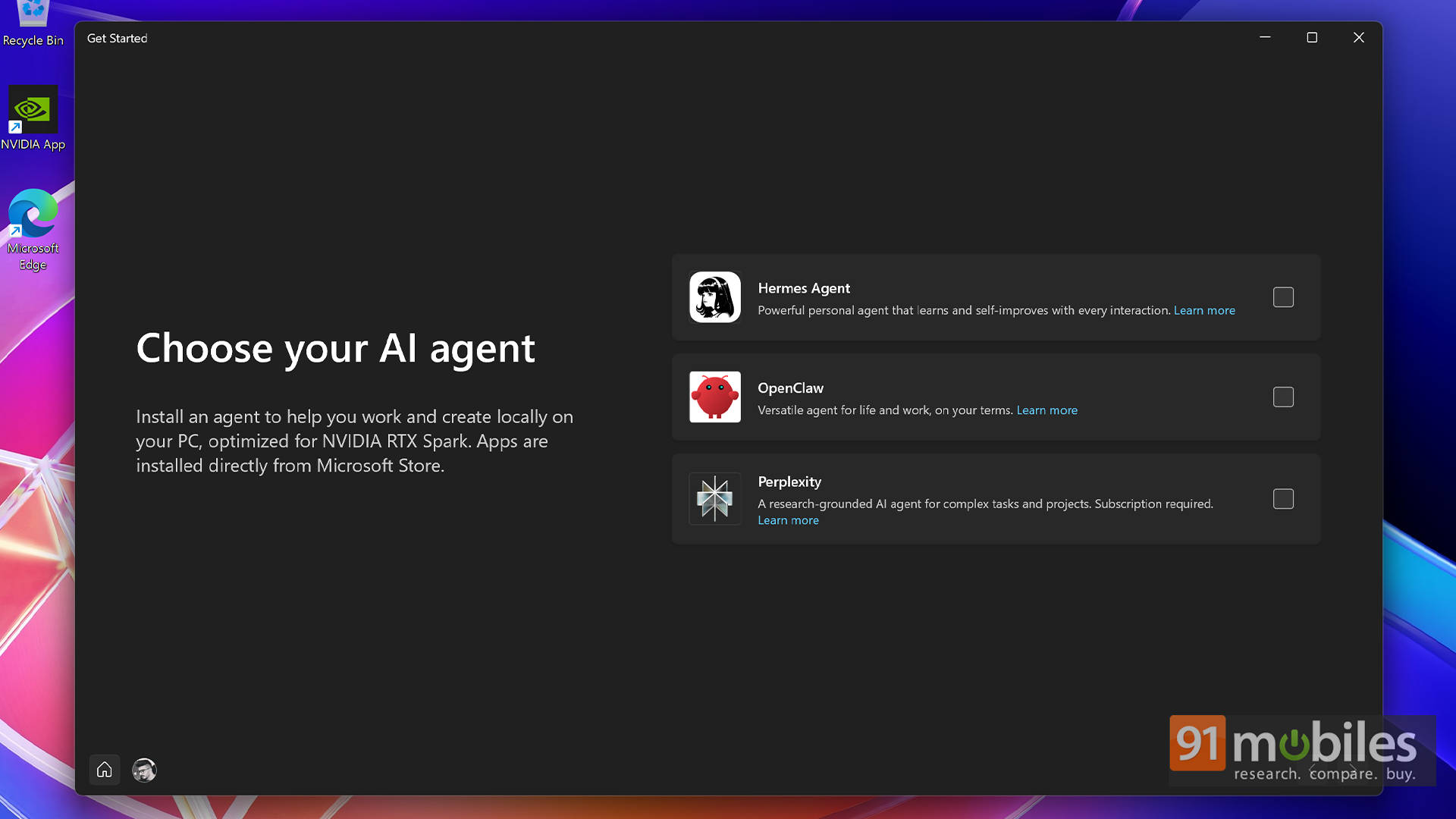
NVIDIA and Microsoft appear to have recognised this problem. When setting up the RTX Spark-powered laptop, Windows offers options to get started with AI agents such as Hermes, OpenClaw, and Perplexity. There are explanations to help users understand what these tools do and which might suit their requirements.
I went with Hermes, which I found better suited to my needs. OpenClaw may appeal to users who want agents running continuously, while Perplexity offers a different approach to AI-assisted work. There’s no need to limit the experience to a single agent, either.
What impressed me was how straightforward the initial setup was. Once Hermes was installed, I could use natural language to ask it to install additional components and configure the environment it needed. Instead of manually tracking down every dependency, I could tell it what I wanted and let it work through the process.
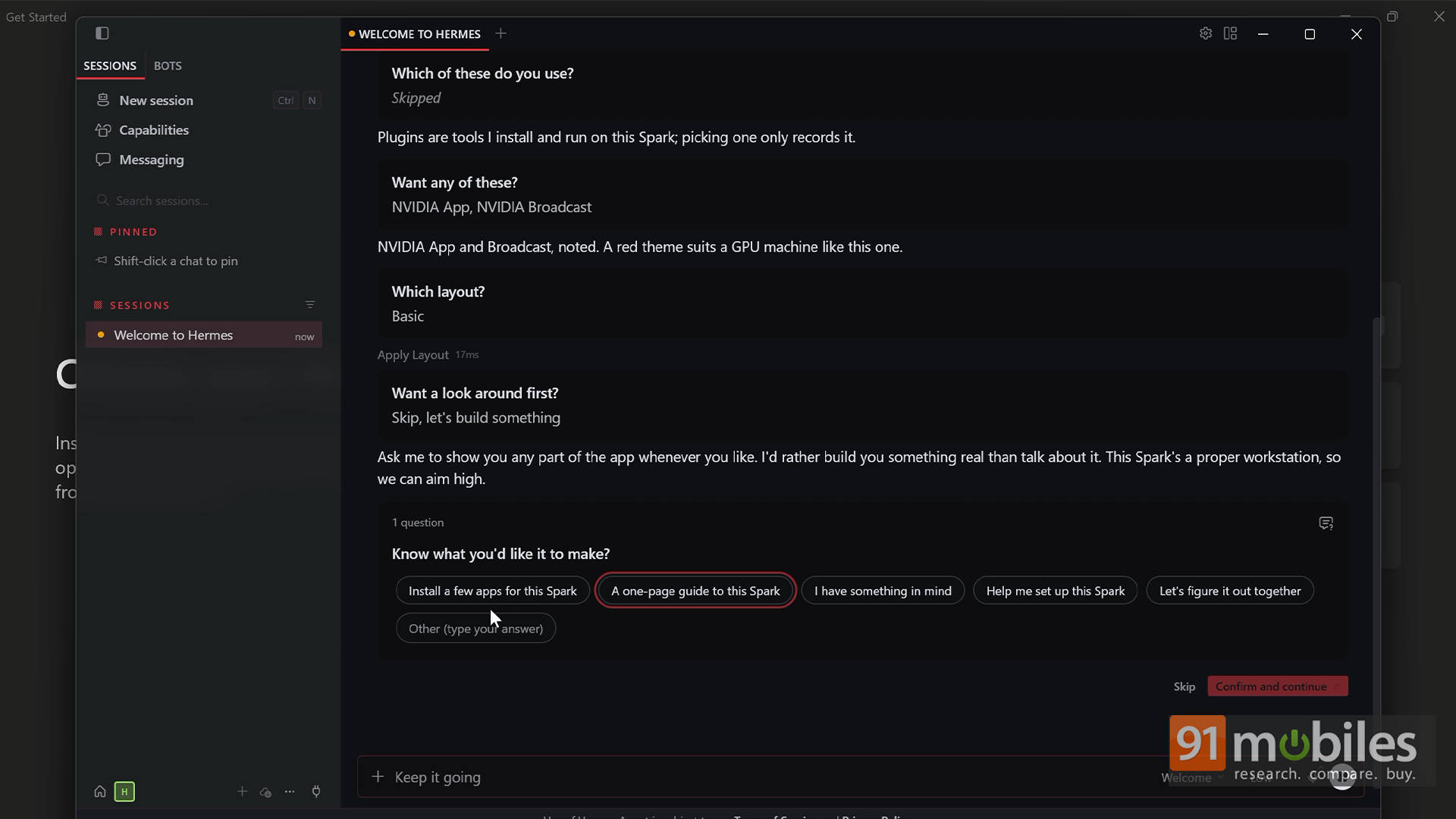
That might sound like a small convenience, but it removes a significant barrier to entry. AI agents can be intimidating for people who aren’t comfortable configuring software environments. You don’t have to figure out what’s the right model for you, what’s the right version, where to download it, and what all. Everything is done for you. And honestly speaking, making the initial experience approachable is an important step towards making them useful beyond a relatively small group of enthusiasts. Once everything is running, the possibilities become considerably more interesting.
My AI agent now helps me manage my work
As someone who spends much of the day researching products, handling review material, and juggling multiple editorial projects, I have plenty of repetitive tasks that could benefit from automation.
I’ve started setting up Hermes to help organise my work and manage information. The idea is simple: rather than manually sorting everything myself, I can give the agent instructions in natural language and let it handle parts of the process.
The bigger advantage, however, is where that processing happens.
A conventional AI chatbot is convenient, but working with it can mean relying on cloud services, dealing with usage limits, or paying for subscriptions and API calls. With RTX Spark, compatible AI models can run directly on the device, allowing supported tasks to be processed locally without sending every request to a remote server. For my work, that distinction matters.
Product reviewers regularly handle information that isn’t ready for public consumption. Embargoed product details, preliminary findings, internal notes, and research material aren’t things I want to upload indiscriminately to online services. I can now experiment with an AI agent that works with my information locally, giving me greater control over where that data goes.
Of course, local processing doesn’t automatically guarantee privacy. An agent can still access the internet or communicate with external services if configured to do so. The advantage comes from having greater control over the setup and being able to keep appropriate workflows offline.
There are other practical applications, too. Someone returning from a holiday could ask an agent to organise hundreds of photographs. A journalist could use one to structure research notes. A developer could automate parts of a coding workflow. These aren’t entirely new ideas. What’s interesting is how much easier it can be to start experimenting with them when the hardware, software, and setup experience work together.
Why RTX Spark makes local AI more interesting
Of course, local AI isn’t exclusive to RTX Spark. It is possible to run models on conventional computers, including Macs and other Windows PCs. I’ve experimented with local AI tools before, and the experience can be rewarding. The difference is that RTX Spark is designed around bringing substantial AI compute capabilities to a personal computing device.
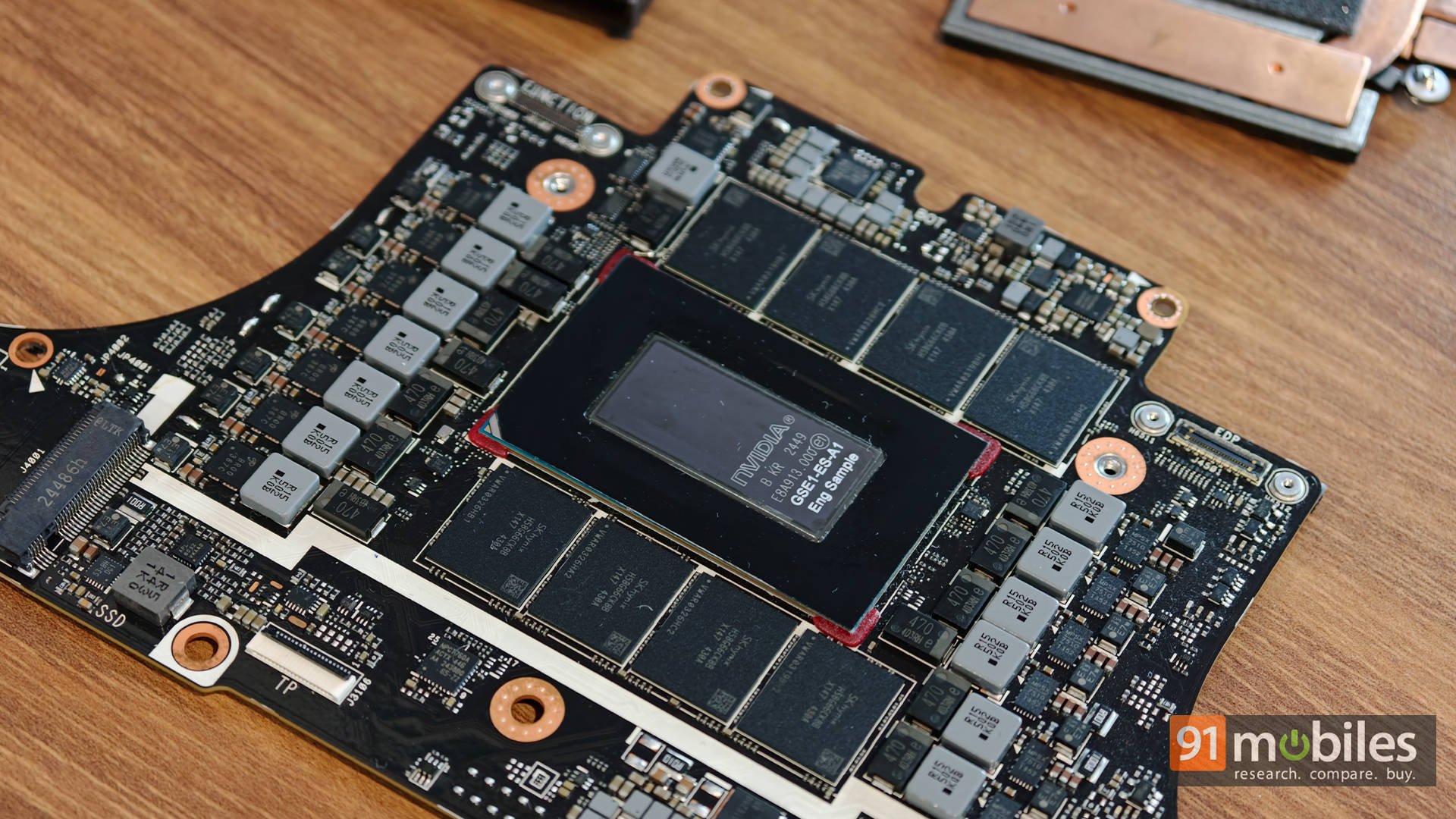
The platform combines NVIDIA’s Blackwell GPU architecture with a Grace CPU and unified memory. Depending on the configuration, the GPU can offer up to 6,144 CUDA cores, while the CPU can feature up to 20 Arm-based cores. The platform supports up to 128GB of unified LPDDR5X memory, with peak memory bandwidth of up to 300GB/s. It also uses NVLink-C2C to provide up to 600GB/s of bidirectional bandwidth between the CPU and GPU. This is particularly relevant to AI workloads, where moving large amounts of data between processing components can become a bottleneck.
The important part is how these components work together. AI models can demand substantial memory, particularly as their size and complexity increase. A platform with a large unified memory pool and substantial bandwidth can accommodate workloads that might be difficult to run on a conventional system with more limited GPU memory.
This doesn’t mean every model will run equally well, or that RTX Spark will outperform every alternative in every workload. Model selection, quantisation, software optimisation, and the task itself all matter. But it does make the platform appealing to people who want to experiment with local inference, AI agents, and more involved workflows without depending entirely on cloud computing.
For me, the most significant benefit isn’t avoiding a subscription fee. It’s having a computer that gives me more freedom to experiment with AI without constantly thinking about where the processing happens.
AI agents could change creative workflows, too
The potential extends beyond research and file management. During NVIDIA’s demonstrations, I saw how an AI agent could be connected to applications such as DaVinci Resolve to automate parts of a video-editing workflow. For instance, an agent could help perform basic cuts based on instructions rather than requiring every step to be carried out manually.
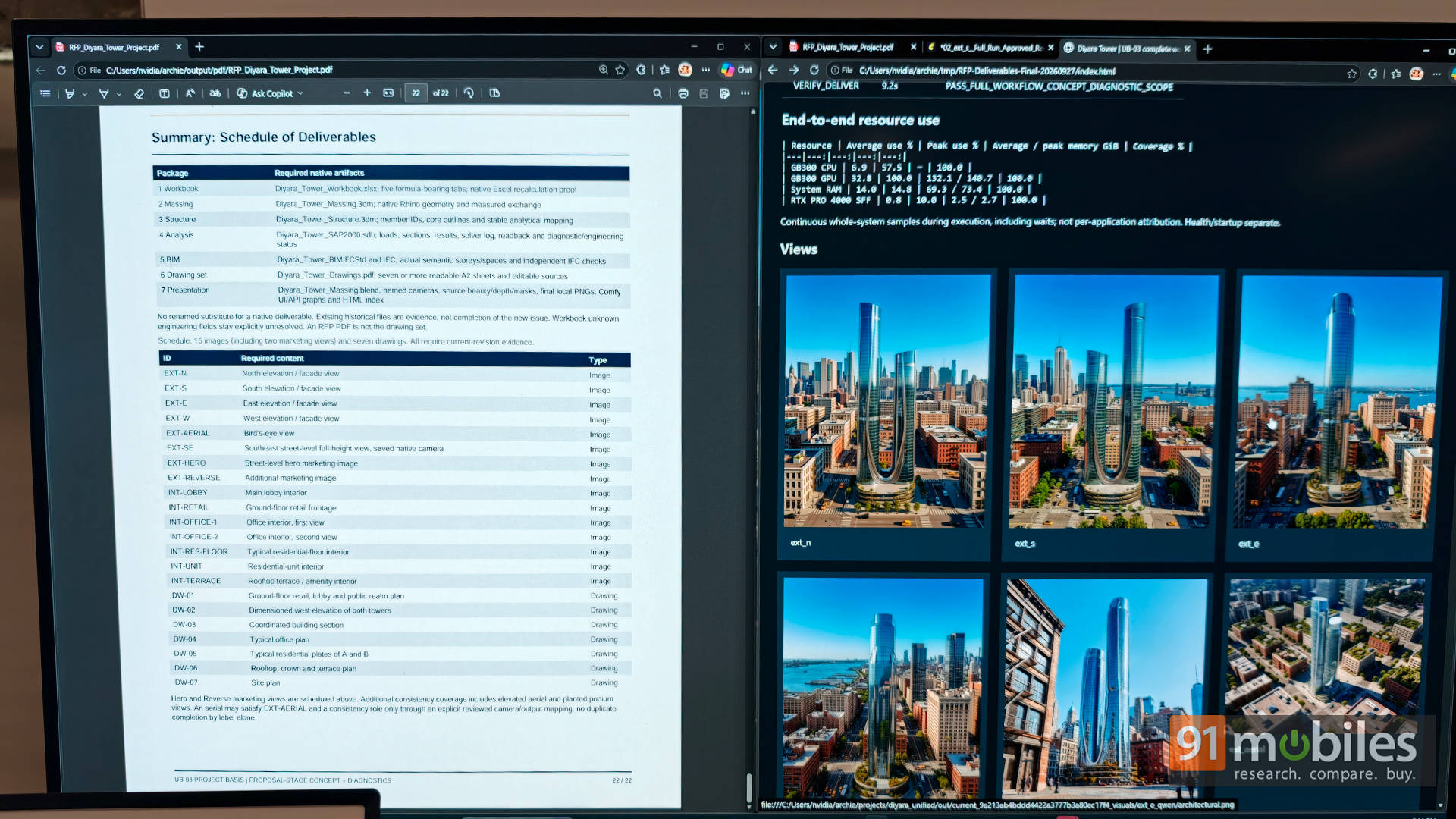
The interesting part is that users don’t necessarily have to build every integration from scratch. With the right tools and configuration, an agent can help set up parts of a workflow in response to natural-language instructions. That’s an important distinction. AI automation becomes considerably more approachable when users can describe what they want to accomplish instead of having to understand every technical component required to make it happen.
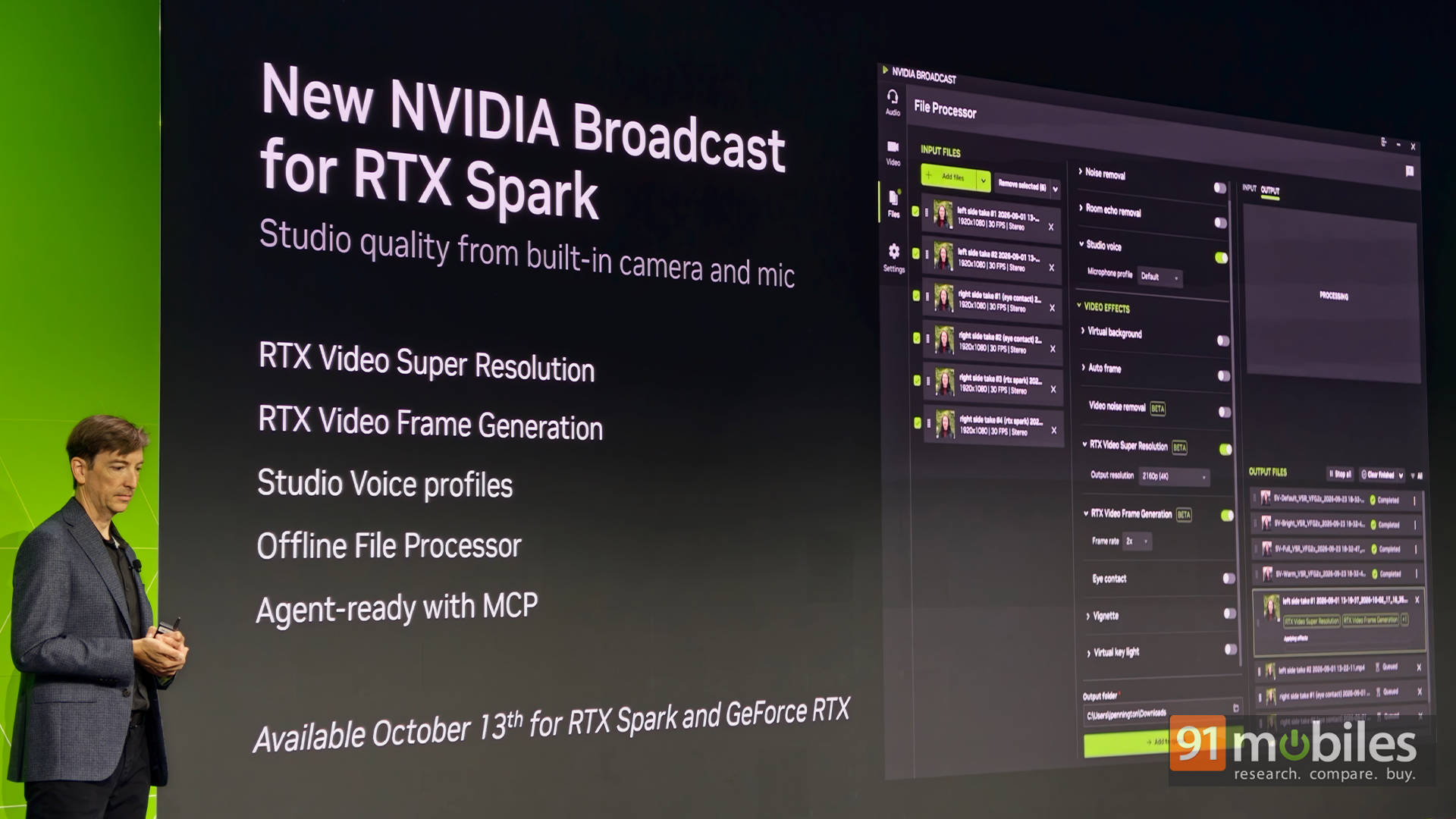
RTX Spark also supports a wider creative ecosystem. NVIDIA Broadcast offers features for improving webcam footage and audio, alongside video-processing capabilities. Tools such as ComfyUI provide another route for experimenting with image generation and processing workflows locally. For creators who regularly work with large media files, AI-assisted editing, or image-processing tools, having these capabilities available on the same machine could be useful.
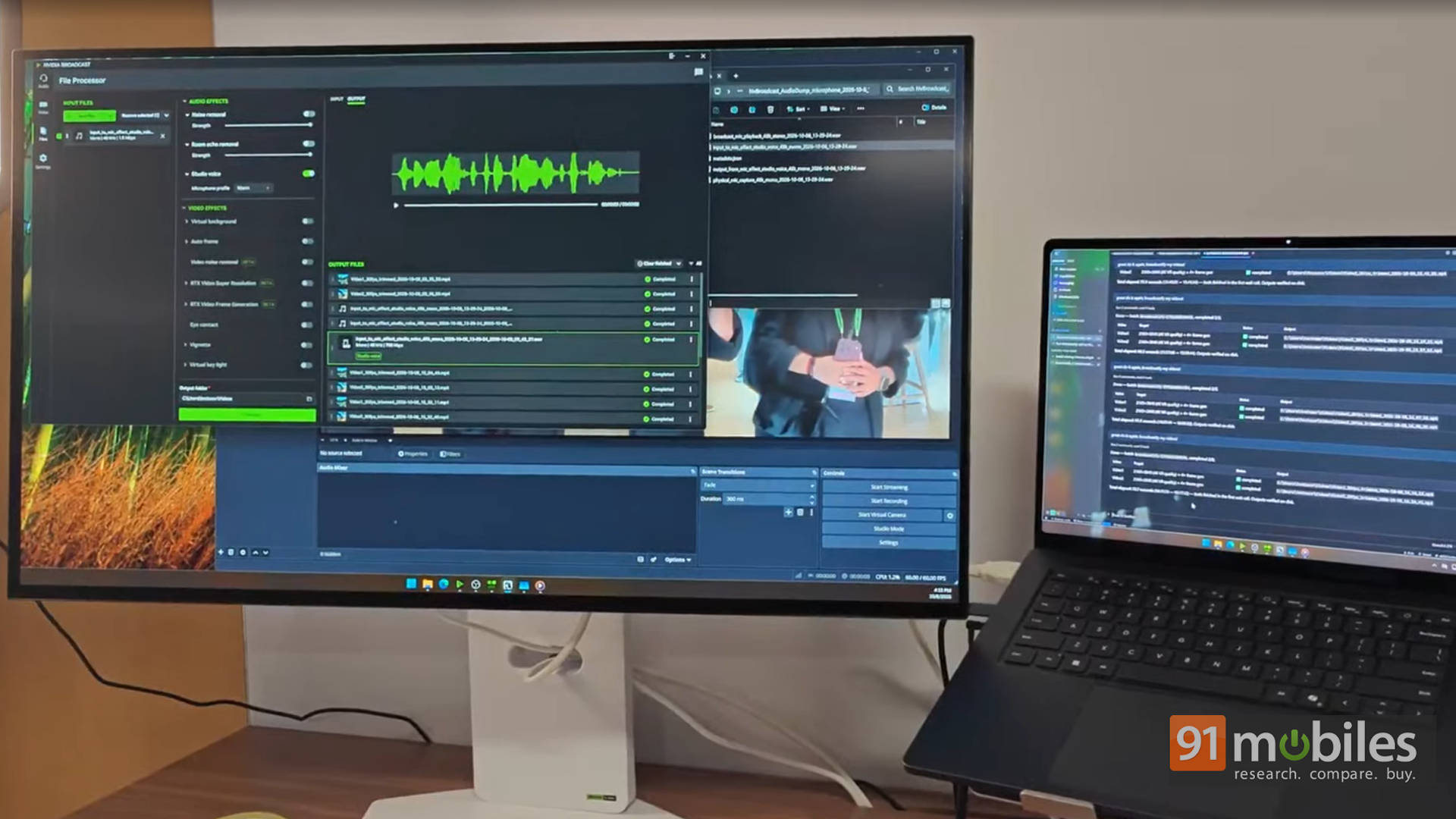
I particularly like the idea of being able to experiment with a workflow without having to send my material to an external service or pay for every processing request. It makes trying something new feel less like a commitment and more like an ordinary part of using a computer.
Yes, RTX Spark can play games, too
AI might be the headline attraction, but gaming is another interesting part of the RTX Spark experience. You see, the Blackwell GPU isn’t built solely for AI inference. It also brings NVIDIA’s RTX graphics capabilities, including hardware-accelerated ray tracing and support for technologies such as DLSS.
During my testing, I was able to play games at Quad HD resolutions, with supported titles delivering more than 60 frames per second at high settings. DLSS can make a meaningful difference here, helping improve performance while maintaining image quality.
There’s an important caveat: results depend on the game, settings, and upscaling configuration. Performance with DLSS enabled also shouldn’t be confused with the frame rate produced through native rendering alone. Windows on Arm compatibility is another consideration, particularly for games that rely on specific drivers or anti-cheat systems. Still, it’s encouraging to see a platform designed around AI workloads offering a capable gaming experience as well.
I’ve seen NVIDIA demonstrate these capabilities before, but testing them myself has been a different experience. Installing the software, getting everything running, and seeing the results on a machine I’m using daily gives me greater confidence in the platform’s potential.
Of course, I wouldn’t buy RTX Spark purely as a gaming machine. But for someone who wants local AI, creative tools, and gaming in one system, having all three capabilities together makes a compelling case.
Windows on Arm is finally feeling promising
Perhaps the biggest surprise for me has been Windows on Arm. I’ve been using the RTX Spark-powered laptop for a week, and my experience has been remarkably smooth. I’ve worked with Hermes, explored ComfyUI, and tried applications including DaVinci Resolve, Premiere Pro, and Photoshop. I haven’t encountered the sort of compatibility problems I was expecting.
Microsoft’s Prism emulation layer helps run many applications originally designed for x86 or x64 processors, although results vary depending on the application and its dependencies. Add to that, NVIDIA’s work with Microsoft on Windows scheduling, power management, graphics, and AI integration appears to be helping deliver a more cohesive experience.
Now, I want to stress that this is my experience with a pre-release system. Other users may encounter issues, and developers still need time to optimise applications for the platform. One week of testing also isn’t enough to establish how the system will behave across every workload. Even so, I find it encouraging. Windows on Arm has needed more than impressive specifications; it has needed an experience that feels dependable in everyday use. So far, RTX Spark has given me a taste of what that could look like.
RTX Spark feels like a glimpse of computing’s next chapter
RTX Spark has already changed how I think about using a computer. From running AI agents locally and automating my workflow to editing videos and playing games, it feels less like a machine that simply runs applications and more like one that can actively help get things done. Sure, AI agents still need supervision, and there’s plenty of room for improvement. But the fact that I can build these workflows without constantly worrying about cloud dependencies or complicated setups makes RTX Spark genuinely exciting.
I’ve only scratched the surface of what this platform can do, and that’s precisely what makes it promising. RTX Spark isn’t just about making today’s computing faster; it’s about making tomorrow’s computing more capable. A PC that can think locally, work alongside its user, and seamlessly switch between AI, creativity, and gaming? That’s a future I can get behind. And if this is just the beginning, I’m genuinely excited to see where NVIDIA takes it next