“The HP Sprocket Plus is an upgrade over the original Sprocket and prints on a bigger size papers”
In an era of digital photography and Instagram, the need for printed photographs and sentiments attached are fast waning. Film cameras and hard copies of photographs are more of a quirk and novelty today than anything else. It’s this aspect of printed photos that HP is banking on with the launch of its Sprocket series of portable smartphone printers. The latest in the series is the Sprocket Plus, which is a minor upgrade over the original Sprocket. I used the Sprocket Plus for a while and here’s what I think of it.
Table of Contents
What is HP Sprocket Plus, Zink and how it works
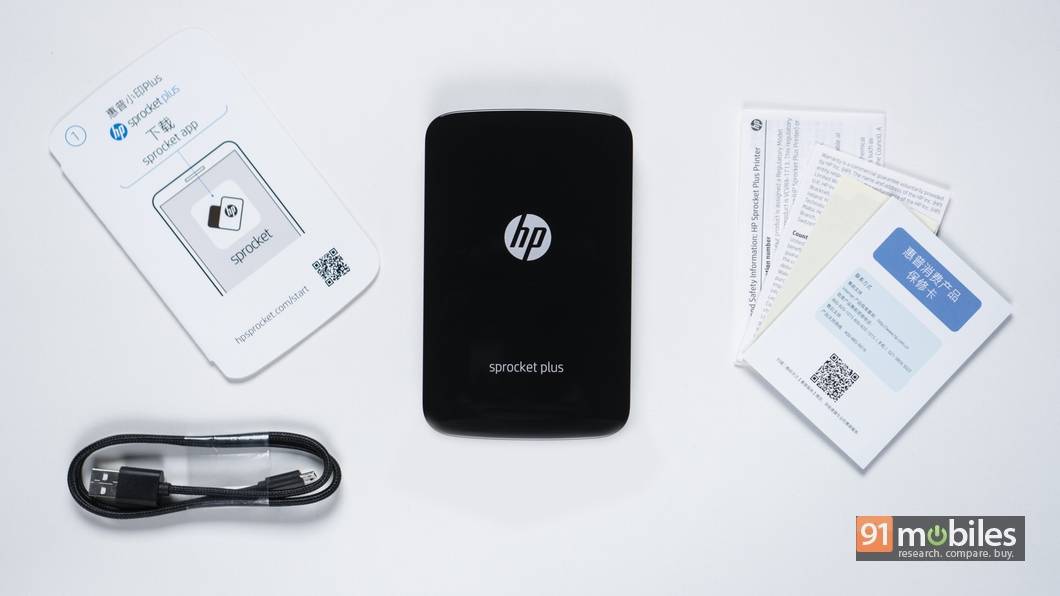
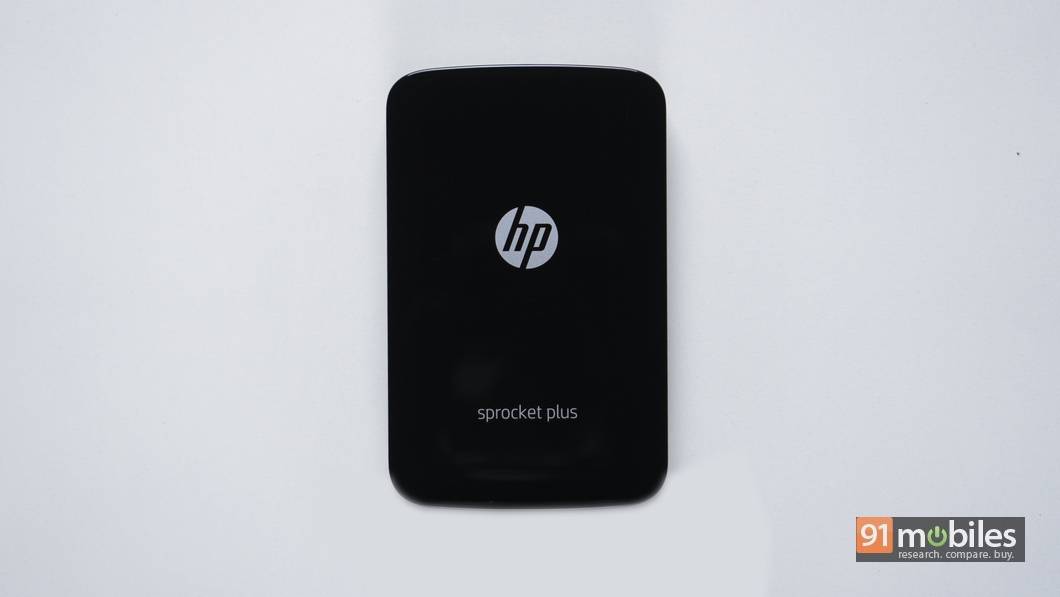
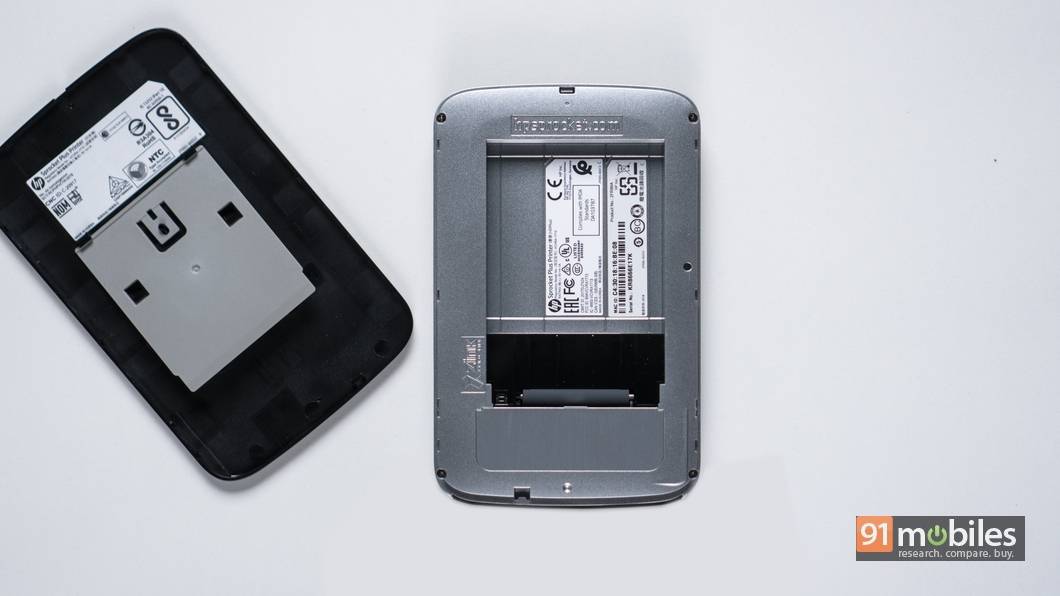
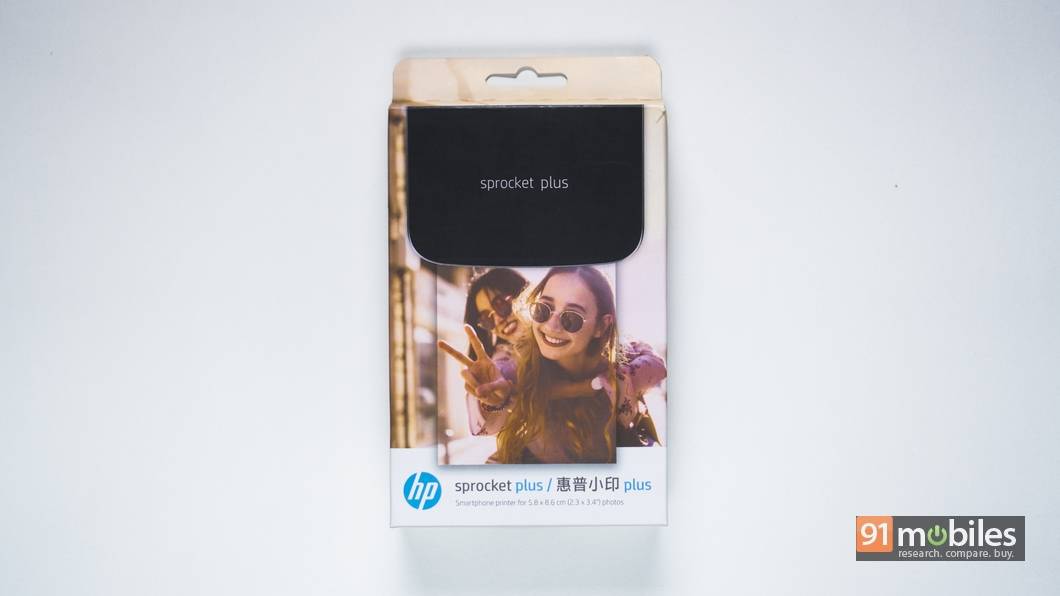
Before I give you my insights into the gadget, let’s get the details out of the way. We have earlier posted our first impressions of the HP Sprocket, which is the first generation smartphone printer from the company. The HP Sprocket Plus is a minor upgrade over the original in the sense that it now uses larger 2.3 x 3.4-inch (5.8 x 8.6 cm) paper, which is 30 percent bigger compared to the previous Sprocket. The new Sprocket Plus features Bluetooth 4.0 and a 900mAh battery, as compared to Bluetooth 3.0 and 500mAh battery on the original. In essence, the Sprocket Plus offers faster and stable connectivity with smartphones and also lasts longer on a single charge.
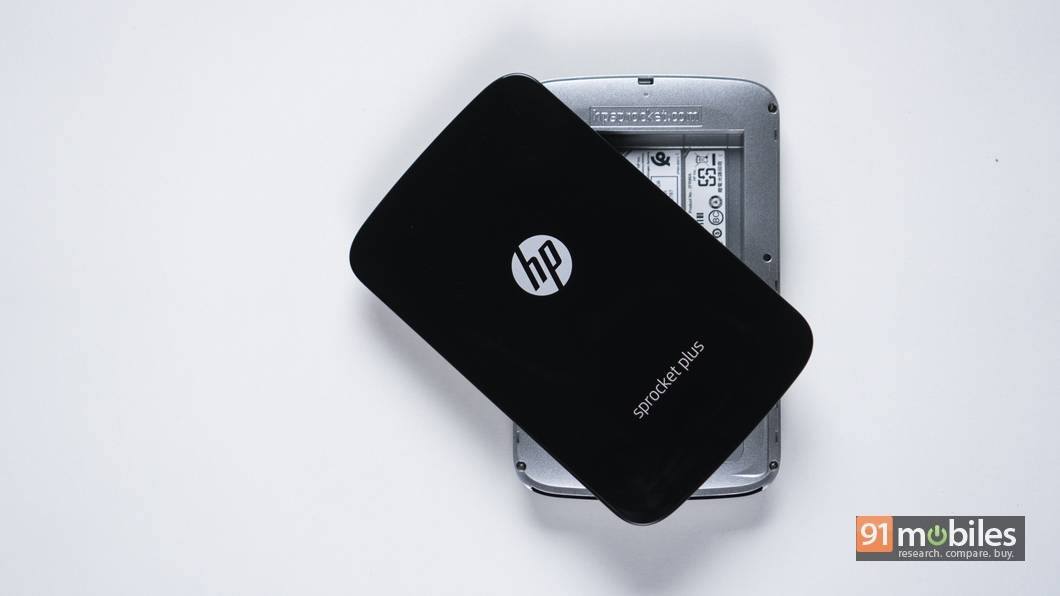
Apart from these differences the functioning of the printer remains the same as it still uses the Zink (Zero Ink) technology, which was originally developed by Polaroid, and was then spun off as a separate company. Zink technology uses a special paper which comes with a layer of yellow, cyan and magenta crystals. While printing a picture, the Sprocket Plus heats up the paper at different temperatures on different areas to activate the crystals and produce the final result.
As mentioned before, the Sprocket Plus connects to your smartphone using the Bluetooth 4.0 connectivity and the HP Sprocket App, which can be downloaded from the Google Play Store or App Store on iOS.
How does the HP Sprocket Plus fare
The best thing I like about the HP Sprocket Plus is how easy it is to use the device. After downloading the HP Sprocket app from the Play Store, the smartphone pairs with Sprocket Plus in the blink of the eye. Speaking of the app, the HP Sprocket application let you access the pictures on your phone, Instagram, Facebook and Google Photos from within the interface. You can select any picture, edit it and send it to the Sprocket Plus for printing. Further, the app uses Augmented Reality (AR) to add contextual information (location and date) to photos as well as a selection of borders which bring photos to life. However, the information and effects can only be viewed by pointing the viewfinder of the app at the prints.
Speaking of the prints, the Sprocket plus takes around 15-20 seconds to produce a single photograph. This is quite commendable considering that the picture is first being transferred wirelessly, processed and then printed by heating the paper at different temperatures. At first glance, the photo prints have a distinct bluish tint, though I am willing to let that go that considering this is a pocket printer and I didn’t have very high expectations to start with. If you overlook the bluish tint, the photo prints turn out to be pretty decent with a signature retro look. The prints also have a matte finish instead of glossy, which reduces the light glare and make them easier to look at. Further, the paper is smudge-proof, water-proof and comes with an adhesive back for sticking on surfaces.
Considering that a pack of 20 Zink paper sheets for Sprocket Plus retails for Rs 799 on Amazon India, I would say it’s not that easy on the pocket and is not for everyone.
How can you be creative with the HP Sprocket Plus?
HP has included a nifty feature called Reveal in the gadget, which uses AR to work. What Reveal does is fetch information like location and date attached to the image and add it to the print. This way when you look at the print through the viewfinder in the Sprocket app, the software will pull up the relevant images, videos and other information from the date and location embedded in the print. This nifty feature lets you create an entire album from a specific date or event by printing a single picture from that time. You can purchase a physical scrapbook, print single images from memorable events, paste them in that scrapbook and write notes. Next time you are sitting with the family and want a trip down memory lane, simply pull out your smartphone/tablet/iPad, open the Sprocket app, and point at a print to pull up all the images from that particular date or event.
That’s only one aspect of what you can do with the HP Sprocket. I tried to tap into the creative side of my brain and come up with few more things that can be done with the prints and here’s a short list.
- There are few apps available on the Play Store that let you divide a picture into a grid of 6 by 6, 9 by 9 or more. Download one such app – I used Instagrid – and create a grid of 3 x 3 for any image. Print the individual pieces of the grid using the HP Sprocket Plus. Now, you have a cool-looking grid sticker of your favourite images that you can stick on any surface including your laptop, workstation etc.
- Take a picture of a portion of a frame, preferably the object that you wish to highlight, and print it using the HP Sprocket Plus. Now, take the print and hold it with your hand against the same frame and obscure the portion of the frame which is shown in the print. Now you can click a cool looking image using your smartphone or camera.
- My personal favourite is the quirky portrait. Using your smartphone, capture the full portrait of a person in three parts – head, torso till waist, and below the waist. Now, print these three parts using the Sprocket Plus and stack them on top of each other to get a quirky picture of your loved one. You can experiment more this way.
Should you buy it?
By now, I think I would have successfully established that the HP Sprocket Pluck is a fancy gadget which falls more into the novelty category. With a price tag of Rs 8,999, it’s not cheap and after factoring in the cost of the paper you will have to buy in the future, it’s an expensive affair. However, if you are someone with a creative knack and dabble in photography or art, the HP Sprocket Plus is capable of opening up a lot of possibilities.