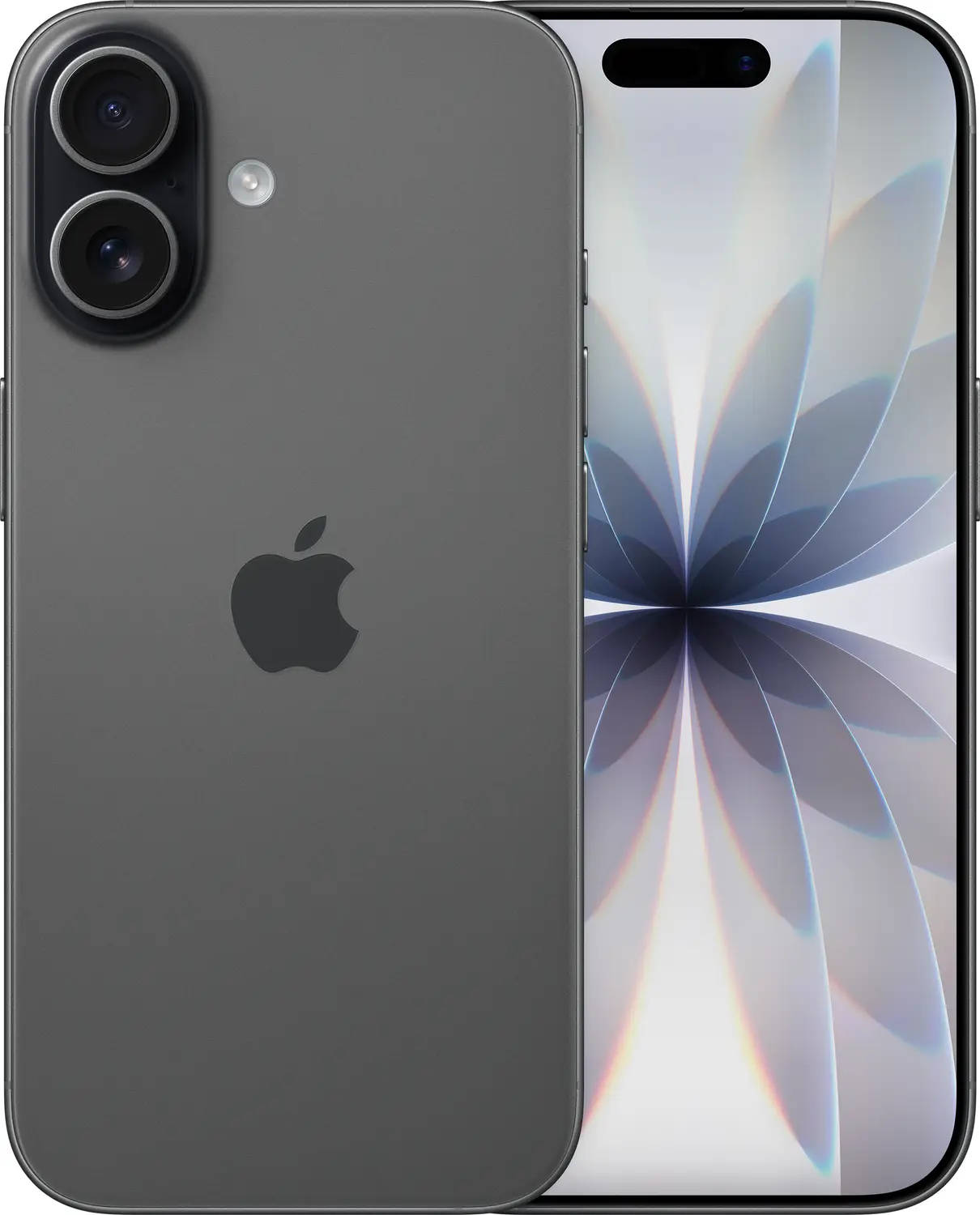
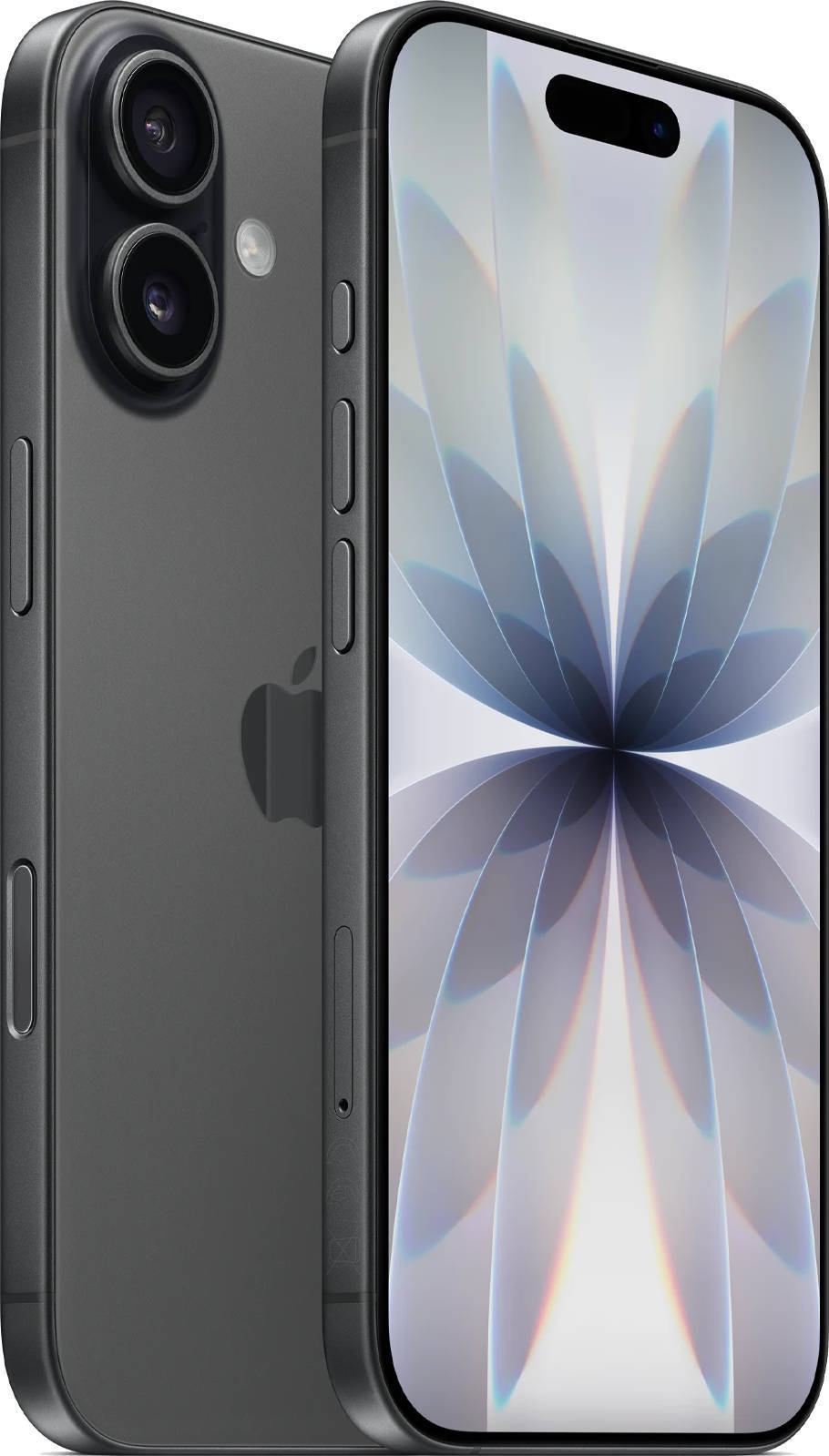
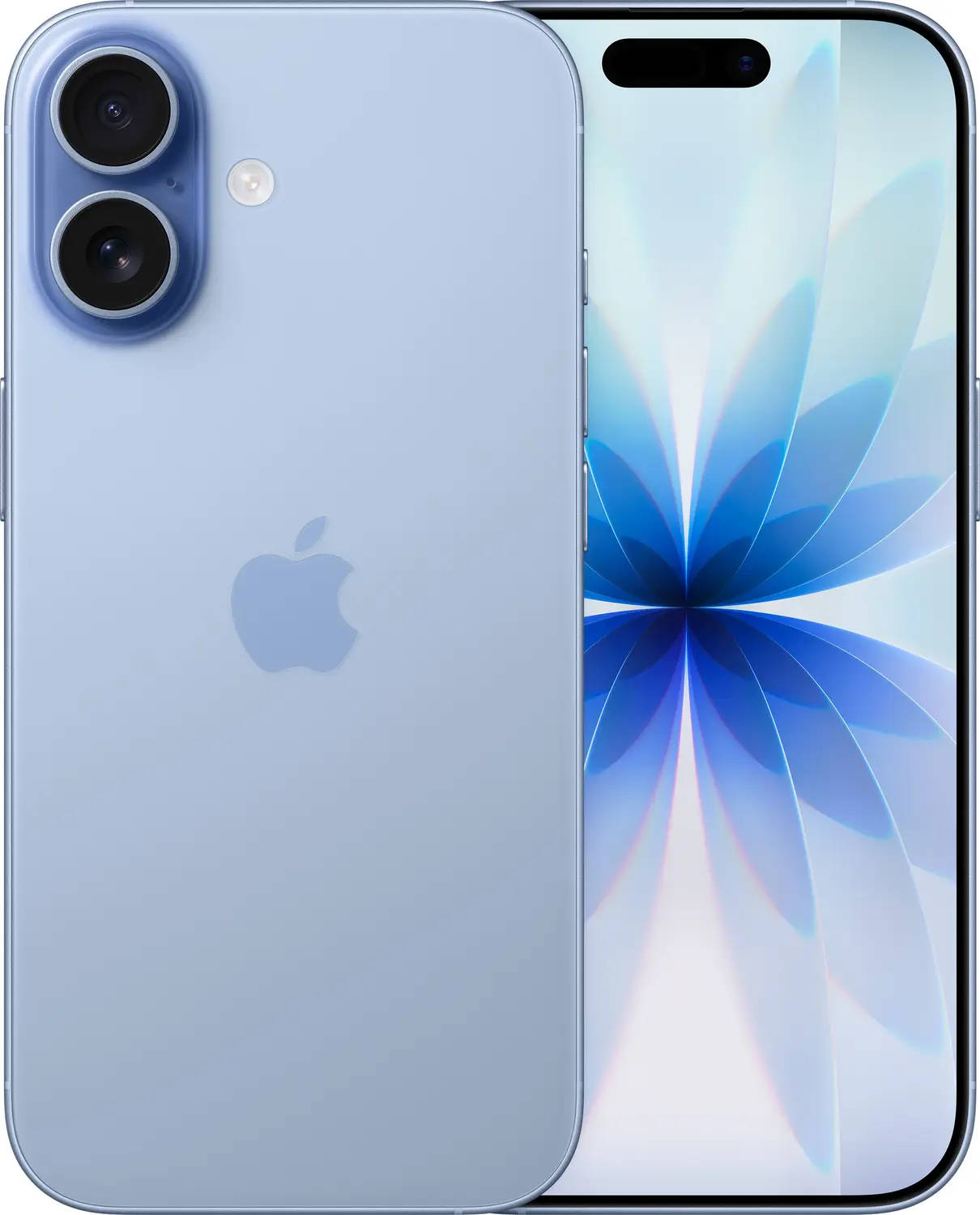
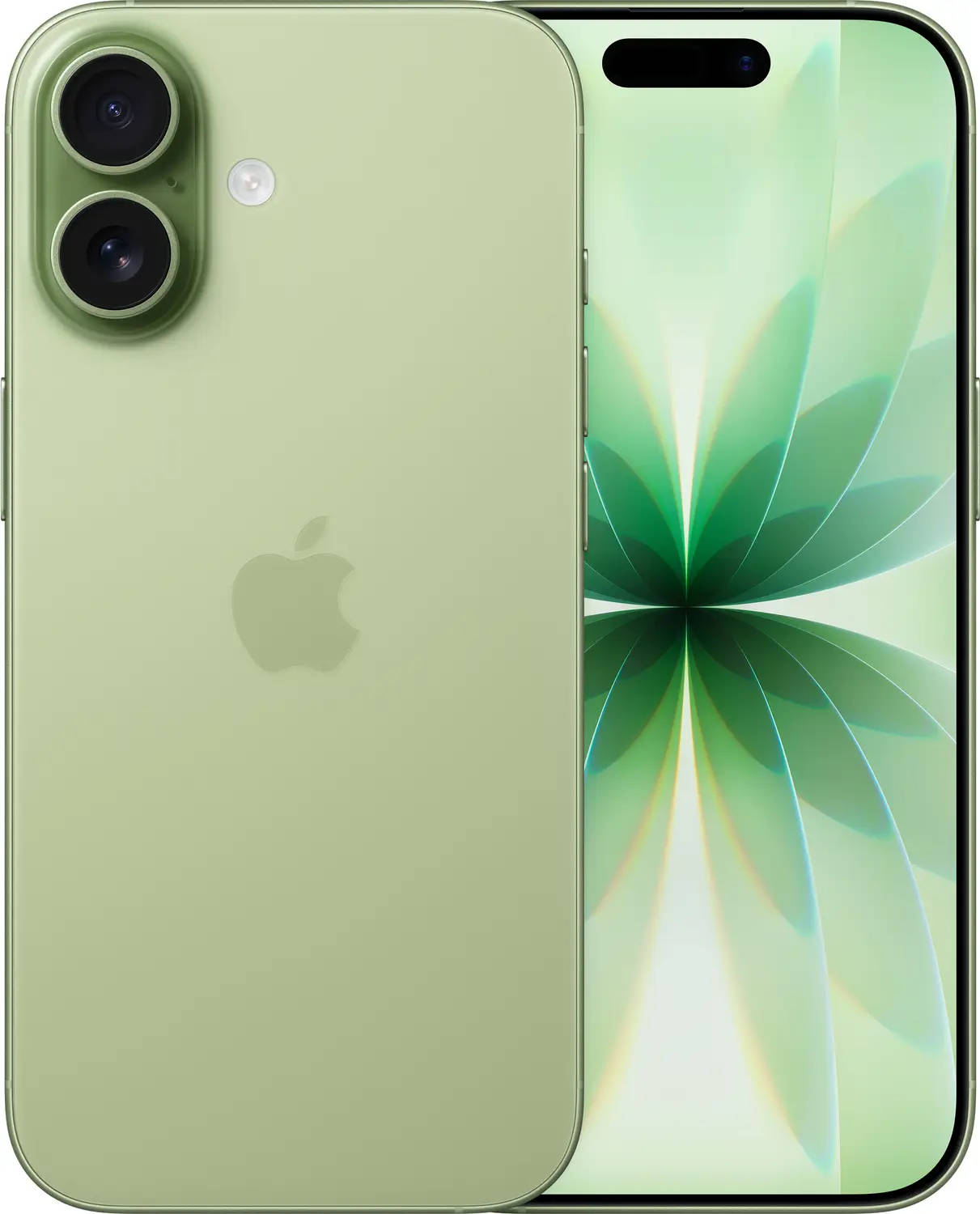
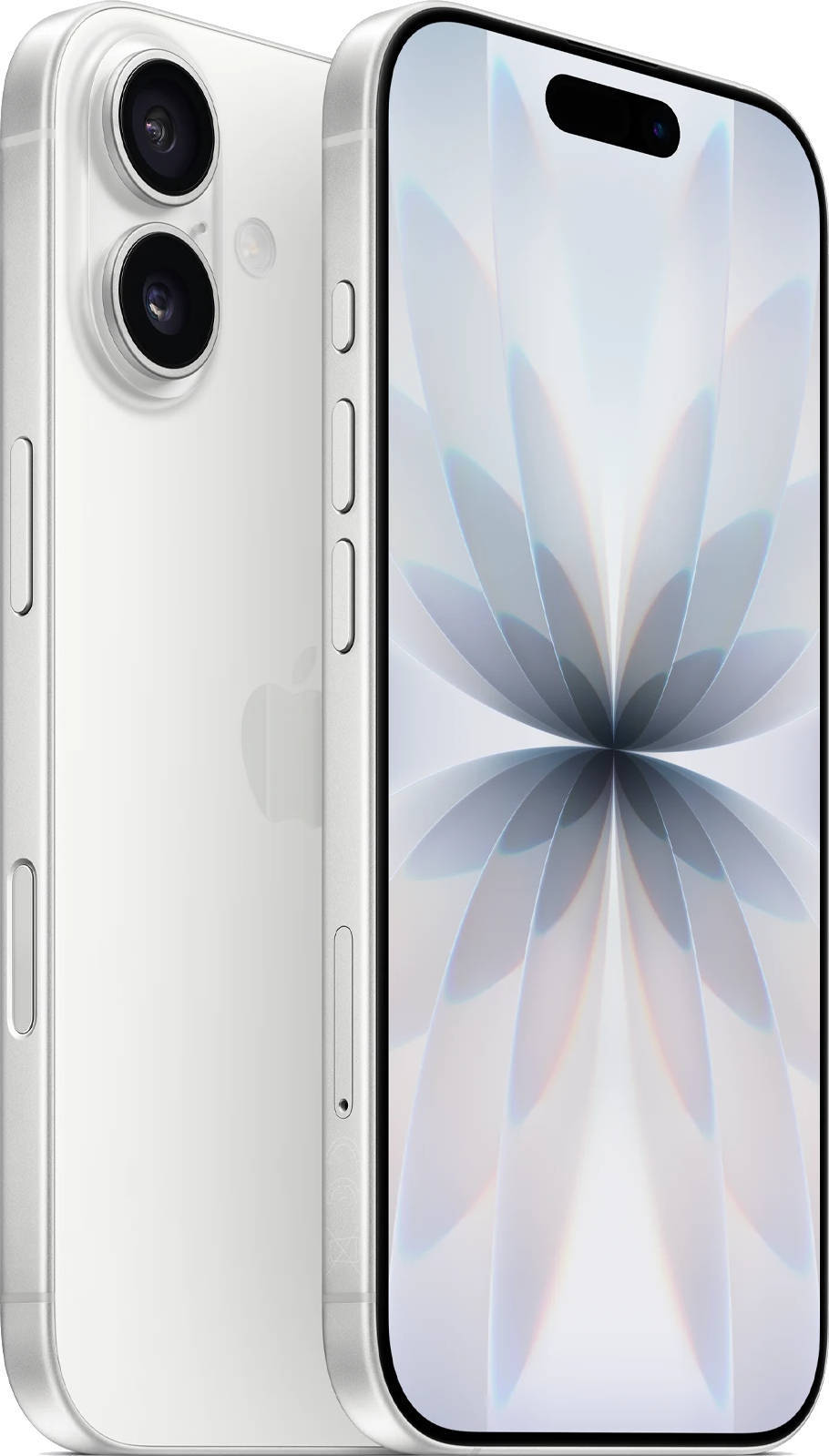
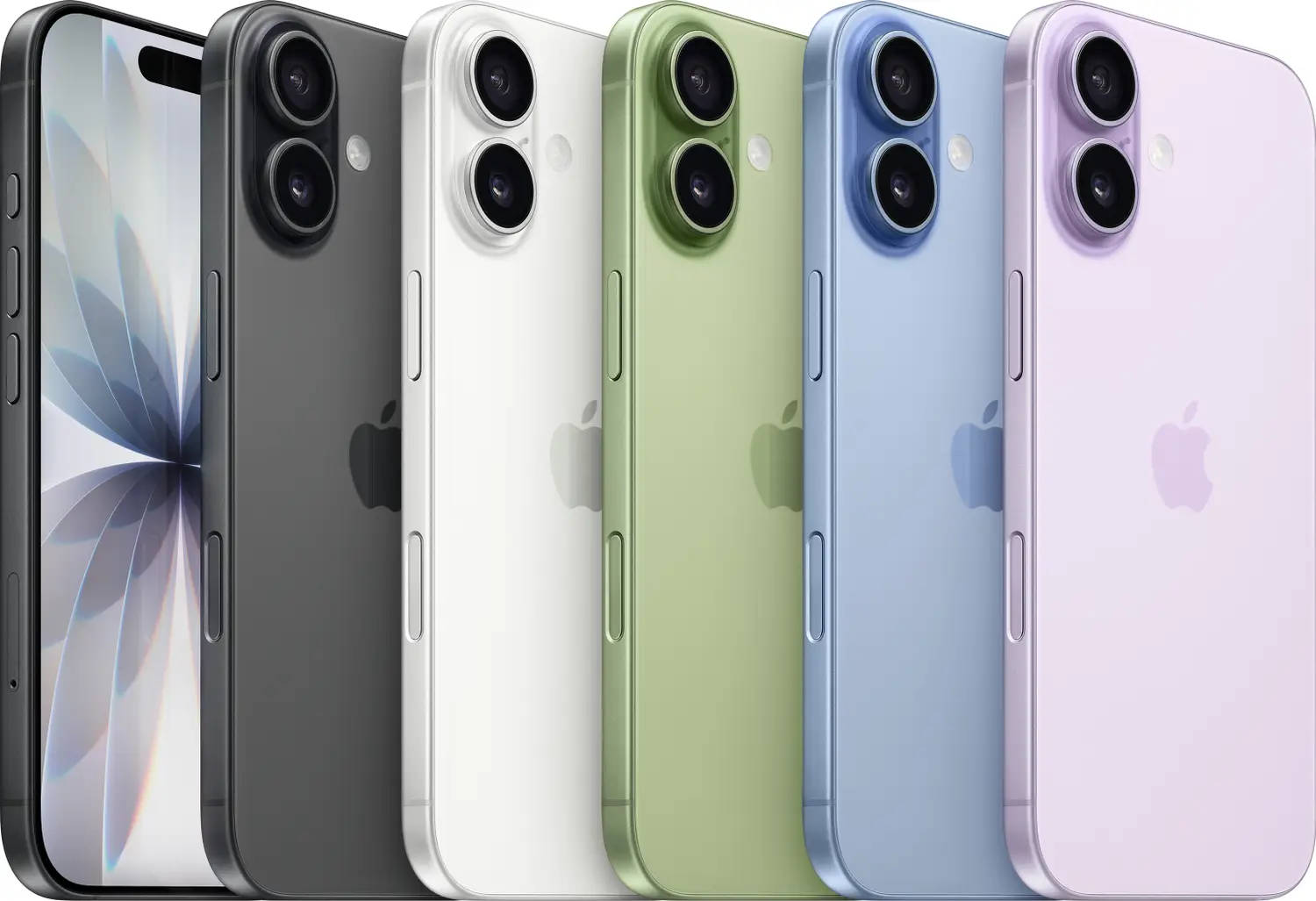
Wired charging has long been the go-to solution when your smartphone runs out of battery, but that may not hold true for the latest iPhone models. Reports suggest that the iPhone Air, iPhone 17, iPhone 17 Pro, and iPhone 17 Pro Max could be affected by an issue where the devices fail to power back on even after being plugged in.
Several users have shared online that their iPhones remain unresponsive despite being connected to a charger. In some cases, even authorised service centre staff appear to follow the same basic troubleshooting steps that users can try at home, indicating that the issue may not yet have a clearly defined fix. Here’s everything you need to know:
Table of Contents
Latest iPhones charging issue
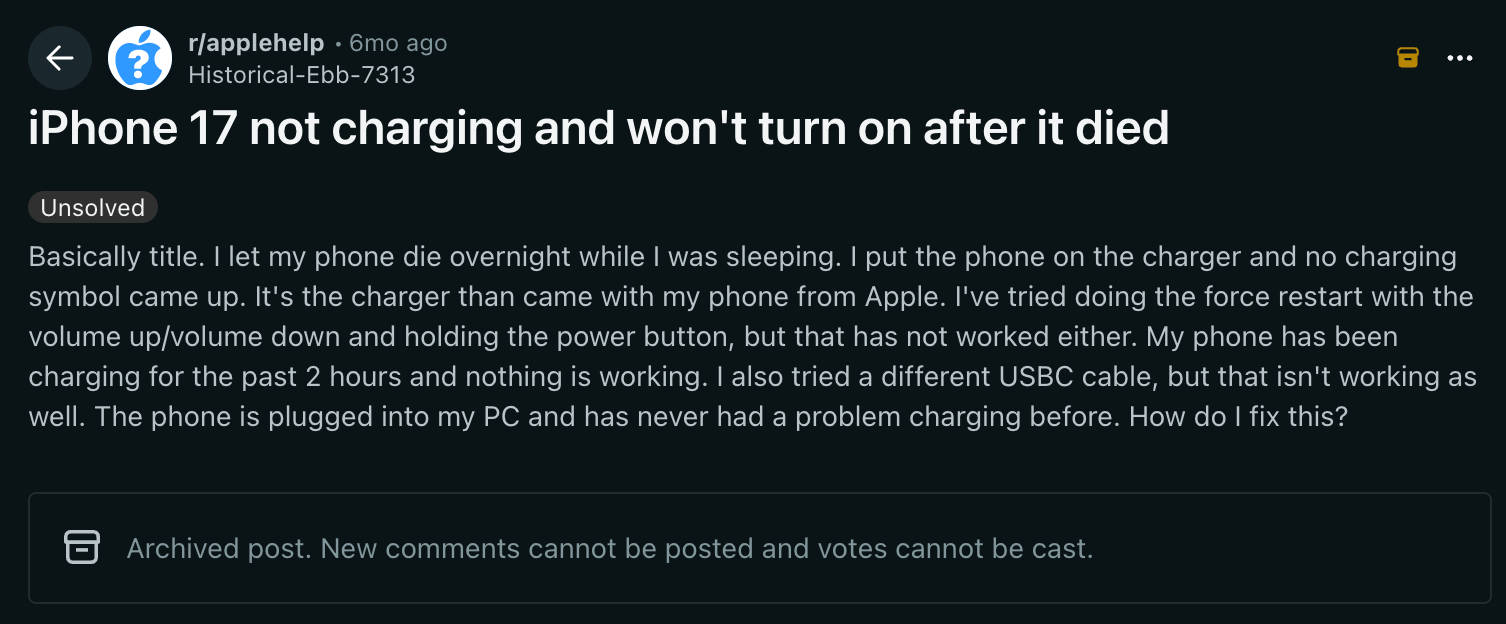
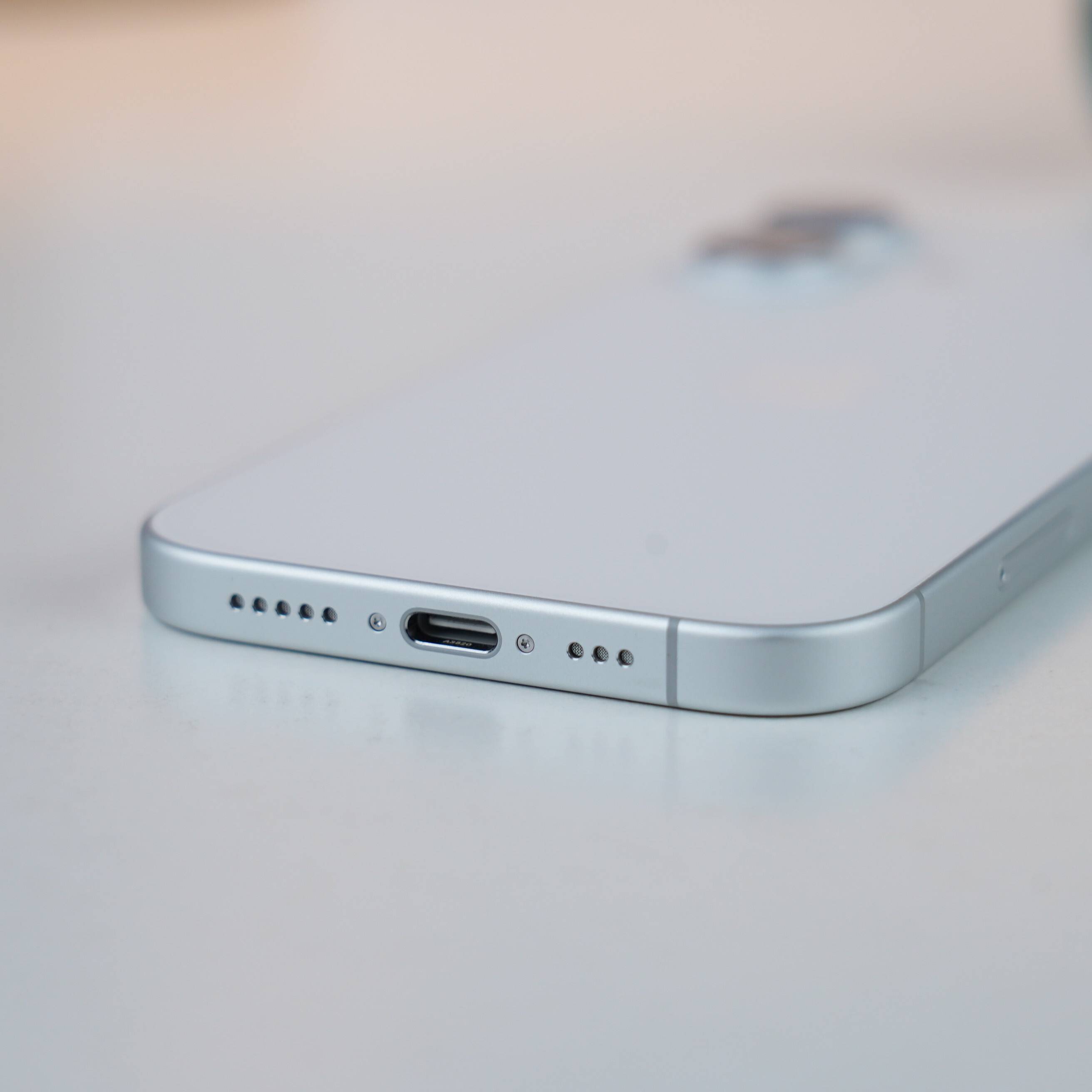
Benjamin Mayo on 9to5Mac reports that he had trouble turning back on his iPhone Air after it ran out of battery. Recalling the incident, Mayo claims of plugging in the USB-C charging cable seconds after the smartphone shut down and waiting for minutes for it to turn back on. However, it didn’t, and there was no low battery indicator visible on the screen either.
The incident is claimed to be the first he has had with his iPhone Air. “I have had my Air’s battery run out a couple times before since getting it at launch last September, and last night was the first (and hopefully only, although who knows?) time I have experienced the problem,” added Mayo in his report.
After waiting for minutes, trying a couple of different USB Type-C cables, and performing a hardware reset, the iPhone Air didn’t budge. This led him to Google to find out what could possibly be the issue. It turns out he was not the only person in the sea.
There were several users complaining about a bricked iPhone 17, iPhone 17 Pro, and iPhone Air after battery drain. In that, he also found a fix, which apparently even the technician at the Apple Store follows to fix the issue.
How to effectively charge your iPhone after battery drain
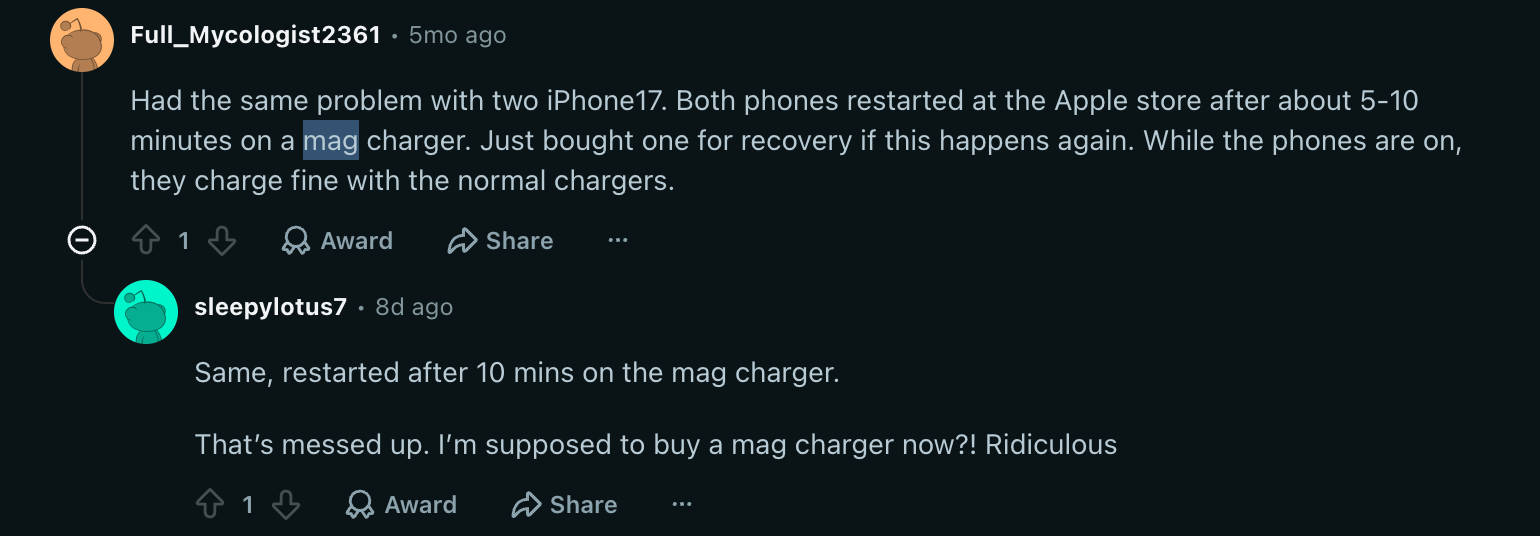
This workaround requires a MagSafe charger. Users need to wirelessly charge their iPhone for around 15 minutes before it powers back on and becomes usable again. It’s unclear whether a standard wireless charger delivers the same results, but MagSafe appears to be the more reliable option, possibly due to the latest iPhones struggling to draw power consistently over a wired connection.
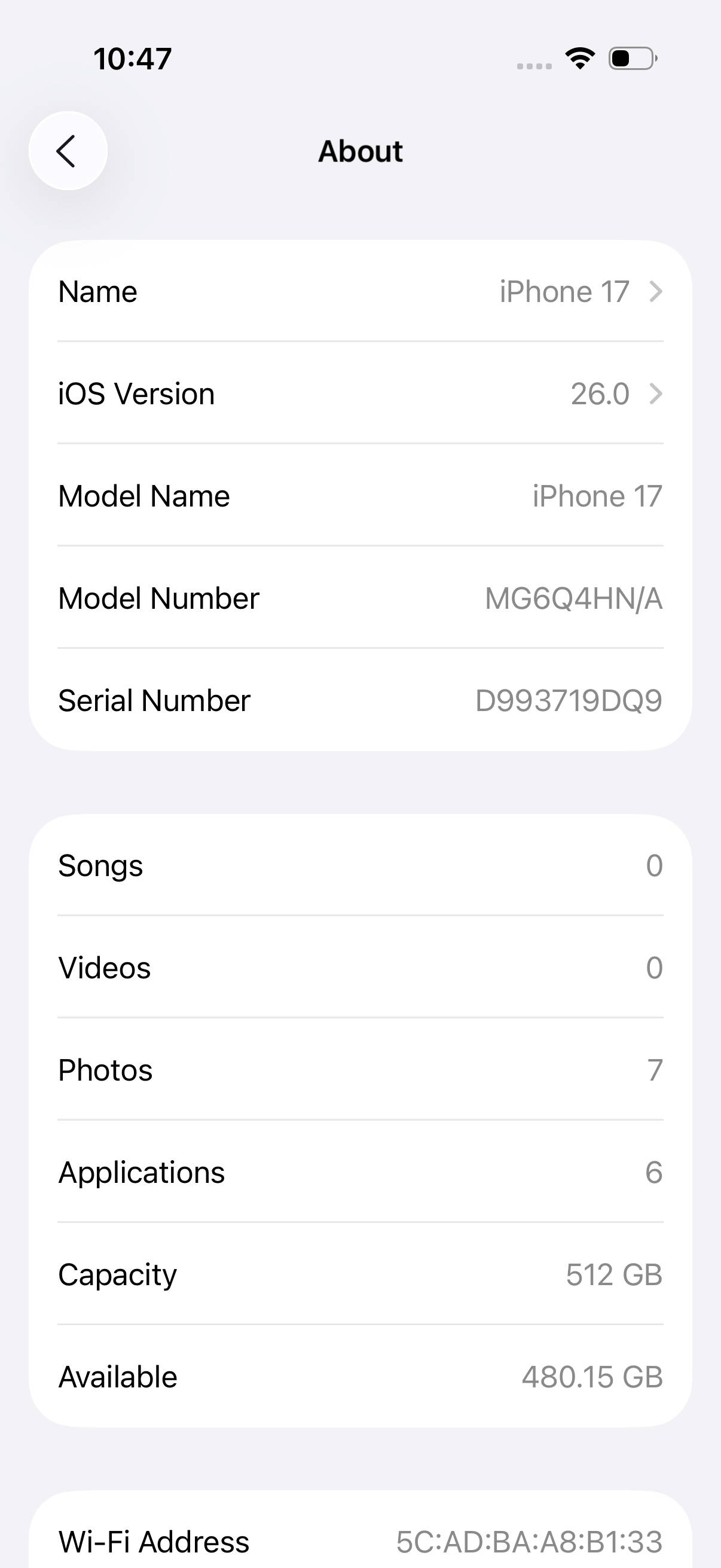
Apple has yet to officially address the issue. Normally, a device should power on after a few minutes of charging after it is completely drained. That said, we’ve also been using the iPhone 17 series since launch and haven’t encountered this problem, suggesting it isn’t widespread and may only affect a small number of devices.
However, to stay on the safe side, it’s worth considering a MagSafe charger or simply avoiding letting your iPhone’s battery drain completely by plugging it in before it hits zero.
Apple iPhone 17 Images